

Image Enhancer
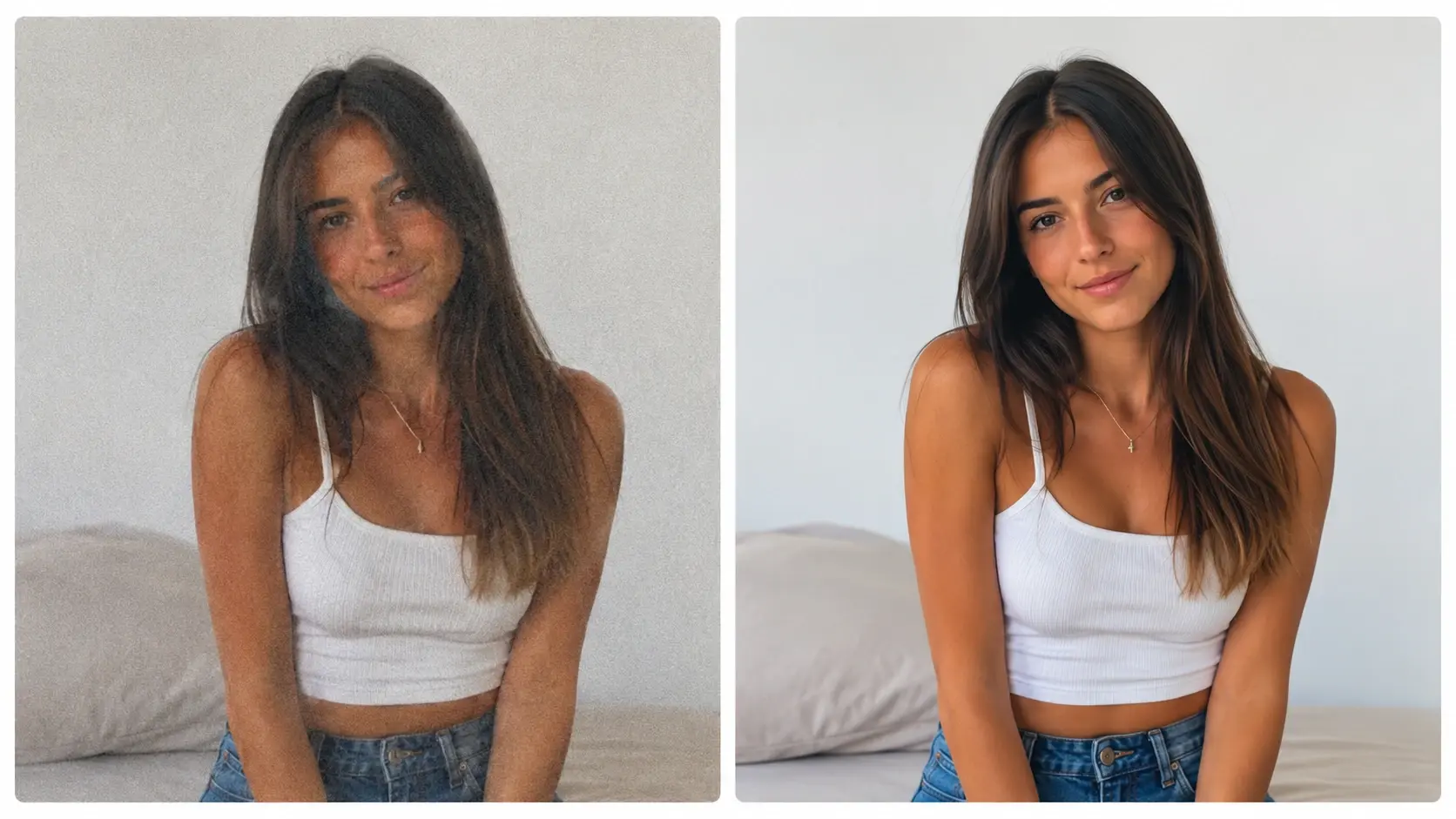
Upload a photo and the VideoAI image enhancer reads the soft, grainy and underexposed areas, then rebuilds detail, reduces noise and corrects color for a clearer result that still looks natural rather than overprocessed. Use it as an ai image clearer when you need to improve image quality, or to clear a blurry, dull photo online free.
Who Uses This AI Image Clearer

Creators publishing something every day
You publish daily and need a consistent aesthetic. Upload your photo and VideoAI acts as an ai photo enhancer to balance contrast and color tone. The channel look stays intact.

Control Every Detail With VideoAI
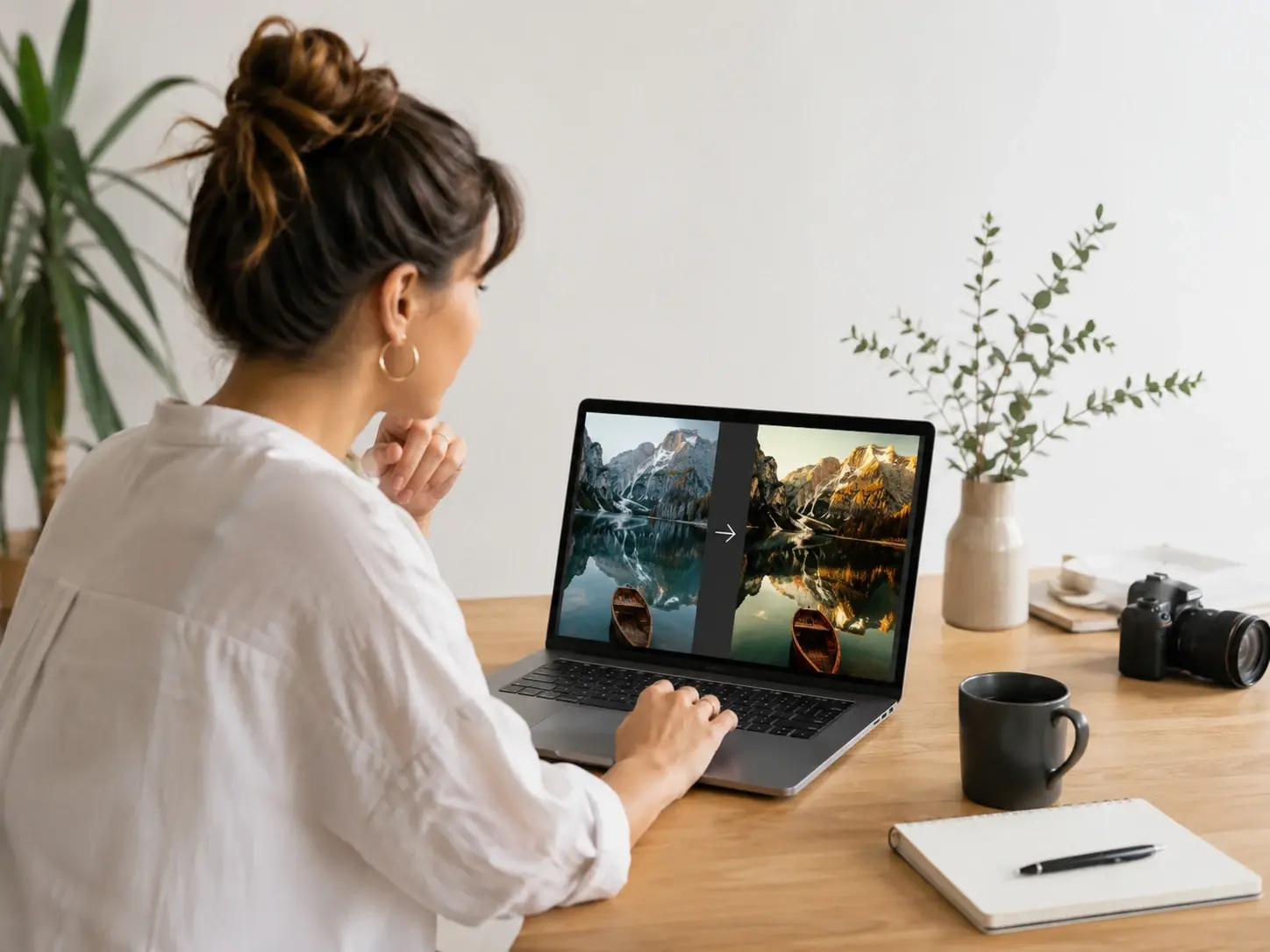
Each adjustment in the image enhancer targets a specific visual element so you maintain creative control over the final image.
Deblur And Sharpen
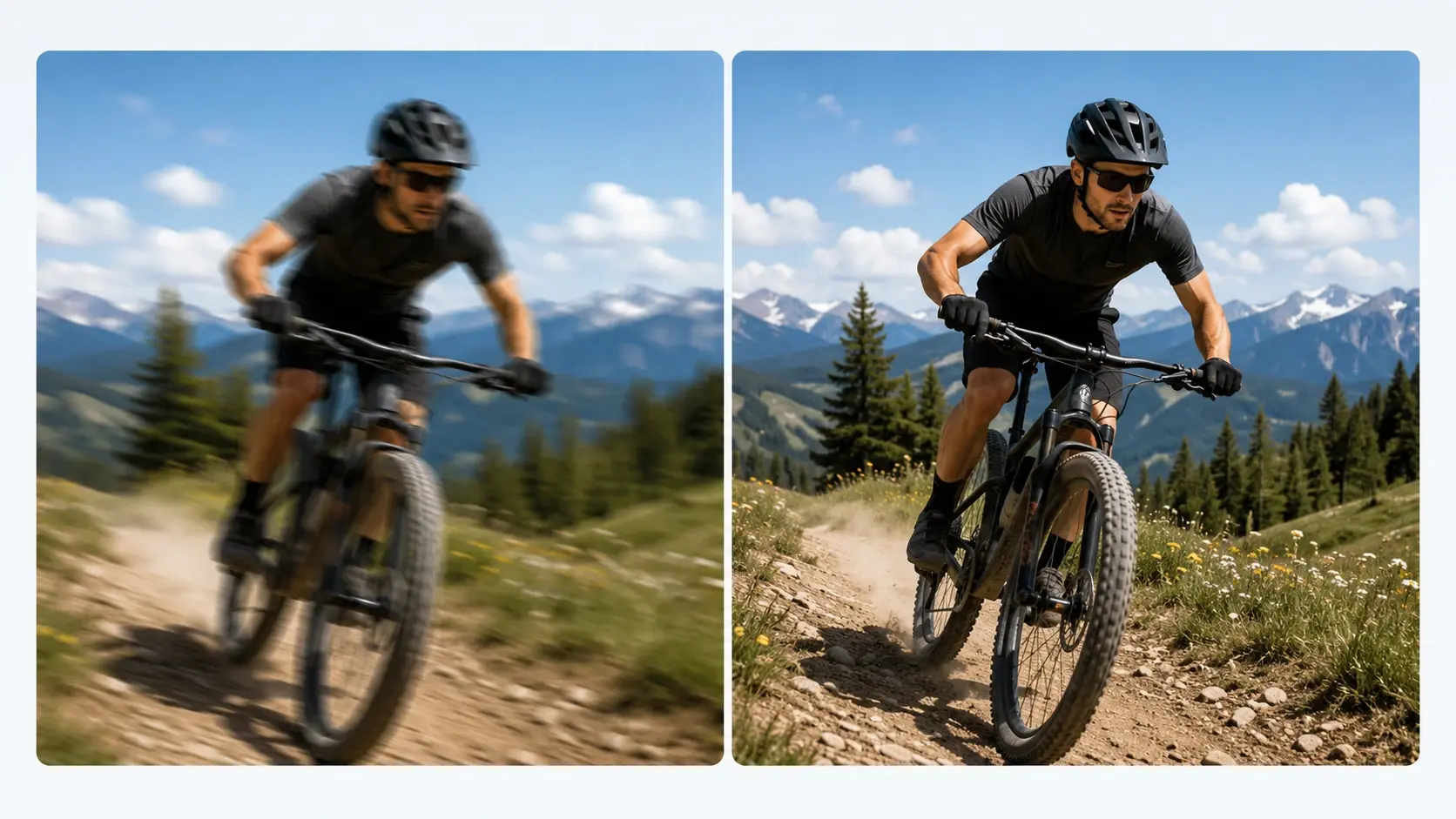
VideoAI scans your photo and acts as a picture enhancer to sharpen edge details where motion blur occurred. Review the suggested corrections before you download. Works best with photos that have clear subject outlines.
Noise Reduction
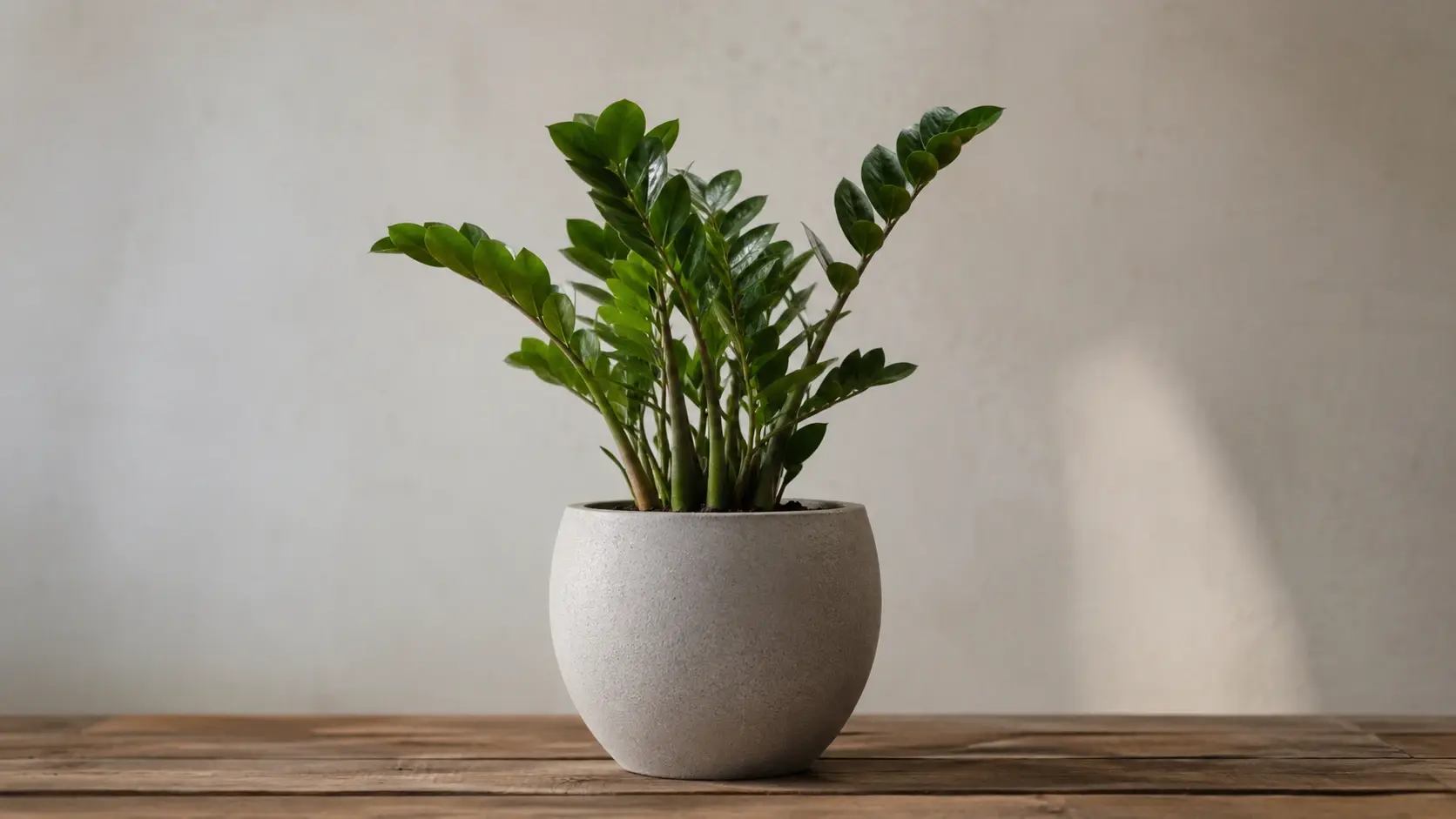
When your photo has low light grain, the image enhancer smooths the artifacts while preserving texture. You see the changes in the preview window immediately. Very dark photos may lose some fine detail.
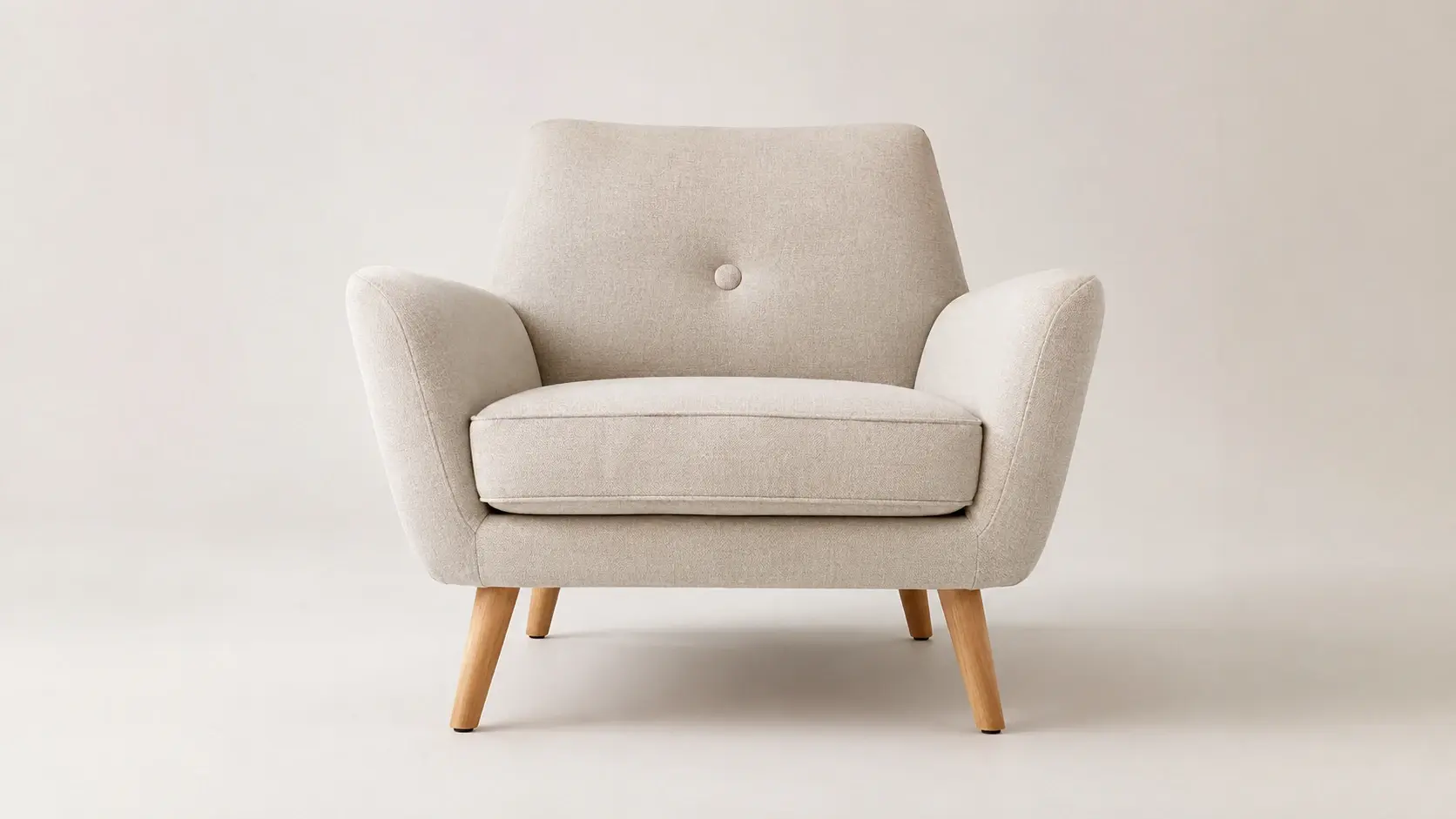
Resolution Upscale
Increase the pixel count of your photo without introducing a plastic look. VideoAI adds natural detail to match the original texture. Upscaling accepts photos up to 10 MB and returns a result up to 4096 px on the long edge.
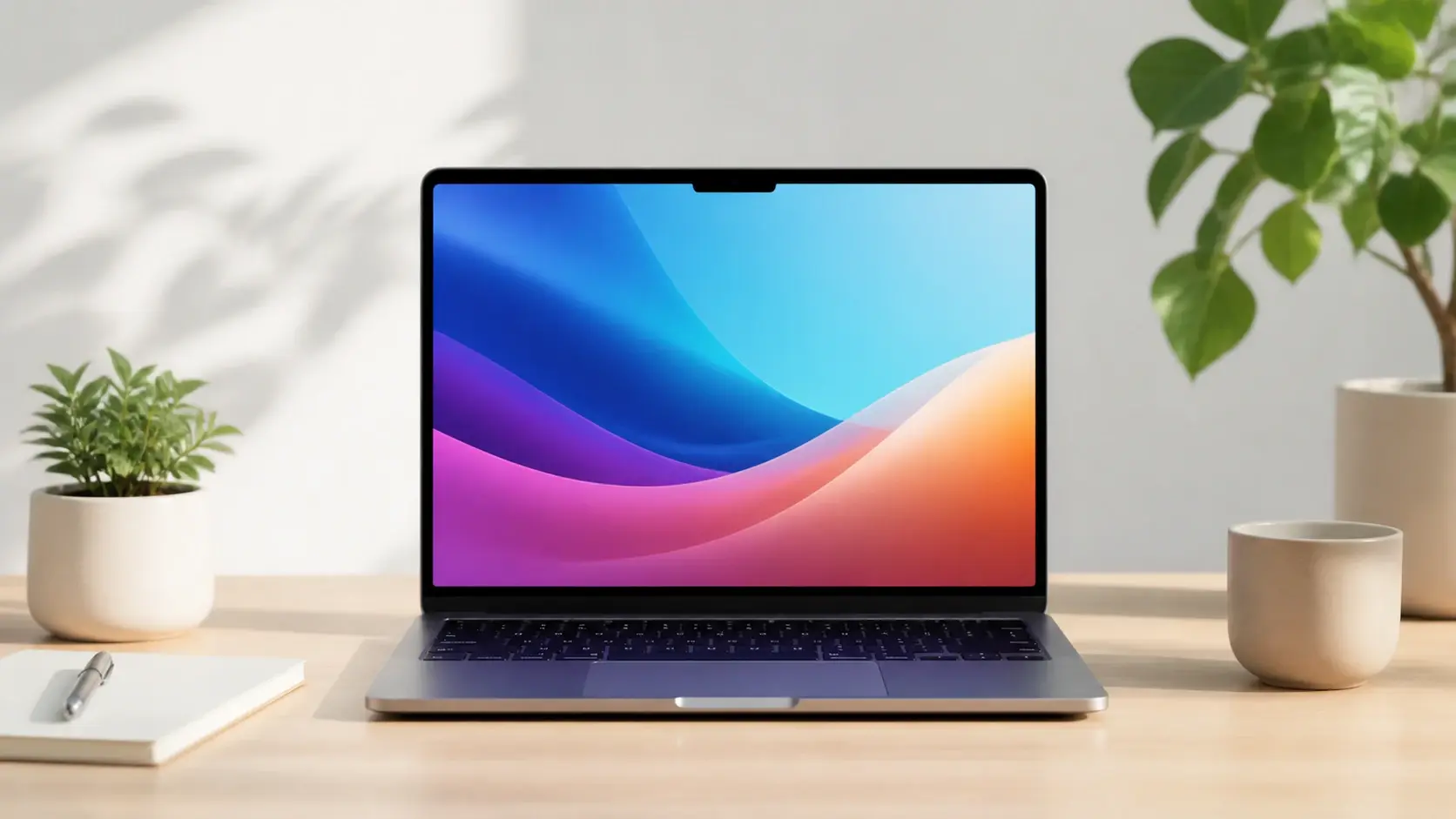
Color Correction
The image enhancer reads the exposure data and adjusts the lighting to fix dull colors. Confirm the new balance and download the final version. Extreme underexposure might still show minor color banding.
Where To Apply This Image Enhancer
Creators use the VideoAI image enhancer to prepare photos for specific publishing environments and client deliverables.
Social Media Campaigns
If you want a consistent style across posts, upload one reference and VideoAI matches the color tone. This ai picture enhancer keeps your grid looking professional even when the individual shots were taken on different days and in different light.
Ecommerce Product Display
Enhance photo quality for product shots taken in mixed lighting. VideoAI balances the exposure as an online photo enhancer so the item looks accurate and appealing to buyers, without the color drift that makes returns more likely.
Real Estate Portfolios
Optimize property shots by correcting interior lighting and exterior contrast. Use this ai image sharpener and online image enhancer to highlight architectural details clearly, so rooms read as bright and the exterior keeps its detail.
Archival Photo Recovery
Restore older digital photos that lack modern resolution. The image enhancer acts as a photo sharpener to bring back lost textures for documentary projects, which makes decade old files usable next to newly shot material.
Image Clarity Before And After
See how the image enhancer handles different photos and visual challenges before you start your own project.
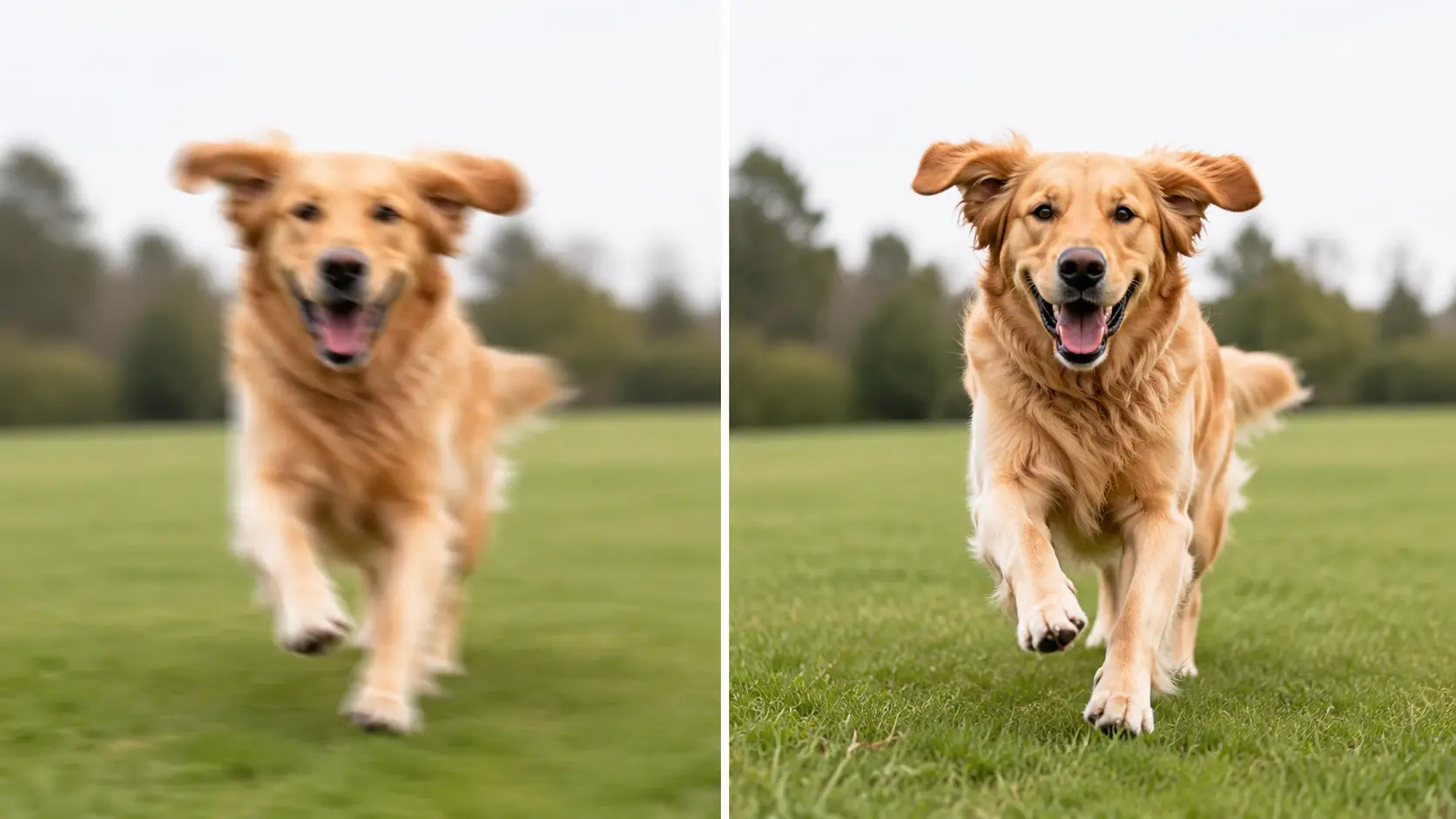
Motion Blur Correction
A fast moving subject captured with slight camera shake. VideoAI analyzes the blur direction to unblur image edges and restore crisp outlines.
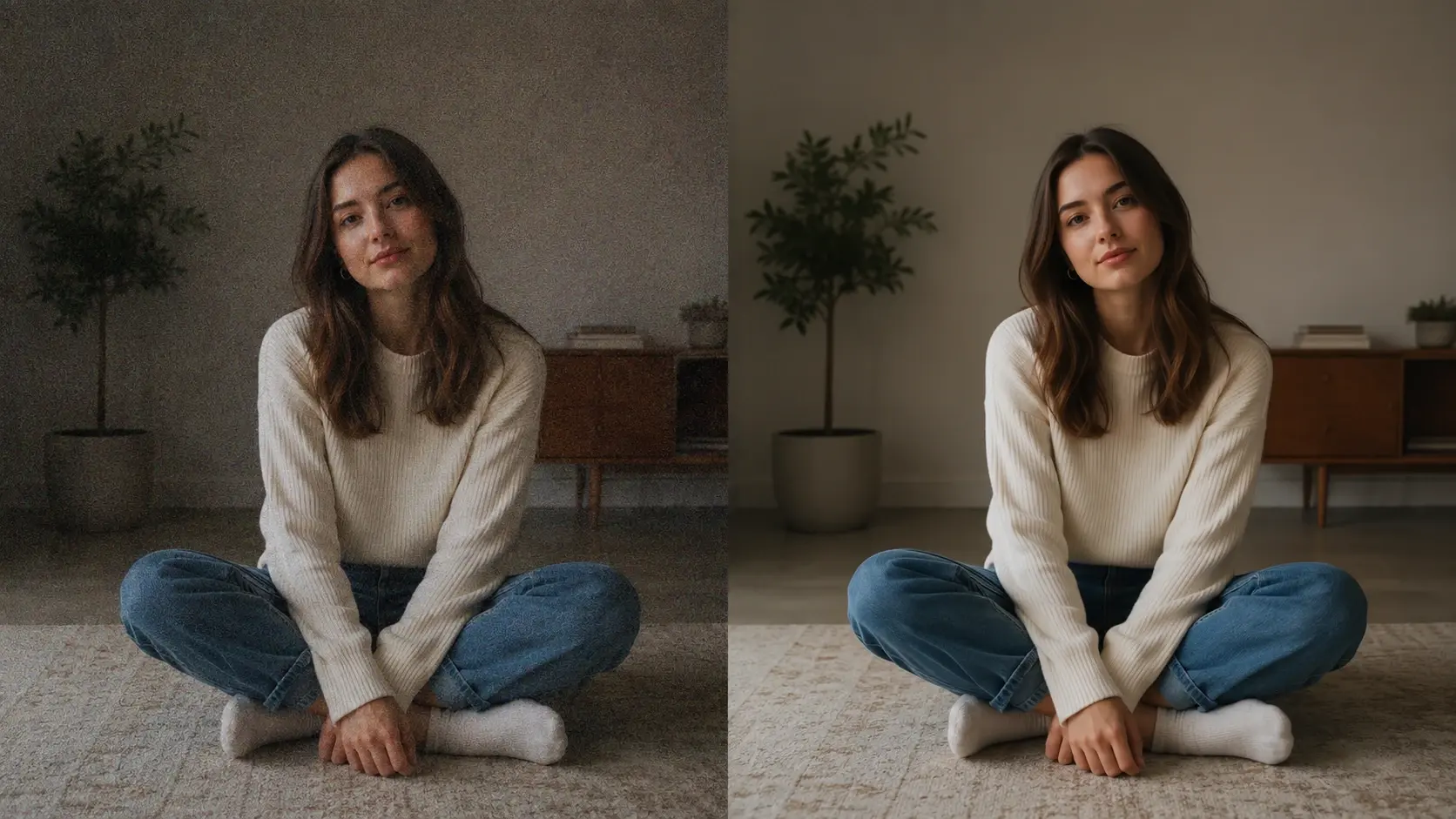
Low Light Enhancement
An indoor shot with heavy grain. The tool applies image noise reduction to smooth the background while keeping the main subject sharp.
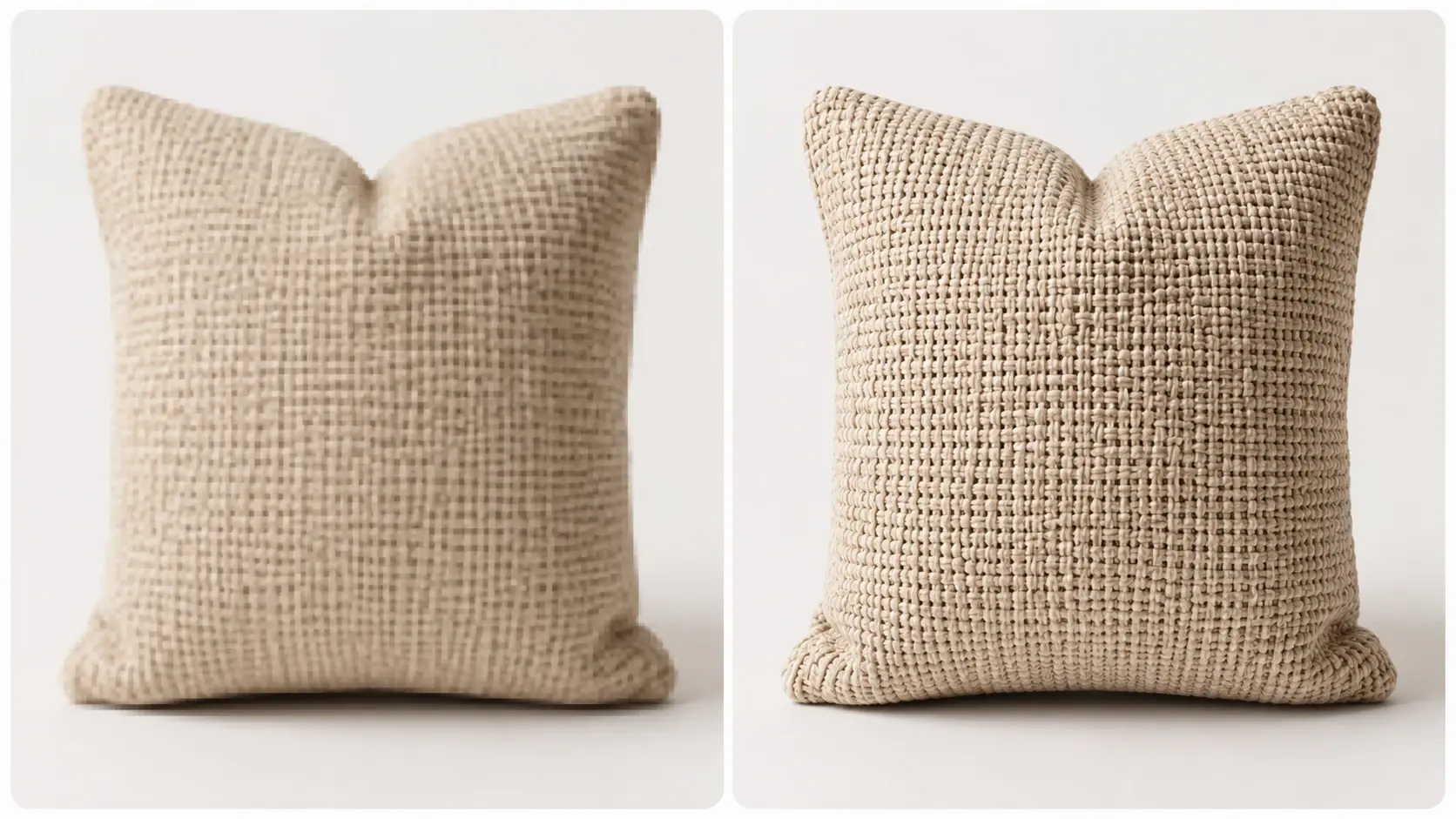
Texture Upscaling
A low resolution photo scaled up for a larger display. This image sharpener adds realistic detail to fabric textures without creating artificial patterns.
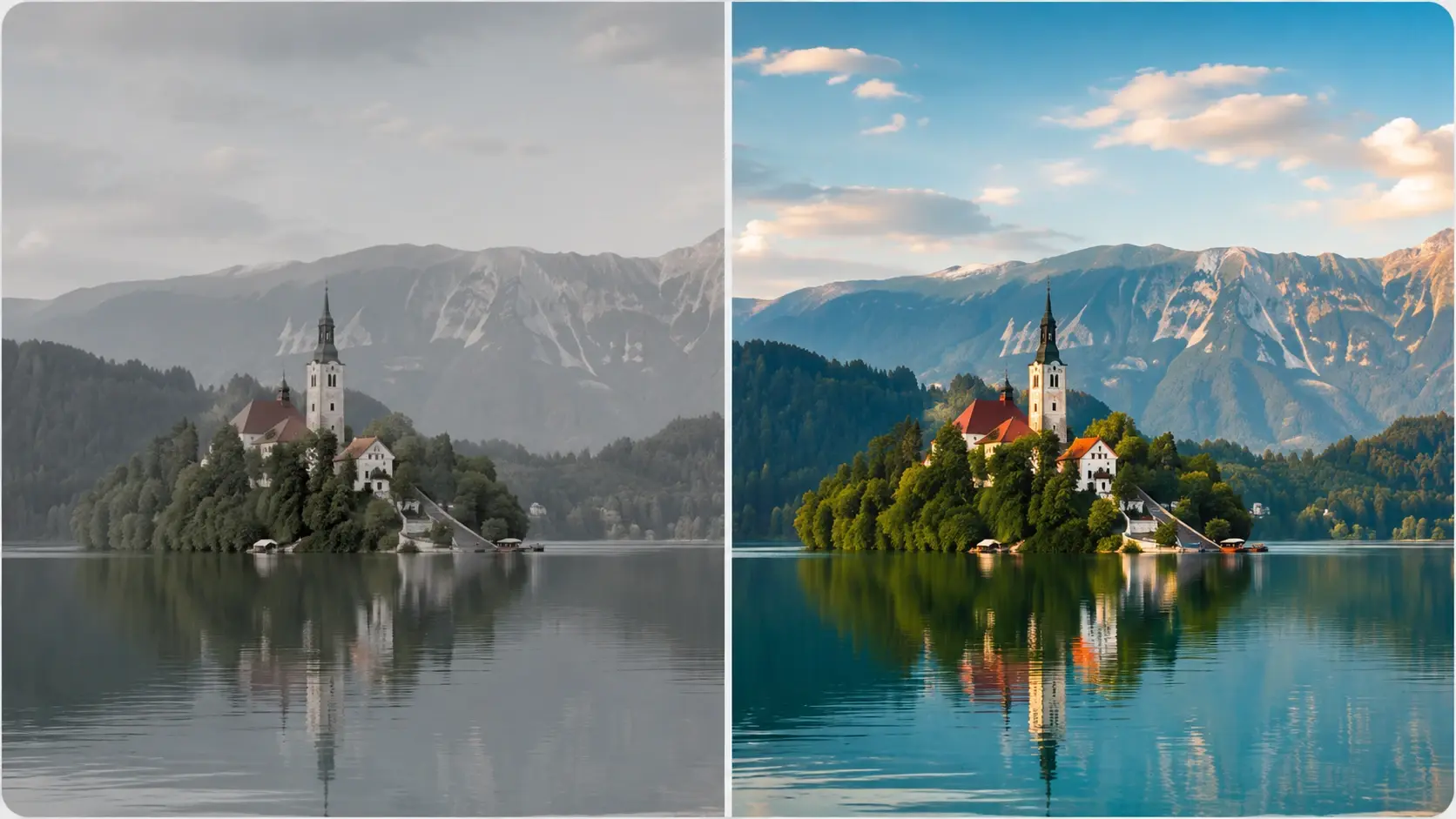
Color Balancing
A flat landscape shot lacking contrast. The image enhancer reads the scene and boosts the natural saturation to deliver a richer final photo.
Image Enhancer Questions Answered
Explore
Discover our AI design tools






















Explore related tools
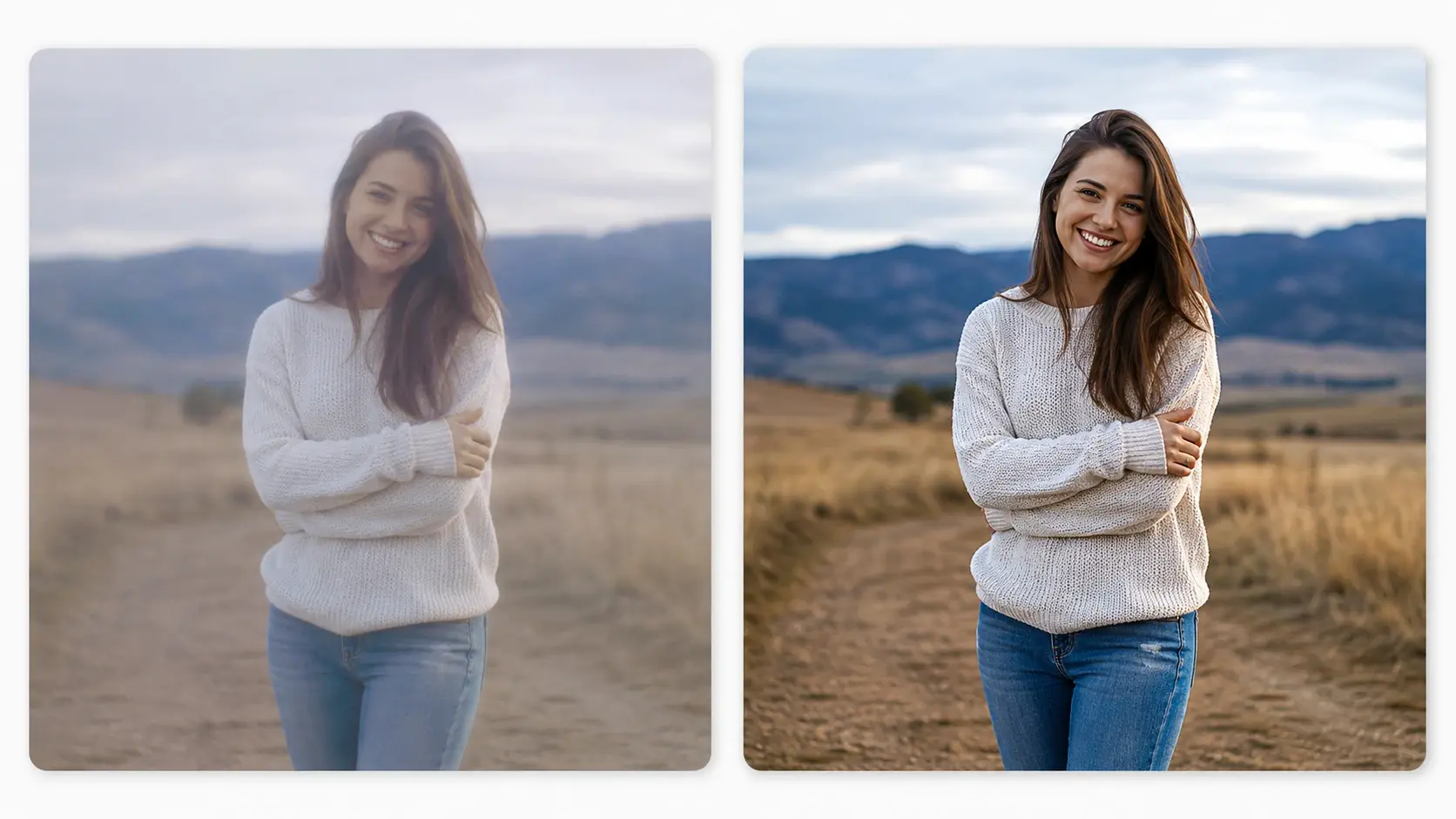
Try Your First Adjustment Today
Upload a photo and see how the VideoAI image enhancer handles your own shots.
Get Started