Turn a Scene Idea Into Anime Art

AI Anime Image Generator

An AI anime image generator turns a written scene or visual reference into polished anime-style artwork. Describe the character, setting, camera angle, lighting, palette, and mood, then generate a direction you can judge at full size. Adjust one visual decision at a time instead of rewriting the whole prompt. This AI anime image generator gives illustrators, fan creators, and storytellers a practical first pass for covers, storyboards, avatars, and scene concepts.

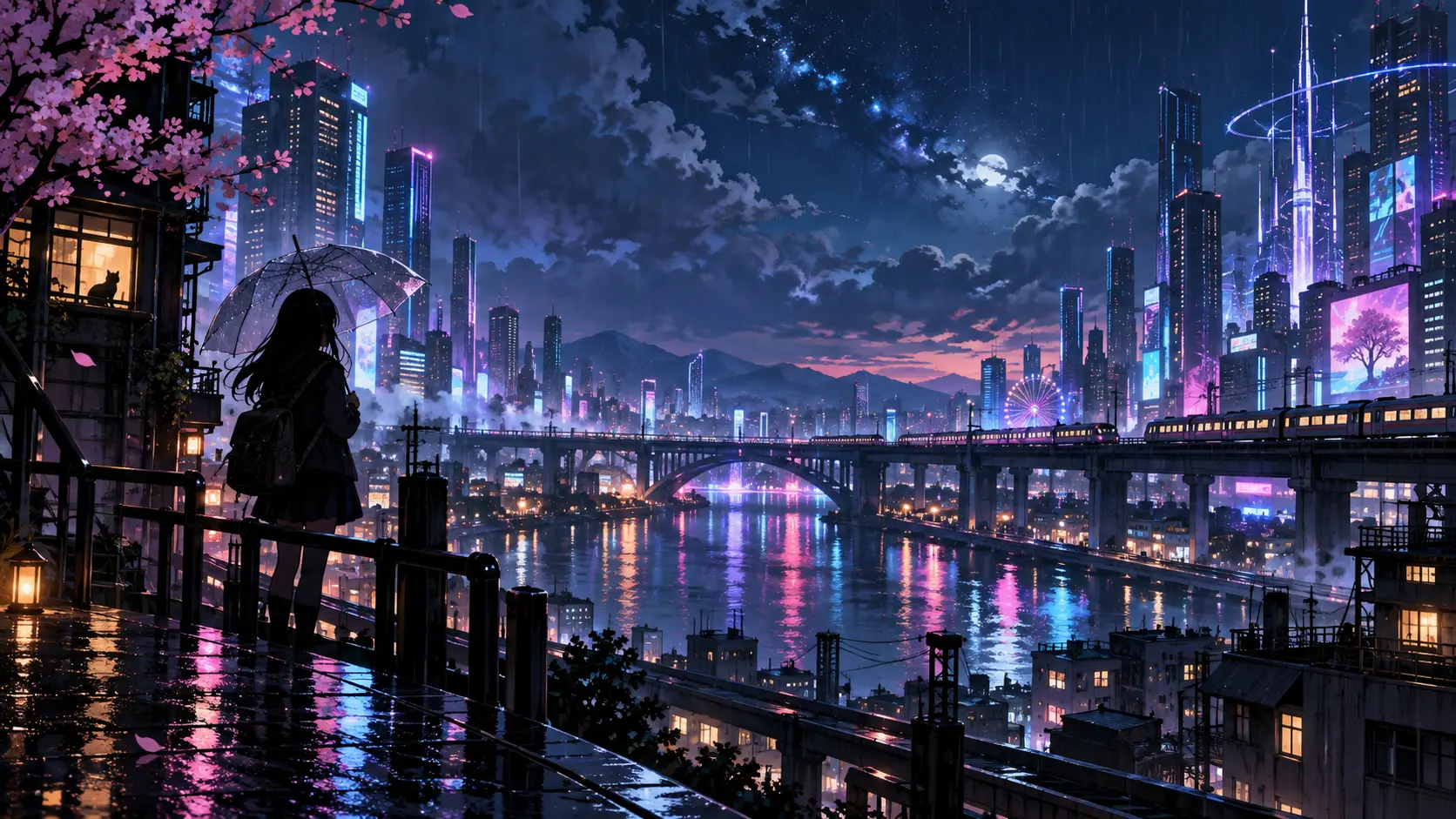
AI anime image generator city scene with a student standing in rainlit neon

What the AI Anime Image Generator Can Control

The useful controls are the ones that shape a readable anime frame instead of adding random detail.

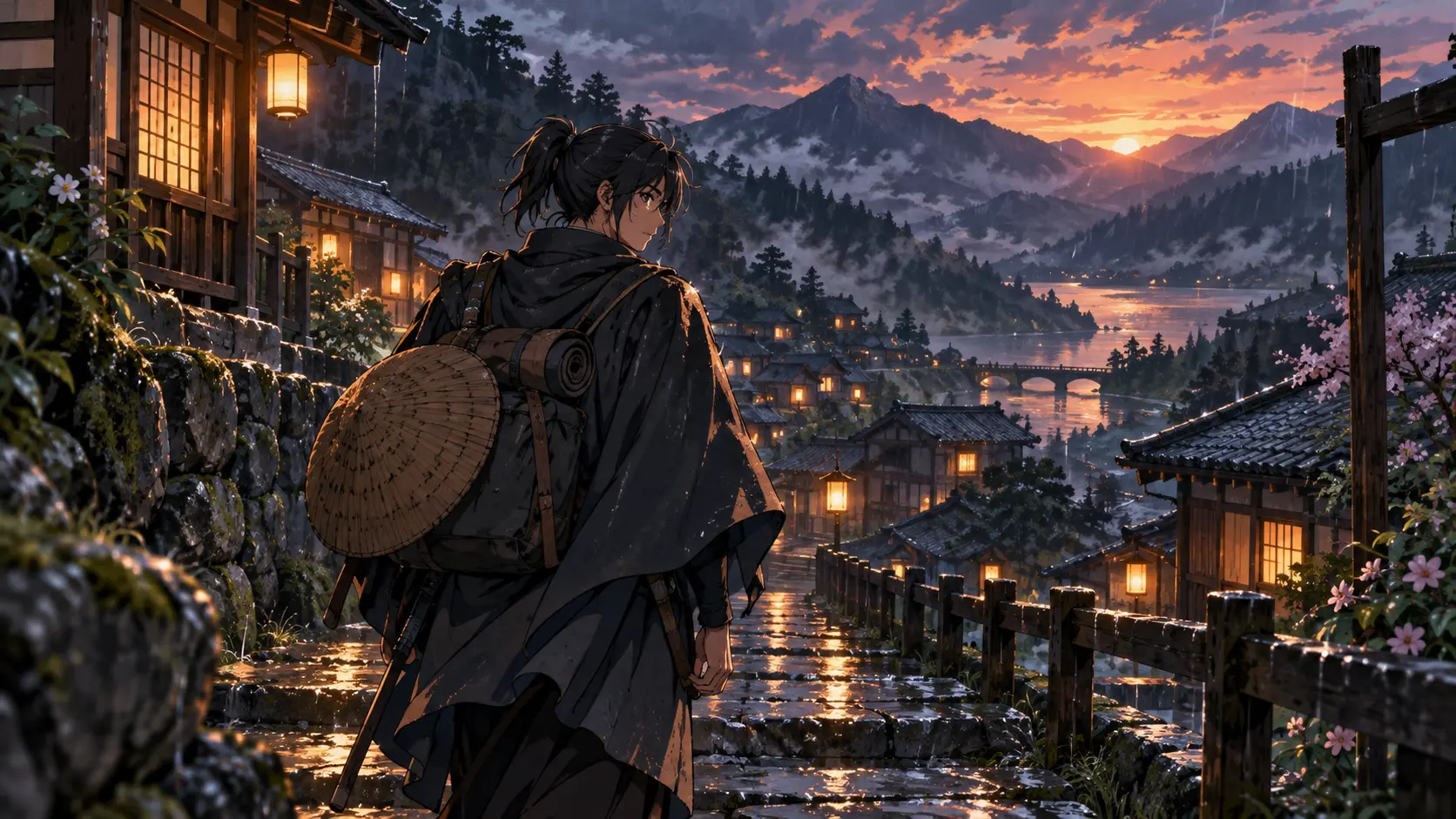
Traveler walking through a lantern-lit anime village at sunset

Build a Scene From Text

Write who or what belongs in the frame, where the moment happens, and what the viewer should notice first. The AI anime image generator converts those notes into characters, backgrounds, lighting, and camera direction. Start with one subject and one action so the composition stays readable. Add environment details after the main idea works. This approach is useful for a story beat, thumbnail concept, book scene, or an original illustration brief you plan to develop further.

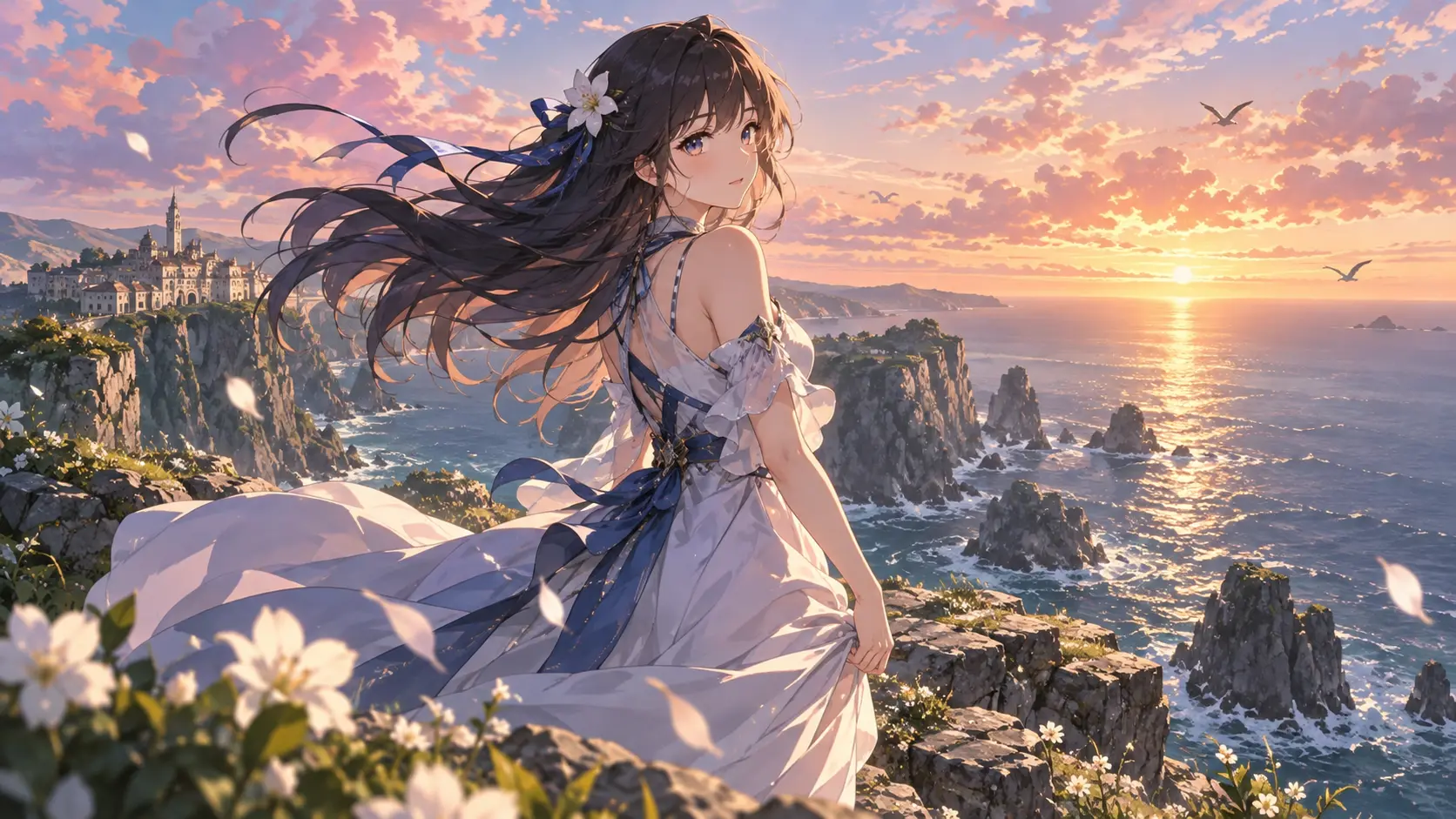
Anime character by a bright coastal horizon with a sweeping sky

Guide Style and Mood

Describe the anime look rather than relying on a vague request for anime art. Mention clean linework, painterly backgrounds, cel shading, soft pastel colour, dramatic rim light, or a cinematic night palette when those choices matter. The AI anime image generator responds better when style, lighting, and mood work together. Use a small number of consistent terms, review the result, and keep the visual language stable across later images.

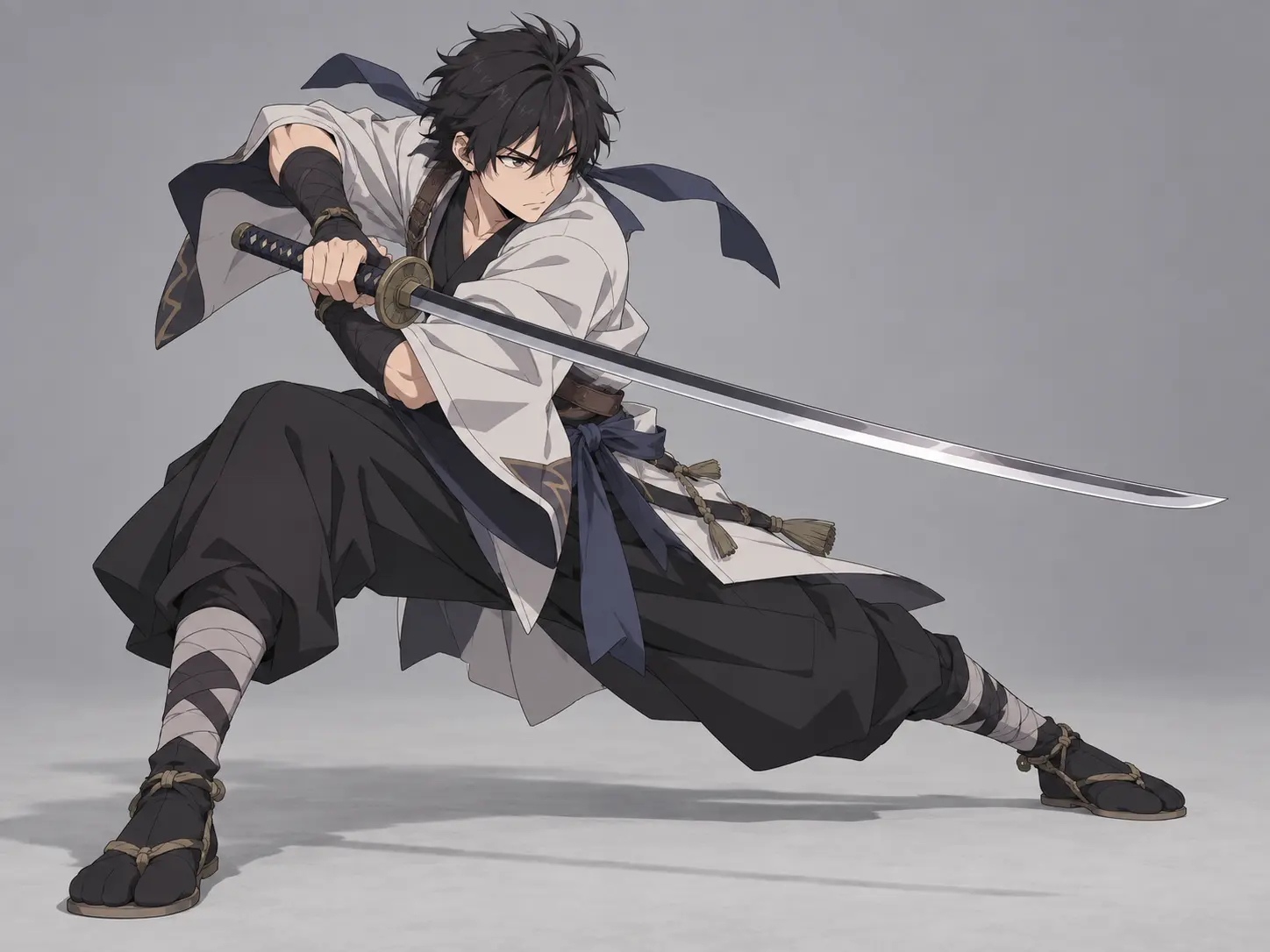
Anime action scene shaped by a reference composition

Use a Reference Image

A reference can guide pose, composition, clothing, colour, or general atmosphere. Upload one when the new image needs to follow a specific visual direction, then explain which parts should carry over and which parts should change. This helps preserve a useful structure without copying every detail. The AI anime image generator still needs a clear prompt because the reference defines direction rather than replacing the written brief.

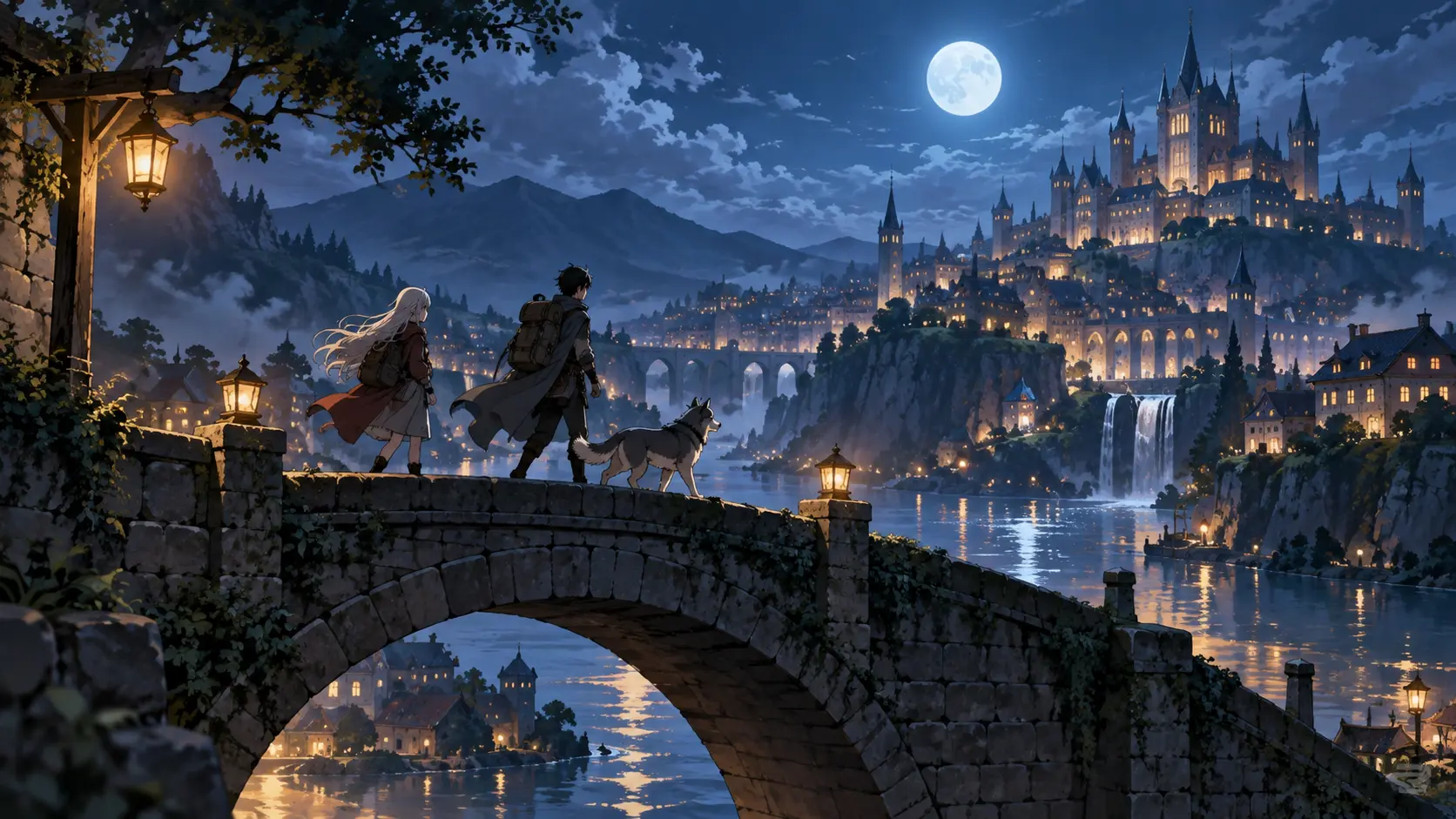
Travelers crossing a moonlit stone bridge toward a fantasy city

Choose the Right Frame

Select a portrait frame for character introductions, a square format for avatars, or a wide frame for landscapes and story scenes. The aspect ratio changes what the AI anime image generator can show and how the subject sits in the composition. Decide the destination before generating, because a vertical feed image and a 16:9 cinematic panel need different framing from the start.

How the AI Anime Image Generator Works

A focused prompt and a short review loop are enough to create a useful anime image direction.

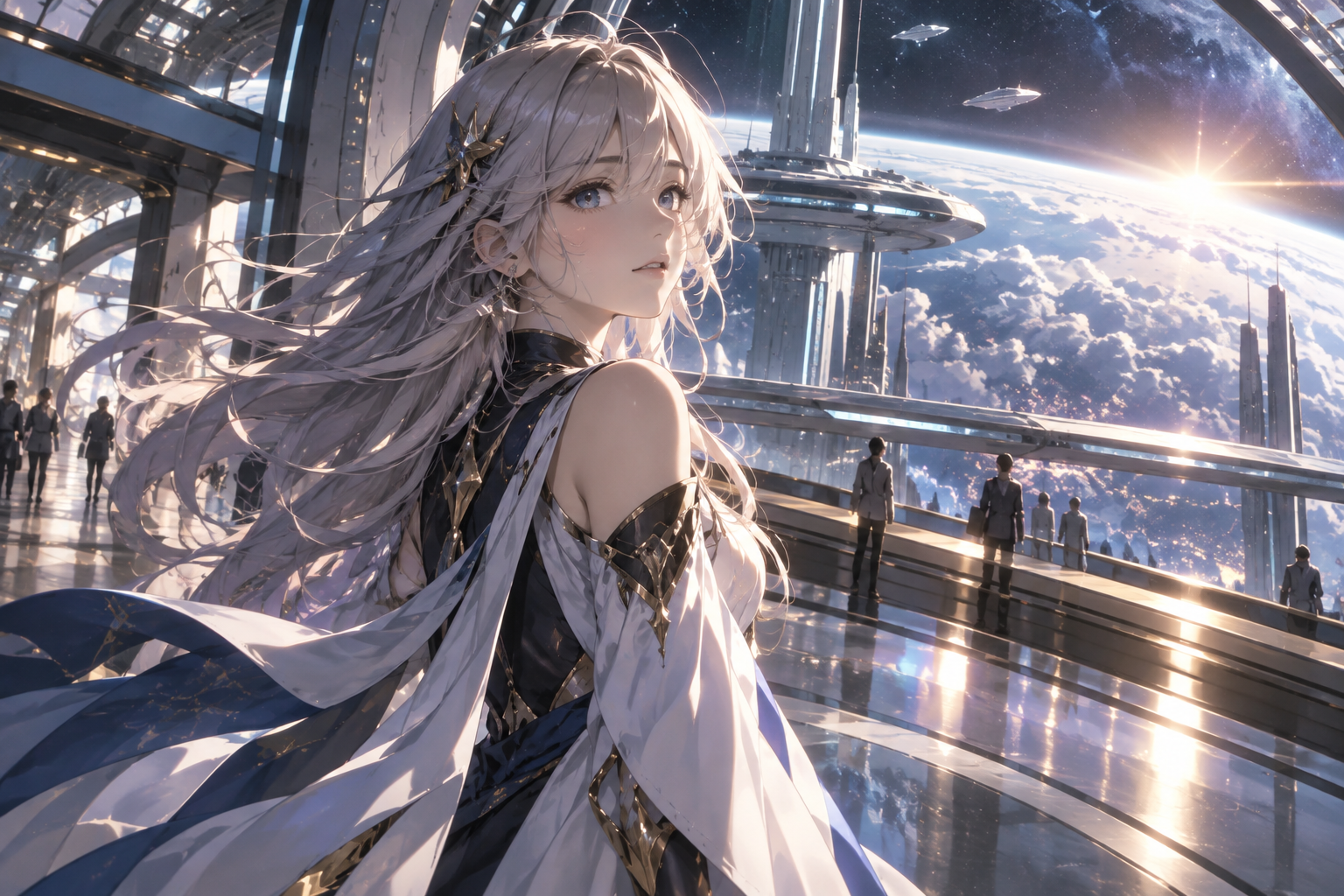
AI-generated anime heroine overlooking a futuristic city

Step 01

Describe the Frame

Name the subject, action, location, camera angle, lighting, mood, and style. Keep the most important story detail early in the prompt. The AI anime image generator can handle a detailed scene, but each added element competes for attention, so build the composition around one clear focal point.
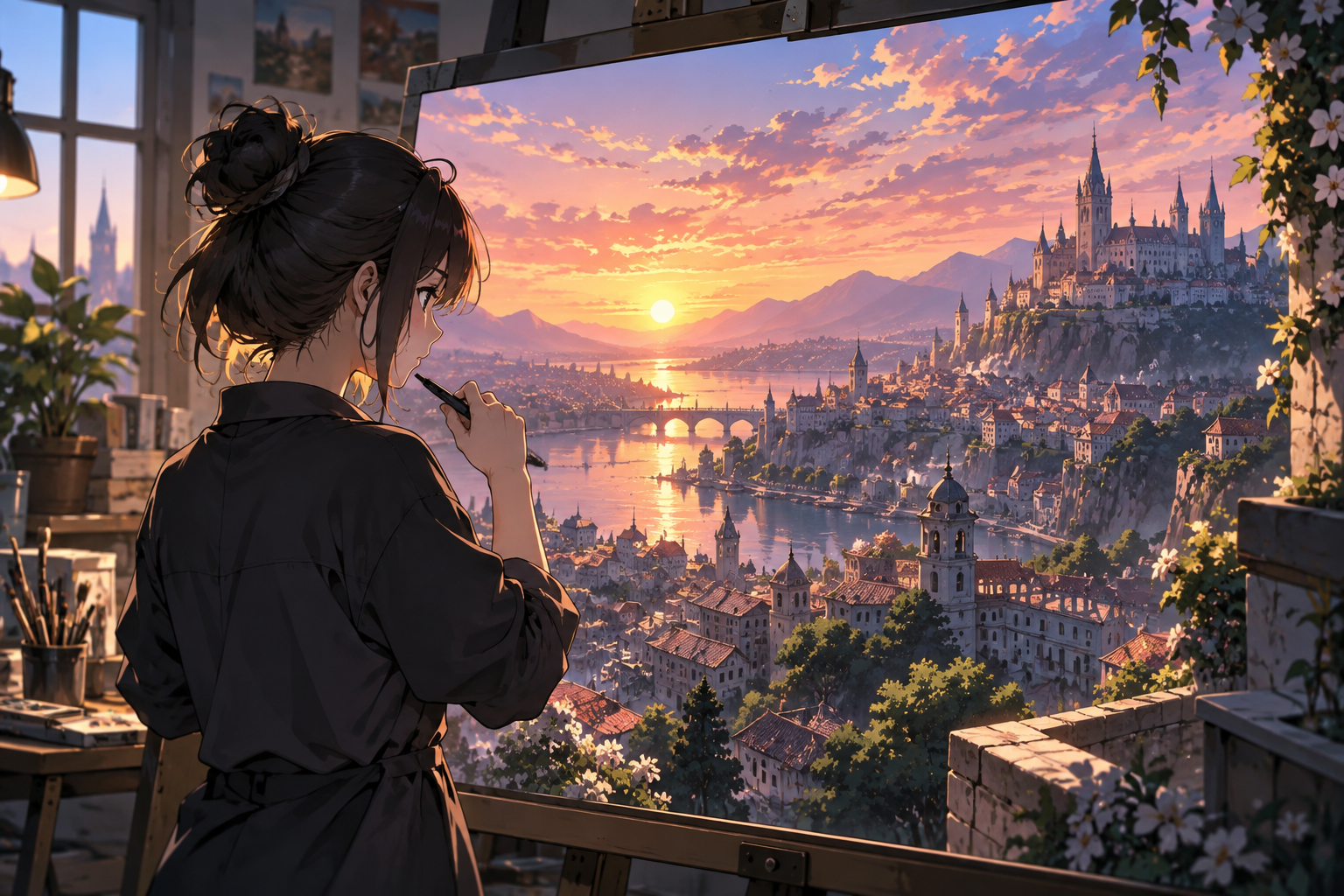
Creator reviewing a finished anime city frame on a monitor

Step 02

Generate and Inspect

Review the full image rather than judging only the thumbnail. Check the face, hands, perspective, clothing details, background structure, and whether the subject still reads at a glance. If the scene is close, edit one prompt attribute and generate again. Controlled changes are easier to evaluate than a complete rewrite.

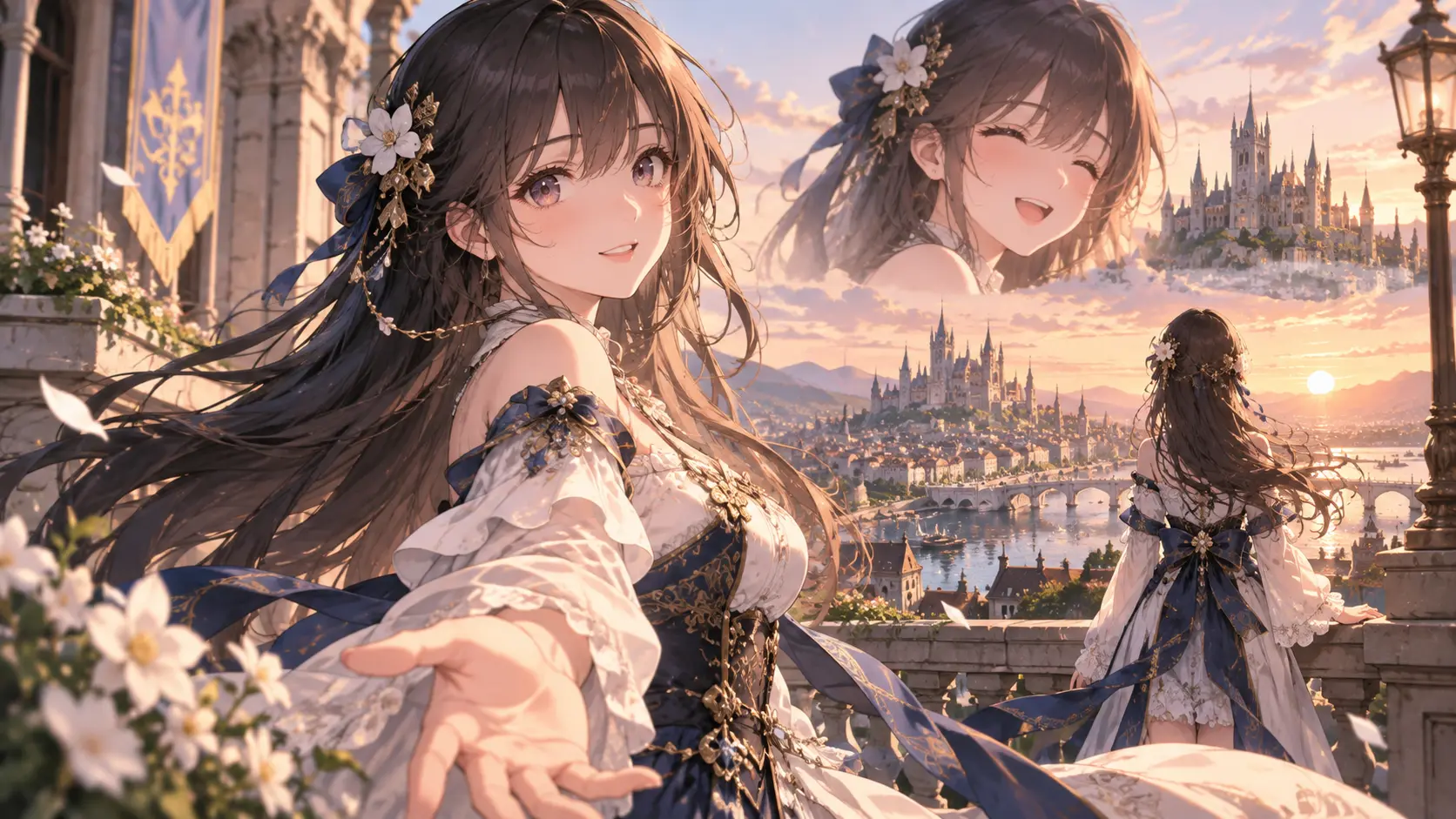
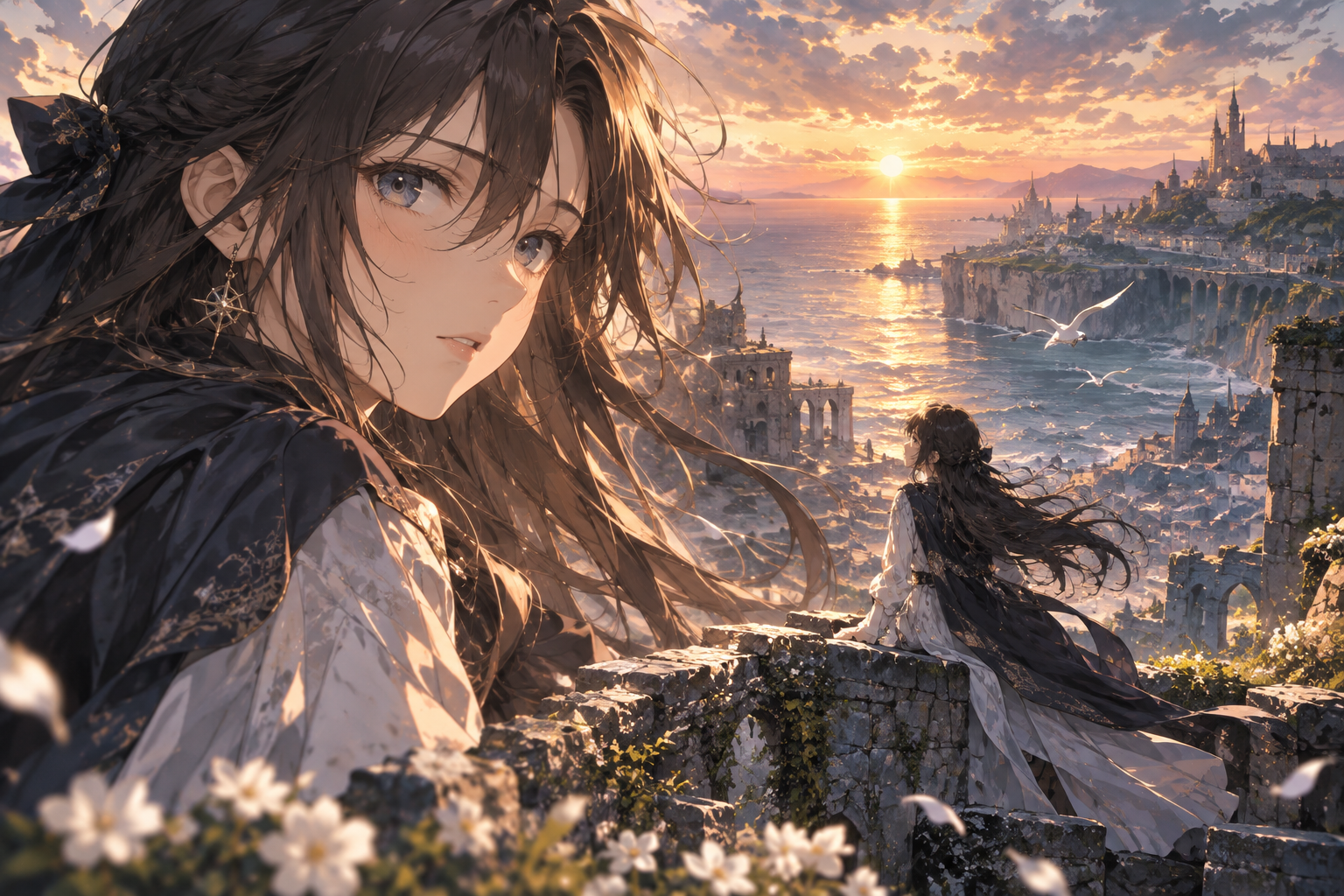
Two anime characters on a balcony in a warm sunset scene

Step 03

Choose and Reuse the Direction

Save the version that best supports the intended use, then record the prompt language and aspect ratio. Reusing that direction helps later images feel related while still allowing a new pose, location, or time of day. Keep the final review human, especially when the image includes text, symbols, or precise costume details.

Ways To Use the AI Anime Image Generator

Three visual workflows show how one anime image generator can support different kinds of creative work.

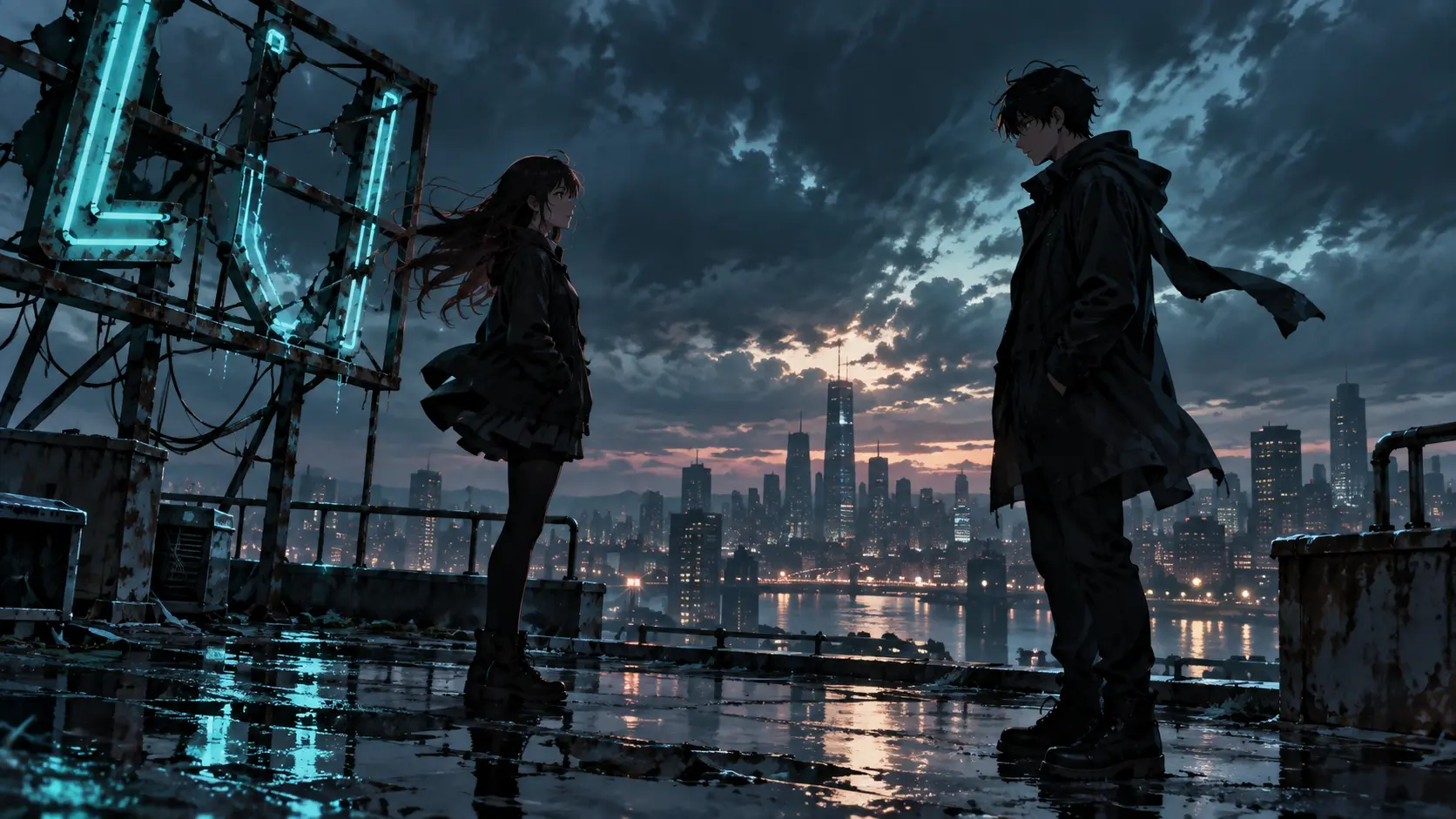
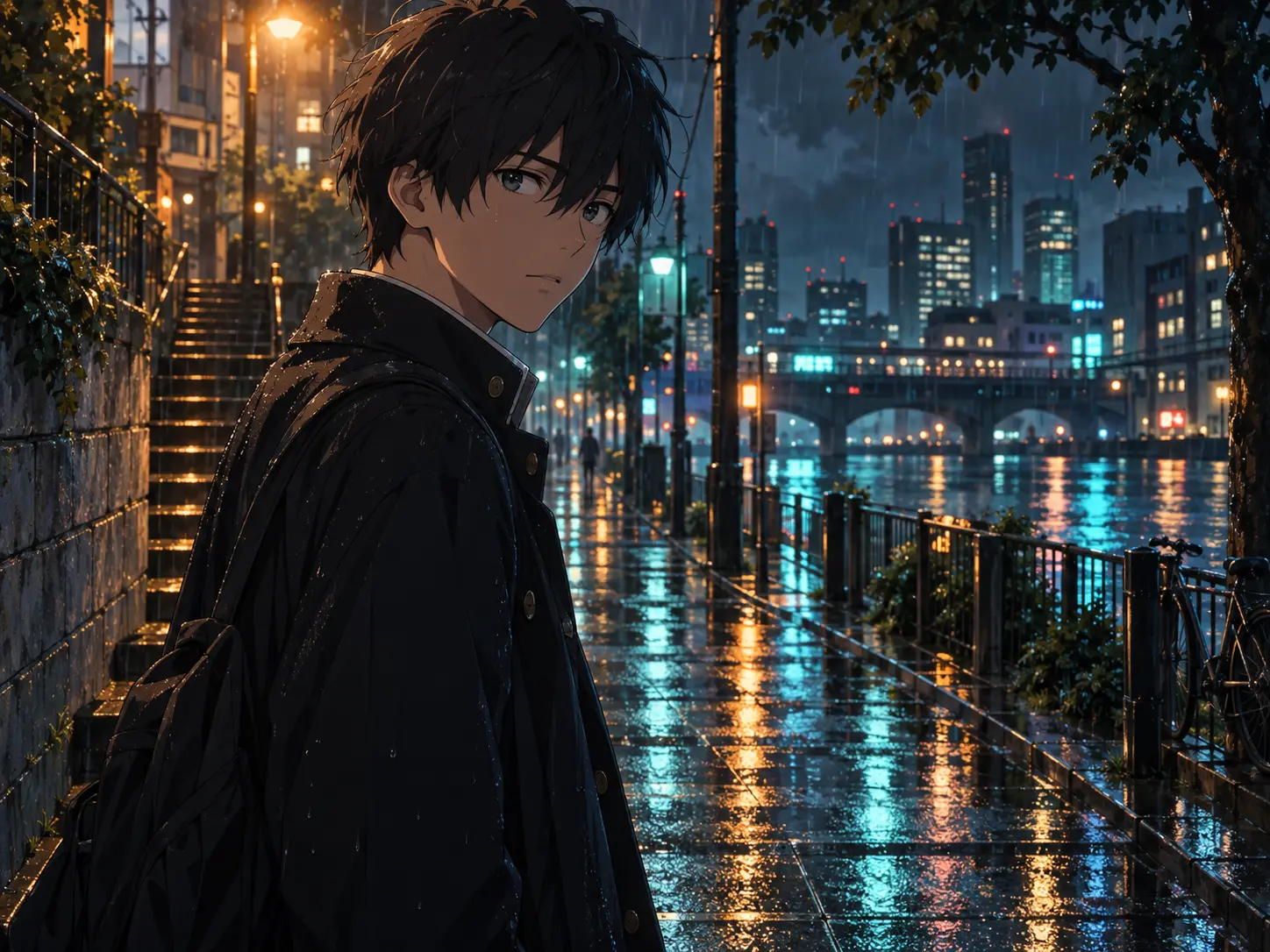
Street scene with two anime characters in rain-slick neon light

Story and Scene Concepts

Turn a paragraph or script beat into a visual reference for a key moment. The AI anime image generator can establish a location, emotional tone, and character placement before you draw a full sequence. Use the image to compare camera angles and decide which version communicates the scene most clearly.

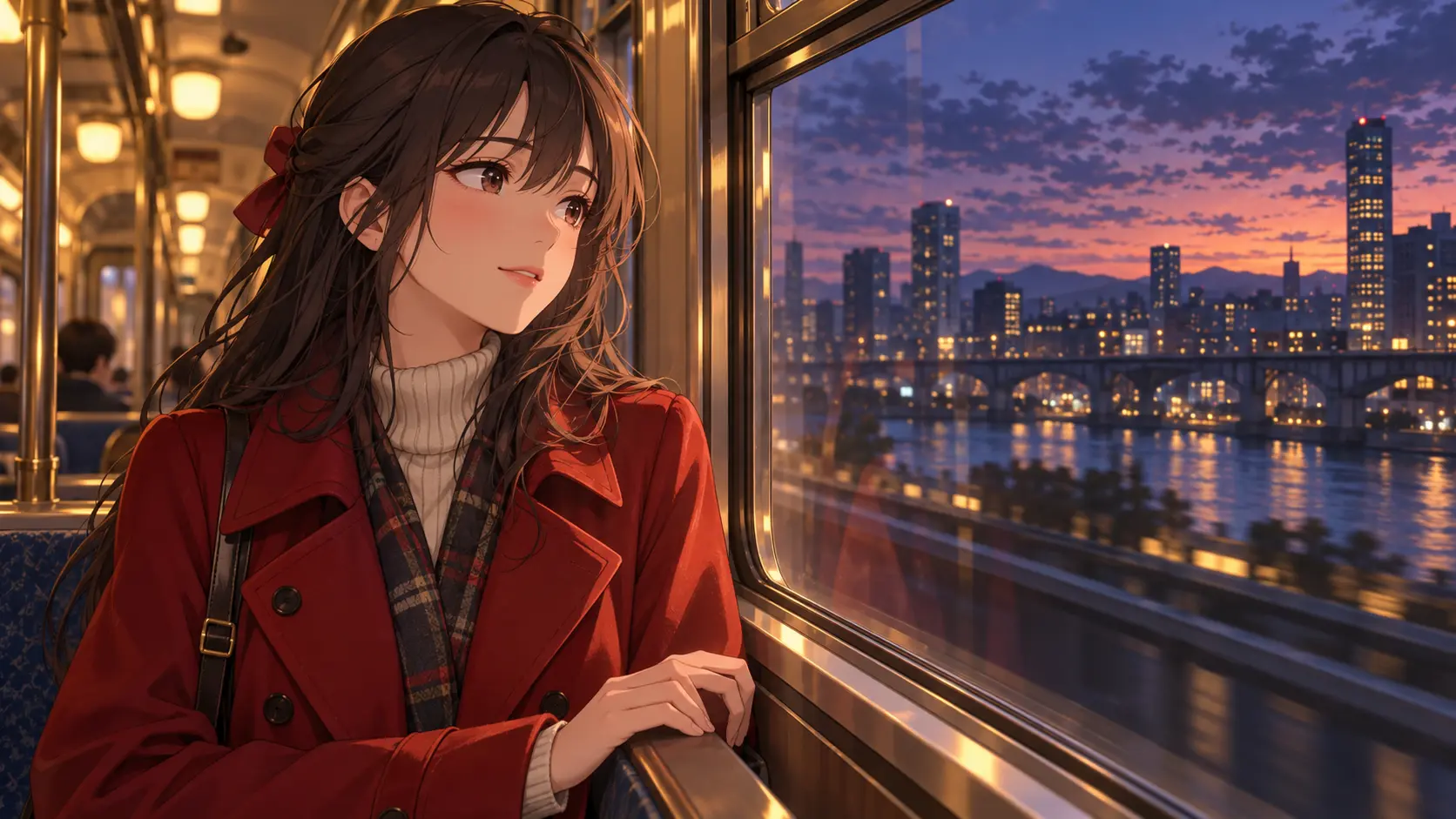
Anime heroine beside a train window at dusk

Character-Centred Art

Create an anime portrait with a specific outfit, expression, and background. Describe the defining features first, then add the pose and lighting that support the character's mood. The image can serve as a writing reference, role-play portrait, profile visual, or starting point for a more detailed drawing.

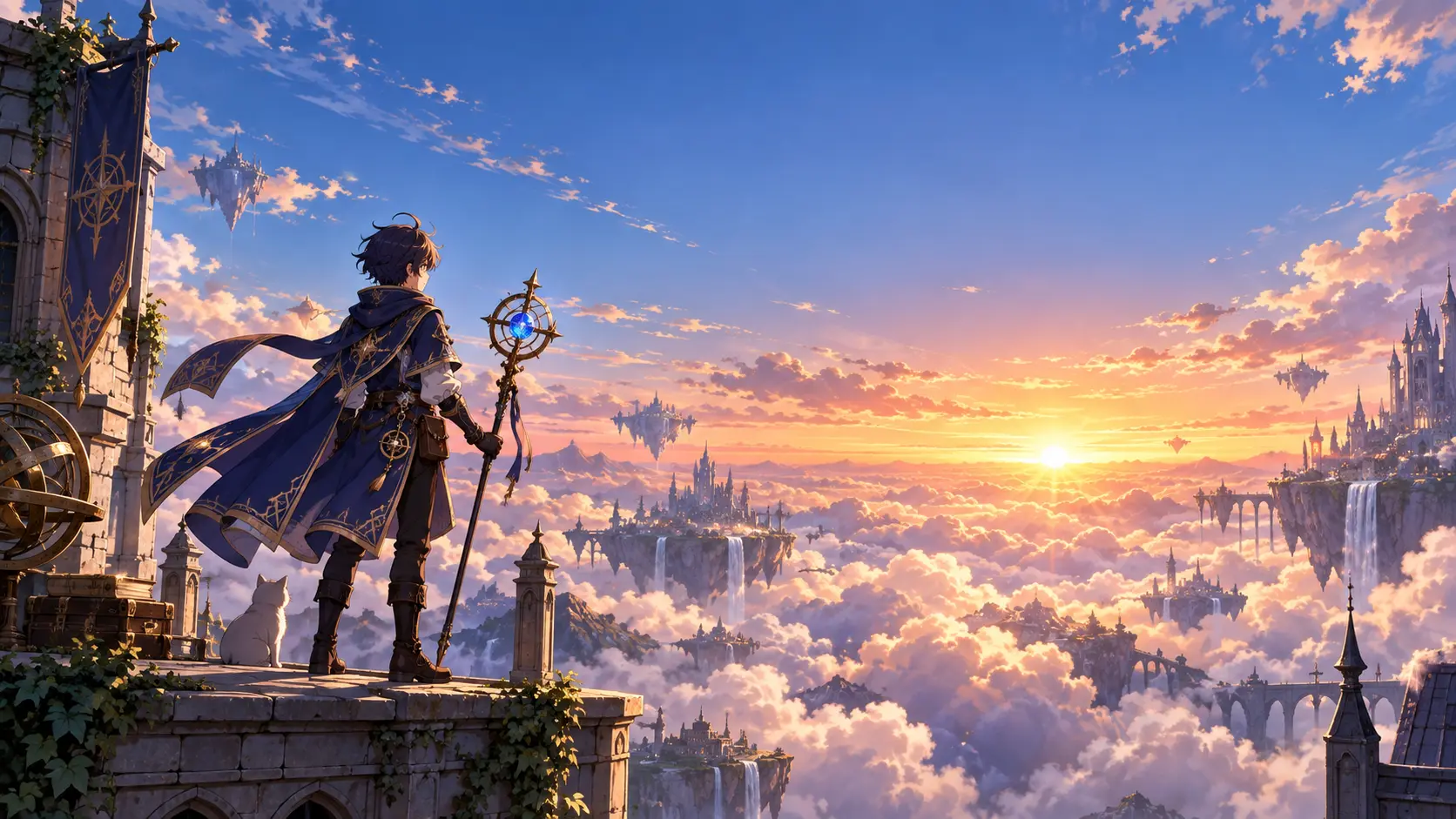
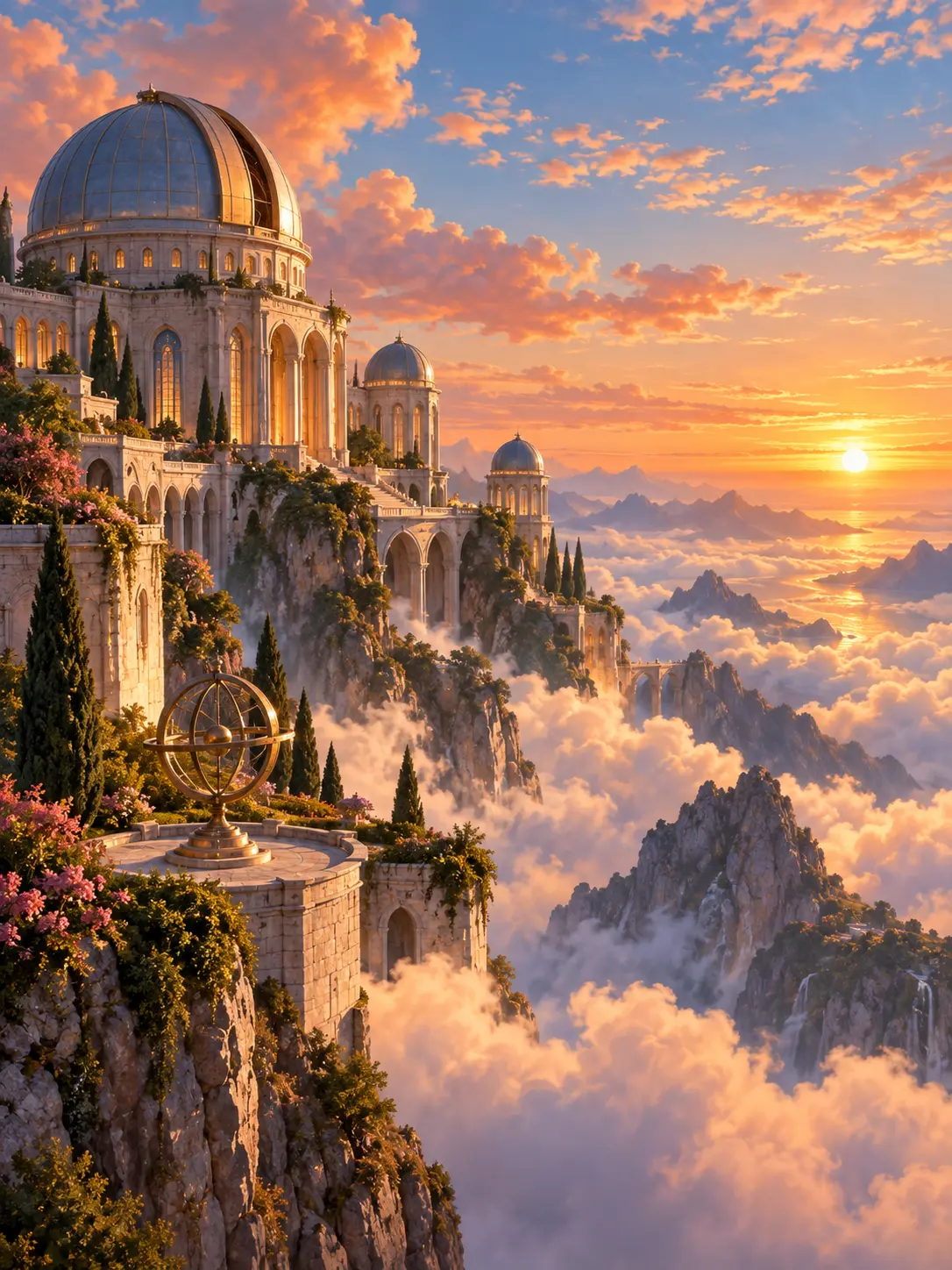
Fantasy adventurer overlooking a cloud-filled sunrise valley

Covers, Panels, and Social Visuals

Set the output ratio for a vertical cover, square post, or widescreen panel before generating. Give the subject enough negative space for a title or overlay when the image will be used as a cover. The AI anime image generator helps you test composition quickly, while the final crop and typography still belong in your design workflow.

Why Creators Use This AI Anime Image Generator

The workflow supports quick visual exploration without hiding the decisions that make an image useful.

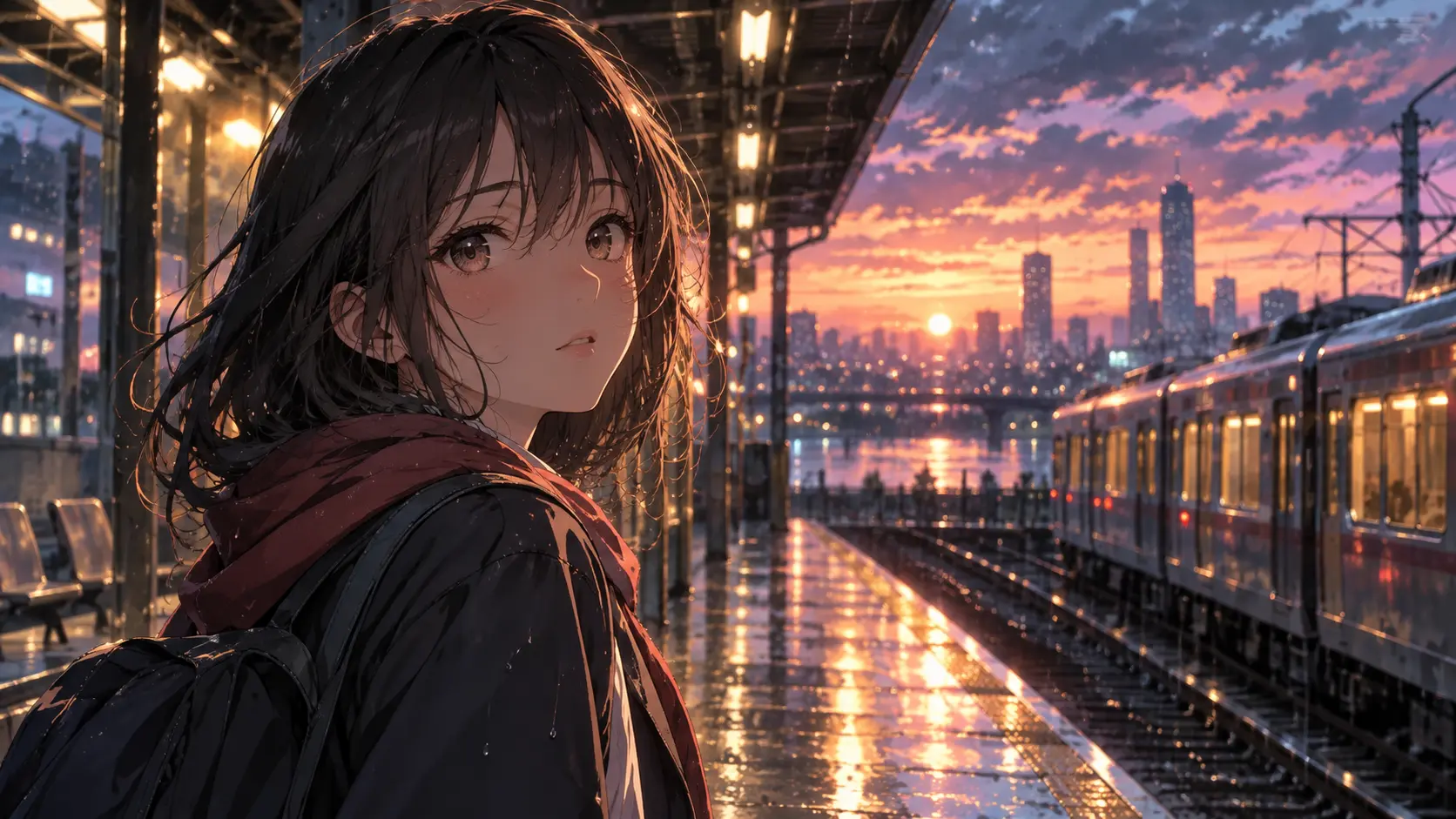
Anime heroine at a rainlit railway station in evening light

Prompt Control That Stays Readable

The strongest scenes use a clear subject, action, setting, and mood. This AI anime image generator workflow helps you turn those choices into a reusable prompt instead of collecting disconnected style words.

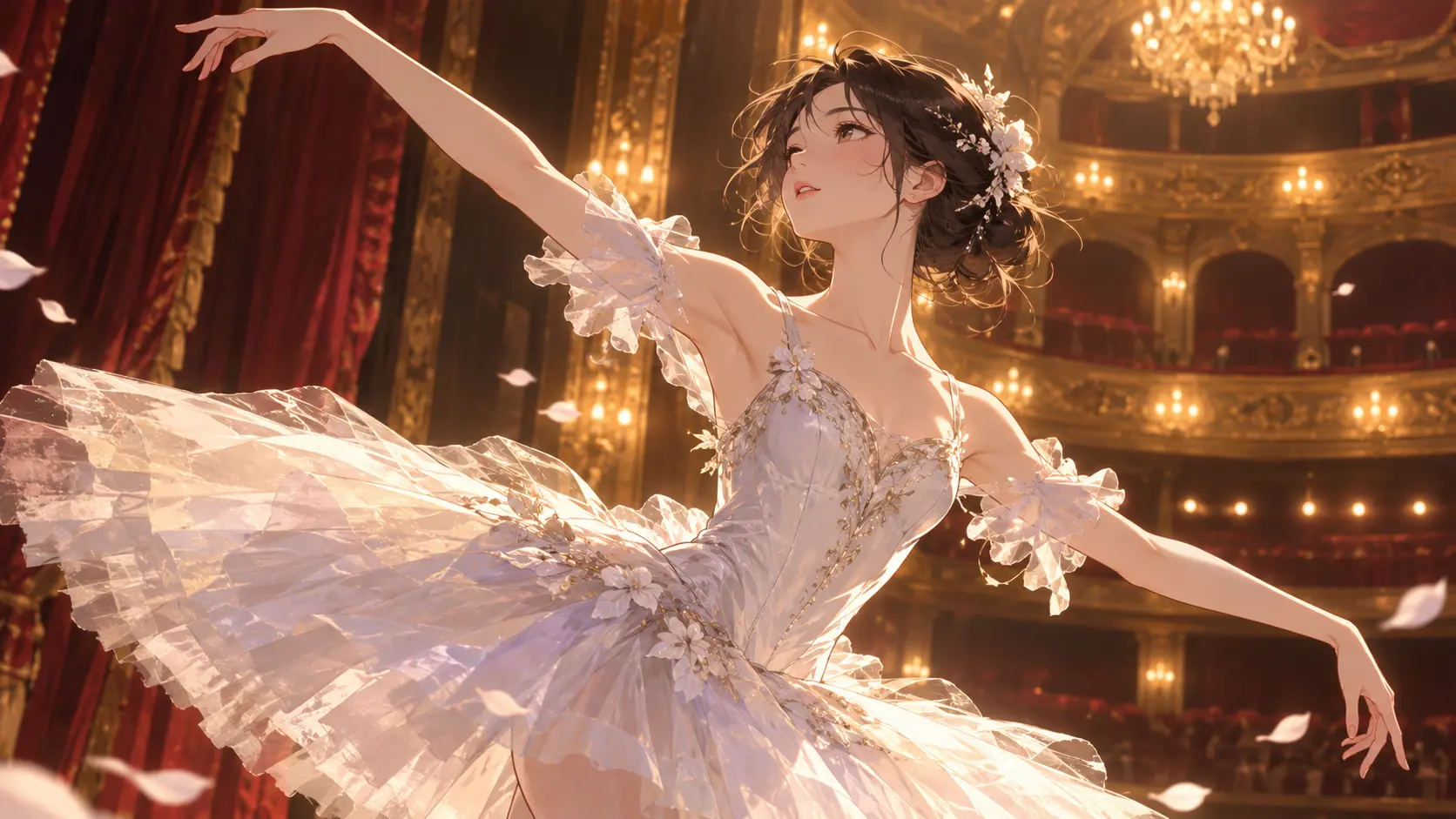
Ballerina in a grand theater captured mid-performance

Useful Reference Guidance

Upload a pose, composition, or colour reference when words are not enough. Explain what should carry over and what should change so the reference supports the idea without limiting the new scene.

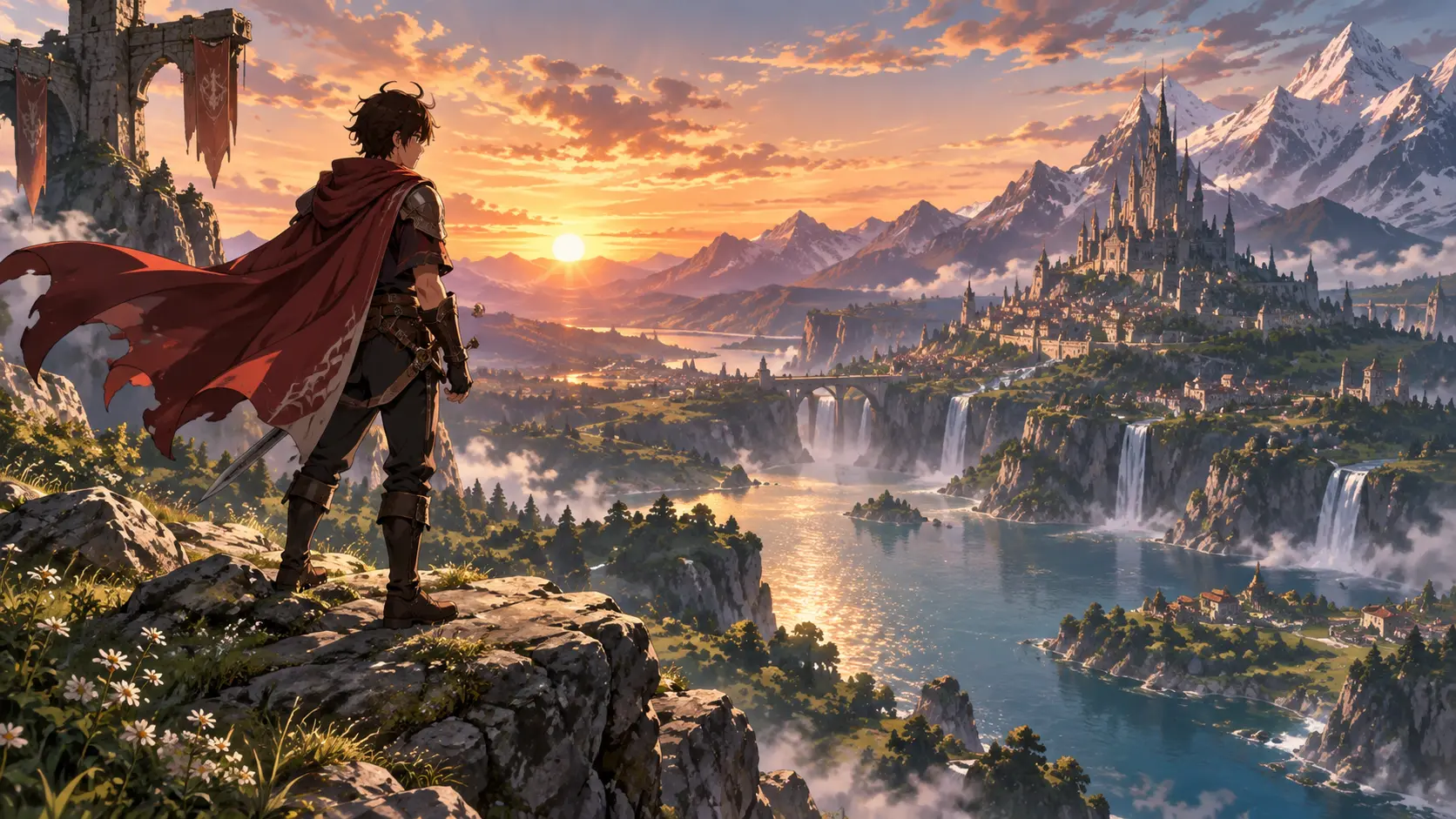
Anime hero overlooking a vast fantasy valley at sunrise

Flexible Output Ratios

Choose portrait, square, landscape, or another supported format before generation. Planning the final placement early gives the AI anime image generator a better chance to produce a composition that needs less cropping.

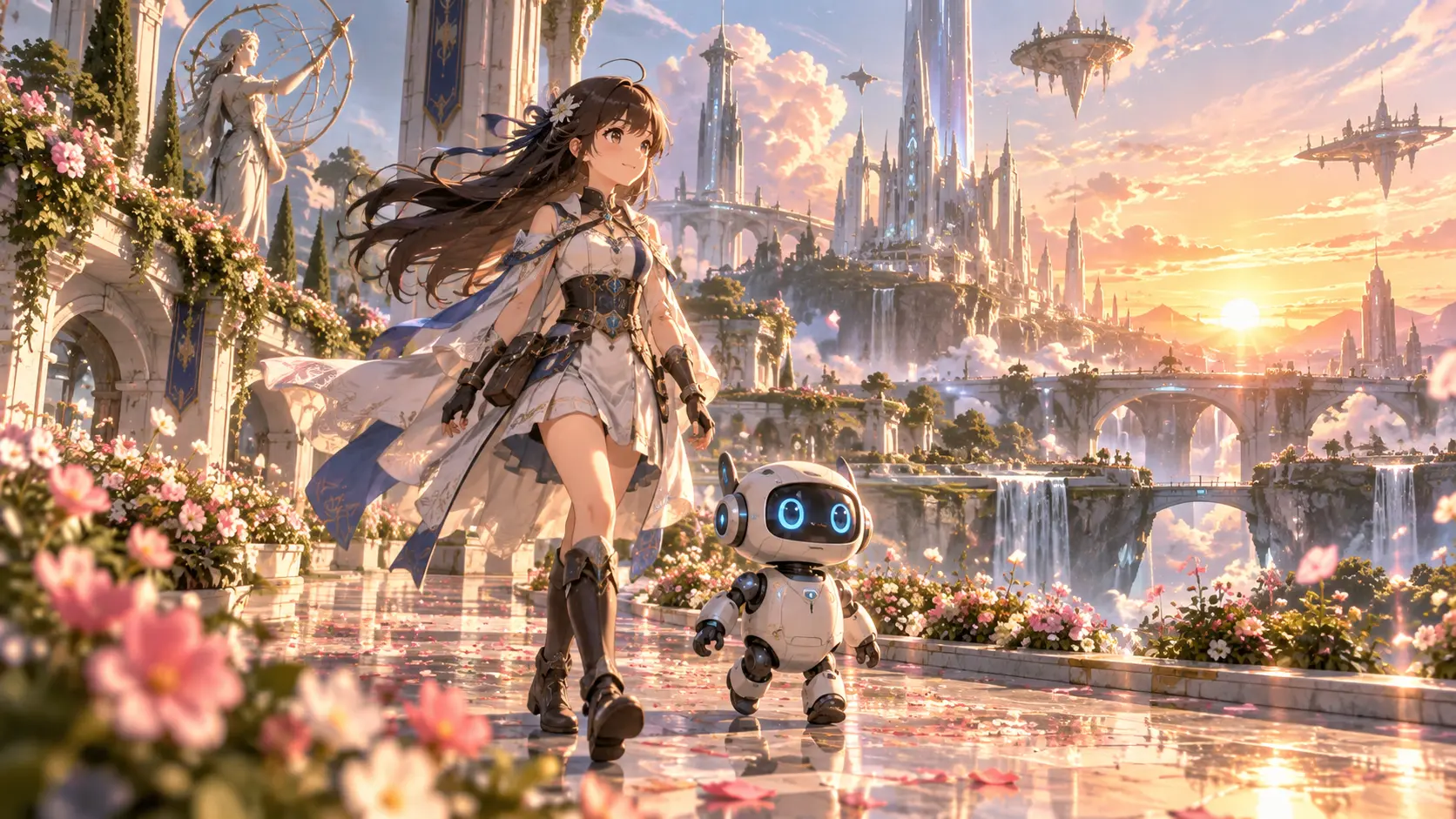
Adventurer walking through a luminous flower-filled city

A Practical First Pass

Use the output to compare directions, communicate a mood, or prepare a storyboard. The AI anime image generator starts the visual conversation; your review and later editing keep the final artwork aligned with the project.

FAQ

AI Anime Image Generator Questions

It can generate anime-style characters, portraits, locations, action moments, fantasy scenes, everyday settings, and cover-ready compositions from a written prompt. It can also use a reference image for pose or atmosphere. The AI anime image generator is strongest when the request has one main subject, a clear action, and a defined visual mood.

Yes. Describe the visual treatment with practical terms such as clean linework, cel shading, painterly background, soft pastel palette, dramatic rim light, or cinematic colour. Use only a few style instructions at once. The AI anime image generator follows a focused visual direction more reliably than a prompt filled with conflicting references.

Yes. A reference can guide a pose, composition, outfit, or colour direction while your prompt explains what should change. Say which attribute matters most instead of assuming the generator will infer it. The AI anime image generator is designed to use the reference as guidance, so results may still vary and should be reviewed carefully.

Identify the single biggest problem first. Rewrite the subject or action if the composition is unclear; adjust lighting, palette, or camera language if the mood is wrong. Keep the details that already work. The AI anime image generator responds better to one controlled revision than to a completely new prompt with unrelated changes.
AI anime image generator wide anime city scene with neon reflections and open composition

Create Your Next Anime Image

Describe the scene, choose the frame, and use the AI anime image generator to turn the idea into a visual direction.

Get Started
AI Anime Image Generator - Create Anime Art Online