AI Comic Generator

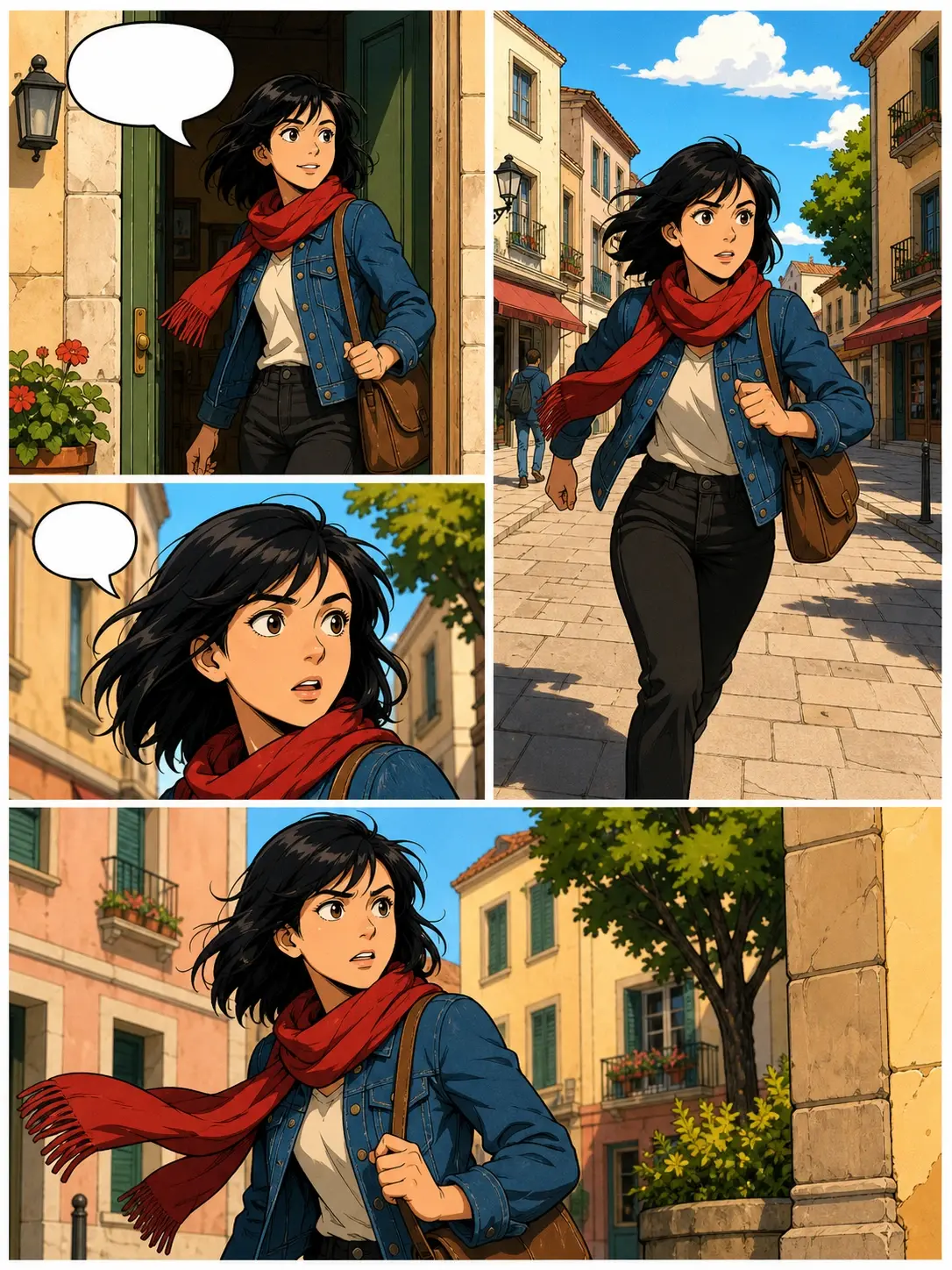
Describe what happens in each panel and this AI comic generator lays out a full comic page for you, with the same character from panel to panel and the dialogue sitting inside the speech bubbles.

A full comic page laid out in four panels following one character through a scene

Try an example

Make A Comic With AI Comic Generator

Three steps turn a written idea into laid out pages you can download.

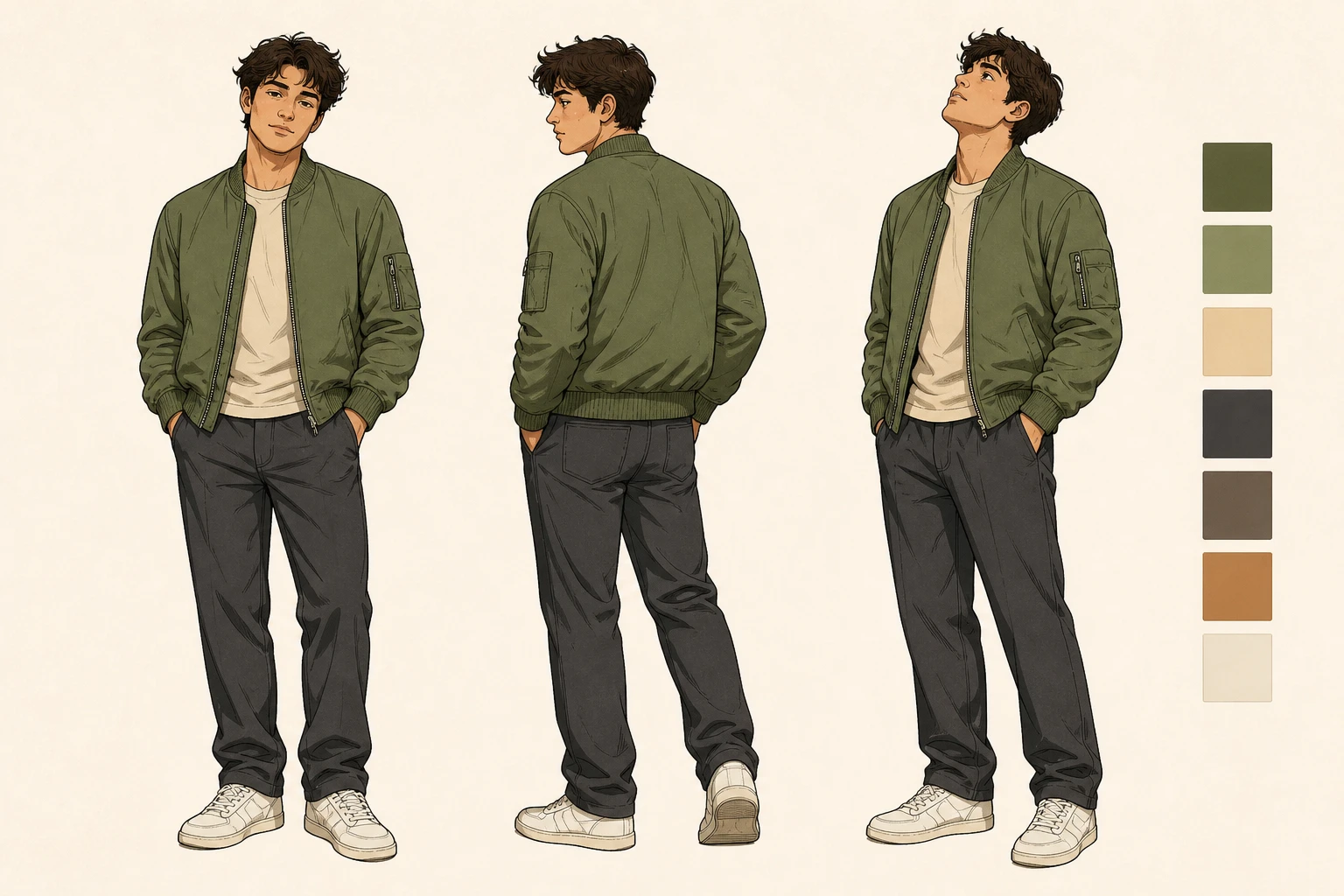
A single comic character design sheet showing one hero in three poses before any panels exist

Step 01

Write Your Story

Type a scene, a line of dialogue, or a single character note. If the plot is still loose, let VideoAI draft a story script first, then edit it your way. You can also upload a photo so the person becomes a character in your panels, ready for the AI comic generator to draw.
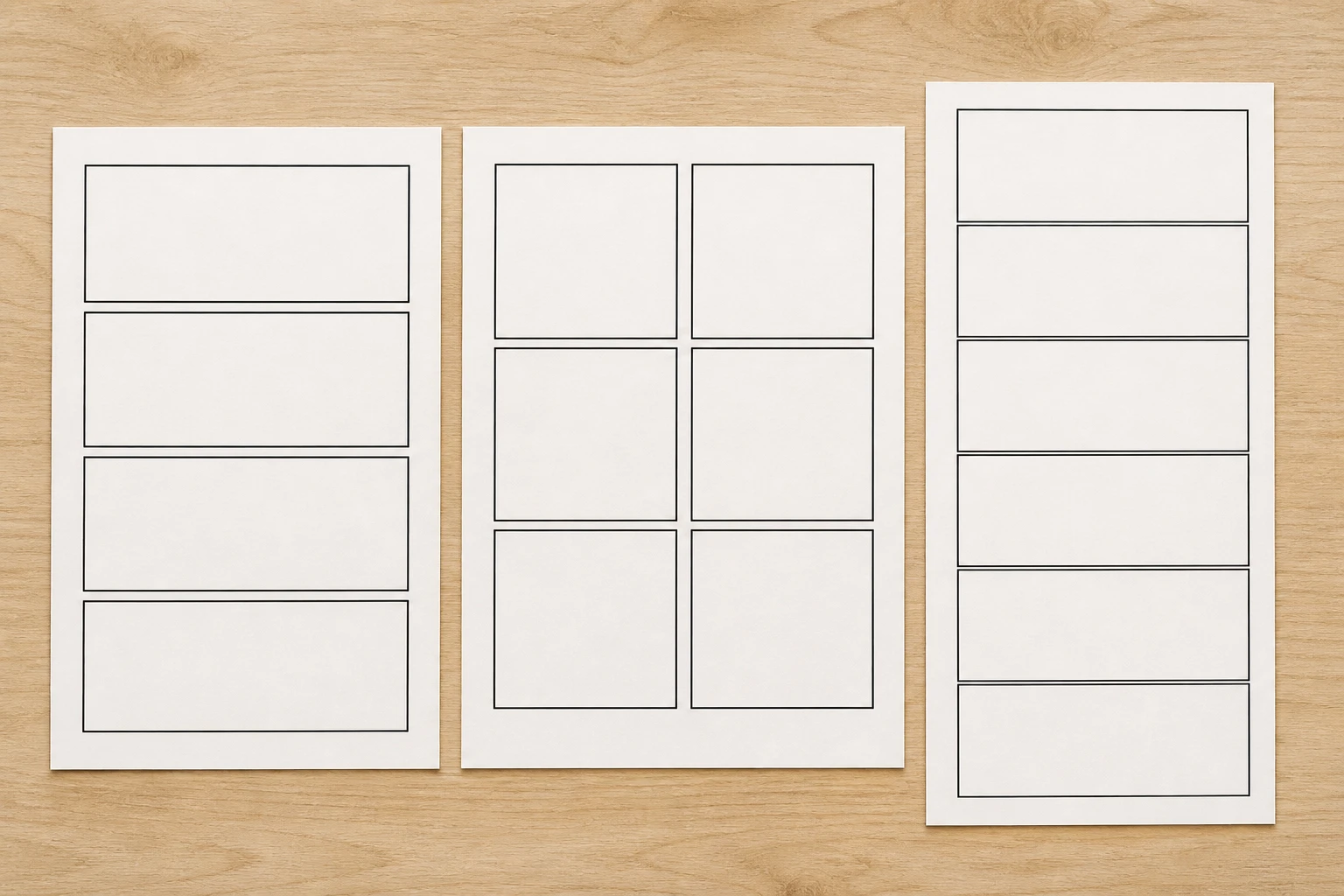
Blank comic page grids arranged as a four panel strip, a full grid and a tall vertical scroll

Step 02

Pick Layout And Style

Set the comic strip layout you want, from a full grid to a four panel strip or a tall webtoon scroll, then choose a comic style such as American comics, manga, or webtoon. Write any line you want spoken into the description so it lands in the bubble.

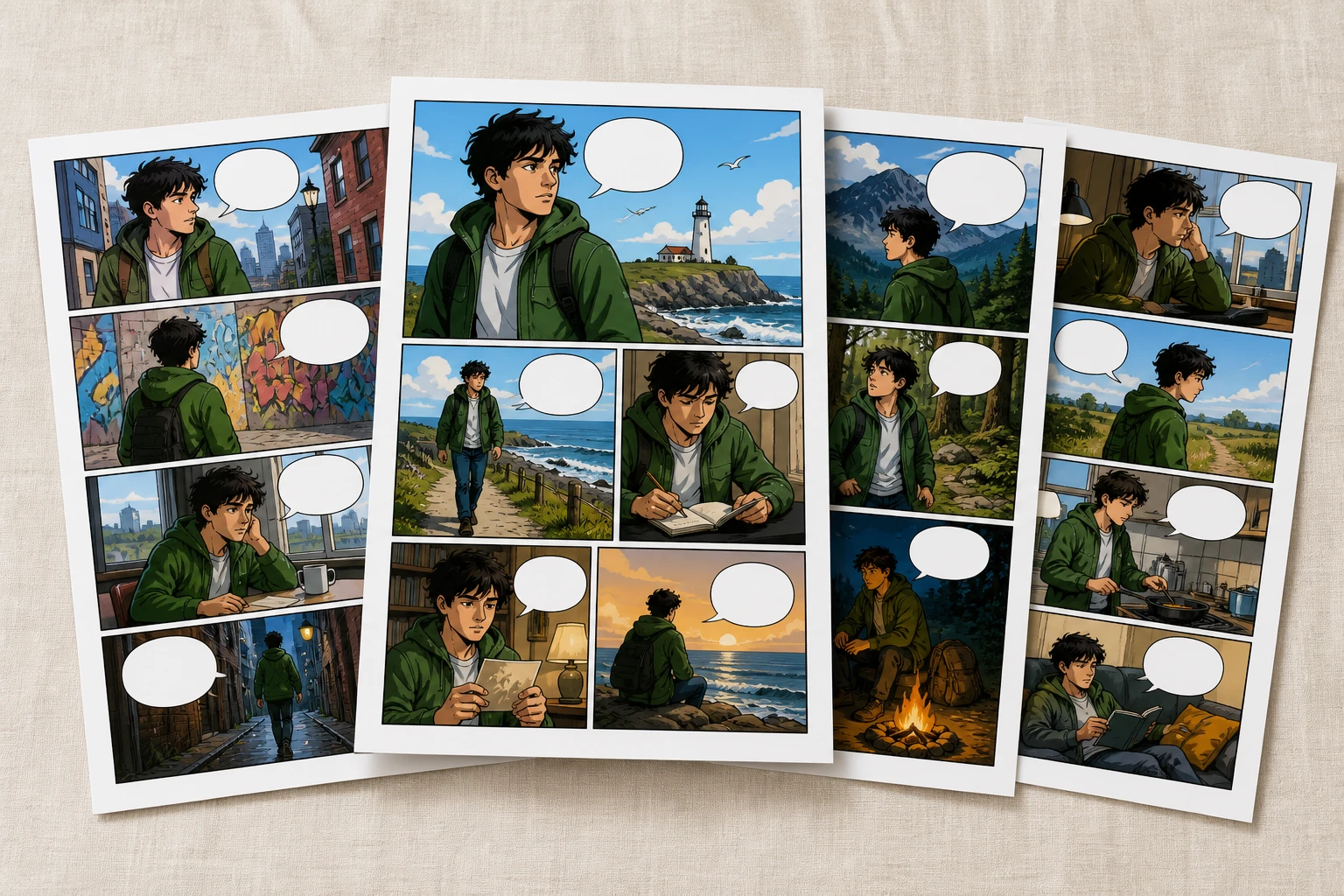
Four finished comic pages spread out together with one page pulled forward as the pick

Step 03

Generate And Refine

Press generate and the AI comic generator returns four candidate pages, so you keep the one that reads best. If a single panel misses, regenerate just that panel. Download at 4K with no watermark, cleared for commercial use.

Turn Any Idea Into A Comic

Whether you want a quick comic strip online or a full comic book generator run, start from the situation and let the panels follow.
01

Turn Photo To Comic

Have a selfie or a group shot but no way to draw yourself in? Upload the photo, pick a comic style, and the person returns as a character inside the panels, giving you a page where you are the lead.

02

Meme Comic Generator

You have a joke ready to post, but design apps and hand drawing both start from nothing. Write the bit as a couple of lines, say how many panels, and the page comes back with the punchline in the last panel.

03

Webtoon Maker

Updating a webcomic every week is rough when each episode is drawn by hand. Choose the vertical scroll, hold your character steady across panels, and this week's episode can be arranged the same day with the AI comic generator.

04

Comic Book Cover Generator

A finished story still needs a cover that pulls readers in. Describe the lead, the setting, and the mood, choose a style, and you get one cover image at 4K with no watermark, ready for commercial use.

05

Superhero Comic Generator

Want an origin story but the quote for a hand drawn page stops you cold? Spell out the action and dialogue in each panel, generate the full page at once with the AI comic generator, and a fight scene takes shape that afternoon.

Who Makes Comics With VideoAI

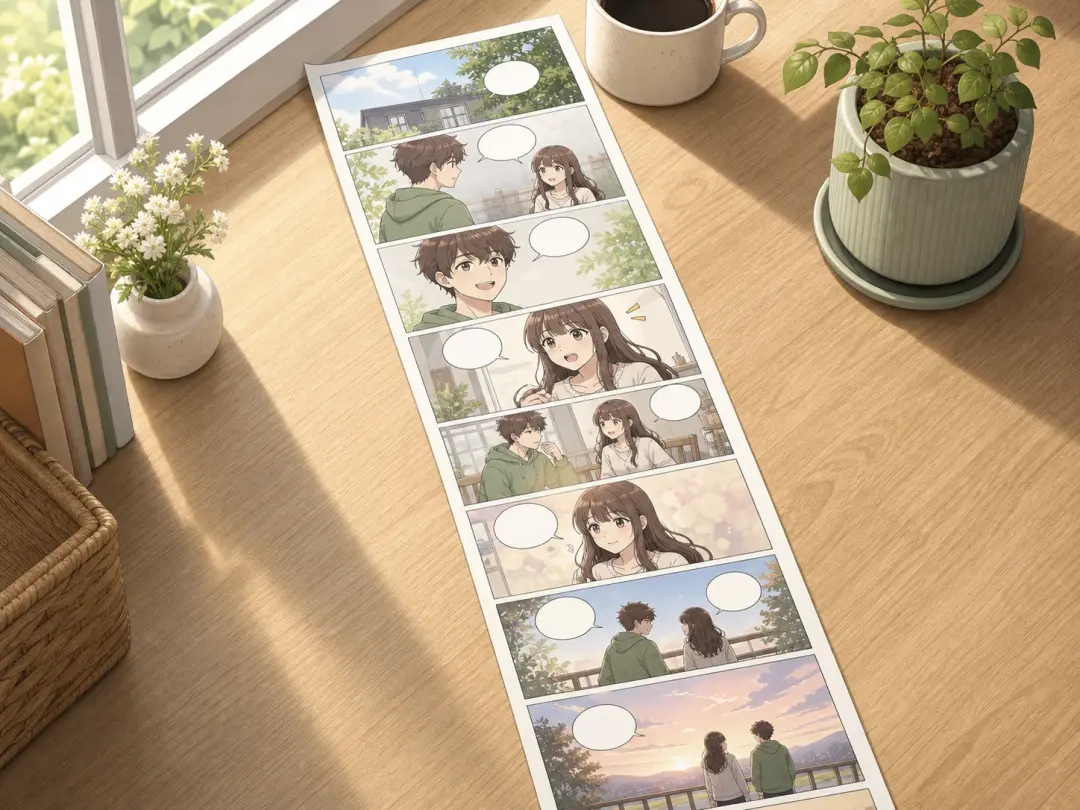
A long vertical webcomic episode unrolled across a bright desk beside a coffee cup

Keep Your Update Schedule

Posting a webcomic on a schedule means the drawing is always slower than the writing. As a comic strip maker on a deadline, arrange each new episode from a description and hold one look across panels, so the next update ships on time.

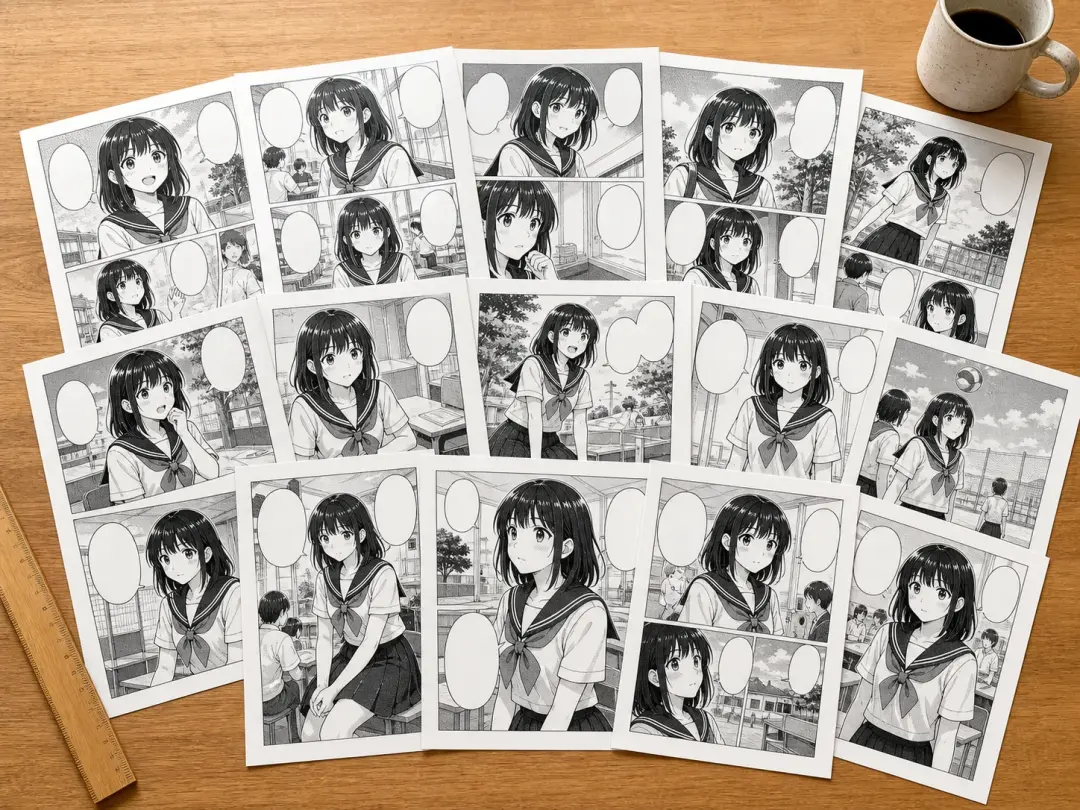
A dozen manga chapter pages fanned out on a studio table in one matching black and white style

Serialized Pages, One Look

A single chapter can run a dozen pages, and the art has to match start to finish. Pick a manga style once and keep your cast consistent, so the pages read as one series. It works as an ai manga generator for a full run or a quick manga maker for a one shot.

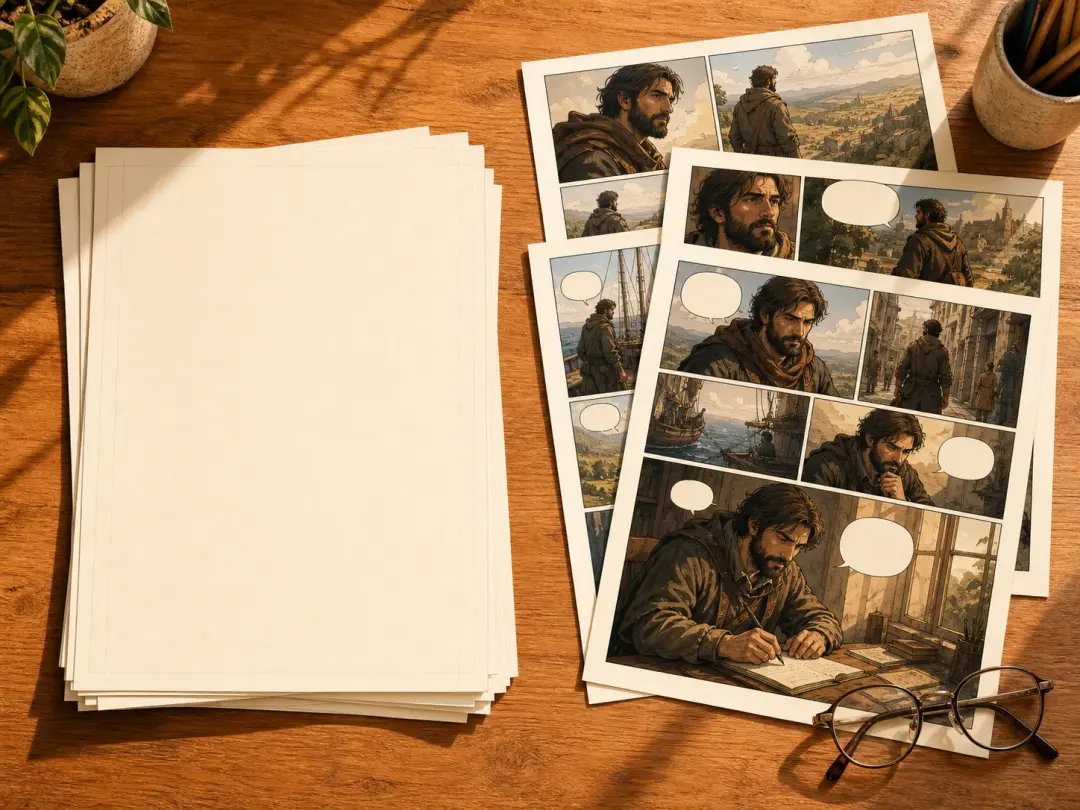
A stack of typed manuscript sheets beside the illustrated graphic novel pages made from them

Finally Draw That Draft

You wrote the story two years ago and it stalled because no artist turned up. Feed the plot in scene by scene and this graphic novel generator hands back the pages, so the manuscript finally has art on it.

What The AI Comic Generator Gives You

Real controls for any comic maker, from layout to a clean download you can make your own comic with.

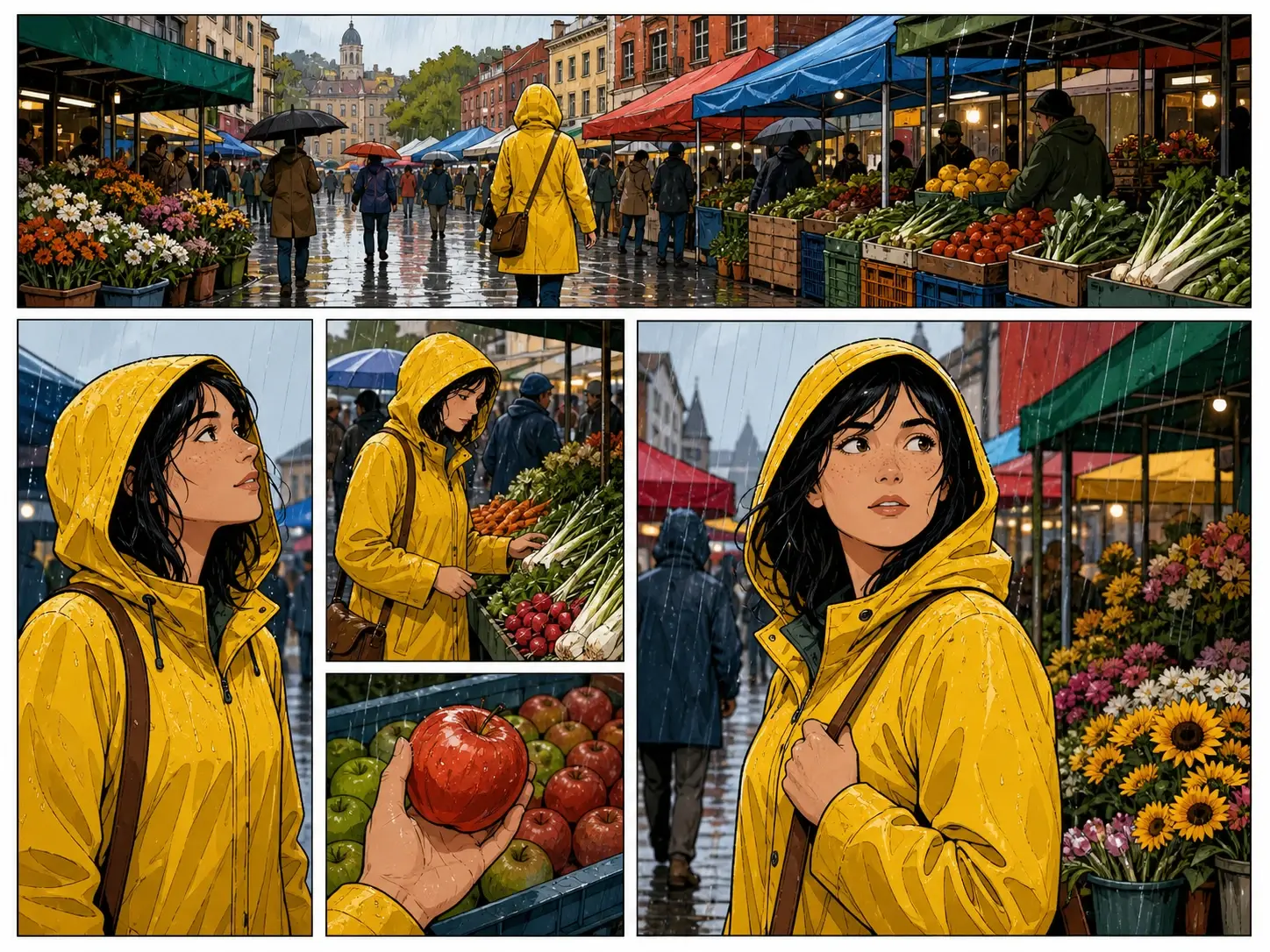
A complete comic page with six panels of varying size arranged in a single balanced layout

Full Pages, Laid Out

Say how many panels you want and what happens in each, and this comic panel generator arranges the whole page in one pass. As an ai comic generator from text, it turns written scenes into panels, or you can start from a layout template.

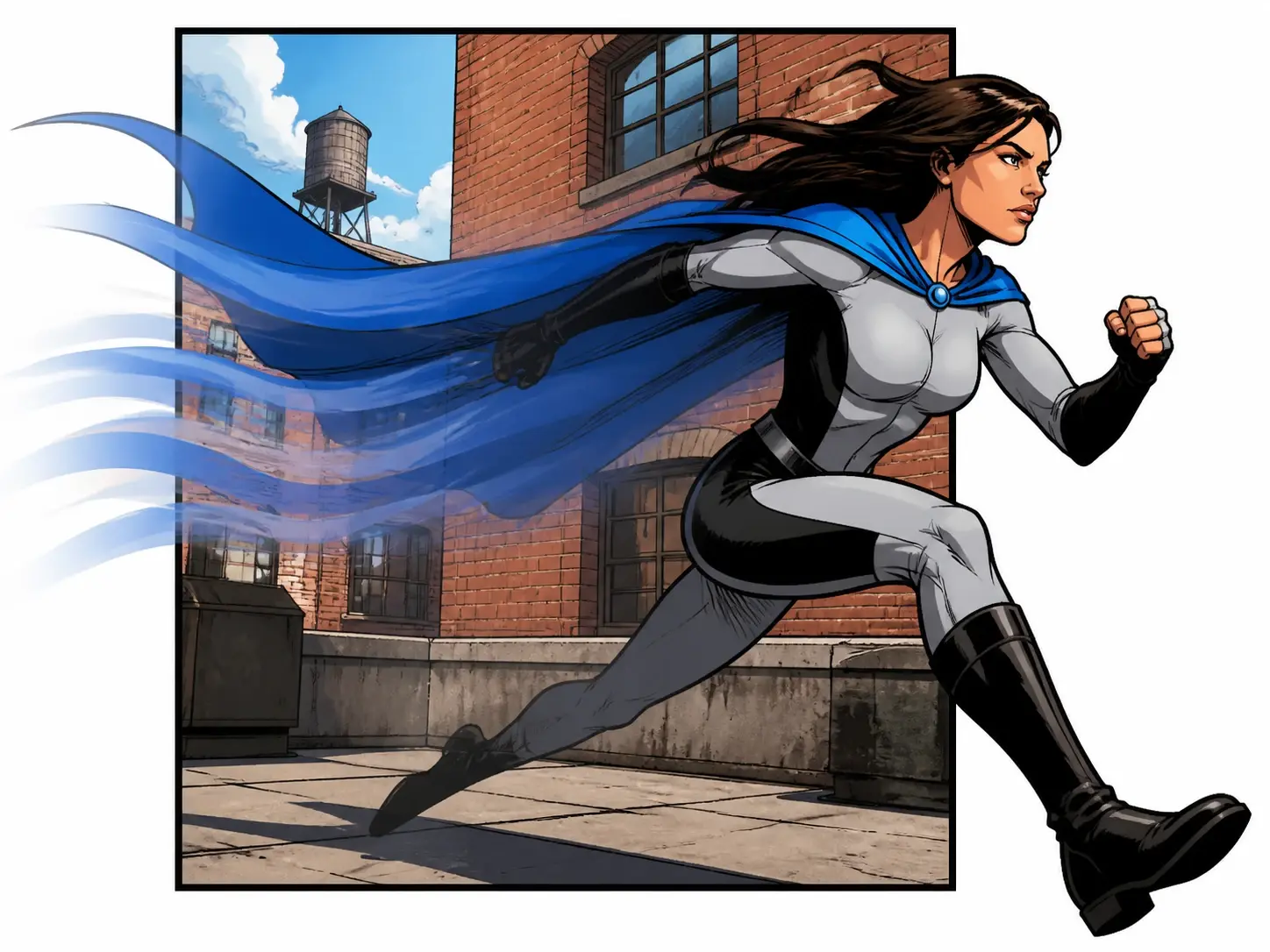
One comic hero drawn mid stride with soft motion trails carrying them out of the panel border

Comics That Become Video

Your finished pages stay in your workspace, so the same cast and style can carry into a video. The characters you built for the comic can start moving in a clip made with VideoAI.

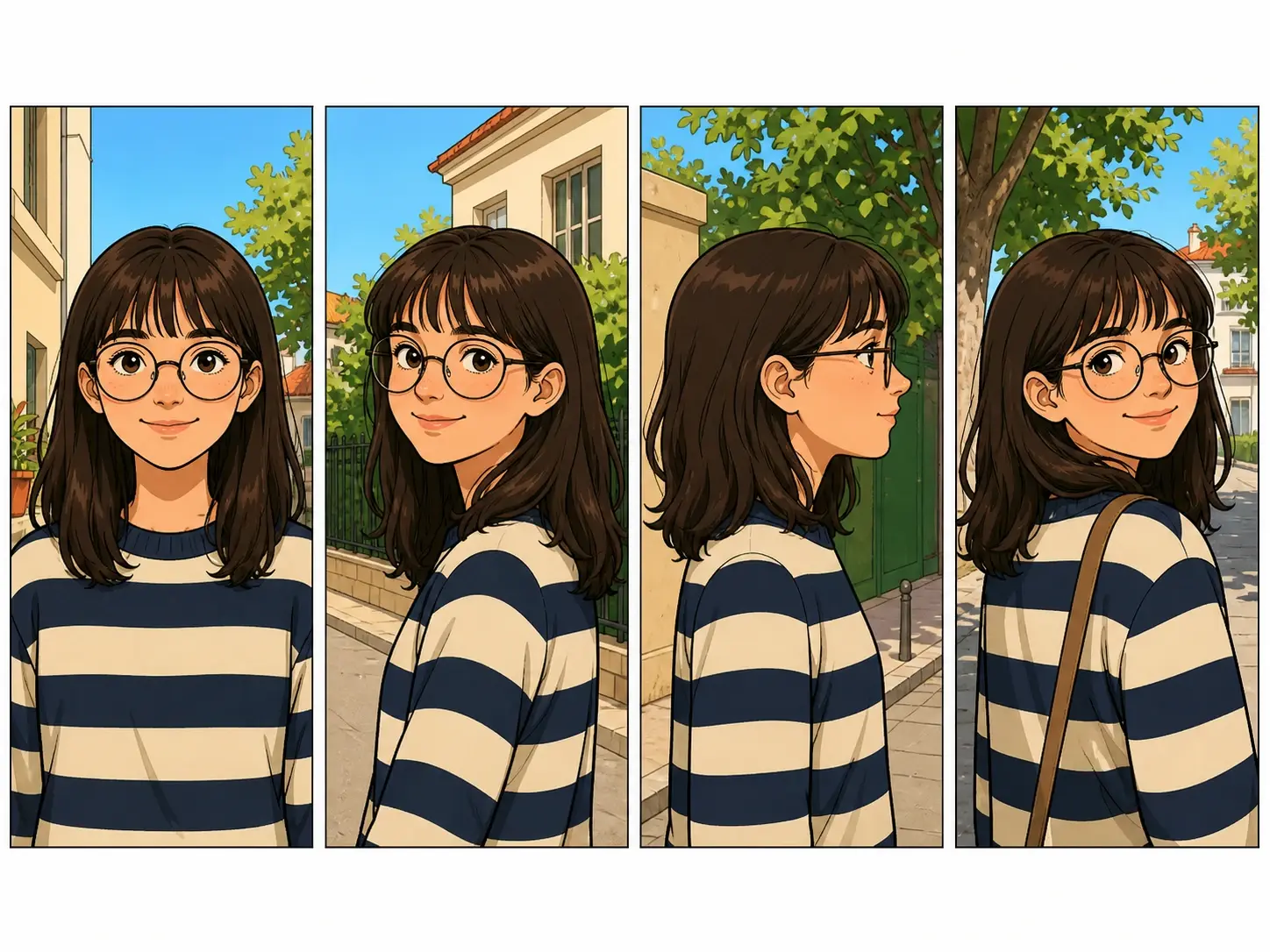
Four panels in a row showing the same character in the same outfit from different angles

One Character, Every Panel

The same character keeps one face and one outfit across panels and pages, so a whole strip reads like one person acting through the scene. That is what separates a real comic made in the AI comic generator from a stack of unrelated pictures.

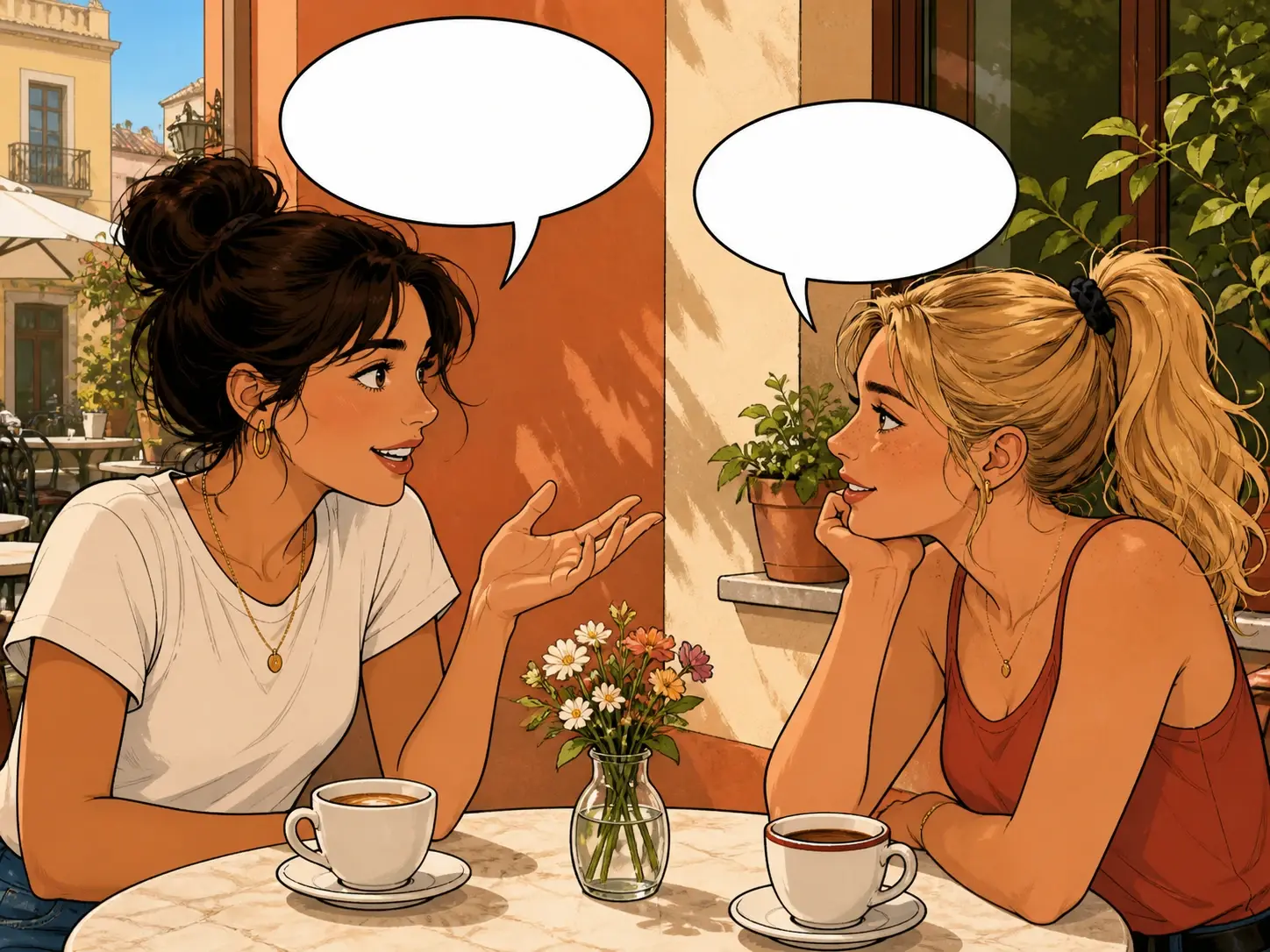
A close comic panel where two crisp white speech balloons sit cleanly over the scene

Dialogue Inside The Bubbles

Write the lines into your description and the speech bubbles and their text are drawn with the picture, matched to its light and perspective. Text in the image renders at 95% accuracy, so the words stay clean.

FAQ

Comic Making Questions Answered

Start by describing your story in the box, and if the plot is loose, let VideoAI draft a script you can edit. Set a layout and a comic style, then the AI comic generator draws the page and gives you four versions to choose from.

Consistency is what holds a multi page book together. Keep one character and one style throughout, and the AI comic generator carries that look so the whole book reads as a single story instead of loose pages.

Choose a manga style profile instead of describing the look in words, then arrange the page as a vertical scroll or a full grid. Put your dialogue in the description so it is drawn in the bubbles, and this ai manga generator keeps your cast steady through the chapter.

Say what happens in each of the three or four panels, and the AI comic generator lays them out in one pass. This ai comic strip generator also lets you regenerate a single panel while the rest stay exactly where they are.

Yes. A starter balance of 10 credits lets you make about five images at no cost, and every export comes with no watermark. That is enough to see how the ai comic generator free option handles your story.

Anything you make is cleared for commercial use, so a page can go into a client project, a product post, or something you sell. Files download at 4K with no watermark and stay in your workspace to build on later.
A wide spread of printed comic pages overlapping across a bright studio table

Try The AI Comic Generator Now

Describe your first scene and watch the AI comic generator lay out the page.

Get Started
AI Comic Generator - Manga Maker - VideoAI