Move Past the Blank Page

AI Pose Generator

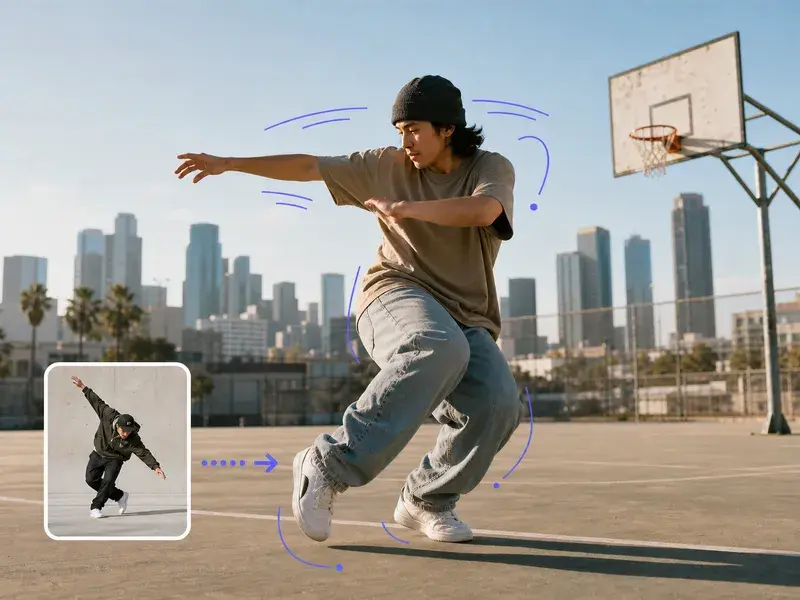
An AI pose generator gives artists, comic creators, and character designers a fresh starting point when every pose idea feels repetitive. Describe the character, action, camera angle, and energy, or add a reference for the body language you want. Generate a random pose direction, review the silhouette, and use it as a drawing reference. This AI pose generator supports gesture practice, costume tests, story scenes, and fast visual ideation without replacing your own artistic judgment.

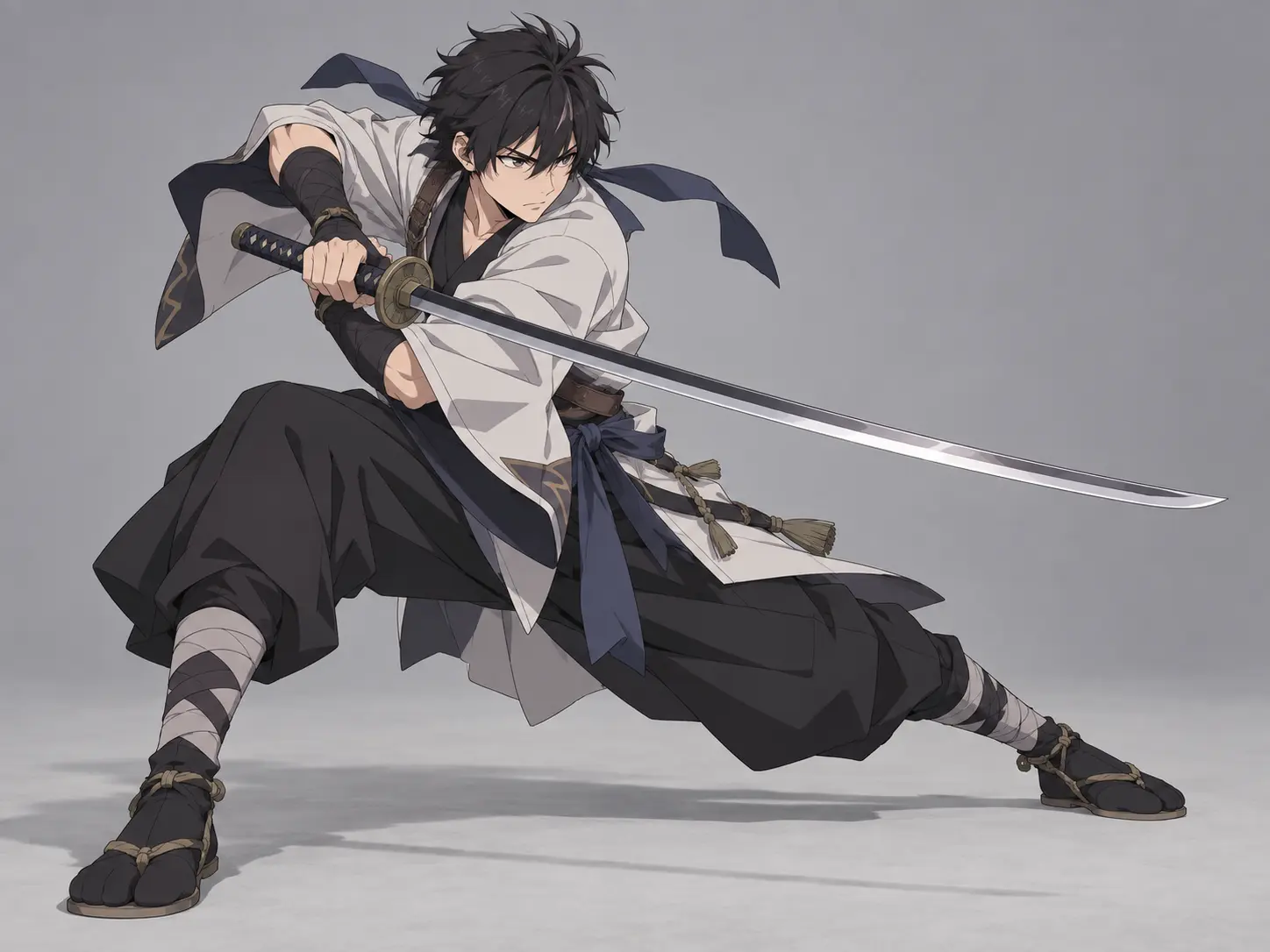
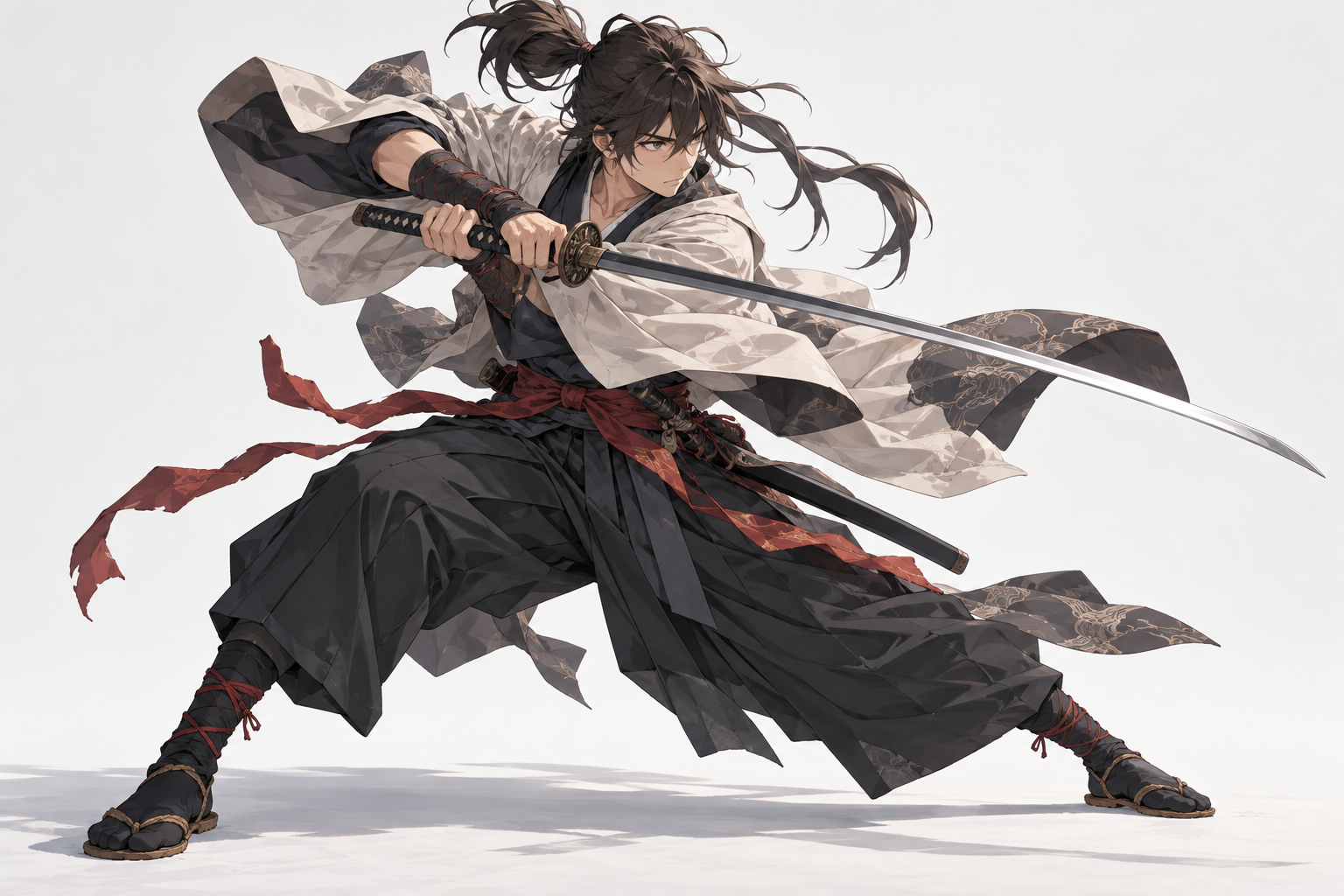
AI pose generator dynamic swordsman pose reference with a clear full-body silhouette

Try an example

What the AI Pose Generator Helps You Explore

Each feature focuses on the decisions that make a generated pose useful for drawing rather than merely interesting to look at.

Anime assassin balanced on a rooftop ledge at sunset

Random Pose Ideas on Demand

Start with a character type and a short action brief, then let the AI pose generator propose a readable body position. A random pose generator is most useful when it pushes you away from the same frontal standing figure. Review the silhouette first, then study the line of action, weight distribution, and relationship between the head, chest, hips, hands, and feet. Keep the direction that creates the clearest gesture.

Anime fighter lunging across cracked ground with force

Control the Camera and Energy

Describe whether the pose should feel relaxed, tense, heavy, playful, cautious, or explosive. Add a camera angle such as low angle, overhead, profile, or three-quarter view. The AI pose generator uses those details to change foreshortening and body language. This helps you test how a character reads from an unusual viewpoint before committing to a final drawing or story panel.

Seated anime witch in a bright ruin with a clear full pose

Use a Character Reference

Upload a character image when the pose needs to preserve that character's proportions, hair, clothing, or recognizable design. Explain which attribute should guide the result and which part should change. The AI pose generator can use the reference as visual direction while your prompt sets the action. Review limb structure and clothing overlap carefully before using the output as a study.

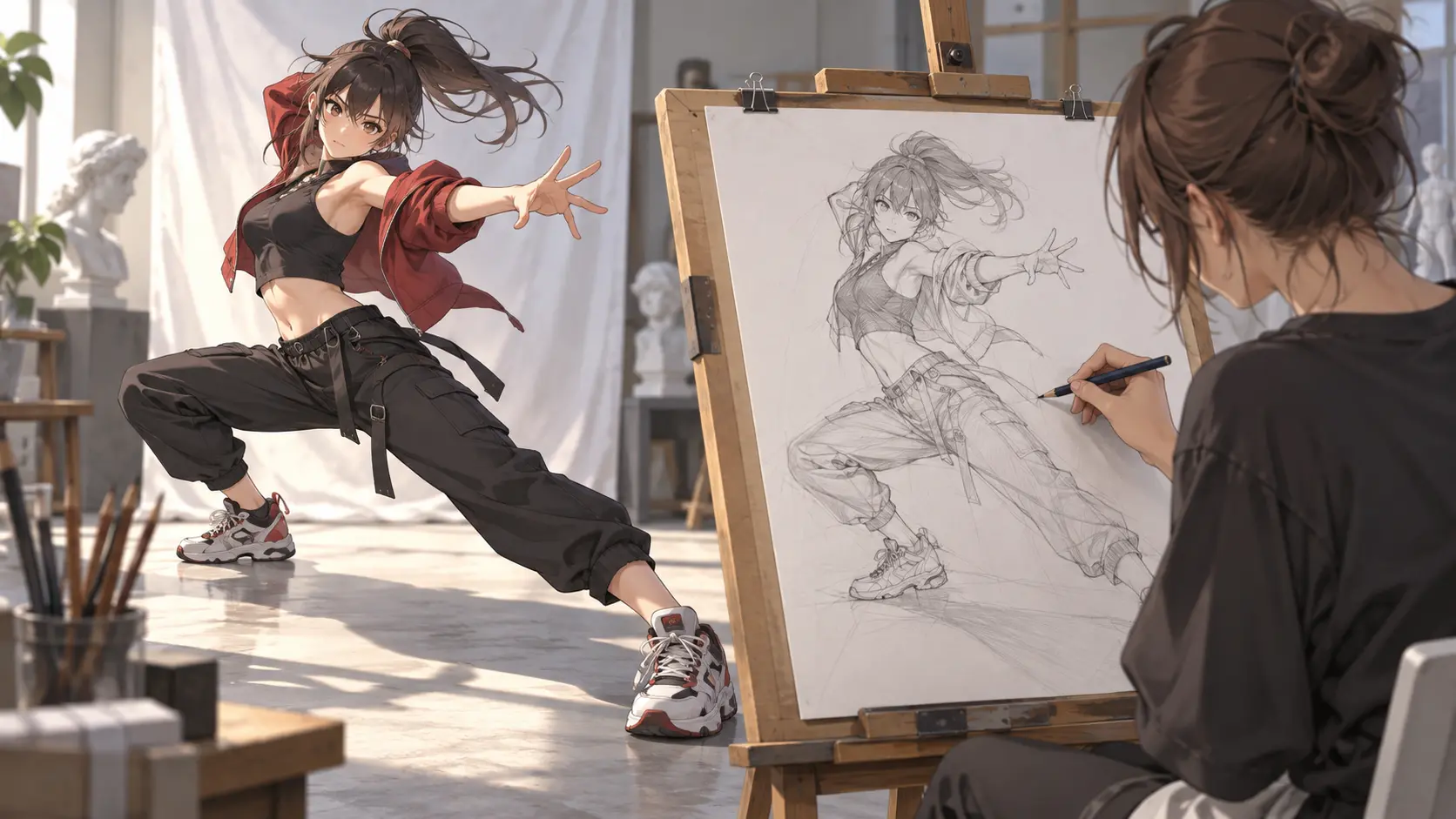
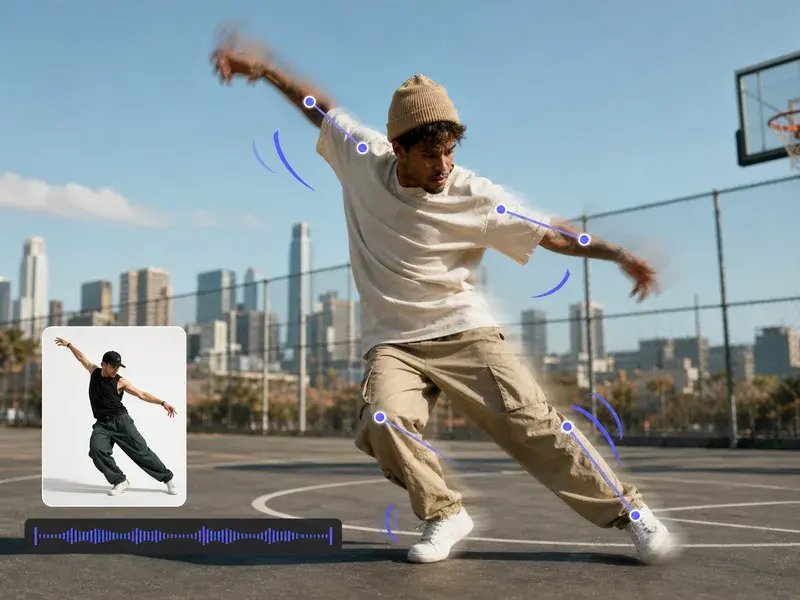
Dancer holding a pose while an artist sketches from observation

Generate for Drawing and Ideation

Use the result as a gesture study, composition sketch, or costume test. You can request a clean neutral background to keep the figure readable, or ask for a simple environment when the pose depends on an object or location. The AI pose generator is a starting point for observation and revision, not a substitute for learning anatomy or checking the final drawing yourself.

How the AI Pose Generator Works

A short prompt and one reference image can produce a pose direction that is easier to draw and evaluate.

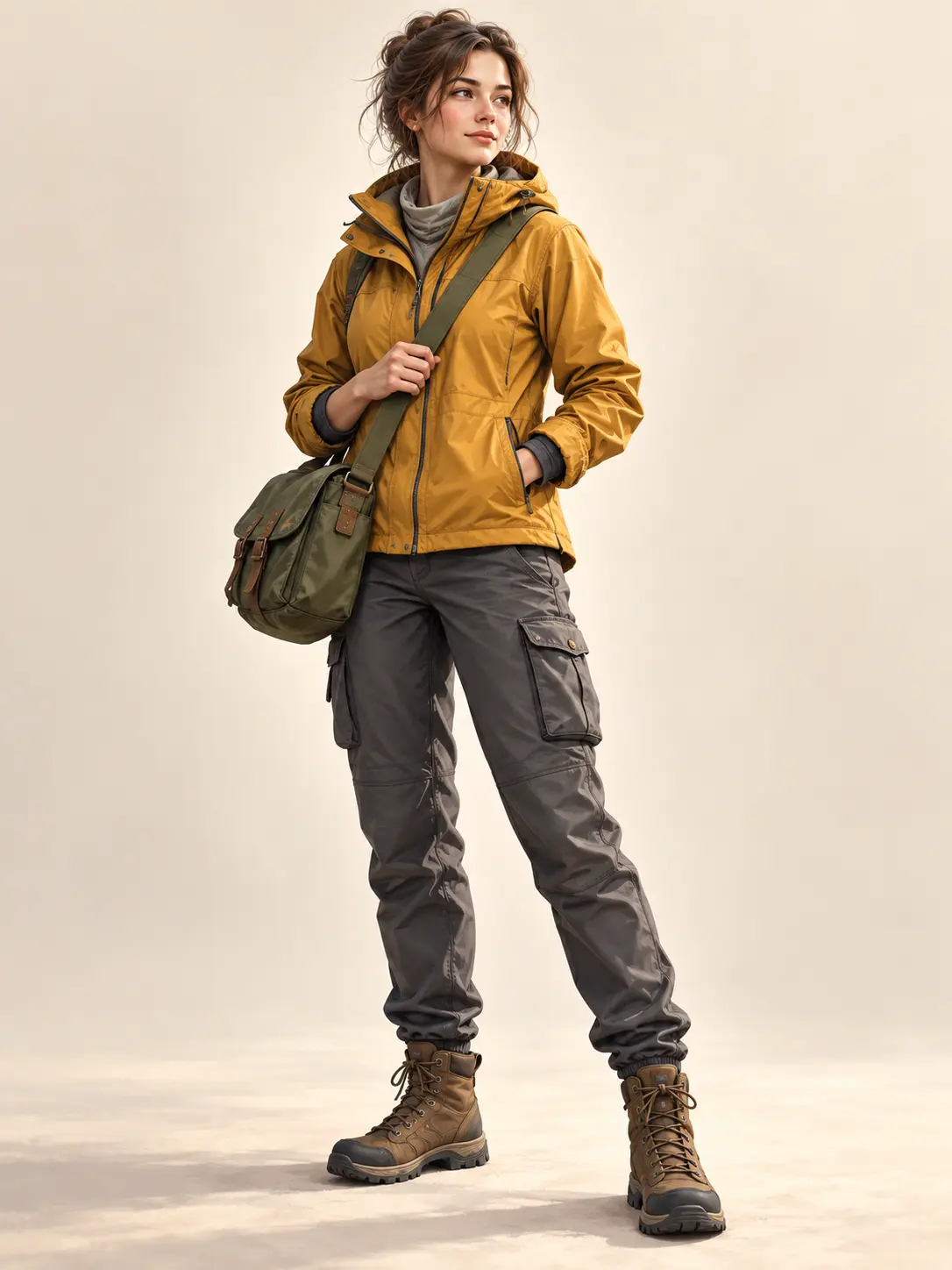
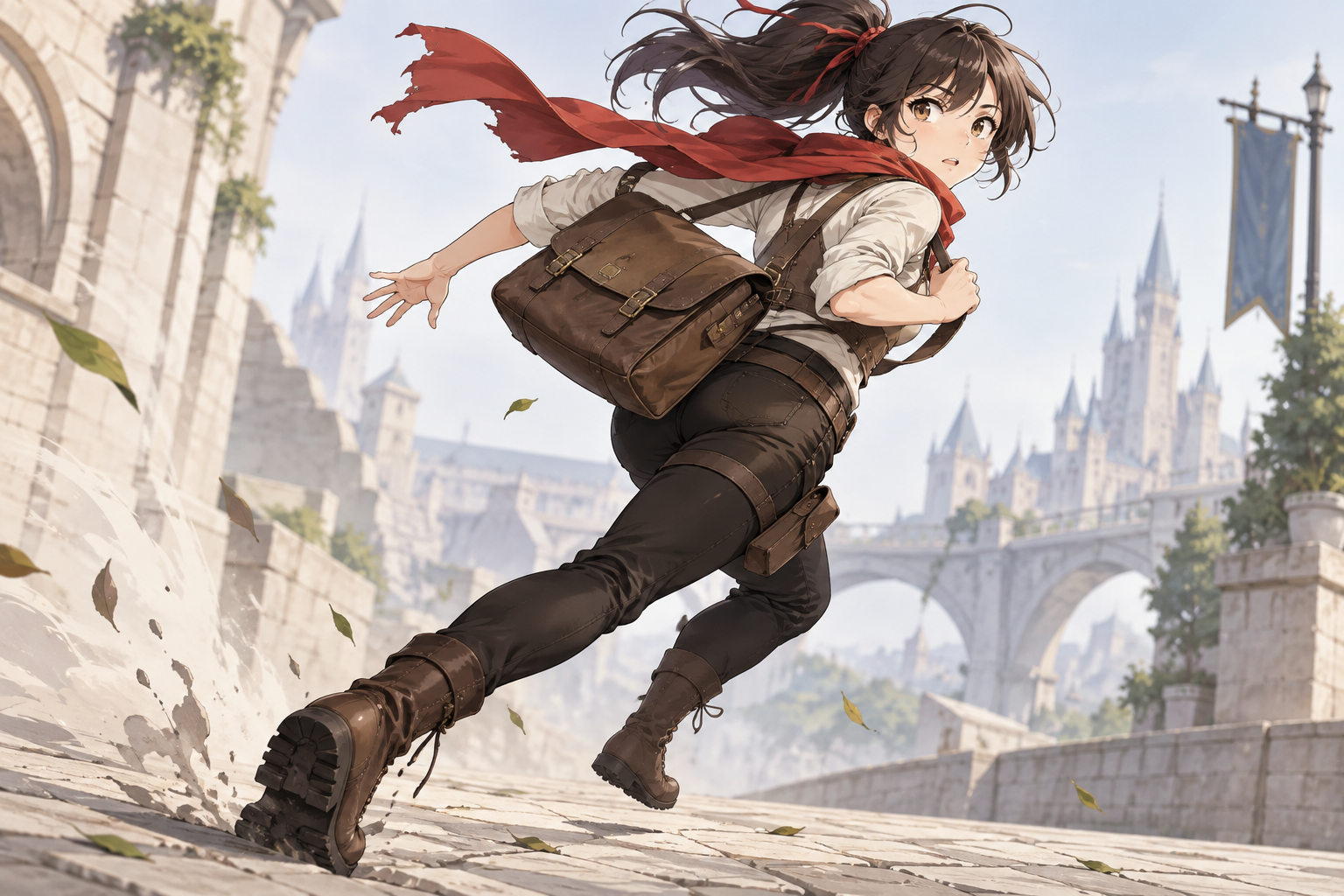
Anime courier twisting into a running turn with a satchel

Step 01

Set the Character and Action

Name the subject, the action, and the moment you want to capture. Add a camera angle, mood, and level of realism or stylization. The AI pose generator needs a clear physical intention more than a long backstory. Say whether the figure should be standing, crouching, reaching, running, sitting, fighting, or balancing.
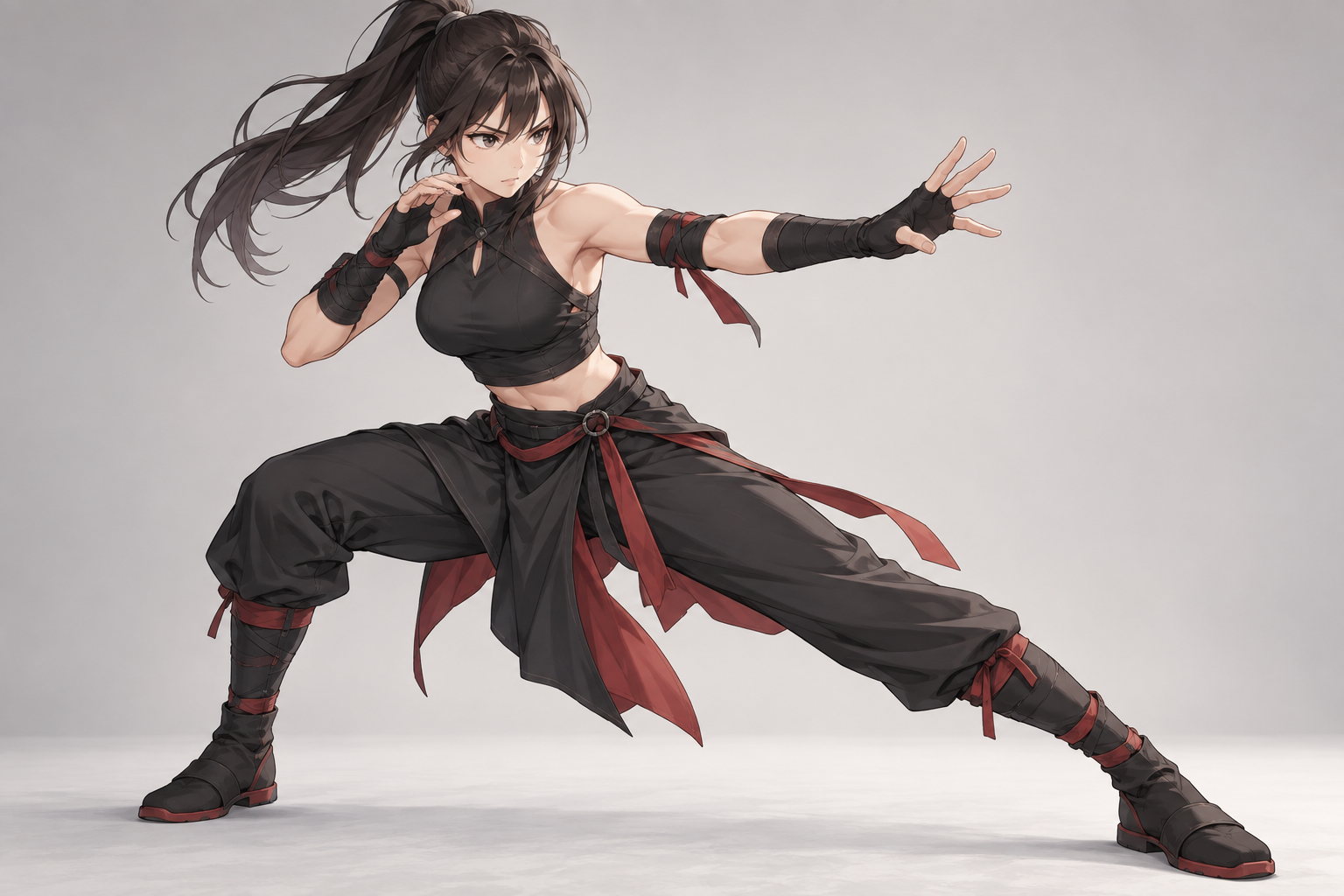
Anime defender in a balanced guard stance

Step 02

Add an Optional Reference

Upload a pose or character image when you need a specific visual cue. Use the prompt to explain what should carry over, such as body proportions, costume shape, or general energy. The AI pose generator treats the reference as guidance, so check the output for the details that matter rather than assuming every attribute will be preserved.

Swordsman in a wide stance with a clear silhouette

Step 03

Review the Silhouette

Judge the result at full size and at thumbnail size. A strong pose should remain readable when the figure becomes small. Check the centre of gravity, negative space, overlapping limbs, hands, and feet. If the gesture is unclear, revise the action or camera angle and generate a new direction.

Drawing Workflows That Use an AI Pose Generator

The same pose generator supports different stages of art making, from early thumbnails to detailed character studies.

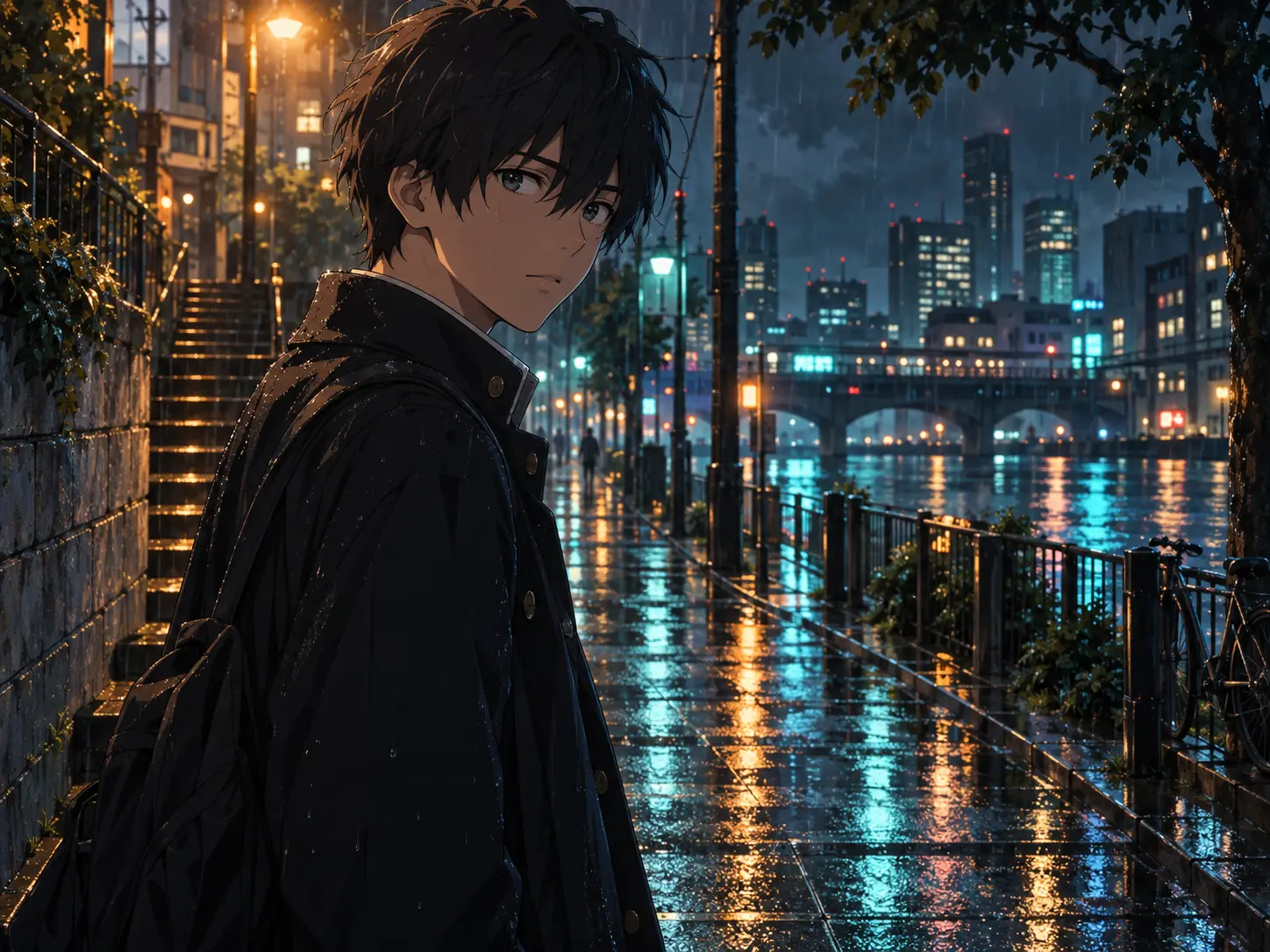
Street scene with two anime characters in rain-slick neon light

Gesture and Figure Practice

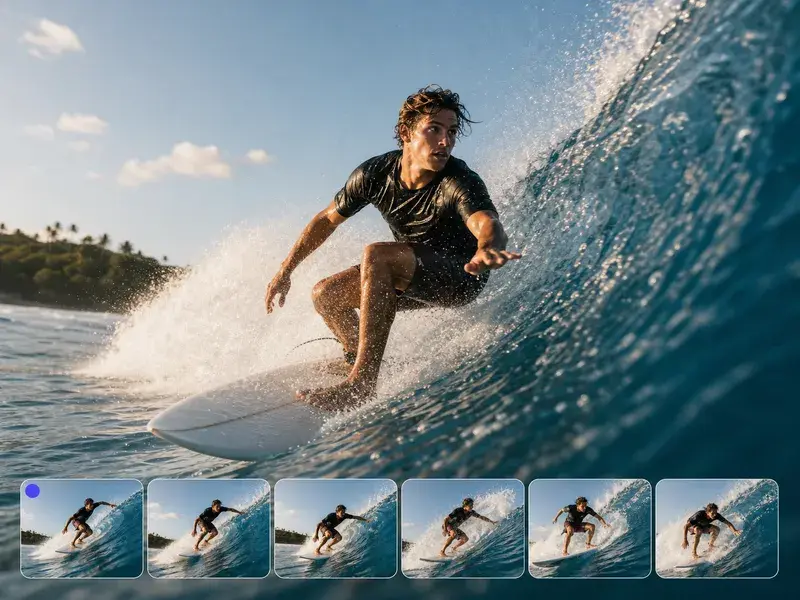
Generate a sequence of active poses and use each image as a timed gesture study. Focus on the line of action, weight, and large shapes before details. The AI pose generator gives you a repeatable source of references when you want to practice movement, foreshortening, or unusual angles.

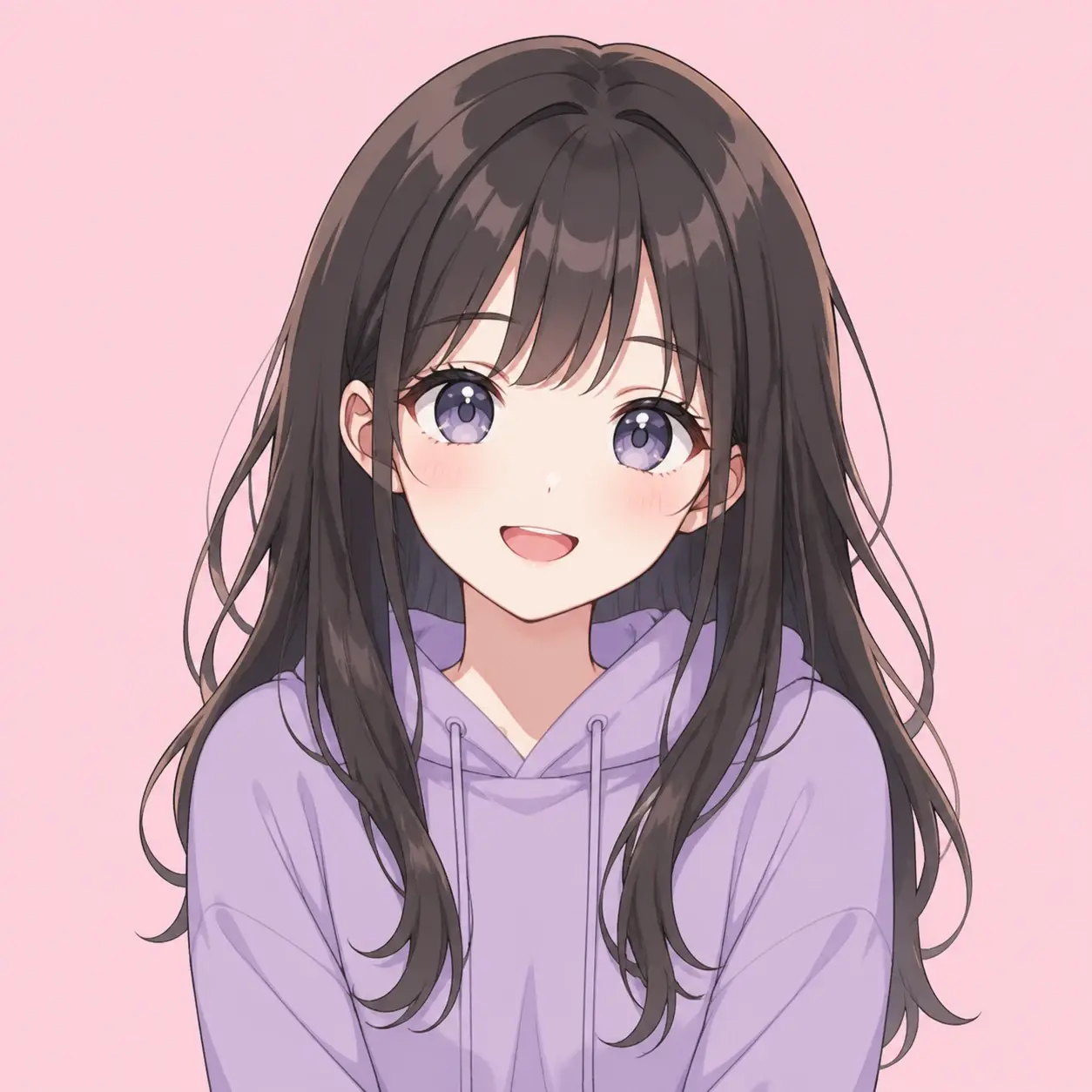
Anime heroine beside a train window at dusk

Character Design Tests

Place an original character in several actions to see whether the silhouette, outfit, and accessories still read. Use the AI pose generator to compare a calm stance with an action pose or a seated expression. The results help you identify which design details support the character and which ones disappear or become confusing.

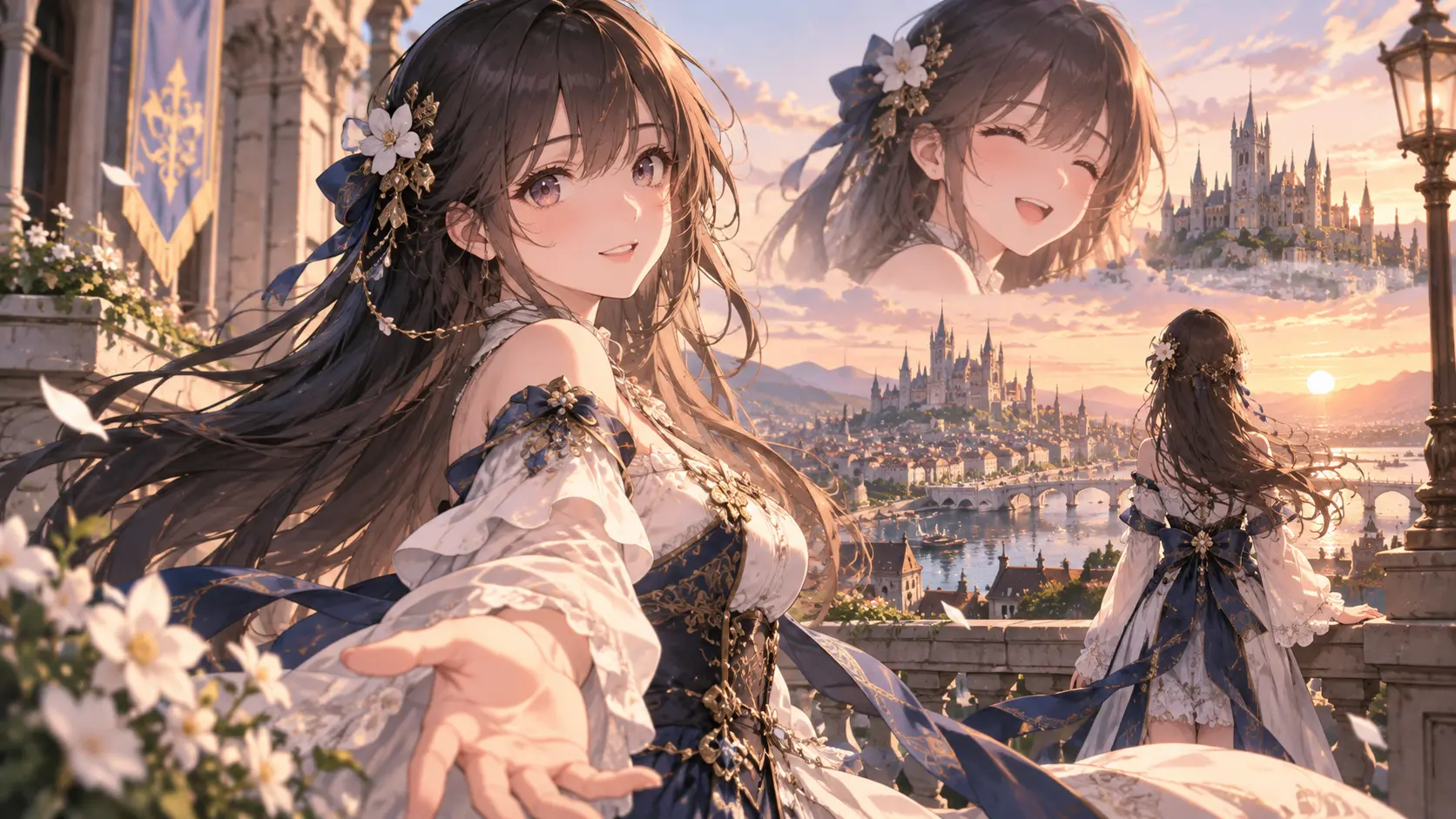
Fantasy adventurer overlooking a cloud-filled sunrise valley

Comic and Story Planning

Explore how a scene might be staged before drawing panels. Generate a few pose directions for the same beat, then compare the emotional clarity and camera angle. The AI pose generator can reveal a stronger composition that you can develop manually with accurate perspective and expressive line work.

Why Artists Use This AI Pose Generator

The value comes from faster variation, clearer references, and a workflow that keeps creative judgment in your hands.

Inventor swinging from a workshop ladder to reach a tool

Fresh Starting Points

Generate several actions when you feel stuck. A random pose generator can introduce a body position you would not have sketched first, while your prompt keeps the character and mood relevant.

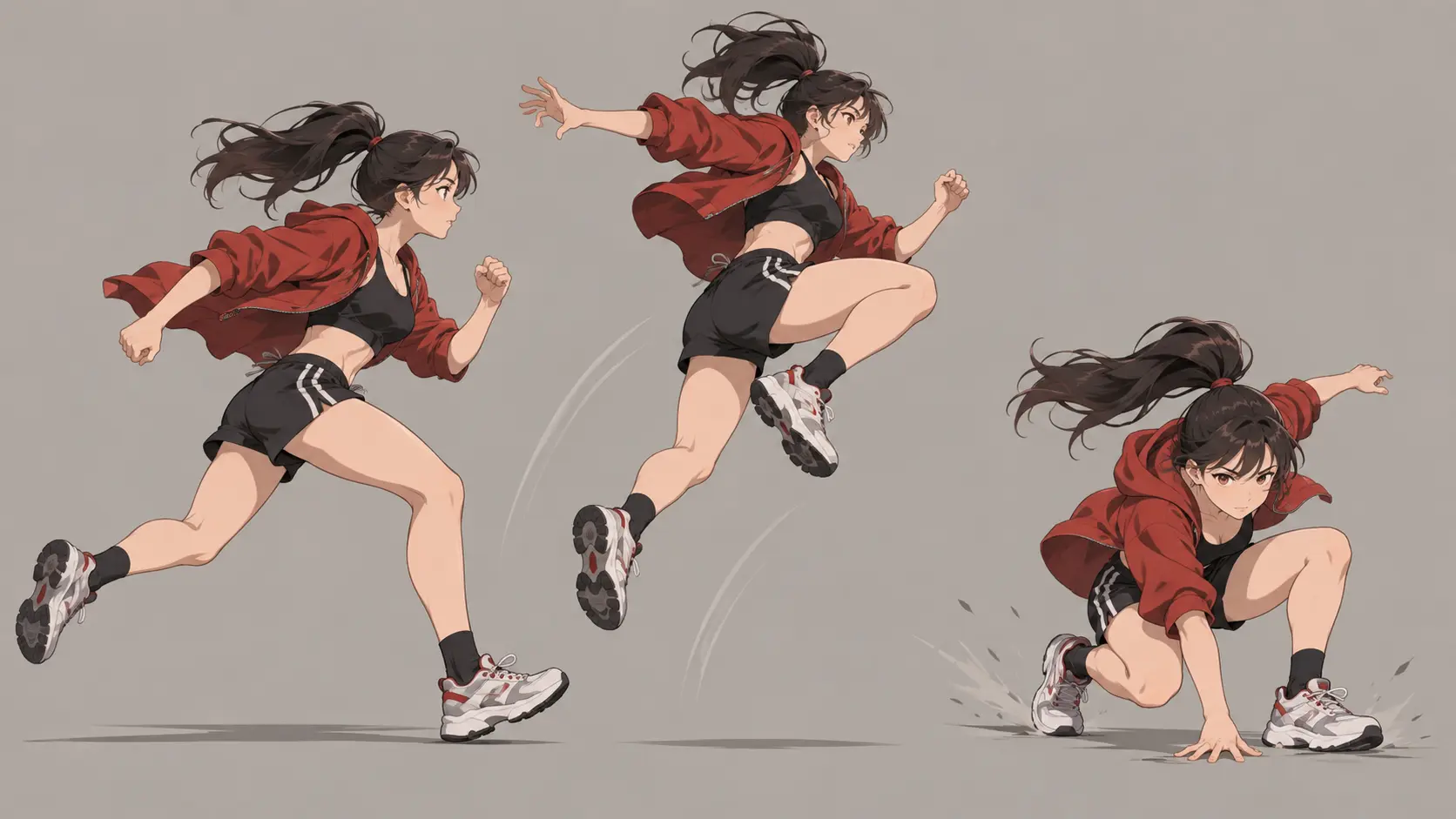
Acrobat leaping against a clear neutral background

Readable References

Request a clean background, full figure, and clear silhouette so the AI pose generator produces something easier to study. Readability matters more than decorative detail when the image is meant for drawing.

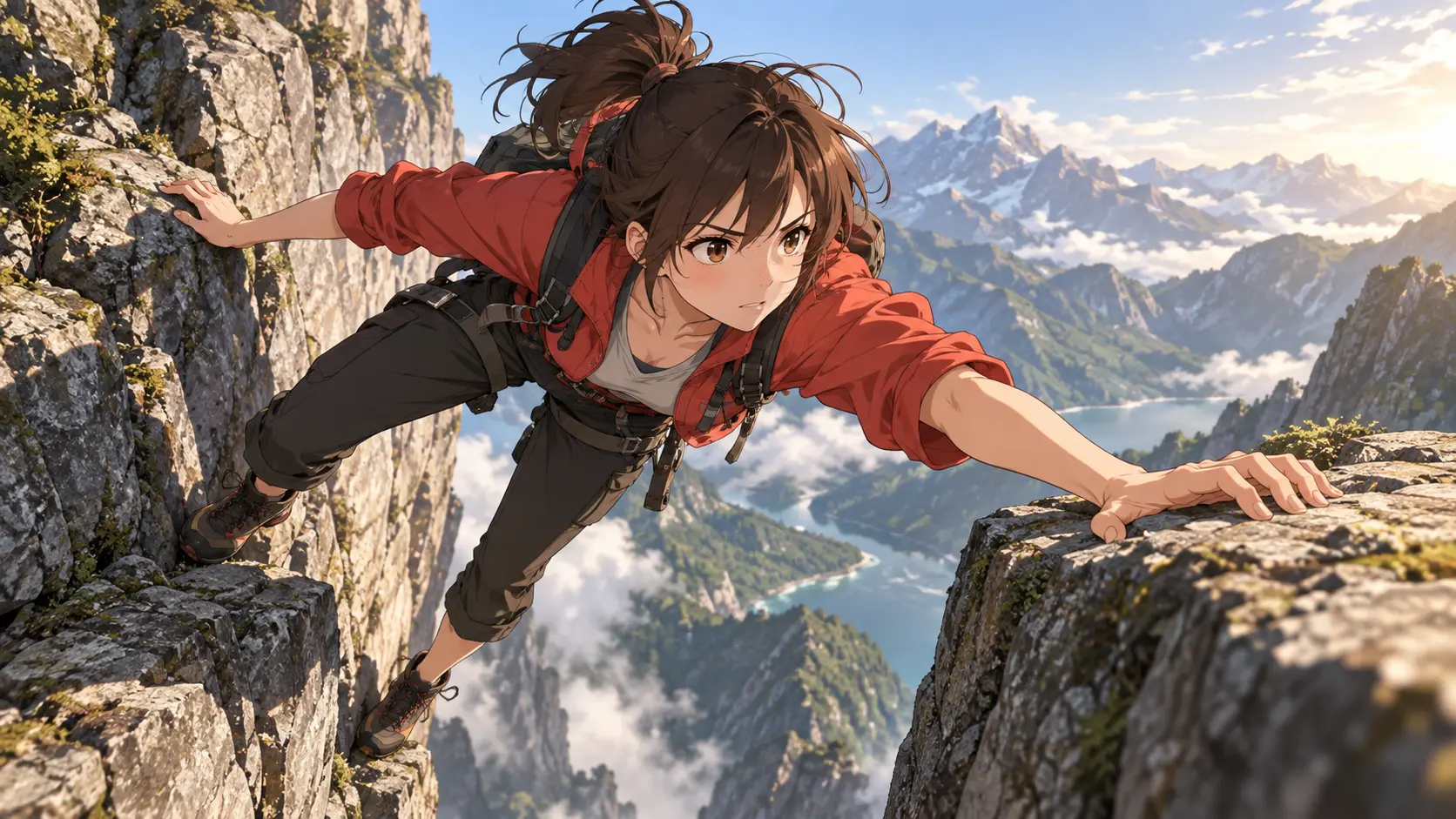
Climber stretching across a rocky gap

Flexible Scene Direction

Add an object, environment, camera angle, or interaction when the pose depends on context. The AI pose generator can test how a character reaches, balances, falls, or reacts inside a specific situation.

Artist translating a dynamic pose into a drawing

Human Review Stays Essential

Generated anatomy, hands, and overlapping clothing can still fail. Use the result as a reference, inspect it carefully, and make your own corrections before treating it as final art.

FAQ

AI Pose Generator Questions

It can be useful for gesture and composition practice when you treat the image as a reference rather than an authority. Study the line of action, weight, and large shapes first. The AI pose generator may still produce odd hands, joints, or overlapping clothing, so compare the result with sound anatomical knowledge and correct anything that looks wrong.

Yes. Give a broad action when you want more variety, or describe the exact stance, camera angle, and interaction when you need a specific reference. The AI pose generator can follow either direction. If the first result feels too ordinary, change the energy, viewpoint, or environment rather than adding unrelated style words.

Upload a character reference and explain which features should carry over. Mention the outfit, hair shape, proportions, or signature accessories that matter. The AI pose generator can use that image for visual guidance while the prompt defines the action. Check the result carefully because references influence the output but do not guarantee an exact identity match.

A useful reference has a clear silhouette, visible limbs, believable weight, and enough contrast to understand the body position. Ask for a simple background and a full-body view when those details matter. The AI pose generator can provide the starting point, but cropping, foreshortening, and small anatomy details still need your review.
AI pose generator sequence of dynamic anime figures with clear gesture silhouettes

Find a Better Pose With an AI Pose Generator

Describe the action and angle, then generate a clear reference for your next drawing or character study.

Get Started
AI Pose Generator - Random Pose References for Art