Avatar Creator

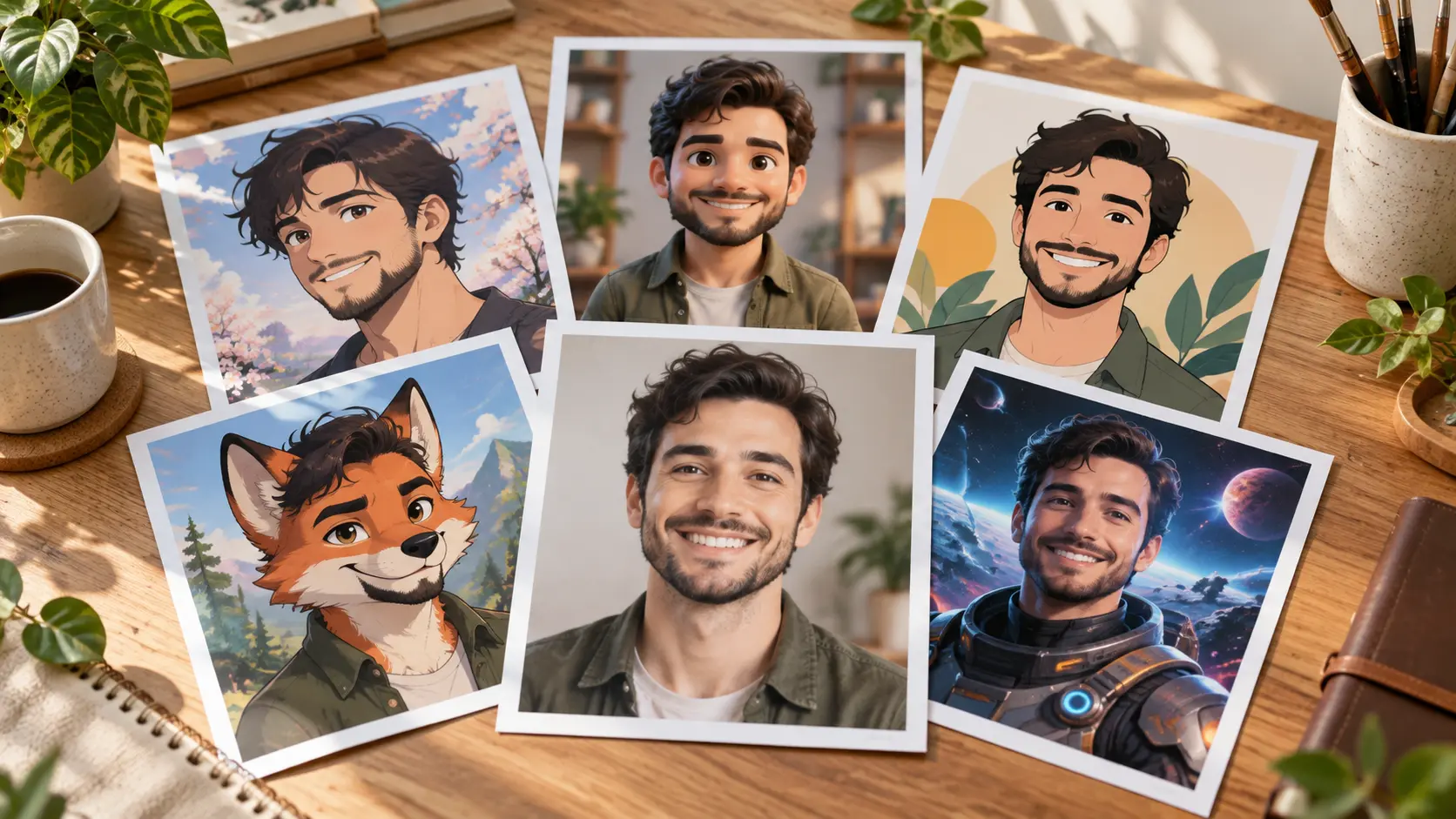
Avatar creator helps you turn a prompt, a reference image, or your own photo into a finished avatar while you choose the look and style.

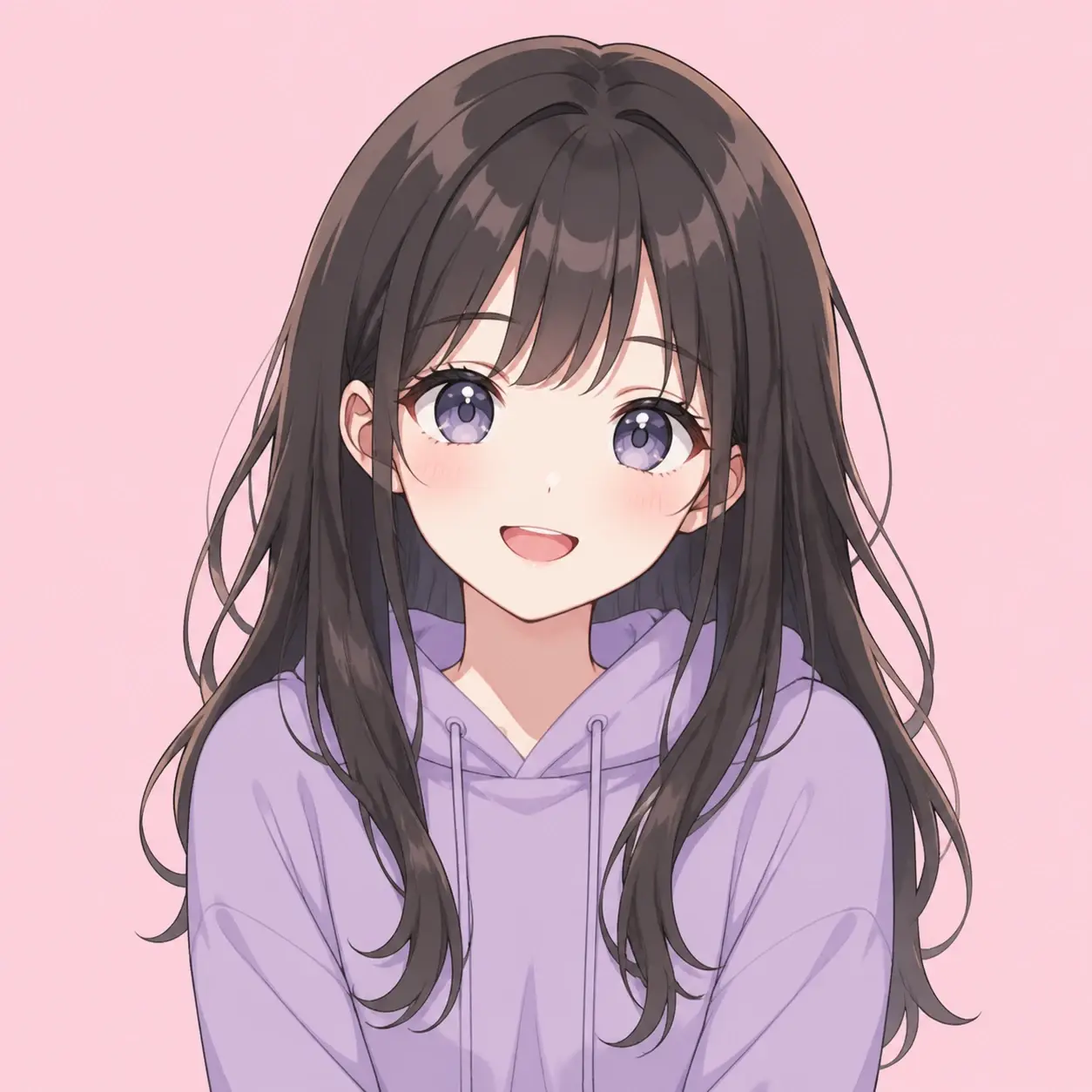
  • Anime style square avatar with soft cel shading on a pastel background
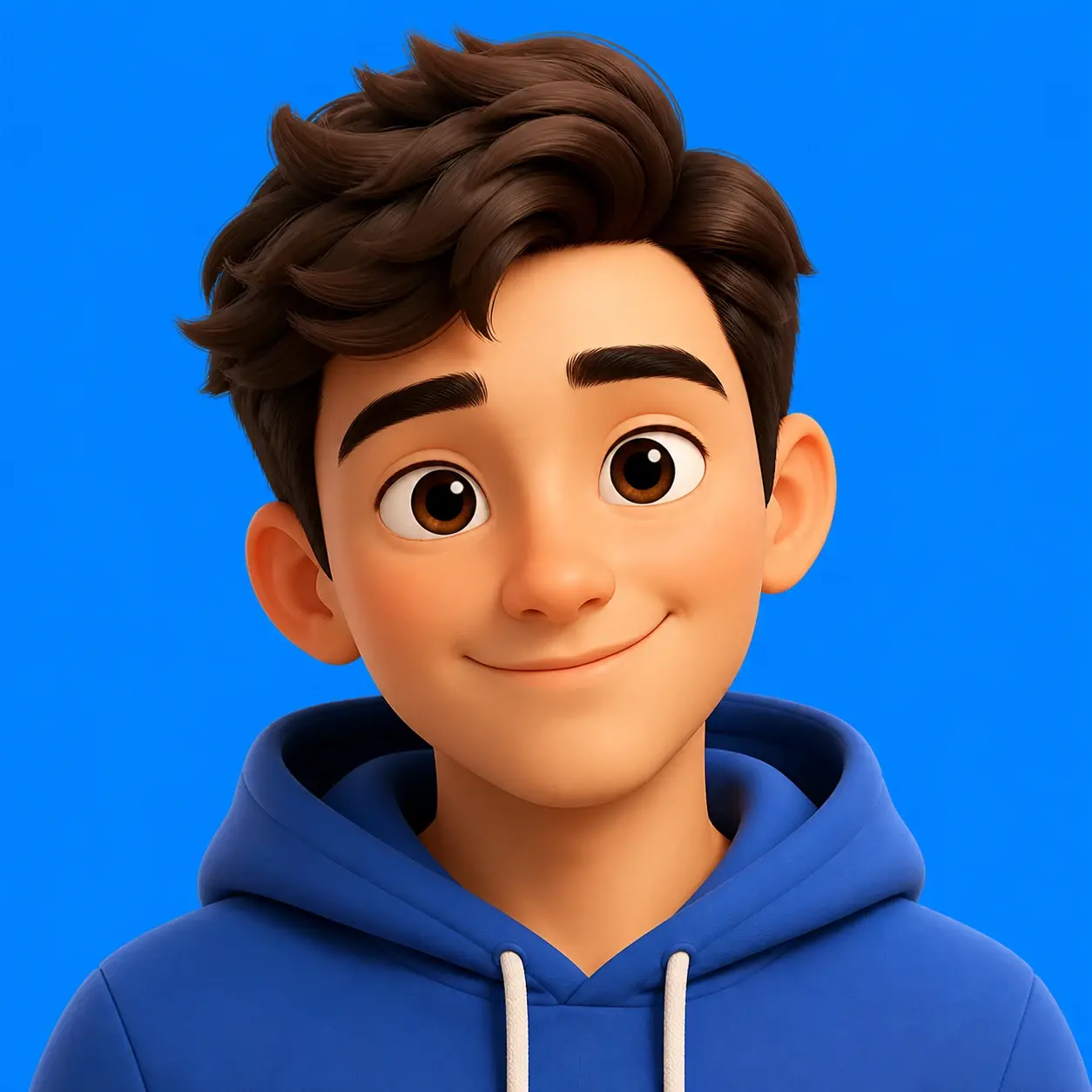
  • Rounded 3D rendered character avatar lit with soft studio light
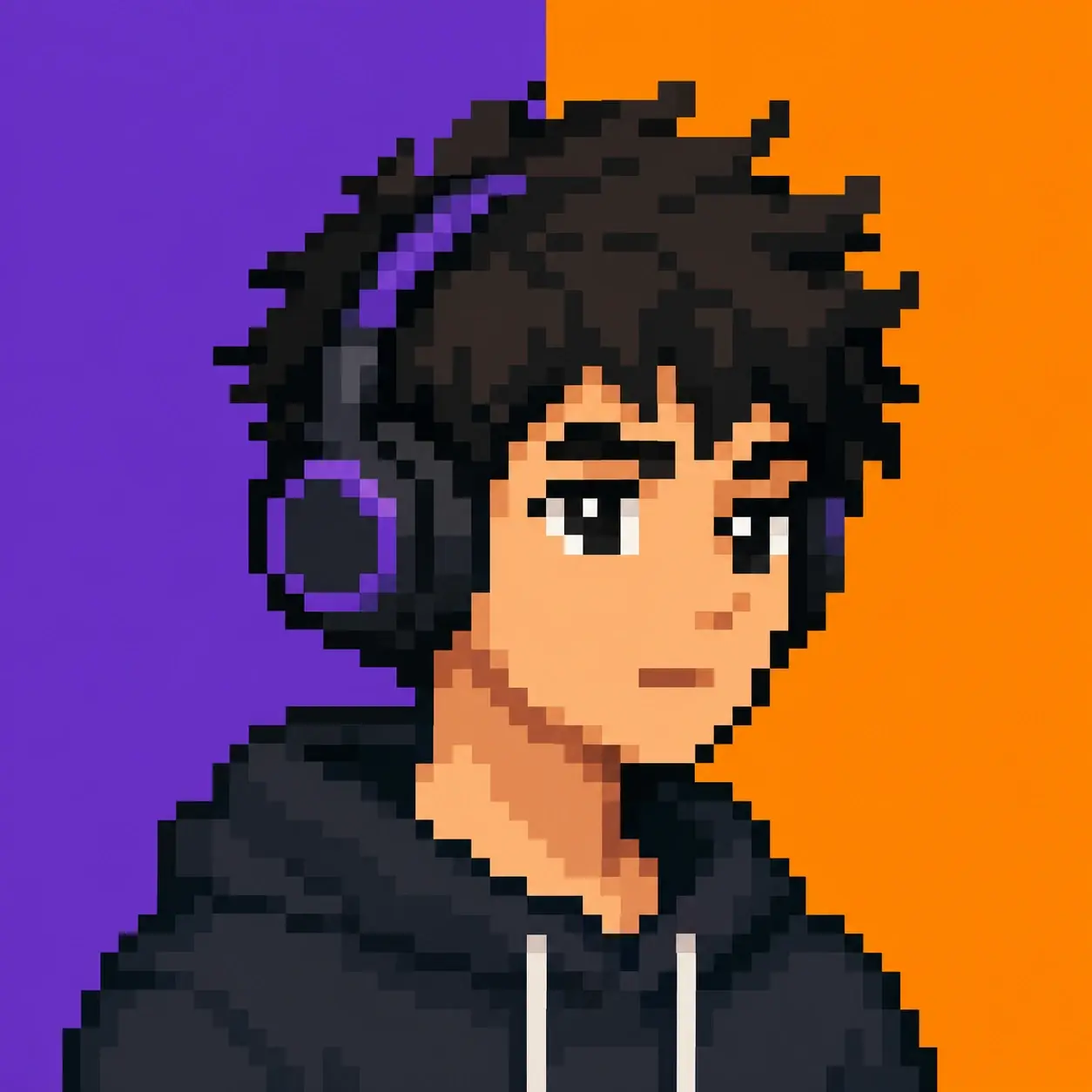
  • Pixel art square avatar of a character wearing headphones
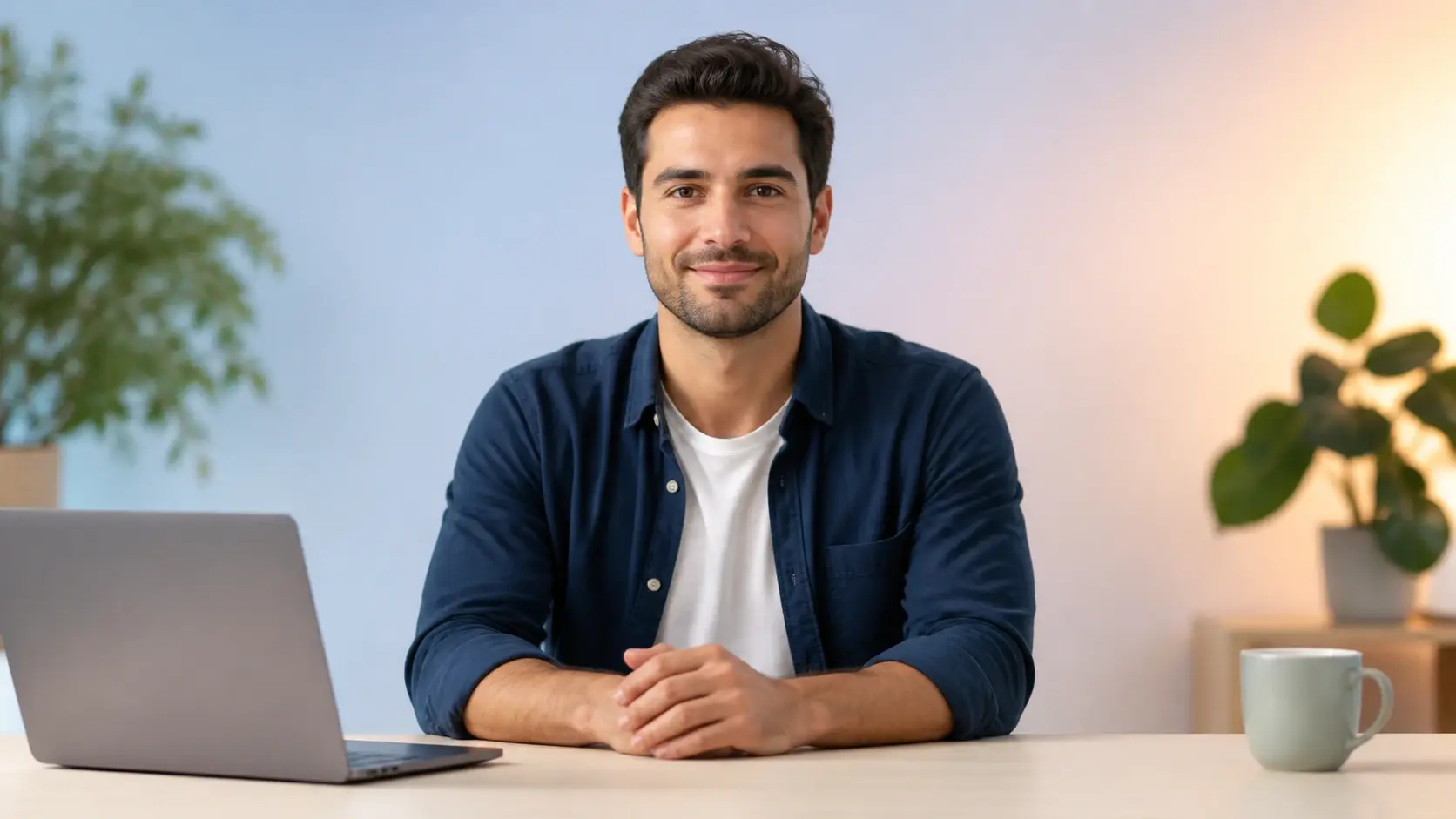
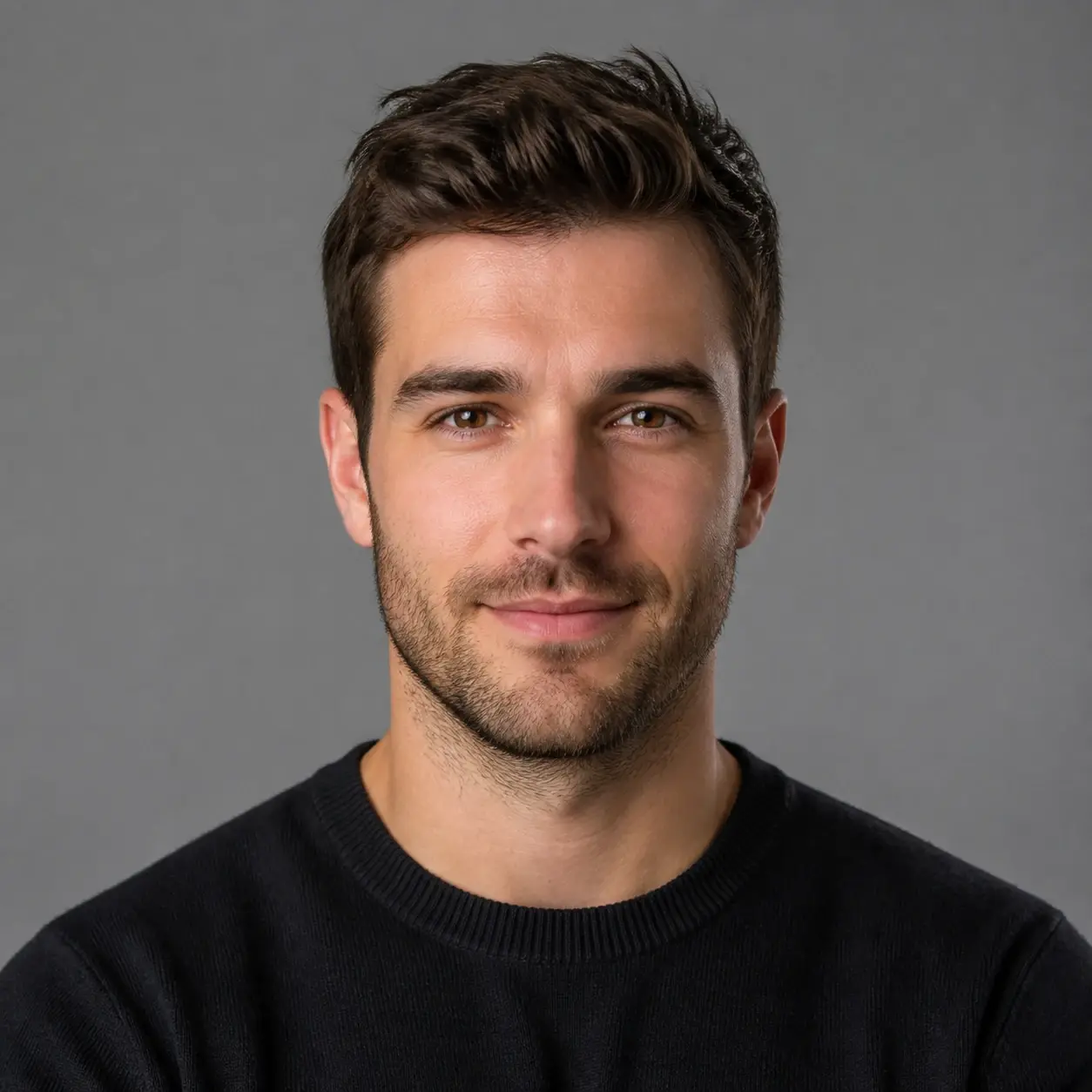
  • Realistic square headshot avatar on a neutral grey studio backdrop
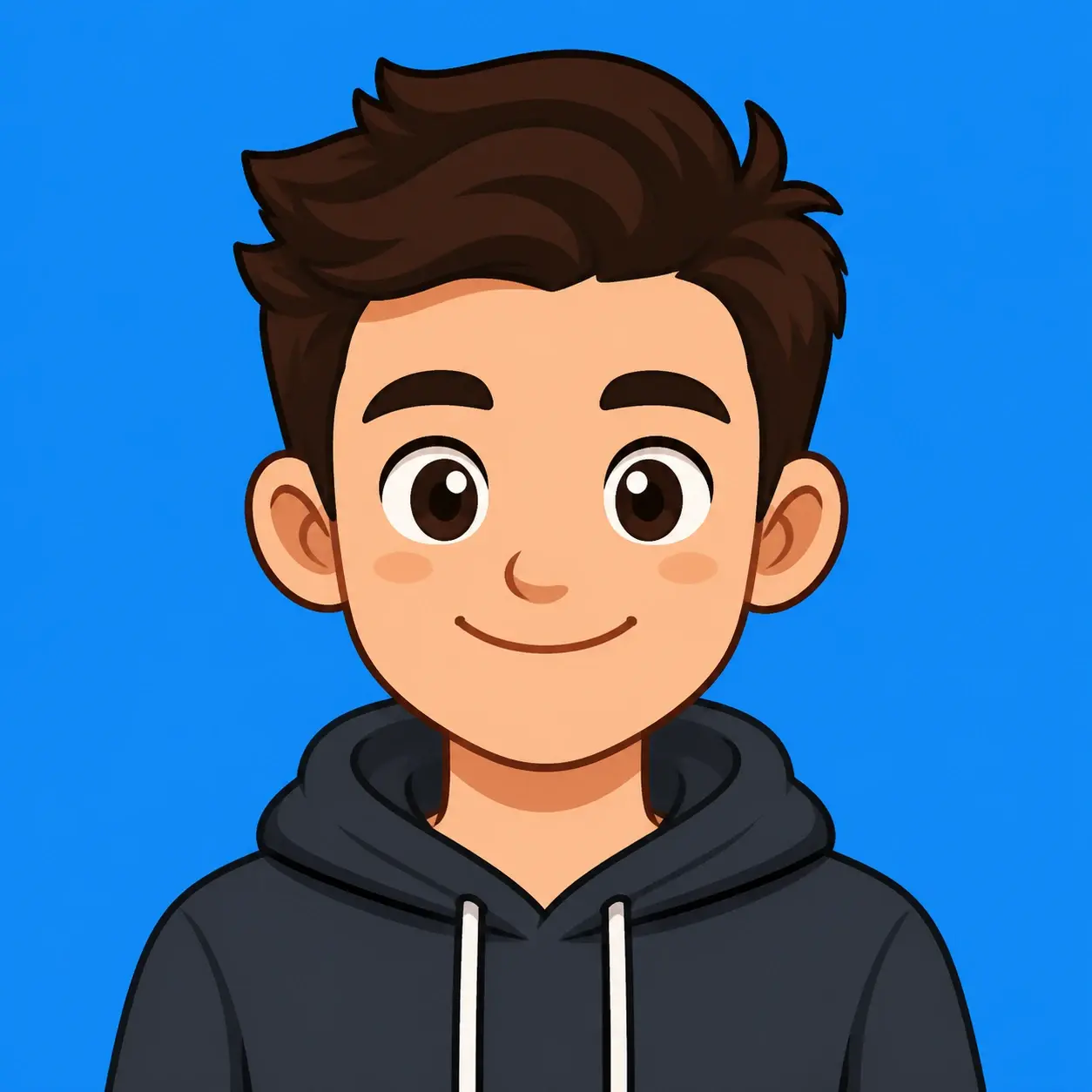
  • Flat cartoon square avatar with bold outlines and a bright background
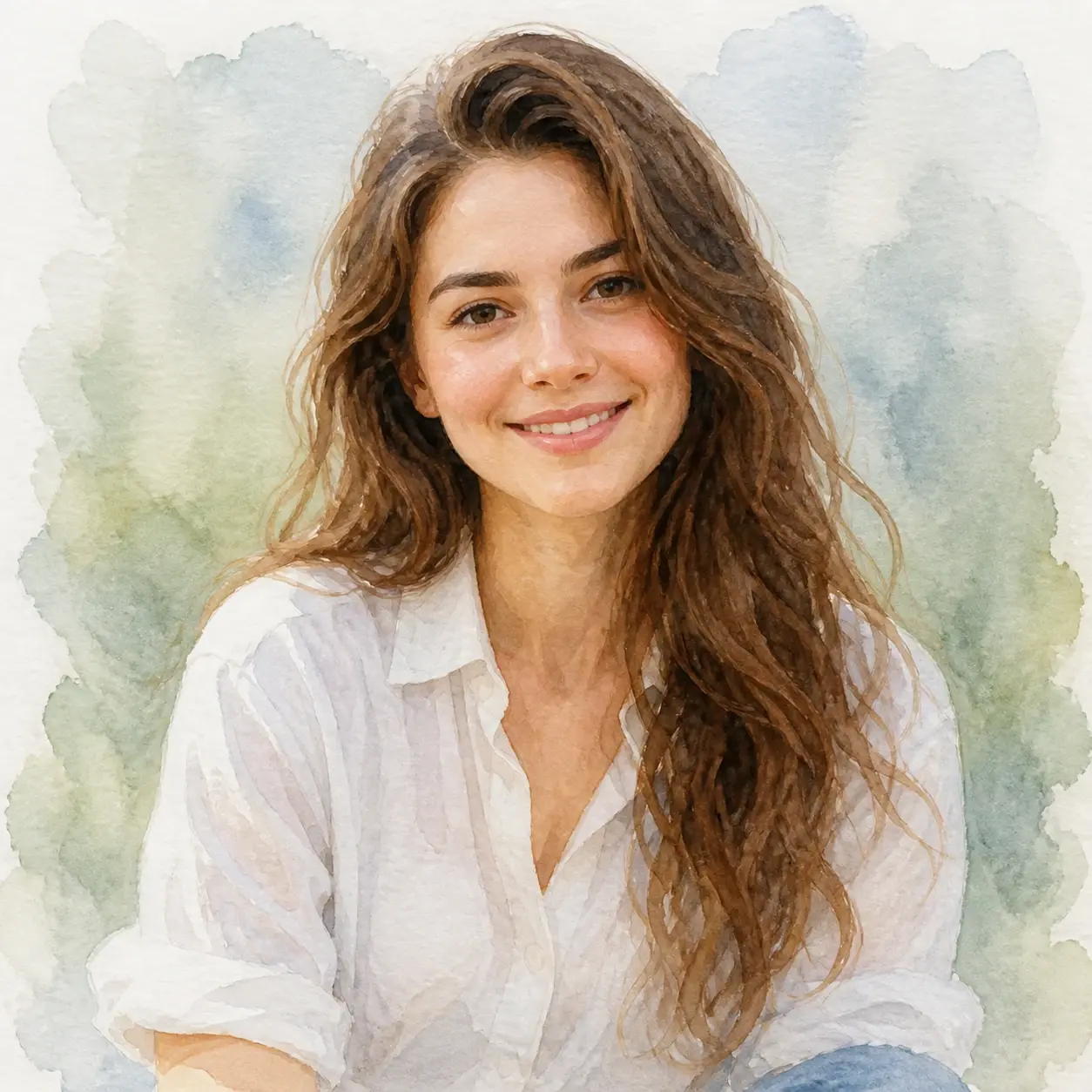
  • Soft watercolour painted square avatar with loose brush texture

Where avatar creator Fits Your Work

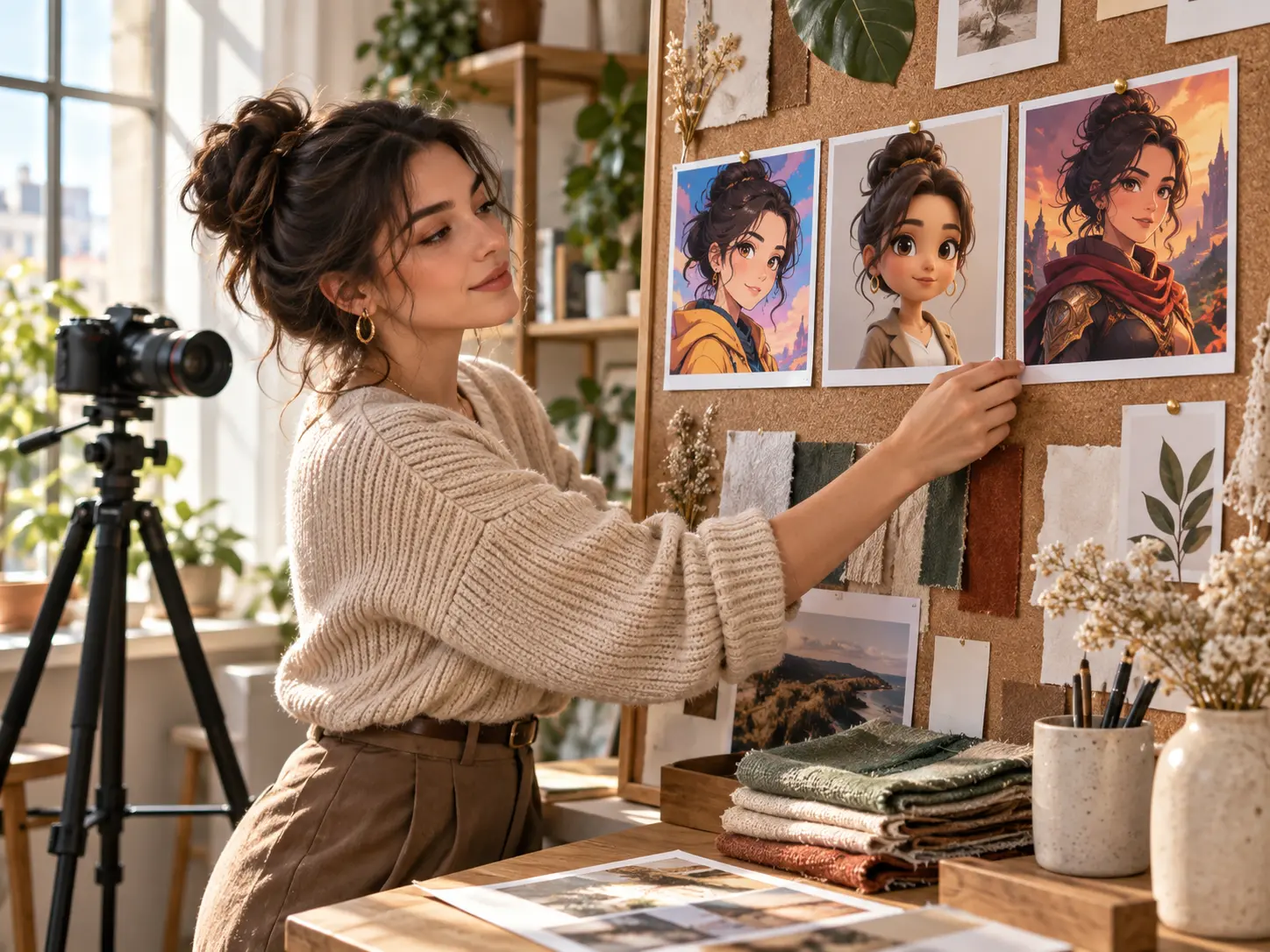
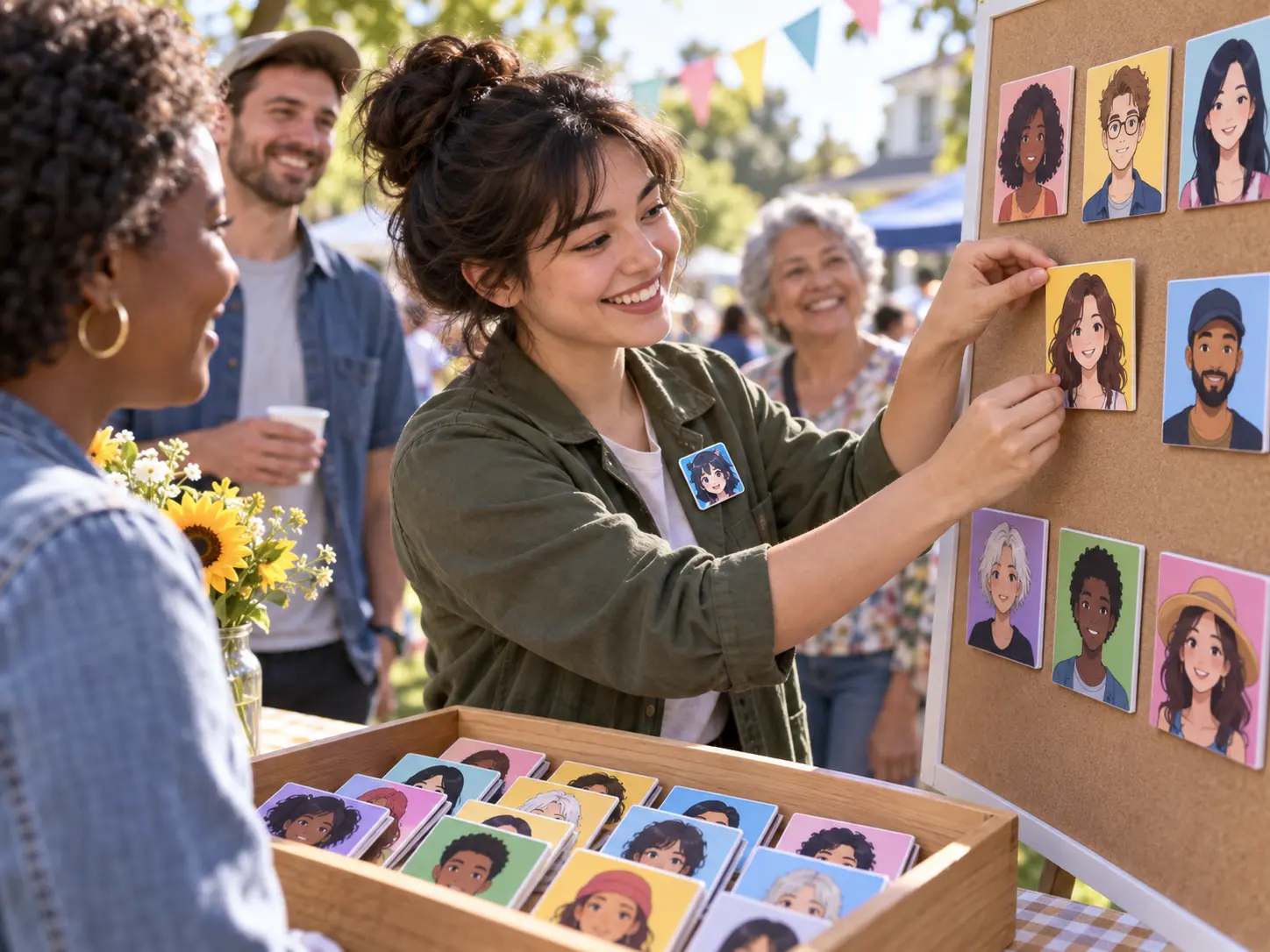
Social creator choosing a campaign style for a square avatar portrait in VideoAI

Creators with a clear visual intent

VideoAI gives social creators and client video makers a practical avatar creator when the face on the page needs to match a campaign mood. Start with a prompt, a reference image, or your own photo, then shape the avatar before it becomes part of a wider visual set.

What this avatar creator Shapes

Choose the decision you want to control first: the face, the style, the format, or the set of variations.

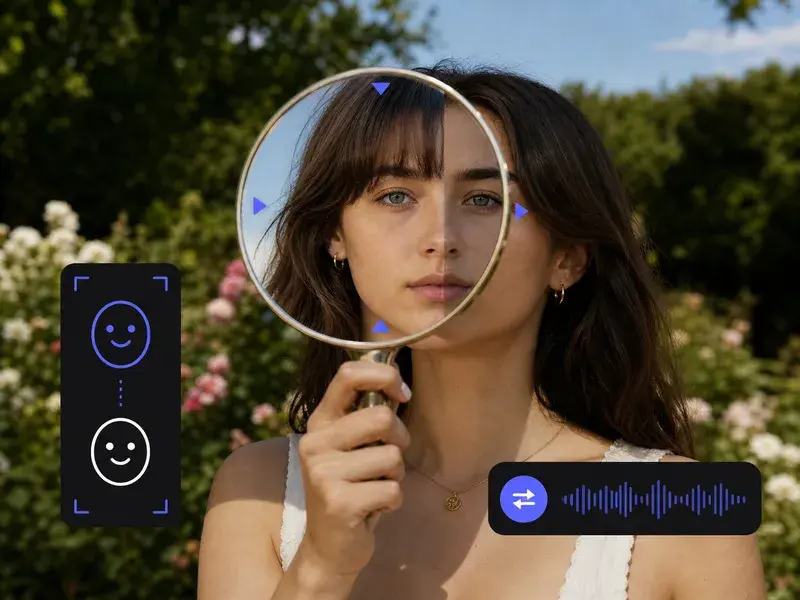
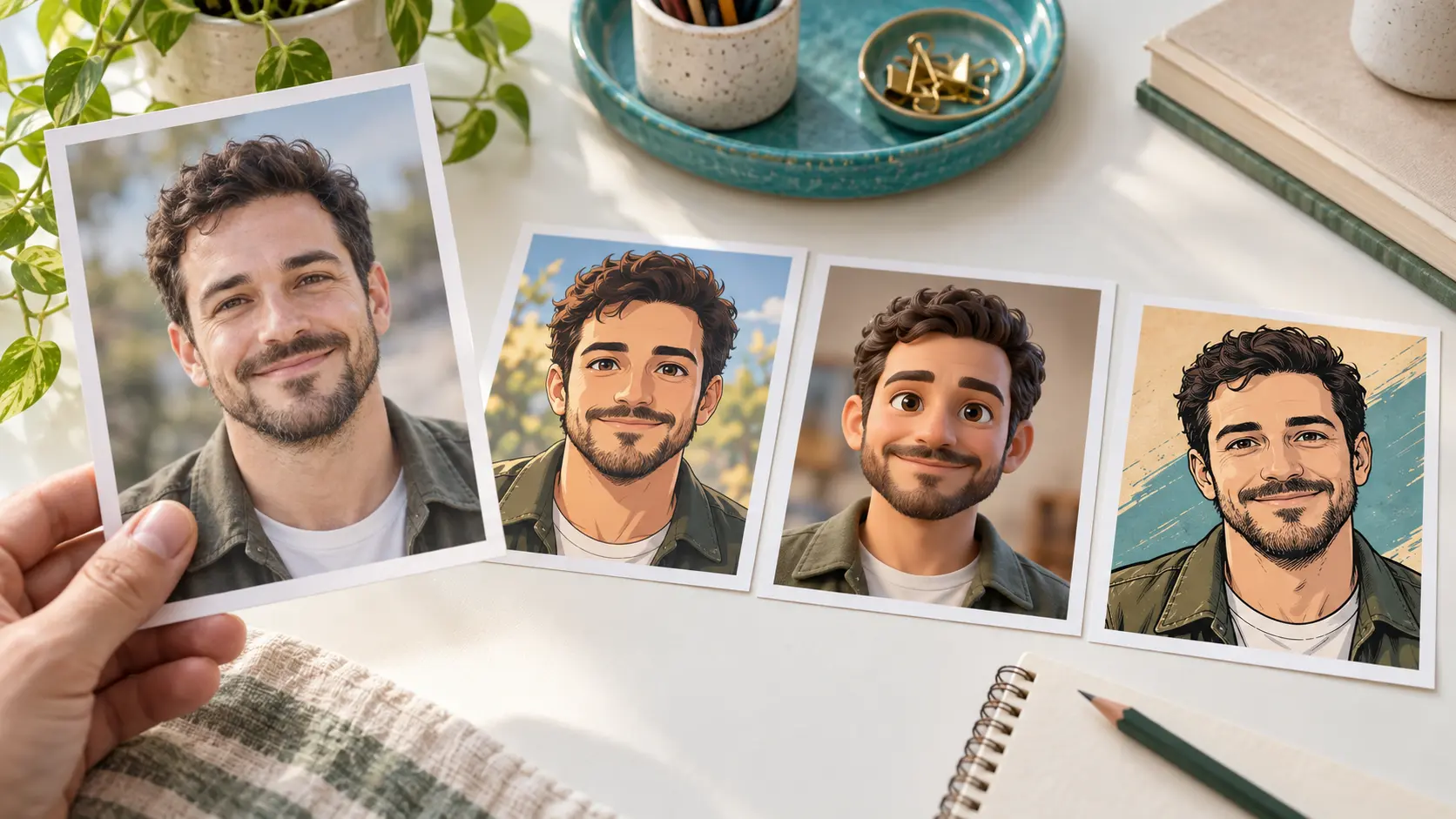
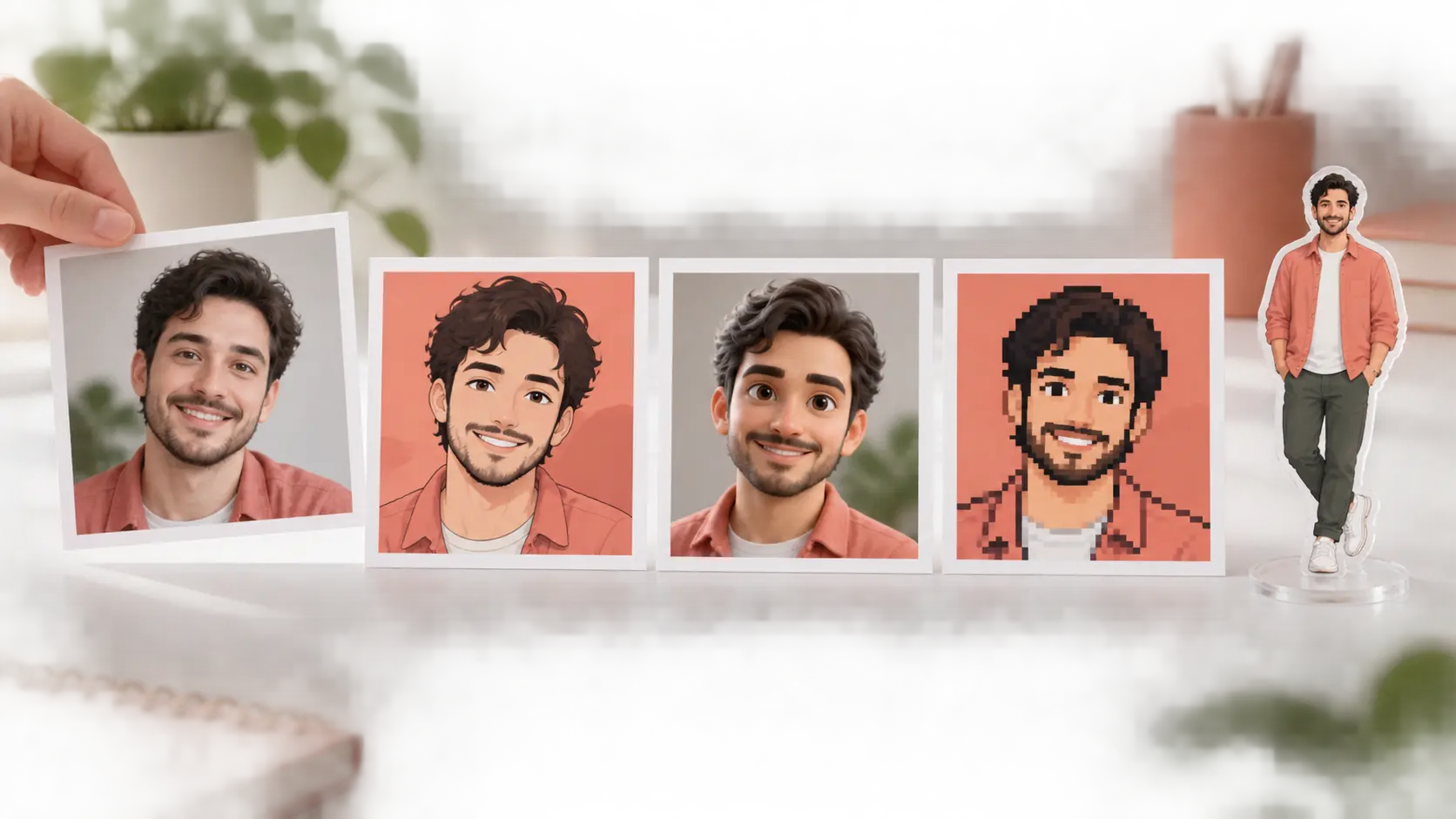
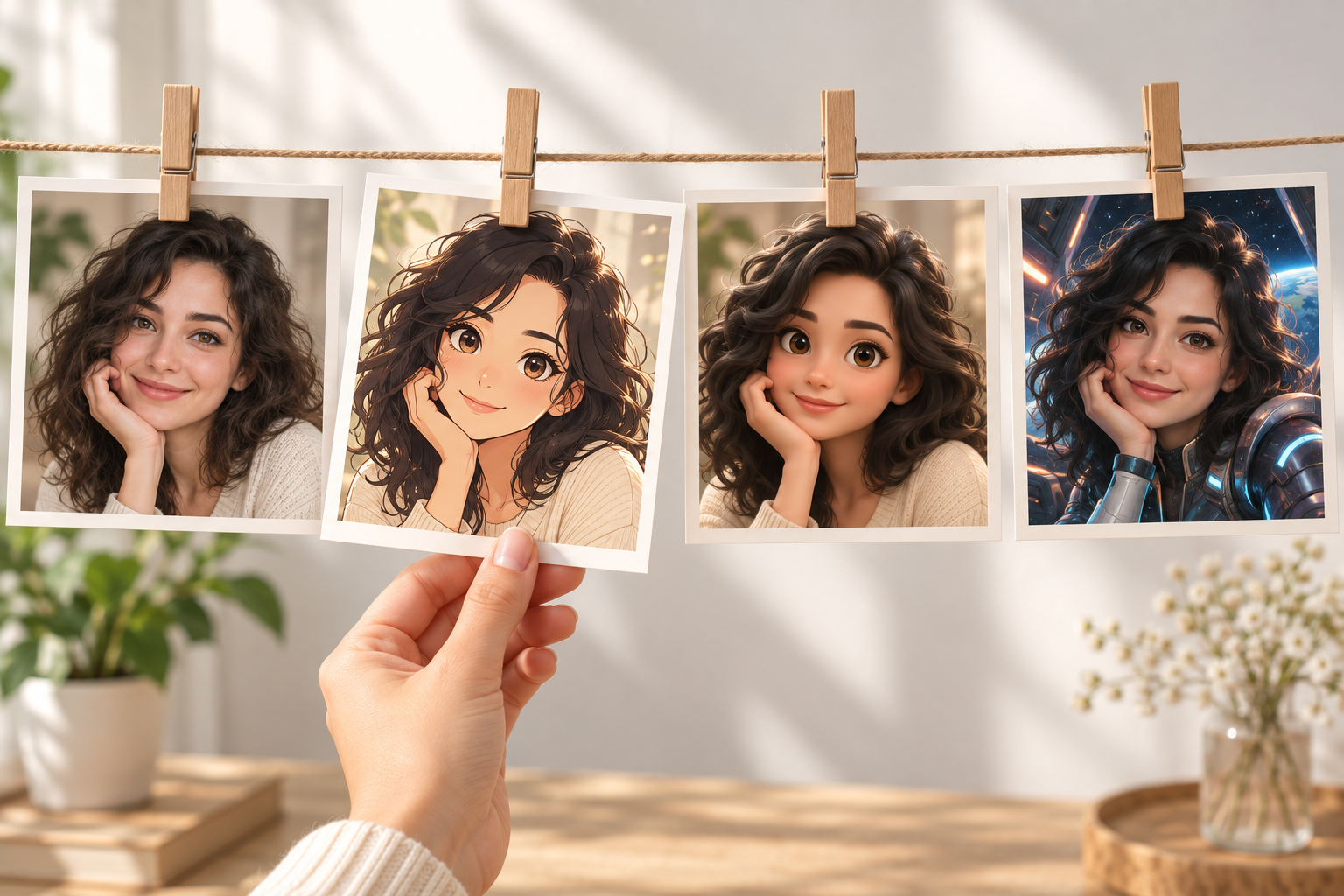
Personal photo converted into a recognizable stylized avatar with clear facial features

Your photo stays recognizable

Upload your own photo in VideoAI when you need an avatar creator from photo. The result keeps your key facial features visible while changing the style, so the image reads as you instead of a random ai generated avatar.

Guided avatar choices for look vibe and age range beside a finished portrait

Prompt or guided choices

Describe the appearance, mood, accessories, and style, or follow guided choices for look vibe, gender, ethnicity, and age range. This custom avatar creator turns those decisions into a finished image, so you can design your own avatar from a sentence or a few guided choices and get a ready to use portrait.

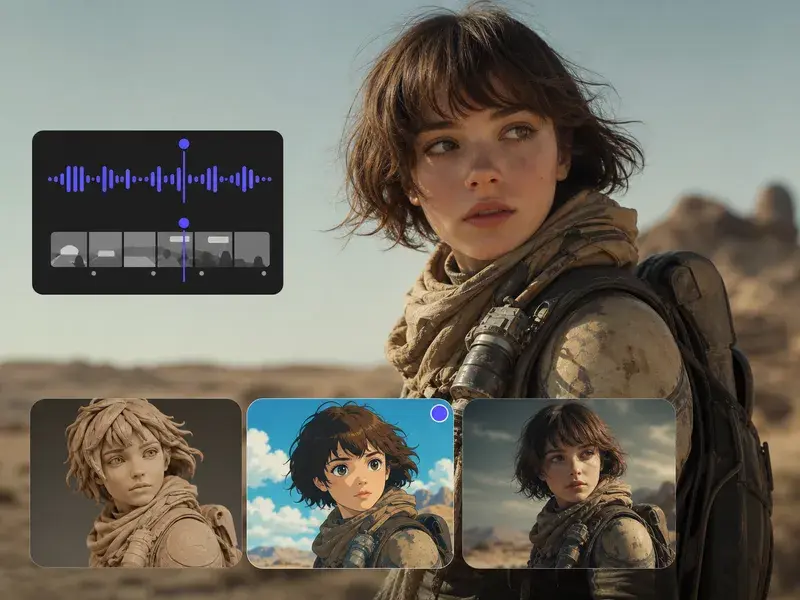
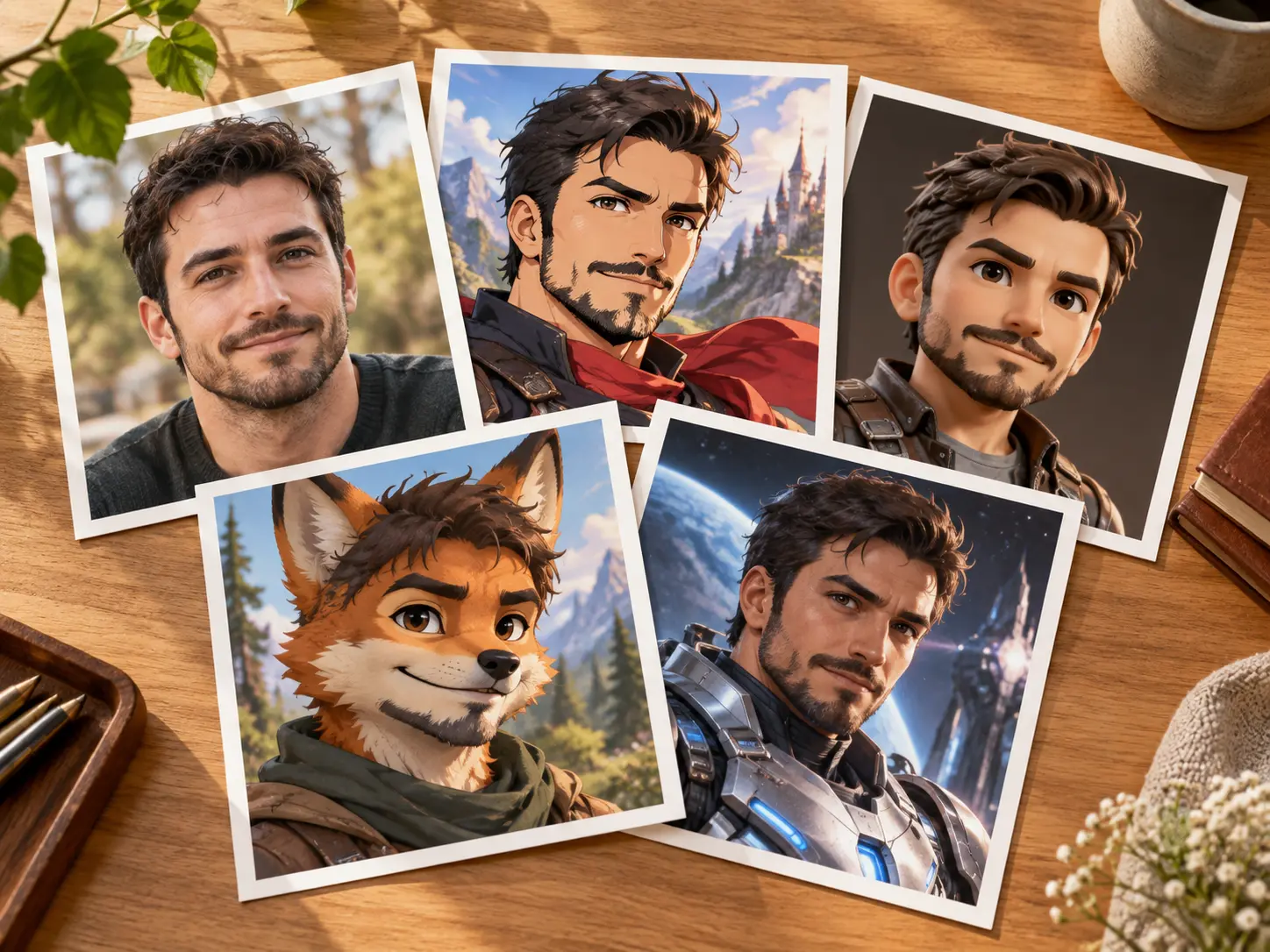
Avatar style presets showing anime cartoon pixel realistic and rendered portrait looks

Styles that match the channel

Pick preset looks such as anime, cartoon, pixel, realistic, or a 3D rendered image style. VideoAI can help when you want an anime avatar creator, cartoon avatar creator, pixel avatar creator, or realistic avatar creator, with each style chosen to fit the channel and the final avatar you want.

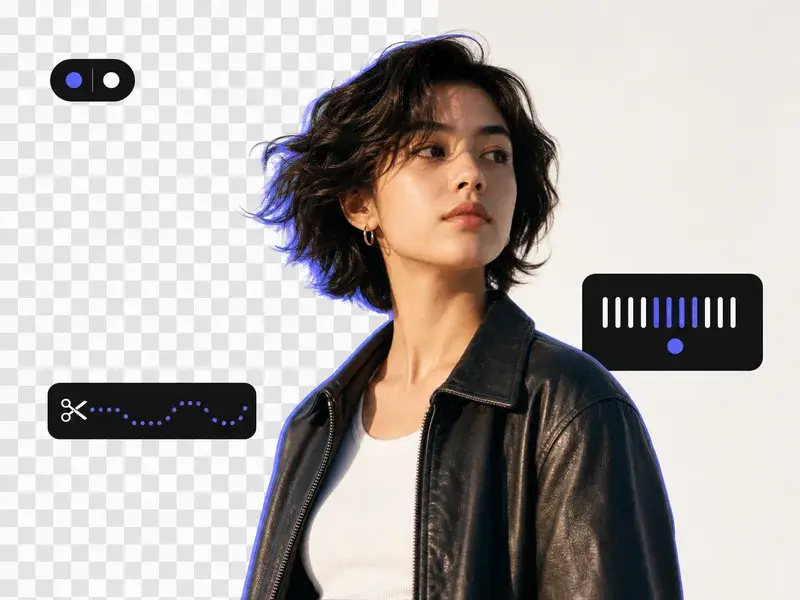
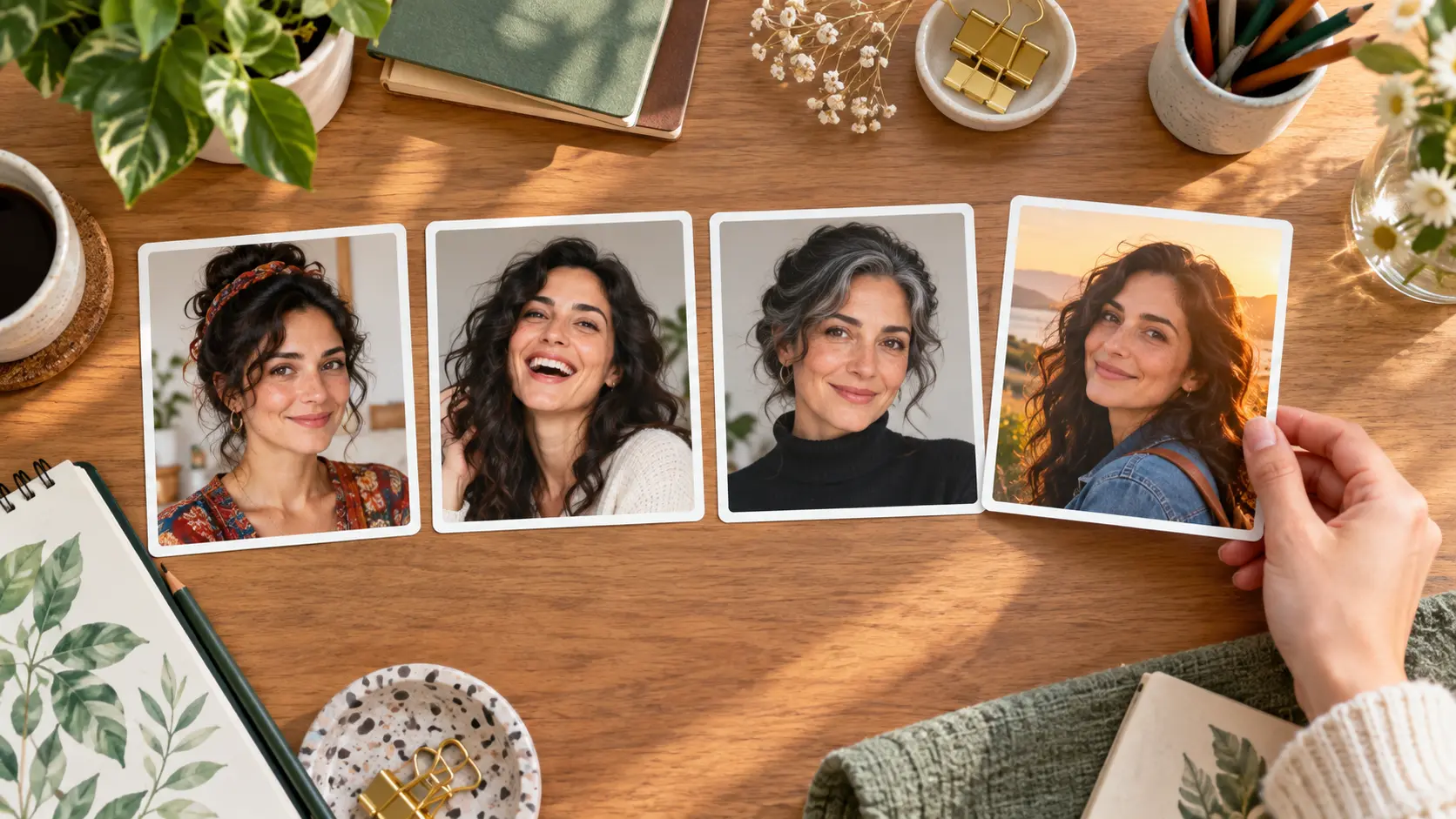
Square profile avatar export with transparent background preview and four candidates

Square files and clean exports

Use the profile picture maker settings for a 1:1 square avatar, then download a transparent background PNG when the portrait needs to sit on another design. Outputs can reach 4K, arrive without a watermark, and the same prompt gives 4 candidate images to compare.

Your avatar creator Workflow

The process stays the same across inputs: give VideoAI a starting point, choose the style direction, then pick the version that fits.

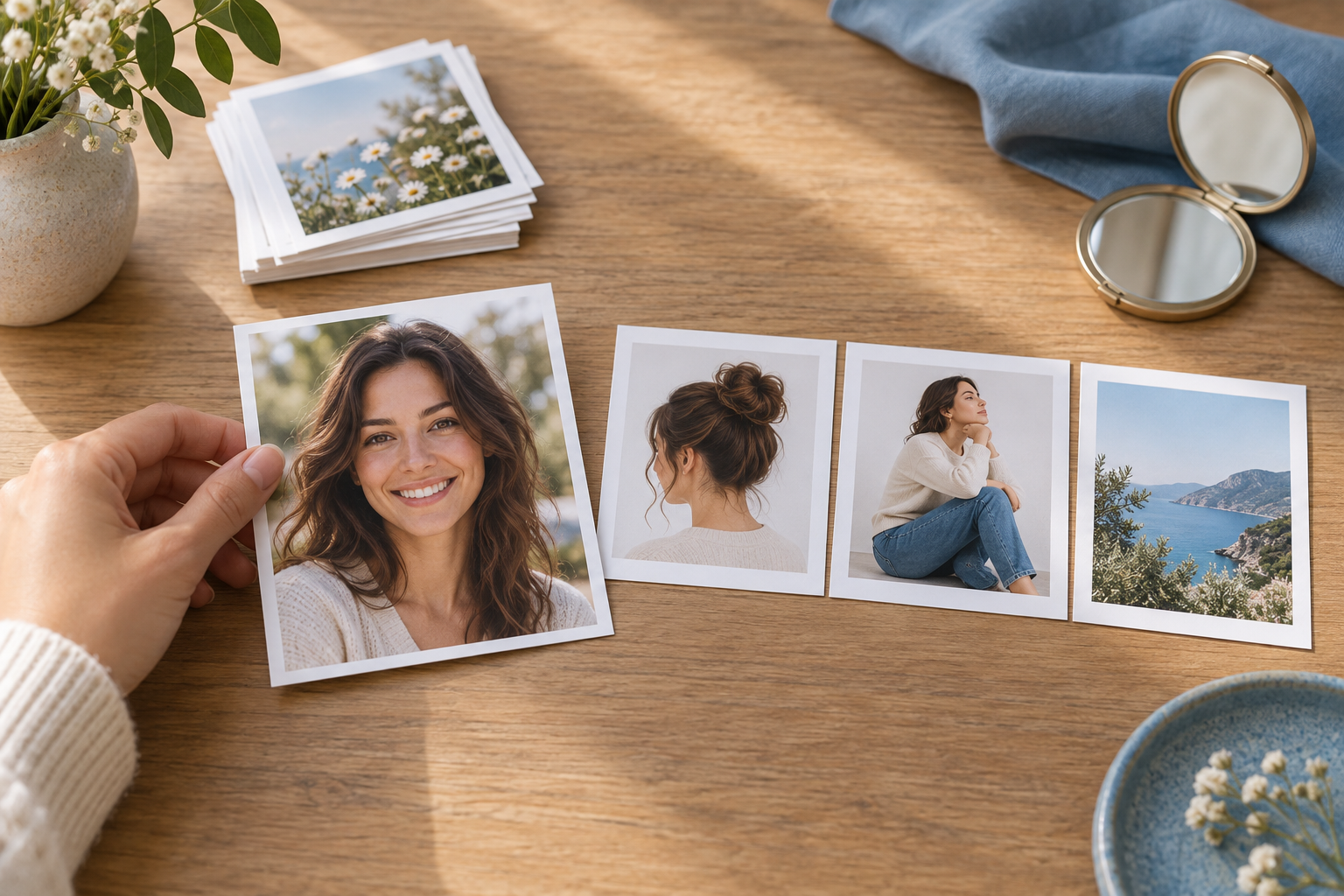
Prompt field and photo upload area used to start an avatar in VideoAI

Step 01

Give VideoAI a starting point

Write a sentence about the character you want, upload a reference image for its style and composition, or upload your own photo when avatar creator should look like you. Common image formats are supported, and uploaded materials stay in your workspace for reuse or deletion.
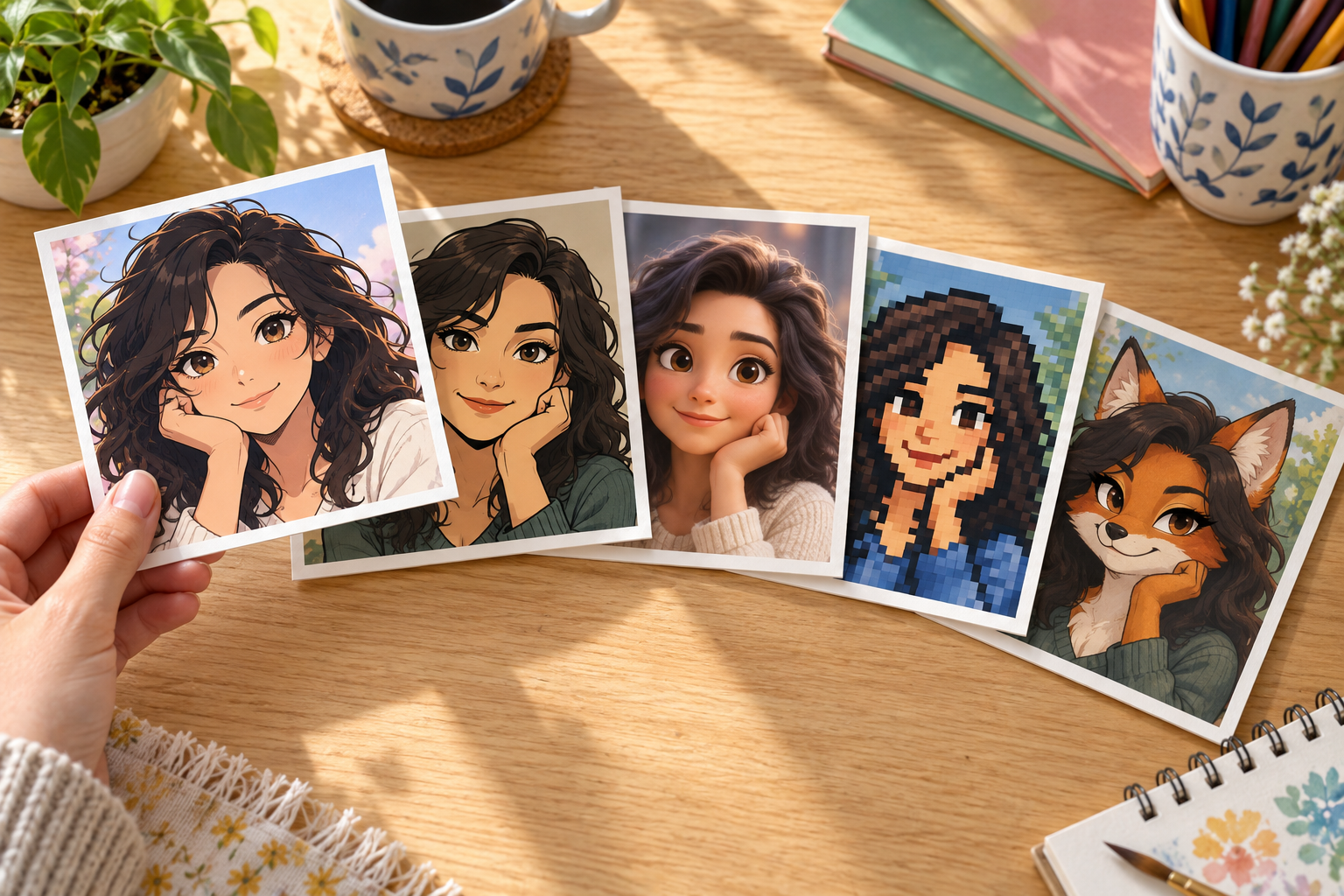
Preset avatar styles and guided attributes selected before image generation

Step 02

Choose the look before generation

Select a preset style such as anime, cartoon, pixel, realistic, or 3D rendered image style, or use guided attributes when wording the look is harder than choosing it. The avatar generator follows your selections to make a complete image.

Four square avatar candidates displayed for choosing and downloading one result

Step 03

Pick the version to use

Generate 4 candidates from the same prompt, compare the crop and expression, then download the square avatar you want. You can return to the saved work, adjust the description, and generate another version with VideoAI.

Where Your Avatar Goes

Use the same visual identity wherever a small square portrait needs to carry your presence.

Avatar For Discord

Discord channels move quickly, and a default icon makes you easy to miss. Create a clear square portrait with the avatar creator online, then use the same face across servers so people recognize you in the list.

Avatar For Profile Picture

Profile pages, forums, and comment accounts need a clean face that holds up in a small circle or square. A pfp maker or profile picture maker in VideoAI lets you make your own avatar from a prompt, photo, or reference image.

Avatar For Instagram

Instagram profiles often need one small image to signal the tone of the whole page. Choose a preset style in the ai avatar creator, keep the visual direction consistent, and reuse the same image direction across new variants.

Avatar For Gaming

Gaming profiles call for an image that feels personal without relying on a live photo. Describe the look you want, pick a style such as pixel or rendered image texture, and create an avatar creator square that fits the account slot.

Twitch Profile Picture

Twitch profile picture slots are small, so the face shape, color blocks, and crop matter. Use VideoAI to create a distinct square avatar, then download it without a watermark for your channel profile.

Avatar creator questions

VideoAI includes a free allowance of 10 credits, which can create 5 images, and downloads do not carry a watermark.

Start with a prompt, a reference image, or your own photo, choose a preset style or guided attributes, then generate 4 candidates and download the one that fits.

Upload your own photo, choose the style you want, and VideoAI creates an avatar that keeps your key facial features recognizable.

Use the guided choices for look vibe, gender, ethnicity, and age range, or write a short description and let the avatar maker turn it into a finished portrait.

A practical choice is the one that matches your input and output needs, and VideoAI covers prompts, reference images, personal photos, square exports, transparent PNG, and reusable workspace results.

Yes, a settled image can be reused across multiple pictures, so a new scene or style still reads as the same person.

The avatar creator supports 1:1 square output for profile picture spaces, and transparent background PNG export is available when you need a clean overlay.

One prompt creates 4 candidate images with different composition and layout choices, giving you a small set to compare before downloading.

Saved uploads and generated avatars stay in your workspace, so you can reopen a result, change the description, generate again, reuse the material, or delete your uploaded files.
Soft studio backdrop with a gentle color gradient behind an avatar workspace

Create With VideoAI

Start from a prompt, reference image, or your own photo, then shape a square avatar that looks ready for the places you publish.

Get Started
Avatar Creator - AI Avatar Generator - VideoAI