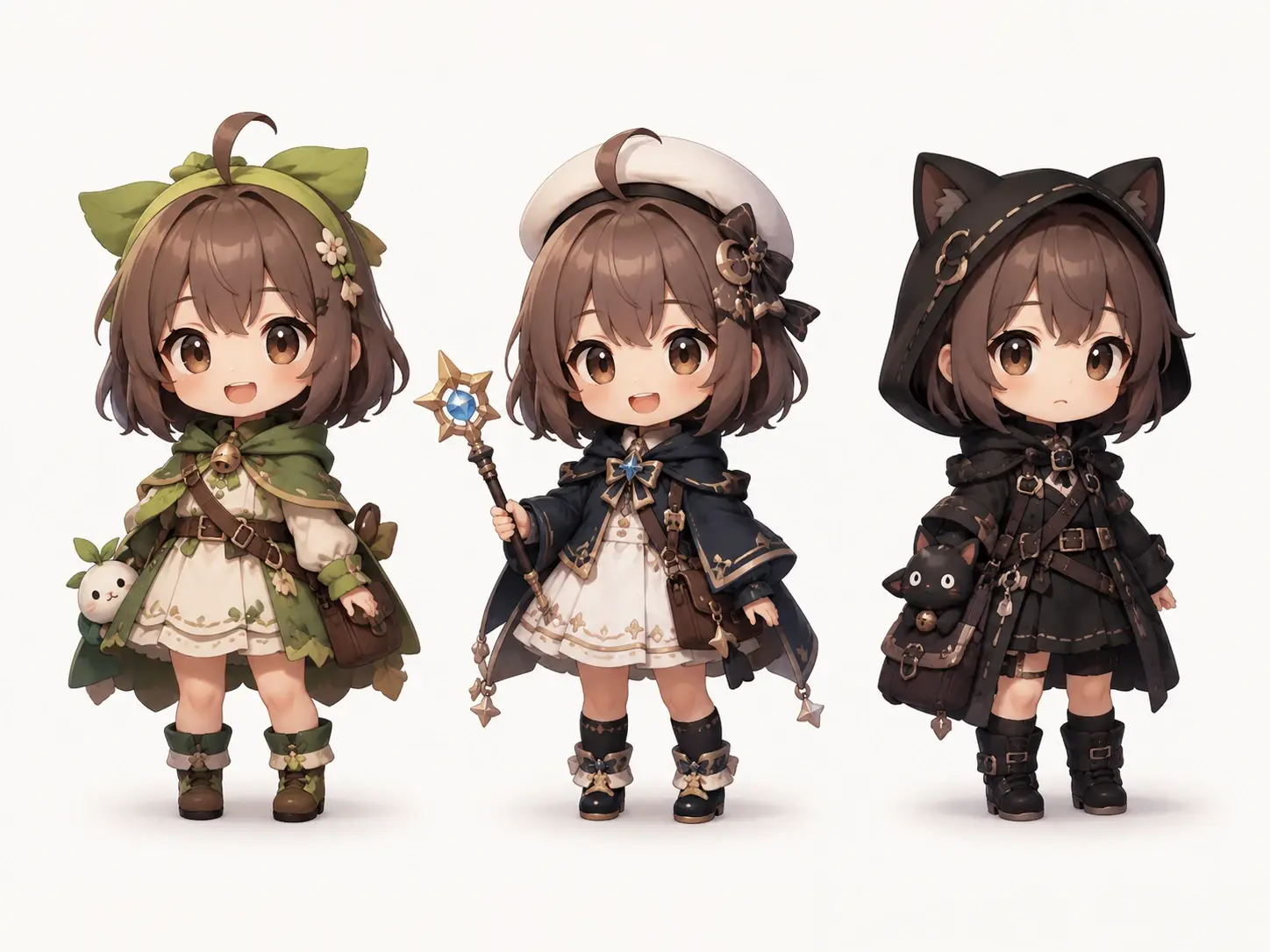
Chibi Maker

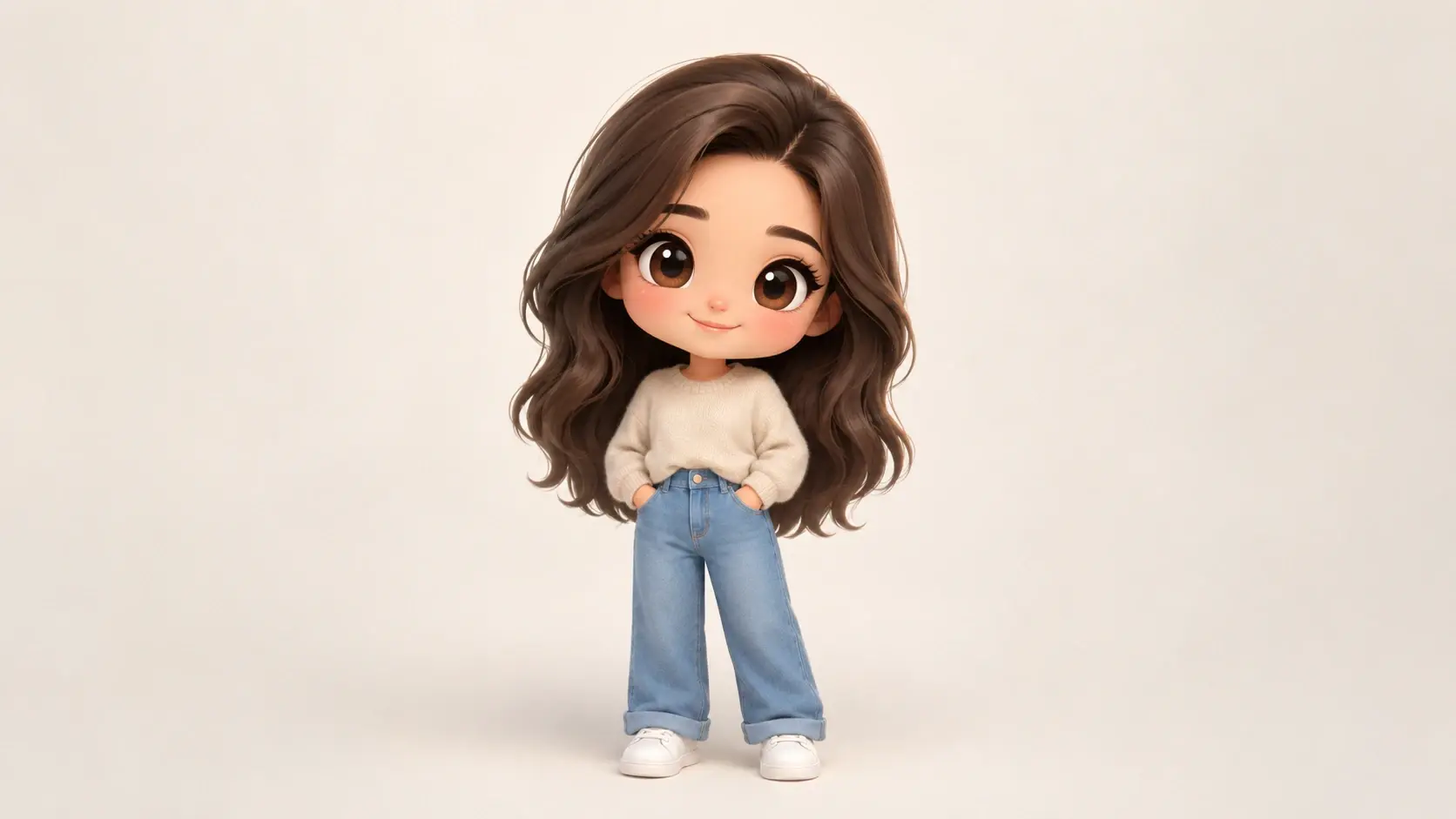
Upload one photo into the chibi maker and pick a preset style, or skip the upload and describe the chibi character you want, and the AI draws the whole figure while you stay in control of the look.

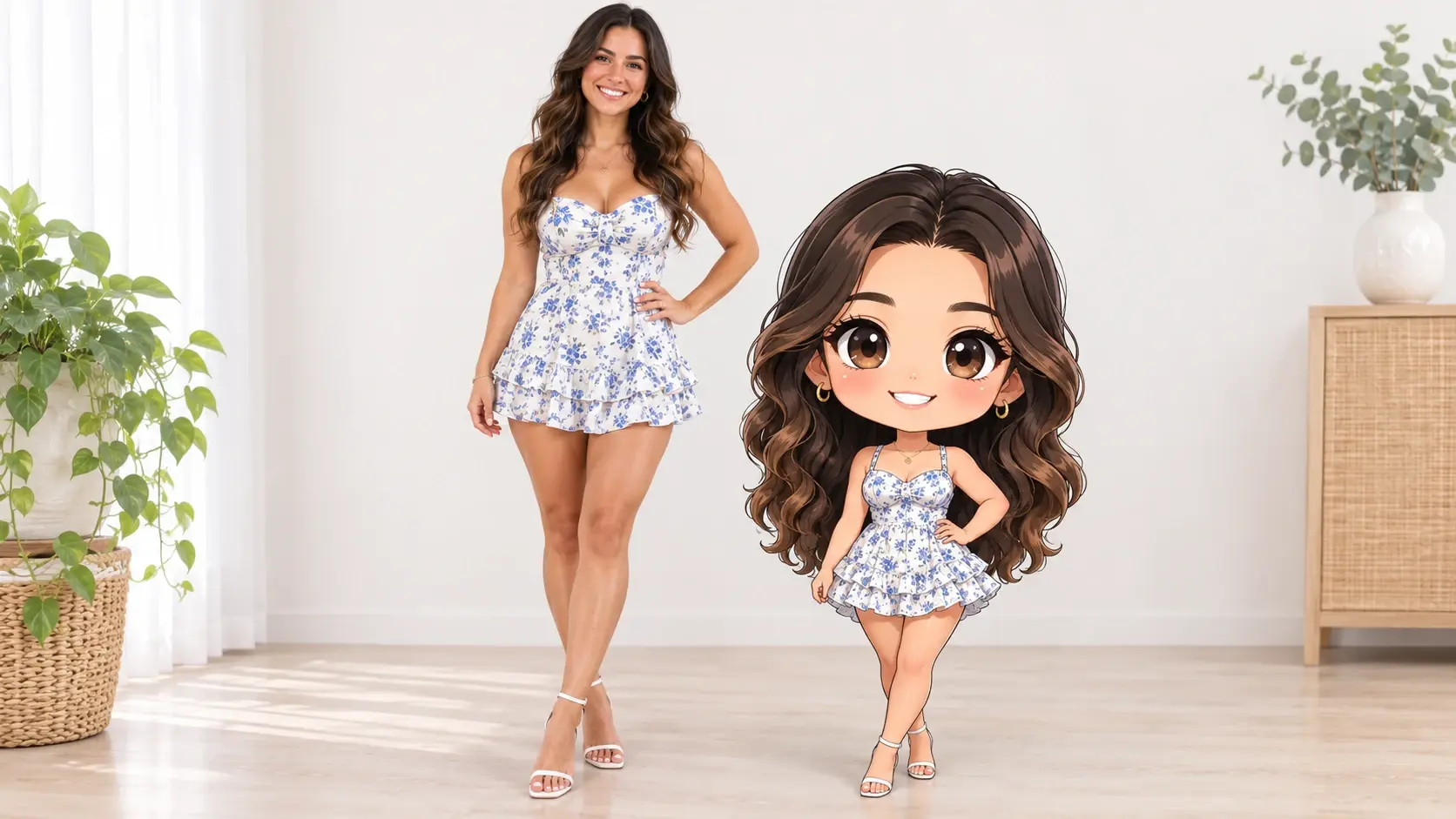
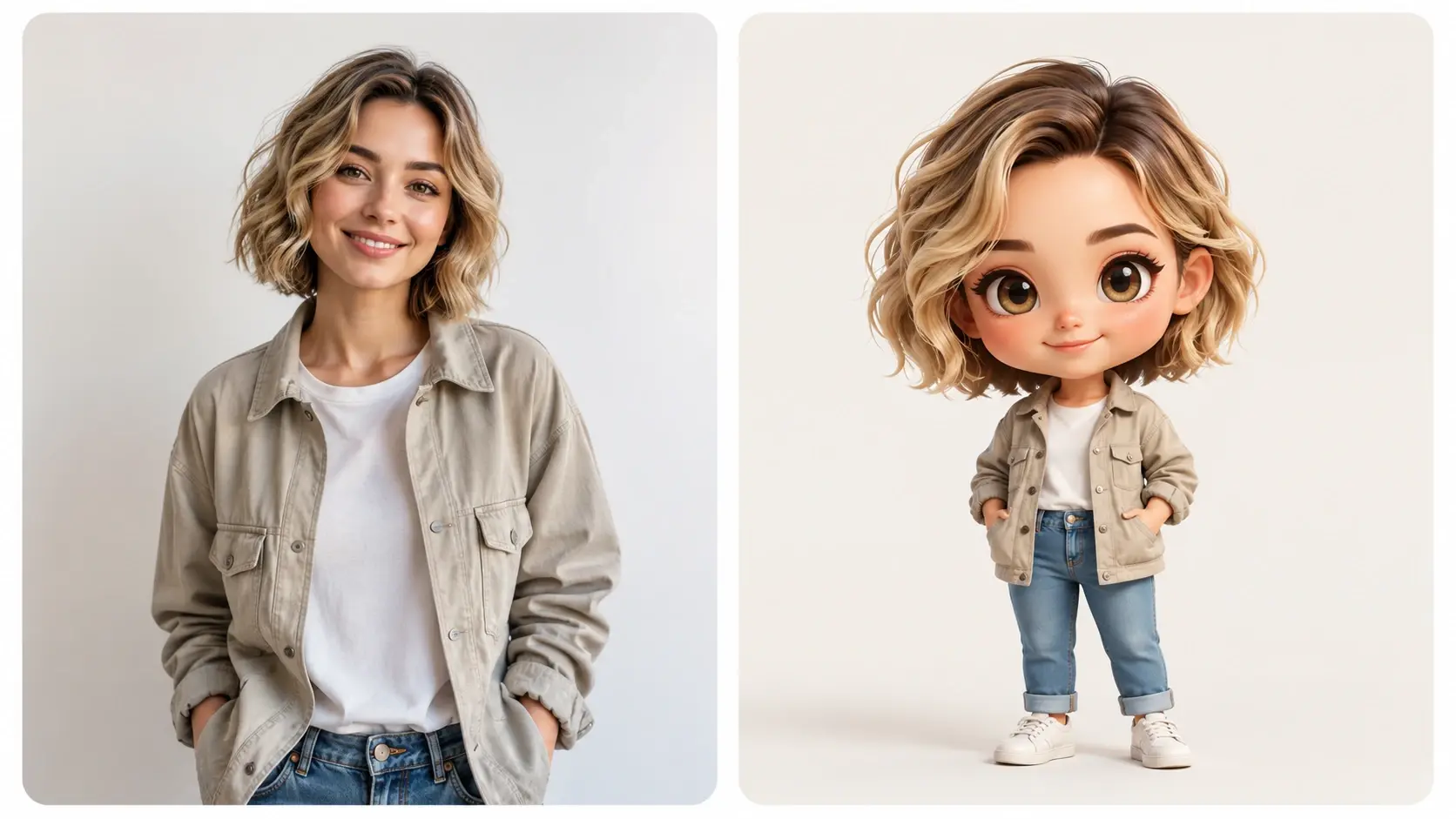
Photo of a smiling woman beside her chibi portrait with big eyes and a small body

Who Reaches For This Chibi Maker

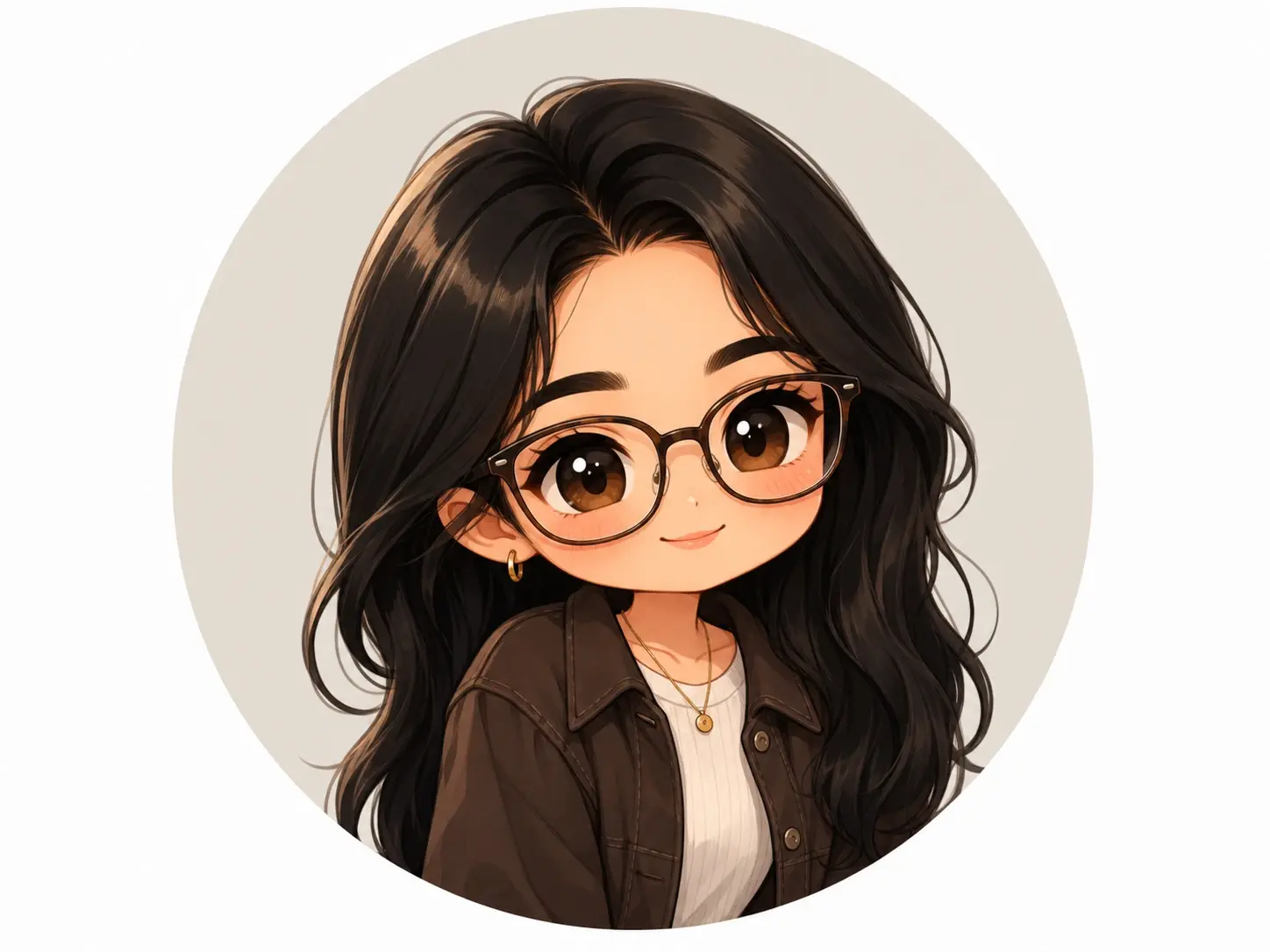
Selfie turned into a round chibi avatar shown inside a Discord profile circle

Anime fans who want a chibi pfp from the chibi maker

You want your own face as a big eyed chibi avatar for Discord or a matching pair with a friend, but you do not draw. Upload a selfie into the chibi avatar maker, choose a chibi preset style, and the chibi maker returns a portrait that keeps your hair shape, glasses and outfit colors while the proportions turn playful. The transparent PNG export means the same chibi maker avatar drops onto any profile background without a pale box showing around the edges.

What This Chibi Maker Gives You

Four capabilities decide whether a chibi maker image is usable: how well it holds a likeness, how you steer the style, how clean the export is, and whether the character survives across a whole set.

Side by side of a portrait photo and its chibi rebuild keeping hairstyle and jacket color

Chibi maker from photo that keeps the person recognizable

Your face shape, hairstyle and outfit details carry into the drawing while the head grows and the body shrinks into chibi proportions. This is an AI rebuild in a chibi art style rather than a pixel copy, so treat the chibi maker result as a likeness rather than a photocopy of your face.

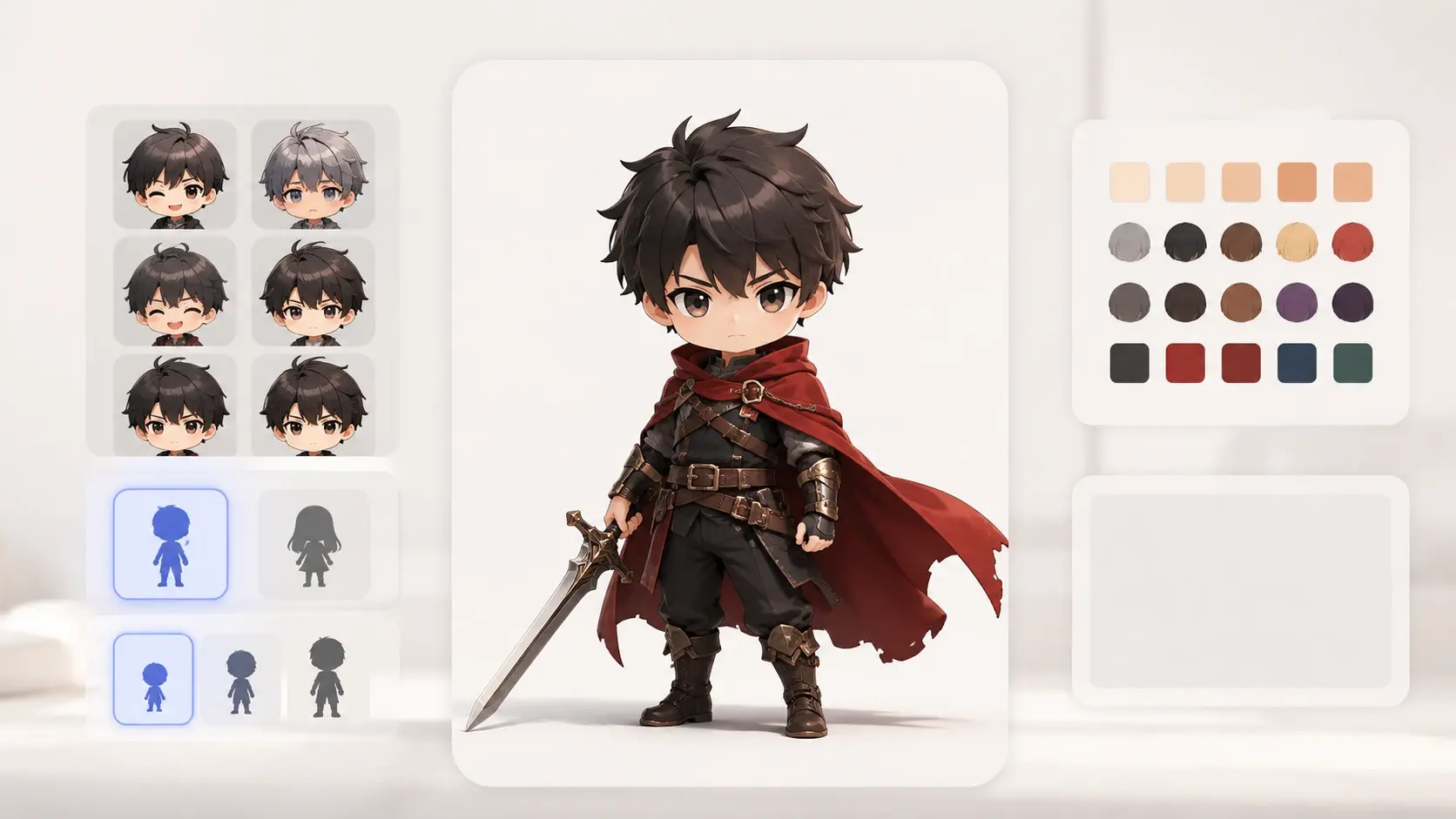
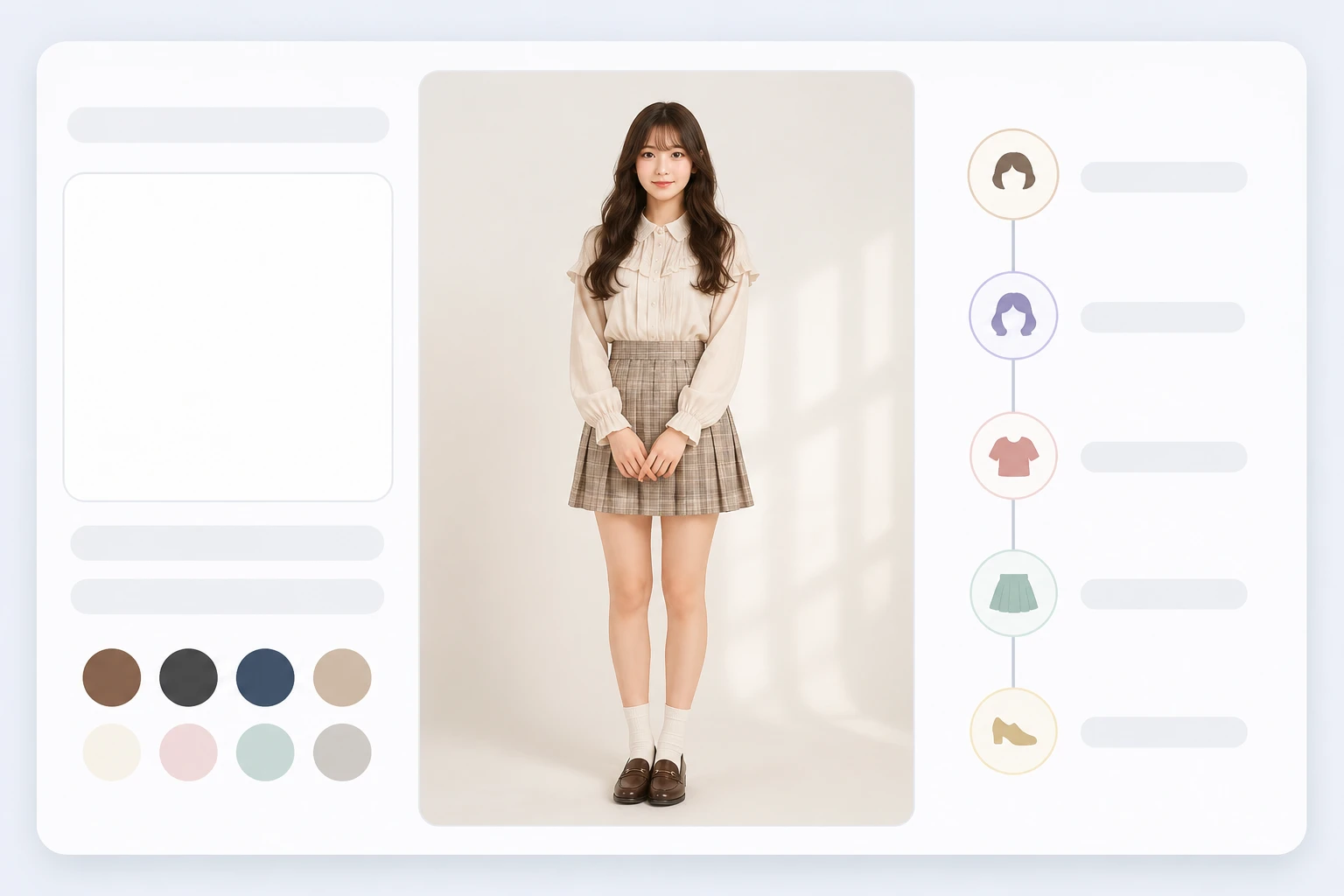
Prompt box next to guided attribute presets for chibi tone, gender and age range

Prompt or guided attributes, your pick

Type a description such as a short haired swordsman in a red cloak and the ai chibi generator draws the whole figure. Prefer not to write prompts? Step through guided attribute presets for tone, gender and age range instead, and the chibi maker generates from what you selected.

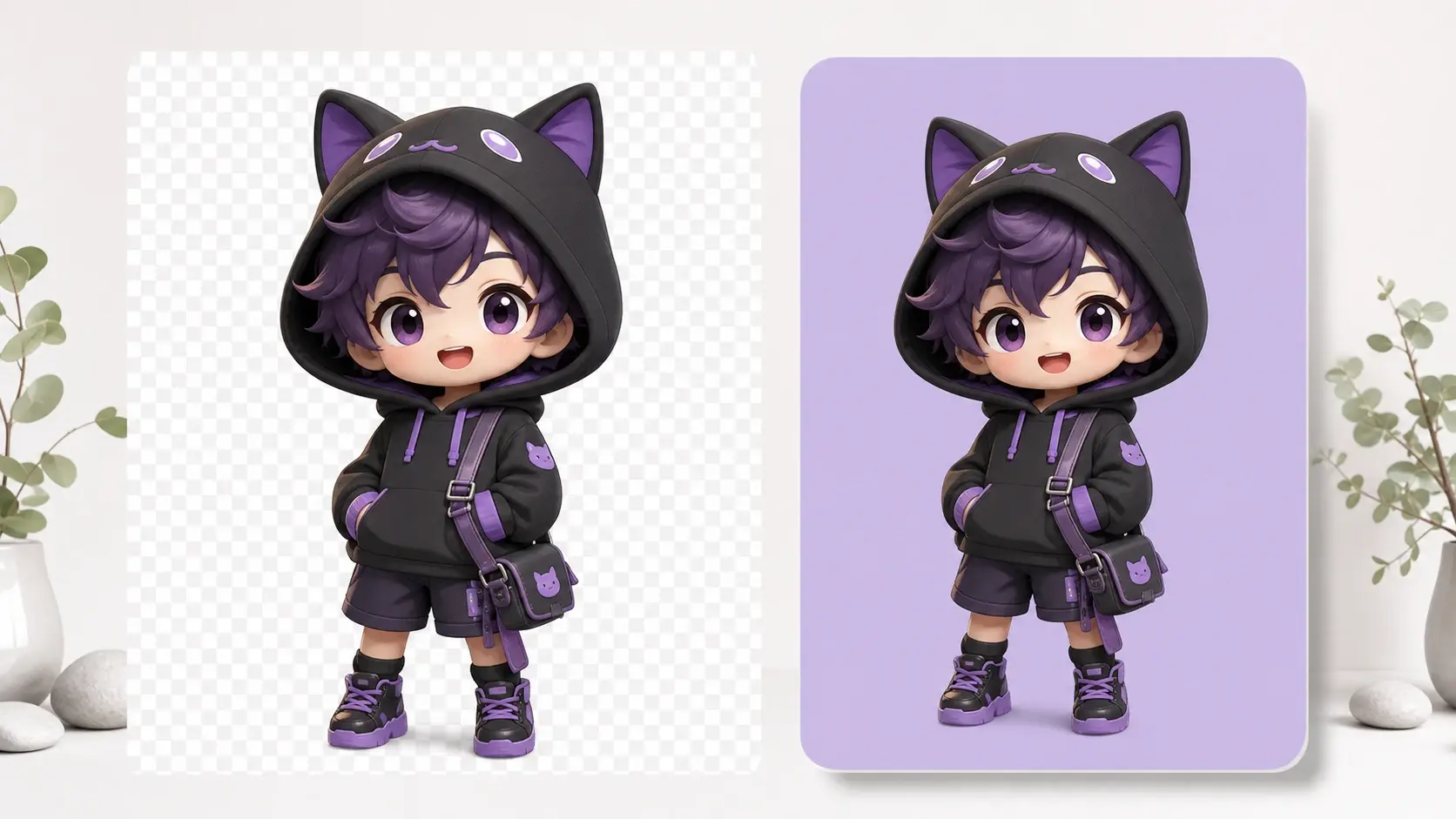
Chibi character exported as transparent PNG shown over a checkerboard and a colored card

4K output and transparent PNG export

Export up to 4K when the chibi maker image needs to survive printing or a large banner crop, and choose transparent background PNG when the chibi has to sit on a colored profile card or a shop layout. No watermark lands on the file either way.

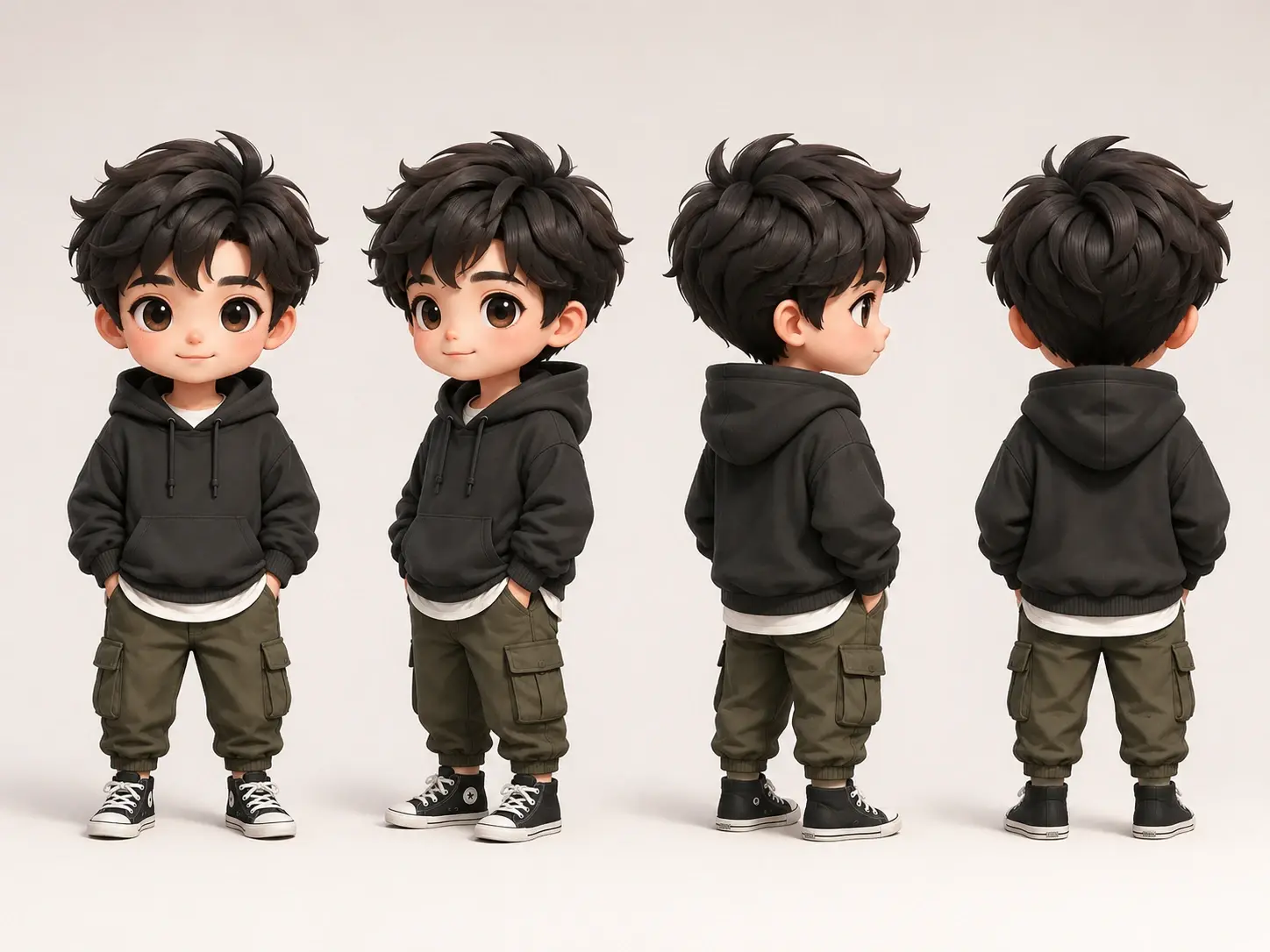
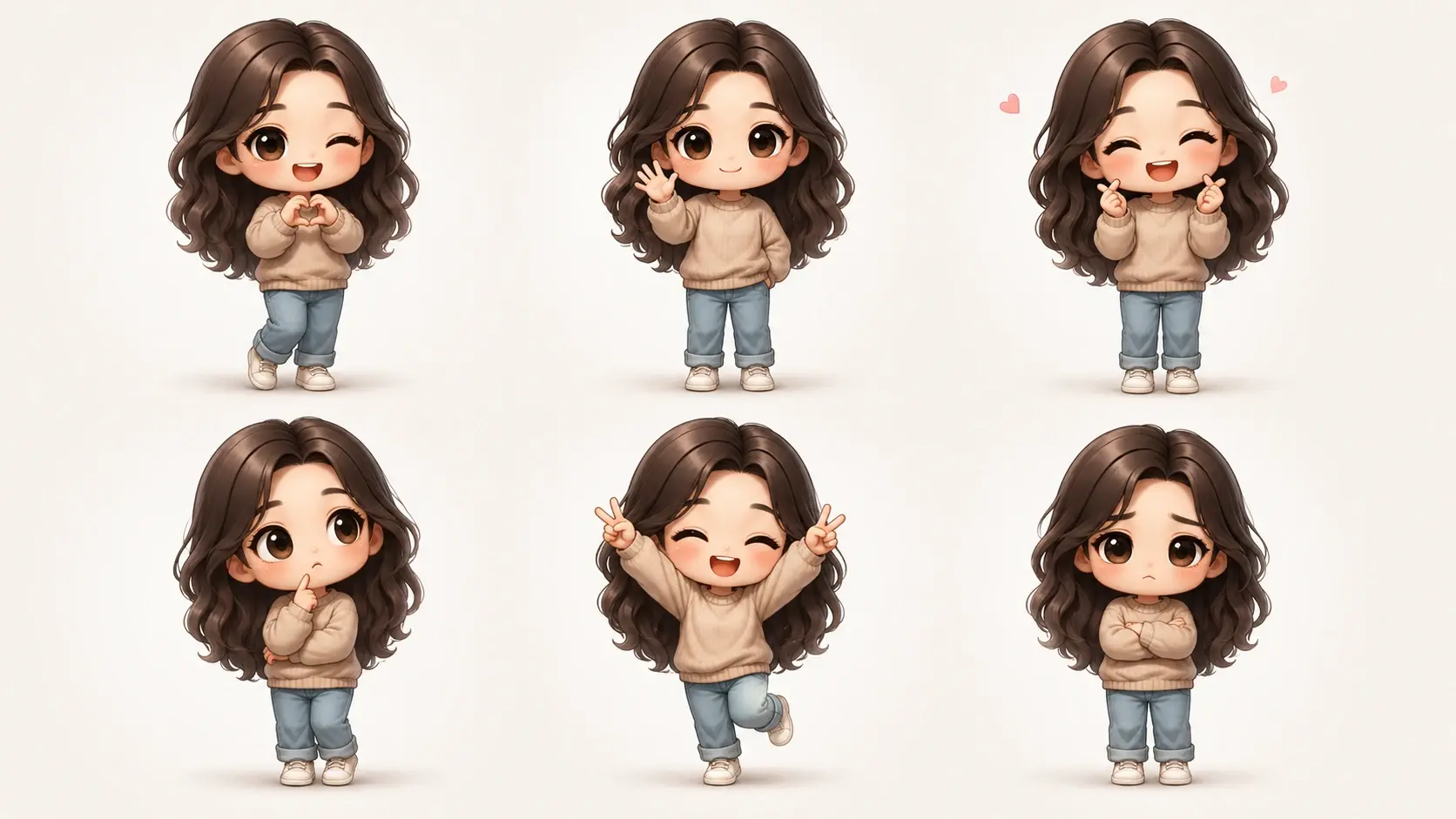
Six chibi images of one character with matching hair and outfit forming a consistent set

One character across a whole set

Character consistency keeps the same chibi recognizable from image to image, which is what makes a matching avatar set or a run of expression art hang together. Batch generation in the chibi maker covers the volume, and the visual editor is there when one image needs a small correction.

From Photo to Chibi in Three Steps

The whole chibi maker run happens in your browser, and every image you make is kept in your workspace so you can return to it later.

Upload panel showing a portrait photo, a prompt field and a guided attribute path

Step 01

Bring a photo, or bring an idea

Upload one clear photo where the face and outfit are easy to read, since those are the details the chibi maker carries over. If you have nobody to photograph, skip the upload and go straight to a prompt or the guided attribute path. A reference image works too when you want the chibi maker to follow a particular style or composition.
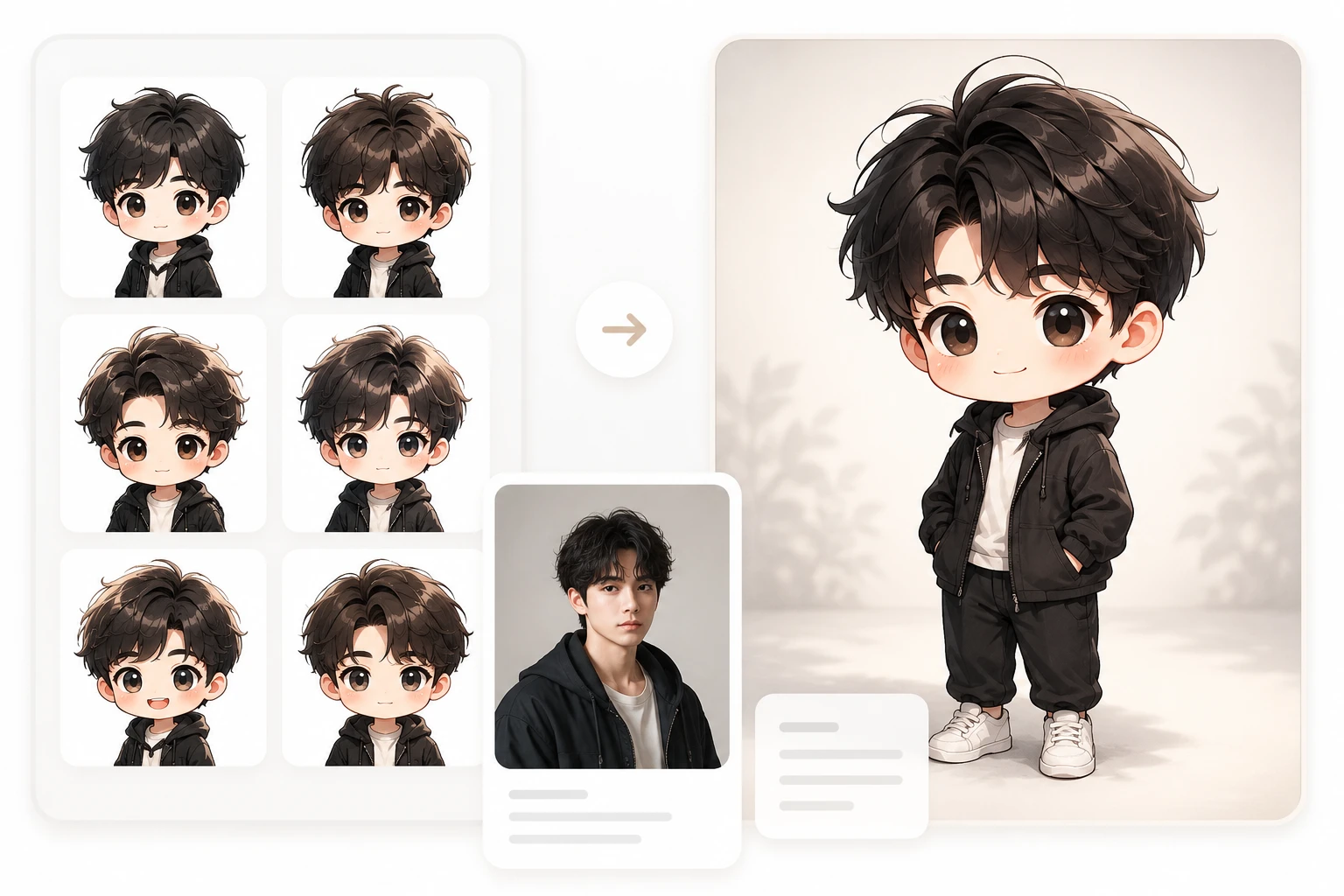
Chibi preset style thumbnails beside a prompt describing hair, outfit and expression

Step 02

Choose a chibi preset style or write the details

On the photo path, pick a chibi preset style and run the chibi maker; add a short prompt if you also want to shift the mood or setting. On the generation path, describe the hair, outfit and expression in specific terms, because a detailed line gives the anime chibi maker more to work with than one vague word. Either way the kawaii chibi maker draws the complete image in seconds, with no parts to assemble by hand.

Download options for a finished chibi with high resolution and transparent PNG choices

Step 03

Download it, then refine or extend the set

Preview the chibi maker result, generate another version if the pose or mood misses, and download the one you like in high resolution or as a transparent PNG. From your workspace you can open the image in the visual editor to adjust a small detail, or run the chibi maker again for more images of the same character when one picture is not enough.

Where Your Chibi Art Ends Up

Four situations that send people to a chibi generator in the first place, and what each one actually needs from the chibi maker output.

Chibi Pfp For Discord And Social Profiles

Profile pictures get cropped into a small circle, which is exactly where a photo loses its detail and a chibi maker portrait wins. Upload a selfie, choose a chibi preset style, and export the result as a transparent PNG so it reads clearly at avatar size on Discord, Twitch or Instagram. Friends can run the same chibi maker style so a whole server looks like it belongs together.

Original Character Sheets For Your OC

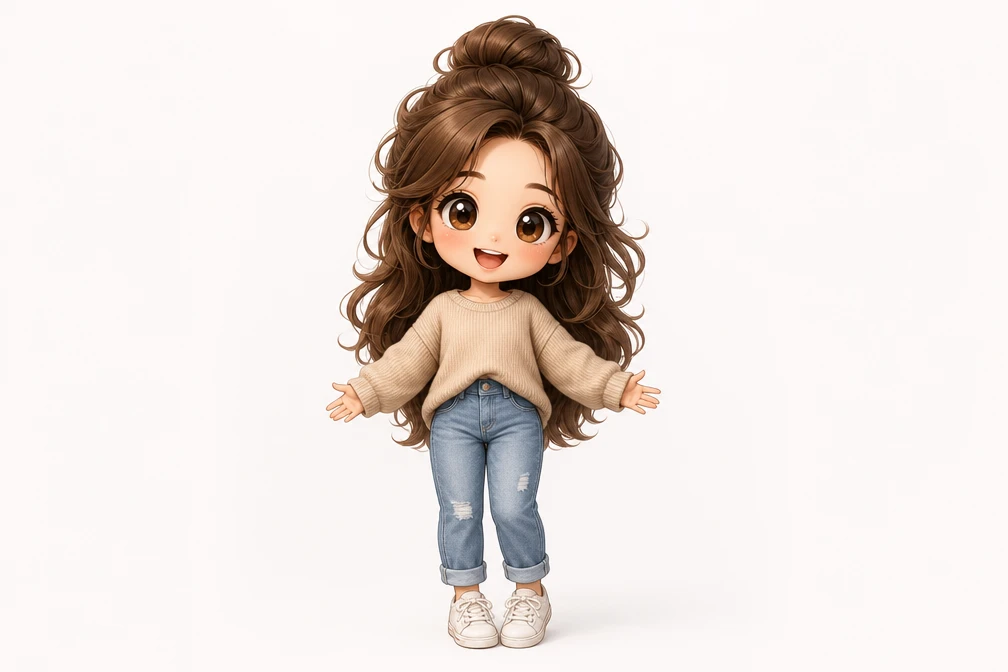
An OC lives in your head until something pins the design down. Describe the hair, outfit and personality as a prompt, generate the first chibi maker image, then use character consistency to produce the rest of the sheet without the face drifting. Writers and roleplayers end up with a design bible they can share when someone asks what their character looks like.

Personalized Gifts For Friends And Partners

Birthdays and anniversaries call for something that cannot be bought off a shelf. A couple photo run through the chibi maker becomes a small illustrated keepsake, and the 4K chibi maker export holds up if you send it to a print shop for a card or a poster. It reads as personal because the faces are recognizably yours.

Concept Art For Indie Games And Merch Mockups

Before art gets commissioned, teams need something concrete to argue about. Generate a batch of chibi maker concepts from prompts, keep the strongest one consistent across poses, and drop the transparent PNGs into a badge or keychain mockup to see how the design sits on a physical product. Chibi maker images can be used commercially when the character is your own creation.

Chibi Maker Questions People Ask Before Generating

Chibi is a Japanese illustration style built on exaggerated proportions: an oversized head, large expressive eyes and a small rounded body that stays deliberately compact. The look reads as cute and simplified, which is why it works so well at avatar size where a realistic portrait turns to mush. Results here follow that chibi aesthetic, leaning into the big head, big eyes, small body feel rather than realistic anatomy. To make your own, upload a photo and pick a chibi preset style, or skip the upload and describe the character you want in words.

New accounts get 10 credits to try this at no cost, and every download comes out without a watermark on it. You will need to sign in before the chibi maker runs, since generated images are saved to your personal workspace. Uploaded source files stay under your control and can be deleted whenever you want.

Start from words rather than an image. Describe the hair color and length, the outfit, the expression and the mood you want, and the chibi character maker generates the figure from that description alone. Once the first version looks right, character consistency lets you keep that same design across more images, so a single description can grow into a full character set.

Recognizable features carry over: face shape, hairstyle, glasses, outfit colors and other details that make someone identifiable. Keep in mind that the tool does an AI rebuild in a chibi art style, not a pixel by pixel trace, so proportions shift by design and we do not promise a perfect one to one match. A clear, well lit photo gives the closest result.

Those tools work from a parts library: you assemble eyes, hair and clothes layer by layer from a fixed catalog. Here the chibi maker generates the entire illustration at once from your photo, your prompt or the attributes you selected, so the result is not limited to a set of predrawn pieces. Different approach, different kind of output.

Drawing skill is not part of the process. Upload a photo and select a chibi preset style, or write a sentence describing the character you picture, and the chibi maker returns the finished illustration for you. Those who prefer not to write prompts can follow the guided attribute path and pick presets for tone, gender and age range instead, then download the result.
Turn Your Photo Into Chibi Art creative result ready to generate with VideoAI

Turn Your Photo Into Chibi Art

Upload one photo into the chibi maker, pick a chibi preset style, and see how your face looks as a chibi character in the VideoAI workspace.

Get Started
Chibi Maker Online: Photo to Chibi Art - VideoAI