
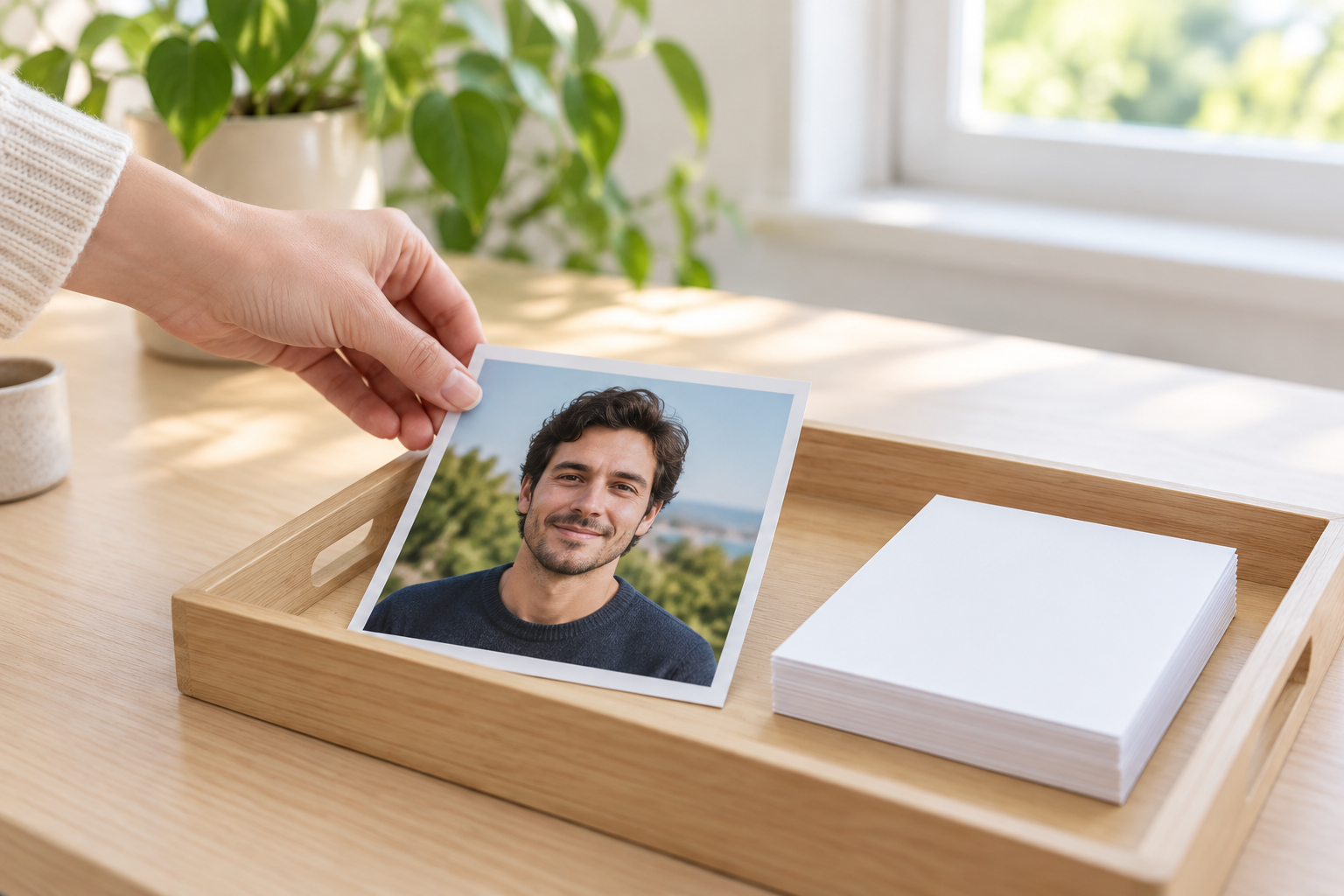
Step 01
Upload The Photo You Want To Rework
Add a clear JPEG, PNG, or WebP photo and keep the face unobstructed. Mention anything that must stay the same, such as the hairstyle, the glasses, or the shape of a jawline.

Upload a photo and describe the portrait, character, or family picture you want. The AI picture generator from photo turns that reference into a new, detailed image, keeping the face, hair, and expression recognizable while your own words steer the style. Generate several options at once, compare them, and download the frame that fits your profile, project, or gift. Reach for the AI picture generator from photo whenever you need one more variation from the same reference.
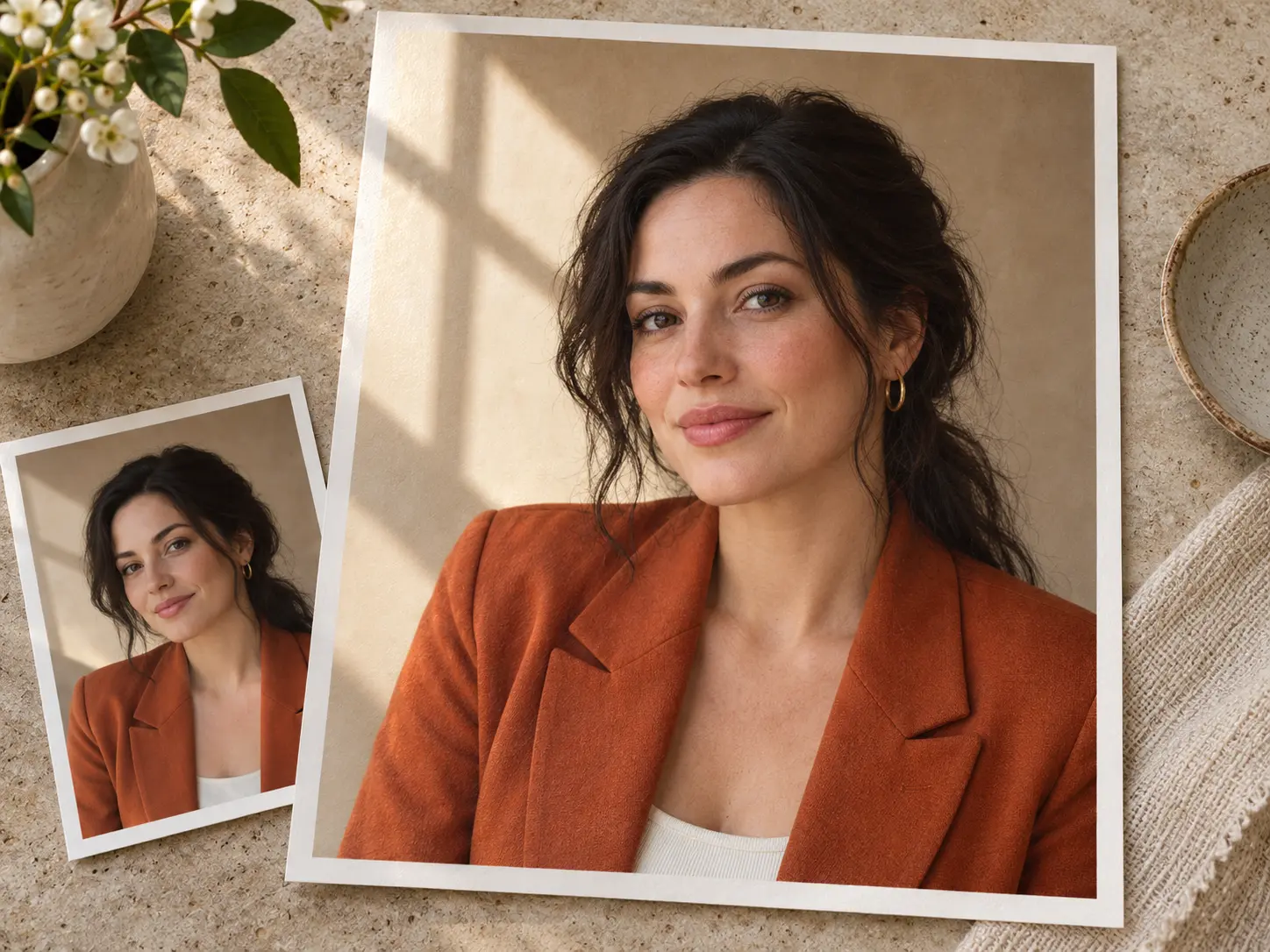
This tool works from a reference photo rather than a blank prompt. Upload one image, describe the result you want, and the generator rebuilds the subject as a new picture while keeping the likeness intact.
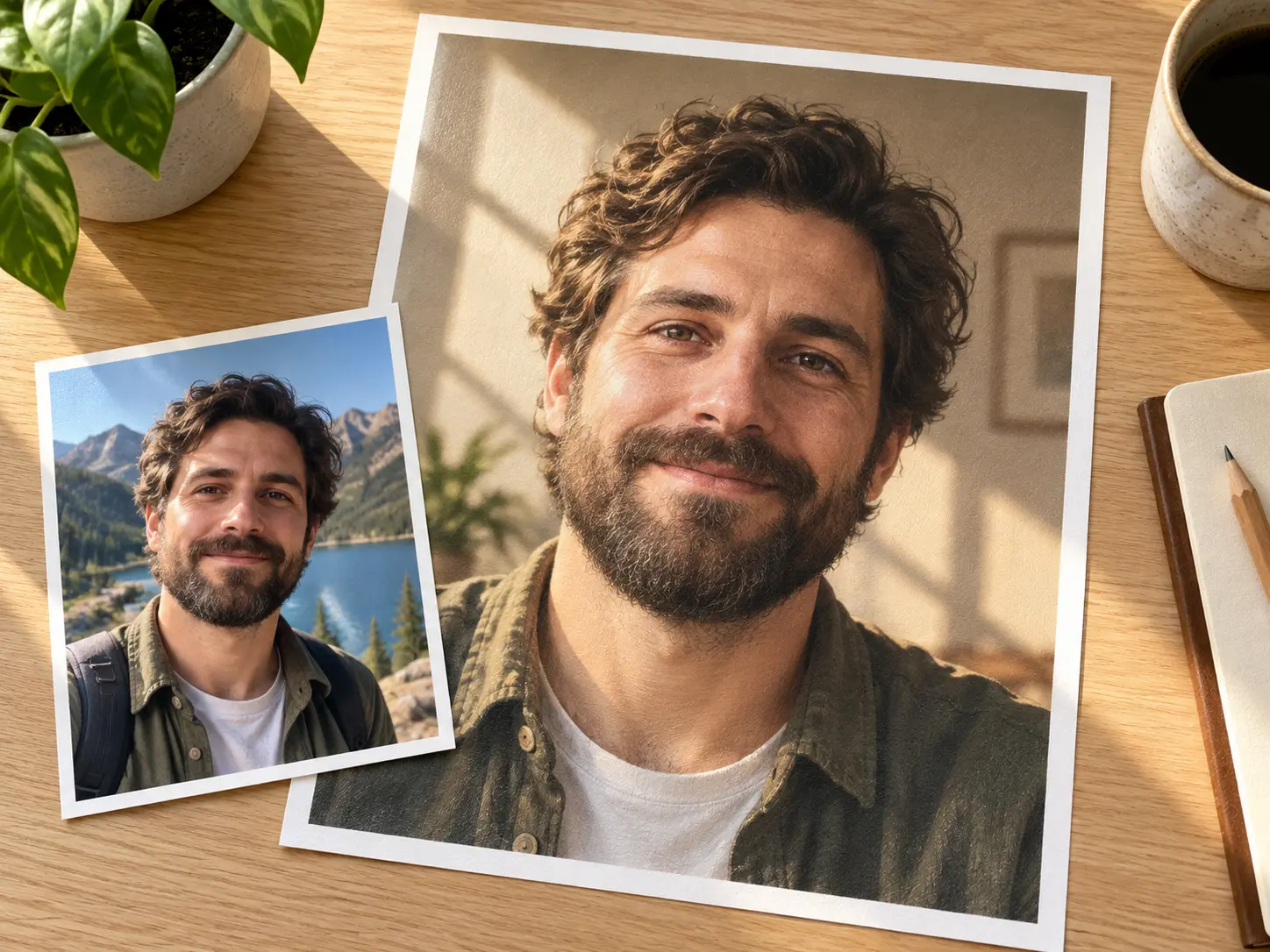
Every result begins with one upload. Add a clear photo of a face, a couple, or a group, and the AI picture generator from photo reads the features before it renders anything new. Because the reference carries the likeness, you spend less time describing small details and more time choosing a direction. The person in the finished picture stays the person you uploaded, so the tool is never limited to stock subjects.
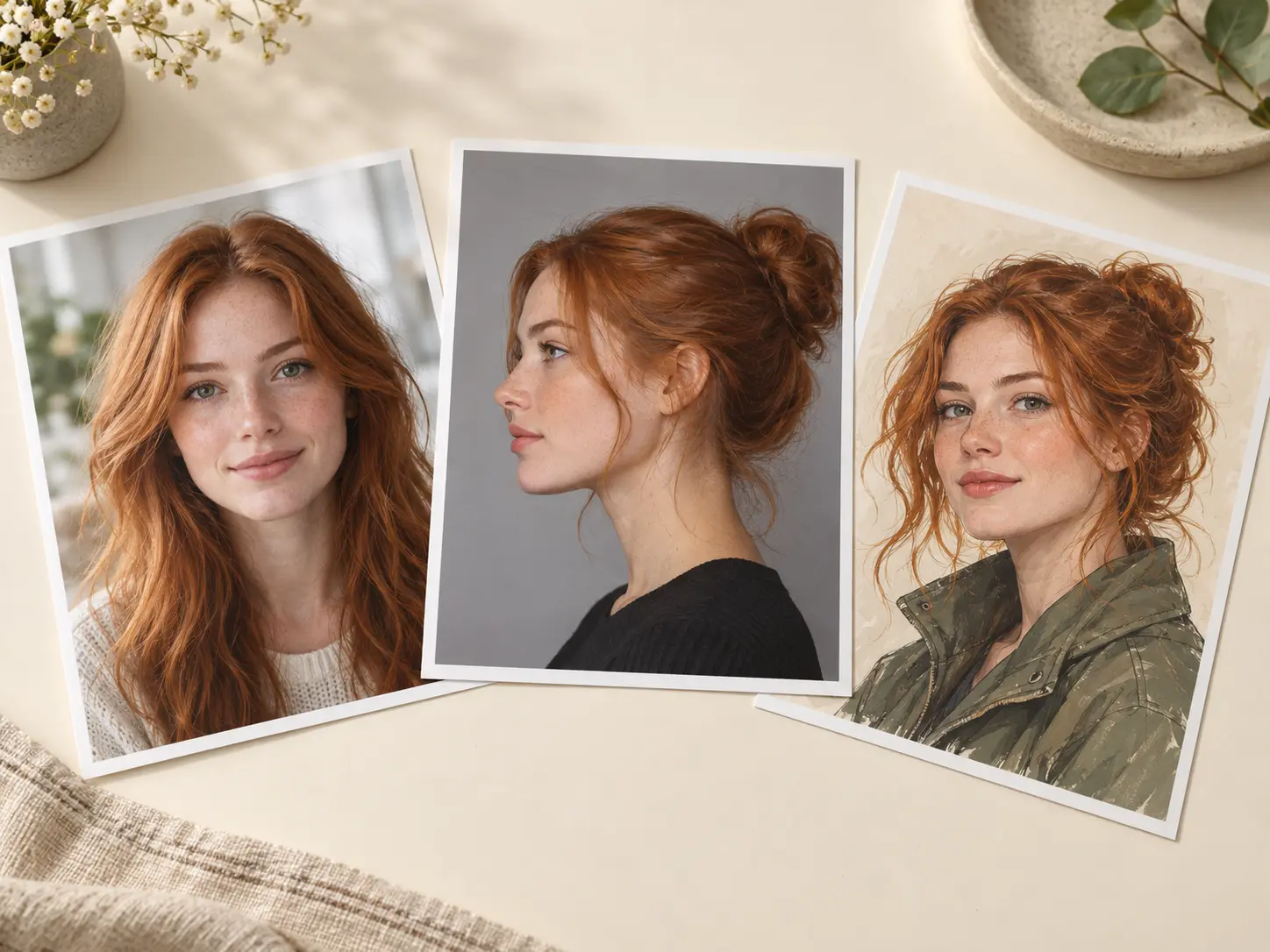
One upload covers a lot of ground. Ask for an editorial portrait, a clean profile avatar, or an illustrated character portrait, and the same reference drives each result. You can keep the output realistic or push it toward a drawn style with a few words. The AI picture generator from photo treats each request as a fresh direction, so you can build a small set that looks consistent without repeating a single frame.
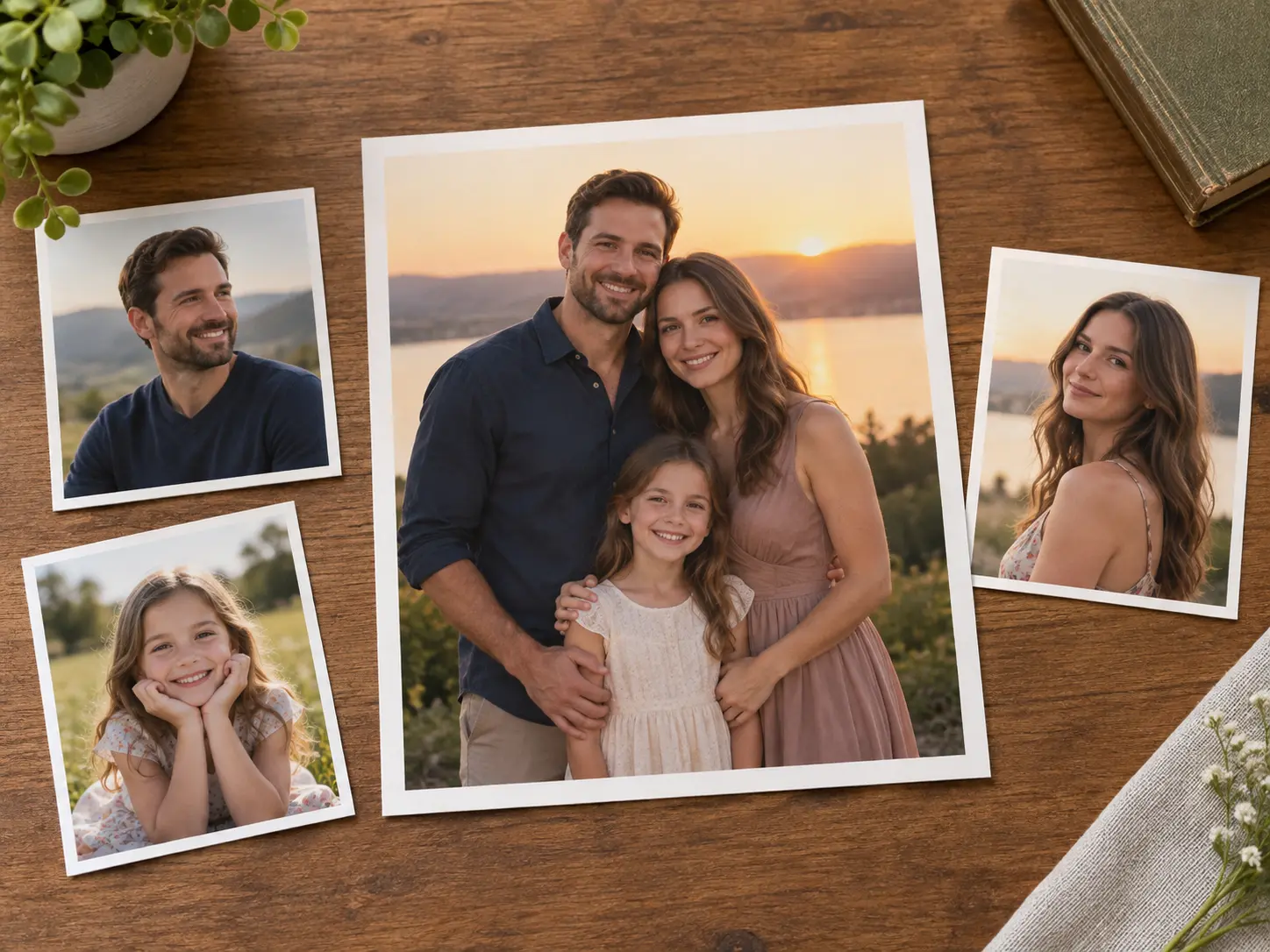
Relatives are rarely photographed in the same room, so family pictures often end up as separate frames. Upload two or more single portraits and the AI picture generator from photo blends them into one group shot where the light, colour, and scale agree. It keeps each face readable instead of pasting people together, which makes the result a natural option for a reunion card or a printed gift.
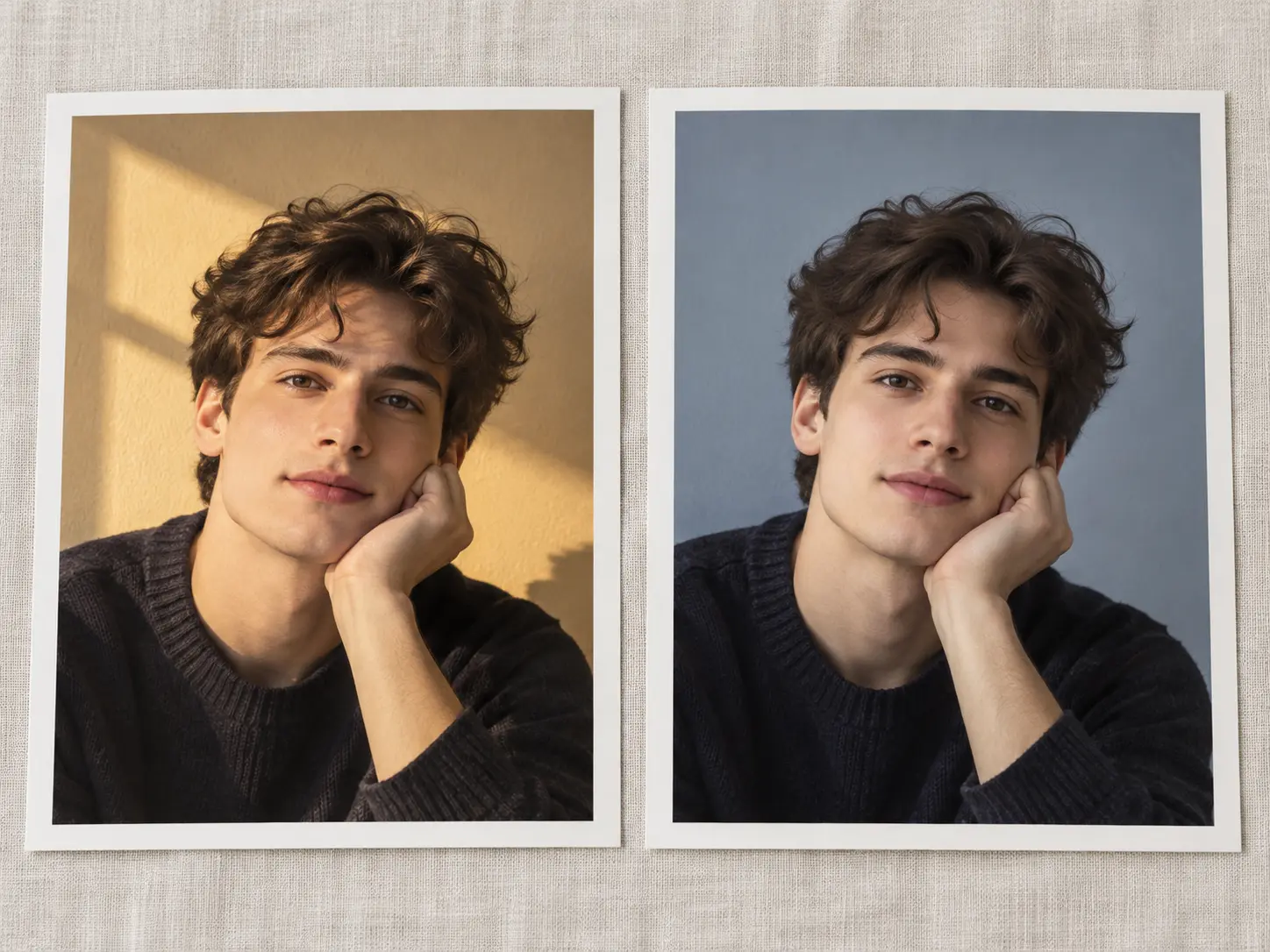
This is not a preset pile. Write a sentence about the light, the mood, the clothing, or the background, and the AI picture generator from photo follows the direction instead of applying the same look to everything. That control helps when a client brief, a character sheet, or a themed set needs a specific result. If the first attempt drifts, change one part of the sentence and generate again.
Three steps turn one uploaded photo into a finished picture you can download, and each step keeps the likeness under your control.
Step 01
Add a clear JPEG, PNG, or WebP photo and keep the face unobstructed. Mention anything that must stay the same, such as the hairstyle, the glasses, or the shape of a jawline.
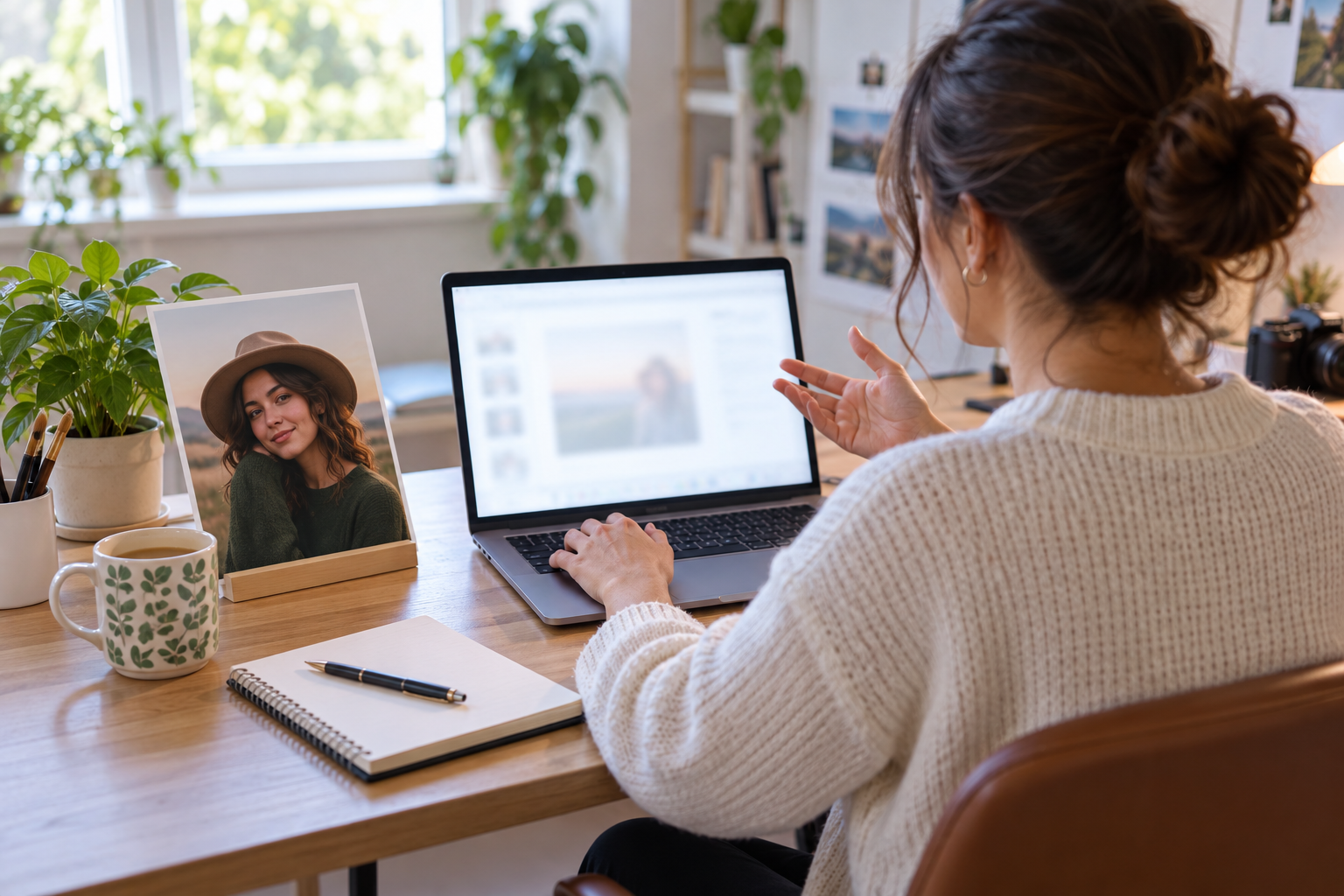
Step 02
Describe the portrait, avatar, or group shot you want the AI picture generator from photo to build, including the light, the background, and the mood. Skip the upload if you would rather build the subject from words alone with the same tool.
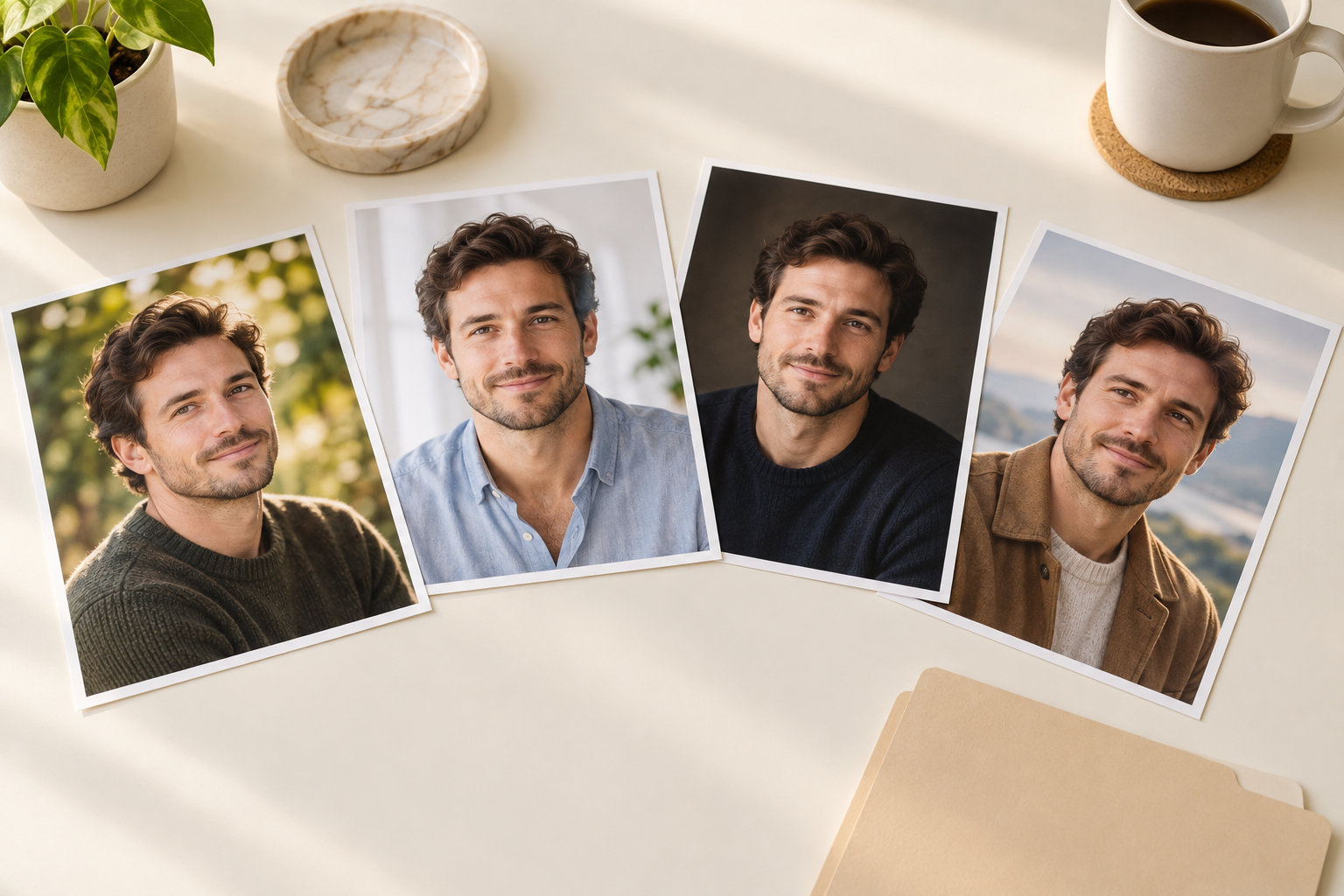
Step 03
Generate a set with the AI picture generator from photo, compare the frames side by side, and refine the prompt when a detail drifts. Save the strongest result to your workspace and download it at full resolution.
These are the jobs people bring to the AI picture generator from photo, which works from an uploaded photo instead of a preset style list.
Turn an older photo into a sharper profile image for a CV, a portfolio, or a social account without booking a new shoot.
Build a dnd portrait creator sheet, a low poly avatar, or a fan character from a reference photo of a face you already own.
Blend separate portraits of parents, children, or grandparents into one frame that finally puts everyone in the same picture.
Try a faceless portrait generator look or a word picture generator brief, where the words carry the scene and no face is shown at all.
The AI picture generator from photo avoids the parts that usually slow a portrait project down.
Because the tool starts from your own reference, the finished picture keeps a recognisable face instead of drifting into someone new.
There is nothing to install and no layers to learn. The whole job runs from the browser with one upload and one or two sentences.
Downloads arrive without a watermark and can be reused in personal or client projects once you have checked the rules that apply to your final use.
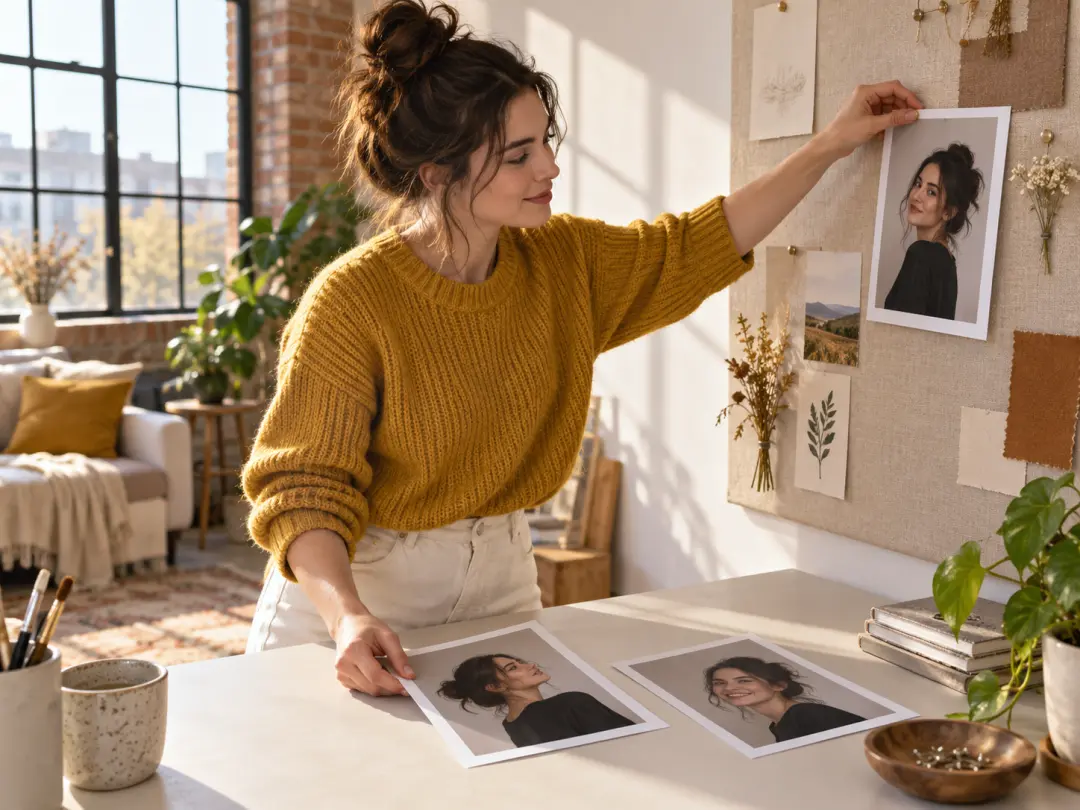
You need profile images, character posts, and portrait sets that look as though they belong together. Uploading one clear reference keeps a feed consistent across several posts, and the free allowance makes it easy to test a direction before you commit.
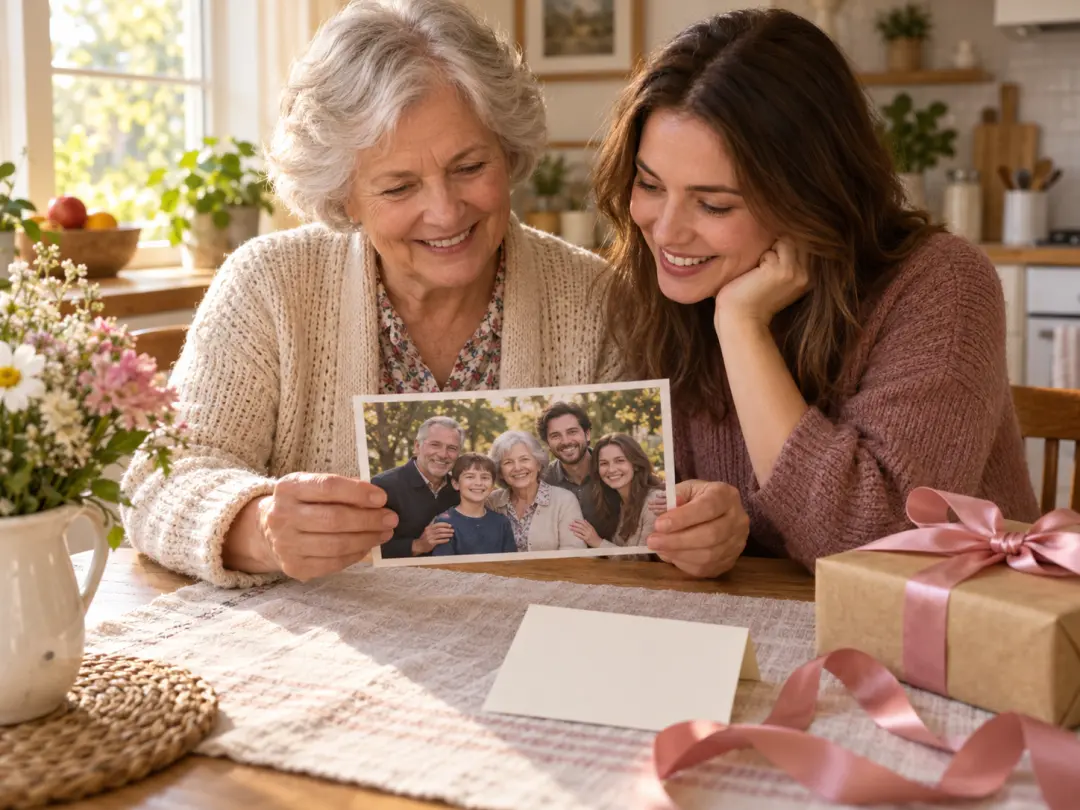
You are assembling a reunion card, a birthday print, or a keepsake from photos taken in different places and different years. The family portrait generator brings those separate frames together so one image can carry the whole group.
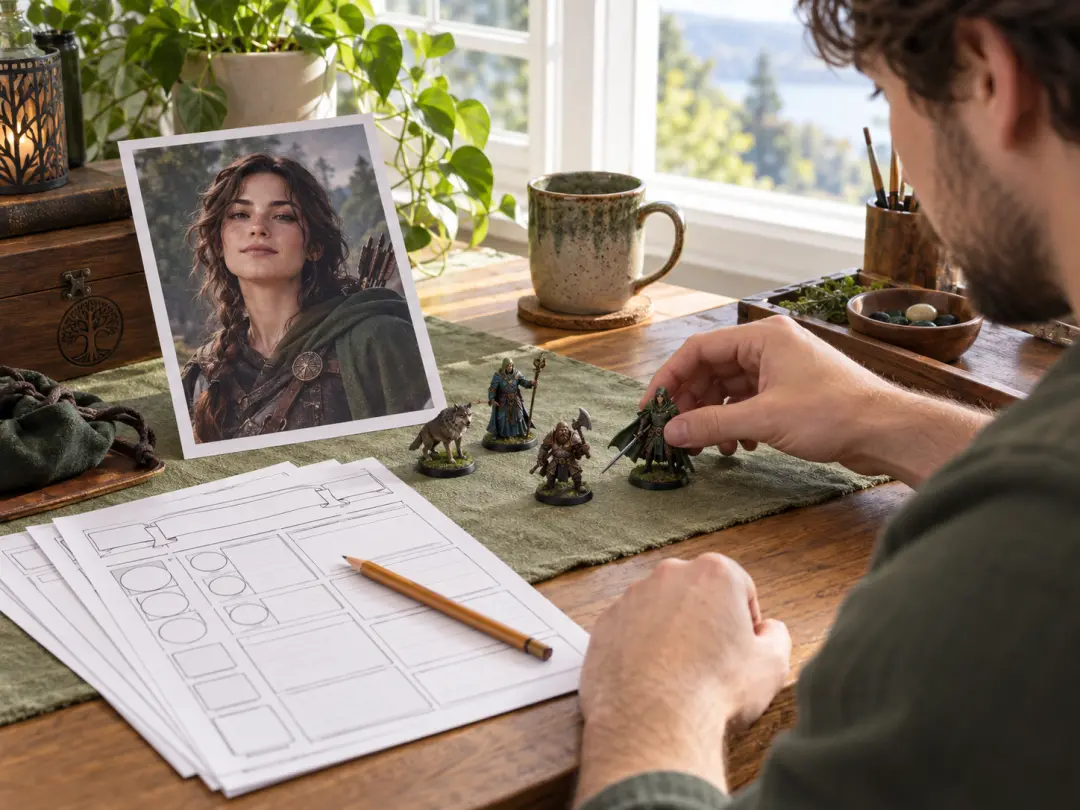
You want a dnd portrait creator or a character reference from a face you already chose, without commissioning a new illustration for every sheet. The AI picture generator from photo can drive several characters when you change the prompt between generations.
Upload one reference, describe the new picture, and start the first set in the browser.
Get Started