AI Portrait Generator

Describe the person you have in mind or upload a photo, and VideoAI's ai portrait generator returns four painted options in oil, watercolor, classical, realistic, or anime in seconds.

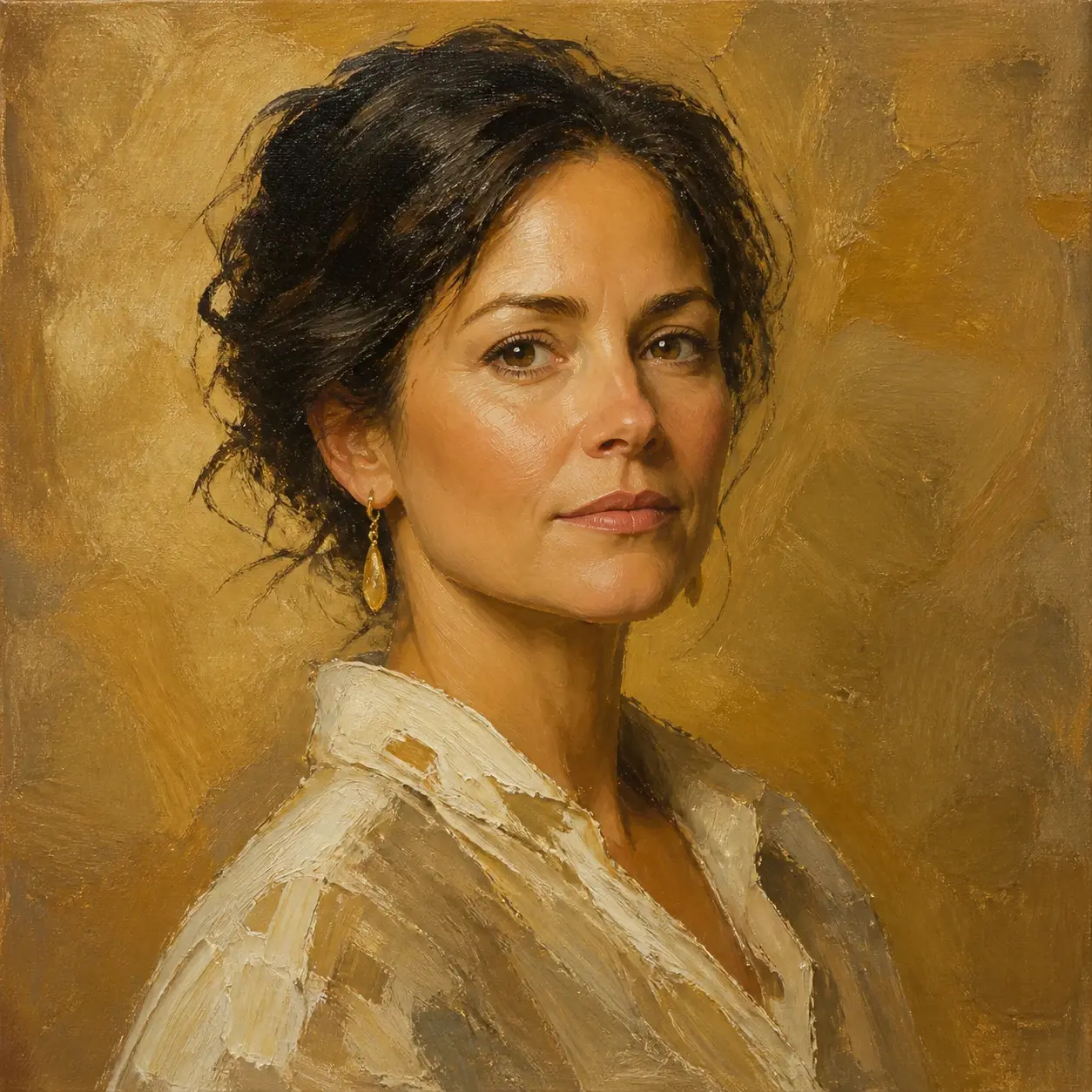
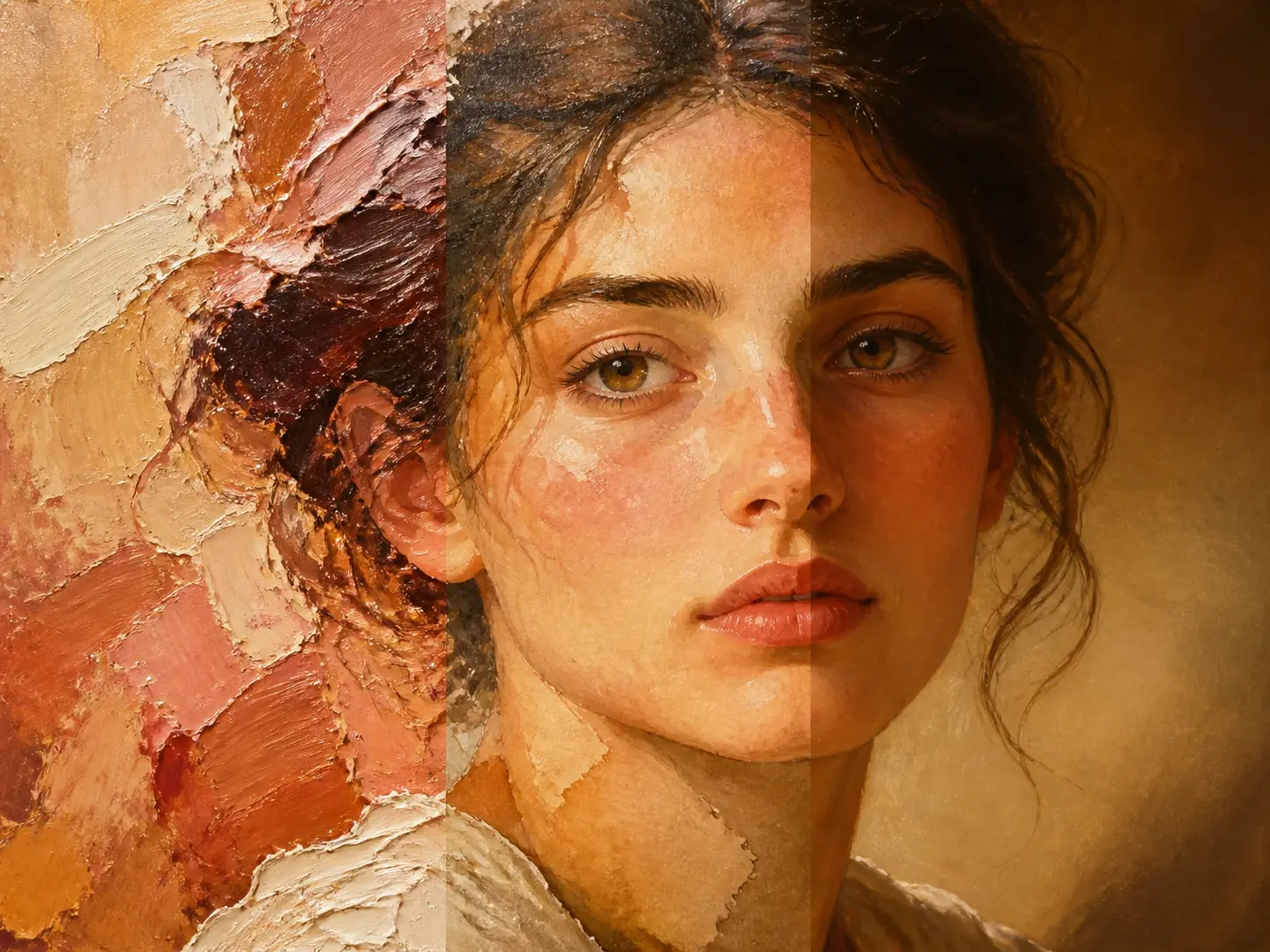
A painted oil portrait of a woman in warm side light with visible brushwork across her shoulder

Try an example

Who The AI Portrait Generator Fits

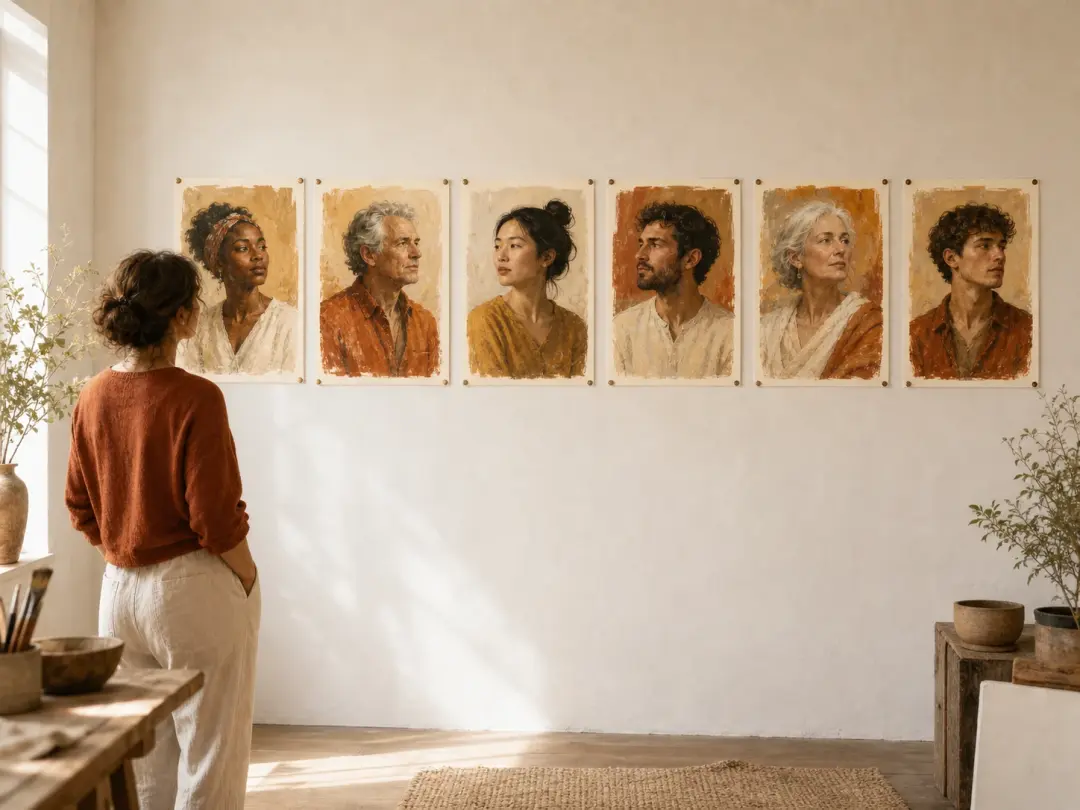
A series of painted portraits sharing one style, pinned together as a creator's feed plan

Content And Social Creators

Content creators and social managers want images that carry their own look, not the same recycled stock everyone else posts. You write one description or drop in a photo, choose a style, and VideoAI returns a portrait ai result that suits your feed and holds up across a series.

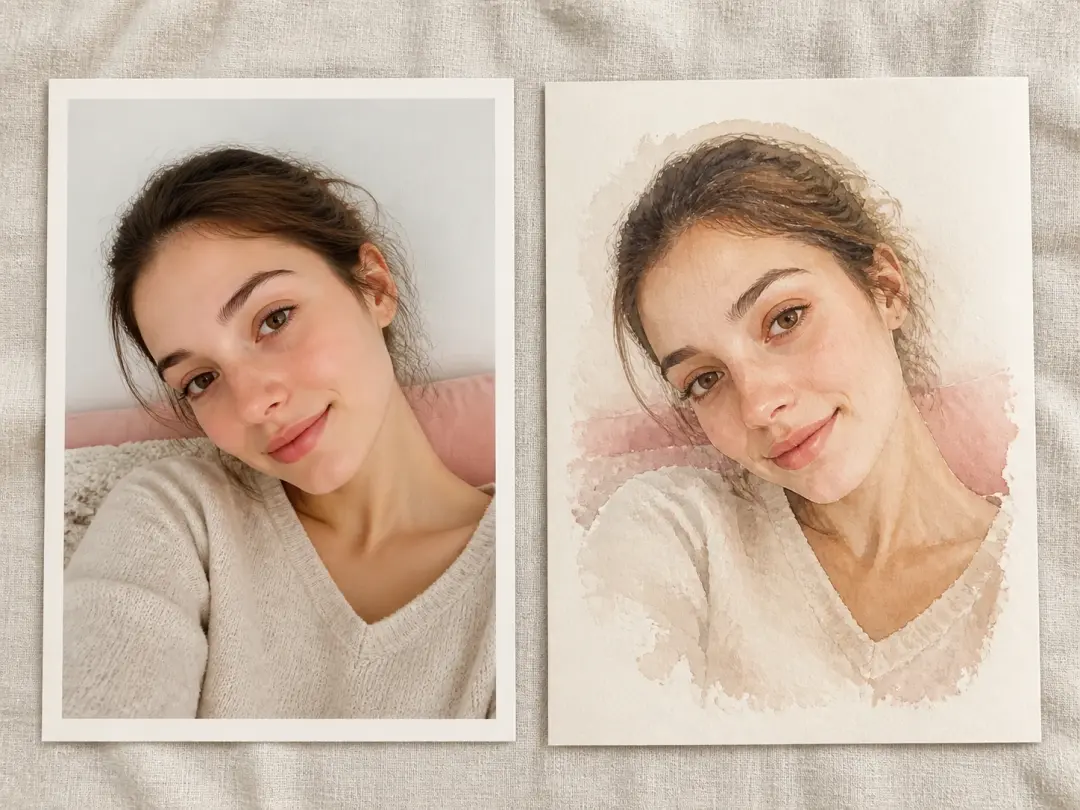
An ordinary selfie shown beside its soft watercolor self portrait version on paper

A Fresh Self Portrait To Post

Your camera roll is full of ordinary shots, and you want one that reads as art. Upload a photo, pick oil or watercolor, and turn it into an ai self portrait you can download and share, or a quieter ai selfie portrait for your profile.

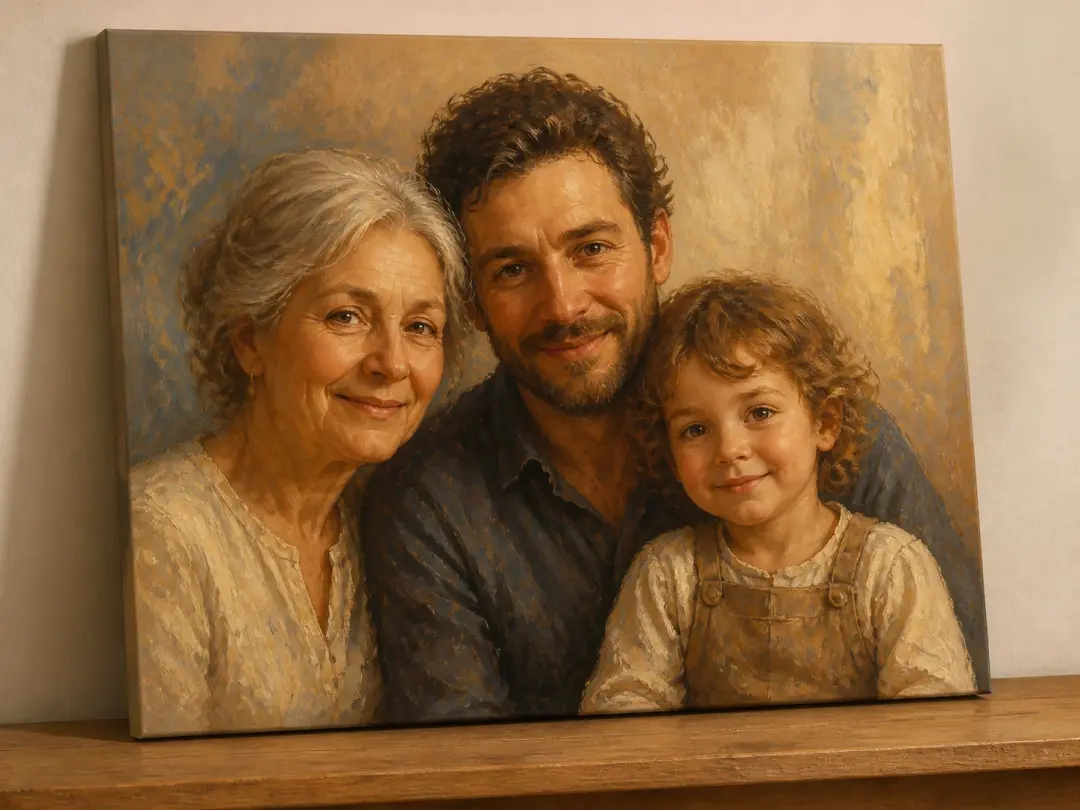
A painted group portrait of three relatives sharing one consistent light and colour

Family Photos Into One Painting

The photos of your relatives were never taken in the same room. The ai family portrait generator blends two or more single portraits into one painting where the light and color agree, so everyone finally shares a single frame.

Why Creators Choose This AI Portrait Generator

Every portrait VideoAI makes is yours to shape, from the first prompt to the final download.

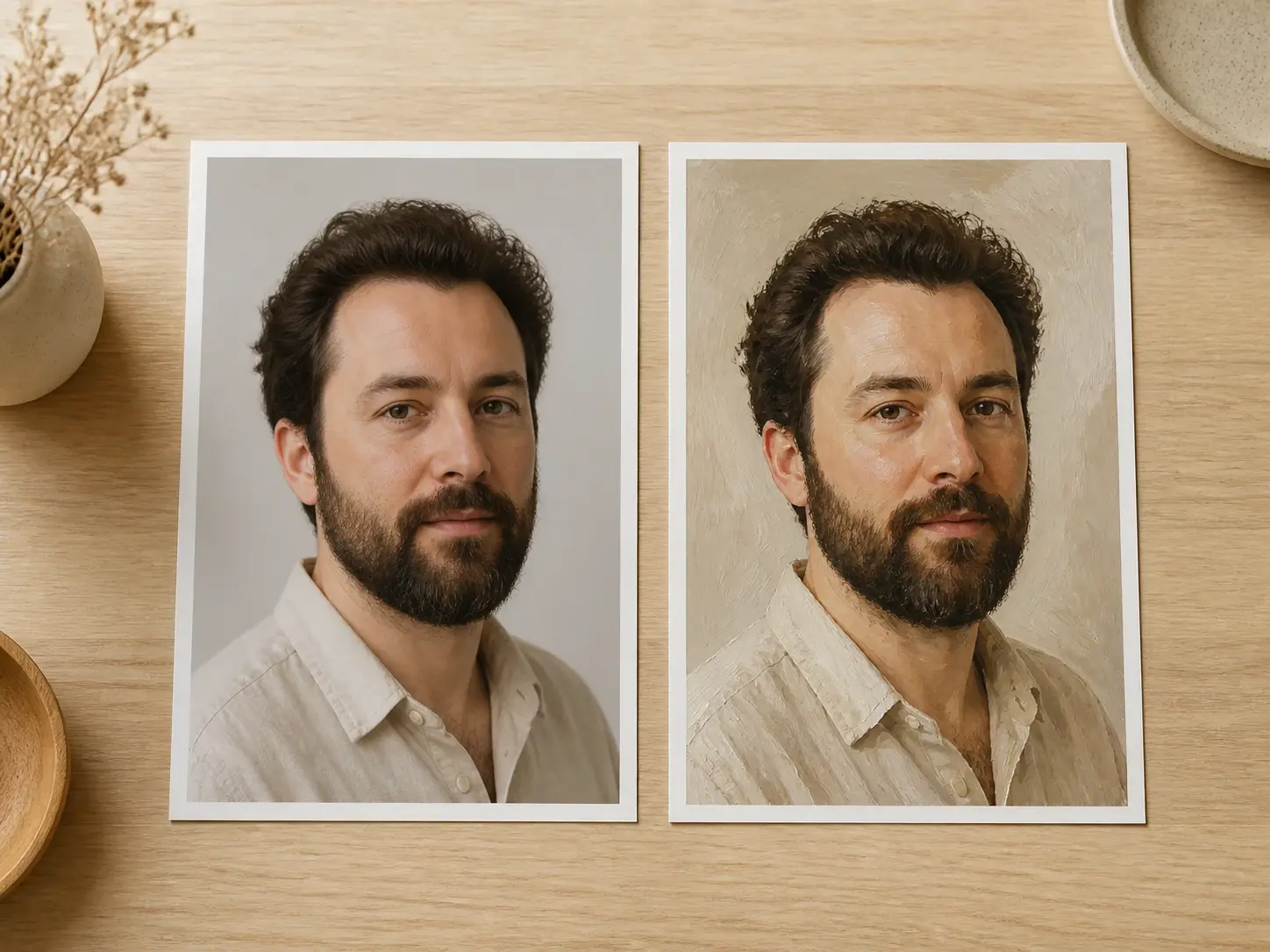
A plain photograph and a painted portrait of the same face resting side by side on a desk

Two Ways To Begin

Start from words or from an image. Write a line about the person, the mood, and the light, or run the ai portrait generator from photo by uploading a shot and letting it become a painting. Both paths lead to the same styles and the same output.

One face rendered three ways as thick oil, washed watercolor and a formal classical portrait

Oil, Watercolor, And Classical Looks

Name the finish you want and the picture follows. Pick the oil preset for thick, layered brushwork, watercolor for soft washed edges, or a classical court look for a formal painted feel.

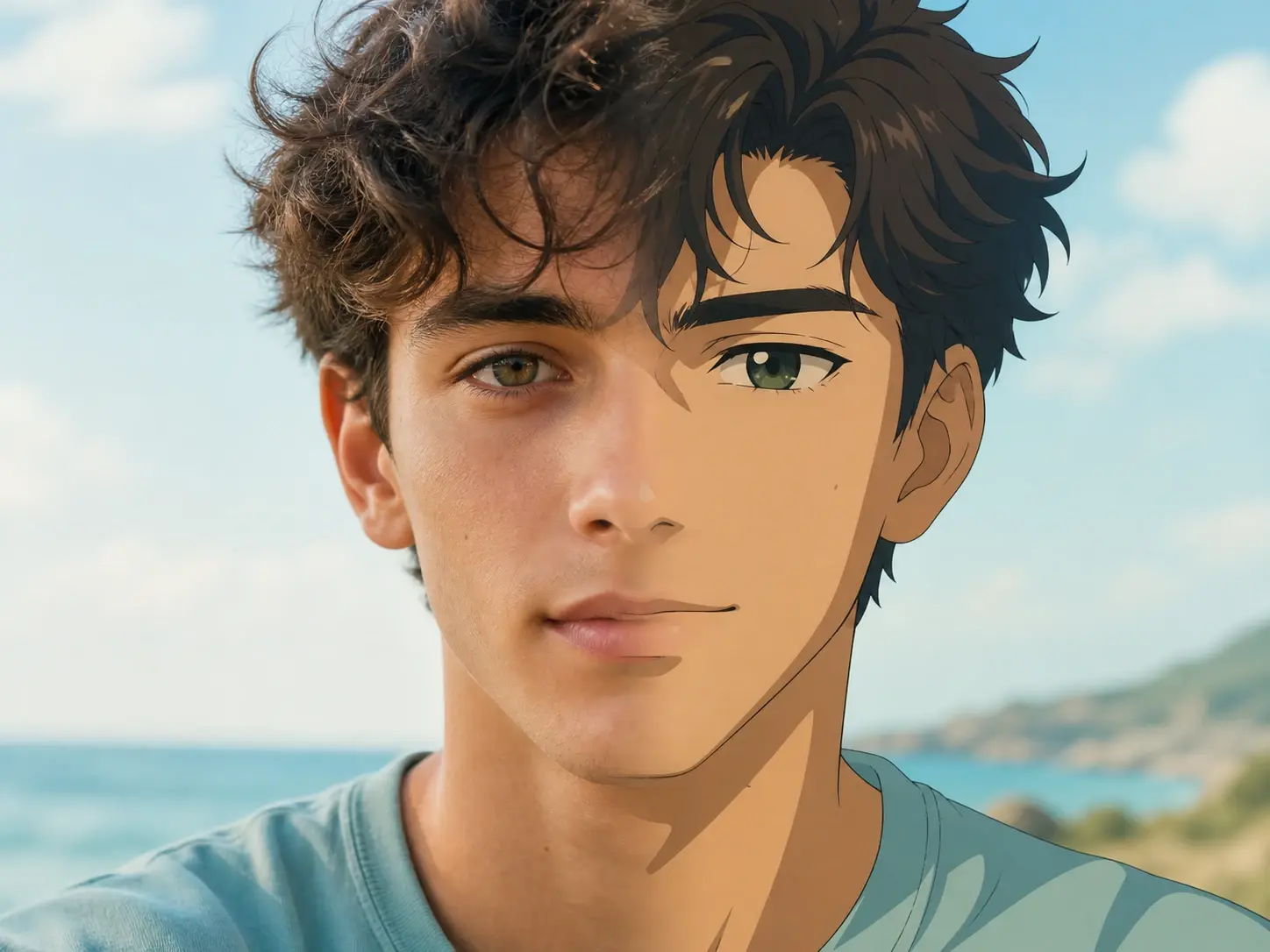
The same young man shown as a lifelike photographic portrait and as a clean cel shaded anime one

Realistic And Anime Portrait Styles

Prefer something outside the painted looks? A realistic ai portrait preset comes out lifelike, with a photographic style, while the anime portrait generator gives clean lines and flat cel shading. Pick either from the same style list before you generate.

Four painted variations of one sitter arranged together, each with a different pose and crop

Four Portraits, One Prompt

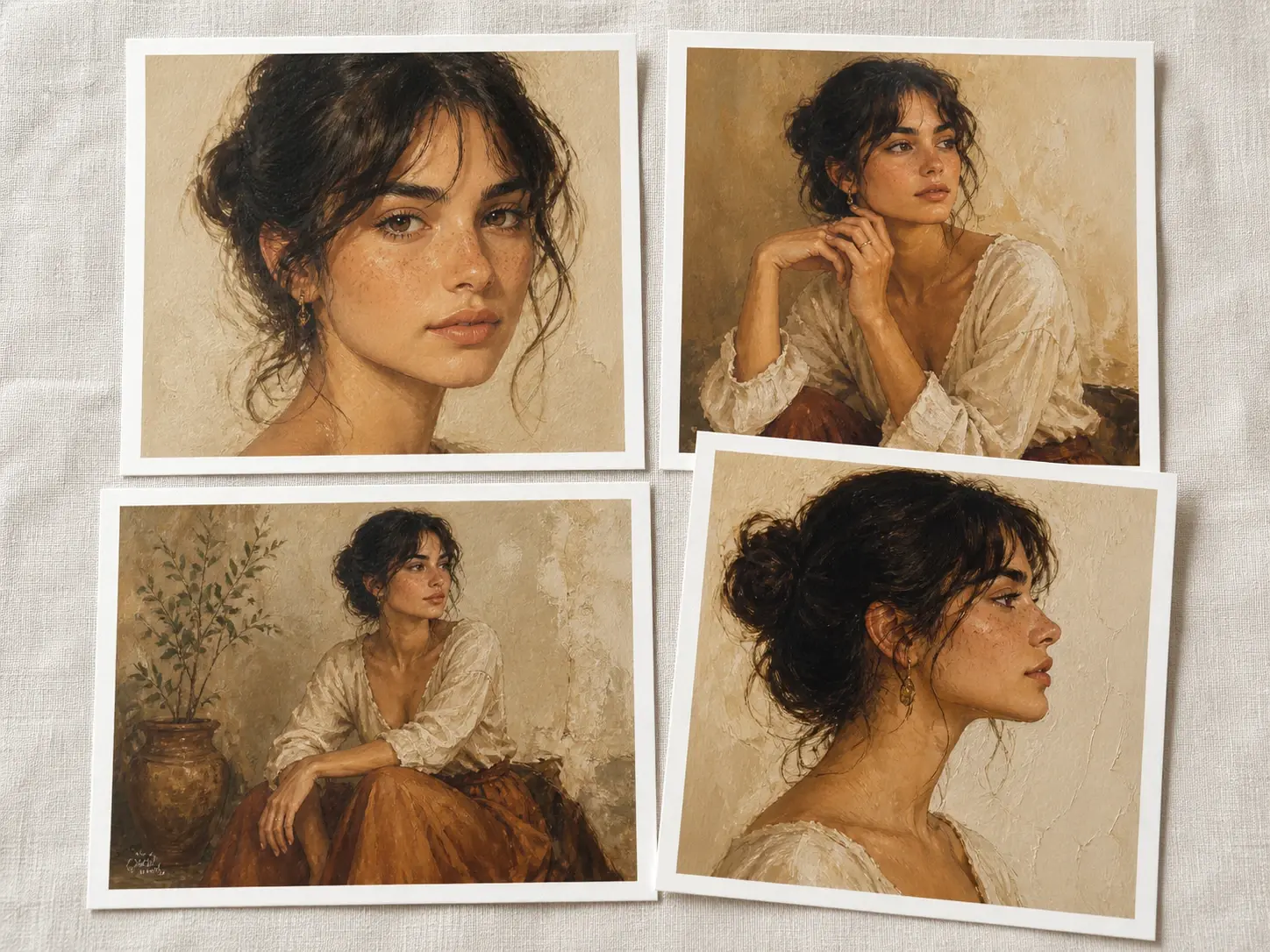
One prompt returns four portraits from the ai portrait generator at once, sometimes in different layouts, so you compare and keep the one that lands. Download your pick at up to 4K, with no watermark, cleared for commercial work.

Three Steps From Idea To Portrait

The ai portrait generator takes you from an idea to a finished painting in a few steps, and the choices stay in your hands.

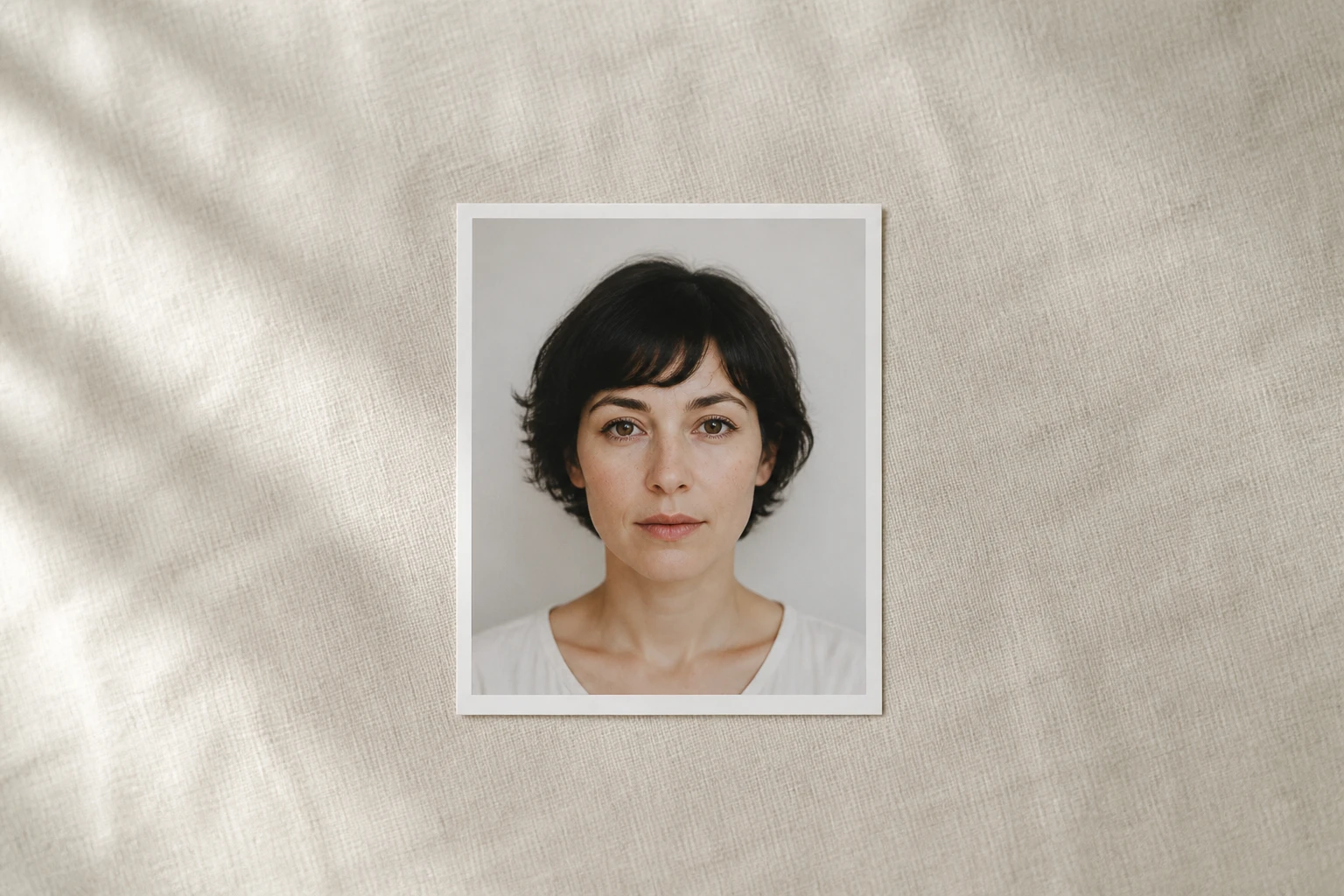
A plain reference photograph of a sitter lying alone on a pale surface before any painting

Step 01

Describe Or Upload Your Subject

Type a description of the person, their expression, the lighting, and the background, or upload a photo to paint from. For a group image, add two or more single photos. Common image formats are supported, and your uploads stay in your workspace to reuse or remove.
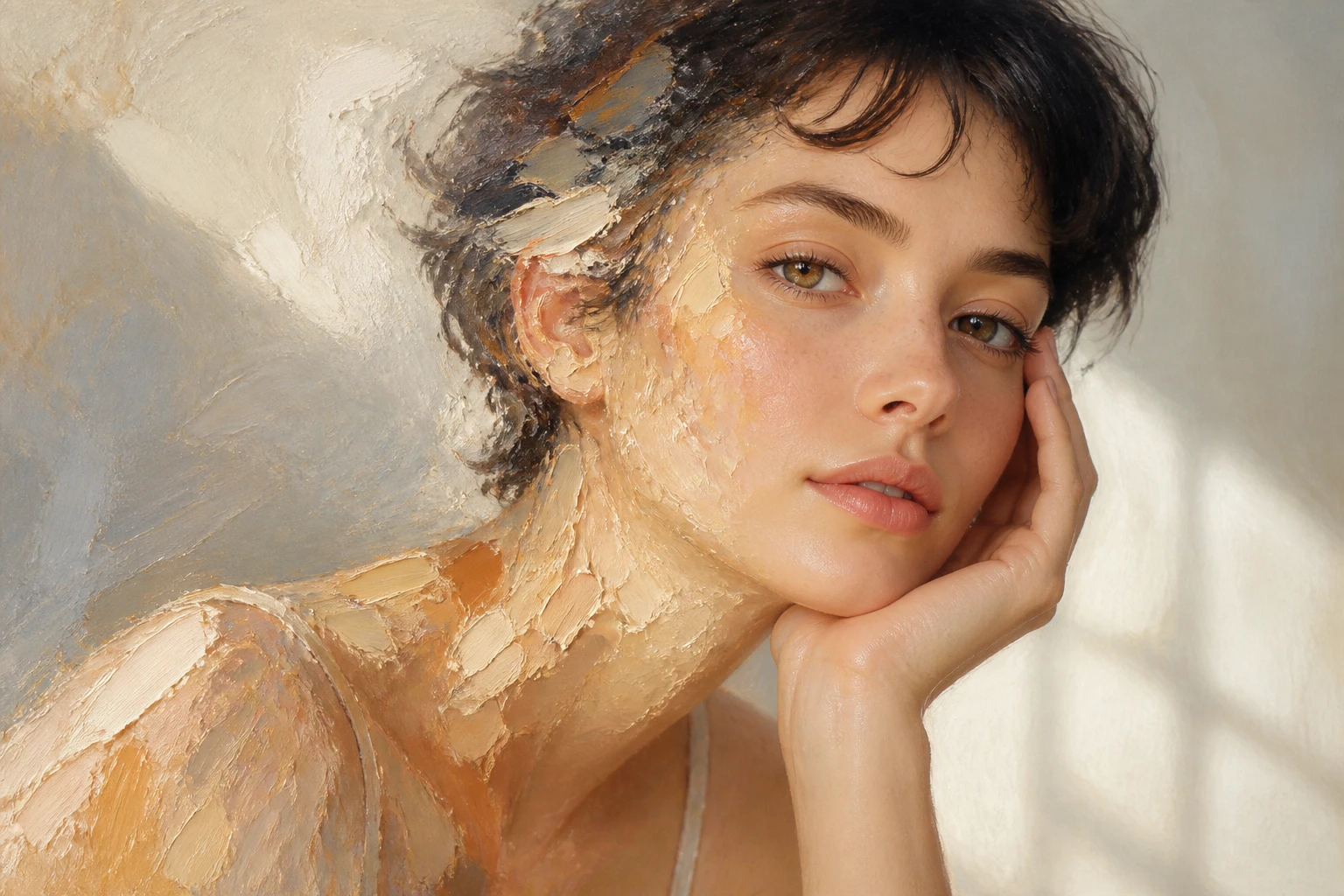
The same sitter half painted, brushwork spreading across one side of the face as a style takes hold

Step 02

Pick A Style To Set The Tone

Choose a preset from the style list, oil, watercolor, classical, realistic, or anime, or write the style into your description instead; the ai portrait generator applies it either way. You can also step through guided attributes such as look, gender, and age range to steer the result without typing every detail.

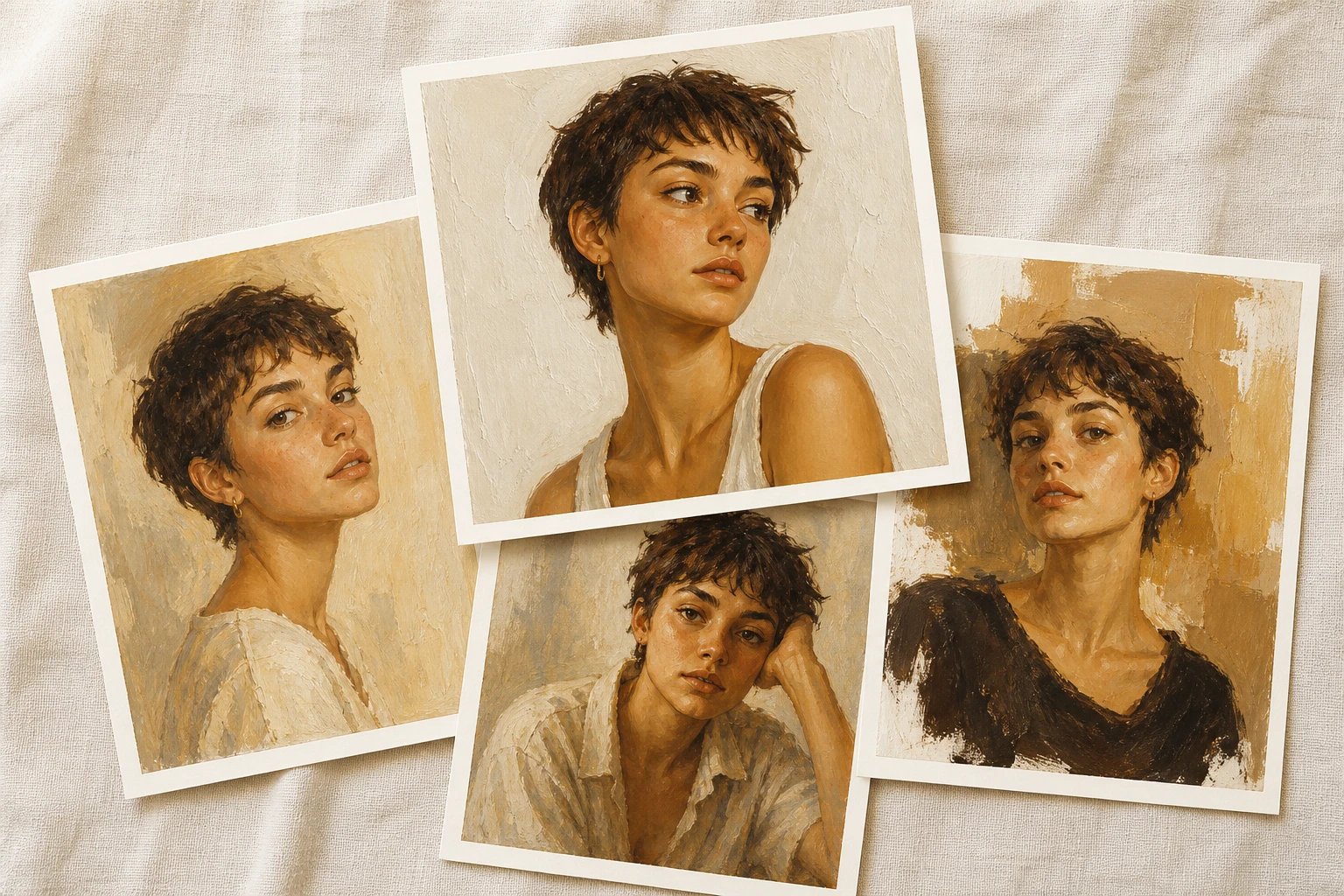
Four finished painted portraits of one sitter laid out with the chosen one lifted forward

Step 03

Generate And Keep Your Favorite

Press generate and four portraits come back for one prompt. Save the one you like at up to 4K, choose a 1:1 or 16:9 frame, export a transparent PNG when you need one, and if a result misses, reopen the piece and regenerate from a new description.

AI Portrait Generator In Real Use

A few of the ways people put the ai portrait generator to work.

AI Self Portrait

You want a portrait of yourself but cannot paint and would rather not commission one. Upload a single photo, choose a style, and an ai portrait of yourself comes back as a finished painting you can download.

Watercolor Portrait From Photo

Some faces suit the translucent, bleeding edges of watercolor. Pick the watercolor preset, upload your shot, and it returns as a soft, washed painting with light pigment and gentle transitions.

Oil Painting Portrait From Photo

When you are after weight and texture, oil is the choice. Choosing the oil preset renders your photo with thick strokes and deep light and shadow, closer to a canvas than a snapshot.

A Classical Portrait To Gift

Maybe you want to hand someone something more personal than another quick snapshot. Choose a formal, courtly finish, and the royal portrait generator returns a classical painted portrait that makes a memorable gift a friend or relative can keep.

FAQ

Questions Before Your First Portrait

Yes, the ai portrait generator gives a starter allowance of 10 credits that makes 5 images at no cost, so you can test the styles before deciding on more. The credits are enough to see how your prompts and photos come out.

That depends on what you need from it. If you want painted styles, two input paths, 4K downloads with no watermark, and images cleared for commercial use, this ai portrait maker covers those without locking you into one look.

Upload your photo, pick a style preset such as oil or watercolor, then generate with the ai portrait generator and choose one of the four results to download. The whole flow happens in your browser, so there is nothing to install.

Start with one clear photo of your face, choose the look you want, and let the ai portrait generator turn it into a painting you can save. Pick the style first if you already know the mood you are after.

It is a portrait image the ai portrait generator builds from either your written description or a photo you upload, rendered in the painted or realistic style you select. Think of an ai generated portrait as a painting produced by software rather than a hand or a camera.

The images you make are cleared for commercial use, so they can appear in client projects, campaigns, and social content. Put them to work like any other asset you create for a brand.

Downloads from the ai portrait generator reach up to 4K, arrive without a watermark, and can be exported as a transparent PNG when you need one, and you can set the frame to 1:1, 16:9, and other supported ratios to fit where the ai portrait images will run.
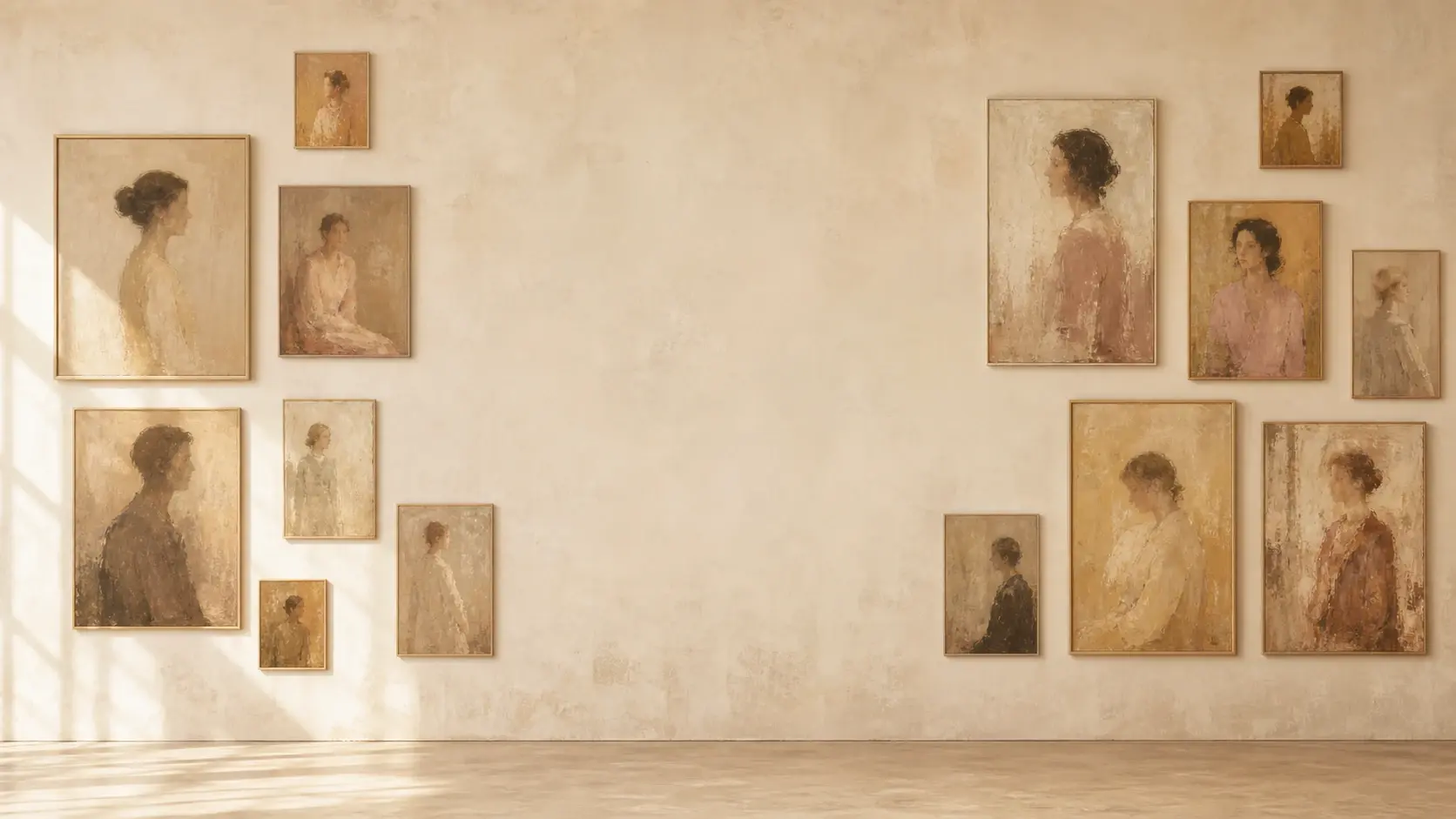
A wide pale gallery wall hung with several painted portraits under soft even daylight

Try The AI Portrait Generator Online

Describe a face or upload a photo, pick your style, and the ai portrait generator online hands you four portraits to choose from.

Get Started
AI Portrait Generator - Portrait AI Online - VideoAI