
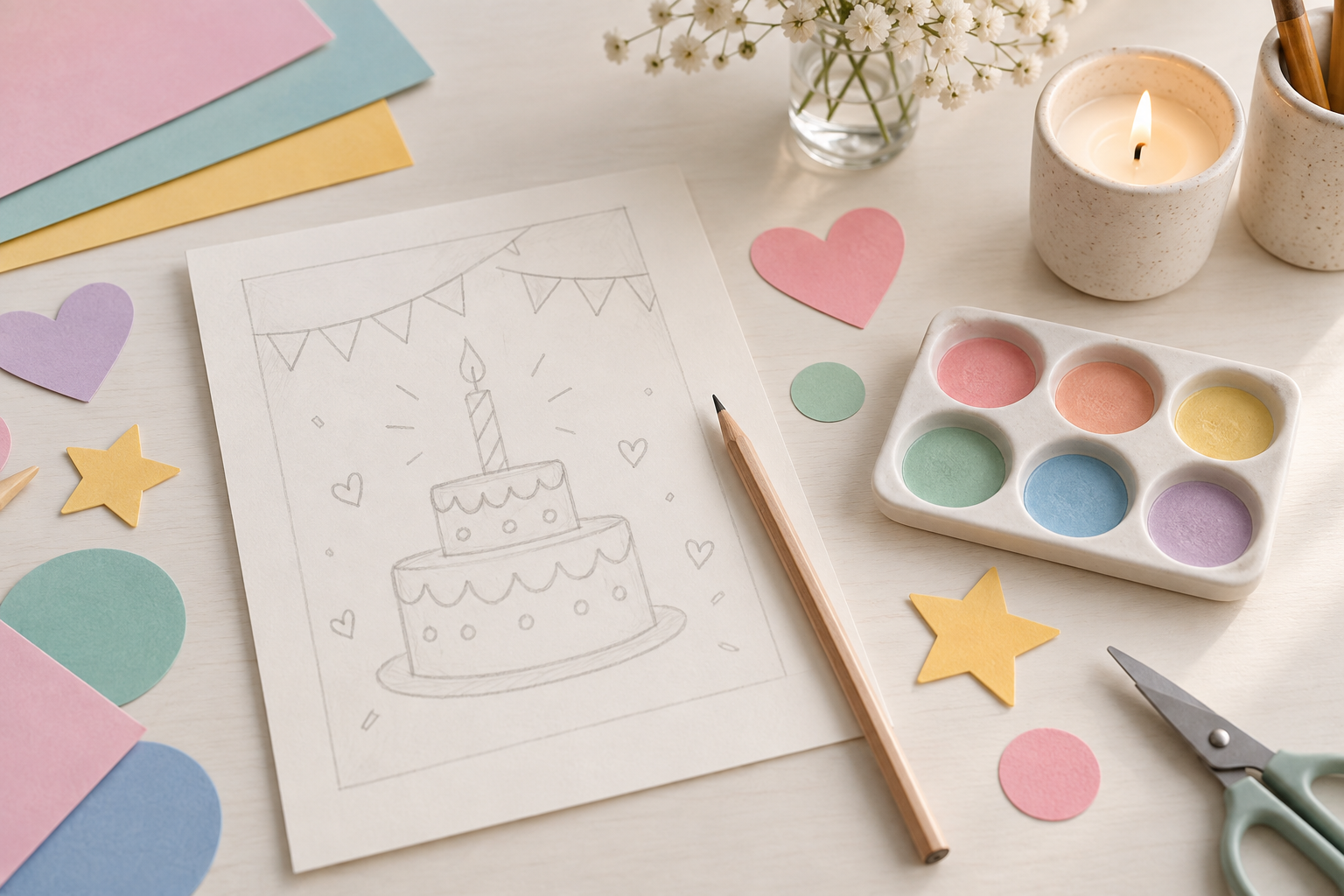
Step 01
Describe the Celebration
Write a short brief for the birthday card generator with the recipient, relationship, theme, colors, and message space. Name the one detail that should influence the artwork most.

Use this birthday card generator to turn a few personal details into a custom card for a friend, family member, child, teacher, or coworker. Describe the recipient, theme, colors, photo needs, and message space, then compare card directions before choosing one. The workflow helps you make a birthday card that feels specific to the celebration instead of starting from the same generic template every time.
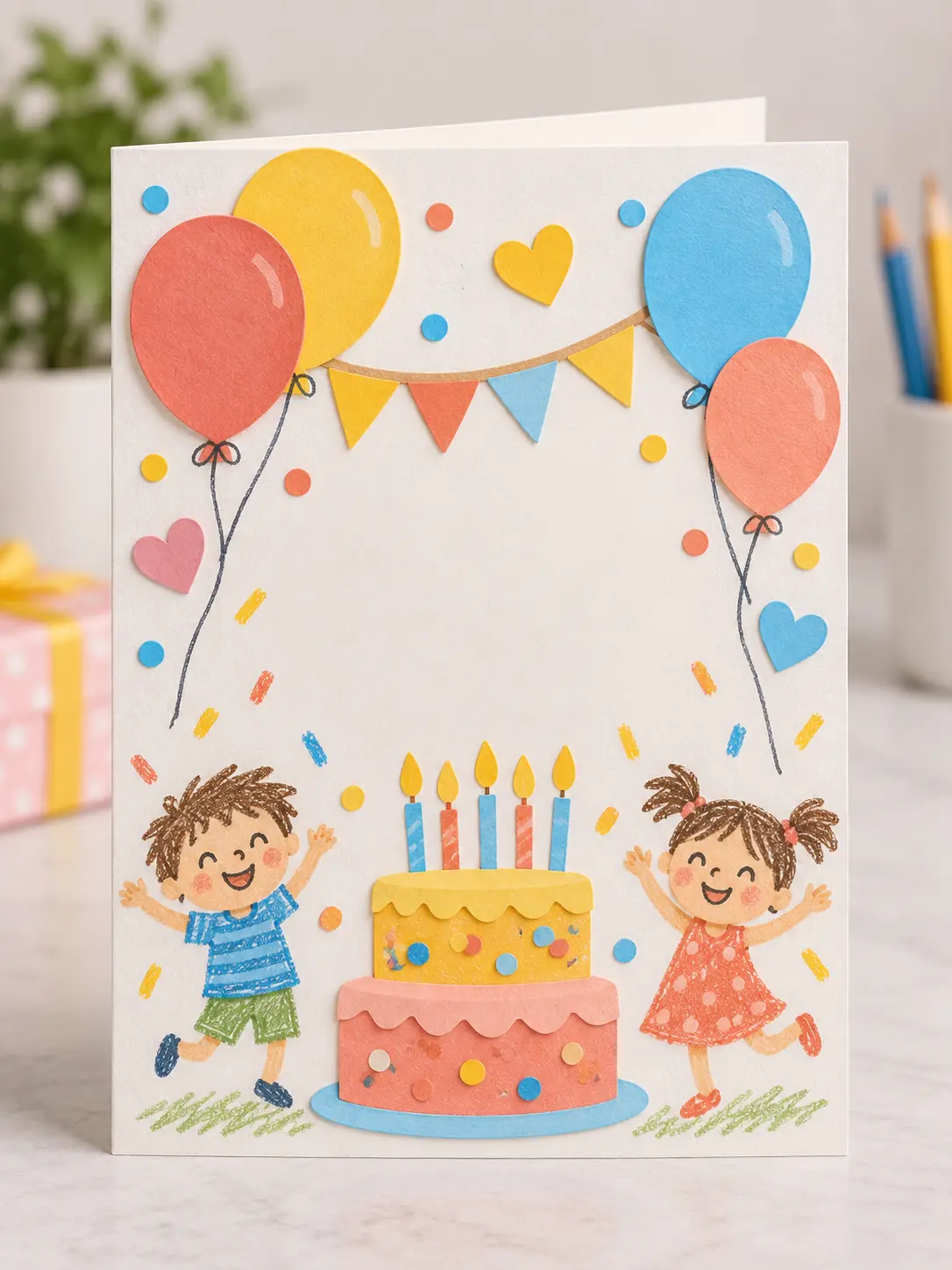
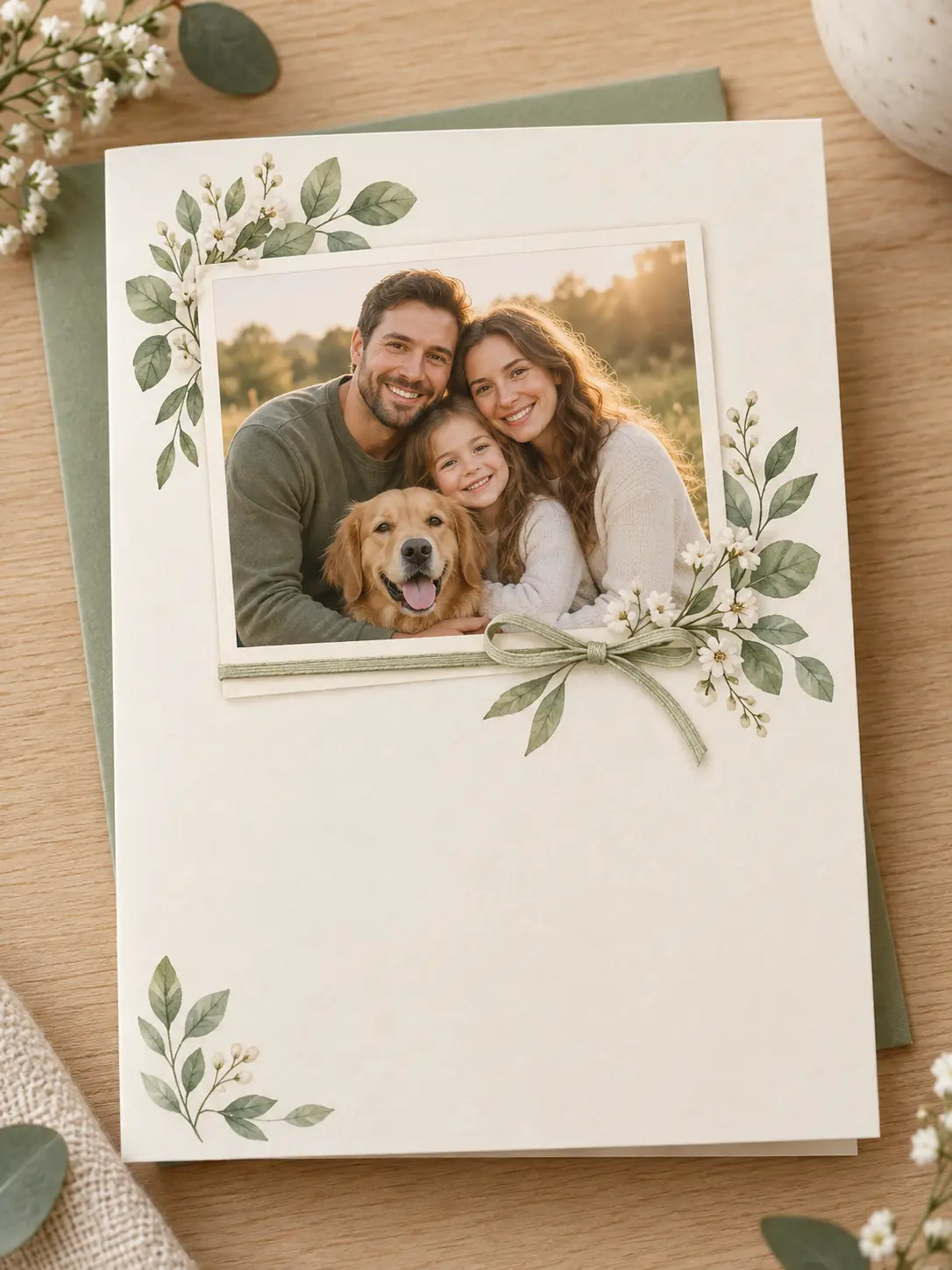
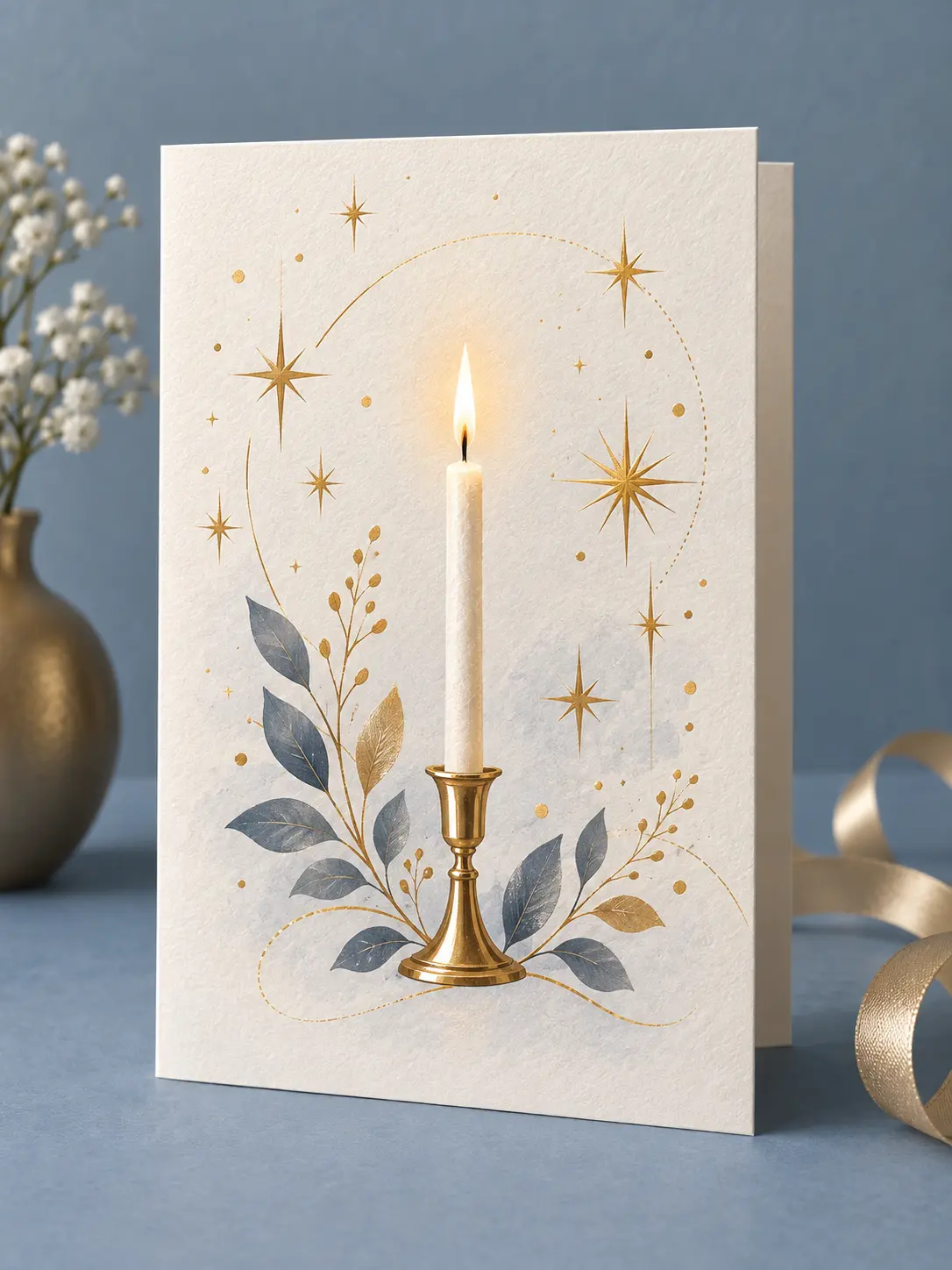
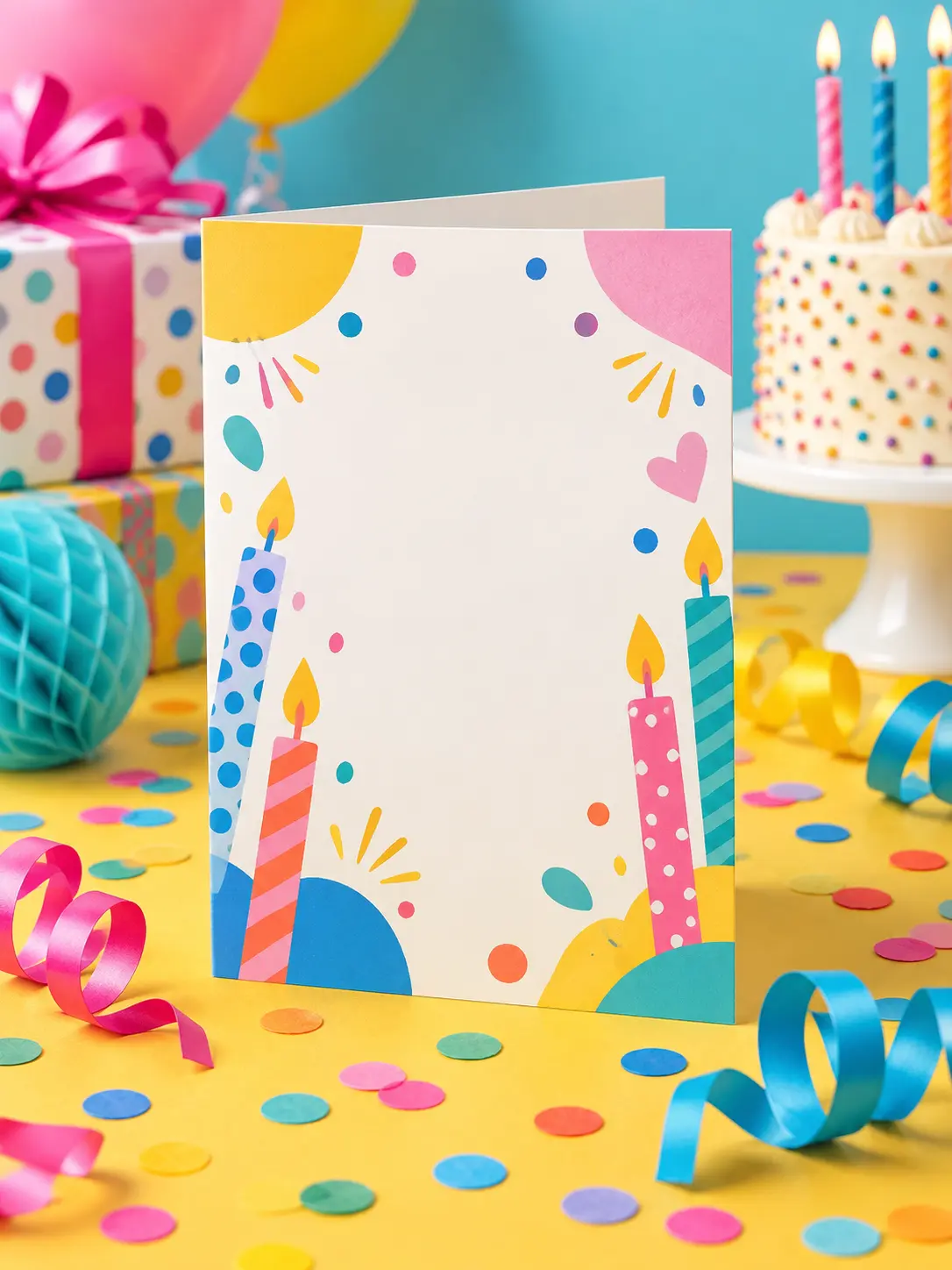
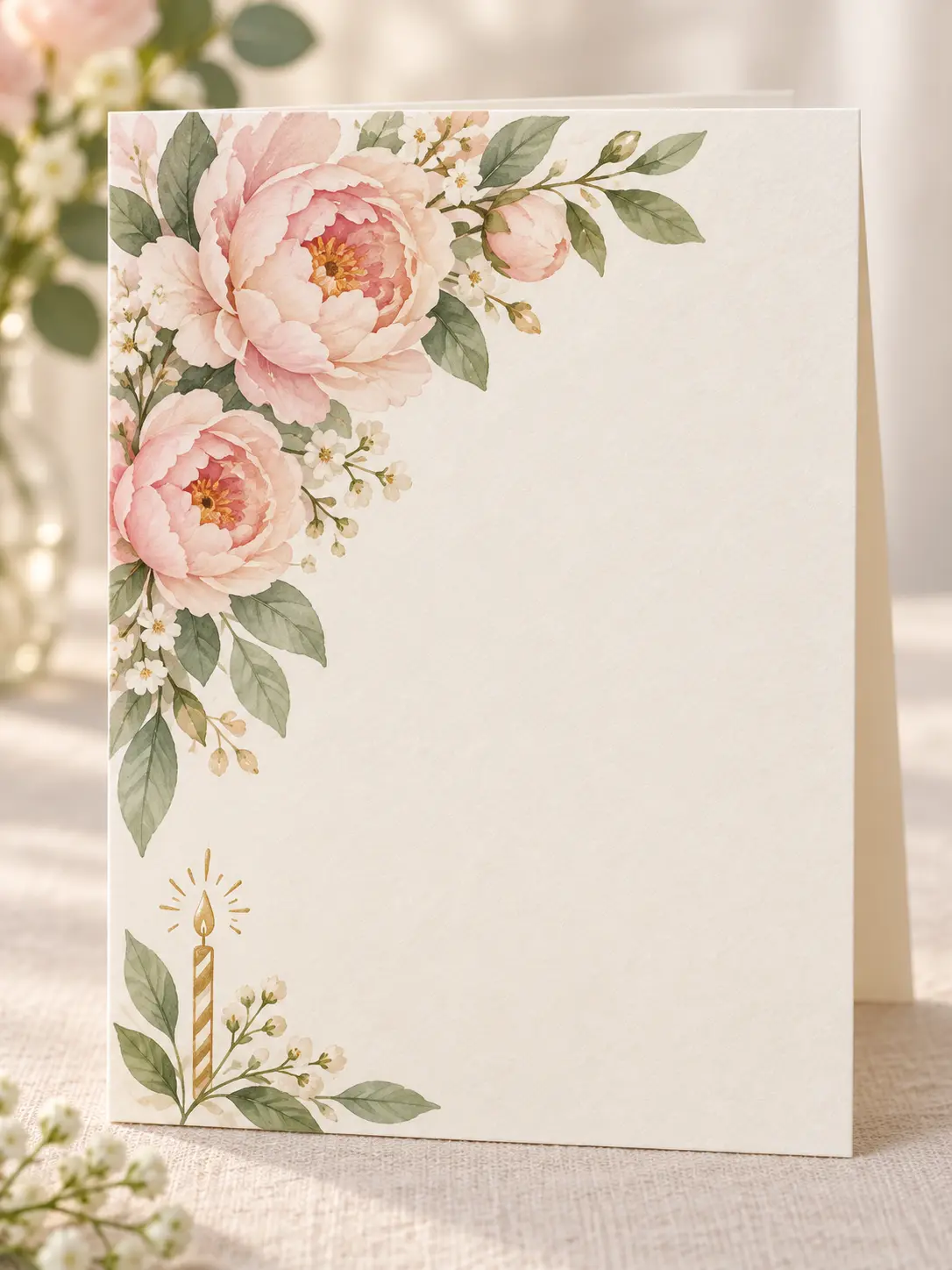
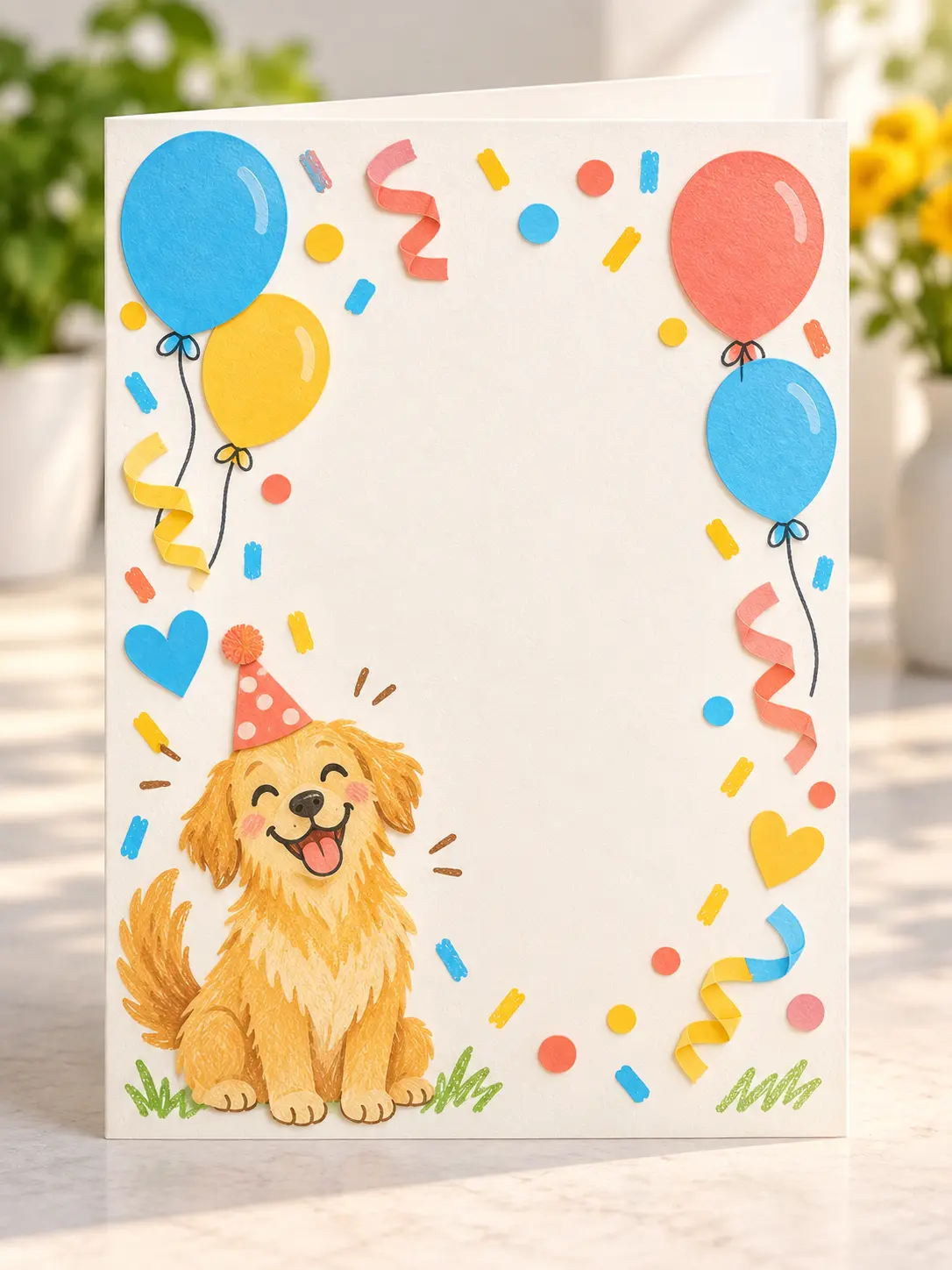
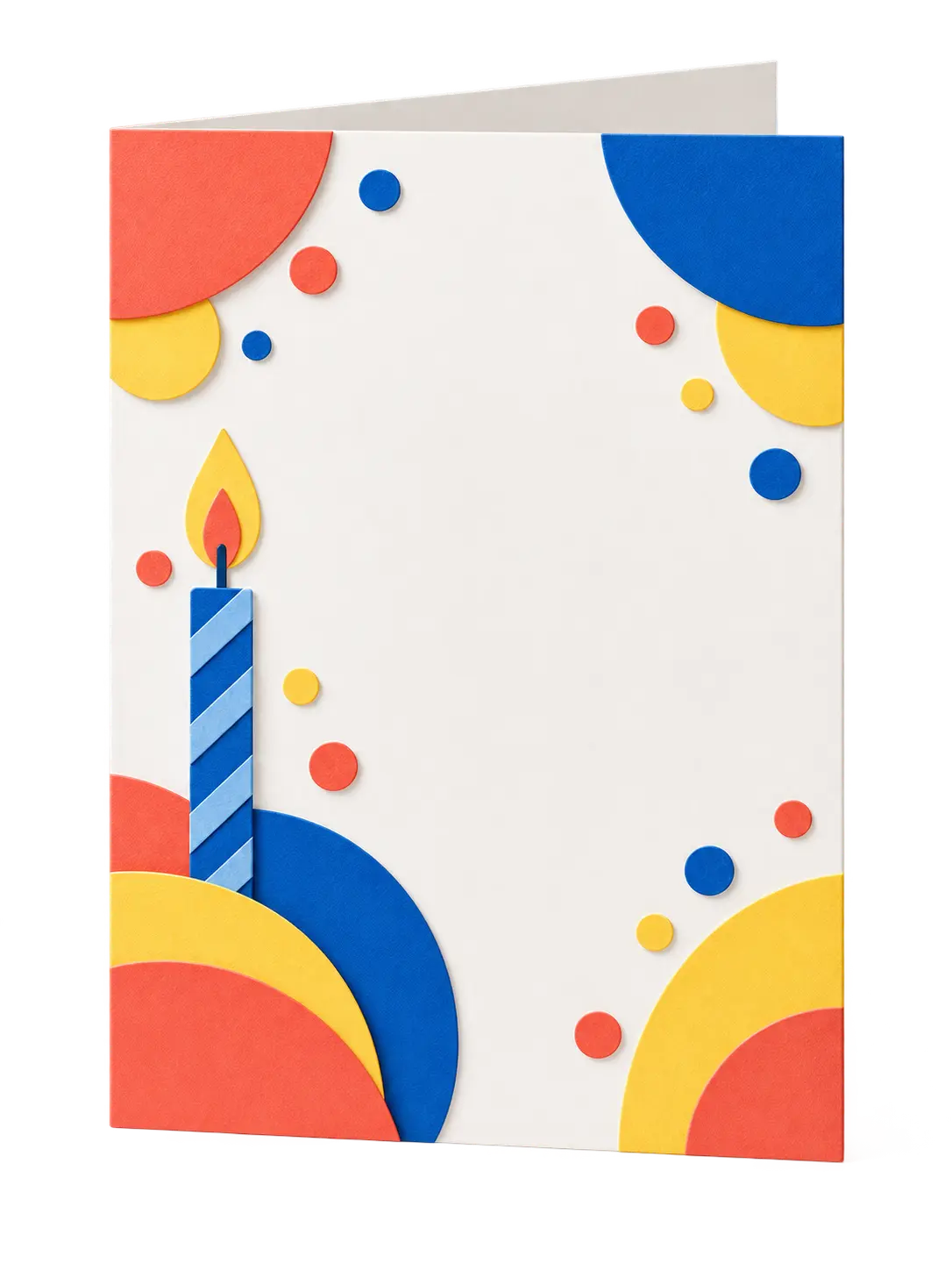
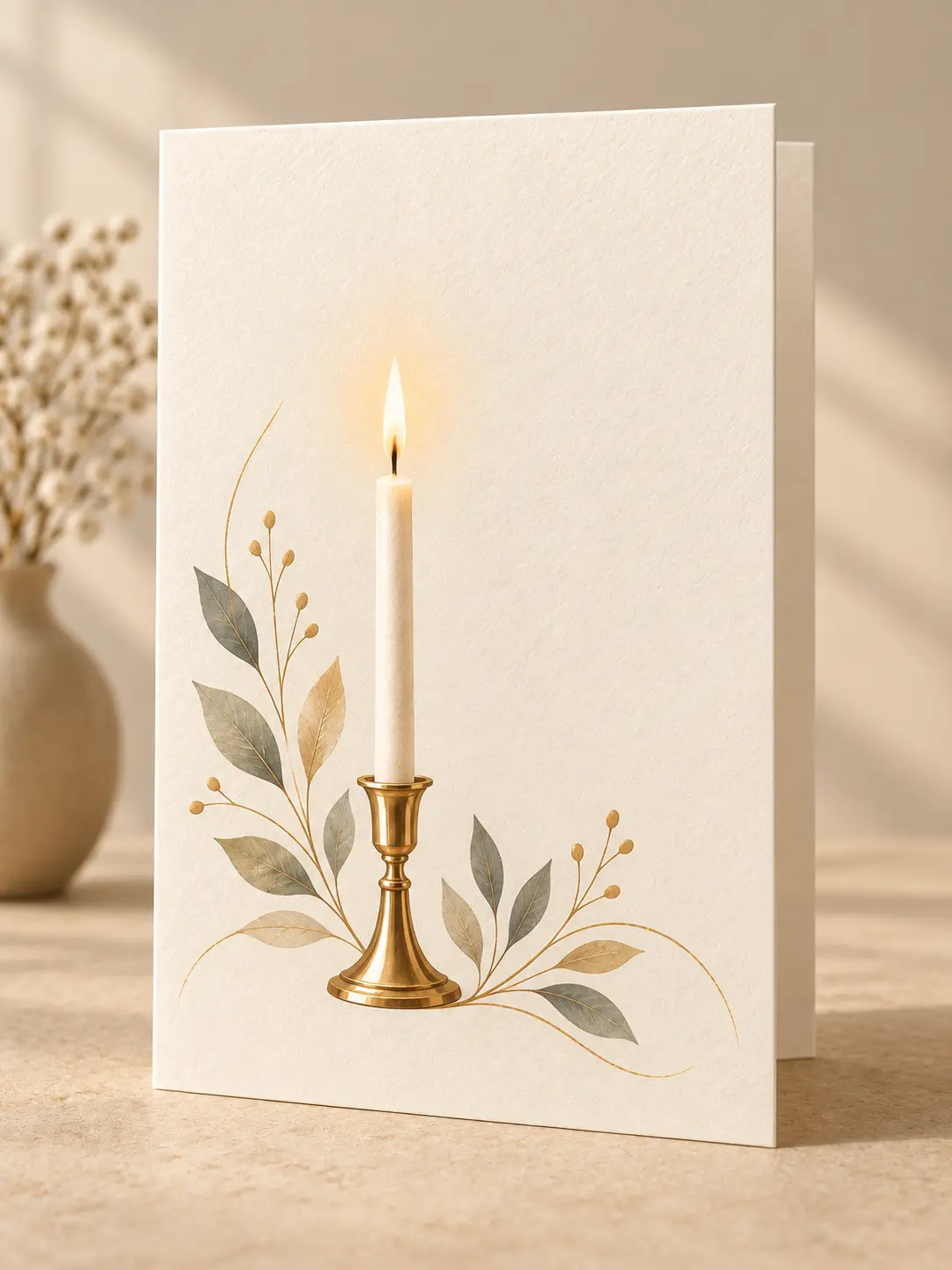

Friends and family use a birthday card generator when they want to make a birthday card that mentions the right hobby, color, pet, milestone, or shared memory. The brief can stay simple: recipient, relationship, mood, and the detail that makes the card personal. Generate a few directions, choose the strongest composition, and leave space for your own message.

Teachers and classroom helpers use a birthday card generator to prepare cheerful cards for students, colleagues, and classroom celebrations. A consistent style keeps several cards feeling related while the prompt can change the theme for each recipient. Printable artwork and flexible message space make the result easier to use in a busy classroom.

Small businesses use a birthday card generator for employee milestones, customer appreciation, community events, and branded gifting. The card can reflect a palette, hobby, season, or professional tone without looking like a generic corporate template. Review the output, add approved wording in an editor, and prepare the final card for print or digital delivery.
A useful birthday card generator turns personal context into visible art direction, so the result matches the recipient and the way the card will be used.
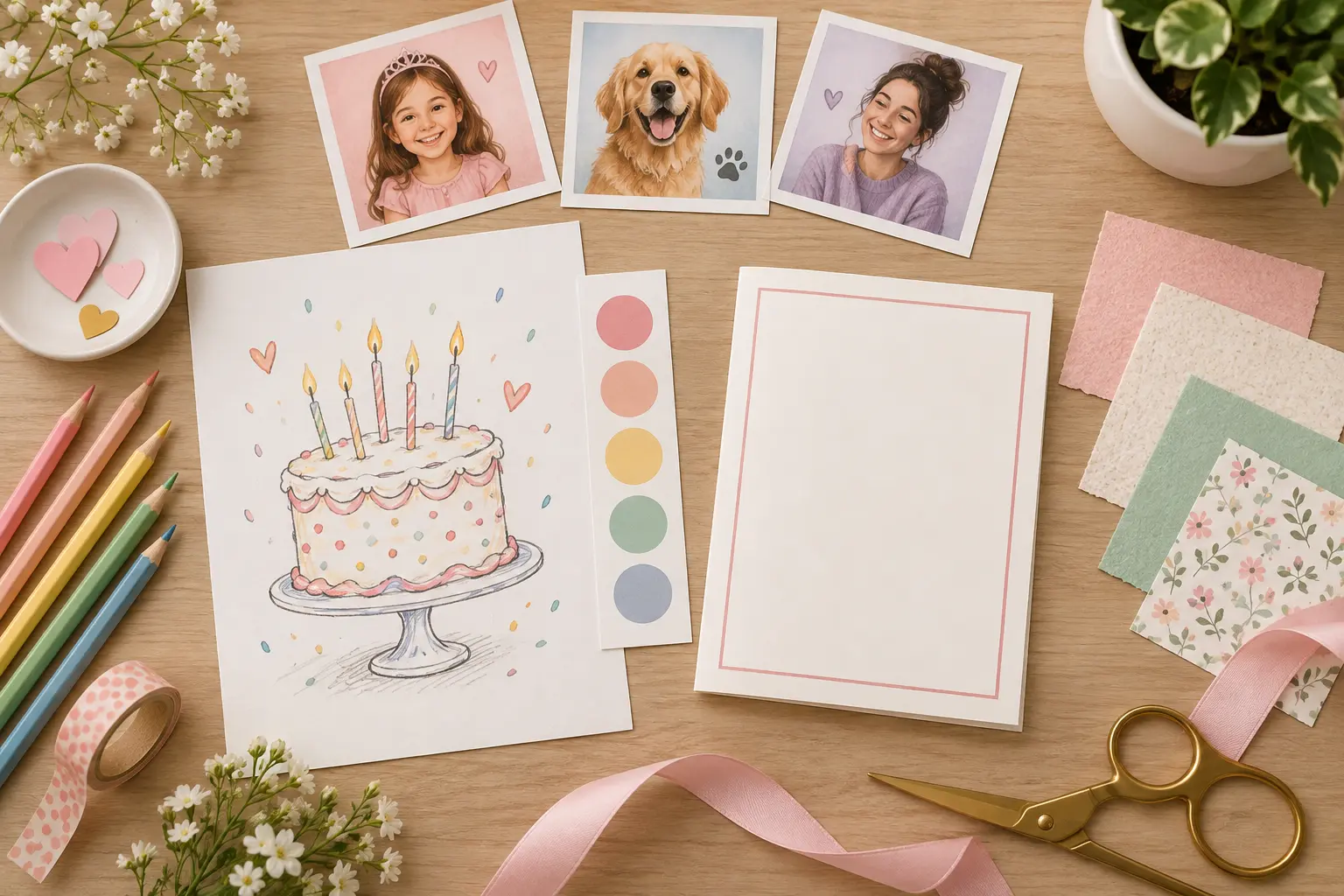
Describe the person, your relationship, and the feeling the card should create. A birthday card generator can use those details to choose a playful, calm, elegant, or celebratory direction. Mention interests only when they will improve the artwork, then check that the composition still leaves room for your message.
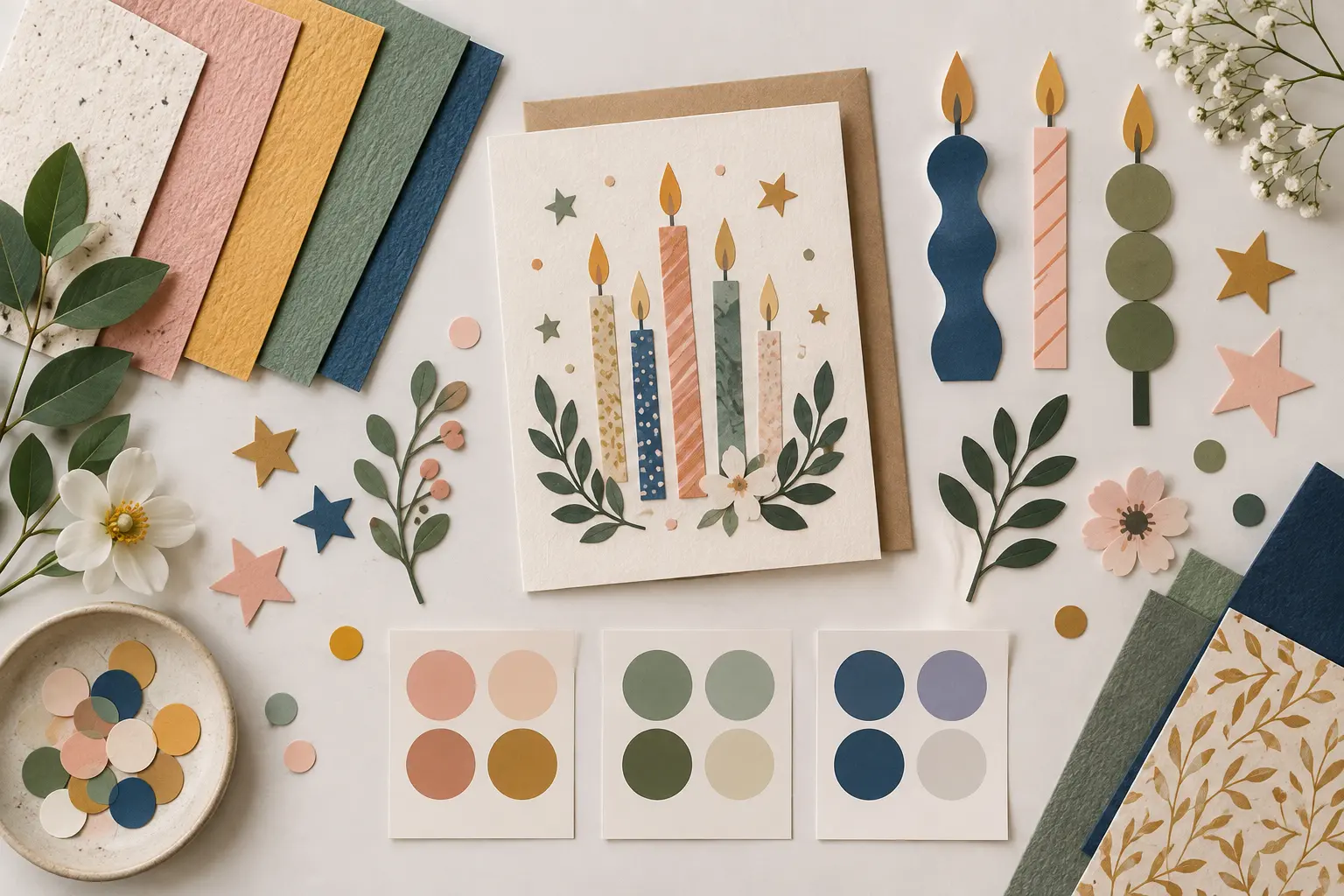
The theme can come from a favorite color, sport, flower, animal, travel memory, or milestone feeling. Ask a birthday card generator for one clear visual idea instead of a crowded collection of symbols. If the card is for a child, keep the shapes simple; for an adult milestone, reduce clutter and let the palette and paper texture carry the mood.
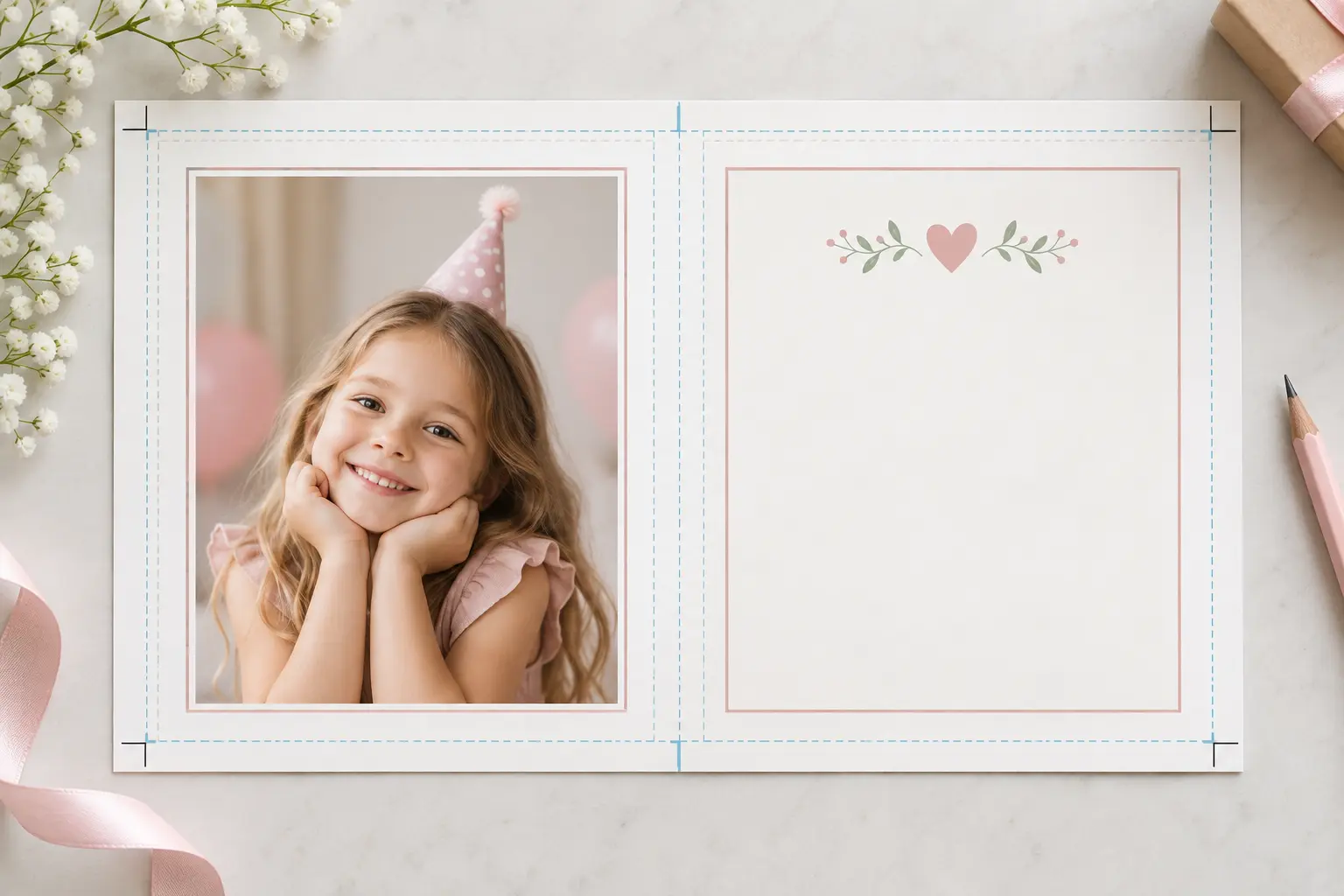
When you need a birthday card with photo, decide whether the image should be the main subject or a smaller framed detail. Ask for a clean photo area, balanced margins, and no important artwork where the portrait will sit. This planning step keeps the birthday card generator result useful after you place the photo and message.
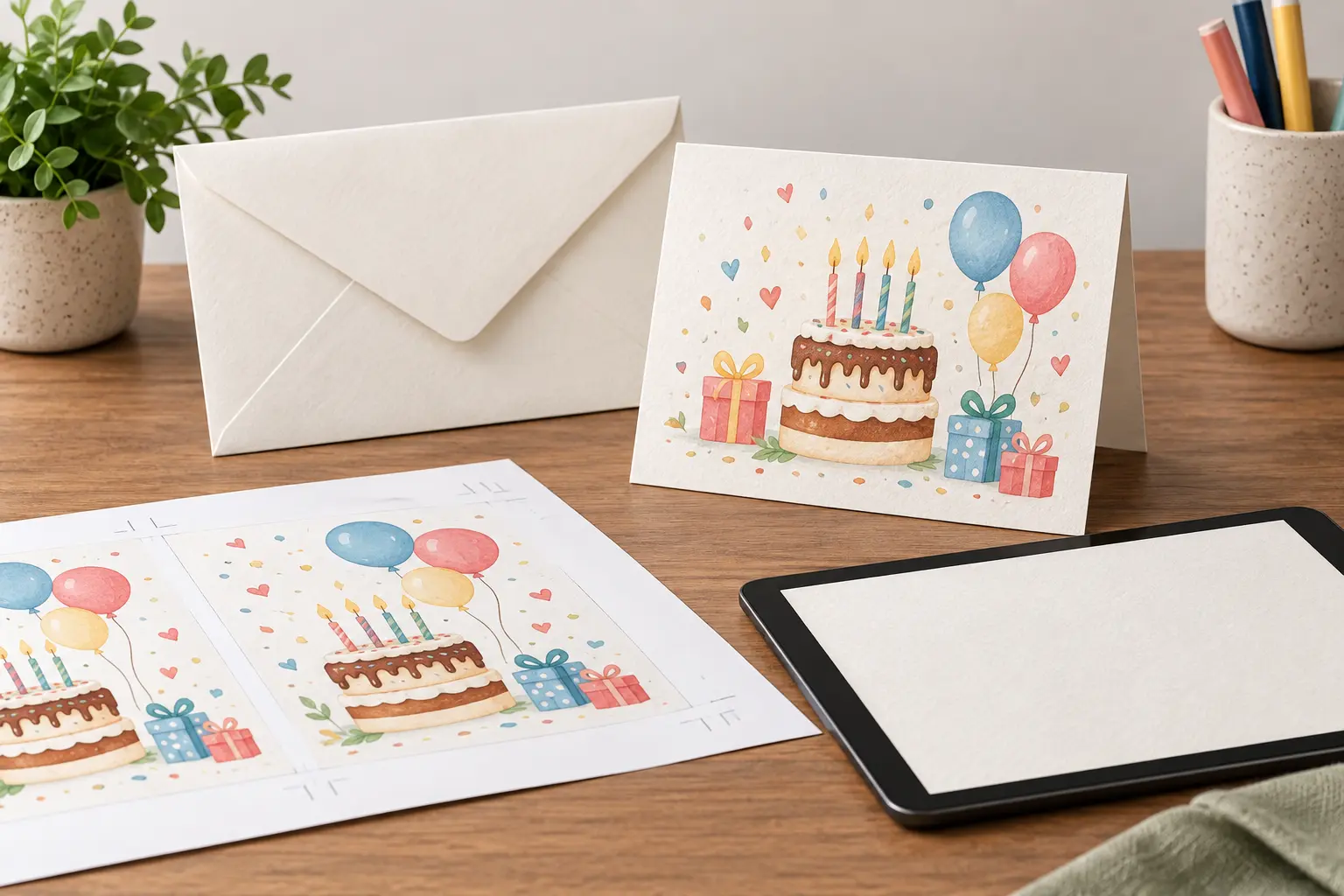
Review the artwork at the final card size and check that the focal point is not too close to the edge. If you plan to print, confirm the page size, fold, bleed, color, and resolution with your printer. For digital sharing, keep the composition legible on a smaller preview and export the version that preserves the details you care about.
Plan the recipient, generate several directions, then refine the one that fits the celebration.
Step 01
Write a short brief for the birthday card generator with the recipient, relationship, theme, colors, and message space. Name the one detail that should influence the artwork most.
Step 02
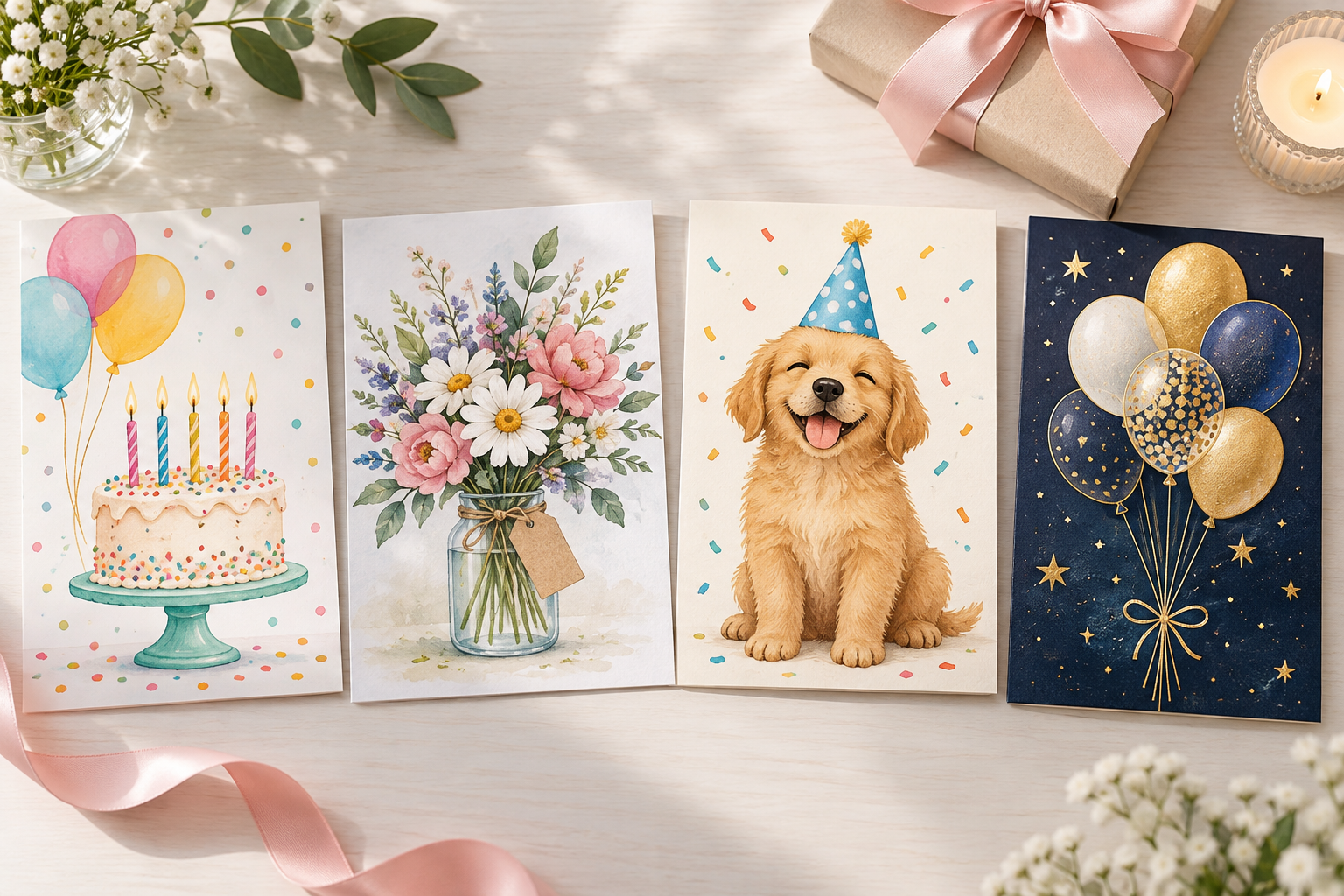
Ask the birthday card generator for several directions from the same brief. Compare focal point, readability, color balance, and available message space before choosing a favorite.
Step 03
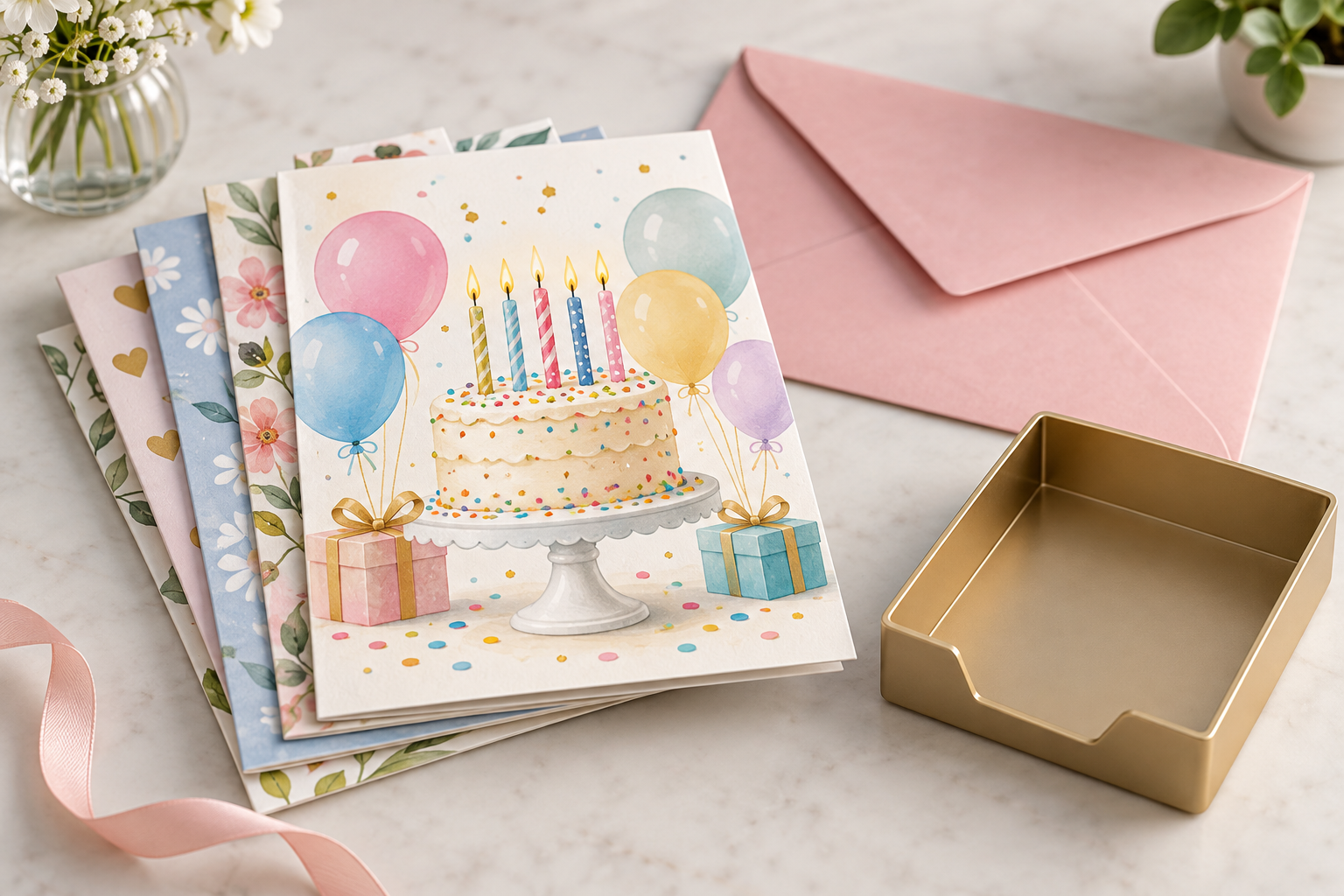
Adjust one detail at a time, keep the version that stays clear at the final size, then download it. Add exact names or message text in an editor after the birthday card generator artwork is approved.
Use the same workflow for playful, personal, professional, and printable birthday cards.
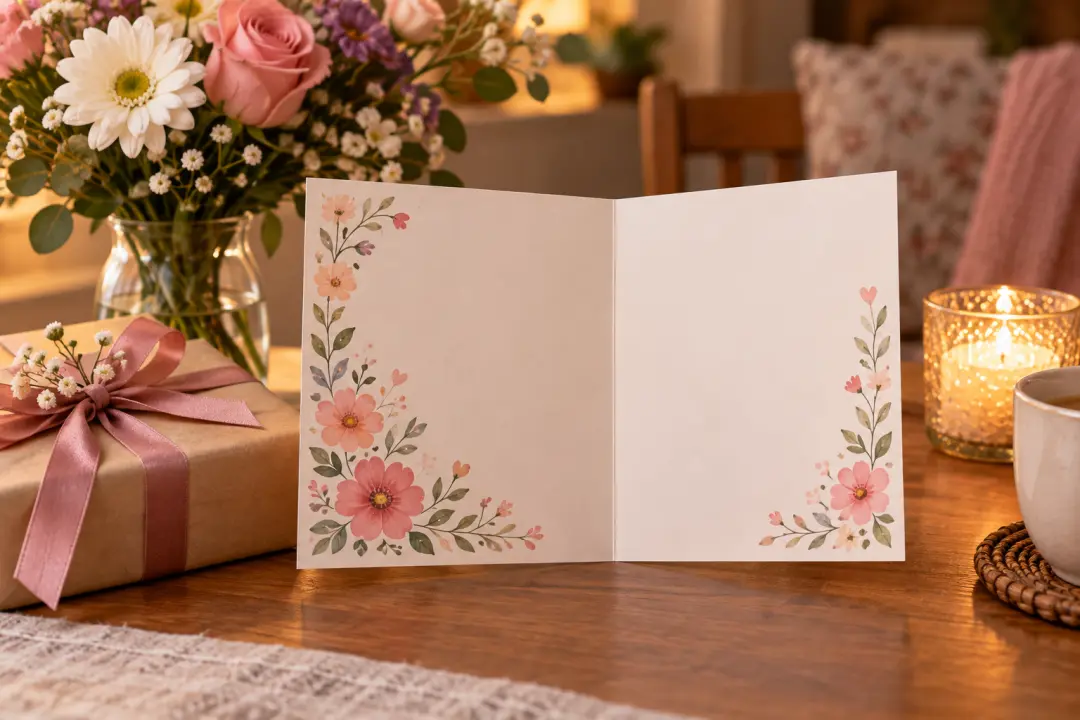
Build the card around a shared joke, favorite flower, pet, hobby, or memorable trip. Keep the design warm and personal, then write the private message yourself after the artwork is ready.
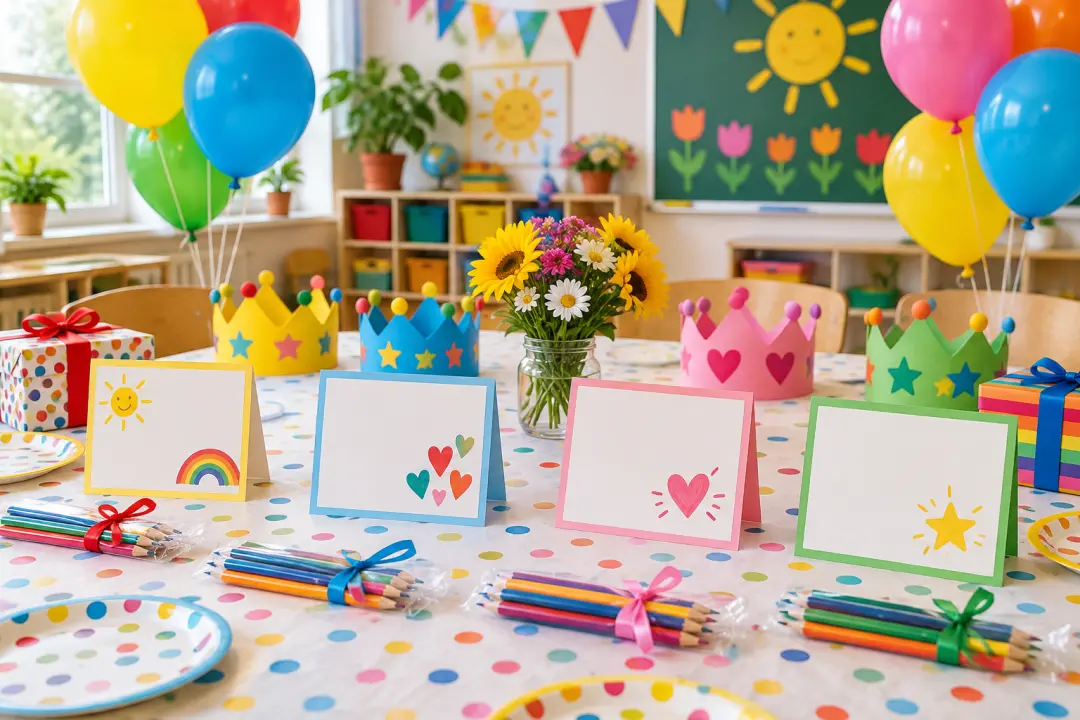
Use bright paper shapes, balloons, cakes, and friendly characters for a school or family party. A simple composition works better when several cards will be printed and handed out together.
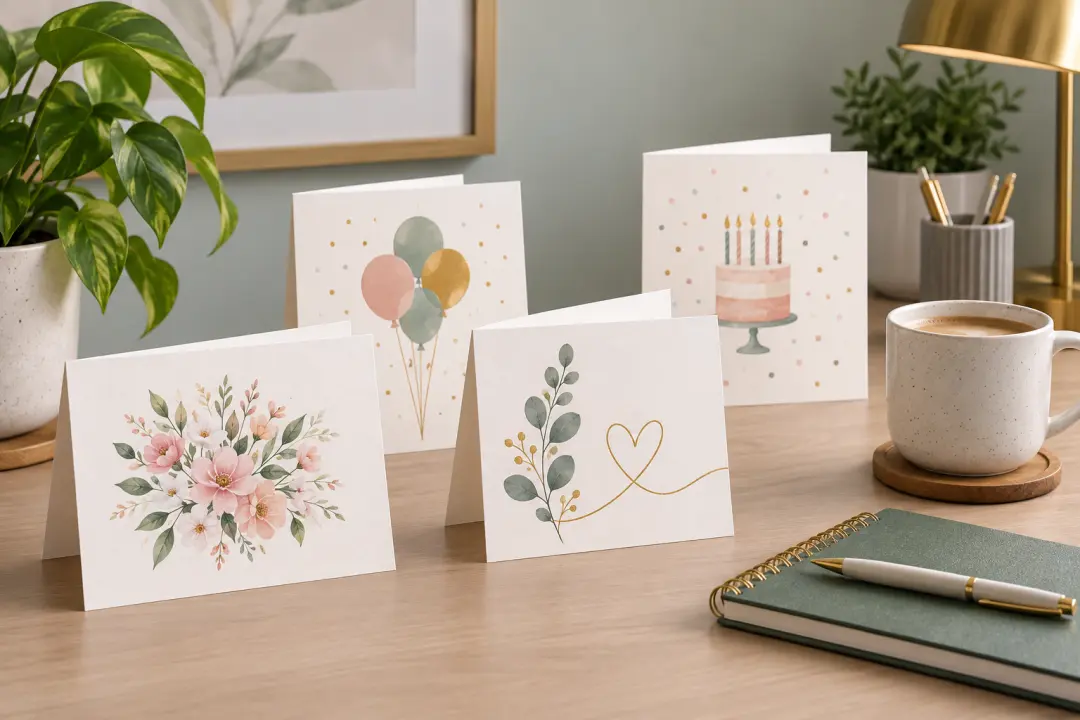
Choose a calm palette, thoughtful botanical details, or a favorite subject for an appreciation card. The artwork can feel celebratory without becoming too childish for a workplace or classroom setting.
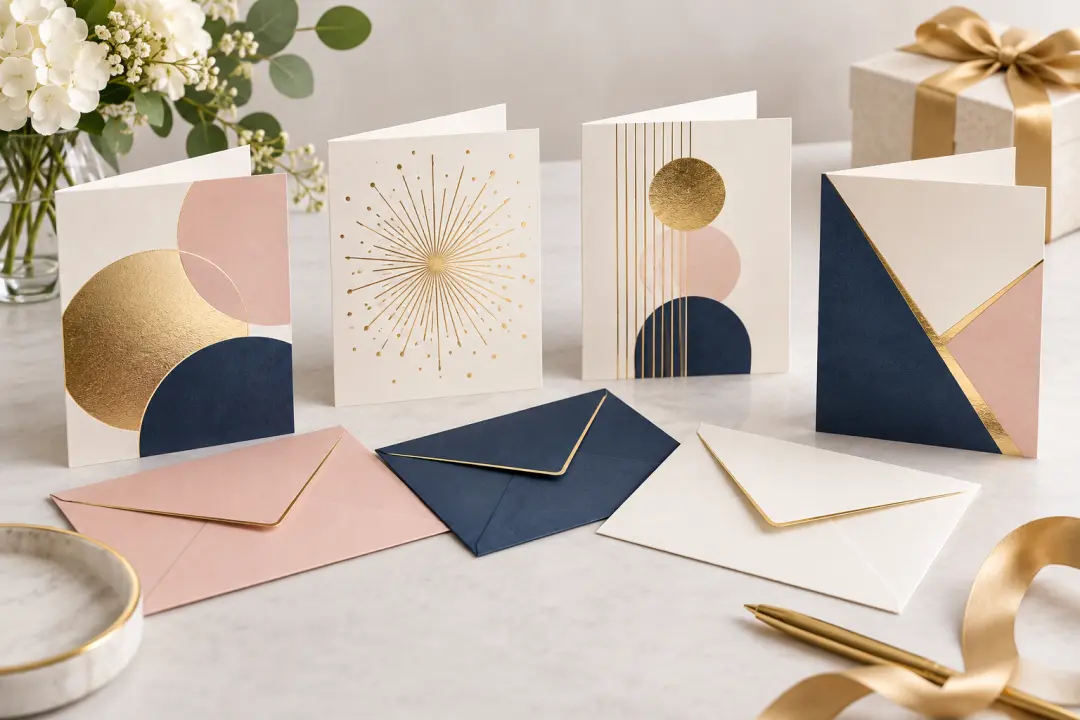
Create a polished card series for team milestones, customer thanks, or community gifts. Keep the visual system consistent, check brand requirements, and add approved names or signatures in the final production file.
A little art direction before generation prevents the result from feeling random, crowded, or unusable.
Ask the birthday card generator for one main visual idea: a cake, portrait area, floral study, celebration scene, or abstract milestone motif. A single focal point reads faster and leaves room for your message.
Decide where the greeting will go before you generate. Request open space in a specific area, avoid busy details behind the words, and add the final message after checking the artwork.
Check spelling, faces, hands, edge crops, and exact wording before using the card. The birthday card generator creates the visual direction; your final review protects the personal details that matter.

Use the birthday card generator to plan the recipient, artwork, photo space, and message before you create the final card.
Get Started