Build the Visual Direction Before the Fold

AI Brochure Generator

A brochure needs a cover that earns attention and a structure that stays clear after it is folded. Use this brochure generator to create the cover artwork and visual direction, then carry the same system into page templates and final production. Decide the fold, the page count, and the audience before you generate anything, because those three choices set the panel widths and the reading order.

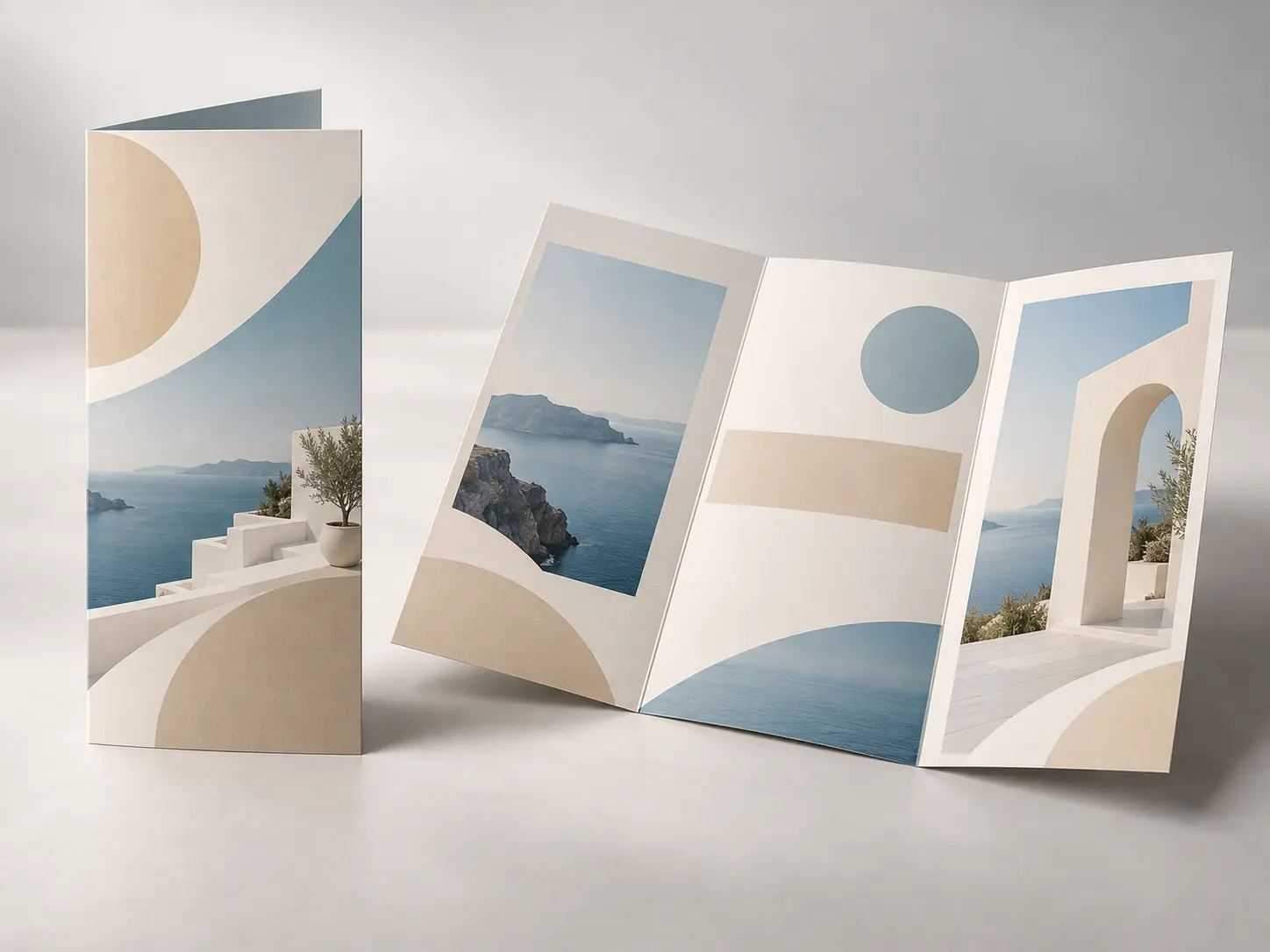
Seaside architecture studio brochure cover with modern coastal buildings, sand and ocean blue tones, and open title space

Plan the Brochure Before Designing Every Page

A strong brochure layout begins with a clear audience, reading order, visual system, and production format. The brochure generator provides the visual direction, not the finished document.

Create a Cover With a Clear Job

Decide what the reader should notice first and where the title, category, or issue label will sit. A simple focal image and intentional open space make the cover easier to finish in a layout tool. Use the brochure generator to create the cover at the final panel proportion rather than a generic landscape frame, and leave the top third quiet if the title will sit there, so the artwork and the type do not compete for the same area.

Extend One Visual System Across Pages

Repeat the palette, type hierarchy, image treatment, and spacing rules through every spread. Consistency helps the folded brochure feel designed rather than assembled from unrelated templates. Use the brochure generator for the cover first, then use that image as the reference for interior artwork so the lighting, color temperature, and image treatment carry across every panel instead of resetting at each spread. Write the rules down as a mini brand sheet so any designer or printer can repeat the same palette, type scale, image crop, and spacing without guessing.

Build a Clear Reading Sequence

Map the cover, introduction, offer or programme, supporting detail, and contact page before adding content. Each panel should have one purpose and a logical relationship to the pages around it. Sketch the sequence as a numbered list of panels, and confirm that opening the brochure reveals the most persuasive spread rather than a page that only repeats the cover. Mark the first spread, proof point, offer, and contact action on one sheet before you move into layout, so every panel earns its place. The brochure generator can supply the visual assets, but the reading sequence still needs a human decision.

Prepare for the Real Fold and Format

Choose the final size, fold, page count, paper, and print method before placing images. Those choices affect margins, image crops, panel widths, and where important content can safely appear. A bifold brochure, tri fold brochure, or z fold brochure uses different panel widths, so build the artwork with those differences in mind rather than cropping the same image into every panel. Use the brochure generator for artwork, then build the fold, bleed, and panel widths in the final layout file.

How To Make a Brochure With AI

Three stages use the brochure generator to create the visual foundation and prepare it for a structured, production-ready brochure.

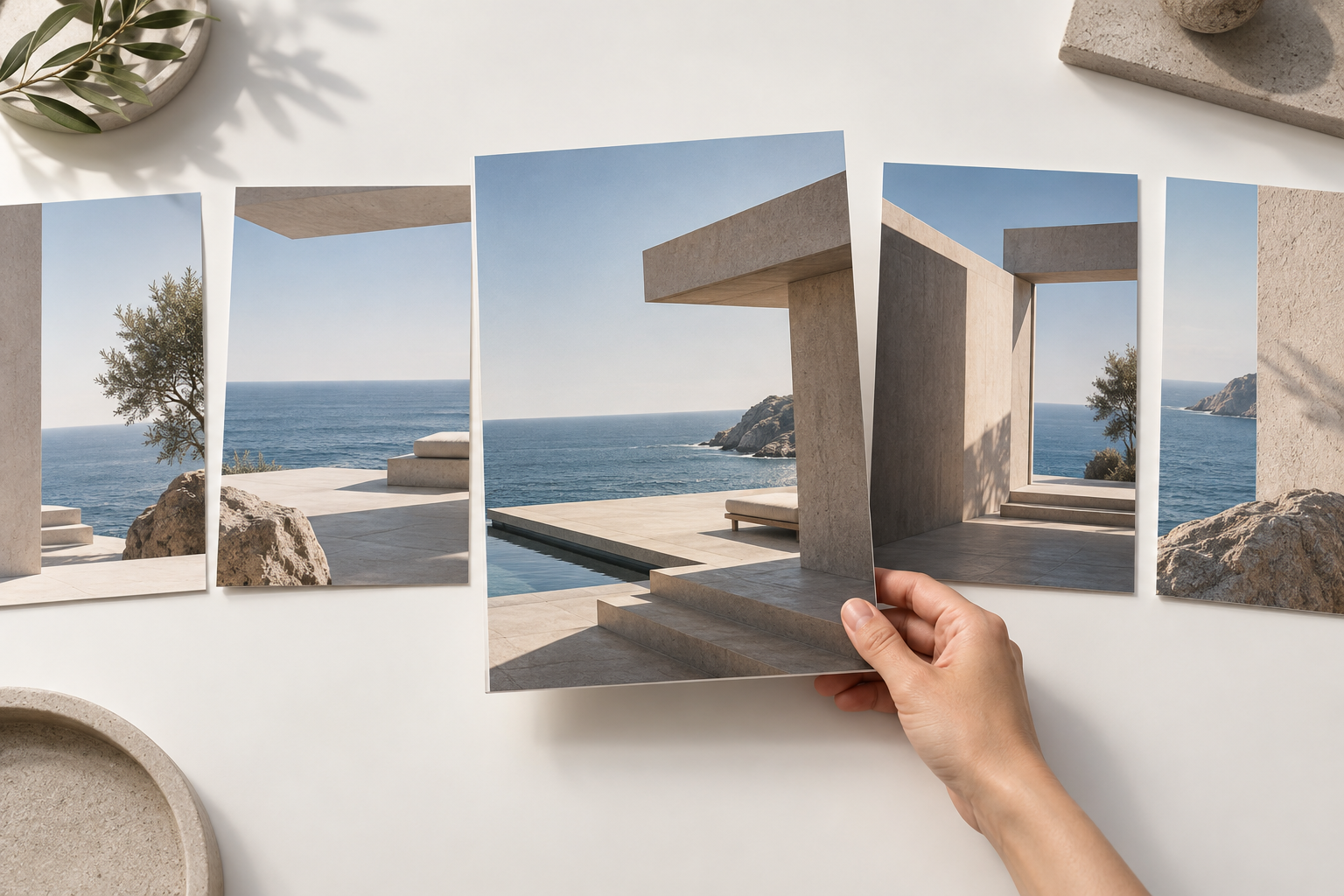
Designer writing a brochure content plan beside printed page sketches and a clean color reference sheet

Step 01

Define the Audience and Offer

Write down who the brochure is for, what they need to understand, the main action you want them to take, and the details that must be accurate. Give the brochure generator a precise content brief instead of a list of visual styles, especially when the final format is a trifold brochure template.

Several printed brochure cover directions arranged on a studio table with paper and color samples

Step 02

Generate the Cover Direction

Use the brochure generator to create an image that supports the offer and leaves room for the title. Compare several focal ideas, then choose the direction that carries the right tone without crowding the cover.

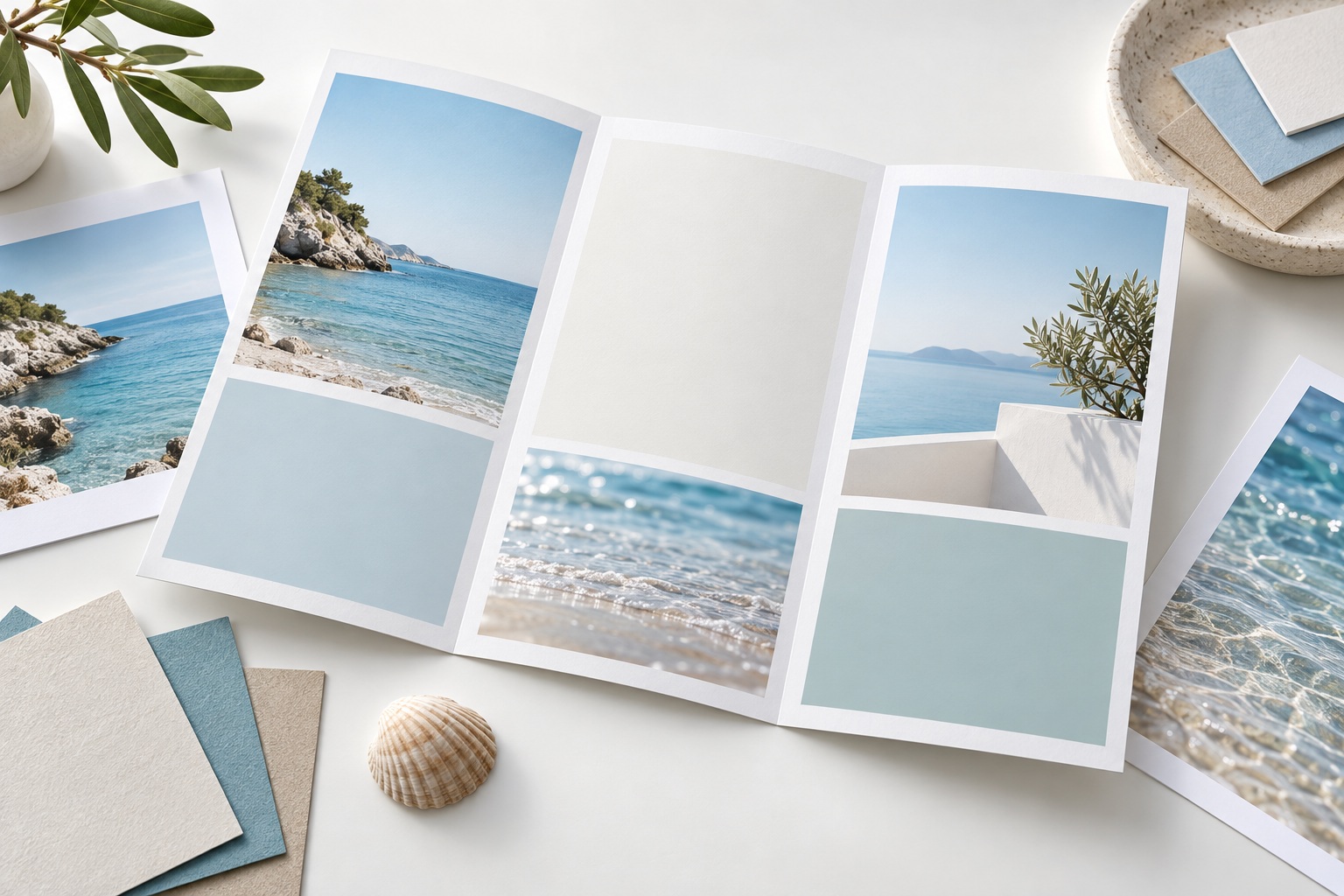
Folded brochure template mockup with consistent panels, clean typography zones, and a printed proof

Step 03

Build the Page Template

Use the brochure generator output as source artwork, place it into a layout tool, add exact copy and typography, and create consistent panels for images, text, diagrams, and contact details. Review a folded proof before the final print run.

Brochure Templates for Common Business Goals

Use the brochure generator to keep one consistent visual system, then adjust the page order and content for the way the brochure will actually be read.

01

Services and Studio Introductions

Use the brochure generator to show what a practice or studio does, how it works, and why the work is relevant. Use project imagery with short proof points rather than filling every panel with dense copy. One strong project image per service reads faster than a grid of small thumbnails, and a short caption beside it does more for credibility than a paragraph of generic claims.

02

Product and Collection Guides

Present a product family, collection, or seasonal range with a clear visual hierarchy. Confirm names, specifications, availability, and claims before the file goes to print. Keep the products photographed from the same angle across the range so customers compare the items rather than the photography, and leave consistent space under each one for the caption. Compare free brochure templates for layout ideas, then keep the caption position and detail checklist consistent for each item while price, size, material, and availability remain editable text.

03

Events and Programmes

Create a folded schedule, trifold pamphlet, speaker guide, venue map, or event overview. Keep changing details in editable text and allow enough space for accessibility and last-minute updates. Generate the artwork without baked-in dates or names, because those change most often, and reserve a fixed block for the schedule so a late cancellation does not force a full redesign. Use the brochure generator to build the programme around one clear reading path, then test how the schedule behaves when a session moves or a speaker changes.

04

Travel and Local Guides

Build a place-based brochure with route, map, and destination panels. Verify factual details, image rights, local requirements, and the final folded reading order. Leave the map itself to a vector tool, since generated illustrations place roads and landmarks arbitrarily, and use the artwork for atmosphere around the panels instead. Keep maps, addresses, opening hours, and transport notes in editable text, and use the brochure generator for atmosphere rather than geographic accuracy.

Who Uses an AI Brochure Generator

Small business owner comparing folded brochure mockups with product and service notes

Small Businesses and Service Providers

You need a credible visual starting point for a service sheet, studio introduction, or local promotion without beginning from an empty layout. Use the brochure generator for the cover direction, then organize exact offers, pricing, and contact details in a controlled template.

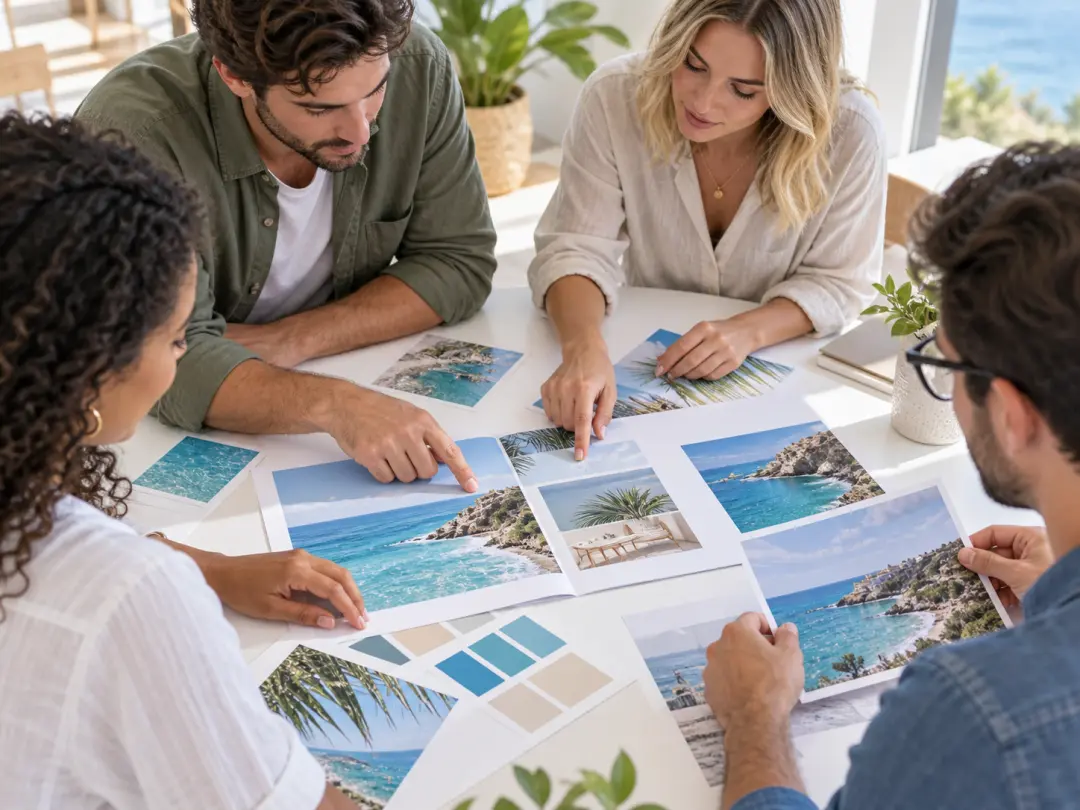
Marketing team reviewing printed brochure spreads, color chips, and a content outline

Marketing and Brand Teams

Use the brochure generator to explore a campaign or launch direction before the full brochure system is produced. Extend the approved palette, image treatment, and hierarchy into editable templates with the team responsible for brand governance.

Print designer checking a folded brochure proof with trim, fold, and paper samples

Designers and Print Producers

Use the brochure generator to turn a content brief into a fast visual starting point, then take control of the grid, typography, fold, paper, and prepress details. The result supports concept discussion but still requires a production-ready layout and print proof.

Brochure Generator Questions

It creates generated image assets and a visual direction for the brochure, such as a cover, feature image, or supporting artwork. You still build the multi-page structure, typography, copy, fold, and print-ready file in a layout tool. The output is best treated as a set of approved visuals plus a style decision you can hand to whoever assembles the document.

This workflow is designed around still-image generation, not automatic pagination or PDF imposition. Generate and select the visual assets here, then assemble the complete document with the correct page count, fold, margins, and export settings elsewhere. Ask your printer for a template with the right bleed and panel widths before you start, so the artwork is generated for the real geometry. A brochure generator can prepare the visual assets, but pagination and PDF imposition still happen in layout software.

The page count depends on the fold and content. A simple leaflet, four-panel fold, eight-page booklet, and larger catalogue all use different structures. Plan the reading order and final format before designing individual pages. Count the panels that actually carry content, because a page count that looks generous on screen often shrinks once the contact details, legal text, and map are placed. Use the brochure generator to settle the visual system before the final page count locks the reading order.

Describe the audience, offer, main subject, visual mood, palette, materials, lighting, aspect ratio, and where the title should sit. Mentioning the final format helps keep the key subject clear after folding and trimming. Naming the one thing the reader must remember is more useful than a list of adjectives, because it gives the composition a clear focal point. Name the single takeaway before listing style words, then tell the brochure generator where the title should sit and how much quiet space the cover needs.

You can guide the result with a reference image or brand material when you have the right to use it. Generated output may not reproduce a logo or layout exactly, so add final brand assets in the production file and confirm all usage rights. Supply the logo as a transparent file rather than a photo of a printed card, so the shape stays sharp. Reference brand material only when the brochure generator can use it without recreating protected lettering or logos.

Image generation is not a reliable way to set final body copy. Add exact headings, service descriptions, prices, addresses, legal text, and contact details with normal typography so spelling and hierarchy remain accurate. Generate the artwork without text where possible, then set every word in the layout tool where it can be proofread, translated, and updated. Keep the brochure generator output separate from live text so a proofreader can correct spelling and a translator can replace the text without rebuilding the artwork.

Review the current product terms and confirm that every uploaded image, logo, product, person, and reference is licensed for your intended use. Stock photographs, venue images, and supplier logos each carry their own permissions, so keep a record of the licence behind every asset that appears in the printed file. A brochure generator only supplies artwork, so document each licence and confirm every uploaded photo, logo, product, person, and reference separately before publication.
Wide bright studio table with folded brochure proofs, paper samples, and calm open space for call-to-action copy

Give Your Next Brochure a Stronger Starting Point

Tell the brochure generator about the offer, audience, and visual direction, then develop the cover concept into a complete brochure template.

Get Started
Brochure Generator - Create Brochure Designs | VideoAI