ai fantasy art generator

Use an ai fantasy art generator to turn a character description or imagined world into a visual draft. Describe the subject, setting, art style, and lighting, then compare the result with the story you want to tell. VideoAI gives you a text-to-image starting point for character portraits, floating cities, and enchanted landscapes. Refine the prompt when details drift, and review the finished artwork before using it in a project.

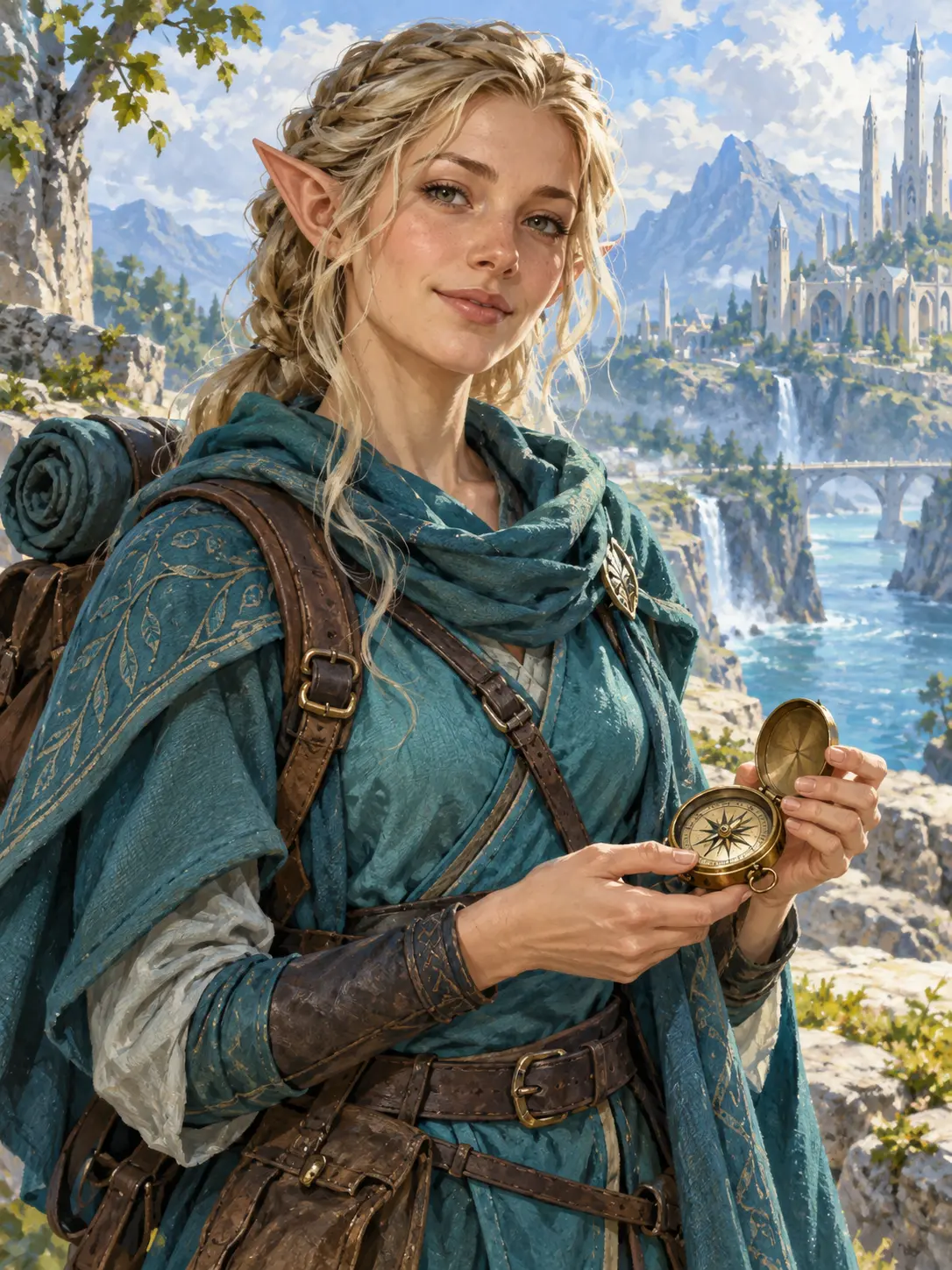
  • ai fantasy art generator illustration of an elven cartographer holding a brass compass
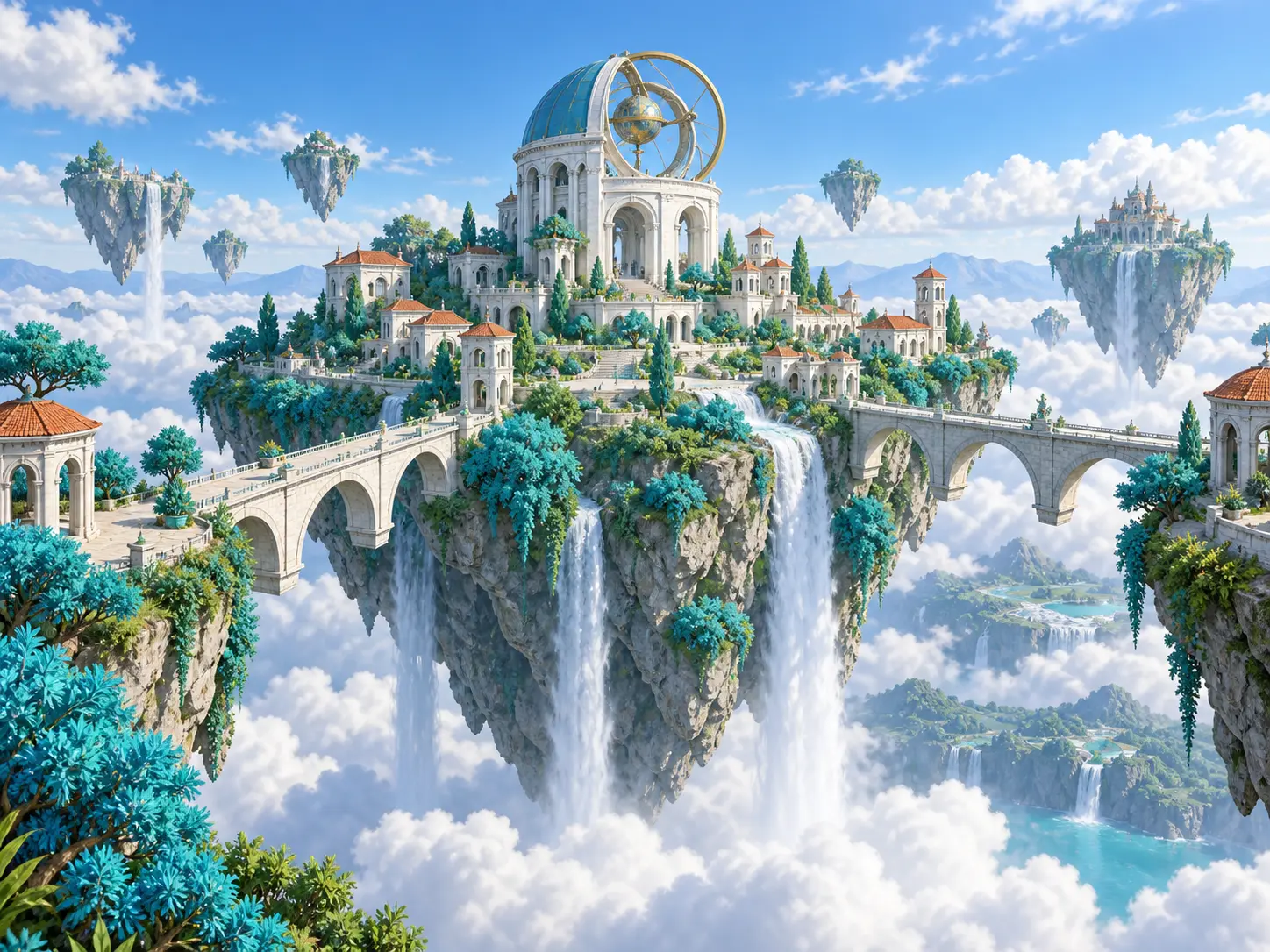
  • Fantasy image generator concept of a floating island city with bridges and waterfalls
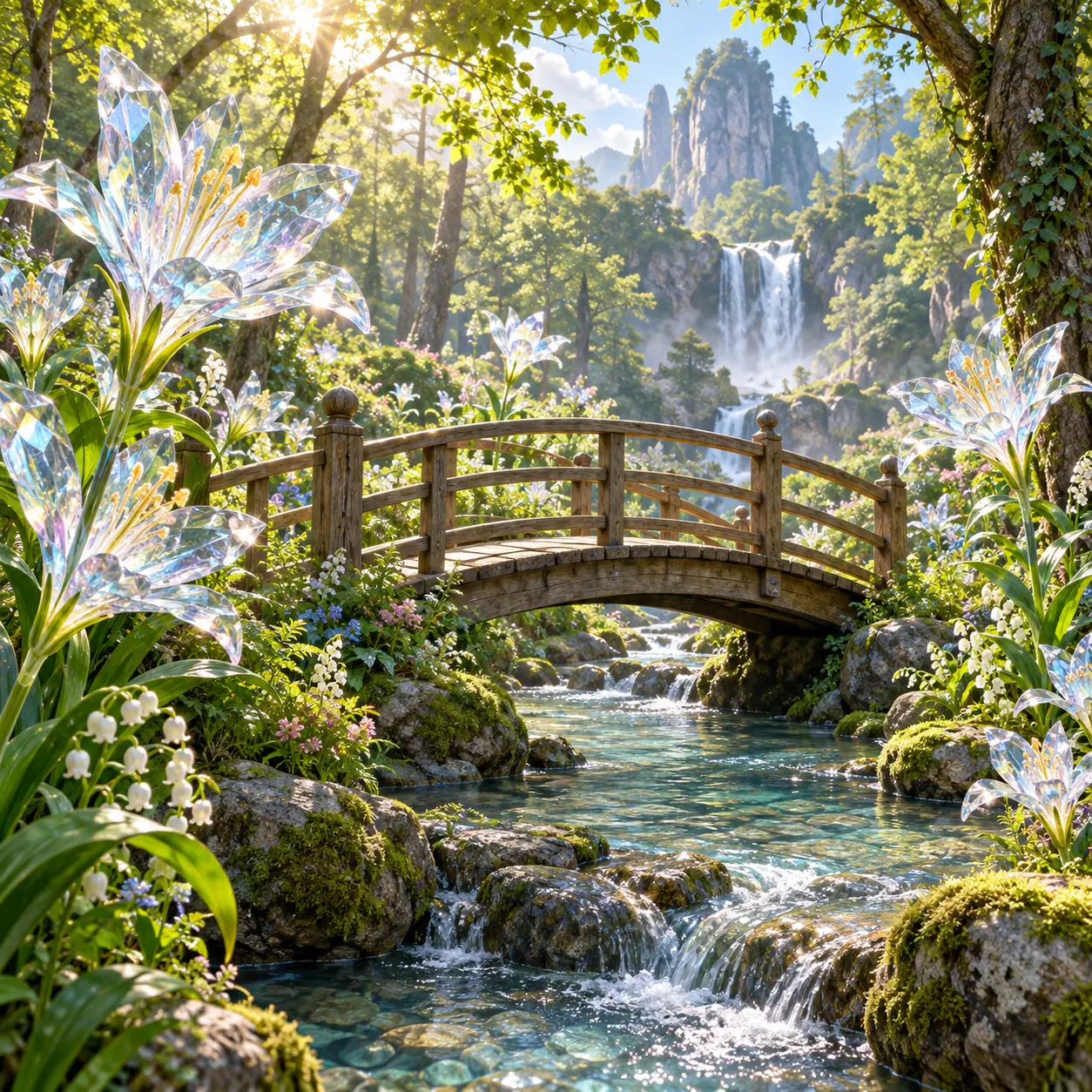
  • AI fantasy art of crystalline flowers around a wooden footbridge in a luminous forest
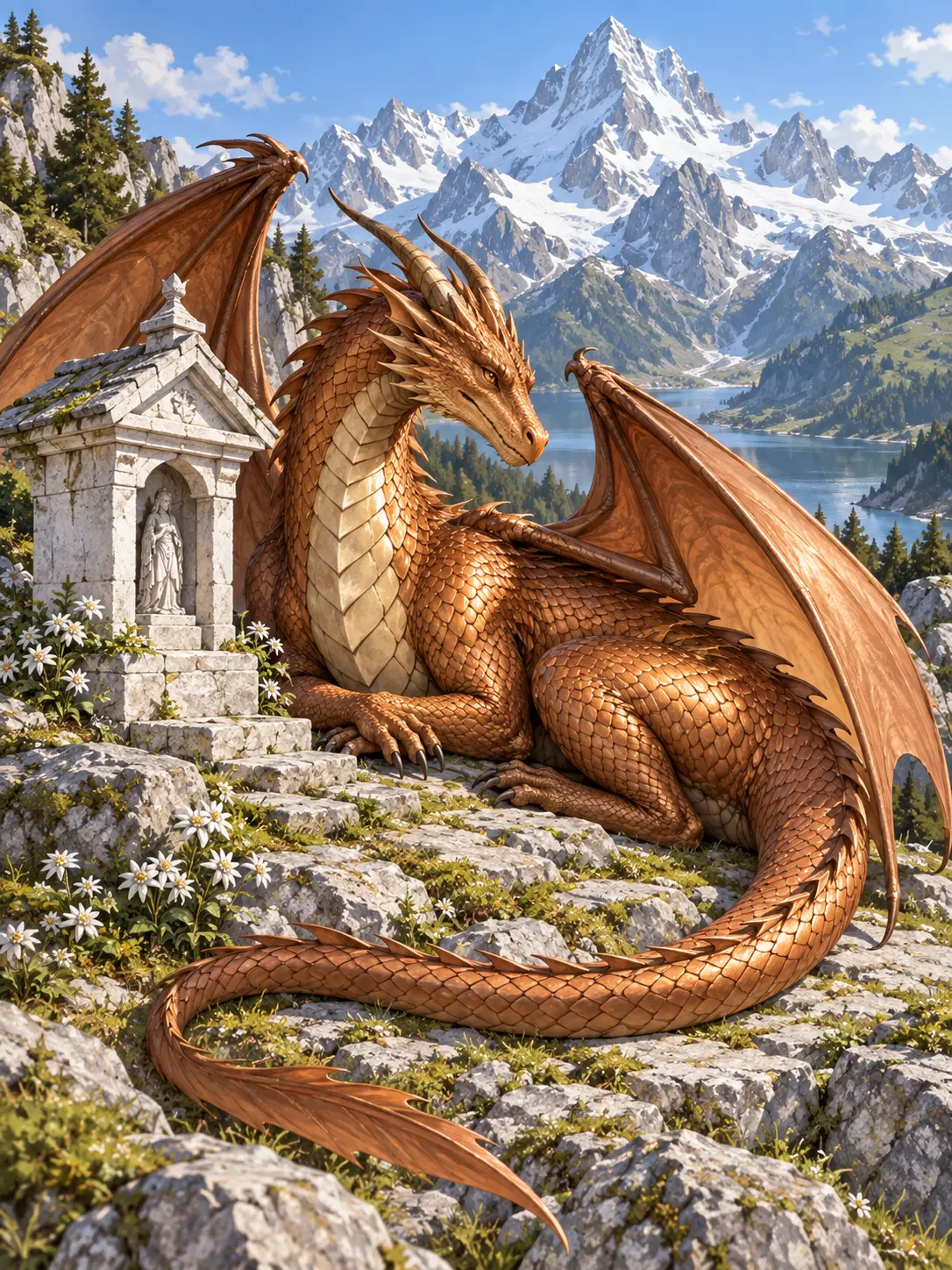
  • AI generated fantasy art of a copper dragon resting beside an alpine shrine

Give your fantasy artwork a clear direction

A useful fantasy AI brief does more than name a creature. Tell the ai fantasy art generator which detail should attract attention, what surrounds it, and how the artwork should feel. A portrait needs room around the head and readable clothing; a world scene needs scale and a landmark; a painted study needs a deliberate medium. Use the examples as starting points, then replace the details that belong to your own setting. The goal is a visual direction you can inspect, not an unchecked promise of finished production art.

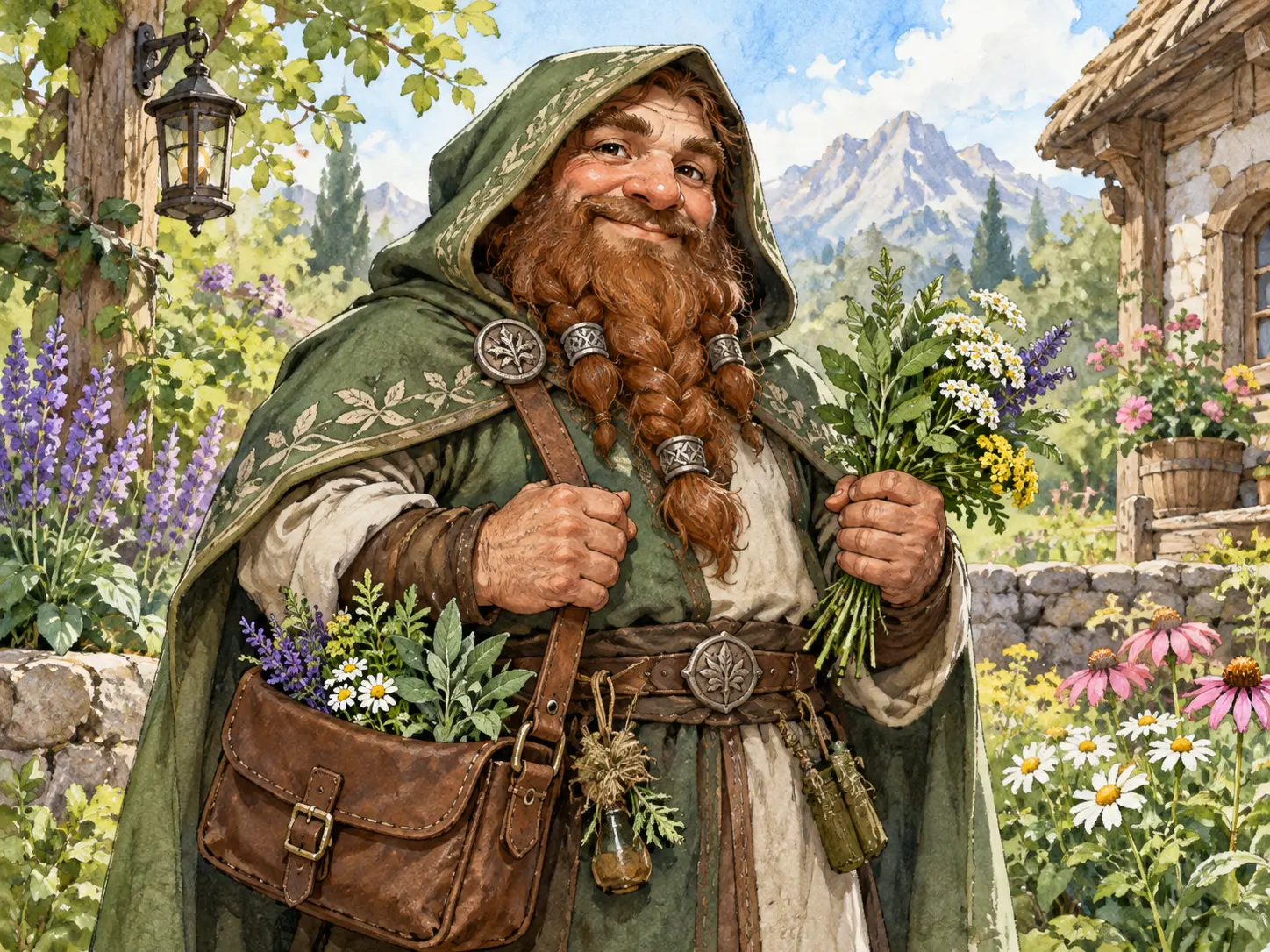
Fantasy art generator character portrait of a dwarf herbalist with readable clothing and satchel

Character concepts from a fantasy art generator

Give an original character a role before listing appearance. An elven cartographer with a compass tells a stronger visual story than an elf surrounded by unrelated magical objects. Ask the ai fantasy art generator for a portrait crop, practical clothing, a clear expression, and a simple setting. Inspect the hands, eyes, and equipment after generation, because plausible detail can still be wrong. This approach helps a tabletop host or writer discuss a character concept without treating the output as a final character sheet.

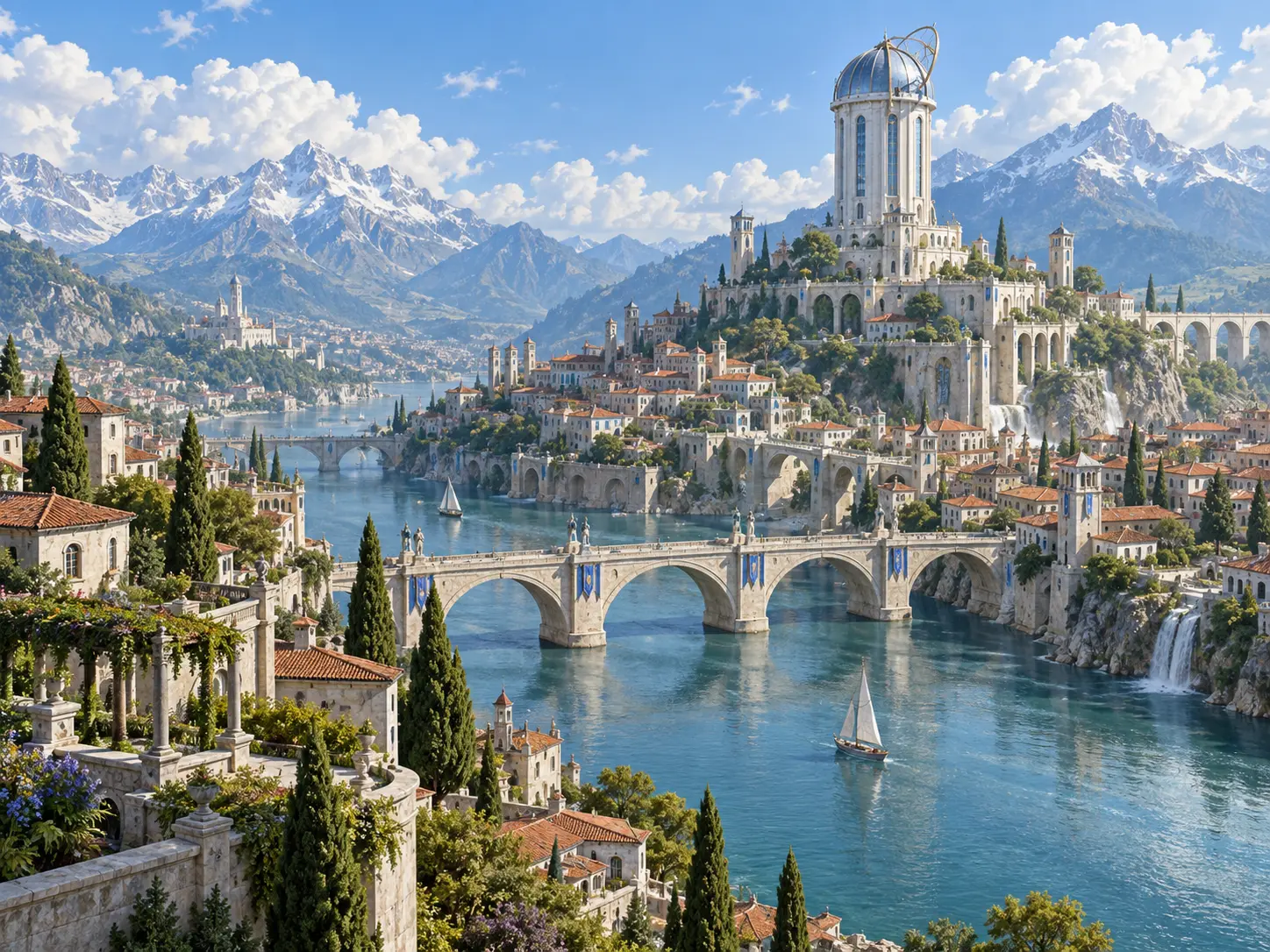
AI fantasy image generator concept of a sunlit river city centered on an observatory tower

Build a world with a fantasy image generator

Start a world scene with one landmark and describe its relationship to the surroundings. A tower above a river, a city on an island, or a shrine beneath a mountain gives the image a focal point and a sense of scale. Use the ai fantasy art generator to explore that arrangement before adding secondary details. Compare the horizon, bridge connections, and foreground objects rather than judging color alone. A readable composition is a more useful worldbuilding reference than a crowded scene whose architecture cannot be understood.

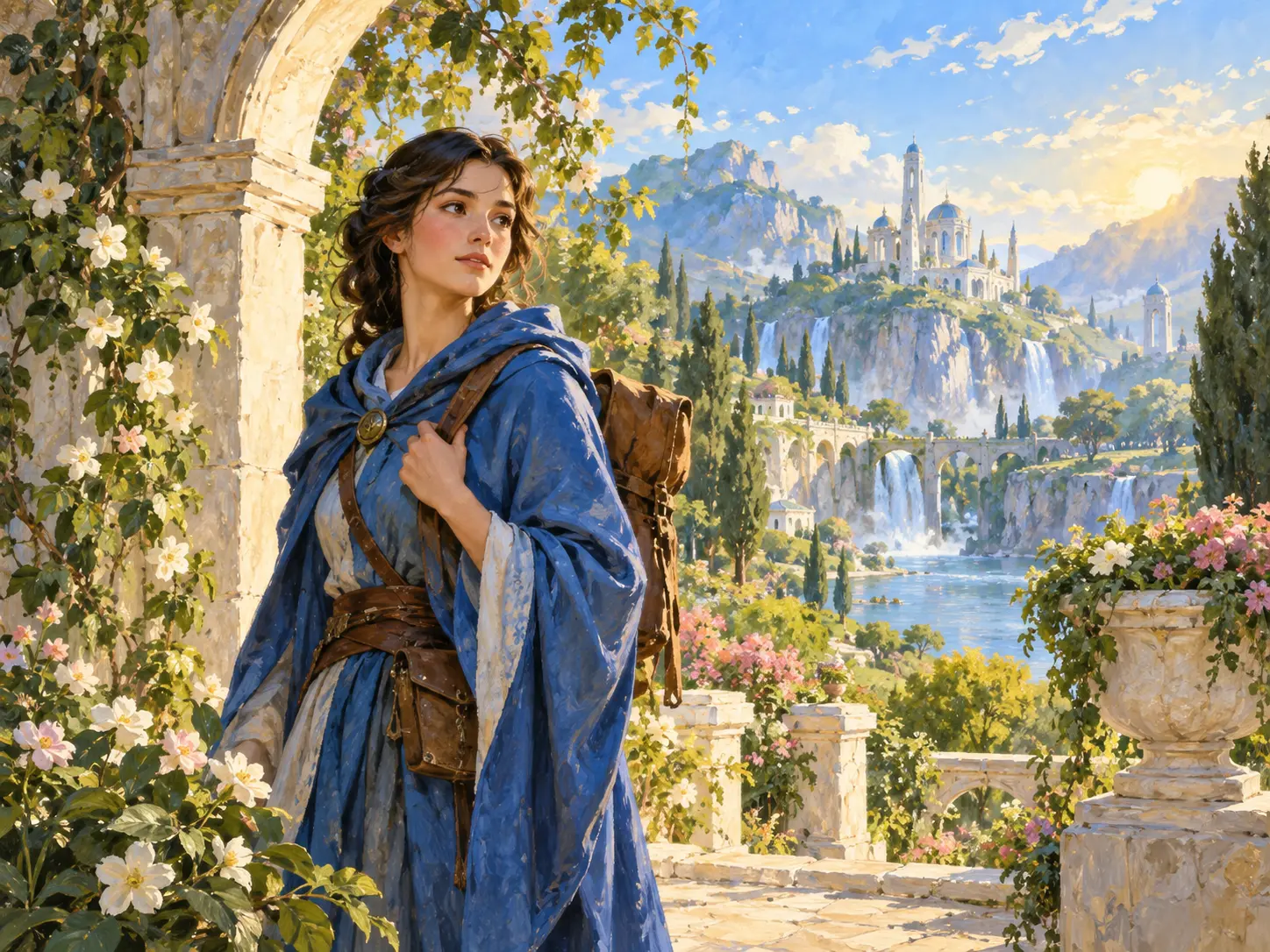
AI fantasy art study of a blue-robed traveler under warm morning light

Refine AI fantasy art one change at a time

When the first draft feels close, change the part that matters most. Adjust the lighting, costume, pose, or viewpoint in the next prompt instead of replacing the whole brief. The ai fantasy art generator may reinterpret other details as well, so keep a copy of the wording you liked and compare each result carefully. This makes revisions easier to explain and helps you identify which description improves the artwork. It does not guarantee identical characters across generations, but it gives your exploration a consistent creative direction.

Fantasy artwork for stories, games, and imagined nature

Different projects need different kinds of visual reference. A tabletop campaign benefits from a recognizable role and clear silhouette; a story setting benefits from a believable landmark; an imagined landscape benefits from atmosphere and scale. Choose the use case before you write the prompt for the ai fantasy art generator. That keeps the output tied to a specific communication task. These are concept and exploration workflows, not guarantees of print-ready covers, licensed game assets, or a repeatable cast with perfectly identical faces.

Tabletop character portraits

A character portrait can give players something concrete to respond to when a new non-player character enters a campaign. Describe the role, expression, equipment, and clothing, then ask for a clean portrait rather than a complicated action scene. Use an ai fantasy image generator concept to discuss the character with your group. Check that the equipment and visible anatomy make sense, and keep the image distinct from any official character or artwork you do not have permission to reproduce.

Worldbuilding scene studies

A short description of a city or shrine becomes easier to discuss when everyone can see the same visual direction. Use AI generated fantasy art to explore an original location, from its central landmark to the relationship between buildings and landscape. The ai fantasy art generator is a starting point for that conversation, not an architectural model. Review perspective and connections, and describe the features that matter to your story before adding decorative details that could distract from the setting.

Imagined nature and landscapes

Explore AI nature art within a fantasy setting by describing an enchanted forest, a crystalline garden, or a floating island with unusual vegetation. Give the scene one point of attention, such as a footbridge or a distant tower, so the atmosphere has structure. These studies can support a mood board or a personal creative project. Keep invented elements consistent with the world you are developing, and inspect branches, paths, and scale when deciding which draft to continue.

Create art from words with AI, then check the result

The workflow is a short creative loop: describe, inspect, and revise. Before running the ai fantasy art generator, decide whether the image is a portrait, a landscape, or a creature study. Keep the intended use in mind, because a small avatar and a wide scene need different framing. After generation, look for subject accuracy and visual errors before choosing the next change. Keep the strongest prompt with the image so you can return to the same direction later, even if another generation varies in its details.

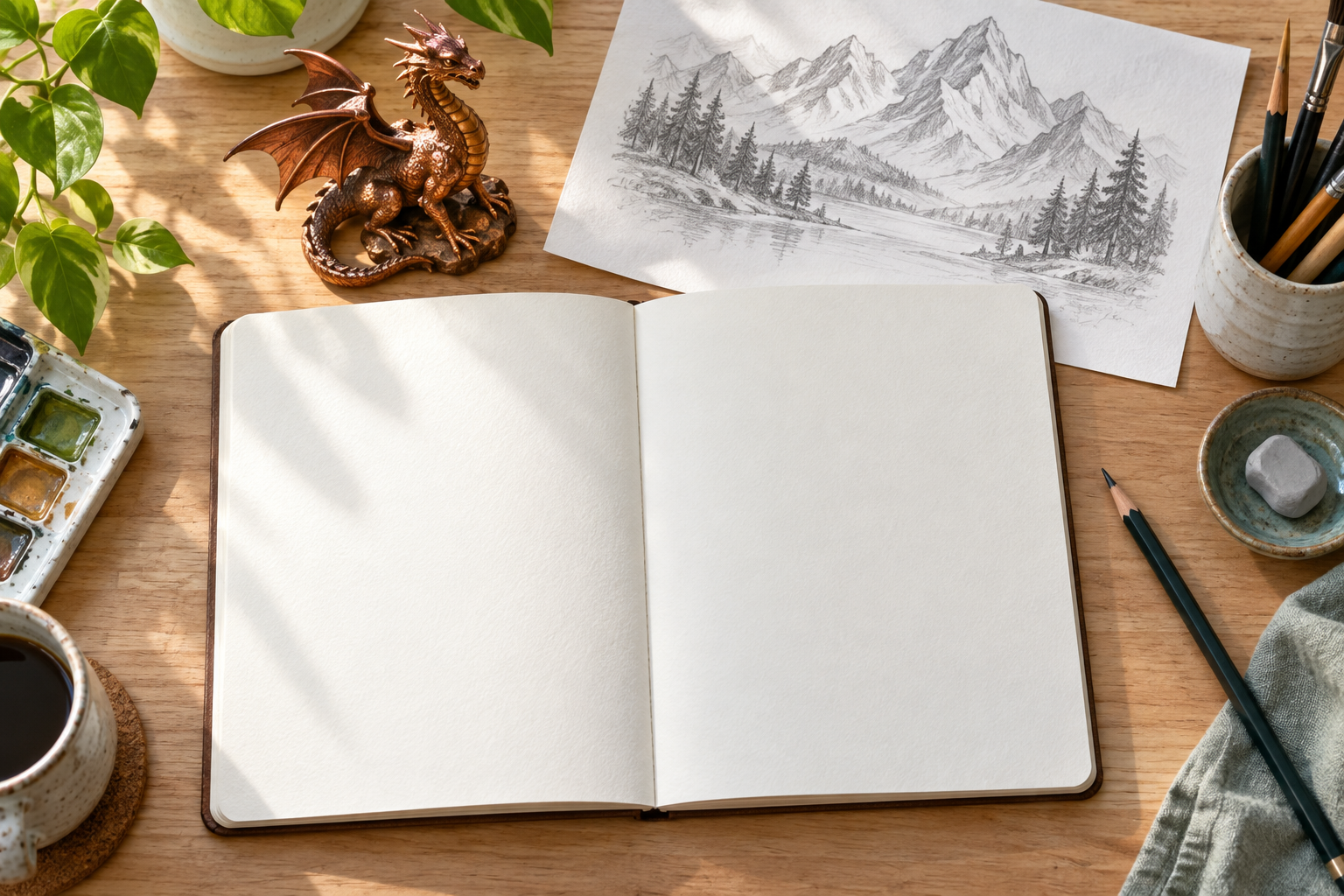
Fantasy art planning scene with a blank notebook and copper dragon figurine beside a mountain sketch

Step 01

Describe one scene and choose its framing

Write the subject, setting, medium, and lighting in ordinary language. For example, describe a copper dragon resting beside a mountain shrine in bright storybook style. Open the ai fantasy art generator creation panel, review the available settings, and choose framing that keeps the important details inside the image. Avoid combining several incompatible styles or unrelated scenes in one request.
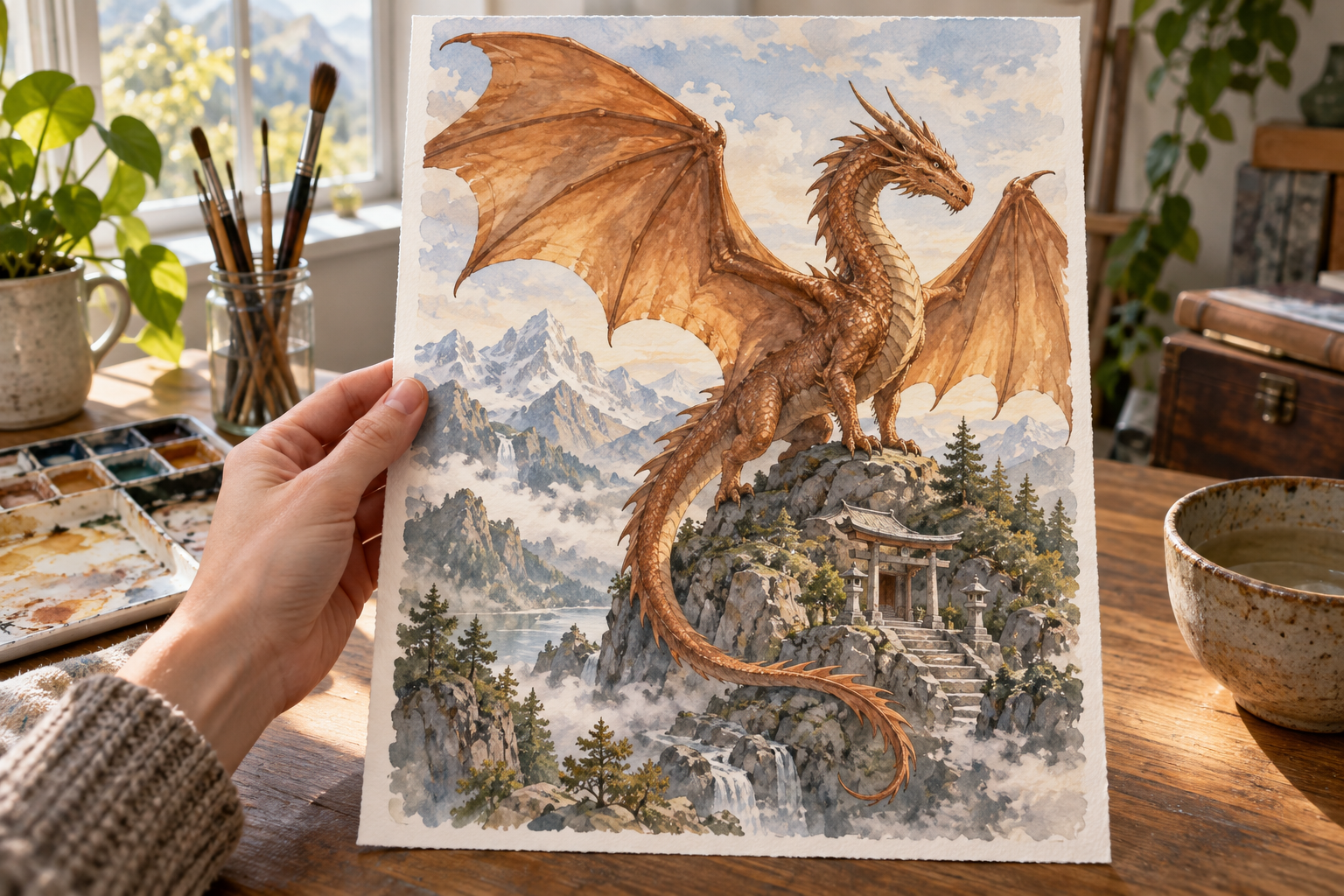
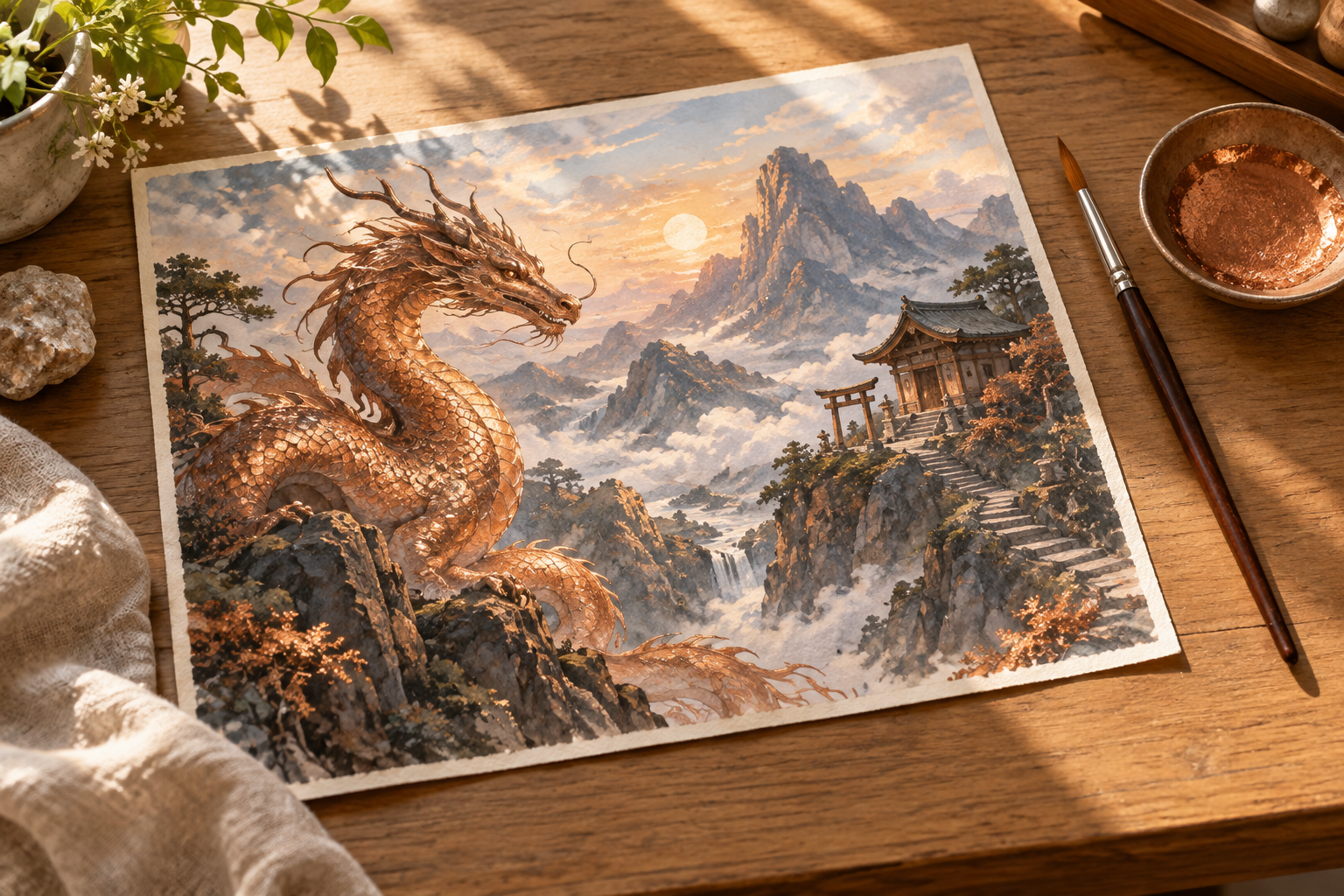
Fantasy artwork review showing one copper dragon painting with its complete wings and tail

Step 02

Generate and inspect the visual draft

Review whether the subject, atmosphere, and composition match your description. For a creature, inspect limbs, wings, and the outline; for a city, inspect paths and architectural connections. An ai fantasy art generator can produce convincing details that do not make sense up close. Decide which errors matter to the intended use before spending more time on a draft or generating another version.

Chosen fantasy dragon artwork beside clean art materials on a sunlit studio desk

Step 03

Revise the prompt or keep the artwork

If the composition works but the lighting does not, rewrite only the lighting instruction first. If a main object is missing, simplify the scene and give that object priority. Keep the result that best matches your brief, then review the file options available in the creation workspace. Check the image again at its intended display size before incorporating it into a presentation, campaign, or visual reference.

Who uses an ai fantasy art generator

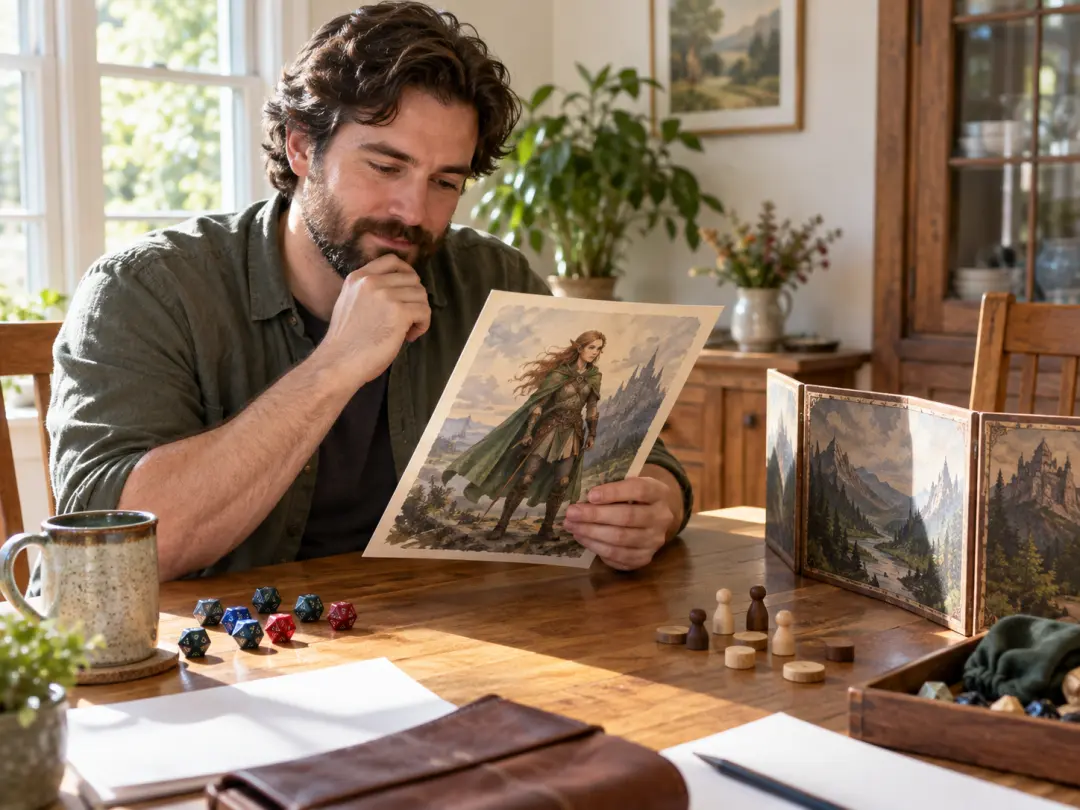
Tabletop game master reviewing a fantasy character painting at a bright gaming table

Game masters planning a campaign

When your campaign introduces a new guide, rival, or location, a visual concept can make the description easier to share. Use an ai fantasy art generator to explore that one storytelling job, with a clear role and readable framing. Inspect details before showing the image to players, and keep your prompt notes for later revisions rather than assuming another run will preserve the exact same character.

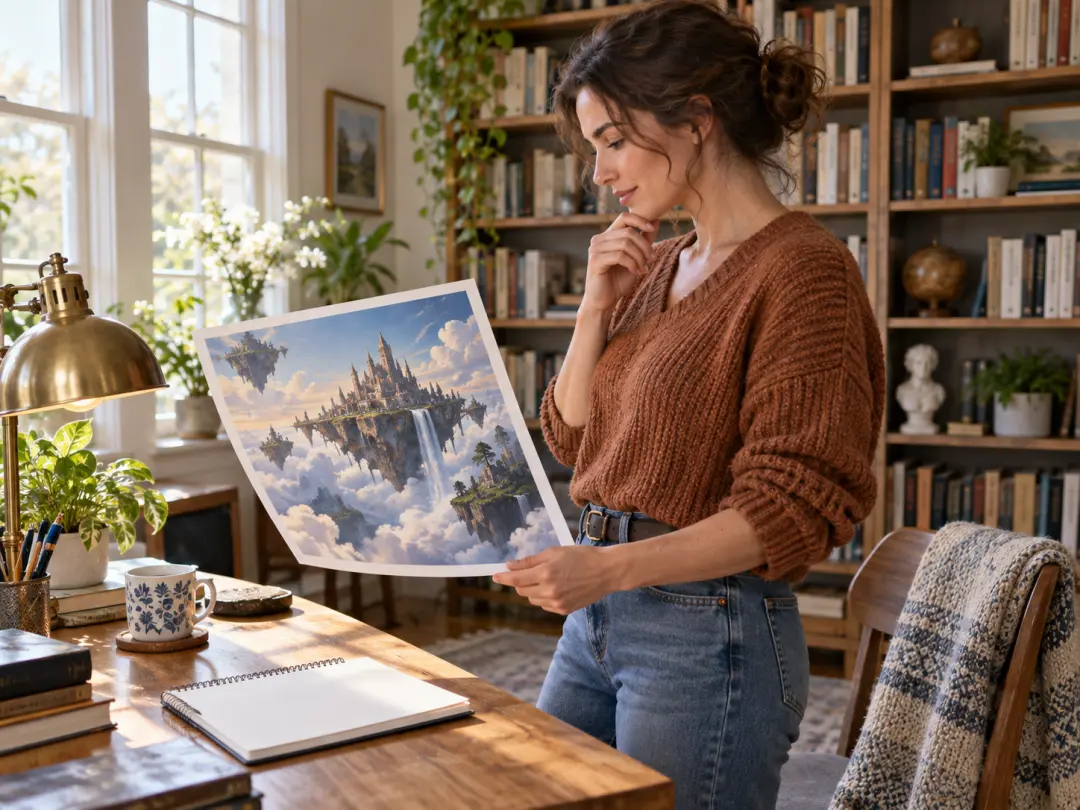
Writer studying an original floating city artwork in a sunlit home library

Writers developing an original setting

A worldbuilding draft helps a writer clarify the mood and scale of an imagined place. Describe a landmark and its surroundings, then compare the image with your story notes. Treat fantasy artwork as a visual study that can reveal what your description leaves unclear. If you later commission a cover or illustration, explain the intended direction and check rights and production requirements separately.

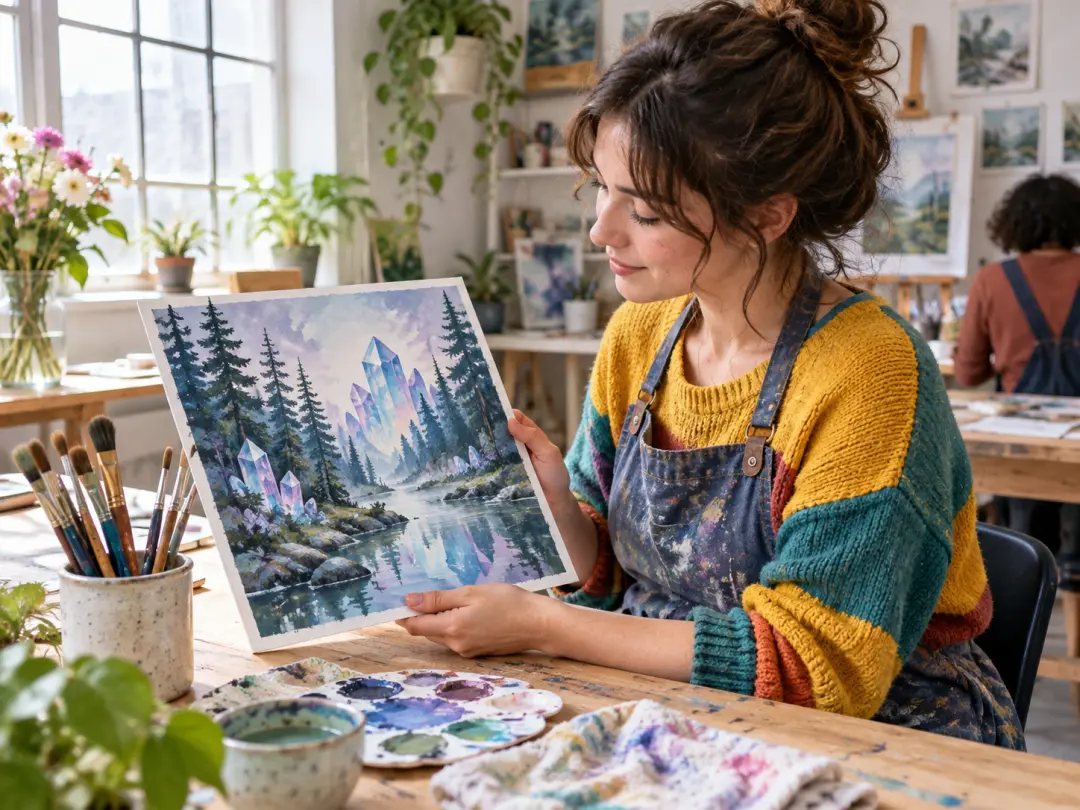
Creative hobbyist examining a fantasy landscape painting in a bright art studio

Creators learning to direct a visual idea

If you know the scene you want but do not know how to phrase it, start with one example and replace its subject or style. Use the ai fantasy art generator to test that decision, then compare the result instead of changing every detail at once. This gives you a practical way to learn prompt direction while keeping expectations realistic about anatomy, text, and consistency.

FAQ

ai fantasy art generator questions

An ai fantasy art generator turns a text description into a still-image draft of an imagined character, creature, or setting. In VideoAI, start from the image creation workflow and describe both the subject and the visual treatment. The result is generated artwork, not a photograph of a real place or a finished game asset by default. Review anatomy, perspective, and details before deciding whether a draft is suitable for your project.

Start with one subject and one setting, then add a medium, lighting direction, and framing. For example, ask for a copper dragon beside an alpine shrine in a bright storybook painting. The ai fantasy art generator has more useful direction than a vague request for something magical. Inspect the first result, identify the most important mismatch, and rewrite that part of the prompt. Save the wording that gave you a useful composition.

The best AI for fantasy art depends on the work you need to do. Compare subject accuracy, anatomy, style control, the effort needed to revise a scene, available settings, costs, and the current usage terms. Try the same original brief across the tools you are considering, then inspect the outputs at the size you will actually use. A striking thumbnail alone does not show whether an image is usable or whether its rights fit your project.

Before choosing an ai fantasy art generator free option, check the current account and pricing information in the service you use. Credit allowances, supported models, and the cost of each generation can change, and a free trial does not mean unlimited use. Review the settings and any displayed charge before submitting a prompt. This page does not promise a particular free allowance, a no-login workflow, or unlimited downloads for the image creation tool.

Reusing the same description can keep the creative direction related, but it does not guarantee an identical face, outfit, or equipment in every output. The ai fantasy art generator may reinterpret those details when the scene changes. Keep an accepted image and a written description of its essential traits, then check each new draft against them. If you use a reference-image workflow, review the available options and make sure you have permission to use the source.

Review the file formats and dimensions currently available in the image creation workspace rather than assuming a specific resolution or printable format. Commercial use also depends on the service terms and the rights to any reference images, characters, or other material involved. Generated output is not automatically free of third-party rights. If the artwork will appear on a cover, product, or paid campaign, check those requirements and inspect the file before handing it to a designer or publisher.

Explore related art and character tools

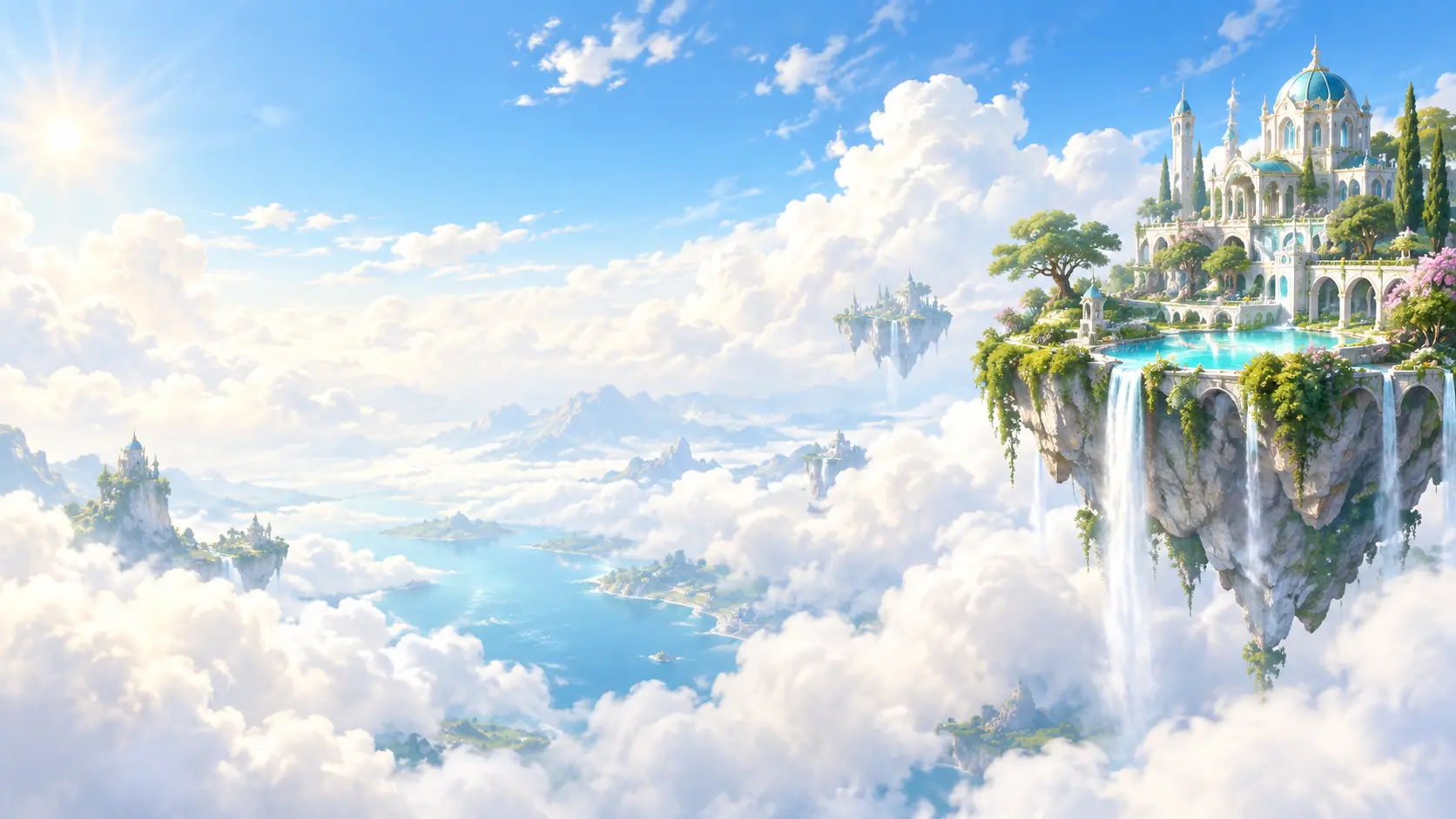
Fantasy art landscape with a sunlit floating island and open sky

Start with one original fantasy scene

Choose a character, creature, or world, give it a clear visual direction, and use the ai fantasy art generator to explore a draft you can review and refine.

Get Started
ai fantasy art generator - Create Worlds Online | VideoAI