
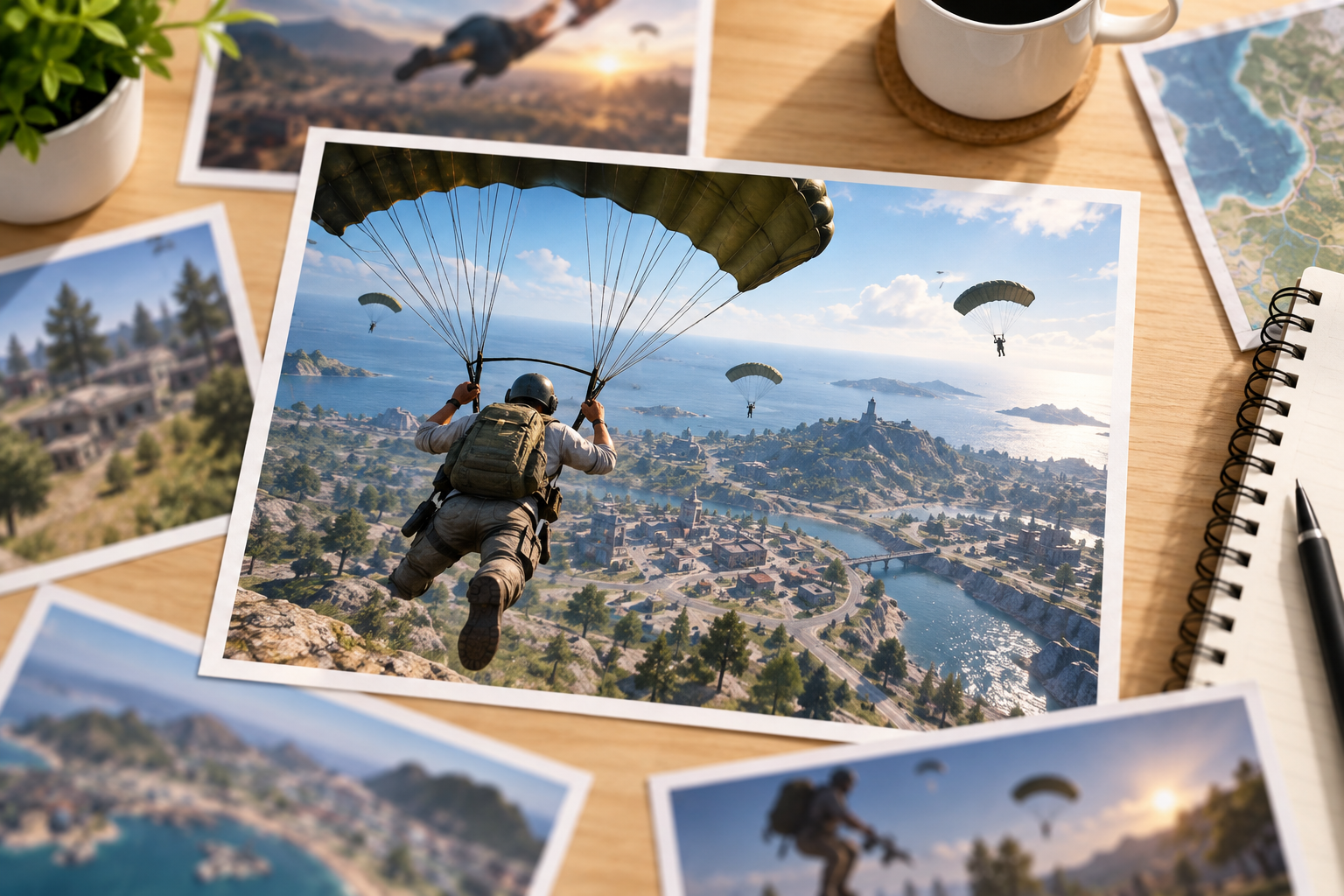
Step 01
Choose the Focal Play
Describe one action, subject placement, camera angle, palette, lighting, and simplified background. Upload only screenshots or references you are authorized to use.

Turn a montage idea or an authorized gameplay reference into a high-energy 16:9 thumbnail with one clear focal play and room to breathe at feed size.
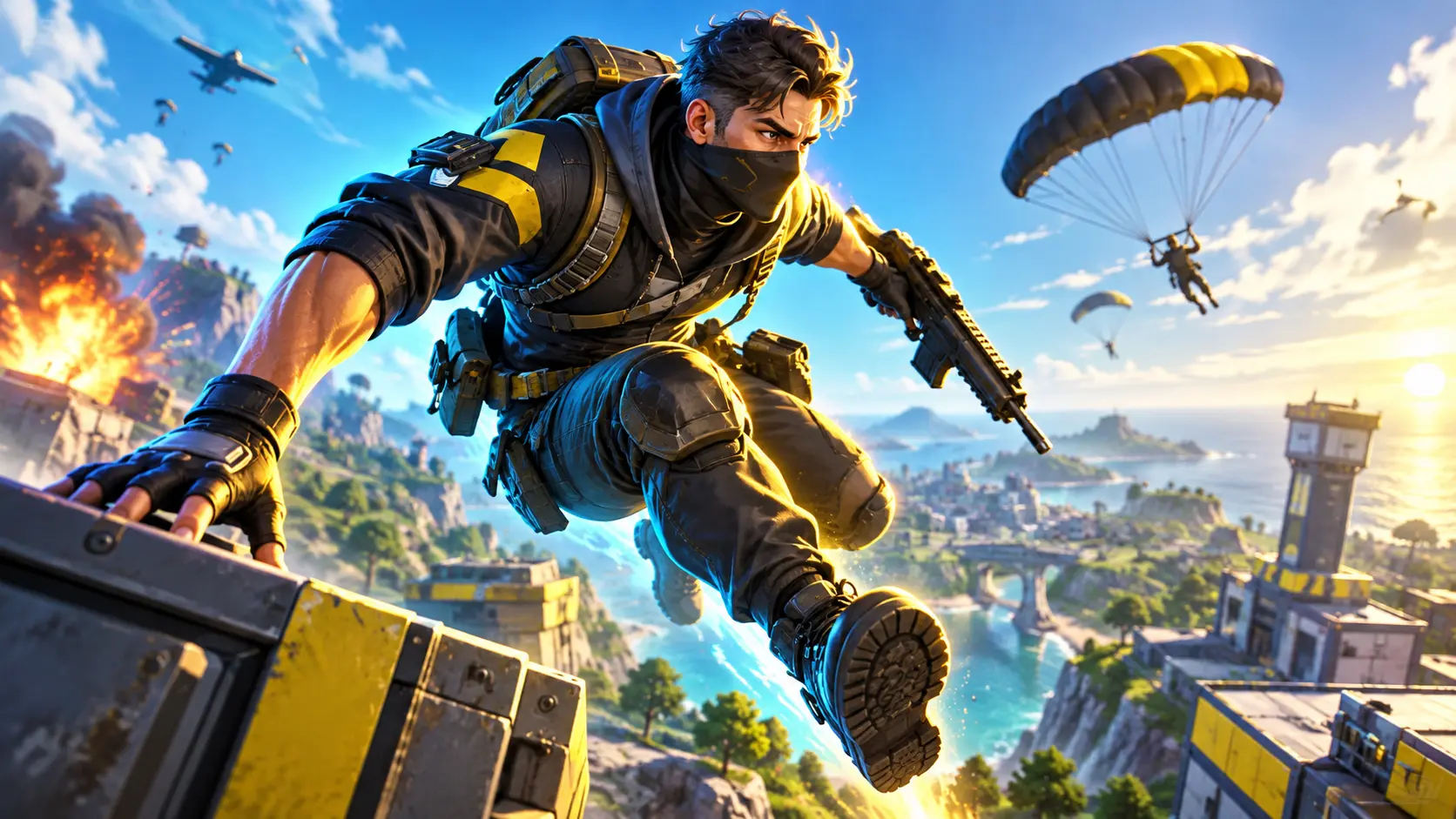
Direct attention to the play first, then use color and atmosphere to support it instead of filling every corner.
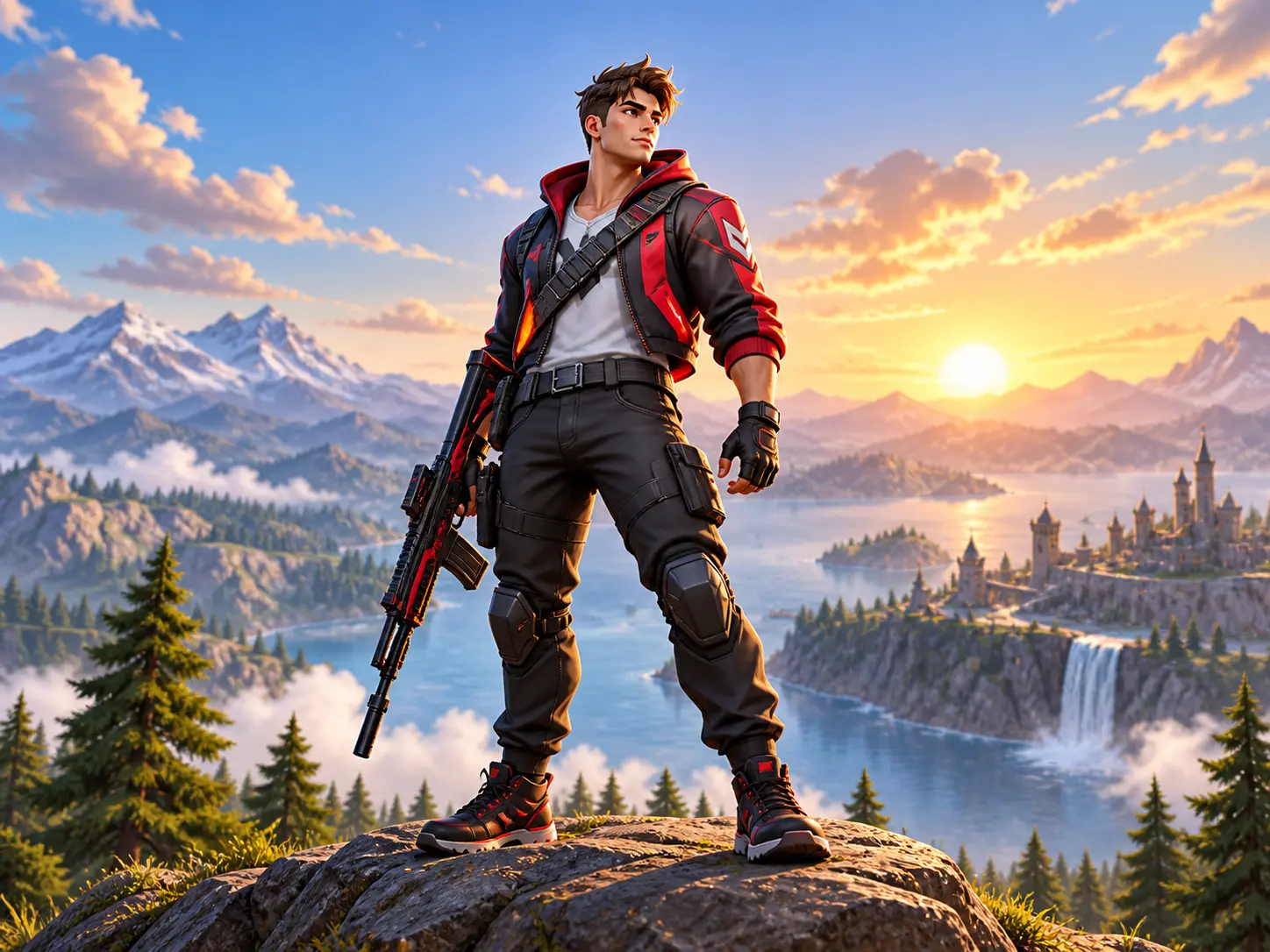
YouTube commonly recommends a 1280 by 720 thumbnail, which is 16:9. Generate in that landscape shape so the focal subject is not rescued later by an aggressive crop.
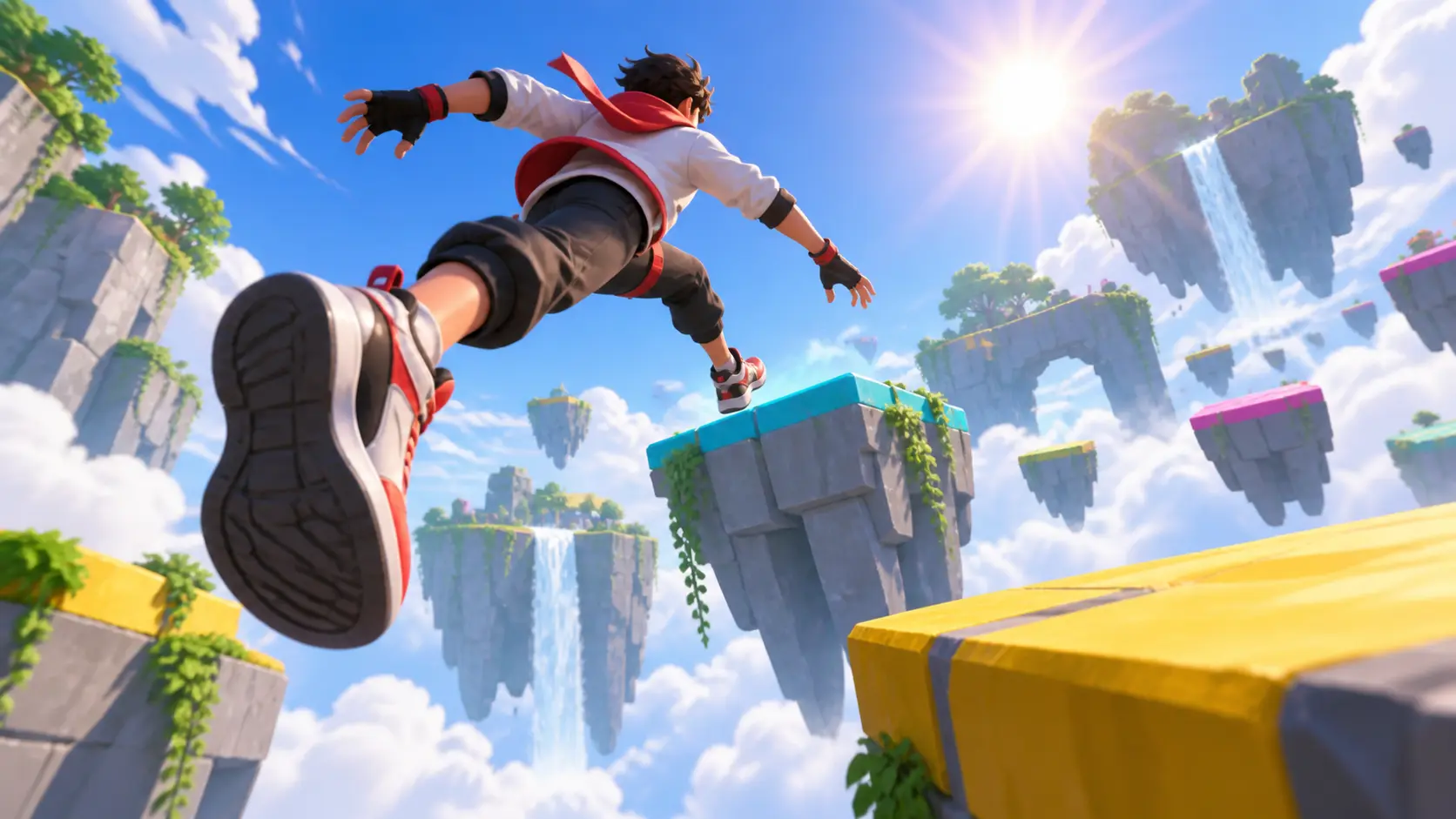
Describe the central action, camera angle, expression, and where the subject sits. A readable montage thumbnail usually needs one dominant moment rather than several equally loud scenes.
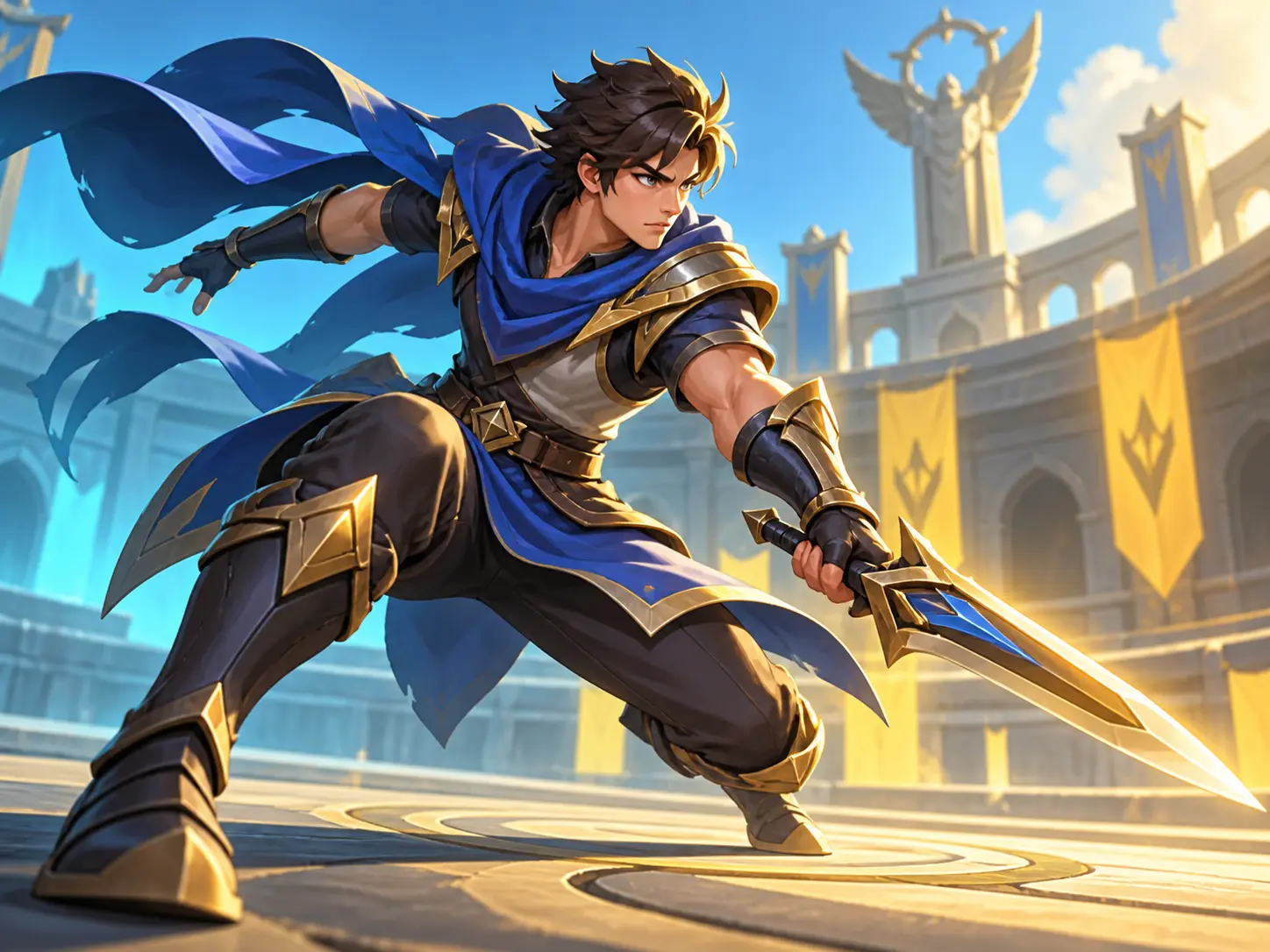
Choose two or three strong colors, separate the subject from the background, and keep game-like effects behind the silhouette. Then reduce the image to thumbnail size and check that the action still reads.
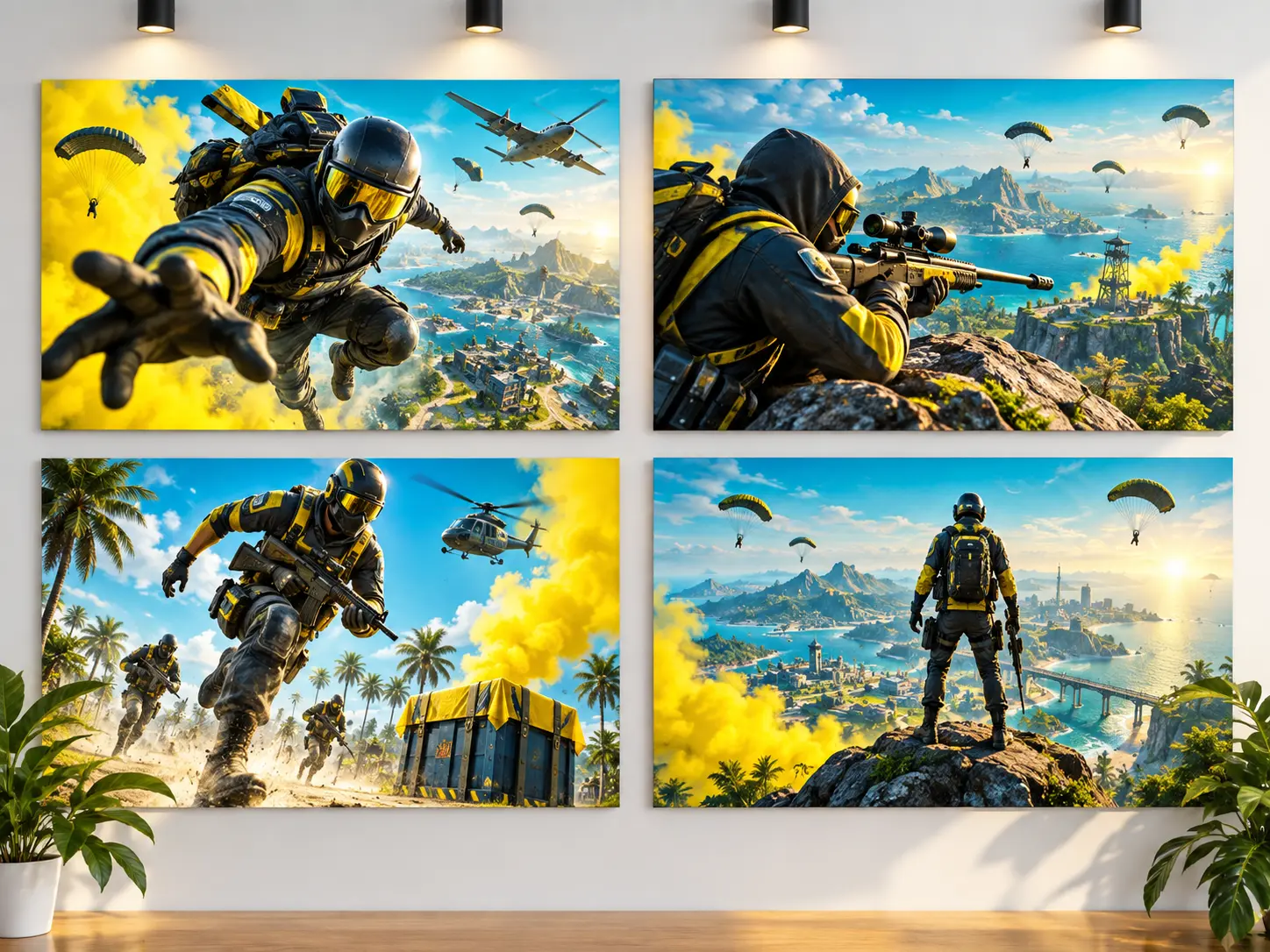
Reuse your authorized palette, framing rule, and lighting language across uploads while changing the featured play. Consistency comes from the art direction, not from copying another creator's thumbnail.
Describe the moment, generate focused directions, and judge the result at the size viewers will actually see.
Step 01
Describe one action, subject placement, camera angle, palette, lighting, and simplified background. Upload only screenshots or references you are authorized to use.
Step 02
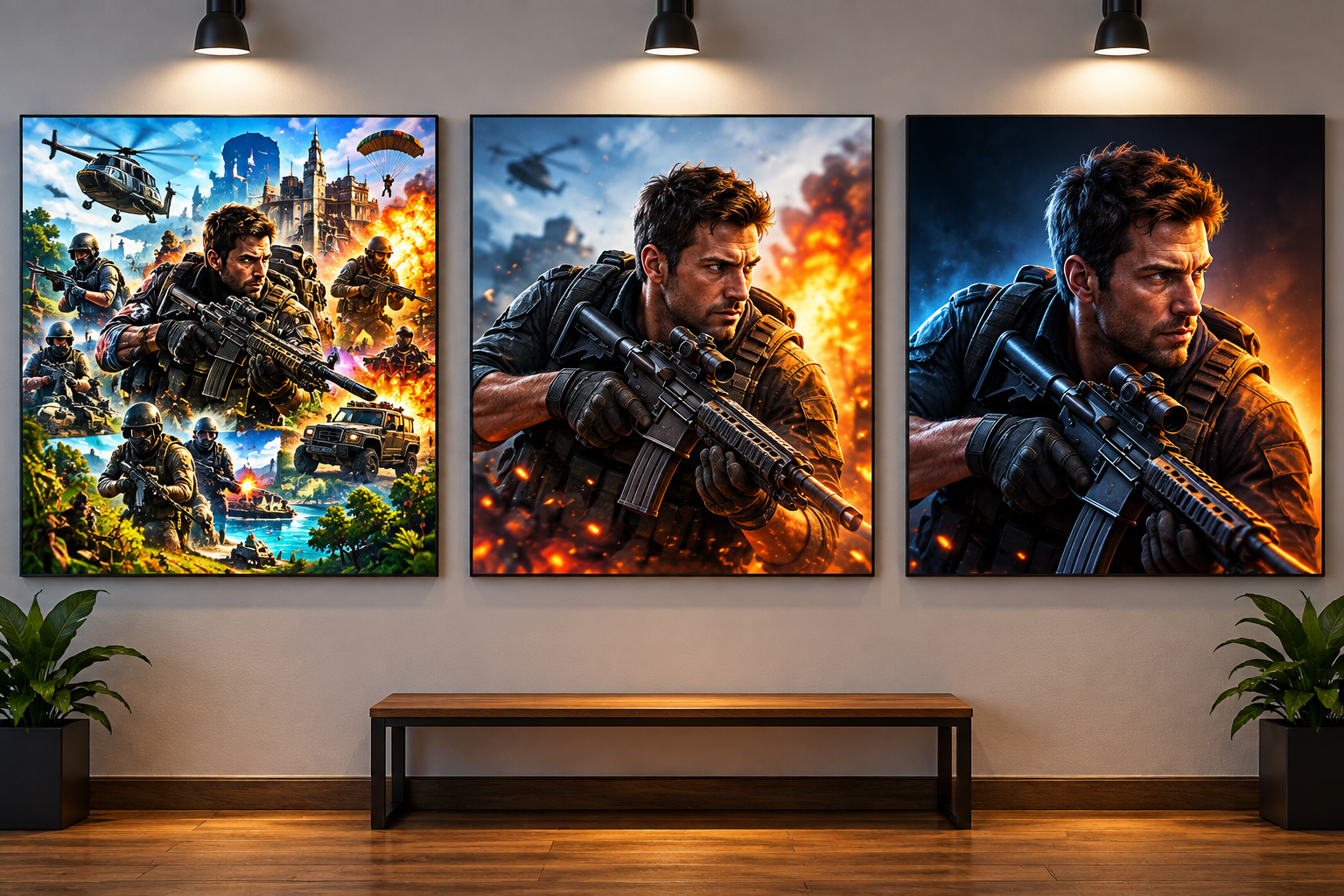
Compare several concepts, then remove competing effects or background detail. Keep the successful palette and framing while refining the missed action cue.
Step 03
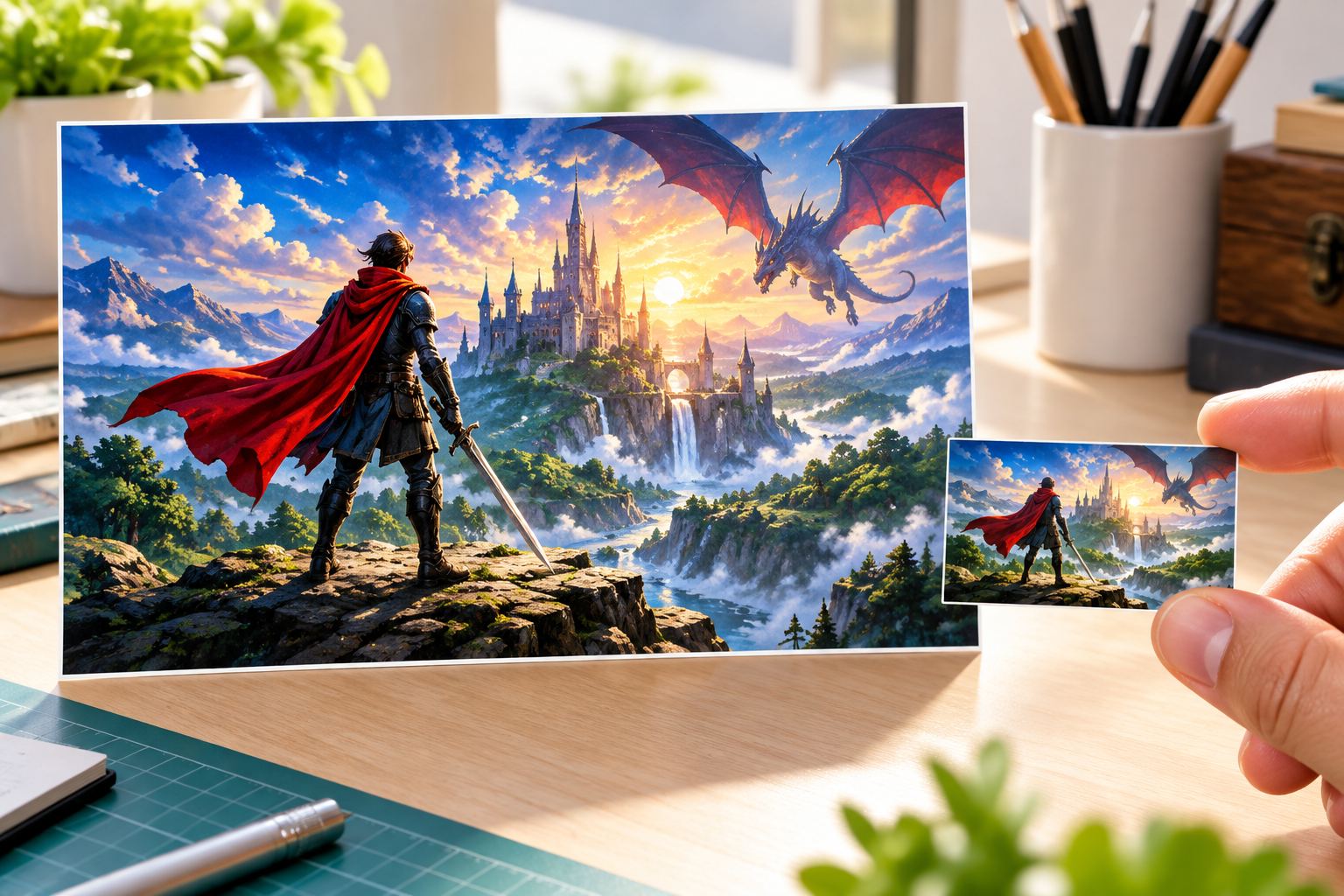
Review anatomy, objects, trademarks, and any lettering. Download the selected 16:9 image and preview it at feed size before uploading it to YouTube.
Give each upload one clear promise so the image and title can work together.
Focus on the strongest play, dramatic movement, and a limited high-contrast palette that communicates pace without becoming a collage.
Use a tense focal pose, competitive lighting, and a cleaner arena background to support a progression or best-plays video.
Choose a welcoming focal character and event-like energy, then add exact schedule wording separately so viewers receive accurate information.
Center the challenge object or new mechanic as the single visual question, leaving secondary decoration behind it.
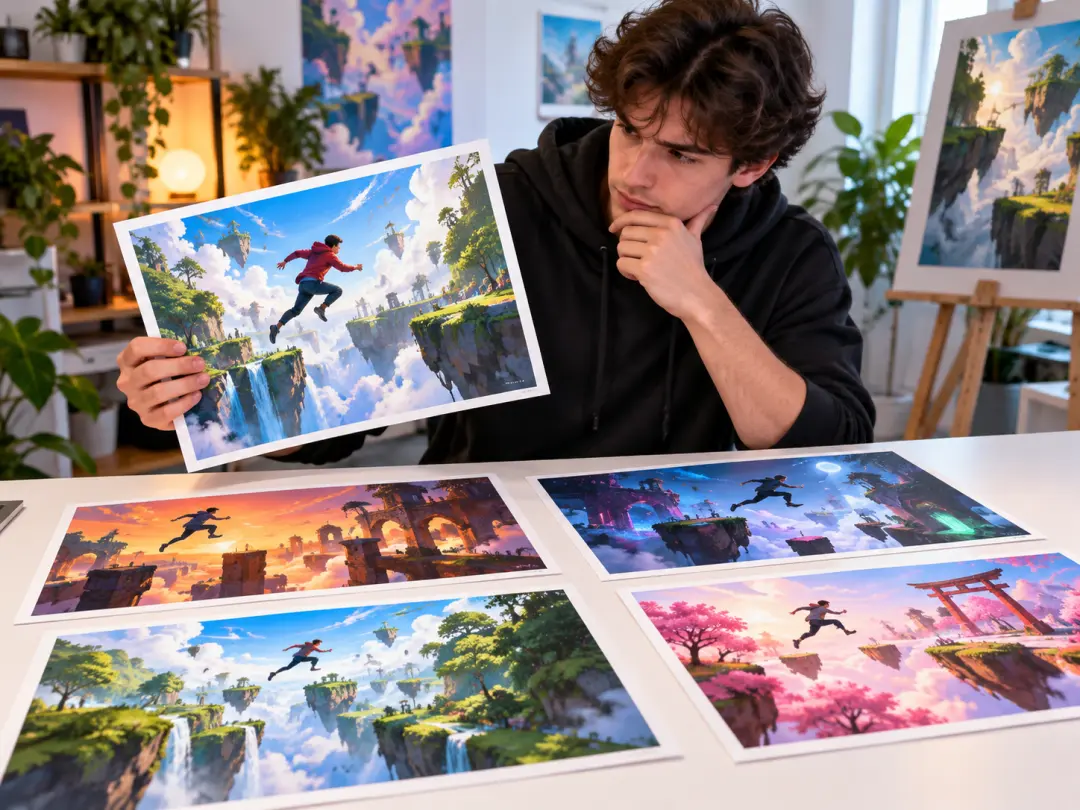
Translate the pace and strongest play of a finished edit into one readable cover image instead of squeezing the whole timeline into a collage.
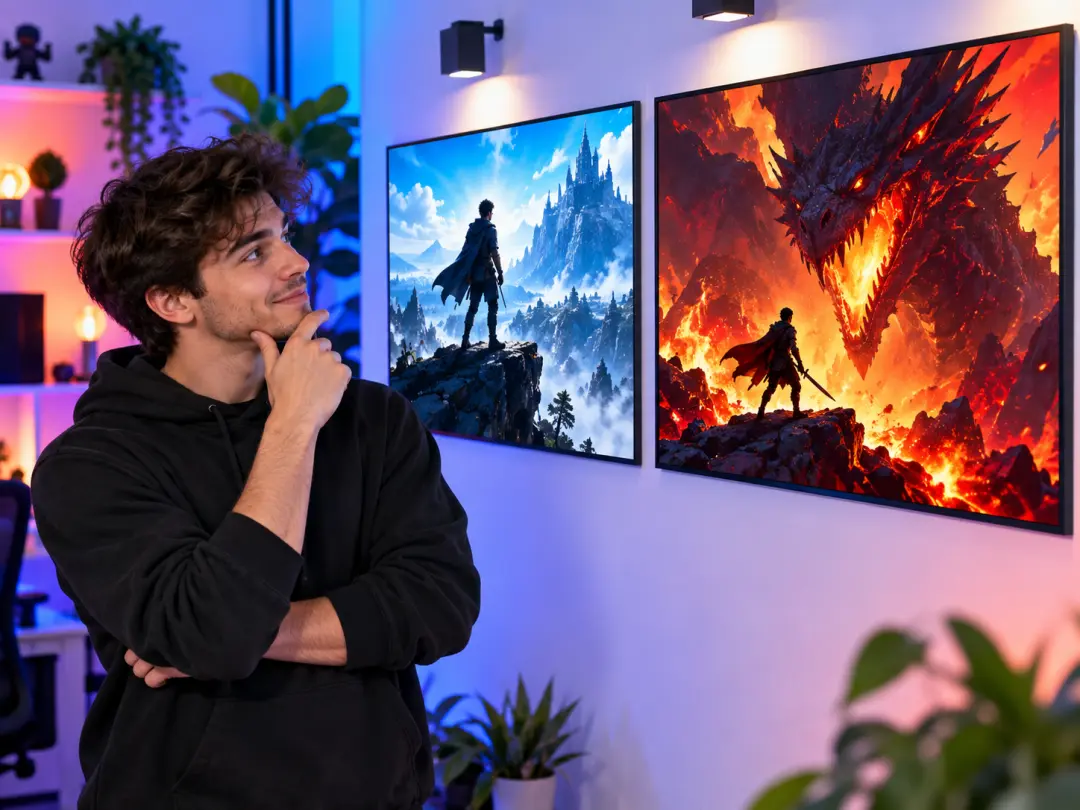
Develop a reusable palette and framing rule without needing advanced compositing software for every upload.
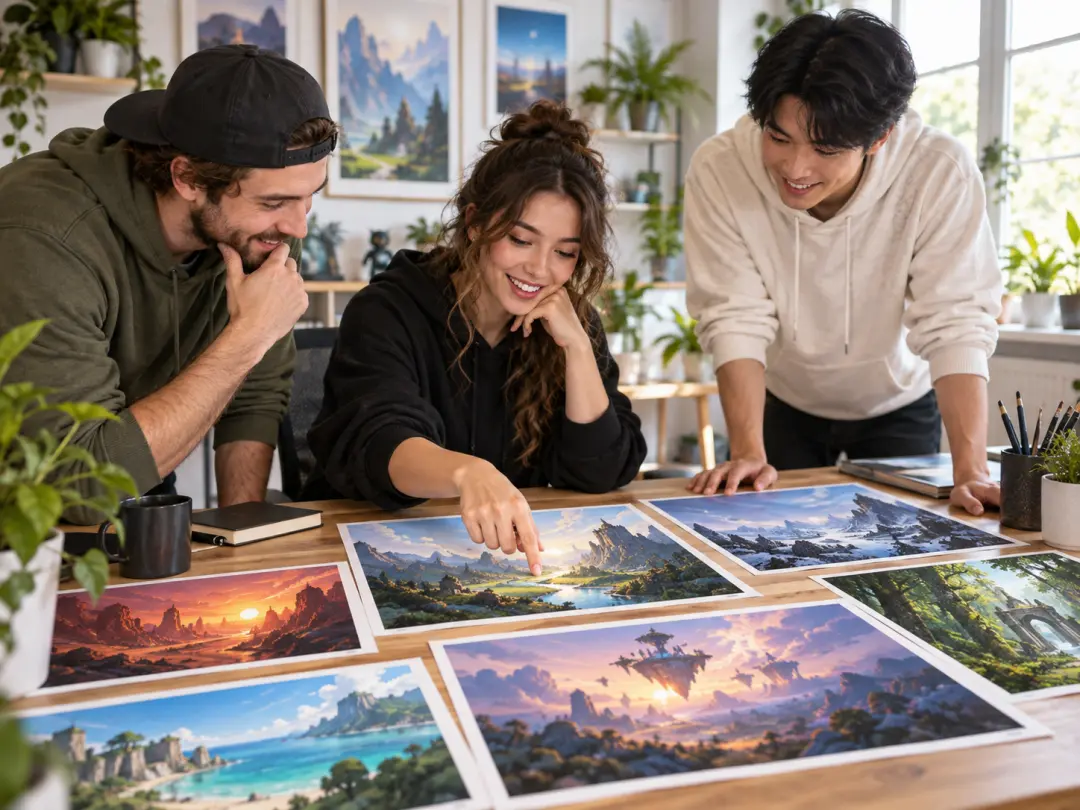
Create distinct art directions for live sessions, tournaments, challenges, and recaps while keeping the channel look coherent.
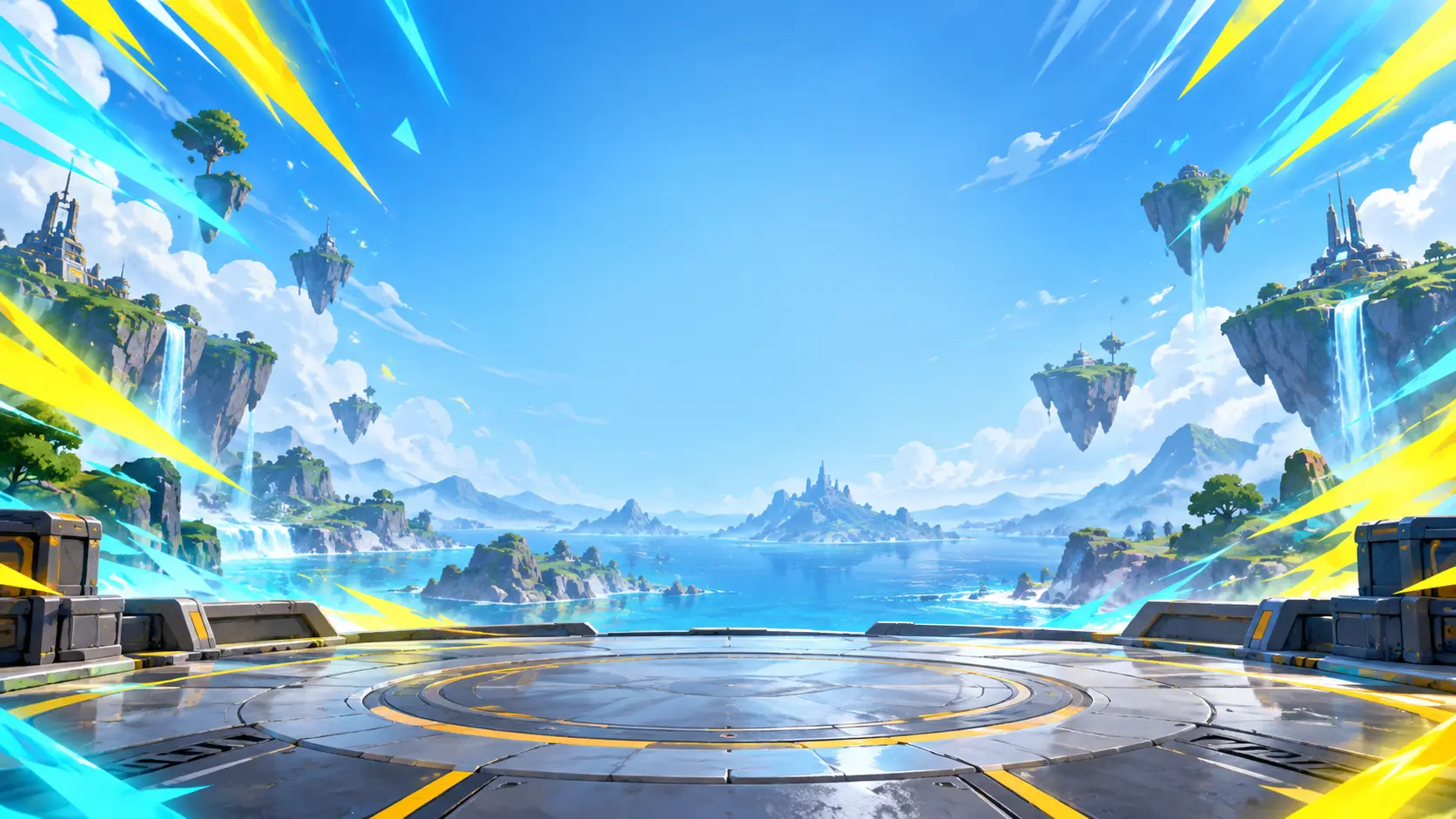
Build a 16:9 gaming thumbnail around the strongest play, controlled contrast, and a channel direction viewers can recognize.
Get Started