
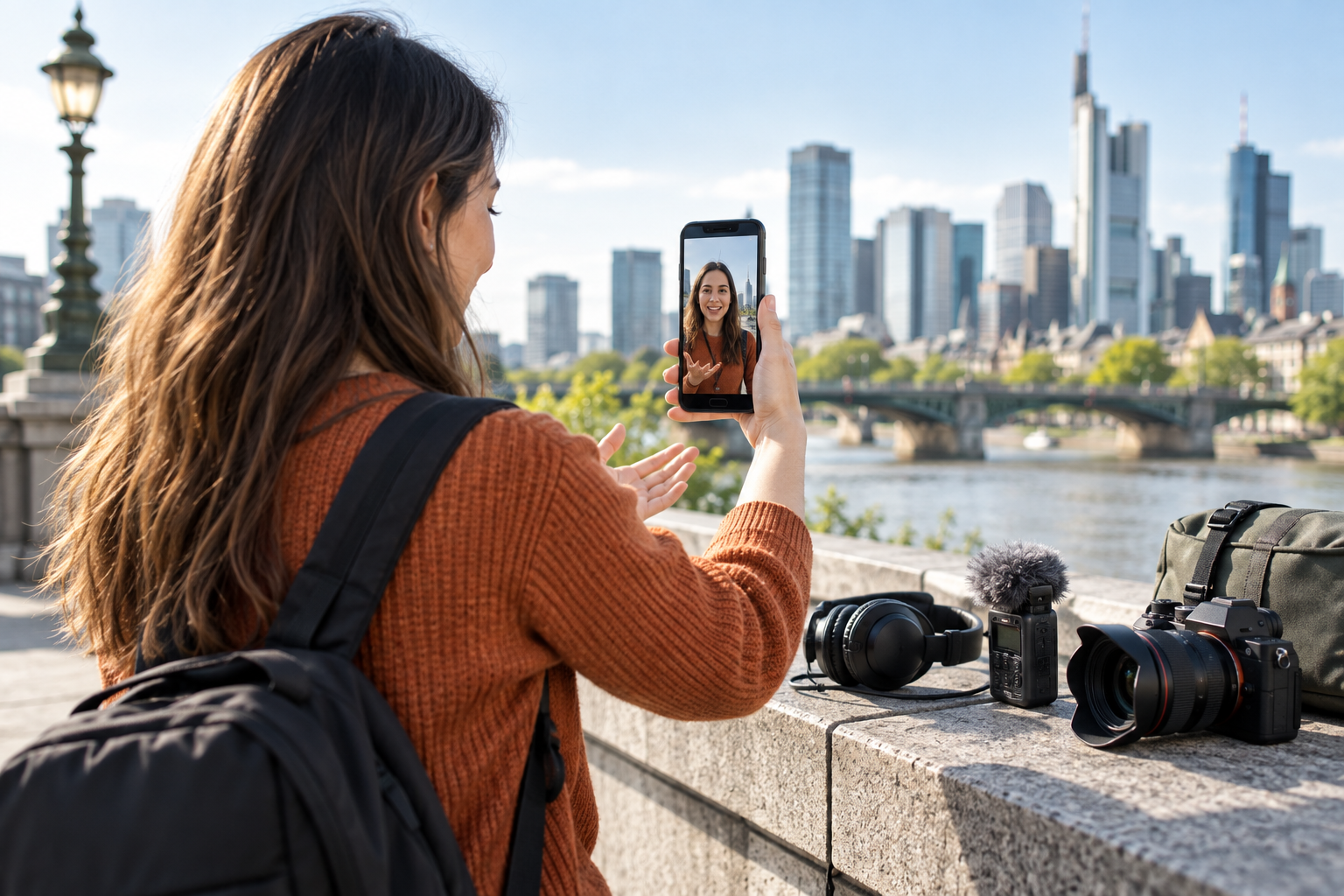
Step 01
Provide the source direction
Upload the video or reference media connected to the idea, then add audio when music, narration, or sound effects matter to the result.

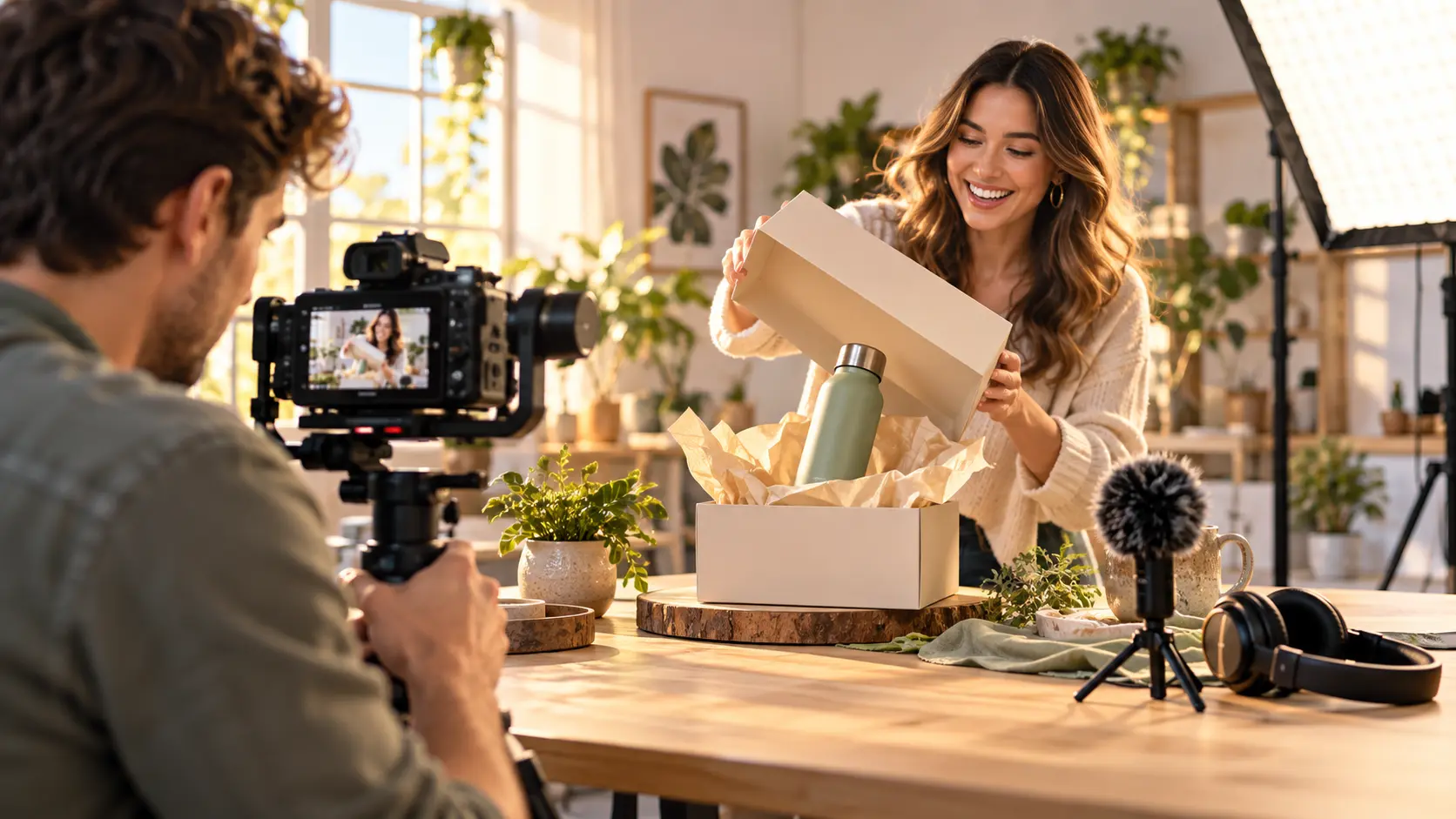
Shape a video from your idea, reference media, and audio, then keep refining the result with text instructions in VideoAI.
Partnering with global industry leaders to power your creativity output


Start with the decision in front of you, then guide the result with media, prompts, and sound.

A campaign concept can be clear before the visual direction is settled. Describe the scene and upload relevant references, then preview a video draft you can continue shaping in VideoAI.
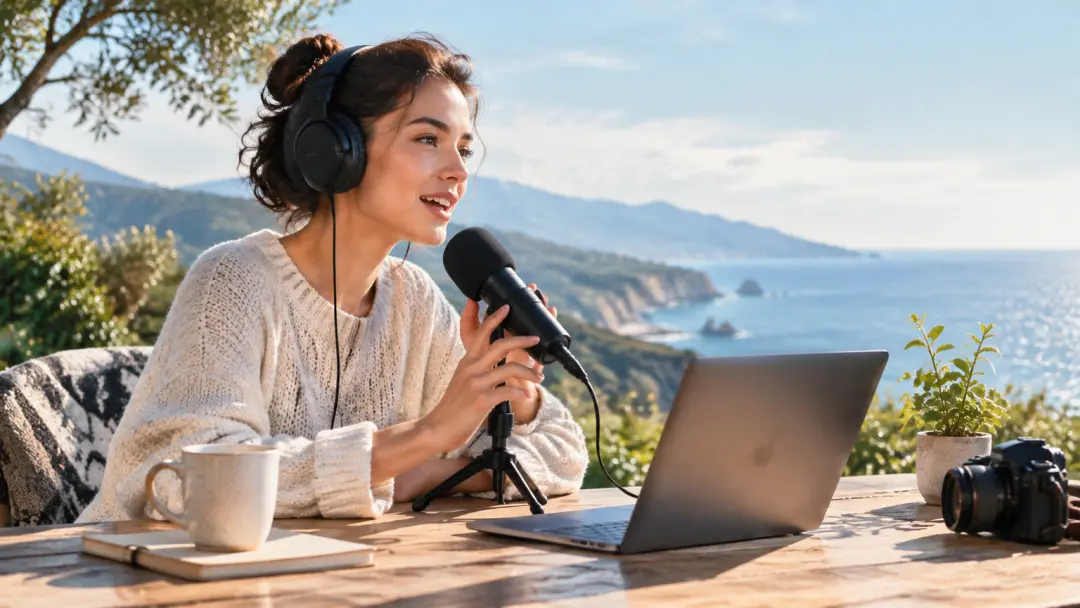
A social post may need narration or music to carry its message. Add an audio reference alongside your prompt and review a visual draft with a defined sound direction.
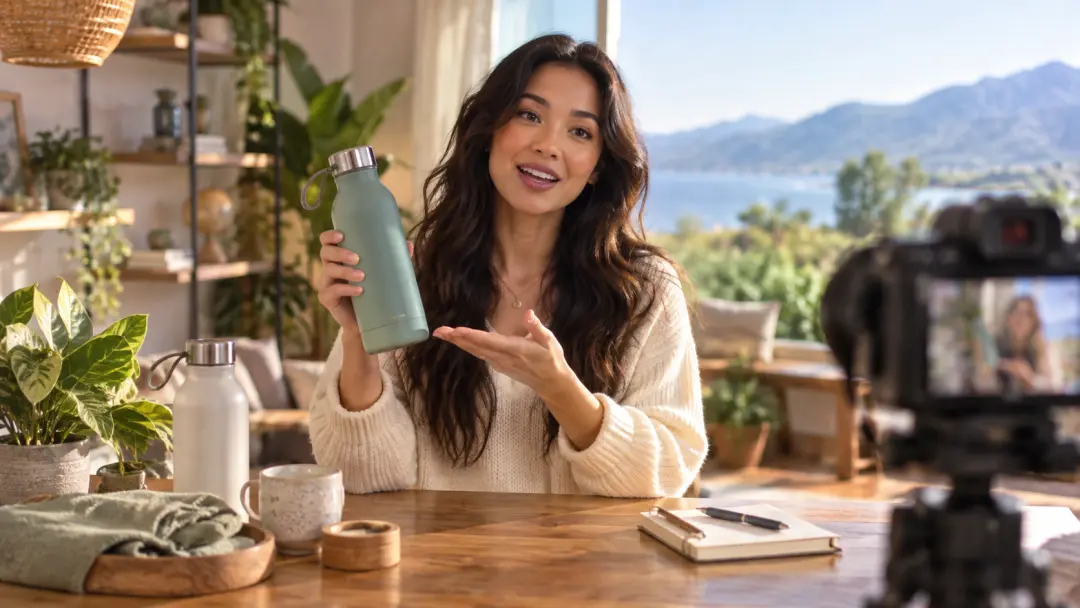
Product explanations often depend on a source clip or image. Upload that reference and describe the intended sequence, then assess a focused video before revising it.

Client discussions move faster when an idea has something concrete to review. Combine reference media with a precise instruction and bring a proposed direction into the conversation.
Turn a timely idea into a reviewable draft by describing the scene, adding reference media, and including music or narration where it supports the message. A free ai video generator with voiceover gives you a result to preview and refine.

Test a visual direction before production moves forward. Use a prompt with selected references and audio so the free ai video maker with voiceover reflects the intended message and tone.
Bring a client discussion to life with a concrete preview. Describe the desired edit or transformation, provide the source media, and use the free ai video generator with sound to review the direction together.
VideoAI keeps the creative direction in your hands from the first reference to the reviewed preview.
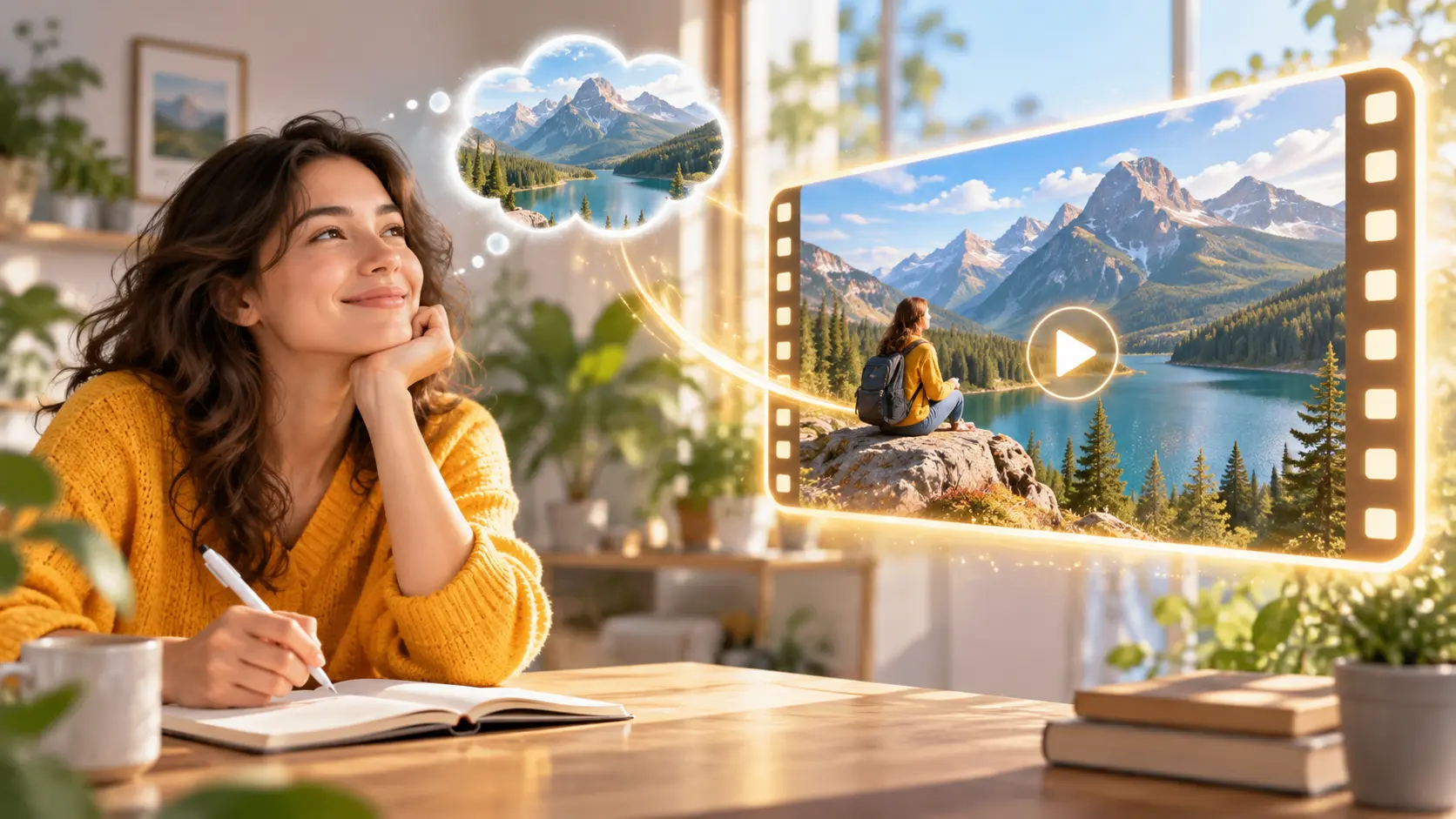
Describe the scene, transformation, or personal detail you want to see. Your written direction tells VideoAI how to interpret the intended result.
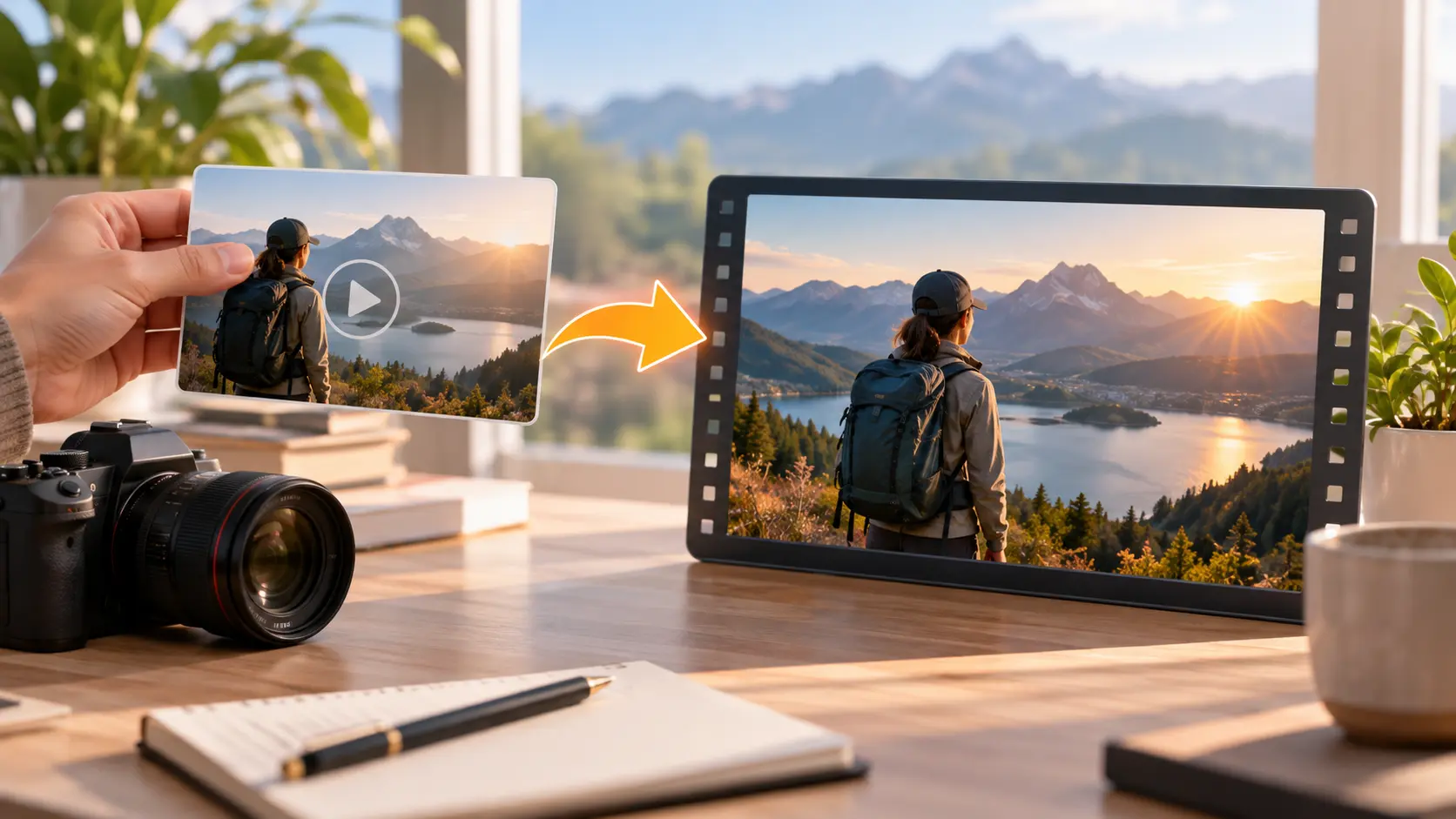
Upload video or other relevant reference media when the result needs to follow a source. Your selected material gives the instruction a concrete visual starting point.
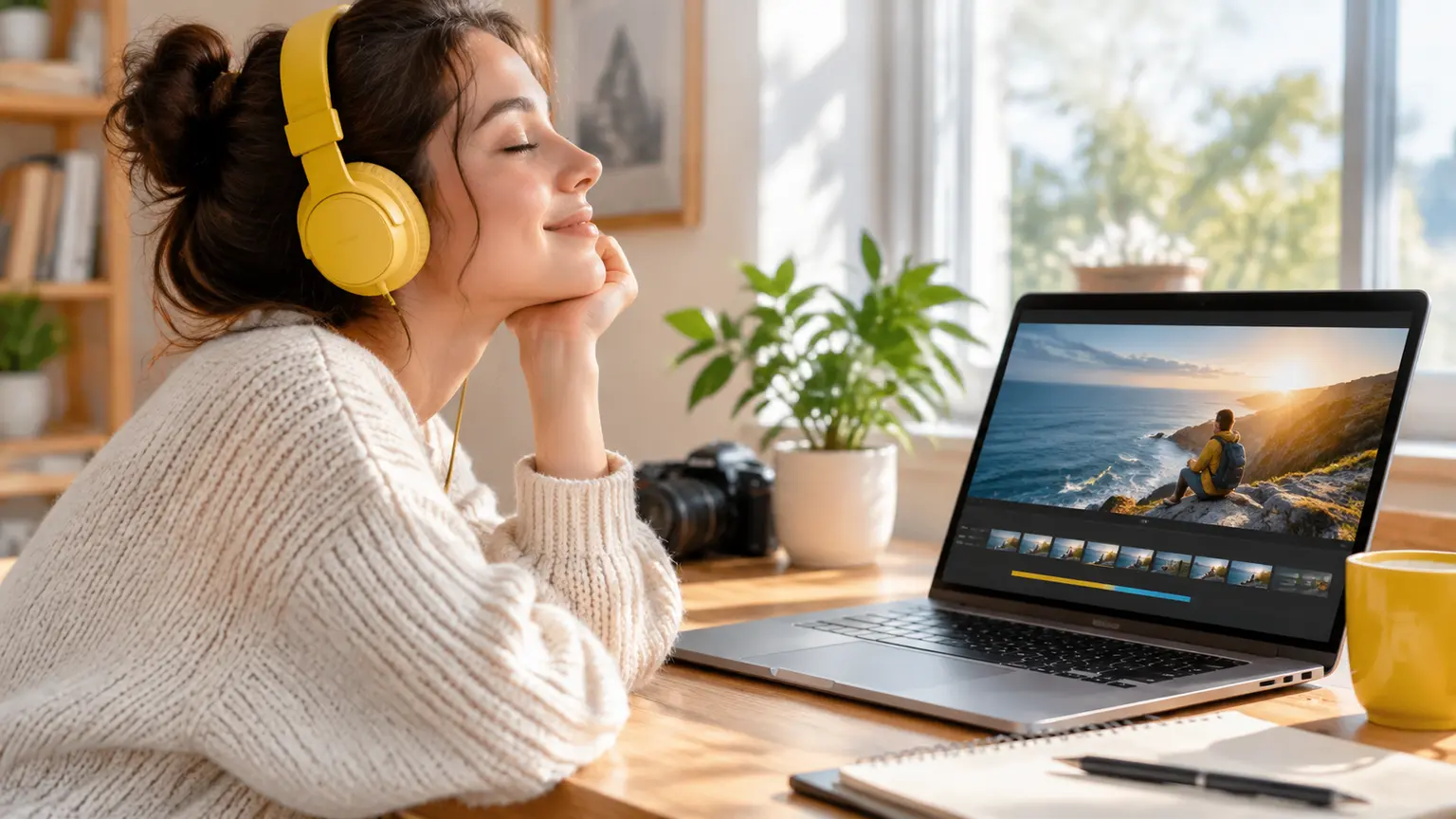
Add an audio reference for music, narration, or sound effects where it fits the idea. The free ai video generator with voice uses that direction as part of the requested output.
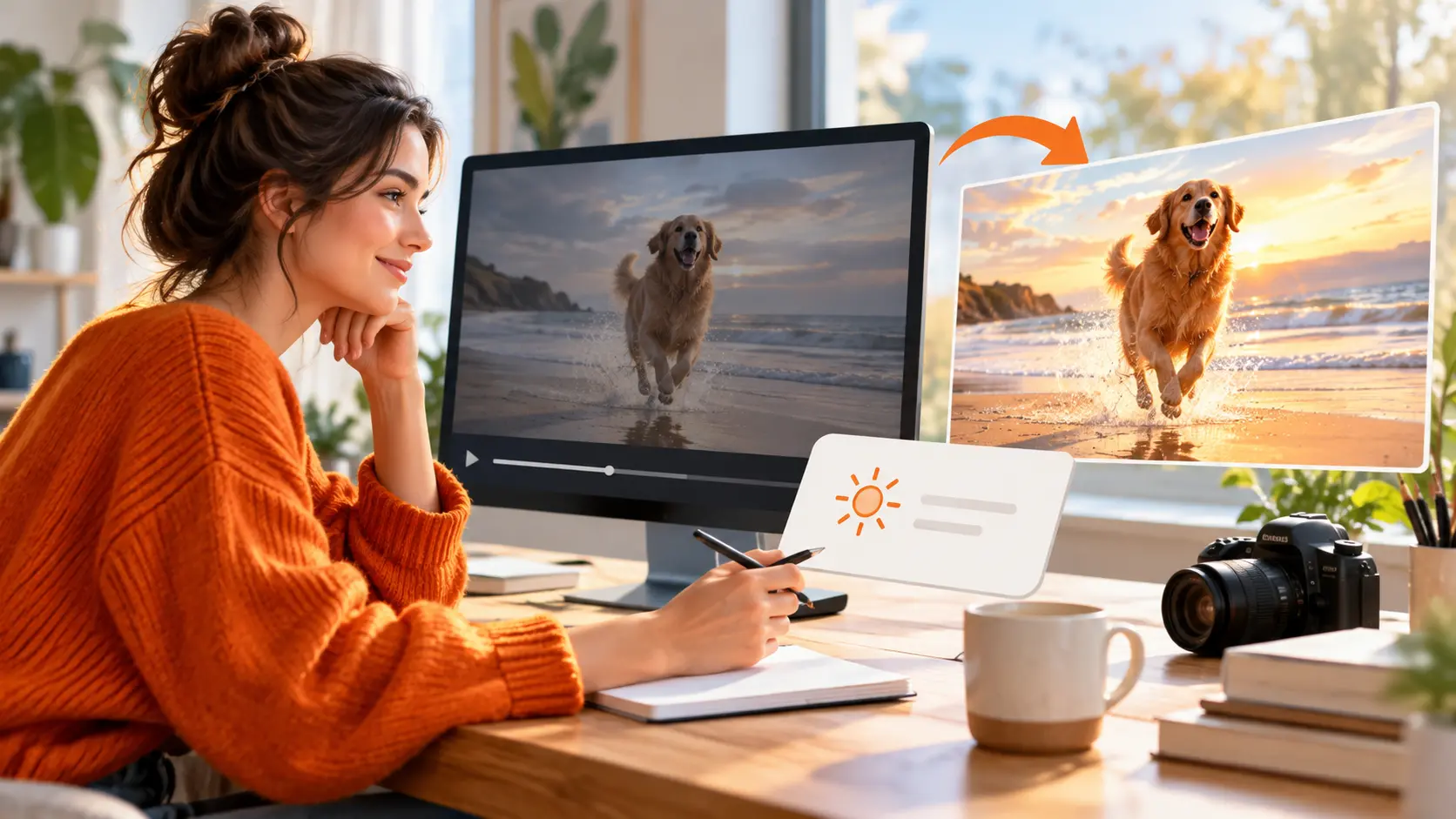
Preview the generated video, identify the change you want, and describe it in a follow up instruction. Continue shaping the result until the direction is ready to download.
Move from source material to a reviewed video through three clear creative actions.
Step 01
Upload the video or reference media connected to the idea, then add audio when music, narration, or sound effects matter to the result.
Step 02
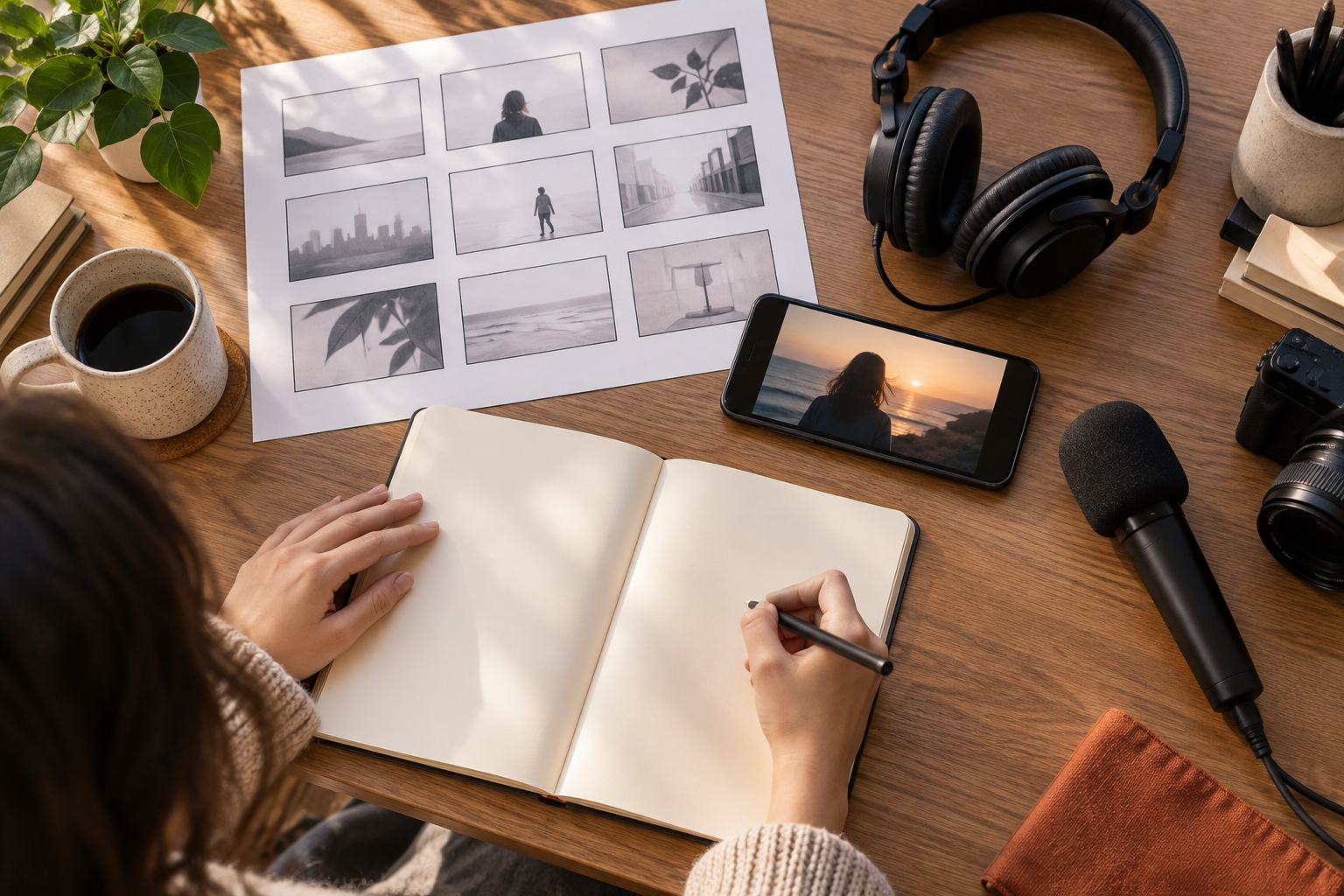
Write a specific prompt explaining what should be generated, converted, edited, or personalized. Mention the role of each reference so the direction stays clear.
Step 03
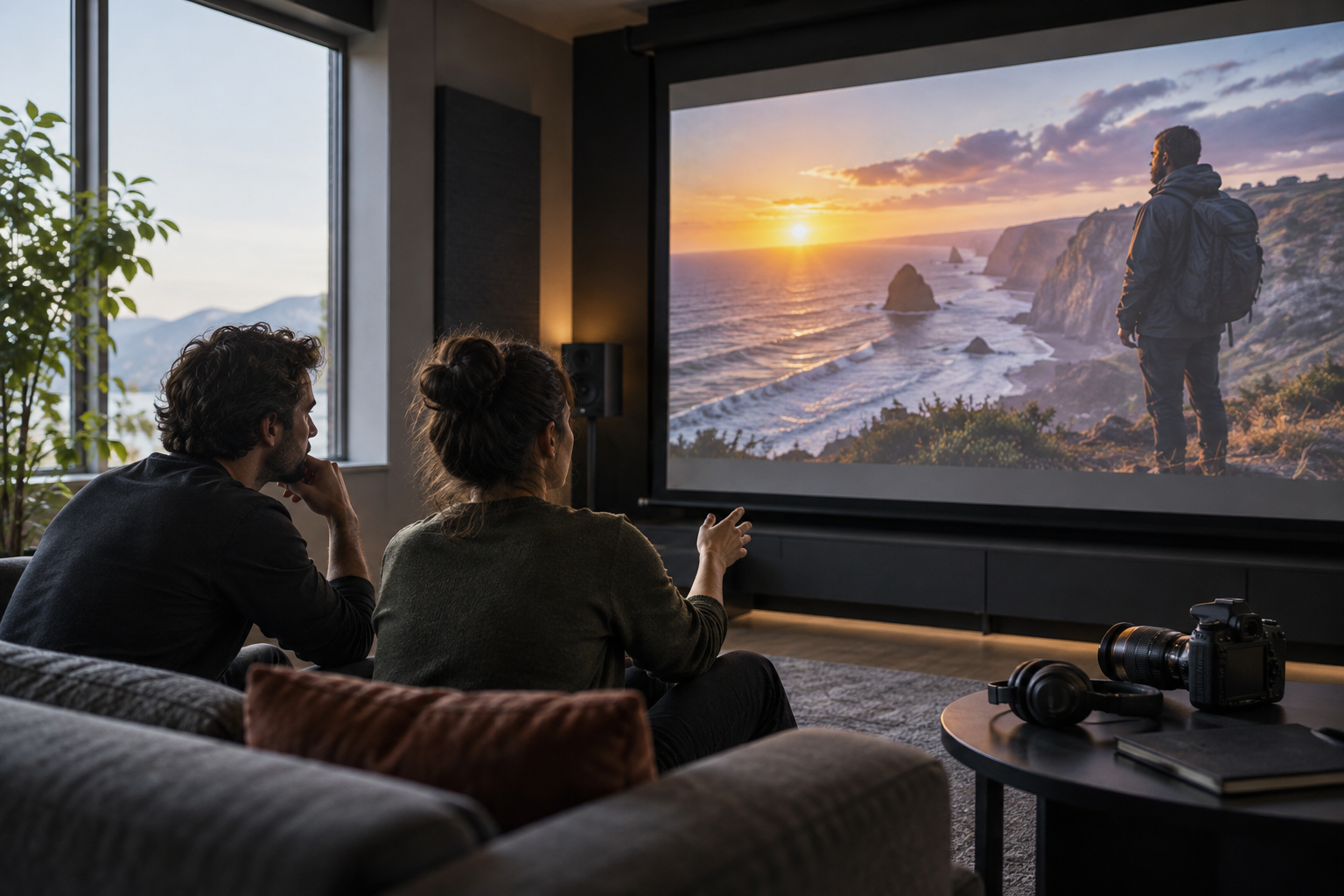
Generate the video and review the preview. Use another text instruction when the scene needs a change, then download the result when the direction is ready.

Bring your prompt, reference media, and audio together in VideoAI, then review the result and guide the next version.
Get Started