A Personal Card in a Few Minutes

Free Ecards Maker

A free ecards maker helps you turn a short message and visual idea into a personal digital card for a birthday, holiday, thank-you note, or quick invitation. Choose a style, describe the recipient and occasion, then create a card image. The free ecards maker keeps the layout focused on the relationship, so the final image feels specific rather than pulled from a generic template.

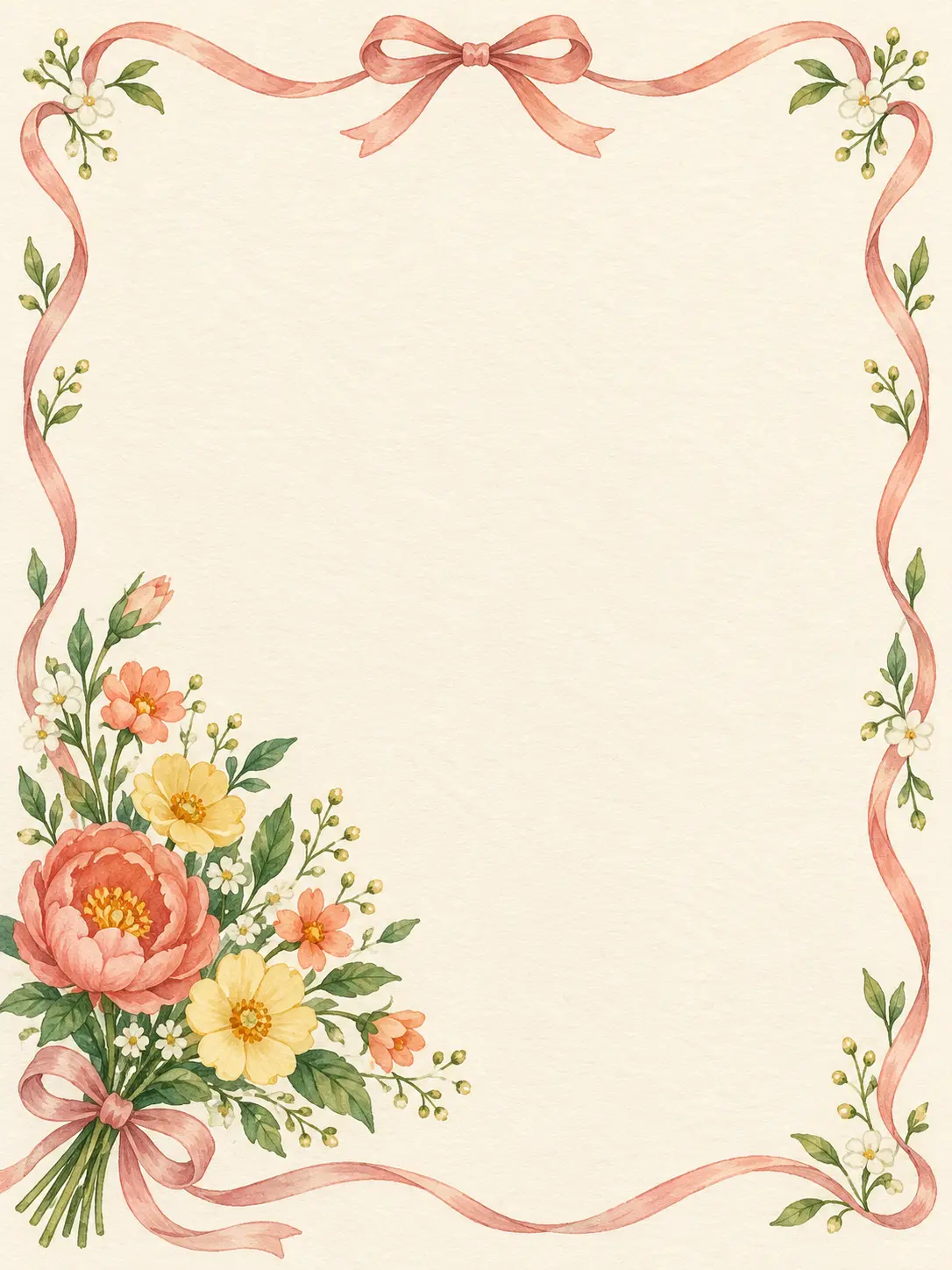
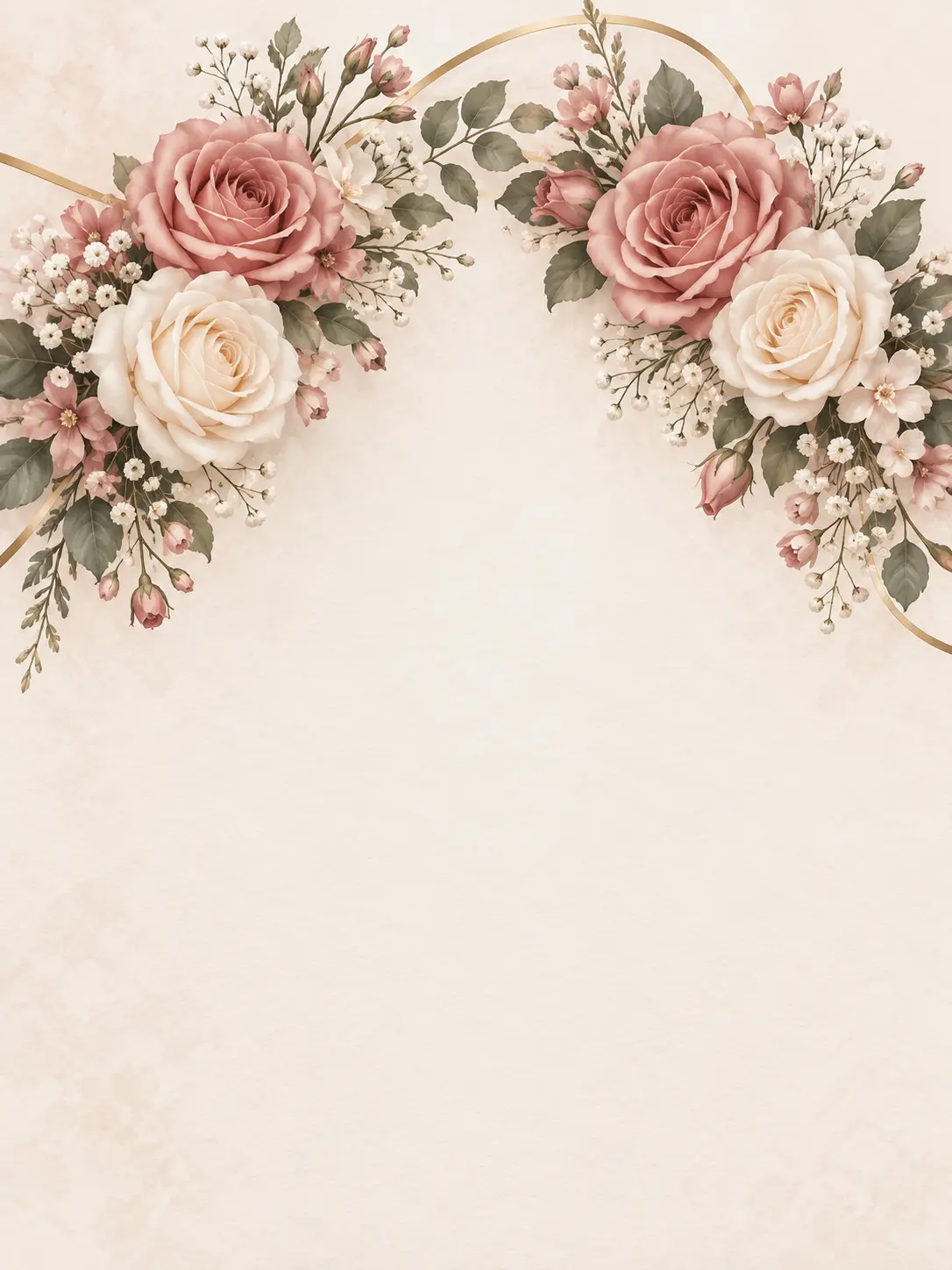
  • Vertical birthday ecard design with a small flower bouquet and open message space
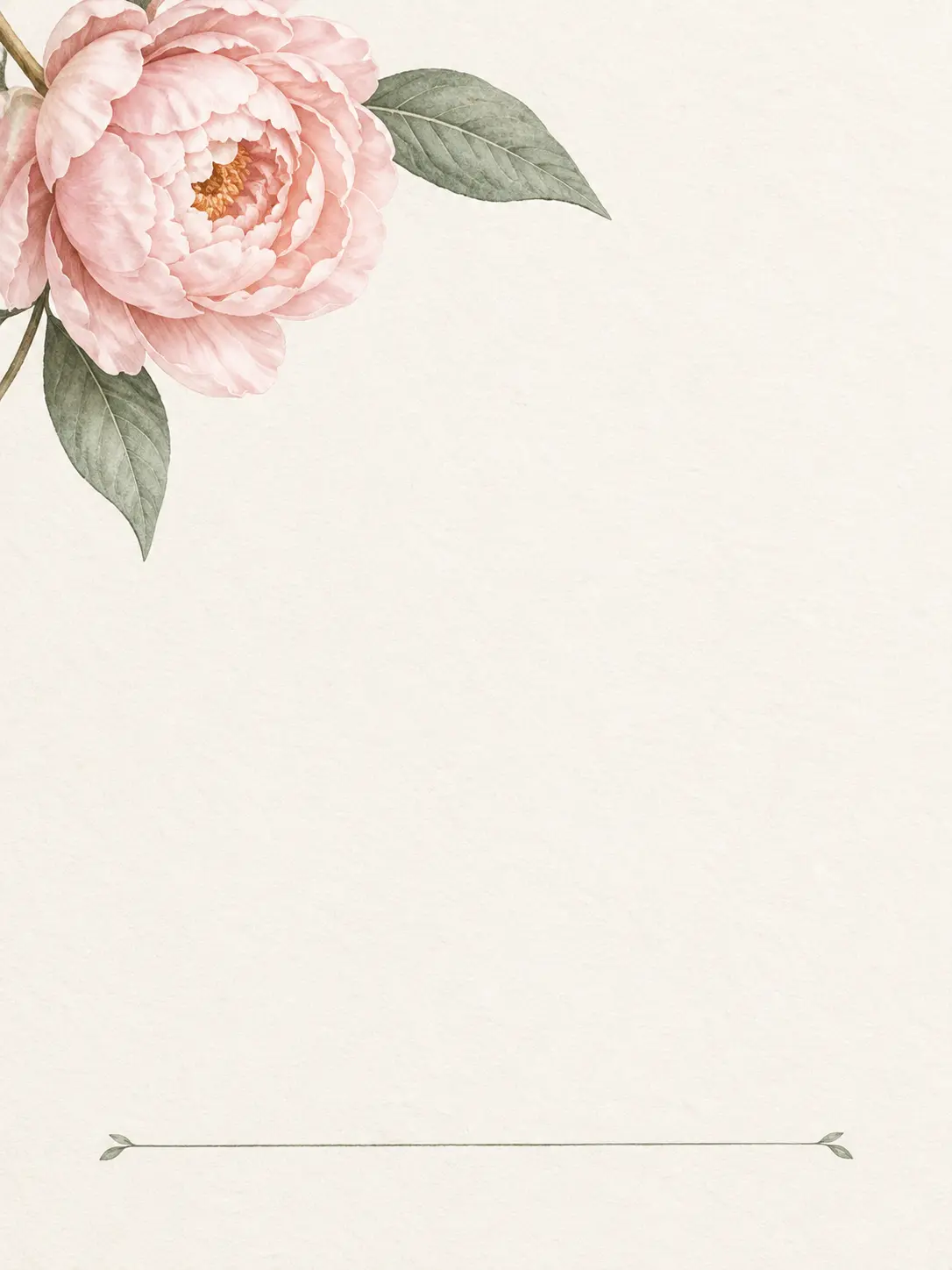
  • Vertical thank-you ecard with a single blush peony and generous blank note area
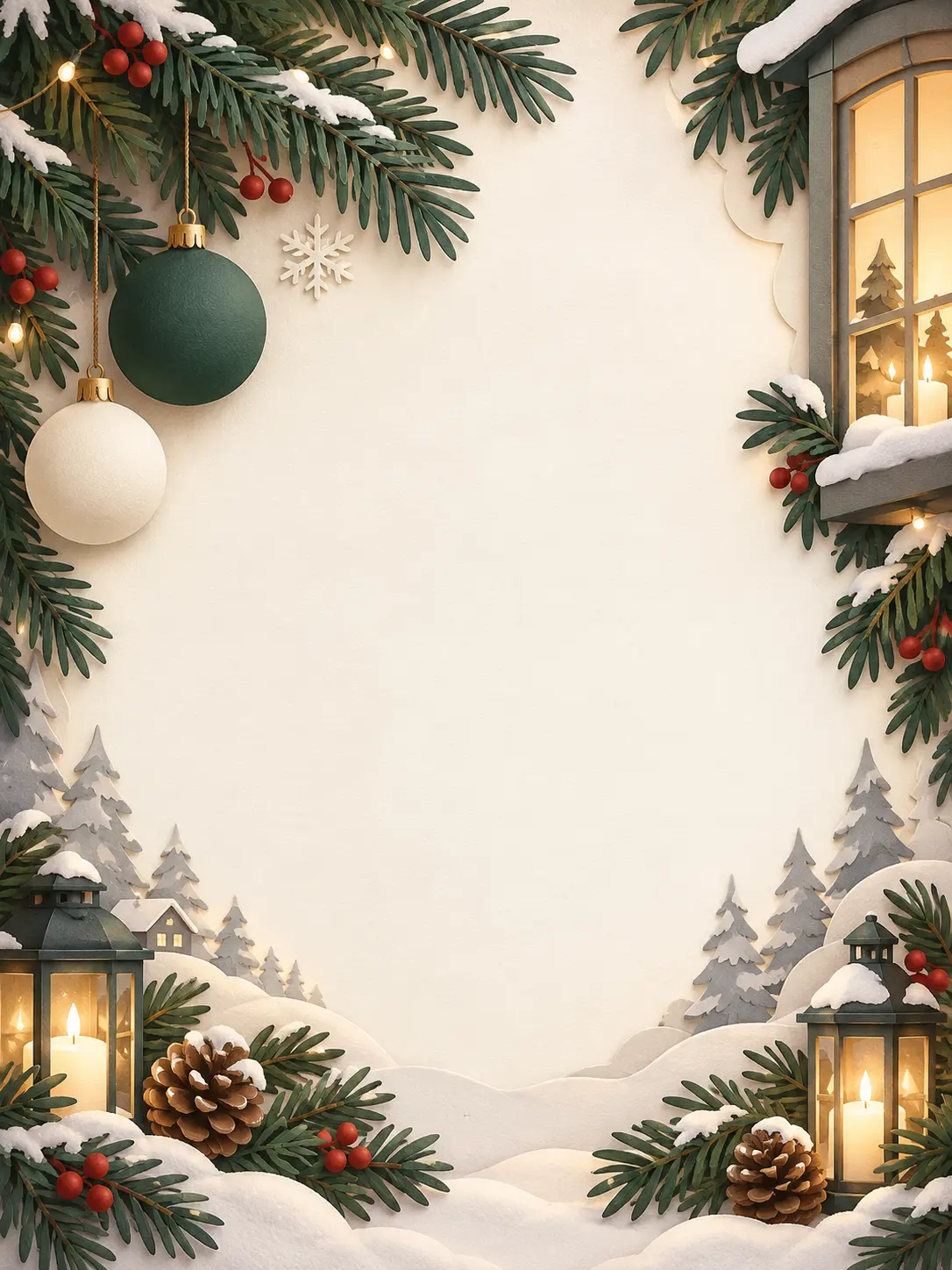
  • Vertical winter greeting card with pine branches and a calm blank center
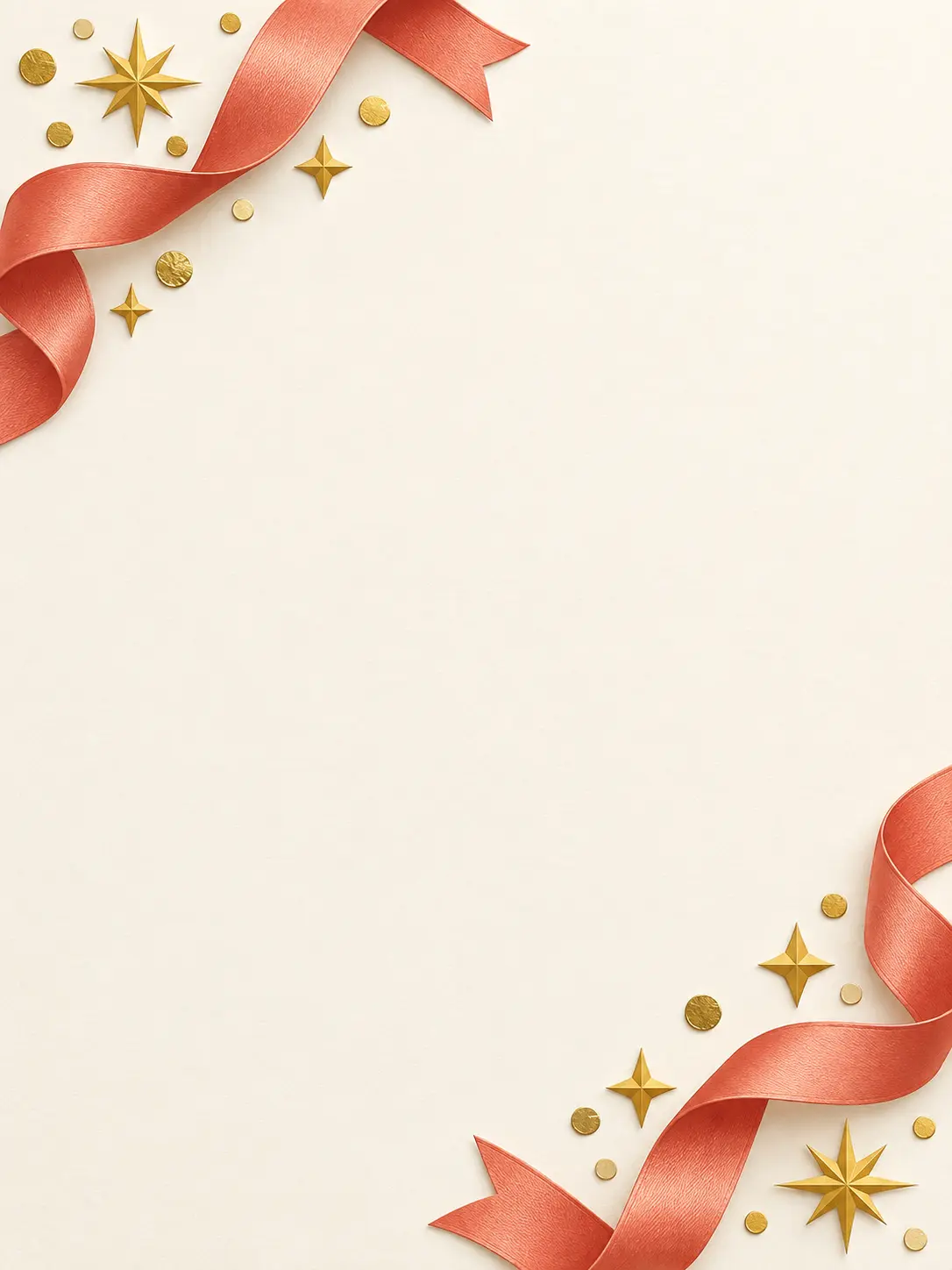
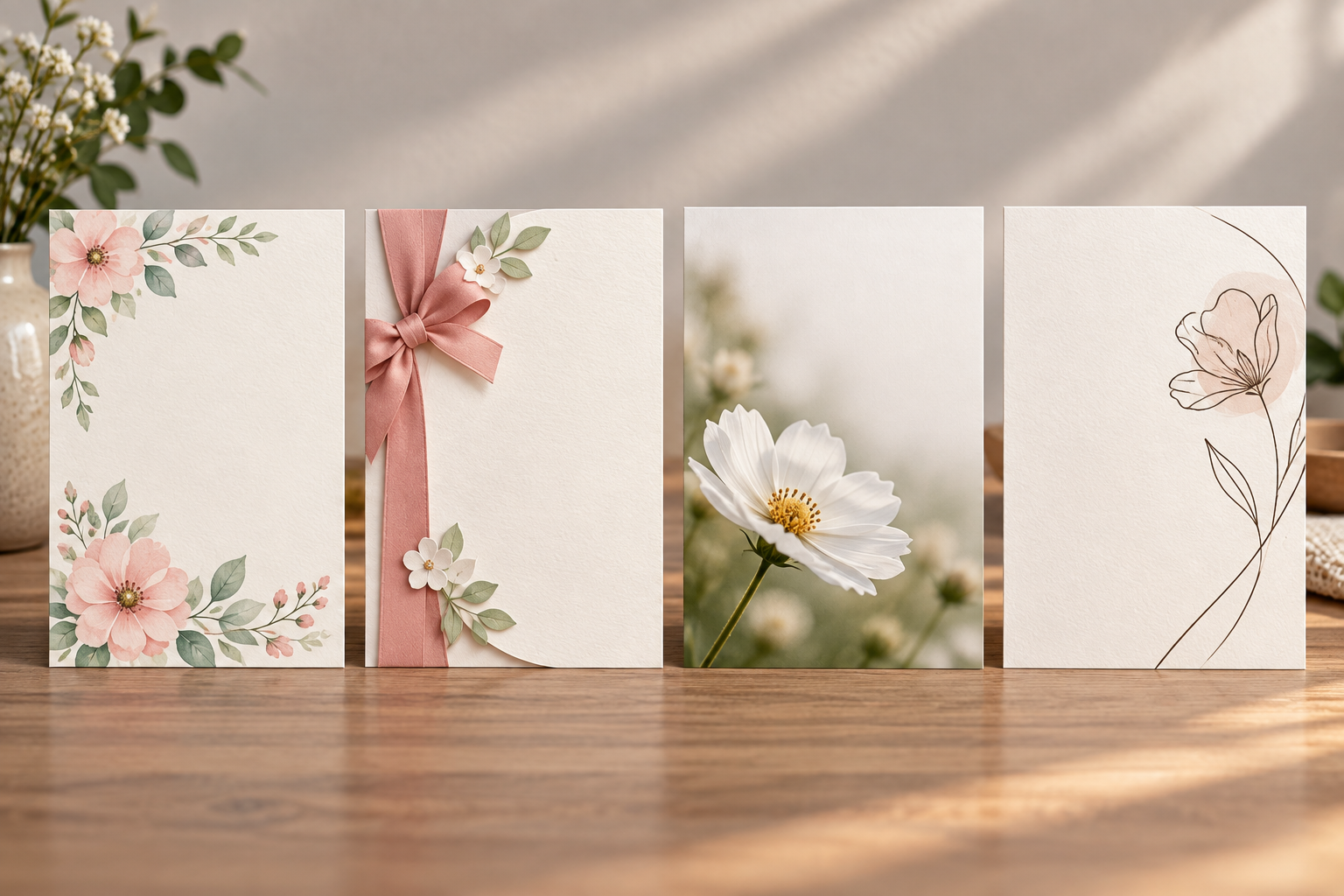
  • Vertical congratulations ecard with coral ribbon and open center for a message
  • Vertical anniversary card design with two intertwined floral clusters and open message area
  • Vertical new-baby ecard with soft clouds, tiny stars, and a quiet center
  • Vertical get-well ecard with a small green plant and soft morning light
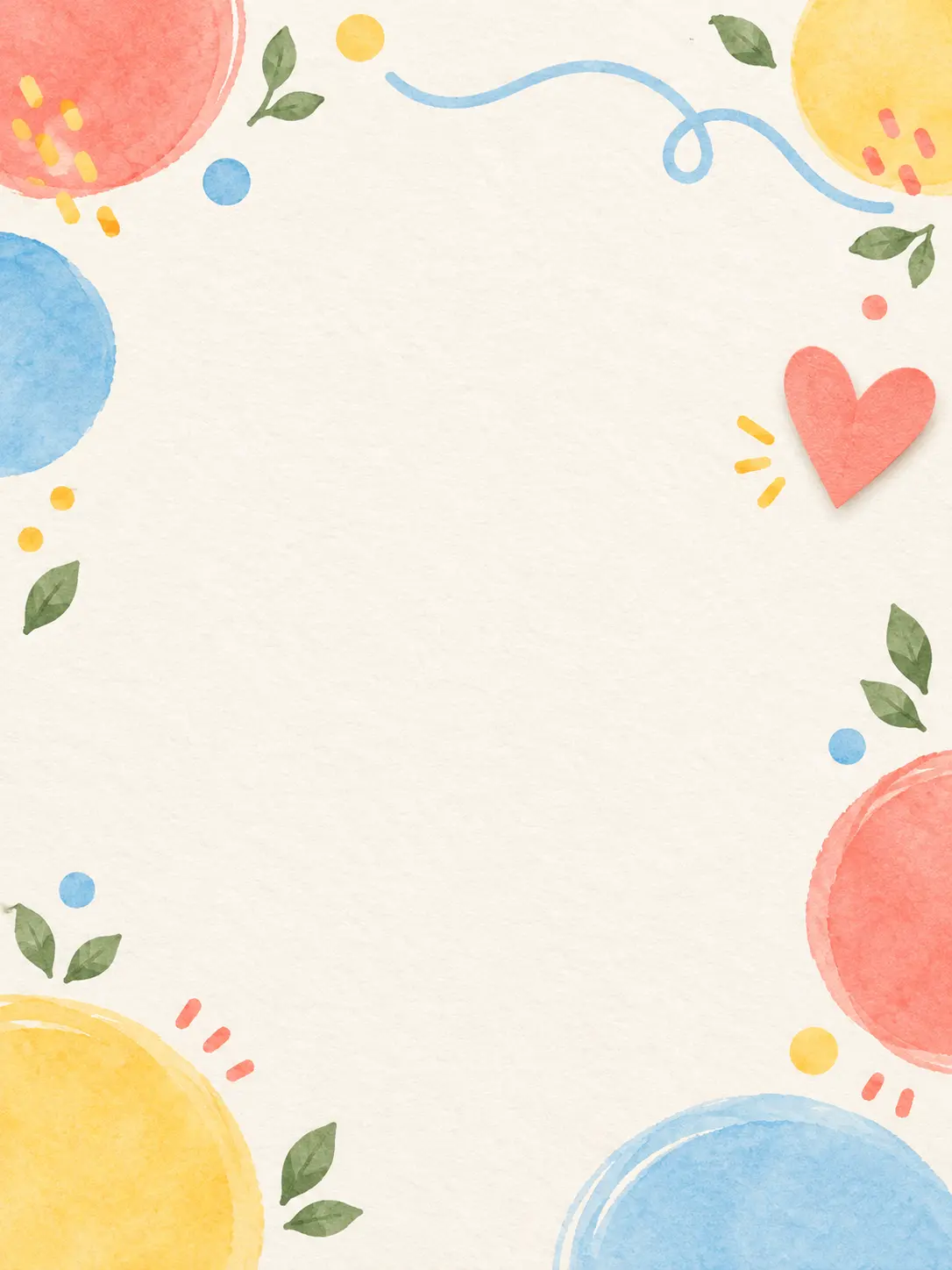
  • Vertical just-because ecard with playful abstract shapes and open space

What a Free Ecards Maker Can Personalize

Use the occasion, relationship, and message as creative inputs instead of choosing from the same set of seasonal layouts.

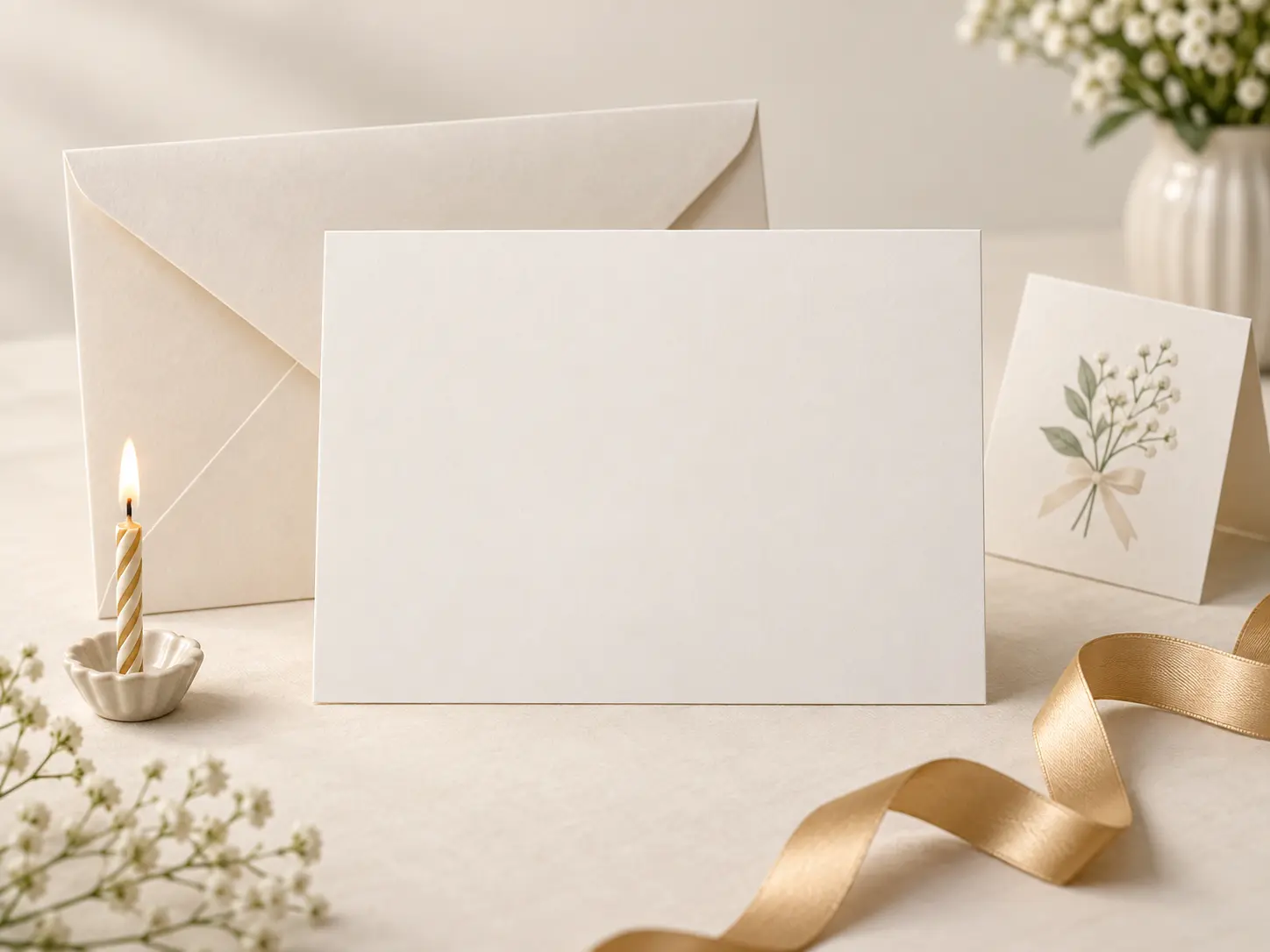
Occasion cards for birthday, thanks, and celebration arranged on a bright table

Match the Occasion

Start with the reason for the card: birthday, anniversary, holiday, thank-you, congratulations, or a just-because note. A free ecards maker can change the color, motif, and energy to fit the moment. Specific context produces a stronger card than a generic greeting with no relationship behind it. Write the occasion as a simple date or label while you plan, then remove it from the image and set the final greeting in your editor.

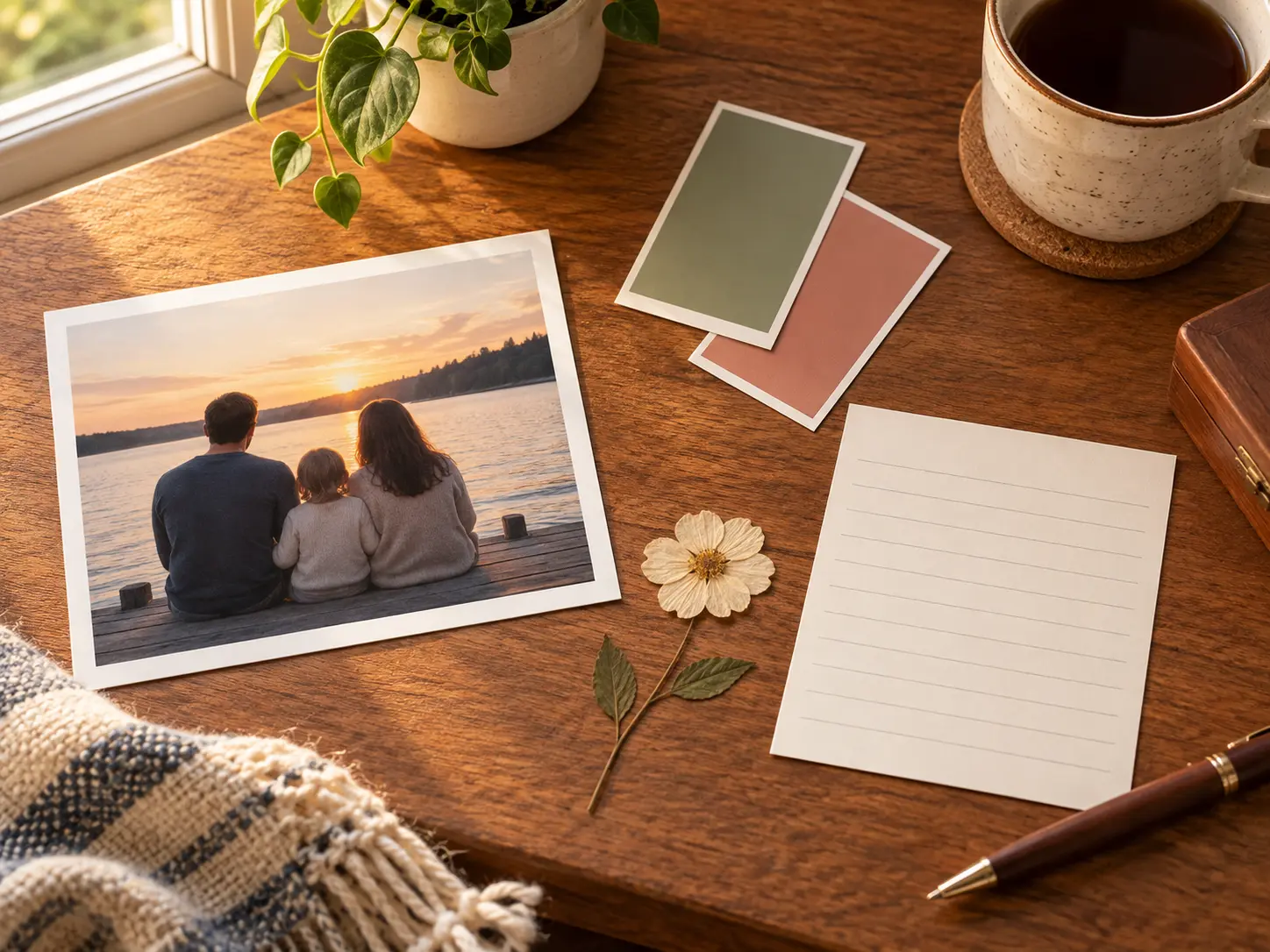
Personal card workspace with photographs, color notes, and a handwritten message draft

Build Around the Recipient

Describe what the person enjoys, their favorite colors, a shared memory, or the tone of your relationship. Those details help the free card feel personal without requiring a full design brief. Keep private information out of the prompt if the card will be shared publicly. Mention the relationship and one shared detail, but leave private dates, addresses, or health information out of the generation prompt.

Four ecard style studies in paper, watercolor, photography, and minimal illustration

Choose a Visual Language

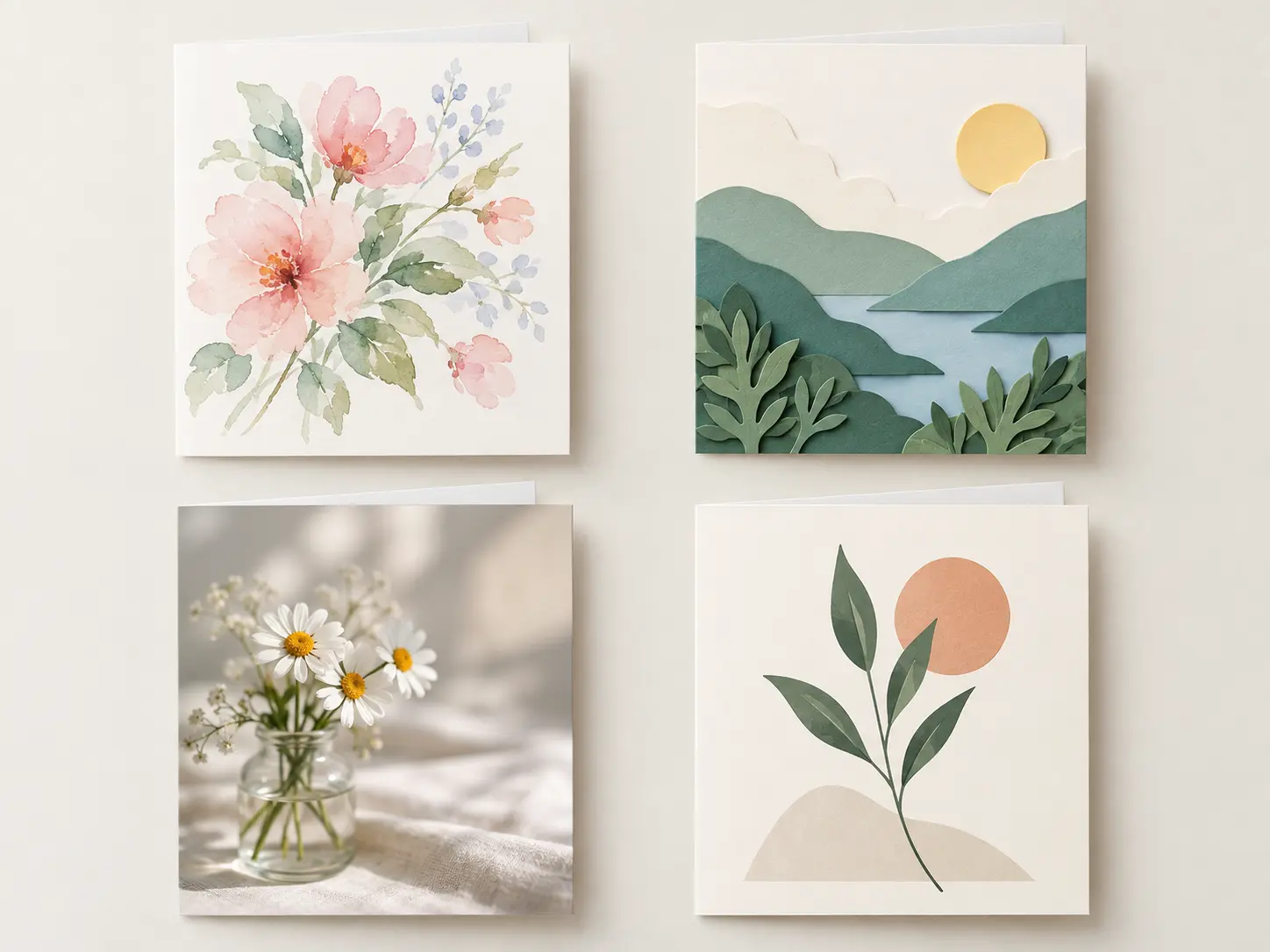
Move between watercolor, paper cut, editorial photography, illustrated typography, or a clean minimalist direction. A free ecard maker can hold one consistent style across the front, background, and decorative elements, which keeps the card coherent when it appears in a message or email. Choose one dominant style and one supporting accent so the card still feels coherent when it appears beside a long message.

Digital card layout with a clear message area and balanced decorative artwork

Leave Room for Your Message

Ask for open space where the final greeting will sit, then add exact wording in an editor. This avoids placing important text over a busy illustration. Check the card at phone size before sending so the message, image, and overall composition remain easy to read. A free ecards maker works best when the message area stays visually quiet and remains readable without zooming on a typical phone.

How to Make a Free Ecard

Three practical steps help you create a card with a clear occasion, visual style, and message space.

Person writing a short card brief with occasion notes and color swatches

Step 01

Describe the Moment

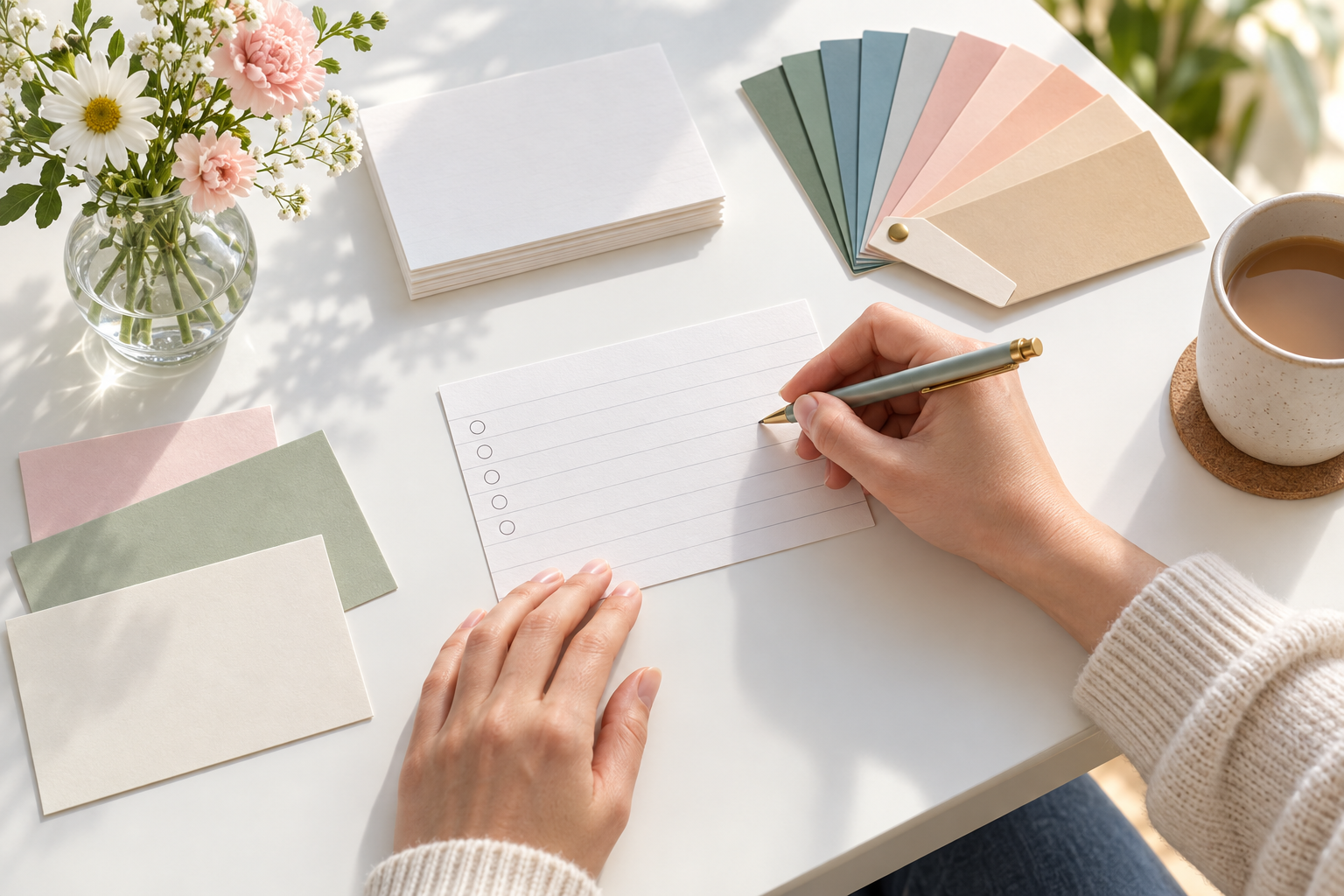
Write the occasion, recipient, relationship, and the feeling you want the card to carry. Add colors or motifs only when they support that message. This keeps the free ecards maker focused on the person instead of filling the design with random seasonal decoration. If the card is for a group, keep the recipient generic until the final message so one version can be adapted safely.

Several digital ecard concepts displayed together on a clean studio surface

Step 02

Generate a Card Direction

Use the free ecards maker to create a front-image concept with a clear focal point and open message area. Compare a few visual directions, then choose the one that feels right for the recipient. Review faces, hands, decorative details, and any text-like shapes before moving forward. If the generator introduces text-like marks, remove them in a revision because exact names and greetings belong in the editor.

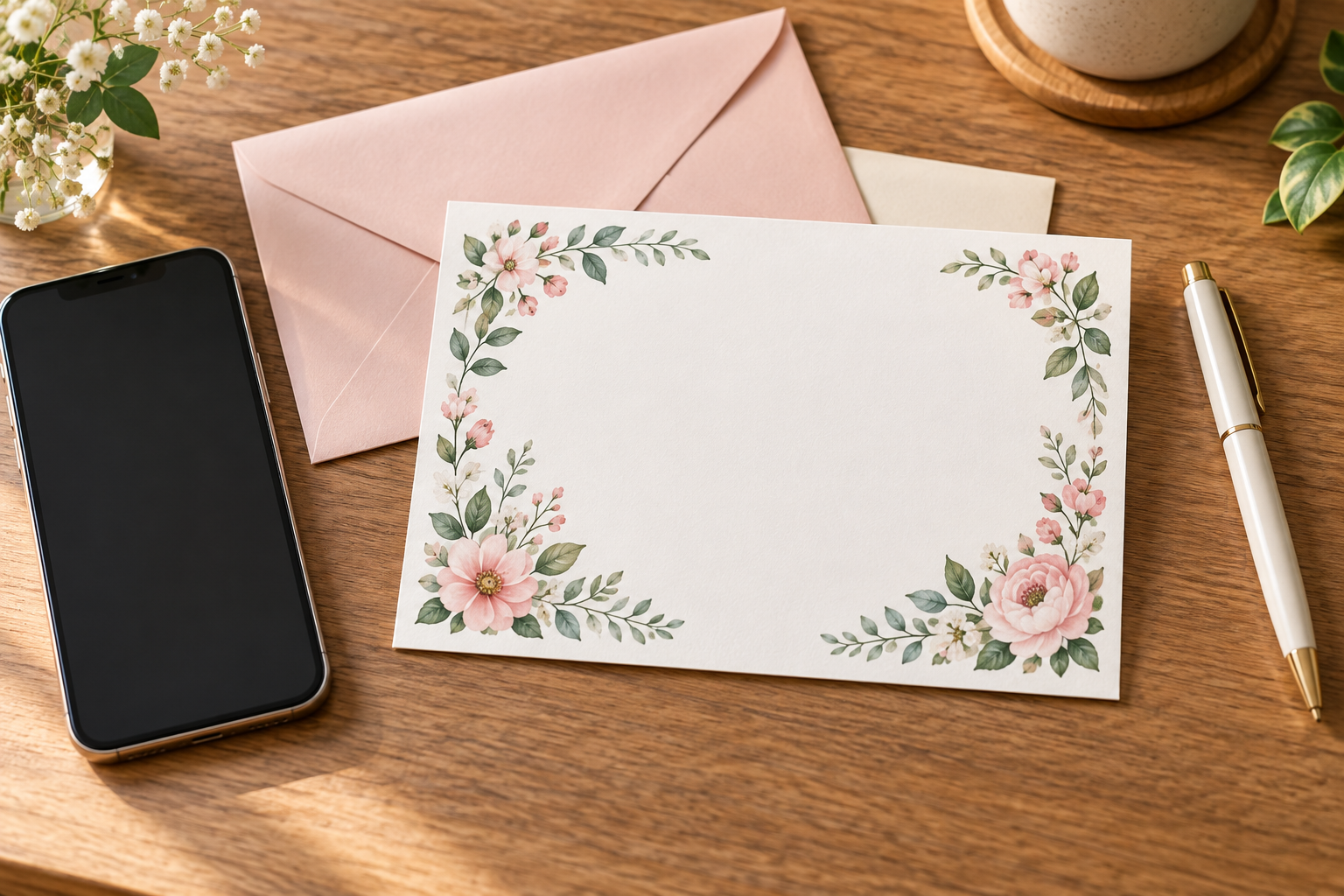
Finished digital card on a phone beside printed note cards and a pen

Step 03

Personalize and Send

Use the free ecards maker artwork, then add the exact greeting, name, and sender details in an editor, then export the finished card for email, chat, or social sharing. Check the file size and dimensions for the destination. If the receiver may print it, keep enough resolution and margin for a clean at-home print. Send a test image to yourself first to check cropping, contrast, and how the card preview behaves in the destination app.

When to Use a Free Ecards Maker

Digital cards are useful when the message needs to arrive quickly but still feel thoughtful and specific.

01

Birthday Messages

Create a cheerful card around a shared joke, favorite flower, hobby, or milestone. Send it by message or email and add the final greeting before delivery.

02

Thank-You Notes

Turn a short note of appreciation into a polished image for a coworker, teacher, friend, or client. A restrained style often feels more sincere than a busy template.

03

Holiday Greetings

Make a seasonal card without relying on the same stock design everyone else sends. Keep the motif relevant and the message area easy to read on a small screen.

04

Quick Invitations

Use an ecard-style image for a casual party, dinner, meeting, or gathering. Include the essential details in the message rather than crowding the artwork.

Who Uses a Free Ecards Maker

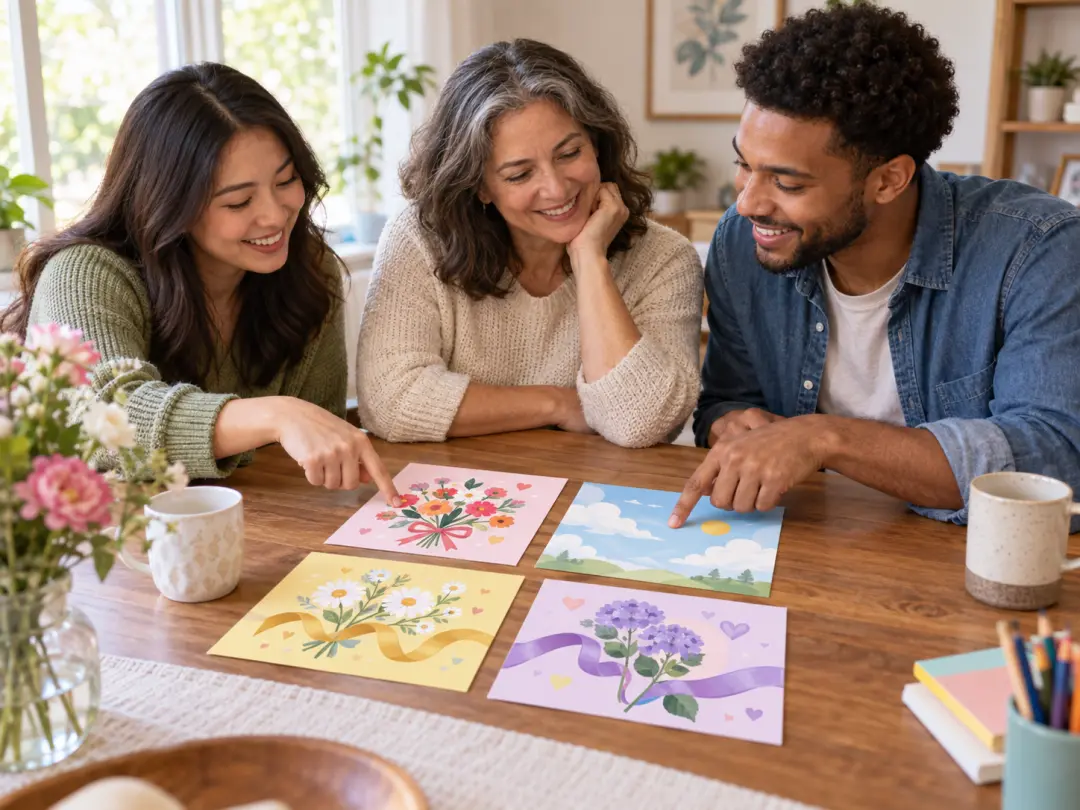
Friends and family choosing a personal digital card together on a bright table

Friends and Family

Send a card built around a real memory, favorite color, or shared interest instead of choosing a generic greeting at the last minute.

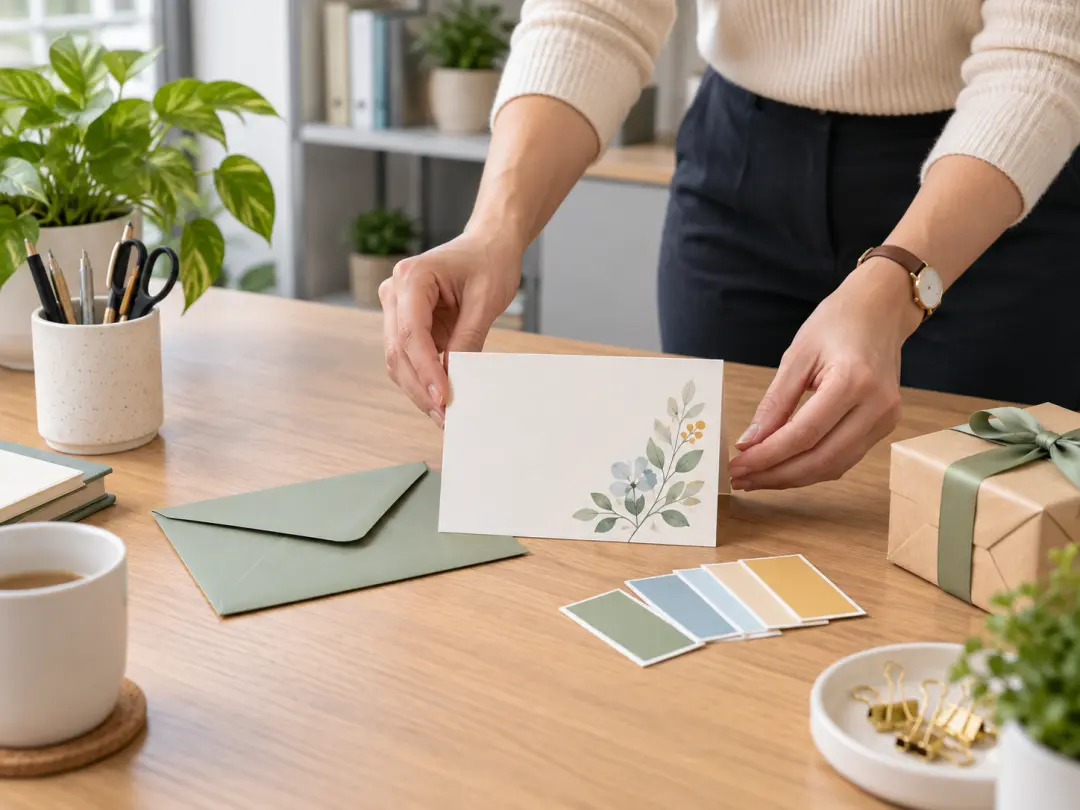
Team organizer preparing a coordinated blank thank-you card for coworkers

Team Organizers

Create a coordinated thank-you or celebration card for colleagues while keeping names, occasions, and internal details accurate before sharing.

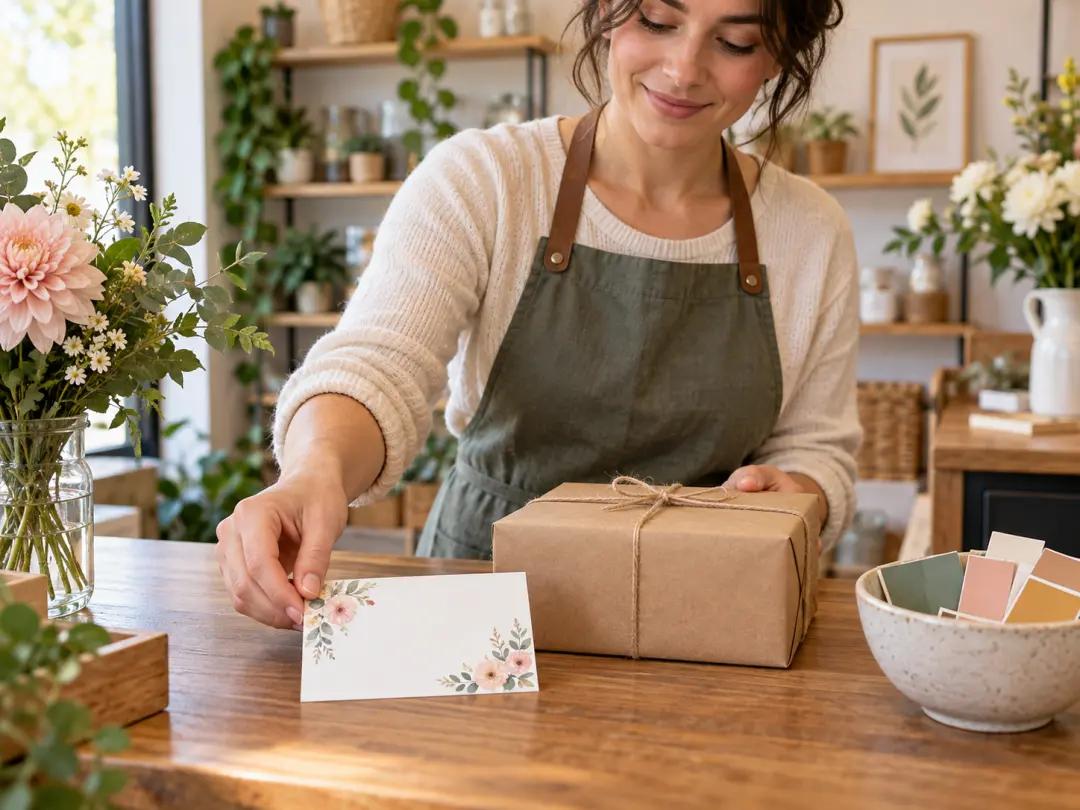
Small business owner preparing a friendly blank customer card beside a plain package

Small Business Owners

Prepare a friendly customer note, seasonal greeting, or event reminder that feels warmer than a plain email and remains easy to adapt.

Benefits of a Free Ecards Maker

A card maker compresses the distance between having a thoughtful idea and sending it.

Personal Without a Long Setup

A short prompt can capture the recipient, occasion, and mood, giving you a custom visual without starting a complex design file.

Easy to Share

Digital cards fit naturally into messages, email, and social platforms. Export once and send it when the moment is still relevant.

Reusable Creative Direction

Keep a style that works for your family, team, or brand, then change the message and motif for the next occasion.

FAQ

Free Ecards Maker Questions

This free ecards maker gives new accounts 10 starter credits for an initial try. This is not unlimited generation, so check the current credit cost and plan before creating a large batch. You can test the workflow, review the image quality, and decide whether the available credits fit your card project. Use a free ecards maker for the first complete test, including any editor step, rather than spending several credits on similar styles.

Yes. Use the free ecards maker to generate artwork with an open area for text, then add the final greeting in a design editor. Exact wording should be placed yourself so names, punctuation, and personal details are correct. Keep the message short enough to remain readable at phone size. Write the message in the editor after the artwork is final, and leave a margin around it so the text is not cropped by a chat preview.

An ecard is designed primarily for digital delivery, while a greeting card may be intended for print. The same free ecards maker can create art for both, but printing requires a larger file, proper margins, and a folded-card layout that you must prepare separately. For print, confirm paper size, bleed, and folding before exporting; for digital delivery, check the platform’s preferred image ratio and file size.

Yes. Give the free ecards maker the recipient, your relationship, their interests, and the tone you want. Add a shared detail only when it helps the design feel personal. Avoid using another person’s photo or identifying information unless you have permission and understand how the image will be used. A fictional or illustrated recipient is safer when you do not have permission to use a real person’s photo or identifying details.

The free ecards maker runs in the browser, but final personalization may happen in an editor. That keeps the workflow light while still giving you control over the exact message. Check the destination platform before sending to make sure the exported format and file size work correctly. Browser access may still require an account, network connection, and credits, so confirm those requirements before beginning a time-sensitive card.

Review the current product terms before using the free ecards maker commercially, and check the rights attached to every uploaded or referenced asset. Original generated artwork may be usable for commercial projects only when the applicable license allows it. Do not use trademarks, celebrity likenesses, or copyrighted characters without permission. If you plan to sell a finished card, keep the generated art, uploaded references, and final text separate so their rights can be reviewed clearly.
Warm ecard making scene with paper, flowers, a phone, and open writing space

Create a Personal Card With a Free Ecards Maker

Turn a short occasion brief into a custom ecard, then add the exact words before you send it.

Get Started
Free Ecards Maker - Create Custom Digital Cards Online