Perchance Image Generator

A perchance image generator turns a short prompt into original game and character art. Describe a hero, a monster, a scene, or an item, pick a style, and generate a first draft to review. It suits D&D parties, Dark Souls moods, superhero concepts, and Roblox avatars.

  • Fantasy adventurer portrait generated from a written game-art prompt
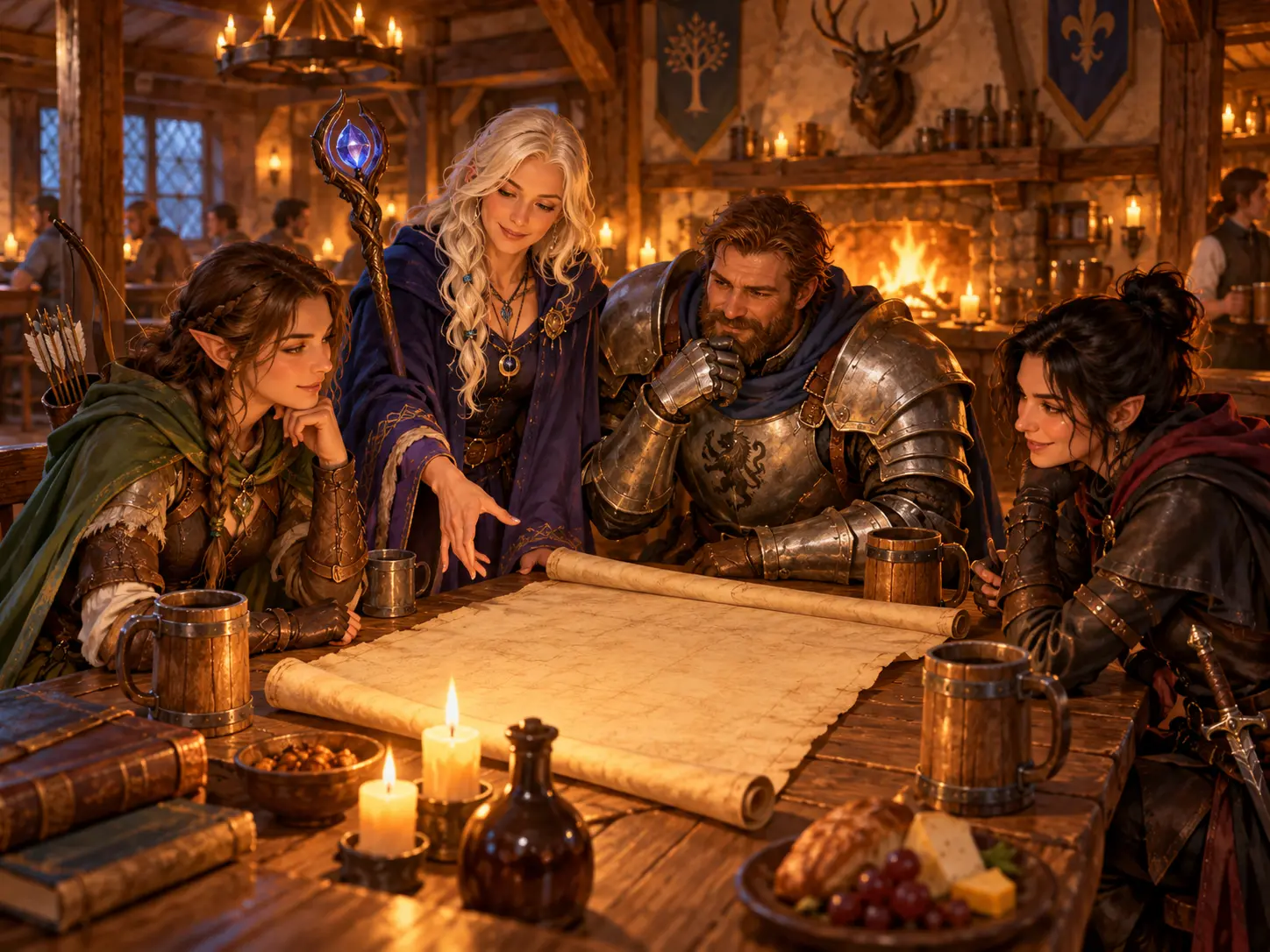
  • Dungeons and Dragons party scene generated from a group prompt
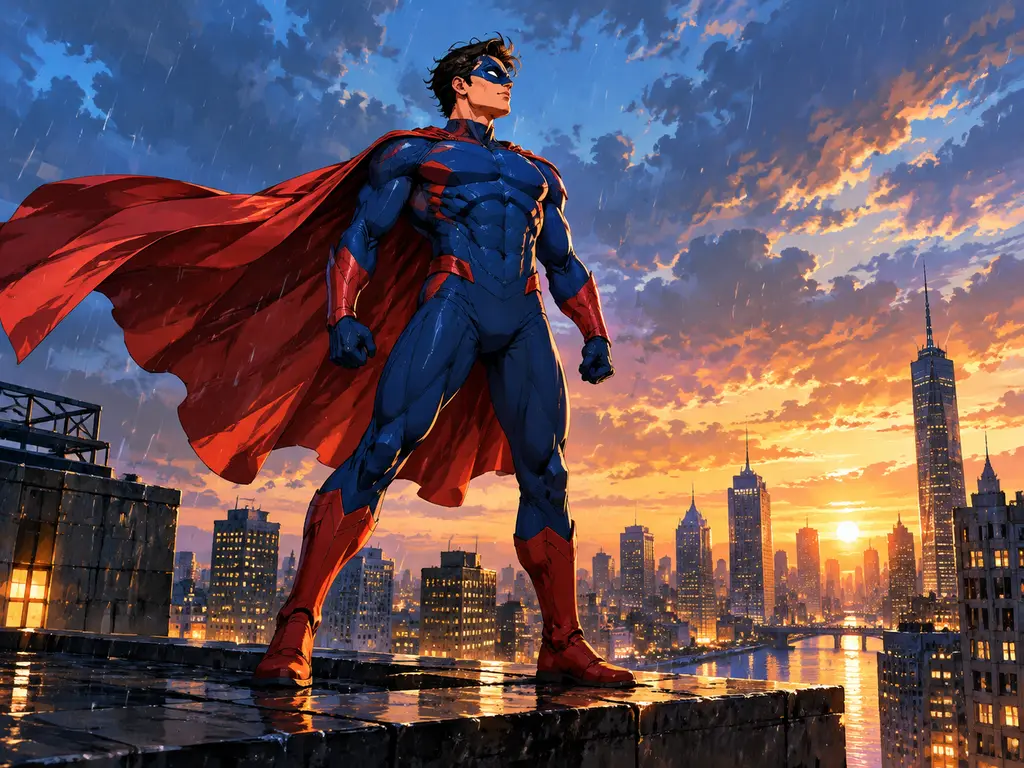
  • Caped superhero on a rainy rooftop generated from a comic-style prompt
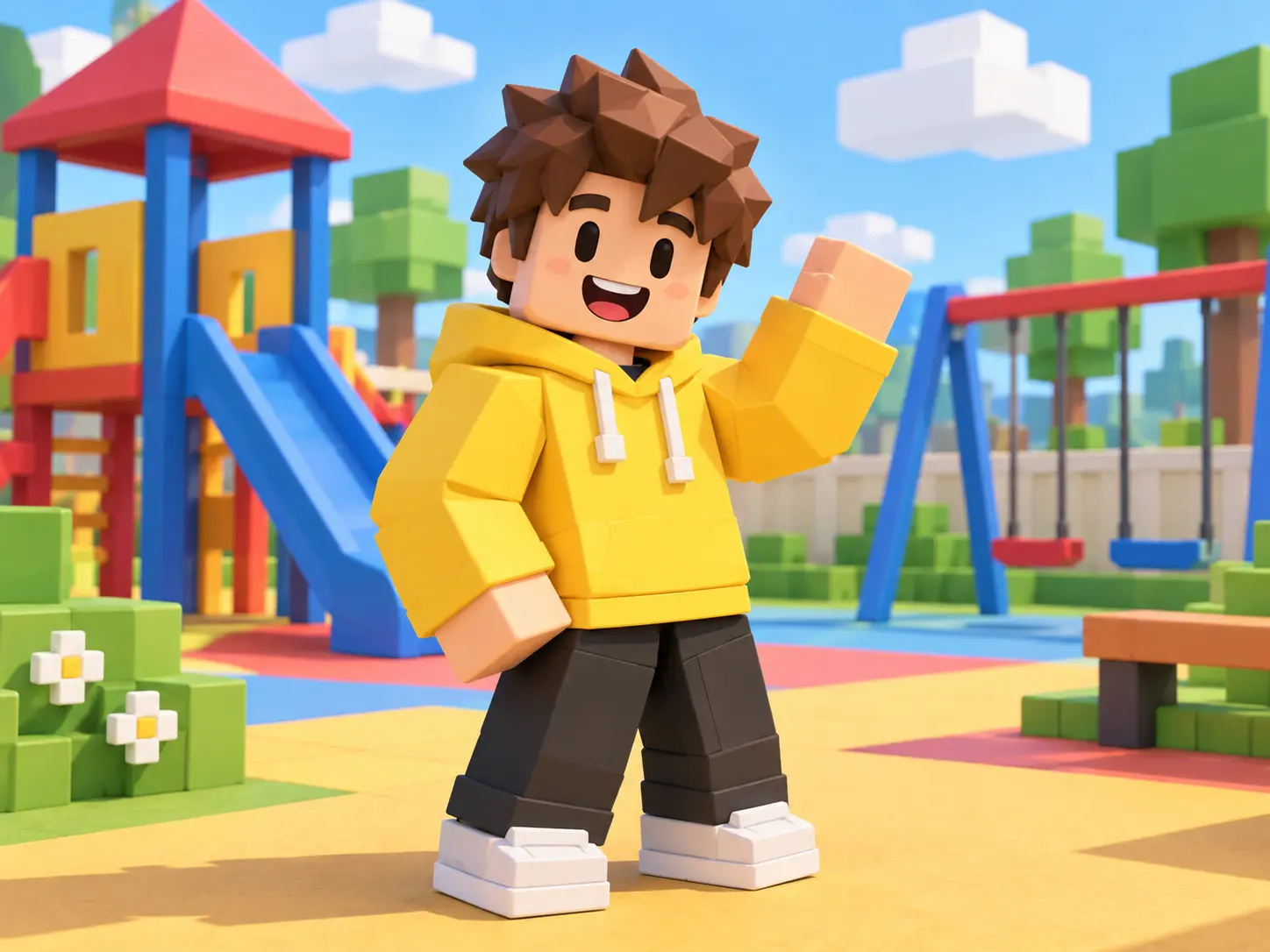
  • Blocky toy-style avatar generated from a playful game prompt
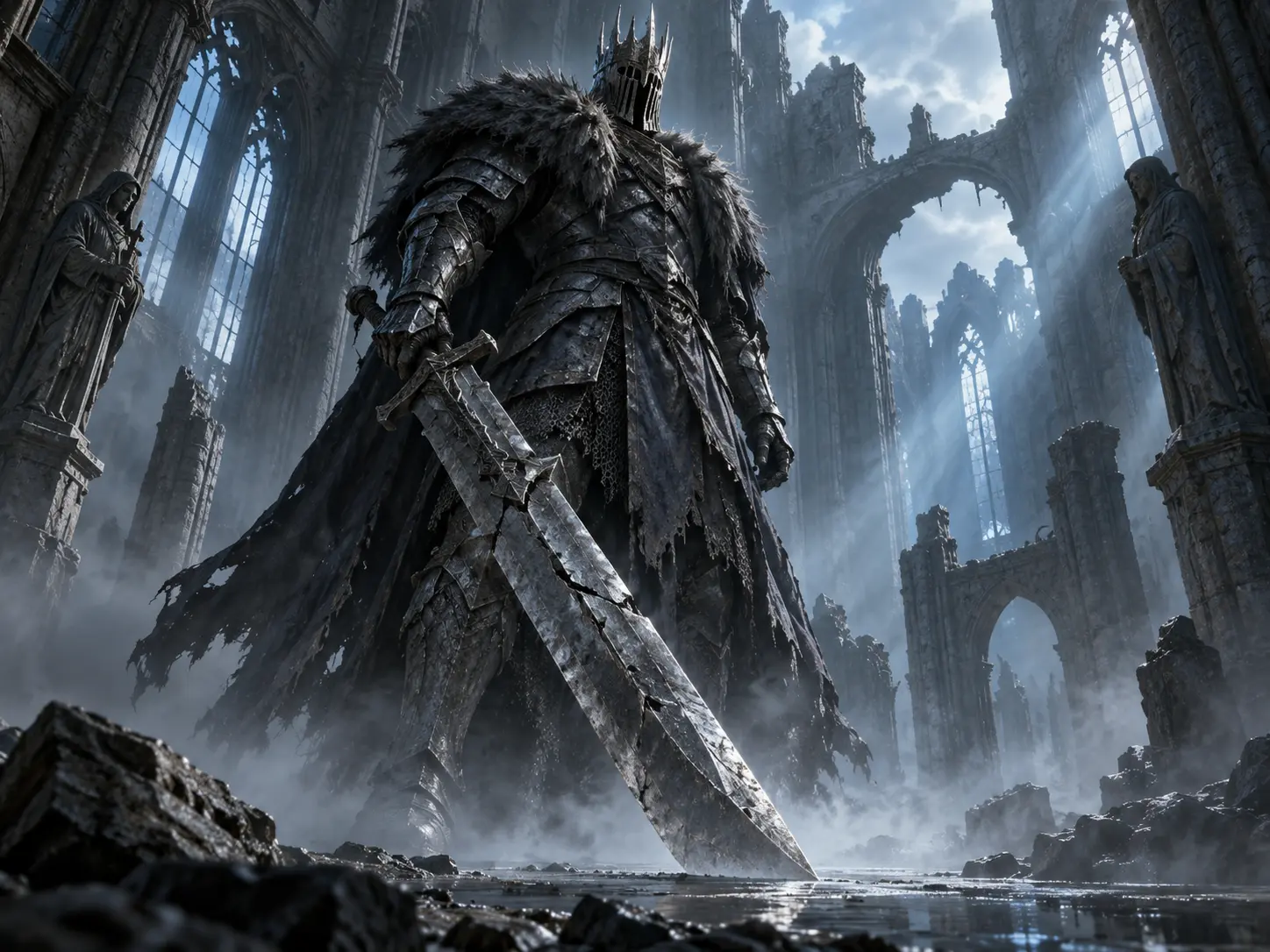
  • Armored dark-fantasy boss generated from a moody scene prompt
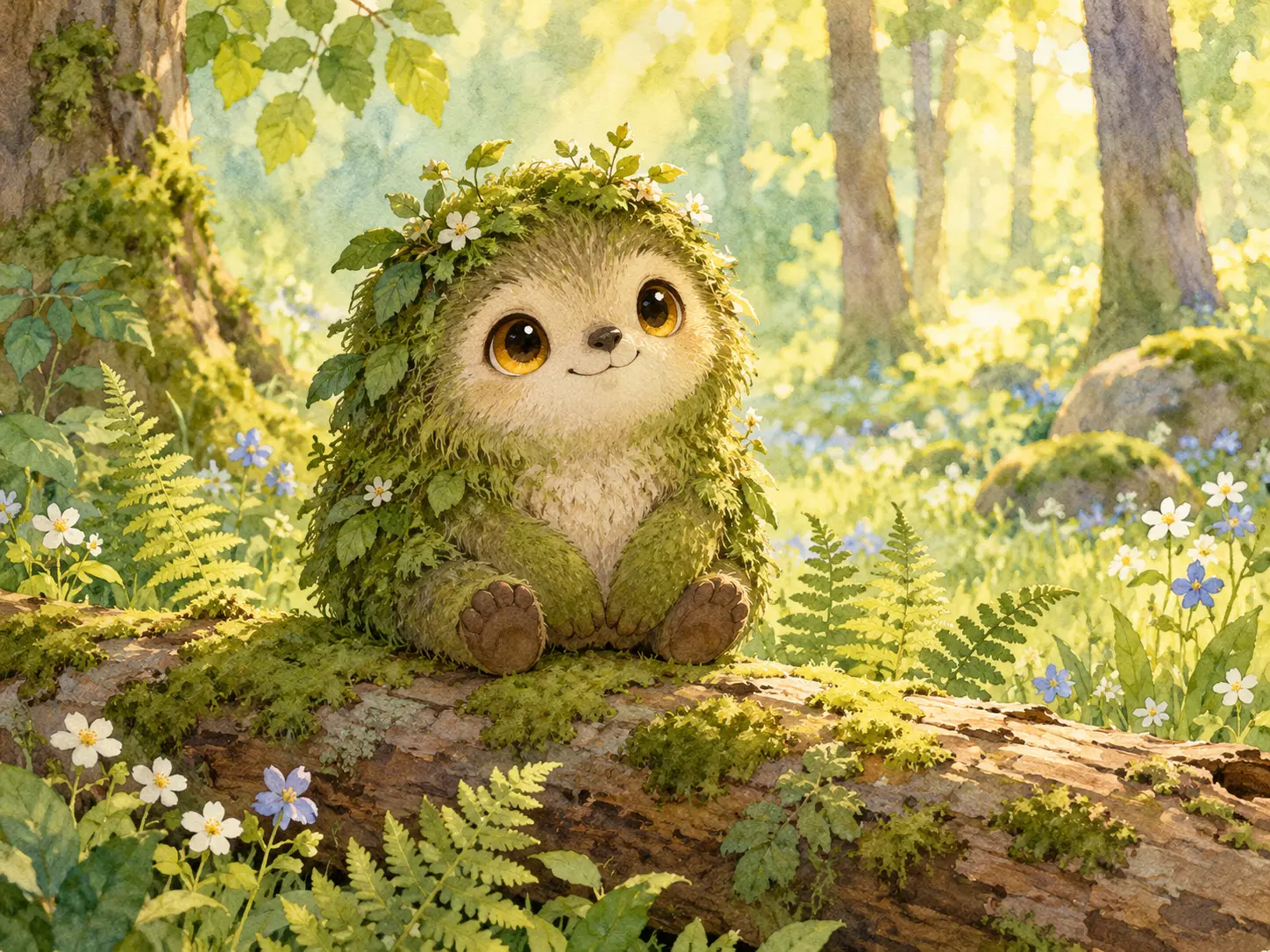
  • Small forest creature generated from a soft illustration prompt

What the Perchance Image Generator Can Create

Four controls decide whether a generated picture is usable: a clear prompt, a consistent style, the right frame, and one-change-at-a-time refinement.

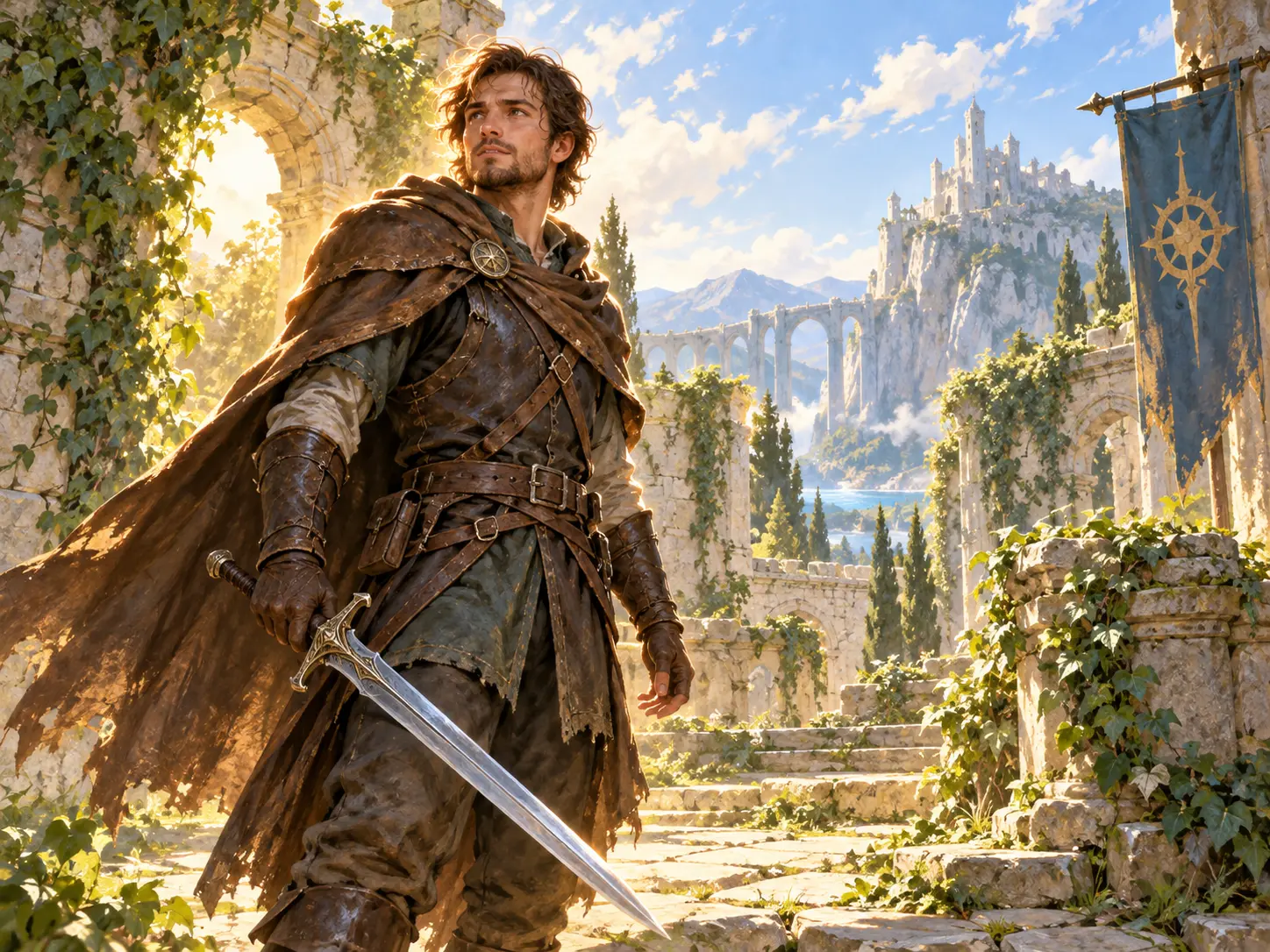
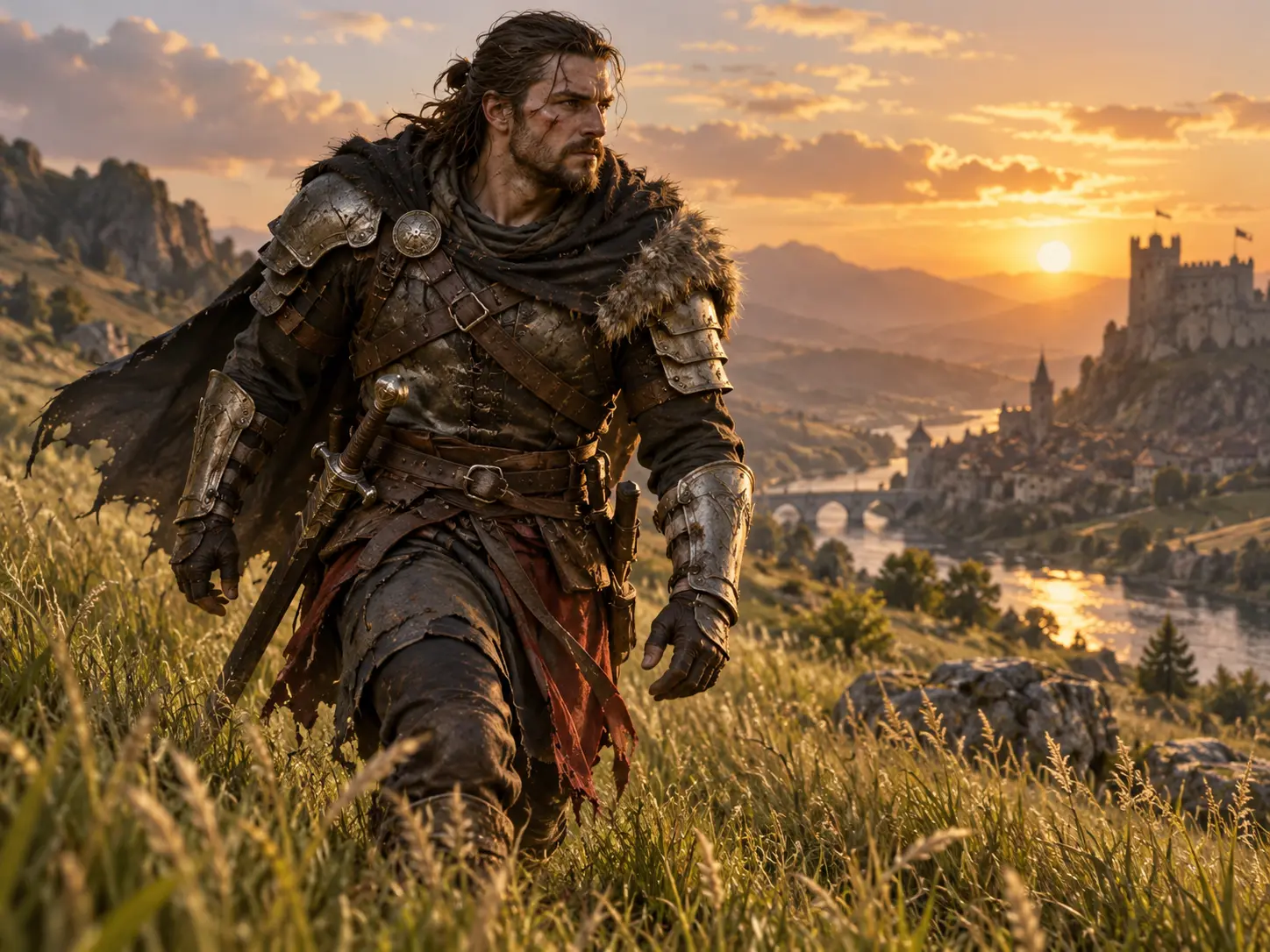
Fantasy warrior rendered from a short written game-art prompt

Prompt to Game Art

Describe the character, creature, item, or scene you want, then let the perchance image generator build a first version. Naming the subject, its action, and its setting keeps the composition readable. That helps when you need a monster concept before a Dungeons and Dragons session or a boss idea the group can judge.

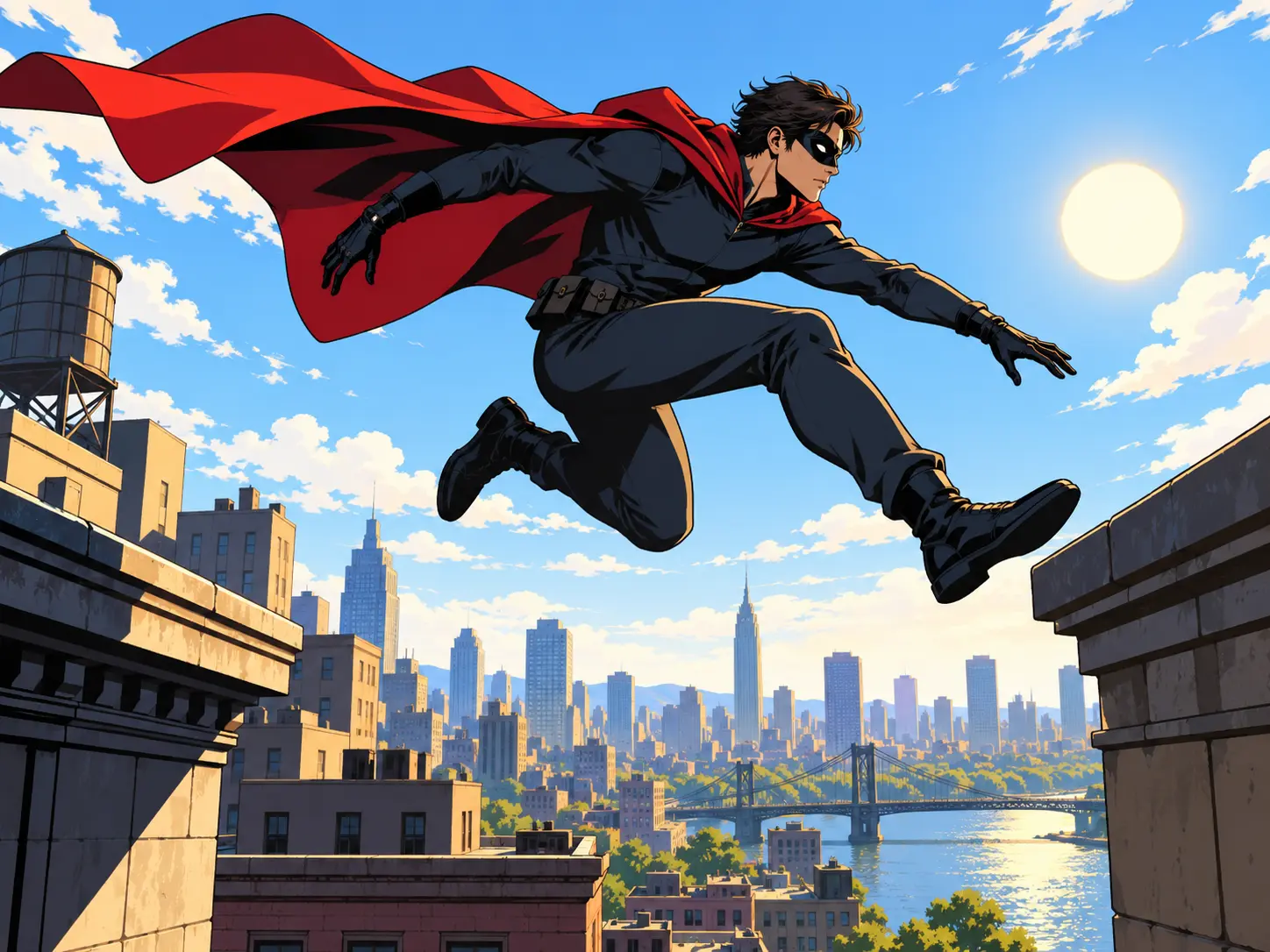
Superhero scene styled from a written fandom and mood prompt

Match a Fandom Style

Some projects need a defined look rather than a neutral one. Describe the palette, era, mood, and material language you want to steer a grim dark-fantasy tone, a bright superhero aesthetic, or a blocky Roblox style. A dark souls image generator result and a superhero image generator result come from the same tool with different prompt wording.

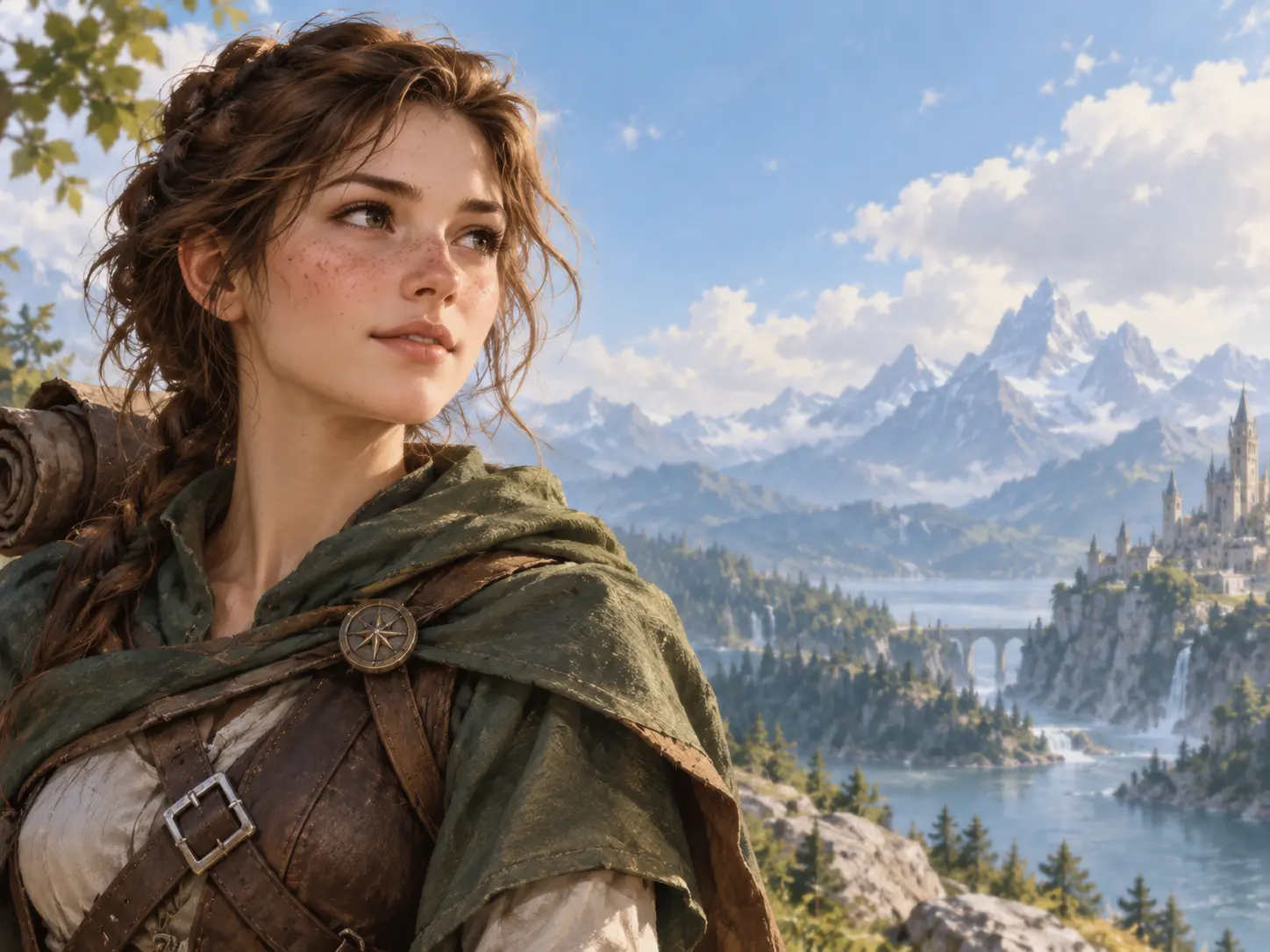
Character art shown in a balanced landscape frame for a card layout

Control Framing and Format

Choose the frame before you generate, because the crop changes how the subject reads. A vertical image suits a portrait, a square image suits a token or avatar, and a wide image suits a scene or banner. The perchance image generator keeps the subject centered so you can crop it into the layout you need.

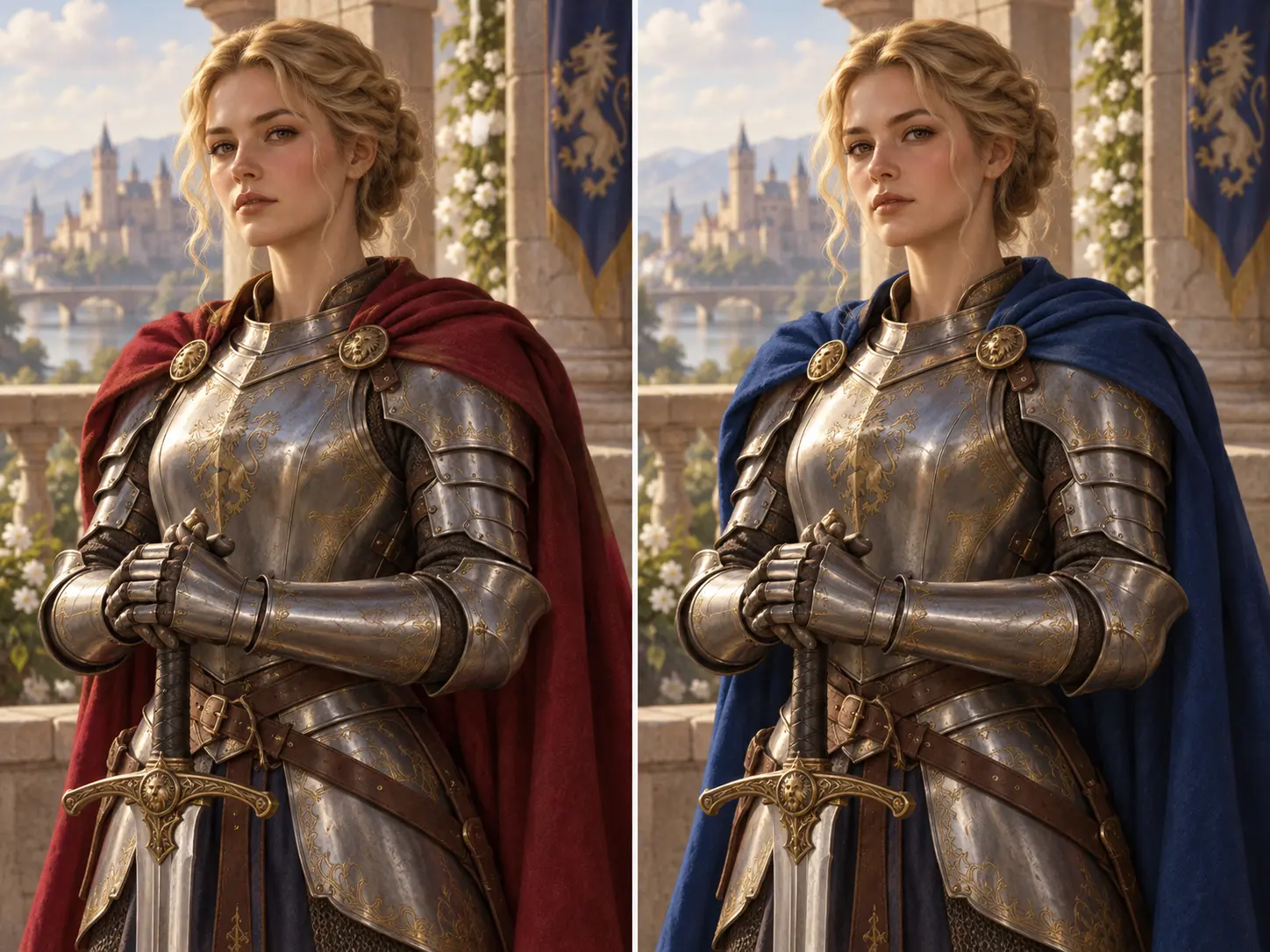
Two closely related character portraits showing one refined detail

Refine One Detail at a Time

When a result is close but not right, change a single variable instead of rewriting the whole prompt. Swap the pose, adjust the lighting, or add one accessory, then generate again and compare. The perchance image generator keeps the rest of the description intact, and you can save a prompt you like for later.

How to Use the Perchance Image Generator

Three short stages turn a rough idea into a picture you can use: write the prompt, choose the format, then review and refine the result.

Step 01

Write a Clear Prompt

Start with one subject and one action, then add the setting. Name the style, the light, and the mood only if they matter. Extra detail pulls the composition in another direction and makes the next revision harder to judge.
Step 02

Set the Format and Generate

Pick the aspect ratio that matches where the image will live, then add a style direction if you want one. Run the perchance image generator and wait for the first version. Treat that result as a draft you can judge.

Step 03

Review and Refine

Check the subject, the framing, the hands, and the background first. Change one part of the prompt and generate again, keeping the wording that already worked. When the image is right, download it for your project.

Where the Perchance Image Generator Helps

Three common paths for game and fandom art: tabletop prep, concept exploration, and profile or social visuals.

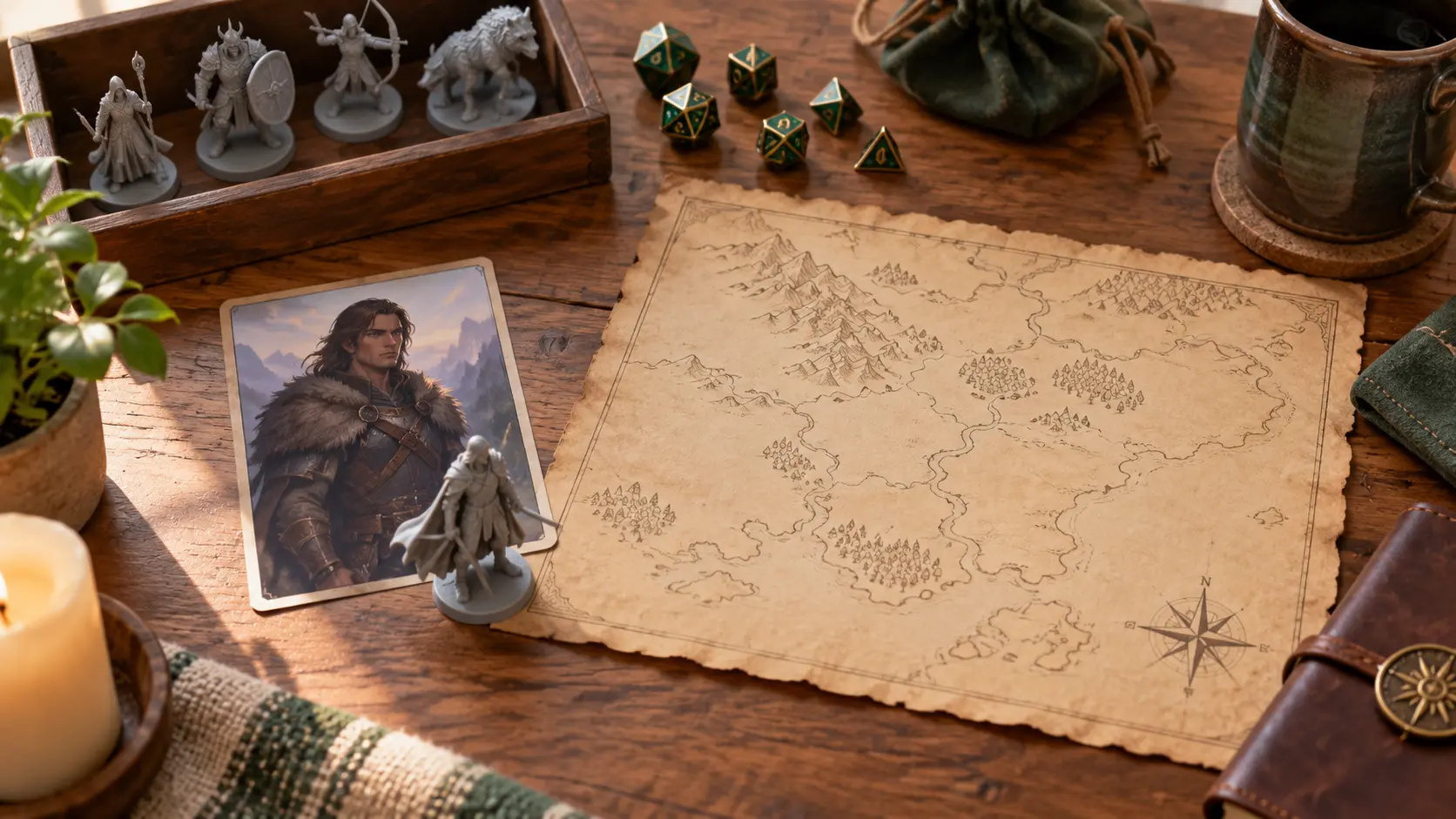
Tabletop game table with character tokens and a fantasy hero portrait

Tabletop and D&D Campaigns

Build a portrait for a player character, a token for a new monster, or a prop the party meets next session. A dnd image generator flow saves time when the group needs a face on the spot.

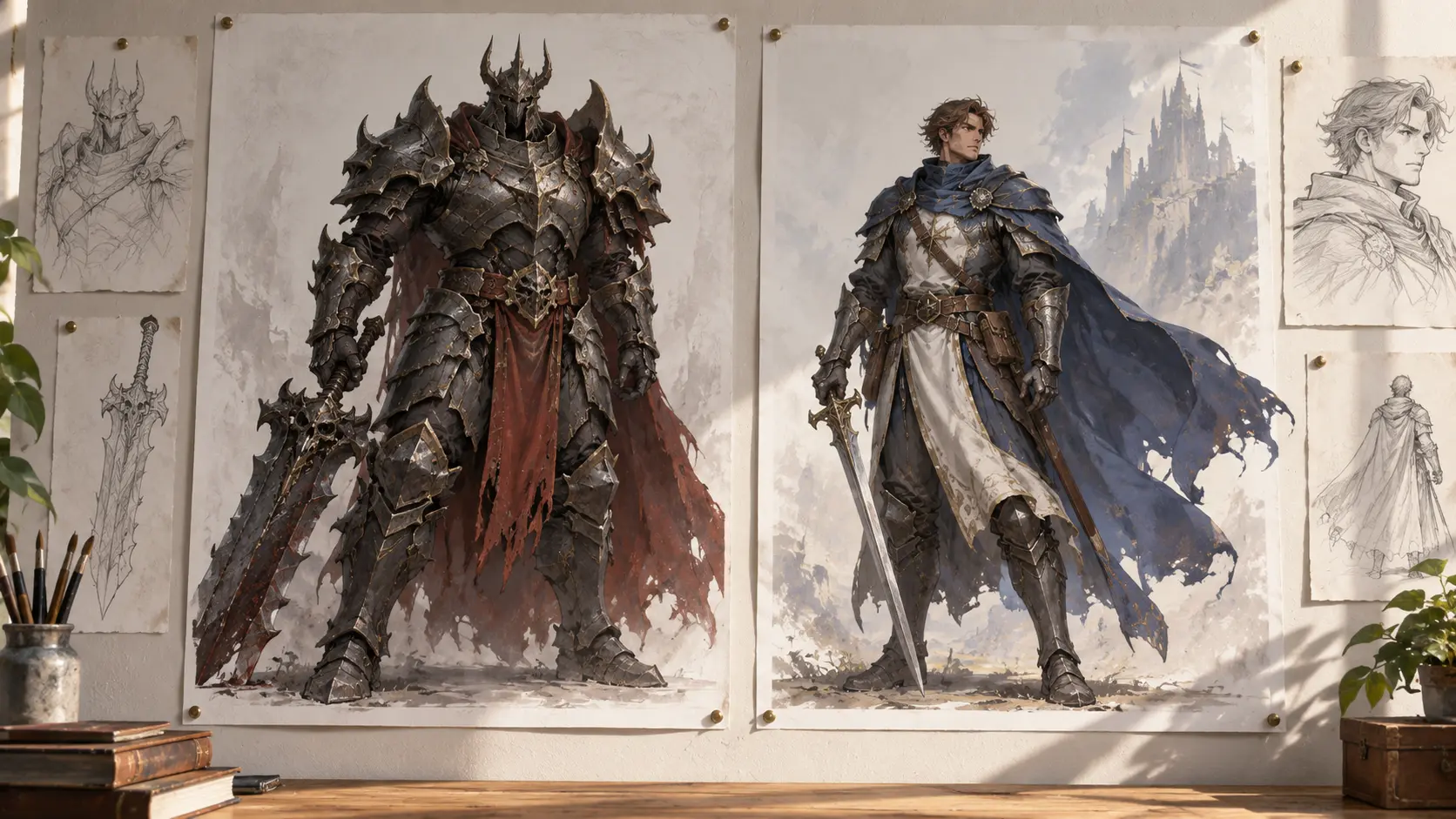
Concept art sheet style scene with a armored boss and a caped hero

Game and Fandom Concepts

Explore a boss design, a hero costume, or a themed environment before modeling work starts. Describe a dark souls image generator mood or a superhero image generator look, then compare directions while the idea is still cheap to change.

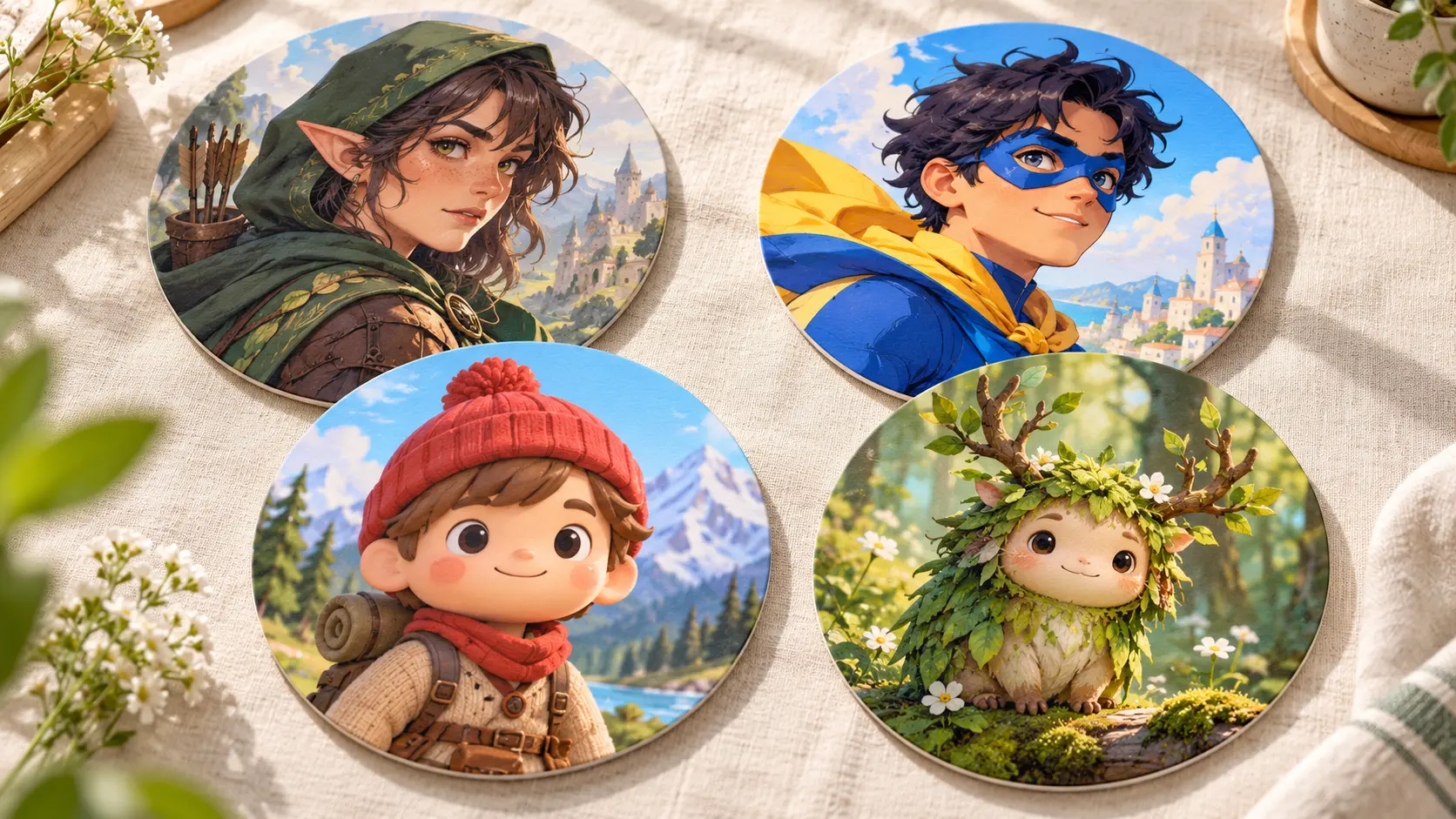
Colorful character avatars arranged as social profile pictures

Avatars and Social Content

Create a profile picture, a thumbnail, or a playful character for a community post. A roblox image generator style or a superhero image generator vibe starts from the same short prompt, and consistent framing keeps a set looking related.

Benefits of the Perchance Image Generator

The value is not only speed. Compare directions quickly, test an idea before you commit, and keep one workflow for many themes.

Start Free, Decide Later

A free first draft lets you test an idea before any budget is involved. Generate a character or scene, judge it, and continue only if the direction is worth developing. Small projects keep moving without a paid workflow.

One Tool for Many Themes

Most generator sites are built for one fandom. The perchance image generator adapts to whatever genre your prompt describes, so a fantasy campaign, a sci-fi scene, and a cartoon character all start in the same place.

Fast Enough to Iterate

Speed matters most when you are still deciding what an image should be. Short cycles let you compare directions in one sitting and see the range of options before you narrow down.

FAQ

Perchance Image Generator Questions

A short prompt still needs a clear subject and a clear action. Add the setting and one style cue after that, then generate and review. If the image drifts, put the most important detail first, because the perchance image generator weights the opening words more heavily.

Yes, as long as your prompt describes the elements you want rather than a title alone. Describe armor, mood, palette, and setting to get a dark souls image generator feel or a superhero image generator look. The artwork comes from your description, so focus on the traits you want instead of an exact copy of a known character.

Match the ratio to the final placement. Use a vertical frame for a portrait or phone wallpaper, a square frame for a token or avatar, and a wide frame for a banner or a scene. Generate at the size you need so nothing important is cropped later.

Yes. You can download the result and keep working on it in another editor, or revise the prompt and generate again. If only one element is wrong, change that element and leave the rest of the description untouched so the rest of the image stays stable.

No. You write a description in plain language and the tool handles the drawing. Knowing how to describe a subject, a mood, and a setting helps a lot, and you improve quickly by comparing results. Start simple, then add detail once you like the direction.
Wide fantasy studio scene with character art props for a creation call to action

Create Your Next Character

Describe the hero, the theme, and the mood, choose the frame you need, and let the perchance image generator turn the idea into a picture you can refine.

Get Started
Perchance Image Generator - Free AI Art From a Prompt