AI Image Generator

Create original visuals with an AI Image Generator built for many kinds of work. Generate AI images from a written idea, explore AI pictures, or use it as an AI image maker for character concepts, product scenes, editorial visuals, and social content. Describe the subject, setting, style, lighting, and mood; choose a format; then review the result. This flexible AI maker is also a practical AI for pictures when you need a first direction you can refine.

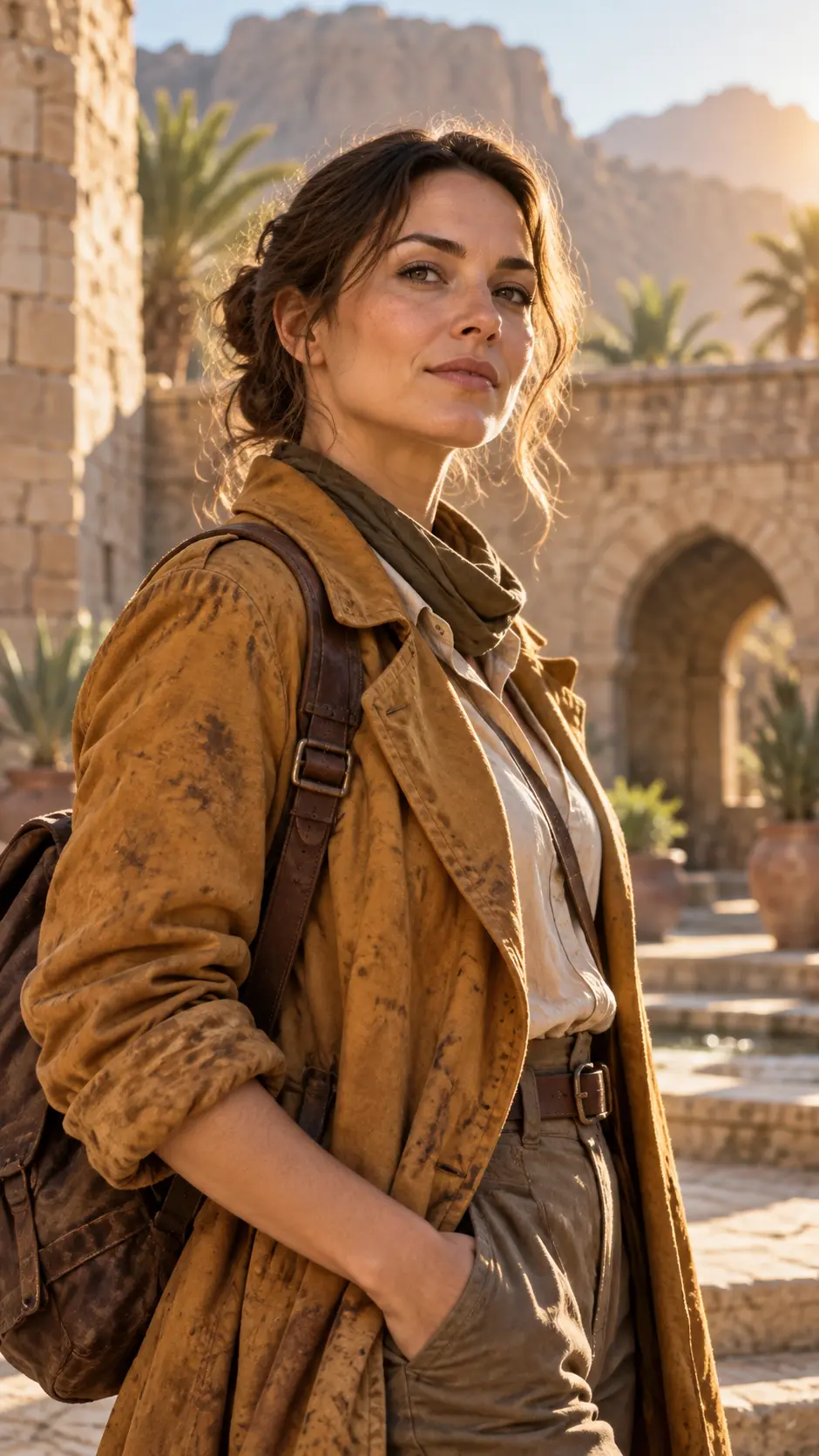
  • Explorer portrait created from a detailed written character prompt
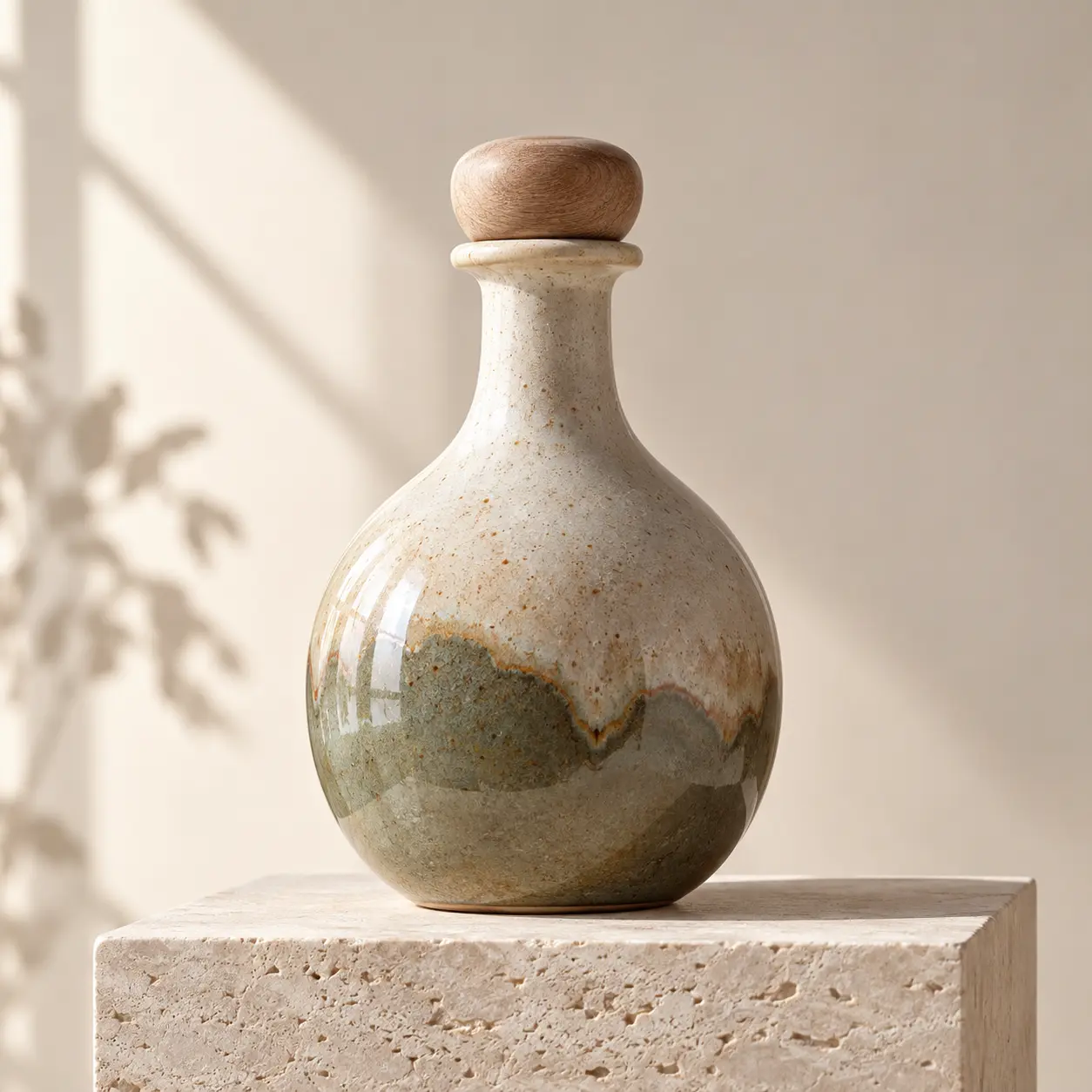
  • Ceramic bottle product scene generated from a studio lighting prompt
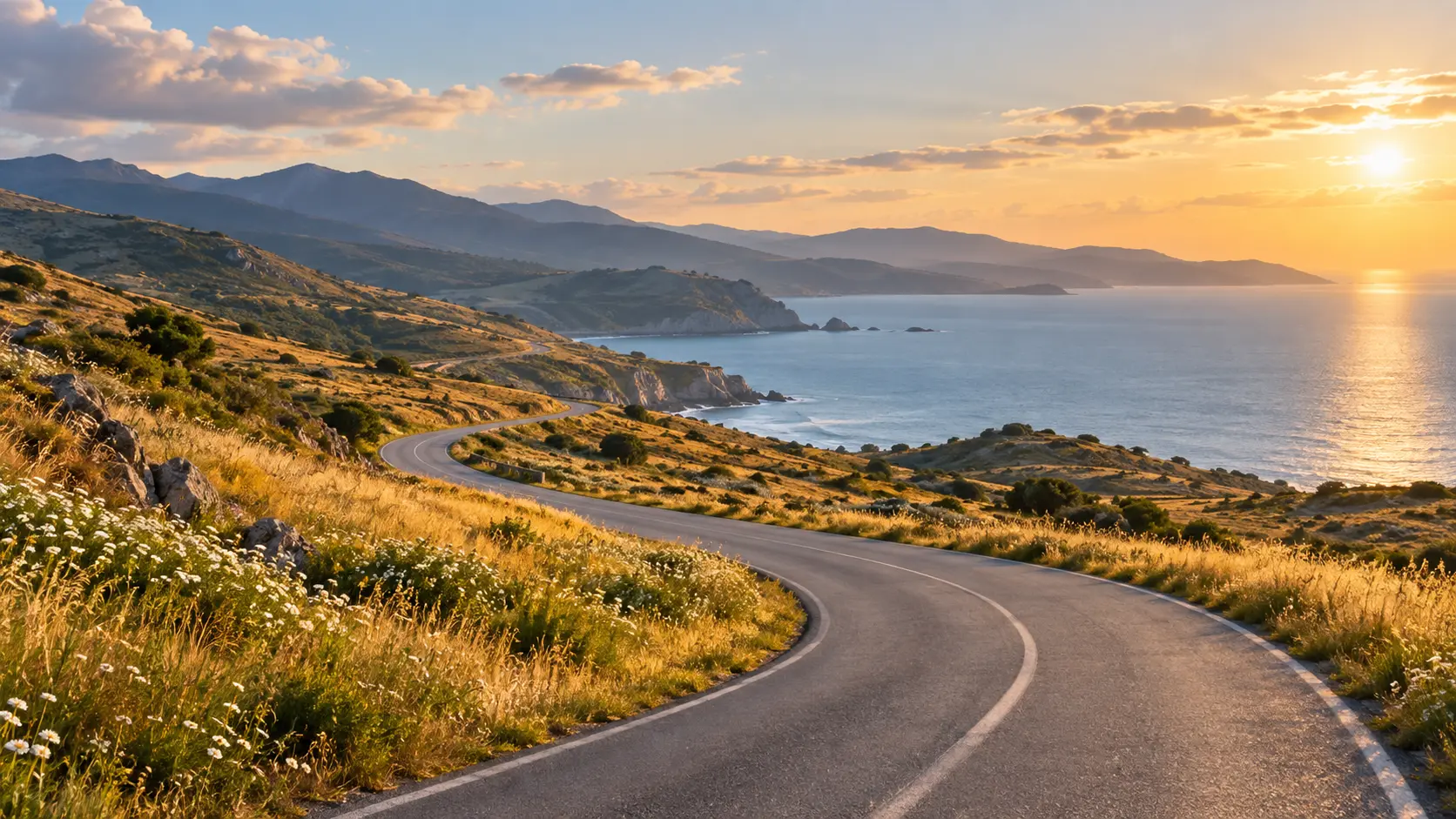
  • Coastal road landscape generated from an editorial scene description
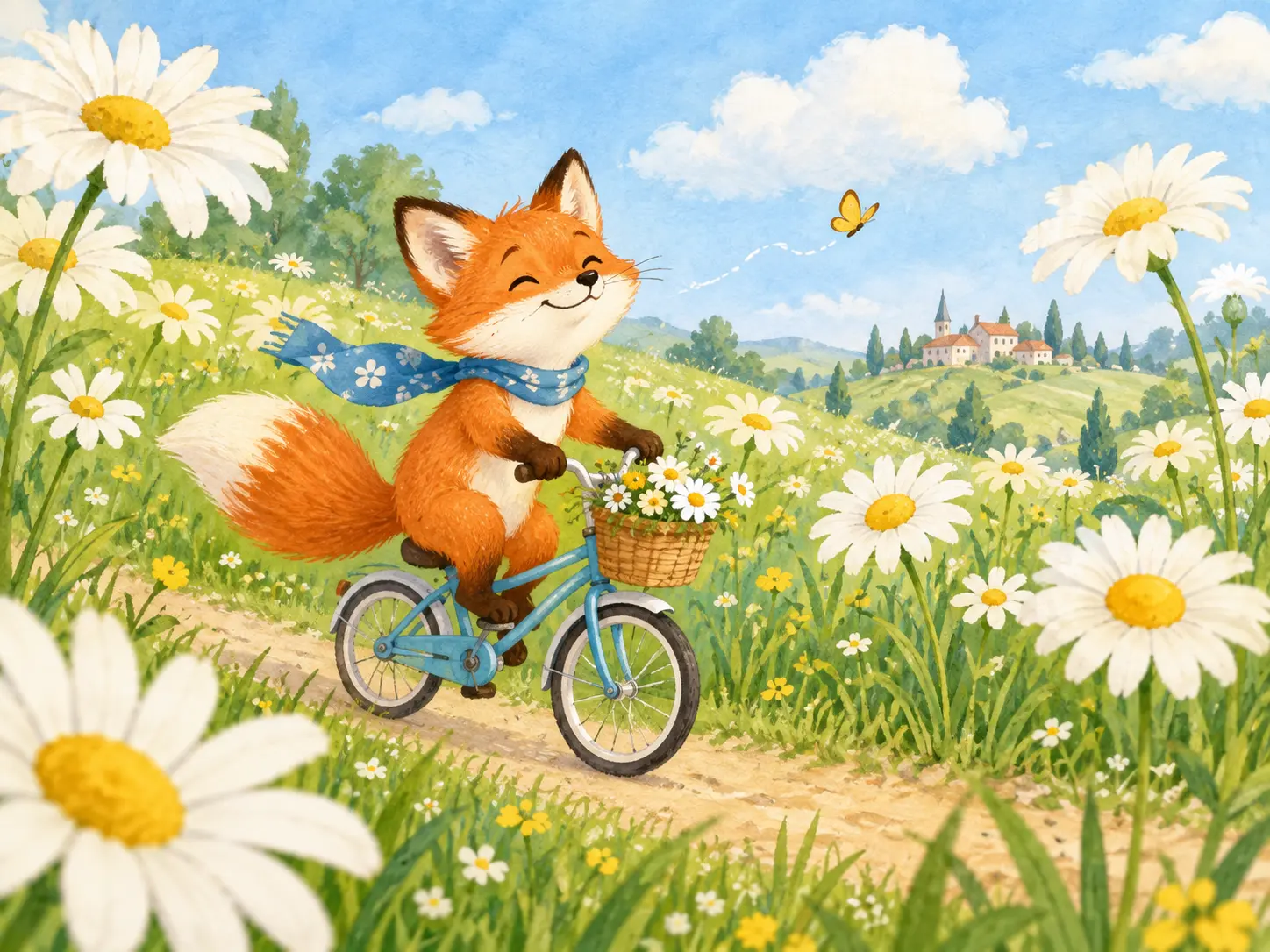
  • Fox on a bicycle generated from a playful illustration prompt

What the AI Image Generator Can Create

Turn a brief into AI generated images, use an image AI generator for reference-guided work, and compare the best image generating AI workflows for the task.

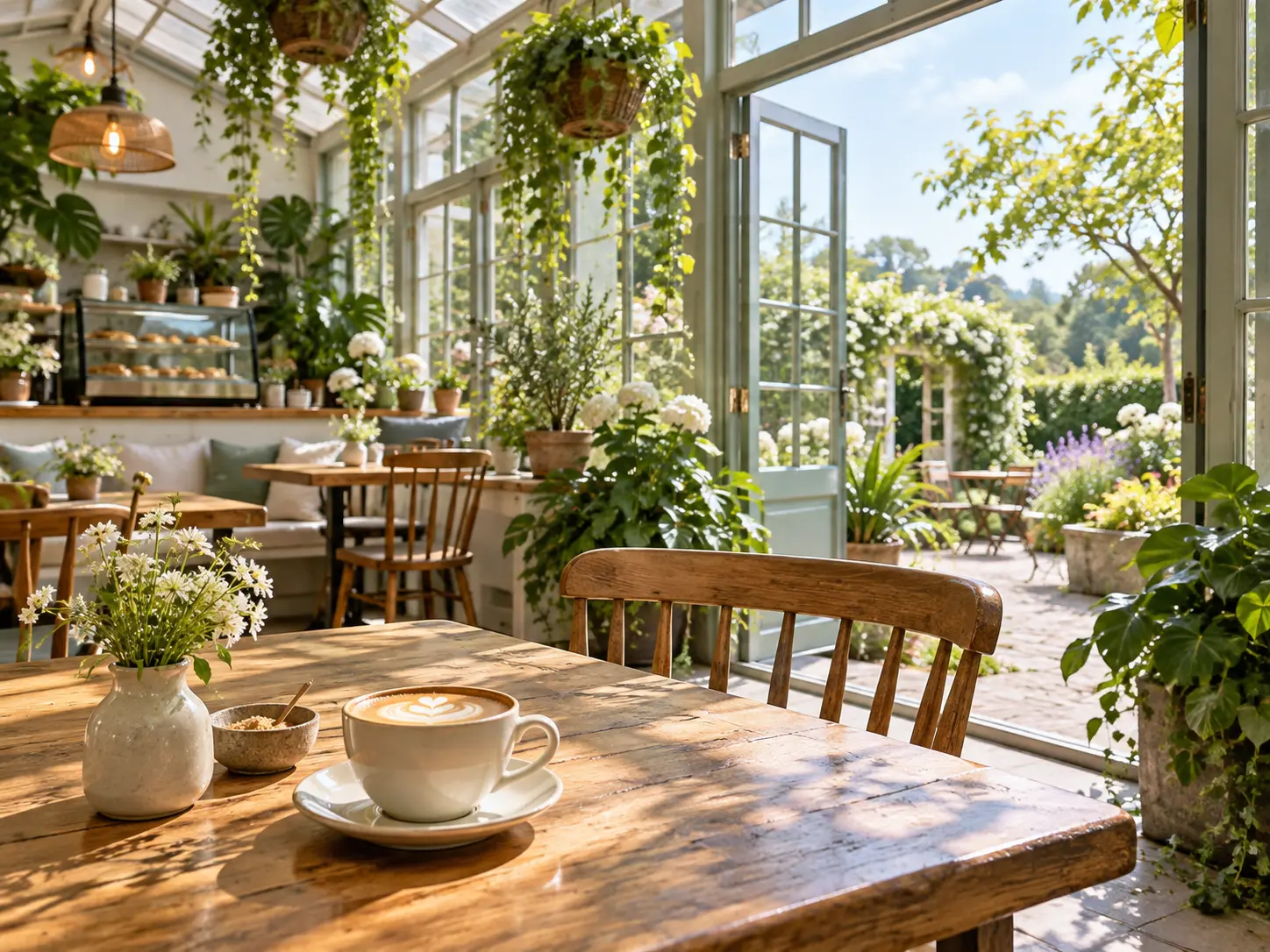
Sunlit greenhouse cafe scene created from a detailed visual description

Prompt to Finished Visual

When comparing the best AI for image generation, favor a workflow that interprets subject, setting, materials, lighting, color, and camera direction together. The AI Image Generator helps creators move from a rough idea to a reviewable visual quickly. Specific prompts produce clearer results, while shorter prompts leave more room for interpretation. Refine one variable at a time instead of rewriting the whole concept.

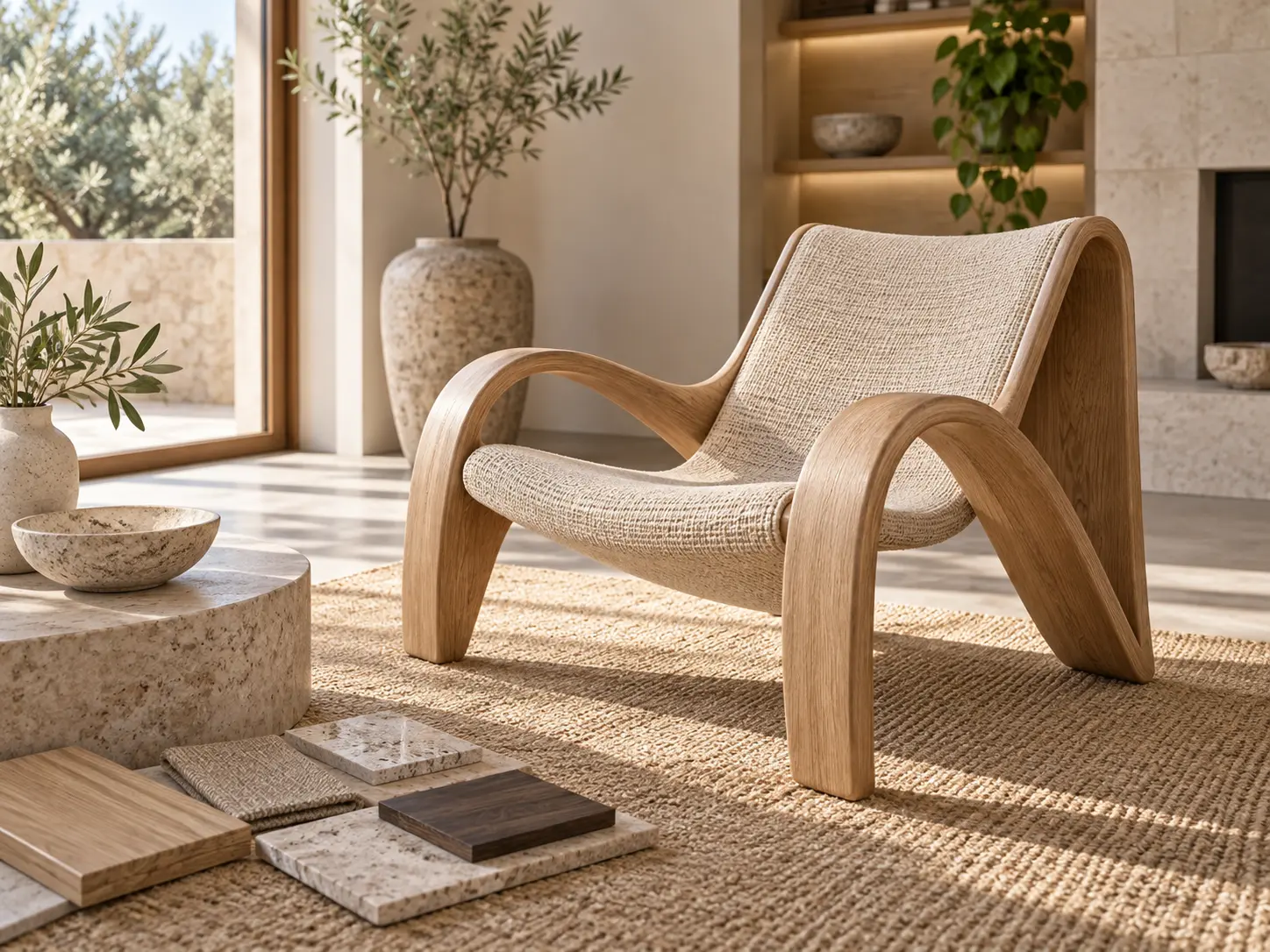
Sculptural chair in a warm interior inspired by a material reference

Reference-Guided Direction

Use a picture AI workflow when composition, pose, color, or visual style matters more than starting from a blank prompt. The AI Image Generator can interpret those visual cues and build a new direction around them, making it useful for campaigns, character work, and product concepts. Keep the reference focused on the quality you need and describe what should change. That separation helps the result stay close to the intended direction without copying details you do not need.

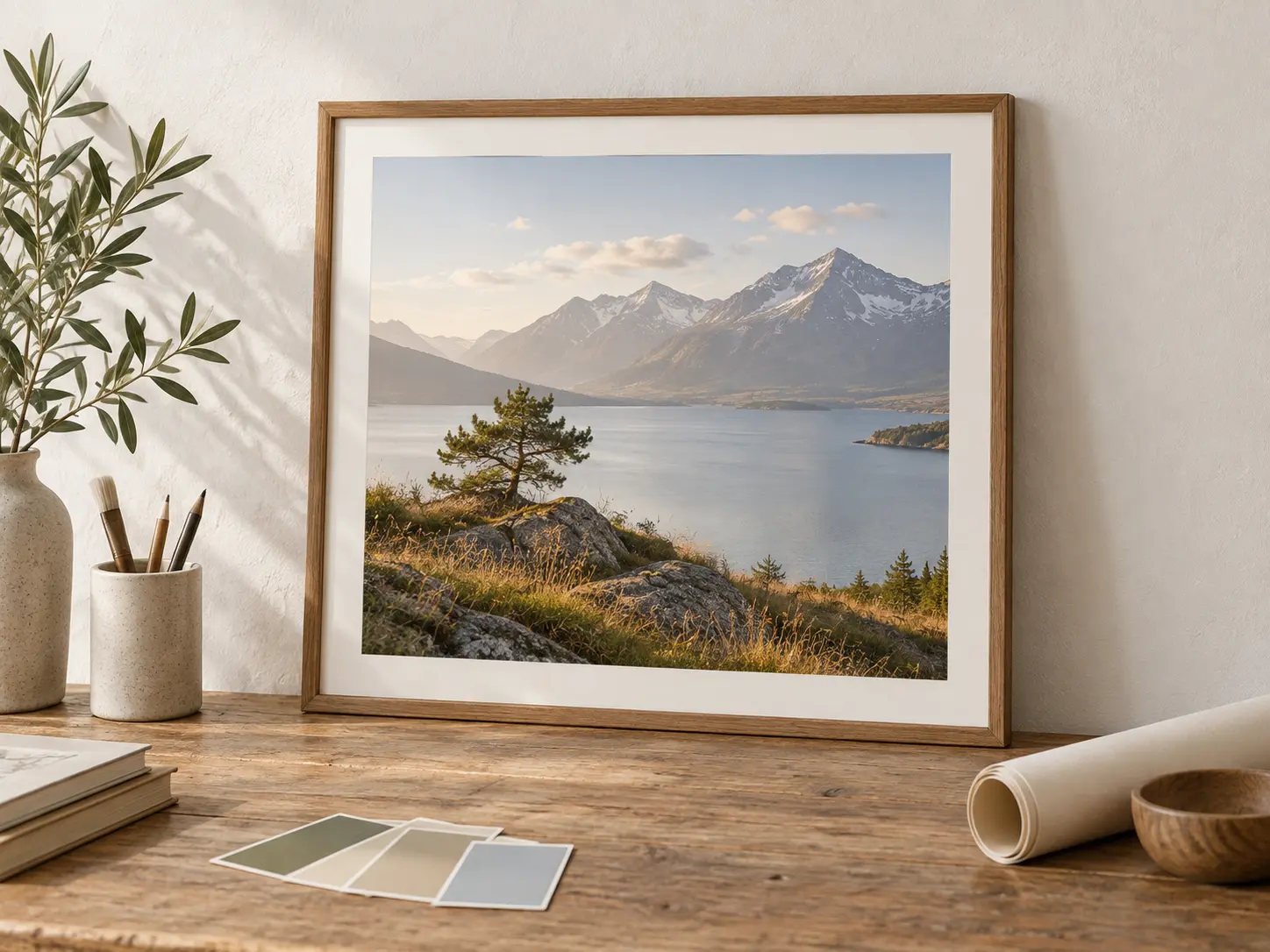
Illustrated and photorealistic framed prints arranged on a studio table

Style and Format Control

Choose a visual direction and an output shape before you generate. Preview the AI generator image output in portrait, square, landscape, or vertical formats, while a selected style keeps a series visually related. The AI Image Generator supports both expressive illustration and detailed realistic looks, so you can test a concept in the treatment that fits the final channel. Clear style and format choices reduce cropping and avoid generic results later.

How to Use the AI Image Generator

Three practical stages show how to generate images with an AI images generator: describe the idea, choose the format, then make AI images and refine the result.

Step 01

Describe What You Want

Start with the main subject, then add setting, composition, lighting, color, and mood. Name the visual treatment if it matters, such as realistic photography, watercolor, editorial illustration, or a cinematic portrait. A focused description gives the generator a clear target and makes later revisions easier to judge.
Step 02

Choose Style and Format

Select the aspect ratio before generating so the composition suits its destination. Square images work for social posts, vertical frames fit stories and mobile placements, and wide frames suit banners or campaign scenes. Keep one consistent style when you need a related set, or change it for an intentional contrast.

Step 03

Generate, Review, and Refine

Create the first result and inspect the subject, framing, light, and detail. If something is off, change the prompt in a targeted way or adjust the format, then run the AI Image Generator again. When the result is right, download it and continue editing only if the project needs a final polish.

Where a General AI Image Generator Helps

Three common production paths, from a quick AI picture for social posts to product campaigns and a spidersona or character concept.

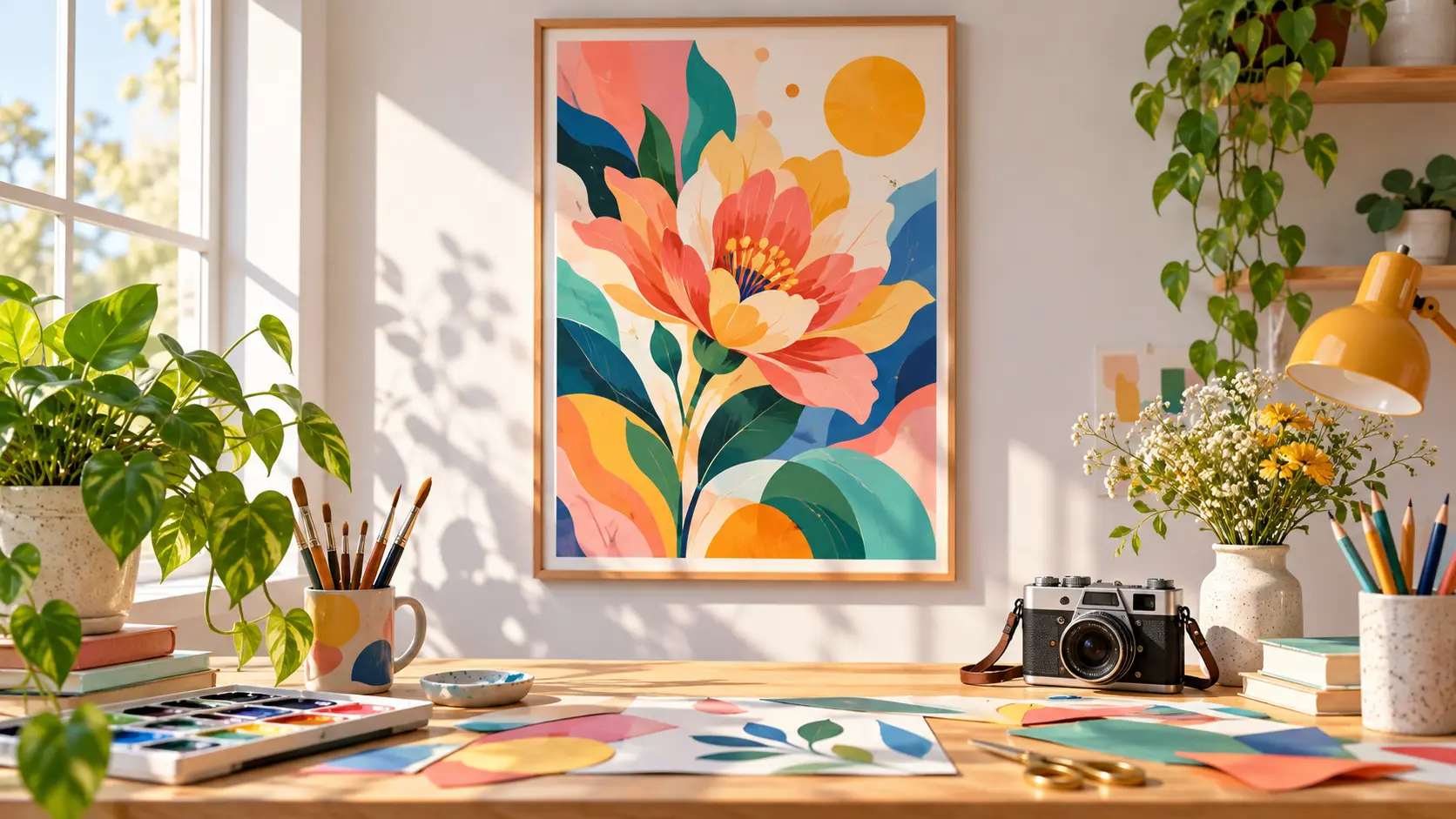
Colorful social campaign artwork displayed in a bright creative workspace

Social Posts and Thumbnails

Create a distinctive image for a post, article, or video thumbnail without starting another design file. The AI Image Generator can produce a clear central subject and leave useful negative space for later cropping or overlays. Generate a few visual directions, choose the strongest composition, and keep the aspect ratio aligned with the platform before you add any surrounding design work.

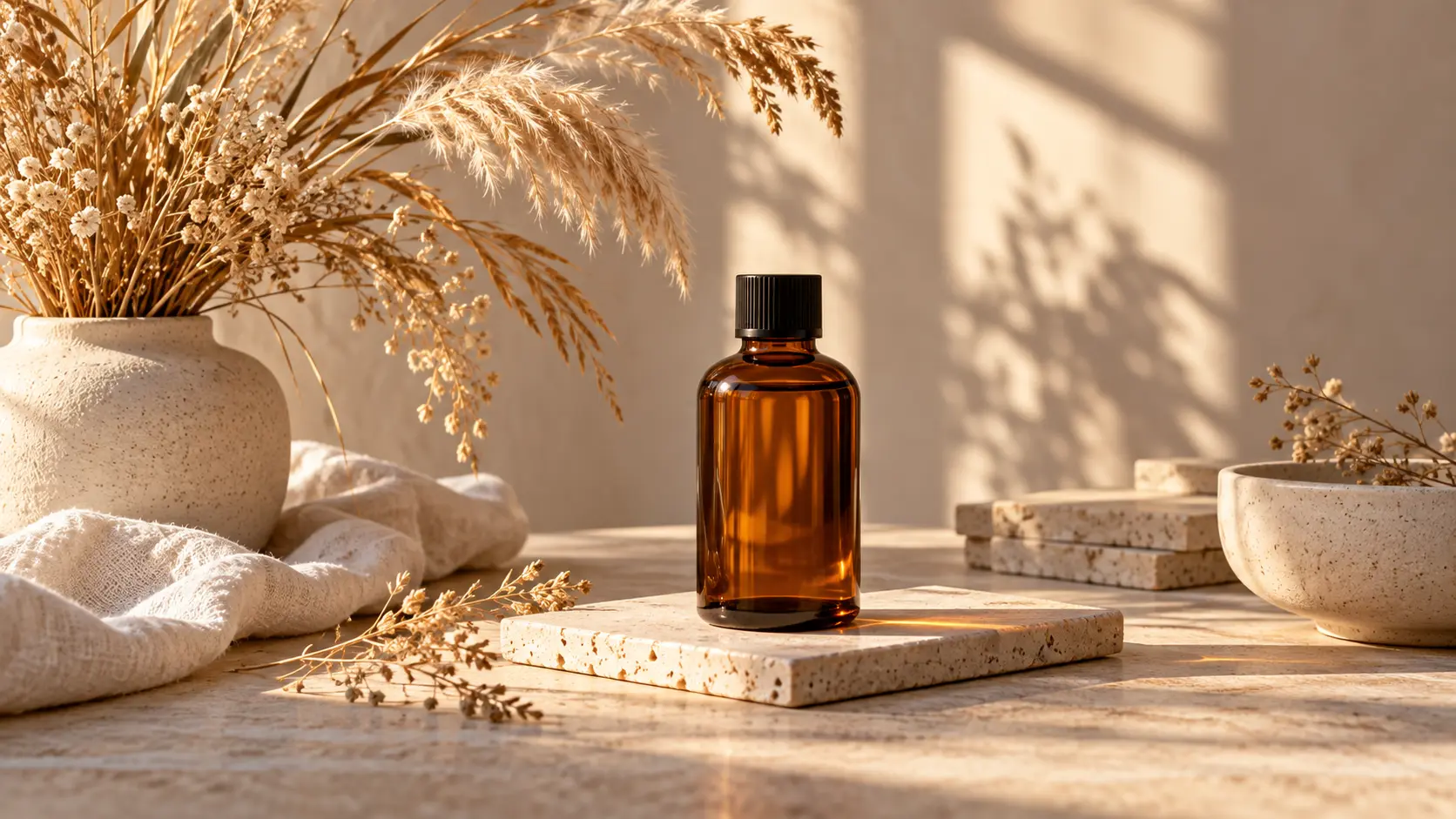
Seasonal product campaign scene arranged in a warm sunlit studio

Product and Campaign Visuals

Explore a seasonal setting, a new color story, or a more expressive product world before arranging a full shoot. Prompt the generator with material, lighting, surface, and composition details, then compare directions that keep the product language consistent. The result can guide a mood board, internal review, or final design brief without pretending to replace product photography when accuracy is essential.

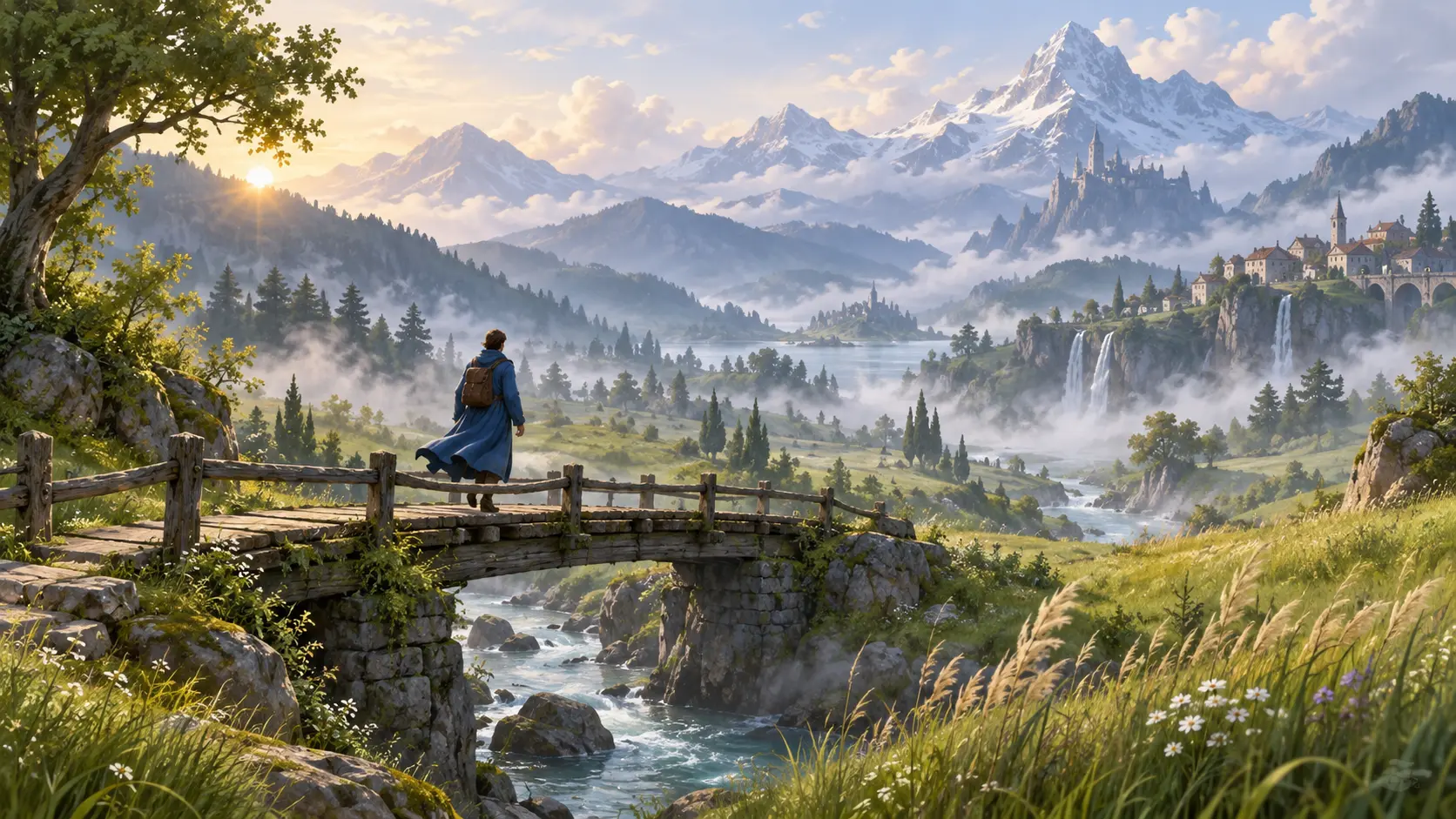
Illustrated storybook landscape with a traveler crossing a bridge

Spidersona and Character Concepts

Build a spidersona, characters, locations, props, and key moments from a written brief. A general AI Image Generator helps writers and artists visualize tone before production, then explore a related set by keeping style and descriptive language consistent. Use each image as a reference for the next creative conversation, and review faces, hands, architecture, and object details carefully before adopting a result.

Benefits of an Online AI Image Generator

The value is not only speed. Compare AI images and possible free AI image generators by how quickly each tool turns a rough direction into something reviewable.

Faster First Drafts

Move from a written idea to a visible direction in one session. The AI Image Generator gives teams something specific to discuss, approve, or redirect before a longer production process begins.

Lower Creative Friction

An AI generated images free offer can be useful for prompt testing, but current limits and output rights still need review. Simple prompt changes let the image AI generator workflow test alternatives while keeping the original concept recognizable.

More Consistent Exploration

Keep recurring subjects, palettes, and framing language in the prompt so a series feels connected. Compare several options without losing the decisions that made the strongest result work.

FAQ

AI Image Generator Questions

An AI Image Generator is a tool that creates a new image from a text description, and it may also use a reference image to guide composition, style, or subject details. You describe what you want, select a format, generate a result, and refine the prompt when needed. It is useful for original concepts, campaign visuals, illustrations, and other creative work. That makes it a practical starting point for a first visual concept, even when you are not yet sure which style will work best.

A free AI generated images offer or AI free image generator can be useful for testing prompt quality, style, and composition. For image AI generator free access, check the current plan, generation limits, and output rights before starting a larger batch. Free AI image generators vary in resolution, speed, and commercial-use terms, so compare the exact allowance rather than assuming every option works the same way.

Yes. A spidersona is a personal Spider-Man-inspired character design, and you can describe its suit colors, mask design, silhouette, pose, setting, and graphic style in a prompt. Keep the description focused on original traits so the result feels distinct, then review the details and refine the design one element at a time.

Yes. You can make AI images with a prompt-led workflow or add a reference when pose, composition, material, or visual style needs to stay close to an existing direction. The AI images generator interprets the cues you provide and builds a new result around them. Describe the elements you want to keep and the elements you want changed, then compare the new result with the reference before making another pass.

An AI picture maker usually describes a guided tool for creating or transforming a specific visual, while an image maker can refer to any workflow that produces a finished image. For AI for pictures, focus less on the label and more on the controls you need: text prompts, reference images, aspect ratio, style, and review options. A flexible AI maker should make those choices clear before you generate.

Yes. The A.I. image generator lets you choose a style direction and aspect ratio before creating the first result. Common choices include square, portrait, landscape, and vertical frames. Matching the output shape to its destination is one of the simplest ways to make a usable image, because a later crop can remove important parts of the subject or change the balance of the scene.
Bright abstract creative studio scene for an image generation call to action

Turn Your Next Idea Into an Image

Describe the subject and visual direction, choose the format you need, and let the AI Image Generator create a first AI picture you can refine.

Get Started
AI Image Generator - Generate AI Images & AI Pictures | VideoAI