Twitch Banner Maker

Tell VideoAI your channel name, what you stream and the vibe you want, and the twitch banner maker builds a 1200x480 twitch banner you can download and post.

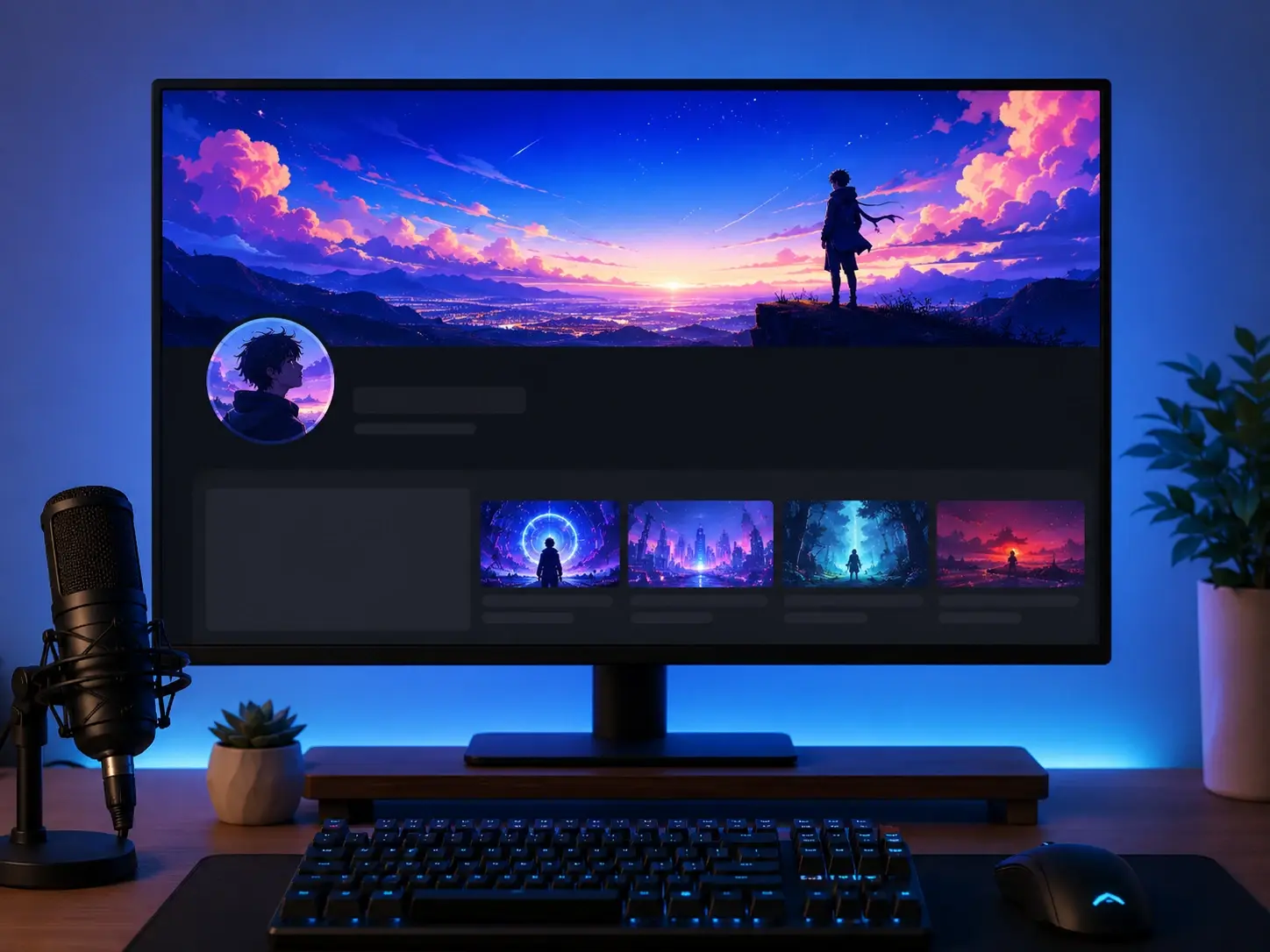
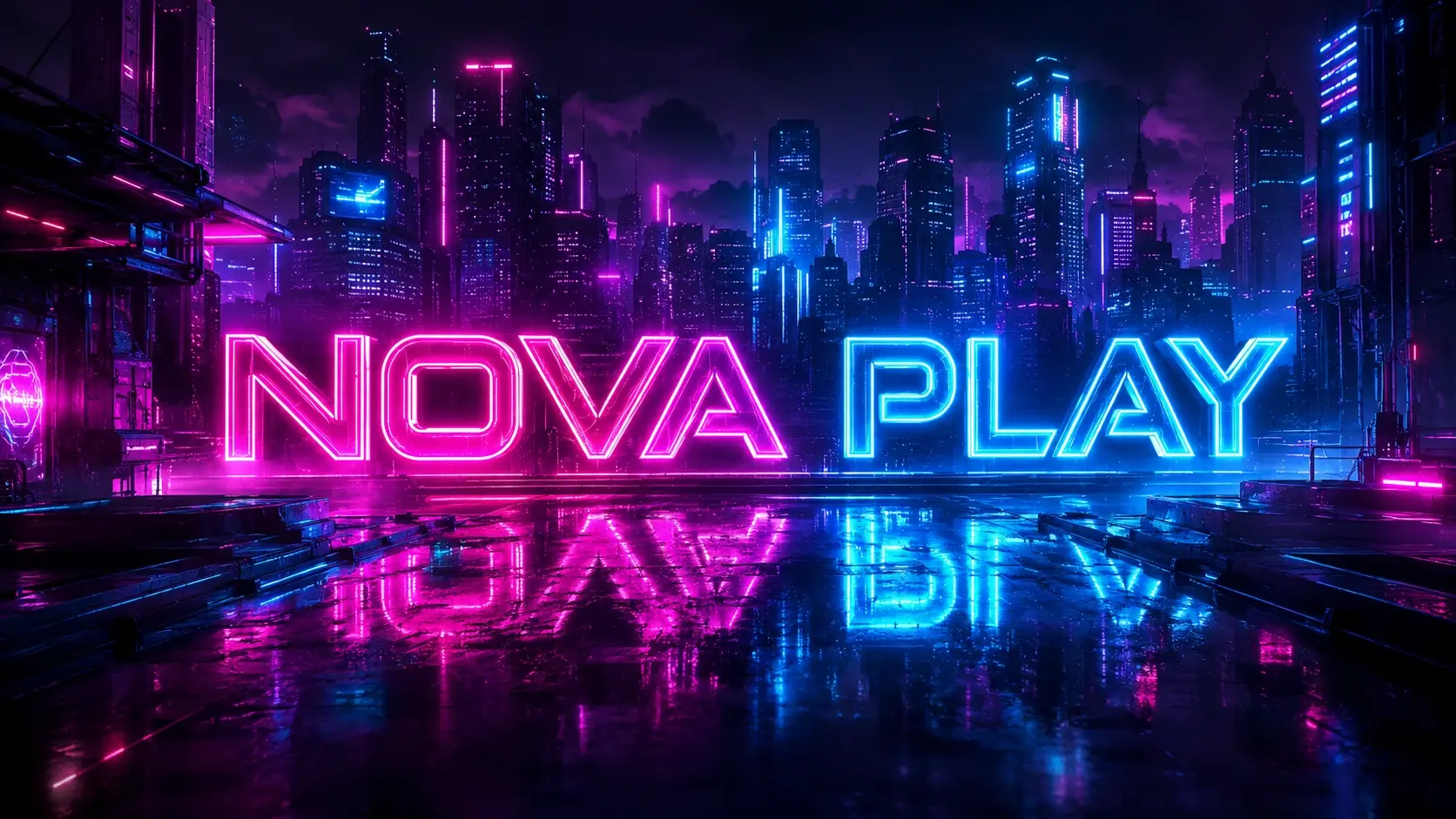
A 1200x480 Twitch profile banner with a neon channel name, game title and stream schedule

Where The Twitch Banner Maker Wins

Readable channel names, exact Twitch banner dimensions and matching art are where the twitch banner maker does its real work.

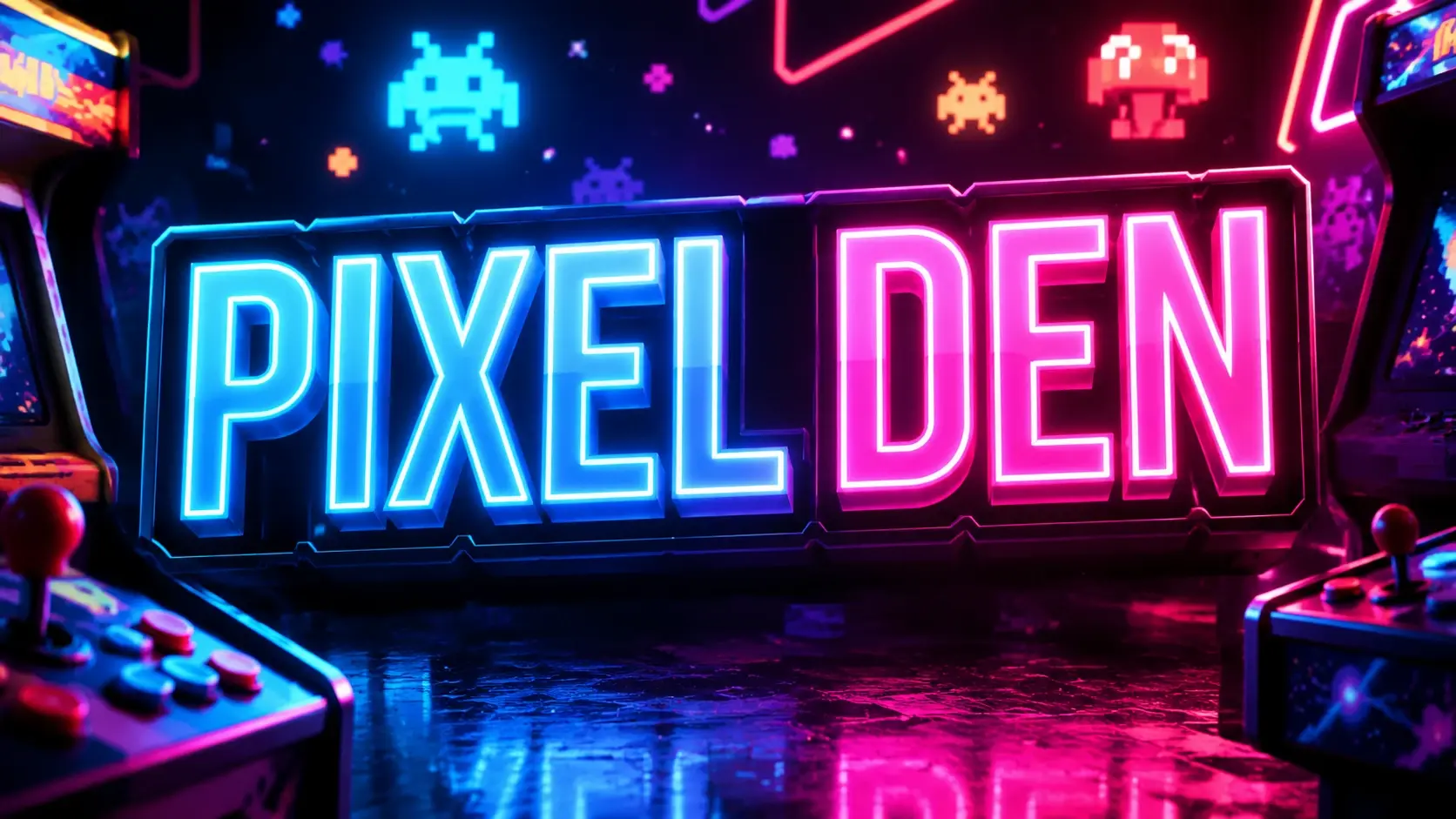
Close up of a Twitch banner with a crisp channel name and stream schedule blended into neon art

Channel Name Text That Reads Clean

Your channel name, tagline and stream schedule carry the whole banner, so the twitch banner maker renders that text in the same pass as the artwork, with light and perspective that match the scene rather than a flat sticker dropped on top. Letters stay legible, which is exactly where most ai twitch banner generator output breaks down.

Export panel showing a 1200x480 Twitch banner beside a 1920x1080 offline screen ready to upload

Exact 1200x480 Output, Ready To Upload

Choose a profile banner and the twitch banner maker exports it at 1200x480, the standard twitch banner size, so there is nothing to crop or stretch before posting. Offline and player slots come out at 1920x1080 the same way. It fits the profile slot and uploads clean, though Twitch scales banner width to each viewer window, so keep key text centered.

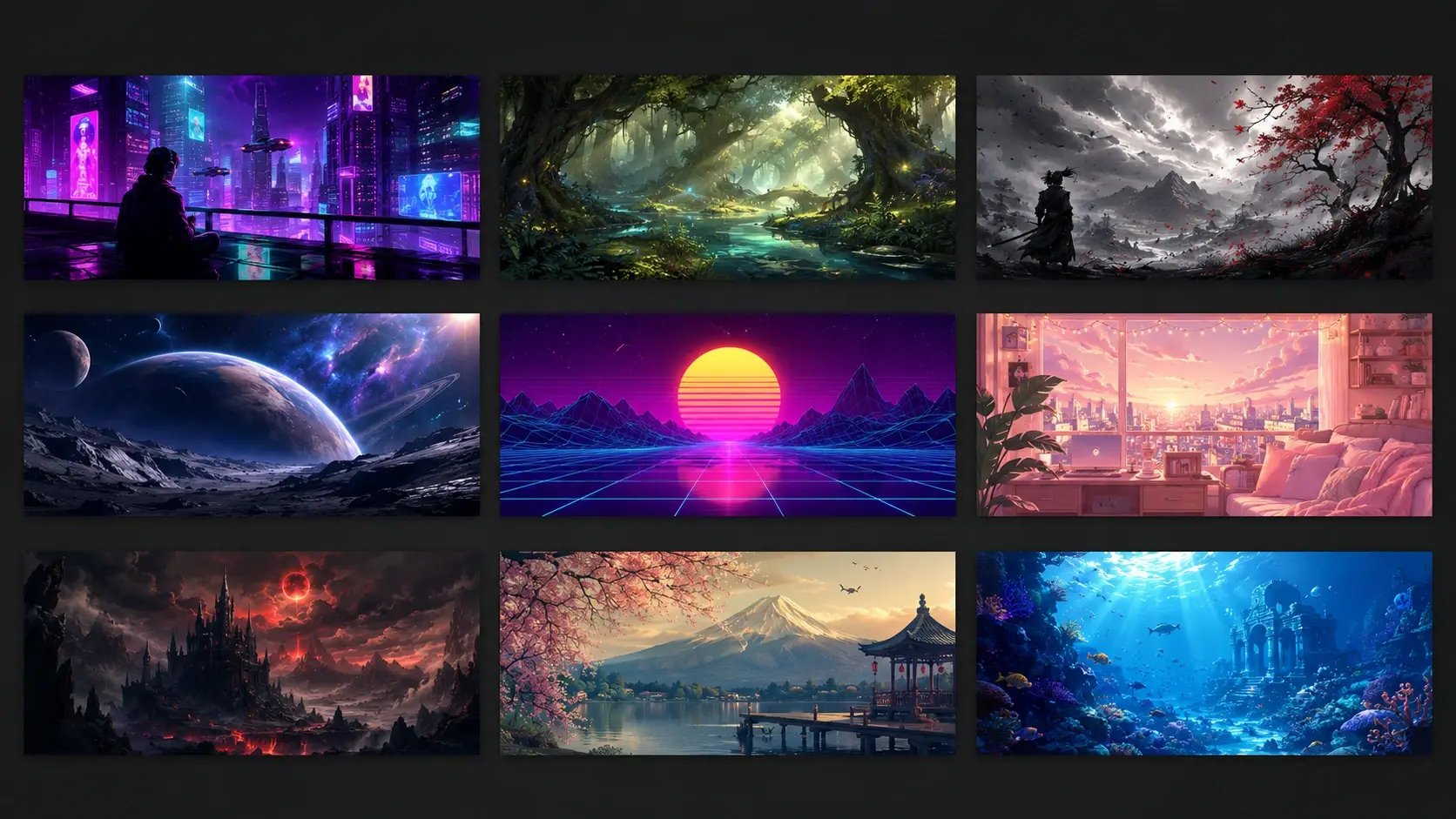
Gallery of Twitch banner templates preset to slot sizes with channel names and game backgrounds

Start From A Template Or A Prompt

You do not have to open a blank prompt. Browse the template library, where each twitch banner size template is preset to the right slot, pick a twitch banner background you like, and the twitch banner maker rebuilds it around your channel name and colors. The gallery doubles as twitch banner examples to riff on, with stock assets on hand when you want them.

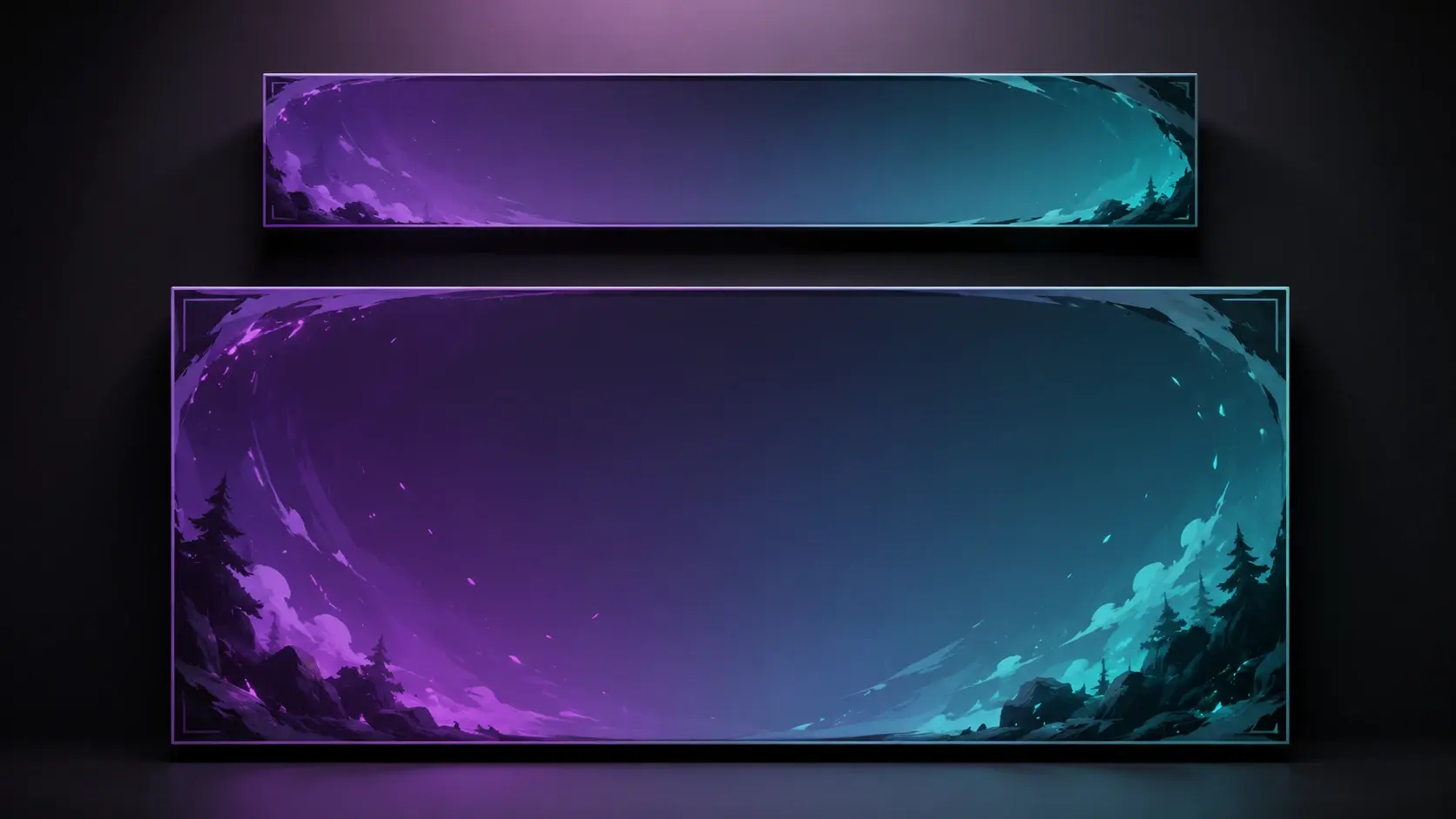
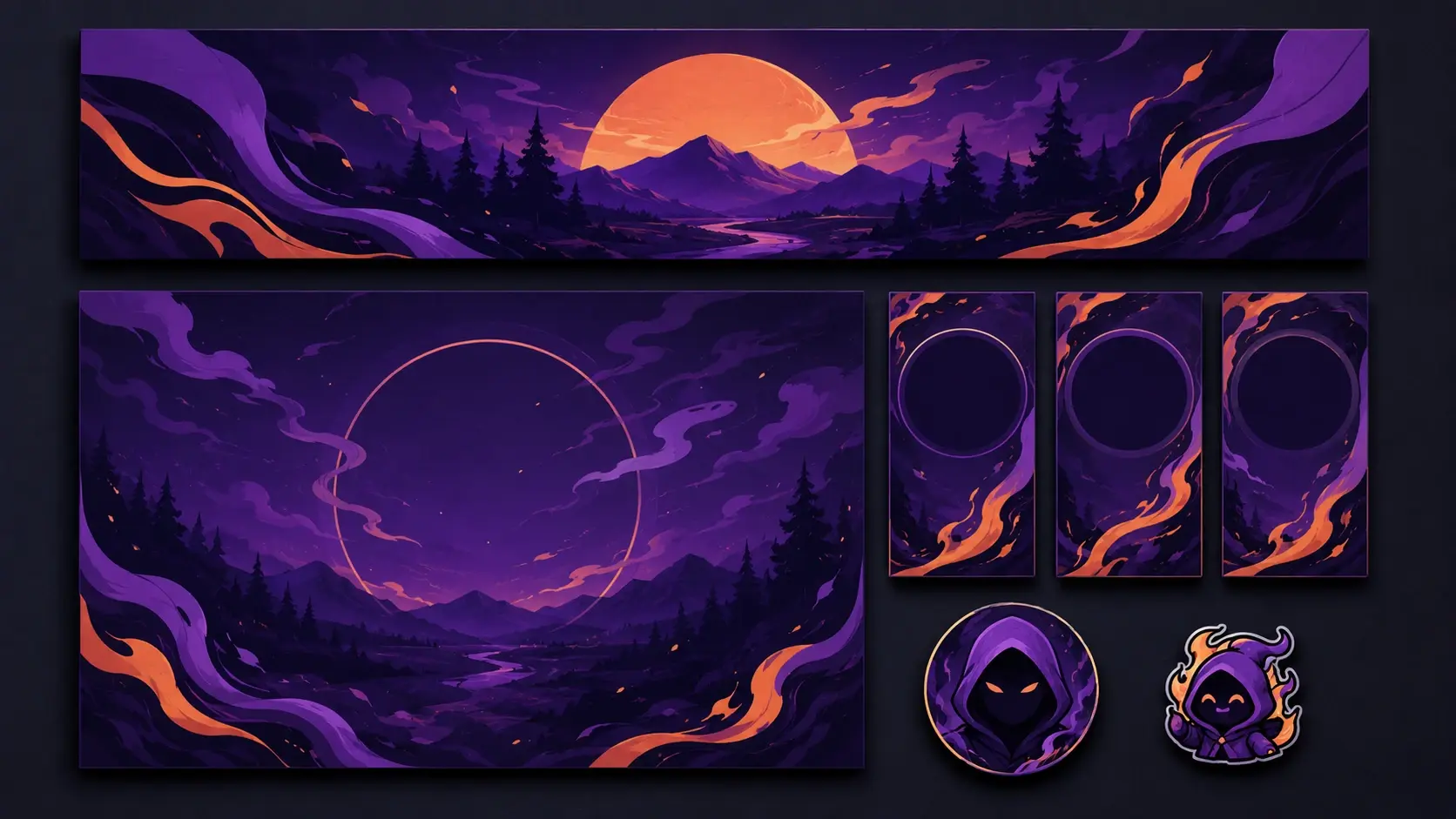
A matching Twitch set with banner, offline screen, info panel, emote and channel avatar in one style

One Look Across Every Channel Slot

Once the banner is set, the twitch banner maker carries that same look into your offline screen, info panels at twitch panel size, emotes and an avatar at the right twitch profile picture size, each exported to its own dimensions. Resize one design into the rest in a click so your twitch graphics read as a single set instead of mismatched pieces.

Three Steps To A Ready Banner

From a plain channel description to an uploadable twitch profile banner, here is how the twitch banner maker gets you there.

A prompt box with channel name and game details beside a logo upload for a Twitch banner

Step 01

Describe Your Channel Or Pick A Template

Start the twitch banner maker by writing your channel name, what you stream and the game or genre, plus the one line you want front and center, or open a template to adjust instead. Upload your channel logo so VideoAI folds in your brand colors, or add a reference image to steer the style.
Four Twitch banner layout options from one prompt shown side by side in the visual editor

Step 02

Generate Versions And Refine The Look

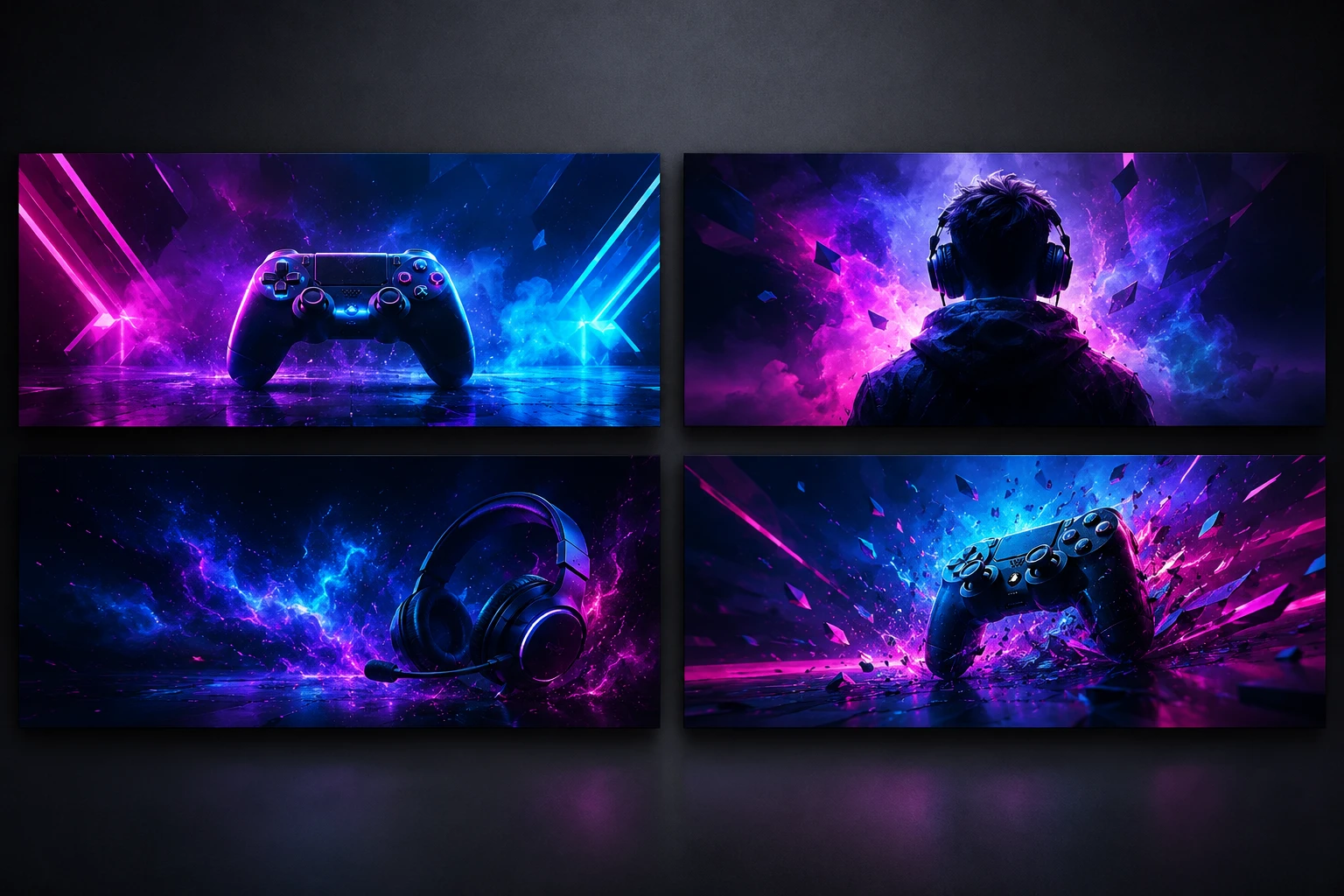
Generate, and within seconds the twitch banner maker returns several layouts from one description, not the same design repeated. Adjust your wording and run it again, or open the visual editor to change the text, fonts, colors and arrangement until the twitch banner design matches your channel.

Download dialog exporting a 1200x480 Twitch banner next to the Twitch channel upload settings

Step 03

Download At The Right Size And Post

Pick the version you like and the twitch banner maker downloads it at the exact 1200x480 profile size, ready to upload in your Twitch channel settings. The output stays sharp, with 4K twitch banner resolution on hand when you want it. Need the matching offline screen or panels, resize the set in a click, and every project stays saved in your workspace to revisit.

Channels The Twitch Banner Maker Fits

Different streams call for different looks, and the twitch banner maker turns the twitch banner ideas below into finished art from one description.

A Twitch Offline Banner That Still Talks

Off air, your channel page drops to an empty player and visitors cannot tell when you return. Write a twitch offline banner that states what you stream, your schedule and where to find you, exported at 1920x1080 to match the player slot, and the twitch banner maker keeps it in the same style as your main banner.

Fill The Twitch Video Player Banner Space

The player area is the biggest block on your page, so leaving it blank wastes your best space. The twitch banner maker generates a twitch video player banner at 1920x1080 that carries your channel colors, or resizes your profile design straight into that slot so the two read as a pair.

An Anime Twitch Banner That Matches Your Art

VTuber and anime channels depend on a consistent art style, and a random image from search rarely fits. Describe the look and character energy you want, or choose a preset style, and the anime twitch banner arrives on theme. Bring your own art as a reference to guide it.

A Gaming Twitch Banner For Every Season

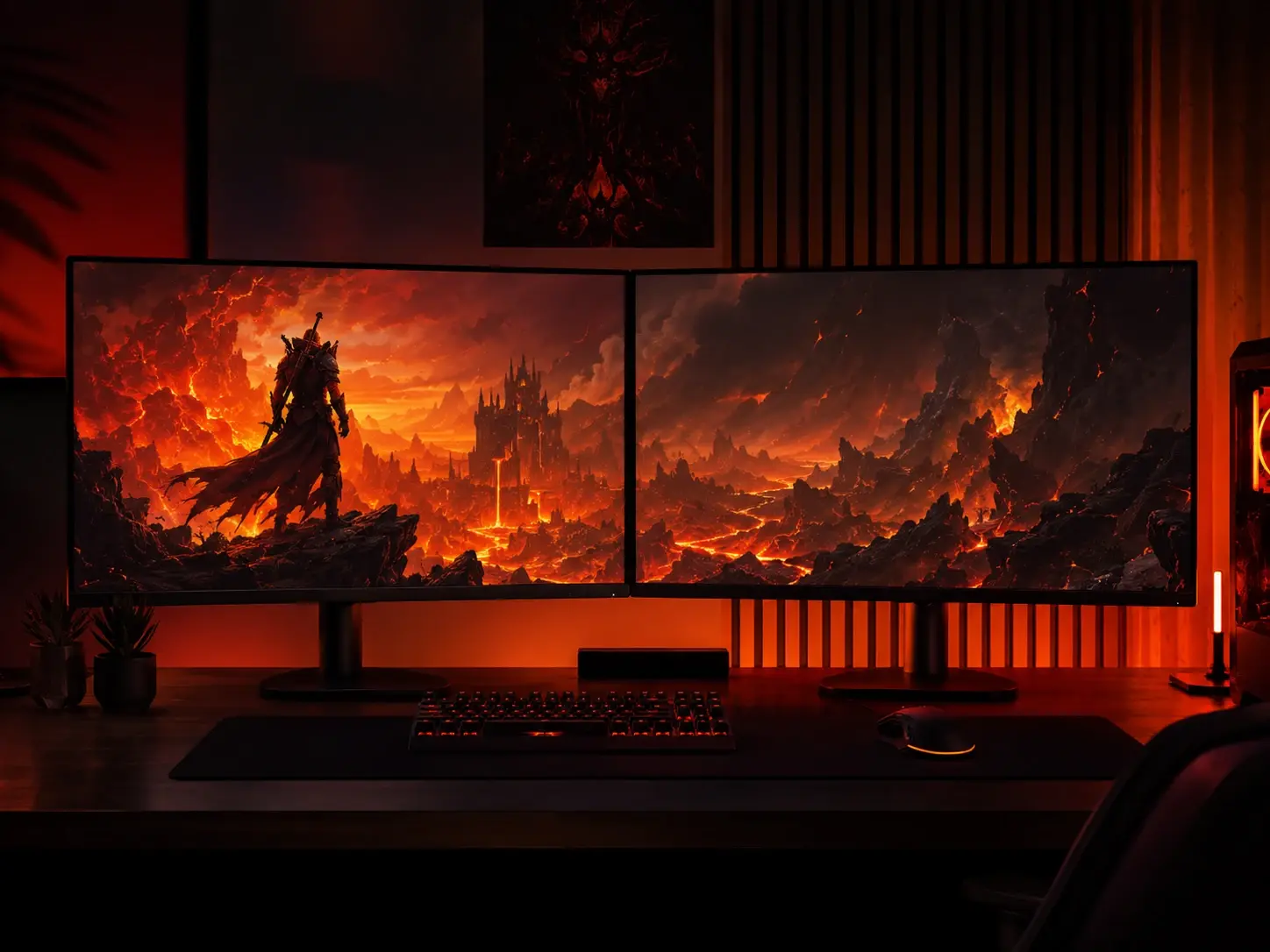
Switching games or seasons usually means commissioning a new look you have no time for. Spell out the game you are on now and the mood, and the twitch banner maker returns a gaming twitch banner in several versions, with the saved project ready so next season is a quick edit.

An Aesthetic Twitch Banner With The Right Mood

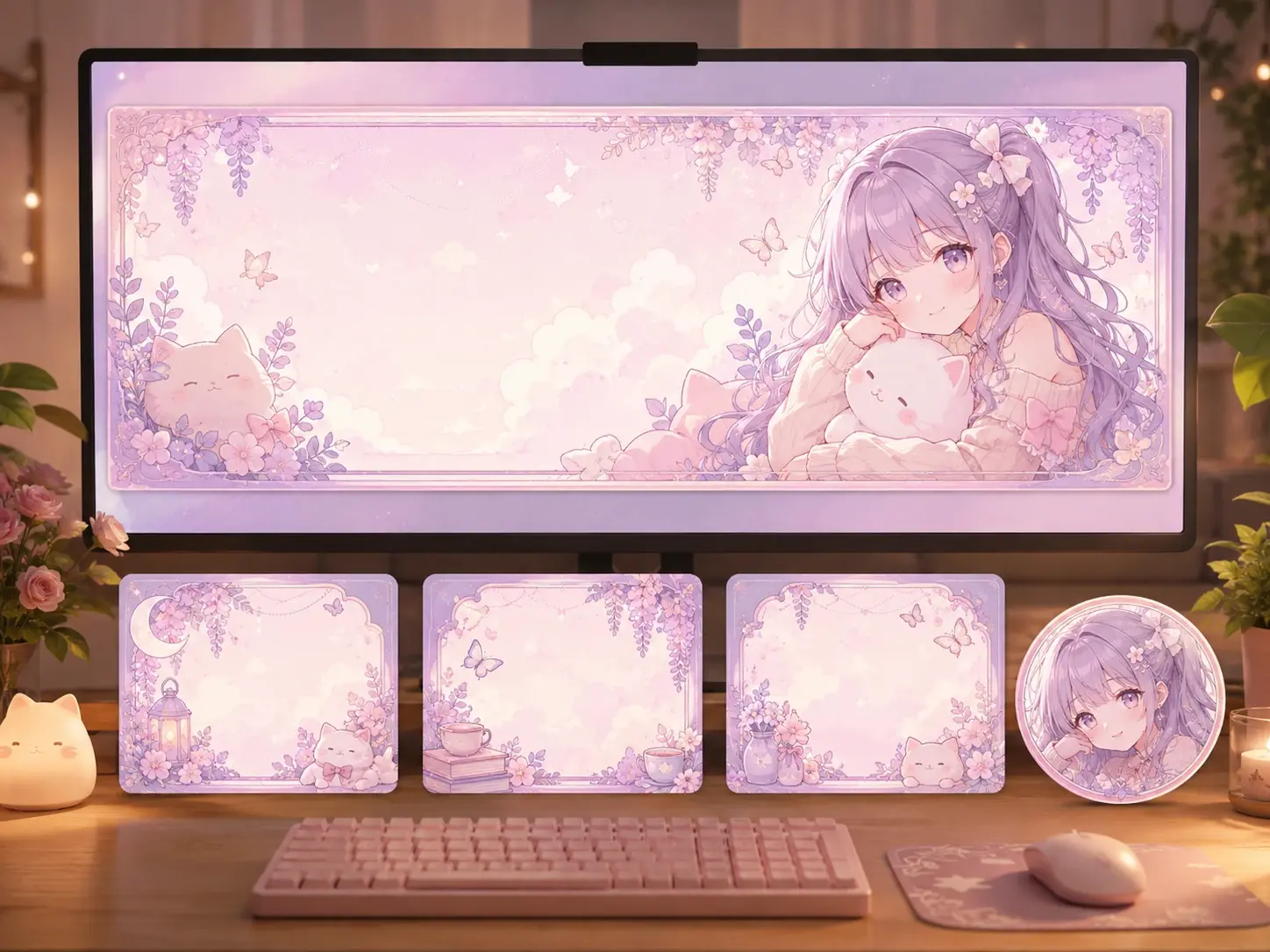
Sometimes the brief is just a feeling, muted tones, retro film grain, dark and moody, or soft pastels. Put that mood into words or pick a preset style, generate a few takes, and settle on the aesthetic twitch banner that fits your channel best.

Made For Streamers Building A Channel

A brand new Twitch channel page with a freshly made banner and matching avatar in place

Launch Your Channel With A Real Banner

Starting out with no design budget, you still need a channel that looks intentional on day one. Describe your channel and the twitch banner maker returns a clean twitch channel banner you can put up now and refine as you learn what your audience responds to.

Twitch Banner Maker Questions, Answered

Twitch profile banners use 1200x480, and that is exactly what the twitch banner maker exports, so the file uploads with nothing to crop. That measurement is the standard twitch profile banner size, while offline and player slots come out at 1920x1080. Keep in mind Twitch scales banner width to each viewer window and pushes the height toward 480 pixels, so center the important text.

Three steps cover it. Describe your channel name, what you stream and the tone you want, then let the twitch banner maker build a few layouts. Refine the wording or edit text and colors in the visual editor, and download your pick at the right size, with no prior design work needed.

You can begin at no cost, since the twitch banner maker gives you starter credits worth about five images, enough to try a few directions before you settle. After that you keep generating on a paid plan, and there is no promise of unlimited banners.

Not unlimited. Your starter credits generate roughly five images at no cost, and heavier use moves to a paid plan. That way you know where the free tier ends before you start.

For now the twitch banner maker outputs a static high resolution image rather than an animated or GIF banner. It downloads clean and sharp at the size you need, and you can regenerate a new look whenever your channel changes.

Yes. Upload your channel logo and VideoAI folds it into the design and pulls your main colors through the layout, so a custom twitch banner stays on brand. Exact logo placement is not something to guarantee, but the palette and style carry across the whole set.

Rewrite your description and generate again for a different direction, or open the visual editor to change text, fonts, icons, colors and layout. Saved projects live in your workspace, so the twitch banner maker lets you reopen one and rework the twitch banner design for a new season without starting over.

Put the essentials front and center, your channel name, what you stream, your schedule and social handles. Because Twitch scales the banner to each viewer window, treat the middle as the twitch banner safe area and keep key text off the edges where it can get clipped.

An account is required to generate and save your work, which is how your projects and uploaded assets stay in your workspace for reuse. Signing in also lets you reopen a saved banner later and regenerate it from an edited description.
Design Your Channel Banner Today stream artwork ready to generate with VideoAI

Design Your Channel Banner Today

Tell VideoAI about your channel and the twitch banner maker lands your first versions in seconds.

Get Started
Twitch Banner Maker - Custom Twitch Banner - VideoAI