
Trailer Direction For Creators

Video Game Trailer Maker

Use VideoAI to turn your original game world, characters, scene order, title cards, and audio direction into a trailer you can refine with text.

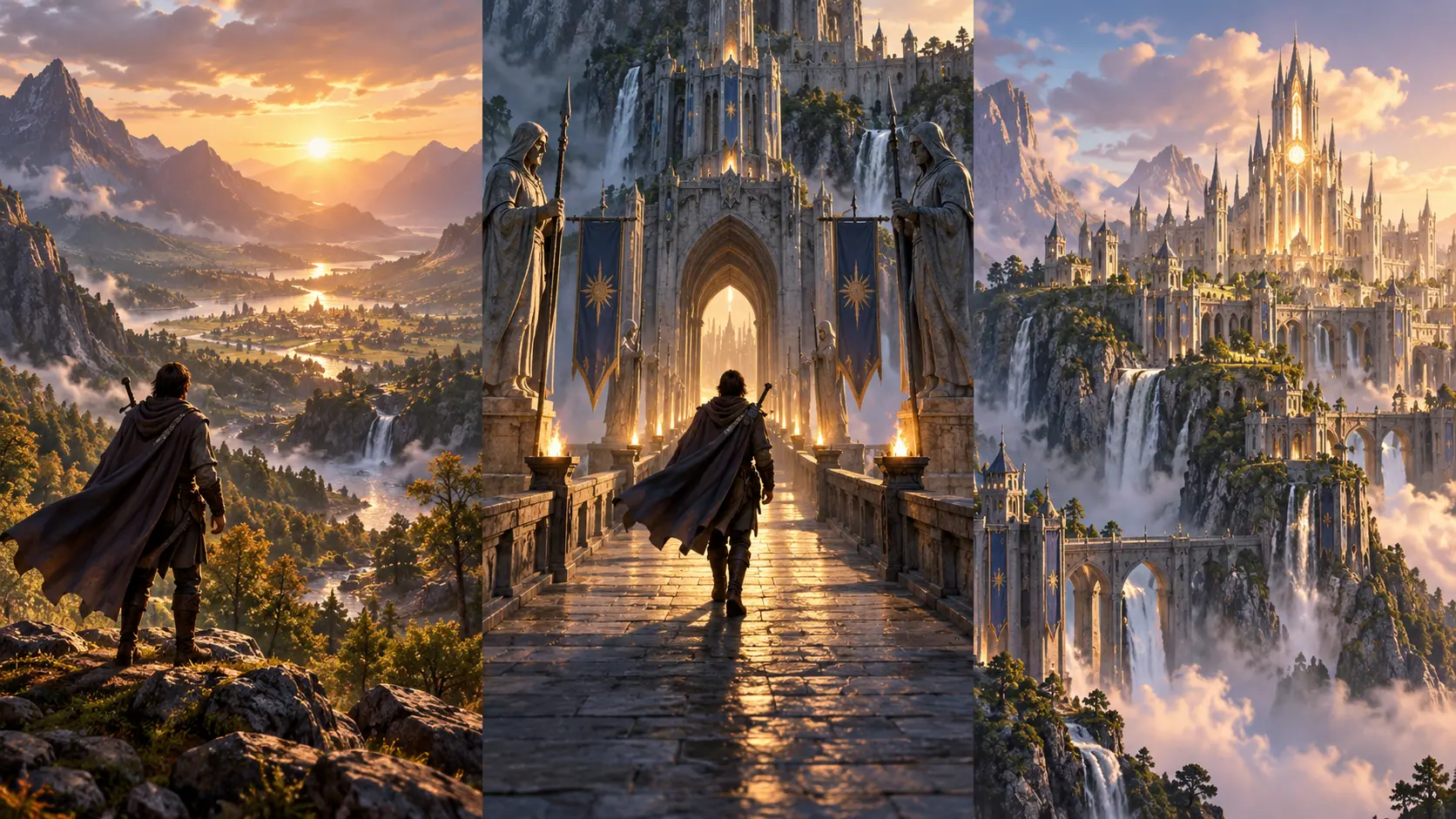
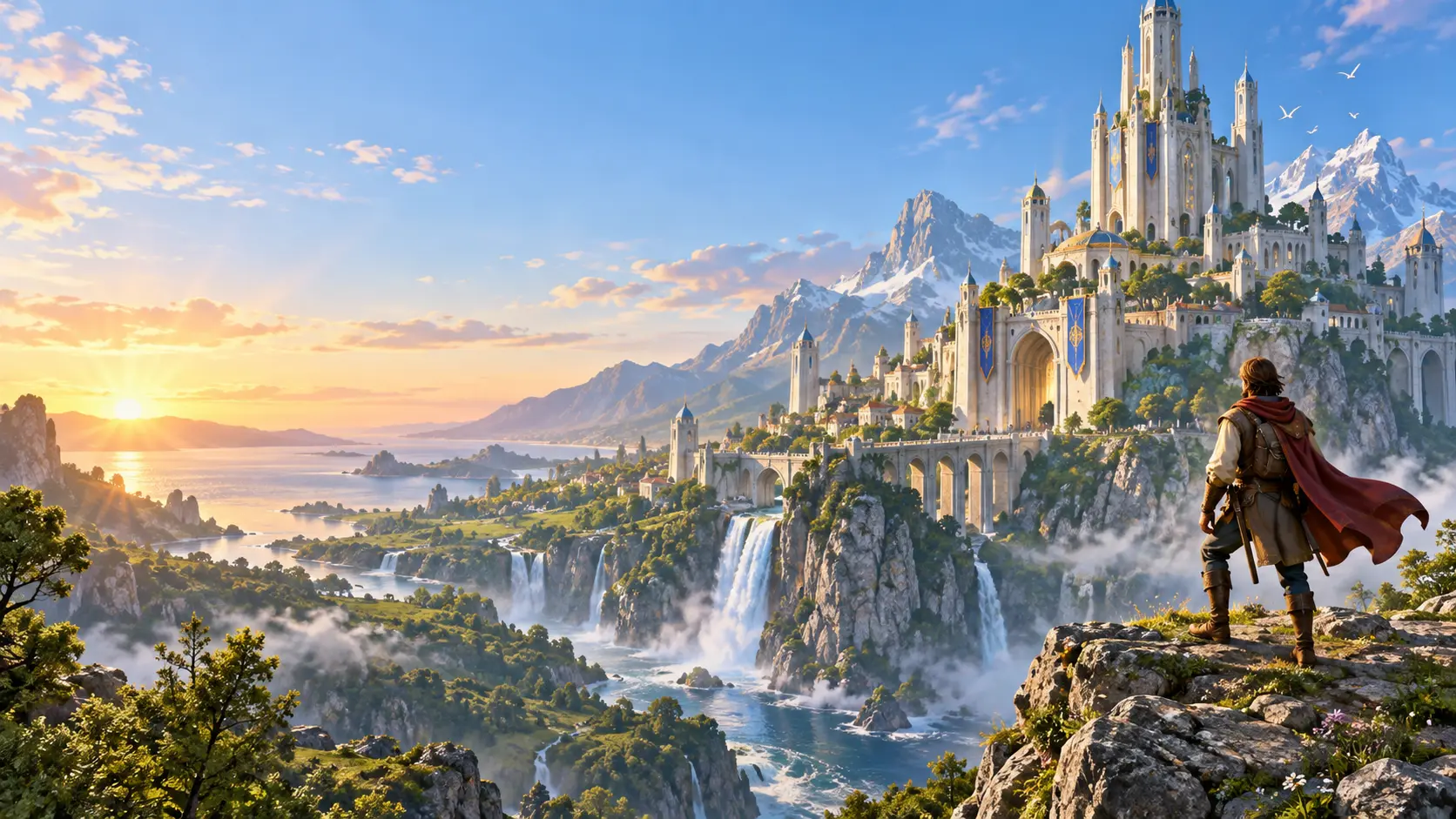
Original fantasy game world shown in a cinematic trailer frame

Plan with a video game trailer maker

Start with the creative decision first, then tell VideoAI what each second of the trailer should reveal.

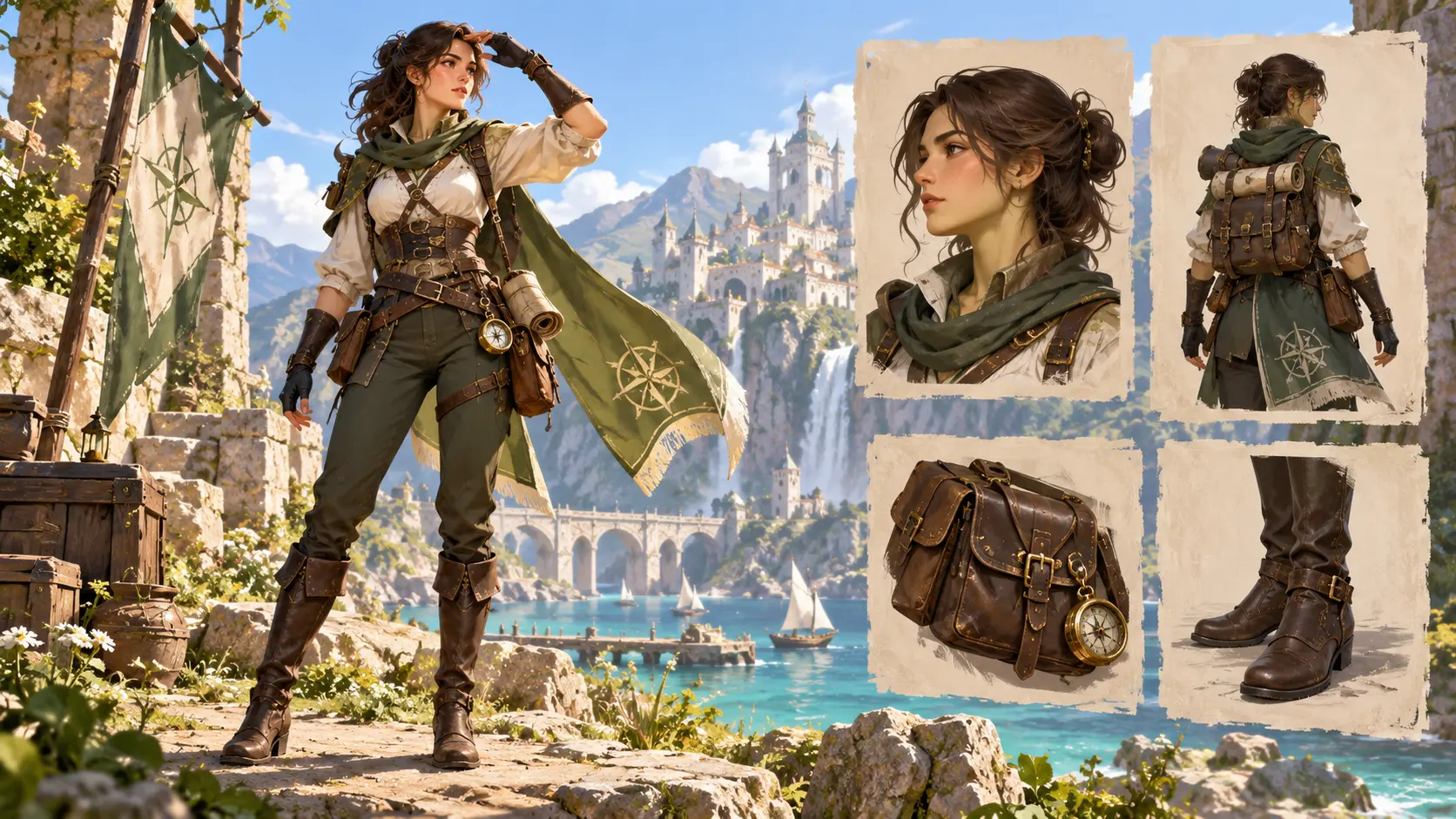
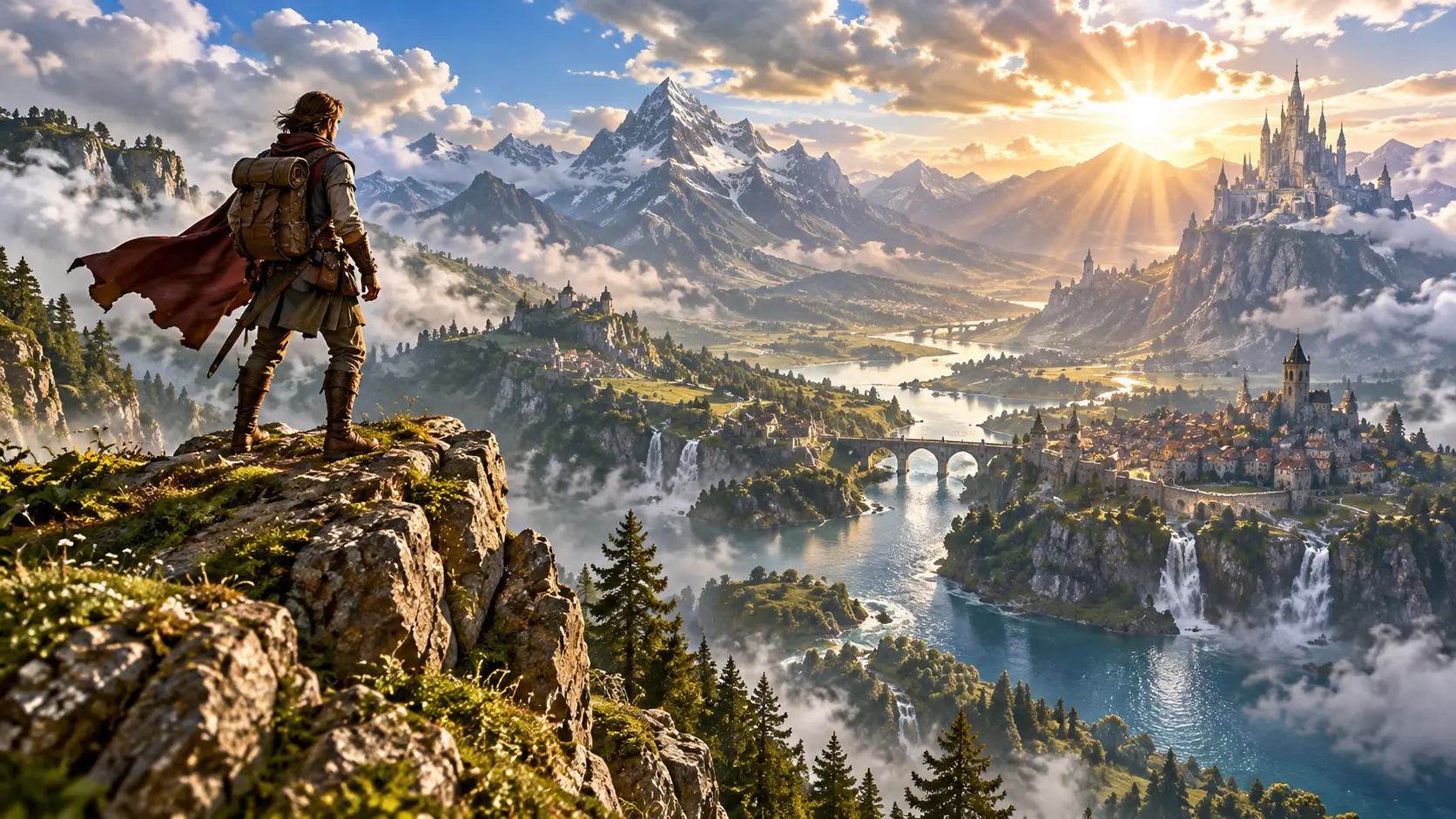
Original character and world references for a game trailer

Step 01

Describe the game and add references

Write the genre, world, characters, and trailer goal. Upload your character art, scene images, screenshots, short clips, Logo, or audio references, then use @ to assign how each asset should guide VideoAI.

Opening world reveal leading into an action moment

Step 02

Set the trailer structure

Choose a general template or begin from a blank prompt. Pick the aspect ratio and visual direction, then arrange the opening hook, world reveal, action beat, title card, and ending information by time segment.

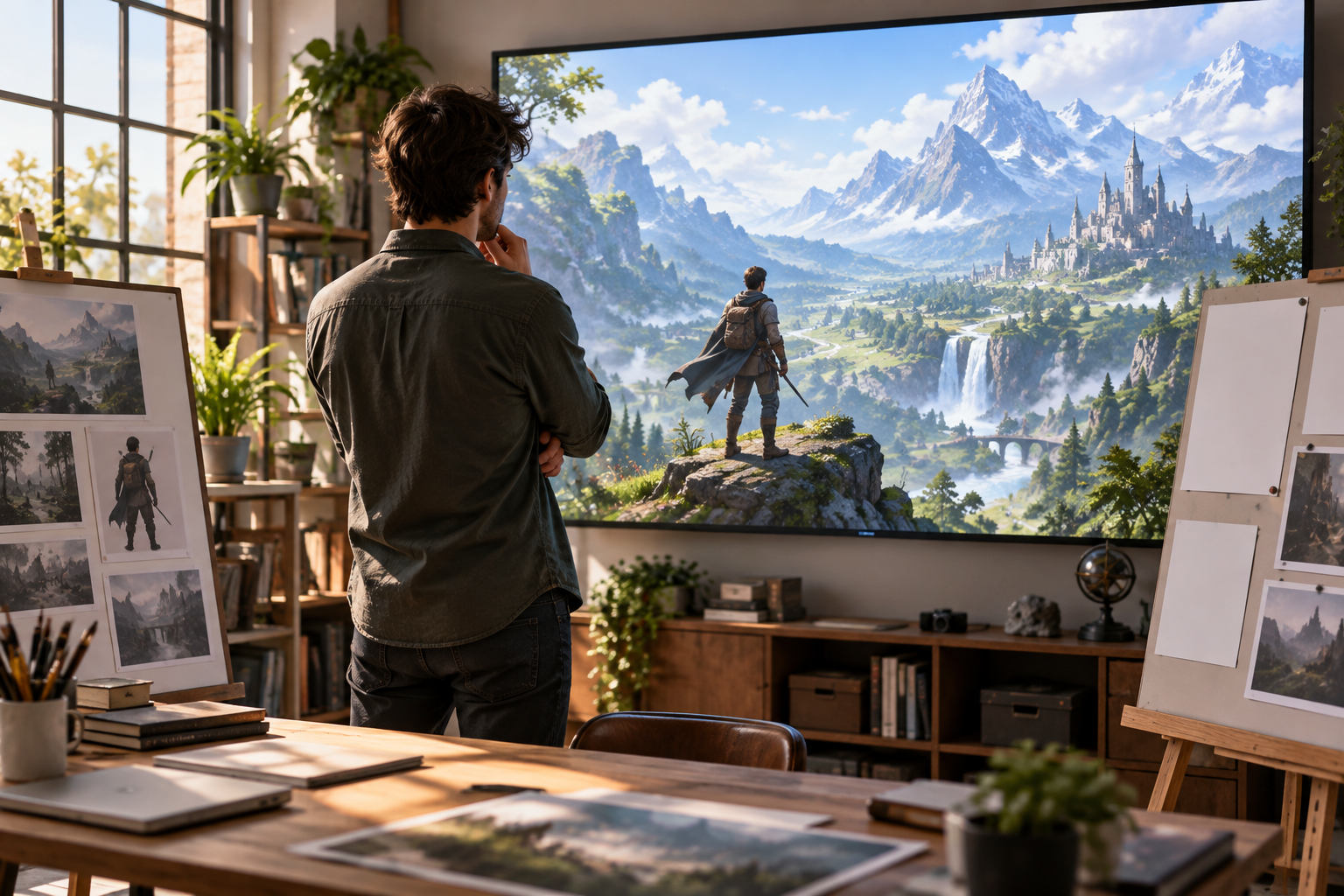
Creator reviewing an original game trailer sequence

Step 03

Generate, review, and refine

Create the first version, preview the video game trailer, and ask for changes to the shot, action, or rhythm in text. Download an MP4 up to 4K or continue extending the result.

Where a video game trailer maker fits

Use the same self directed workflow for reveal clips, launch moments, updates, and pitch material.

Indie game reveal

A solo developer can combine concept art, a character pose, and a scene reference into a first public teaser. The result introduces the world before the main action arrives.

Launch announcement

A marketing team can place the setting, action node, game name, release date, and closing message into a compact trailer. Each reveal appears where the team decides.

Update teaser

When a new area, character, or original event needs a short preview, VideoAI can follow the uploaded references and written timing notes to shape a focused clip.

Pitch showcase clip

Creators preparing a deck or demo reel can build a concise MP4 from owned visual references and a clear shot plan, so the project tone is easy to present.

Teams using a game trailer maker

Independent developer presenting an original game world

Independent game developers

Use VideoAI when you have an original concept, a few visual references, and a trailer message to test. You decide the world reveal, action moment, and title card before generating.

Game marketing team arranging a launch trailer

Game marketing teams

Prepare launch, update, and community preview videos with controlled pacing. A video game trailer maker helps the team align references, short text, music direction, and ending information in one prompt led flow.

Gaming creator filming an original preview concept

Original gaming creators

Use your own game theme, artwork, and narration idea to make intros, devlog previews, or channel clips. The output stays centered on the concept you provide.

Control inside video game trailer maker

Shape the trailer through references, timing, aspect ratio, and prompt led revisions.

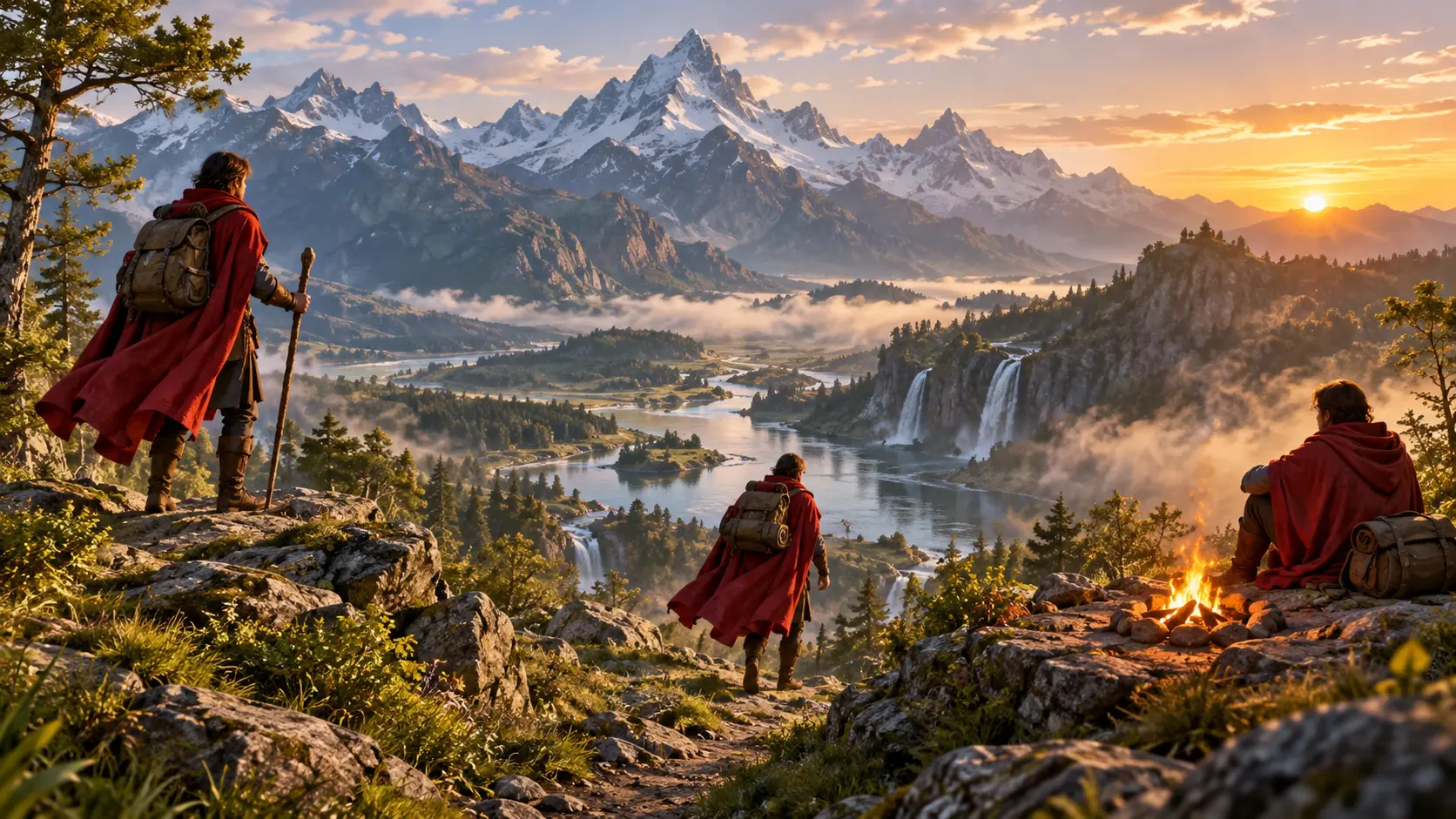
Timed progression through a fantasy game trailer

By second trailer direction

Opening hook, world reveal, action beat, title card, and final message appear in the order you set. VideoAI follows your timing notes so the trailer carries the intended build.

Original game character guided by visual references

Multimodal game references

Combine text, images, video, and audio around one original game concept. Use @ to mark a subject, first frame, scene, camera move, music cue, or other reference purpose.

Consistent original hero across connected game scenes

Consistent characters and worlds

Multiple reference images and continuous shot direction help original characters, locations, and visual style stay coherent across short scenes in the same trailer.

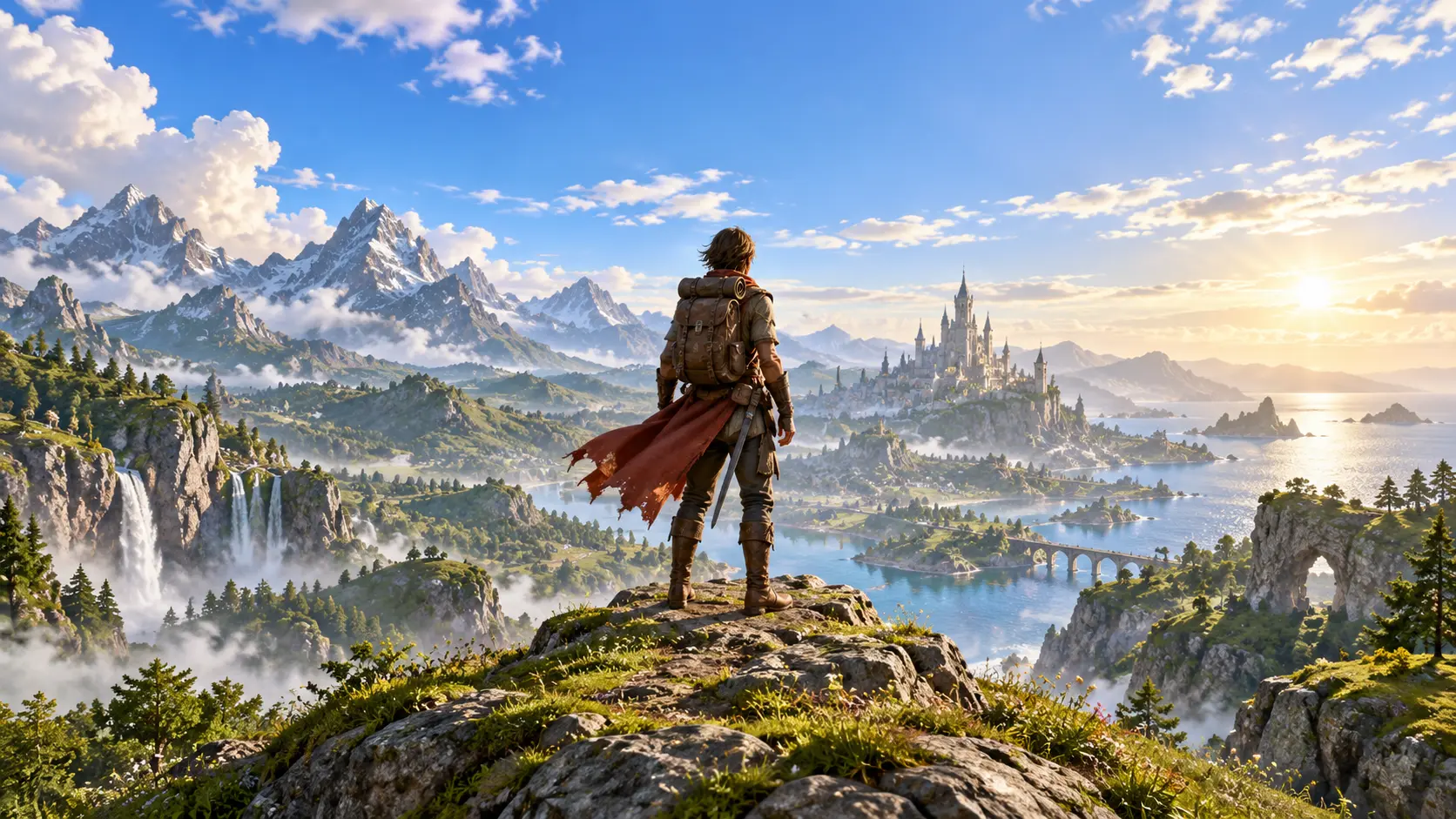
Wide game trailer scene with crop-safe hero and environment

Ratios and MP4 export

Generate for 16:9, 9:16, 1:1, or 4:5 placements. A single generation can be up to 30 seconds, can be extended, and downloads as MP4 up to 4K with no watermark.

FAQ

video game trailer maker questions

Start with your original game concept, add reference images, clips, Logo, or audio, arrange the reveal order by time segment, generate the trailer, then refine shots, action, or rhythm with text before MP4 download.

Yes. The video game trailer maker accepts text, image, video, and audio inputs, and @ references help define whether an asset guides the subject, first frame, scene, camera movement, music, or another purpose.

You set those moments by time segment. The video game trailer maker uses your written structure to place the opening hook, world detail, character reveal, action node, title card, and closing information.

Short titles, the game name, release information, and your Logo reference can be included in the generated picture. You can also guide voice over, background music, sound effects, and music hit points.

The rhythm comes from your time based scene plan and audio direction. After generation, the video game trailer maker can create another version from text instructions about pace, action, or shot emphasis.

Each generation can be up to 30 seconds and can continue beyond that through extension. VideoAI supports 16:9, 9:16, 1:1, and 4:5, with MP4 download up to 4K.

Video generation includes 10 credits for a first try. The video game trailer maker exports without a watermark, and videos made with materials you have the right to use can be used commercially.

Batch generation is supported, so you can explore multiple trailer directions. Choose the target ratio for each version, then keep the one whose pacing and reveal order fits the placement.
Cinematic ending scene for an original game trailer

Create your trailer in VideoAI

Bring in your game idea, references, timing notes, and audio direction, then generate a trailer you can review and refine.

Get Started
Video Game Trailer Maker - Game Trailer Maker - VideoAI