

From an idea to a moving scene
AI Generated Video
Create an AI generated video from your own scene ideas and references. Describe the subject, action, camera movement, and sound, then review and refine your clip in VideoAI. Sign in to start with 10 free credits; generation costs depend on your settings.
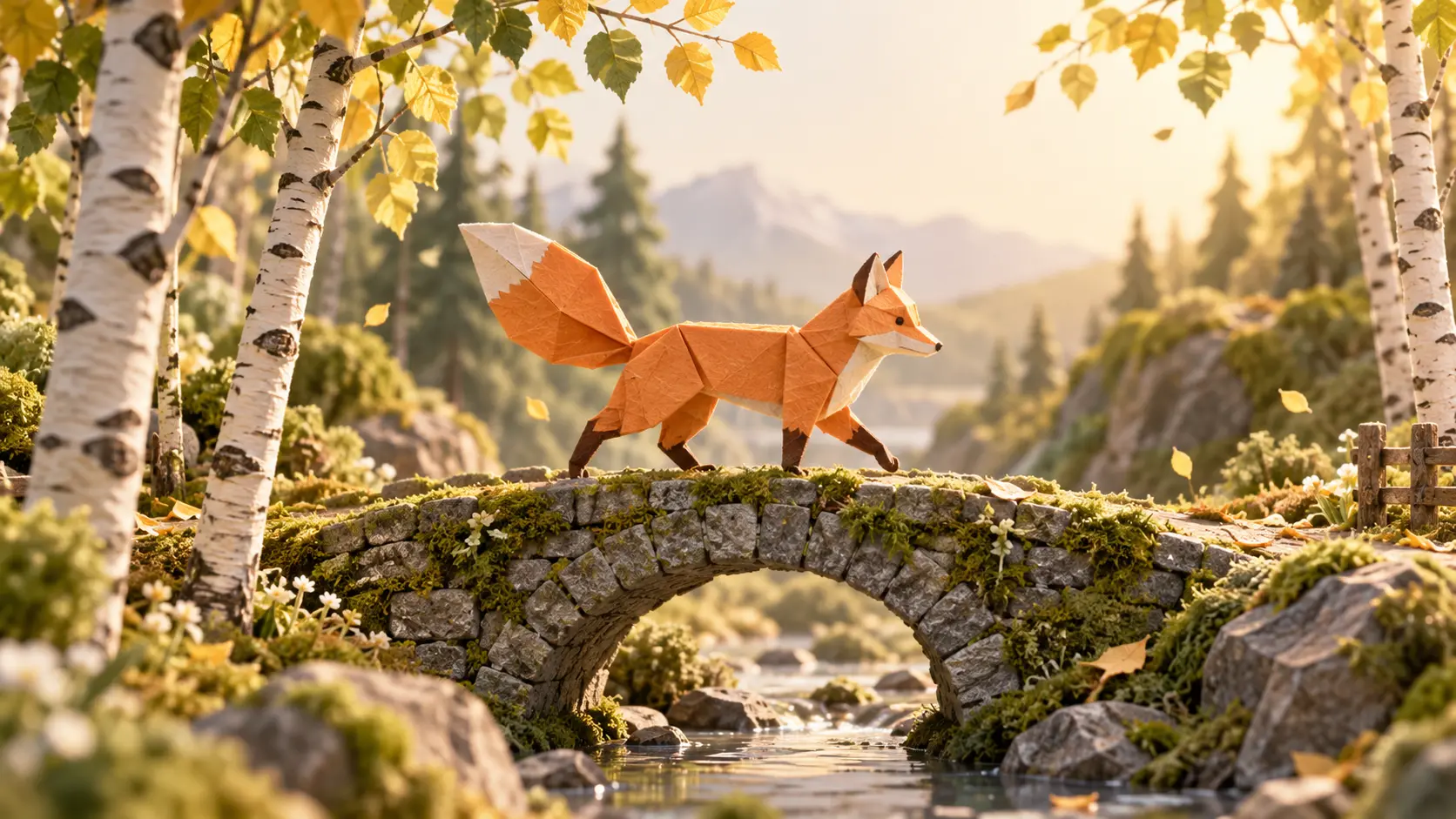
How to Create an AI Generated Video
Start with a small, clear scene so each revision has a purpose.
Describe one visible idea
Name the subject, location, movement, and camera direction. For a longer sequence, decide what happens in each scene and when. A short, specific brief is easier to review than a list of unrelated effects.
Give your references a role
Add an image for the subject or setting, a video for movement, or audio for sound direction. Use reference roles to explain what each file should guide, then choose a supported aspect ratio and generate your first version.
Review, revise, and export
Review your AI generated video for subject consistency, motion, and audio. Describe the change you need and regenerate. Once the result fits your brief, download an MP4 at a supported resolution up to 4K.
Give Your AI Generated Video a Clear Direction
Your brief and references guide the result; a review pass helps catch details that need another attempt.
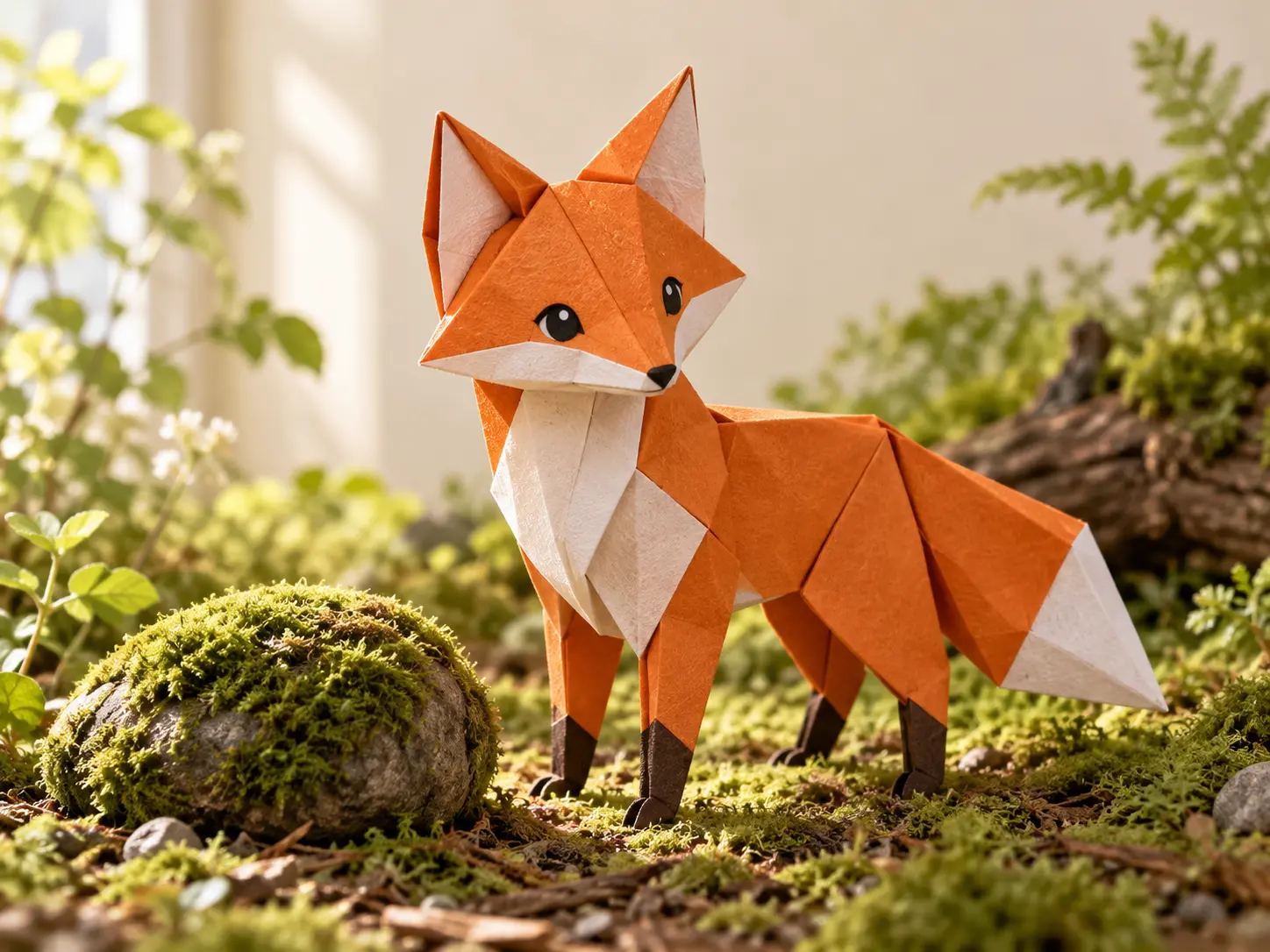
Keep a subject and setting in focus
A reference image can guide a character, product, or scene while your prompt describes what changes over time. Reuse saved materials across AI created videos for a connected story, and check each result for continuity before using it.
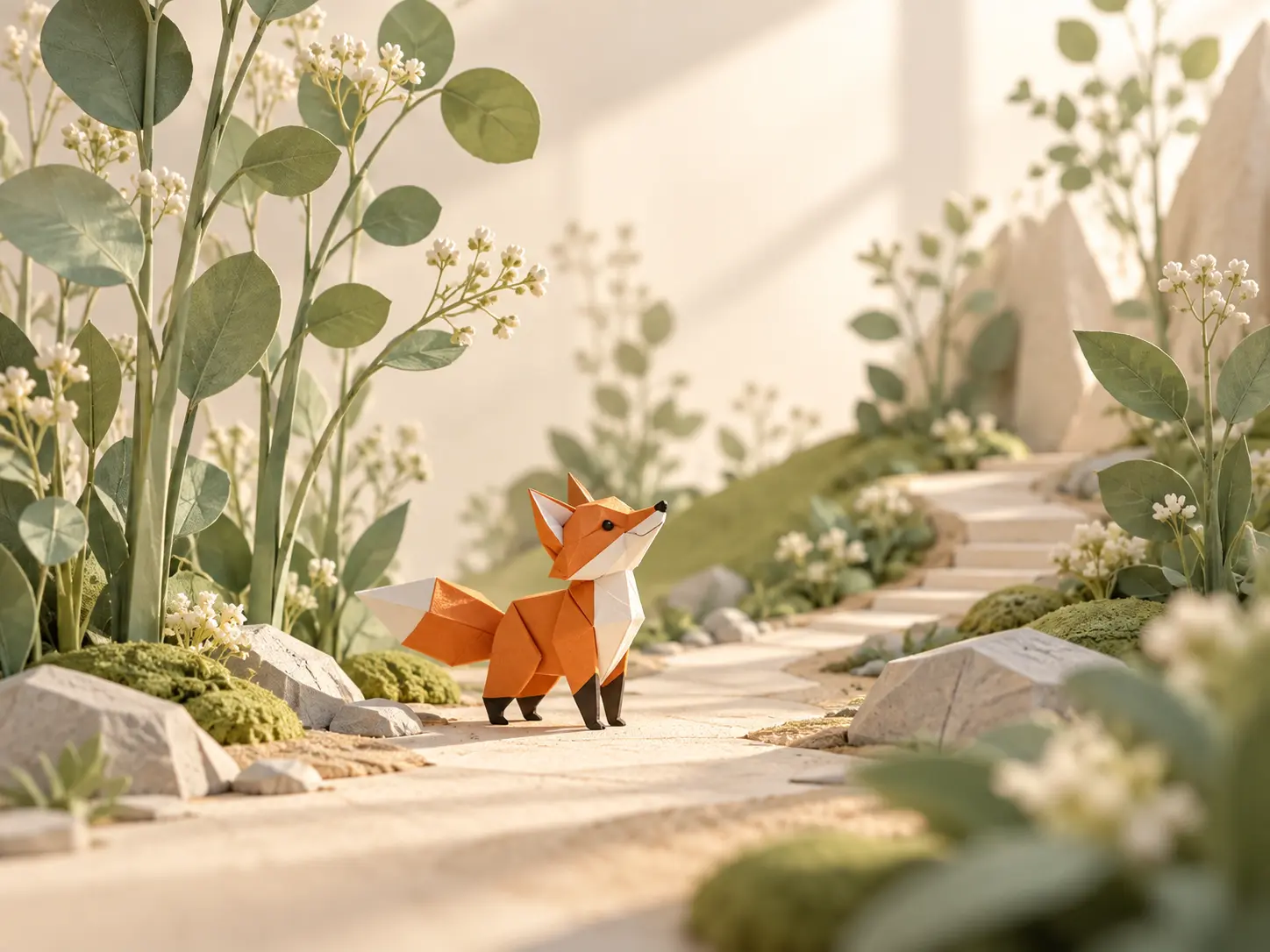
Compose for the place your video will appear
Choose 16:9 for a wide scene, 9:16 for vertical viewing, or a supported square or 4:5 format. Plan the subject position for that frame and review the generated crop before export. For each AI generated video, match the frame to where you plan to publish it.
What Can You Make with AI Generated Video?
Build a new moving scene around an idea you can describe and evaluate.
A product concept
Use your product reference to explore a setting, camera move, and reveal before choosing a direction for a campaign. Check the generated product details against the reference.
A visual story beat
Turn one story moment into an AI-created video: a character arrives, an object moves, or a landscape changes. Direct each scene and use revisions to improve the sequence.
A short social clip
Plan an opening moment that reads clearly in a vertical frame. Create a concise clip, review its motion, and prepare an export that suits the intended placement.
AI Generated Video Questions
Create Your First AI Generated Video
Bring one scene idea and the references that matter. Generate a draft, watch it, and direct the next version.
Get Started