


Create an Original Person From a Prompt

AI Person Generator

An AI person generator creates an original person from a written description rather than editing a real photo. Describe age, expression, pose, clothing, setting, and visual style, then generate portrait directions you can compare. Use the AI person generator for concept art, character studies, mockups, and fictional people; keep one identity brief consistent when you want a recognizable character across several images.

  • Original AI-generated portrait of a ceramic artist in a sunlit studio
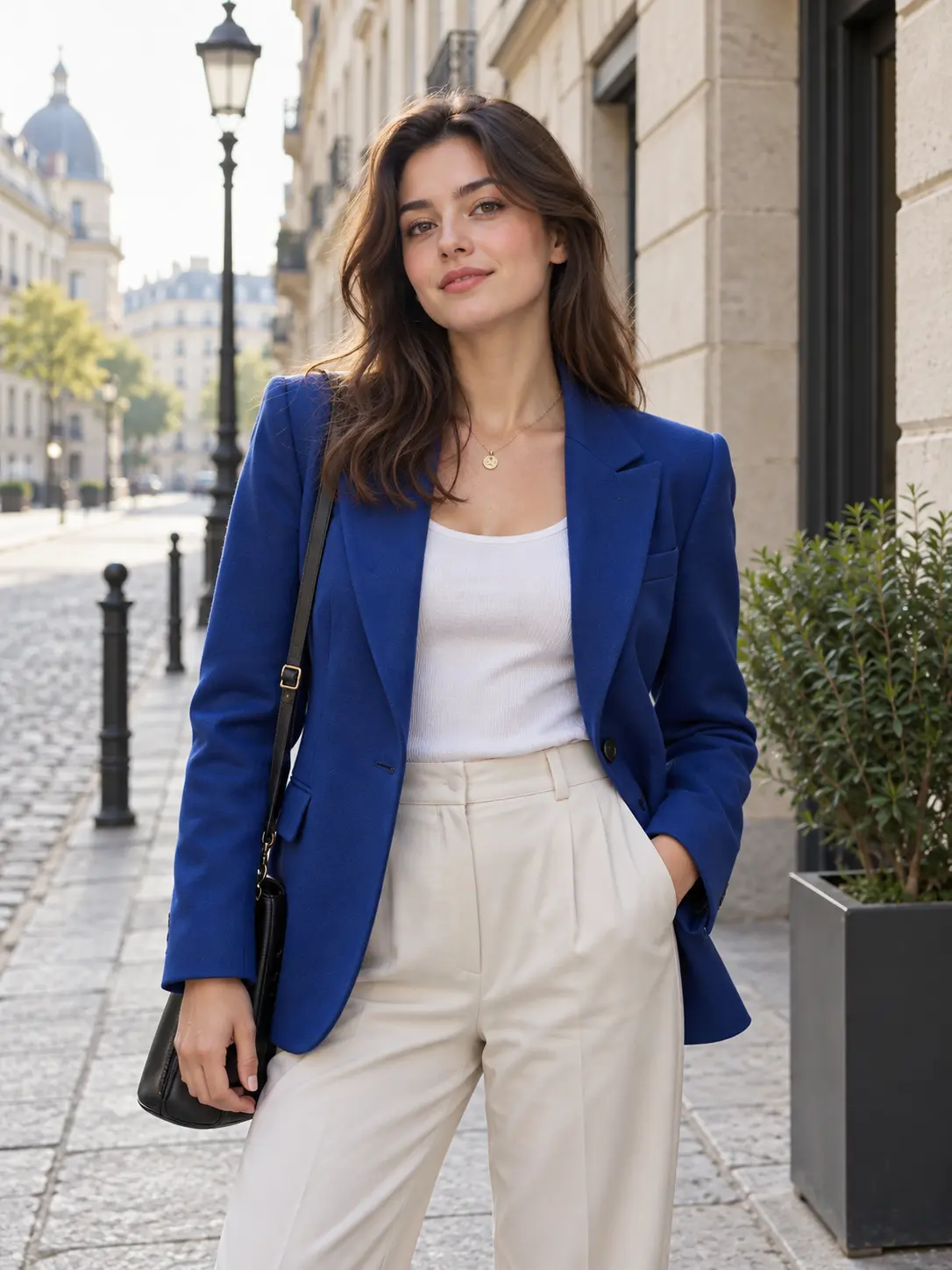
  • Original AI-generated person in a cobalt jacket standing on a quiet city street
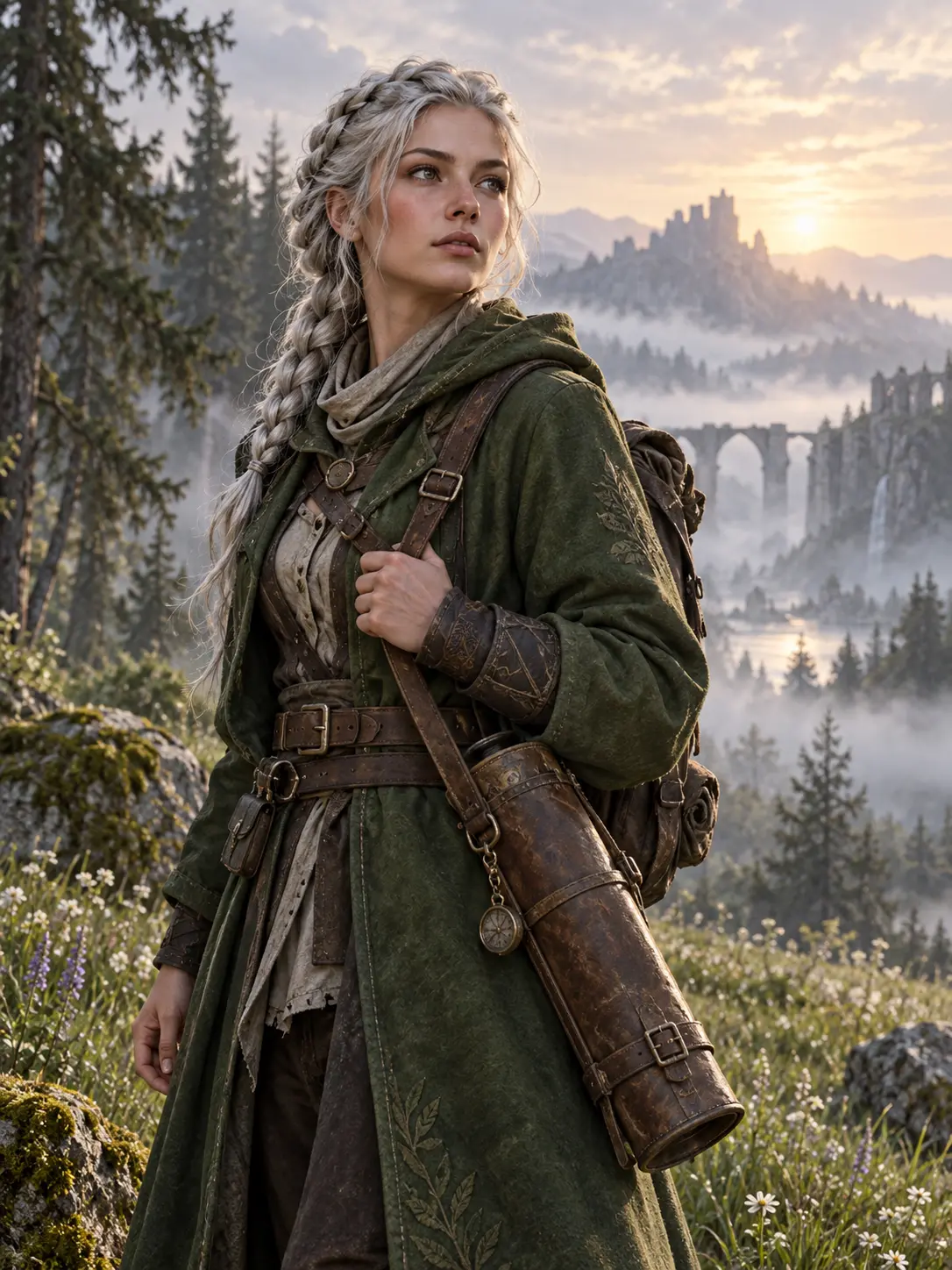
  • Original fantasy explorer portrait standing in a misty forest meadow
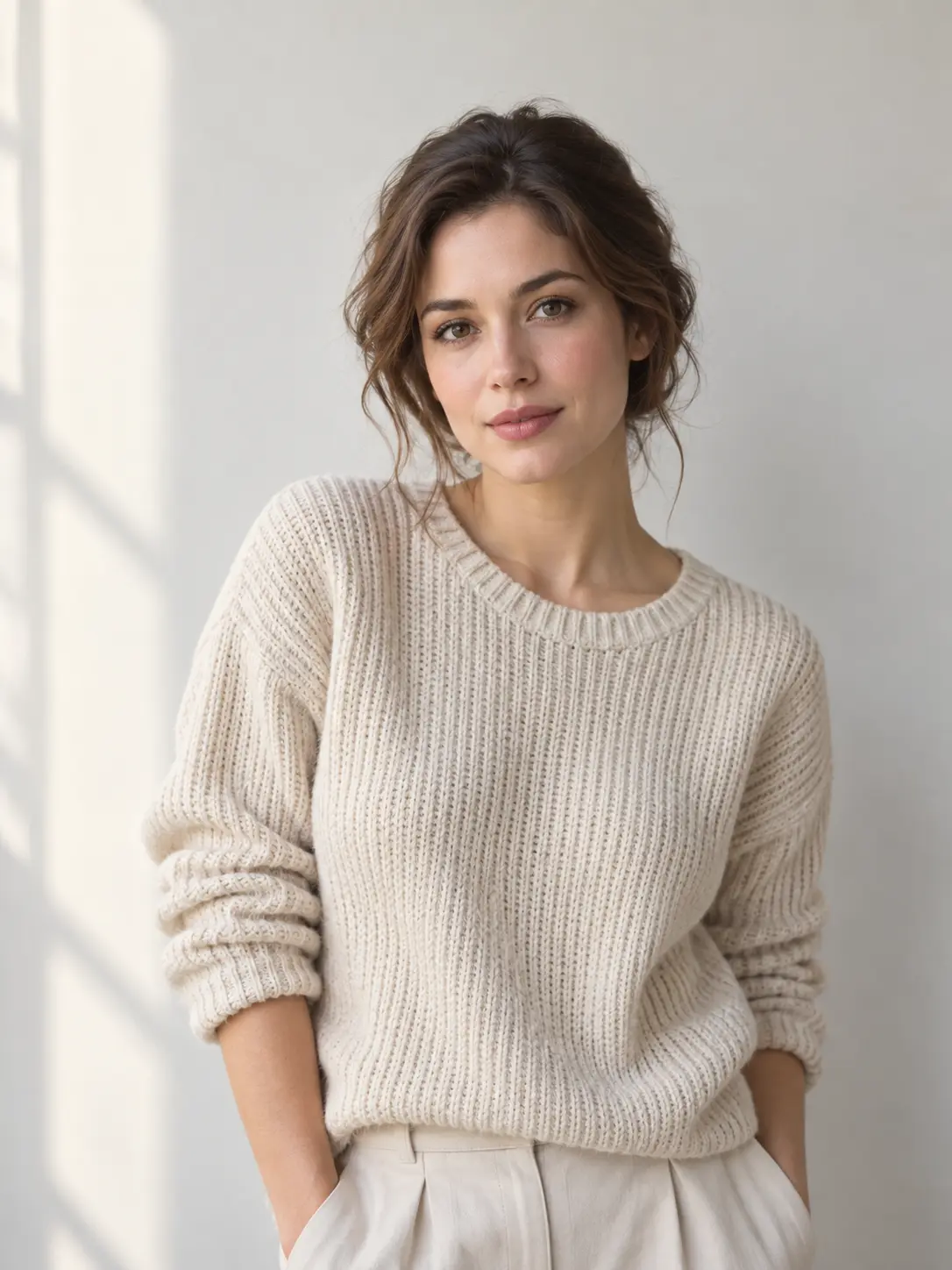
  • Original editorial portrait of a person beside a pale studio wall and soft window light
  • Original AI-generated portrait of a fictional chef in a restaurant kitchen
  • Original AI-generated portrait of a fictional architect beside a scale model
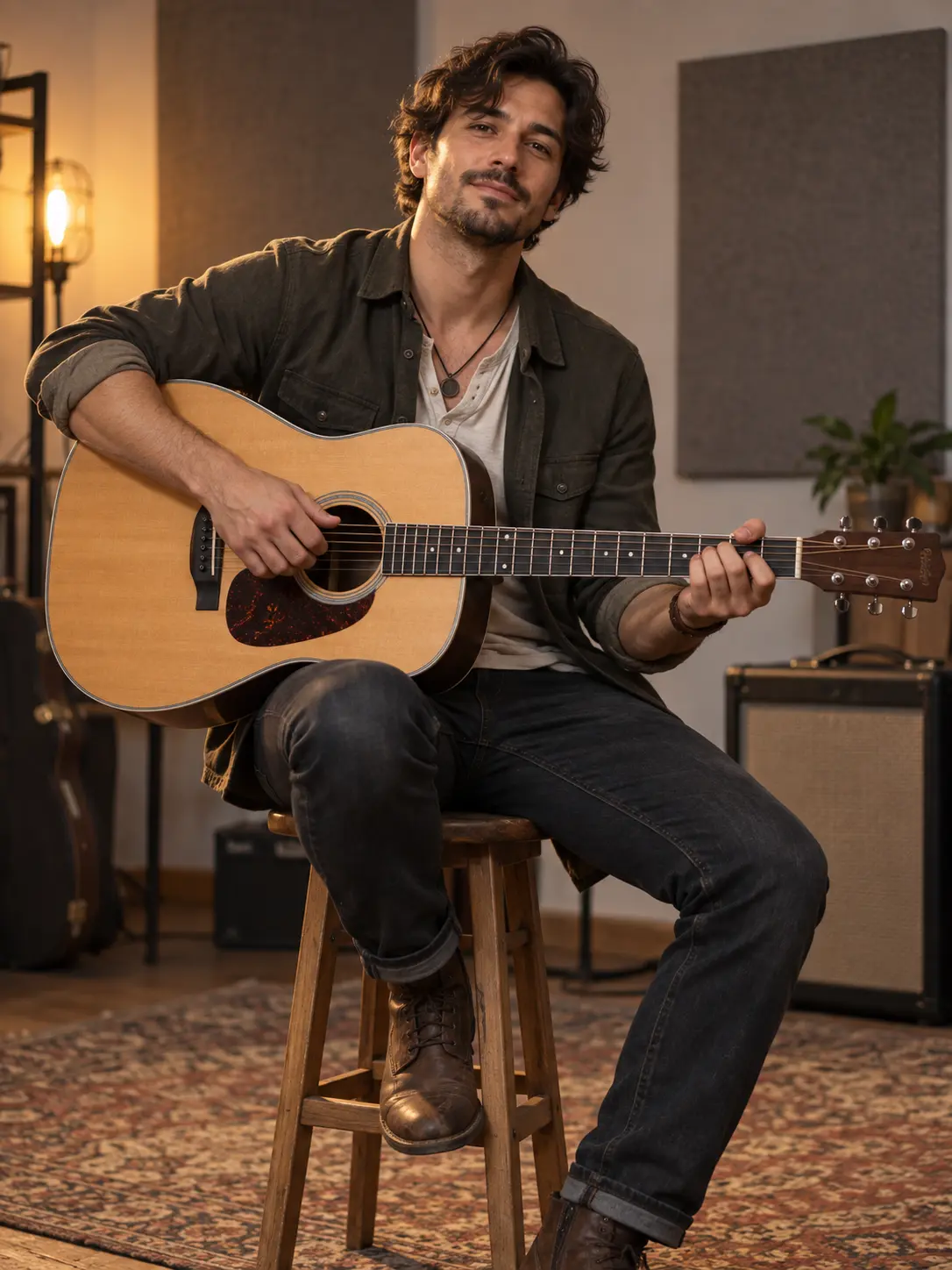
  • Original AI-generated portrait of a fictional musician with a guitar
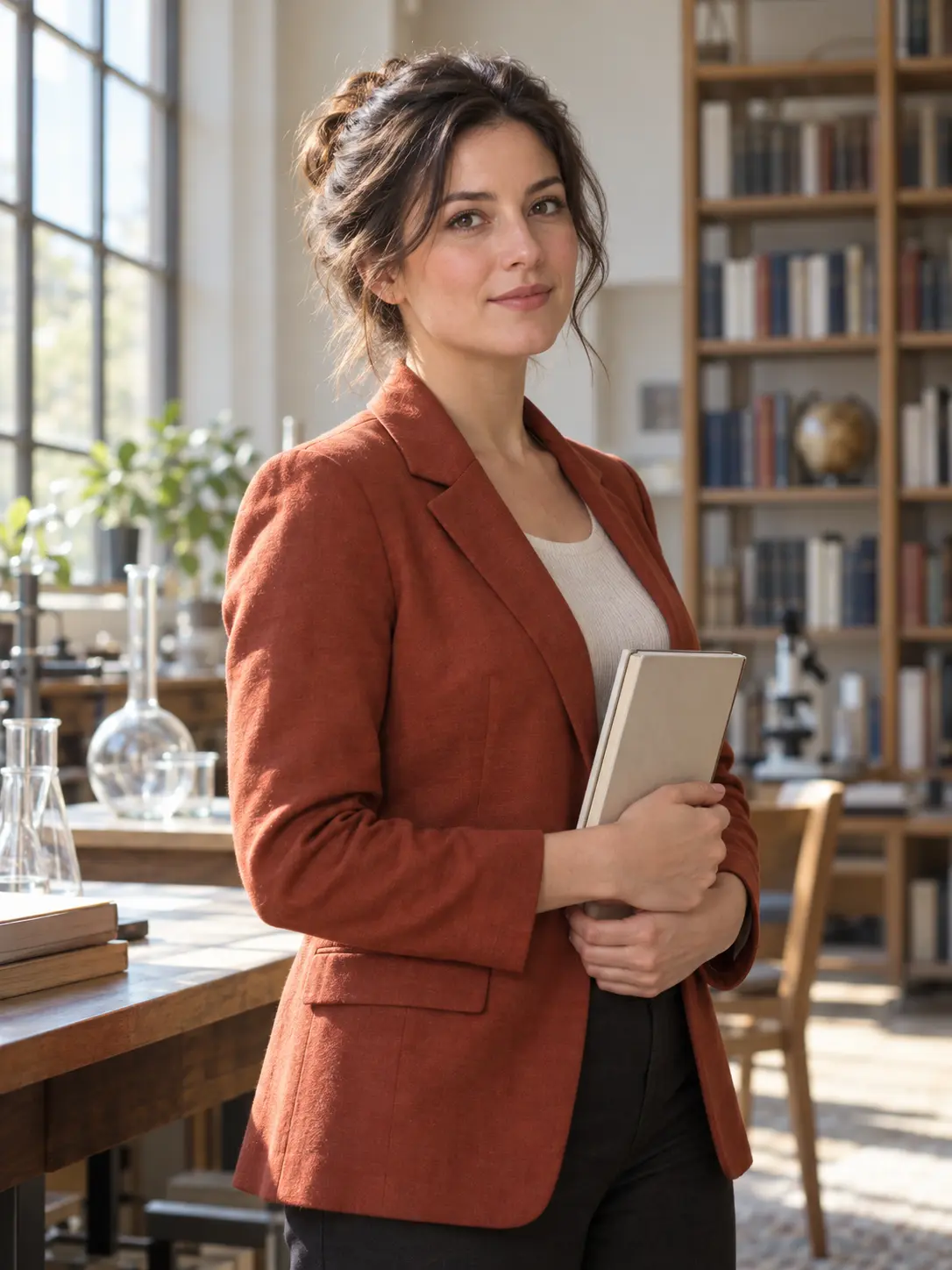
  • Original AI-generated portrait of a fictional researcher in a science library

What the AI Person Generator Can Define

A useful person image starts with identity, context, and composition. The prompt should describe all three.

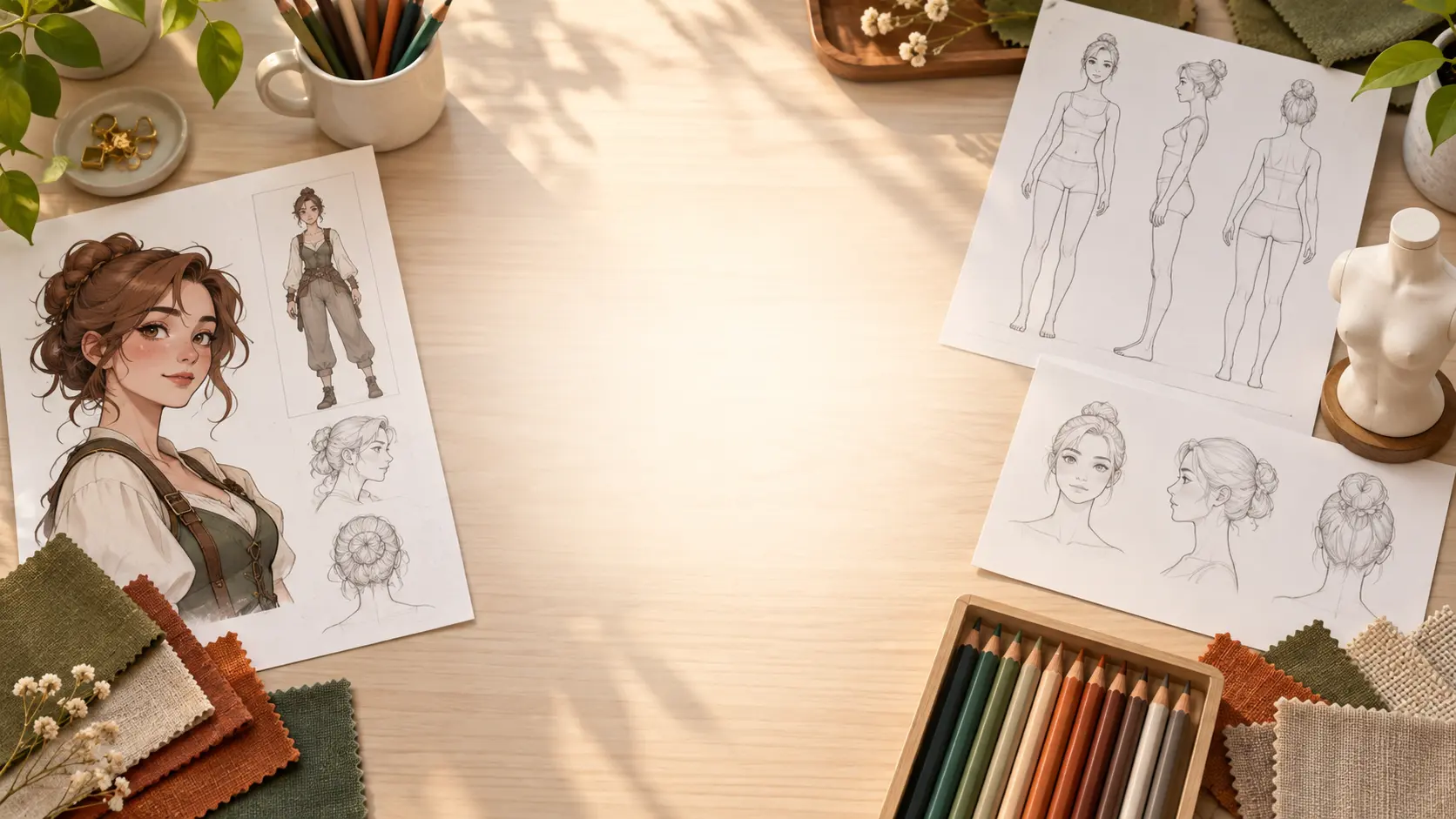
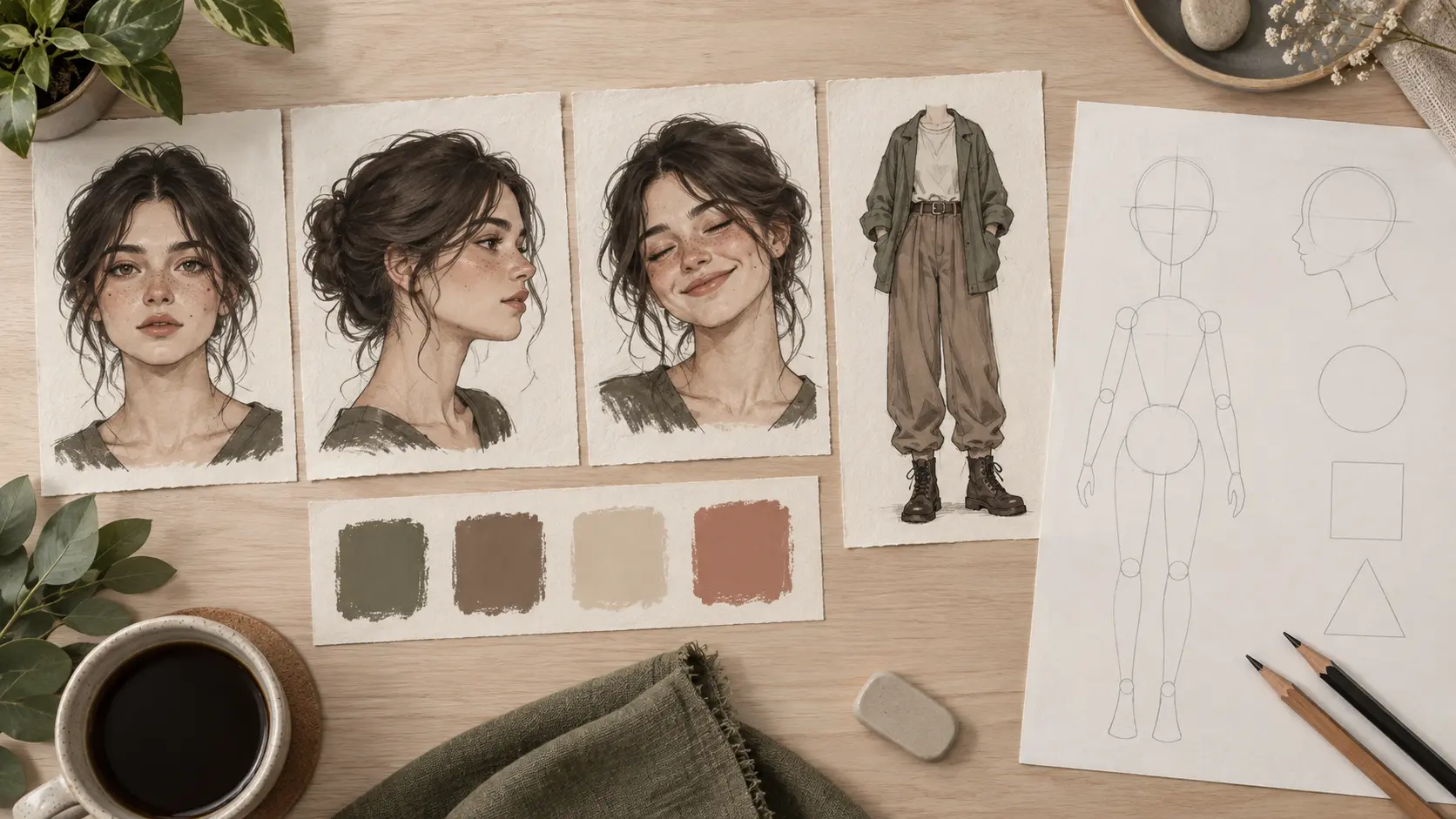
Character profile notes with portrait studies, color swatches, and clothing sketches

Build an Original Identity

Describe age range, facial character, hair, posture, expression, and clothing. The AI person generator can combine those traits into a fictional person without relying on a celebrity or a real photograph. Keep the description coherent so the face, age, and styling feel like one believable individual. Write the brief in complete sentences so age, styling, and role do not accidentally contradict one another.

Editorial person portrait in a warm workshop with props and natural window light

Place the Person in a Believable Scene

Give the subject a setting, time of day, activity, and camera distance. A person generator can connect the clothing and body language to the environment, making the image feel intentional rather than pasted onto a generic background. Add only the scene details that support the story. Name the light direction and weather when they matter because those choices affect skin tone and the believability of the scene.

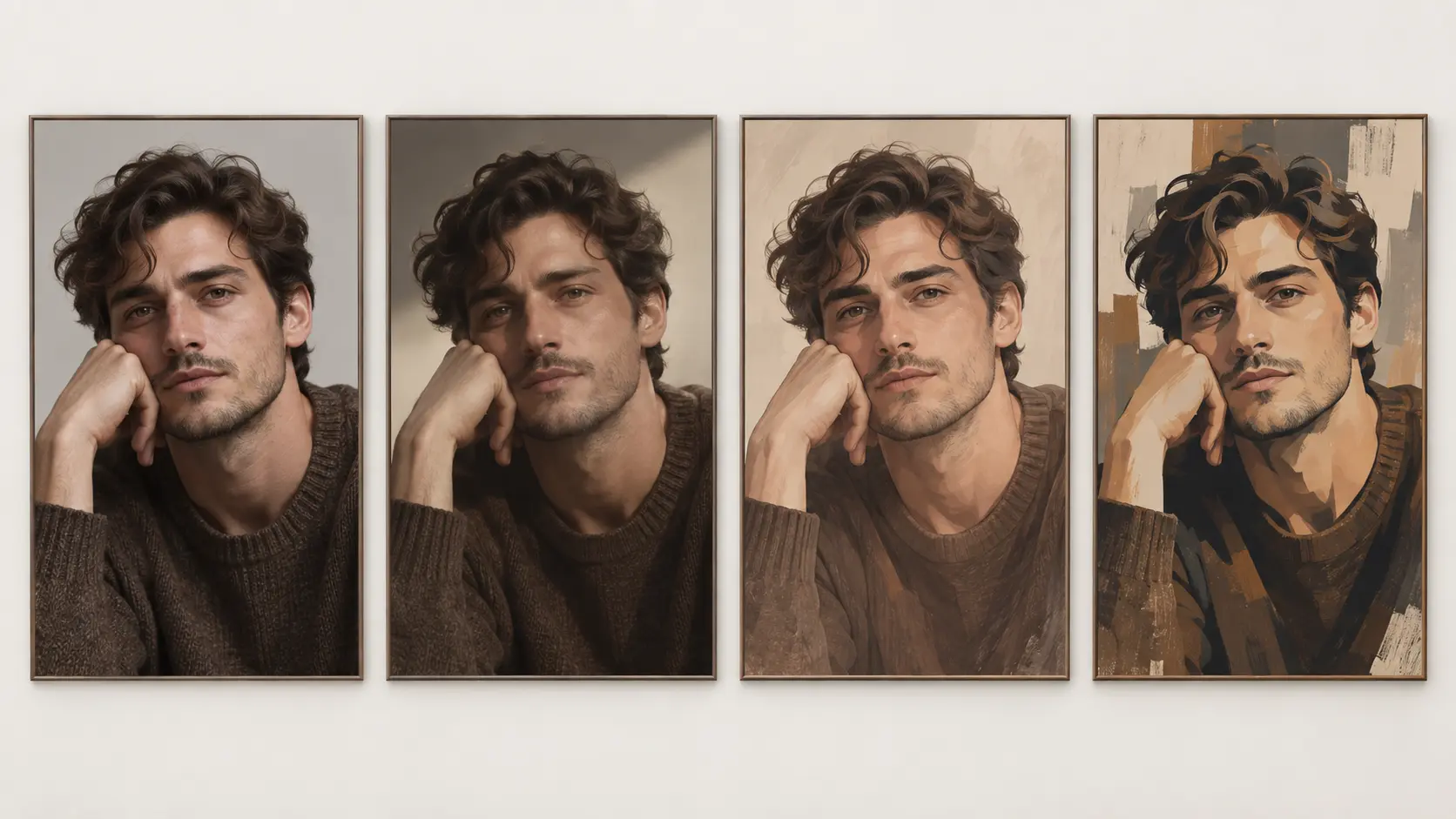
Four portrait directions shown in realistic, editorial, illustrated, and stylized treatments

Choose a Consistent Visual Style

Use photographic realism for a mockup, editorial light for a magazine concept, illustration for a character sheet, or anime-inspired art for a stylized project. The AI person image generator can keep color, lighting, and rendering consistent while you change the person or setting. Choose one render language before generating, then keep the AI person generator閳ユ獨 color and lighting rules fixed across the series.

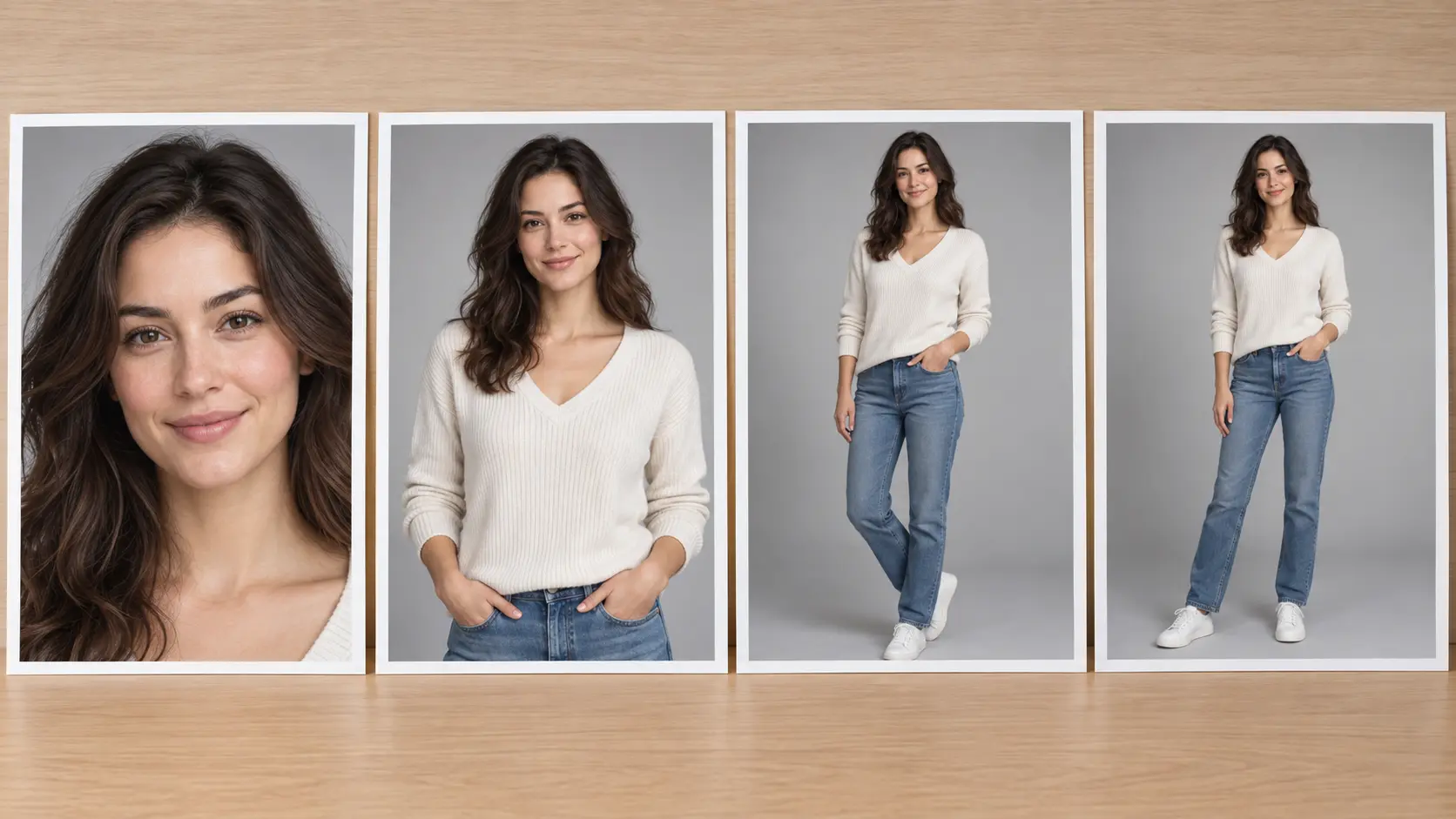
Portrait framing examples arranged from close-up to full-body composition

Control Pose and Framing

Specify close-up, waist-up, full-body, side profile, or three-quarter view. Pose and crop change what the viewer understands about the person. Describe where the hands should rest and how much environment to include so the result stays composed and usable at the planned ratio. State whether the image needs empty space for a title, caption, or product because that changes the best camera distance.

How to Generate a Person With AI

Three steps move from a character brief to a usable portrait and then to a controlled revision.

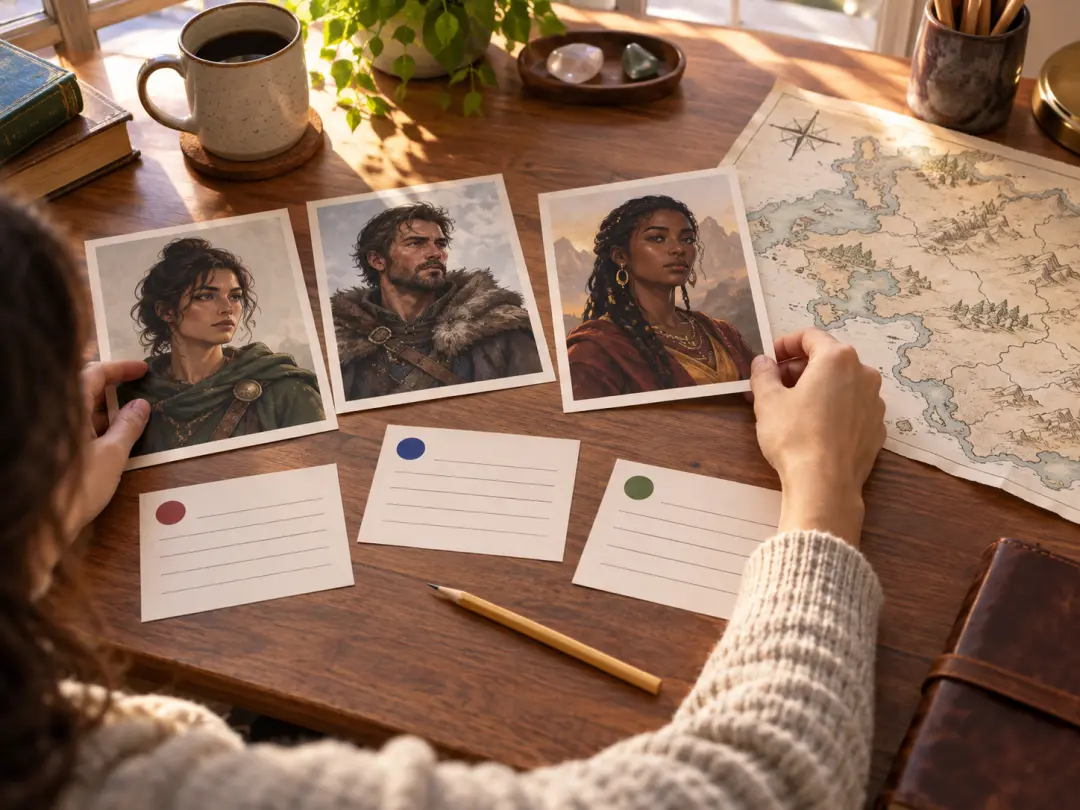
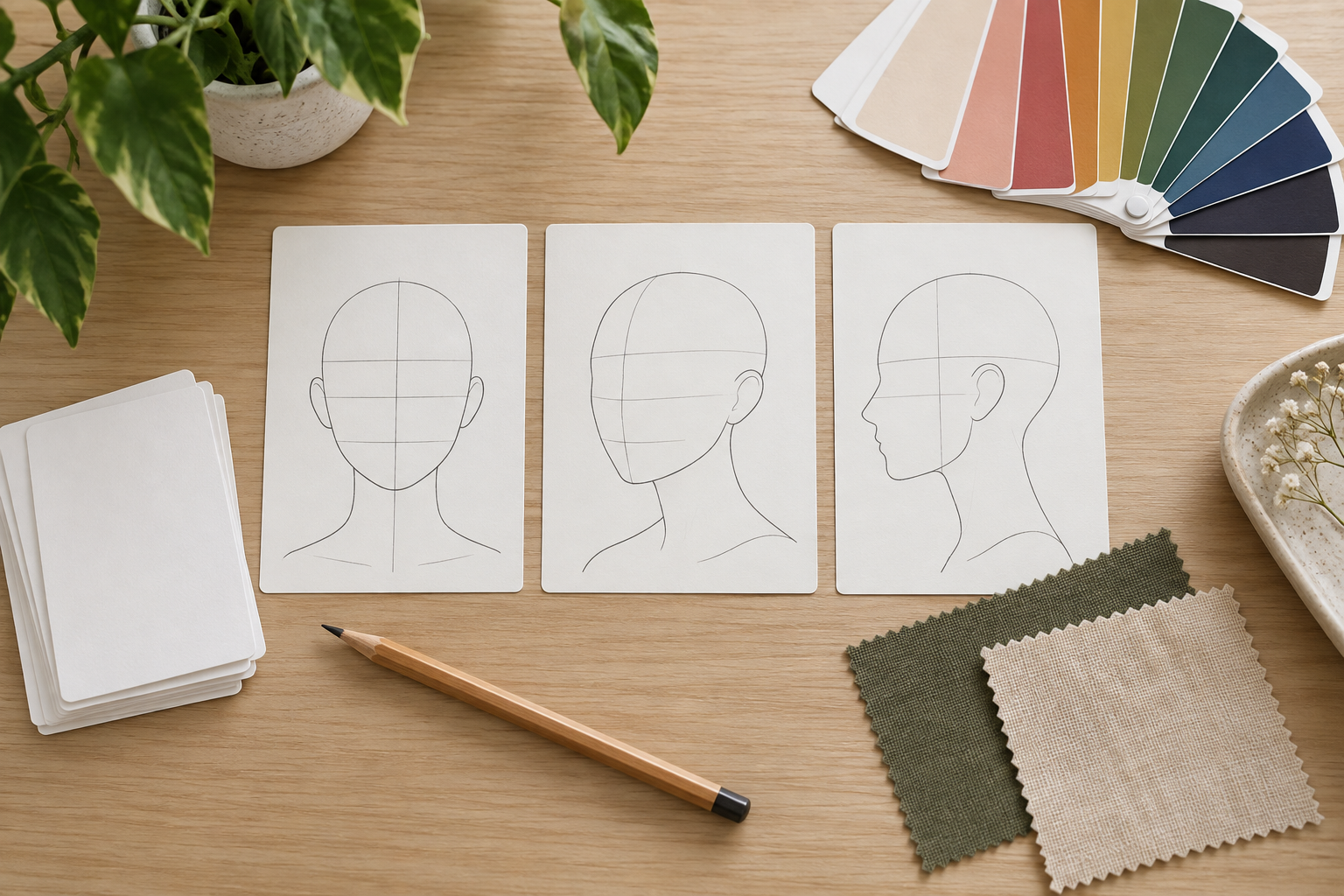
Planning table with blank character cards, portrait references, and color swatches

Step 01

Write the Person Brief

State the age range, role, expression, posture, clothing, and setting. Add the camera angle and mood if they matter. Avoid naming real people or mixing several conflicting identities in one prompt. A focused brief gives the AI person generator a stable target for the first result. Use a neutral expression when the person閳ユ獨 identity matters most, then vary emotion in a separate direction.
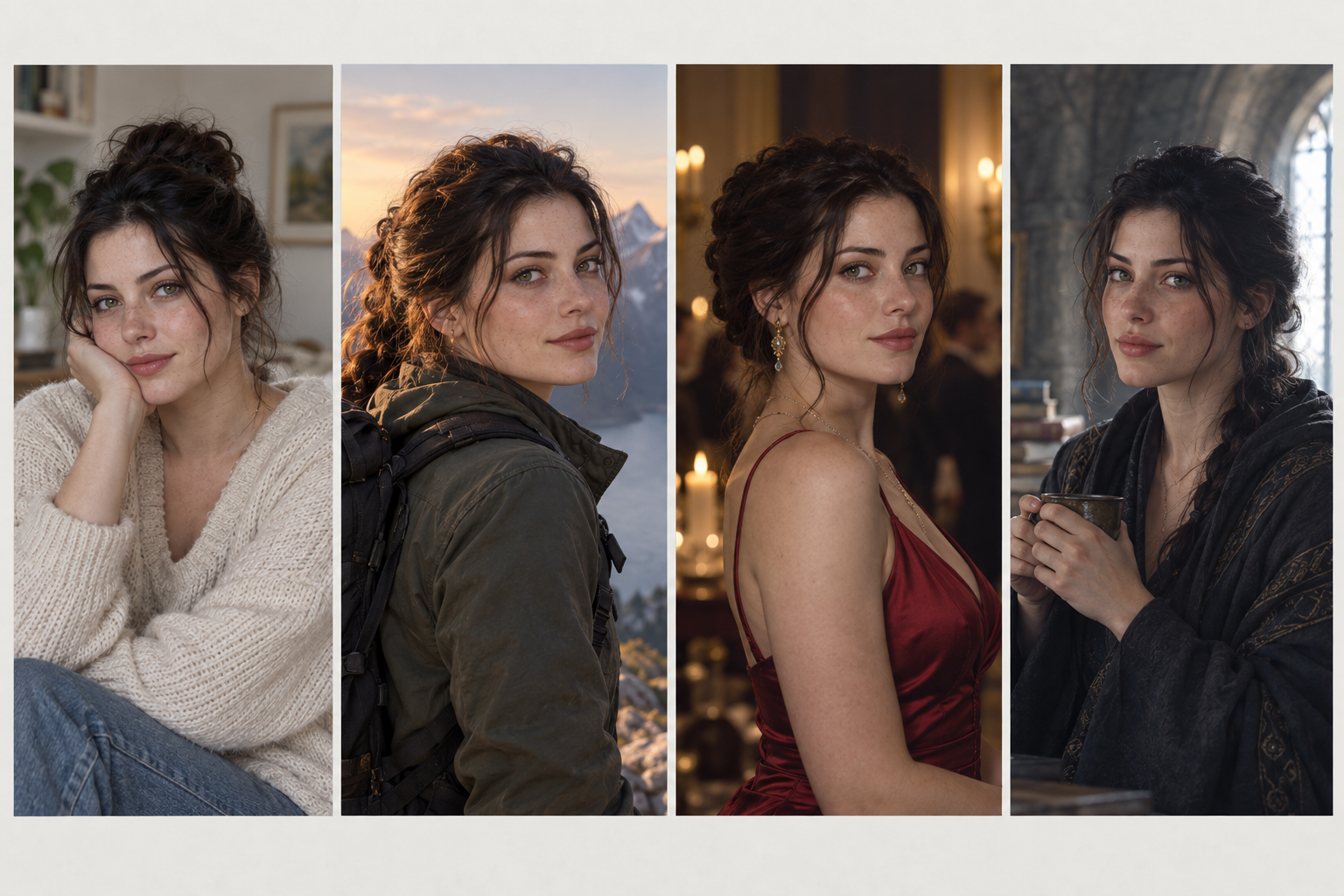
Four original fictional character portraits displayed together for comparison

Step 02

Generate and Compare

Ask the AI person generator to create several directions with the same core identity and different poses or environments. Review faces, hands, clothing, lighting, and scene logic before choosing a result. Keep the strongest version and note the exact elements that should remain fixed during revision. Keep the winning traits in a short saved description so later revisions do not introduce accidental changes.

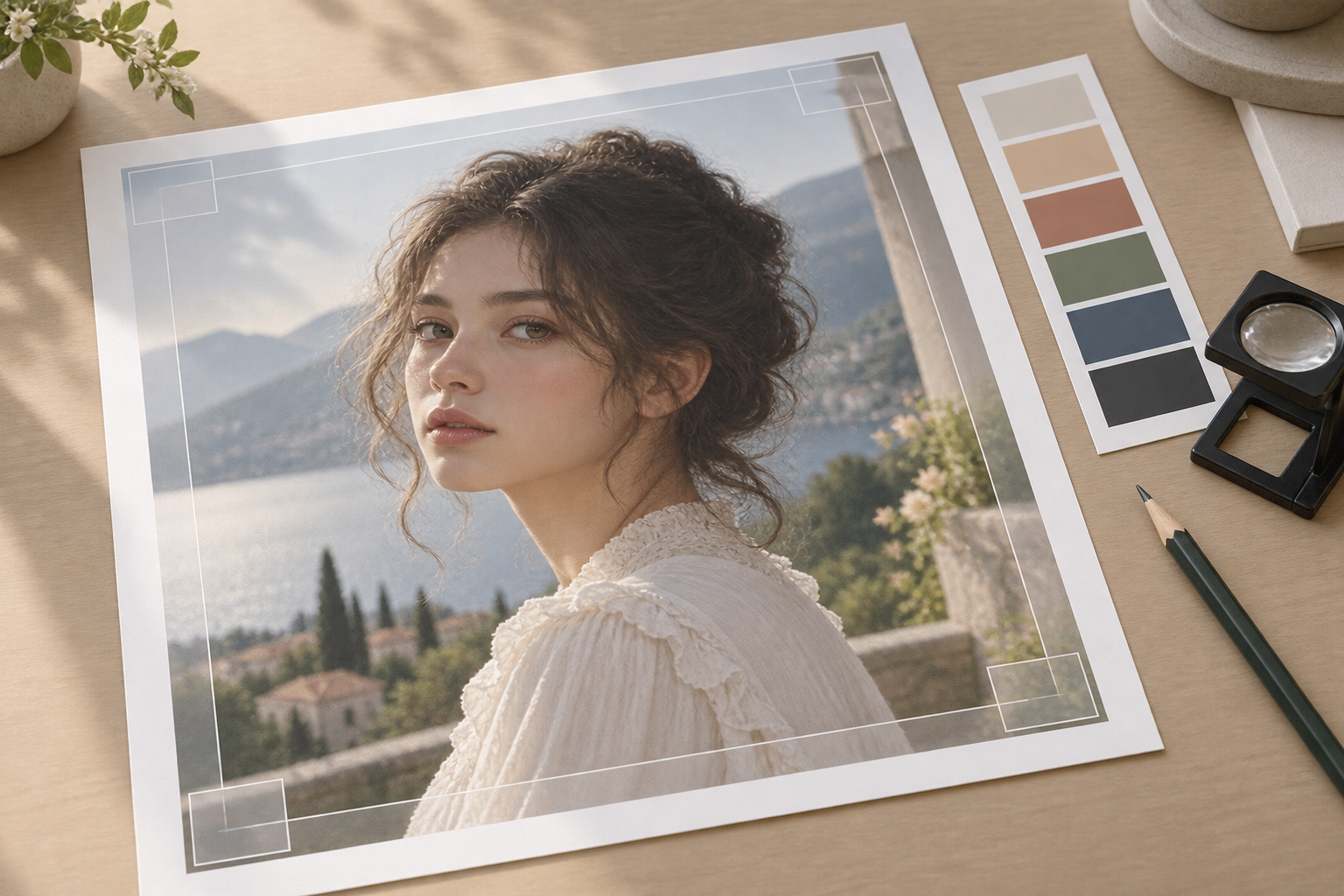
Original character portrait proof being refined with crop guides and color samples

Step 03

Refine the Final Image

Ask the AI person generator for one change at a time, such as a different expression, cleaner hands, a wider crop, or softer background detail. Do not replace the identity unless the concept needs it. Save the final person image in the ratio and resolution required for your presentation, storyboard, or mockup. If the same person will appear again, save the final description and any approved reference with the selected image.

Where an AI Person Generator Helps

Use fictional people for concepts and communication when a real model, photoshoot, or stock image is not practical.

01

Character Concepts

Explore a fictional role, costume, age, or emotional state before commissioning a final illustration or writing a detailed character sheet. Record the age, role, clothing, and key relationships in a short profile so later images can stay consistent with the concept.

02

Storyboards and Mockups

Place an original person into a scene to test framing, lifestyle context, or campaign direction without organizing a photoshoot. Keep the framing loose enough for captions or camera notes when the image will be used in a planning document.

03

Editorial Visuals

Create a portrait study for a mood board, article concept, or presentation when the person is meant to illustrate an idea rather than document someone real. State whether the image must look clearly fictional, because a photorealistic result can be mistaken for a real person or event.

04

Product and Service Scenes

Show how an activity, outfit, or environment could feel with a fictional person, then replace the image with approved photography before public launch if necessary. Leave safe space for a product, headline, or interface overlay instead of filling the entire frame with the subject.

Who Uses a Person Generator

Writer arranging original character portraits and blank story cards

Writers and World Builders

Visualize an original character, role, or relationship before describing it in a story, game, or screenplay.

Design team comparing original fictional people in a campaign mood board

Designers and Marketers

Test a composition, lifestyle scene, or campaign mood with a fictional person before production and approval.

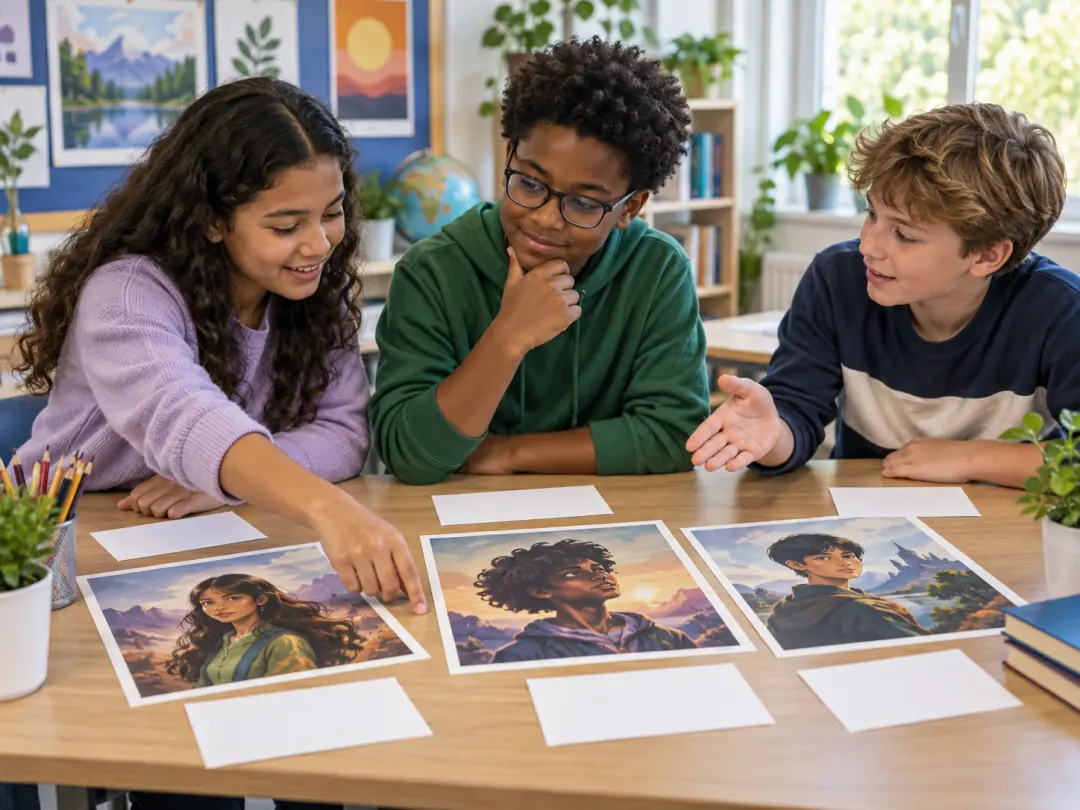
Students using original fictional portraits for a classroom presentation

Students and Presenters

Create a clearly fictional person to illustrate a concept, storyboard, or classroom project without using someone else閳ユ獨 likeness.

Benefits of an AI Person Generator

The workflow gives you a flexible fictional subject while keeping identity and concept under your direction.

No Real Model Required

Build a person for an early concept without casting, scheduling, or using a real person閳ユ獨 likeness in an unapproved context.

Fast Iteration

Change pose, clothing, setting, and style while keeping the core person brief, so you can compare directions quickly.

Consistent Creative Control

Define the visual language once and apply it across a series of fictional portraits, scenes, or character studies.

FAQ

AI Person Generator Questions

The AI person generator is intended for original, fictional people. Do not use it to impersonate someone, create misleading evidence, or use a real person閳ユ獨 likeness without permission. Describe an original identity and treat the generated image as a concept rather than a factual depiction. Do not describe a private individual or public figure from memory; build a fictional identity with original traits instead.

Give the AI person generator an age range, role or context, facial character, hair, expression, pose, clothing, setting, camera angle, lighting, and style. Keep the description coherent. Too many conflicting traits can produce an unstable face or a scene that does not match the person you described. Order the description from identity to scene and style so the most important constraints appear before decorative details.

Yes. Ask the AI person generator for full-body framing and describe the ground, shoes, hands, and surrounding space so the figure does not appear to float. Full-body images usually need more pixels and clearer pose direction than a close-up portrait, so review proportions carefully. Check the feet, hands, clothing drape, and ground contact because full-body composition exposes proportion errors that a portrait crop hides.

Review the current product terms before using an AI person generator commercially, and check the laws that apply to your market. Avoid presenting a fictional person as a real testimonial or factual expert, and do not imply an endorsement that has not happened. Get legal guidance for sensitive or regulated campaigns. Keep records of where the image was created and how it will be labeled if the project involves advertising, news, or regulated content.

Give the AI person generator the same identity description and keep the core traits fixed, then change only pose, clothing, or setting. A reference image can help when the workflow supports it. Inspect facial structure each time because small changes can make the person look like someone else. Name the character閳ユ獨 most distinctive facial and styling traits explicitly, and avoid changing age or background unless the story requires it.

No. An AI person generator can work from text alone, which is useful for fully fictional people. A reference is optional when you need to guide a silhouette, outfit, pose, or visual style, and you must have permission to use any uploaded image. A text-only AI person generator is useful for fictional concepts, but a reference may still help when pose or wardrobe accuracy matters.
Bright character design table with original portrait studies and neutral studio materials

Create an Original Person With an AI Person Generator

Write a clear identity brief, generate a portrait direction, and refine the person for the exact scene or format you need.

Get Started
AI Person Generator - Create Original People From Text