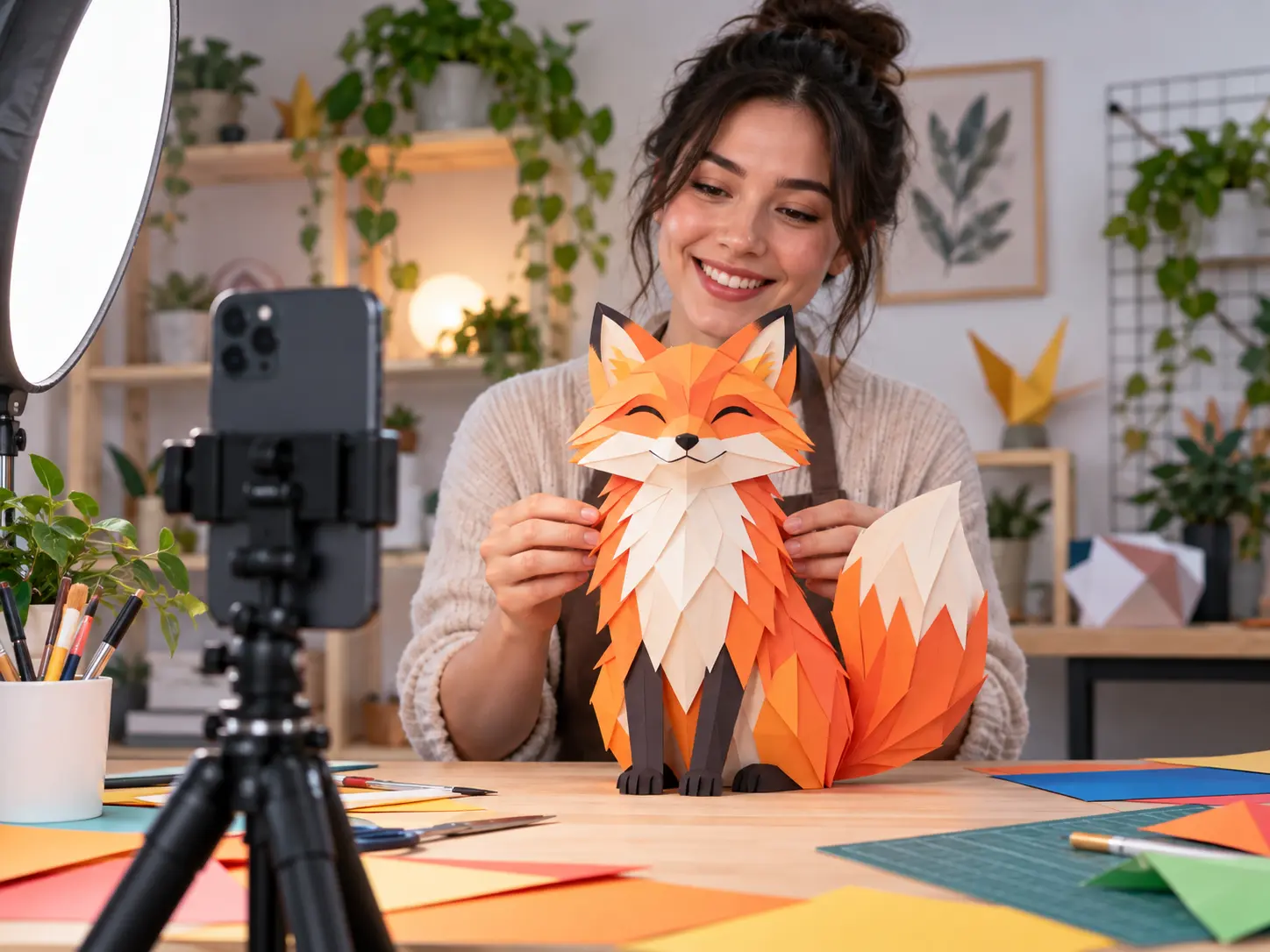
Step 01
Provide the intro idea and references
Write the opener concept, project name, and short title. Add images, video, audio, or a Logo, then use @ to assign each reference a role.

Creator controlled intro clips
VideoAI helps you turn an intro idea, short title, Logo, references, and timing notes into a standalone MP4 intro clip.

Start with your concept or a preset intro template, then decide what appears at each moment before VideoAI generates the clip.
Step 01
Write the opener concept, project name, and short title. Add images, video, audio, or a Logo, then use @ to assign each reference a role.

Step 02
Choose 16:9, 9:16, 1:1, or 4:5, set the visual direction, and describe when the scene, subject, text, Logo, voice, music, and sound cues appear.
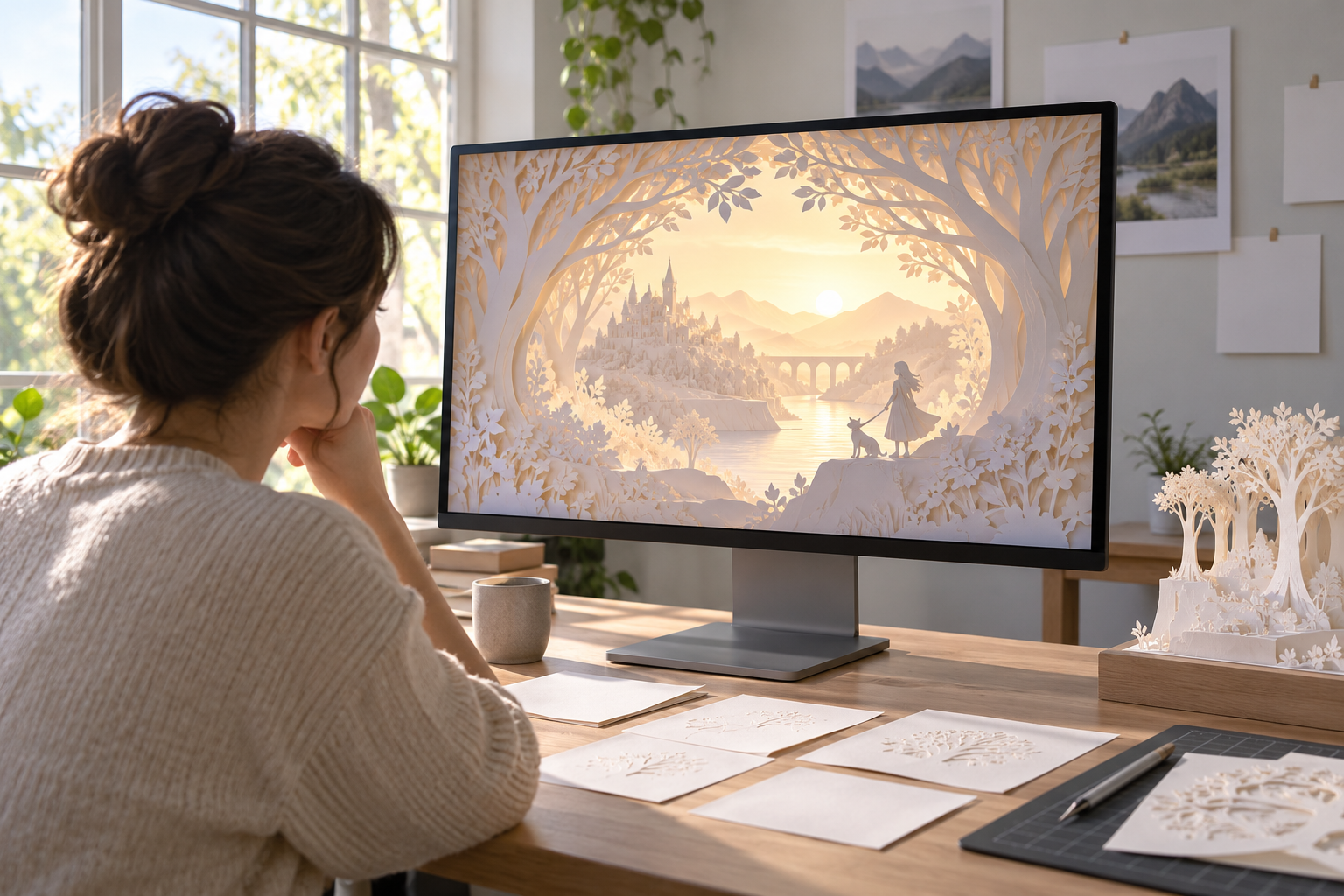
Step 03
Preview the generated intro, tell VideoAI what to adjust in the picture, motion, or rhythm, then download a standalone MP4 up to 4K.
Use the ai video intro generator when the first seconds need a clear visual identity before the main video begins.
A channel creator can keep recurring episodes recognizable by planning a shared title style, Logo moment, visual direction, and sound cue in VideoAI.
A marketing team can set the same opening tone across a group of campaign videos by reusing project names, reference visuals, and by second pacing notes.
An independent creator can introduce a name, work focus, and selected visuals in a short MP4 intro before placing it into a wider showreel workflow.
When the idea is already clear, start from a written prompt and references instead of browsing templates, while keeping control over each segment.

Channel creators can use VideoAI to define a repeatable opening with a channel name, short title, Logo reference, and sound direction for each new series.
The ai video intro generator keeps planning in your hands while VideoAI turns those choices into a finished intro clip.

Define what happens first, when the subject appears, how short text enters the scene, and where the Logo and sound cues belong in the opening.

Use text, images, video, audio, and Logo references together, then mark each one as the subject, first frame, scene, camera movement, music, or another guide.
Begin with a preset intro template when you need a starting structure, or describe the full opener from scratch when the concept is already defined.

After the first version, ask VideoAI to change the picture, action, or rhythm in words, then continue until the standalone MP4 fits the opening you planned.

Bring your idea, references, title, Logo, timing notes, and sound direction into VideoAI, then generate the intro clip as an MP4.
Get Started