

Step 01
Describe The Branded Bookends
Write the video topic, the opening phrase, and the closing message. Add a logo, reference image, reference video, music, or narration when those materials should guide the result.


Creator Controlled Openings
VideoAI helps you plan branded openings and endings with logo, text, music, timing, and aspect choices in one guided video workspace.
Partnering with global industry leaders to power your creativity output


The intro and outro maker keeps the opening and ending in the same workspace, so your channel cues, logo, text, and sound references stay aligned.

Matched intros and outros give each video a recognizable start and close. Set the channel tone once, then use the same logo, reference images, and text direction as you build.

A short opening needs a clean beat, and a closing card needs room to breathe. In VideoAI, you set each segment by seconds, including action, title text, and music changes.
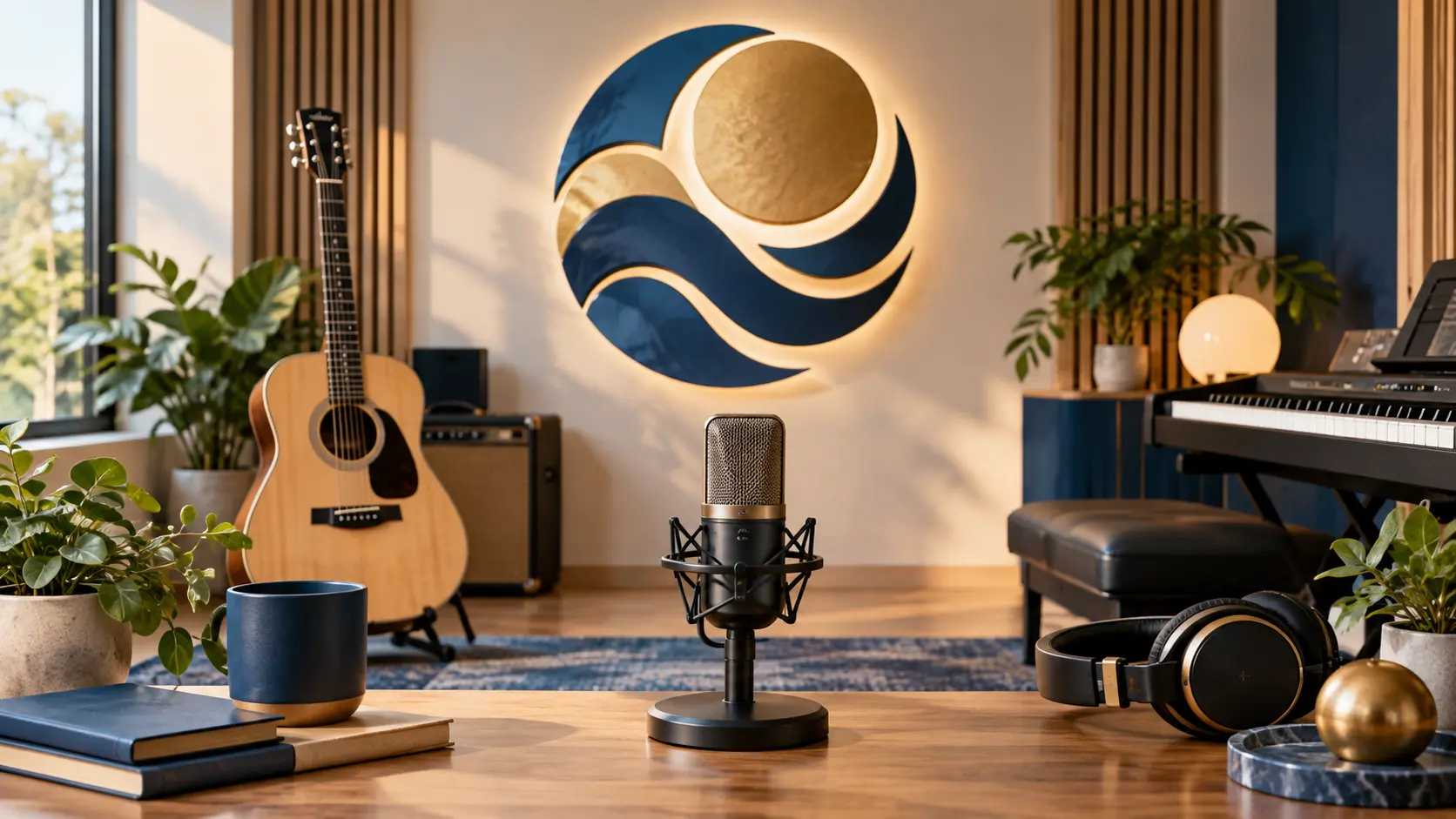
Logo marks, on screen copy, voiceover, background music, and sound effect references can sit inside the plan. Use @ to tell each asset where it belongs.

Begin from a template, choose a preset, or describe the storyboard from scratch. VideoAI follows the planned shots, text, motion, and audio references when generating.
Move from creative intent to an exported video by making each visible decision before generation.
Step 01
Write the video topic, the opening phrase, and the closing message. Add a logo, reference image, reference video, music, or narration when those materials should guide the result.

Step 02
Place each intro and outro moment by seconds, then use @ to mark whether an asset should guide the logo, visual reference, music, voice, or sound effect.

Step 03
Review the generated video, choose 16:9, 9:16, 1:1, or 4:5 for the placement, and use text instructions to adjust the result before exporting without a watermark.
Use the intro and outro maker when the opening decision and closing decision both affect viewer context.
YouTube channels often need a recognizable opening and a clean close for subscriptions or recommendations. Build the pair in VideoAI, keep logo and text cues consistent, and choose the ratio for long videos or Shorts.
A tutorial needs the viewer to know the lesson before the first step begins. Set the title text, pacing, and voice reference so the intro frames the topic and the outro closes with the next action.
For campaign videos, a small team can bring the logo, product message, and music cue into one plan. The result is a repeatable opening and ending package across social placements.
When the closing frame needs space for platform elements, reserve that area in the visual plan and keep the callout text away from it. Pick this when recommendations or subscribe prompts matter.

Channel operators can use an intro and outro maker for youtube episodes, Shorts, and recurring series. VideoAI lets them reuse logo, title text, music references, and aspect choices as the channel package develops.

Tutorial creators need a clear start, chapter mood, and closing prompt. They can describe the lesson, add narration or music references, and time each visible beat before generation.

Small brand teams can keep product videos and client clips aligned with shared logo, copy, and sound references. The workspace preserves generated work as a starting point for later versions.

Bring your logo, words, timing, and sound references into VideoAI, then generate a video bookend pair ready for your chosen aspect ratio.
Get Started