Animate Photo AI Free

Upload one still photo, guide subject and camera motion with a prompt or optional reference video, then export an MP4. New users get 10 starting credits after login for an animate photo ai free workflow.

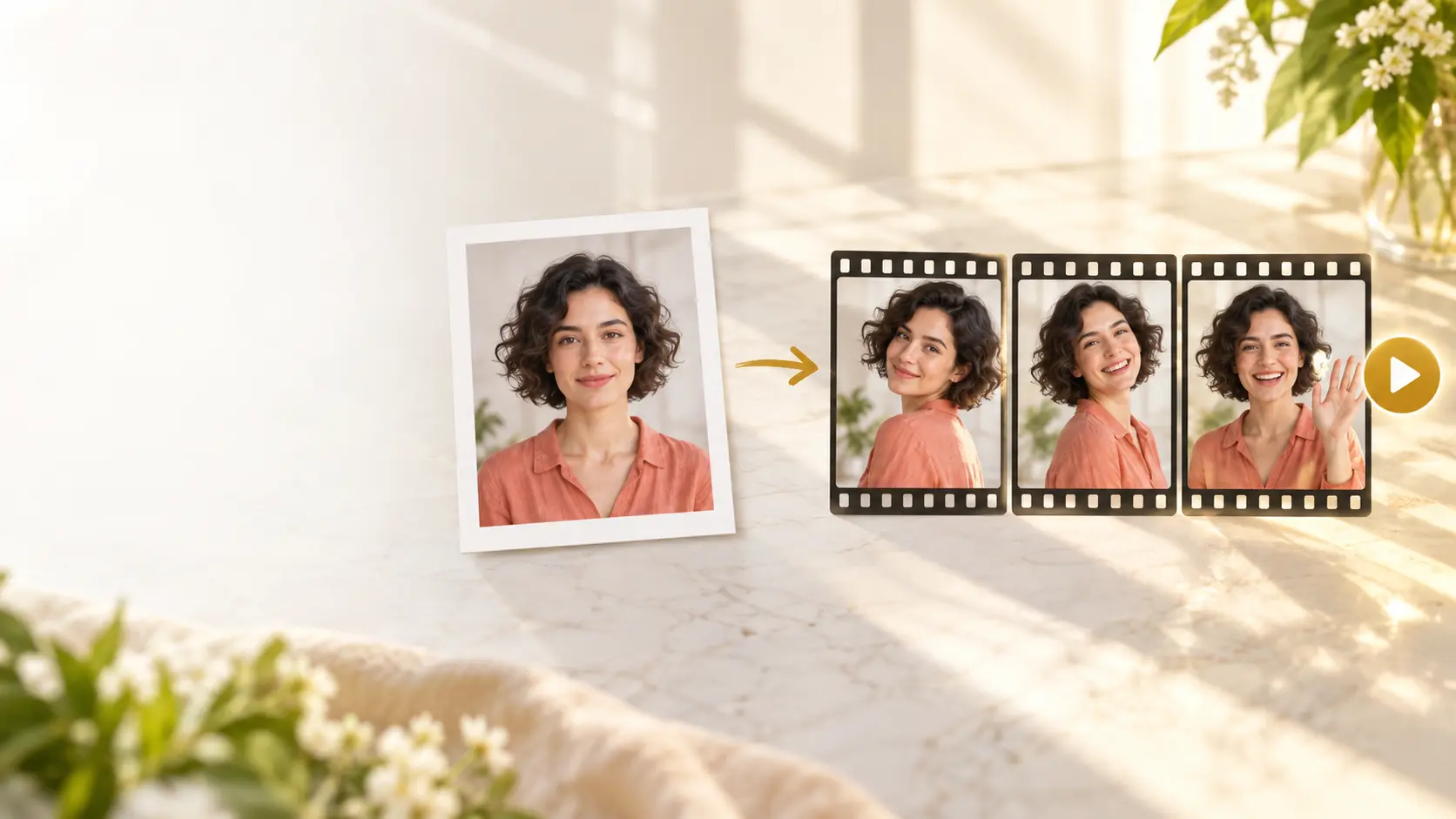
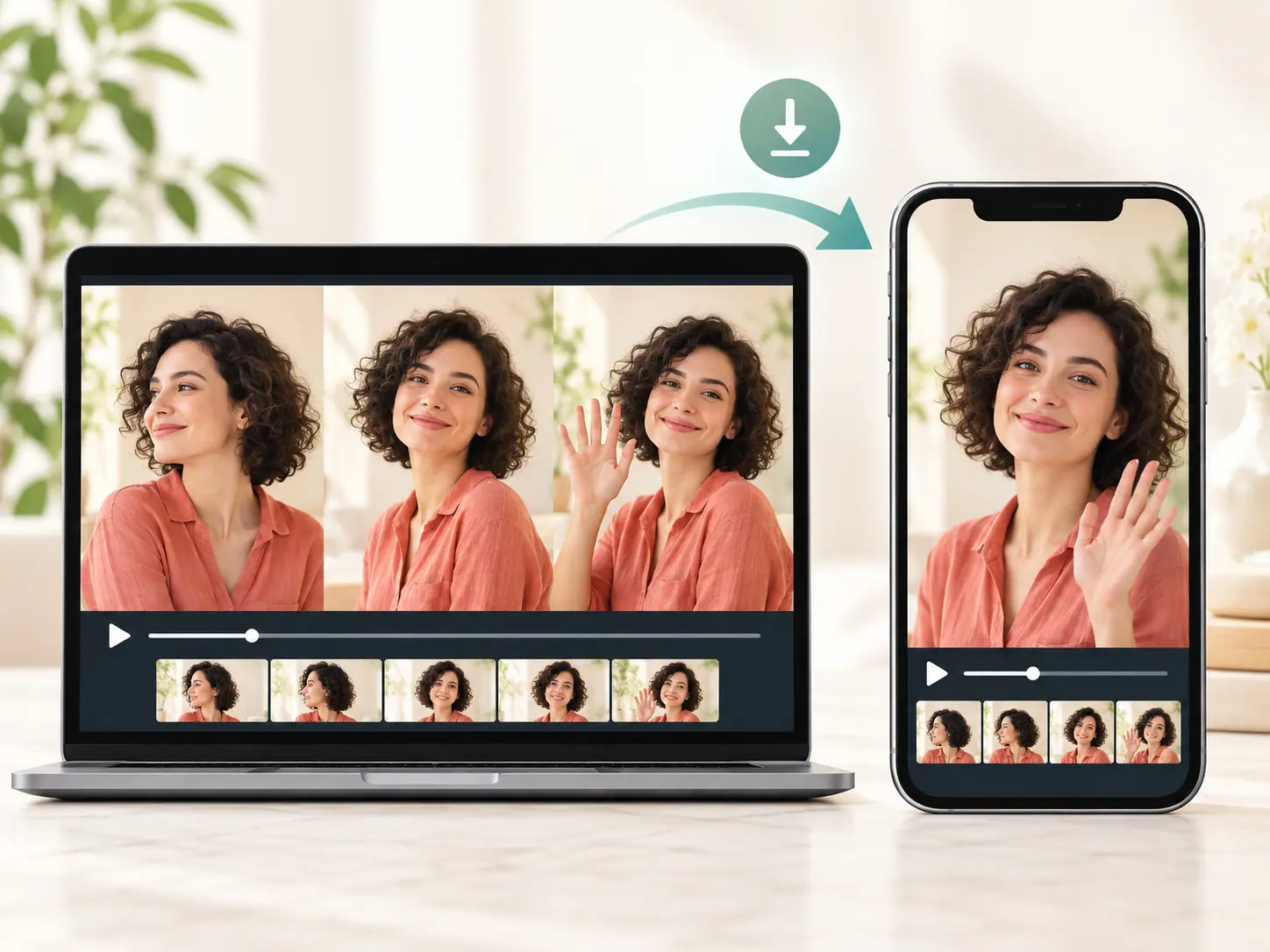
One still portrait becoming a sequence of animated video frames

Plan each animate photo ai free clip

Pick the moment you need to show, then use VideoAI as an ai image animator or ai picture animator for visible subject motion, camera direction, and MP4 output.

01

Short video posts

An animate photo ai free project can begin with one strong portrait or character still for a vertical post. Upload it, describe the gesture, and use animate images with ai prompts to turn the idea into a social clip with clear motion.

02

Memory video moments

An old family photo needs a quiet movement for a remembrance edit. The photo animator ai flow lets you animate photos with ai, then export ai animated photos as MP4 memory clips.

03

Brand product variants

A team may need a product image or brand character to move for a campaign cut. Use animate picture ai control in VideoAI to describe the scene, camera move, and transition when you animate pictures with ai.

04

Character motion tests

An illustrator can place character art beside a reference action video and decide whether the movement fits. The ai animator from image path supports ai animate a picture tests for review.

Creators who need motion choices

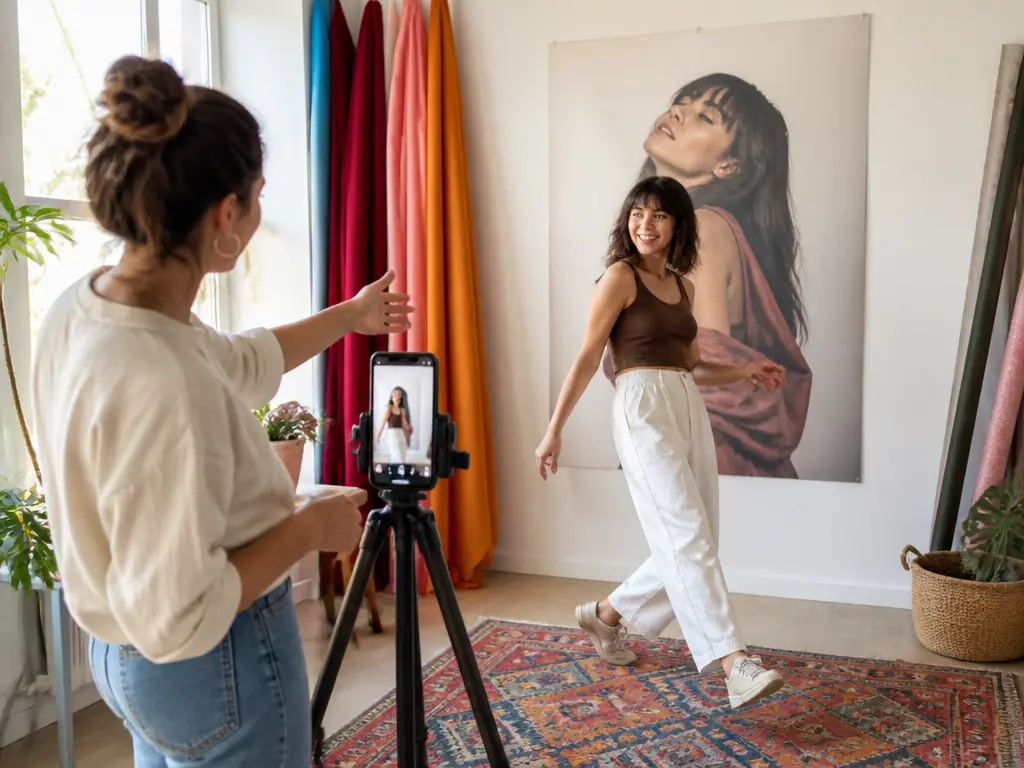
Short video creator filming a woman moving in a bright studio

Short video creator

When using animate photo ai free for a post, choose a prompt for how the person, pet, or character moves and how the camera follows. VideoAI helps a creator make a picture move and animate with AI. Use AI to animate photos, then export portrait or landscape MP4 drafts for feeds and campaigns.

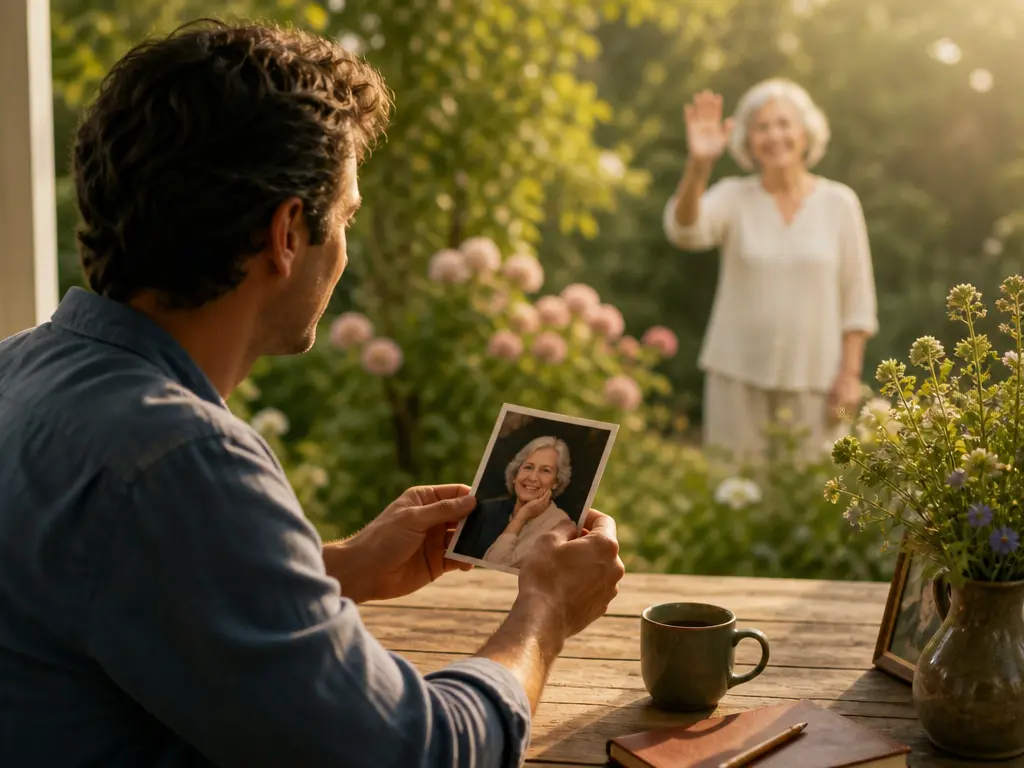
Family video maker holding a portrait as its subject waves in a garden

Family video maker

A single photograph can become a measured memory clip. Turn the still into a moving photo with a wave, glance, or small camera push. Use animate a picture AI phrasing for a general still, or animate a photo AI when the source is a portrait.

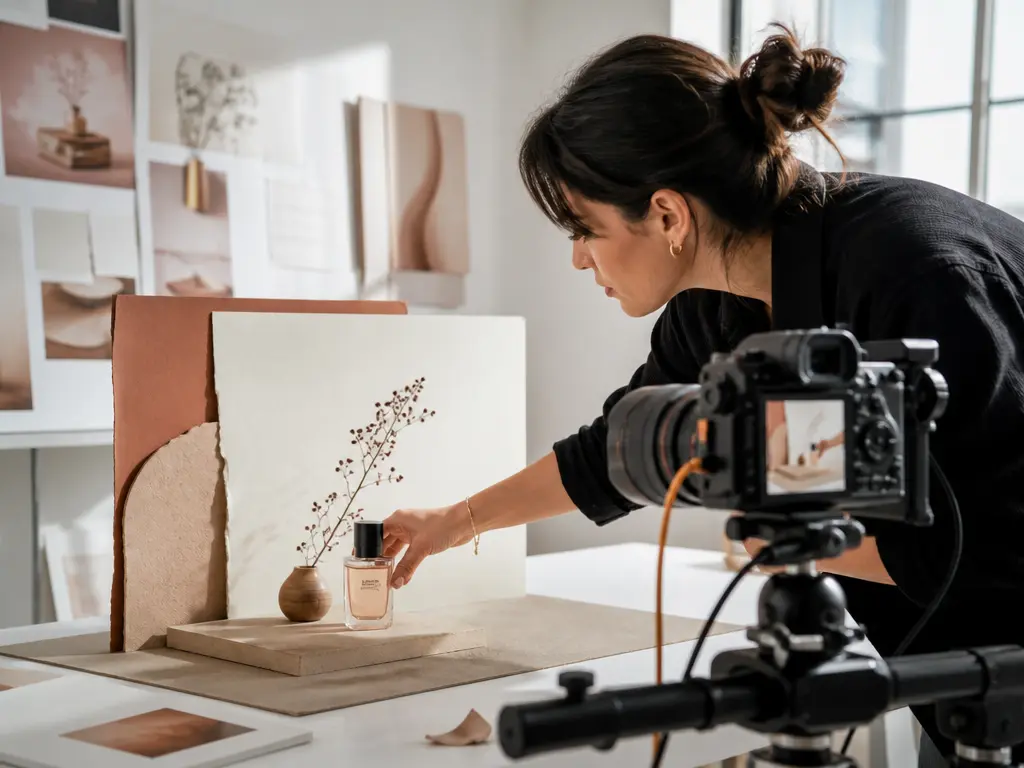
Brand content designer filming a product arrangement in a daylight studio

Brand content designer

For product images or brand characters, put a picture in motion before a campaign edit. This AI picture animation workflow gives an AI that animates pictures or an AI that animates images clear reference roles when the clip needs a deliberate action choice.

Control animate photo ai free motion

Use VideoAI when animate image ai or ai to animate image searches turn into a real creative decision: what should move, how the camera should travel, and which references should guide the result.

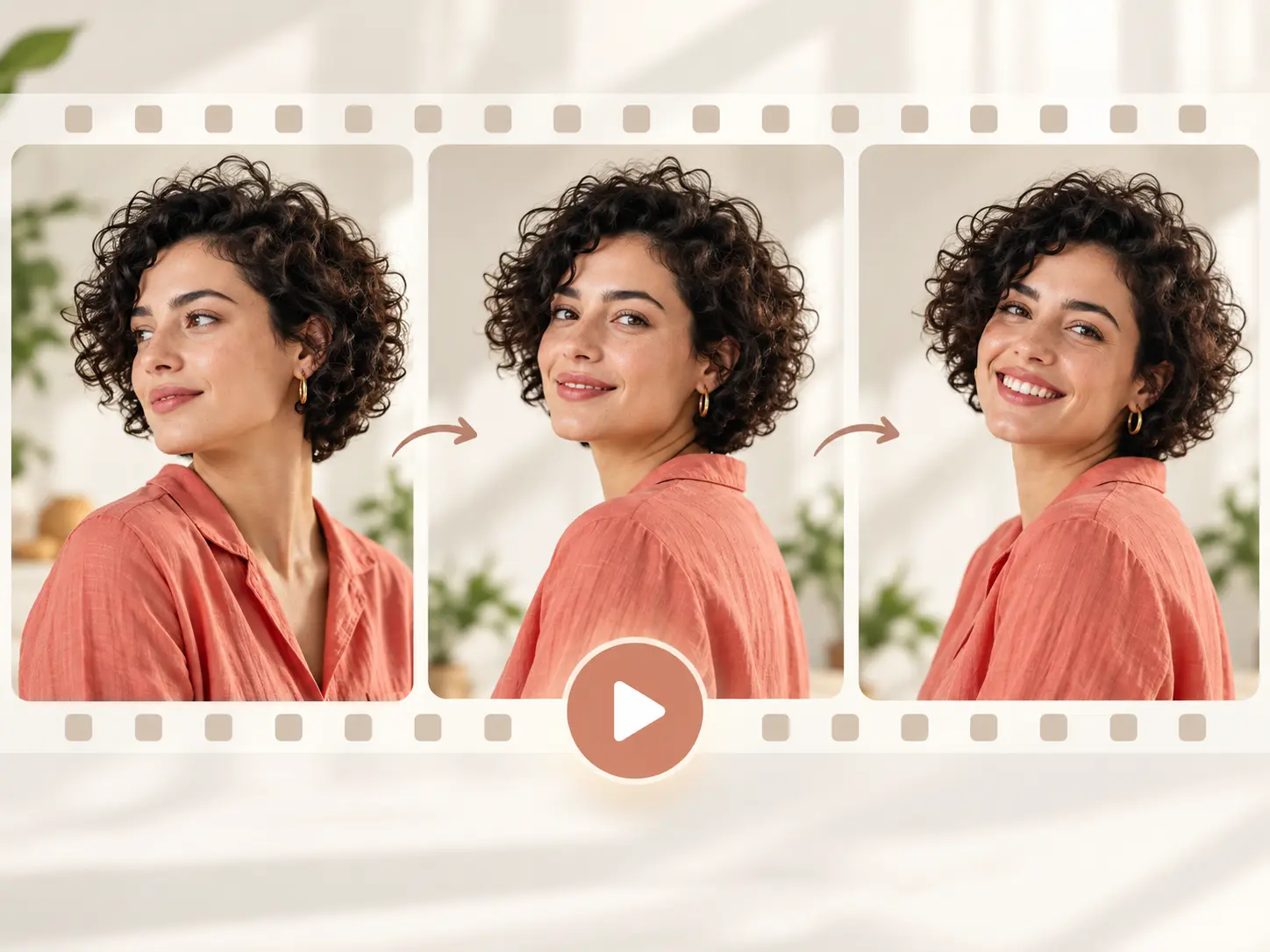
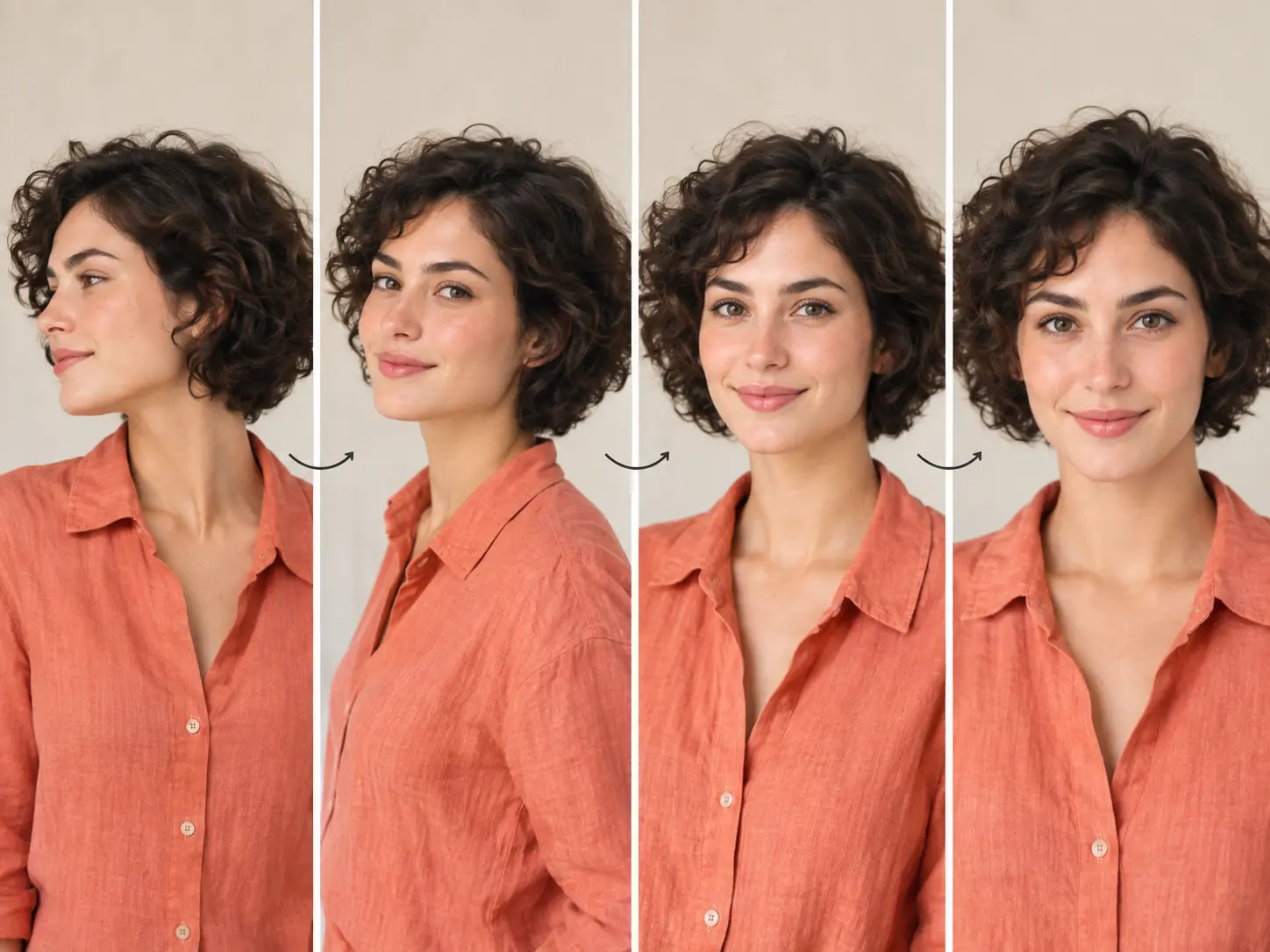
Still portrait and consecutive frames showing a prompt guided head turn

Prompt led motion

For an animate photo ai free workflow, describe the subject action, camera movement, scene, time segment, and ending frame. A clear prompt can make a photo move, make images move, or add motion to photos while keeping the result tied to a generated video. To animate image with AI controls, state what changes at the start, middle, and end.

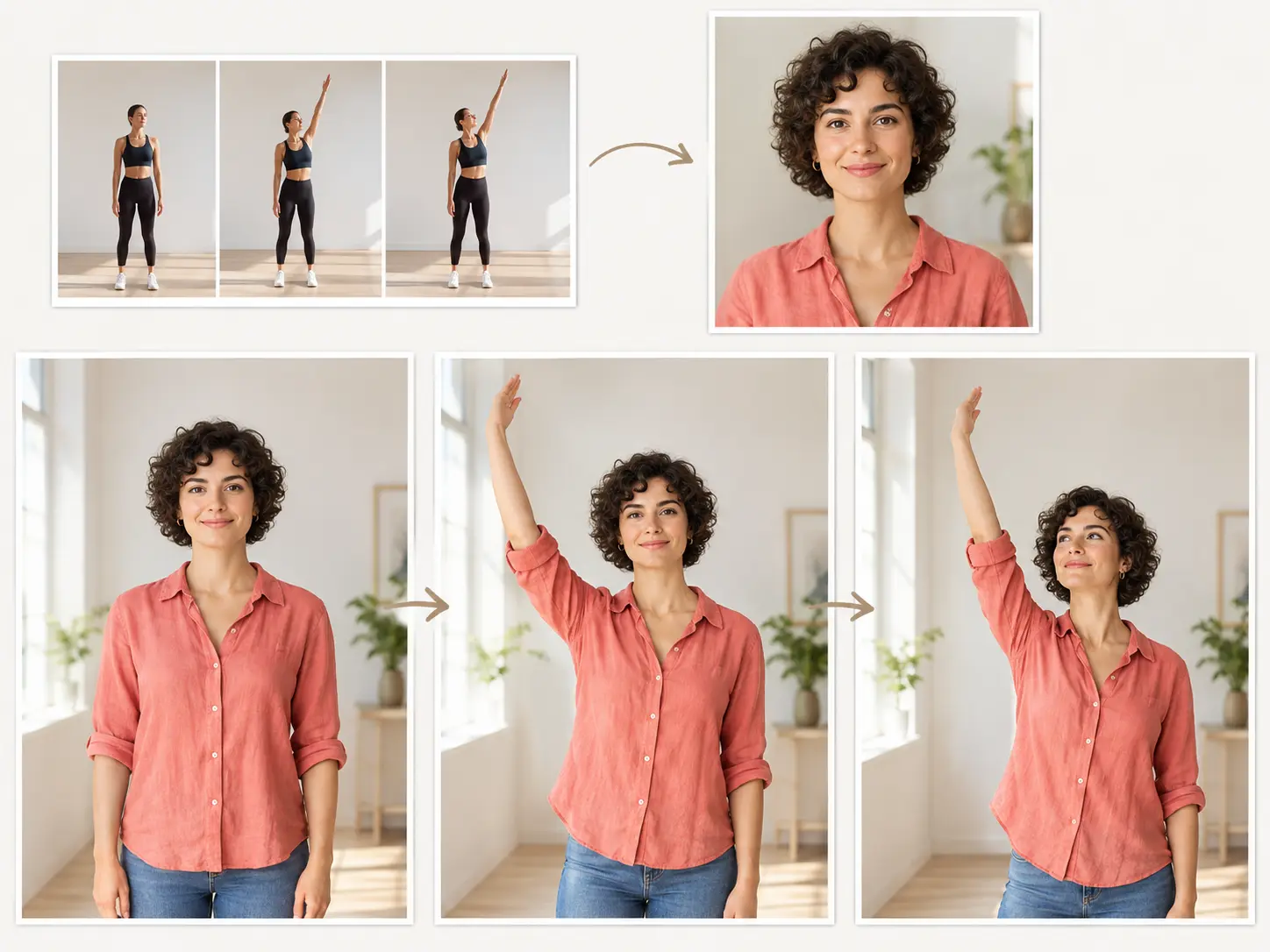
Reference movement guiding the same photo subject through an animated pose sequence

Reference video movement

When the action is easier to show than write, add a reference video and state its purpose. For an AI that makes pictures move from a demonstrated action, the motion reference can guide the uploaded subject while keeping it recognizable. VideoAI can use that reference to AI animate a photo or AI animate a picture.

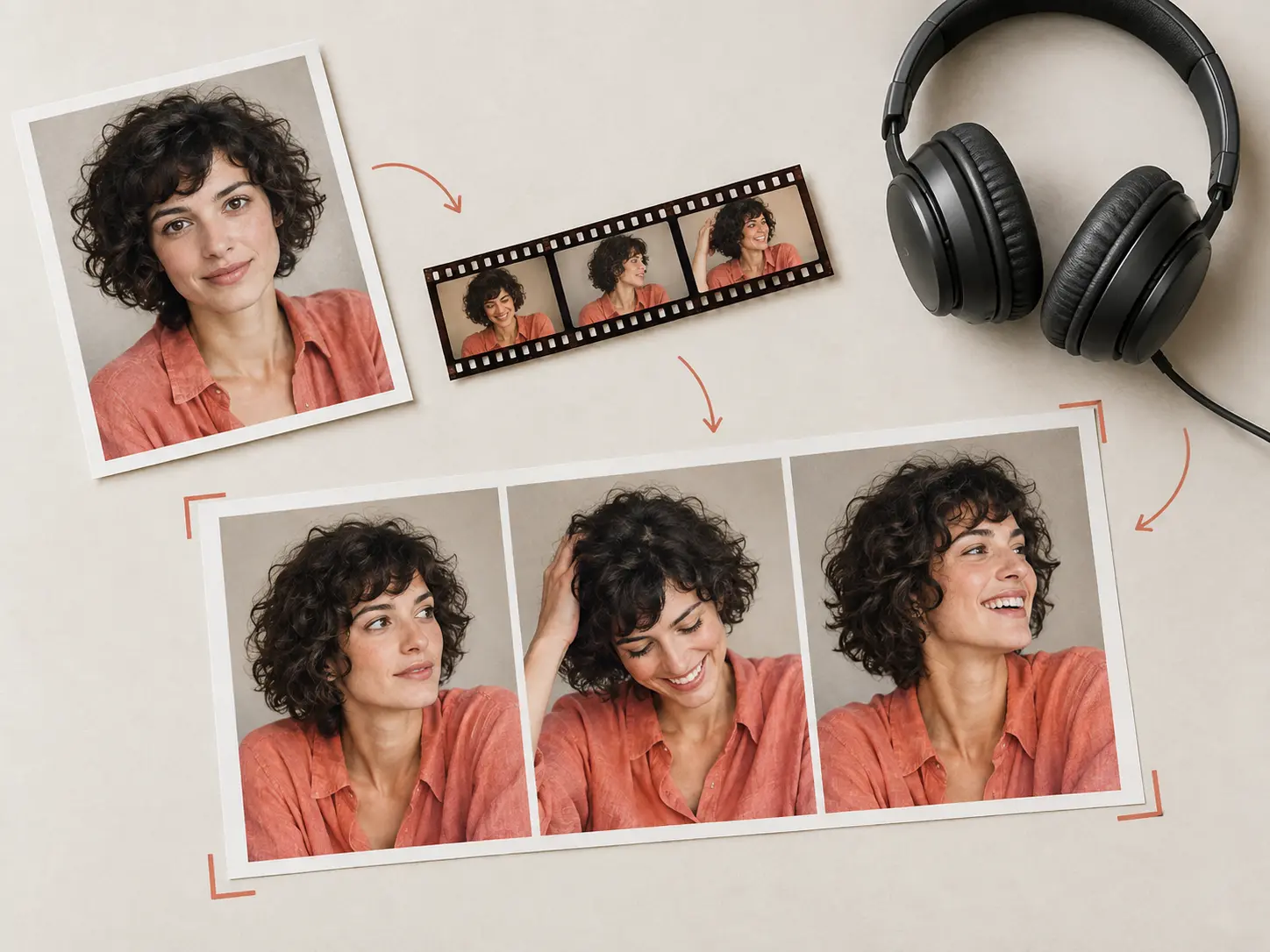
Image video and audio references combining into an animated photo result

Mixed reference guidance

Combine text, image, video, and audio references, then tell VideoAI what each one should guide. This image animator AI workflow can add movement to photos and supports AI to animate images or AI animate images with clearer boundaries for subject motion, camera direction, scene, and sound.

The same animated photo sequence previewed in landscape and portrait video frames

MP4 export choices

Review AI image movement in landscape or portrait ratios, then download an MP4 up to 4K with no visible watermark. The workflow supports commercial use and batch generation, subject to the rights in your source material.

Build each clip in order

The animate photo ai free workflow keeps decisions clear: provide the image, guide the motion, review the video, then refine by text when needed.

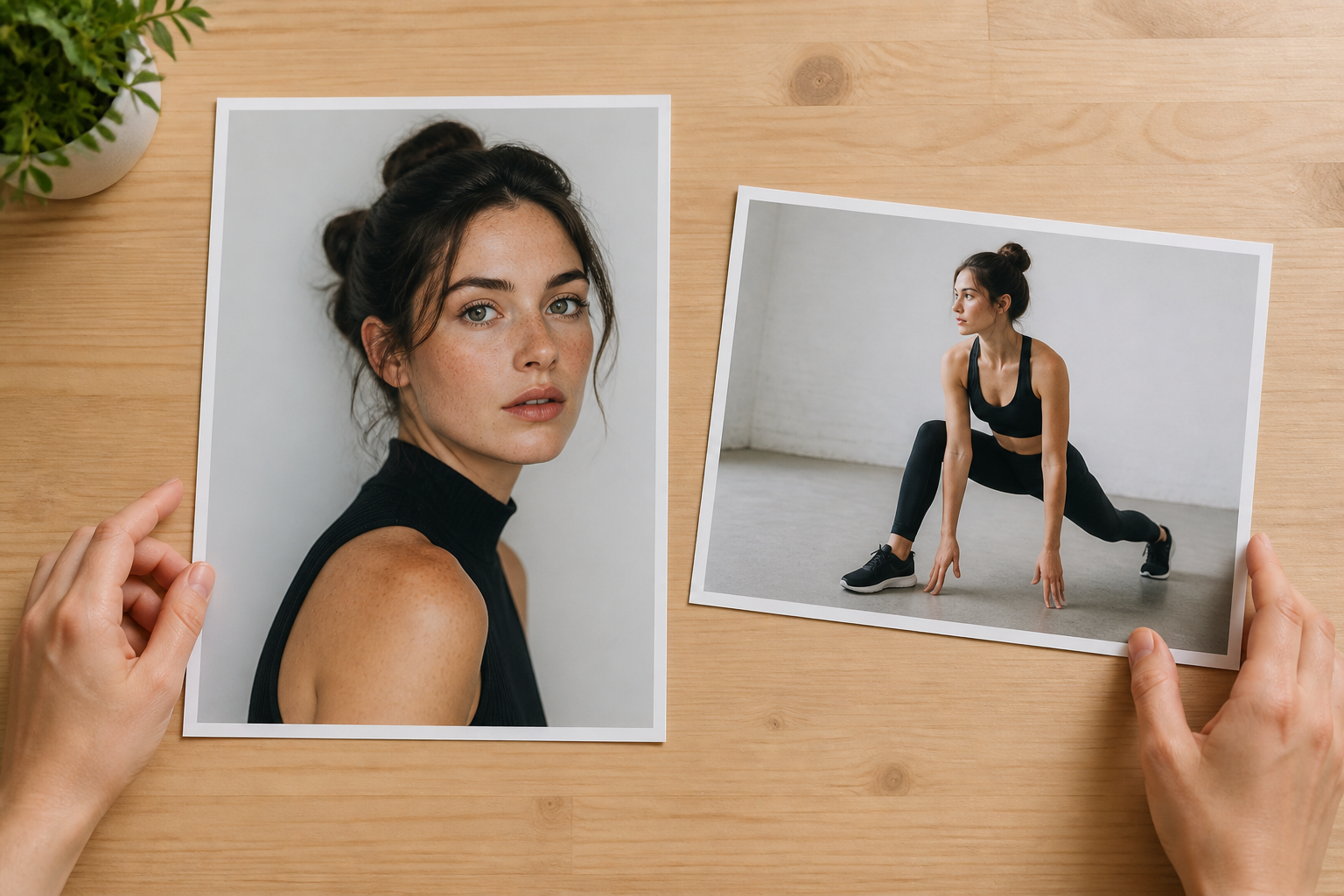
Hands arranging portrait and action reference photographs on a desk

Step 01

Upload the still image

An animate photo ai free project starts with a static photo or character image. Add image, video, or audio references when they help, and mark each reference by purpose. This image to motion AI setup keeps every source and role clear.
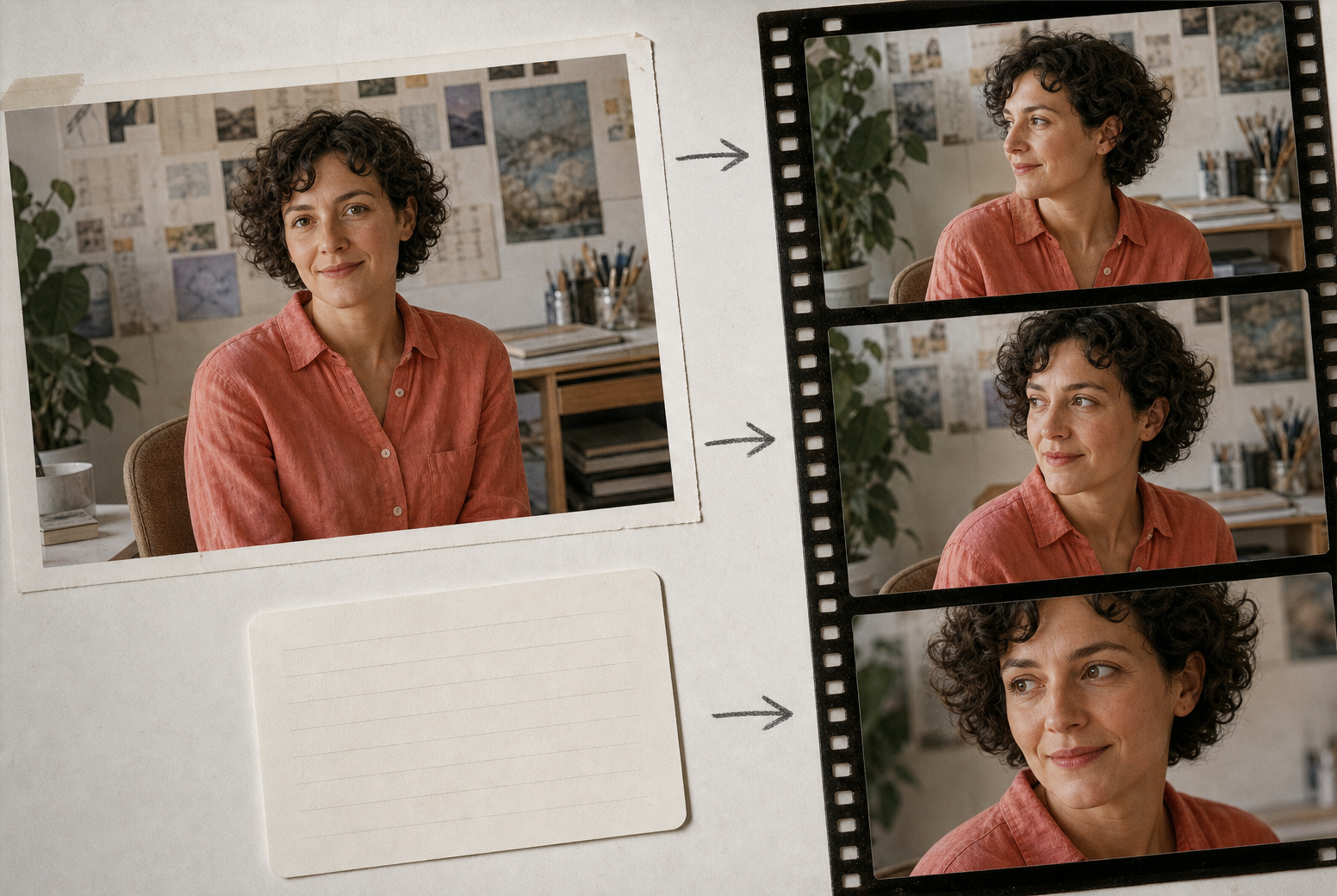
Still portrait connected to guided motion frames with subject and camera direction

Step 02

Describe the motion

Write what the subject does and how the camera moves. For complex action, use time segments, scene details, transitions, or a reference action video so the system can make photos move with the intended rhythm.

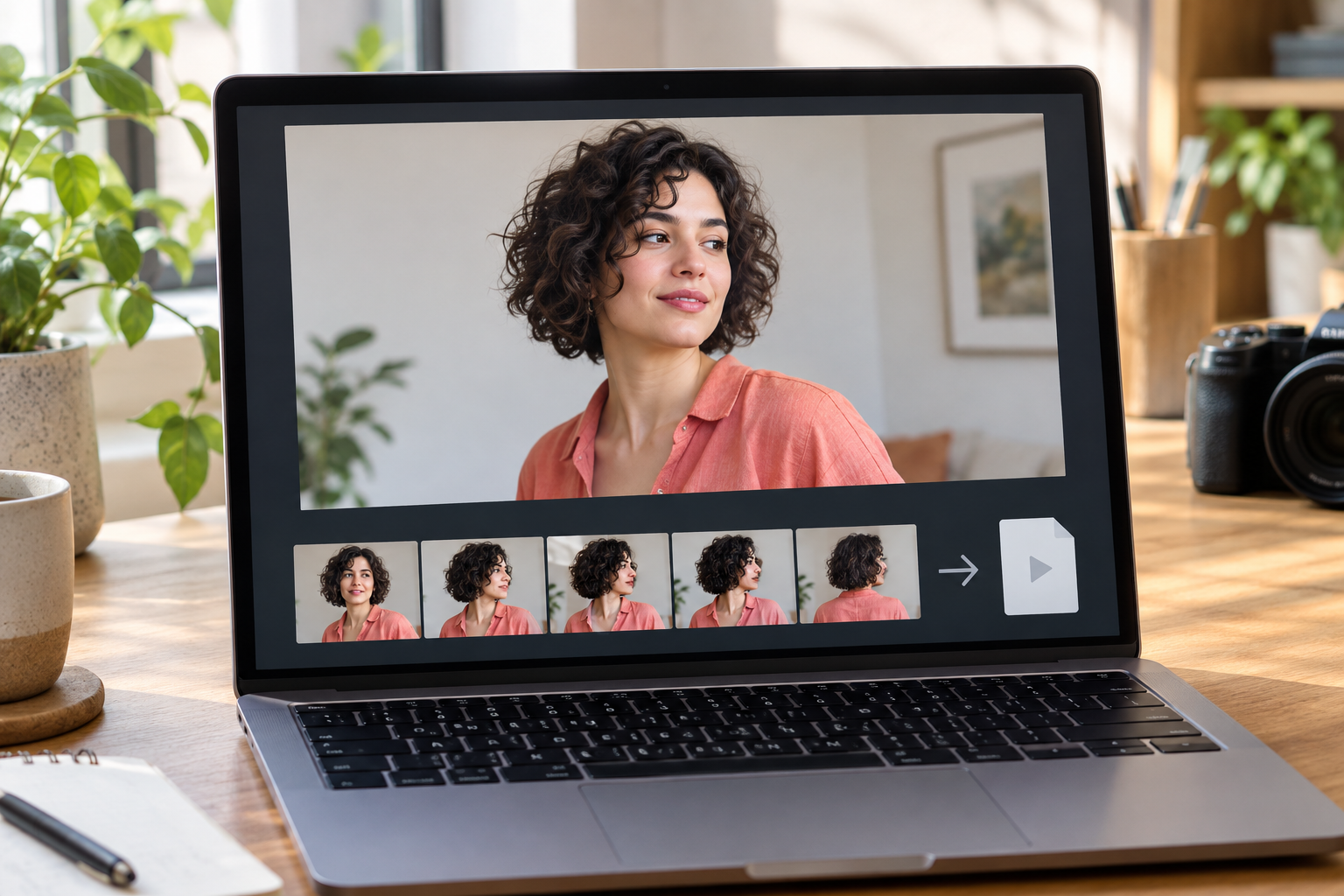
Animated portrait preview with consecutive frames ready for MP4 export

Step 03

Refine and export MP4

Generate the video, review the movement, and adjust the result with text instructions. For batch projects, apply the same review and text refinement before export. When the clip is ready, export an MP4, with 4K available for higher resolution output.

FAQ

Clear animate photo ai free doubts

For a make photo animation online free workflow, upload a still photo, describe the motion and camera, add a reference video when it helps, generate the clip, refine by text, and download MP4. Free means 10 starting credits after a required login.

You can describe both subject action and camera motion, then add scene details, time segments, transitions, or an end image direction for a clearer ai image animation result.

VideoAI creates a generated MP4 where the uploaded subject moves visibly and can remain recognizable. The same 10-credit, login-required limit applies to searches for an ai image animator free, ai photo animator free, or animate image ai free; these phrases do not mean unlimited use.

Add the action video as a motion reference and state its purpose. The ai animate picture workflow uses it to guide the uploaded photo subject's movement.

You can combine text, image, video, and audio references, then specify how each reference should guide the generated motion. This suits ai to animate image projects that need more than a single prompt.

The animate photo ai free flow can start from people, pets, product images, or character art, giving animate photos ai and animate pictures ai projects the same prompt and reference controls.

After a clip is generated, use text instructions to adjust the video. This animate ai workflow helps when ai animate photo output needs a different action, scene, or transition.

MP4 is the export format, with 4K available. You can choose landscape or portrait ratios and export with no visible watermark.

New users receive 10 starting credits after login, which can be used to try an animate photo ai free workflow before moving into larger projects.

No. VideoAI provides 10 starting credits after login. Ai animate photo free and animate picture ai free searches do not mean unlimited access, anonymous use, or a fixed number of completed videos.

They mean visible subject or camera change in a newly generated clip. The result is a video, not manual rigging, motion capture, or frame-by-frame animation.

Yes. Ai moving pictures here are generated MP4 clips based on a source still, a motion prompt, and any optional references you assign. The picture moving in the result is newly generated video, not a manually rigged source file.

Upload the still, describe the subject action and camera direction, add a motion reference when useful, and generate the video. This is a prompt-led way to make pictures move, not a manual keyframe editor.
A still photo flowing into a bright sequence of animated movement

Turn one photo into MP4

Use the animate photo ai free workflow in VideoAI: upload the image, decide the motion, and create a video that carries your subject into a controlled animated scene.

Get Started
Animate Photo AI Free - AI Photo Animator - VideoAI