
Step 01
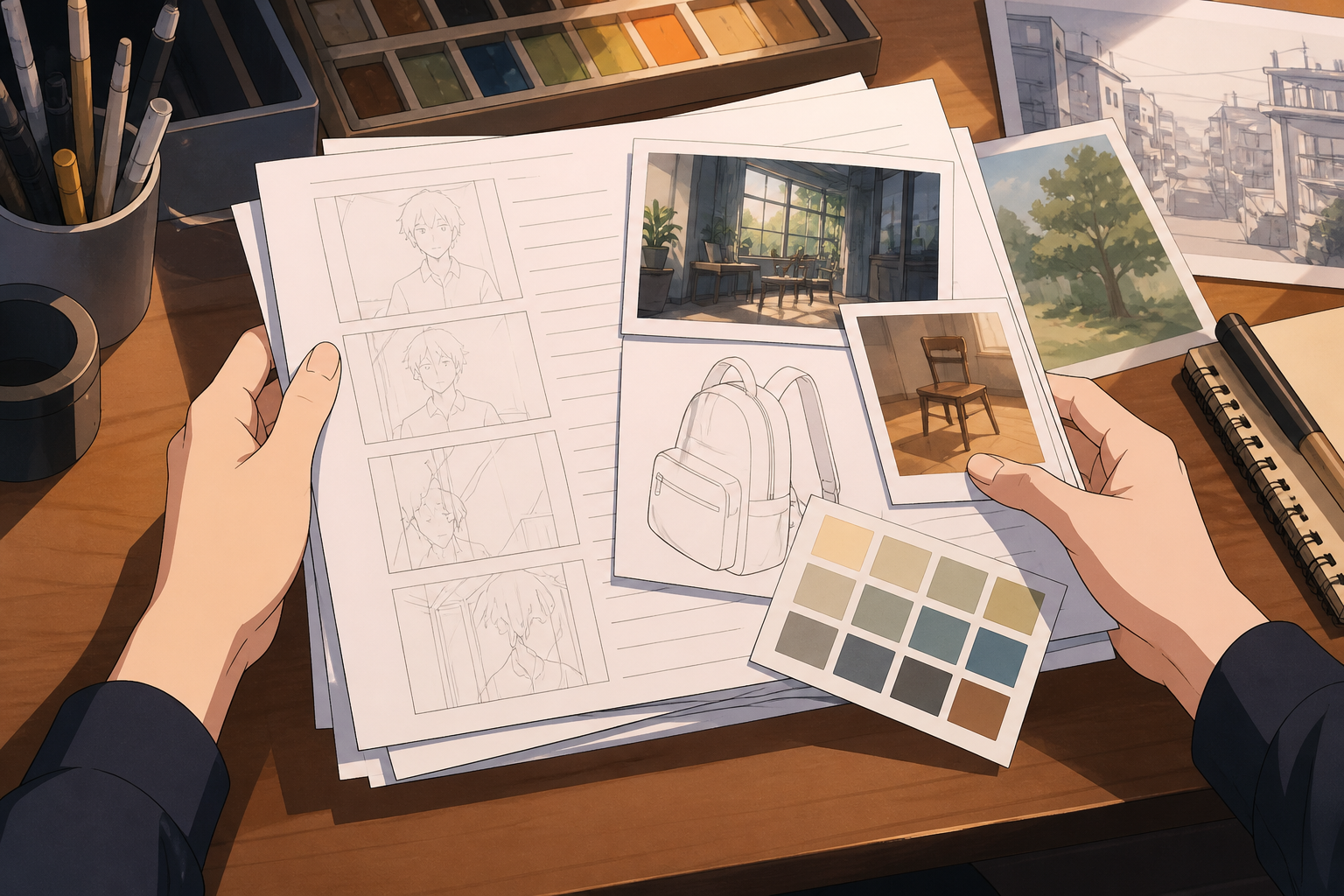
Input Scripts And References
Enter your advertising goals, text scripts, and relevant product files.

AI Video Generation
VideoAI generates marketing clips from text prompts, with time segment direction for each scene.
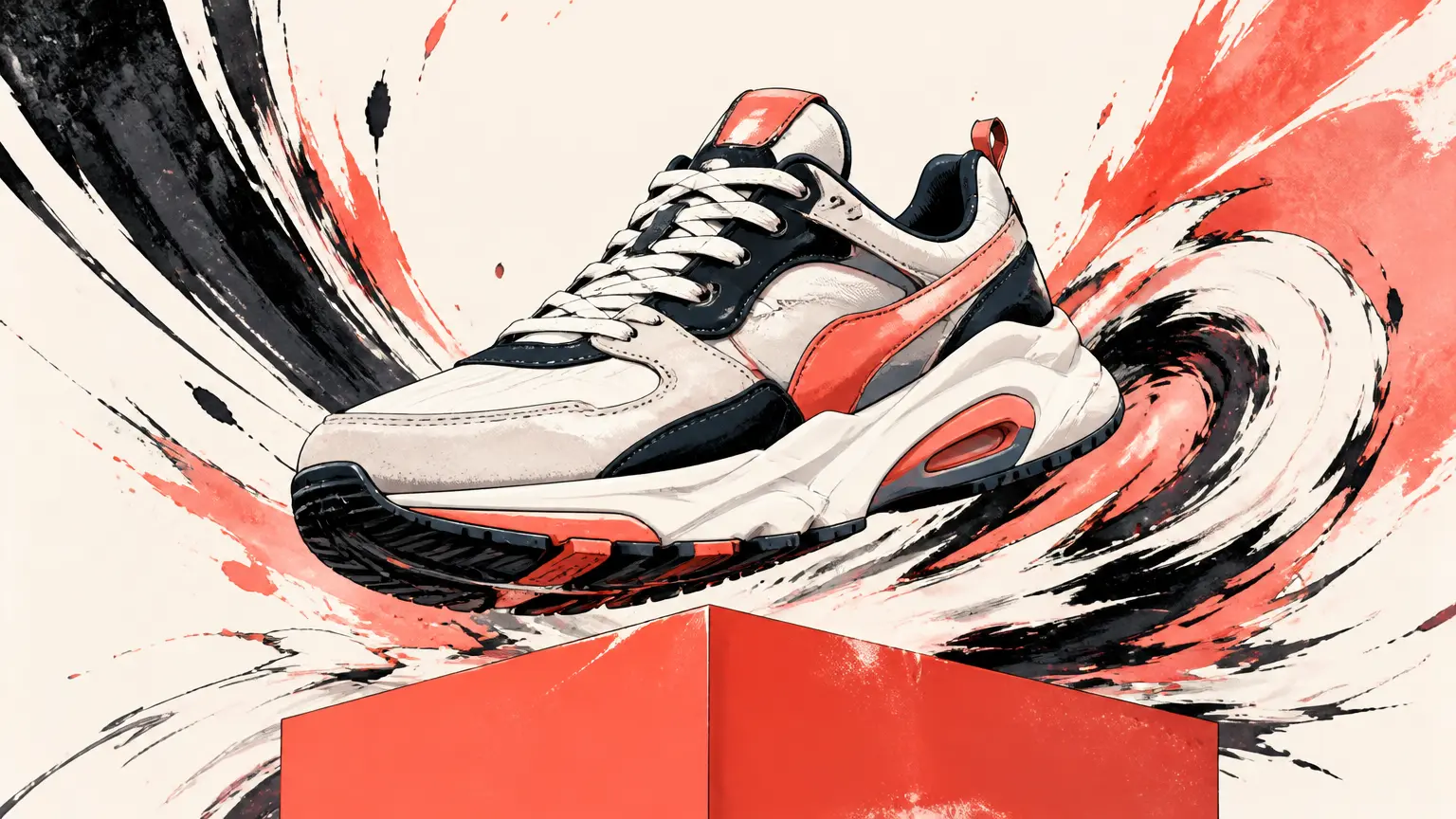
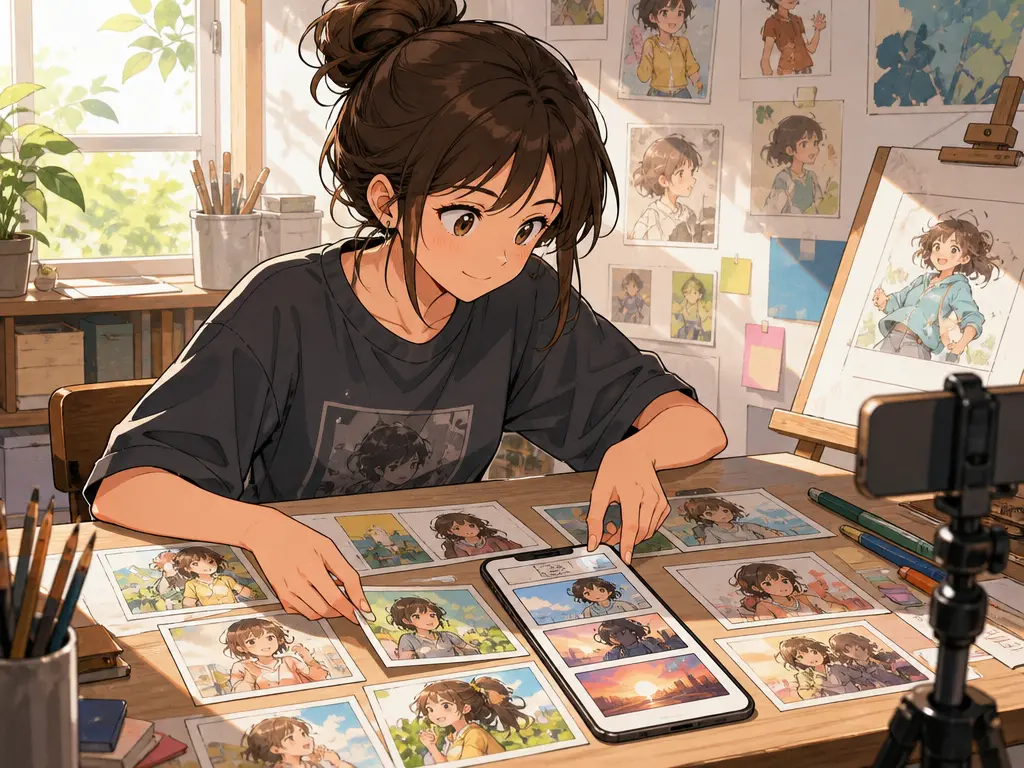
Creators build promotional clips across various platforms by choosing flexible aspect ratios.

Marketers arrange scenes by time segment and combine brand elements to deliver promotional materials.
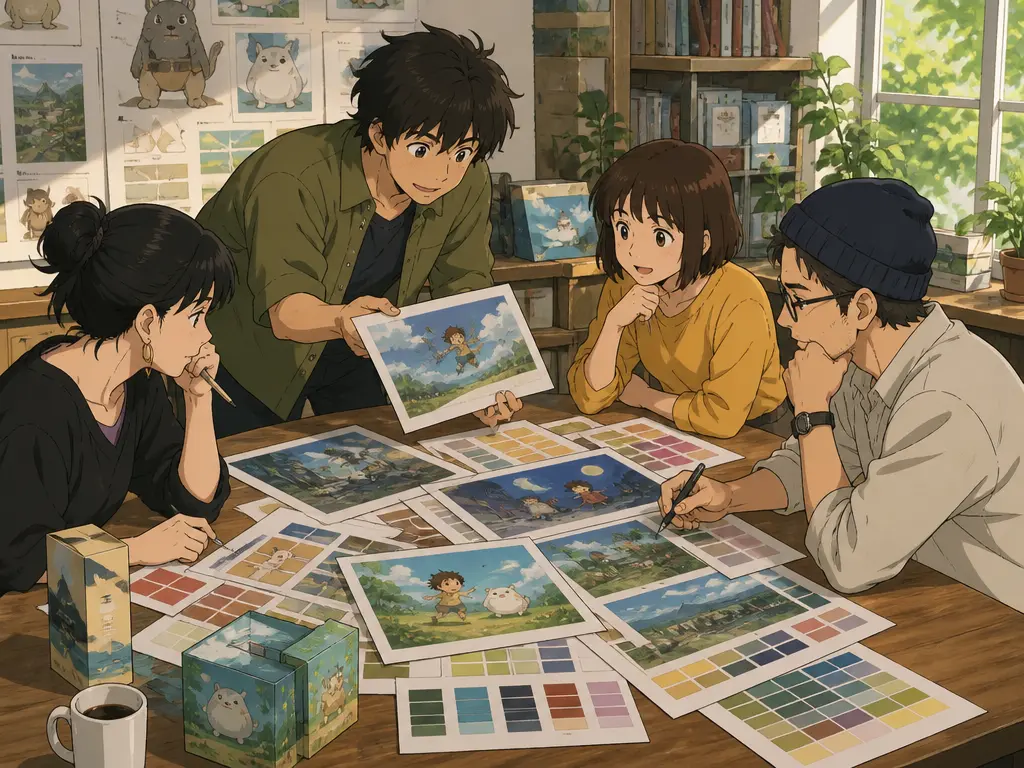
Brand teams arrange scenes by time segment to structure narrative clips and prepare promotional materials.
The tool produces marketing assets using text prompts, reference inputs, and export options.

Provide text prompts, images, or audio references to guide the style and content.

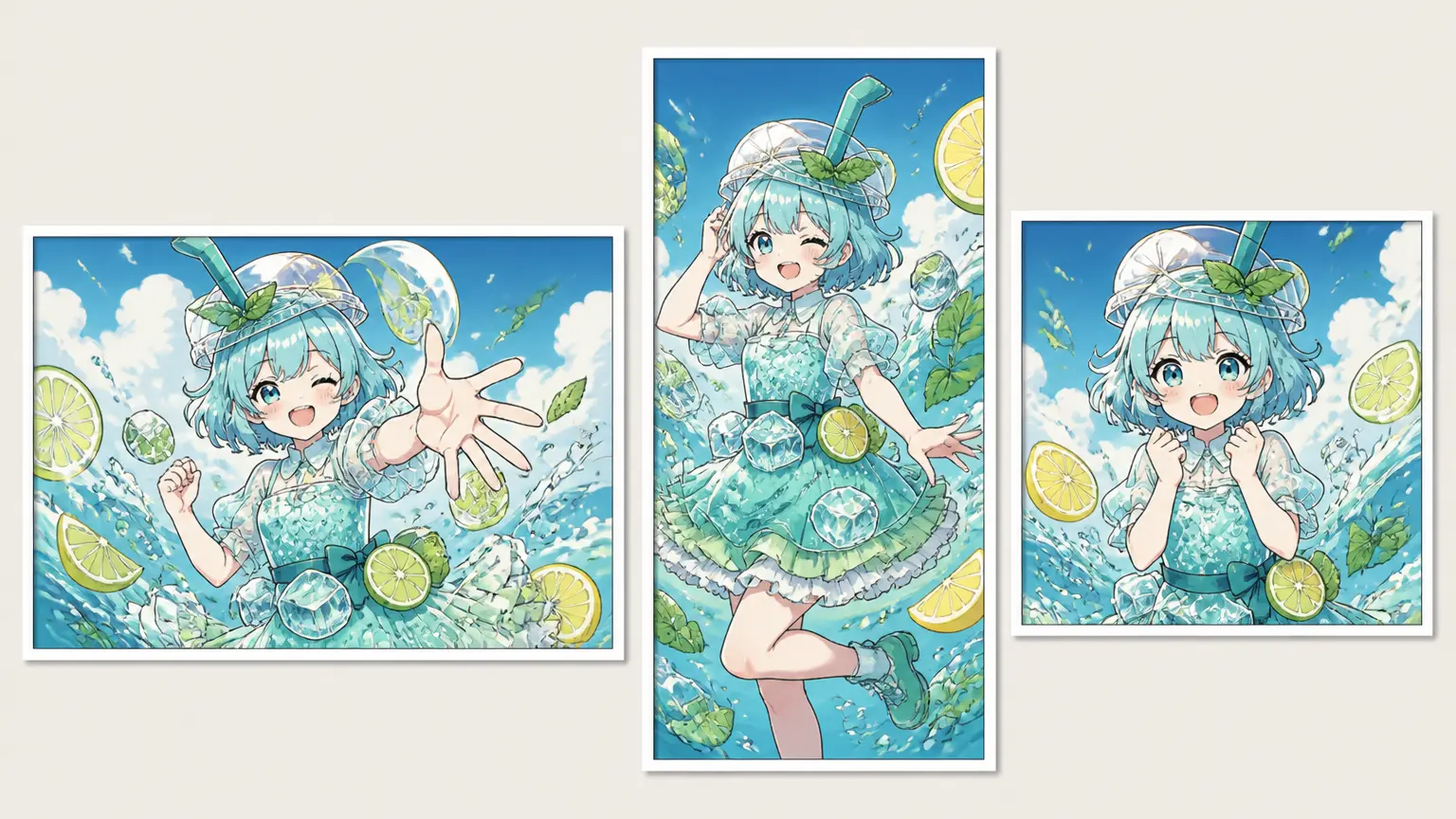

Include your uploaded logos and onscreen text within the generated video content.
The tool follows simple steps to transform your concepts into generated clips.
Step 01
Enter your advertising goals, text scripts, and relevant product files.
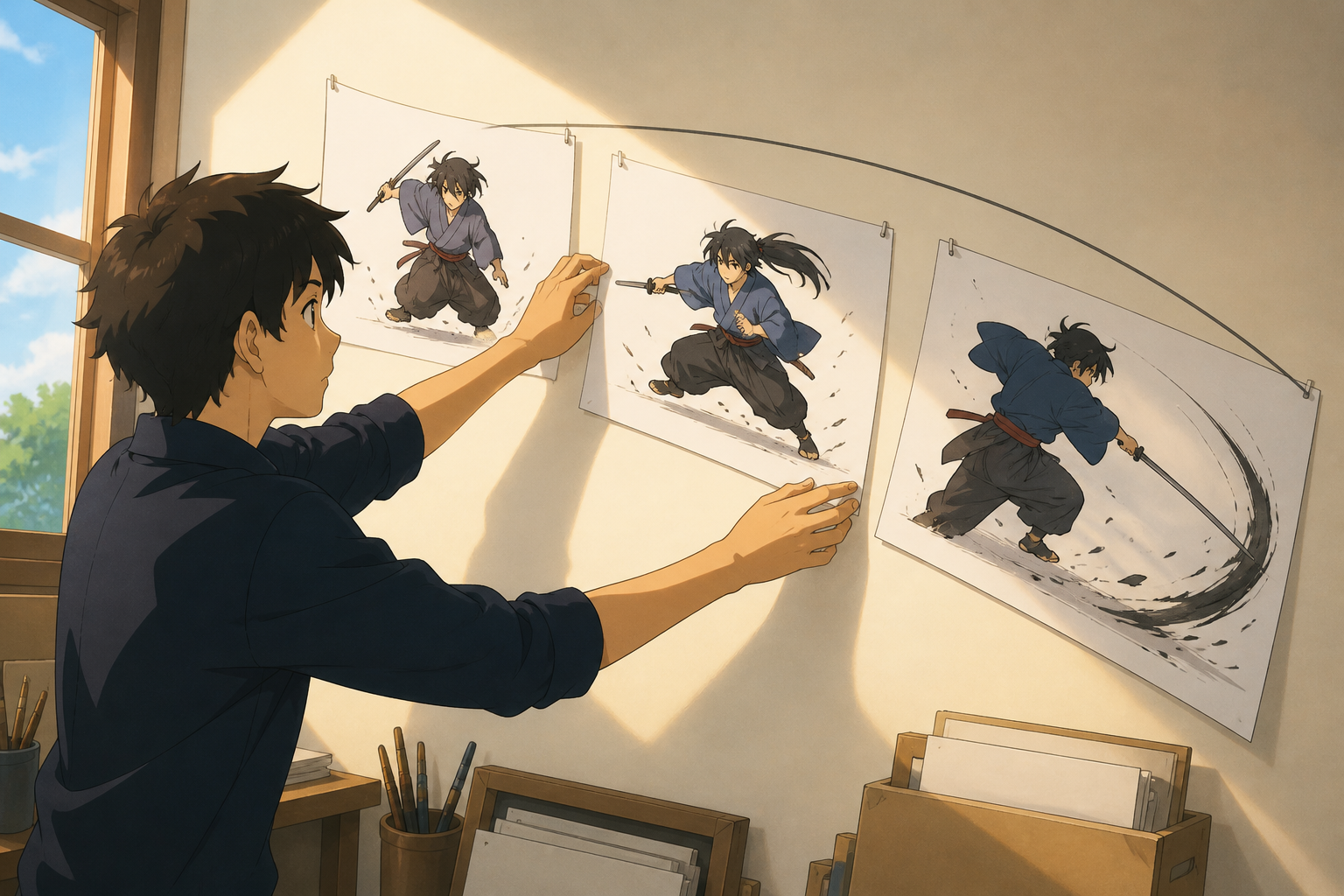
Step 02
Organize scenes by time segments and choose your desired aspect ratio.
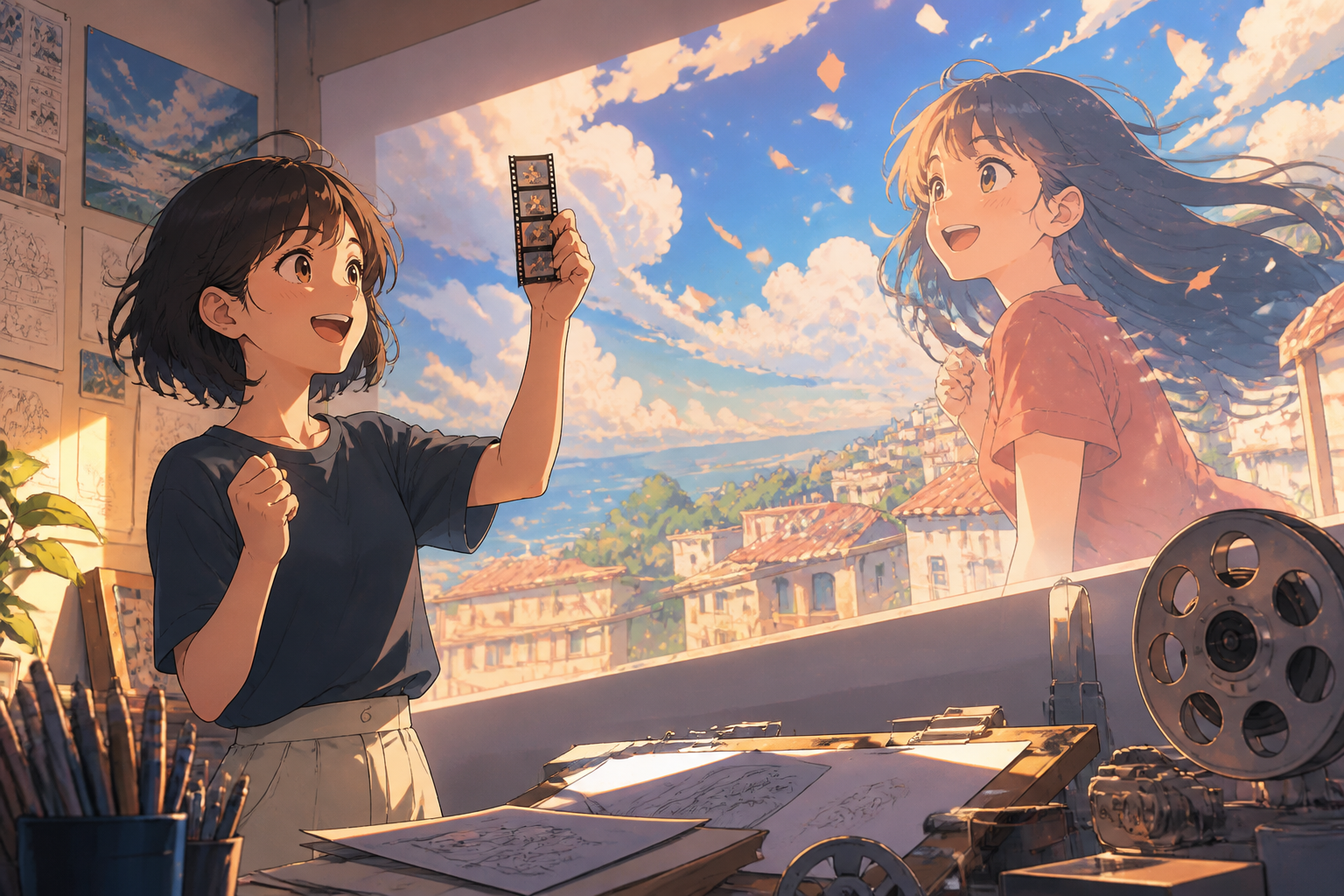
Step 03
Review the generated video, apply text instructions for refinements, and download your final MP4 file.
Explore common practical applications for generating and formatting promotional clips.

When you want to publicize new items, utilize product launch scripts and references to build promotional video content.

If you are running digital campaigns, apply social aspect ratio formatting to prepare clips for your feeds.
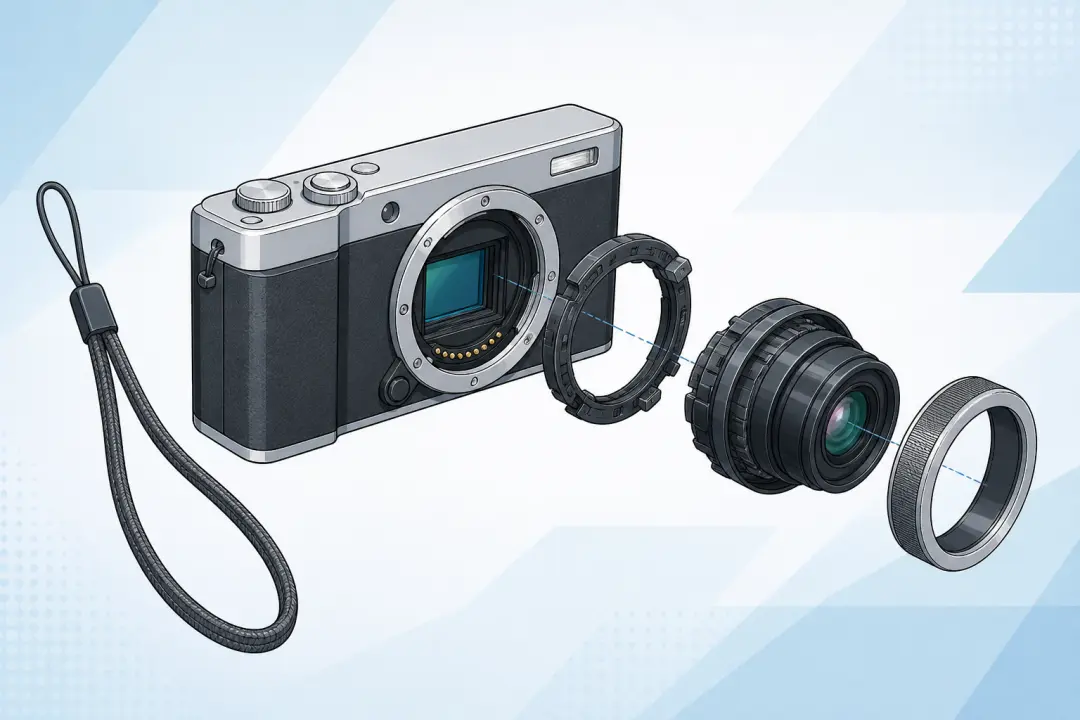
Execute explainer scene planning to structure visual narratives second by second.
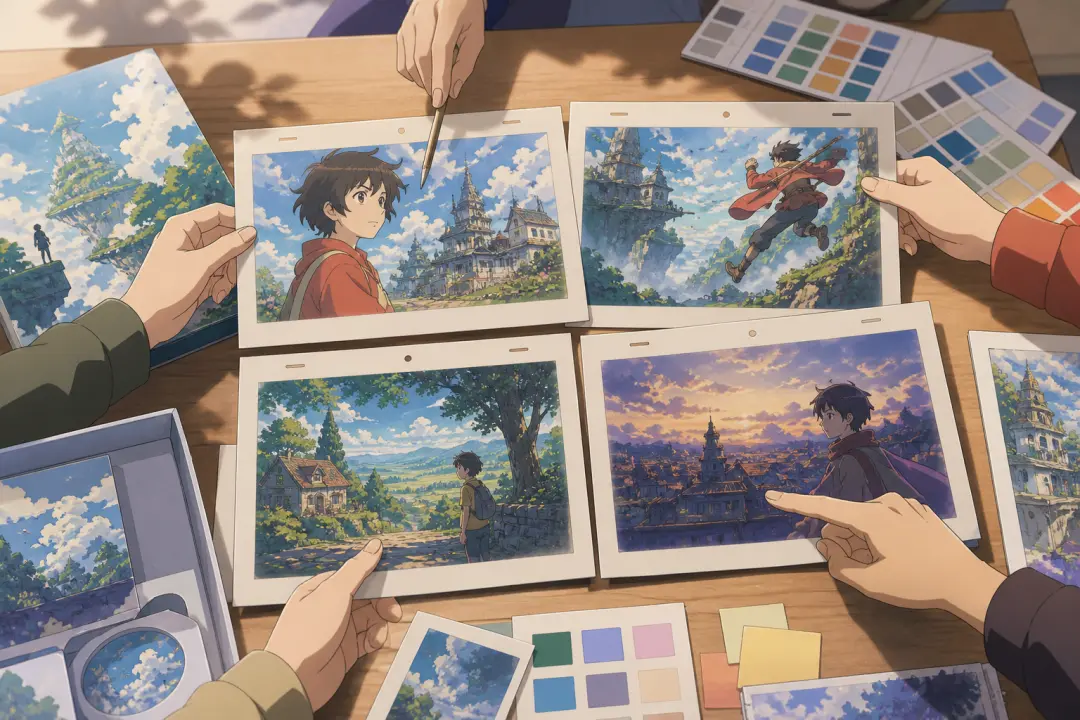
When reviewing work internally, examine generated video outputs closely and apply text instructions to refine the content.

VideoAI brings your creative vision to life by turning your scripts into clips.
Get Started