
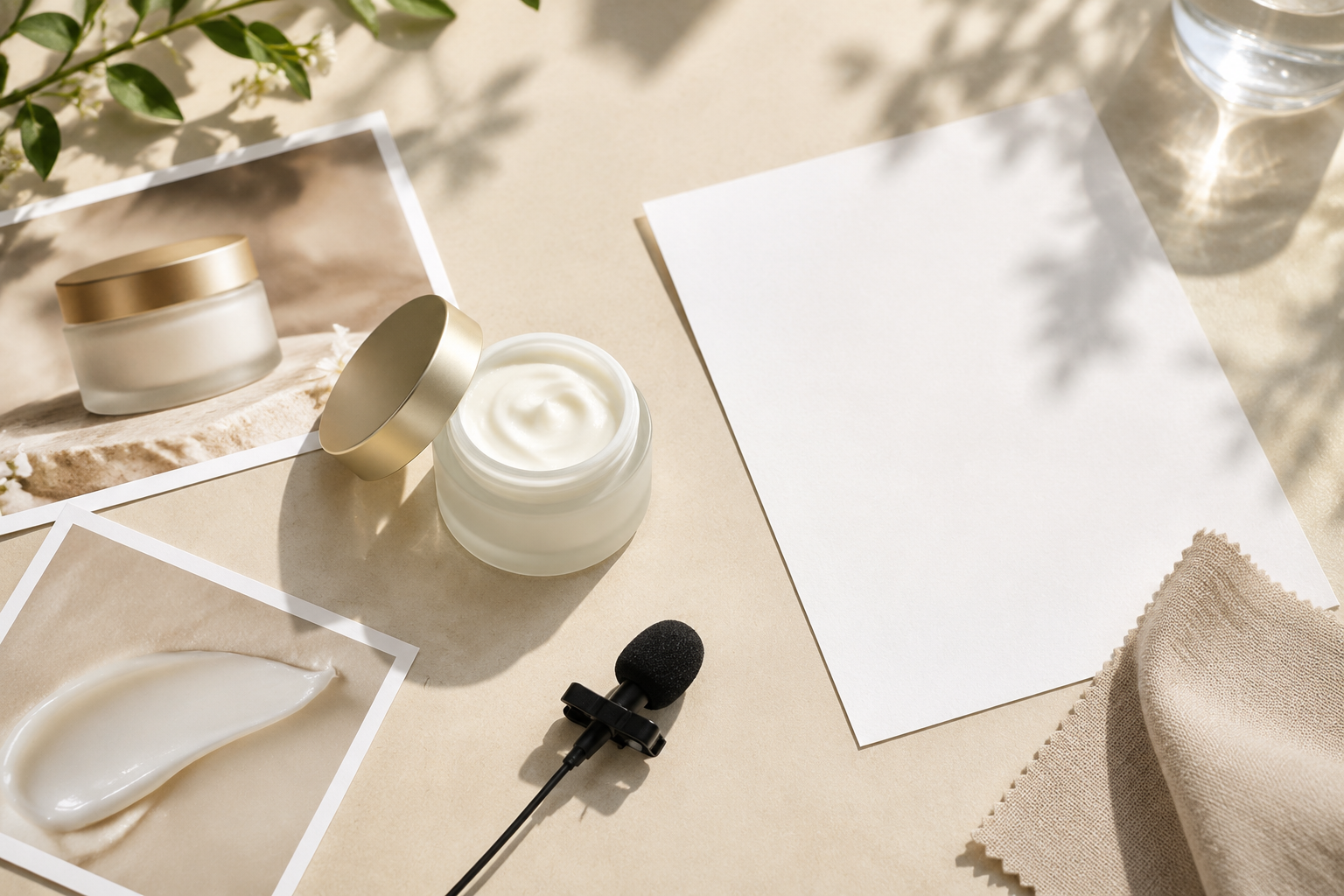
Step 01
Provide the promotion details
Describe the goal or paste your script, then upload product images, video, logo, voiceover, or music references. Your materials stay available in the workspace for reuse.

Controlled video creation
Create promo video stories with your own images, footage, logo, voiceover, and music while keeping control of every scene and message.

Turn a clear promotional goal into a short video with an opening, focused proof, and a direct closing message.
A new product needs its strongest visual, key feature, and closing message in the right order. VideoAI helps you arrange those moments into a focused launch video.
When a service is difficult to film, combine scenes, voiceover, and reference media to explain how it works and give viewers a clear reason to act.
Bring the event theme, date, proof points, and next step together in a short preview that keeps the message easy to follow.
Show the product, its use setting, and the promotional message in one version. Choose a vertical, square, or 4:5 format for your planned placement.

Shape a clear product or service story without building a large production process. A small team can provide the brief, select references, and guide each scene.

Create versions that connect product details with real use settings, promotional information, and the format needed for each campaign placement.

Use client references, approved scripts, logos, voiceover, and music to build a promotional video creator workflow with clear control over the final direction.
Choose the starting point, define the sequence, and refine the generated video around the message your audience needs to see.
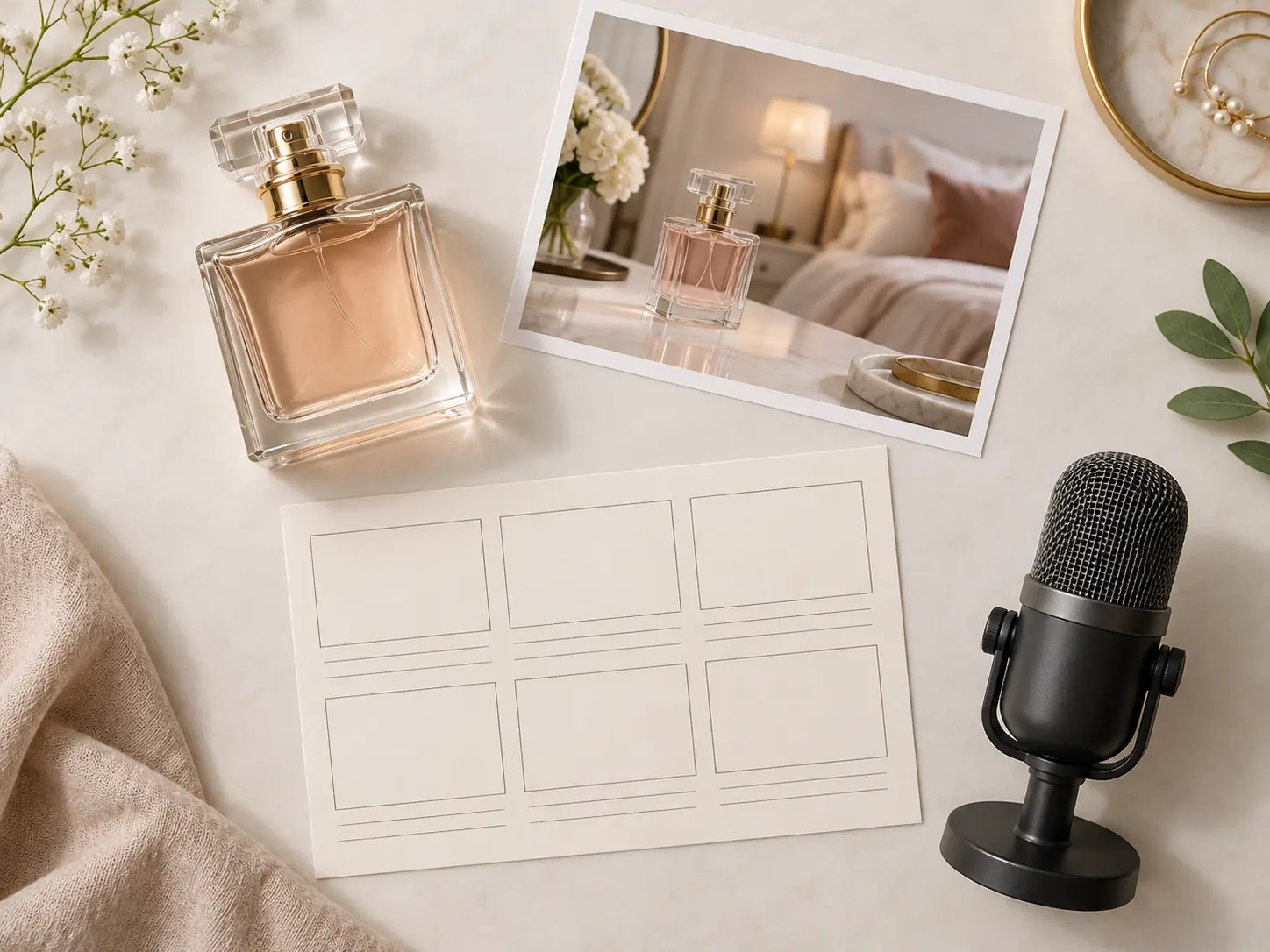
Begin with a template, script, prompt, or your own references. VideoAI accepts text, images, video, and audio so the first version reflects the material behind your idea.
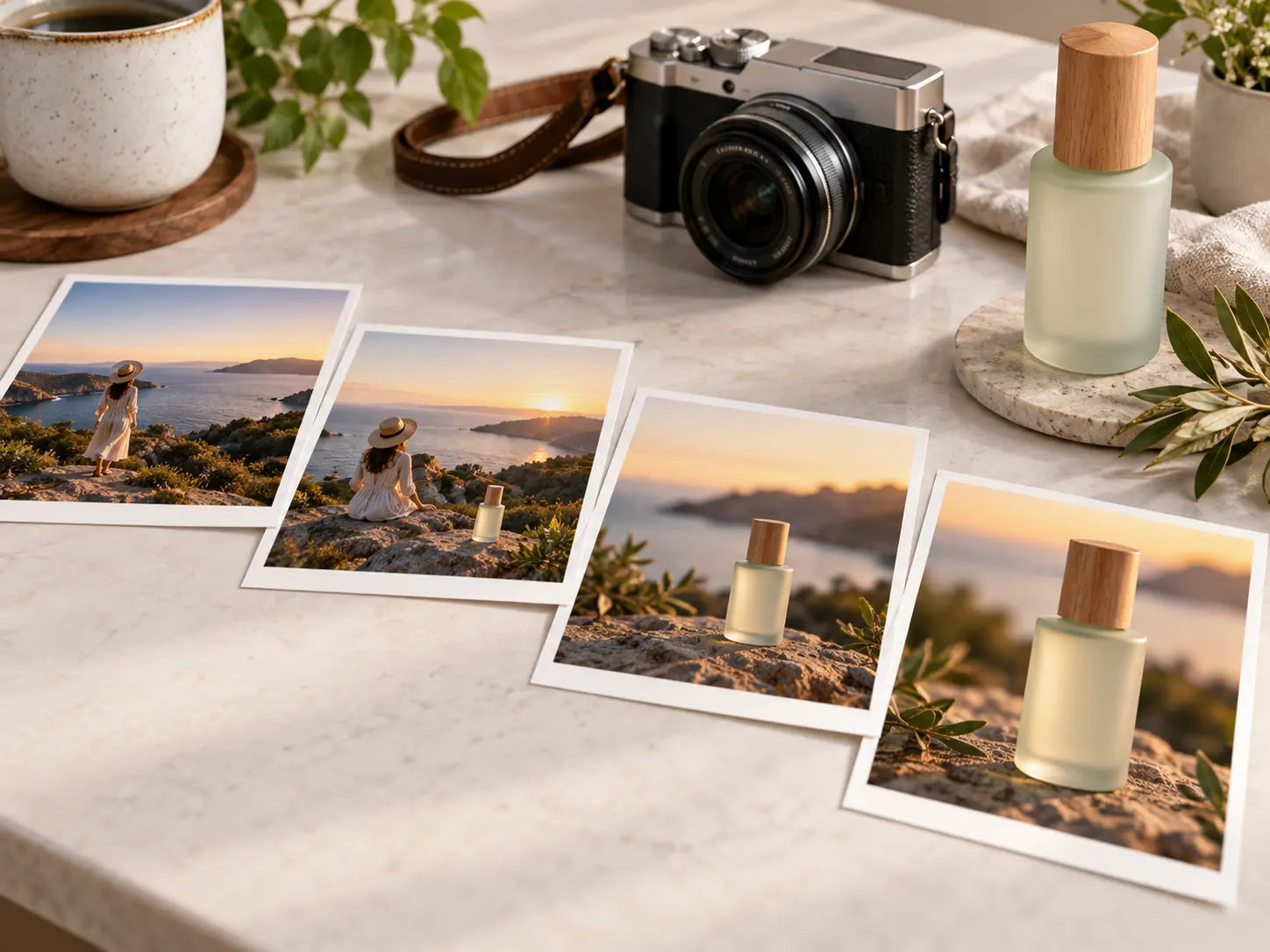
Use @ to direct a reference toward the subject, setting, opening frame, camera movement, logo, or voice. Arrange the opening, product focus, proof, and closing by time period.
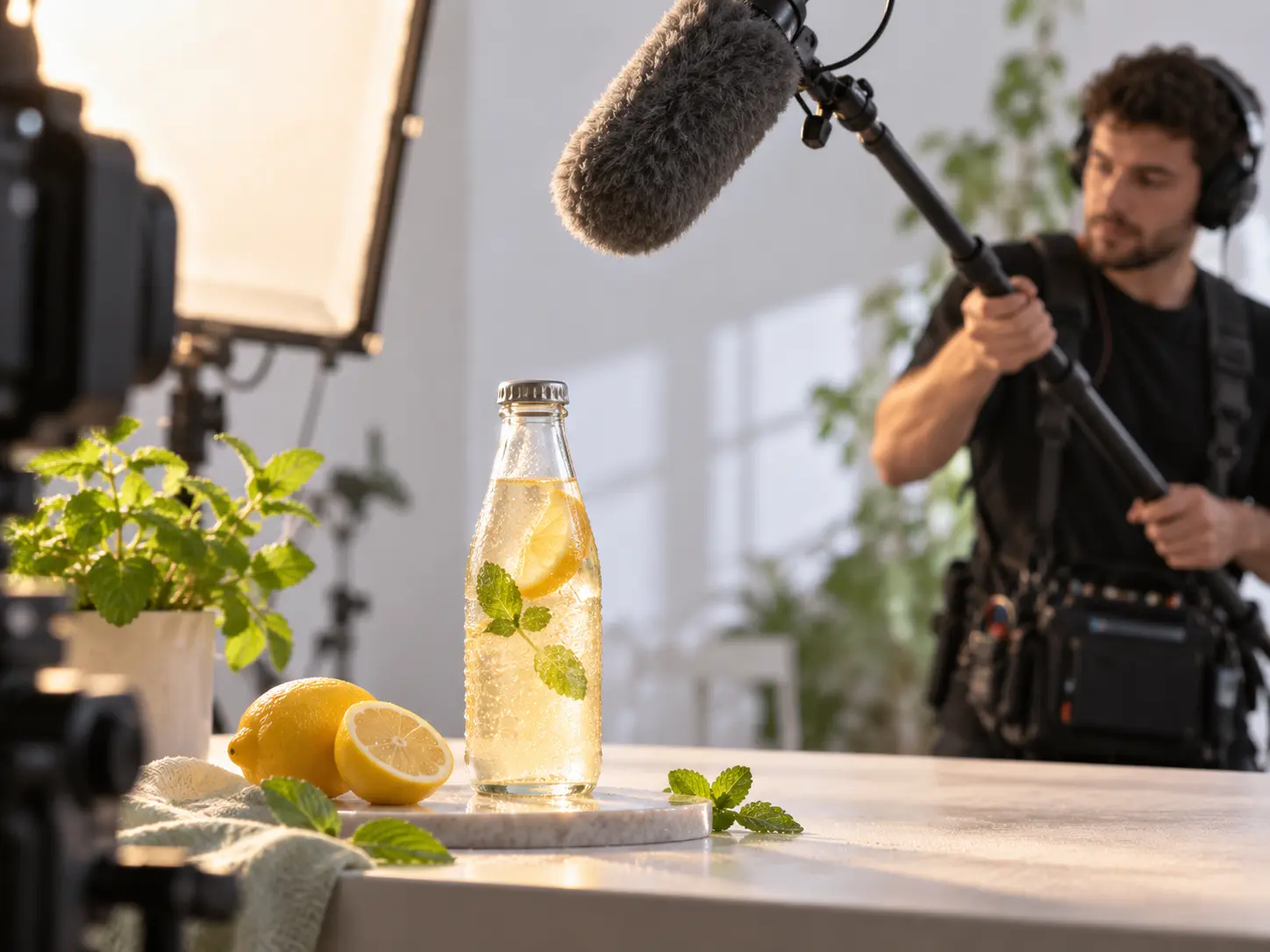
Combine voiceover, background music, sound effects, short text inside the frame, and music timing so each layer supports the promotional point on screen.
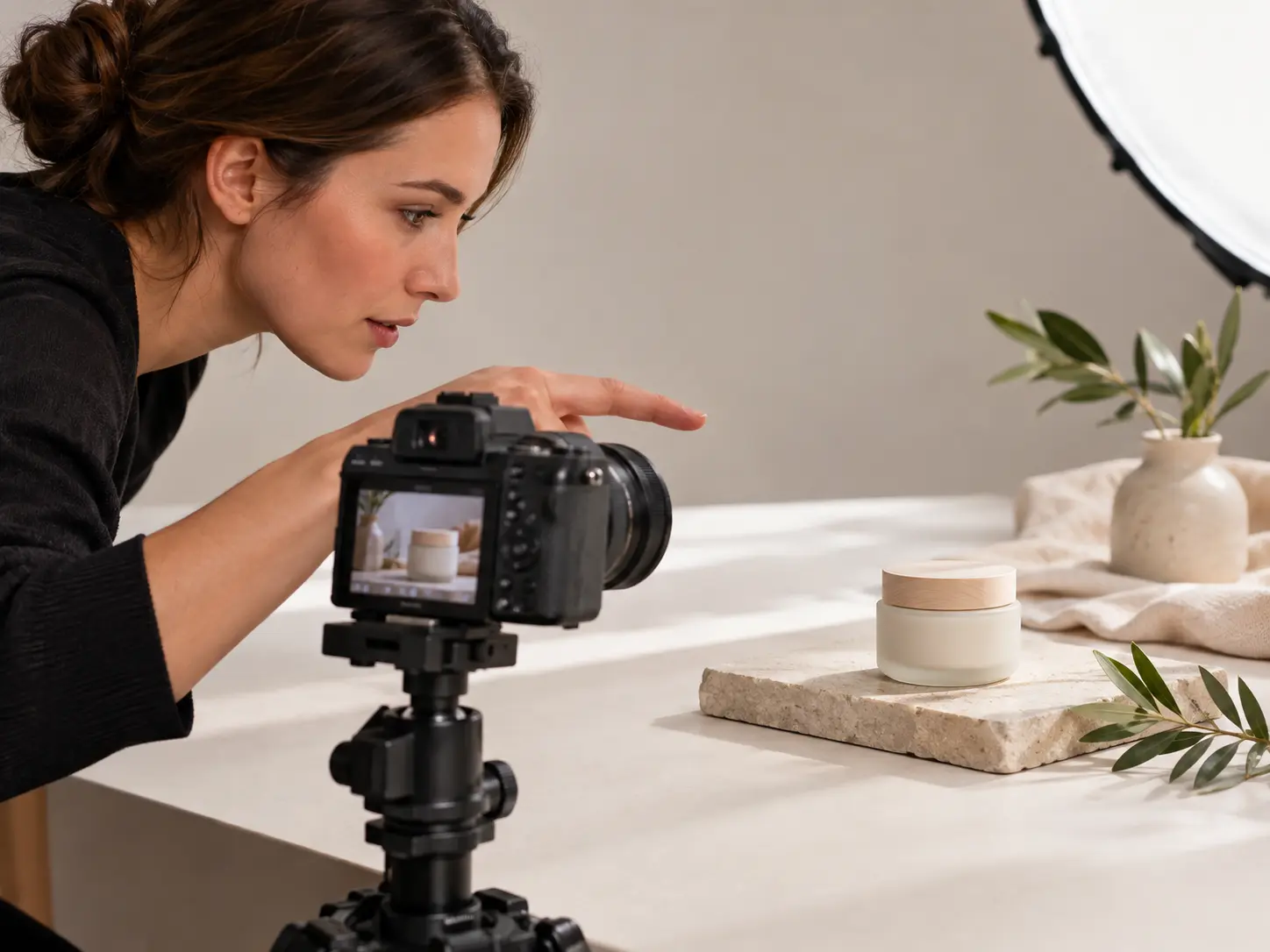
After the first result, describe the camera shot, movement, or pacing you want to change. Promo video creator uses your text direction to shape the next version.
Move from a clear brief to a reviewable video, then keep directing the result until the sequence fits your message.
Step 01
Describe the goal or paste your script, then upload product images, video, logo, voiceover, or music references. Your materials stay available in the workspace for reuse.
Step 02
Use @ to assign each reference a purpose. Set the opening, product or service focus, proof information, closing action, visual style, aspect ratio, and sound direction.
Step 03
Generate the first version, then describe changes to shots, actions, or pacing in text. Download the finished MP4 in up to 4K or continue extending the video.

Give VideoAI your goal, references, and scene direction, then shape the first result into a focused promotional video.
Get Started