

Avatar Anime Maker
An avatar anime maker turns a short description into an anime profile picture you can actually use. Describe the face, hairstyle, expression, outfit, and background, keep the framing square, and review the preview at small size. Adjust one detail at a time, then keep the version that still reads clearly as a profile image on chats, forums, and game accounts.
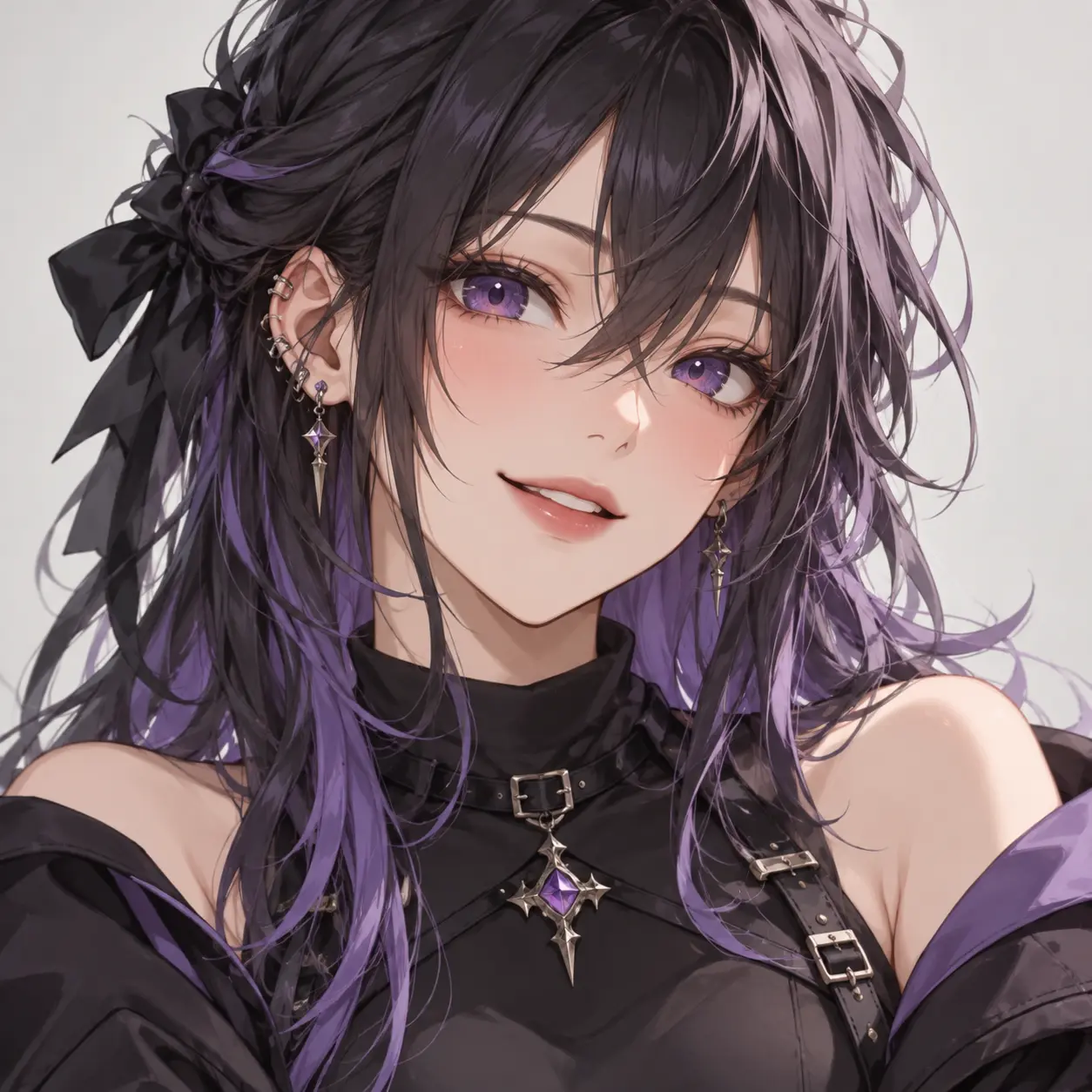
What the Avatar Anime Maker Helps You Control
Shape a profile picture that stays clear and recognizable once it is cropped into a small square or circle.
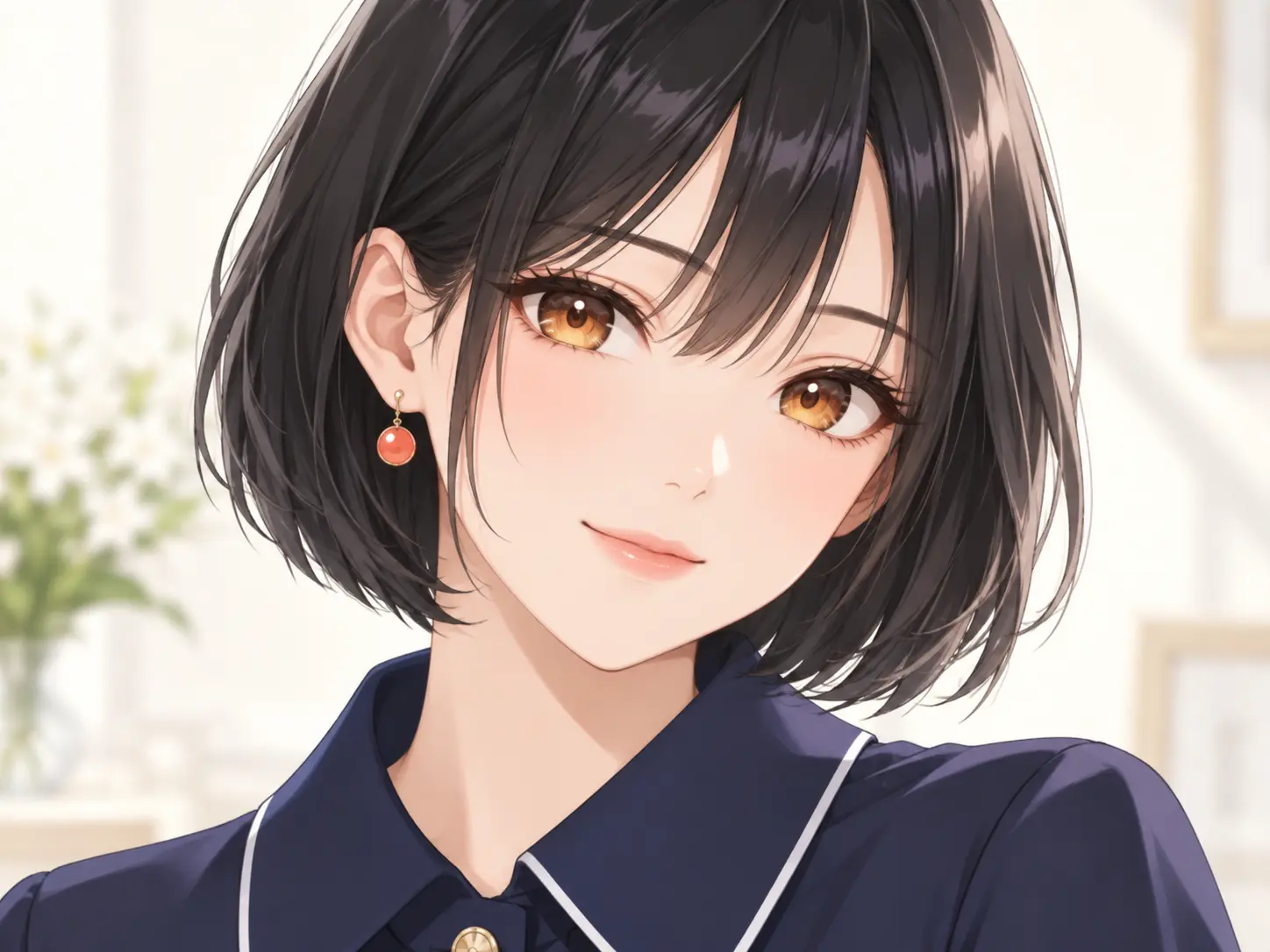
Design an Avatar That Reads at Small Size
Profile pictures are viewed tiny, so clarity matters more than detail. Use the avatar anime maker to set a bold hairstyle, a readable eye color, and one strong accent. Choose a plain or softly blurred background that separates the subject from the frame. Check the preview at thumbnail size, and simplify anything that turns to noise when scaled down.
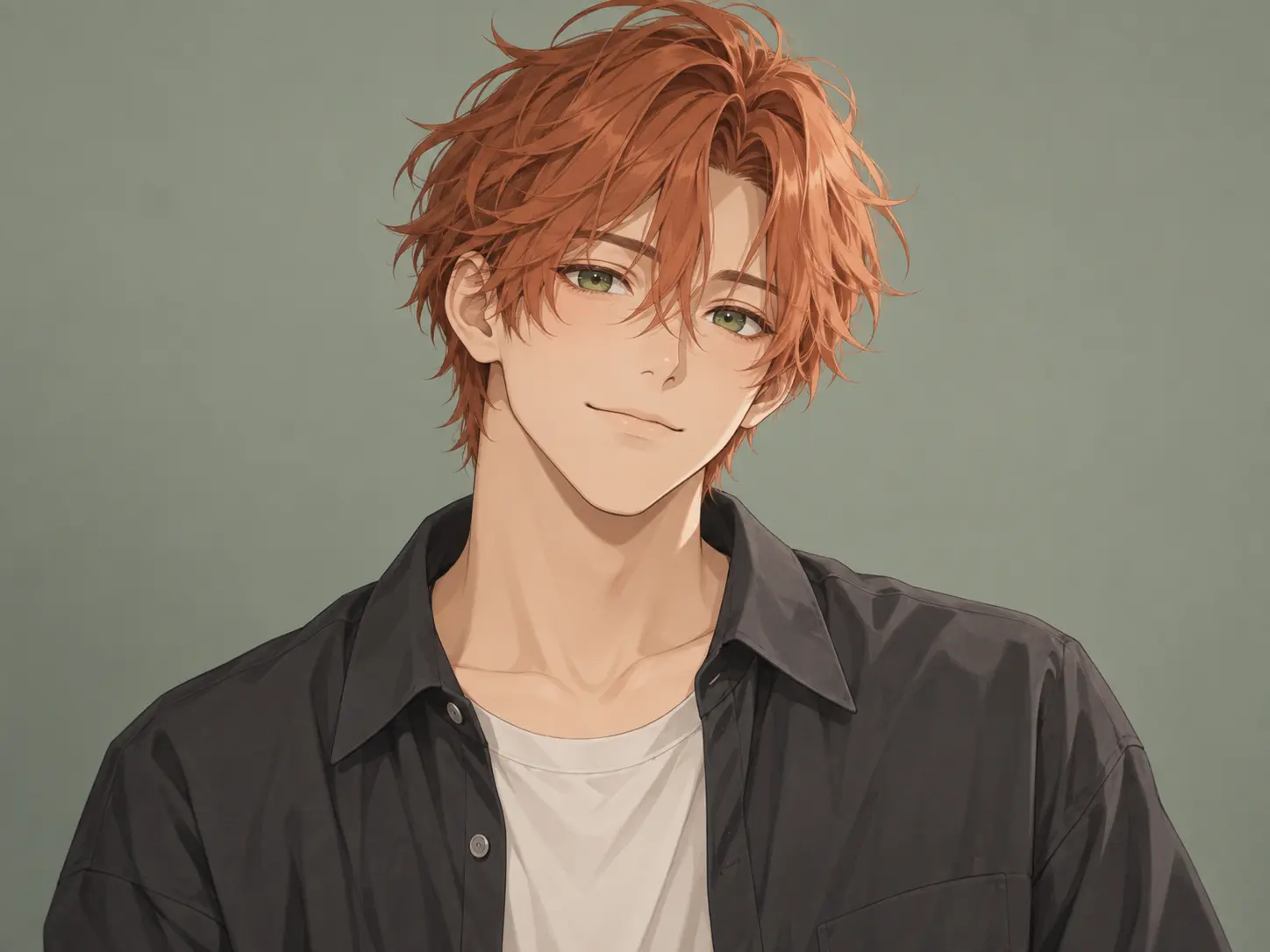
Control Framing, Crop, and Background
Square framing keeps hair, shoulders, and accessories inside the safe area, so nothing important is cut off. Describe the head-and-shoulders or waist-up crop you want, then choose a background that supports the mood without competing with the face. Keep adjusting until the face sits naturally in the center with room to breathe.
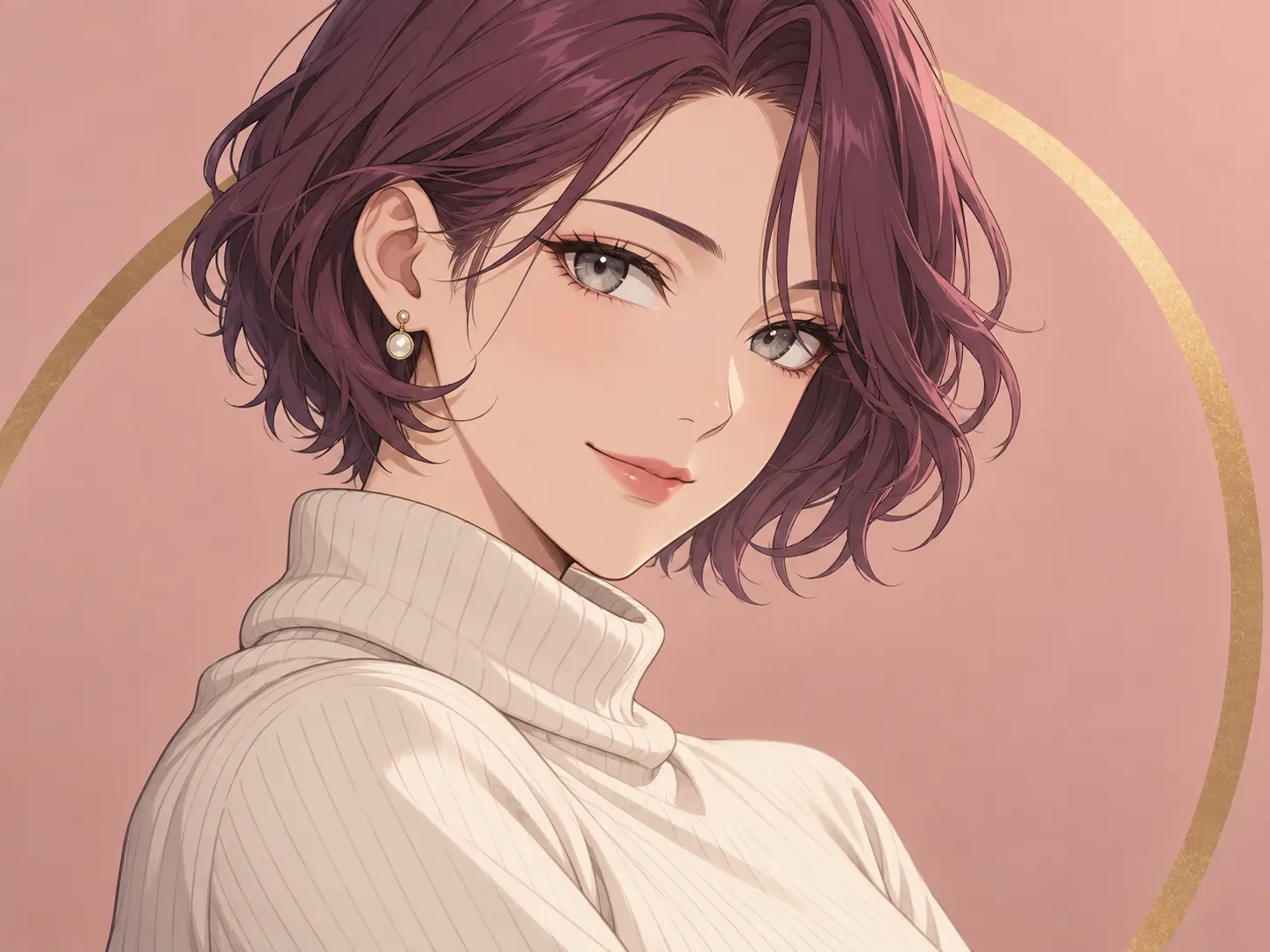
Steer Style, Mood, and Expression
Name the visual style, expression, and mood the portrait should carry: calm, confident, playful, or guarded. Mention line weight, shading, and palette when the avatar has to match an existing set. With the avatar anime maker, compare a few directions and keep the one whose expression and style fit the identity you are building rather than the one that simply looks busiest.
How to Use the Avatar Anime Maker
Use the avatar anime maker to go from a one-line idea to a finished anime profile picture by changing one decision at each step.
Write a Short Avatar Brief
Describe the subject, hairstyle, expression, outfit, palette, and background, then state the square crop you need for a profile picture. Keep the brief focused.
Generate and Compare Options
Run a few directions and compare them at thumbnail size instead of full resolution. You are judging what a viewer notices beside your name.
Refine and Keep the Best
Save the strongest result, change one detail per pass, and download the version whose face, silhouette, and contrast still hold up once the image is cropped small.
Who Uses an Avatar Anime Maker
Reach for the avatar anime maker whenever a profile, channel, or account needs a distinctive anime portrait rather than a generic photo.
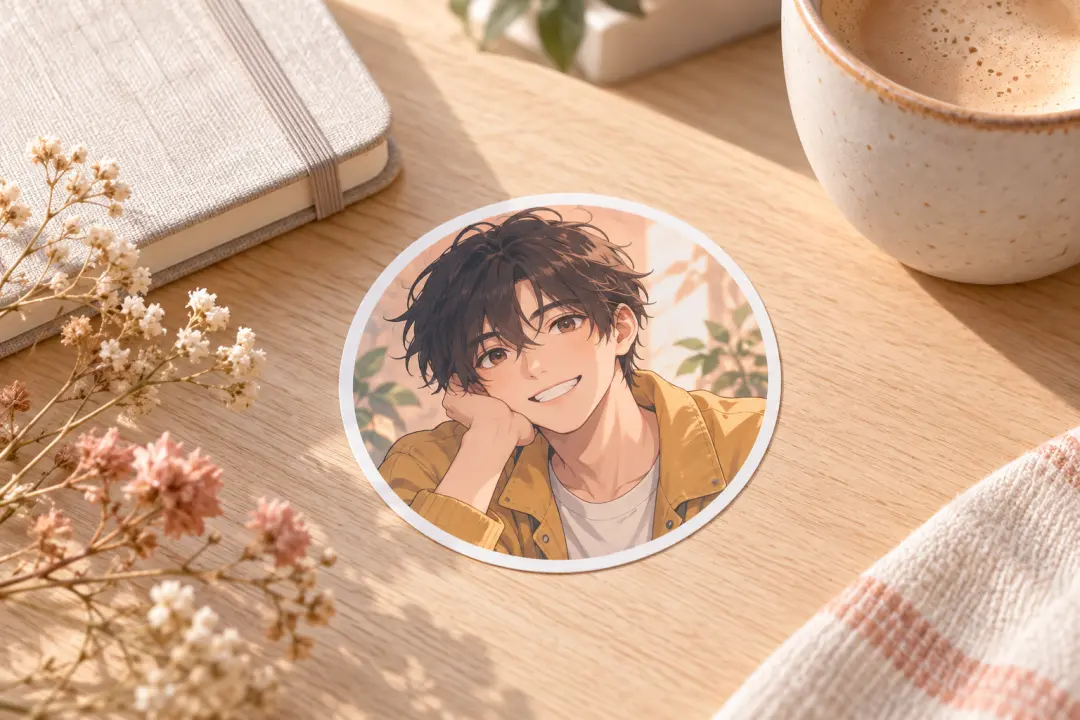
Social and Chat Profiles
Give a personal account an anime portrait that still reads inside round and tightly cropped profile frames.
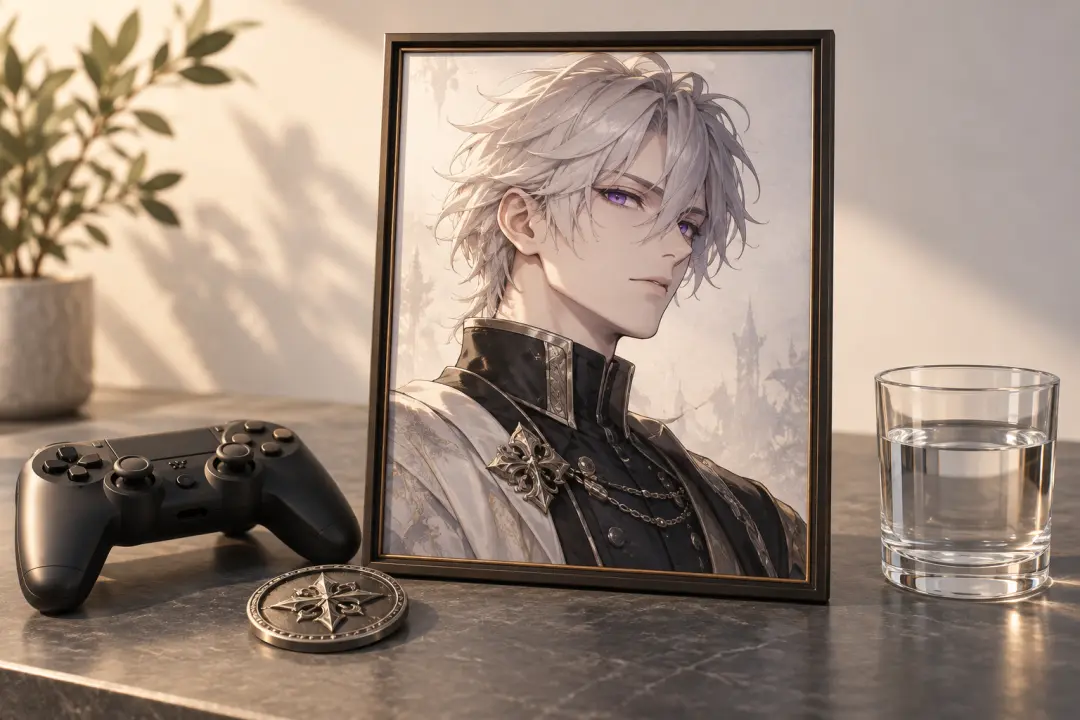
Gaming and Community Handles
Build a consistent avatar for game profiles, clans, and forums where the picture sits beside a name at small size.
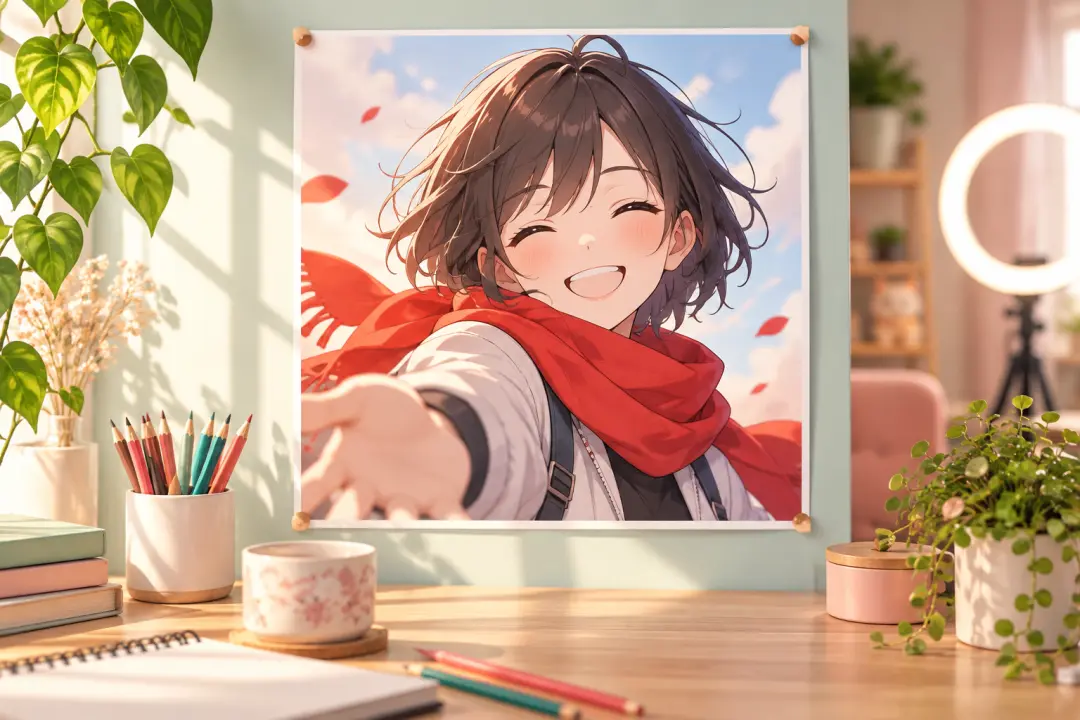
Creators and Channel Brands
Create a repeatable persona for thumbnails, comment sections, and channel art.
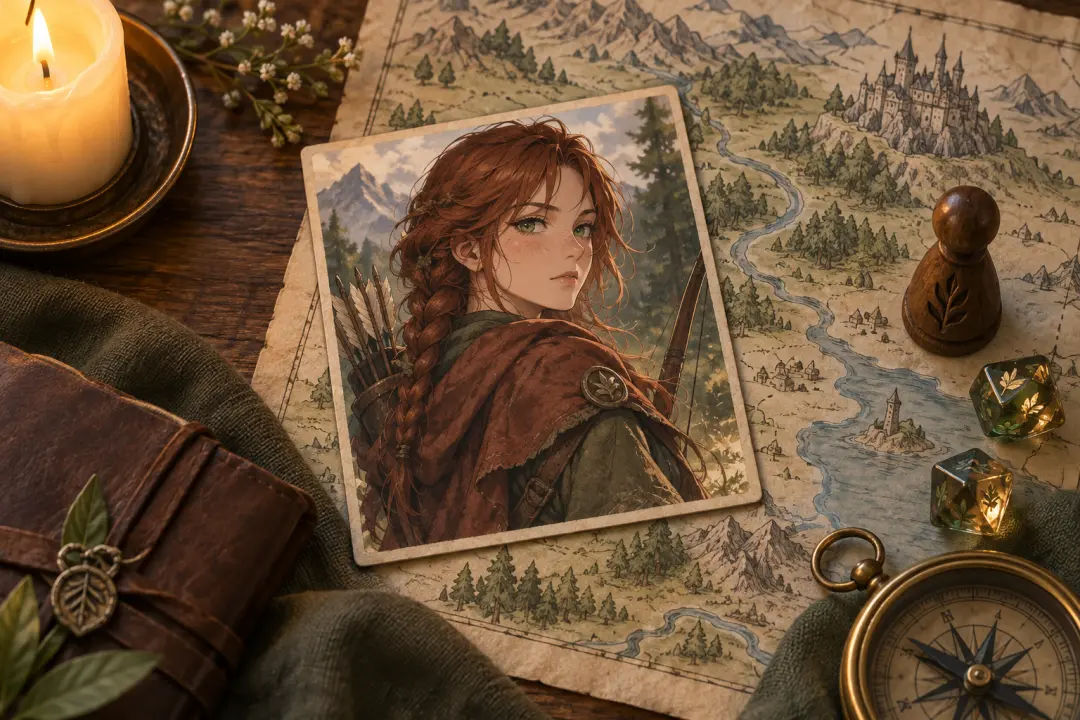
Tabletop and Role-Play
Turn a character description into a quick portrait for role-play sheets, group chats, and campaign rosters.
Avatar Anime Maker Examples
Four directions from the avatar anime maker that turn a short brief into a readable anime profile picture.
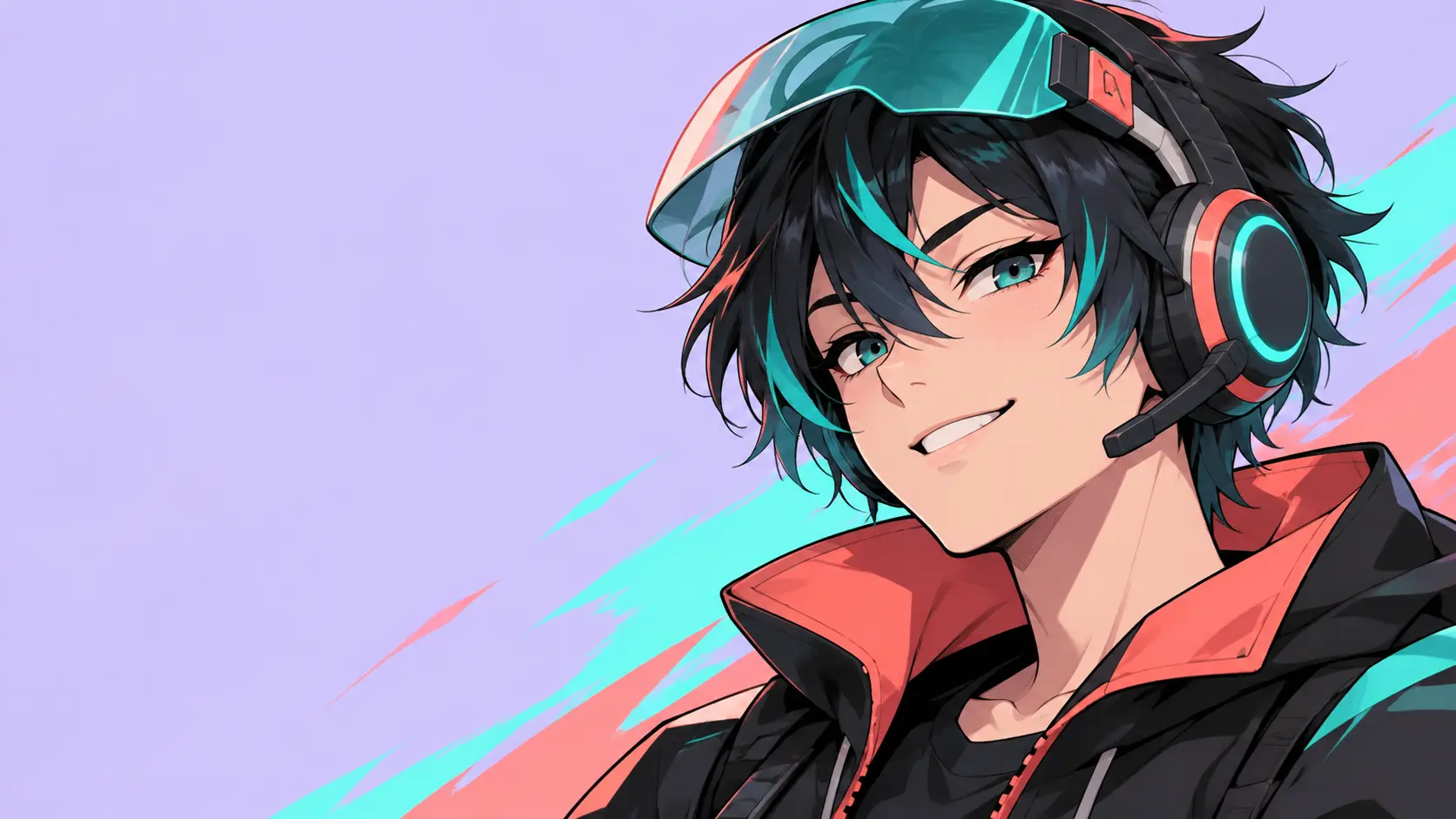
Neon Gamer Persona
A confident player with an over-ear headset, teal hair highlights, and a lifted visor, cropped so the face still reads inside a small circular avatar.
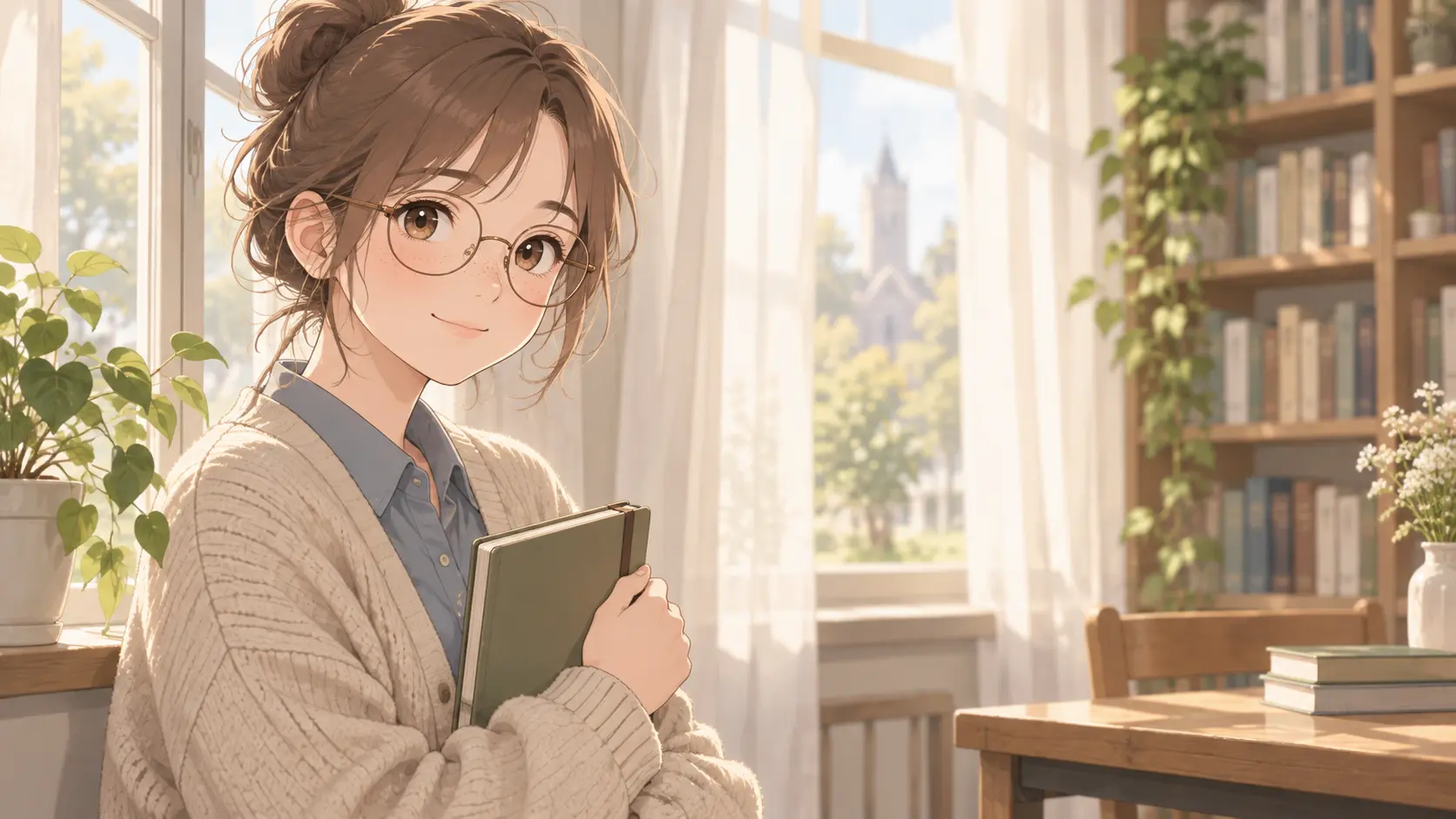
Soft Study Portrait
A calm student with a loose bun, warm cardigan, and window light, framed head-and-shoulders for a friendly personal profile.
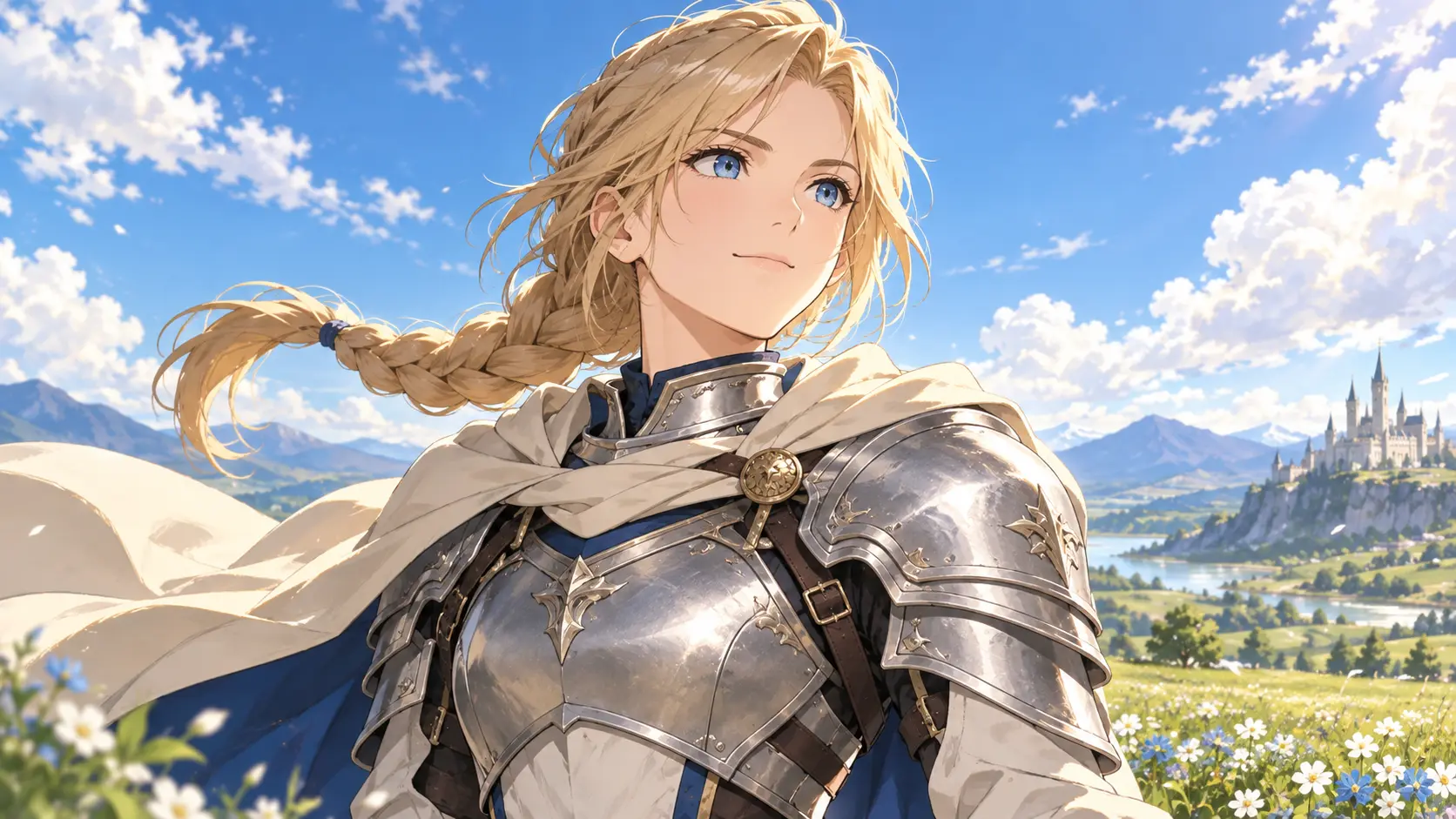
Fantasy Knight Portrait
An armored hero with a braided ponytail and pale cloak, lit against a bright sky so the silhouette stays readable at thumbnail size.
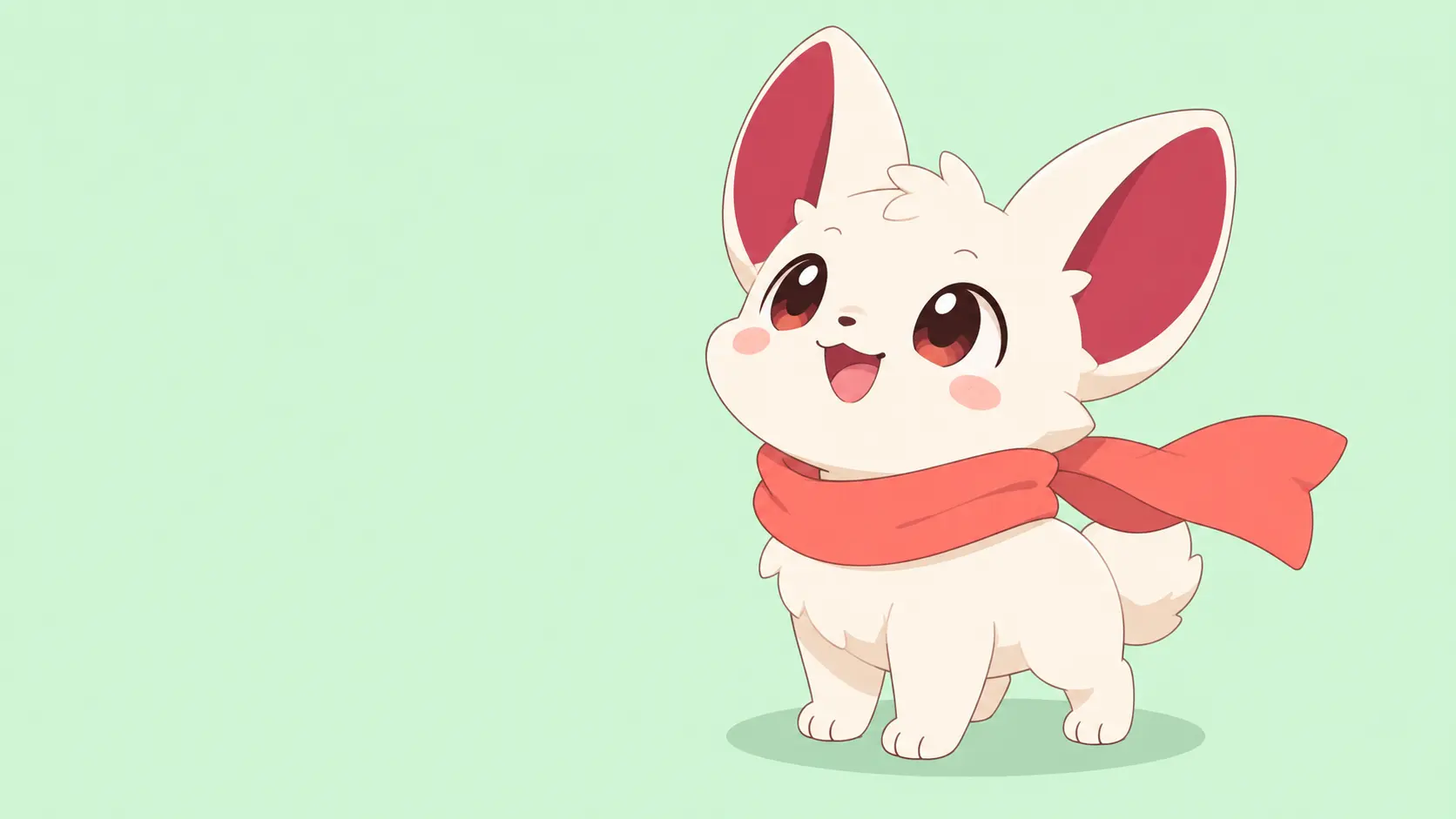
Minimal Mascot Avatar
A simple rounded mascot with one bold accent color and a plain backdrop, built to stay legible when scaled down to a chat icon.
Why Use This Avatar Anime Maker
The avatar anime maker keeps framing, style, and the final profile use in view from the first prompt.
Built for Small Frames
Framing and contrast are chosen to survive thumbnail and circular crops.
One Detail Per Pass
Change a single trait at a time so you can see which instruction worked.
Style Control
Set line weight, shading, and palette so an avatar fits an existing look.
No Drawing Needed
Start from a written description even without a finished sketch.
Reusable Output
Keep a square avatar that fits profiles, channels, and thumbnails.
Fast Comparison
Generate several directions and keep the clearest, most consistent one.
Avatar Anime Maker FAQ
Explore More Anime and Avatar Tools
Create an Anime Avatar That Fits Your Profile
Write a short brief, review the preview in a square frame, and keep the anime profile picture the avatar anime maker returns.
Get Started