

Roblox PFP Maker
Turn a short description or photo into a Roblox PFP with the right crop for a circular profile frame. This Roblox PFP tool reads the hair, outfit, expression, and background you describe, then returns square options you can compare and download.
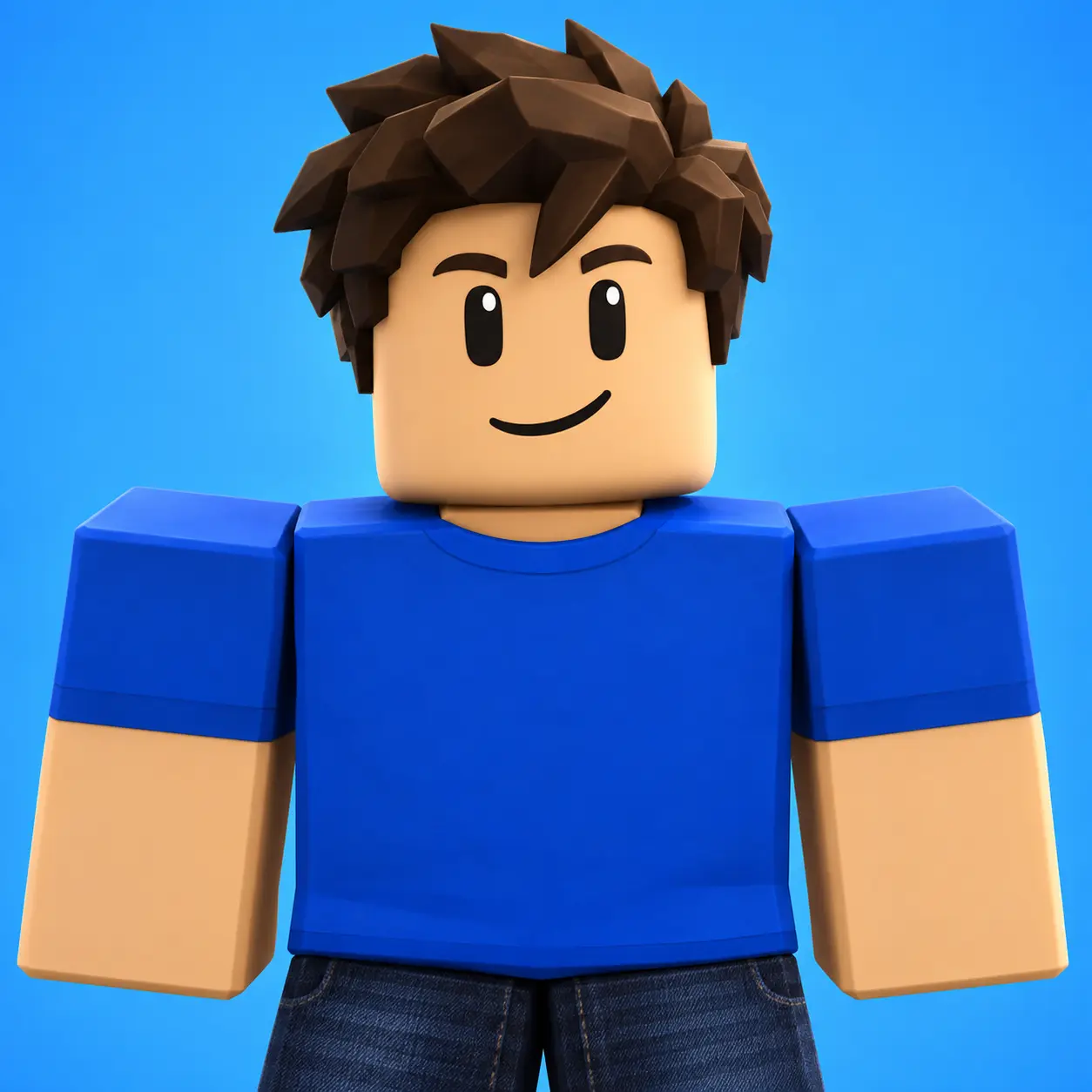
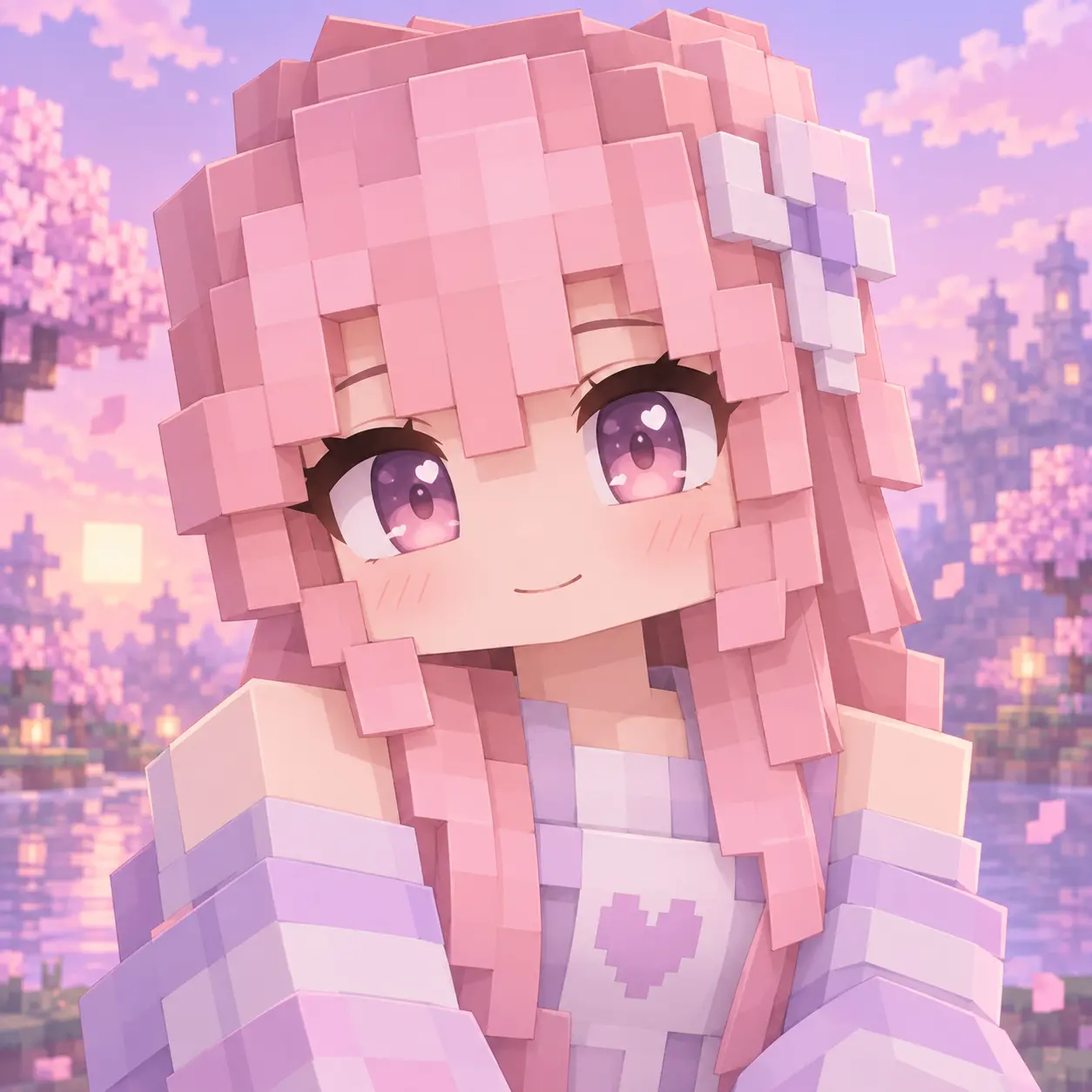
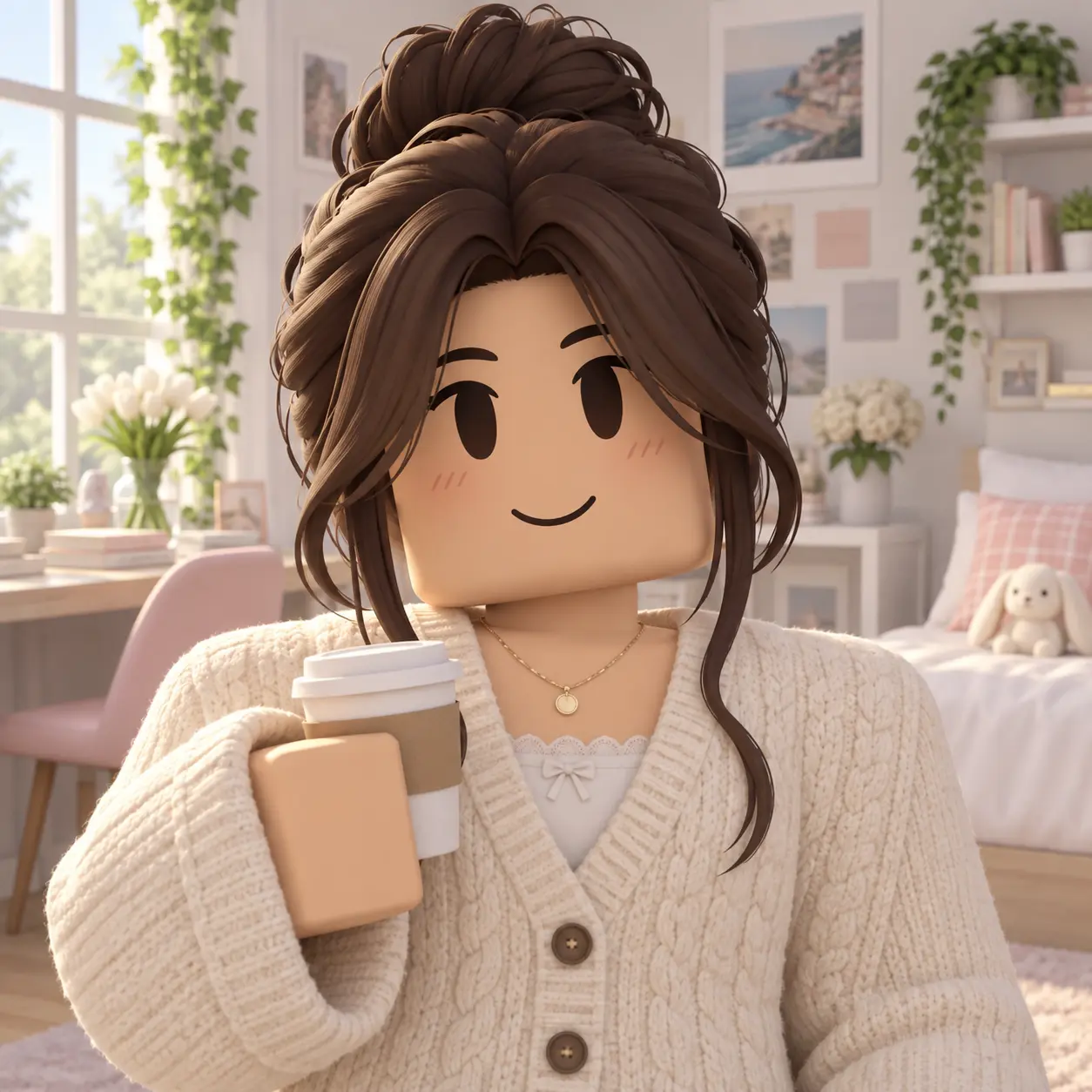
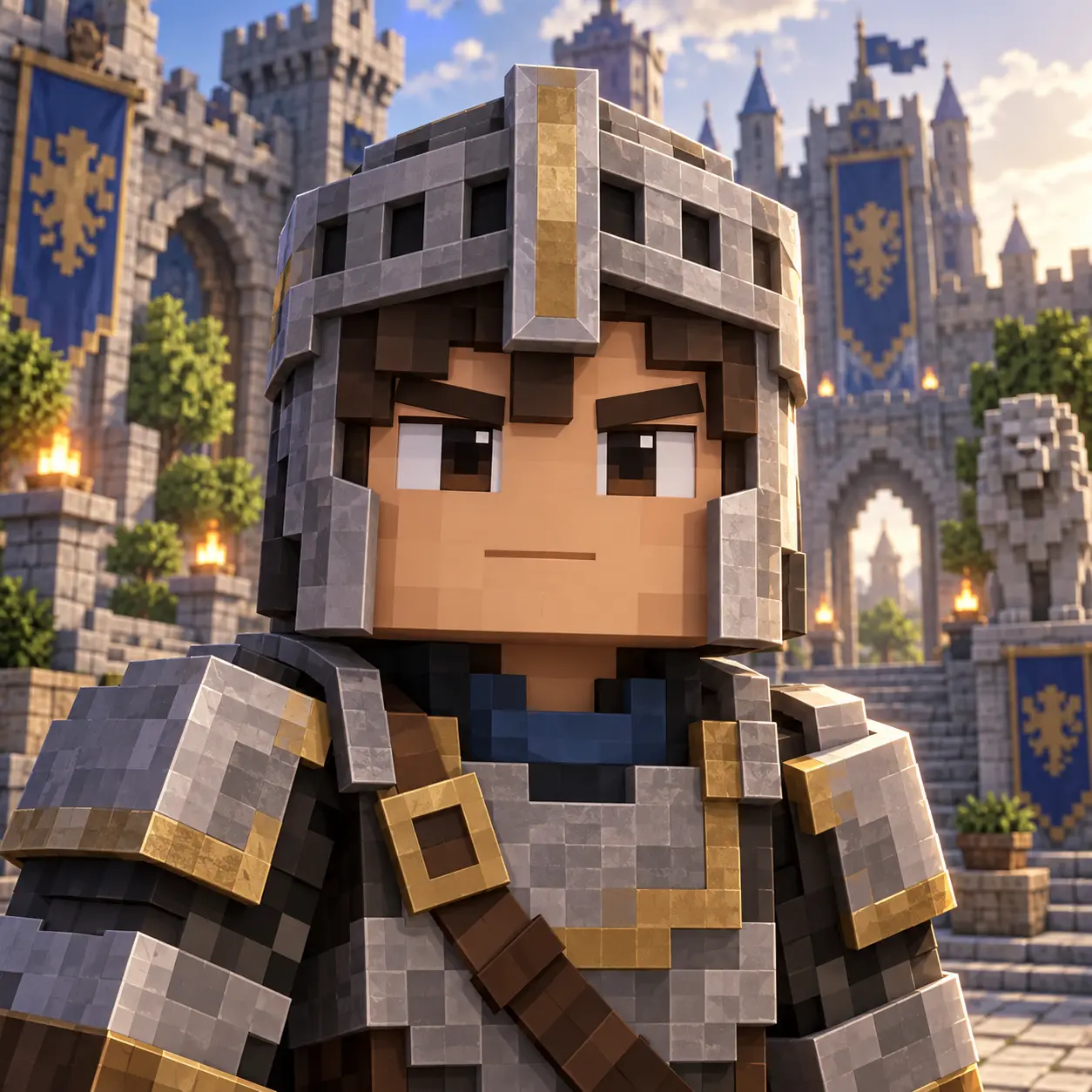
Who Needs A Roblox PFP
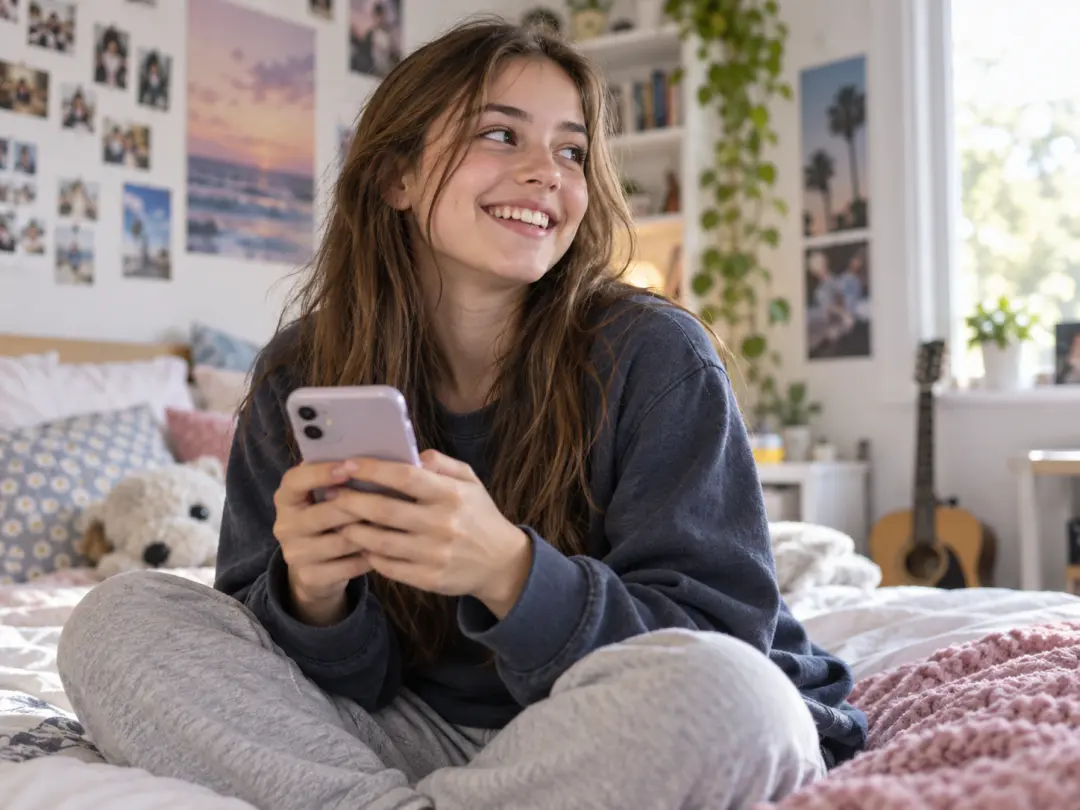
Everyday Roblox players
Most players want a Roblox PFP that looks more like the character they actually play. Describe the hair, outfit, and expression; the generator returns square options you can compare. The tool keeps the face centred and readable at thumbnail size instead of burying it in a busy scene.
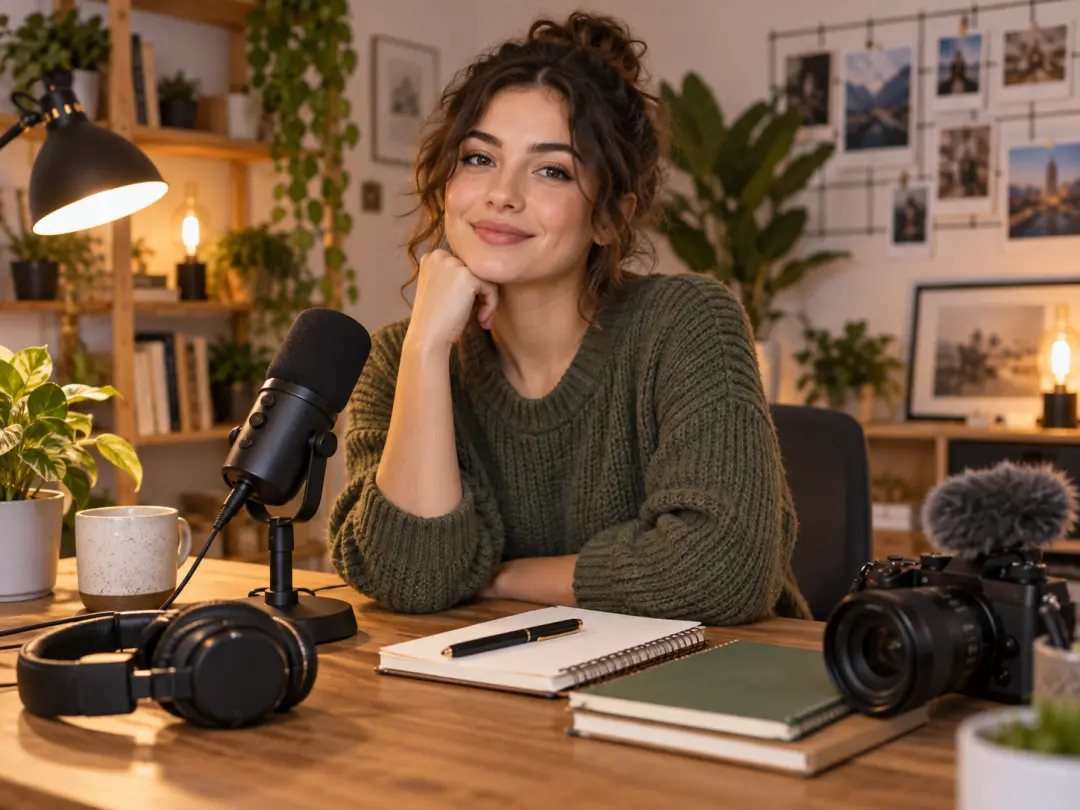
Creators and channel owners
If you post Roblox videos, a matching Roblox PFP ties your channel, in-game character, and thumbnails together. Use the same look across expressions and scenes so you stay recognisable. Refresh the image each season without rebuilding the design from scratch.
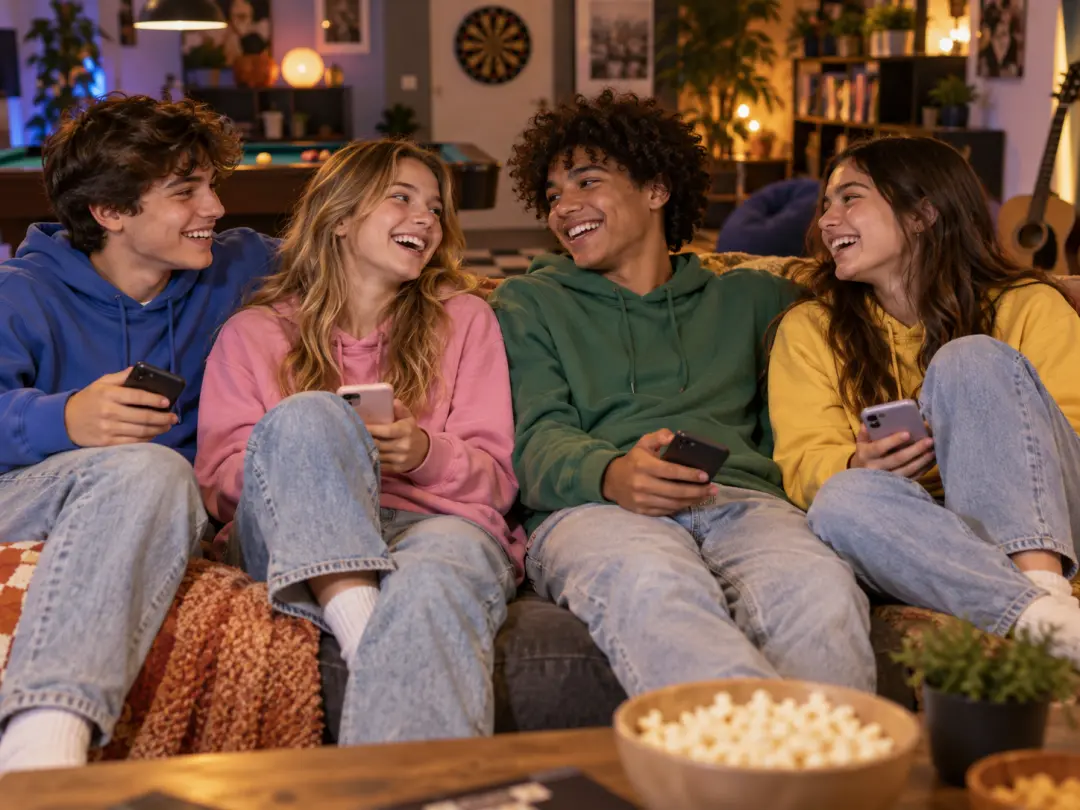
Groups, friends, and fan accounts
Roblox groups and fan accounts often want profile pictures that belong together. Type one shared brief, then vary a colour, accessory, or role for each member. The same approach works for Roblox avatar art of a favourite character or a themed account that needs a fresh Roblox PFP when an update lands.
What This Roblox PFP Tool Does
The workflow is built around a clear description, visible options, and square exports you can upload straight away.
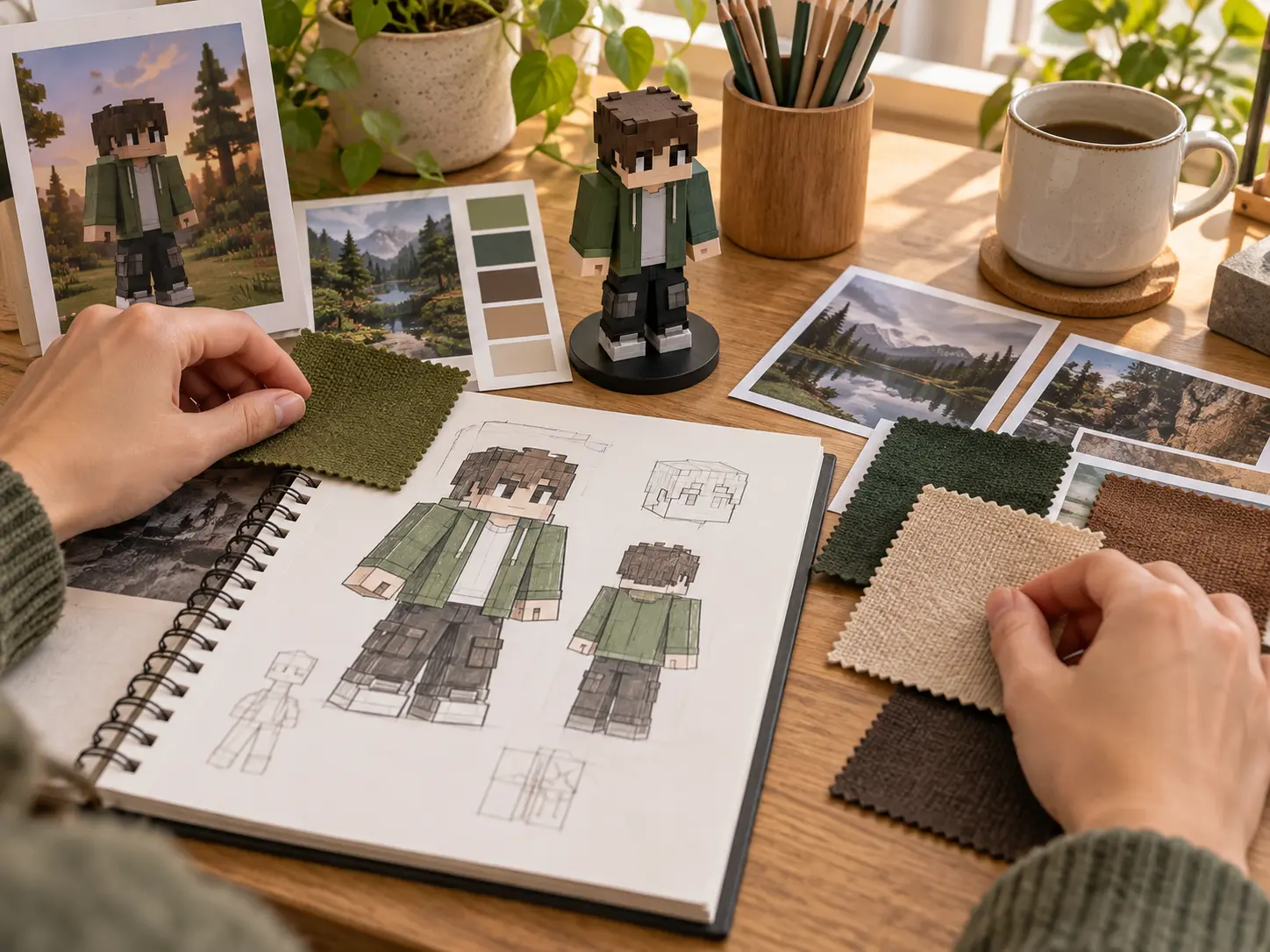
Describe the character you want
Write the avatar in plain language: hair colour, skin tone, outfit, expression, and background. The Roblox PFP tool turns that brief into a finished square picture. Name two or three defining details, such as braided hair and a green jacket, and let the generator handle the rest of the scene.
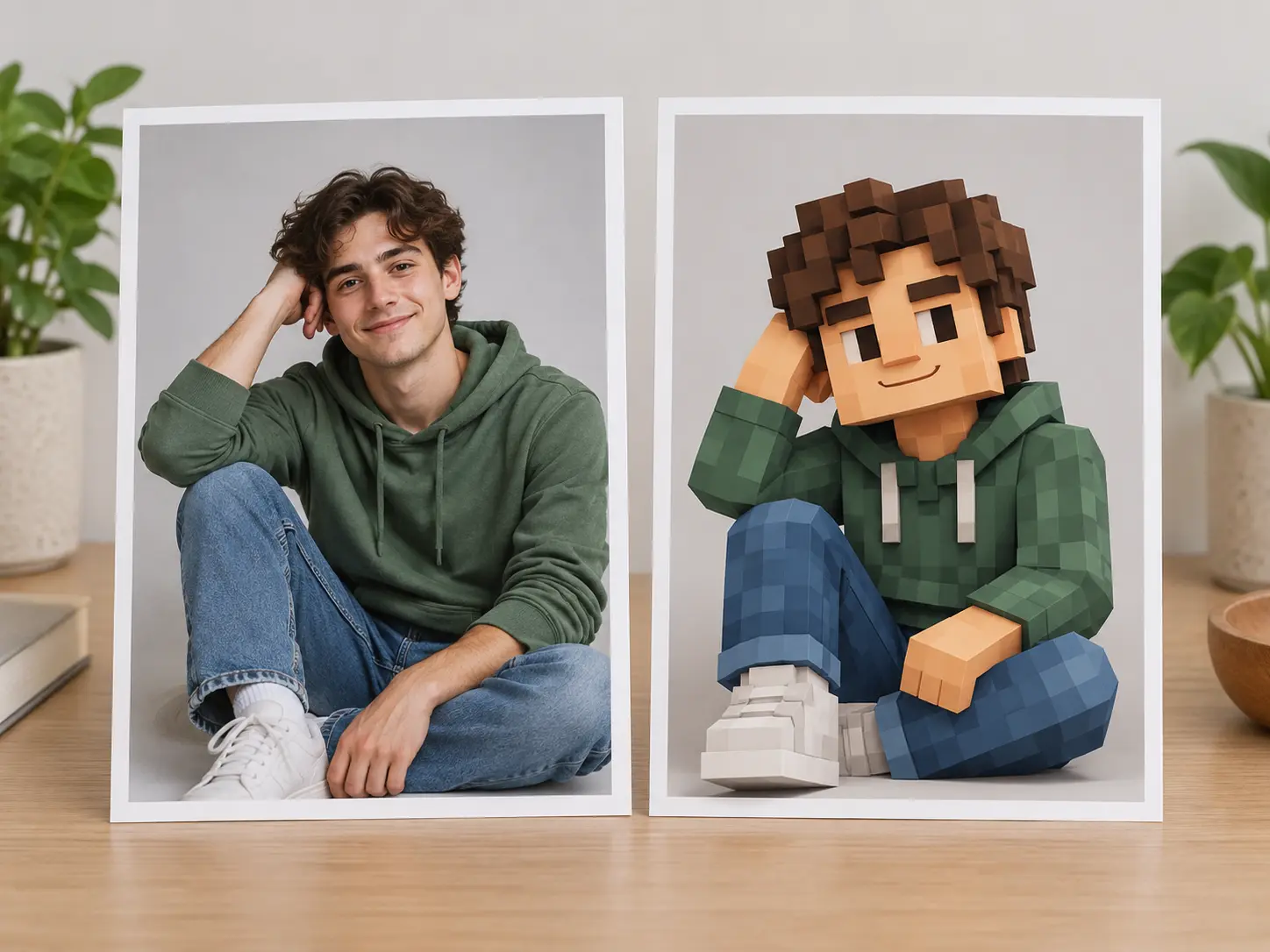
Turn an Existing Photo Into Roblox Art
When you already have a picture you like, use the draw me Roblox route instead of a blank prompt. Upload it as a reference, then describe the Roblox-like result: a blocky figure, chunky outline, and simpler face. The generator keeps posture, hair, and colour, then rebuilds the rest in the flatter avatar style.
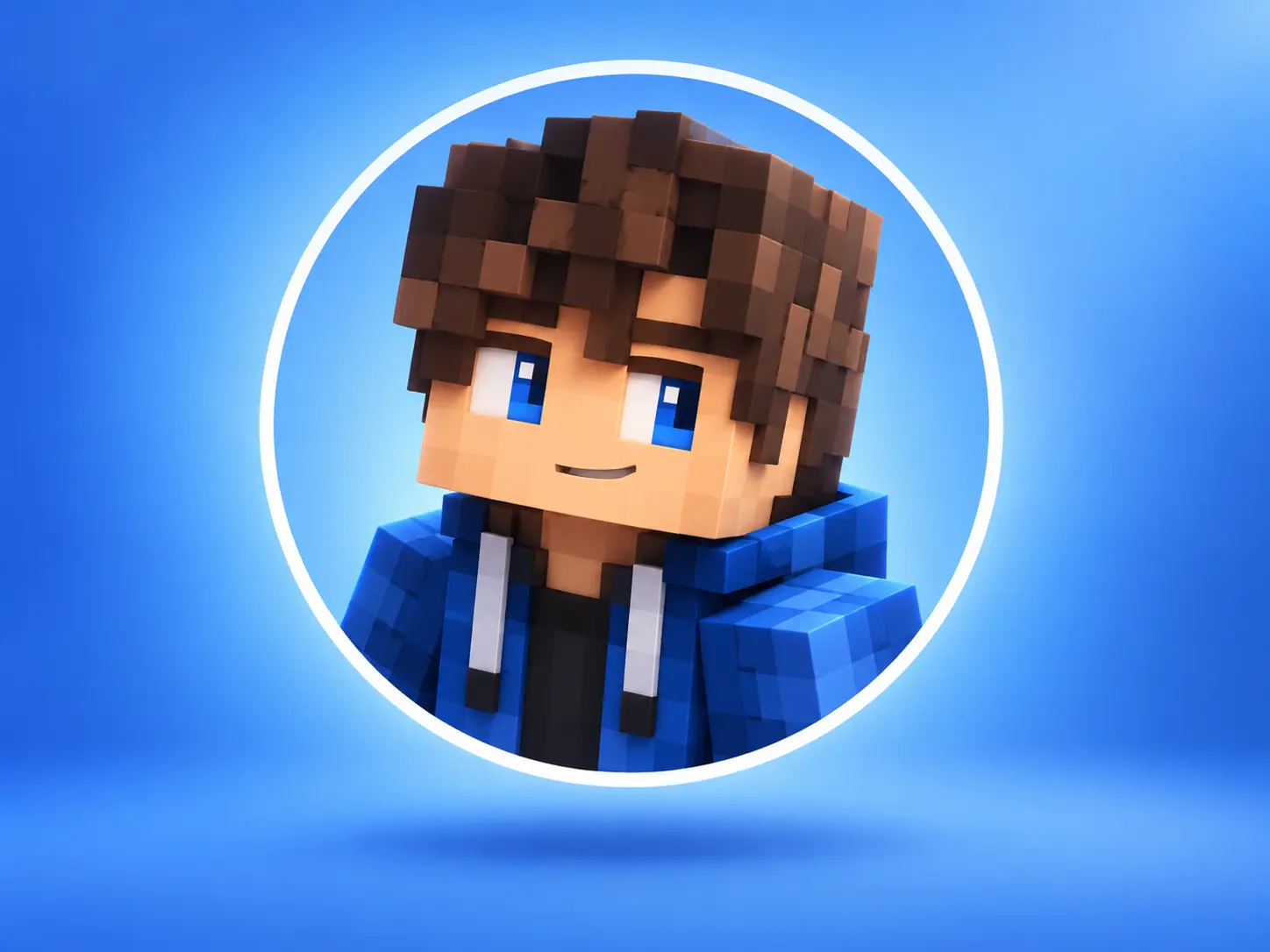
Square Exports for the Roblox PFP Frame
Profile pictures are cropped to a small circle, so a wide scene can lose the character. Every Roblox PFP from this tool is square, centred, and built with a simple background. Save, reuse, or replace the result whenever you want a new look, without re-cropping a wide image or guessing where the circle will land.
How To Make A Roblox PFP
Three steps take you from a short description to a square Roblox PFP you can upload.
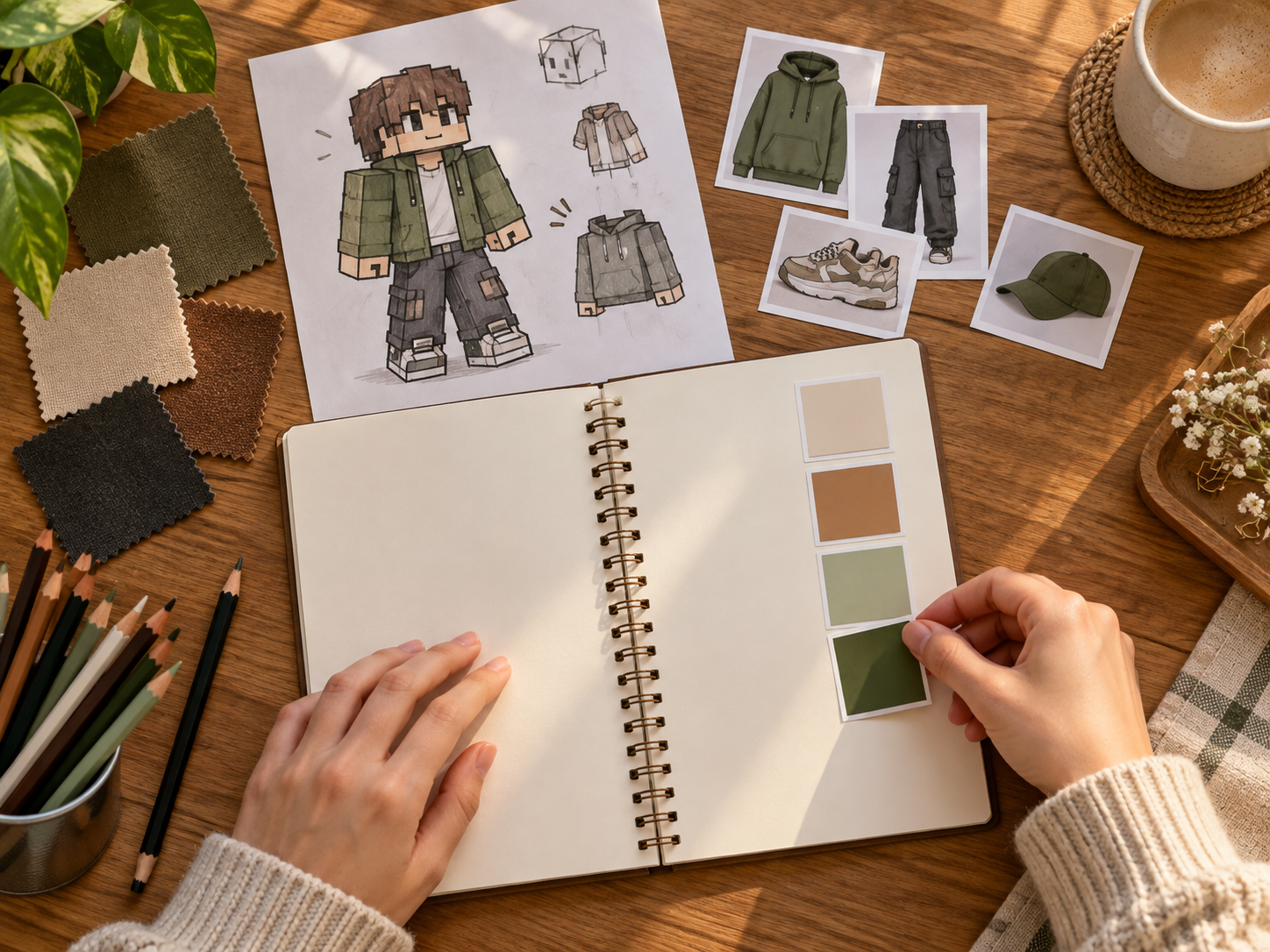
Where A Roblox PFP Fits
Use it whenever you need a profile image that matches a Roblox account, a channel, or a themed project.
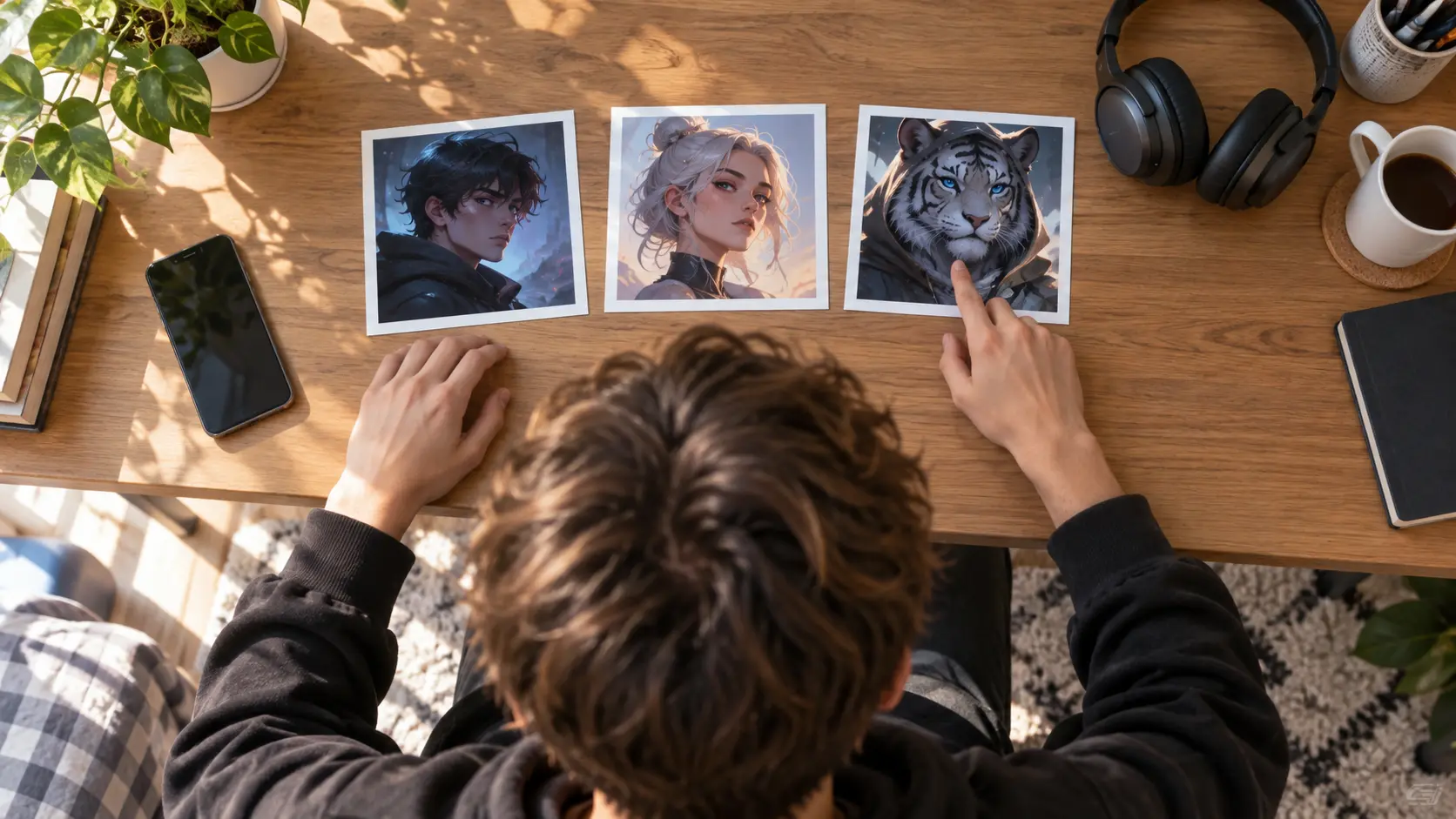
Refresh a profile picture
The simplest reason to open this Roblox PFP tool is that the current picture no longer matches the avatar you play. Describe the new look, generate a handful of square options, and set the one that fits. Because the tool works from a written brief, you can keep the character identical and change only the season, mood, or background.

Brand a Roblox channel
Video channels, streams, and fan pages need a profile image that reads at tiny sizes. Use the Roblox avatar creator to build one character and keep it across your account, channel, and thumbnails. A matching palette and silhouette do more for recognition than a detailed illustration, and a square export drops straight into most profile settings.
Build a themed set
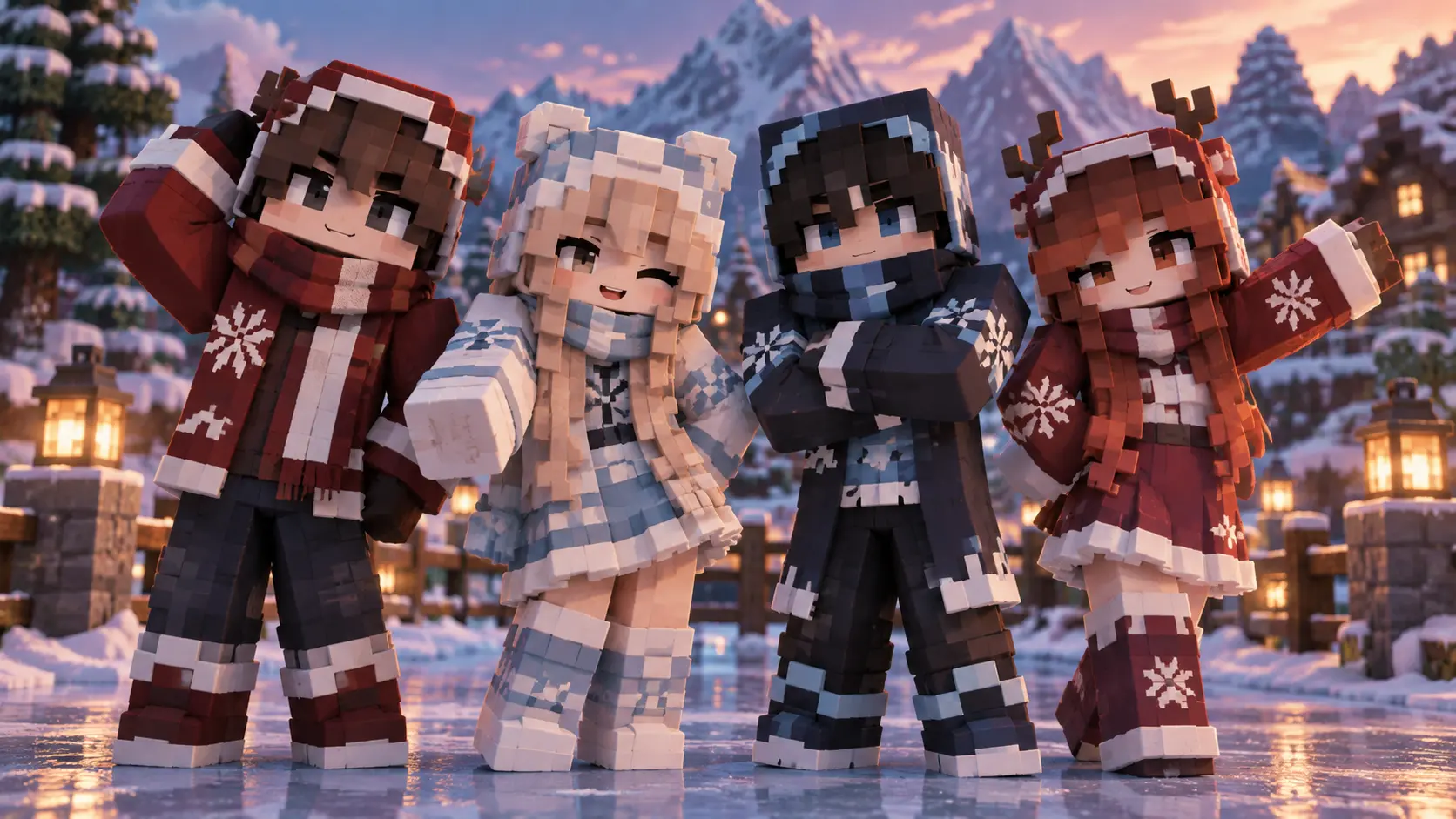
Group accounts, birthday posts, and seasonal events often need several pictures that belong to one theme. Write one shared description, then vary a colour, hat, or pose for each image, and the Roblox PFP generator returns a deliberate set. It is the fastest way to give several accounts a unified look without commissioning each picture separately.
Roblox PFP Questions
Related Image Tools
Create Your Roblox PFP
Describe the avatar you want, compare a few square directions, and download the Roblox PFP that fits your account.
Get Started