
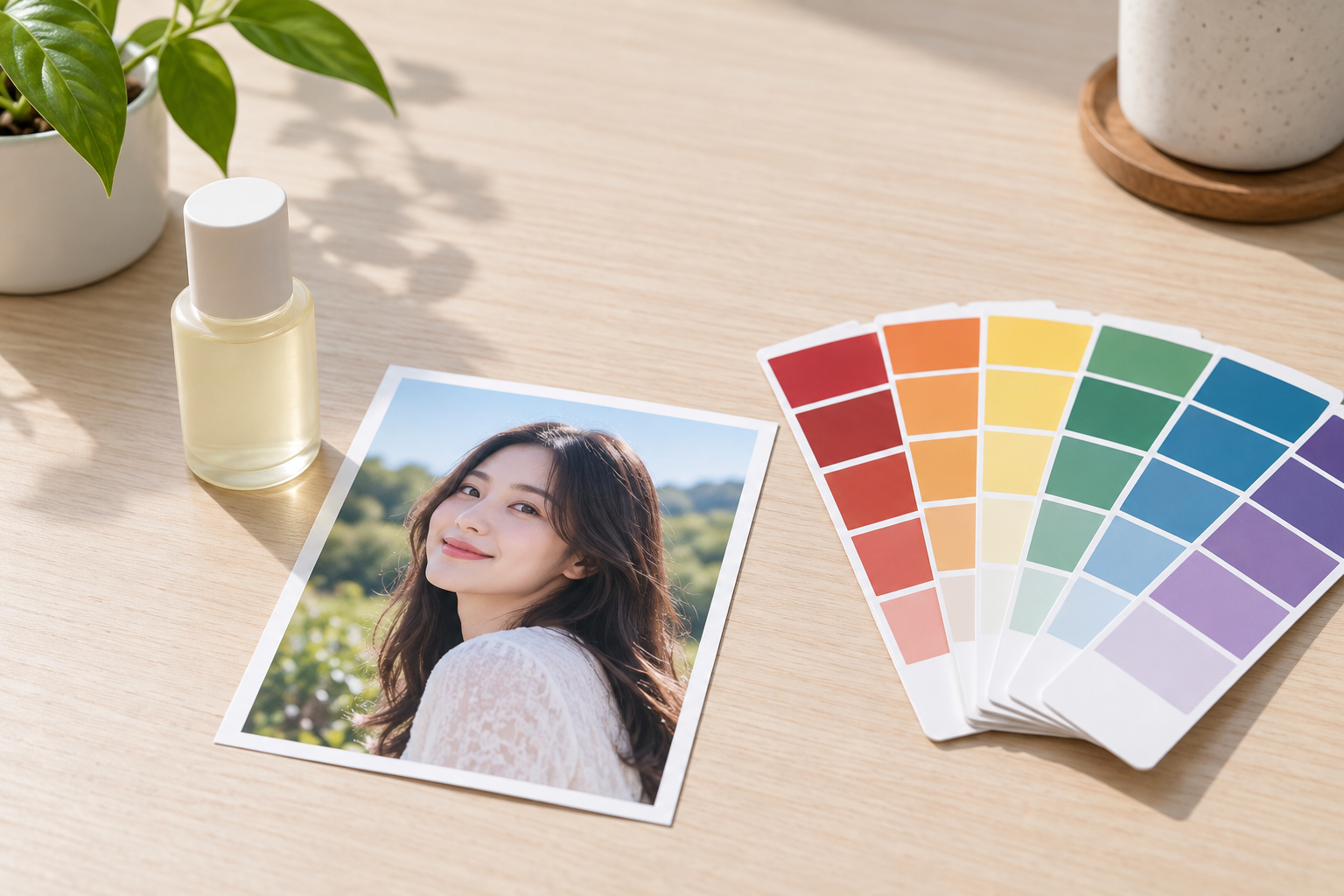
Step 01
Upload A Product Or Portrait
Start with a clear JPG, PNG, or WebP. A simple original background and a fully visible subject make the background color change easier to control.

Recolor The Setting
Upload a photo or product image and change background color for a cleaner listing, brand palette, headshot, or social layout without losing the subject edge.


Products often need a specific background color for a collection, campaign, or marketplace layout. Change background color while keeping the product shape, label area, and shadow direction consistent.

Create a family of images around the same brand colors. A consistent background color makes a feed, catalog, or presentation feel intentional without repainting the product itself.

Replace a distracting wall with a clean studio color for a profile picture, speaker card, resume, or event graphic, while keeping hair and face detail natural.
A clean recolor needs more than filling the old background. The edge, shadow, subject color, and final palette all need to agree.

Move a flat wall or studio surface to a chosen hue for a listing, brand system, or social template. The result should stay even across the frame instead of leaving patches of the original background.

Hair, fur, lace, and transparent edges can pick up a colored fringe when the background changes. Use a clean source and review the transition before exporting.

A colored background changes how a product or person feels grounded. Keep the contact shadow, floor line, and reflection direction consistent so the subject does not look pasted on.

Use the same subject across several colors for a collection, campaign, or carousel. Keep scale, lighting, and spacing stable so the images read as one set.
Upload the source, choose the new color direction, and review the edge and shadows before export.
Step 01
Start with a clear JPG, PNG, or WebP. A simple original background and a fully visible subject make the background color change easier to control.
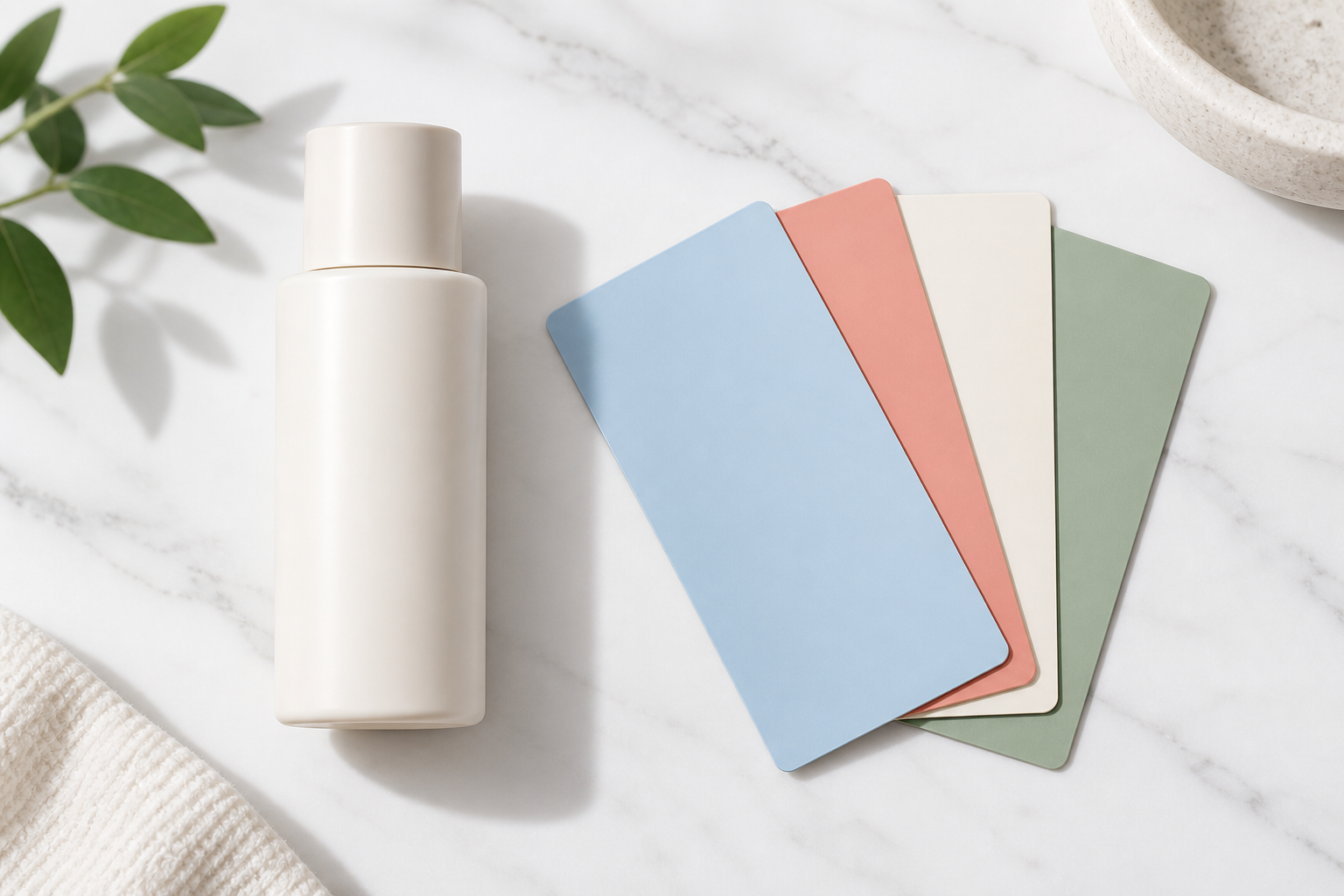
Step 02
Set the color you need or describe the brand palette and mood. Keep the subject instruction separate so the product, clothing, and skin tones do not shift with the background.

Step 03
Check the hairline or product edge, contact shadow, floor plane, and overall color balance. Download the version that fits the listing, profile, or campaign layout.
Use a consistent color change for commerce, branding, personal profiles, and social layouts.
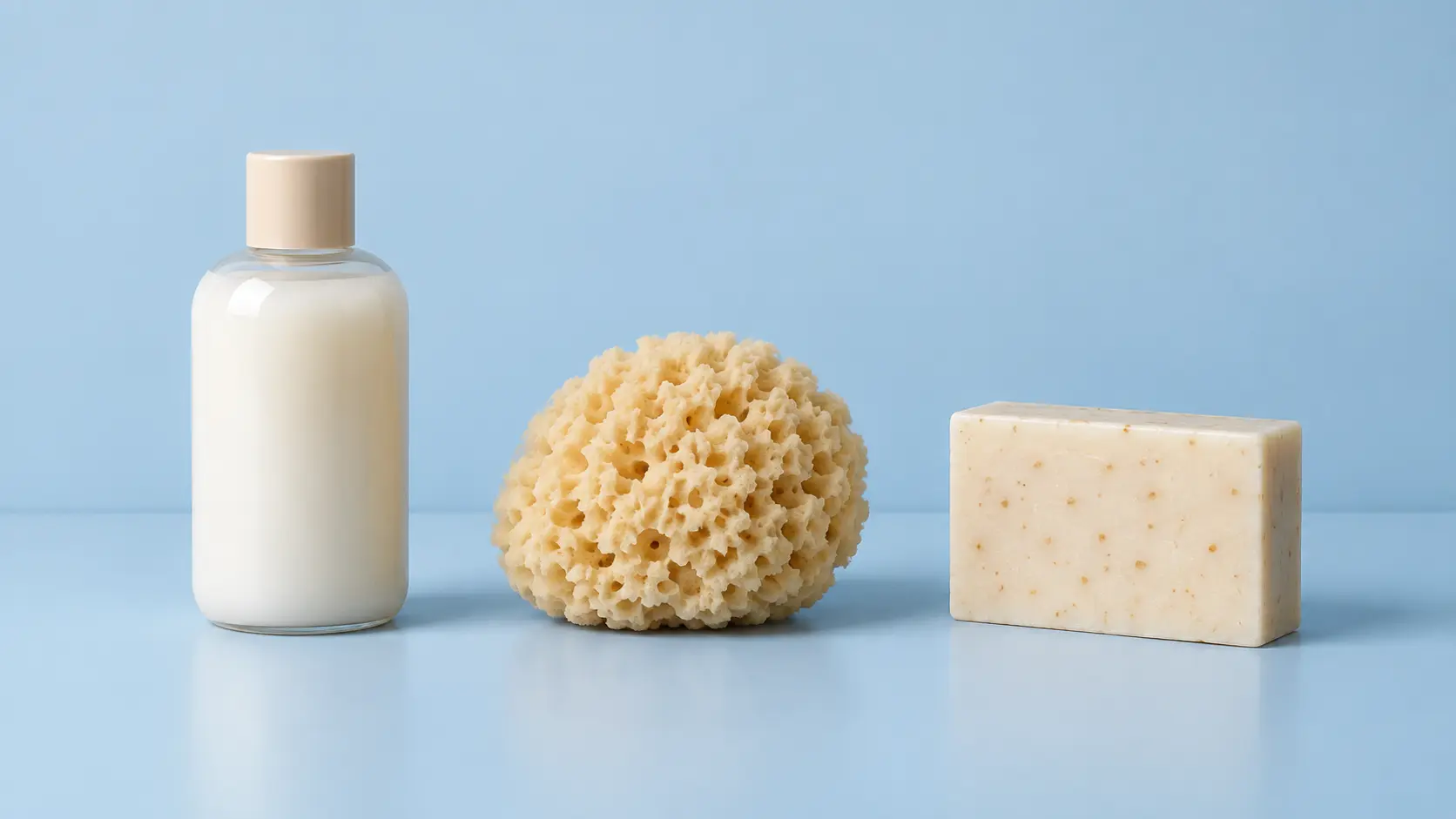
Give a group of products the same studio color for a catalog, shop category, or campaign landing page.

Match the background to a brand palette so a product, portrait, or announcement works across a feed or presentation.

Replace a busy room with a clean color wall for a resume, speaker card, team page, or social profile.
Upload the source, set the color direction, and keep the subject edge and shadows natural.
Get Started