Best AI Video Editor for Your Workflow

The best AI video editor depends on the workflow; there is no evidence-backed universal winner. This VideoAI editorial guide separates professional timelines, transcript editors, repurposing tools, browser editors, and prompt-led revision so you can build the right shortlist. Product pages were reviewed September 17, 2026; no shared hands-on benchmark, scores, or ordinal ranking are claimed.

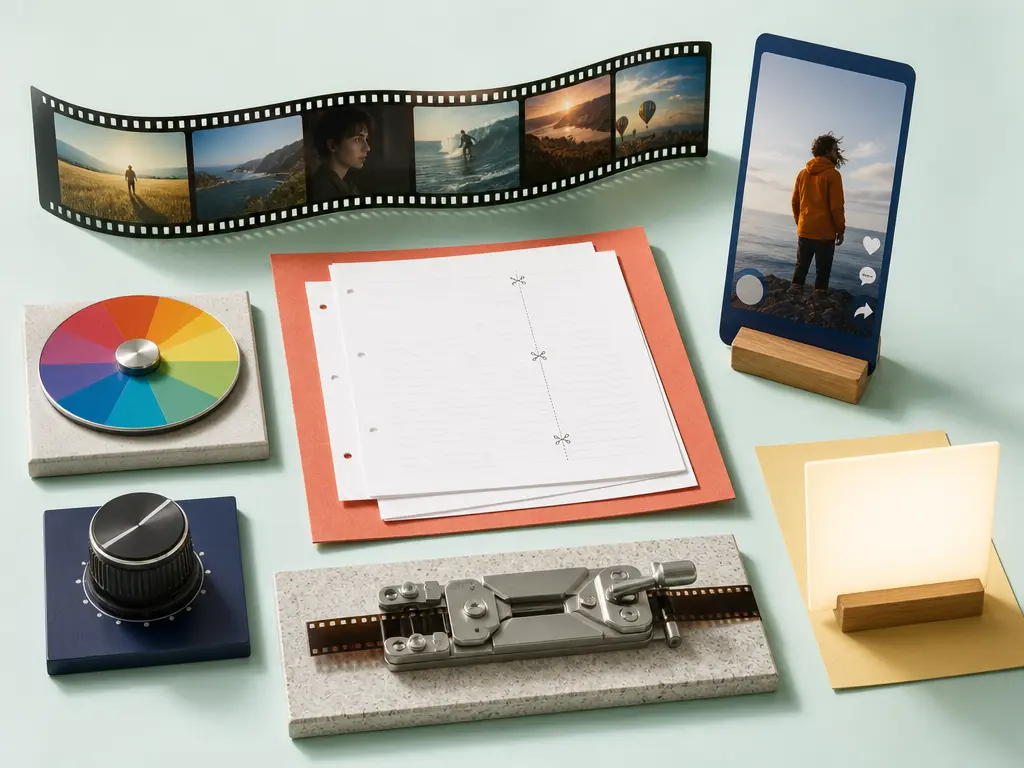
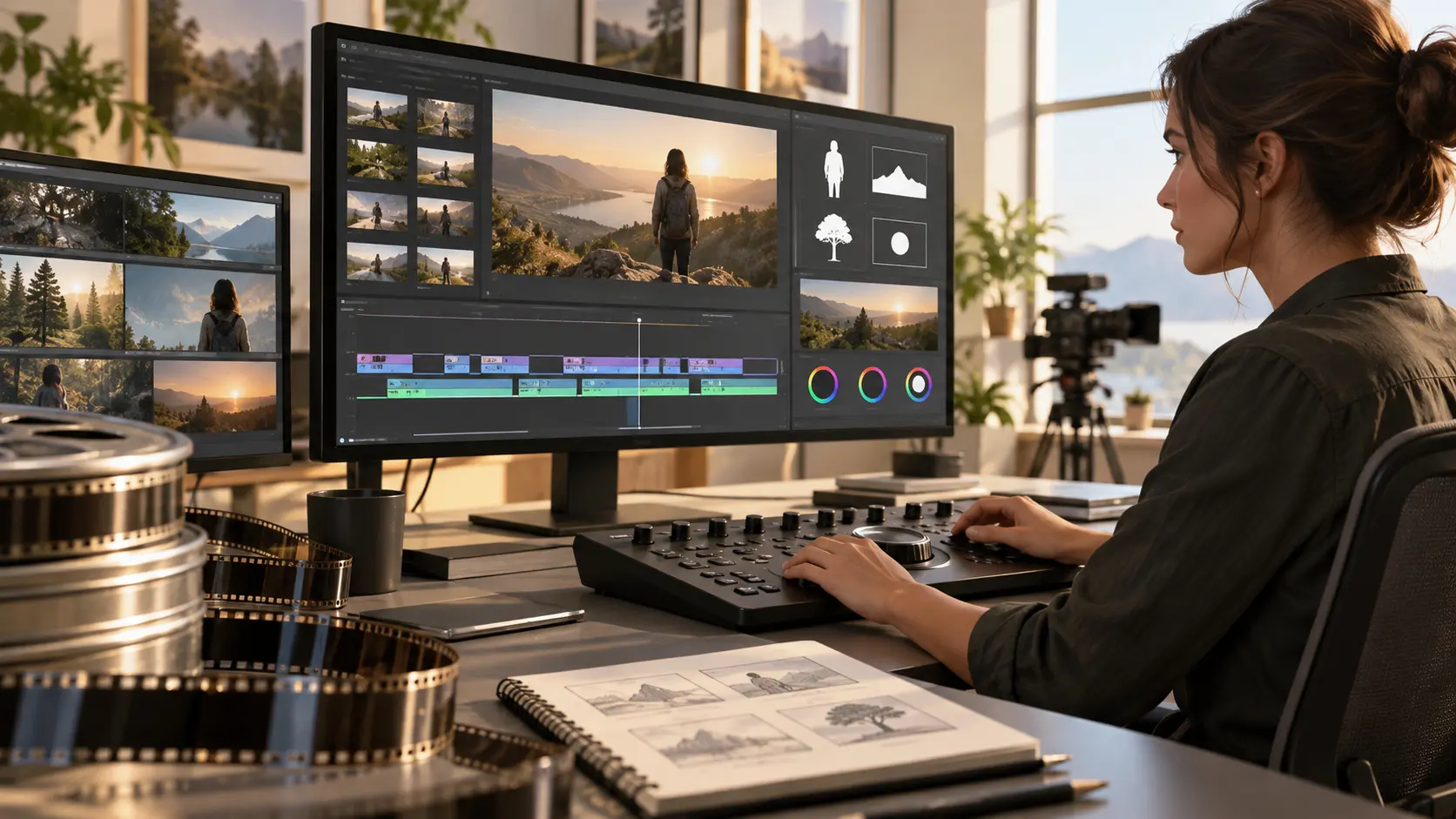
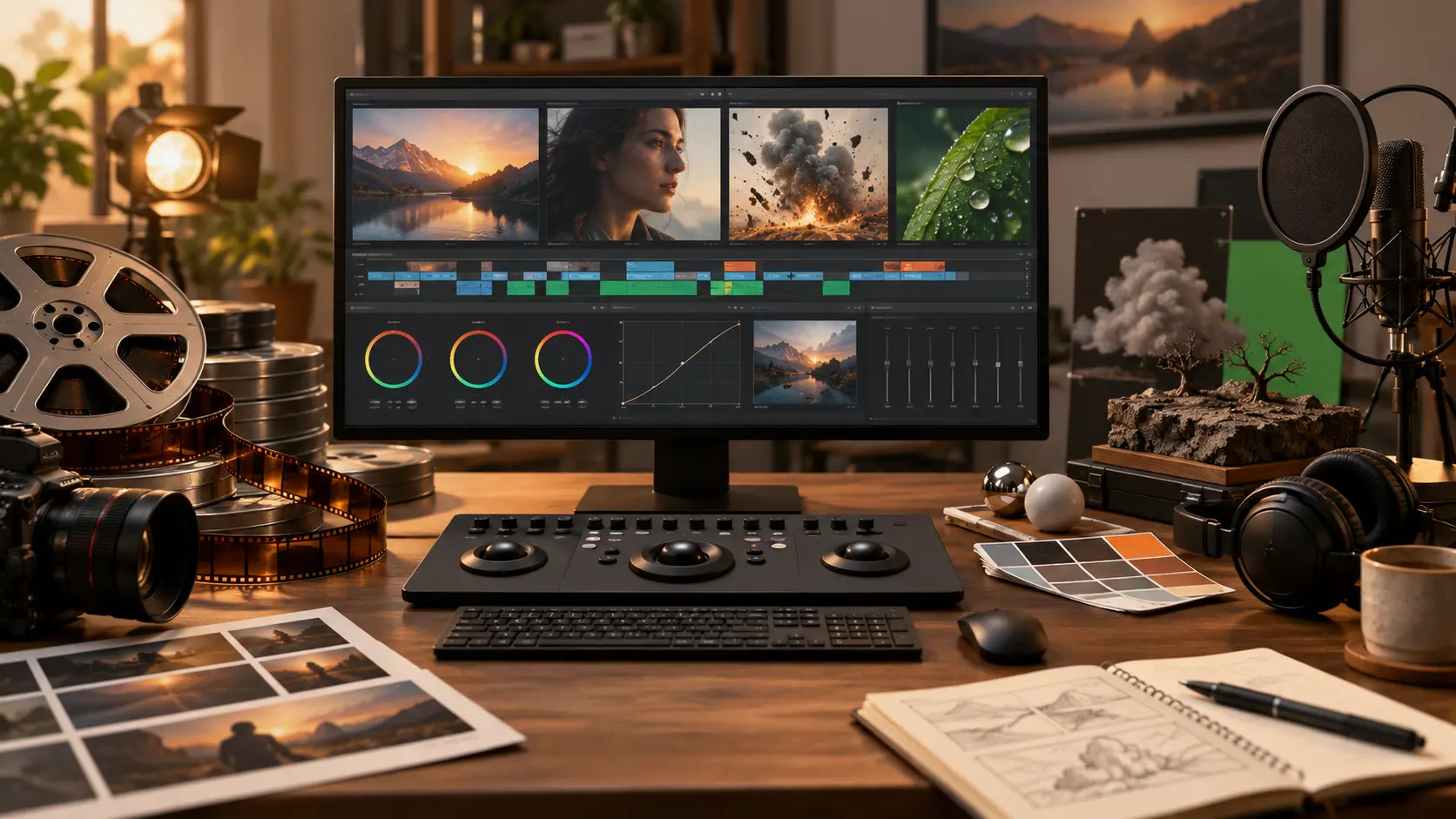
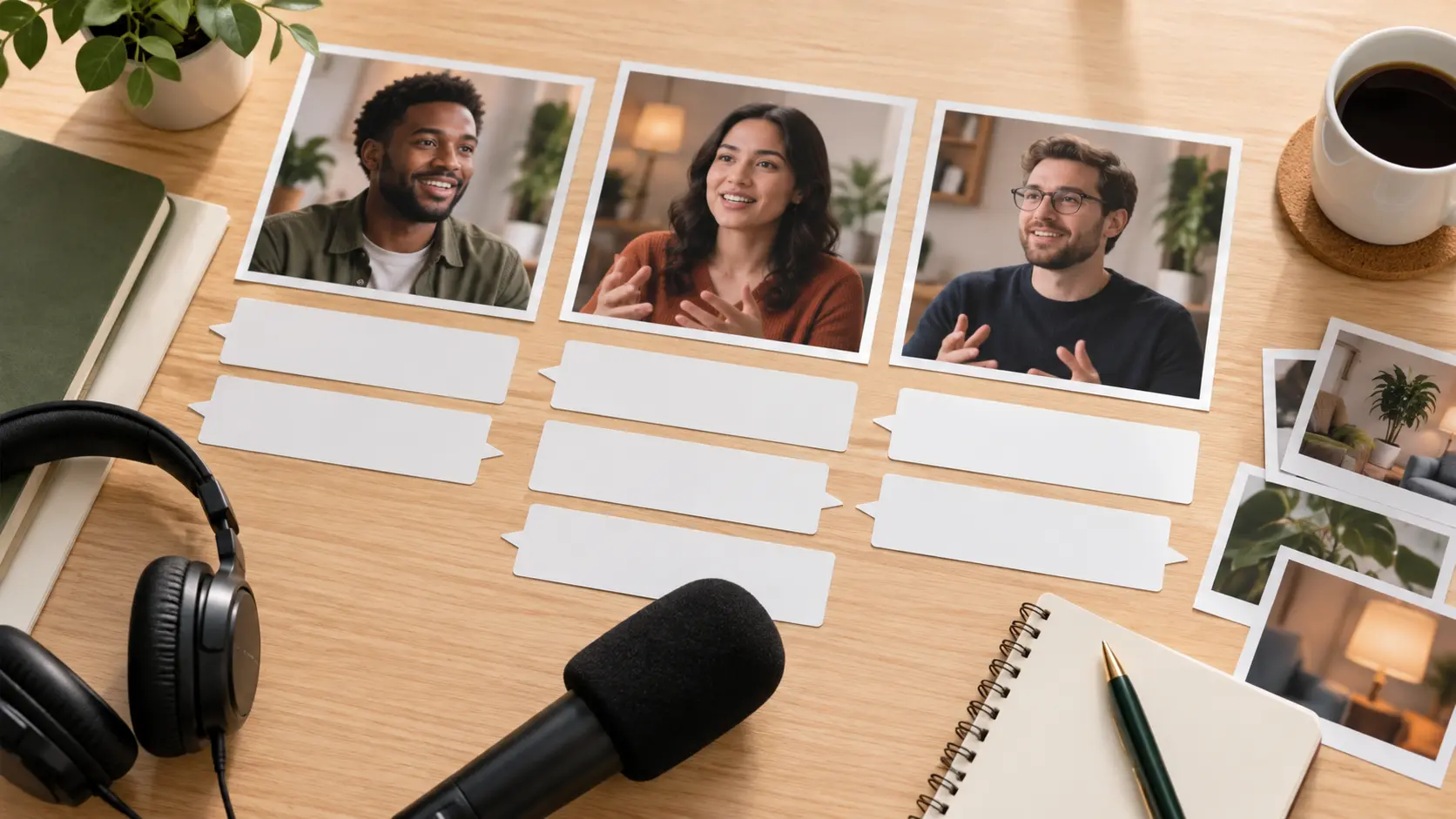
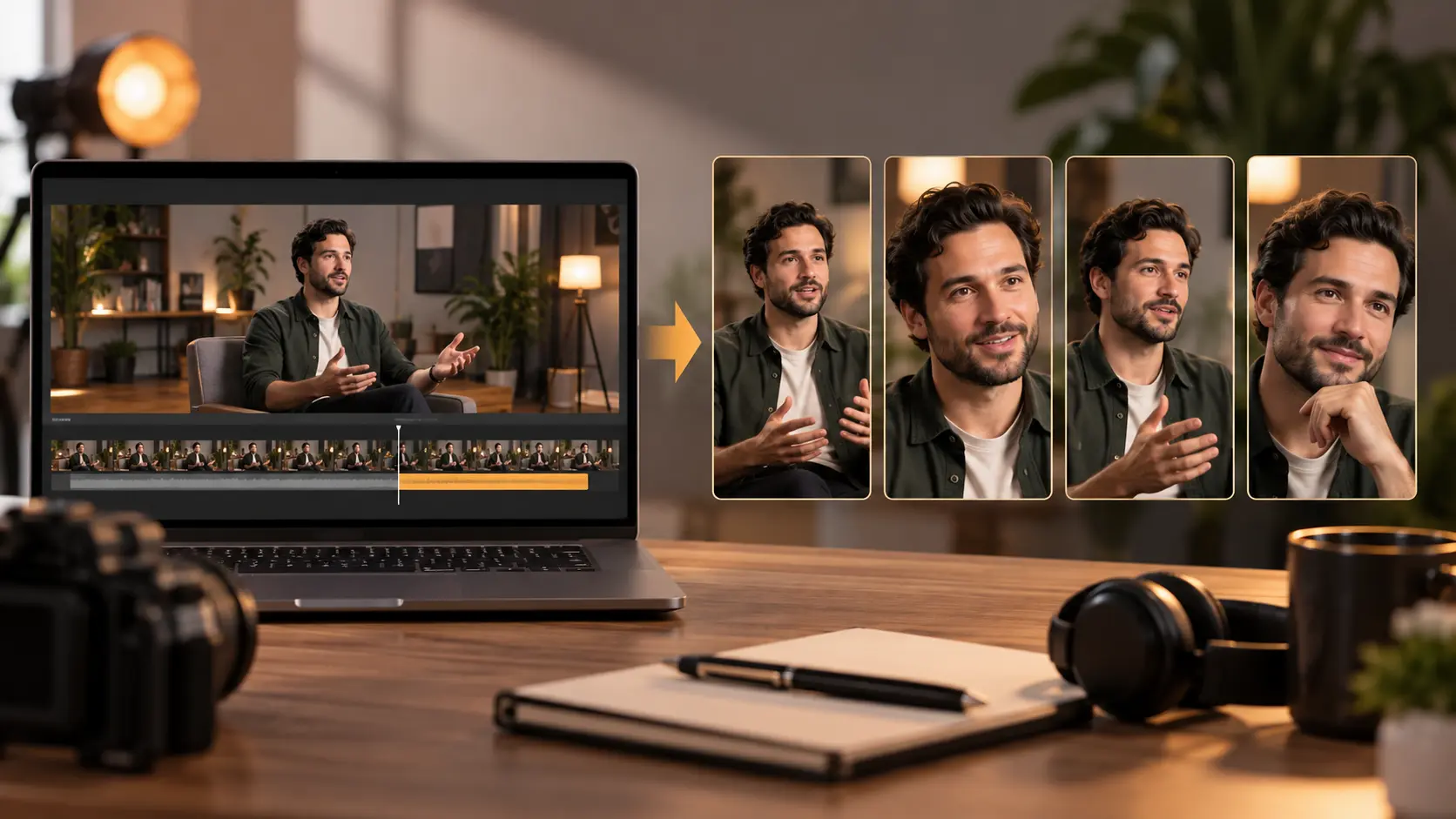
Bright editorial studio comparing a filmstrip, transcript pages, vertical clips, color tools, and prompt-led video concepts

How to Compare the Best AI Video Editor Options

The research supports a category map and a source-based shortlist. It does not support a top-five order, a best-overall award, or first-person testing language.

Step 01

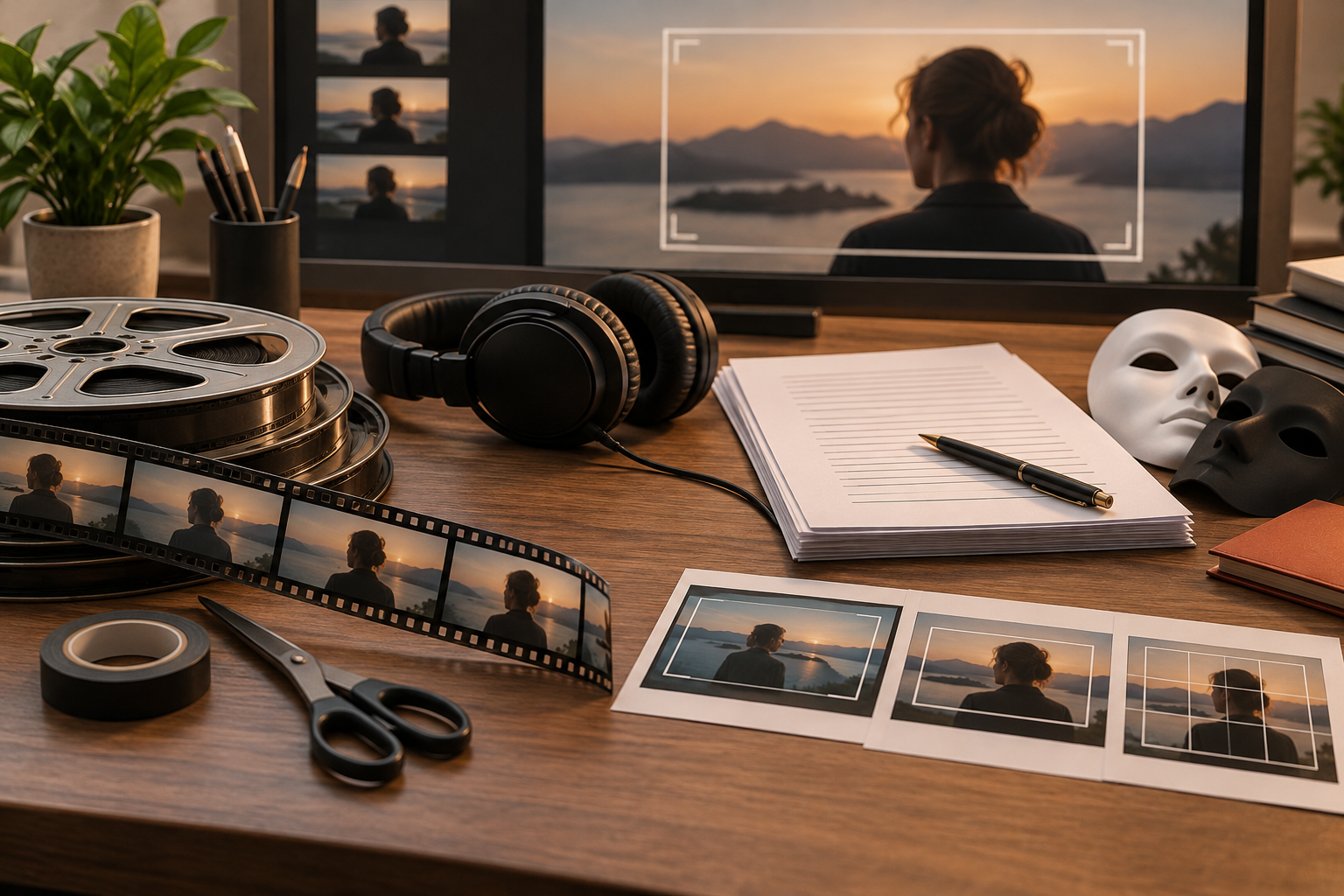
Define editor eligibility

To enter a comparison for the best AI video editor, a product must change video content, structure, timing, audio, captions, framing, or sequence and provide a practical correction path. Generators, enhancers, avatar tools, and clippers must be labeled by their real scope.

Step 02

Match products to the same decision fields

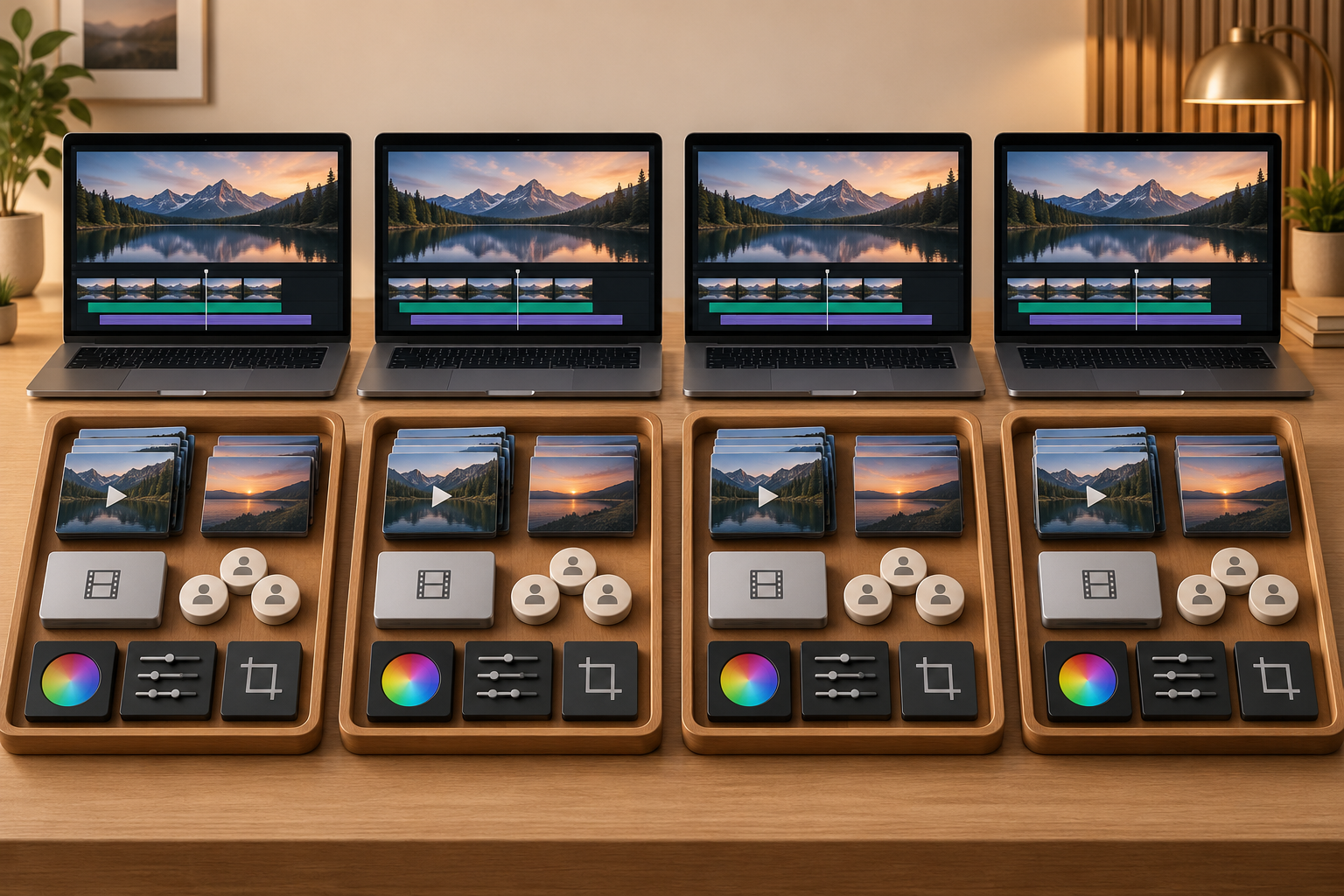
Compare input scope, interaction model, AI actions, manual correction, platform, export, free boundary, collaboration, trust policies, and learning curve. Do not treat one vendor's marketing vocabulary as a score.

Step 03

Verify plans and run a shared test before ranking

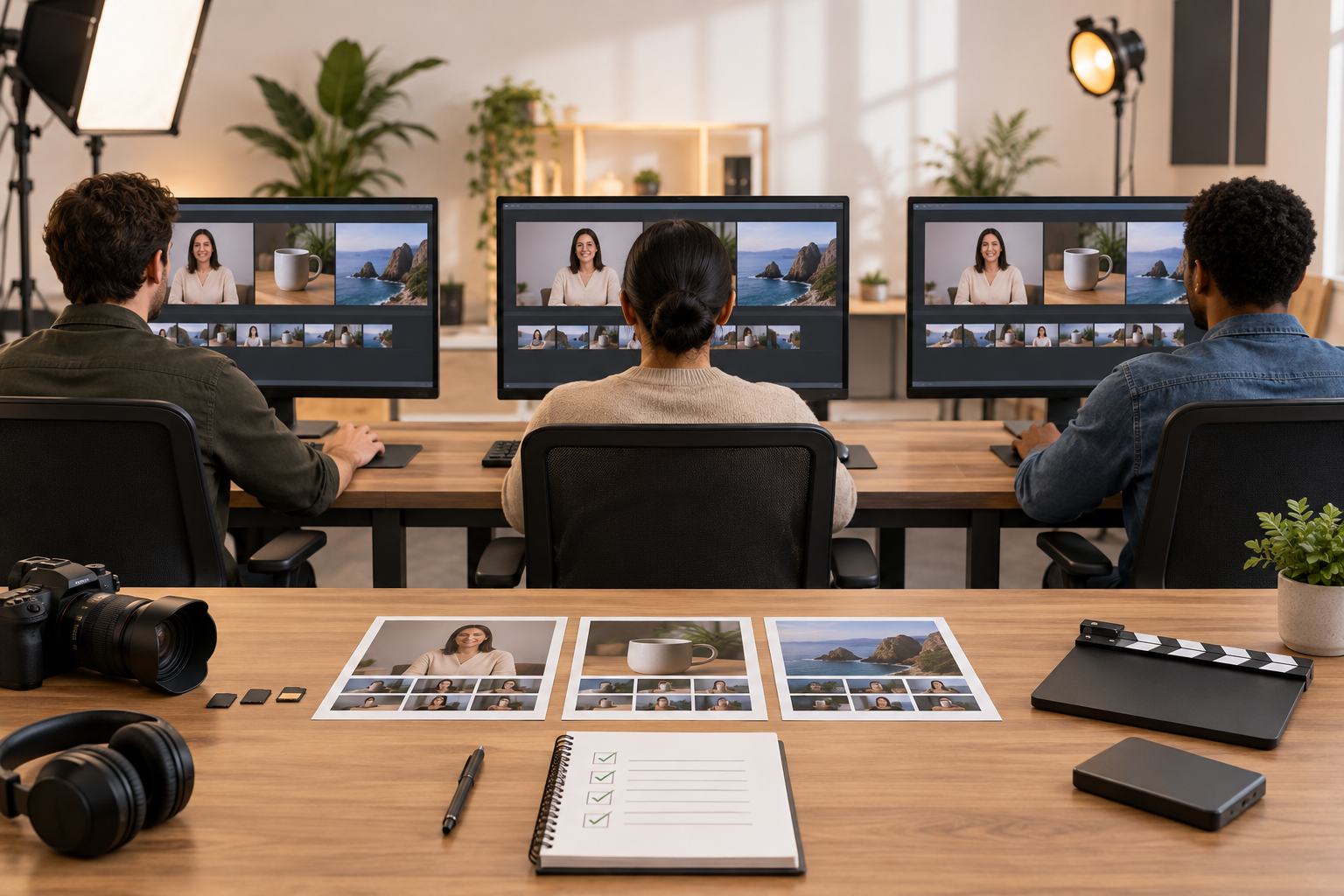
Any ranking for the best AI video editor would require the same rights-cleared clips, editing tasks, plan level, device conditions, correction steps, and export checks across every eligible candidate. That uniform dataset does not exist for this page, so recommendations remain conditional.

What Kind of AI Video Editor Do You Need?

The best AI video editor category depends on the source material and correction path. Choose the interaction model before comparing features or prices.

Professional NLE with AI assistance

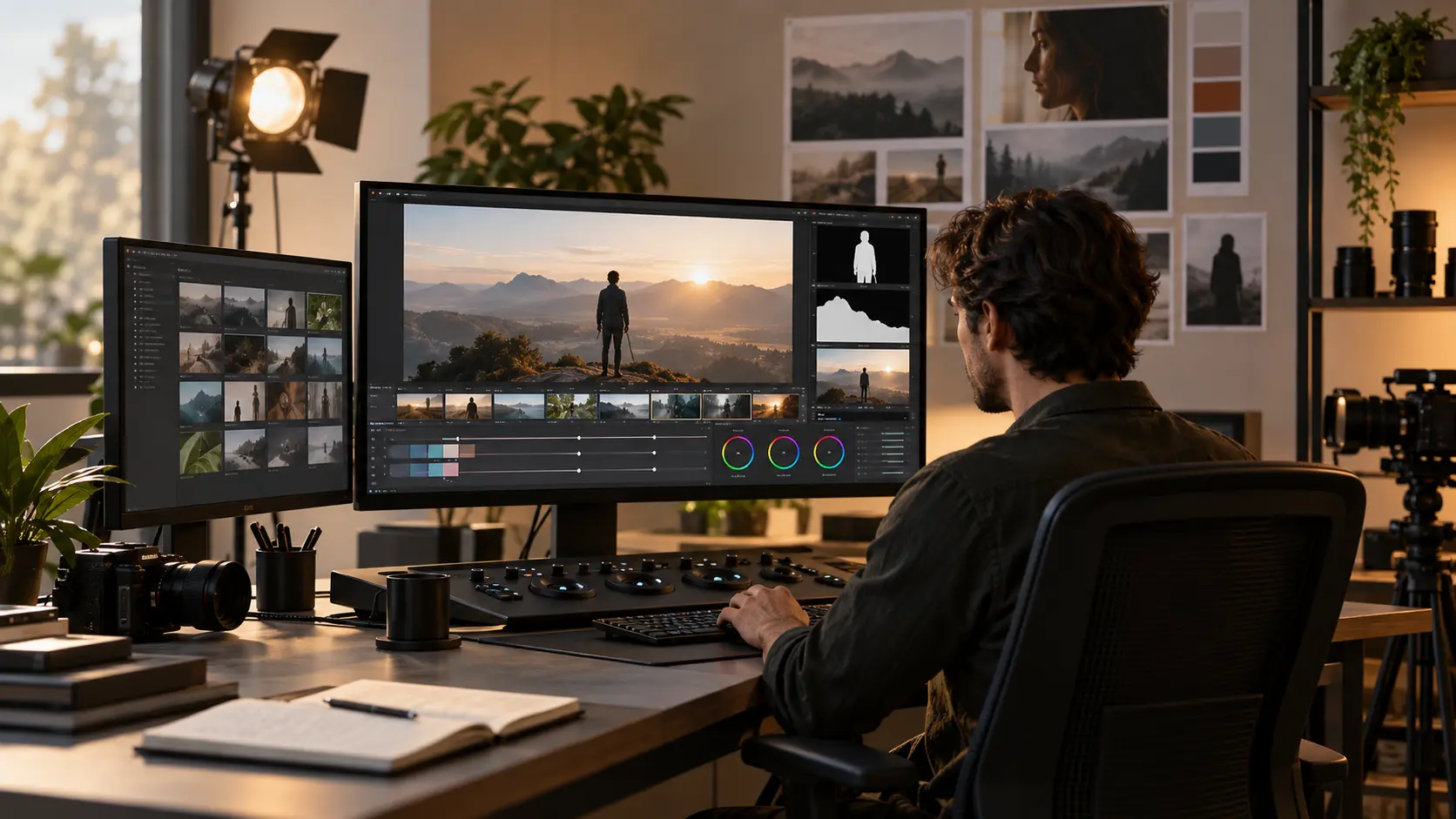
For teams seeking the best AI video editor with full timeline control, AI should accelerate search, text-based edits, masking, speech cleanup, or generative extension without removing manual control. Adobe Premiere and DaVinci Resolve represent this category in the reviewed sources.

Transcript-first editor

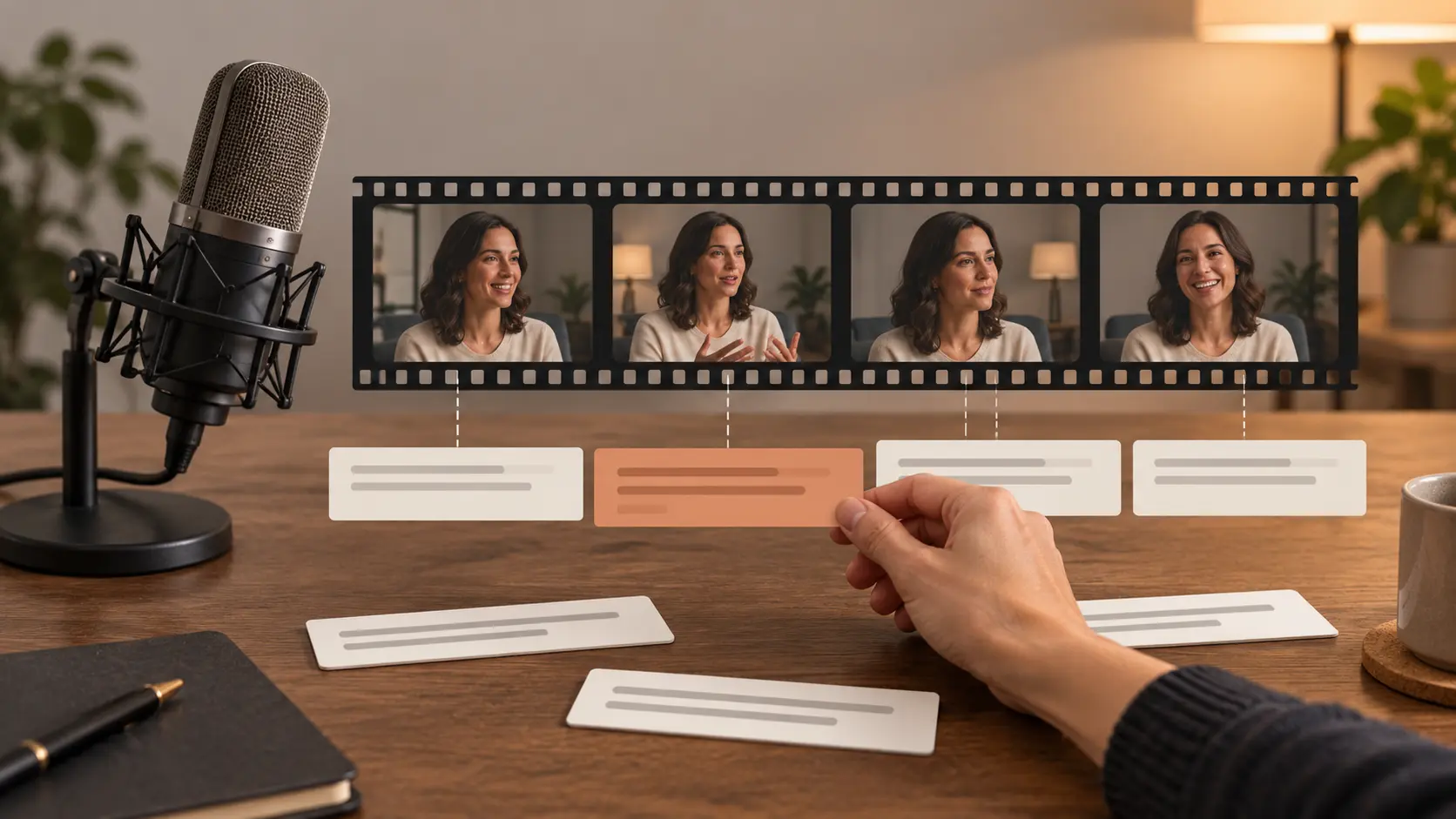
The spoken transcript becomes the primary editing surface. This can reduce friction for podcasts, interviews, and talking-head video, but it is not a substitute for every frame-specific visual adjustment. Descript represents this workflow.

Long-video repurposer

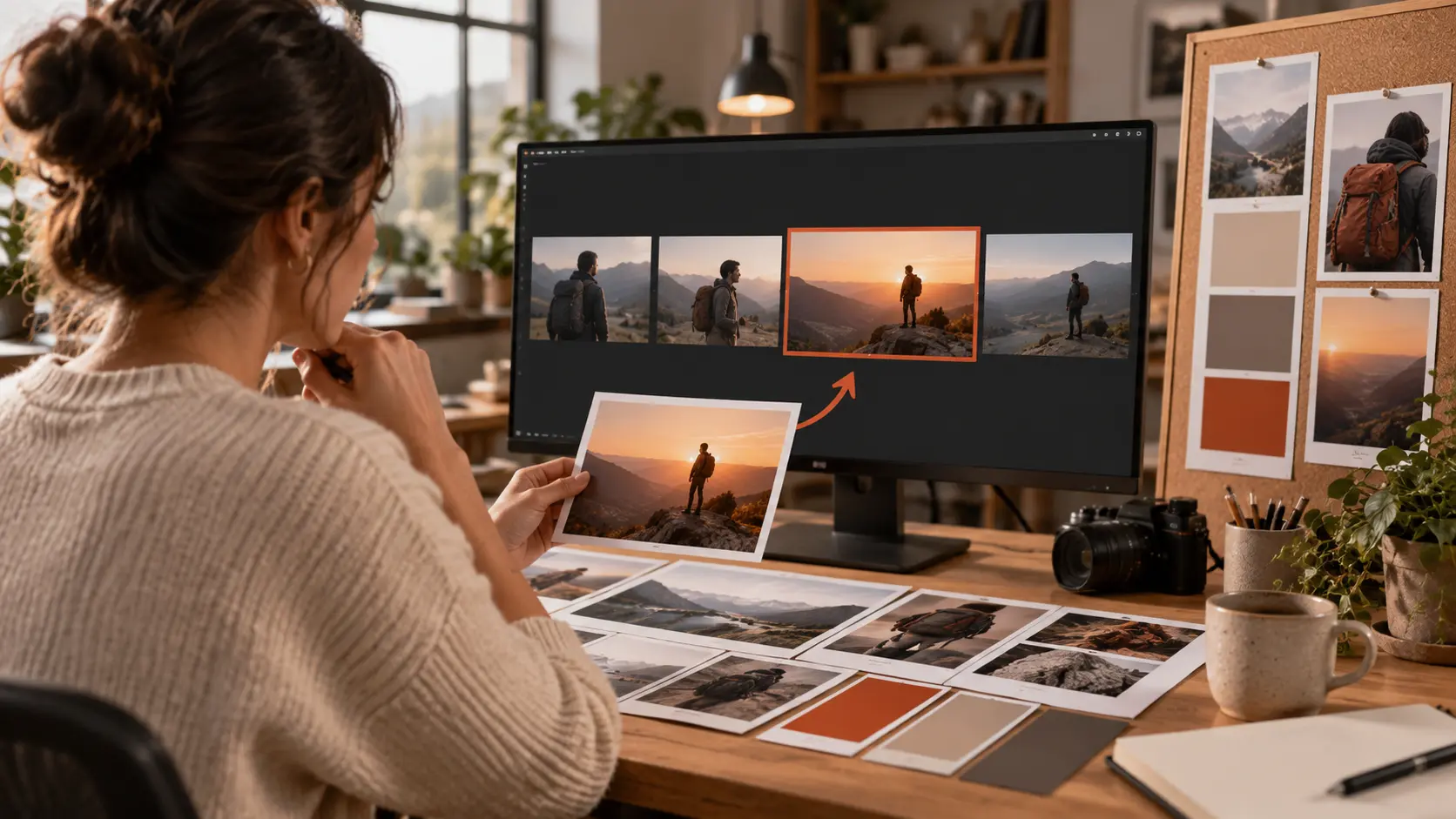
AI finds clips, reframes speakers, adds captions, and prepares short social outputs from longer source material. OpusClip represents this category; repurposing depth does not automatically make a product a general-purpose editor.

Browser all-round editor

Templates, resizing, captions, brand assets, and shared work are available without a desktop installation. Canva and Kapwing represent this path, with free exports and AI access varying by plan.

Prompt-led generated-video revision

The user creates an AI draft and describes changes in text. InVideo's reviewed page explicitly discusses videos made on its platform; that is narrower than proof of a full editor for arbitrary footage.

Specialized generator or effects product

Generation, enhancement, avatars, or visual effects may solve one valuable job without providing the import, timeline, transcript, and correction contract expected from a complete editor. Keep specialists in a clearly labeled category.

A Source-Based AI Video Editor Shortlist

A shortlist for the best AI video editor should be grouped by workflow, not rank. Official pages establish their own product claims, not comparative superiority. Recheck the exact plan and feature access before choosing.

Adobe Premiere - professional timeline control

Consider Premiere when detailed timeline editing and manual override are essential. Adobe's current page names Text-Based Editing, Media Intelligence, Object Mask, Generative Extend, and Enhance Speech. It is a paid professional product, and the presence of AI does not remove the need to learn the editor.

DaVinci Resolve - integrated edit, color, VFX, and audio

Consider Resolve when one desktop suite should cover editing, color, visual effects, motion graphics, and audio. Blackmagic separates a free edition from Studio and associates AI Neural Engine features such as text-based editing and Magic Mask with Studio. Verify the tier rather than copying a third-party free-feature list.

Descript - dialogue and transcript-led editing

When comparing the best AI video editor options for interviews, consider Descript when editing words is more natural than searching a timeline. Its official site centers recording or upload, automatic transcription, text-led edits, AI assistance, audio cleanup, and clip creation. Check current quotas and export conditions.

OpusClip - long video to short social clips

Consider OpusClip when the job is finding highlights, reframing speakers, adding captions, and preparing short outputs from long content. Its official page also mentions text and timeline control. Test context selection and correction options; specialization in clips is not proof of every general editing task.

Canva and Kapwing - browser editing and collaboration

Consider Canva for quick social, marketing, and brand work: its official page describes a multi-layer timeline, Highlights, Magic Video, background removal, trim, split, splice, layering, templates, and resizing. When comparing the best AI video editor options for browser collaboration, consider Kapwing for subtitles, translation, B-roll, and shared work; its official AI page accepts prompts, scripts, PDFs, or uploaded media. Verify which Canva AI actions, assets, and exports are free. The reviewed Kapwing source states that free use is credit-limited and free exports carry a watermark; verify both current plans on the day of use.

InVideo - prompt-led revision of generated videos

Consider InVideo when the starting point is an AI-generated draft and the correction path is text commands. Its official wording reviewed for this guide refers to videos made on InVideo. Do not treat that as evidence that arbitrary uploaded footage receives the same control as a full nonlinear editor.

Audit the Free Plan Before You Call an Editor Free

The best AI video editor for a free workflow needs more than a free badge. Record each boundary with a checked-on date.

01

Ongoing free plan or trial

State whether the user can return after the trial period and continue real work without paying. Starter credits and temporary access are not the same as a permanent free editor.

02

Watermark and branded output

Export a project and record whether the free result contains a watermark, branded ending, or asset-dependent restriction. Do not rely only on a start-free call to action.

03

Resolution, duration, and export count

Before selecting the best AI video editor for delivery, record the maximum usable output, project length, format, and number of exports. A product can be free to edit while charging for the delivery setting the project needs.

04

Recurring AI credits

Note which AI features use credits, how often the allowance resets, and what happens after it is exhausted. Do not convert a credit total into a promised number of completed videos.

05

Paid AI features

Separate the base editor from transcription, generation, background removal, masks, stock assets, translation, or other advertised AI actions that may require payment.

06

Commercial and trust terms

Check uploaded-media policies, content ownership, model-training language, stock or music licenses, and commercial-use rules for the exact product and plan. Do not apply one provider's terms to every candidate.

Choose by Source Material and Correction Path

The best AI video editor for a project starts with what you already have and how precisely you need to correct the AI result.

Detailed film or client timeline

Start with a professional NLE category when cuts, tracks, color, audio, effects, media organization, and manual override matter more than the fastest first draft.

Podcast, interview, or talking head

The best AI video editor for a podcast should make speech correction, filler removal, caption review, and audio cleanup easier. Start with a transcript-first category and test names and caption corrections with your actual dialogue.

Long recording to short clips

Start with a repurposing tool when highlight selection, context, vertical reframing, captions, and batch social outputs define success. Review every automated clip for missing setup or duplicated ideas.

Fast marketing content or a generated first draft

Start with a browser editor when templates, resizing, subtitles, brand reuse, comments, and simple handoff matter, and verify the free export and asset license before standardizing the workflow. When there is no source timeline, a prompt-led creation workflow can produce a first draft from a scene description. Treat that generated-video revision path as a different job from precise manual editing.

VideoAI Publisher Disclosure and Capability Boundary

VideoAI is not ranked as the best AI video editor simply because it publishes this comparison. Publisher status does not establish product eligibility, a winning position, or a complete editor feature set.

What is confirmed

VideoAI supports text, image, video, and audio references for video generation, plus prompt-led revision of a generated video. Confirmed video-output facts include 10 starting credits, MP4, up to 4K, commercial use, batch generation, and no visible watermark.

What is not confirmed

Arbitrary-footage editing, a manual timeline, trim, split, reorder, frame control, transcription, caption tracks, subtitle export, editor-specific input and output limits, collaboration, version recovery, and third-party upload policies remain unconfirmed for the editor comparison.

Why VideoAI is not ranked here

The missing editor contract and the absence of a shared hands-on dataset mean VideoAI is not presented as the best AI video editor, best overall, number one, winner, or a verified general editor. Its separate generation workflow is available from the page action.

AI Video Editor Questions

There is no supported universal winner in this research. Start with the workflow: Premiere or Resolve class tools for professional timeline control, Descript for dialogue-led editing, OpusClip for long-to-short repurposing, Canva or Kapwing for browser workflows, and a prompt-led product for generated-video revision. Run the same project before making a final choice.

Some products have free editions or free plans, but the useful boundary depends on watermark, export resolution, duration, AI credits, and paid features. Verify the current official plan and complete an export without starting a paid trial before calling it usable for free.

Professional work usually favors a full NLE when detailed cuts, color, audio, effects, media management, and manual override are required. That does not prove one brand is best for every studio; test the actual formats, hardware, collaboration, and delivery requirements.

A transcript-first editor is a relevant first category because speech, filler removal, captions, and audio cleanup dominate the job. Descript is one source-backed candidate. Test transcription accuracy, proper-name correction, speaker handling, and export on the intended plan.

A language model can help with scripts, prompts, edit plans, or commands inside a connected product, but that is not the same as having a timeline, media decoder, caption editor, and export pipeline. Check the actual editing application and integration rather than assuming the chat interface completes the file.

AI can speed up transcription, clip selection, reframing, cleanup, search, masks, and generation, but every output still needs review. Automated cuts can lose context, captions can mishear names, and generative changes can introduce visual artifacts.

That claim is not established. VideoAI supports prompt-led generation and revision of generated video, but a general manual timeline, arbitrary-footage editing, trim, split, reorder, transcription, subtitle tracks, and editor-specific input and export limits are not confirmed for this comparison.

The research and official product pages were reviewed September 17, 2026. Free plans, credits, exports, pricing, and policy terms can change, so recheck the exact product and plan before publishing or committing a production workflow.

Do You Need the Best AI Video Editor or an AI Generator?

Use VideoAI when the job starts with a prompt and references and the correction path is a written revision. Choose a dedicated editor when you need precise cuts, tracks, captions, and frame-level control.

Get Started
Best AI Video Editor: Compare Editors by Workflow