
Best Free Video Editing Tools

Use this VideoAI editorial guide to compare the best free video editing tools by fit, limits, and evidence source. The page is a comparison resource, not a claim that VideoAI is a desktop timeline editor or the default winner.

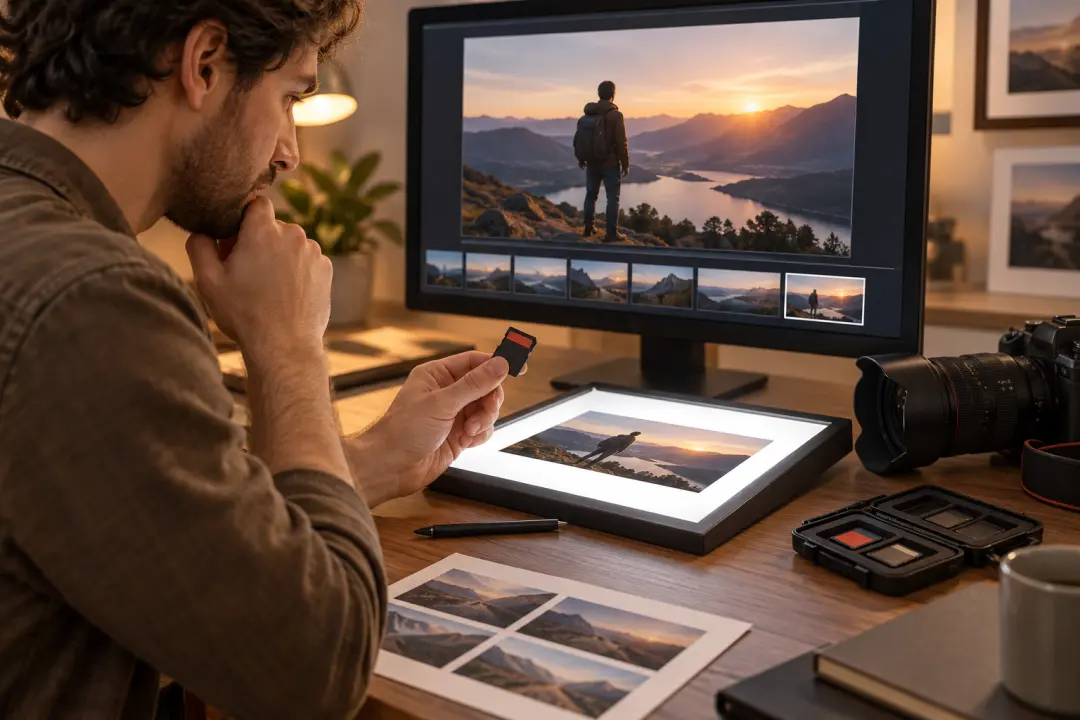
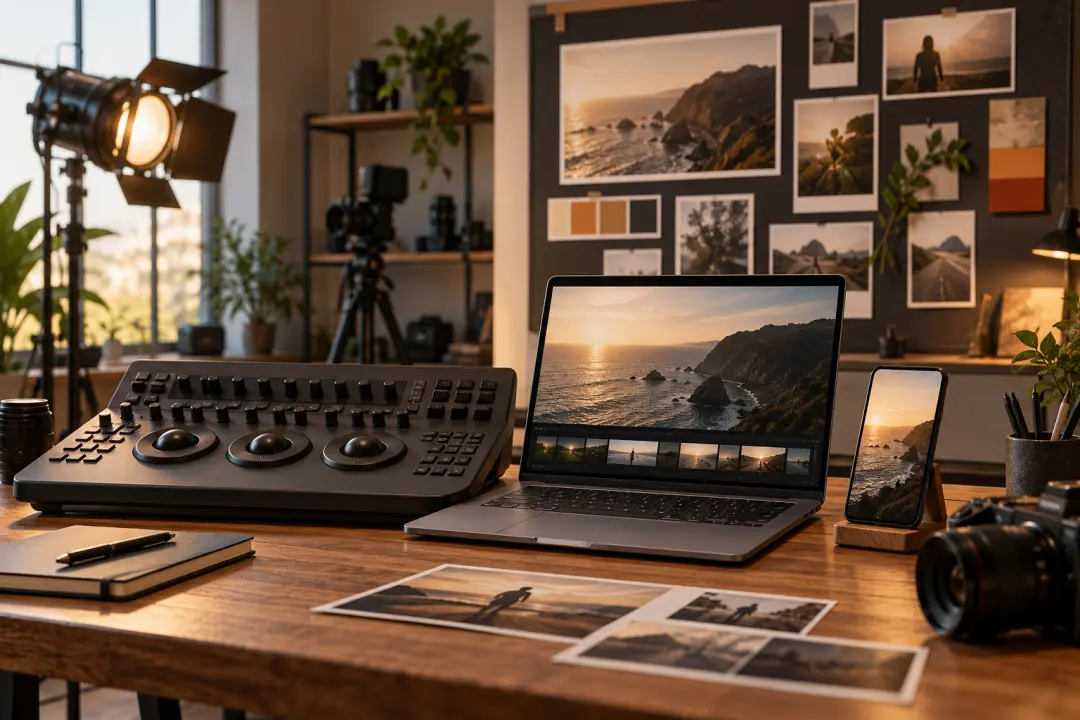
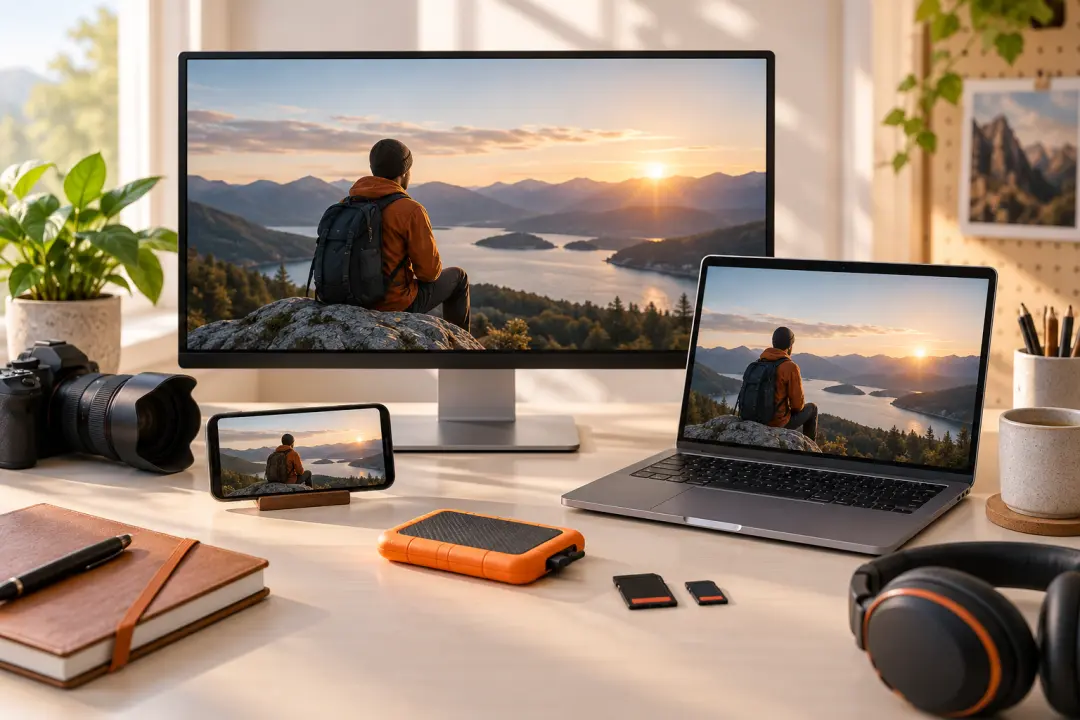
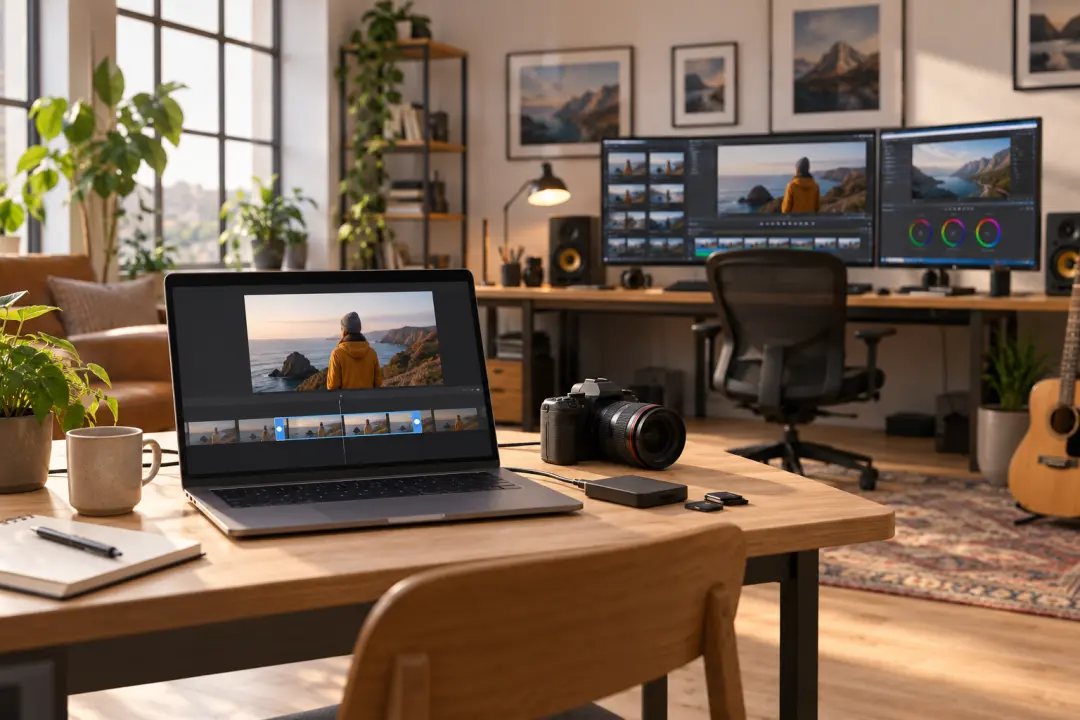
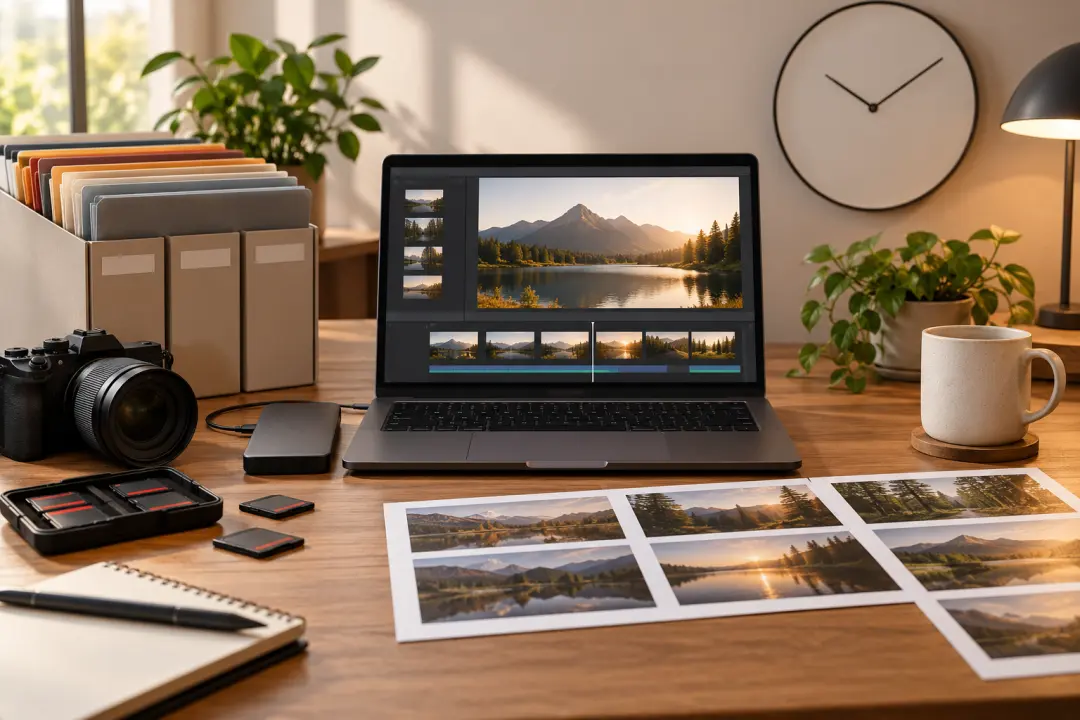
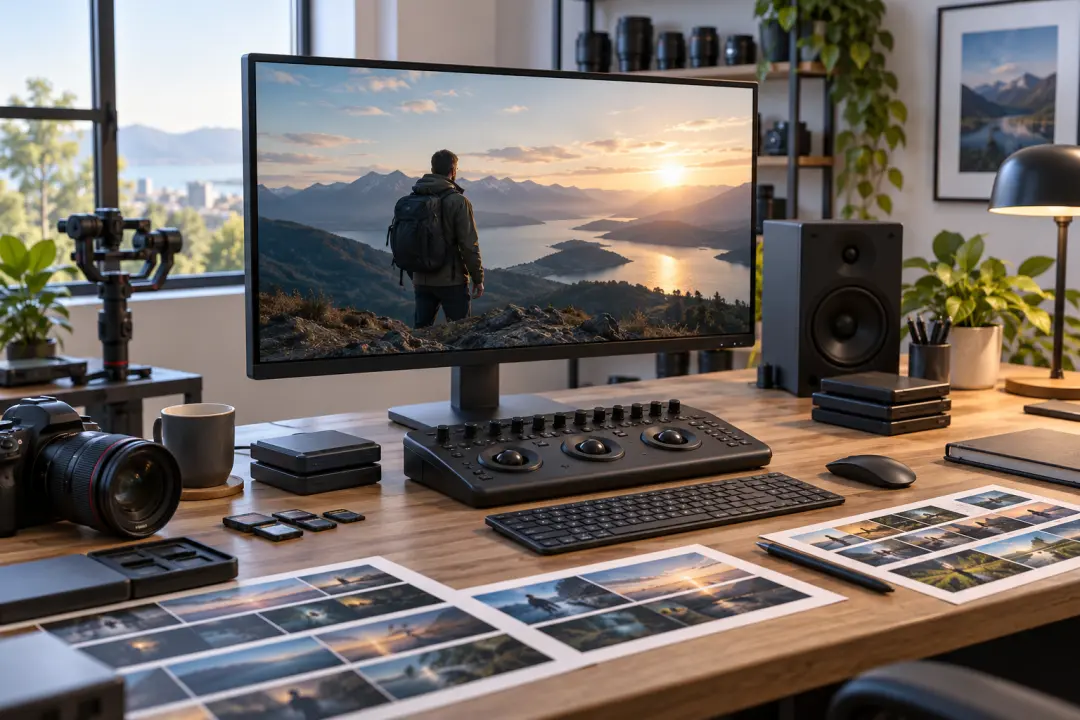
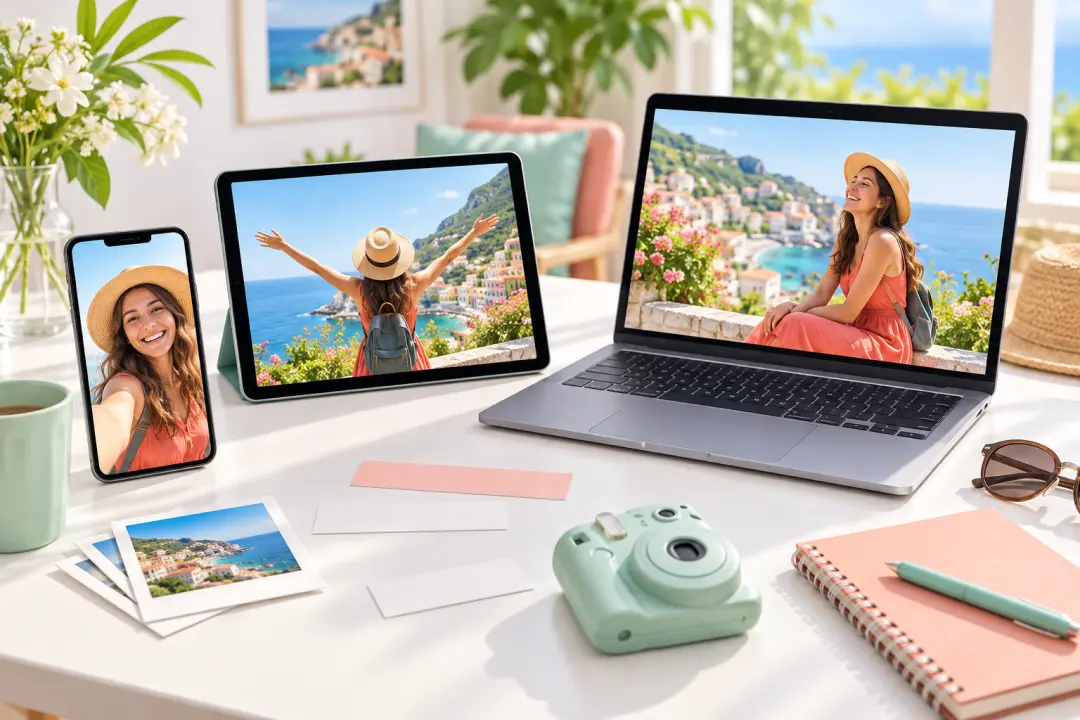
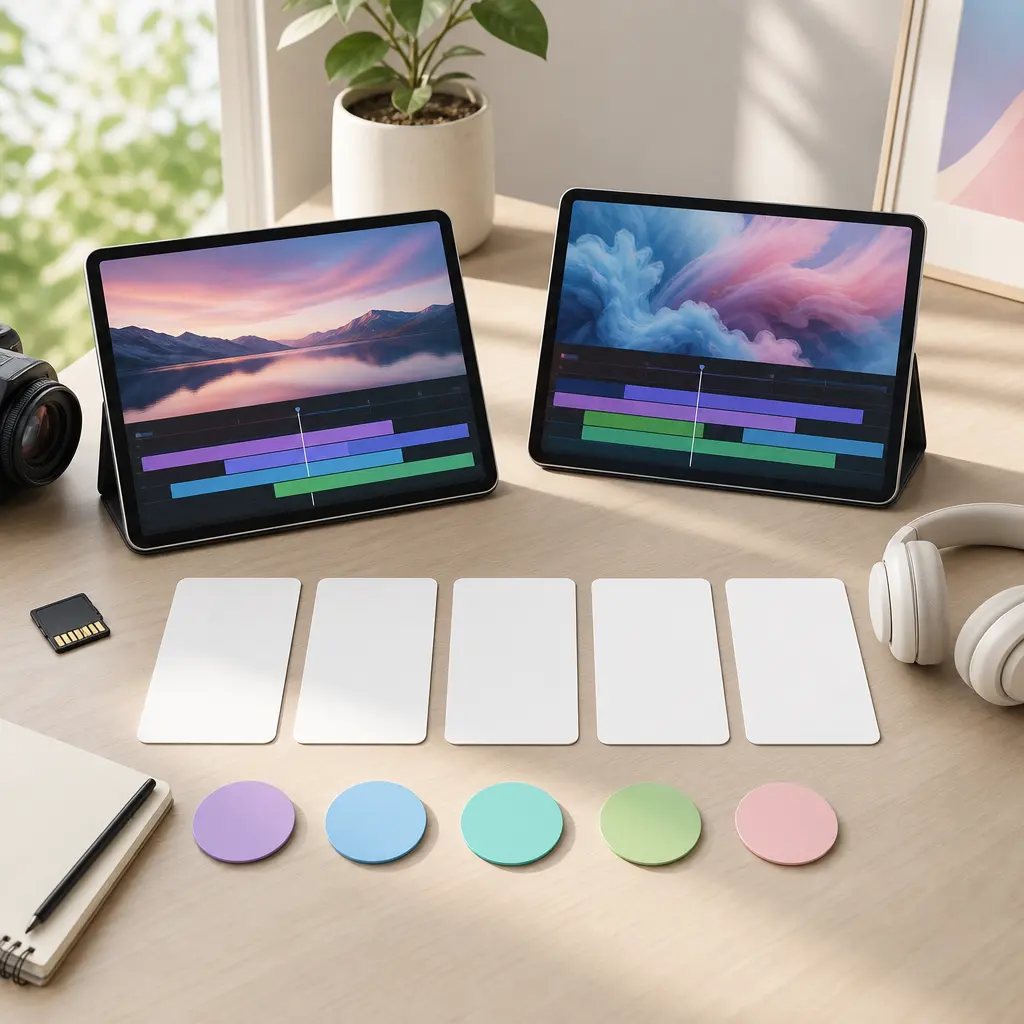
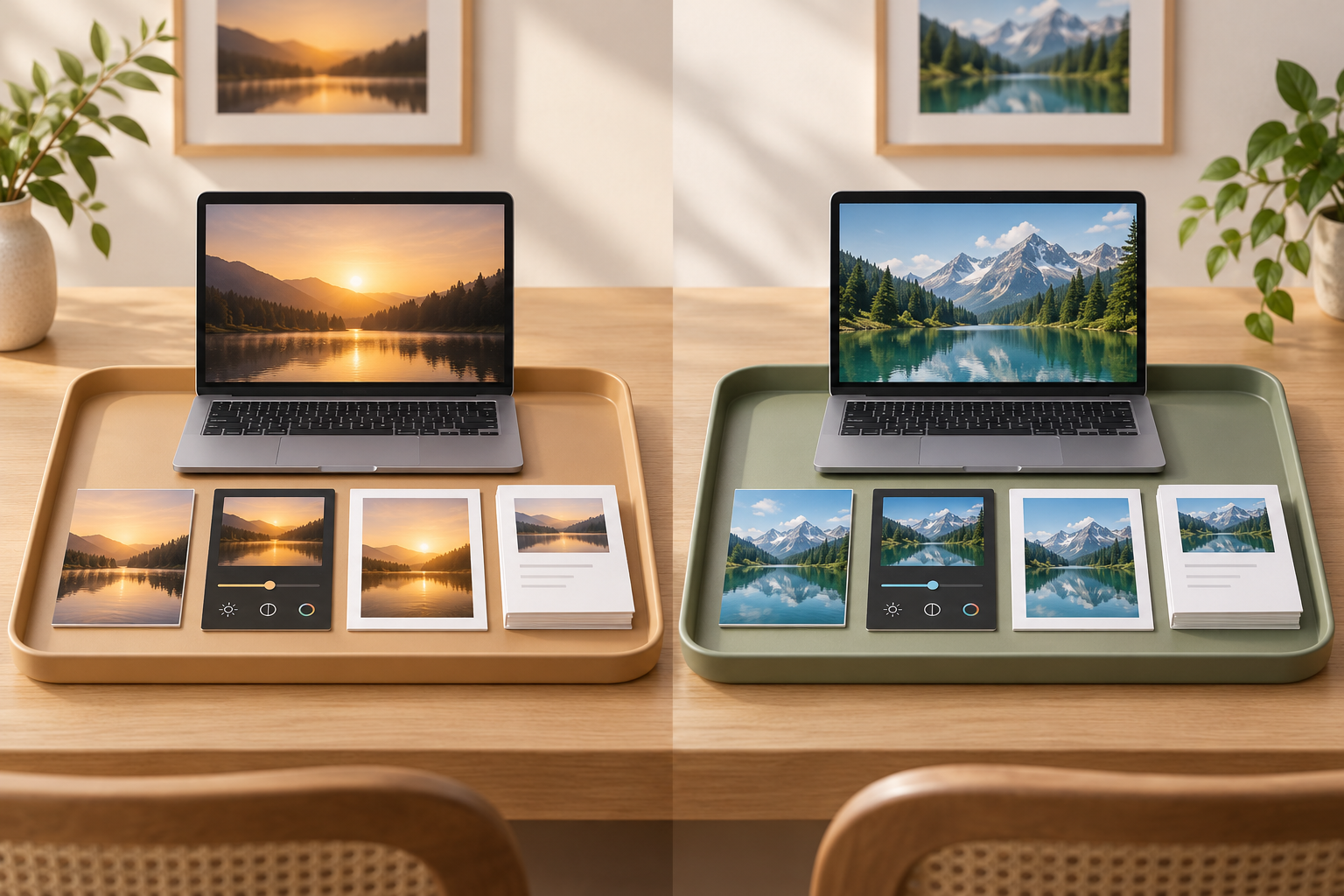
Editorial workspace comparing free video editing tools with blank video thumbnails, export markers, and device previews

How This Best Free Video Editing Tools Guide Handles Evidence

A useful free editor comparison starts by separating official facts, third-party review labels, and fields that still need a fresh plan check.

01

Define what free means

Free video editing software can mean open source, a free desktop download, a browser free plan, a mobile free plan, or a credit-based starting allowance. Treat those as different models instead of one simple yes-or-no claim.
02

Compare the same fields

Check platform, editing model, watermark, export resolution, export count, stock asset limits, learning curve, and upgrade path for every candidate. A free plan is only useful if the output and workflow match the project.

03

Keep publisher and product roles separate

VideoAI is the site brand hosting this editorial page. Its confirmed prompt-led video generation facts do not turn it into a traditional timeline editor or prove a ranking position.

How to Compare the Best Free Video Editing Tools

Use the same decision fields to narrow the best free video editing tools for your workflow before downloading an editor or opening a browser workspace.

01

Free boundary

Identify whether the product is permanently free, open source, freemium, trial-based, or credit-based. Do not treat a starter credit allowance as unlimited free editing.

02

Watermark and export rules

Check whether free output includes a watermark, branded intro, resolution cap, export-count limit, or premium-stock restriction. These details are often more important than the headline word free.

03

Editing model

Separate manual timeline editing from browser template editing, mobile-first social editing, and prompt-driven AI revision. They solve different jobs even when all appear in free video editor searches.

04

Platform fit

Desktop editors may suit long projects and local media. Browser editors reduce setup but depend on browser performance and account policies. Mobile tools can be excellent for short-form work but may limit deeper edits.

05

Learning curve

A professional editor can be the strongest long-term choice and still be the wrong first test for a beginner who only needs quick trimming, captions, templates, and simple export.

06

Source freshness

Free-plan terms, export limits, discontinued products, and supported platforms can change. Recheck official pages before building a production workflow around a recommendation.

Best Free Video Editing Tools by Workflow

The best free video editing tools depend on the work you need to finish, not on a universal best label.

Professional desktop editing

Choose a deeper desktop editor when the project needs advanced color, audio, effects, proxy workflows, or room to grow. Expect a heavier learning curve and verify which features stay outside the free version.

Open-source control

Open-source editors are useful when cross-platform availability, community development, and fewer freemium gates matter. Still check format support, stability, and how comfortable the interface feels for the team.

Lightweight browser, built-in, or mobile editing

Browser editors fit quick social clips, template-led work, screen recordings, captions, and simple team handoff; confirm free export quality, stock media limits, and account requirements. Built-in or mobile-first editors can be faster for simple edits when footage already lives on the device, but may not fit cross-platform collaboration or complex timelines.

Prompt-led video revision

VideoAI can help when the task is to generate or revise a video from prompts and references. That is different from a manual trim, split, and timeline workflow, so it belongs in a separate category if compared.

Source Notes for the Best Free Video Editing Tools

The inherited research includes live search observations and comparison-page research, but final publication should keep evidence labels clear.

Roundups are evidence of comparison criteria

TechRadar and Zapier are useful for seeing which fields matter: free-plan limits, timeline depth, platform, export quality, usability, and extras. Their labels should not be copied as VideoAI test results.

Official pages are stronger for current limits and status

Use each editor's official page or support page for current platform, watermark, export, download, and discontinuation facts because older roundups can lag product changes. If a product has ended downloads or announced discontinuation, treat it as legacy for existing users rather than a fresh free video editing software recommendation.

No invented hands-on scores

Without a disclosed same-task test, this page should not publish scores, a first-place winner, or claims such as best overall. Use conditional best-for guidance instead.

Best Free Video Editing Tools FAQs

There is no single best free video editing software for every project. Compare platform, free limits, watermark rules, export quality, learning curve, and whether you need a manual timeline, browser editor, mobile editor, or AI generation workflow.

The best free video editing tools depend on your platform and task. Compare desktop timeline editors, open-source tools, browser editors, mobile tools, and prompt-led generators within their own categories, then verify each current free-plan and export boundary.

No-watermark status must be checked on each official product page because free-plan rules change. Also verify resolution caps, stock media restrictions, and export limits before relying on a free editor for client work.

No. VideoAI provides a browser-based, prompt-led video generation and revision workflow with 10 starting credits, login required, MP4 output, commercial use, no visible watermark, and up to 4K video output. A full manual trim, split, and timeline workflow is not confirmed.

Choose a browser editor for fast setup, templates, social formats, screen recording, and simple collaboration. Choose desktop software for larger local projects, deeper timeline control, color, effects, and advanced audio work.

Commercial use depends on the product, plan, stock media, templates, music, and your own source material rights. Do not assume one product's commercial policy applies to another.

Recheck before publication and before important production work. Free tiers, download availability, export quality, supported platforms, and AI feature gates can change without an old roundup changing at the same time.

Need Prompt-Led Video Creation Instead?

If your job is to generate or revise video from text, image, video, and audio references rather than manually cut footage on a timeline, open VideoAI and direct the next version from your workspace.

Get Started
Best Free Video Editing Tools: Compare Editors by Workflow