

Best AI Video Generators March 2026
This Best AI Video Generators March 2026 guide compares Runway Gen-4.5, Veo 3.1 and Luma Ray3.14 by creative task. It covers announcements through March 31, with research reviewed September 16, 2026. VideoAI's current online workflow appears separately below.
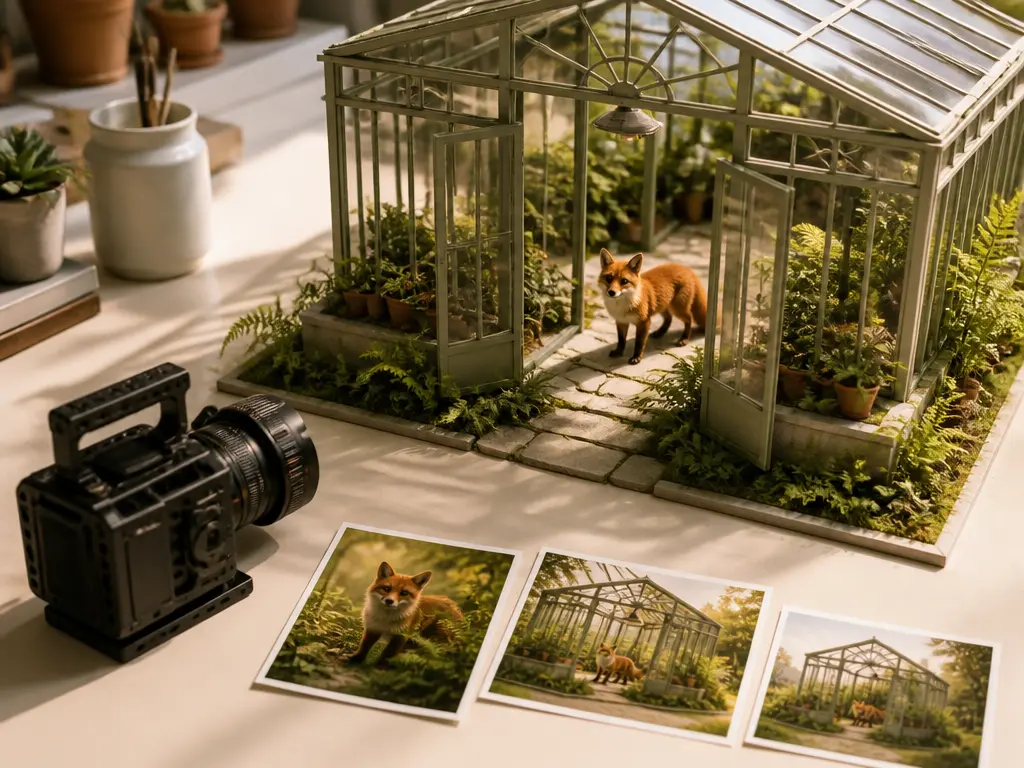
Three AI Video Generators to Compare for March 2026
The best AI video generators March 2026 shortlist presents three candidates without a ranking. It uses official announcements, with no hands-on scores or claim to cover the entire market. The hero is an editorial illustration, not a candidate's output.
Runway Gen-4.5 — camera and action direction
Runway's December 1, 2025 announcement emphasizes camera movement, action and style prompts. Consider Gen-4.5 for a text-led shot. Stated limitations include causal reasoning and object permanence. Additional control modes described as forthcoming cannot be assumed available by March.
Google Veo 3.1 / Flow — references and vertical video
Google's January 13 update describes reference consistency and native 9:16 Ingredients to Video. Consider Veo 3.1 for reference-led vertical clips. The announcement scopes 1080p/4K upscaling to Flow, Gemini API and Vertex AI; it does not establish native 4K across every entry point.
Luma Ray3.14 / Dream Machine — 1080p and Modify
Luma's January 26 release describes native 1080p, text-to-video, image-to-video and footage modification. Consider Ray3.14 for Modify work. Ray3.14 does not support Character References; Modify Video additionally excludes HDR/EXR. Check the model version before relying on broader Dream Machine features.
Best AI Video Generators March 2026: Comparison Criteria
Match the starting material, controls and delivery requirements before choosing a plan.
Input and creation mode
Check support for text prompts, reference images or existing footage in the specific model and account.
Subject and motion consistency
Inspect identity, object persistence and action order. Provider claims are not results from a shared benchmark.
Resolution and frame shape
Separate native resolution, upscaling and aspect ratio; none alone establishes visible quality.
Audio requirements
Verify dialogue, music and sound support for the exact mode. This guide does not score audio quality.
Revision workflow
Choose between generating another take and modifying existing footage. Prompt revisions and timeline editing solve different tasks.
Access, credits and usage terms
Check region, credits, export limits and commercial rights. Current prices cannot reconstruct every March allowance.
Choose a Starting Point for Your Brief
Use these briefs to evaluate the best AI video generators March 2026 shortlist. These are suggested trials, not completed tests.
A planned camera move
Try Runway with one camera move and one subject action; inspect their order and object persistence.
A vertical reference clip
Try Veo Ingredients to Video with consistent references and 9:16 framing; verify identity and the export route.
A change to existing footage
Try Ray3.14 Modify with one permitted source clip and a specific change; review continuity and format limits.
A fair comparison
Reuse the same brief and delivery target. Record model versions, settings, failed attempts and revision effort.
Keep January, February, March and April Separate
The best AI video generators March 2026 research uses a March 31 cutoff; later releases require separate evidence.
January: check announcement dates
Google's January 13 update and Luma's January 26 release do not establish availability throughout January.
February to March: verify the version
Recheck model, mode and regional access. An earlier recommendation does not prove the market remained unchanged.
April: investigate later releases
This guide has no April release or testing dataset and makes no April ranking claim.
VideoAI Today: Try the Same Brief
VideoAI publishes this guide. Its browser-based workflow, documented September 16, 2026, is not backdated to March or used to assign a ranking.
Bring references and plan the scene
Sign in, add text, images, video or audio, and assign references with @. Arrange timed scenes; first and last frames can guide endpoints.
Generate and revise
The documented workflow supports up to 30 seconds per generation and video extension. Describe revisions in text; inspect continuity and sound.
Check credits and download
The documented offer provides 10 starting credits after login, MP4 download, up to 4K output, no visible watermark and commercial use. Verify current terms and input rights.
Best AI Video Generators March 2026: Official Sources
Questions About the March 2026 Shortlist
Put Your Own Video Brief to the Test
Apply the best AI video generators March 2026 comparison criteria to your own brief, then explore VideoAI's current online workflow.
Get Started