
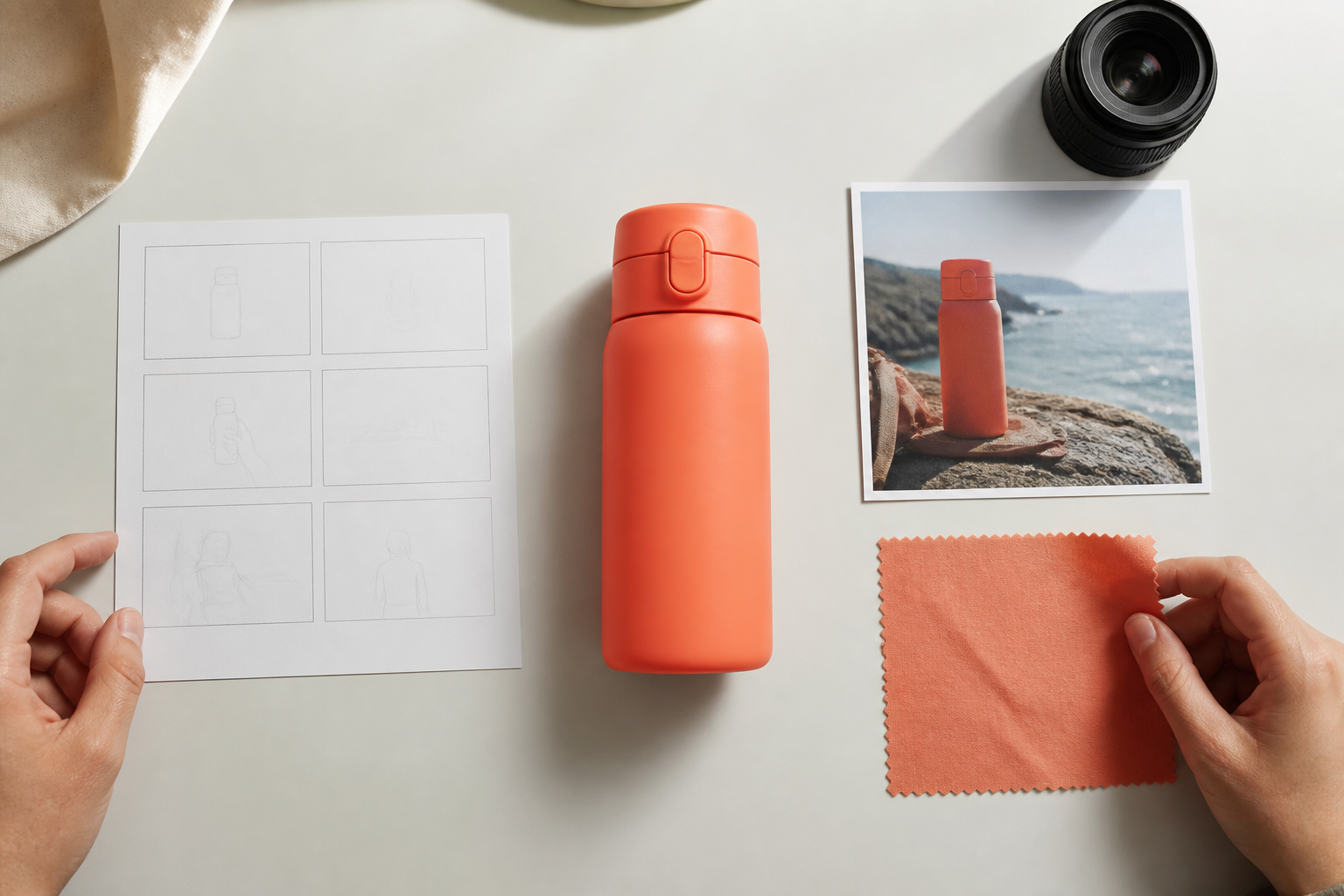
Step 01
Write the video goal
Start with a goal, a script, or one sentence. Add image, video, or audio references when they should guide the look, motion, sound, or character details. Uploaded videos enter your workspace for reuse.

Creator led video decisions
Compare reference inputs, timed scene control, output formats, and trial limits, then test the VideoAI generation path with your own idea.

Use these scenarios when choosing the best ai to make video, with a focus on how well each tool respects your scene plan.
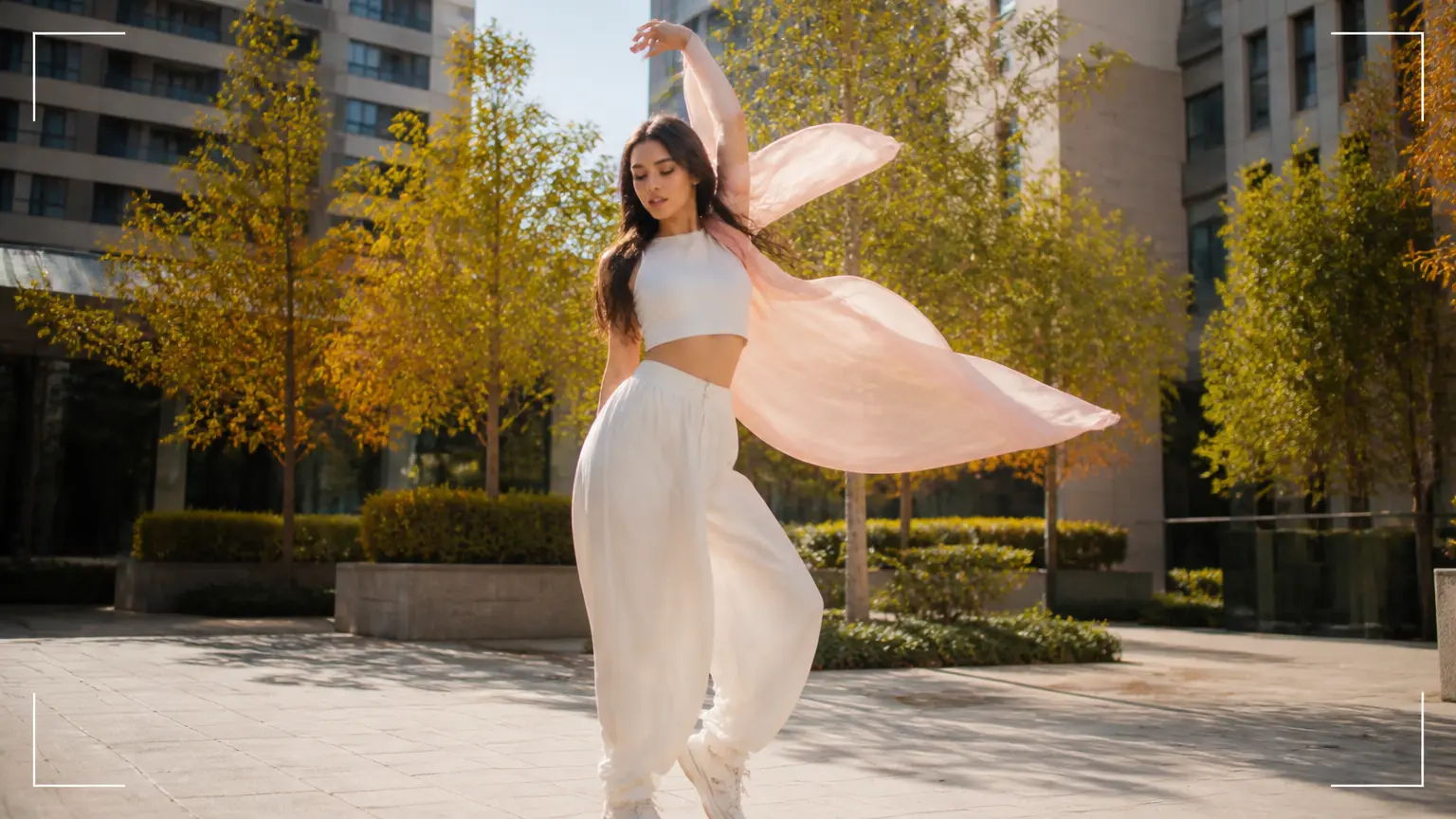
A vertical social post needs rhythm before style. In VideoAI, set the 9:16 frame, write the beat for each second, and add image or audio references so the clip is ready to inspect before posting.

A campaign teaser has to match existing brand footage and sound. VideoAI lets the team point references with @ and generate a direction, which helps an AI video maker evaluation stay tied to visible evidence.

An explainer segment falls flat when visuals drift from the script. Start with an idea or script draft, then map scenes by time so a best generative ai video maker test shows whether the picture supports the explanation.

A client pitch needs a visible concept before production spend. Use references, shot direction, and an MP4 export in VideoAI so the AI video maker discussion can focus on what appears on screen.

When a creator compares best ai video makers for a vertical post, VideoAI keeps the choice practical with references, second by second direction, and an MP4 result. That makes a best video maker choice easier to judge.

A brand team often knows the tone before it knows the final sequence. VideoAI accepts images, video, and audio references, then lets the team choose the best ai for video making based on a clip it can review.

For creators comparing best ai video making software, the important question is control over timing. VideoAI lets you assign references with @ and spell out movement, transitions, character cues, and music use.
Use reference inputs, scene timing, output size, and iteration as selection criteria, then see how VideoAI handles each one.

Sharper continuity starts with the materials you already trust. VideoAI can combine text, images, video, and audio in one generation, with @ assignments that tell each reference what to guide.

Clear pacing comes from deciding what happens and when. When comparing AI video makers, check whether you can write each time segment, action, camera move, transition, character cue, and music reference yourself.

A useful opening can start from a template, stock material, or preset style. VideoAI also lets you begin from one idea and draft story text, which keeps AI video making tied to your own concept.

Clean delivery matters after the creative decision. When reviewing an AI video maker, check whether it can create the duration and formats you need. VideoAI can generate up to 30 seconds at a time, extend after generation, export MP4, and support 4K output. Files can be produced with no watermark in 16:9, 9:16, 1:1, or 4:5, with commercial use and batch generation supported.
Use this best ai video maker workflow when your decision depends on references, timed scenes, and a result you can revise.
Step 01
Start with a goal, a script, or one sentence. Add image, video, or audio references when they should guide the look, motion, sound, or character details. Uploaded videos enter your workspace for reuse.

Step 02
Use @ to tell VideoAI what each reference should guide. Then set the aspect ratio and describe each time segment with the scene, action, movement, transition, character cue, or music reference you want.
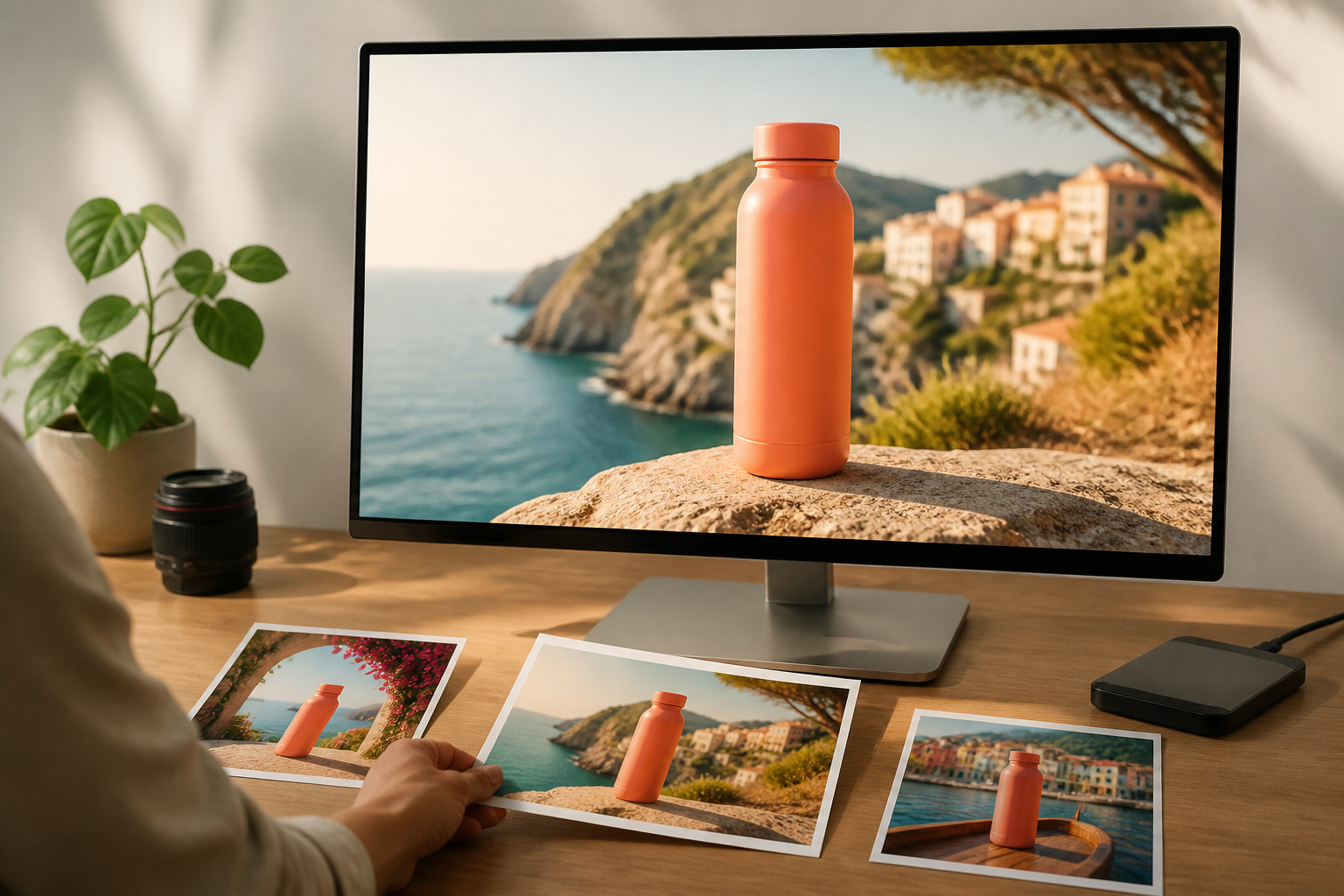
Step 03
Generate the clip, inspect the result, and continue with text instructions when the next pass needs a change. Download the MP4 when the direction is ready.

Bring your references, choose the scene timing, and use the best ai video maker workflow in VideoAI to generate a clip you can revise before export.
Get Started