Cartoon Filter

A cartoon filter turns an ordinary photo into a cleaner illustrated image while keeping the subject recognizable. Upload a portrait, pet photo, product shot, or travel scene, then choose how much detail to simplify across faces, edges, color, and background. A good cartoon filter preserves the expression, silhouette, and important markings while turning texture into intentional lines, shapes, and color blocks.

PhotoCartoon
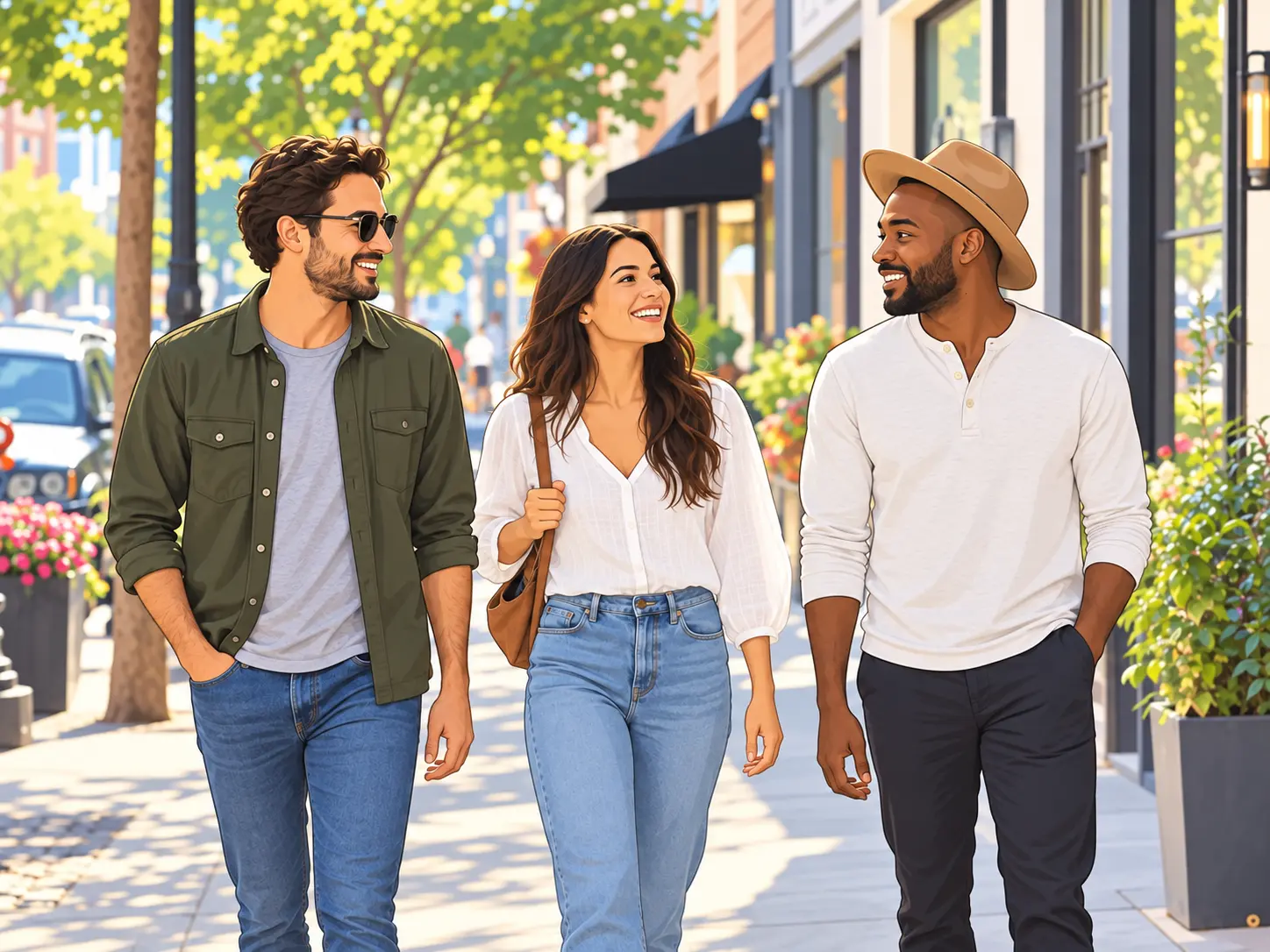
The same friends transformed by a warm cartoon filter with clean outlines
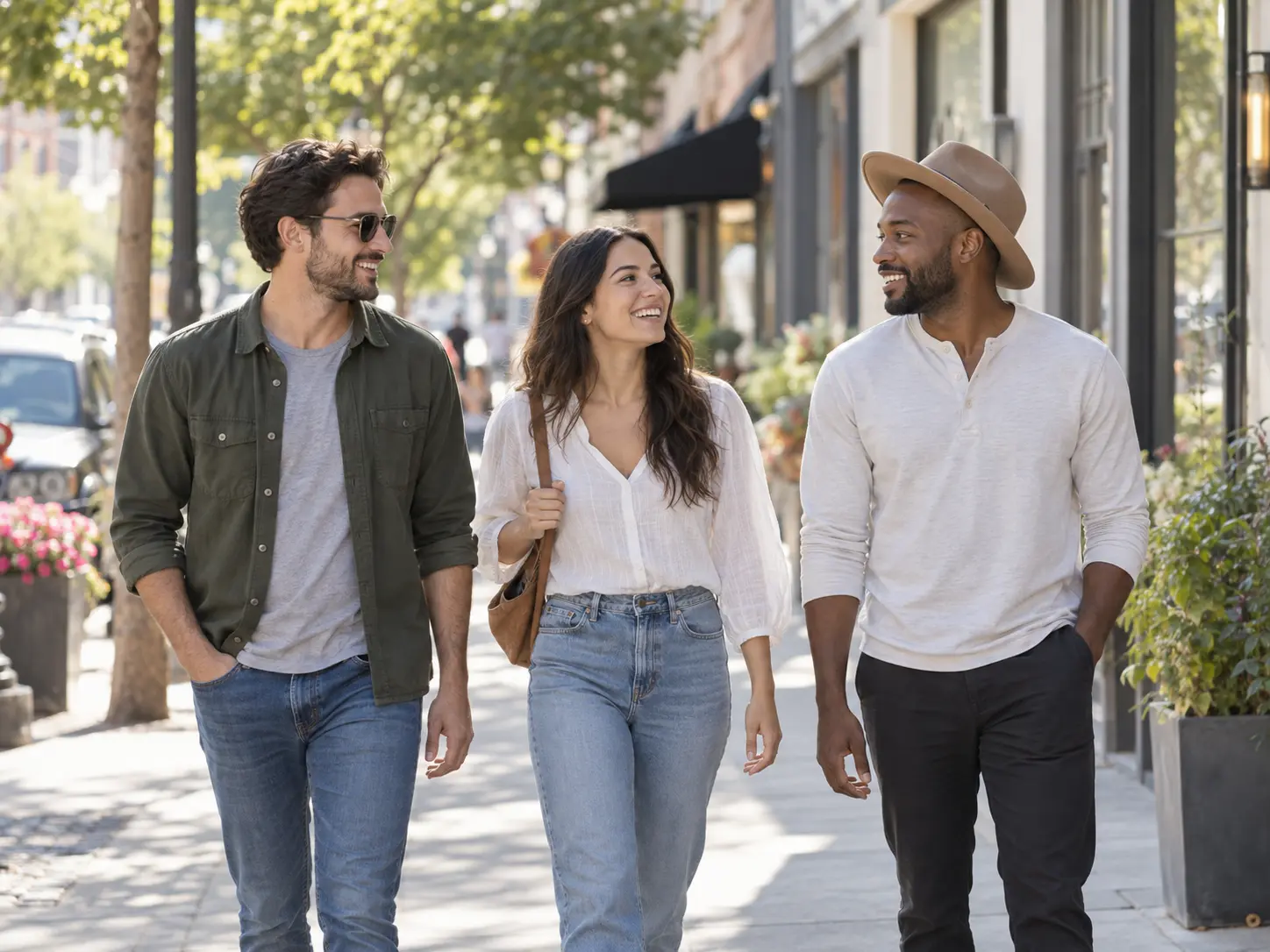
Original photograph of friends walking through a sunny city street

No picture on hand? Try with one of these

What the Cartoon Filter Can Change

Use the filter as a controlled style layer rather than a single fixed preset. The strongest result keeps the person recognizable.

Preserve Recognizable Features

A useful cartoon filter keeps the shape of the face, hair, eyes, and expression close to the original while simplifying small texture. Describe which details must remain accurate and which areas can become more illustrative. Review hands and facial features carefully before sharing the result. A cartoon filter should simplify texture without changing the subject’s age or expression, so compare those two details first.

Control the Strength of the Effect

Choose a light comic treatment, a soft storybook look, or a bold graphic style. The amount of edge definition, color flattening, and background simplification changes how close the output stays to a photograph. Use a lighter setting when realism matters and a stronger one for playful social images. When the cartoon filter direction is too strong, lower edge definition and color flattening before changing the entire style.

Match a Specific Cartoon Style

You can guide the cartoon effect with terms such as clean line art, vintage animation, warm watercolor, comic panel, or soft children’s illustration. Keep the direction focused before generating so the filter changes the whole image consistently instead of applying several unrelated styles at once. Avoid combining five unrelated references because one dominant visual language produces a cleaner illustrated result.

Keep the Subject in the Frame

Tell the cartoon filter where the main subject sits and how much surrounding scene should remain. A tighter crop works for portraits, while a wider composition may be better for pets, travel photos, products, or group images. Choose the ratio before generating so important edges are not cut. For a group image, leave enough edge space for every person so the filter does not crop someone out of the composition.

Simplify Busy Backgrounds

Photos with crowded streets, foliage, shelves, or patterned walls can become visually noisy after filtering. Ask for fewer shapes, cleaner color blocks, and a background that supports the subject without competing for attention. Preserve context that matters to the story and simplify the rest. If the cartoon filter leaves a busy patch, simplify only that area instead of erasing context that supports the story.

Refine Without Starting Over

If the cartoon direction is close, change one issue at a time. Ask for softer outlines, warmer colors, smoother skin texture, or a simpler background while keeping the subject and framing fixed. Controlled revisions produce a more consistent result than generating a completely new concept. Keep the accepted result as the new reference when asking for another revision so the previous improvements stay visible.

How to Apply a Cartoon Filter

The workflow keeps the original photo as the reference while you choose and refine the illustrated treatment.

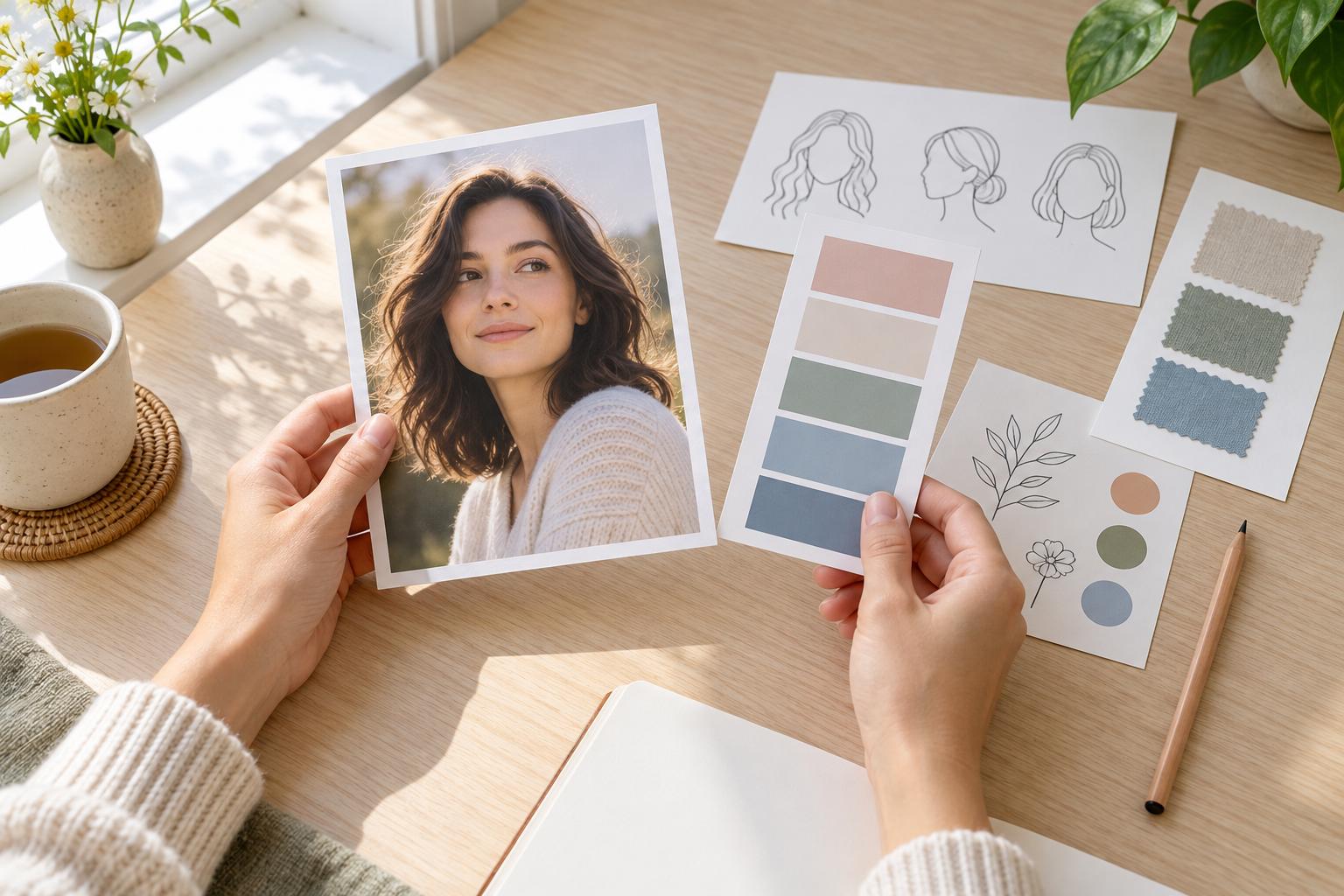
Person reviewing a portrait photo beside a simple style brief

Step 01

Upload and Describe the Photo

Add the source image, then explain what should stay accurate and what may change. Mention the foreground subject, background, preferred mood, and any details that must not be distorted. A clear direction helps the cartoon filter preserve identity while changing the style. A sharper original gives the cartoon filter more reliable information for eyes, hair, hands, and clothing edges.
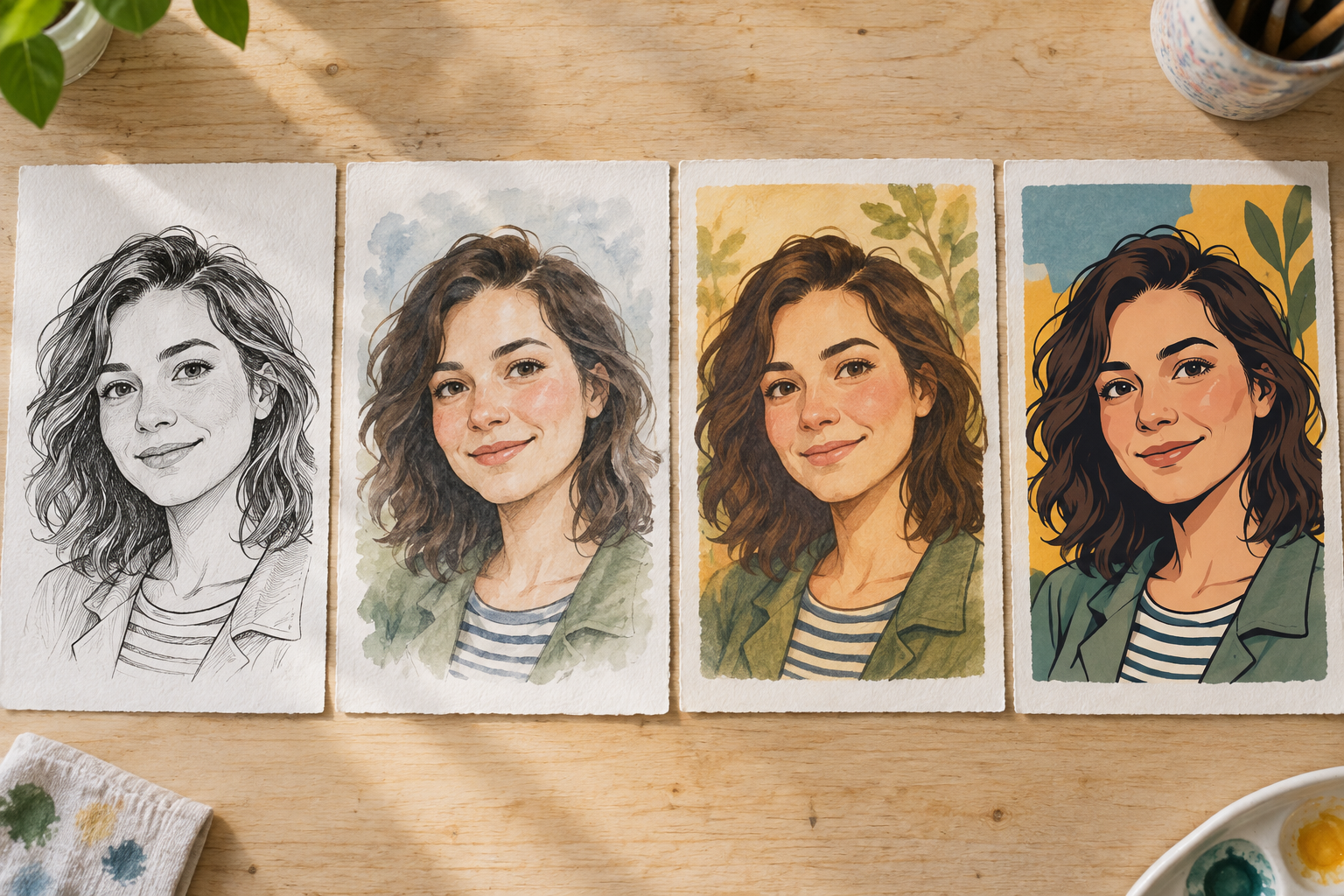
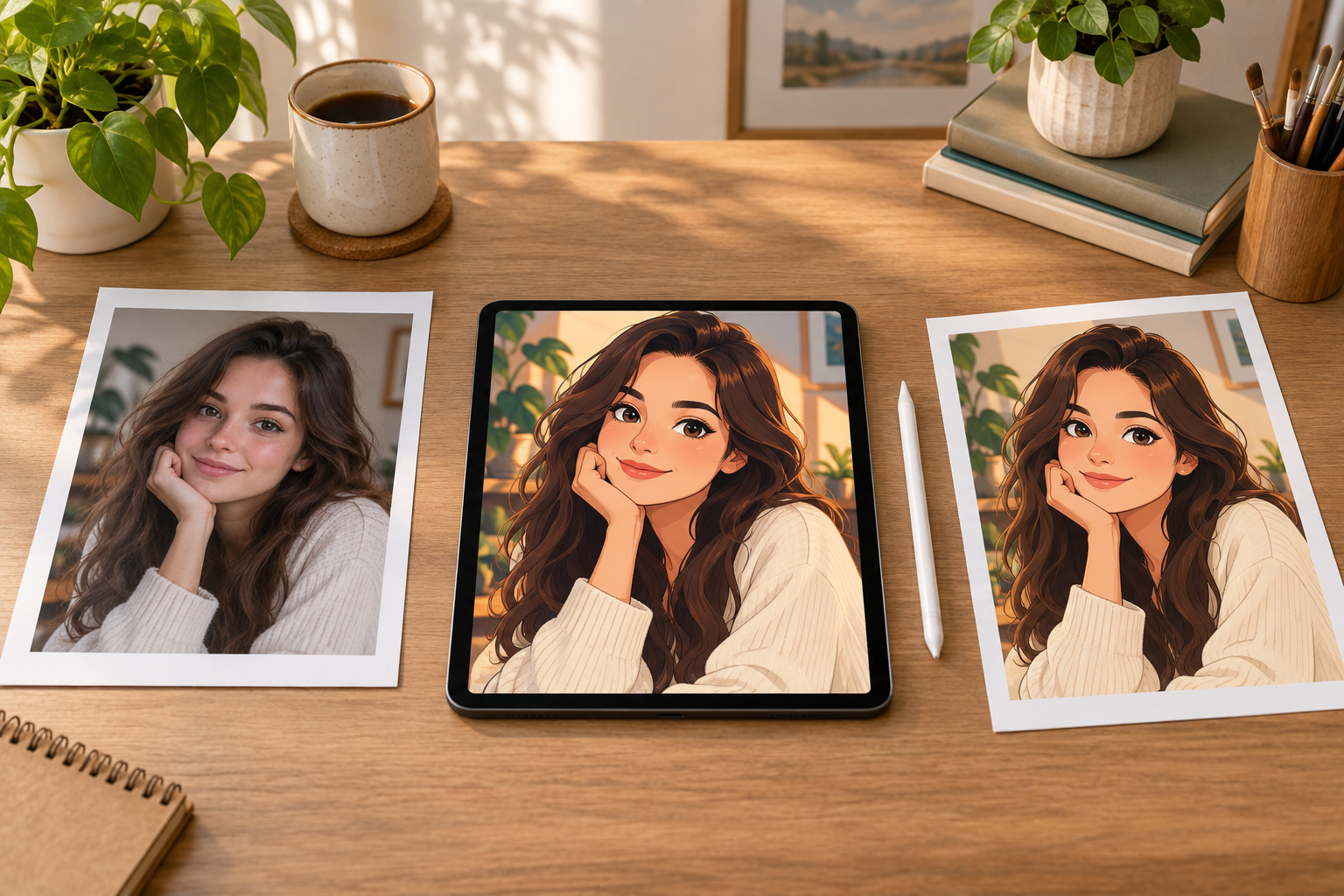
Photo displayed with several cartoon style swatches and clean linework examples

Step 02

Choose the Cartoon Direction

Select the treatment, edge strength, color mood, and level of background detail. Generate a first direction and compare how the face, clothing, and setting respond. The best cartoon effect should feel intentional and readable at both thumbnail and full size. Change one control at a time so you can tell whether the line weight, palette, or background treatment caused the difference.

Cartoon portrait proof on a tablet beside the original photograph and a stylus

Step 03

Review and Refine the Result

Inspect the output for identity, hands, outlines, texture, and distracting artifacts. Request a focused adjustment when something is wrong, then download the finished image. Use a higher resolution and suitable ratio when the cartoon portrait or pet image will be printed. If the result will be printed, review the cartoon filter output at full size rather than judging only the small preview.

Popular Cartoon Filter Ideas

A filtered photo can work as a profile image, gift, party detail, product visual, or playful social post.

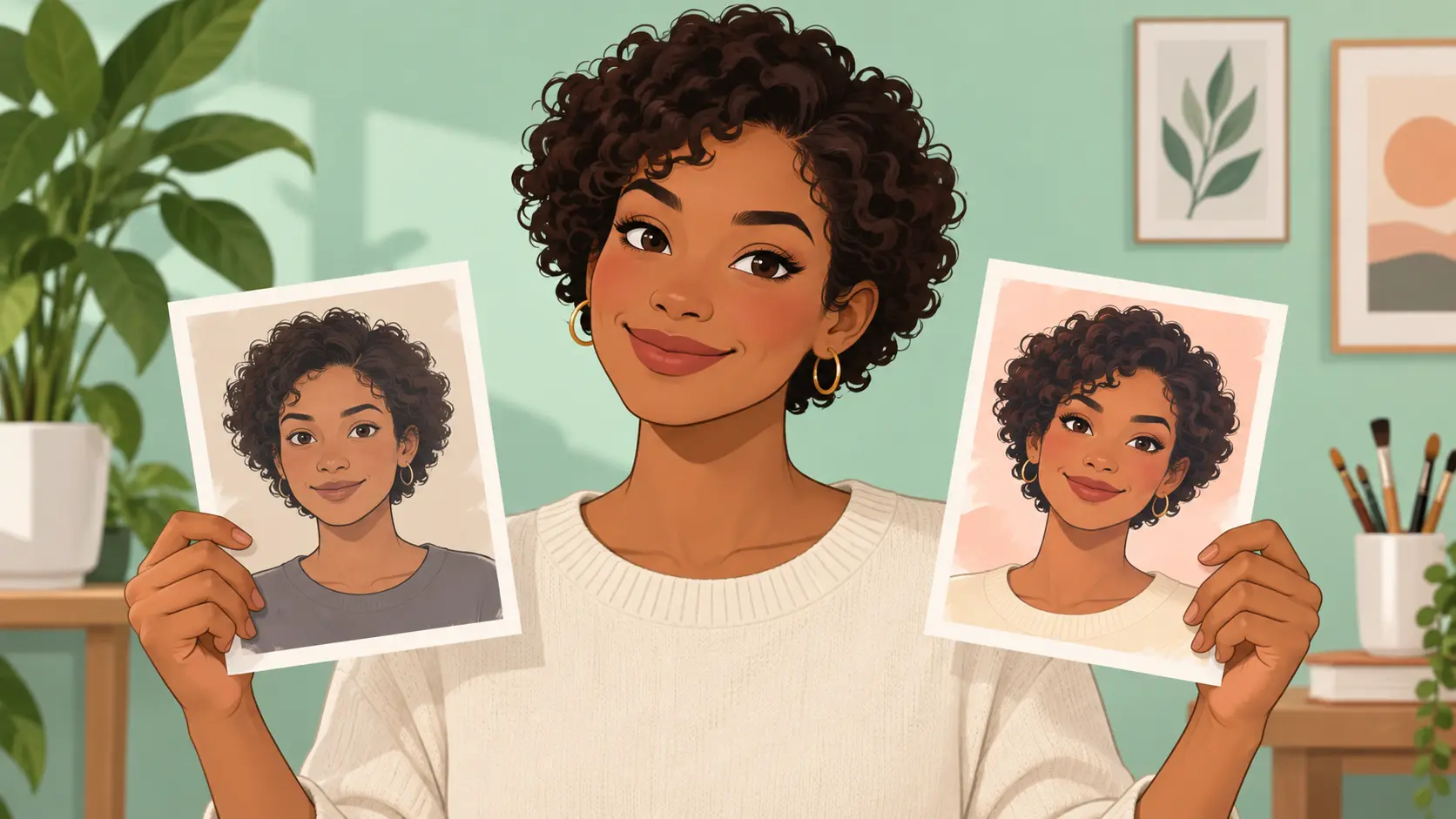
Cartoon profile portrait displayed as a polished illustrated headshot

Profile Pictures

Turn a portrait into a clean cartoon profile image while keeping the face recognizable and easy to crop.

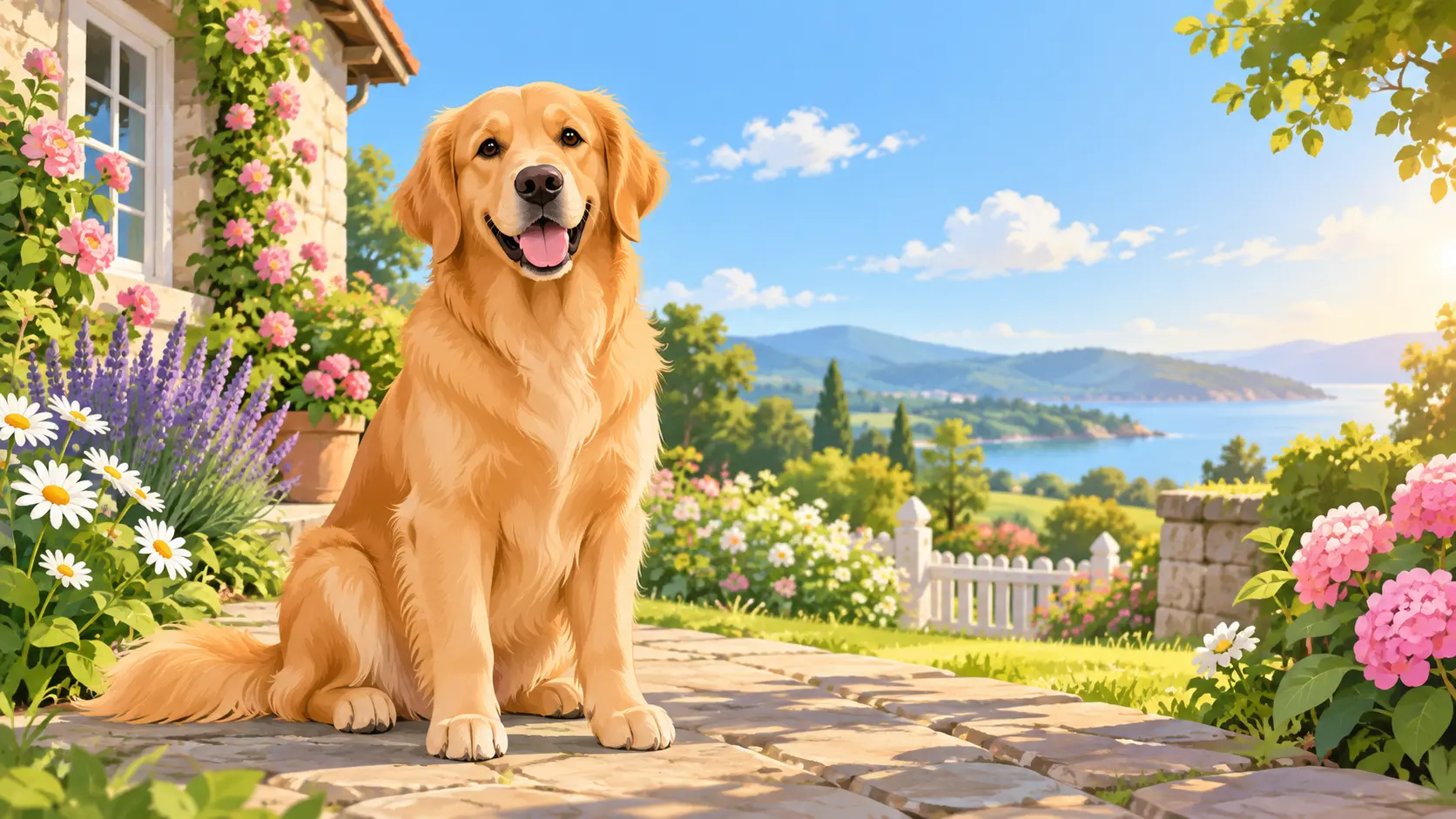
Cartoon pet portrait of a friendly dog in a sunlit garden

Pet Portraits

Create a warm pet portrait for wall art, phone wallpaper, or a personal gift.

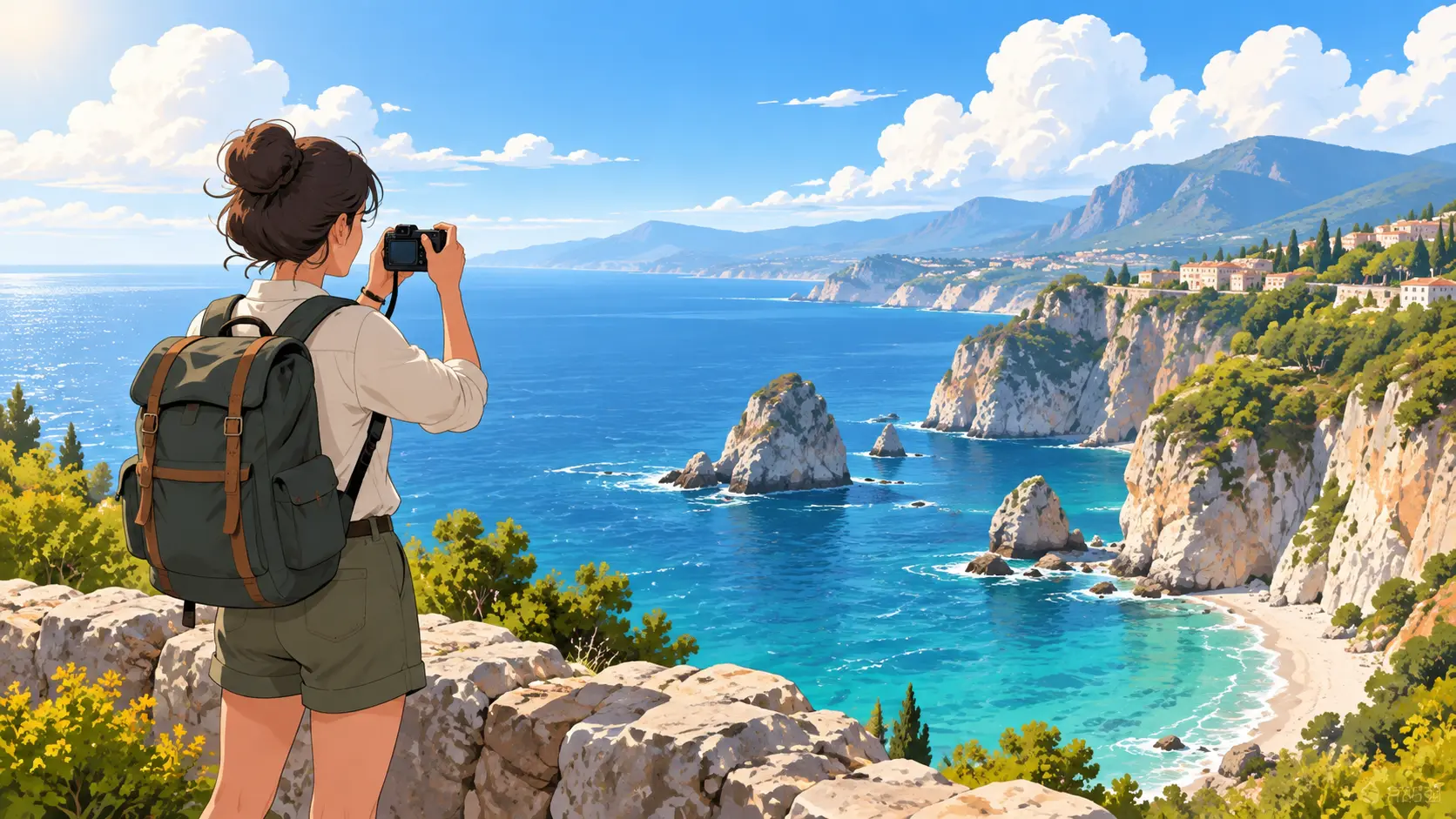
Cartoon traveler at a scenic coastal viewpoint rendered from a vacation memory

Travel Memories

Give a holiday photo a storybook look for a scrapbook, postcard, or framed memory.

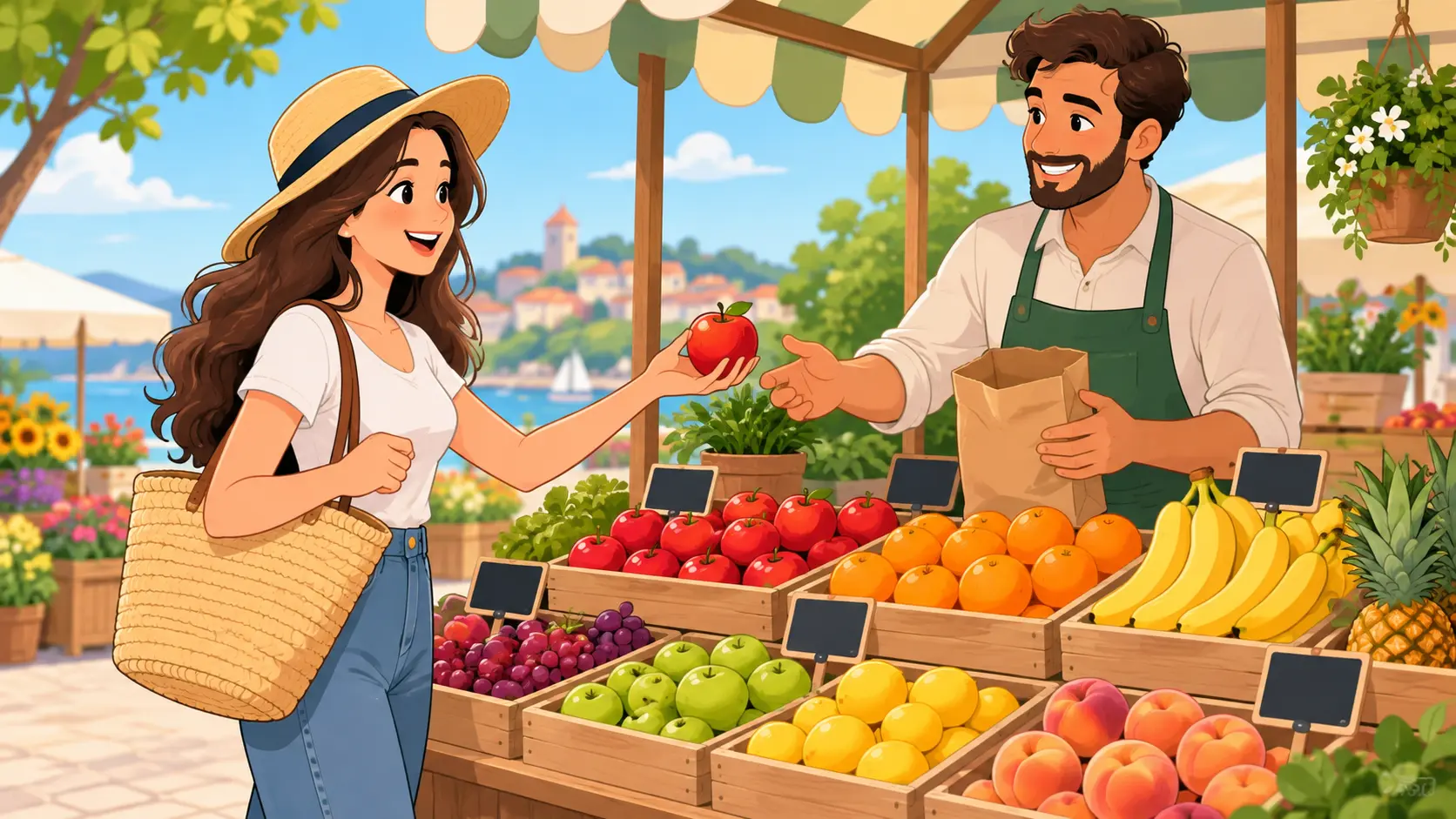
Cartoon social-content visual featuring a colorful street-food scene

Social Content

Build a consistent cartoon style across posts, thumbnails, and simple event announcements.

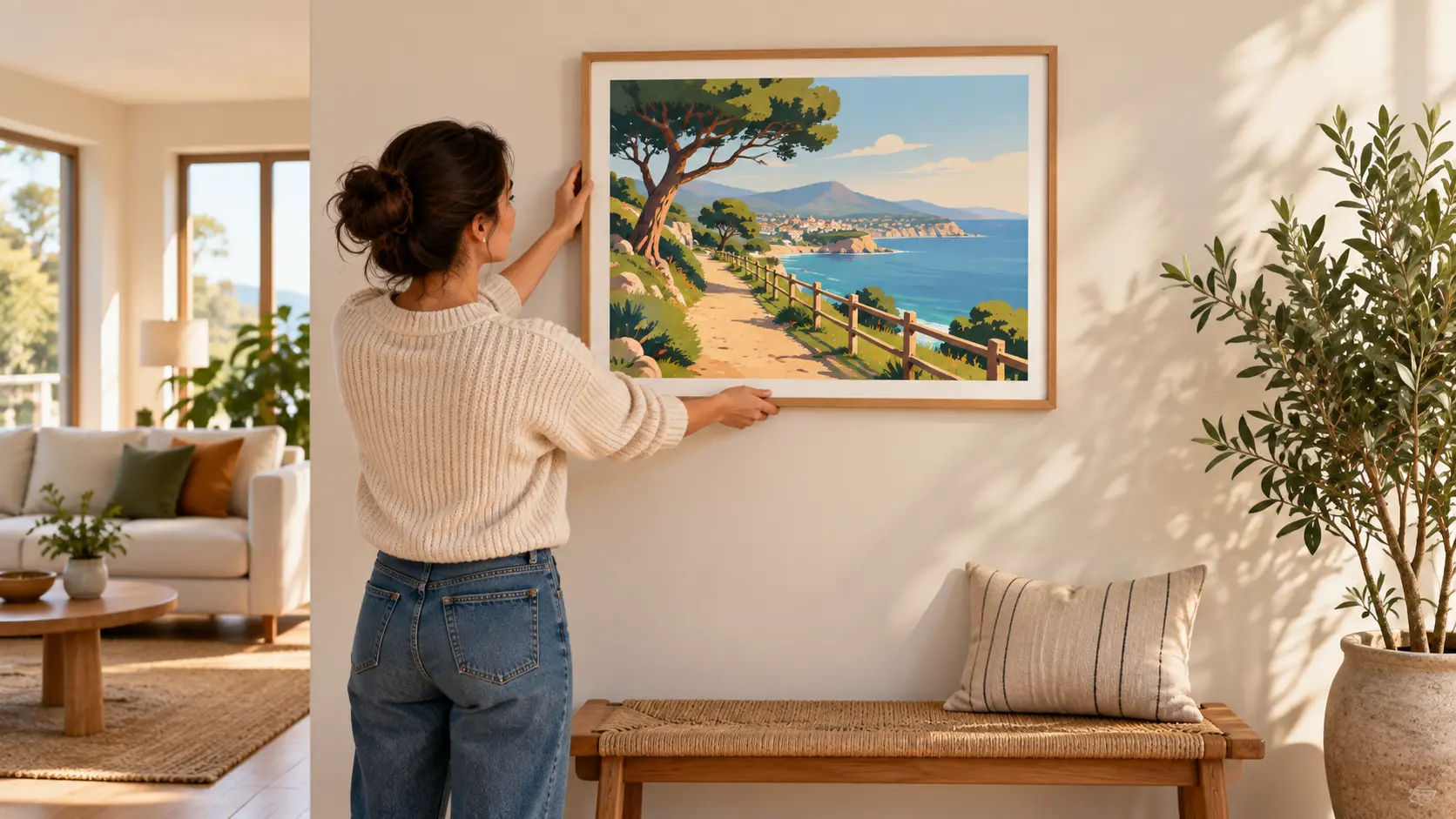
Cartoon landscape print being hung as colorful wall art in a bright living room

Wall Art Prints

Turn a favorite scene into playful wall art for a nursery, studio, or gallery wall.

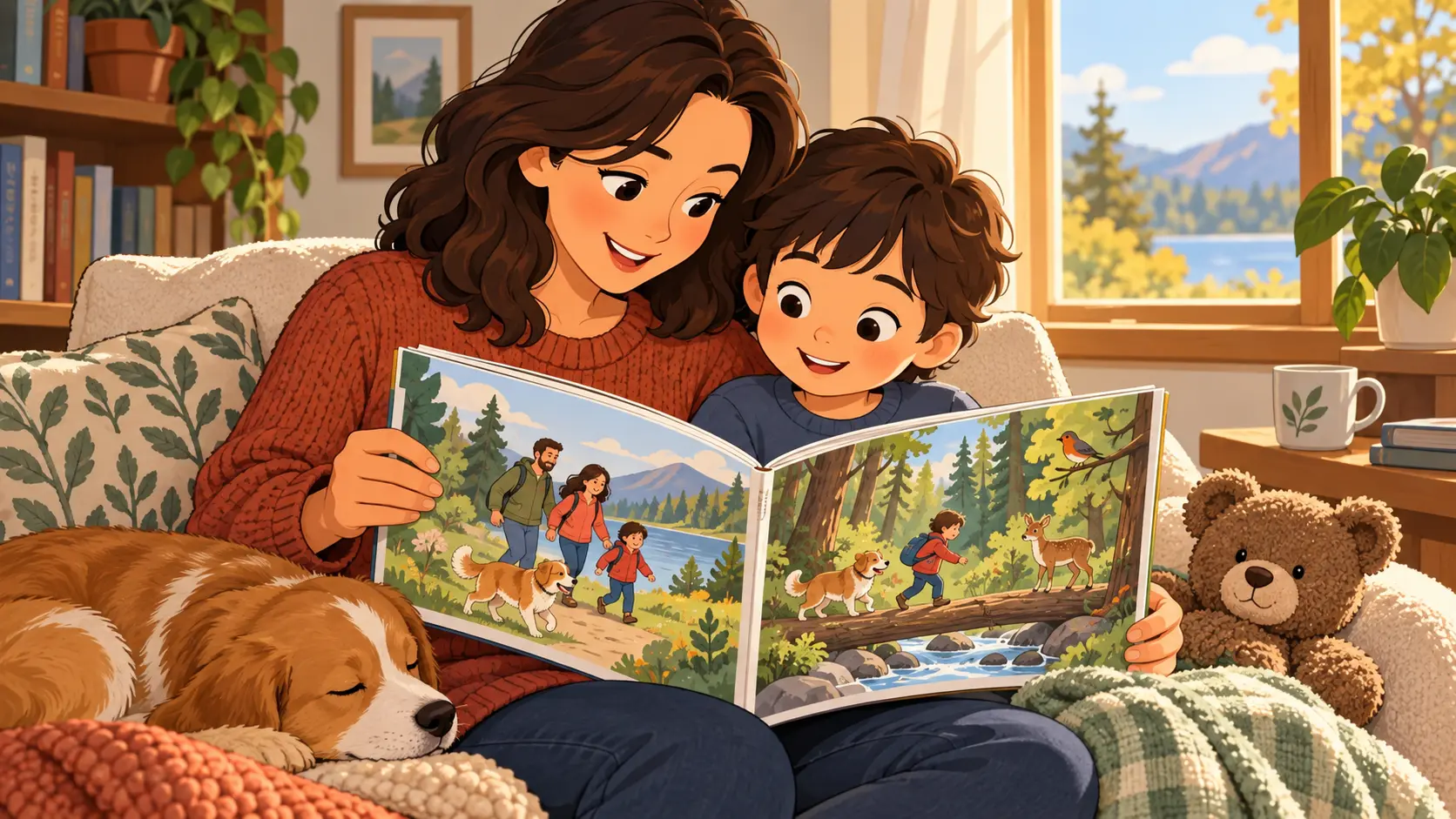
Adult and child reading a wordless personalized picture book with cartoon family and pet scenes

Storybook Scenes

Illustrate family, pet, or adventure photos as wordless scenes for a personal storybook.

Who Uses a Cartoon Photo Filter

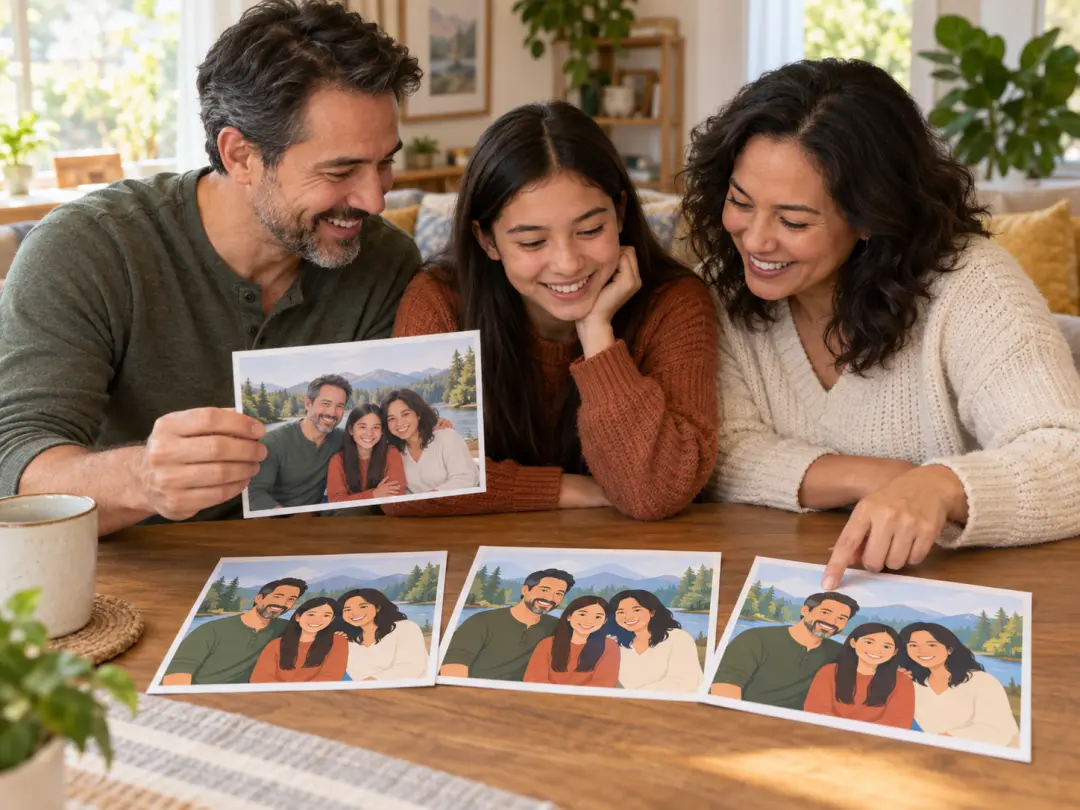
Family members turning a favorite photo into a cartoon keepsake at home

Family Creators

Make playful portraits, pet art, and memory prints from everyday photos without losing the expressions that make them personal.

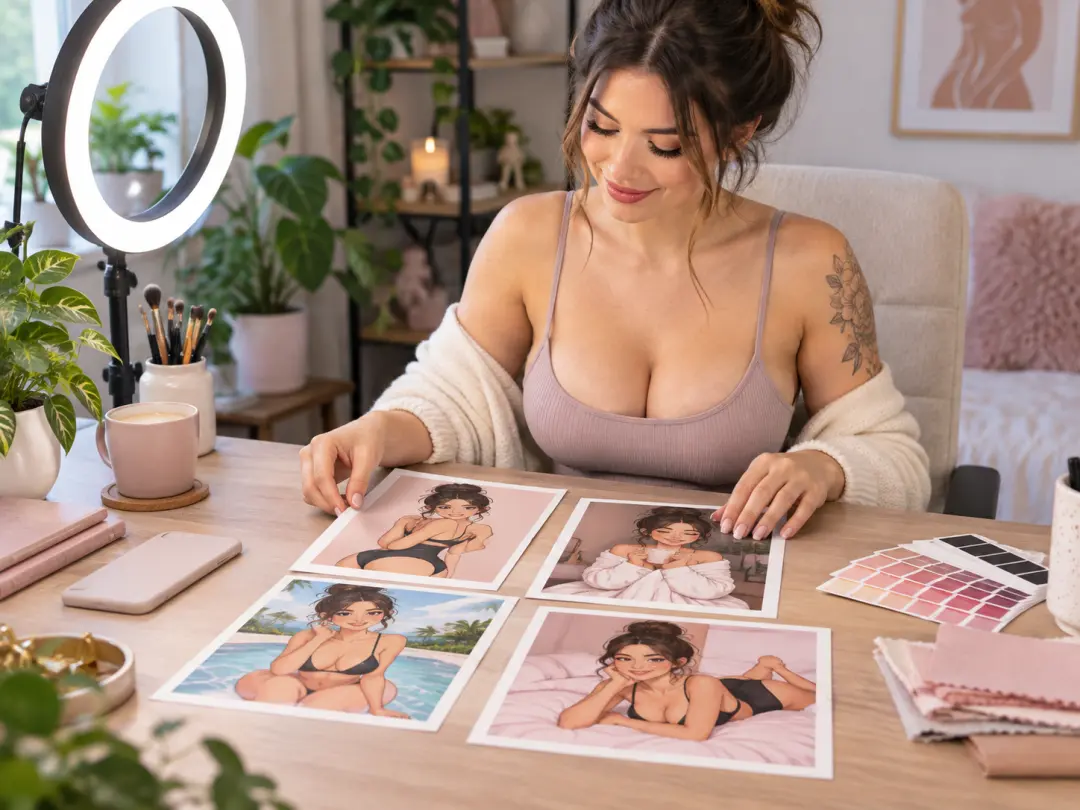
Content creator arranging multiple cartoon-style visuals for a social post

Social Creators

Build a recognizable illustrated look for profile images, post covers, and lightweight campaign graphics across several photos.

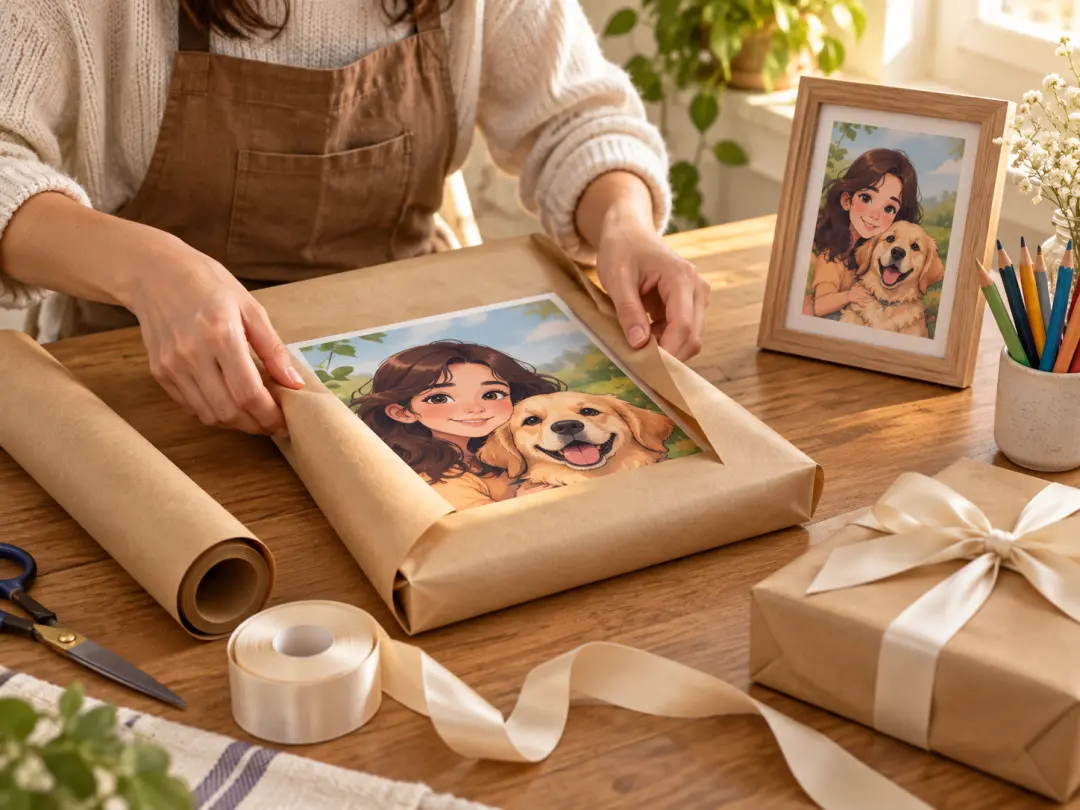
Craft maker preparing a cartoon portrait print as a personalized gift

Gift and Keepsake Makers

Prepare a thoughtful custom portrait for a birthday, anniversary, or thank-you gift, then refine the style before printing.

Benefits of Using a Cartoon Filter

The photo remains the foundation, which saves time and protects the recognizable details that matter most.

01

Fast Style Transfer

Start from a real photograph and apply a consistent cartoon direction without rebuilding every facial feature and object by hand.

02

More Personal Results

The real subject, expression, and setting remain present, so the result feels connected to the original memory instead of looking generic.

03

Easy Variation

Test light, bold, watercolor, or comic treatments from the same upload and keep the version that best matches the use.

04

Flexible Output

Generate for a square profile, portrait print, or landscape display, then confirm the dimensions before final export.

Cartoon Filter Questions

It simplifies small texture, emphasizes shapes, adjusts color, and adds a more illustrative treatment to edges and surfaces. The subject should remain recognizable while the photo takes on a cleaner or more playful visual language. The result depends on the source image and the strength or style you request. A cartoon filter is not a guarantee of a perfect likeness, especially when the source is blurry, heavily filtered, or obscured.

It can when the prompt asks for accurate facial structure, expression, hair, and important features. Always review the output and compare it with the original. Complex poses, small faces, or heavy occlusion can make identity harder to preserve, so a sharper source photo usually gives a better starting point. Keep the background uncluttered when identity matters because competing shapes can pull attention away from the face.

Yes. Pets, products, vehicles, food, and travel scenes can all be illustrated with the same workflow. Describe which parts must remain accurate, such as a pet’s markings or a product label area, and keep exact text or branding for a separate production step. For products, avoid generating a label with unreadable text and reserve that area for approved typography later.

Pick a style that matches the final use. Clean line art feels modern, watercolor feels soft, comic treatment feels energetic, and storybook illustration feels warm. Keep one dominant style in the prompt so the image does not mix conflicting visual cues. Test two styles only if they remain related; a light watercolor direction and a heavy comic style should not be mixed in one prompt.

New accounts receive 10 starter credits for an initial try. This is not unlimited free generation, so check the current credit cost before starting a large batch. Use the first result to judge whether the tool fits your photo and intended style. Starter credits are best used to test one source photo across a few controlled strengths rather than many unrelated styles.

Check the printer’s required dimensions, resolution, and margins before exporting. Generate at the largest useful size, keep the intended ratio, and avoid enlarging a small image after the fact. Review line quality, face detail, and background simplicity in the final proof. Ask the printer whether the chosen cartoon filter output has enough resolution after scaling, then inspect line quality in a proof.
Bright photo editing table with a portrait and cartoon style samples in natural light

Give a Favorite Photo a New Look

Upload one image, describe the cartoon style, and keep refining until the result feels personal and clear.

Get Started
Cartoon Filter - Transform Photos Into Cartoon Style Art