

Convert Photo to Cartoon
Upload a photo and convert photo to cartoon with VideoAI. Recognizable features stay in place, distracting detail is simplified, and you get a clean illustrated result that is ready to download or refine again.
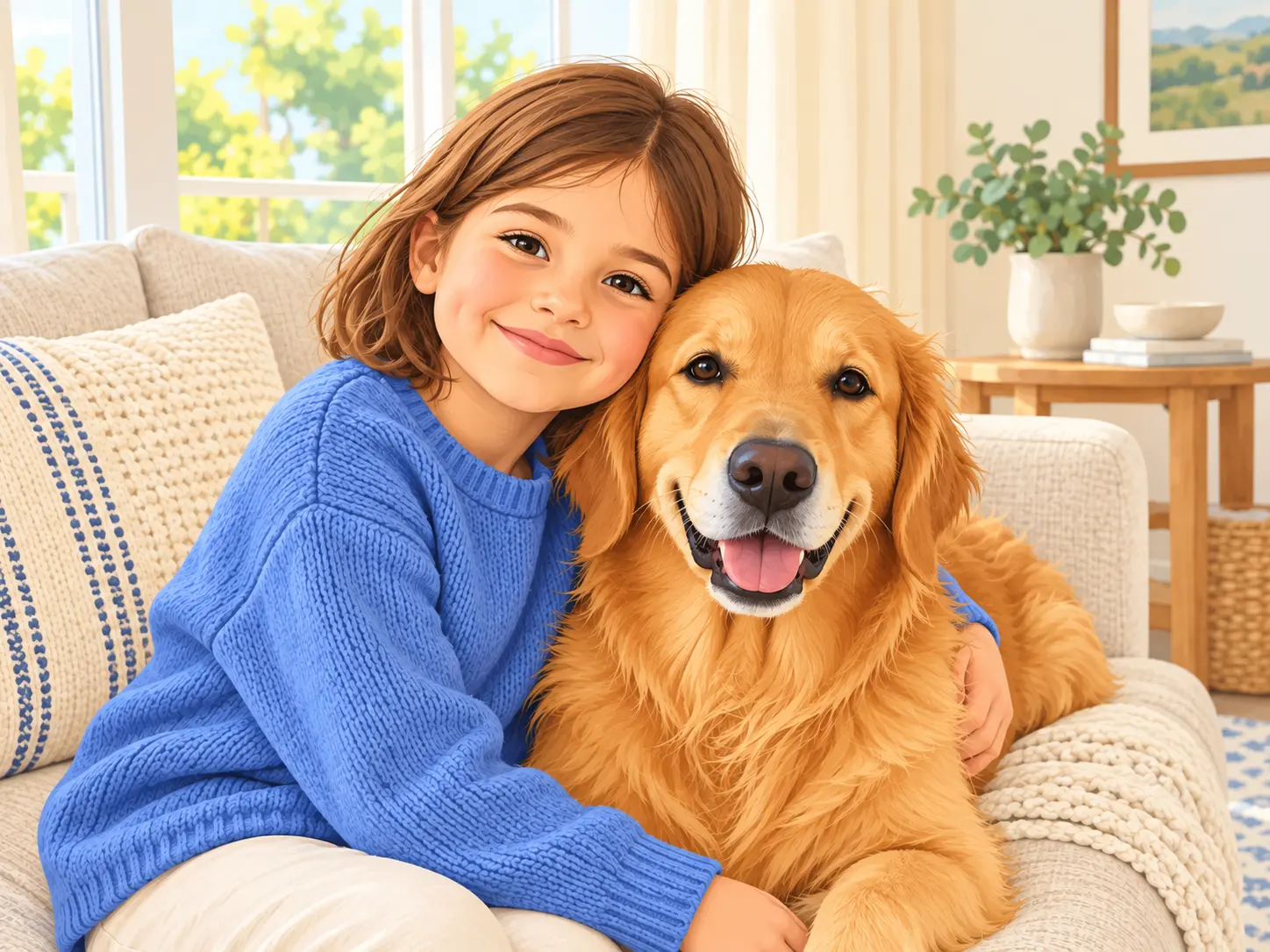
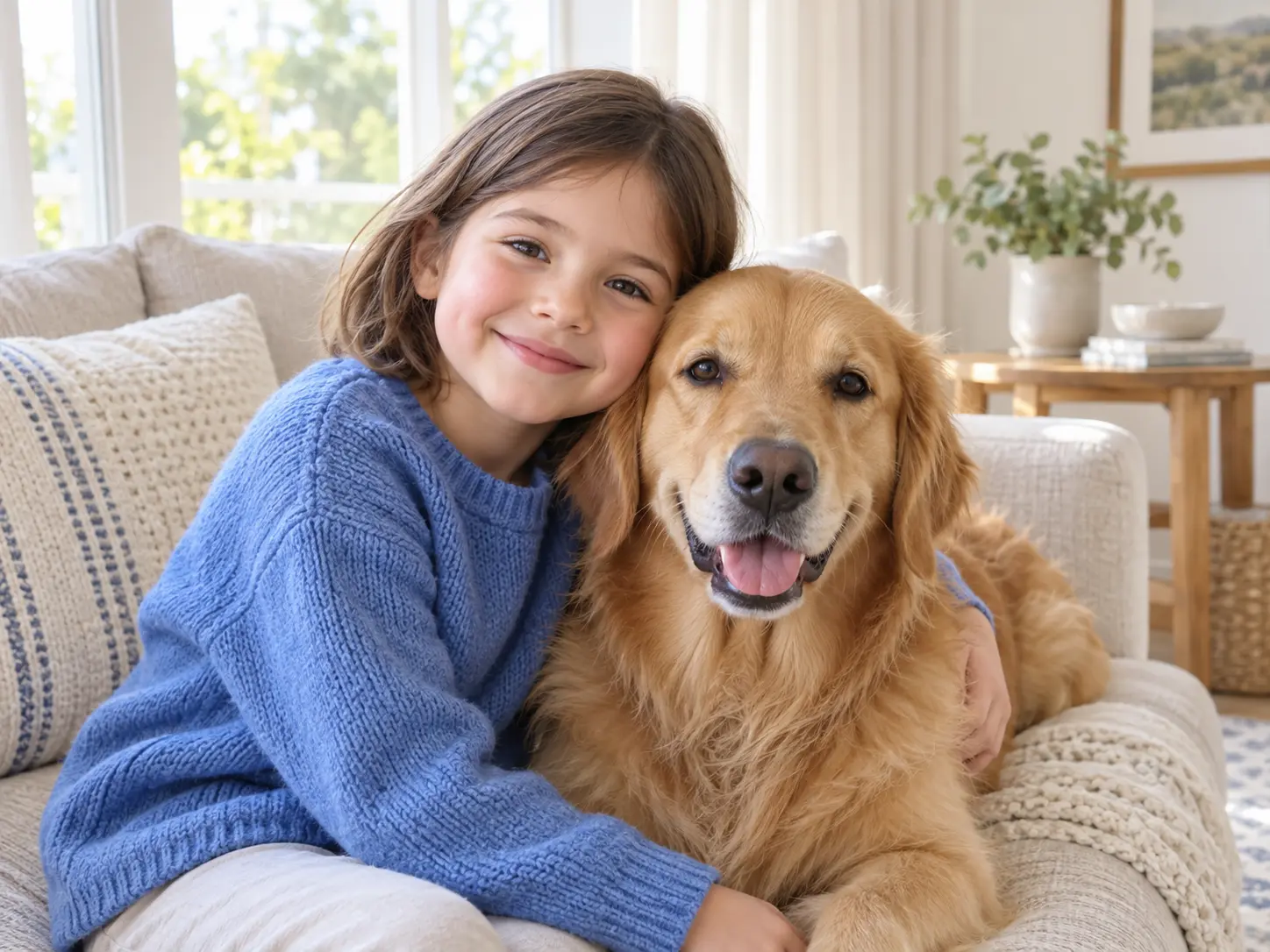
No picture on hand? Try with one of these
What You Can Do When You Convert Photo to Cartoon
Use one focused workflow for portraits, pets, products, and social visuals, then adjust the art direction without starting over.
Choose A Cartoon Style
Select an illustrated look with clean linework, softened shading, and simplified colors. If you convert photo to cartoon for a gift, profile image, or brand post, the style controls let the same source photo move from soft storybook art to bold comic color without losing the original composition.
Keep The Likeness Readable
When you convert photo to cartoon, eyes, hair shape, expressions, clothing, and pet markings carry more weight than tiny background textures. The result stays recognizably tied to the source while the finish reads as an illustration rather than a filtered photograph.
Control The Level Of Detail
When you convert photo to cartoon, you can decide how much realism to keep. Preserve facial structure and important product details, or simplify shapes for stickers, avatars, and large printed artwork where fewer visual elements make a stronger result.
Refine And Reuse The Result
Review the first output, adjust the direction, and generate another version whenever the composition needs a change. Each time you convert photo to cartoon, the uploaded image and finished artwork remain available for another pass, a different style, or a new export.
How to Convert Photo to Cartoon With AI
The workflow stays short: upload the source, set the illustrated direction, then review the result before you download it.
Upload The Photo
To convert photo to cartoon, start with a JPEG, PNG, or WebP that clearly shows the subject. Front-facing portraits, centered pet photos, and uncluttered product shots give the generator more shape information to preserve.
Choose The Cartoon Direction
After you convert photo to cartoon for the first time, refine the style in plain language. Name the line weight, color mood, background treatment, and level of detail. An online photo to cartoon converter works best when the direction is specific but the composition is not crowded with competing ideas.
Generate And Download
Once you convert photo to cartoon, compare the output with the source and regenerate if the expression, outfit, or key markings need attention. Download the finished image when it is ready for a profile, print, mockup, or social post.
Where A Photo To Cartoon Converter Helps
Use a consistent illustrated result for personal gifts, pet artwork, and polished visuals that need more personality than a standard photograph.
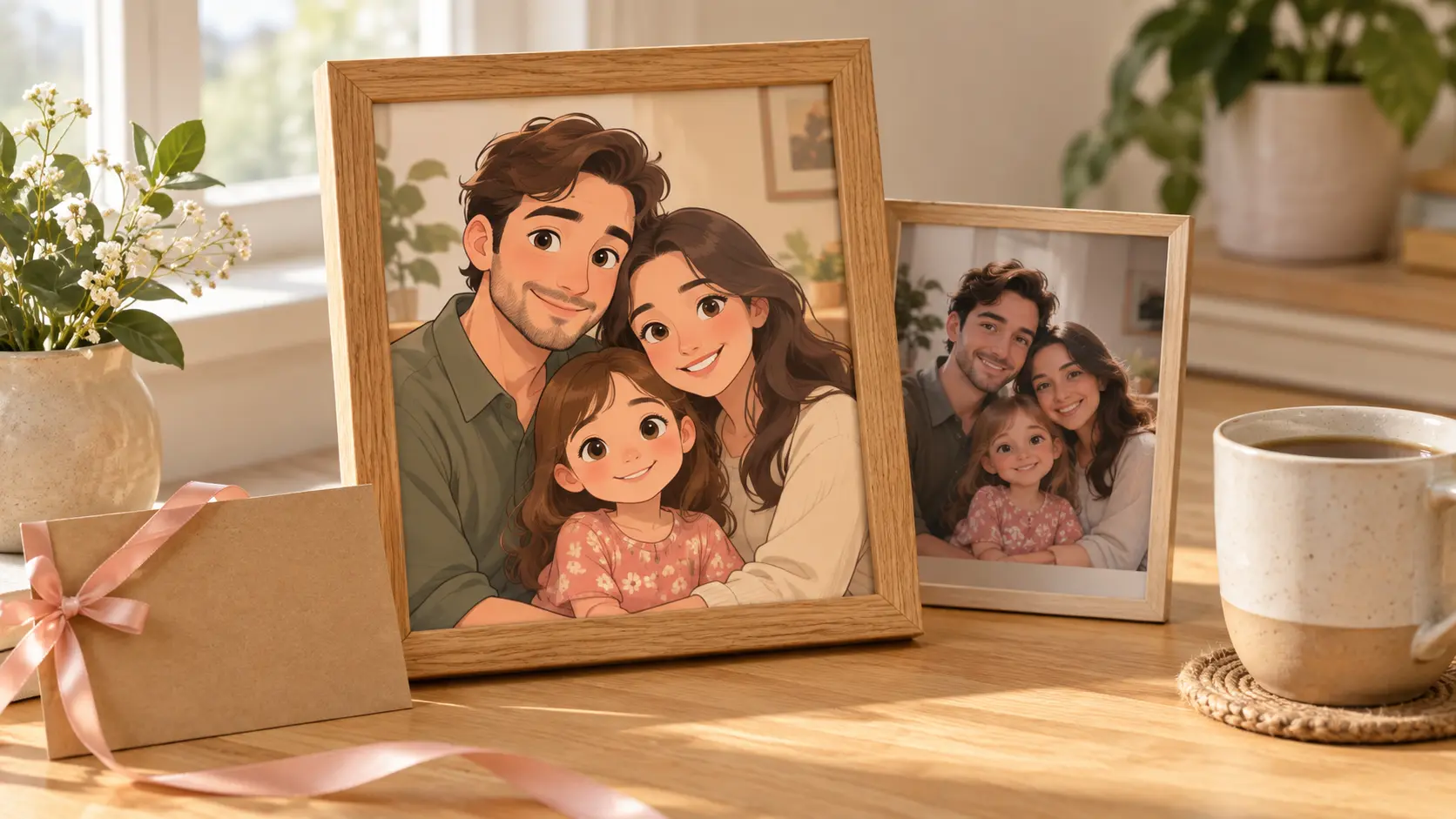
Portraits And Personal Gifts
Turn a favorite family photograph into artwork that works on a card, mug, framed print, or phone wallpaper. You can convert photo to cartoon while keeping the expressions and details that make the moment recognizable, then choose a softer or bolder finish for the final gift.
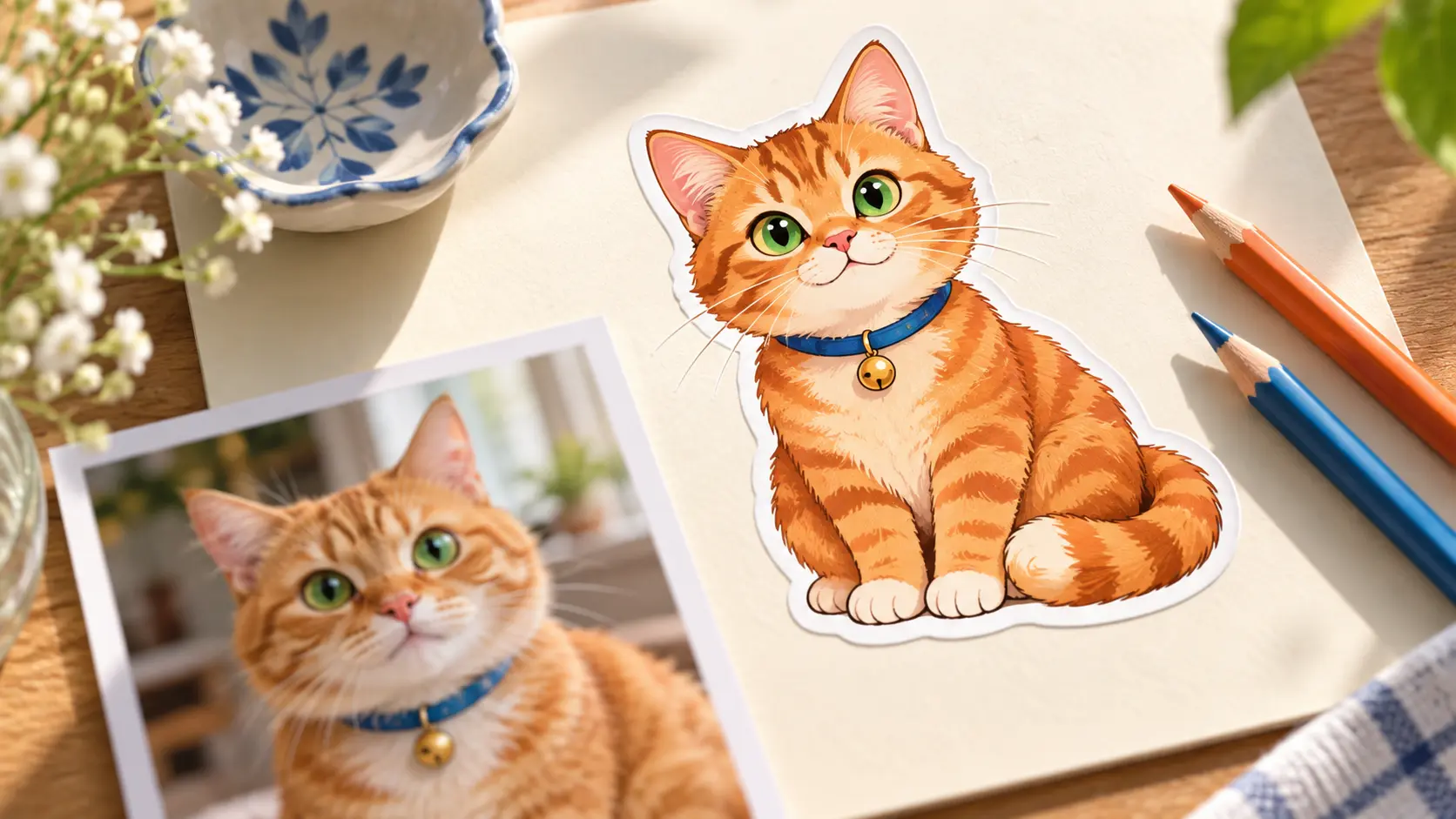
Pets, Avatars, And Posts
A pet photo already has a strong silhouette and personality, which is why a photo-to-cartoon workflow gives such a clear result. Use the artwork as an avatar, sticker, memorial portrait, or cheerful social image while the animal remains easy to identify at a glance.
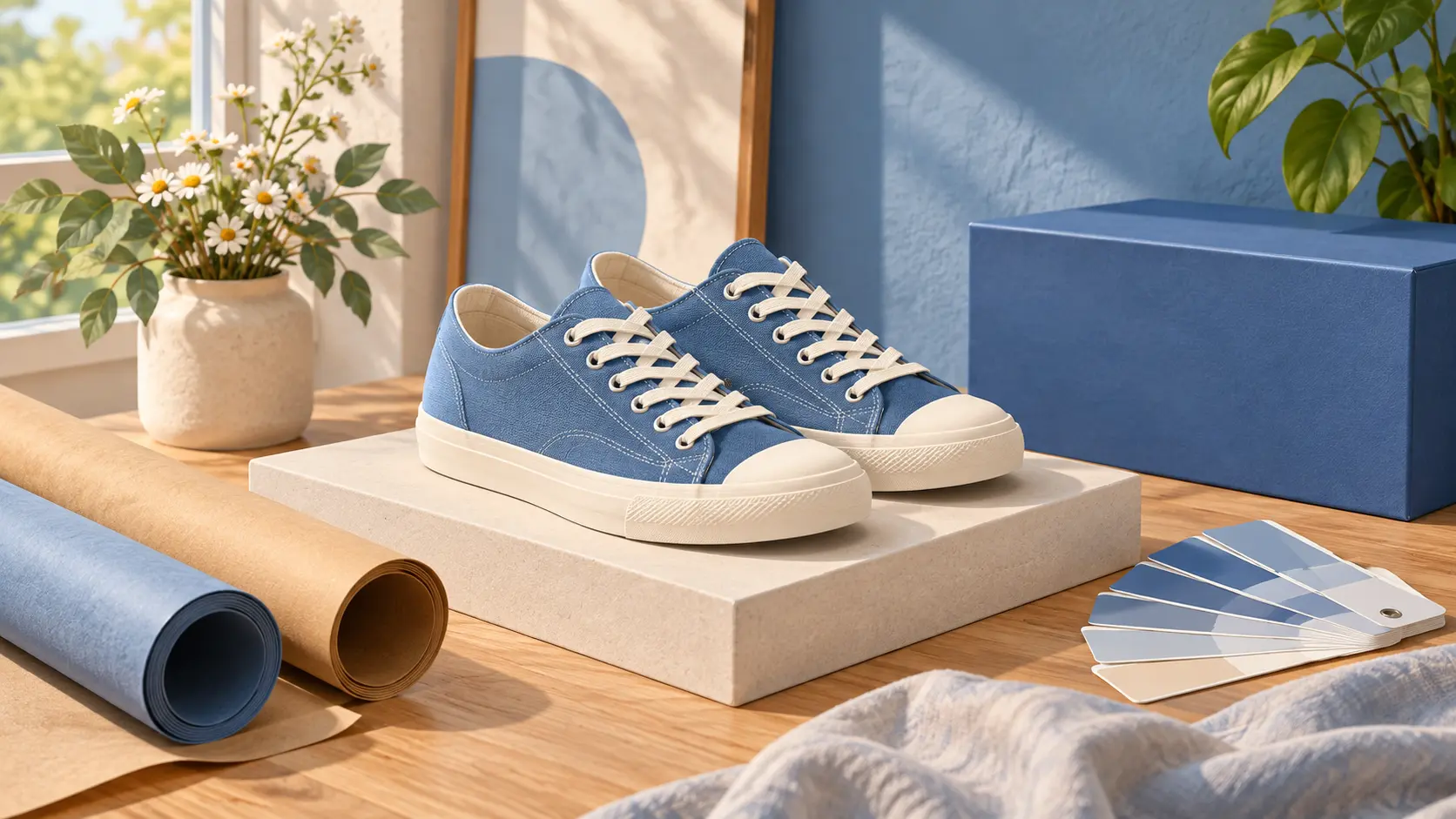
Products, Posts, And Team Pages
Convert image to cartoon when a product or team photo needs a friendlier visual system. An image to cartoon converter can simplify backgrounds, unify a series of campaign images, and create illustrated assets for menus, storefront posts, presentations, and profile pages.
Who Uses A Photo To Cartoon Converter
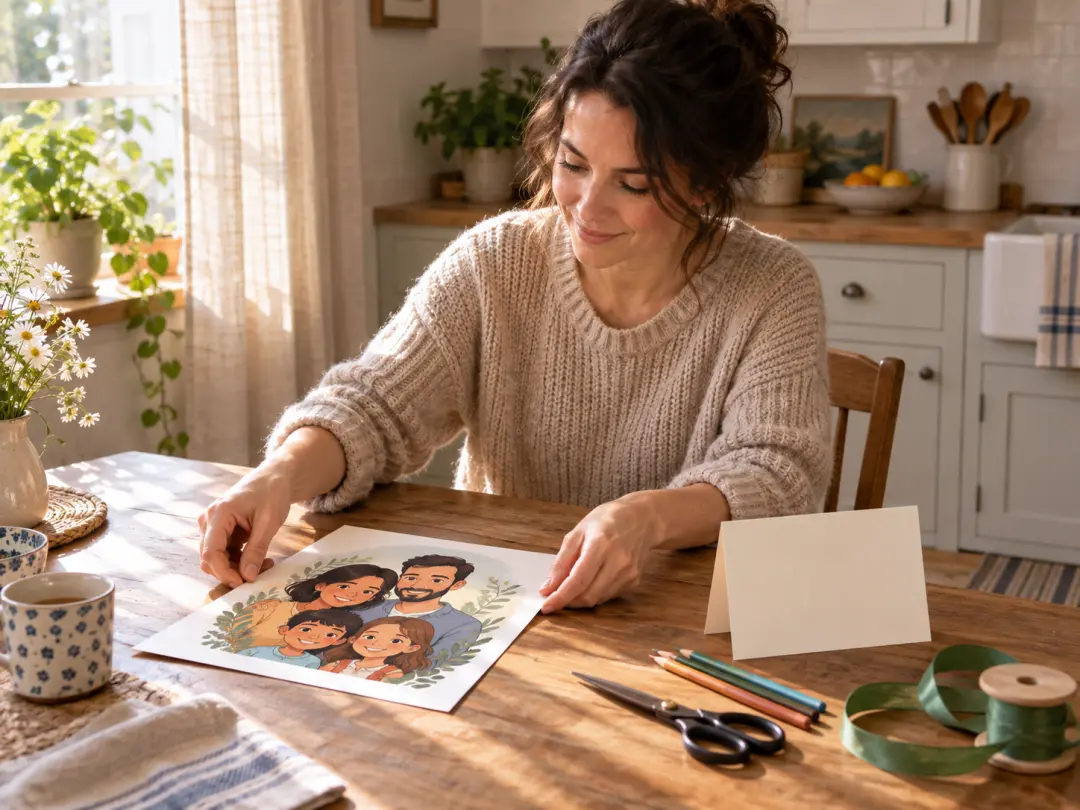
Parents And Gift Makers
Use a recent family photo when you convert photo to cartoon for a birthday card, framed gift, or custom keepsake. The familiar expression stays intact, while the illustrated finish makes the image feel personal and finished rather than like an ordinary reprint.
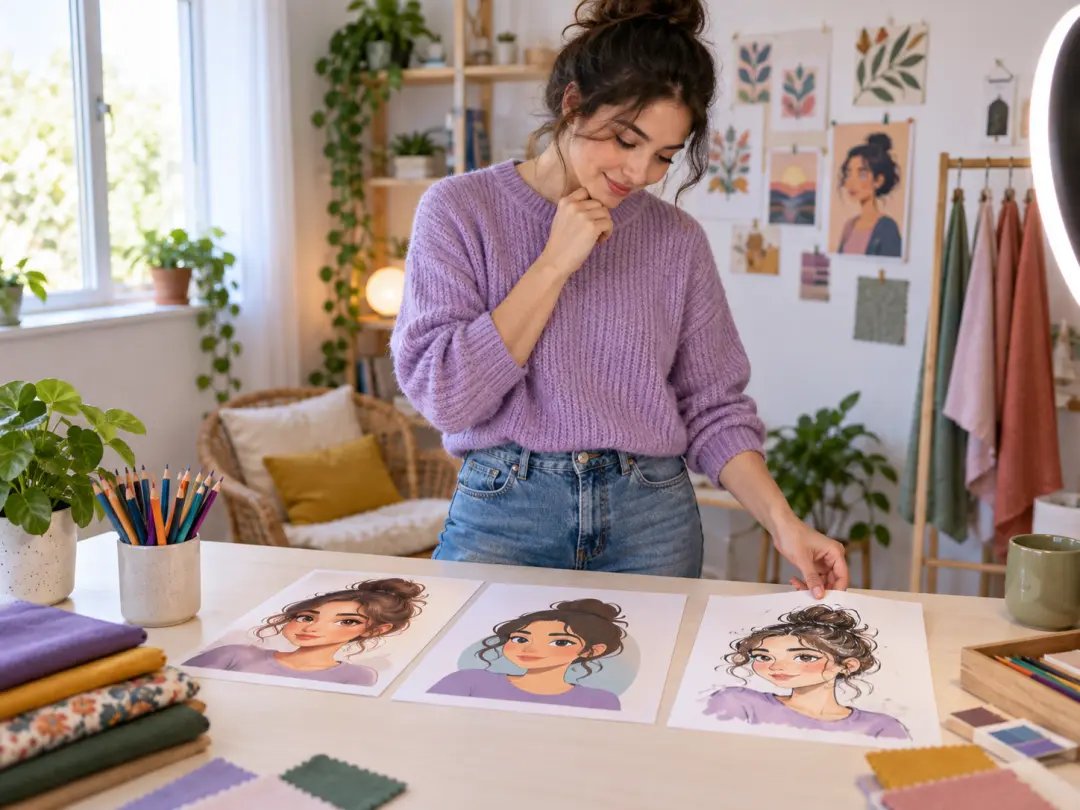
Social Creators And Streamers
Creators who convert photo to cartoon get profile art, thumbnails, stickers, and channel graphics that stand apart from camera photos. Preview a style across a portrait or pet image, then keep the result consistent when the same artwork moves to another platform.
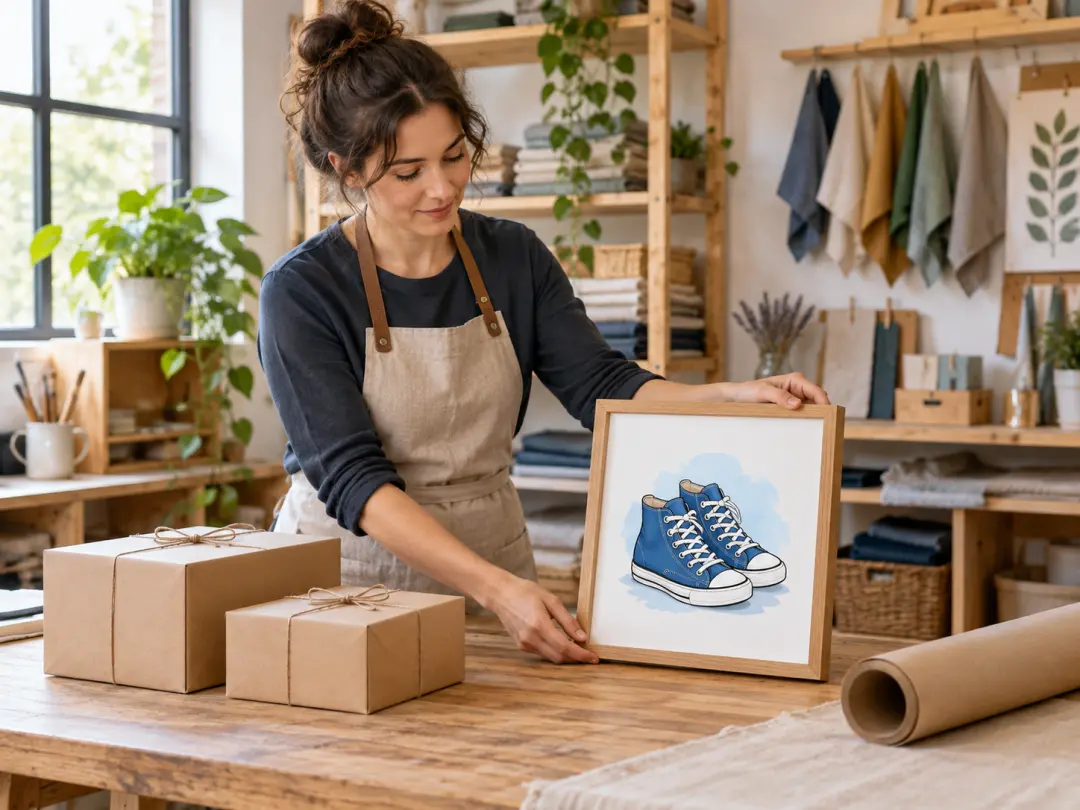
Small Teams And Product Sellers
A small business can convert photo to cartoon for approachable product sheets, team pages, packaging concepts, or campaign art. Use an ai photo to cartoon converter to explore a visual direction before investing in a full illustration commission.
Convert Photo To Cartoon Questions
Explore
Discover our AI design tools


Explore related tools
Convert Photo to Cartoon With VideoAI
Upload one clear photo and convert photo to cartoon in a style that fits a gift, profile, product, or campaign.
Get Started