
Step 01
Add A Relevant Reference
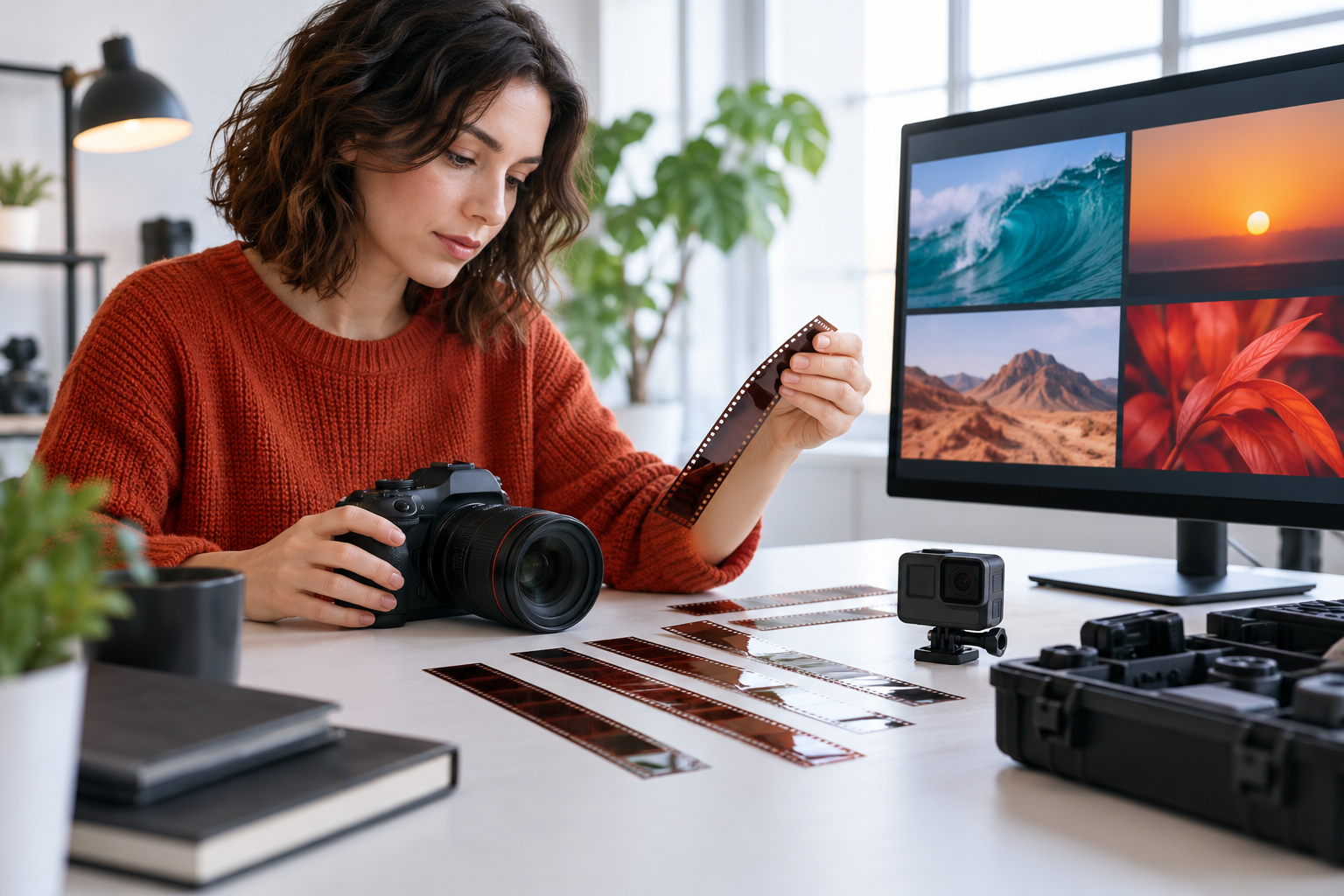
Upload the video or other reference media tied to the result you want. Add an audio reference when music, narration, or sound effects should guide the output.

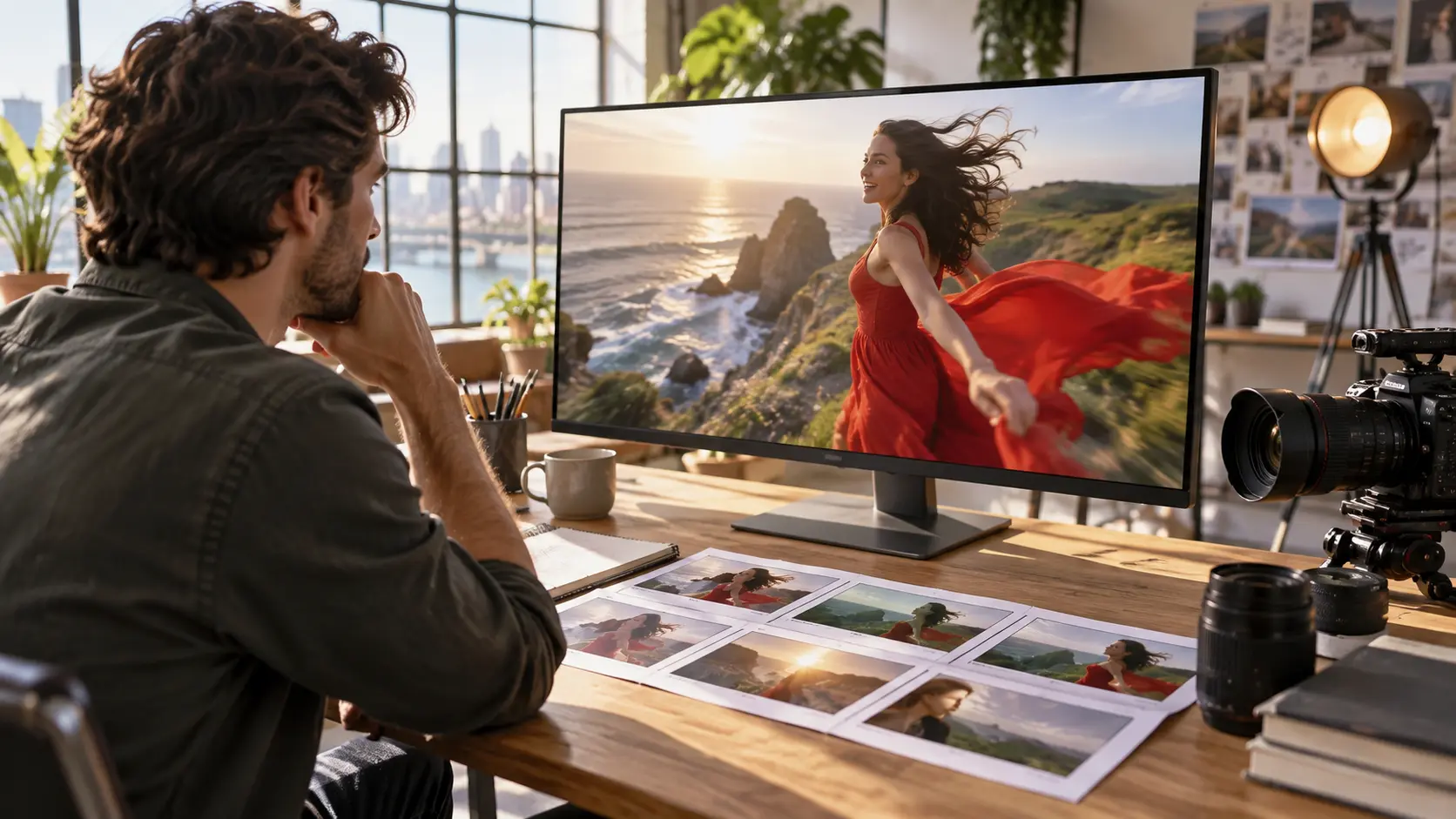
VideoAI turns a video reference and a clear prompt into a preview you can refine and download.
Partnering with global industry leaders to power your creativity output



Shape a familiar clip around a new visual idea by uploading a reference and describing the result you want. The edit generator helps you review a focused video for your next social post.

Turn a campaign direction into a video preview with a reference clip and a precise prompt. VideoAI keeps the creative decision with you while the edit generator shapes the requested result.

Respond to client notes by revising the prompt and generating another preview from the supplied media. Each edit generator pass gives you a clear result to inspect before delivery.
For practical ai video editing, keep the reference, prompt, preview, and next decision in one creative loop.

Start with the visible change you want, such as a new scene direction or a more personal treatment. VideoAI follows your text instructions to shape the generated video, so each edit generator decision begins with your creative intent.
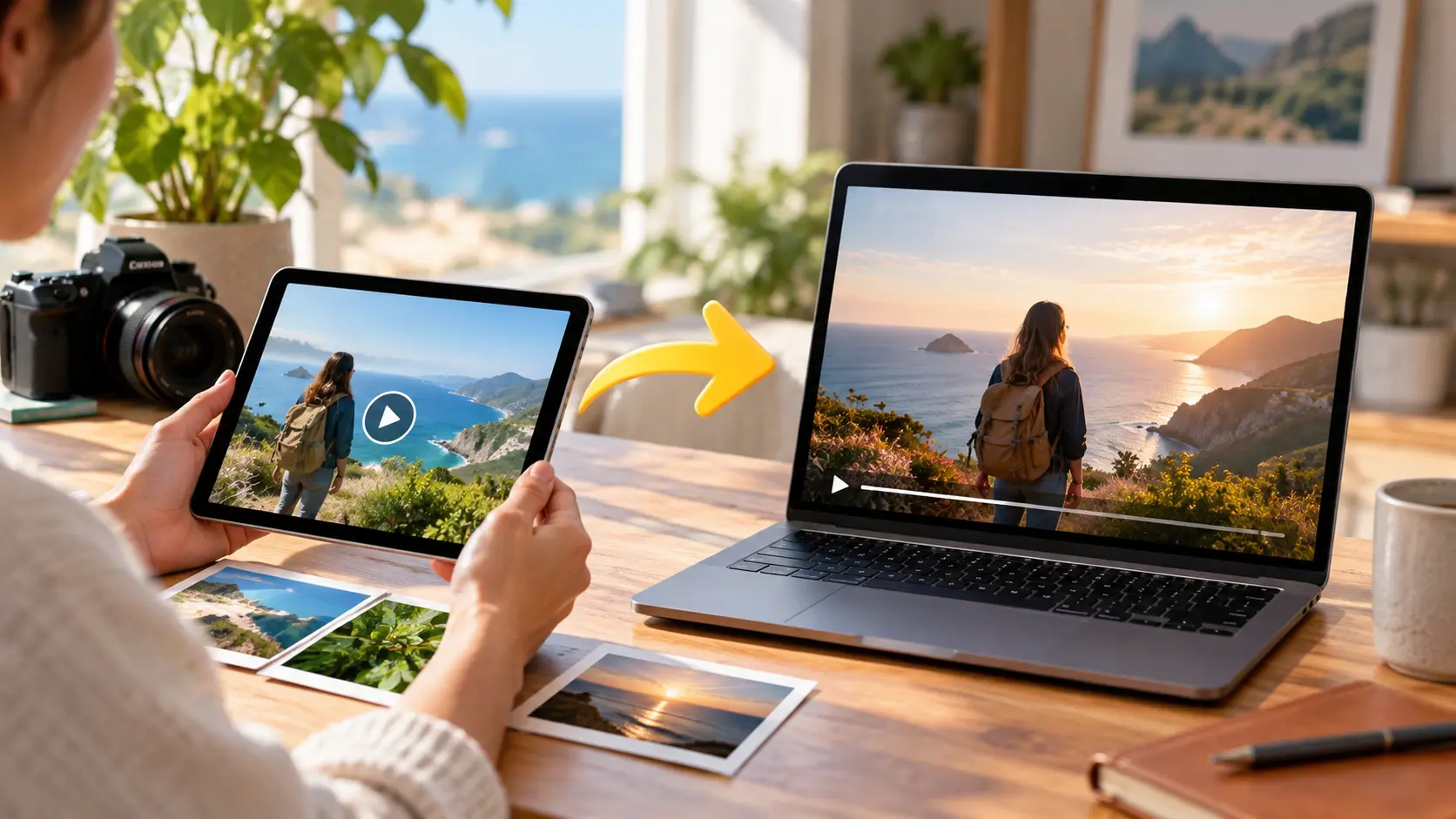
Upload a video or other reference media tied to the result you want. The edit generator uses that input alongside your prompt to keep the requested transformation connected to the source material.
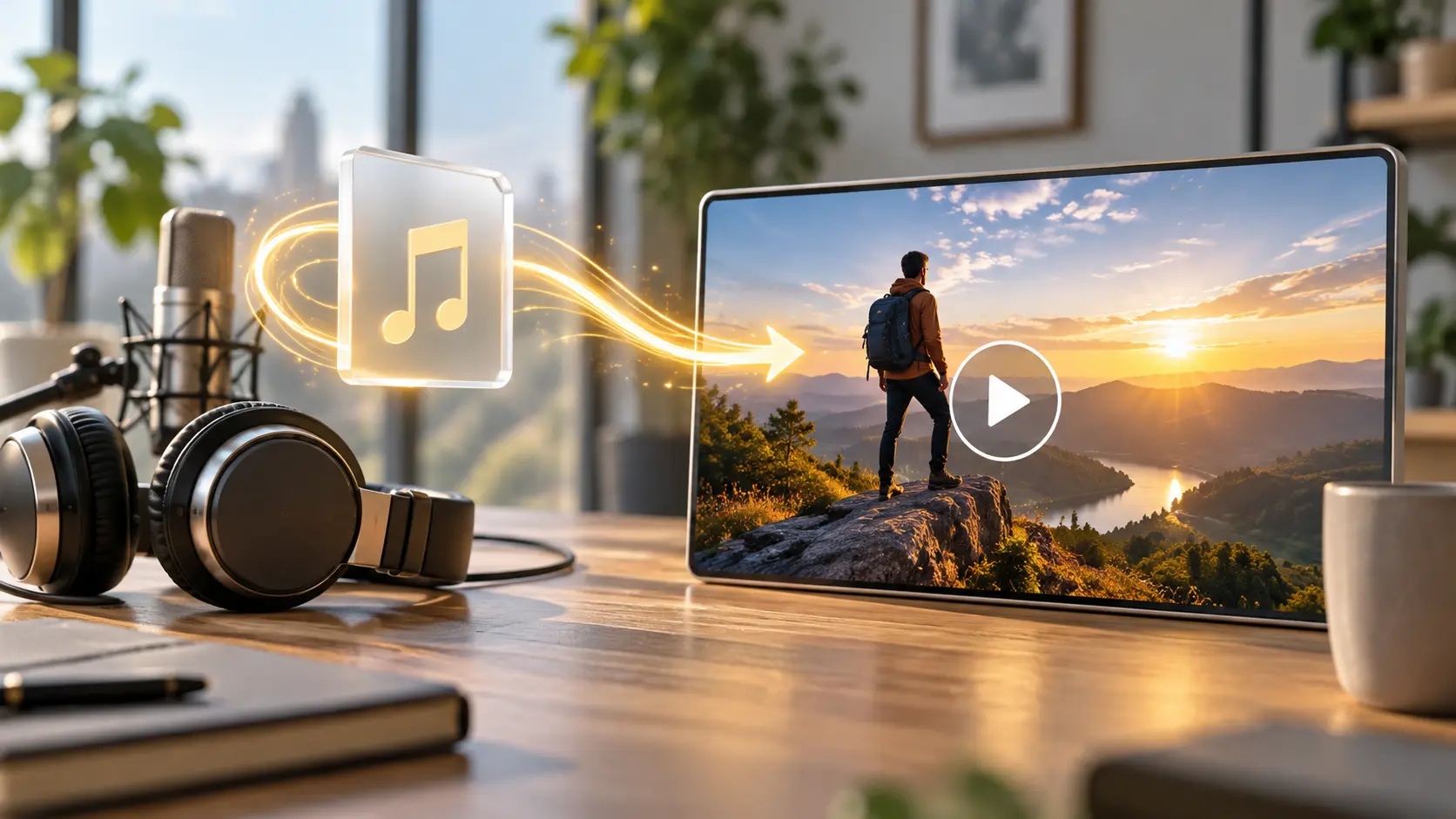
Add an uploaded audio reference when music, narration, or sound effects should inform the video. This gives the edit generator another clear creative signal where sound matters to the scene.
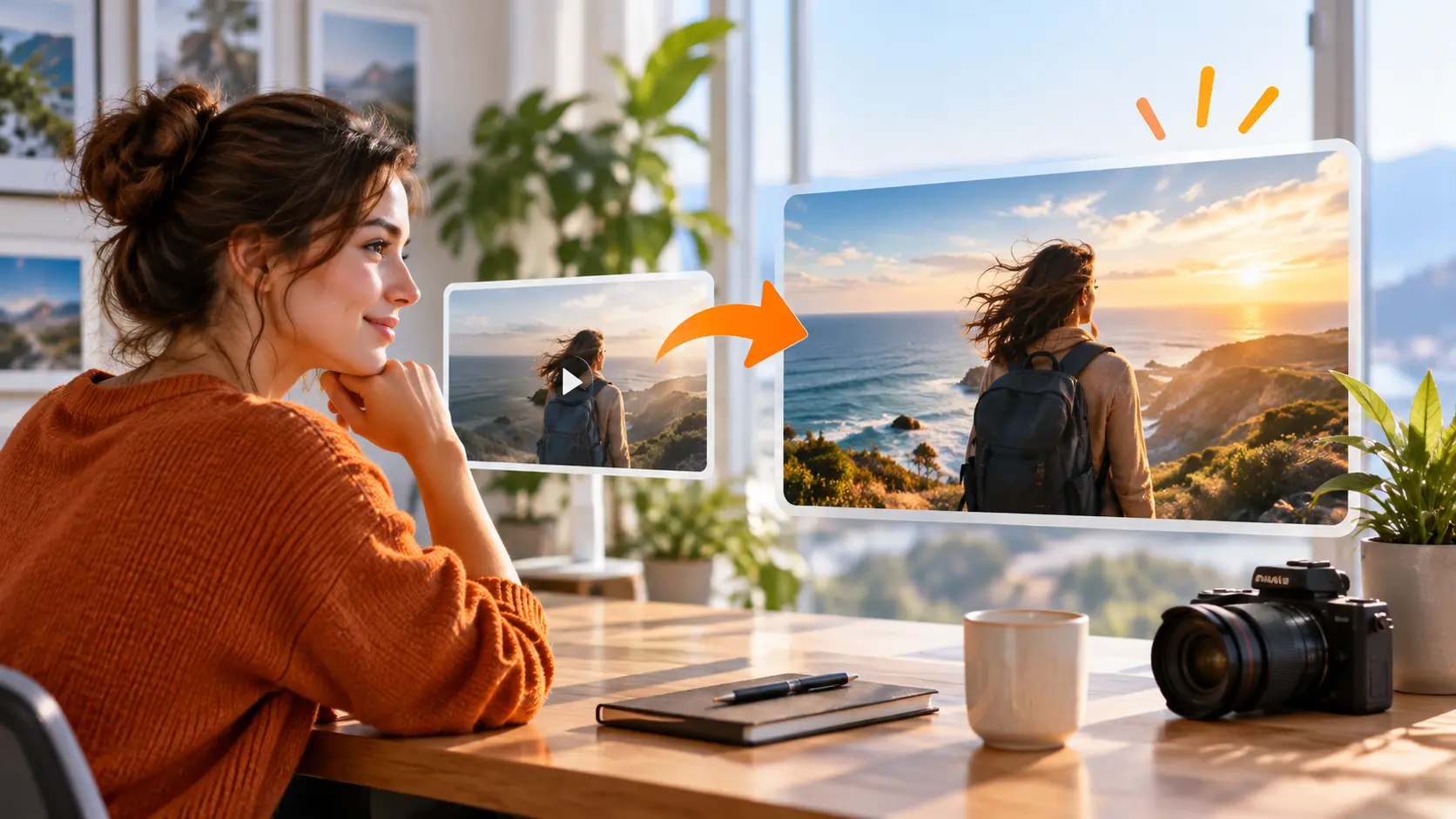
A first preview is a starting point for the next decision. Review the generated video, then give VideoAI another text instruction to guide the edit generator toward a result that fits your intent.
Bring a reference, describe the intended change, then review the video and guide the next version with text.
Step 01
Upload the video or other reference media tied to the result you want. Add an audio reference when music, narration, or sound effects should guide the output.
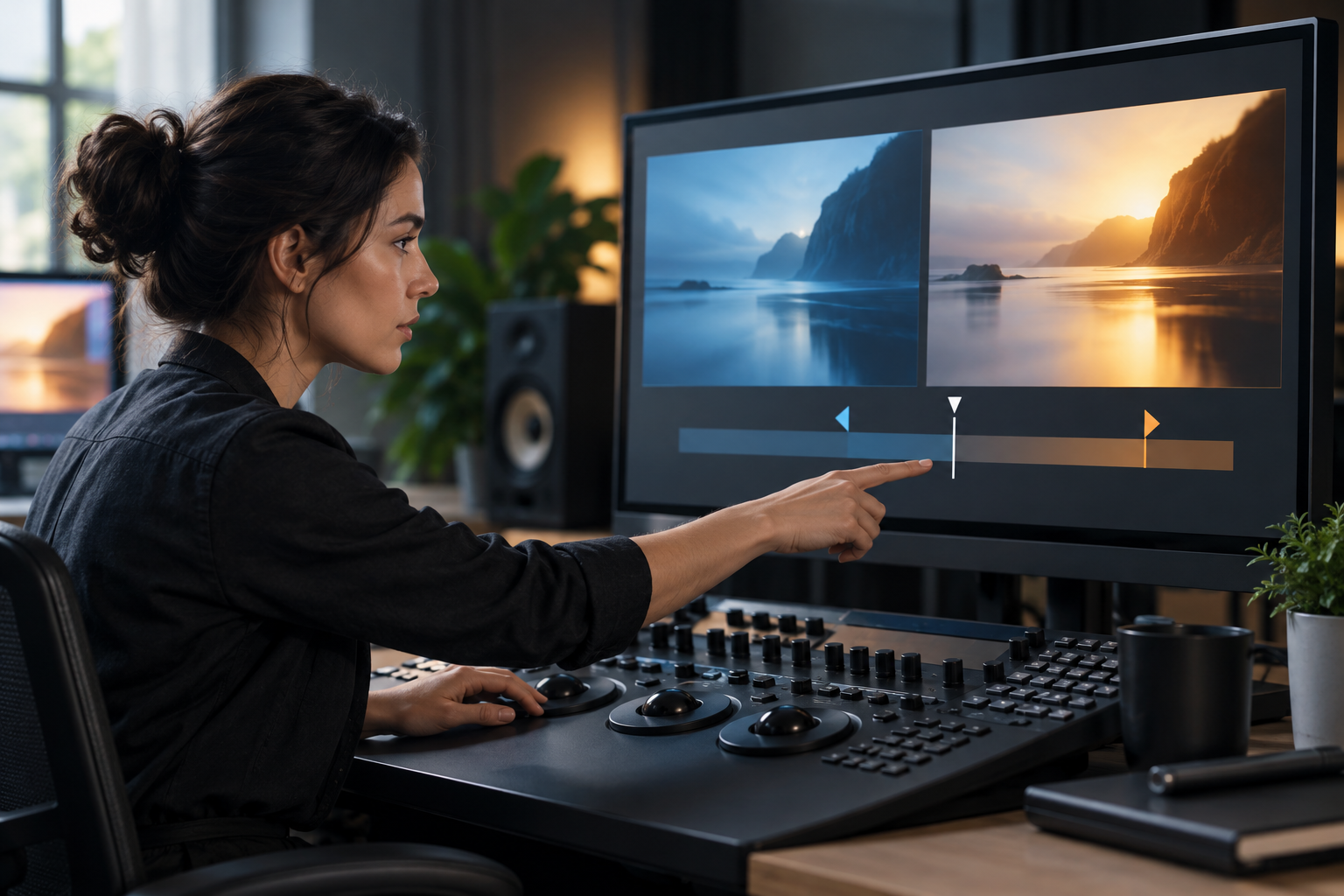
Step 02
Write a specific prompt for the scene, style, movement, or personal detail you want the edit generator to produce. State the important subject and intended result so VideoAI has a clear direction.
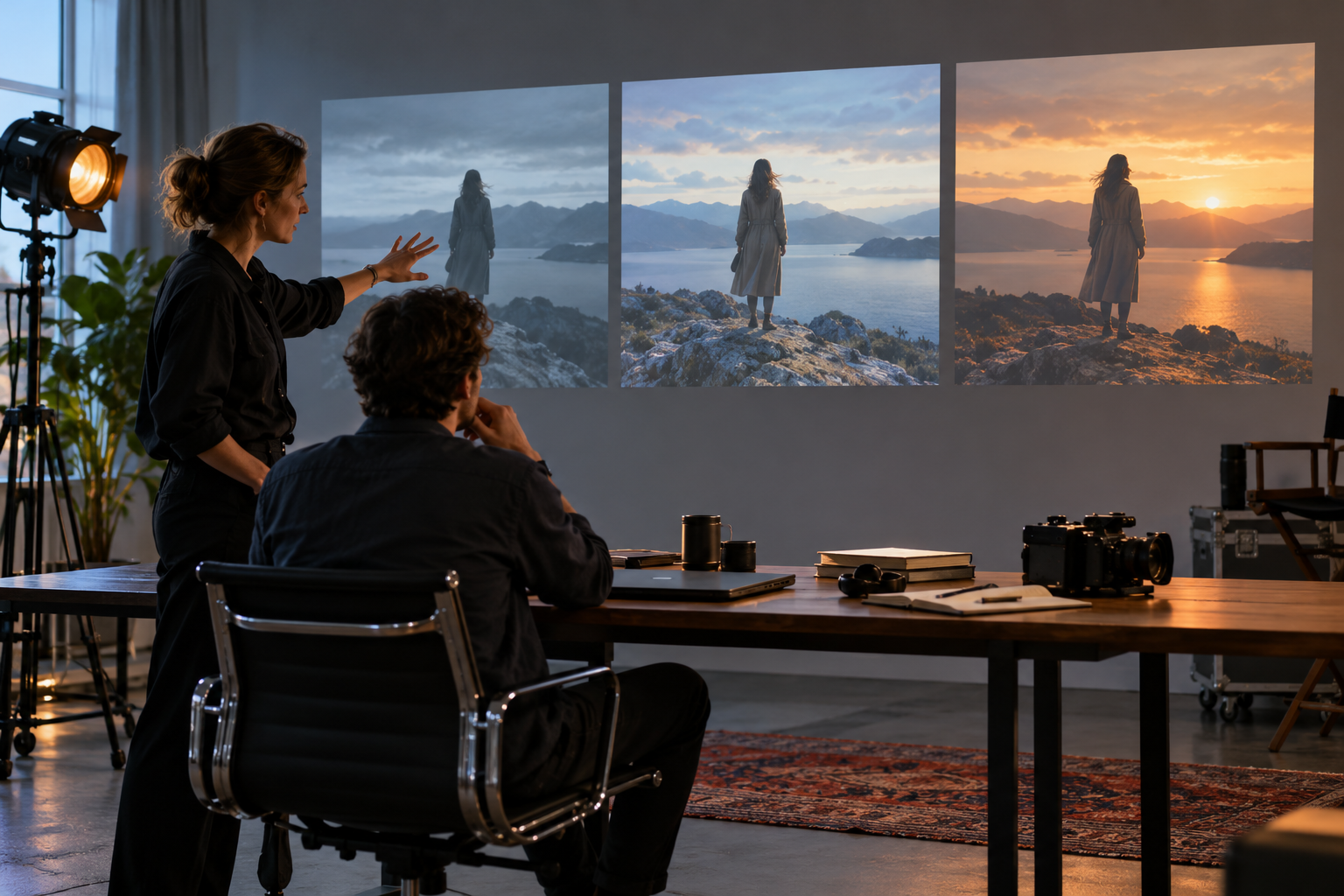
Step 03
Generate the video, review the preview, and continue with a text instruction when the result needs another pass. Download the version that fits your creative decision.
Use the same reference and prompt workflow when the creative decision changes from one project to the next.

A social creator has a strong clip but needs a fresh visual direction for a new post. They give VideoAI the reference and prompt the edit generator with the desired scene change. The preview gives them a focused version to review and download.

A campaign marketer has a reference and a clear message but needs a video shaped around the new brief. They describe the intended scene in the edit generator and receive a preview that makes the creative choice easier to assess.
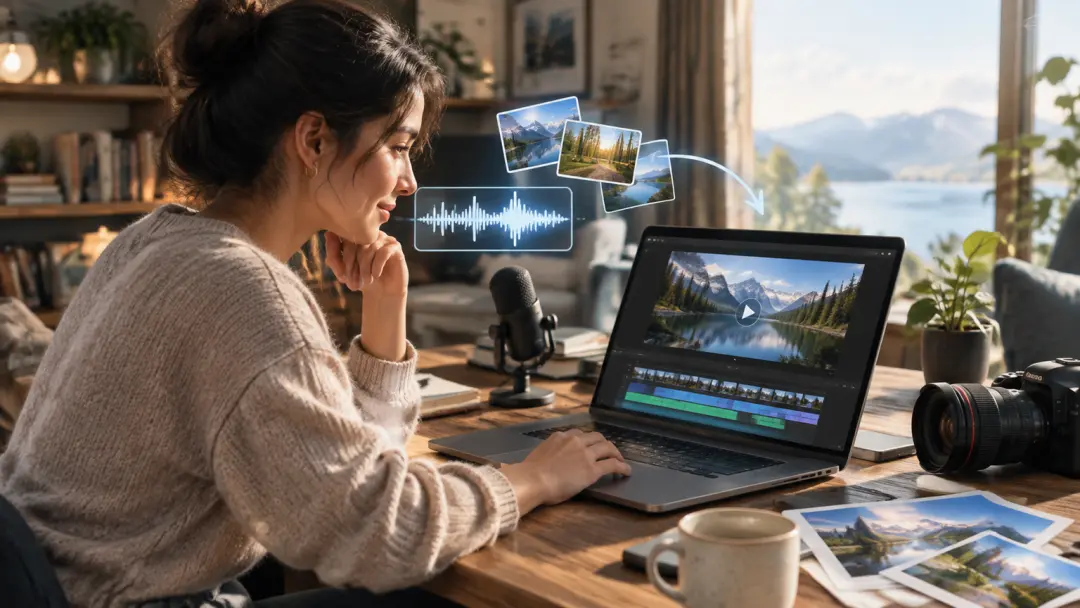
An explainer producer has narration ready but needs visuals that support the spoken idea. They upload the audio reference, add supporting media, and guide the edit generator with a prompt for a reviewable video result.

A client video producer receives a request to change the treatment after reviewing a draft. They update the prompt in the edit generator, generate another preview, and download the version that matches the approved direction.

Upload a reference, describe the result, and guide the next preview with clear text instructions.
Get Started