Build A Recognizable Avatar

Facebook Profile Picture Generator

This facebook profile picture generator turns a portrait, logo, reference, or written direction into a clear avatar. Keep the face or main mark centered, leave room for Facebook's circular crop, and choose a simple background. Review the image at a small size before publishing so it stays recognizable in comments and on the full profile. Check the final export on a phone preview.

Polished portrait prepared as a Facebook profile picture with a centered face and safe circular margin

Who Needs A Facebook Profile Picture Generator

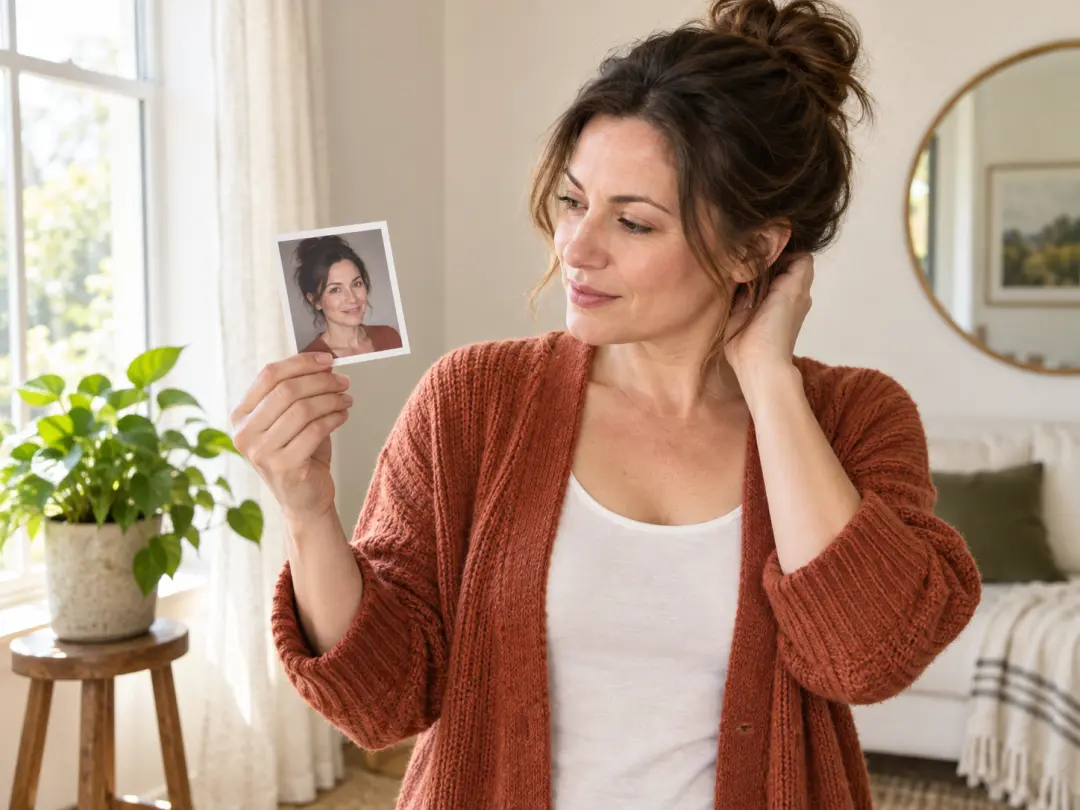
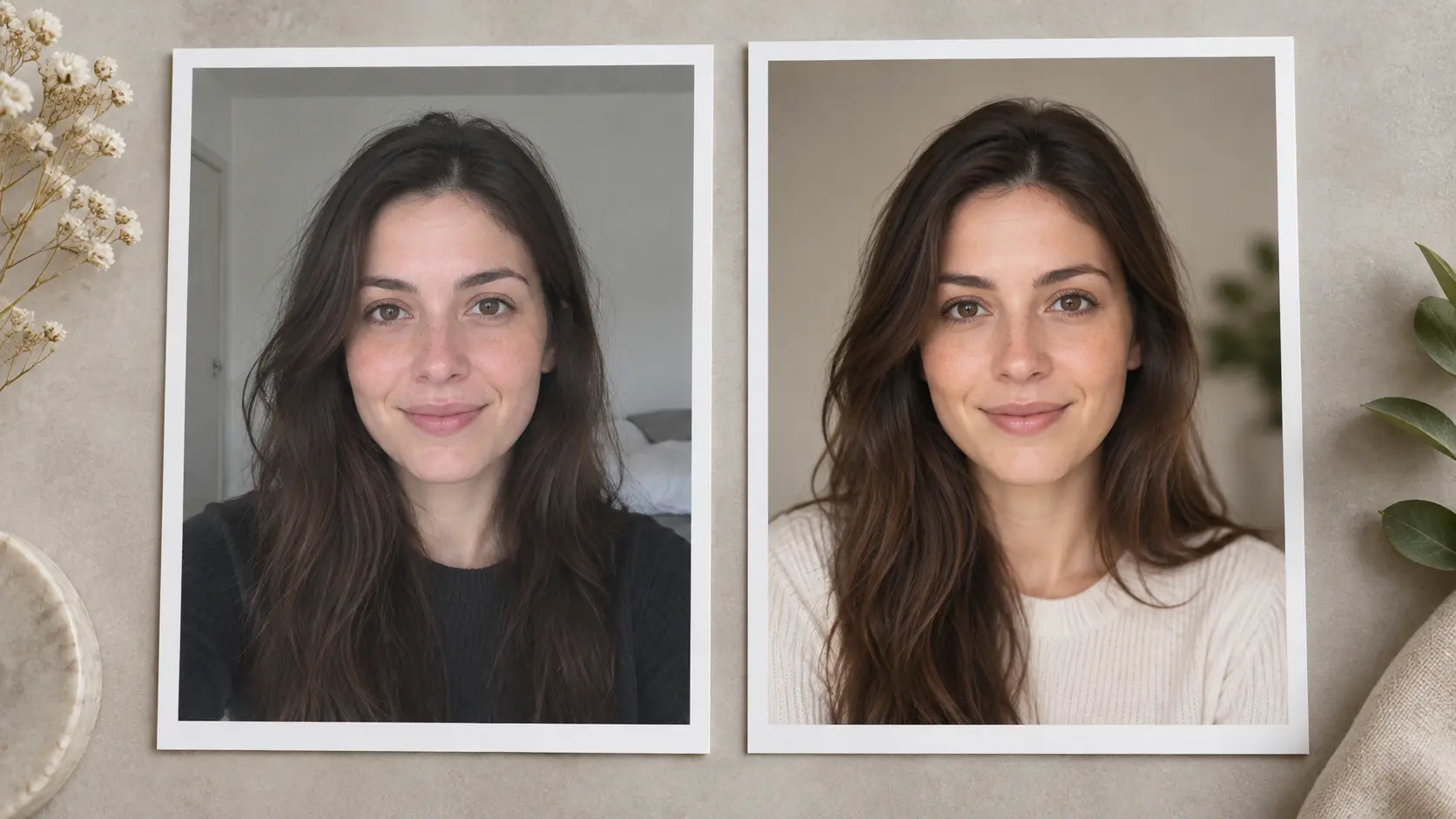
Everyday Facebook user reviewing a refreshed portrait in a bright home studio

Everyday Facebook Users

Refresh a dated photo with a clear, recognizable portrait.

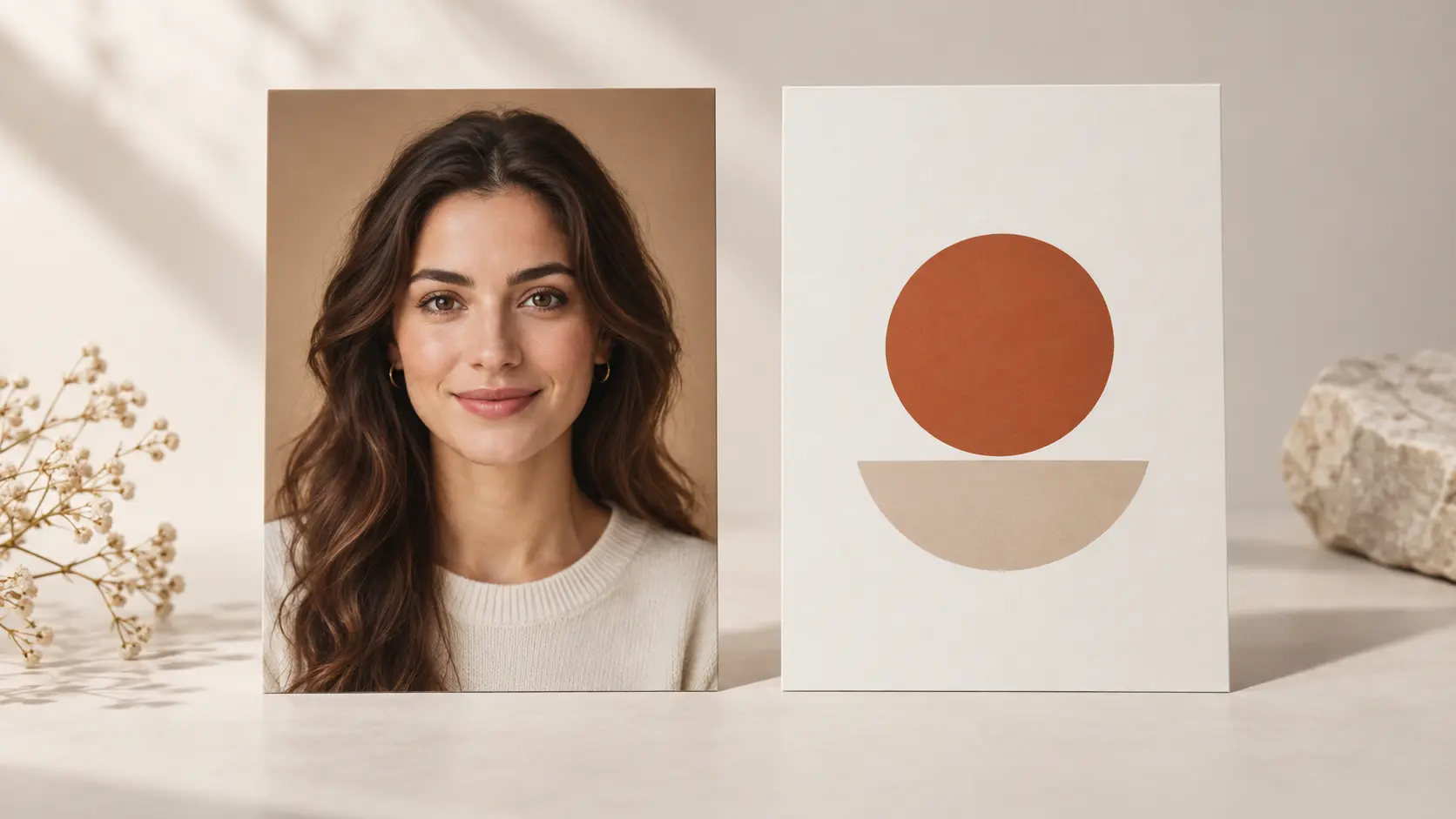
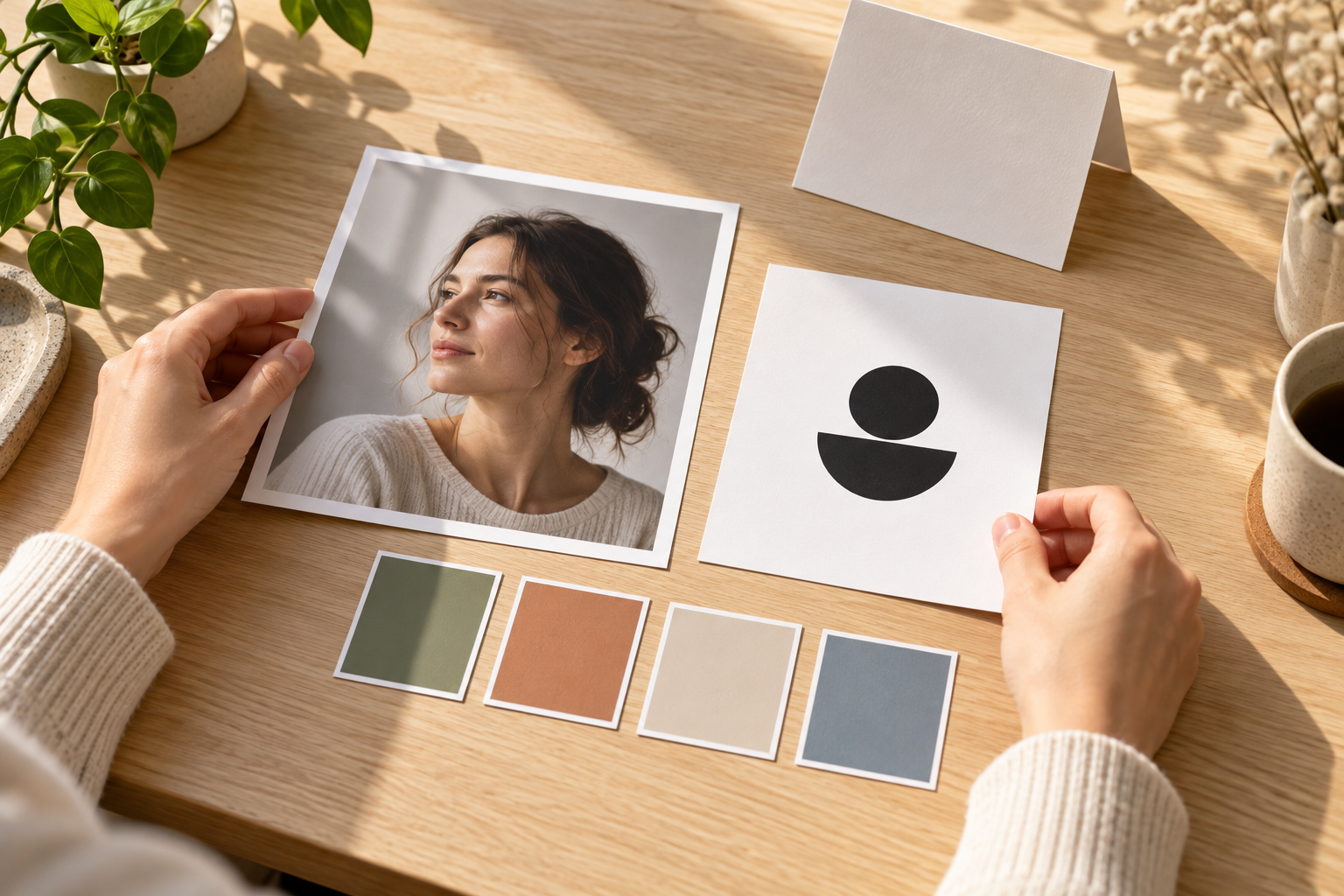
Creator arranging a branded portrait reference beside color swatches in a bright studio

Creators And Small Brands

Match a face, mascot, or logo to your page colors.

Community organizer reviewing a simple emblem for a small circular profile display

Community And Group Admins

Give a group a mark that reads in a tiny circle.

What The Facebook Profile Picture Generator Can Create

Start from a portrait or logo, then direct the style, crop, and background.

Portrait and simple logo references transformed into polished Facebook profile image directions

Portrait And Logo-Friendly Generation

Begin with a photo, logo, or reference and describe the result you want. The facebook profile picture generator can create a portrait, stylized avatar, or graphic identity while keeping the main subject recognizable. This helps when the original photo has the right person but the wrong background or framing. Review likeness, edges, and reproduced marks before publishing, because a clean silhouette and consistent light matter more than a complicated scene. Use one strong focal point throughout.

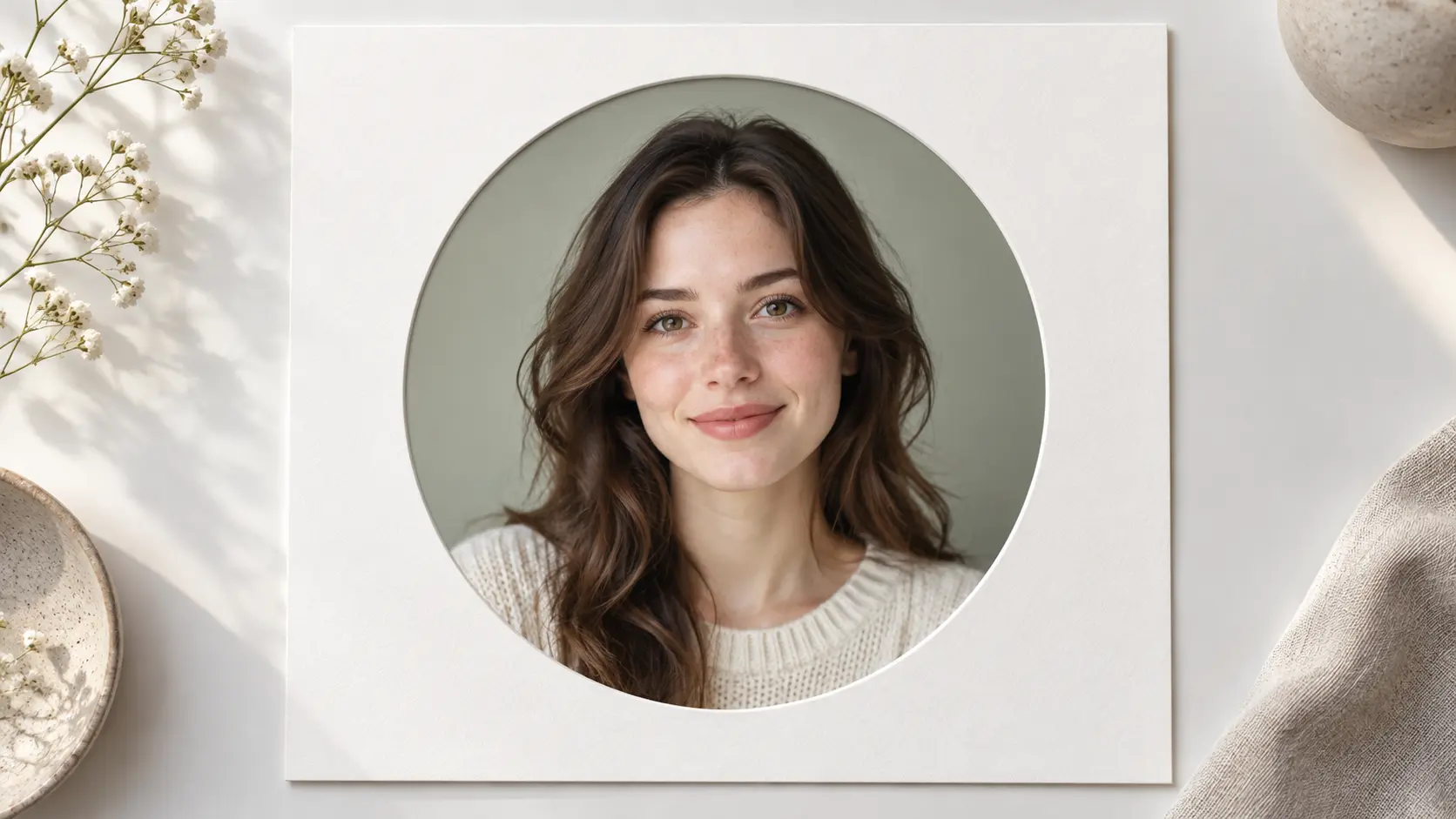
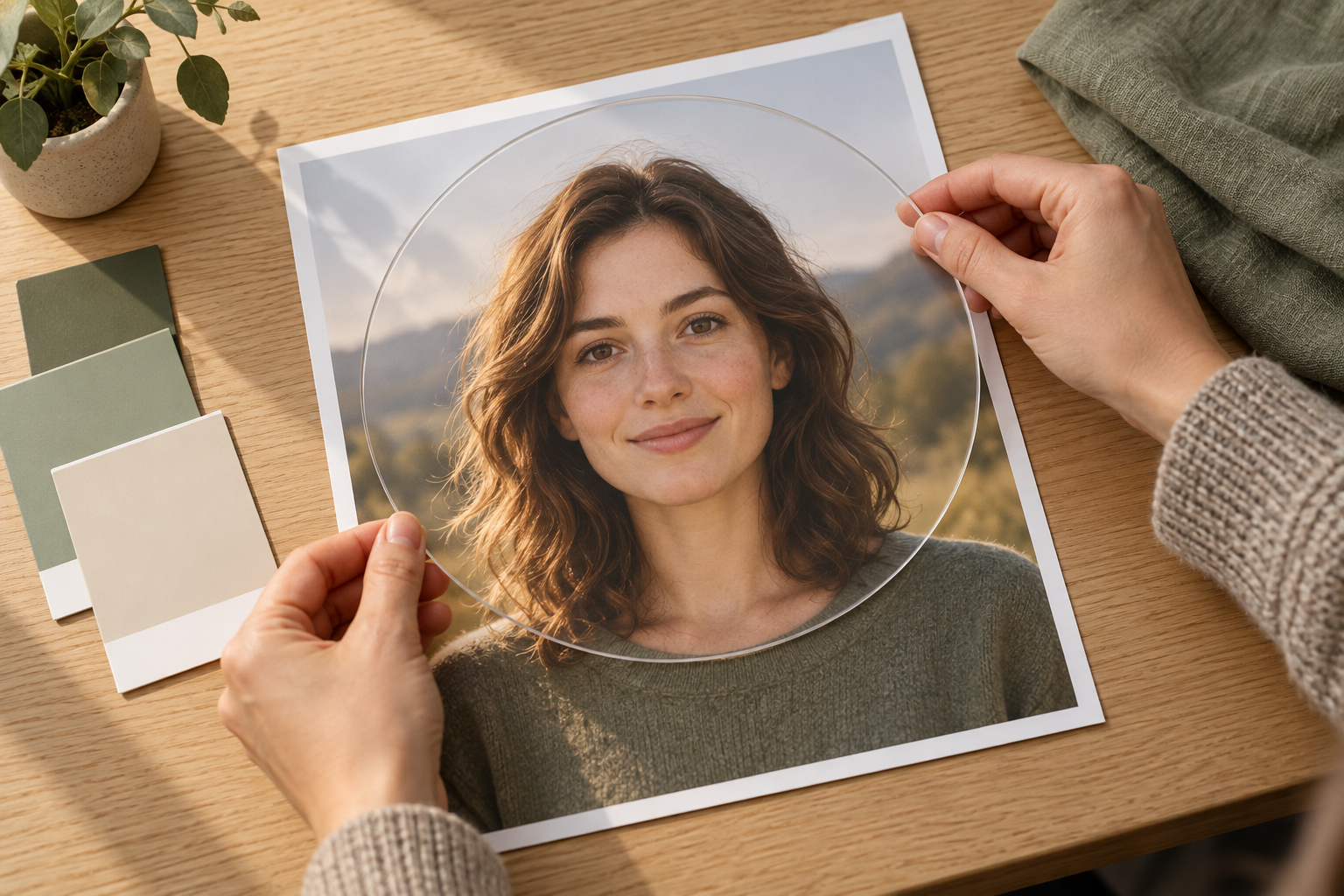
Centered portrait shown with a generous safe area for Facebook circular profile crop

Circular Crop Guidance

Center the face or primary mark and leave generous space around it so Facebook does not cut off important detail. A busy edge, wide group shot, or tiny text rarely survives the circular display. Use a simple background, strong contrast, and one clear focal point. Check the eyes, hairline, shoulders, or logo boundary at preview size. If something disappears, simplify the composition and generate another version. This check protects identity and detail after the image is reduced.

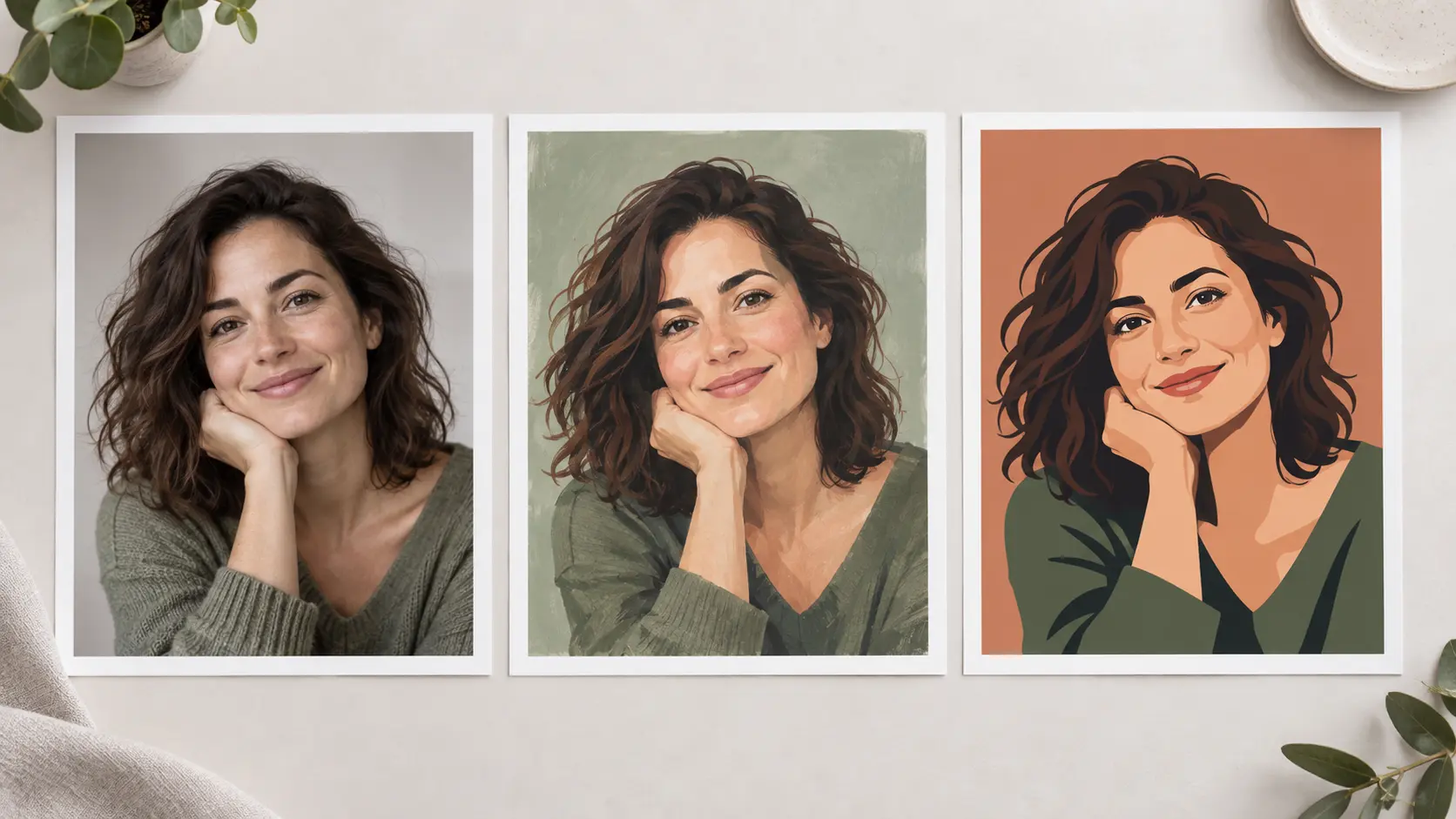
Several portrait styles and clean background directions arranged for a Facebook profile image

Style And Background Control

Choose a professional portrait, clean graphic mark, subtle illustration, or another style that fits the profile. Describe the background color, light, mood, and realism so the result feels intentional. The facebook profile picture generator keeps those directions visible while you compare options. Keep subject and background from competing, and avoid props that become unrecognizable after the crop. Save a working prompt so future updates preserve the same visual language, and review each option at profile size.

Reference image compared with a faithful profile-ready revision that preserves recognizable features

Reference-Faithful Revisions

Upload a reference and keep its defining features visible while you revise the background, light, or treatment. This matters when a client, team, or personal profile must preserve a recognizable face, mascot, or existing mark. Describe what should stay fixed and what may change, then compare each option against the source. Stronger control reduces accidental likeness shifts and repeated correction rounds, so move from an early idea to a dependable result without losing the identity people already recognize.

How The Facebook Profile Picture Generator Works

Review the source, crop, and final export.

Portrait and logo references being prepared with a short creative direction

Step 01

Add A Photo Or Direction

Upload a portrait, logo, or reference, then describe the style.

Portrait checked against a circular safe crop with the subject centered

Step 02

Review The Safe Crop

Inspect subject position, circular margin, contrast, and clarity.
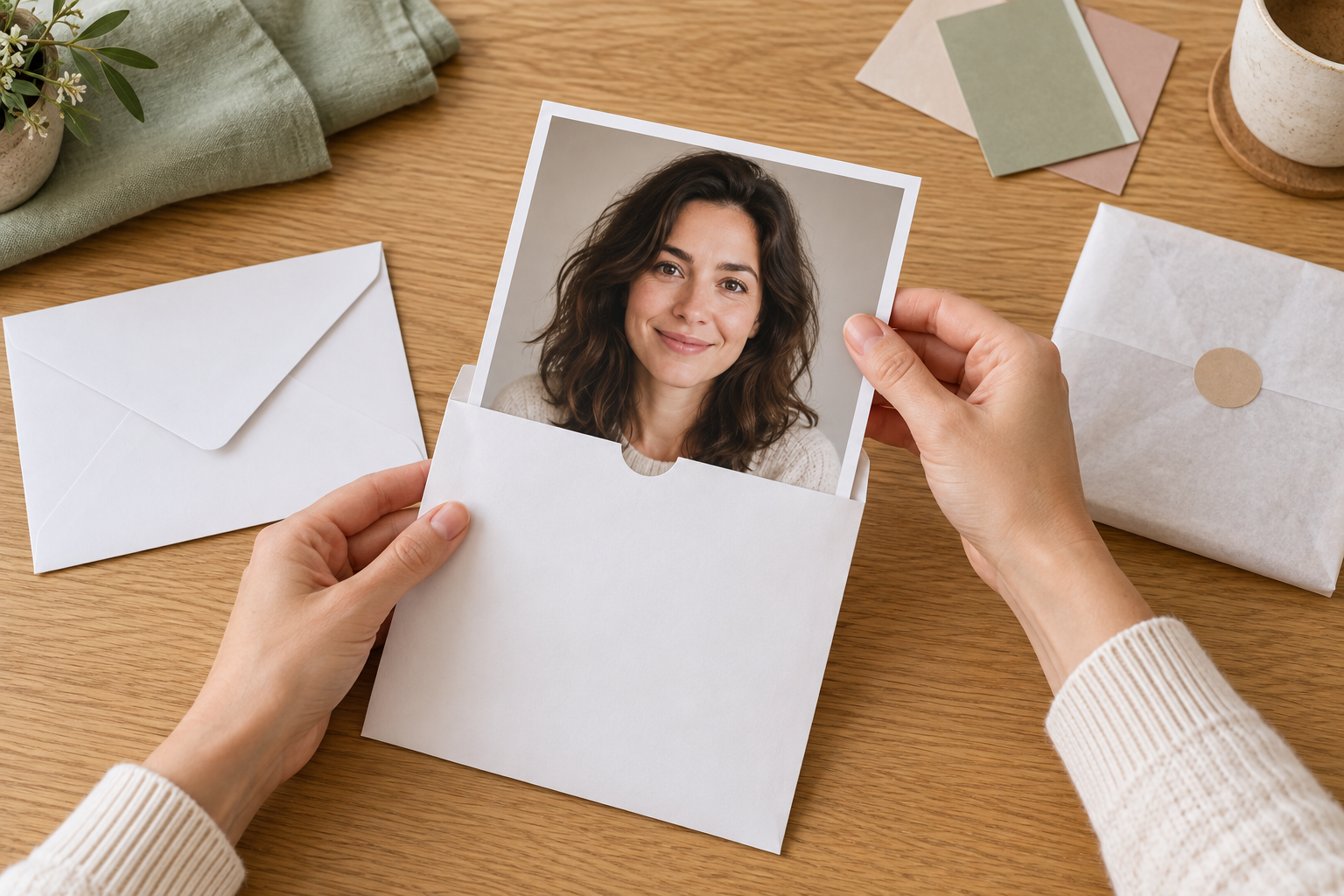
Finished square portrait being prepared for a Facebook profile upload

Step 03

Export A Facebook-Ready Image

Prepare the square output, check details, and save it.

Facebook Profile Picture Ideas

Use the facebook profile picture generator for circular-crop-safe avatars.

Facebook profile picture long-tail: current personal portrait presented as a fresh profile image

A Fresh Personal Profile

Replace a stale photo with a current portrait.

Facebook profile picture long-tail: creator portrait coordinated with a simple brand color palette

A Consistent Creator Identity

Match a portrait or logo to your page.

Facebook profile picture long-tail: simple community emblem shown clearly at small circular size

A Recognizable Community Mark

Make a team avatar readable at small sizes.

Facebook profile picture generator result: professional headshot prepared with a centered circular crop

A Professional Profile Refresh

Refresh a dated headshot with the facebook profile picture generator for work.

Benefits Of A Profile Picture Generator

A focused facebook profile picture generator workflow helps judge the avatar before publishing.

Readable At Small Sizes

Prioritize one clear face or mark instead of lost details.

Preview The Circle Before Publishing

Check edge safety, contrast, and subject position first.

Build A Cohesive Presence

Keep the avatar related to your page or brand.

FAQ

Facebook Profile Picture Generator Questions

It creates a new profile image from a portrait, logo, reference, or written direction. Describe the style, background, framing, and mood, then review it. The main job is keeping the face or primary mark centered for the circular crop. It is most useful when the original photo is outdated, busy, or framed too tightly, but it may not keep every fine detail readable at the smallest size. Use the result as a starting direction and regenerate if the likeness or key mark feels weak.

Yes. Upload a clear portrait, logo, or reference image and add a short prompt describing the change you want. A recognizable face needs consistent features, natural skin texture, and one obvious light direction. A logo needs contrast and clear outer edges, especially inside a circle. Low-resolution, blurred, or crowded references are less reliable, so start with the cleanest source. Check the source before generating, because it gives the model most of its visual information. Use a sharp original when possible.

Keep the face or primary mark near the center and leave open space around the head, shoulders, or logo boundary. Avoid important detail at the far edges and do not rely on tiny text. Use strong contrast, a simple background, and one focal point. Inspect the image at a small size; if it feels crowded, widen it and generate another direction. A phone-width review helps you spot crop problems before publishing. Open spacing until the outline feels clean and safe.

The direction can range from a natural professional portrait to a subtle illustration, graphic avatar, or simplified mark. Choose the style that fits how you use Facebook and how recognizable you need to remain. A professional option often benefits from soft light and a restrained background. A cartoon or graphic option works better with a bold silhouette and fewer details. Check carefully for distorted features, then keep the version that still feels like the person or brand being faithfully represented.

Yes. Start with a clear logo or mark, then upload it as the reference and describe the background, colors, and simplification you want. Keep one dominant symbol and avoid thin lines or long lettering that may vanish in a circular crop. The facebook profile picture generator can create a cleaner graphic identity, but review the result for broken edges and altered marks. Compare the generated shape with the original before replacing the current image. Start again if it changes too much.
Bright portrait studio with blank profile cards and calm open space for a profile picture call to action

Use The Facebook Profile Picture Generator For A Clearer Avatar

Add a portrait, then review the circular crop.

Get Started
Facebook Profile Picture Generator - Make A Clear Avatar