
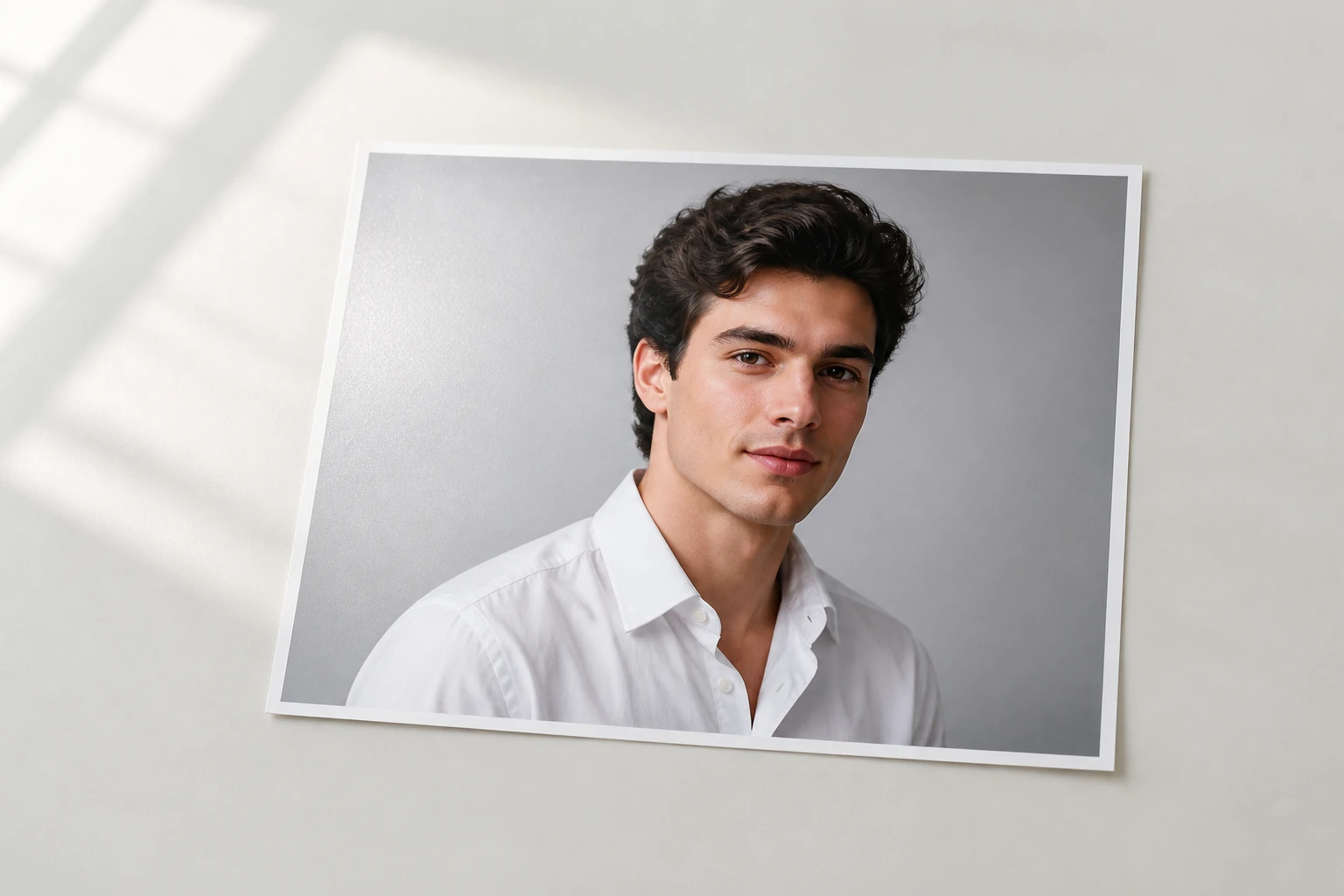
Step 01
Add Your Photo or Prompt
Upload a photo in a common image format, and it lands in your own workspace to reuse later. No shot on hand? Skip the upload and type a description instead to make a glitch image from words alone.

Pick a glitch style or describe the broken signal you want, and VideoAI redraws your photo with split color and torn scan lines, ready to download in 4K.
Four ways creators turn an ordinary shot into a glitch effect.
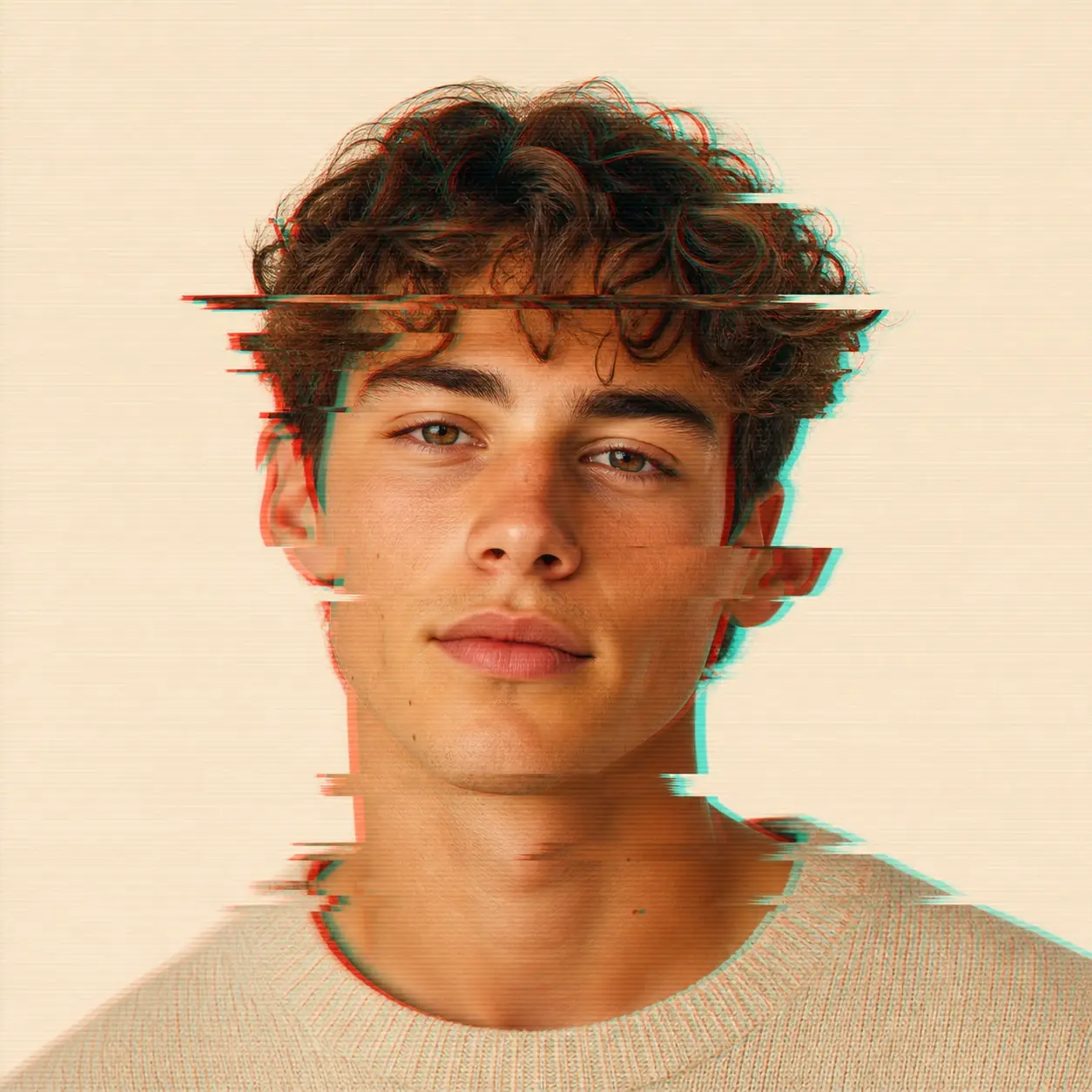
Your avatar has been the same flat headshot across every social and gaming profile for months. Upload it, pick a preset style, and get a square version back with your face still recognizable, so it drops straight into the profile slot.
A clean studio portrait can read as too tidy when you want tension and a digital edge. Describe the look and VideoAI repaints it with the color channels sliding apart and scan lines over the frame, while the person stays clearly them.
That quick selfie feels a little plain before it goes out. Run it through a preset style and four candidates come back at once, then keep the glitch selfie that matches the mood you were after.
Planning a run of posts that all need one consistent visual key can mean fighting the same edit over and over. Send up to thirty images through the same preset style so the whole set shares one tone instead of drifting shot to shot.
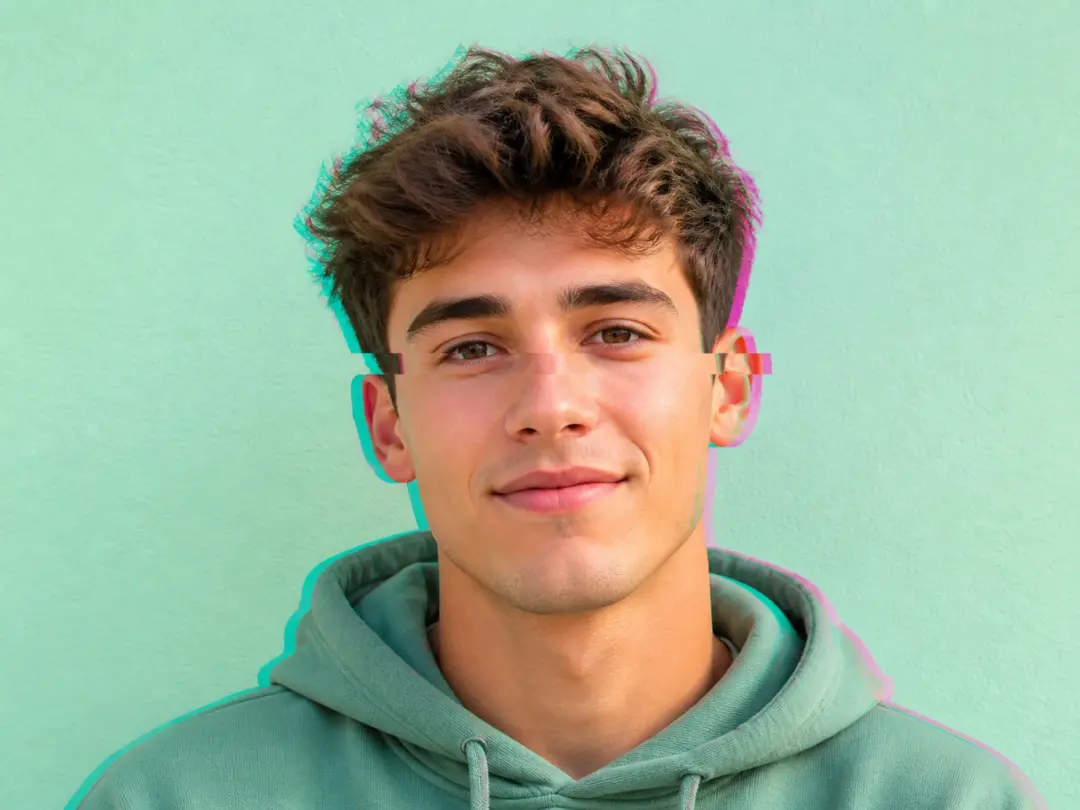
The profile picture slot is tiny, and you want to be recognized at a glance while still standing out on socials and gaming leaderboards. A glitch photo gives that headshot an edge without losing who it is.
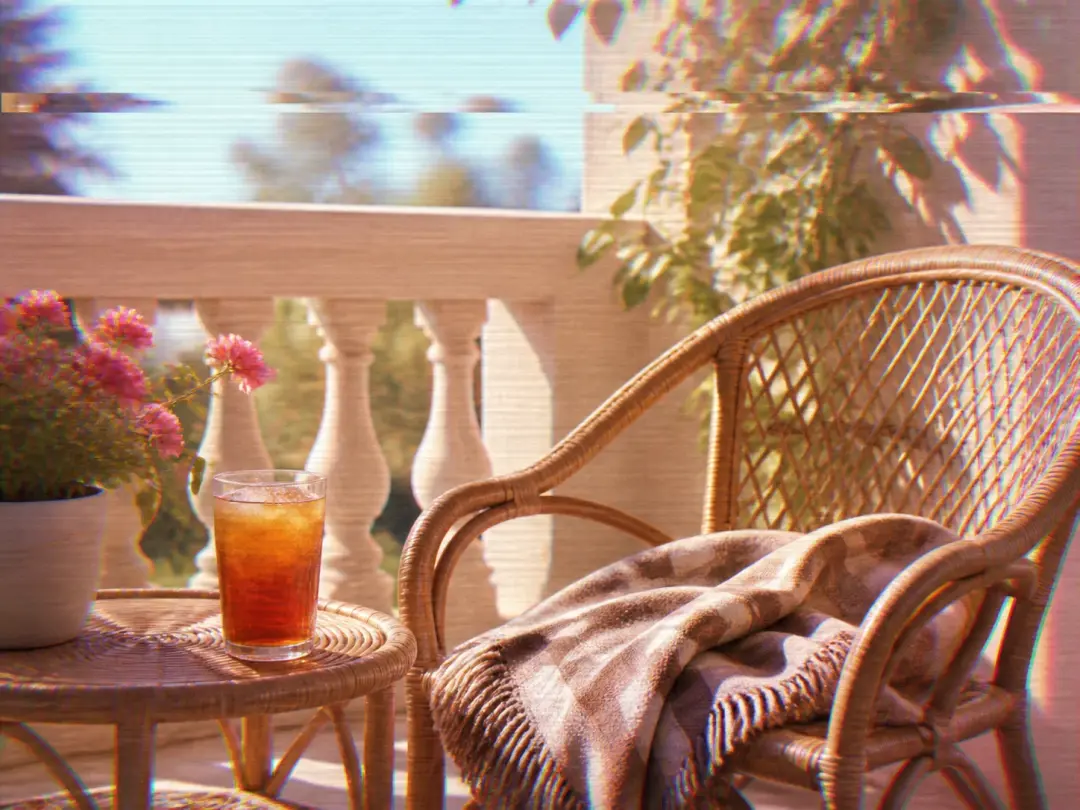
This batch of content needs to look like it was pulled off an old screen, and tuning that frame by frame is slow. One shared preset carries the glitch aesthetic across the whole run so every post lands in the same era.
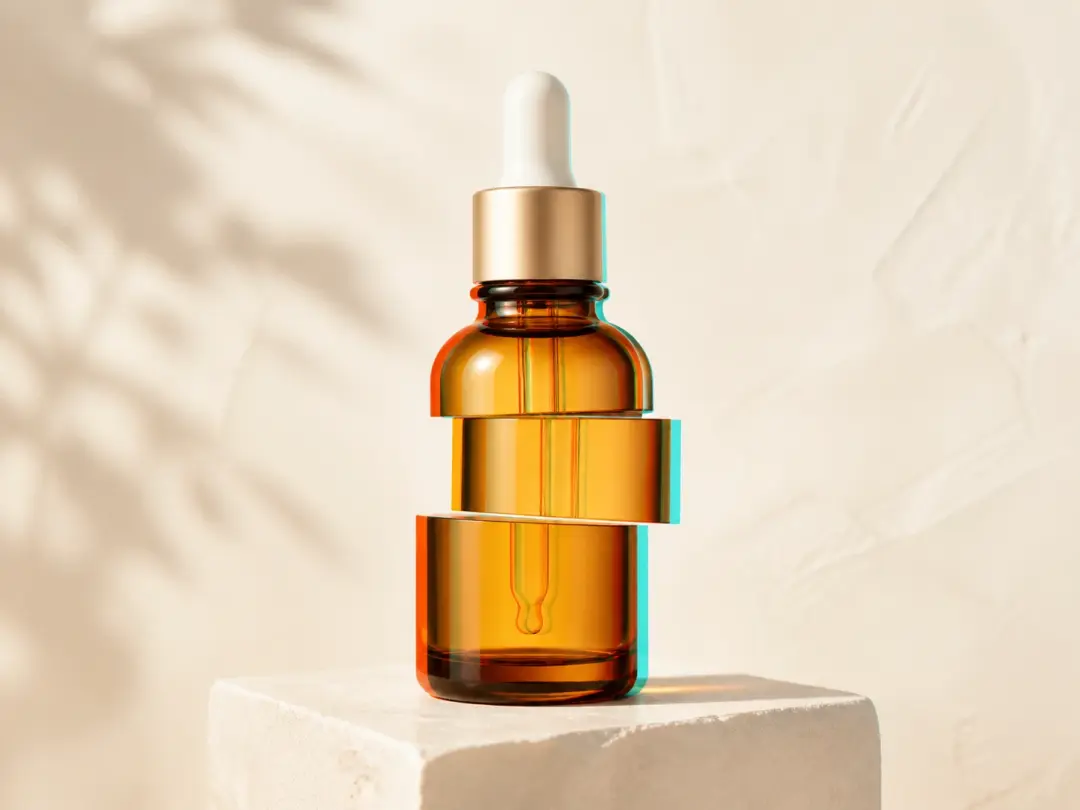
You want one memorable image for the brand but have no design retainer and little time to learn a control panel. Describe the frame you want and VideoAI returns a glitch image you can post the same day.
The concrete pieces that decide how your glitch effect turns out.
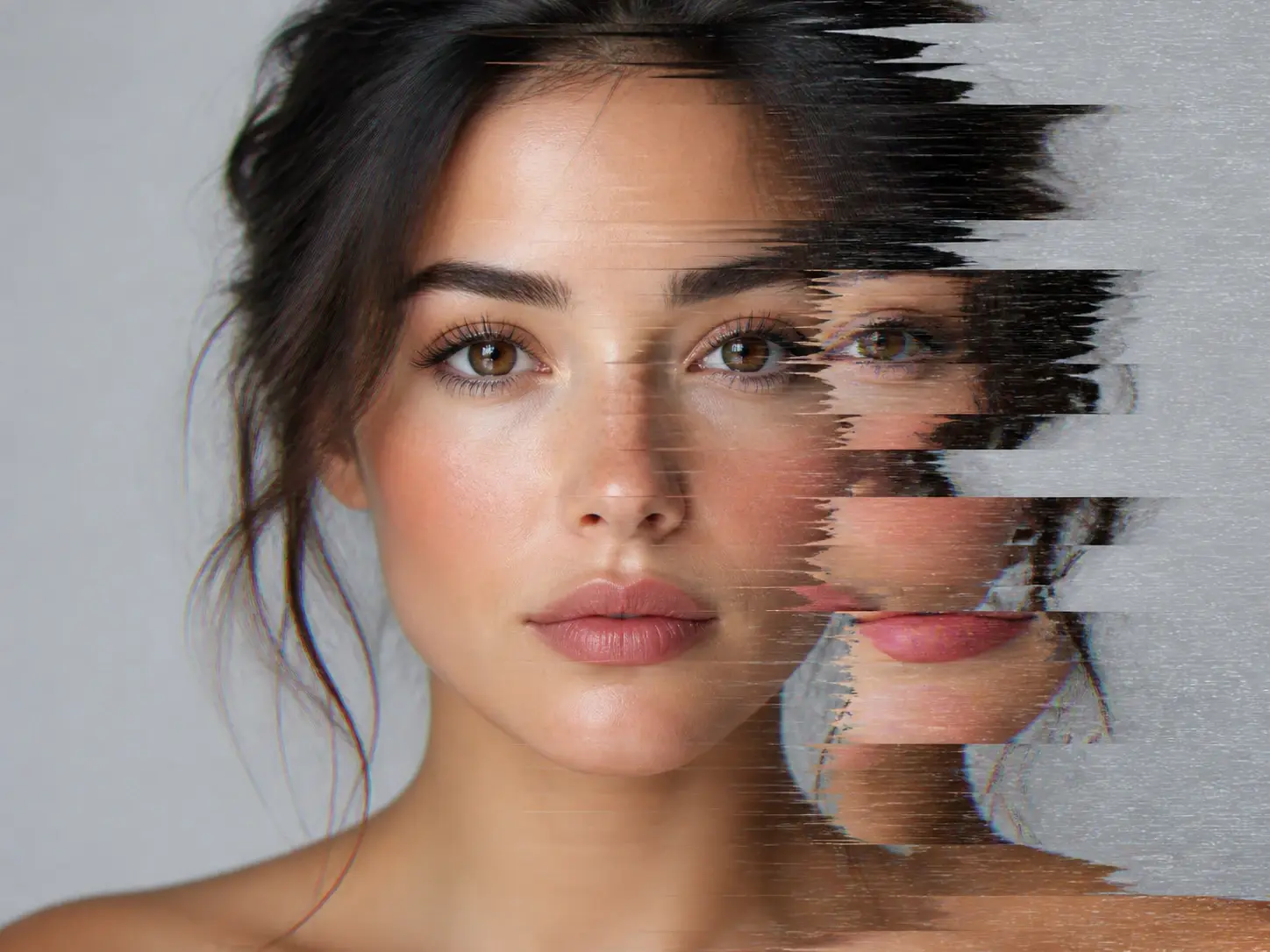
A finished broken signal frame from a single choice: the preset list already holds a glitch style, so you select it and generate instead of describing the whole look from scratch.
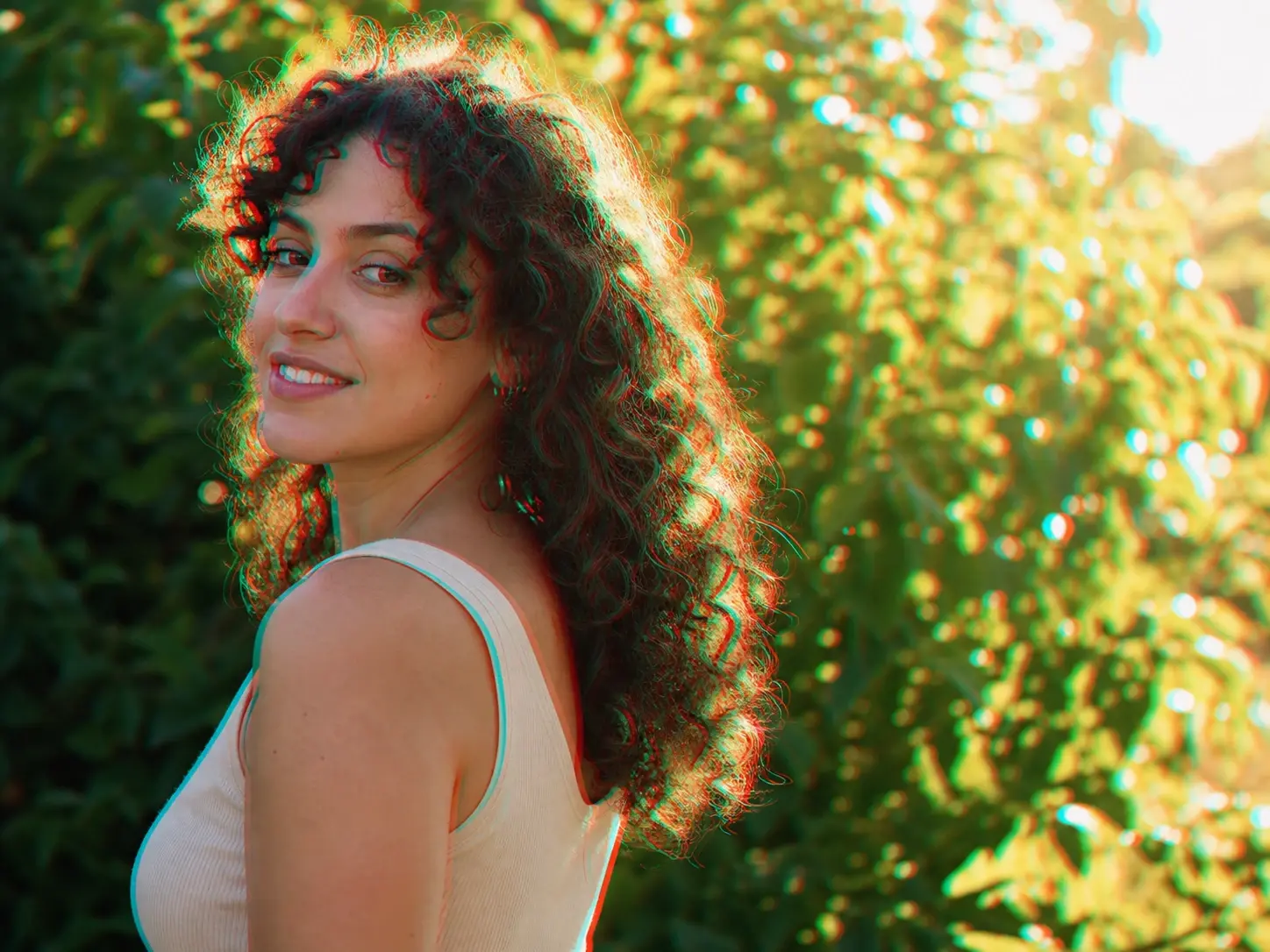
Your own shot repainted in a broken signal style, with the subject still readable. Upload the image and VideoAI turns it into a photo glitch effect, the fastest route when you already have the frame you want to wreck.
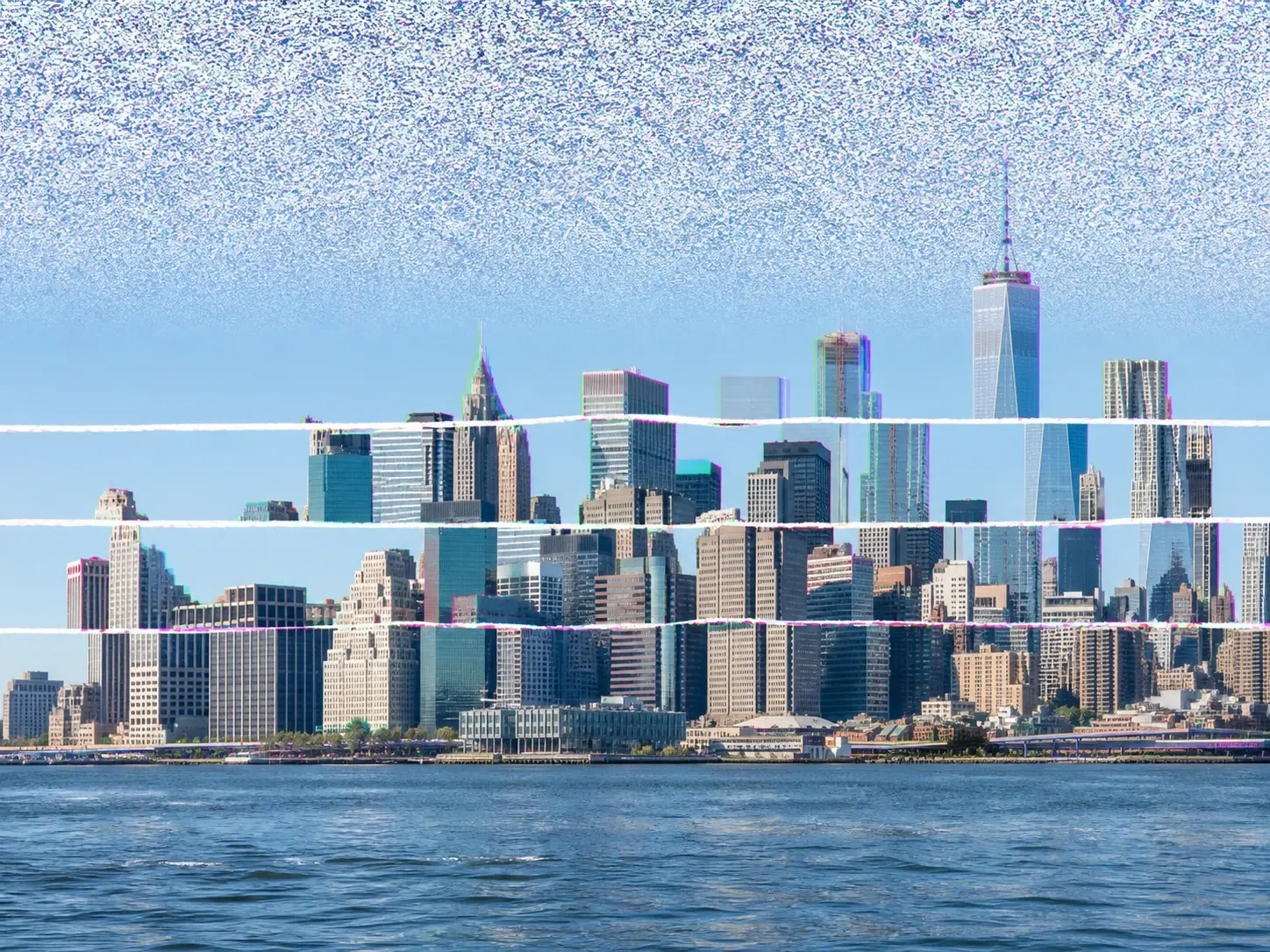
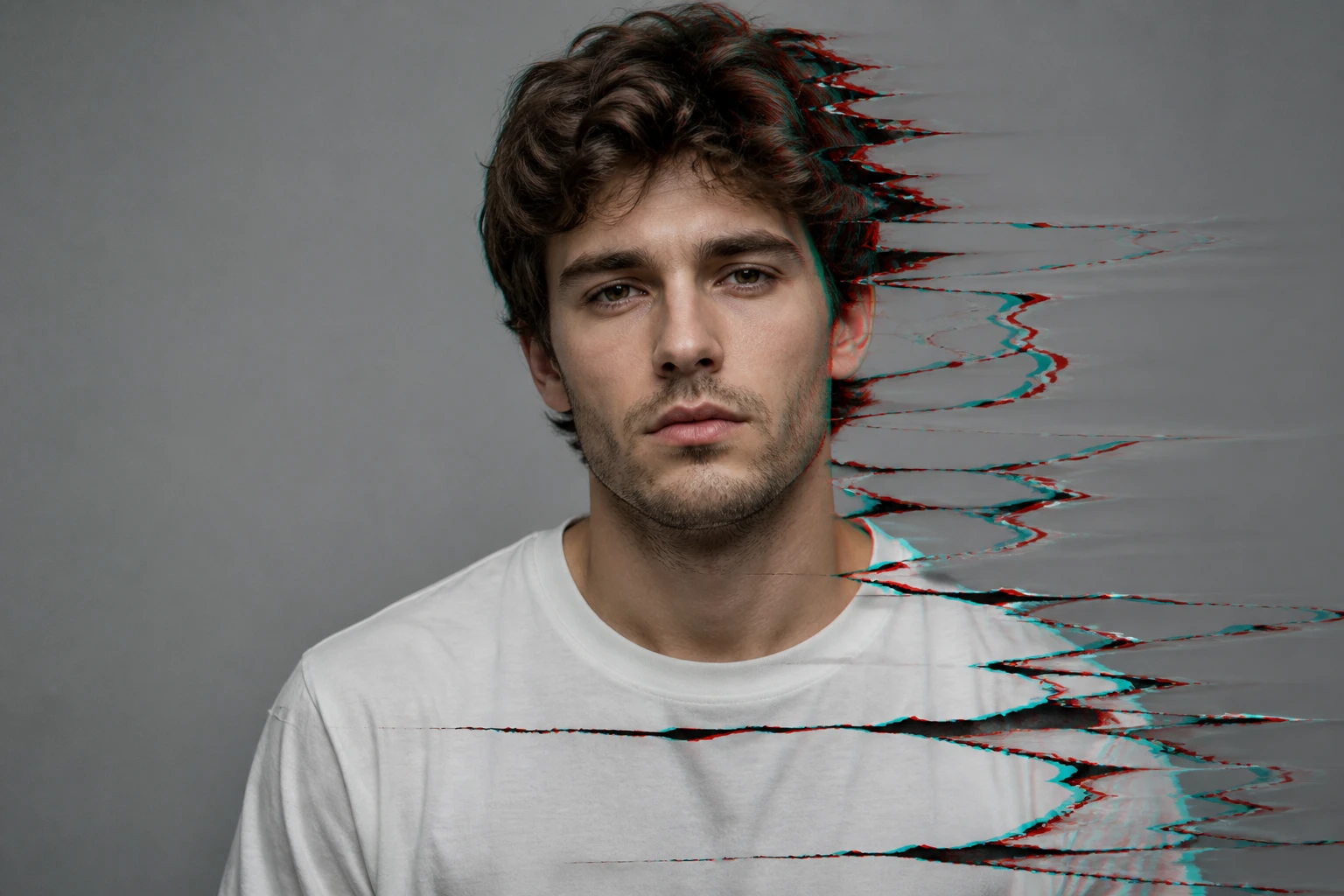
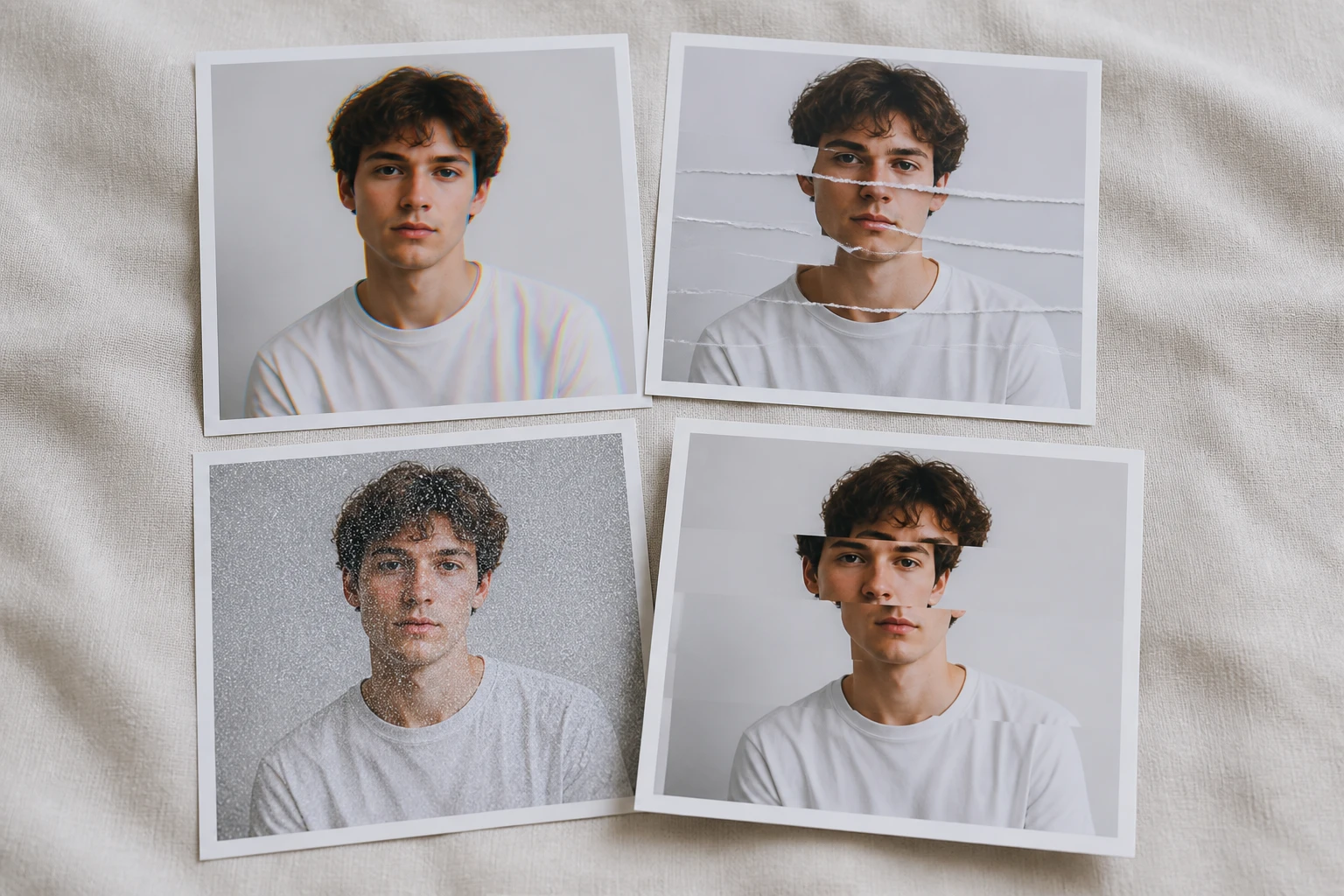
Ghosted color edges, horizontal scan lines, static snow, or the torn frame of a glitch screen effect: name the break in one sentence and it guides how VideoAI renders that look. Describing what you want is how you add glitch effect to image uploads, with no parameters to set.
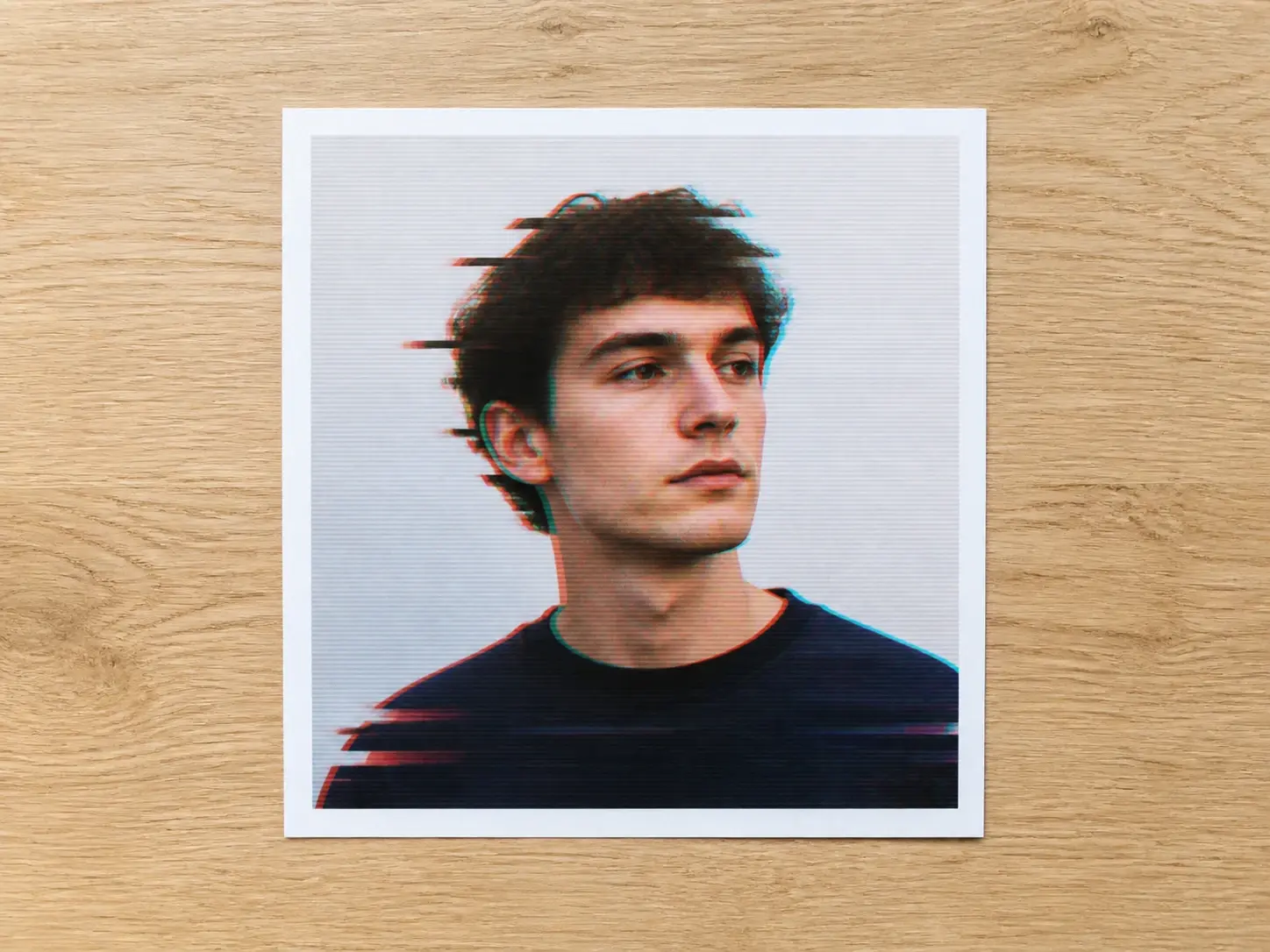
Every pick downloads at up to 4K with no watermark and clears for commercial use, so the frame is ready the moment you like it. For avatars it exports at a 1:1 square that fits the profile slot.
Three moves take a raw upload to a finished glitch effect.
Step 01
Upload a photo in a common image format, and it lands in your own workspace to reuse later. No shot on hand? Skip the upload and type a description instead to make a glitch image from words alone.
Step 02
Pick the glitch style from the preset list, or write the break you want: split color, a chromatic aberration effect at the edges, scan lines, or the fuzz of a tv static effect. Then hand it to VideoAI to render.
Step 03
Hit generate and VideoAI repaints the frame in that style, handing back four candidates in one pass. Keep the best at up to 4K, or reopen the saved work and change a word to try the glitch effect again.
Explore
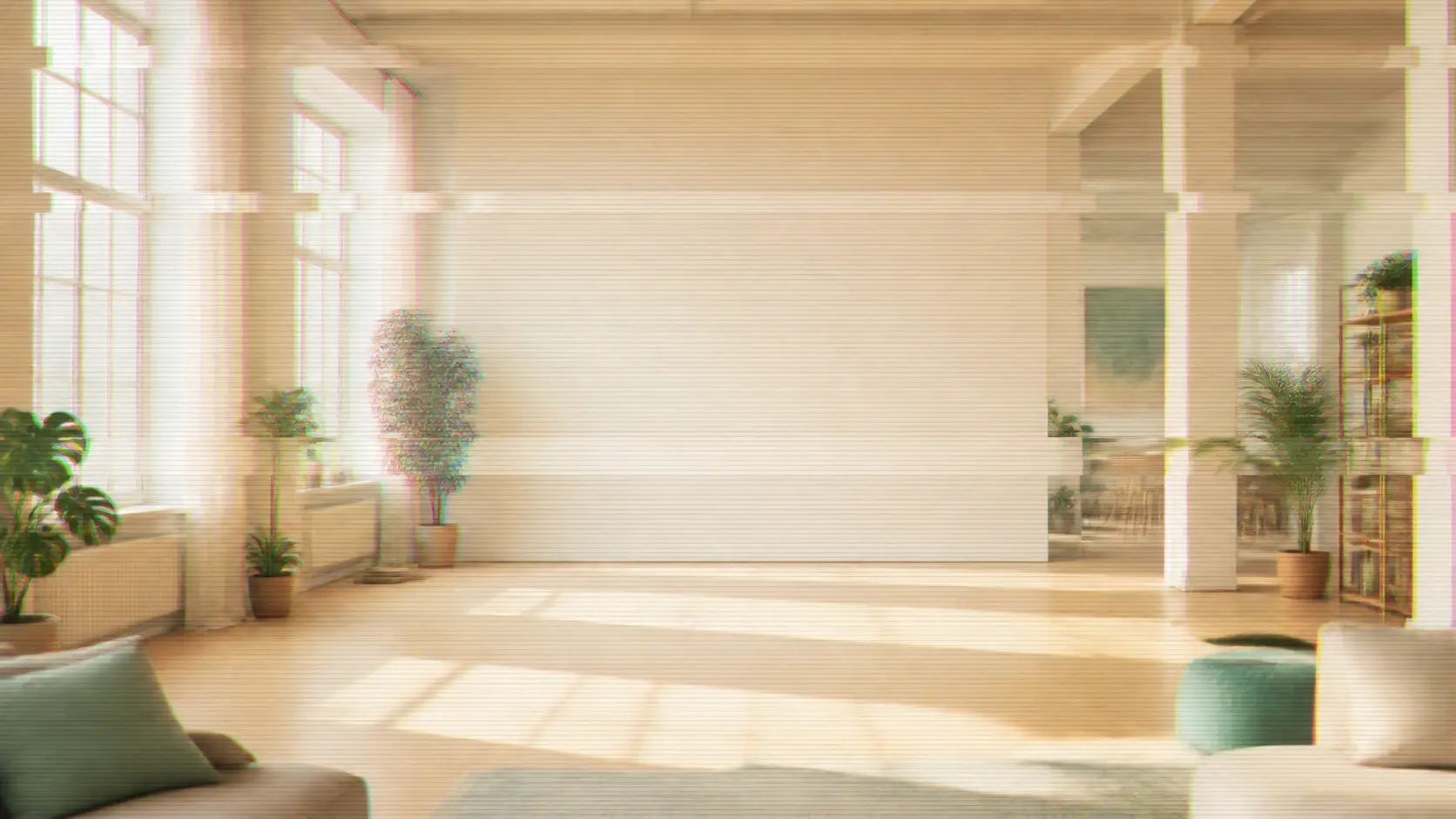
Upload a photo or describe the break, and get four glitch effect candidates back to choose from.
Get Started


























