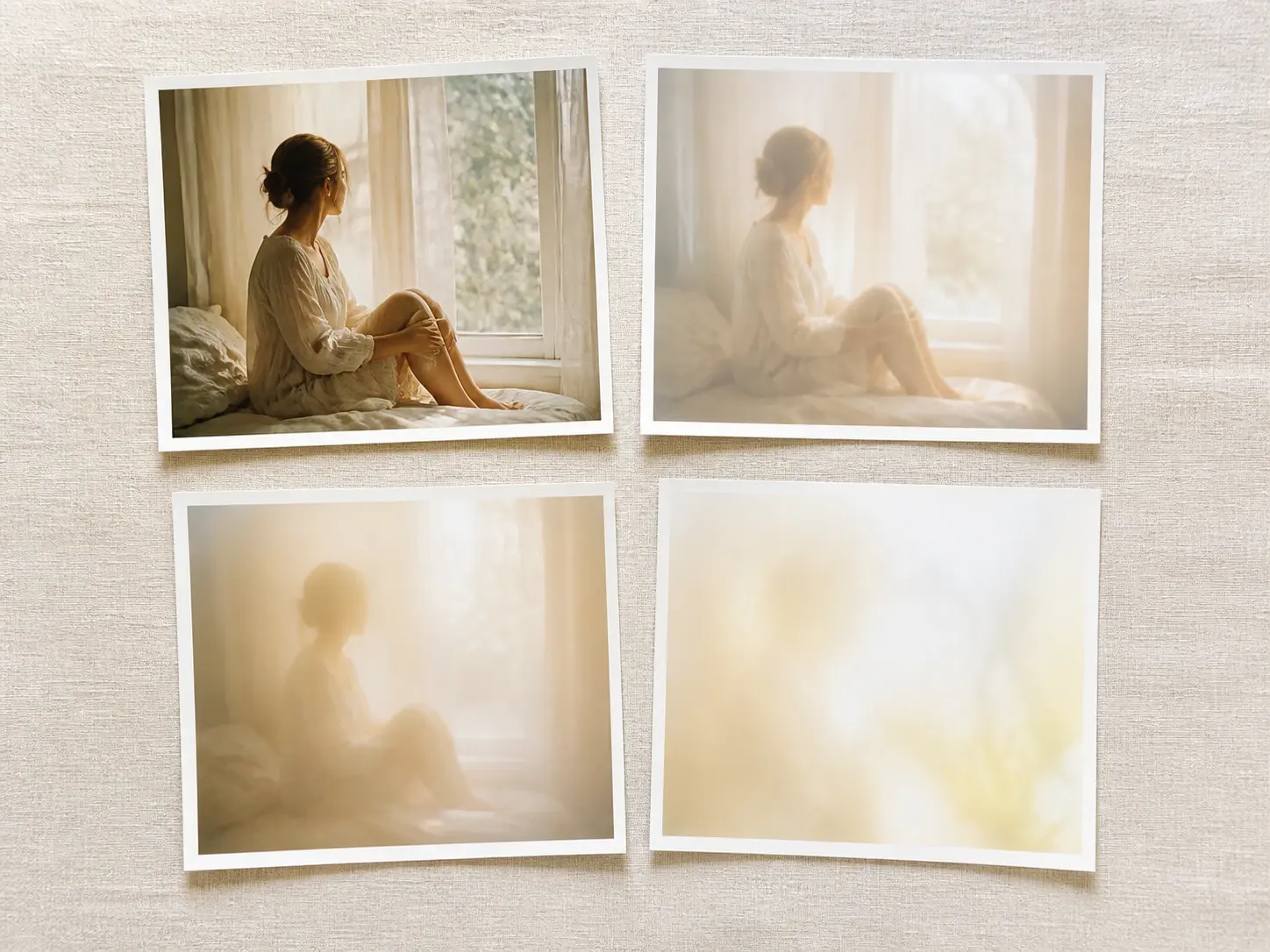
Blurry Effect

Choose a hazy style preset or describe the mood in one line, and VideoAI repaints your whole photo with a soft, dreamy blurry effect you shape yourself.

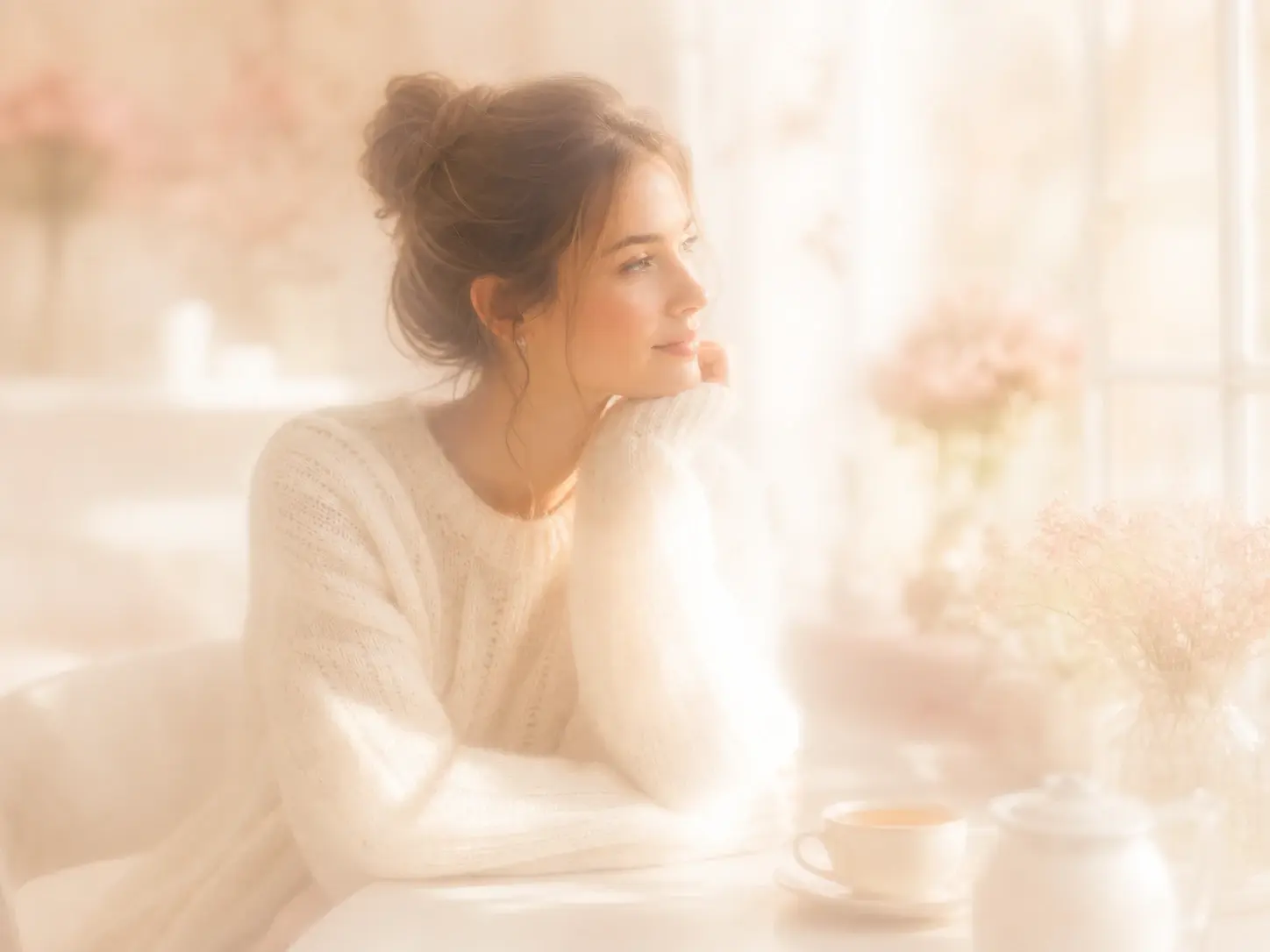
A portrait wrapped in a soft dreamy haze where the whole frame glows gently out of focus

Who Reaches for a Blurry Effect

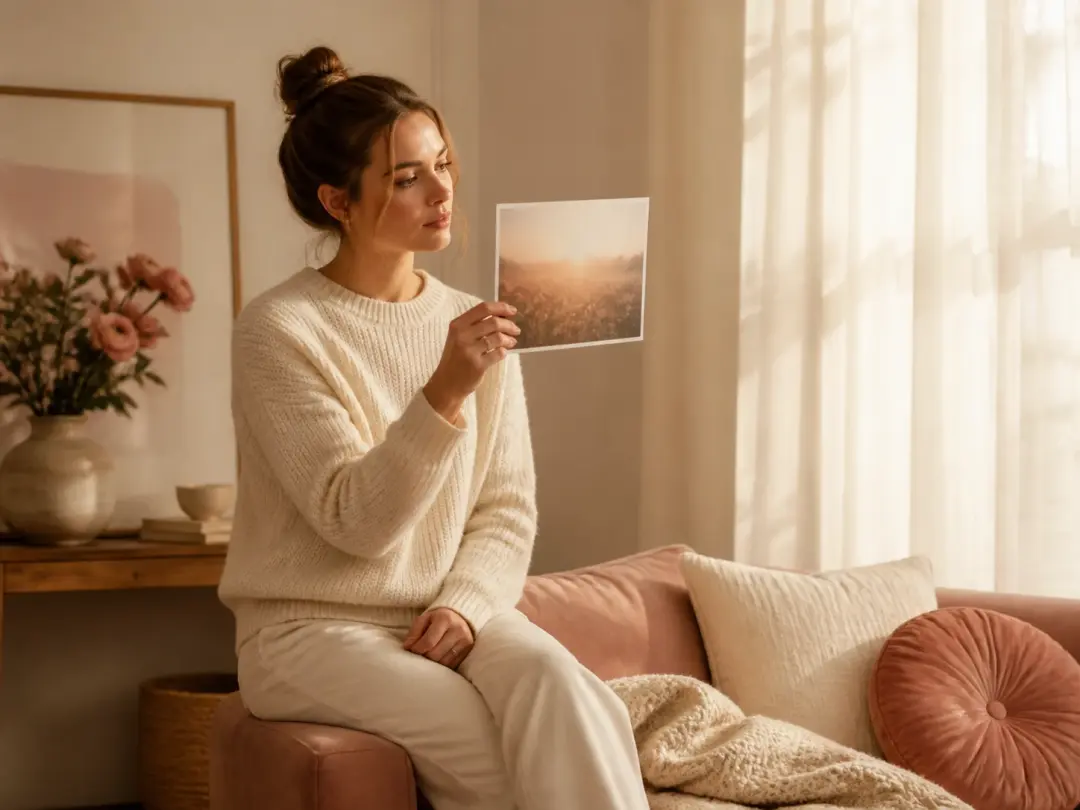
A person holding a saved reference print with a soft dreamy haze they cannot put a name to

You Have the Look but Not the Name

You saved a photo with that hazy, dreamy feel and cannot name the style. Describe the mood in plain words and VideoAI builds the blurry effect for you, so learning the right term never becomes a step.

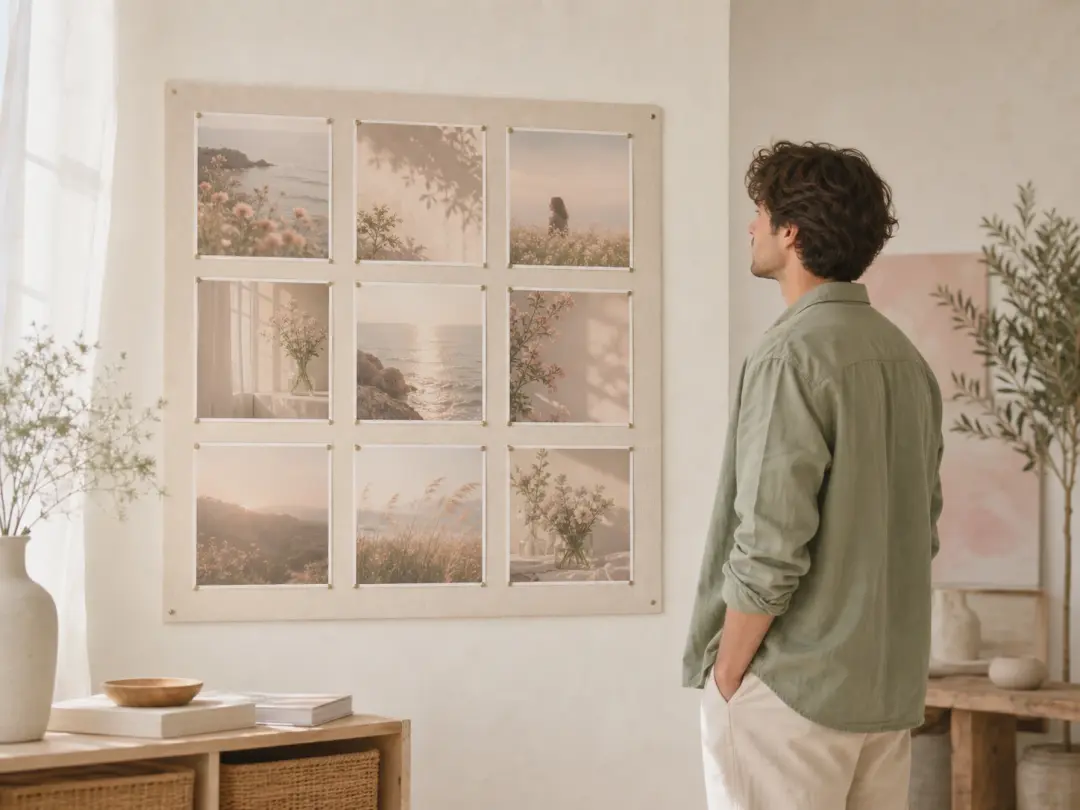
A grid of social posts all sharing one hazy blurry mood across a single planned feed

Social Creators Chasing a Mood

Your feed needs one steady vibe, and a single strong frame is not enough for a whole set. Run the same hazy preset across a batch so every post carries the same blurry effect and a matching blurry aesthetic.

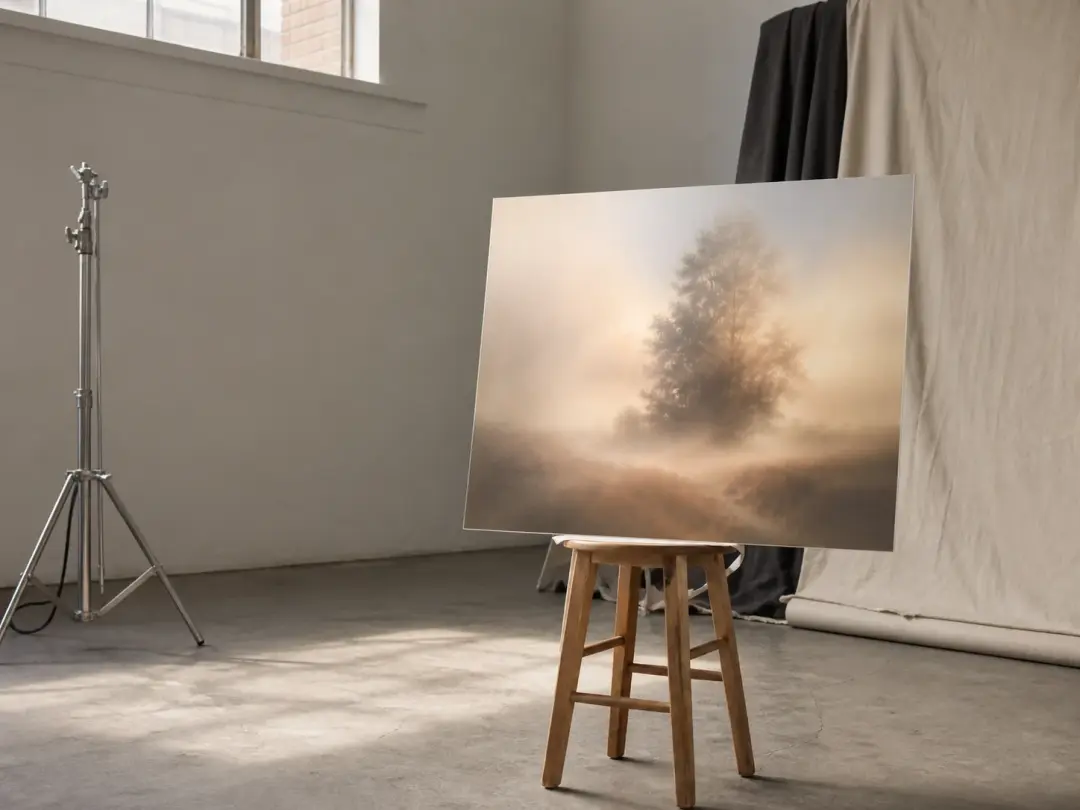
A studio set frame turned into a soft atmospheric haze long after the shoot has wrapped

Photographers After a Feeling

The moment on set has already passed, yet you still want that atmospheric haze in the final shot. Upload the frame and repaint it into the soft blurry photo effect you pictured, so the blurry effect arrives without a studio reshoot.

Ways to Shape Your Blurry Effect

From a dreamy haze to frosted glass, pick the look and let the blurry effect handle the rest.

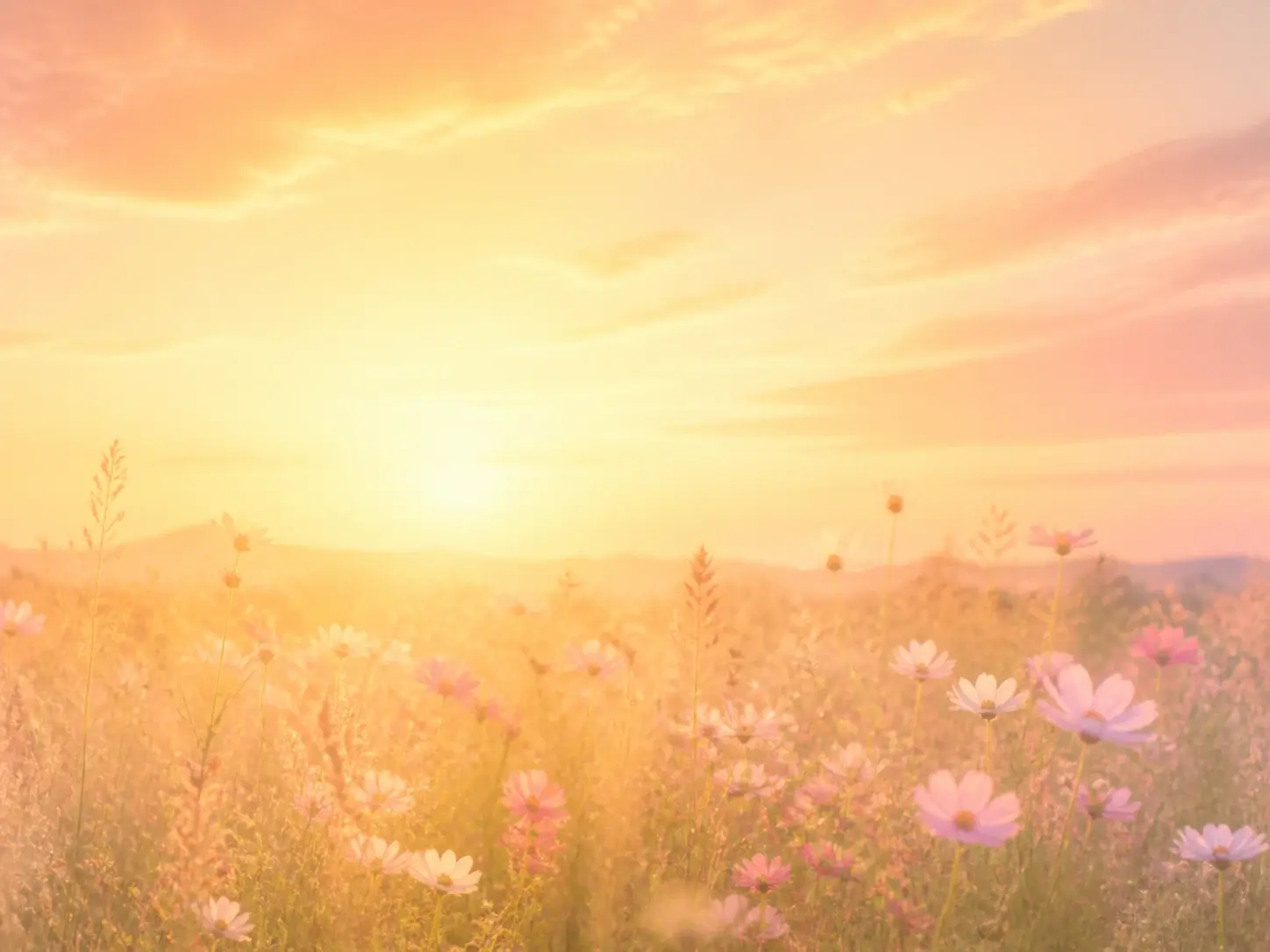
A meadow at golden hour dissolved into a gentle dreamy haze with soft light bloom

Dreamy Haze in One Pick

A soft, dreamy haze without hunting for the right name. Pick a hazy style preset and VideoAI turns your shot into a gentle, out of focus mood, an easy way to reach a blurry filter look when you only know the feeling. It is a quick way to a blurry effect photo you can share right away.

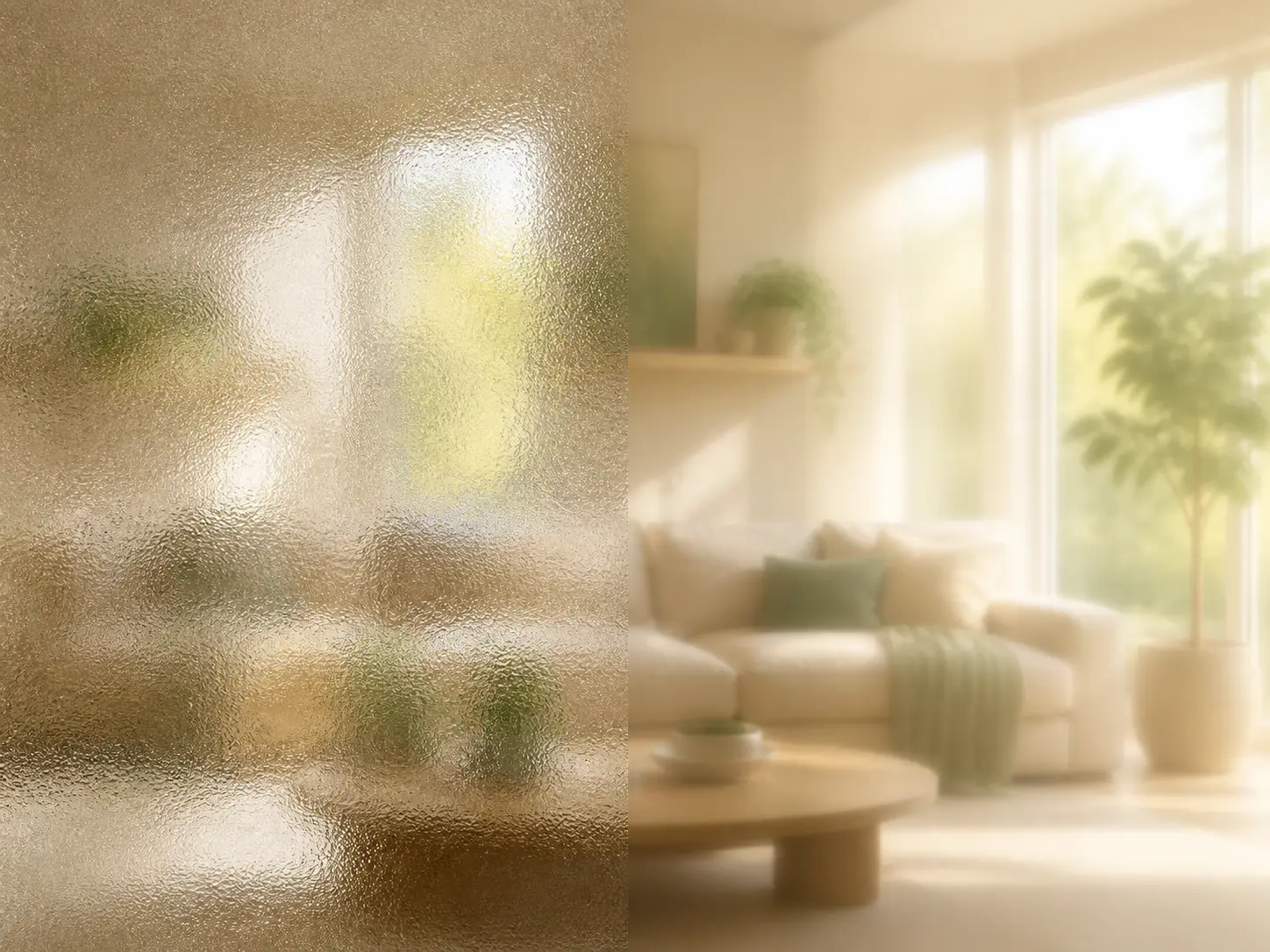
A room seen through frosted glass beside the same room softened as if viewed through a screen

Frosted Glass and Screen Looks

Picture frosted glass or a display you see through, then name the one you mean and VideoAI repaints toward that look, no algorithm menus involved. The blurry glass effect softens whatever sits behind it, while a blurry screen effect gives that looking through a screen feel.

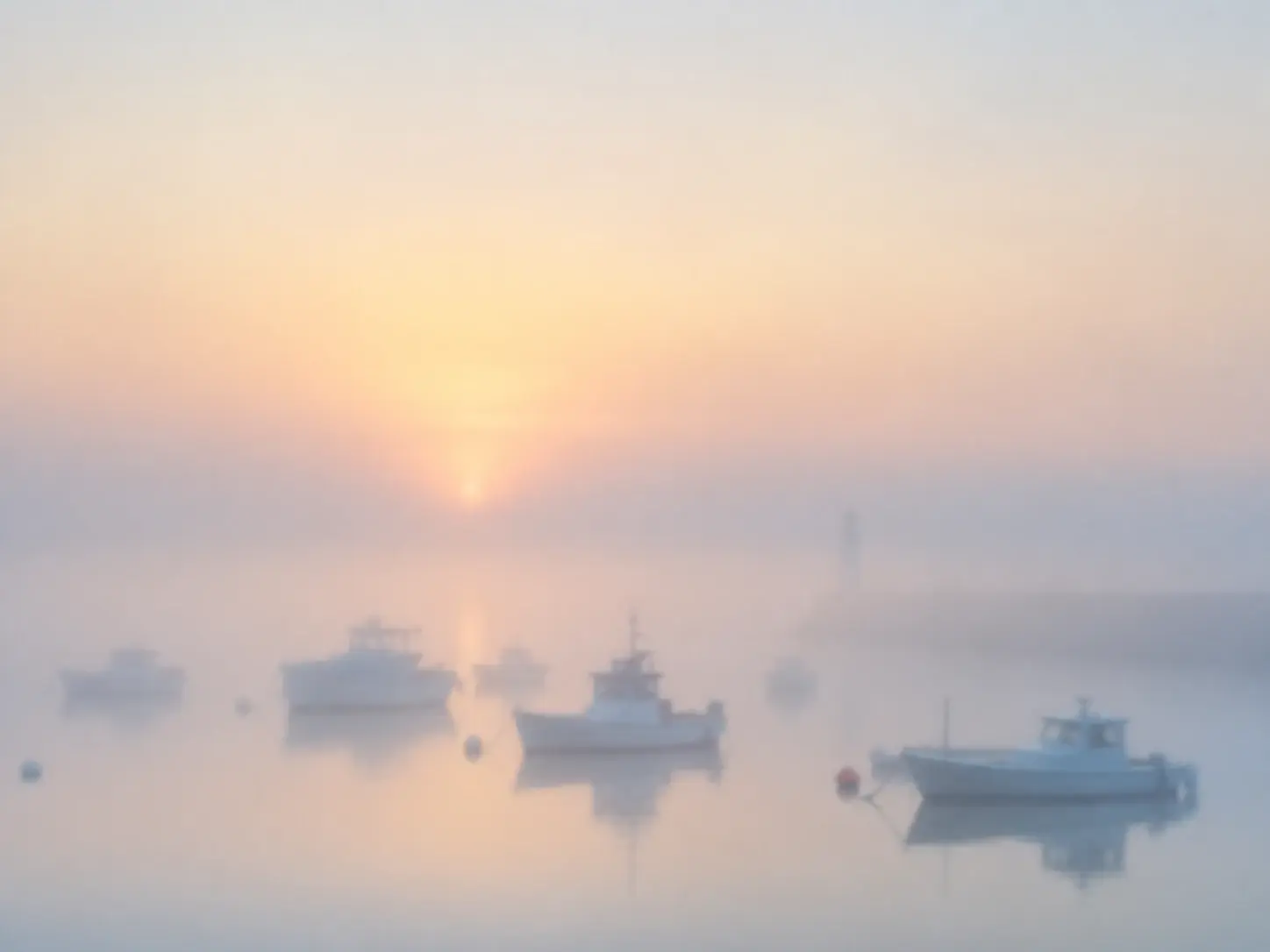
A quiet harbour rendered exactly as hazy as a single written line of mood asked for

Describe It, Skip the Sliders

Say how hazy you want it and what mood you are after, then let the style take over. With no dials to tune and no algorithm presets to compare, making a photo blurry stays a one line decision rather than a settings puzzle, and the blurry effect lands the same way each time.

Four hazy versions of one scene laid side by side, each with a slightly different softness

Four Takes, Then Your Pick

One description brings back four takes of the blurry effect at once, so you compare them and keep the closest. Because the frame is repainted instead of layered over, a batch of up to 30 photos can run through one style and return as a matching set, each a clean blurry image effect ready to export at up to 4K with no watermark.

How Your Blurry Effect Comes Together

Two ways in, one place to refine, and a set of takes to choose from.

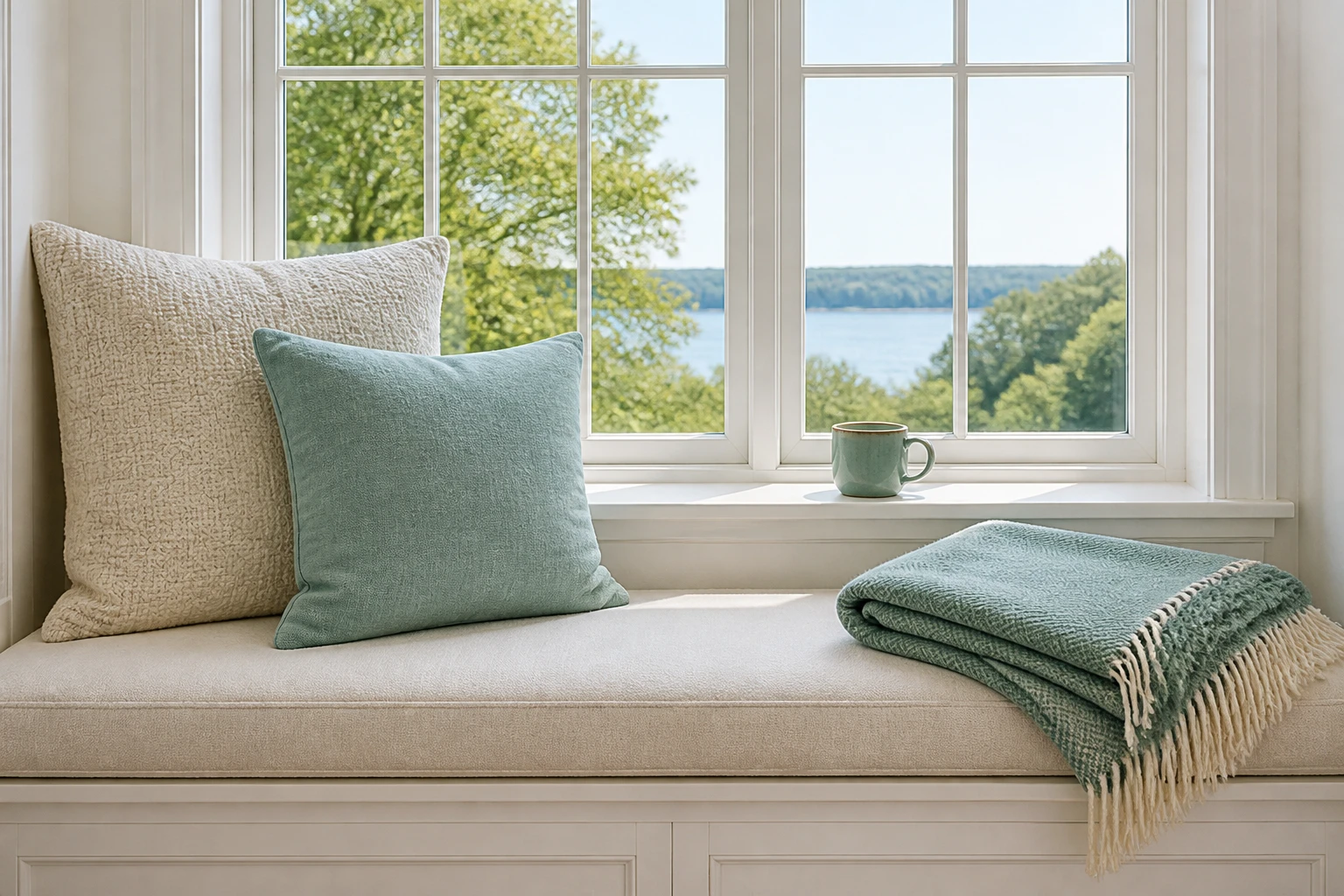
A crisp everyday photograph of a window seat waiting untouched before any haze is added

Step 01

Add a Photo or Start From Words

Upload a photo in a common image format and it stays in your workspace, ready to reuse next time. If nothing on hand fits what you want, skip this step and begin from a written description of the blurry effect instead.

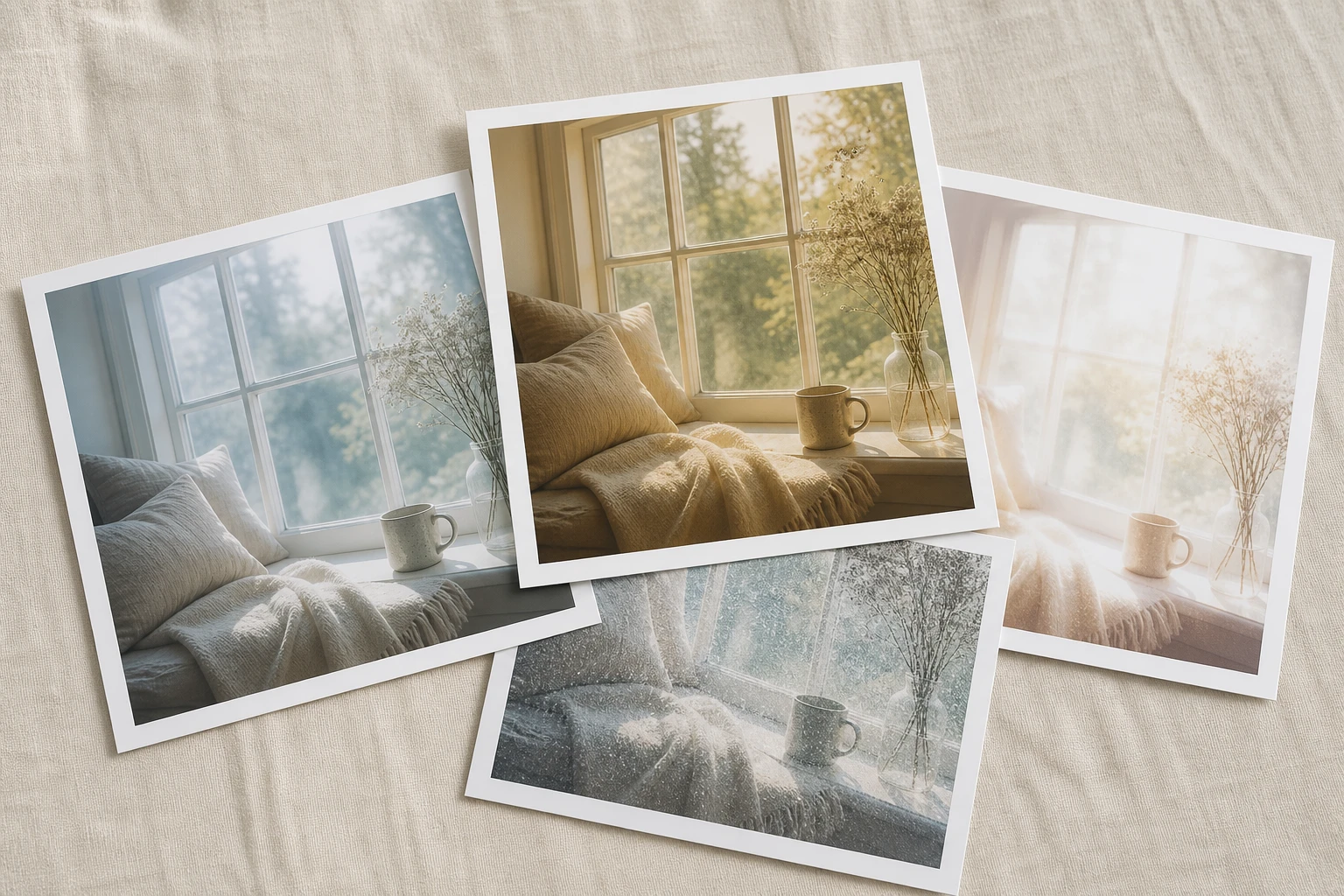
The same window seat mid change as a soft haze creeps across one half of the frame

Step 02

Pick a Style or Describe the Mood

Choose a hazy style preset, naming frosted glass or a screen look if that is the picture in your head, or type one line about how blurry and what tone you want. Both paths reach the same blurry effect, and there is no strength slider to balance before you generate.

Four finished hazy takes of the window seat arranged together with one lifted forward

Step 03

Generate, Compare, and Refine

Press generate and the whole picture is repainted to match, arriving as four takes to compare. Download the one you like at up to 4K, or return to your workspace, change a word, and run the blurry effect again.

Where a Blurry Aesthetic Fits

Three moods creators keep asking for, plus a couple the style also covers.

Blurry Aesthetic

Scrolling past a soft, out of focus shot, you want yours to hold the same hush but cannot pin the term down. Pick a hazy preset or describe the feeling, and four takes return so the blurry effect matches the blurry picture aesthetic you had in mind.

Blurry Dark Aesthetic

A moody, dimmed haze is the goal here, and every post in the run has to share it. Send a batch of up to 30 through one style so the series reads as a set of blurry aesthetic photos, one blurry effect holding across every frame instead of drifting.

Blurry Party Aesthetic

Those late night shots that come out smeared and full of motion are the whole charm. Instead of hoping a real photo turns out messy, generate the blurry effect on purpose and keep that loose, in the moment energy.

Frosted Backdrops for Layouts

Building a layout, you need a base that recedes so text and buttons read clearly on top. A frosted, glassy blurry effect pushes the whole frame down a level and hands you a calm surface to design against.

FAQ

Common Questions Before You Start

Start by uploading a photo or skip straight to a description. Choose a hazy style preset or type one line about the mood, press generate, and pick from the four takes that come back. That is how to make blurry pictures here, with the blurry effect applied by repainting the whole frame so you keep the choice to one line.

Describe the tone first, how hazy you want it and whether it leans soft and dreamy or dim and moody. From there, name a preset like frosted glass or write the feeling in one line, since the style path and the description path both reach the same blurry effect.

There is no strength bar to drag, so the whole thing stays simple. You describe the look, four candidates return, and if none land you change a word and run the blurry effect again.

Names for it range from dreamy to soft focus to hazy, which is exactly why the right one does not matter. Describe the feeling you are chasing and the style matches it, whether you would call it a blurry filter or something else entirely.

Yes. Run a batch of up to 30 photos through the same style and they return sharing one tone, so a series reads as a set. This keeps a blurry aesthetic steady instead of each frame going its own way.

The free credits give you 10 credits, which cover 5 images, enough to test a couple of moods before settling on a blurry effect you love. Every run still brings back four takes, so a first pass goes further than a single result.

No. The picture is generated again to match the mood rather than stacking a blurry filter over the original. Your subject stays recognizable, simply wrapped in the soft, hazy tone you picked.

Everything lands in your workspace beside the photos you uploaded, ready to reopen later. From there you can adjust a description and generate a new version whenever the mood or the blurry effect changes.

Absolutely. Skip the upload, describe the scene and the blurry effect you want in words, and VideoAI generates a fresh image from that alone. It is the quickest path through a blurry photo maker when no source shot is on hand.
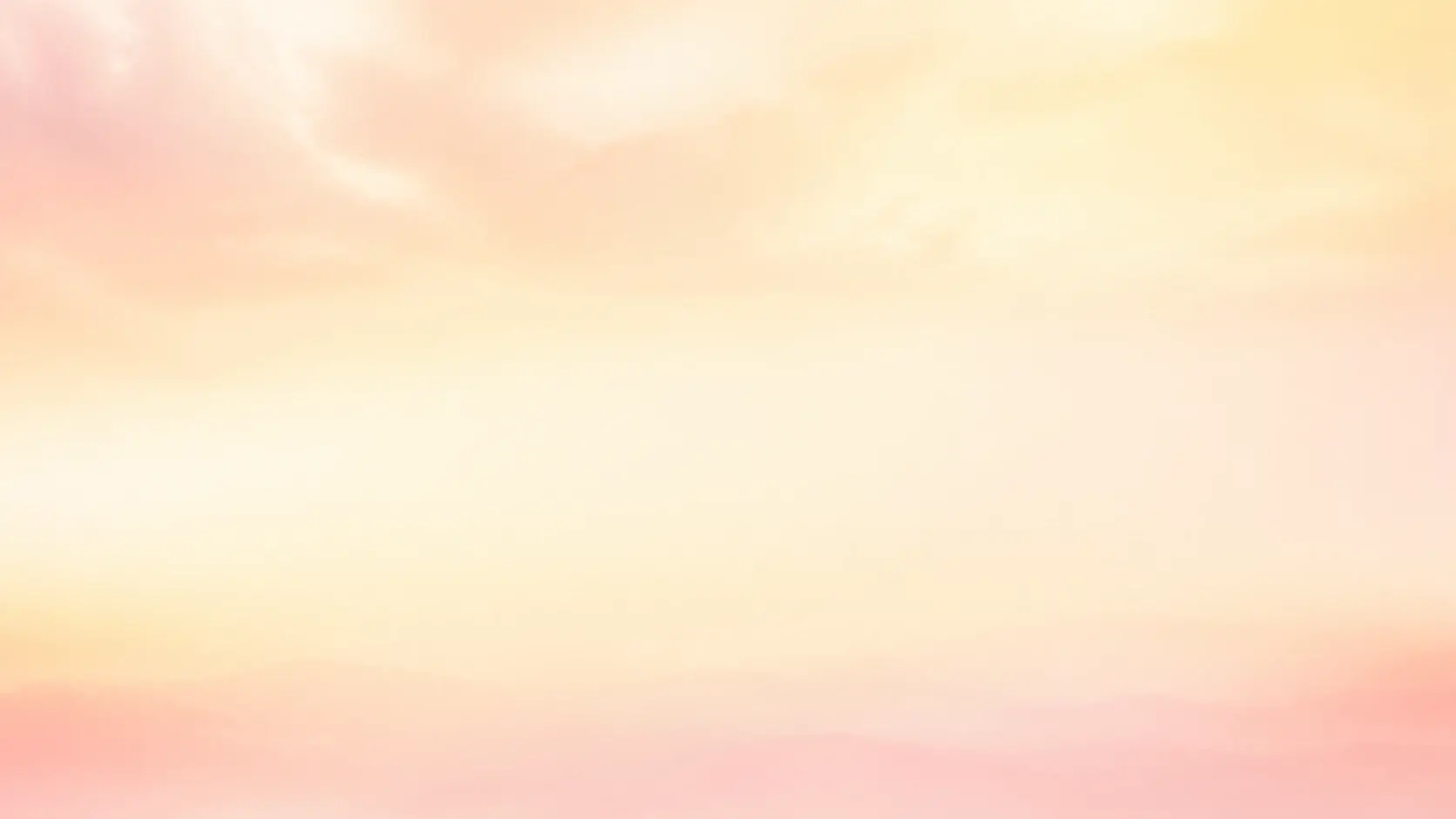
A wide pale horizon dissolved into a calm dreamy haze with soft warm light across the frame

Try Your First Blurry Effect

Upload a shot or describe the mood, then choose from four takes and download the one that fits.

Get Started
Blurry Effect - Blurry Aesthetic Photos - VideoAI