
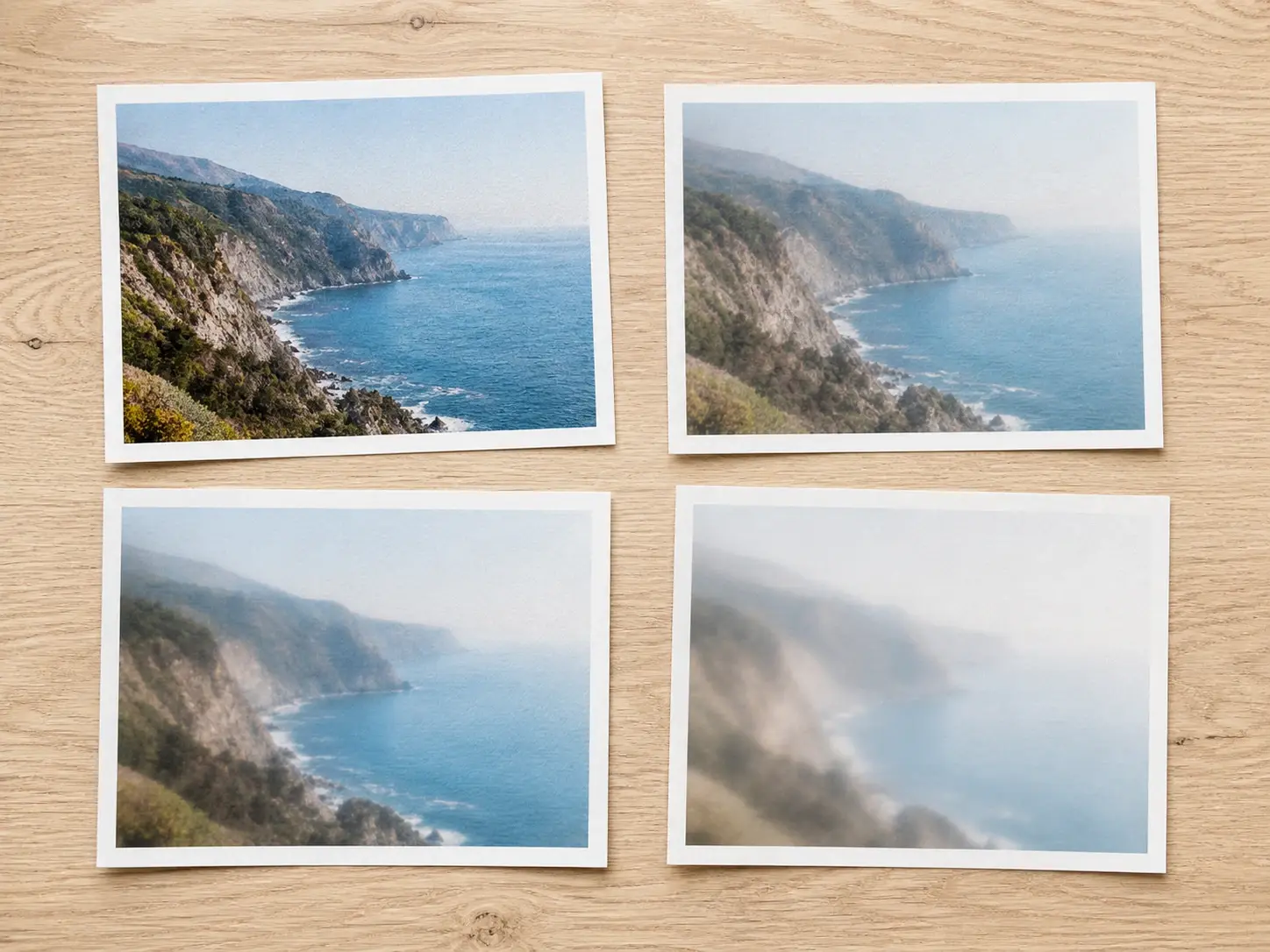
Blur Effect

Choose a blur effect style or describe the mood in one line, and VideoAI repaints your photo into a soft or streaked result you can download at up to 4K.

BeforeAfter
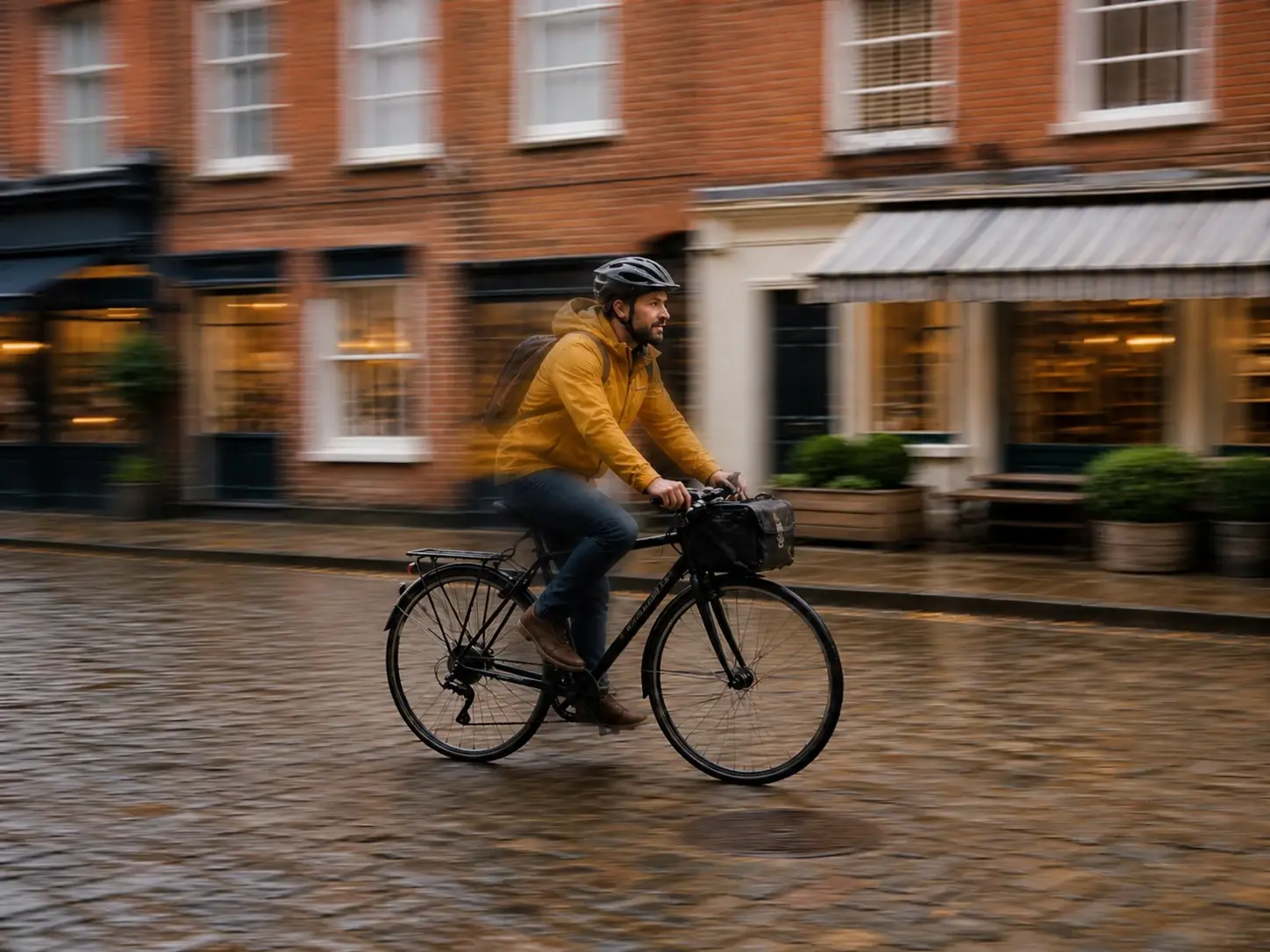
The same city street repainted with a motion blur effect, the cyclist trailing streaks of speed
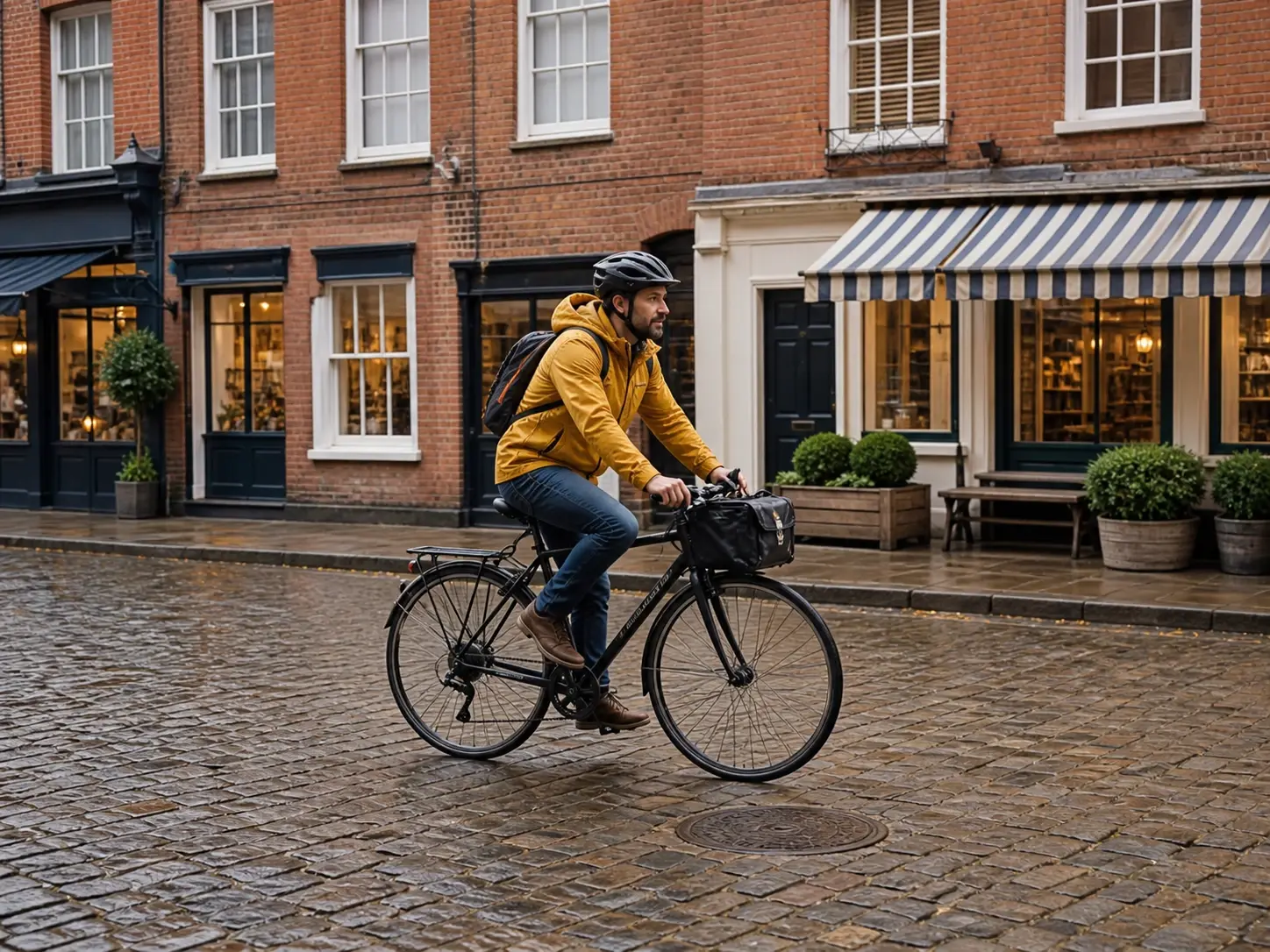
A sharp city street photo with a cyclist frozen mid ride before any blur effect

No picture on hand? Try with one of these

Who Reaches for a Blur Effect

Grid of social posts sharing one soft blurry effect for a consistent, matched feed look

Short Video and Social Creators

A feed reads better when every post shares one mood, and a soft blurry effect is a look many creators reach for. Send a whole batch through the same style so the set holds together instead of drifting from shot to shot. You set the blur effect once, and VideoAI repaints each image to match.

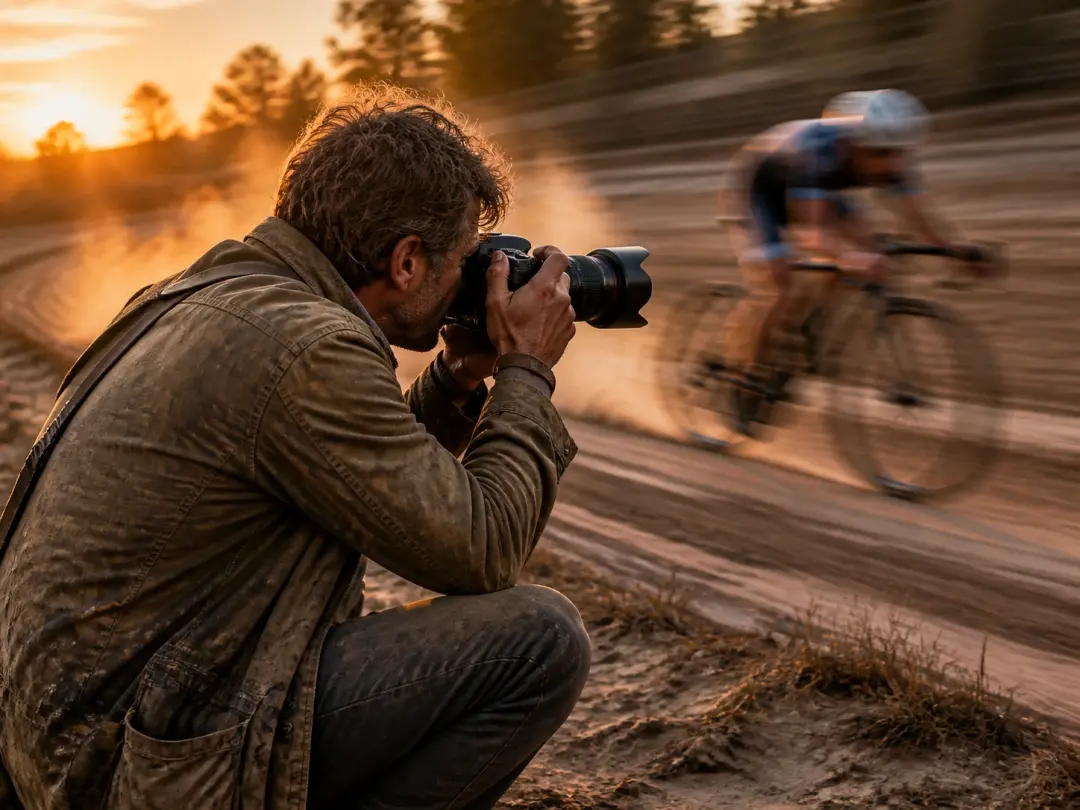
A cyclist photo repainted with motion blur streaks that show clear direction and speed

Action and Motion Photographers

Panning and slow shutter work depend on the moment, and the shot in your hand is already taken. Pick a motion blur style and VideoAI repaints it with streaks that read as speed, so a still frame finally shows the action moving. It is the motion blur photography look without another trip to reshoot.

A solo business owner's social images sharing one photo blur effect and consistent mood

Solo Business Owners

When you shoot, post and run everything yourself, there is no design retainer and no time to learn settings. Choose a preset and VideoAI hands back a finished photo blur effect you can use the same day. One person, one style pick, and a full set of images that match.

Where This Blur Effect Stands Out

Four things the blur effect gives from the first render, not after an hour of tweaking.

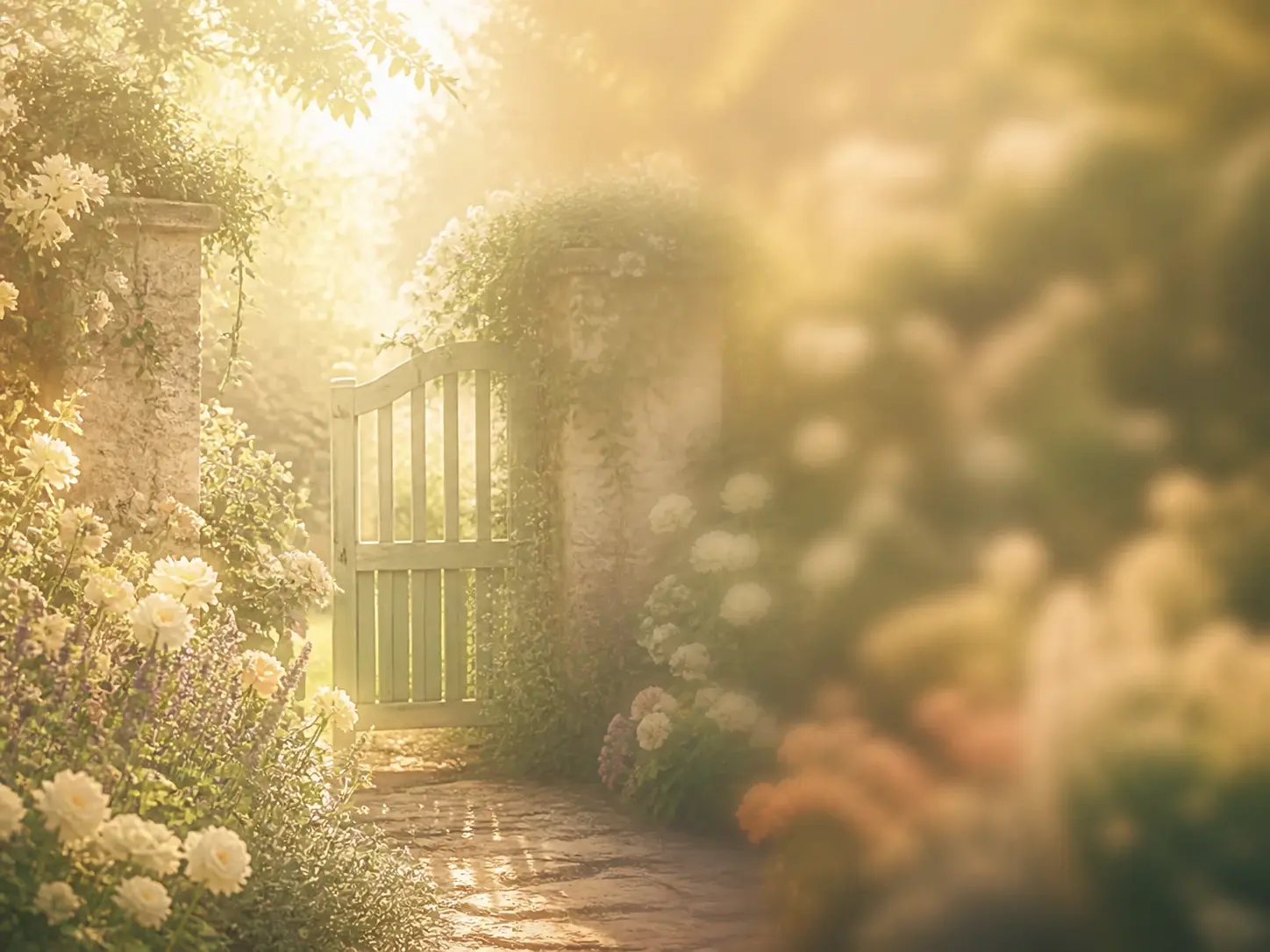
One garden scene shown in a gentle haze and a heavier moody softness as two preset blur looks

Preset Blur Styles

Instead of building a look from scratch, open the style list and pick the blur effect you want. Each preset is tuned to give a usable blur photo right away, from a gentle haze to a heavier, moody softness. If you have looked for a blur filter before, this is the same intent, reached by repainting the whole frame rather than stacking a layer.

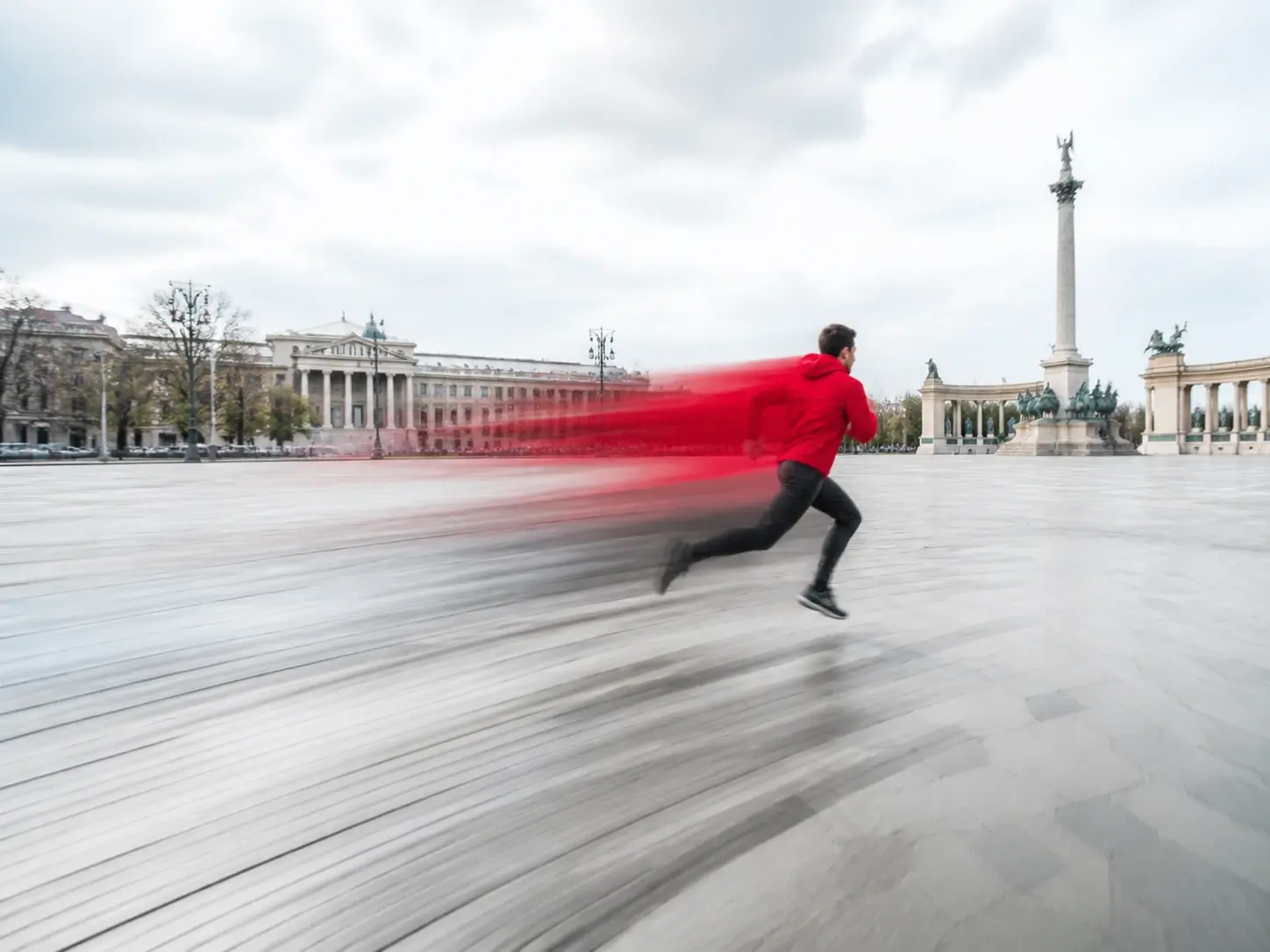
A running figure rendered with a motion blur effect showing directional speed streaks

Motion Blur That Moves

Streaks and drag come in as VideoAI generates the image, part of the picture rather than a stamp added on top. That makes the motion blur effect right for action, speed and anything that should feel like it is mid movement. Point to the blur effect and the direction of travel comes through.

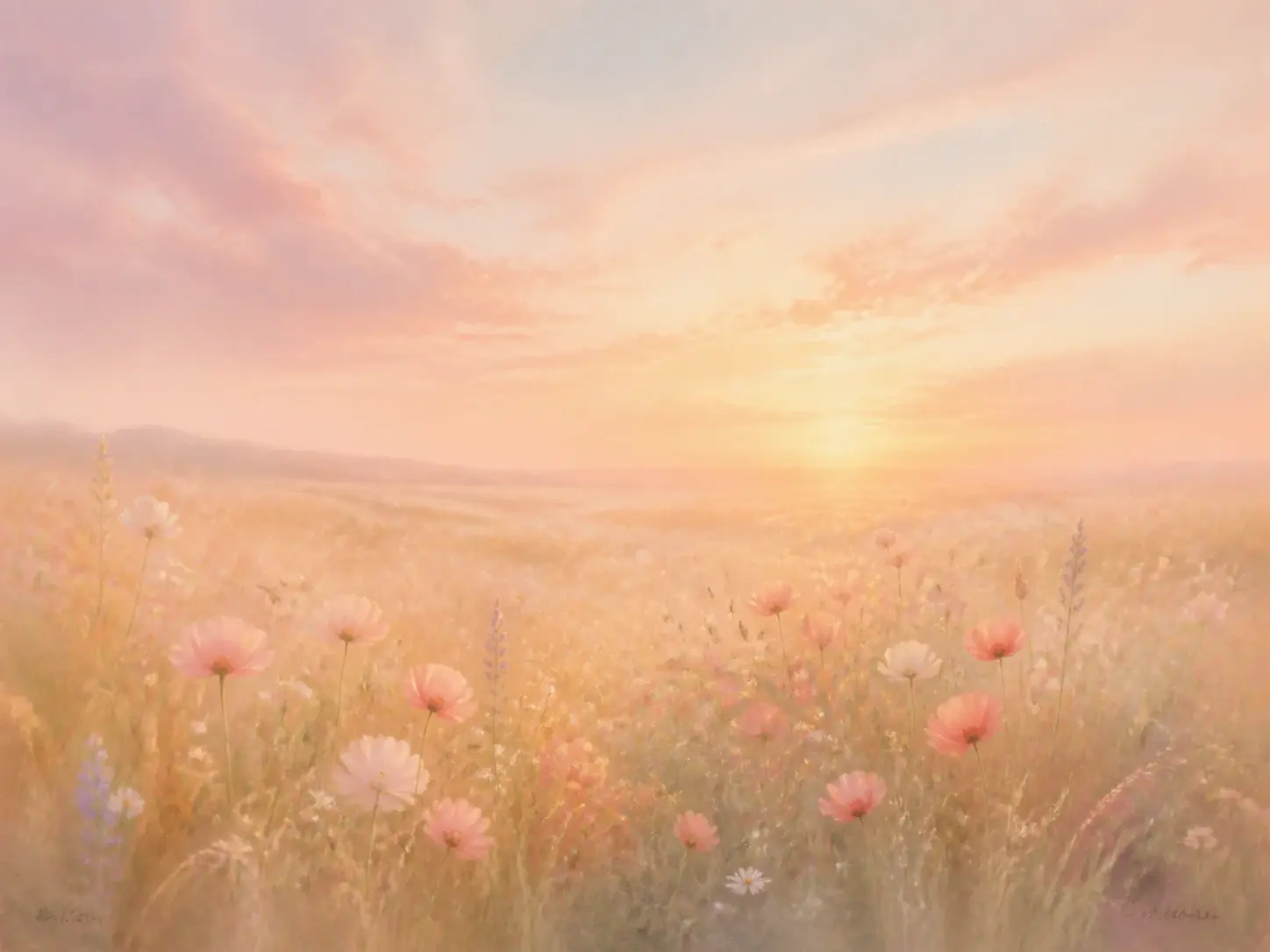
A meadow at dusk rendered as a dreamy haze exactly as a written description asked for

Describe the Look in Words

Not sure which preset fits? Write a sentence about the blur you are after, like a dreamy haze or a fast, streaked frame, and VideoAI reads it as direction for the blur effect. This is how you add blur to photo without hunting through menus, and it doubles as a way to make image blurry from text alone.

Four blurred versions of one scene laid out together at full 4K clarity with no watermark

Clean 4K Output to Download

Every blur effect comes back at up to 4K with no watermark, so the frame is ready to post or hand to a client. One description returns four options at once, so you choose the blurred image that fits instead of settling for a single try. Finished work is yours to use commercially.

Make a Blur Effect in Three Steps

From a photo or a single sentence to a finished frame.

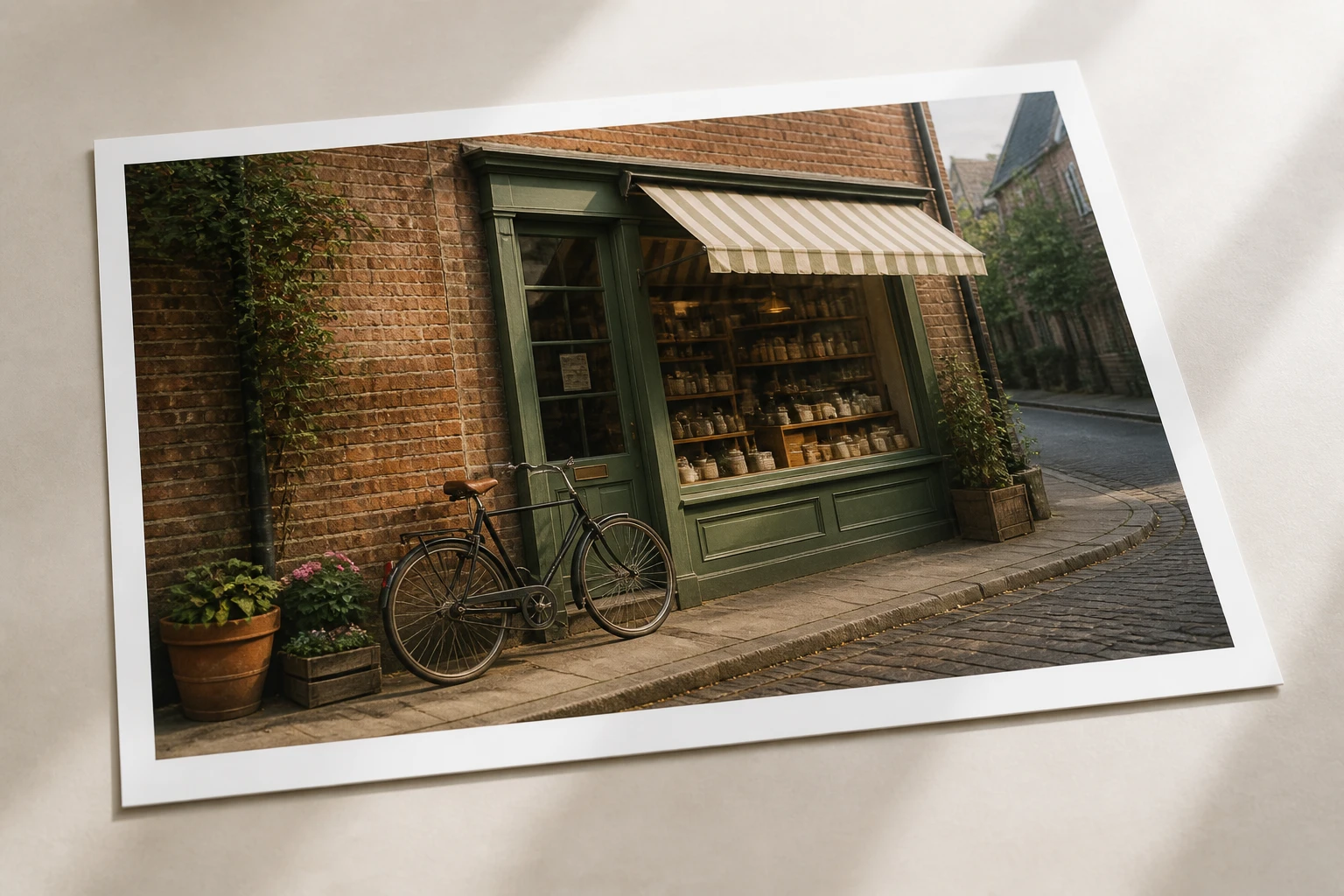
A crisp street photograph waiting untouched at the start of the blur effect workflow

Step 01

Bring a Photo or Start From Text

Upload a photo in a common image format and it lands in your own workspace, where it stays for reuse or removal whenever you like. No photo on hand? Skip the upload and move straight to describing the image you want. Either path feeds the same blur effect.
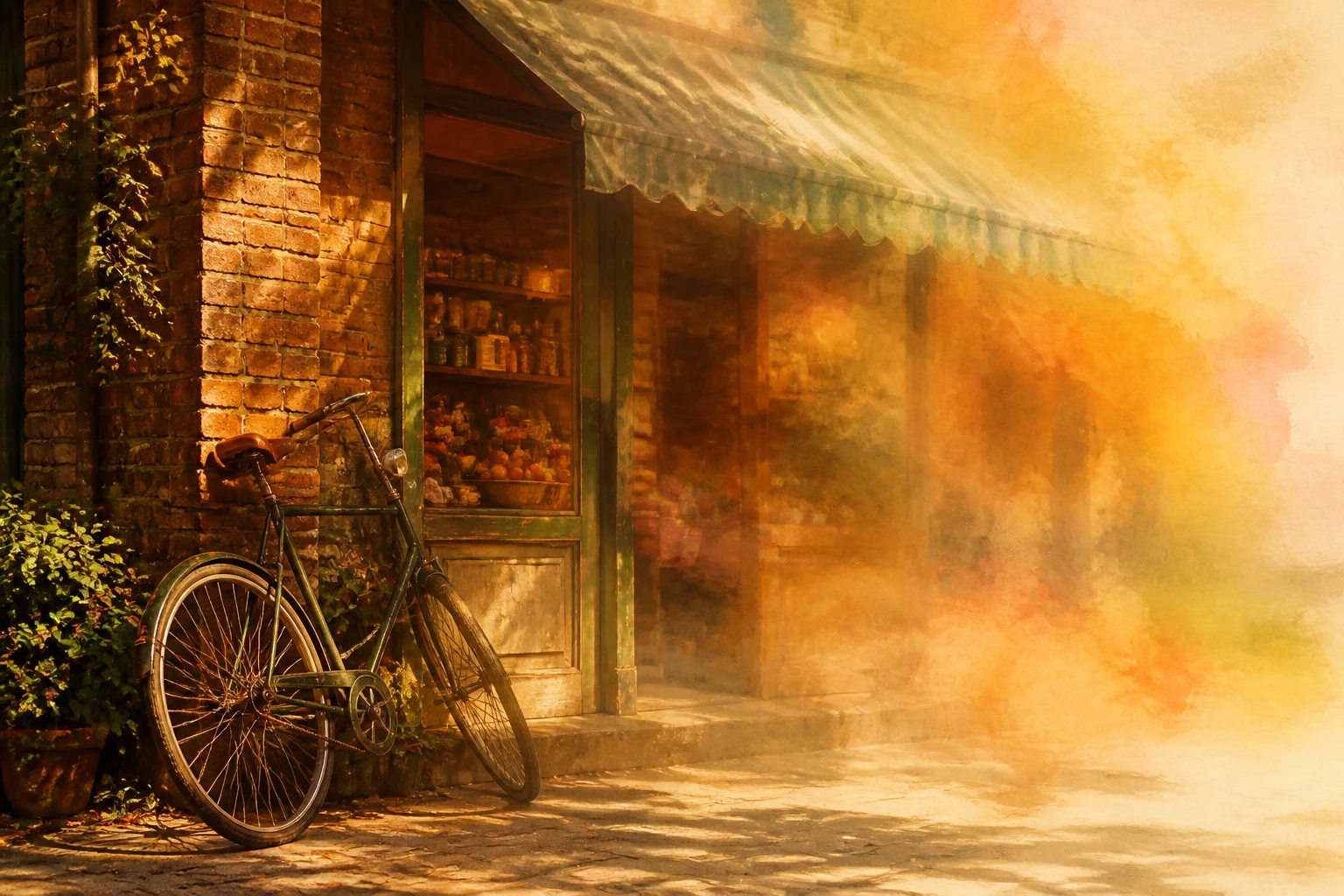
The same street scene beginning to soften as one blur style takes hold across the frame

Step 02

Pick a Style or Write a Prompt

Choose a blur effect style from the presets, or type a line describing the mood and how soft or streaked you want it. The style you pick, or the words you write, carry the whole instruction on their own. That single choice is all the blur effect needs before it starts.

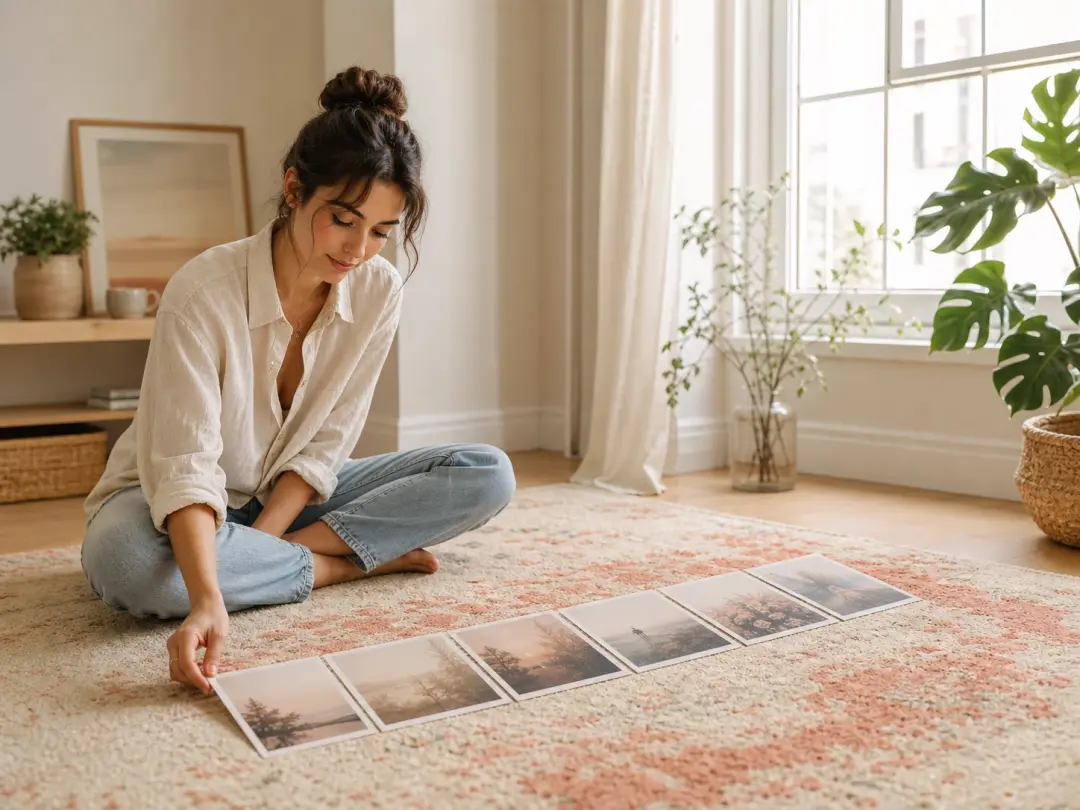
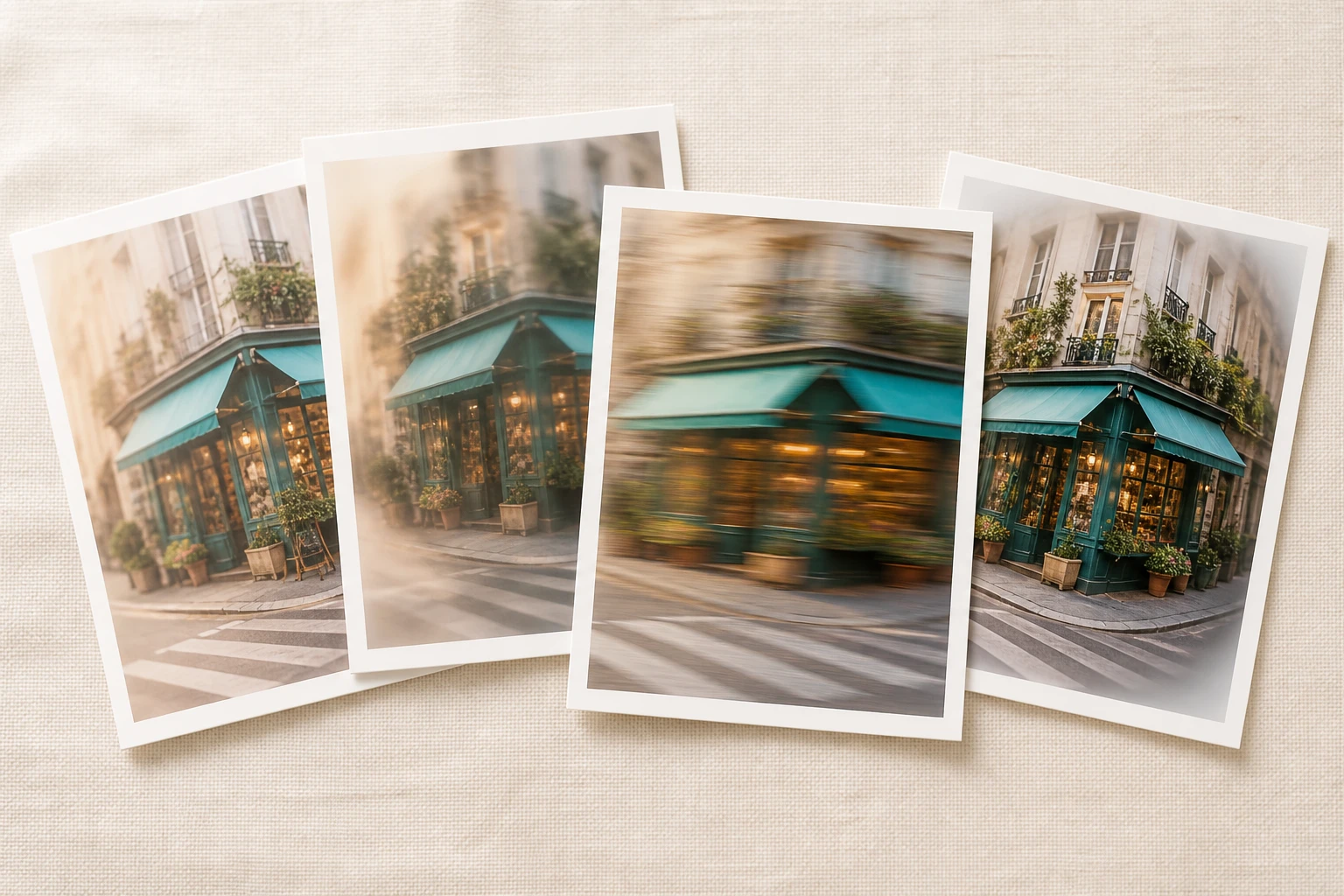
Four finished blur effect versions of the street scene arranged side by side to compare

Step 03

Generate, Compare and Download

Press generate and VideoAI repaints the full frame into your blur effect, returning four candidates from the one description. Compare them, download the one you like at up to 4K with no watermark, and it saves to your work area. Want a different feel? Reopen it, adjust the wording and render a different blur effect without starting over.

Ways Creators Use a Blur Effect

A few moments where reaching for blur solves the shot.

Motion Blur

A frame can look frozen when it should feel like something is happening. Feed it in, choose the motion blur style, and the still picks up drag and direction until the action reads as movement. Handy for a runner mid stride, a passing car or any snapshot that stalled on the page.

Motion Blur Photography

You wanted that panned, slow shutter feel, but the shot came out as a plain, sharp snapshot. Repaint it toward the motion blur photography look and the whole frame takes on streaks of speed and travel direction, no reshoot with a tripod required.

Blur Aesthetic

That hazy, dreamy, low key mood all over social does not need a special lens. Describe it in a line or pick the matching preset, and one style can carry a whole set so every post shares the same soft, blurry effect. Handy when a grid needs to feel like a single series.

Backdrops for Title Text

Sometimes a caption or headline has to sit on top of a photo, and a busy, sharp background fights the words. Soften the entire image into a calm base and the text stays easy to read against it. The blur effect leaves a clean backdrop without losing the scene underneath.

FAQ

Common Questions, Clear Answers

Upload your image, pick a blur effect style or type a short description, then press generate and download a result at up to 4K. Four options come back from one prompt, so you compare and keep the blur photo that fits. Once the style is set, VideoAI repaints the whole frame and hands the finished picture back to you.

Motion blur is the streaked, dragged look a moving subject leaves when a frame captures it mid movement, which is what makes a picture feel like it is in motion. Here you reach that look by choosing a motion blur style and letting VideoAI repaint the frame.

Describe it instead of picking a preset. Write a line about the softness and feel you are after, from a light haze to a heavy, streaked frame, and that wording steers the blur effect. Choosing the words is how you control the blur effect on an image, and the more precise your line, the closer the result comes to the mood you pictured.

Every finished blur effect comes back at up to 4K with no watermark and is cleared for commercial use, so the blurry result is ready to publish. One description returns four candidates, letting you pick the strongest before you download. Files save to your work area for later.

You can begin with free credits on the account, enough for a first set of images, so you can judge the blur effect on your own photos before committing to anything else. Renders you make stay in your workspace to revisit whenever you want.

Yes. You can upload up to 30 photos in one go and send them through the same style, which keeps a set visually matched. Keep in mind that batch size and the four candidates per description are separate: one prompt still returns four blurred image options to choose from.

Finished renders and uploads live in your own workspace, where you can reuse them, build on them or delete them yourself. Saved work is easy to reopen, so you can change the description and generate a fresh blur effect image without starting from zero.

The main subject stays recognisable. VideoAI repaints the whole frame in the blur effect you pick, so the person or object you brought reads clearly through the softness, with its key features intact. Think of it as a fresh render carrying the blur effect, built from the picture you uploaded.
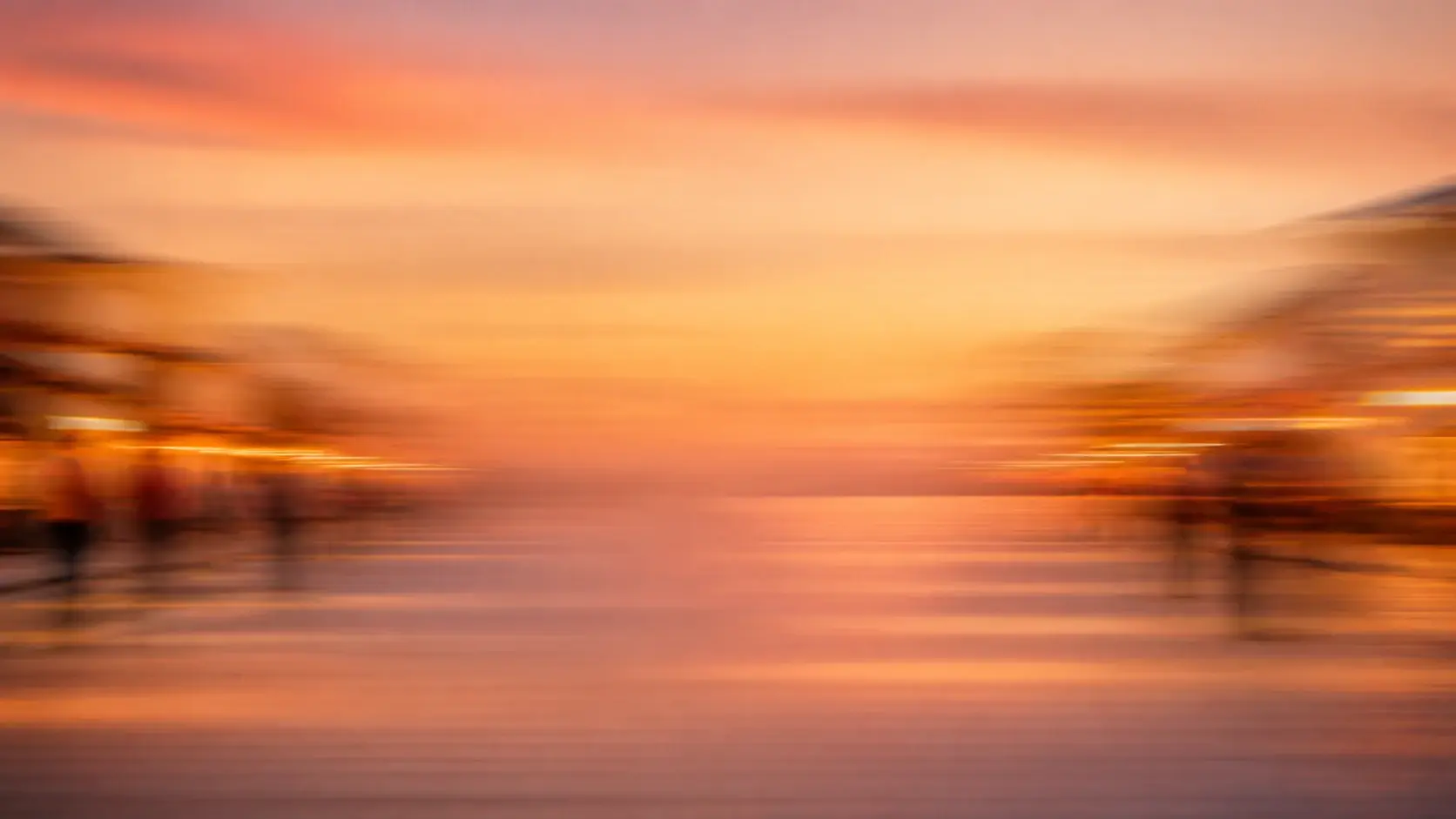
A wide street scene dissolving into soft horizontal motion streaks under warm evening light

Start Your First Blur Effect

Bring a photo or a single line of description, and see the look rendered.

Get Started
Blur Effect - Add Motion Blur to Photo - VideoAI