
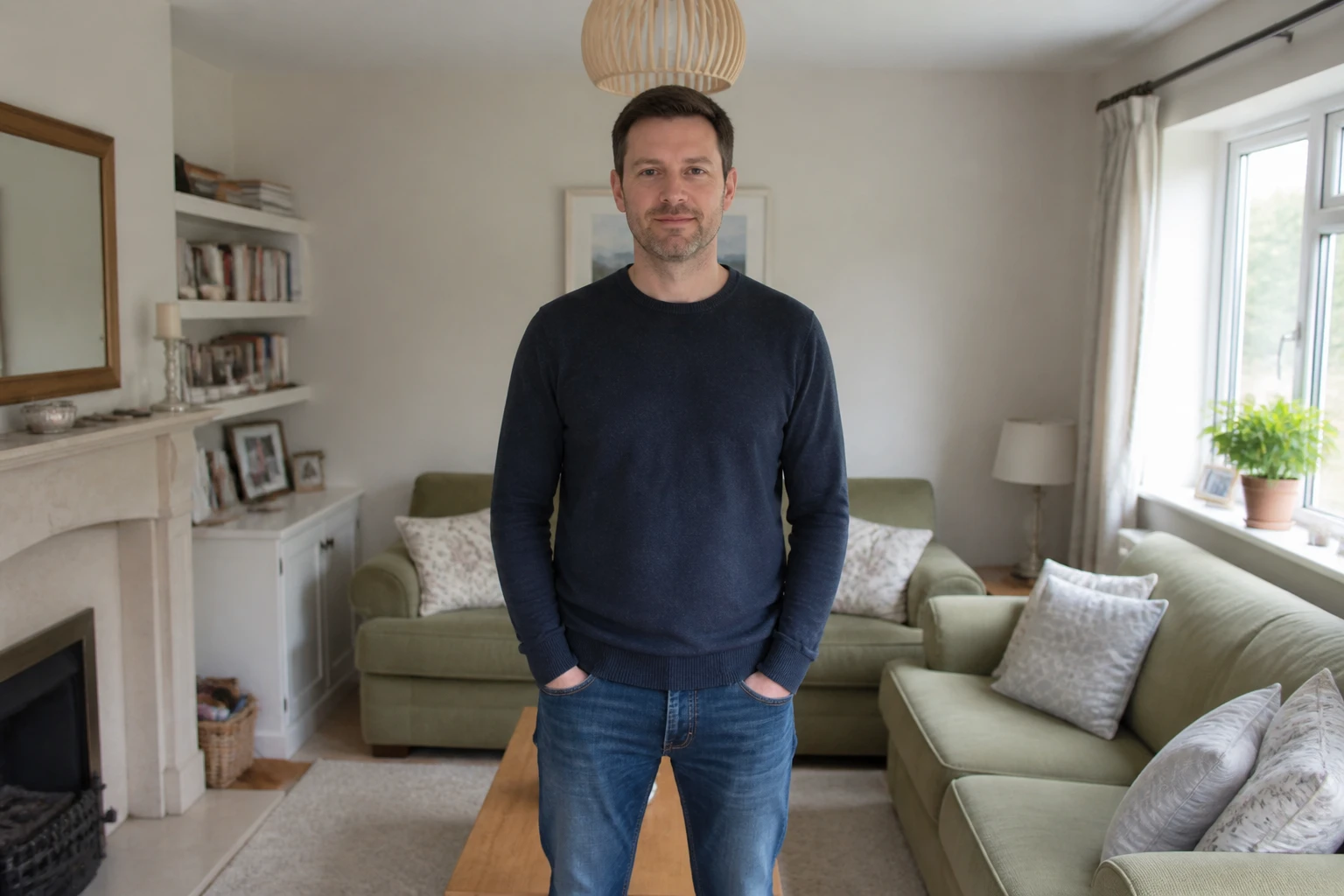
Step 01
Add A Photo To Your Workspace
Bring in one photo in a common image format. It lands in your own workspace, so you can come back to it later, reuse it, or delete it whenever you want.

Upload a photo and VideoAI blurs only the background into a soft bokeh effect, keeping the person you shot sharp, with no sliders to touch.
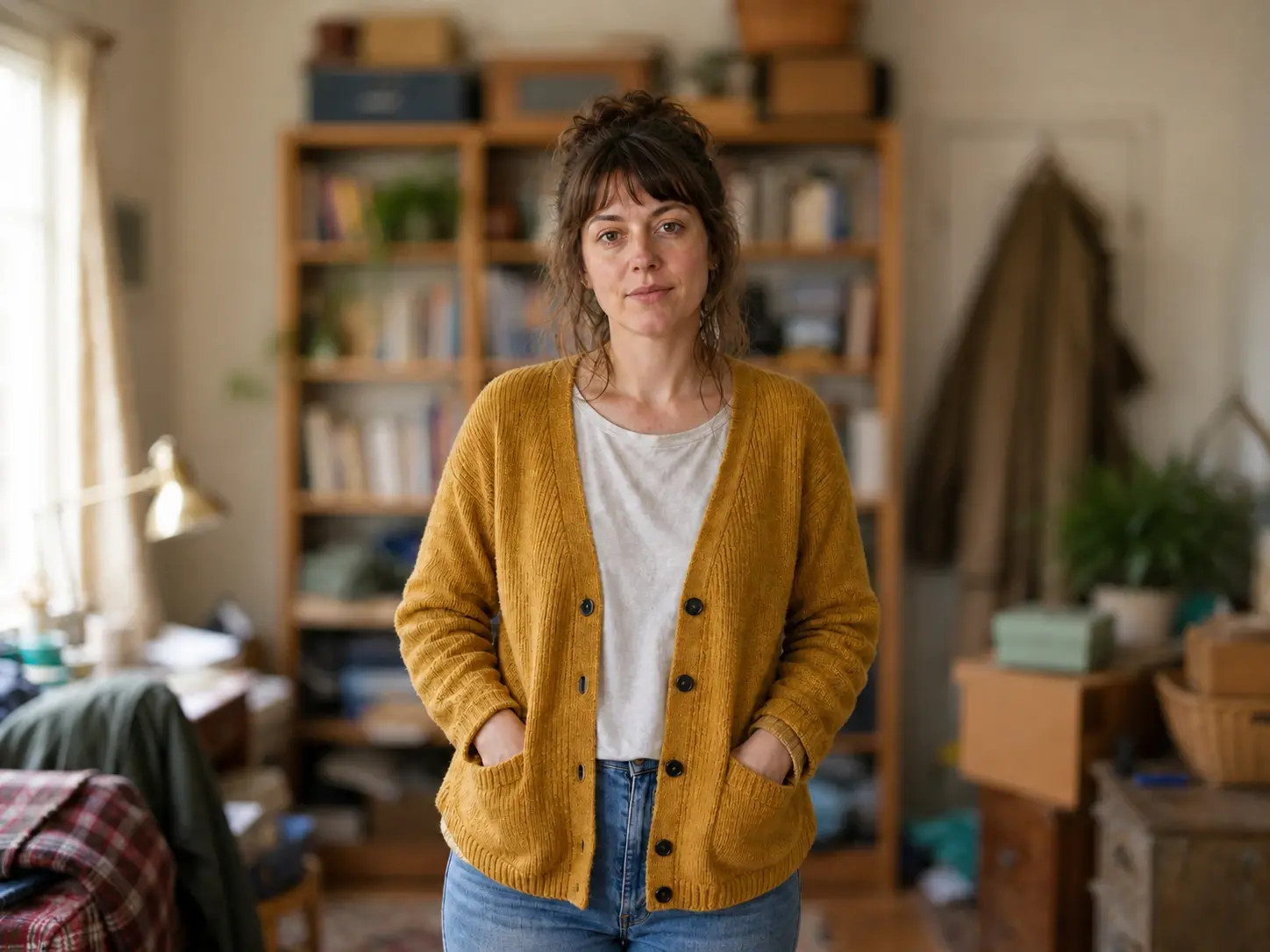
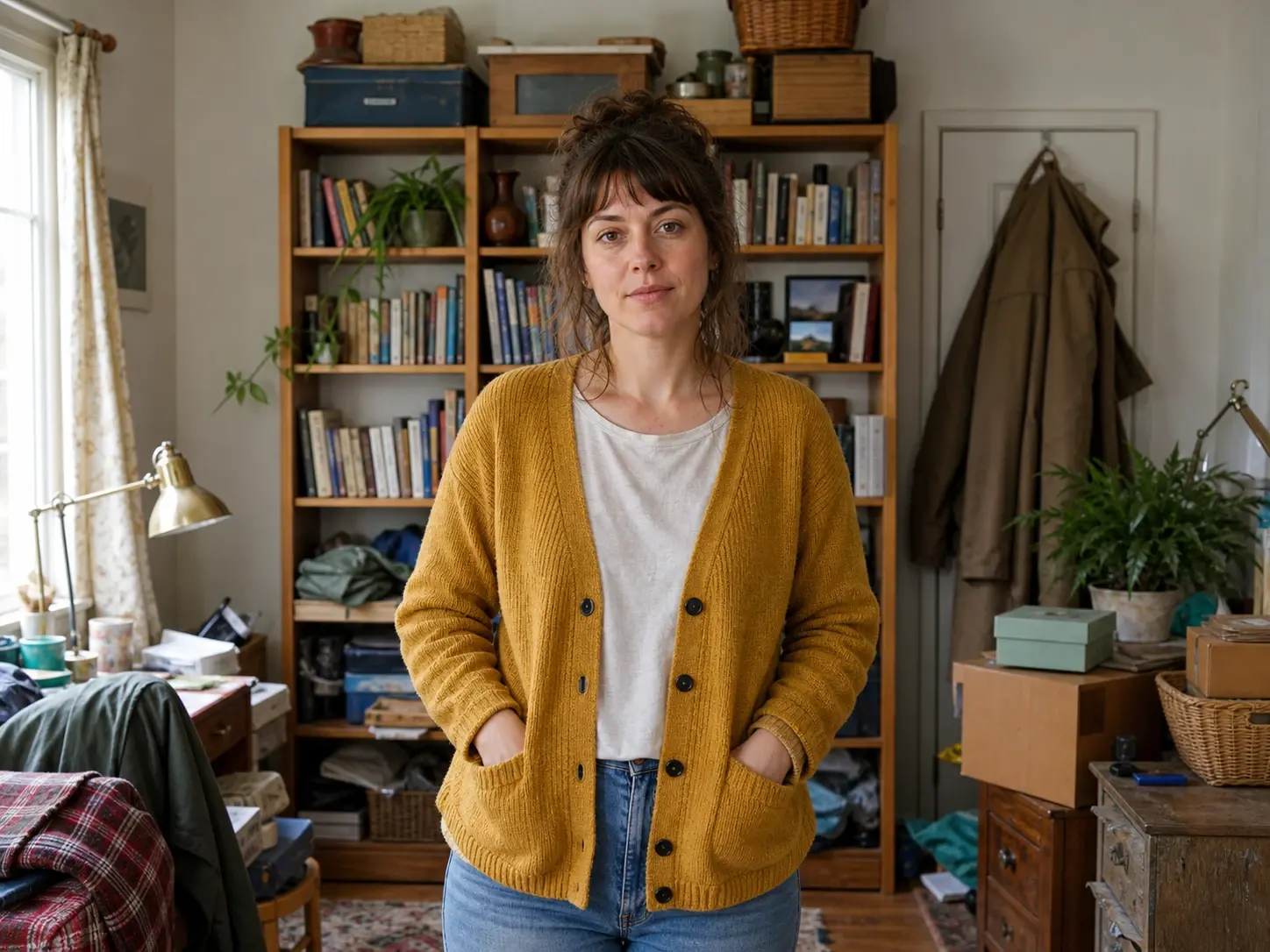
No picture on hand? Try with one of these
Everything a natural bokeh effect needs happens the moment you upload, whether you call it a bokeh filter or just a soft background look.
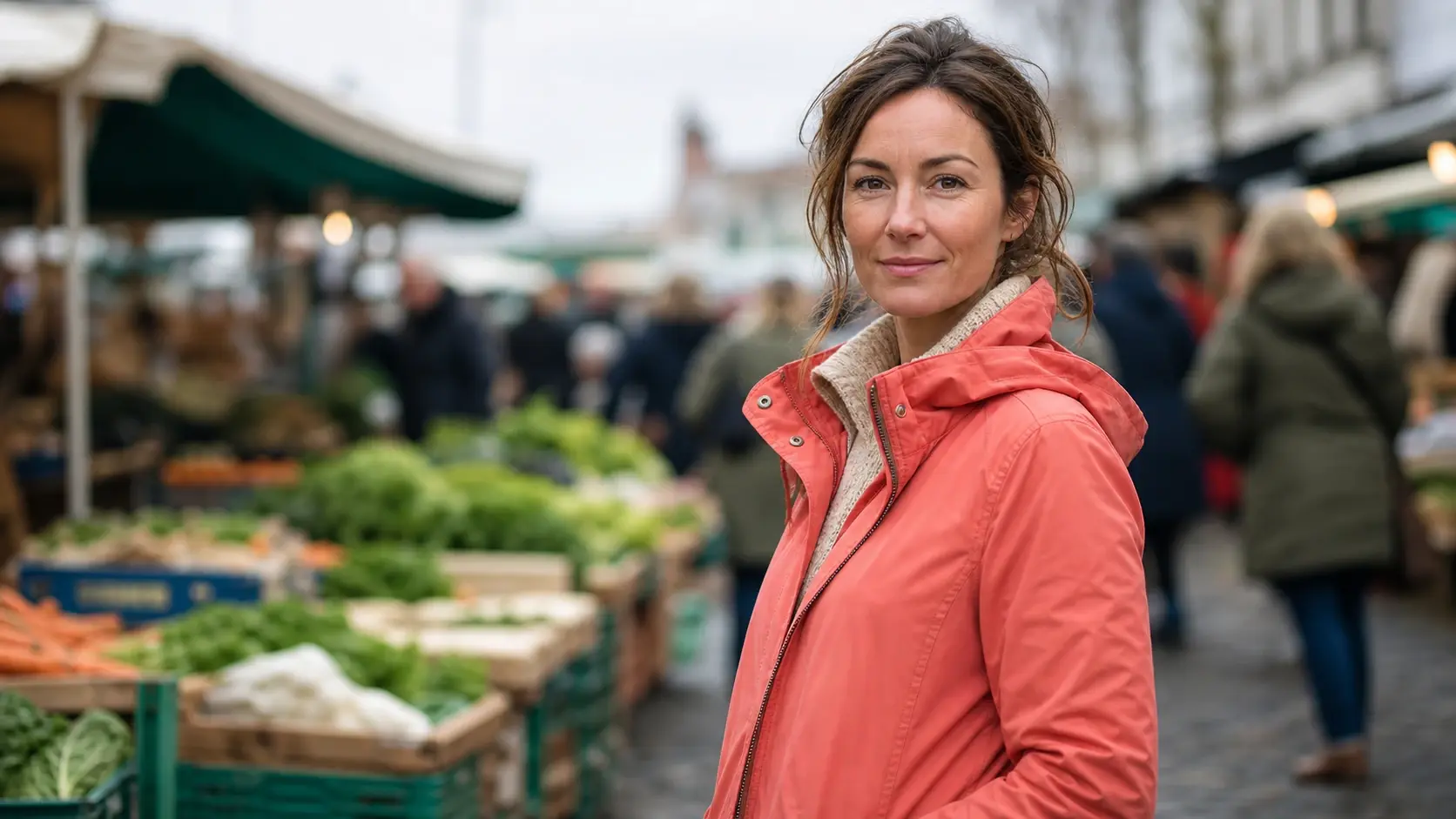
The person you uploaded stays crisp while everything behind them settles into a blurry background. VideoAI reads the photo, finds the main subject on its own, and places the bokeh effect only where it belongs, so you never outline or mask anything.
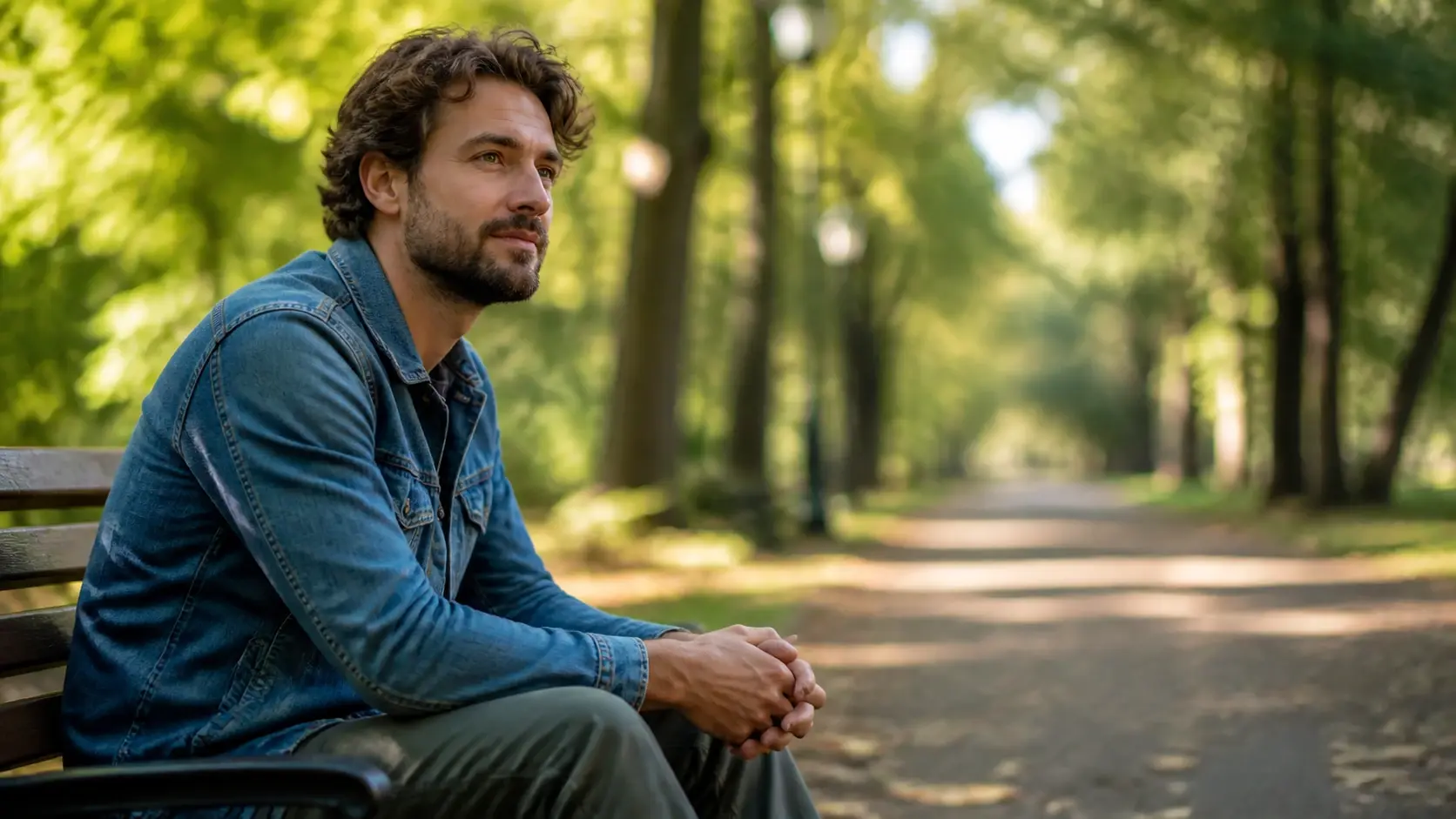
Upload the photo and the tool decides where the soft focus falls on its own. There is nothing to set, so you reach that lens blur look and a shallow depth of field without testing one control after another.
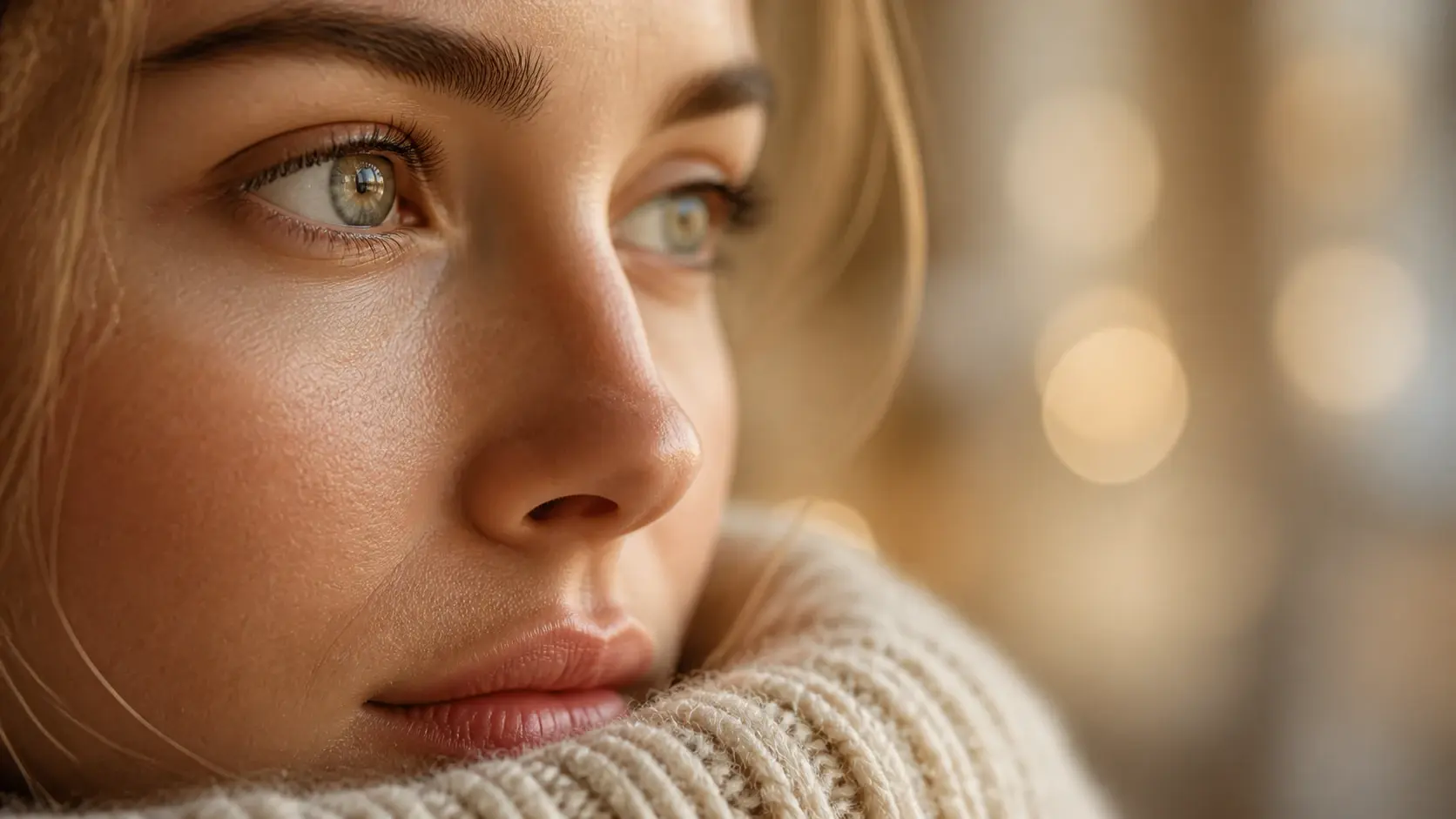
Faces, edges, and fine detail on your subject hold their clarity while the bokeh blur settles behind them. The content of the shot does not change, only the background turns soft, so a bokeh photo still looks like the moment you captured.
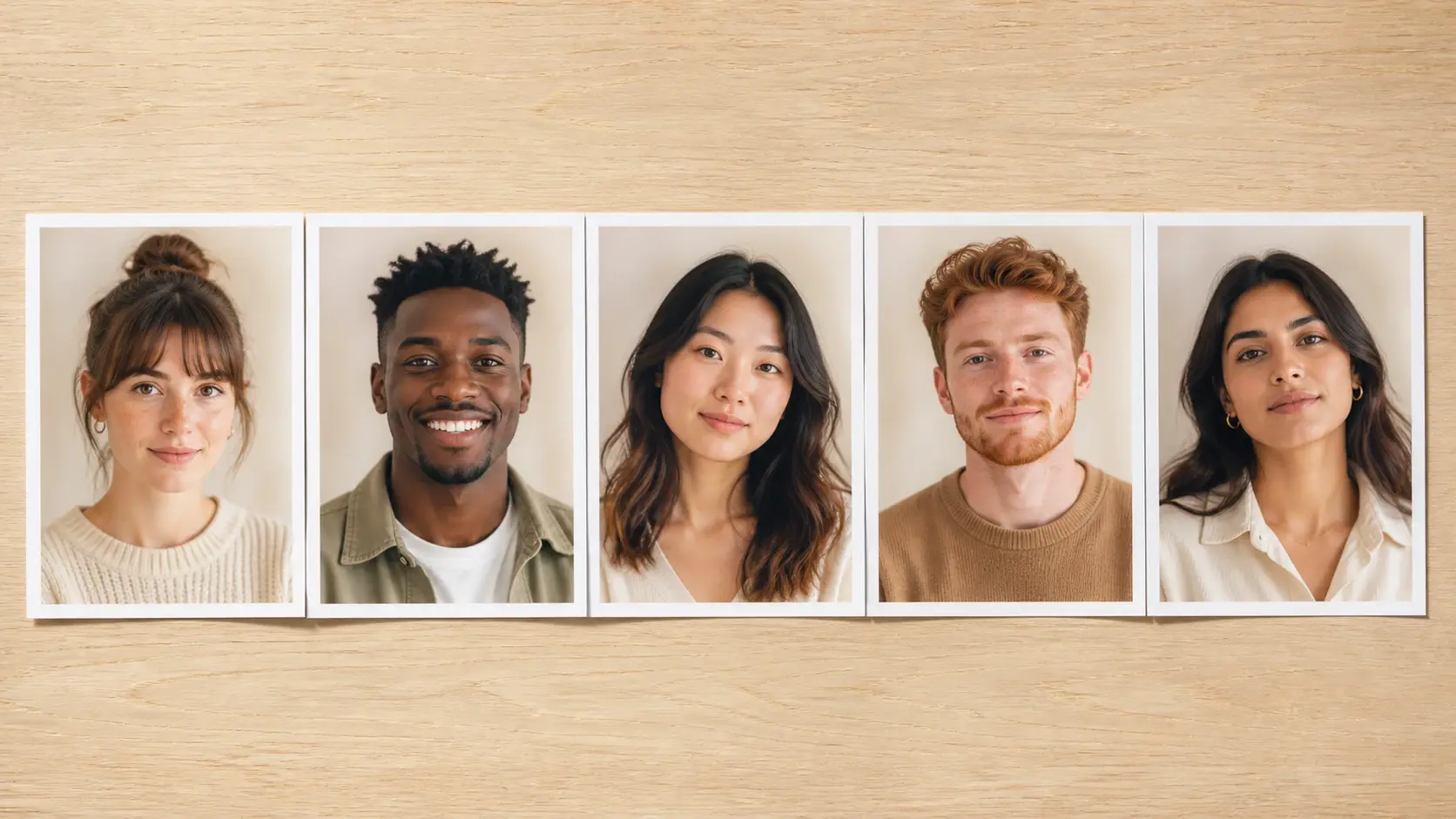
Download each result at up to 4K resolution with no watermark, ready for client work and commercial projects. Sending a set? Add up to 30 photos in one batch so a whole shoot gets the same bokeh effect with creamy bokeh backgrounds throughout.
Three steps take you from a raw upload to a finished photo with a soft background.
Step 01
Bring in one photo in a common image format. It lands in your own workspace, so you can come back to it later, reuse it, or delete it whenever you want.
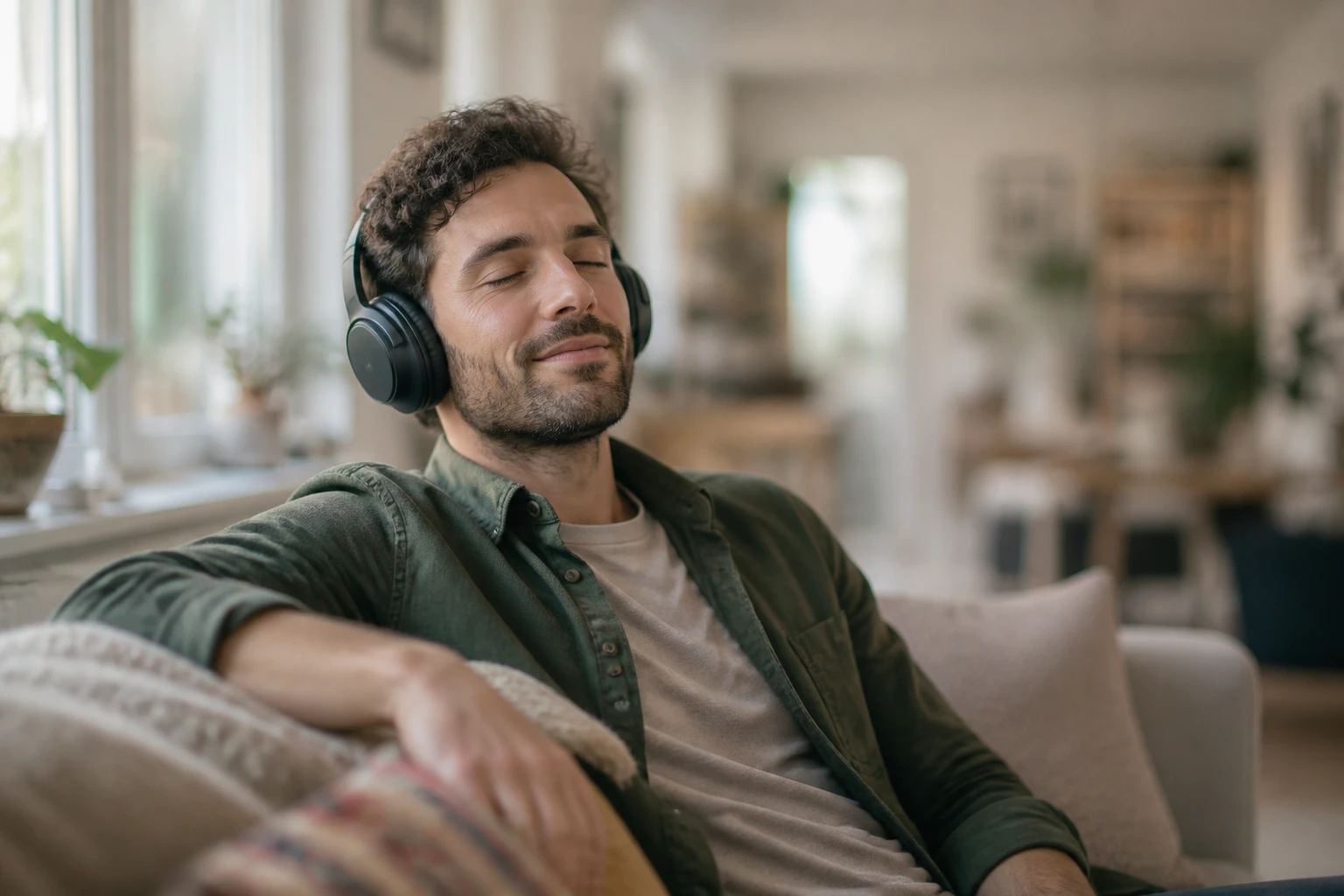
Step 02
There is nothing to adjust here. VideoAI looks at the picture, works out which part is the subject and which is the background, and adds the bokeh effect without you selecting or outlining anything.

Step 03
In a few seconds the background turns to soft depth of field while the subject stays sharp. Save the result at up to 4K, and because it sits in your gallery, you can reopen it and adjust the description to generate again.
From a single portrait to a busy street scene, this is where a bokeh style background does the most work.
You nailed the portrait, but the room behind the person is cluttered and pulls the eye away. Drop the shot in and the bokeh effect settles over the backdrop, so the face reads first. Pick this when you want a bokeh background that flatters a single subject.
A professional headshot needs a clean backdrop, yet yours is a wall of shelves at home. Instead of rebooking a studio, upload the frame and let the bokeh effect soften the wall behind you, leaving a headshot composed enough for a profile or company page.
The one good frame from a trip has tourists and signage crowding the edges. Send it through and the scene steps back into an out of focus background, keeping only the subject you wanted to remember.
An evening shot comes back with a messy, distracting backdrop behind your subject. The background eases into a gentle softness that calms the frame, letting the person stand out with a clean bokeh effect even when the setting was busy.
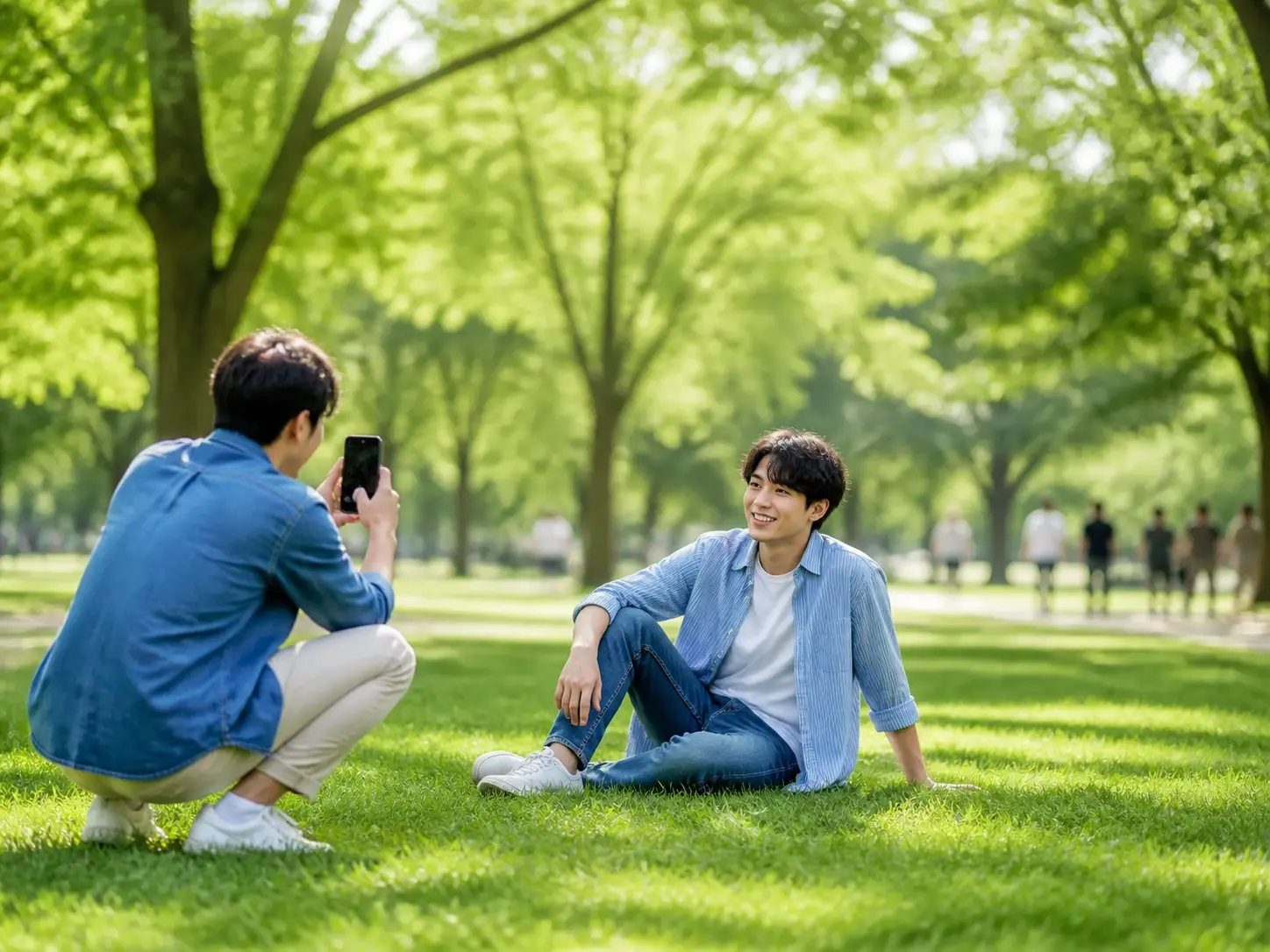
If your camera is a phone and buying fast glass is not on the table, you can still get shots where the background melts away. Upload the photo and the bokeh effect arrives afterward, with no lens purchase required.
Explore
Upload a shot, add bokeh to photo backgrounds in a few seconds, then download the result at up to 4K with no watermark.
Get Started




























