

Meme Text Generator
A meme text generator turns a short idea into a new captioned image for reactions, posts, and campaigns. Add a reference photo, describe the joke and caption direction, then choose a visual style that fits the joke. Review the letters, faces, and framing before sharing; this workflow creates a new image rather than placing editable text directly over your original upload.

Control the Joke, Caption, and Visual Treatment
A meme text generator works best with one clear joke and one visual direction.
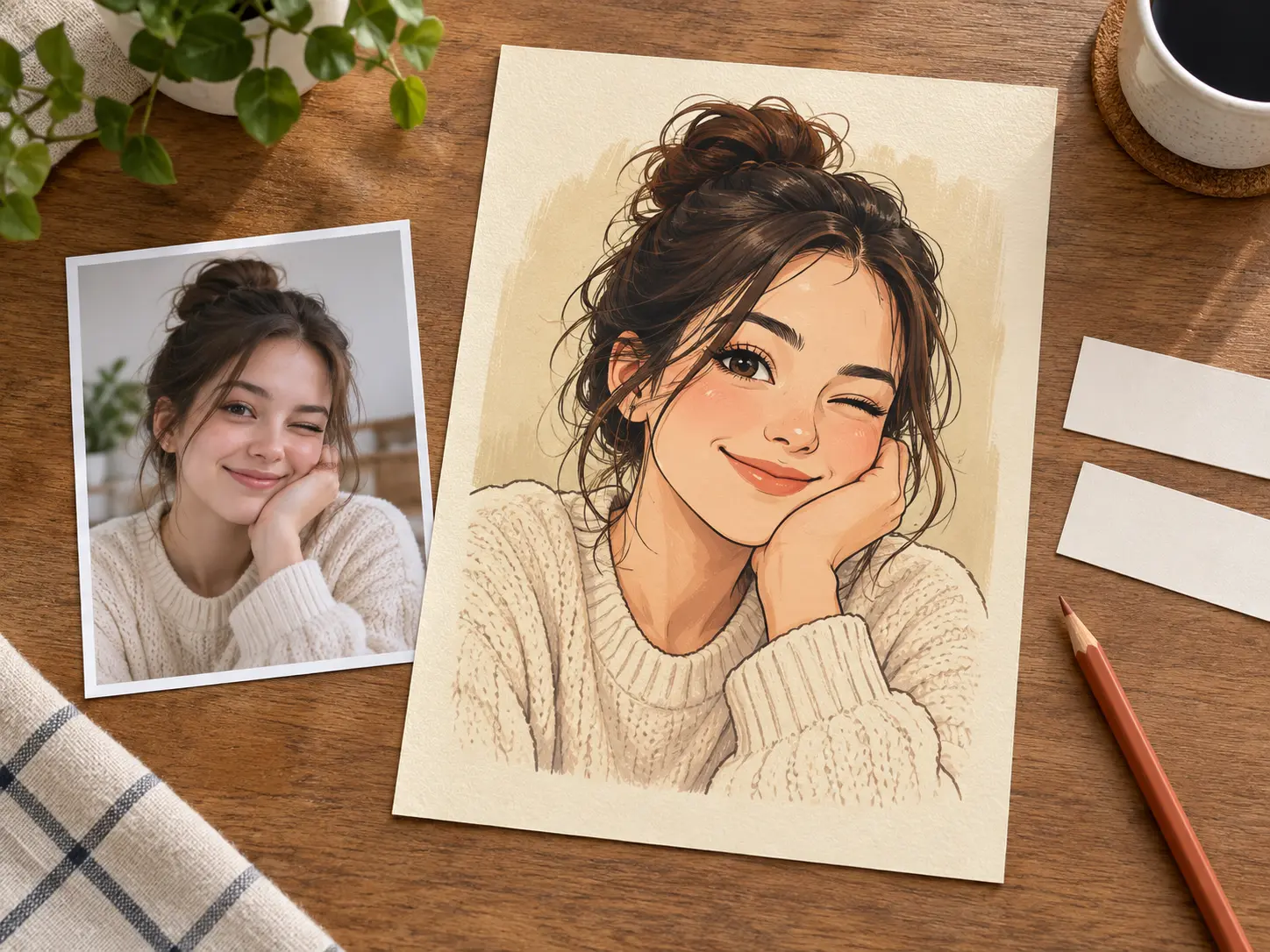
Guide the Whole Meme
Upload a photo or describe the scene, then give the meme text generator one clear joke, reaction, and setting. The reference can guide the subject, expression, pose, and tone while the prompt directs the new image. Keep the brief focused on one comic contrast. Review the first result carefully, then revise only the detail that weakened the joke before generating another version.
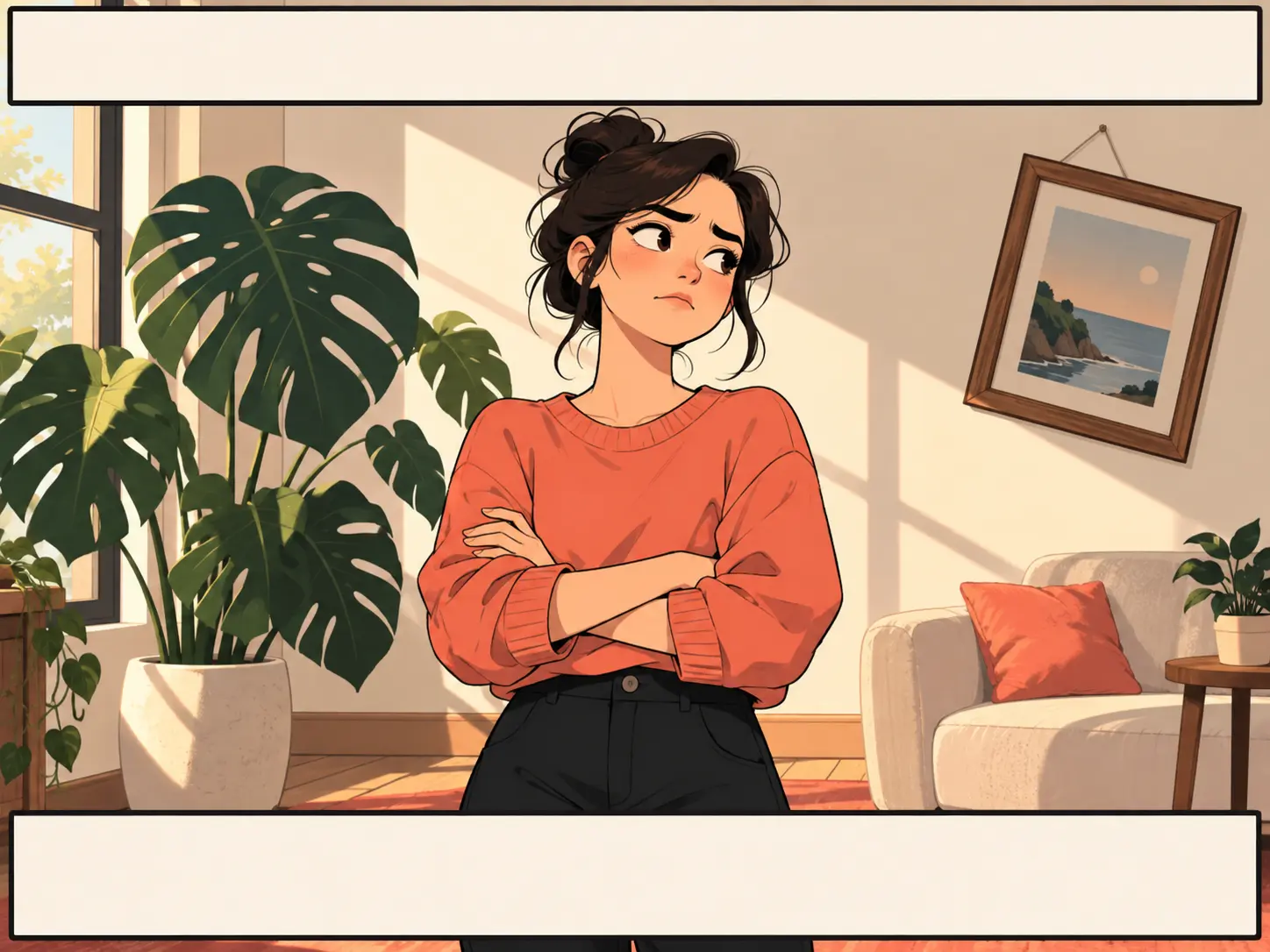
Plan Top and Bottom Captions
Name the upper line, lower line, or single reaction caption you want the result to suggest. A top text bottom text meme maker works best when each line has a clear job: setup above and punchline below. Inspect the generated top text bottom text meme layout because exact font files and pixel-perfect placement are not guaranteed. Adjust the prompt if either caption feels unclear.
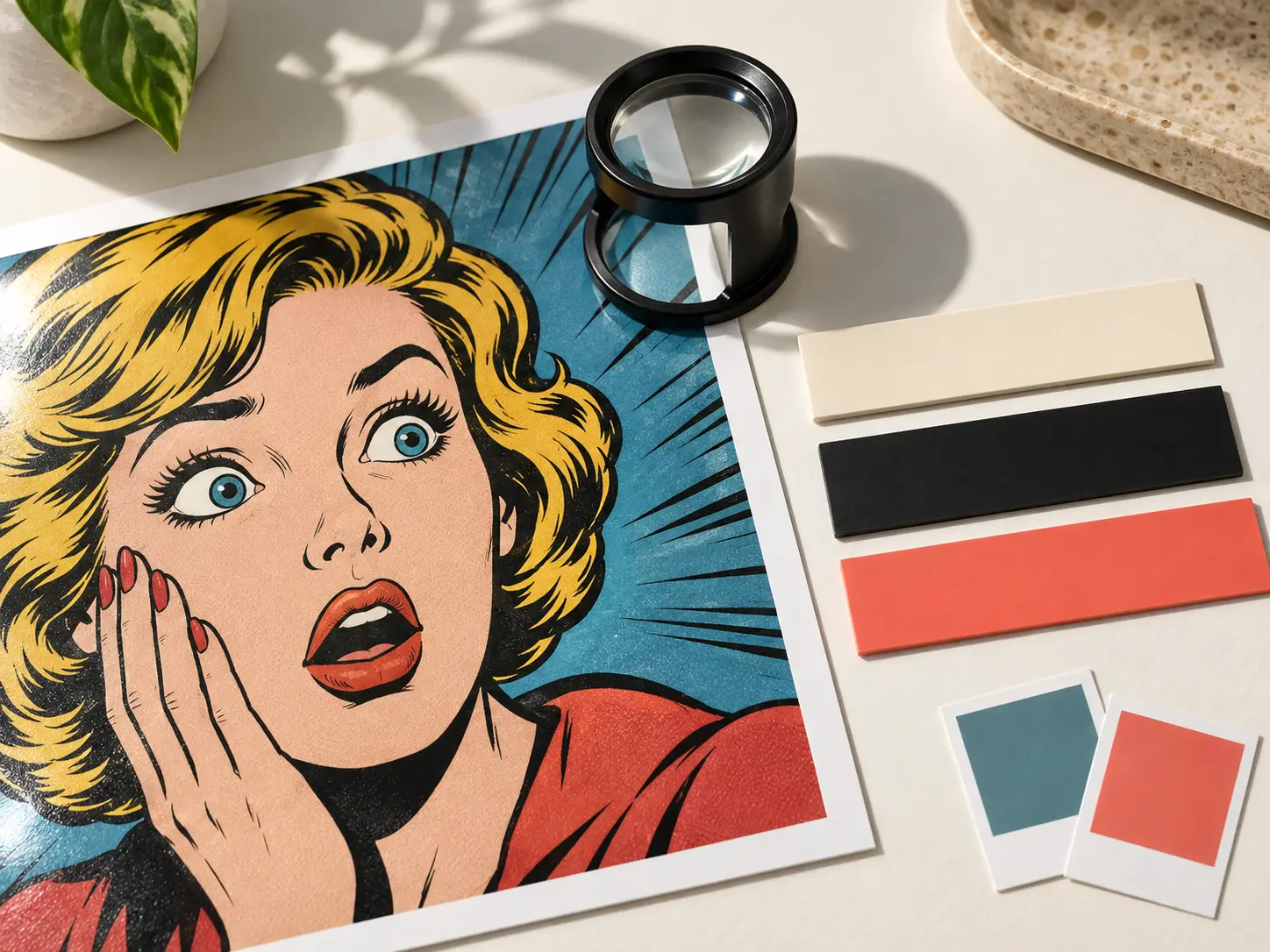
Review Text and Style Before Sharing
Review the face, hands, caption spelling, contrast, and crop before you post. If a deep fried meme look, impact font meme maker style, or another exaggerated treatment obscures the subject, revise the prompt and generate again. This review keeps a meme text maker output readable without claiming control over licensed fonts or exact letter positions. Then compare the result with the source.
How to Use a Meme Text Generator
Three short steps move from a reference and caption idea to a reviewable result.
Add a Reference Image
Add a clear JPEG, PNG, or WebP reference showing the expression, pose, or object you want the new scene to keep, then check that it is sharp and easy to read.
Describe the Caption and Tone
Write the reaction or caption idea in the prompt, name the tone, and keep the upper and lower lines short.
Generate and Review
Generate a result, then check faces, hands, lettering, spacing, and frame edges before you post it.
Where a Meme Text Generator Fits
Use it when a new captioned image must feel timely, recognizable, and ready for review.

Reaction Posts and Group Chats
Reaction posts move fast, so a photo or scene can become a new captioned image while the joke is relevant. Keep the reference simple and the caption focused on one emotion.
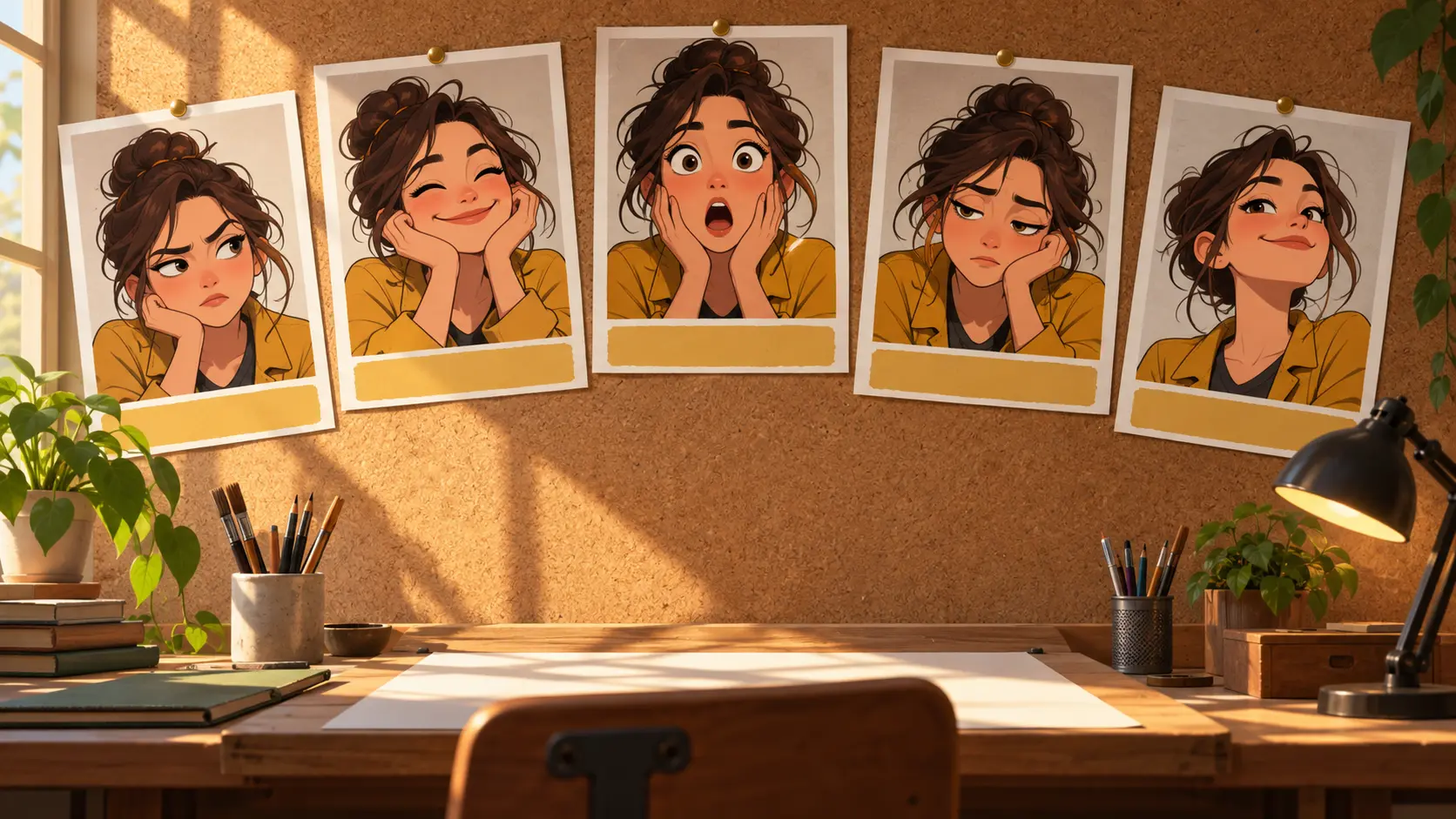
Meme Pages and Recurring Characters
Meme pages need a repeatable voice and recognizable cast. Describe the recurring character and expression so each new image supports the same series.

Campaigns and Social Content
Social and brand teams can create a timely campaign post or internal reaction. Review wording, rights, and platform fit before publishing.
Who Uses This Meme Text Generator

Casual Social Posters
Casual posters need a fast way to turn a private joke into an intentional image. They value a direct prompt, one caption idea, and a result they can review before sharing.
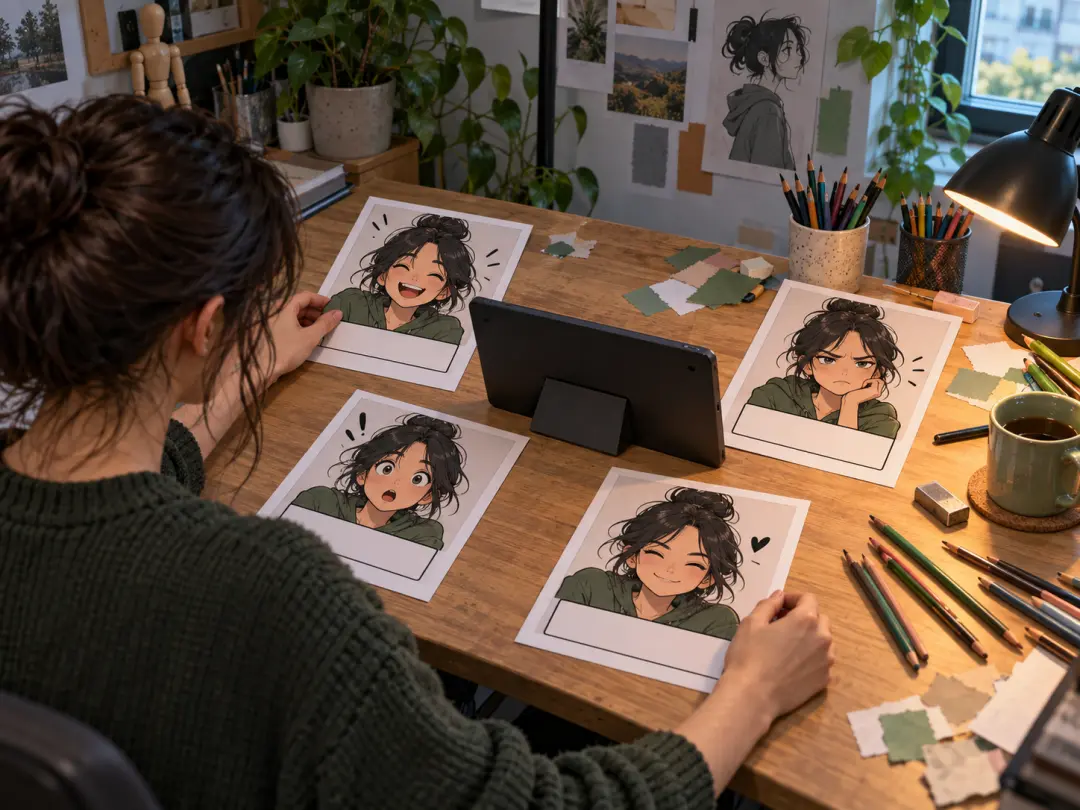
Meme Page Creators
Frequent meme page creators want repeatable style. They value a reference-led prompt and a workflow that keeps the recurring character recognizable across posts.

Social and Brand Marketers
Social and marketing teams need an original asset before publication. They care about tone, rights, caption clarity, and whether the final image fits the campaign.
Why Use This Meme Text Maker Workflow
A meme text generator helps you move from a joke and reference to a reviewable image without treating generation as a guaranteed design job.
Start From the Joke
Begin with the reaction, caption idea, or moment so the image has a clear comic job and focused message.
Keep the Reference Direction
A source image can hold the pose, expression, setting, or character direction while your prompt controls the new composition.
Iterate Before Posting
Check wording, crop, and visual treatment, then revise one detail at a time until the result is ready to post.
Meme Text Generator Questions
Explore Related Meme and Image Tools

Use the Meme Text Generator on Your Next Idea
Add a reference, describe the joke, and review a new captioned image before you share it.
Get Started