

Funny AI Images
Turn a written joke, impossible scenario, or harmless prank idea into a funny AI image that follows your premise instead of a reusable template.
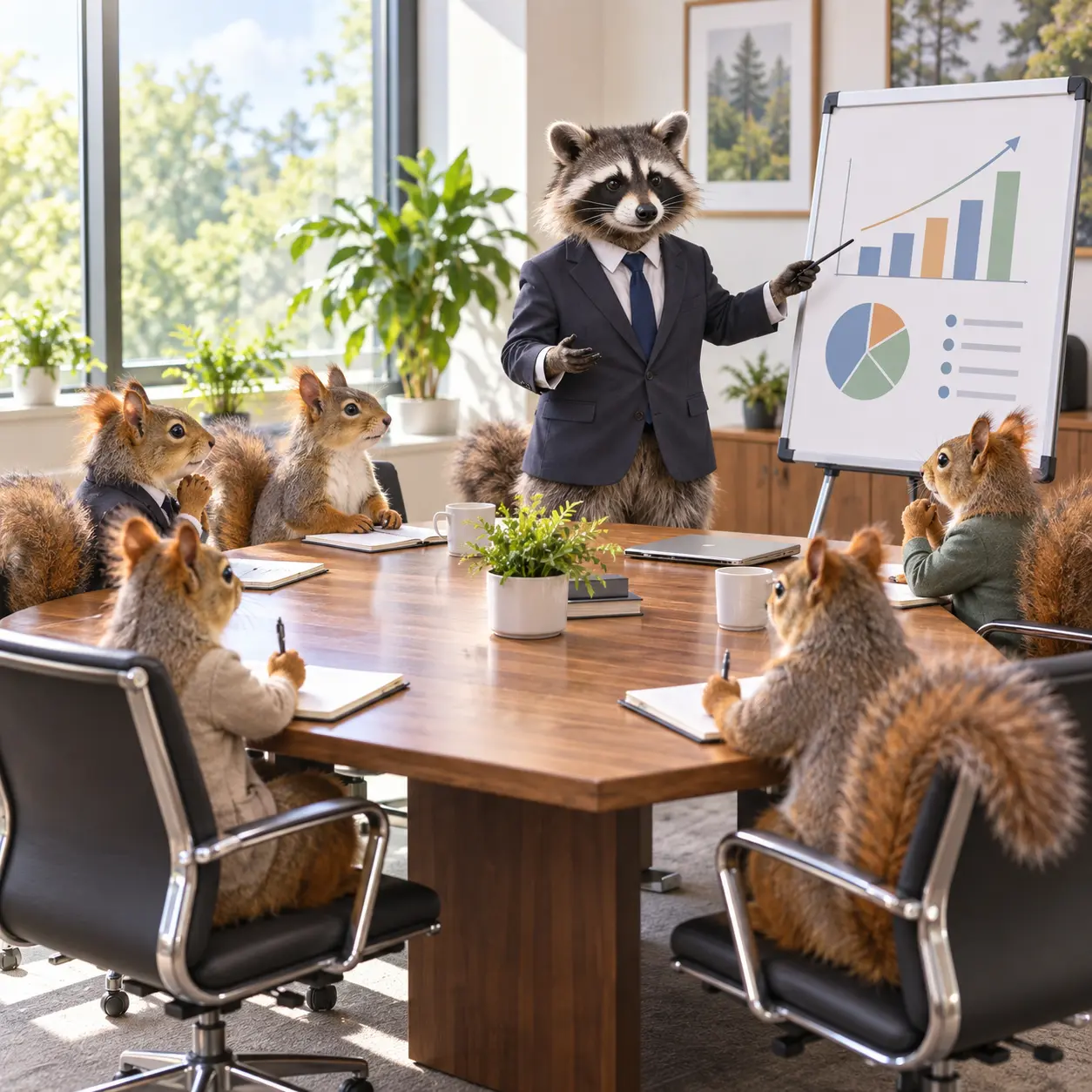
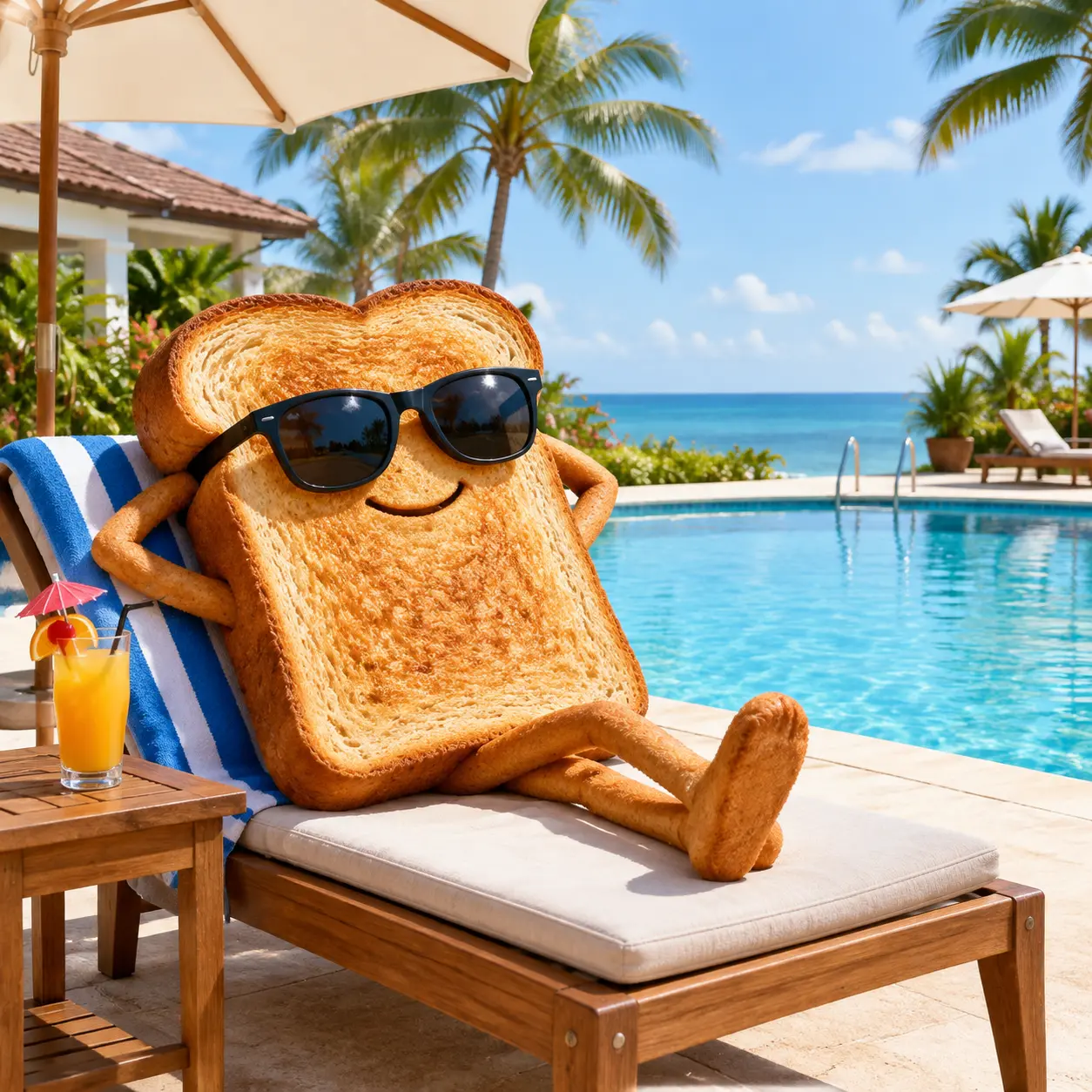
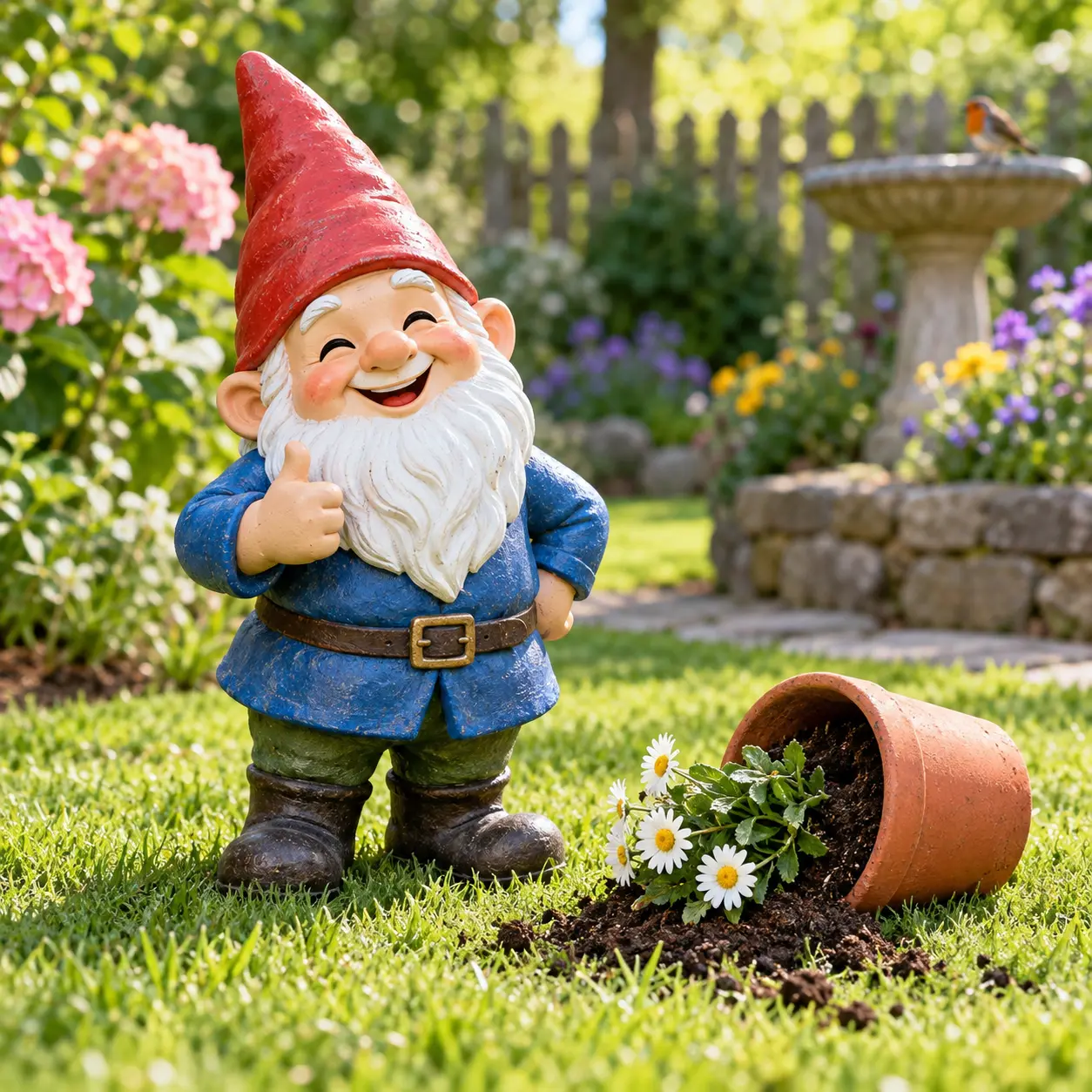
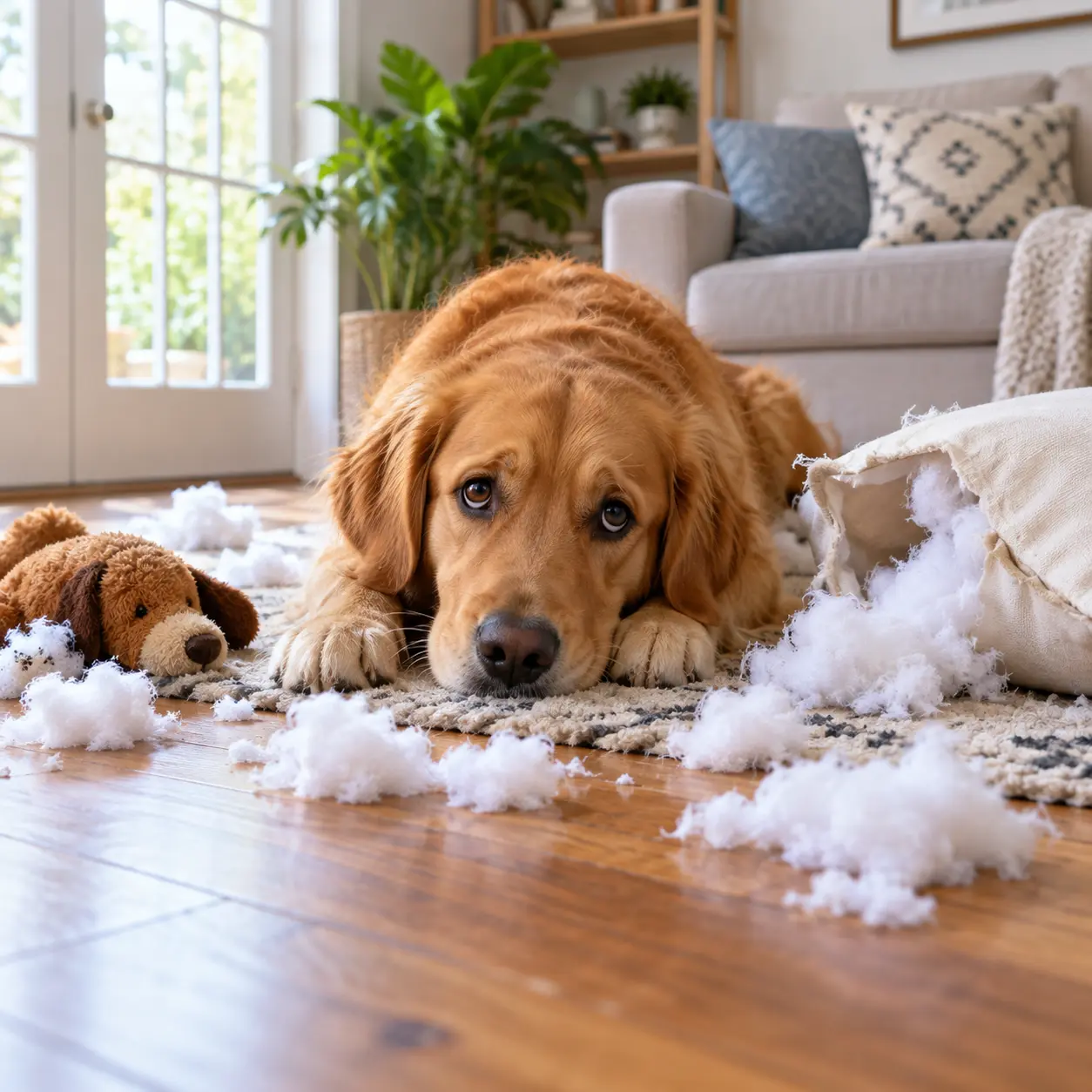
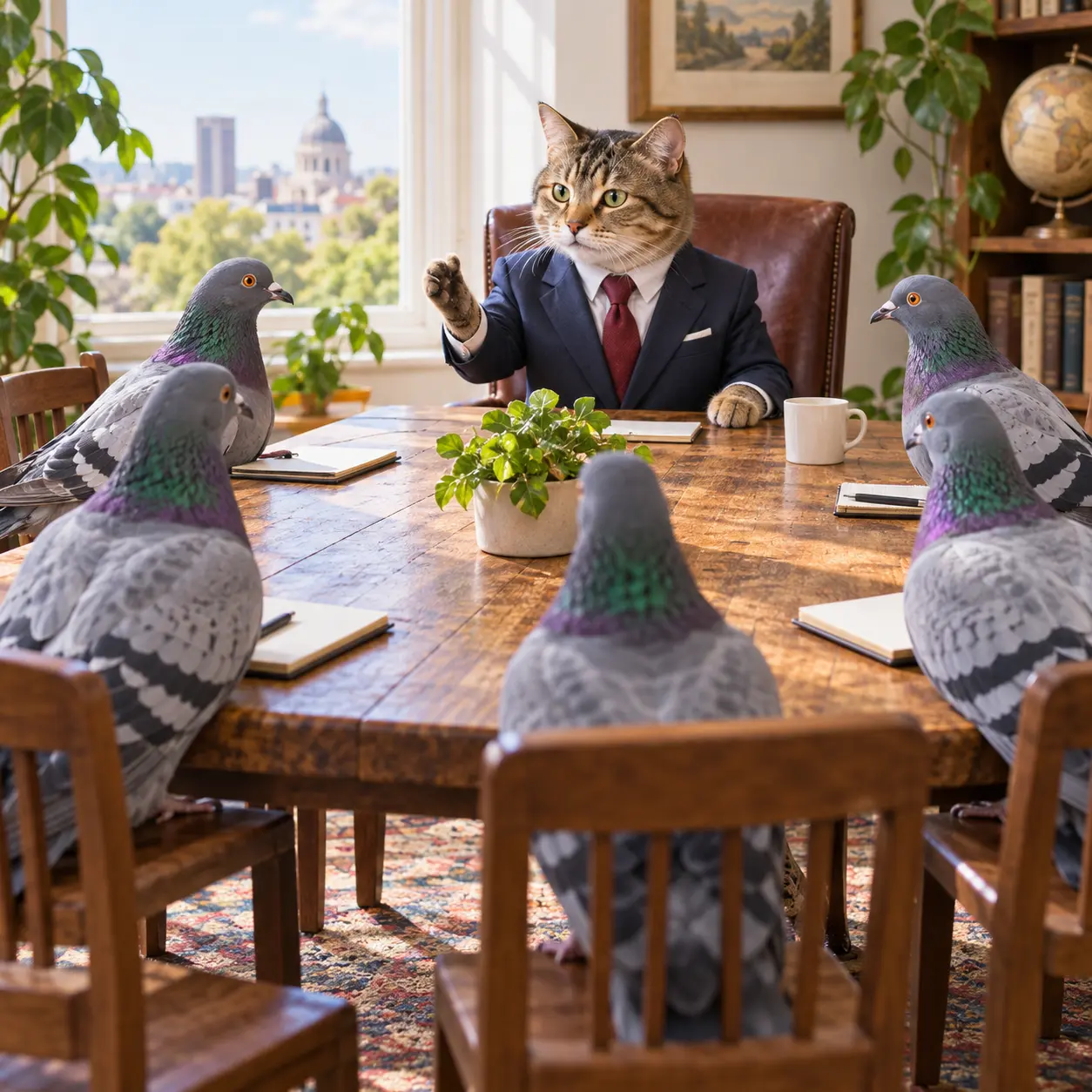
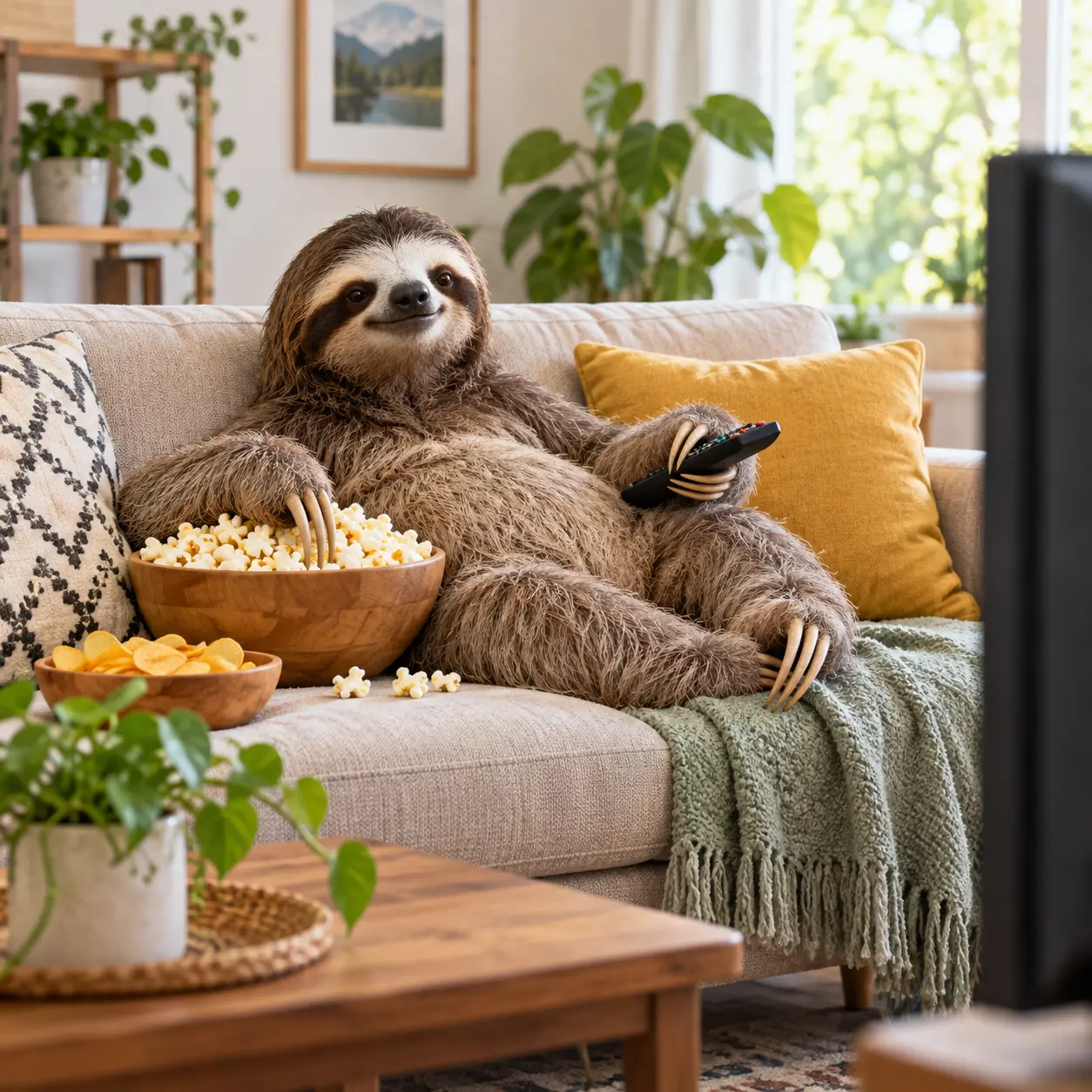
Who Makes Funny AI Images
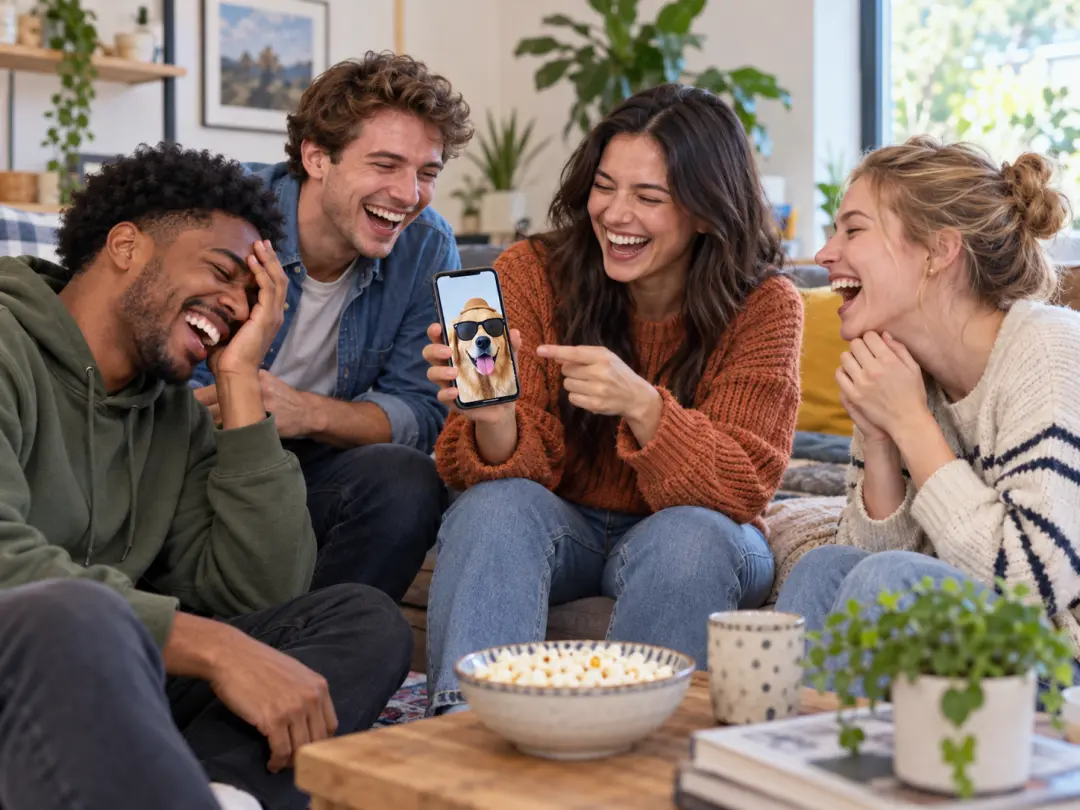
Turn An Inside Joke Into A Visual
Describe the people, setting, and punchline instead of forcing the joke into a repeated template. The prompt can name the exact reaction you want while keeping the scene clearly playful.
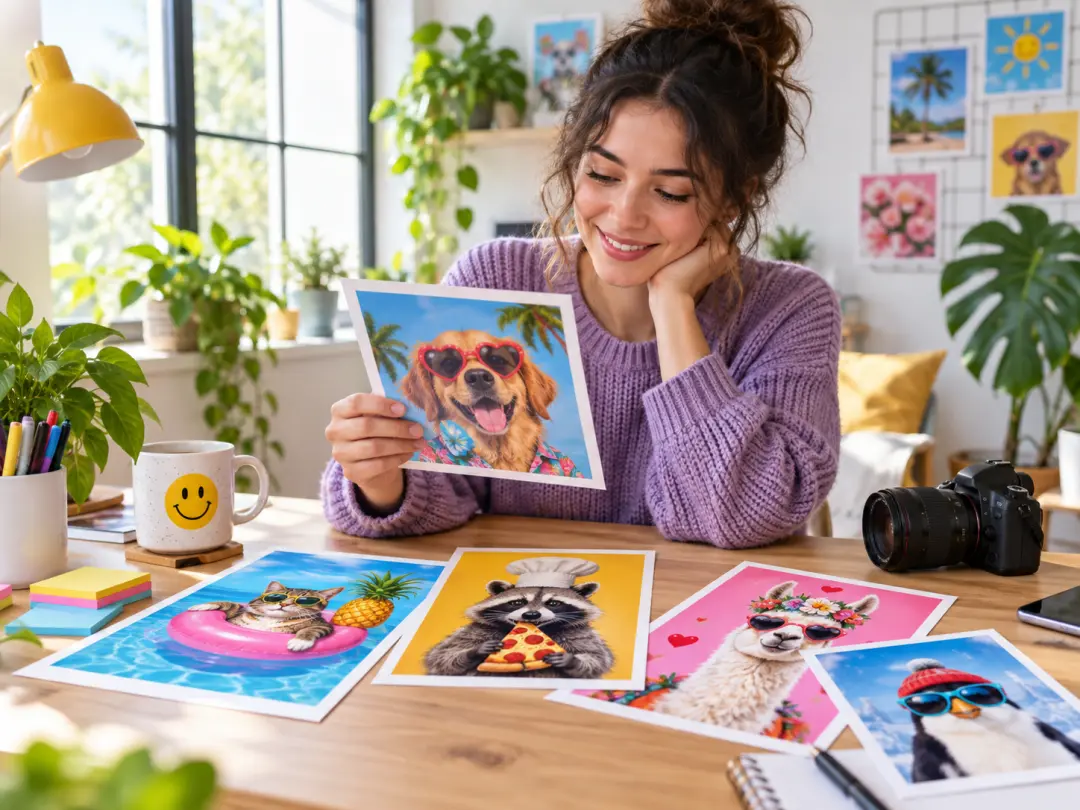
Create A Scroll-Stopping Visual
Use one written premise to explore several humorous directions without arranging a photo shoot. Change the subject or reaction while the visual style stays recognizably yours.
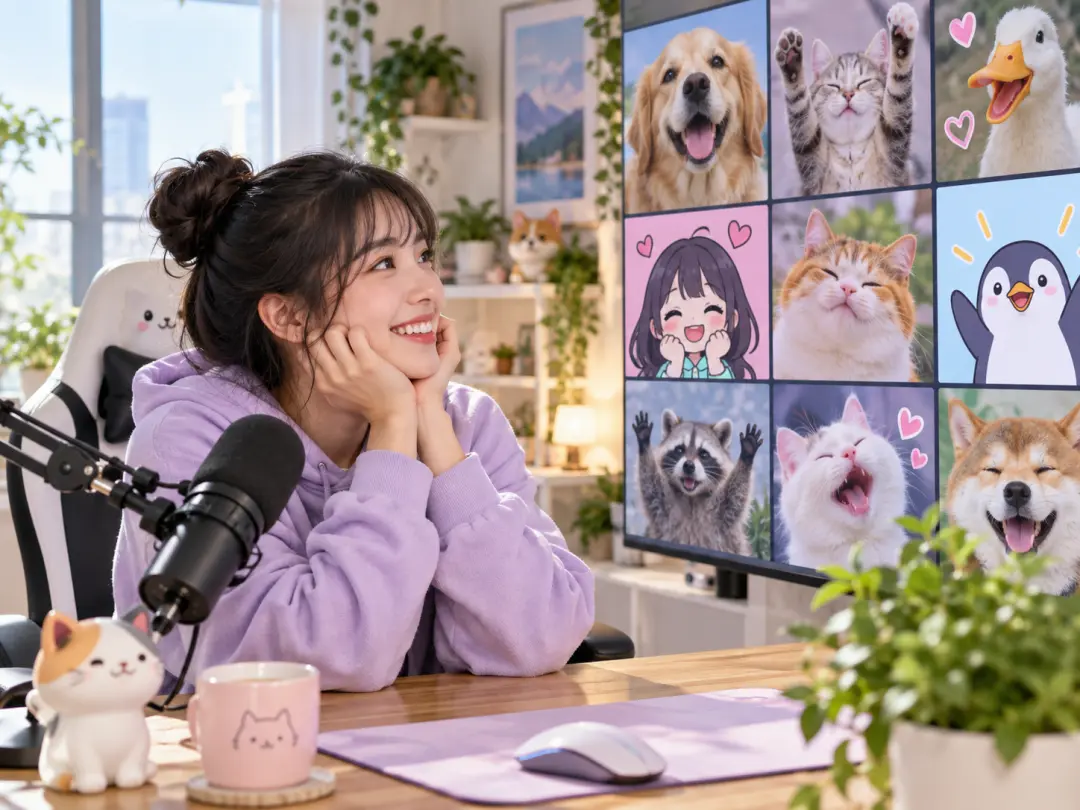
Keep The Group Chat Supplied
Recurring characters, running jokes, and familiar settings can all be described again. Reuse the same visual anchors when a new image needs to feel like part of the same bit.
What You Control In A Funny AI Image
Each feature answers a practical problem: keeping the joke specific, the scene readable, and the next version easy to direct.
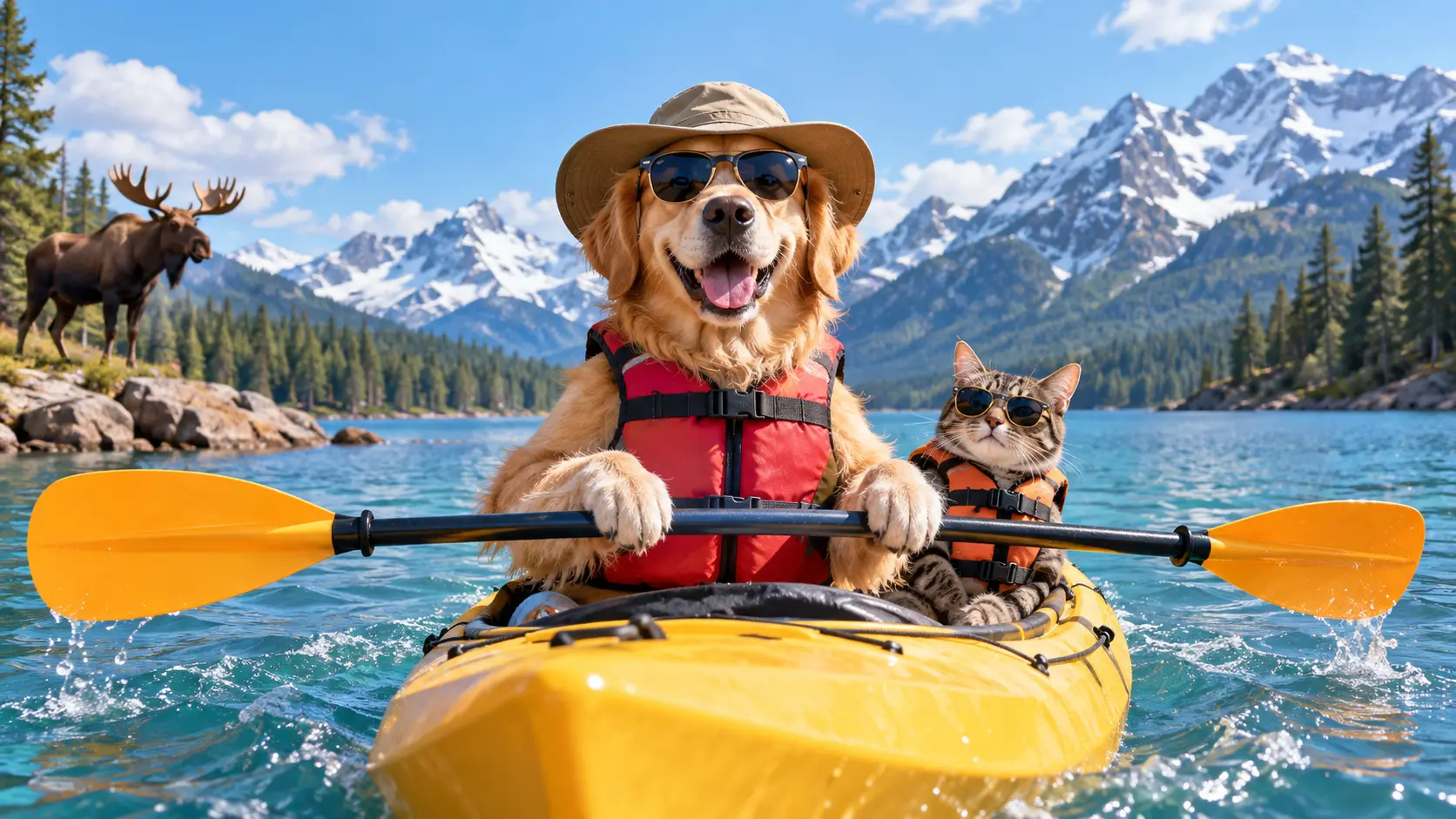
The Prompt Drives The Joke
Name the subject, action, setting, and punchline so the image follows your odd premise instead of replacing it with a generic visual. A detailed scene description gives the model less room to invent the wrong beat.
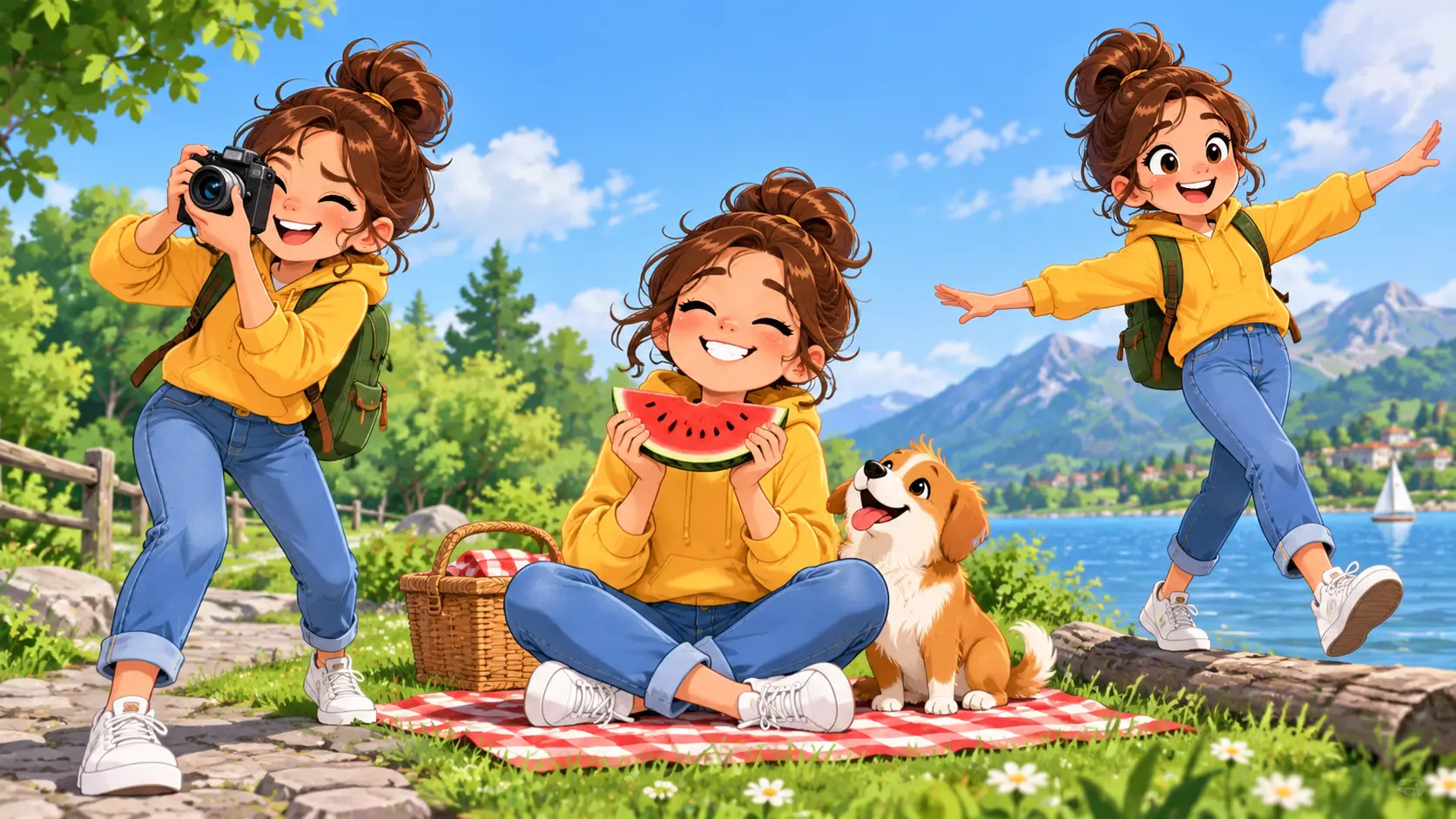
Characters Keep Their Defining Traits
Repeat the details that make the character recognizable, such as color, clothing, expression, or a signature object. This is useful for running jokes that return to the same cast.
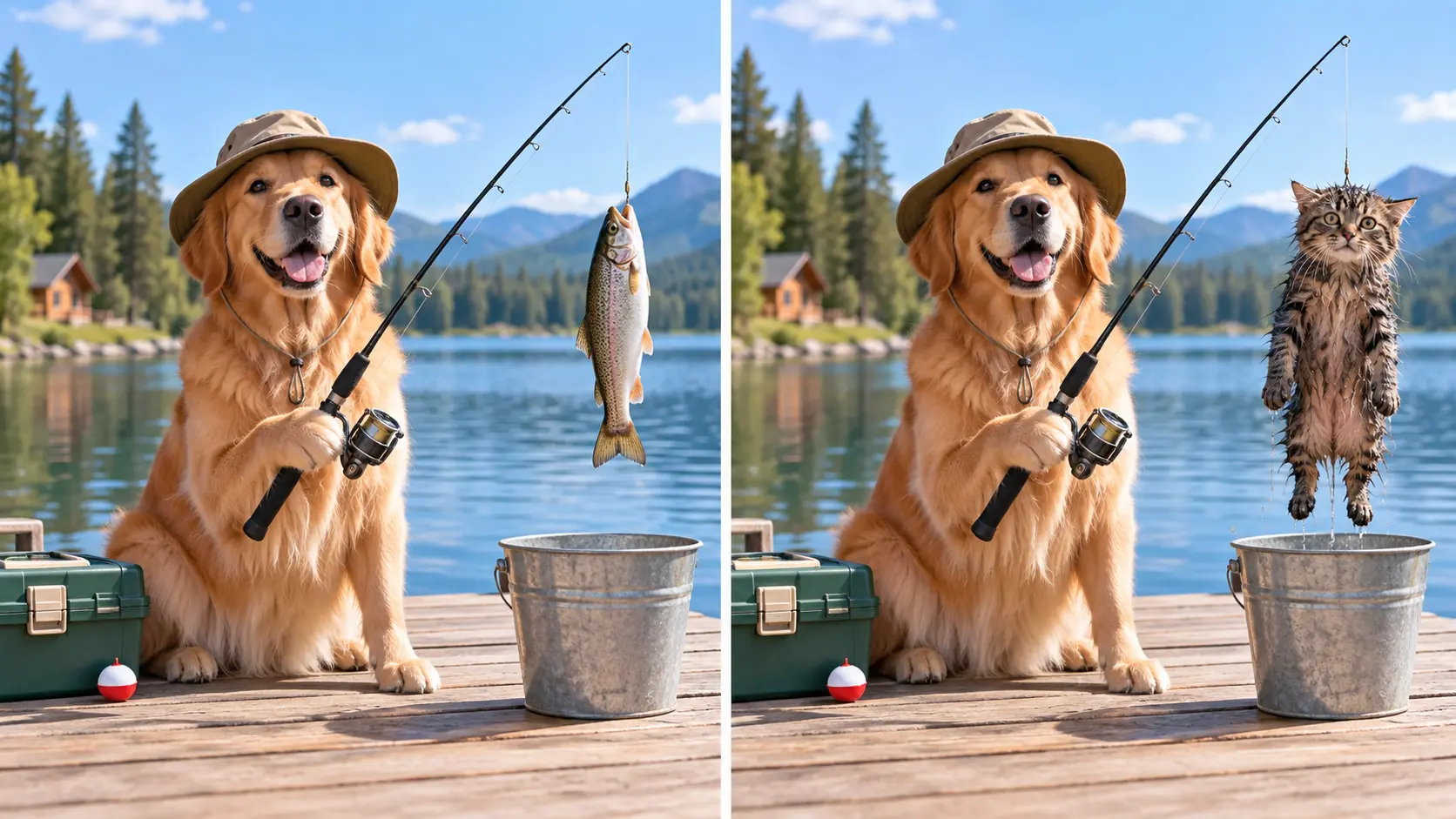
Iterate Without Starting Over
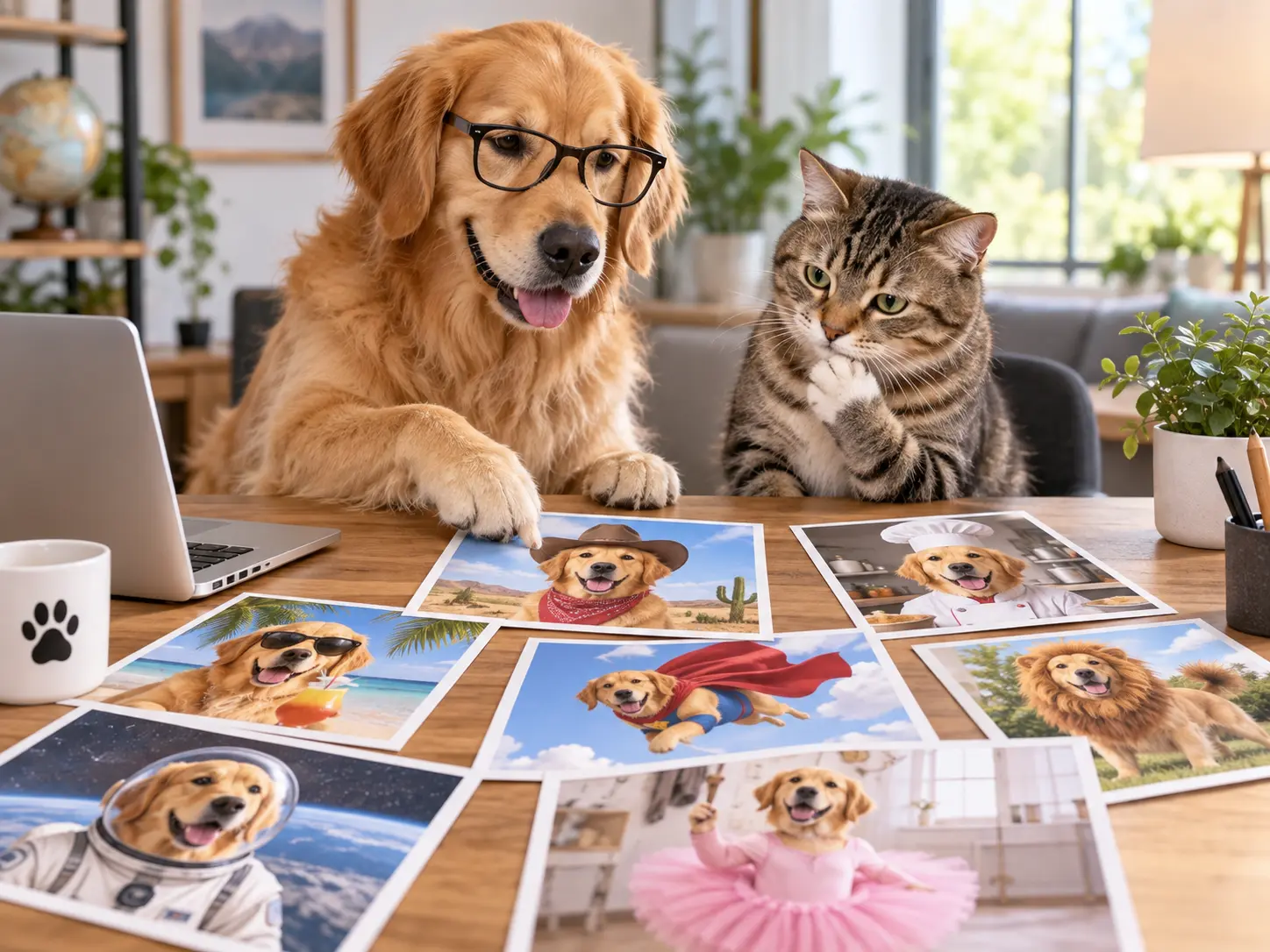
When the composition is close but the reaction is not, change one part of the prompt and keep the rest. You can make the scene drier, stranger, warmer, or more chaotic without rebuilding the whole idea.
Refine The Punchline
Change only the detail that missed, then generate again. Keep the wording that already made the characters and situation clear.
How To Create Funny AI Images
Three steps keep the task focused on the joke rather than on learning a complex editor.
Funny Image Ideas That Fit The Tool
Use the generator for fictional and clearly playful scenes rather than deceptive real-world impersonation.
Absurd Everyday Life
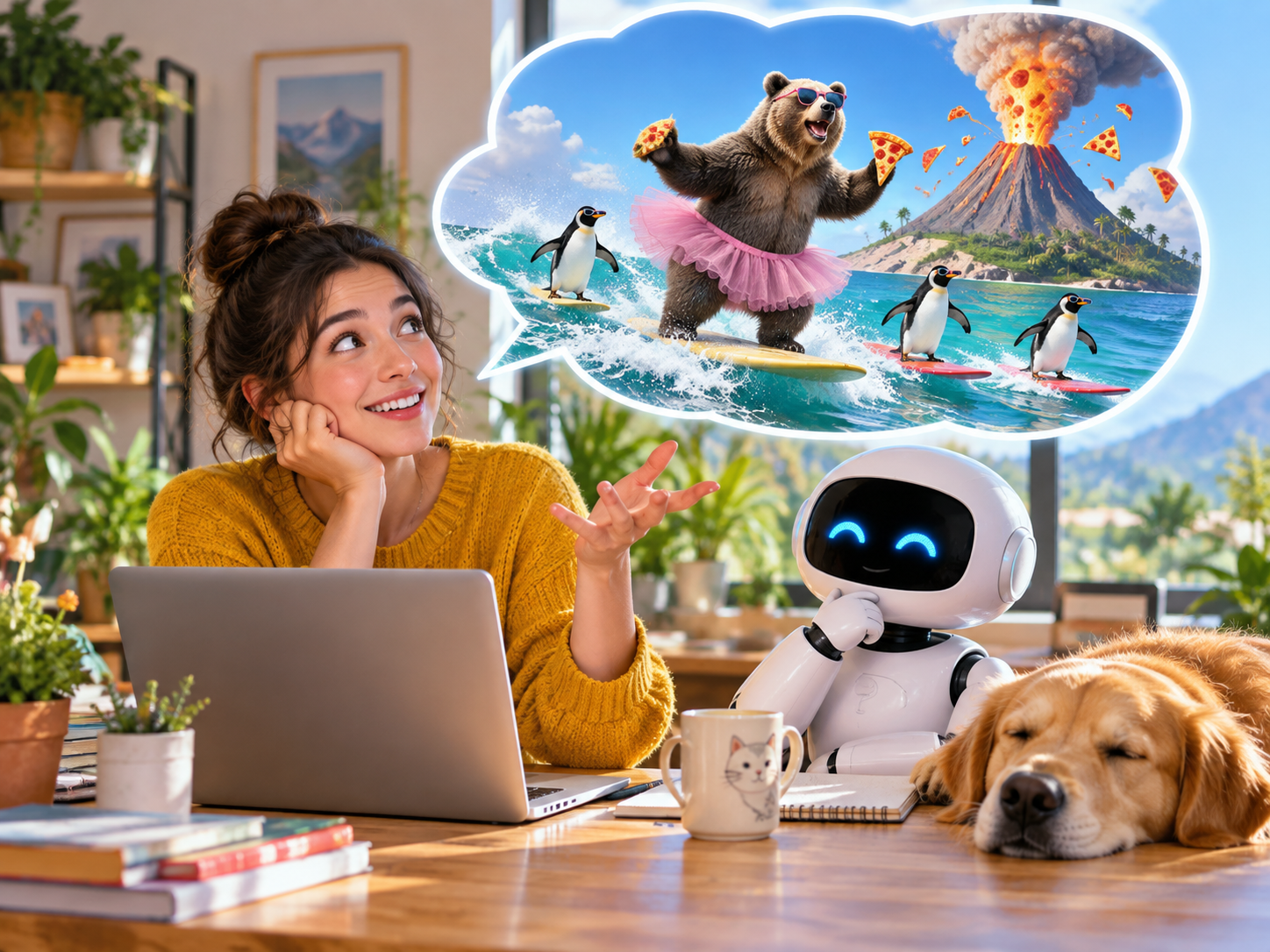
Put animals, objects, or familiar routines into a situation that would never happen in real life. The humor comes from a straight-faced composition around an impossible premise.
Harmless Prank Visuals
Visualize a fictional prank scene for a group chat or story. Label or present it as obvious fiction, avoid impersonating real people, and do not use it to mislead anyone.
Running Character Bits
Return to the same fictional character with a new problem each time. Reuse the defining traits so the audience recognizes the character before reading the caption.
Impossible Reactions
Exaggerate a pet, coworker, or everyday frustration through a playful facial expression and composition, while keeping the result unmistakably fictional.
Explore related image tools
Funny AI Image Questions
Make Your Next Joke Visual
Describe the absurd scene, generate a funny AI image, and refine the detail that carries the punchline.
Get Started