AI Baby Video

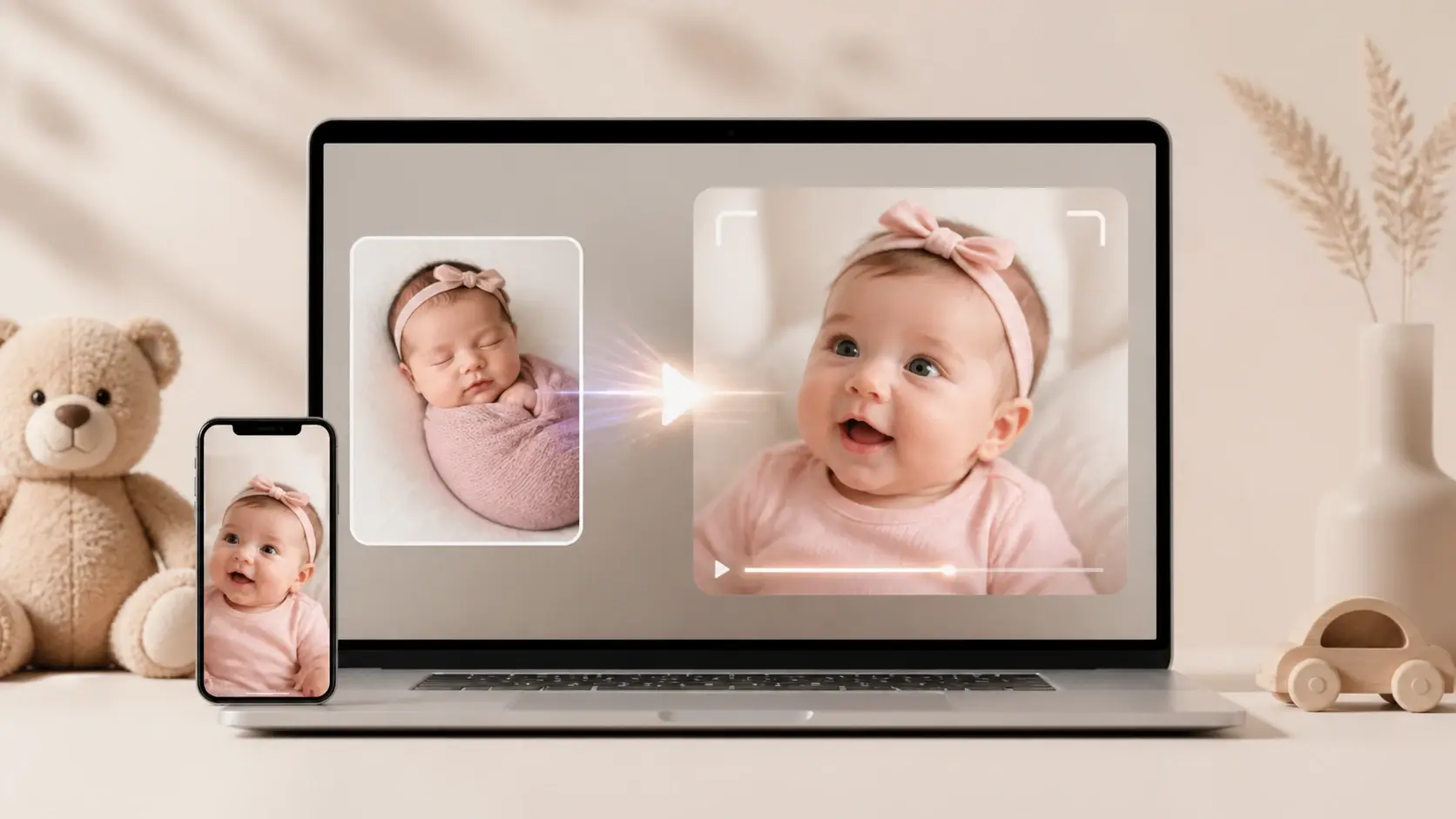
Start from one line of text or a single photo and VideoAI returns a share ready vertical baby clip in minutes, with every scene and every movement still arranged by you.

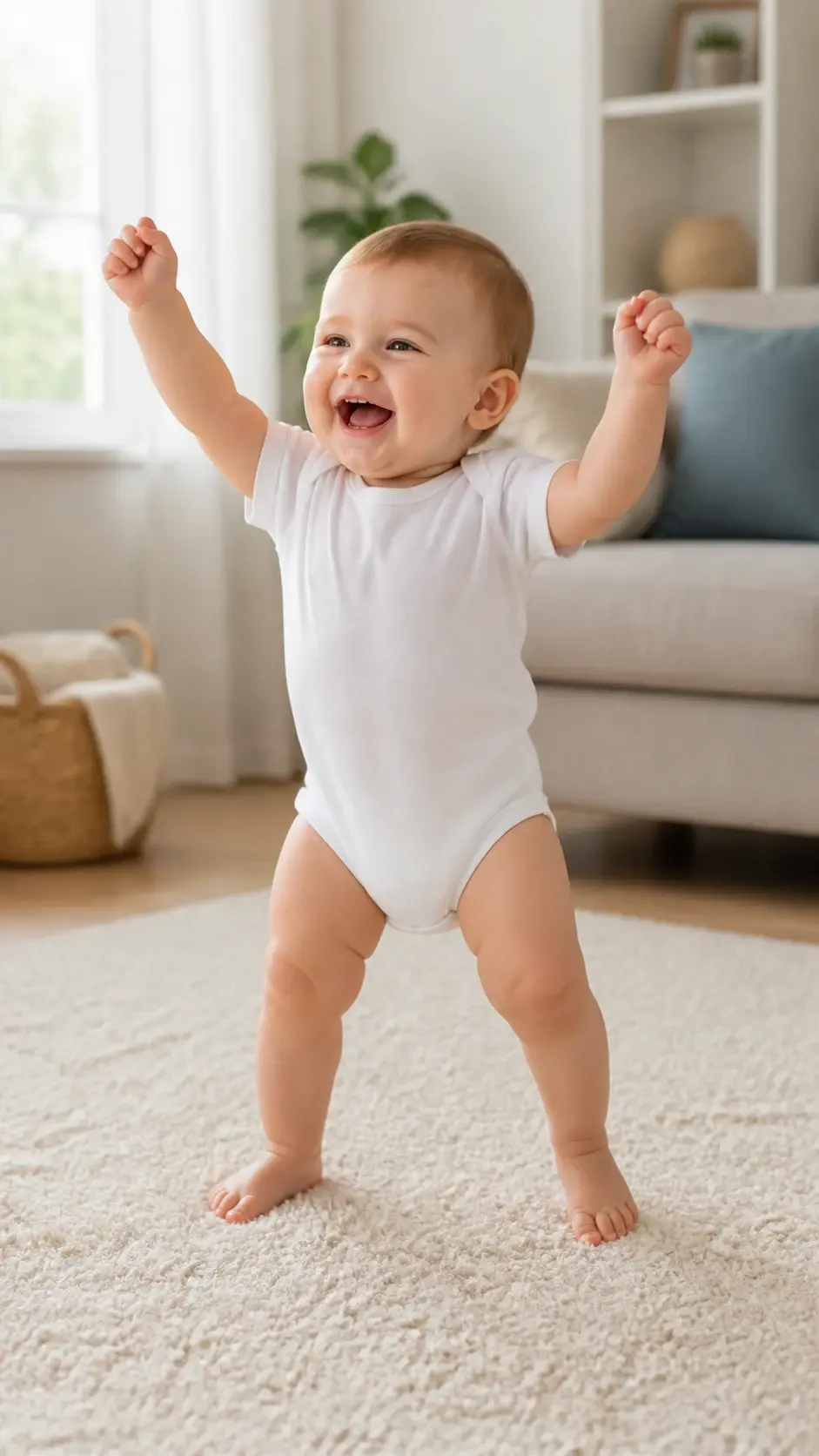
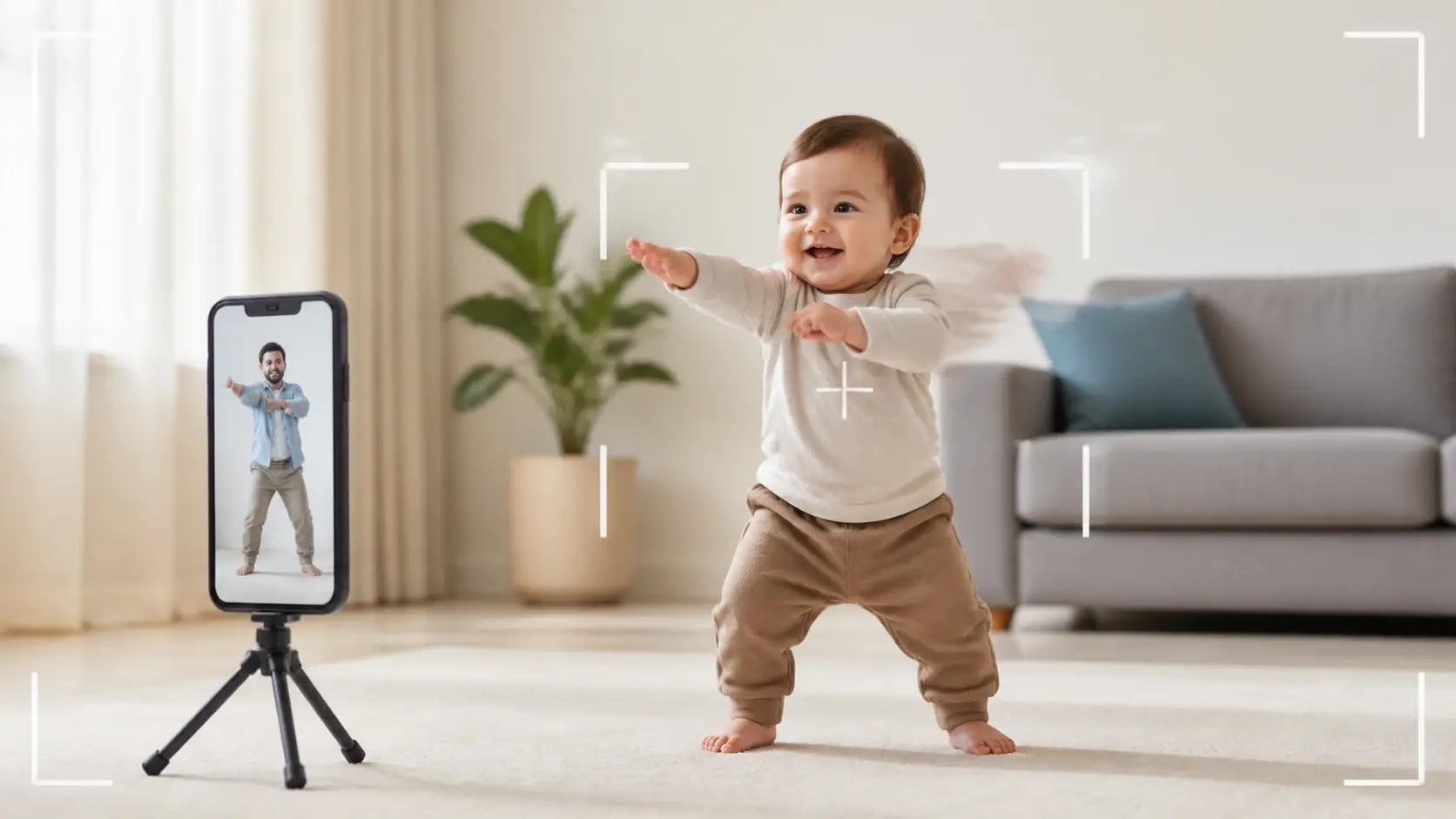
Vertical video still of a smiling baby dancing on a soft rug in a bright living room

Try an example

Who Makes an AI Baby Video

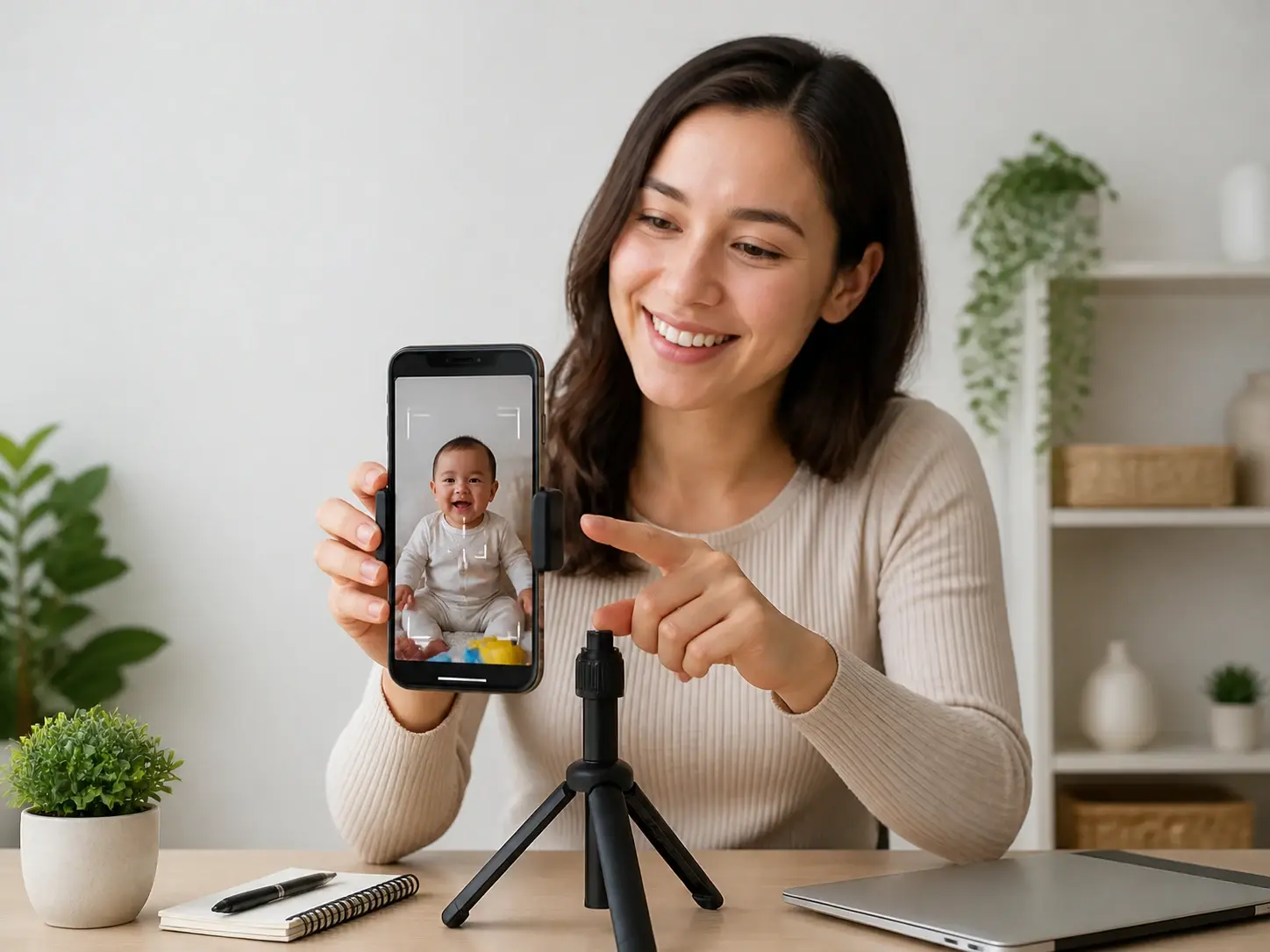
Short video creator previewing a vertical baby clip on a phone for TikTok posting

Short Video Creators

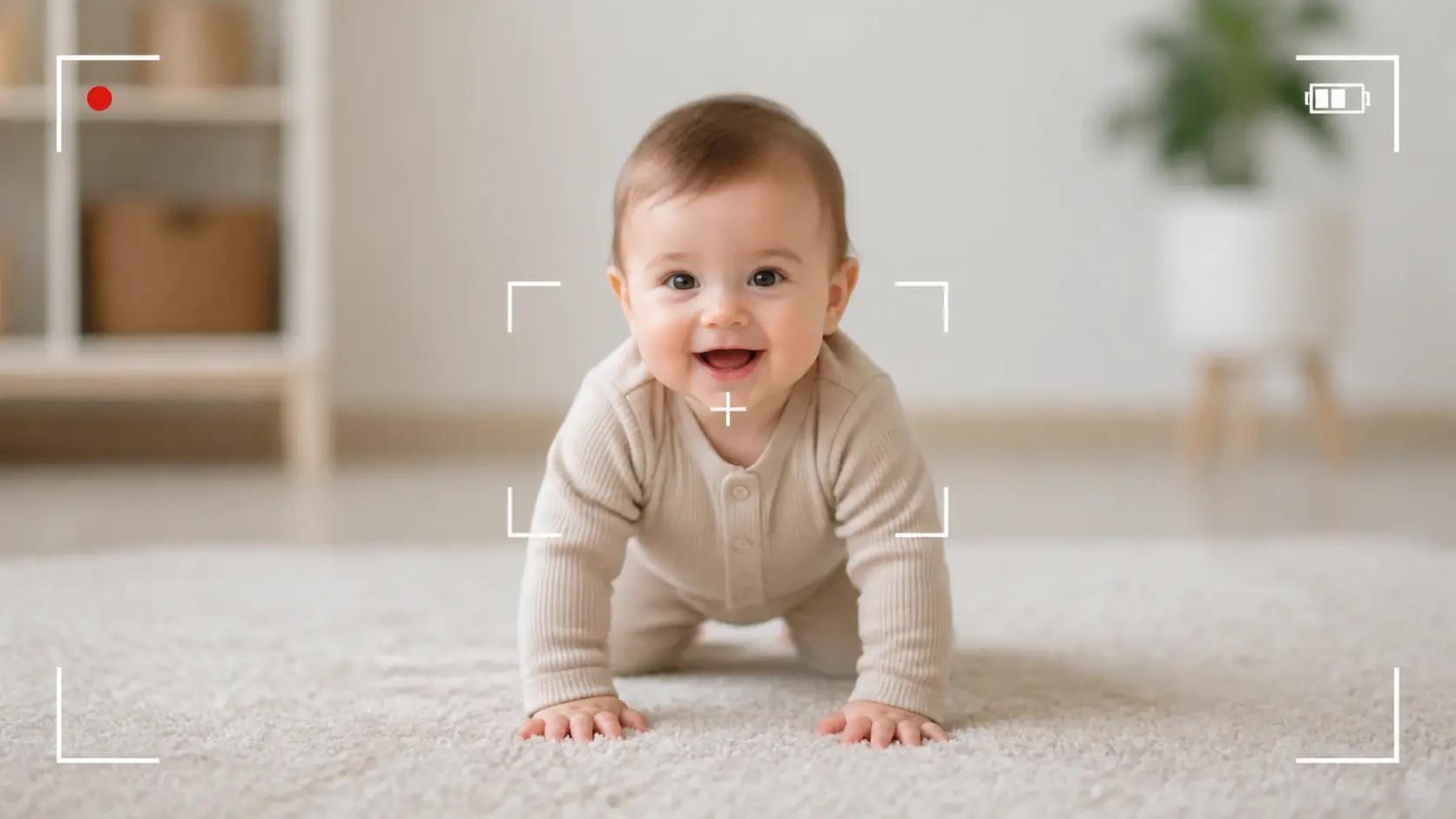
Short video creators posting to TikTok and Reels need a steady stream of vertical clips to keep their feeds moving. A baby video generator gives them output in the 9:16 shape those platforms run, and the per second control means each ai baby video matches the hook they planned.

Everything Your AI Baby Video Needs

Every card below is one thing VideoAI actually does for your ai baby video, from per second control to a face that stays the same across a whole series.

Storyboard timeline with a baby scene pinned to each second by second segment

Storyboard Every Second

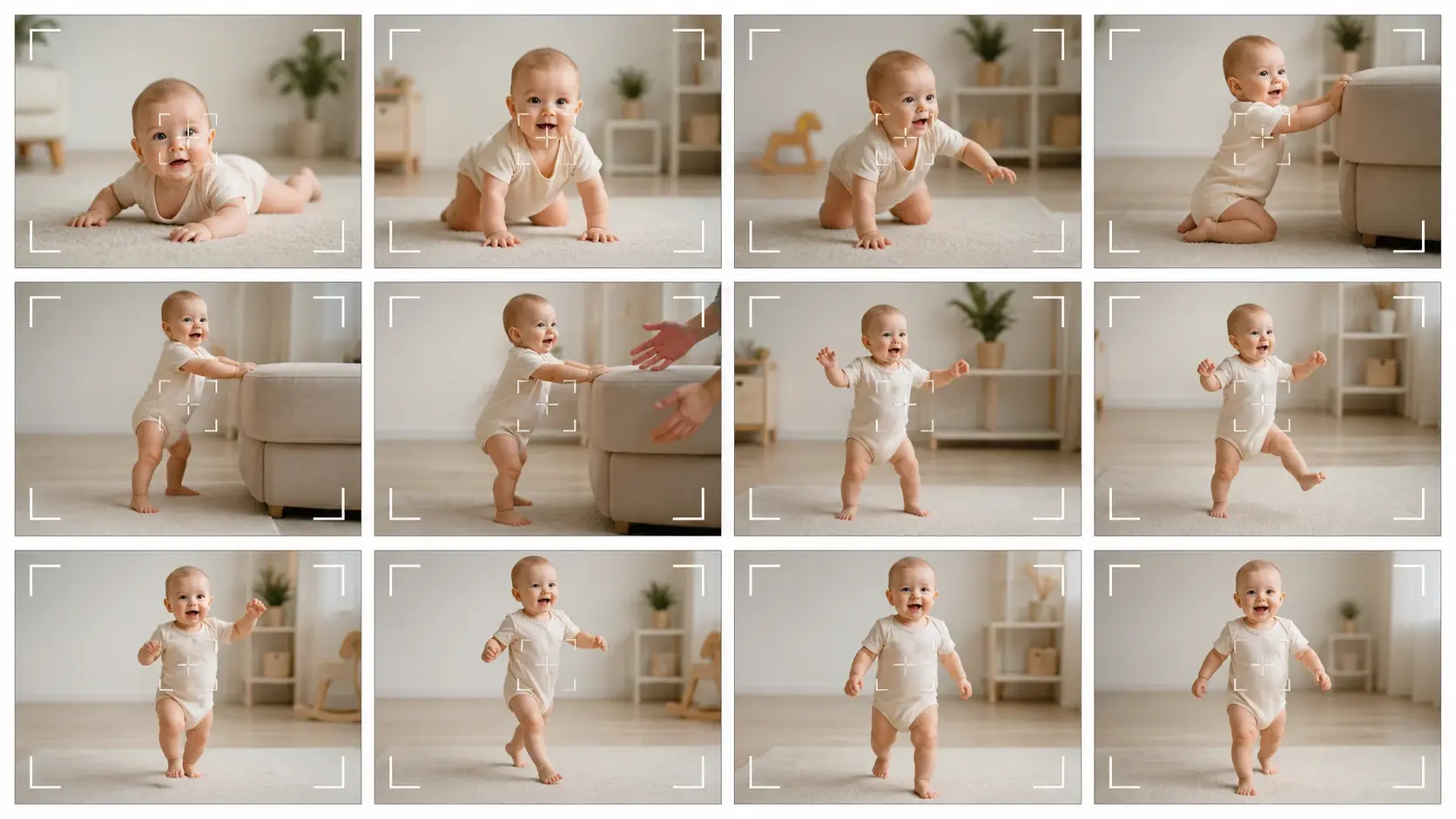
Decide what fills the frame at each moment, then let the model render that stretch from what you wrote. An ai baby video generator here lets you write the shot for the first three seconds, then the next stretch, and pin a reference image to any segment so the model has that picture to work from beat by beat.

Baby from an uploaded photo speaking on screen with matching lip movement

Make a Photo Speak

Watch the baby on screen open its mouth and speak your words, with lip movement that follows the sound. Upload one front facing photo of your own baby, write the lines or add an audio clip, and an ai talking baby scene builds around them, turning a still face into a talking baby video you can send in minutes.

Same baby character kept consistent across several video shots in one series

One Baby, Every Shot

Keep the same face from the first cut to the last. Give VideoAI a few reference images of one character and that baby stays recognizable across every shot and across a full series, so a baby ai video with several scenes still reads as one child.

Baby copying a reference dance clip inside a vertical dancing baby video

Move to a Reference Clip

Hand over a clip of a dance or a gesture and the baby copies the motion. That is how a dancing baby video takes shape: supply the reference movement, describe the look you want, and the character performs the same steps in the format you picked for your ai baby video.

How Your AI Baby Video Comes Together

Three steps take you from a rough idea to a finished clip you can download.

Text description and a front facing baby photo prepared as starting input

Step 01

Bring Your Starting Point

Describe the baby and the scene you want in plain words, or upload one front facing photo of your own baby to use as reference. Want speech? Type the lines or add a ready made audio track. Want a dance? Include a short reference clip of the motion you have in mind.

Assets tagged with the at symbol and a per second storyboard being arranged

Step 02

Arrange the Shots

Assign each asset a job with the @ symbol, marking one as the first frame, another as the soundtrack or the motion reference. Write the storyboard second by second, note what shows in the opening beats and what moves next, then choose landscape 16:9 or vertical 9:16 for your platform.

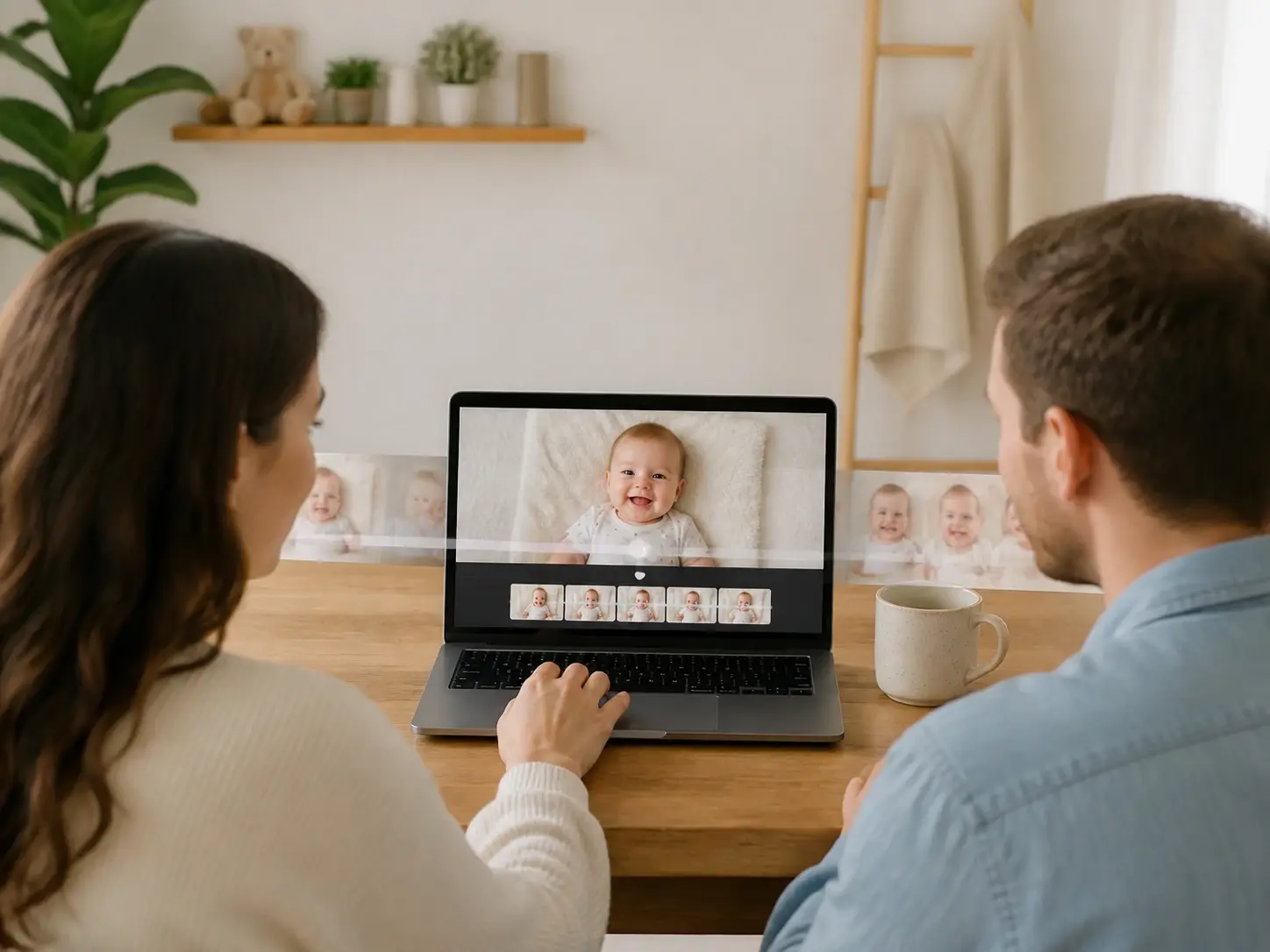
Finished baby clip playing in the workspace ready to download without a watermark

Step 03

Generate and Refine

Press generate and your ai baby video arrives in minutes. Where you gave lines or audio, the baby on screen speaks with matching lip movement. A single generation runs up to 30 seconds, and you can carry the finished clip further with video extension to stretch it longer. It exports without a watermark and lands in your workspace, where a typed note lets you keep refining the clip without starting over.

Ways to Use AI Baby Video

Pick the format that matches the clip you have in mind.

Dancing Baby Video

A dance trend is taking off and you have no footage to join it. Feed in a reference clip of the moves along with a description of the baby, and out comes a vertical dance short, a finished ai baby video ready for the feed.

AI Baby Podcast

A talk show style series needs the same host in every episode. One character carries several scripts, and consistency keeps each installment recognizable as the same baby, which is what makes a baby podcast generator idea hold up across a full run.

AI Interview Baby

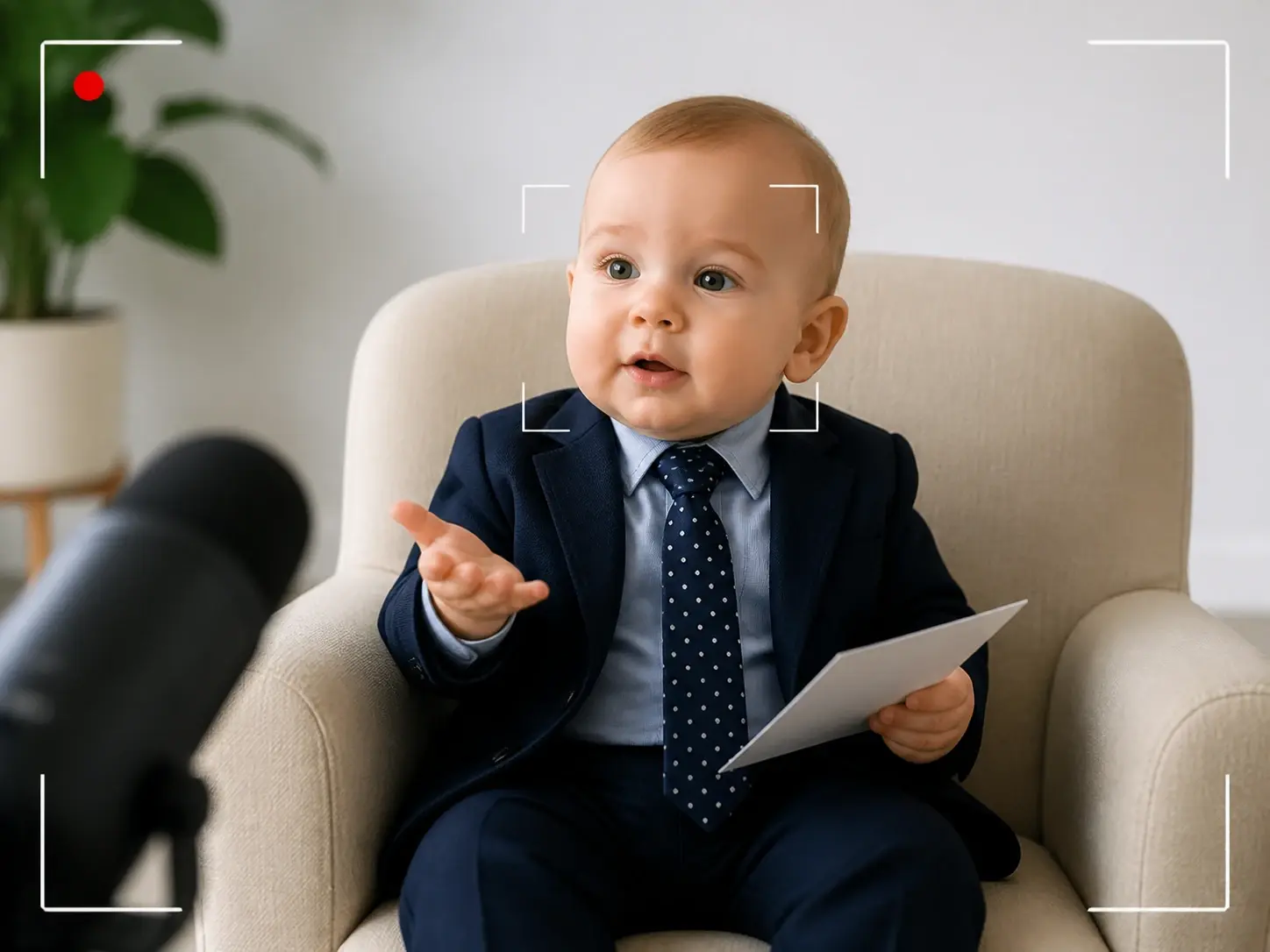
An ai interview baby skit is a back and forth between a tiny guest and an off screen host, so plan it as a run of short shots. Break the exchange into second by second segments and write each one out: this stretch the baby answers while the camera holds on its face, the next stretch cuts to a reaction. Note who is speaking and what fills the frame in every segment, and the model renders the clip from that shot list.

Family Keepsake Clip

You have a single photo of your own child and want something warm to send relatives. Turn that cute baby video idea into a short, gentle keepsake, or set a music track and let a singing baby video move in time to the beat.

What Creators Ask Before Starting

Even with no clips to start from, how to make ai baby videos comes down to a short setup you stay in charge of. Write one line describing the baby and the scene, or bring a single photo, then lay out the storyboard second by second so each moment holds the frame and action you picked. Press generate and the model builds it from what you arranged. Your ai baby video is ready to download in minutes.

Yes, an ai baby video free trial starts the moment you make a new account, which comes with 10 credits so you can build a first clip before deciding on anything more. The result carries no watermark and can be used commercially.

Each ai baby video can run up to 30 seconds in one generation, which suits short vertical posts where the opening moment has to land. When your story needs more room, keep it going: take the finished clip, extend it into a fresh stretch, and continue from where it left off so nothing has to be squeezed into a single pass. You decide the length as you build.

Both orientations are ready, landscape 16:9 and vertical 9:16, so you choose the frame that fits wherever the ai baby video is heading.

Type the dialogue and it is voiced for you, or upload a ready made audio track, and the baby on screen speaks with lip movement that follows the sound, which is how a talking baby video with your own script comes together.

Yes, a few reference images lock the character in place, so every episode of a series shows the same recognizable baby instead of a new face each time.

Uploaded assets stay in your own workspace, where you can reuse them for the next ai baby video or delete them yourself whenever you like.
Soft pastel nursery light on a calm gentle background surface

Make Your First AI Baby Video

Bring a photo or a single line of text and VideoAI turns it into a share ready ai baby video in minutes.

Get Started
AI Baby Video - Talking Baby Video - VideoAI