
Step 01
Upload Two or More Photos
Add the images that contain the people, pets, products, or places you want in the montage. Clear subjects with unobstructed faces or products make the combination easier for the photo montage generator to interpret.

Use this photo montage generator to bring two or more photos into one cohesive scene instead of placing them in separate frames. Upload the source images, describe how the people, pets, products, or places should share the same space, and the photo montage generator produces a new image with coordinated perspective and light. Review the result, then download the version that tells the story clearly.
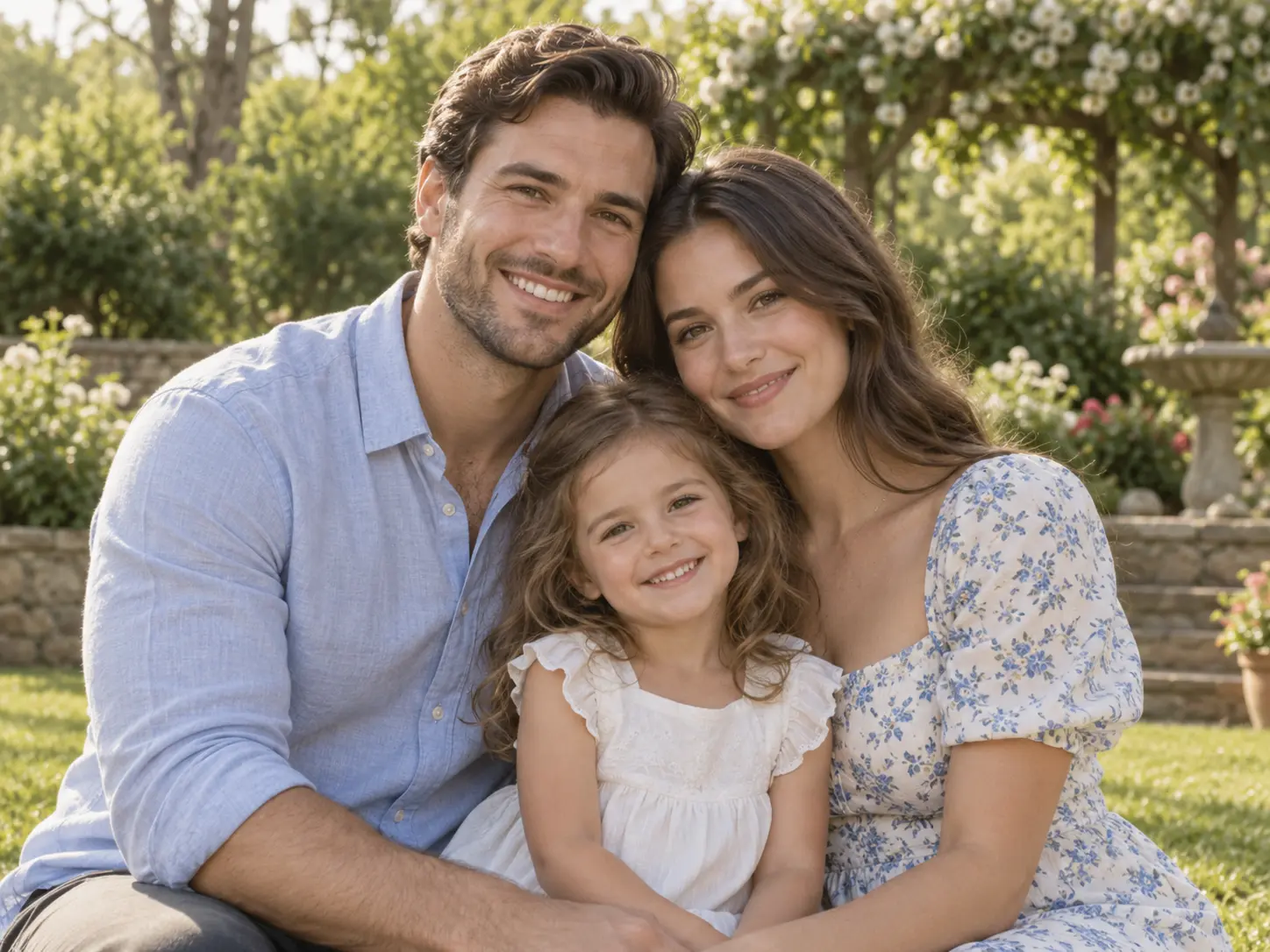
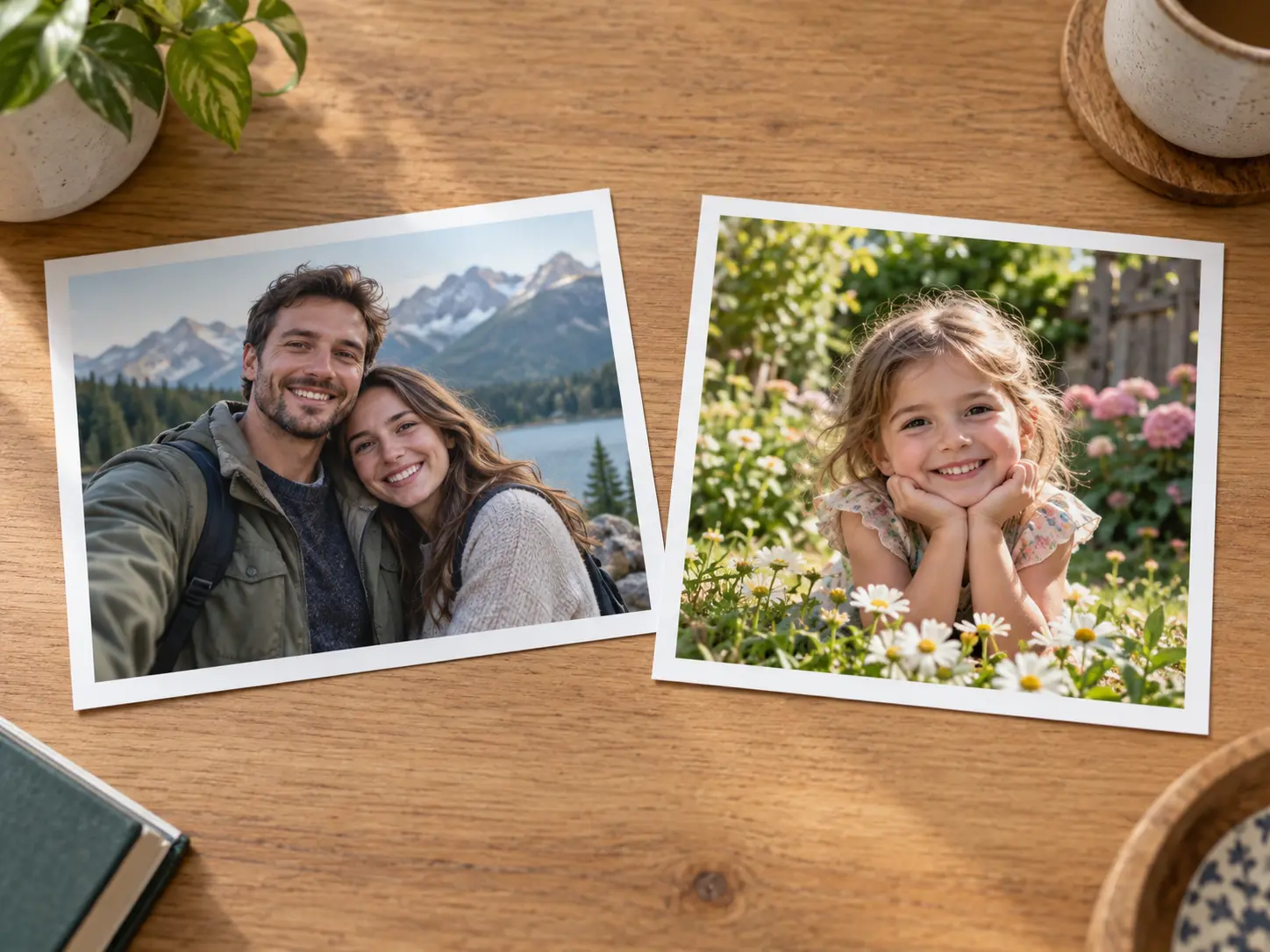
No picture on hand? Try with one of these
A photo montage can mean different things, so this page focuses on AI multi-photo fusion: two or more uploaded images are interpreted together and rebuilt as one cohesive picture. The photo montage generator matches perspective, light, shadow, and scale where possible while following your description of who or what should appear in the final scene.
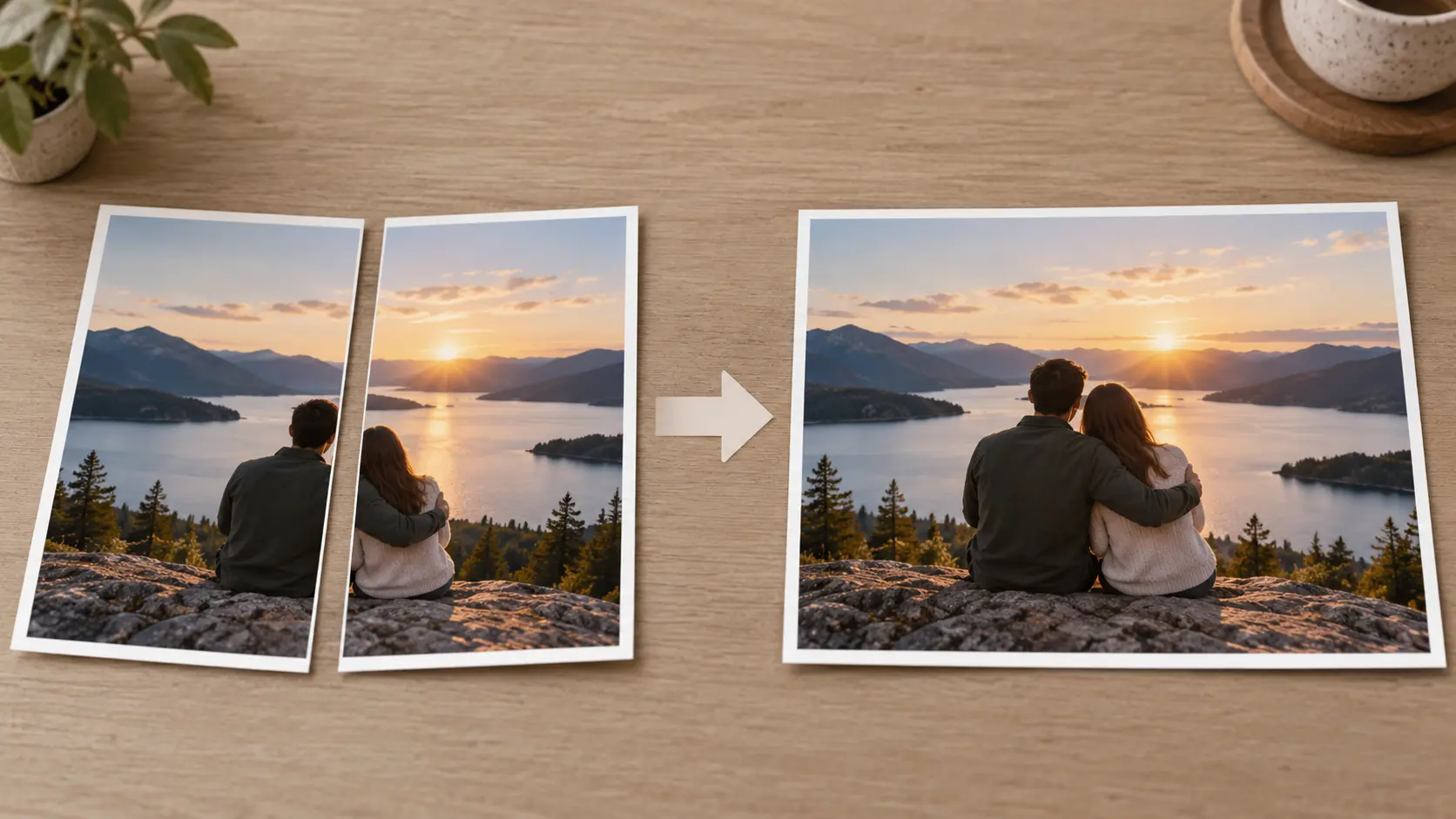
Upload two or more source photos and turn their subjects into one generated scene. The photo montage generator can bring people from separate shots into a group picture, place a product into a lifestyle environment, or combine a pet with another setting. It is not a grid collage or a manual placement canvas; the result is an AI-generated image built from the source photos, so review the combined scene as one picture rather than a set of separate tiles.
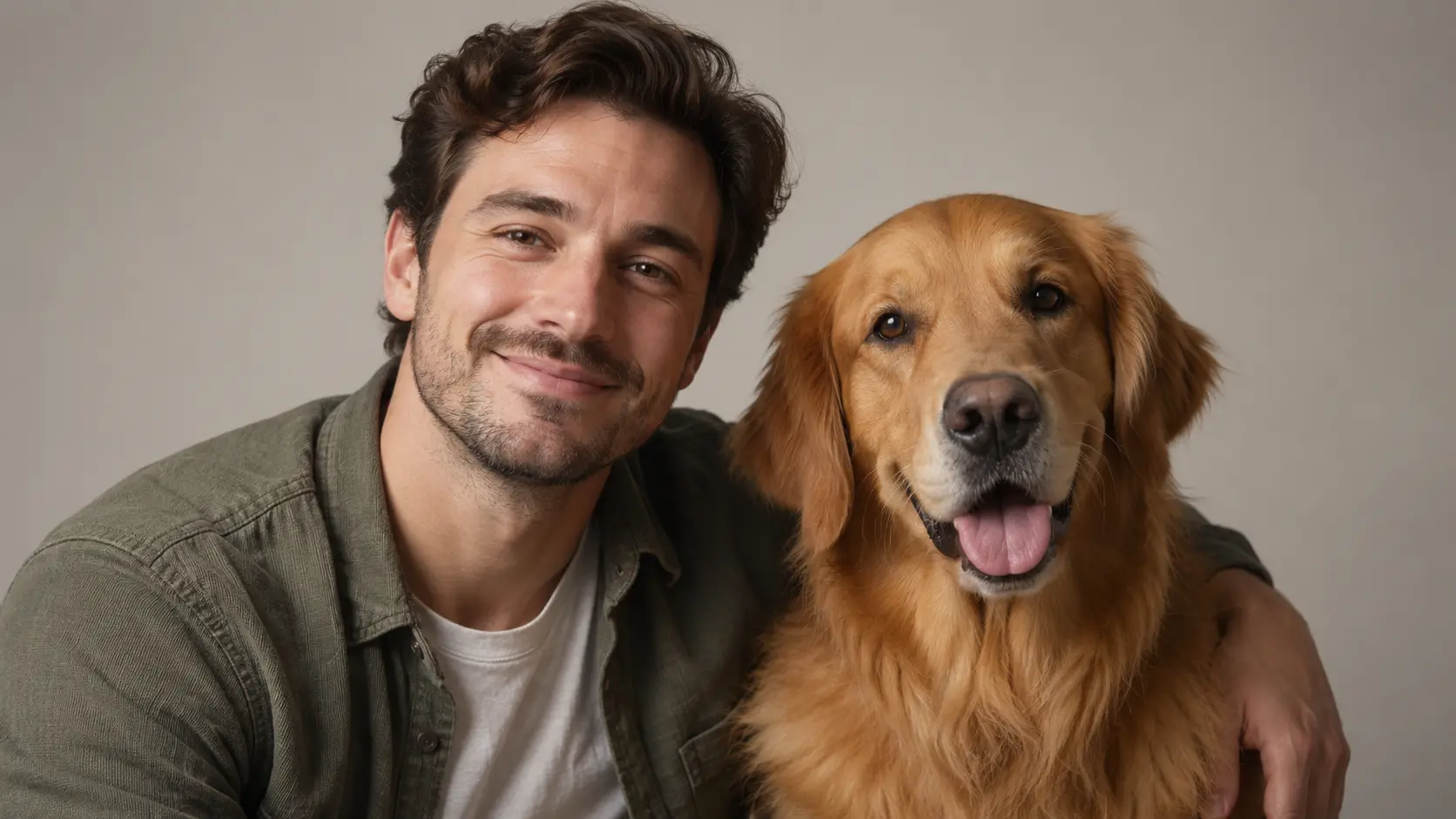
Convincing multi-photo fusion depends on more than cutting subjects out of their backgrounds. The photo montage generator rebuilds the combined image with consistent camera perspective, light direction, shadow behavior, and color atmosphere. Results work best when the source photos offer clear subjects and a compatible viewing angle. Check contact shadows and scale after generation, because those details reveal whether a montage feels natural or looks like two pictures sitting side by side.
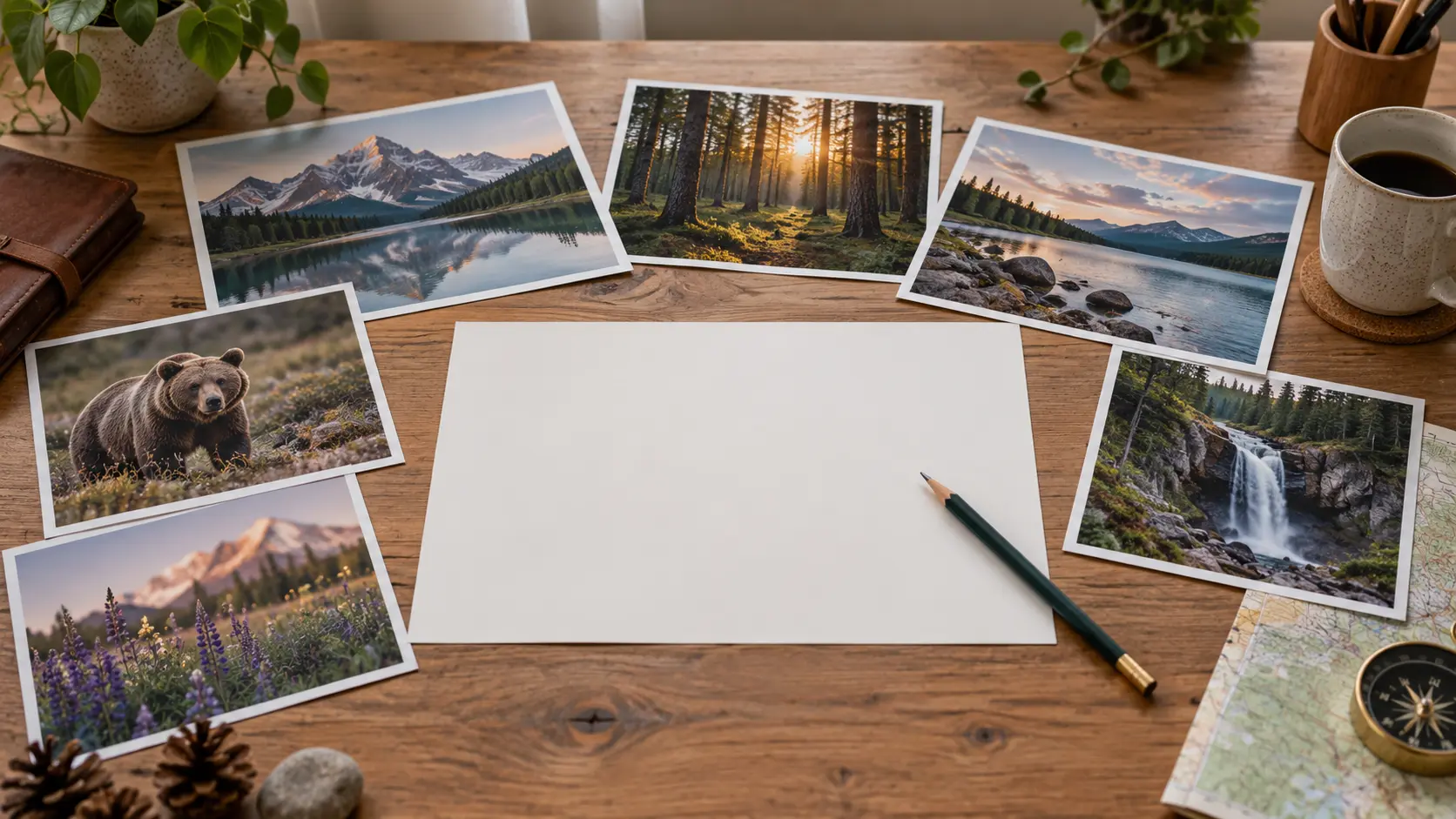
Describe who should appear, where they should stand, and what kind of setting should connect the source photos. The photo montage generator uses that instruction to decide how the combined scene should be composed. Keep the request specific and realistic, then review faces, clothing, proportions, and background continuity before using the result in a gift, social post, or campaign. If one subject looks wrong, adjust the wording and generate again instead of rebuilding the whole scene.
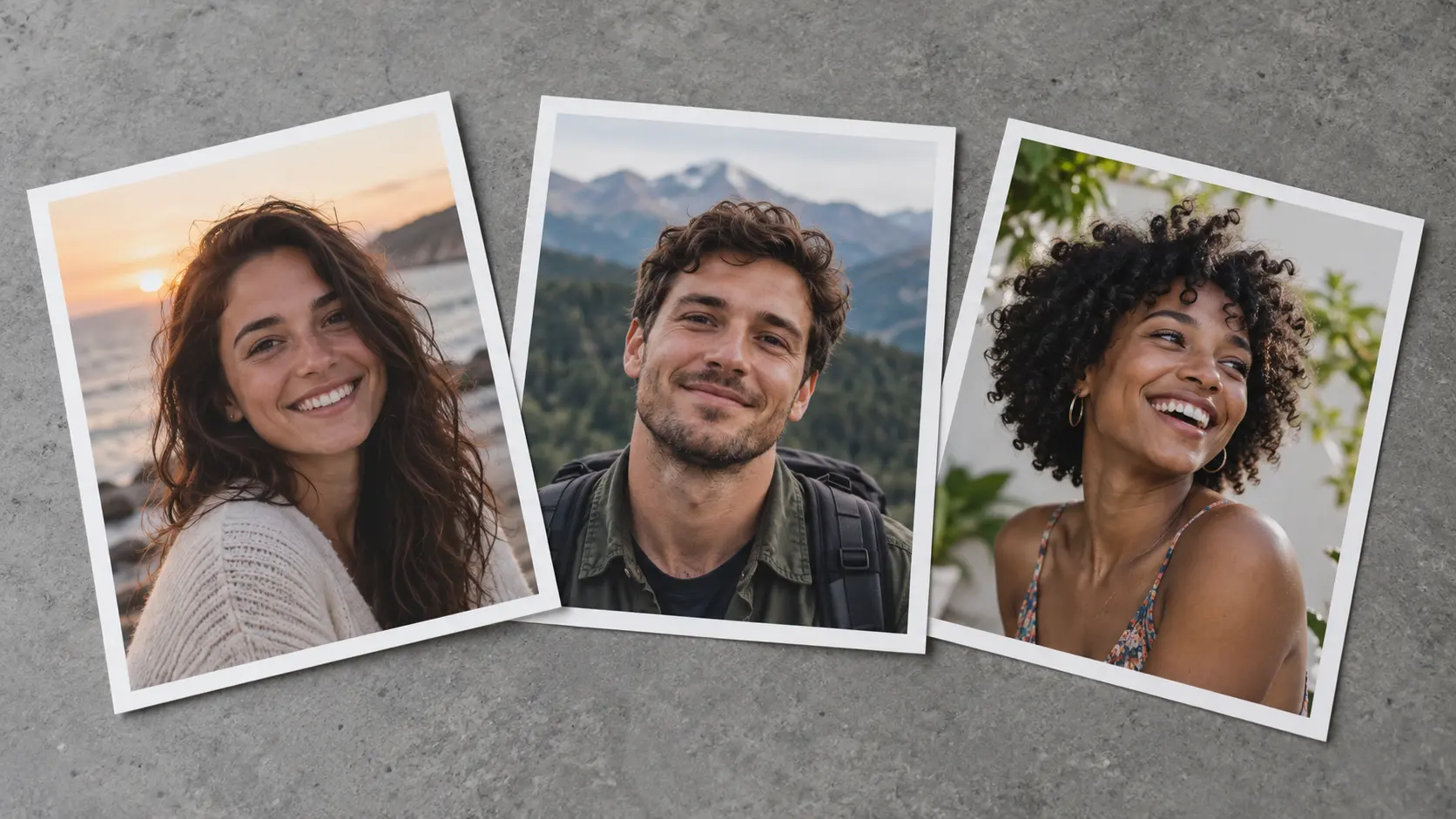
Most montages start with two images, and more can be added while the scene stays readable. The photo montage generator works best when each source contributes one clear subject, so decide who or what belongs in the frame before you upload. Adding too many subjects usually makes scale and lighting harder to reconcile. Keep the group small, describe the arrangement, and generate again if a face or product needs a cleaner position.
Three steps turn separate source photos into one AI-generated scene with a shared visual story from the photo montage generator.
Step 01
Add the images that contain the people, pets, products, or places you want in the montage. Clear subjects with unobstructed faces or products make the combination easier for the photo montage generator to interpret.
Step 02
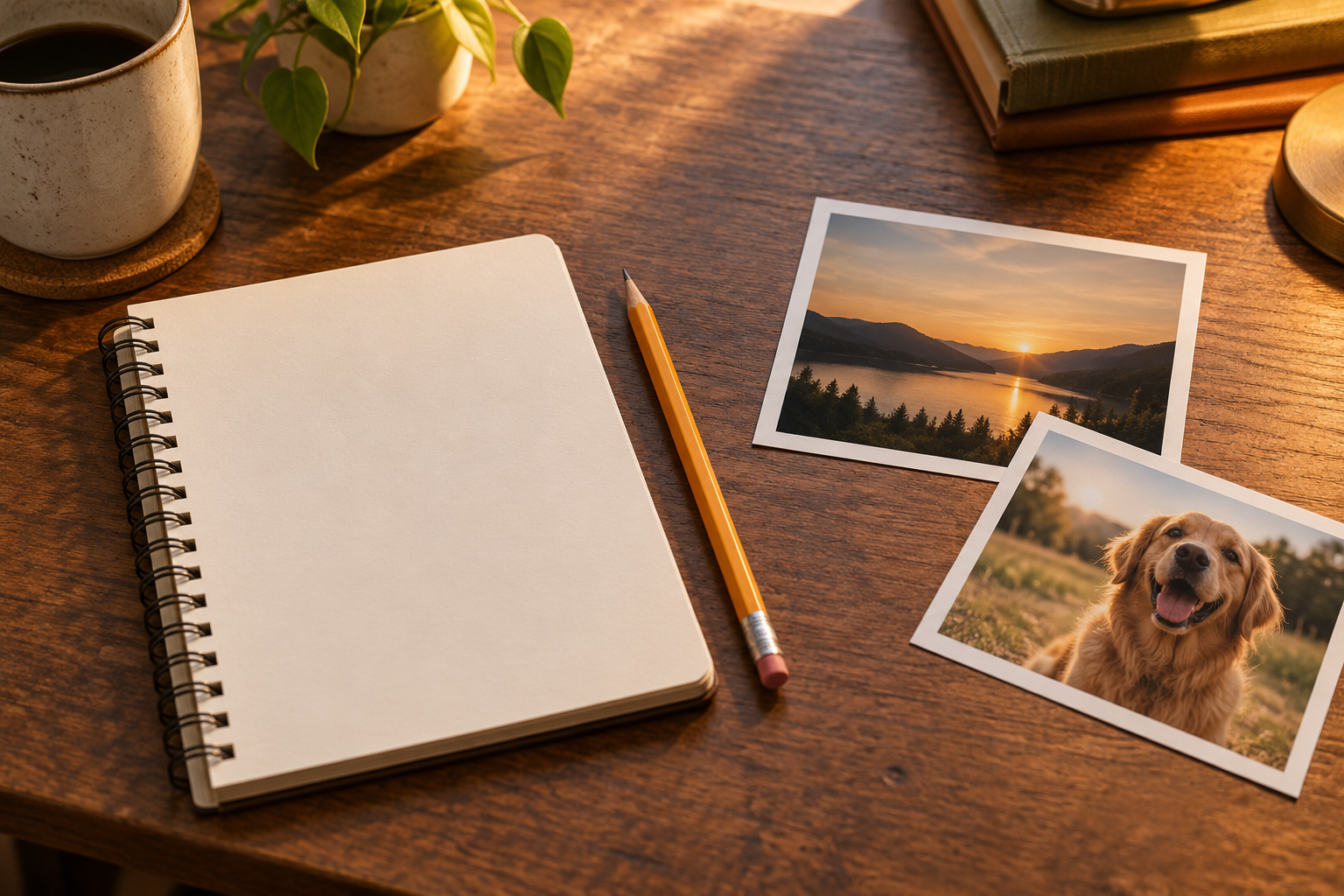
Explain who should appear together, where they should be, and what mood or setting should connect them. This direction guides the photo montage generator composition.
Step 03
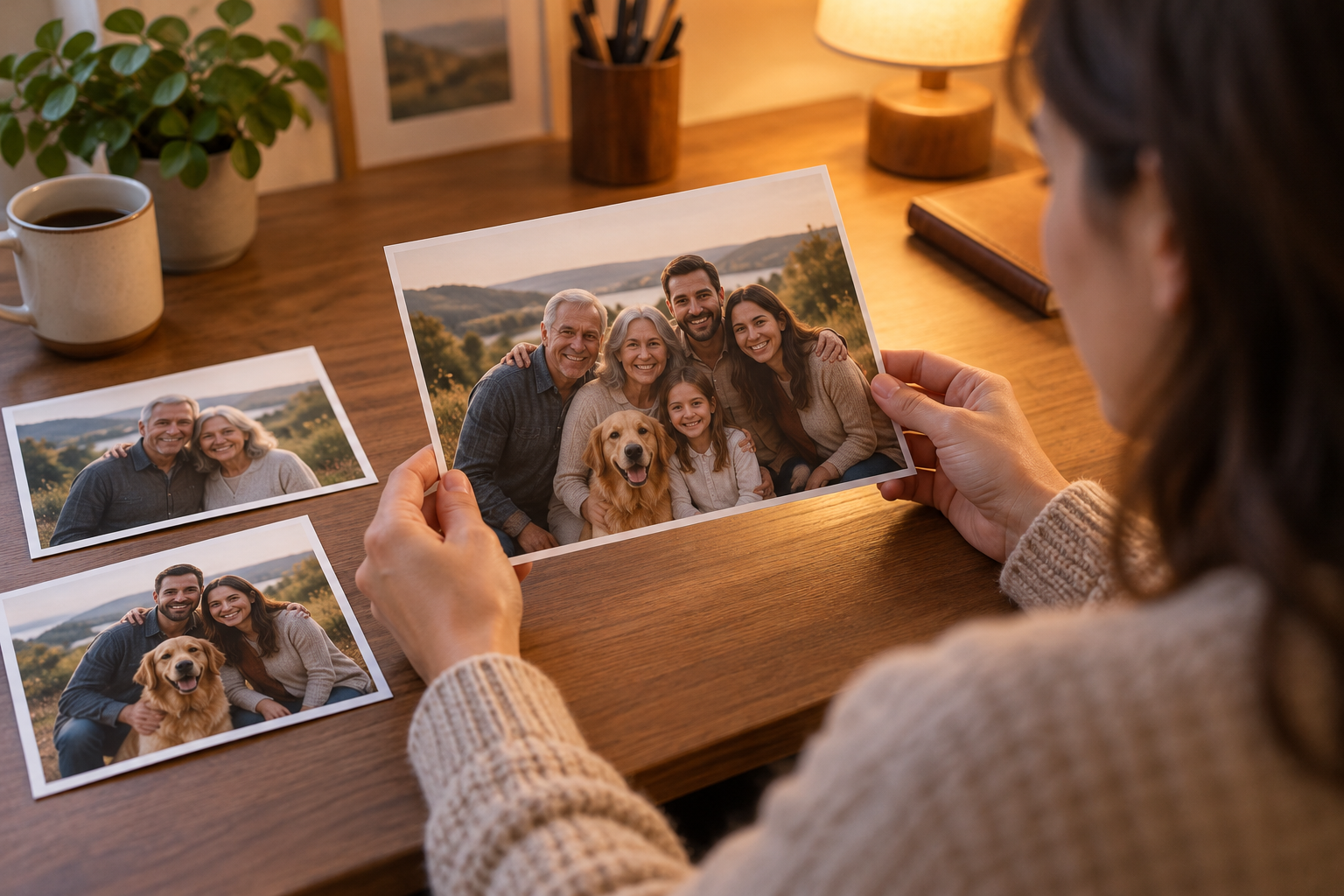
Generate the unified image, then check faces, body proportions, edges, shadows, and background continuity. Download the montage that looks most believable for your intended use.
Use the photo montage generator when separate photos need to become one story-driven image rather than a row of separate pictures.
Combine relatives from different photos into one group image for a gift, anniversary, memorial, or family archive when everyone could not be in the same shot.
Merge a clean product photo with a lifestyle environment so the item appears in a more natural scene for a campaign or a listing.
Combine two portraits or place a pet beside its owner in one generated scene with coordinated light and framing.
Bring a person, a landmark, and a meaningful setting from separate photos into one cohesive travel memory image.
A generative multi-photo workflow can solve a composition problem that would otherwise require careful masking, matching, and manual compositing work.
Describe the result you want instead of dragging cutouts around a blank canvas or lining up separate layers by hand.
The goal is one believable image with shared perspective and light, not a page of separate thumbnails arranged together.
The photo montage generator starts from your source photos, so the people, pets, or products you care about remain the focus of the combined image.
Generate more than one version when a scene needs a different arrangement, mood, or level of realism before you choose the final montage.
Your own images supply the subjects, so the combined scene keeps the people, pets, or products you chose rather than inventing a stranger.
Check faces, edges, and contact shadows at full size, because those details decide whether a combined scene looks believable.
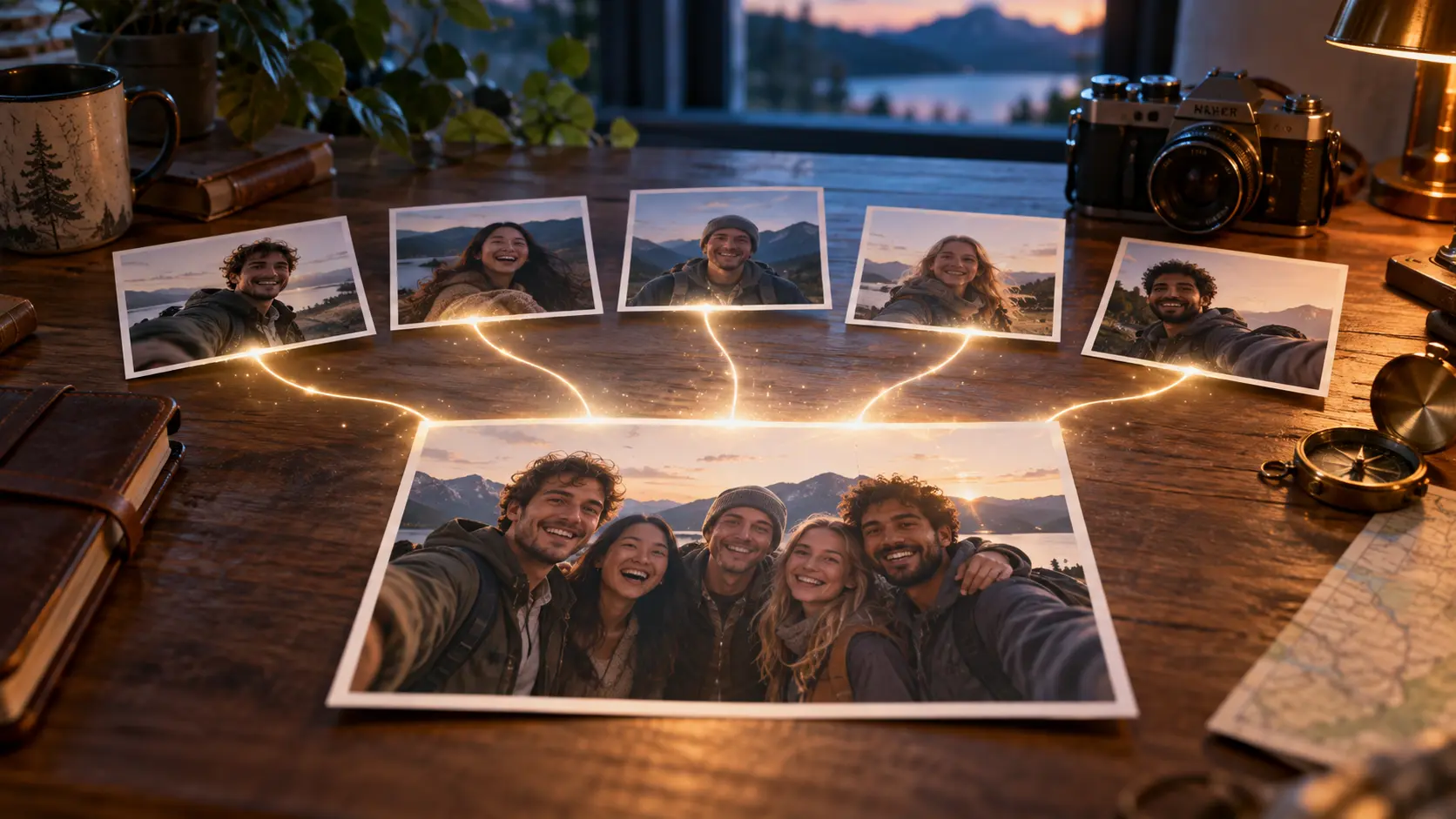
Upload two or more photos, describe the scene you want, and generate one cohesive montage to review.
Get Started