Image Merge

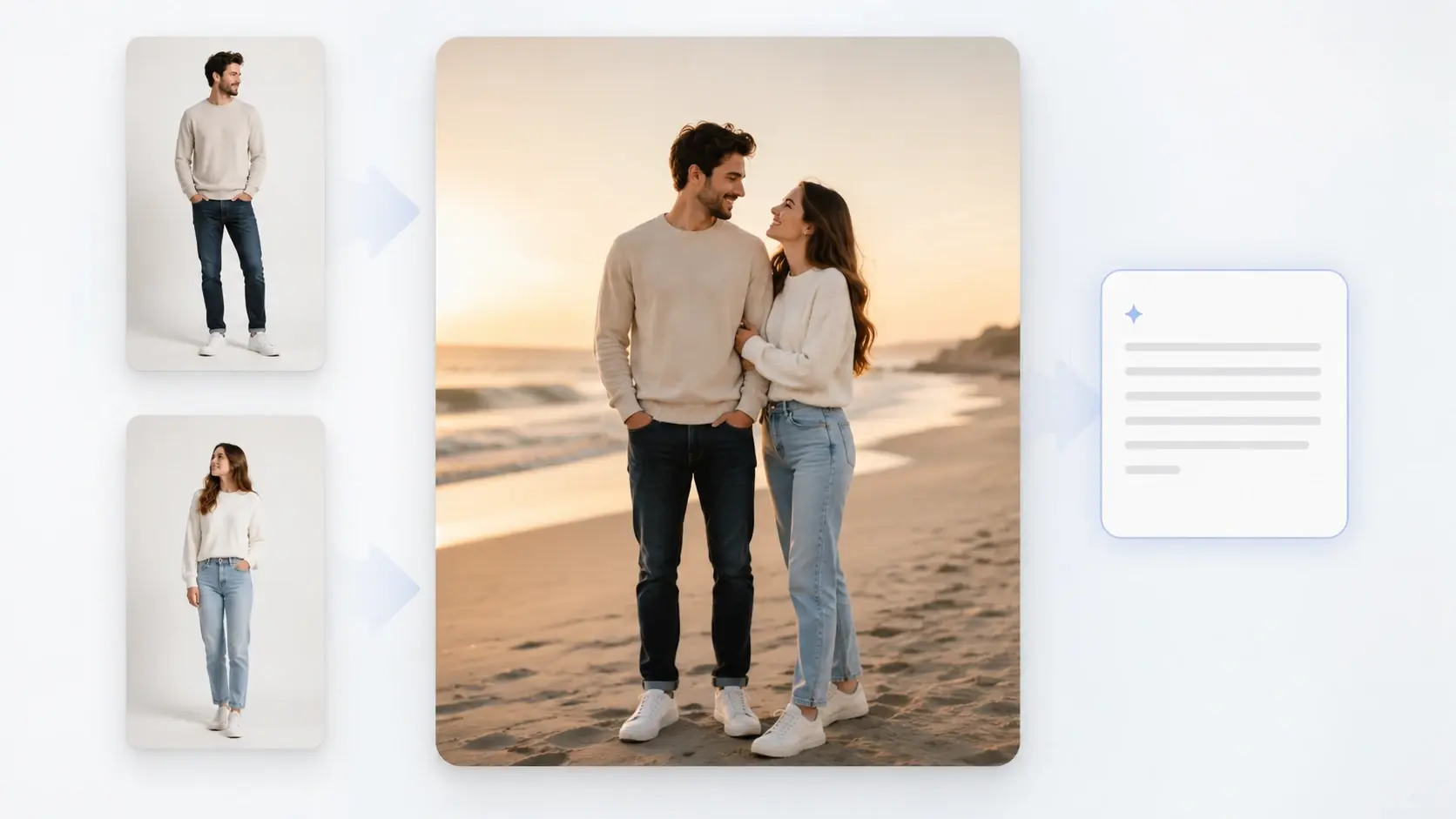
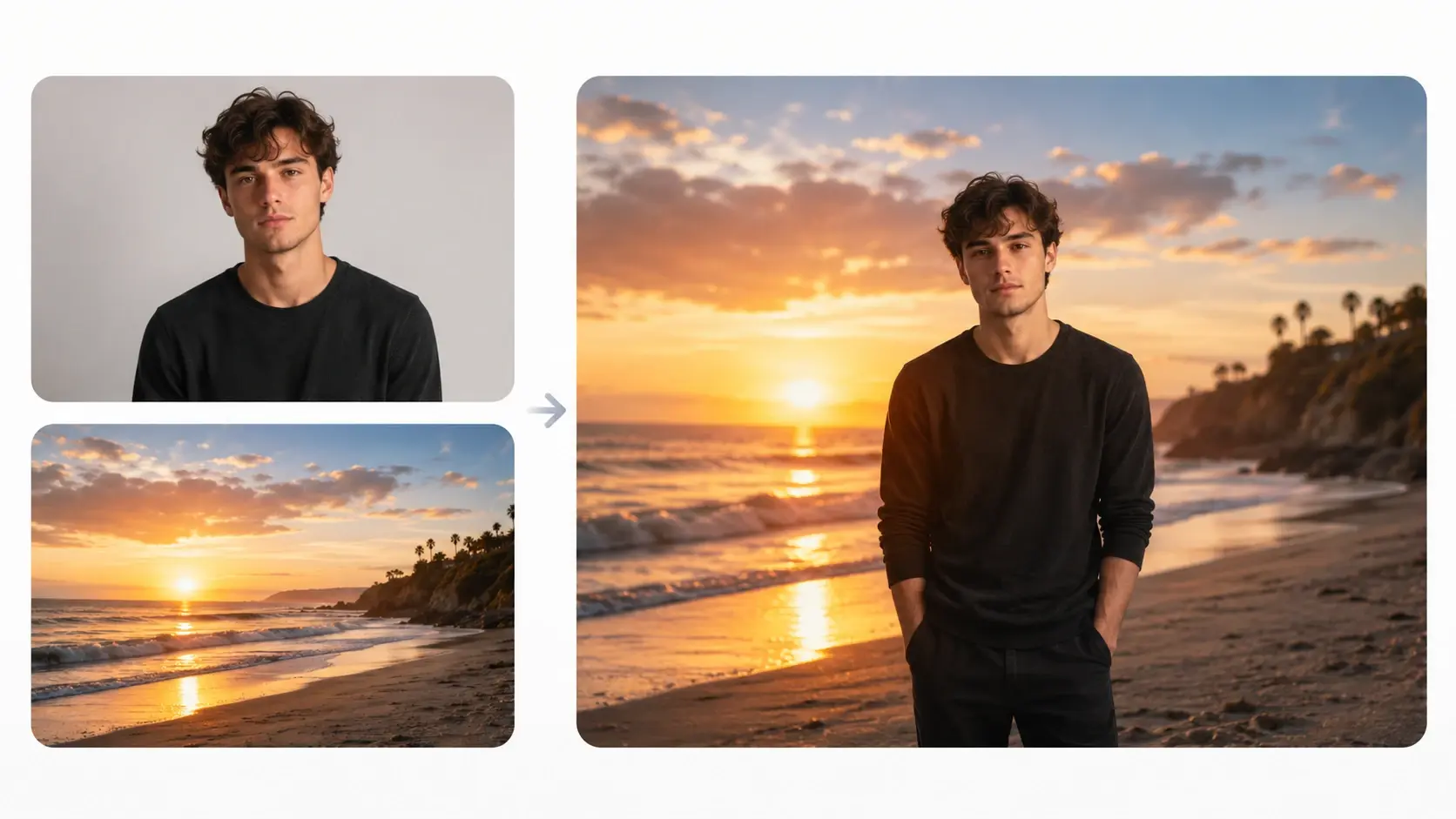
Image merge takes the two photos you upload plus a short prompt and returns one blended picture where the light and mood match across both.

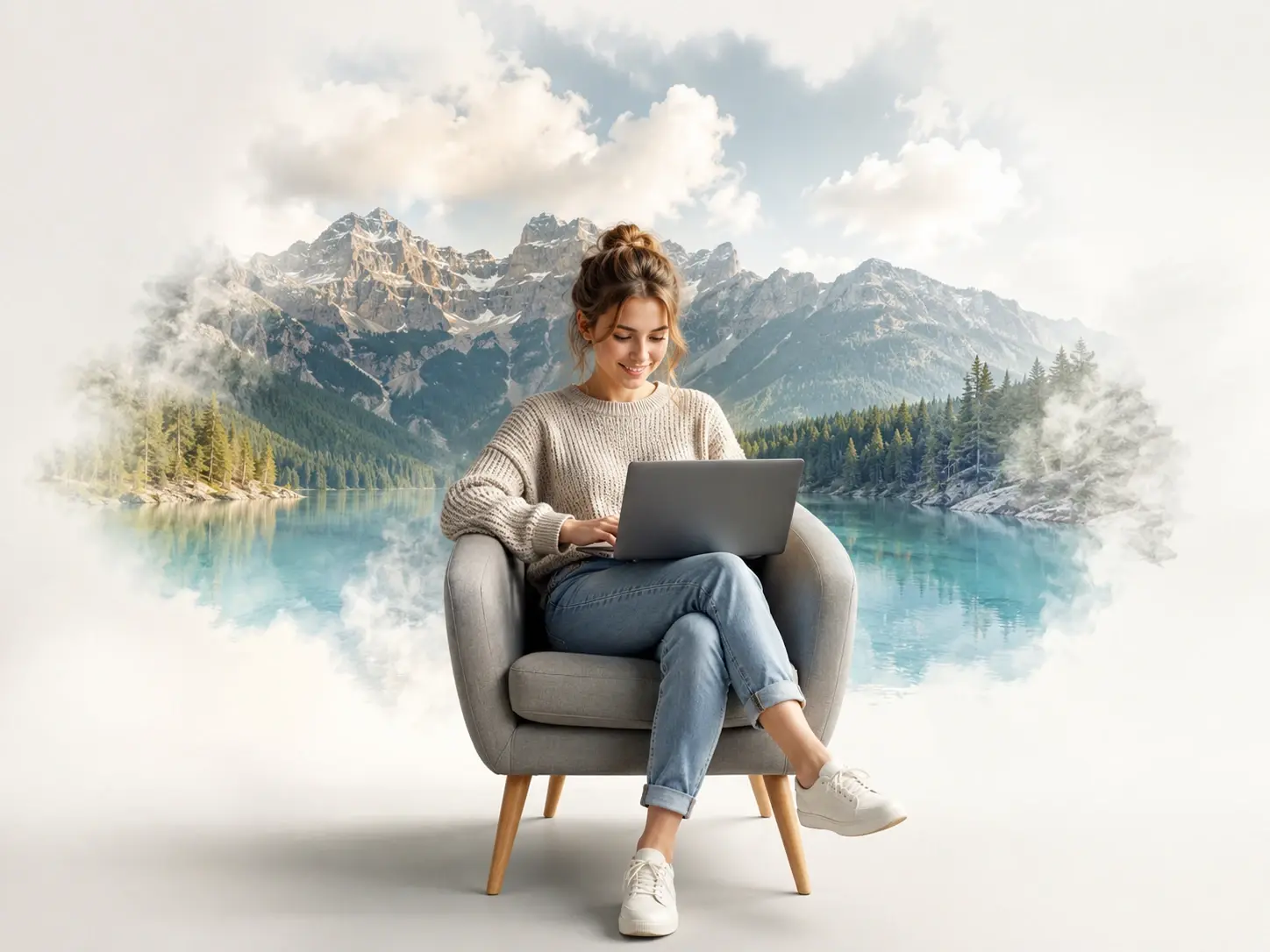
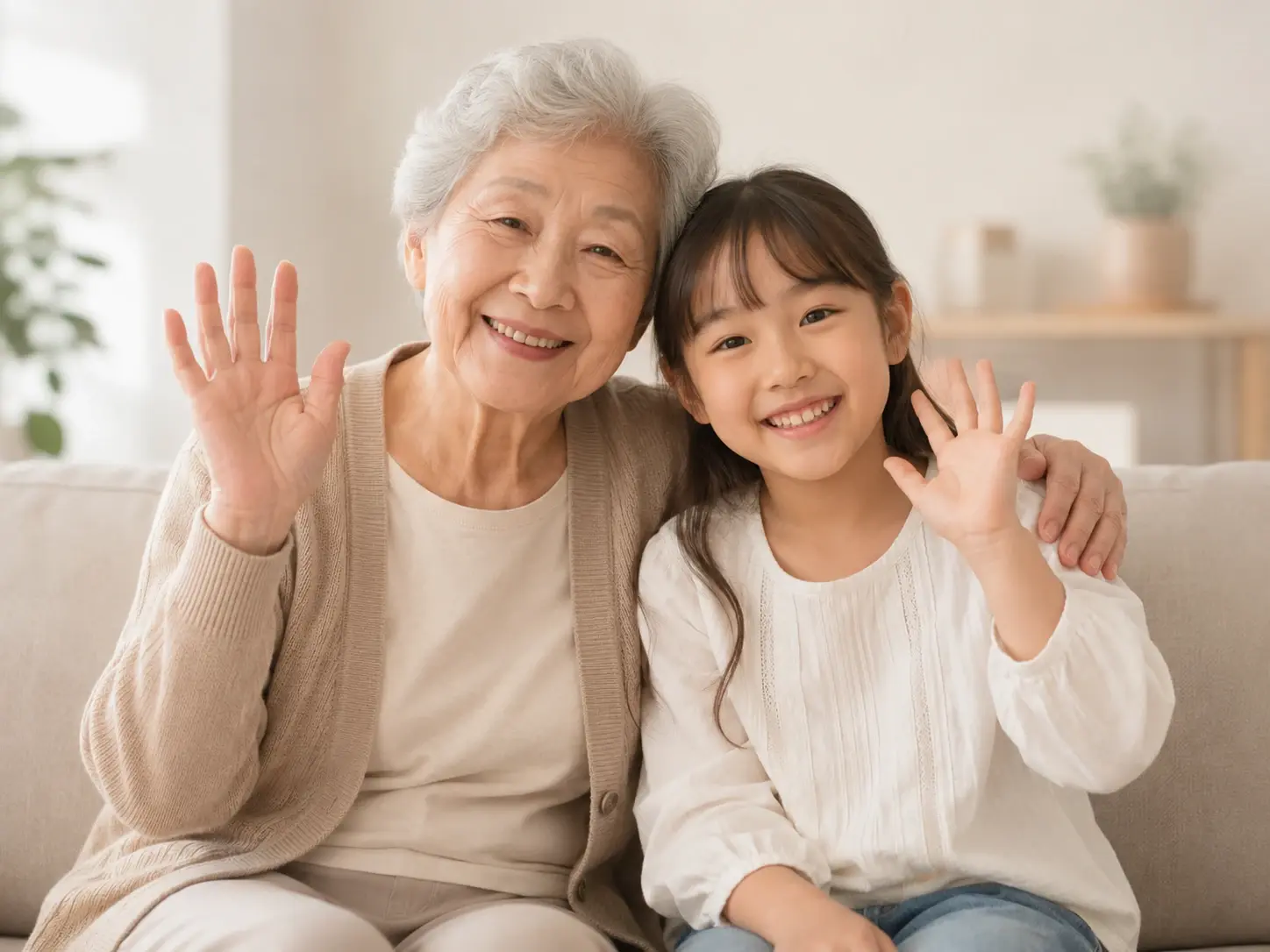
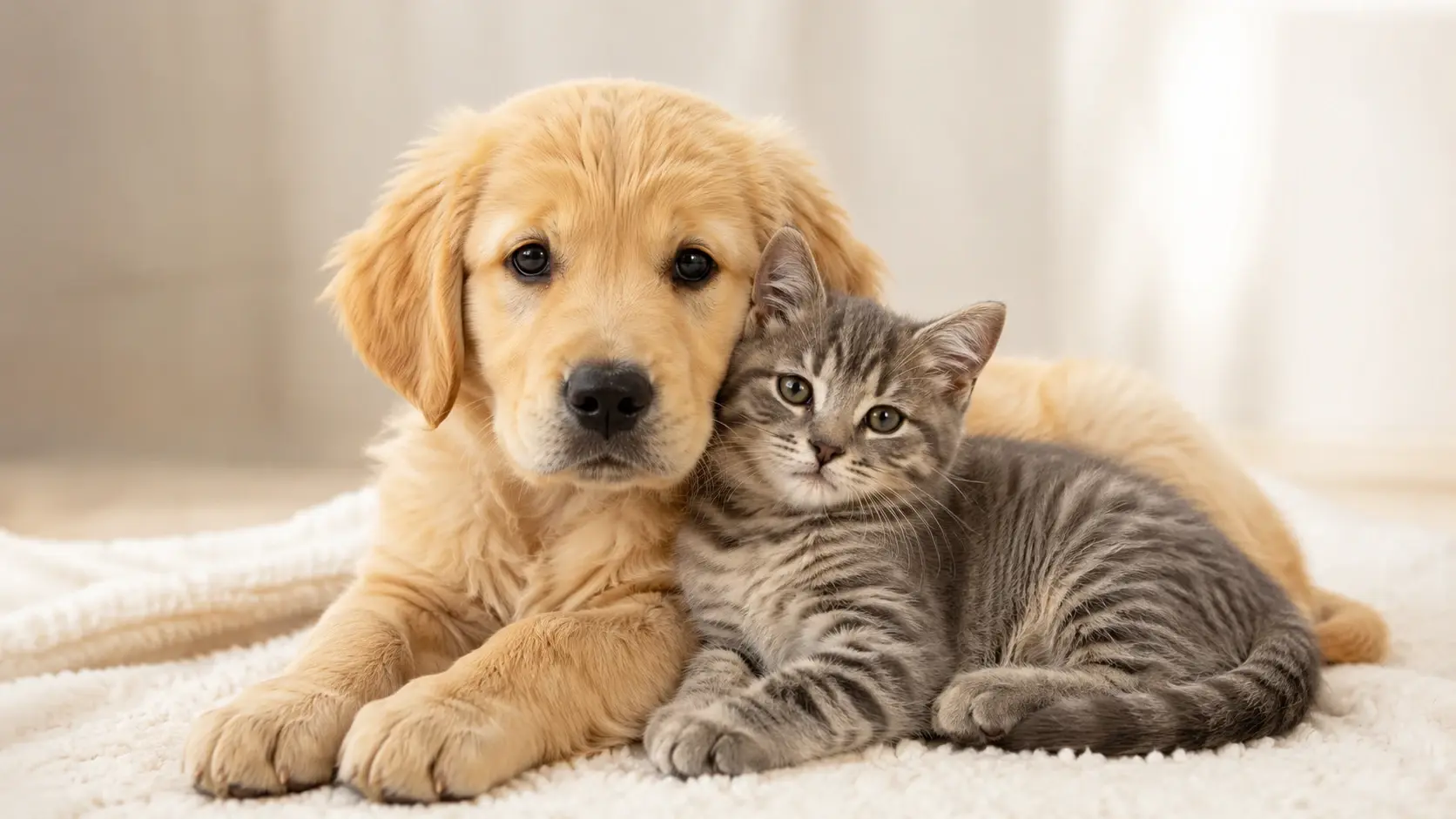
Two uploaded photos blended by image merge into one picture with matched light and mood

Blend Two Photos with Image Merge

Three steps carry image merge from two uploads to one finished picture.

Two source photos, a portrait and a background scene, staged for image merge upload

Step 01

Add Your Two Source Photos

Choose the two pictures you want to bring together, such as a portrait plus a new background, a product plus a lifestyle scene, or two solo shots when you want to put two pictures together in one frame. Both images upload as the source material image merge works from.
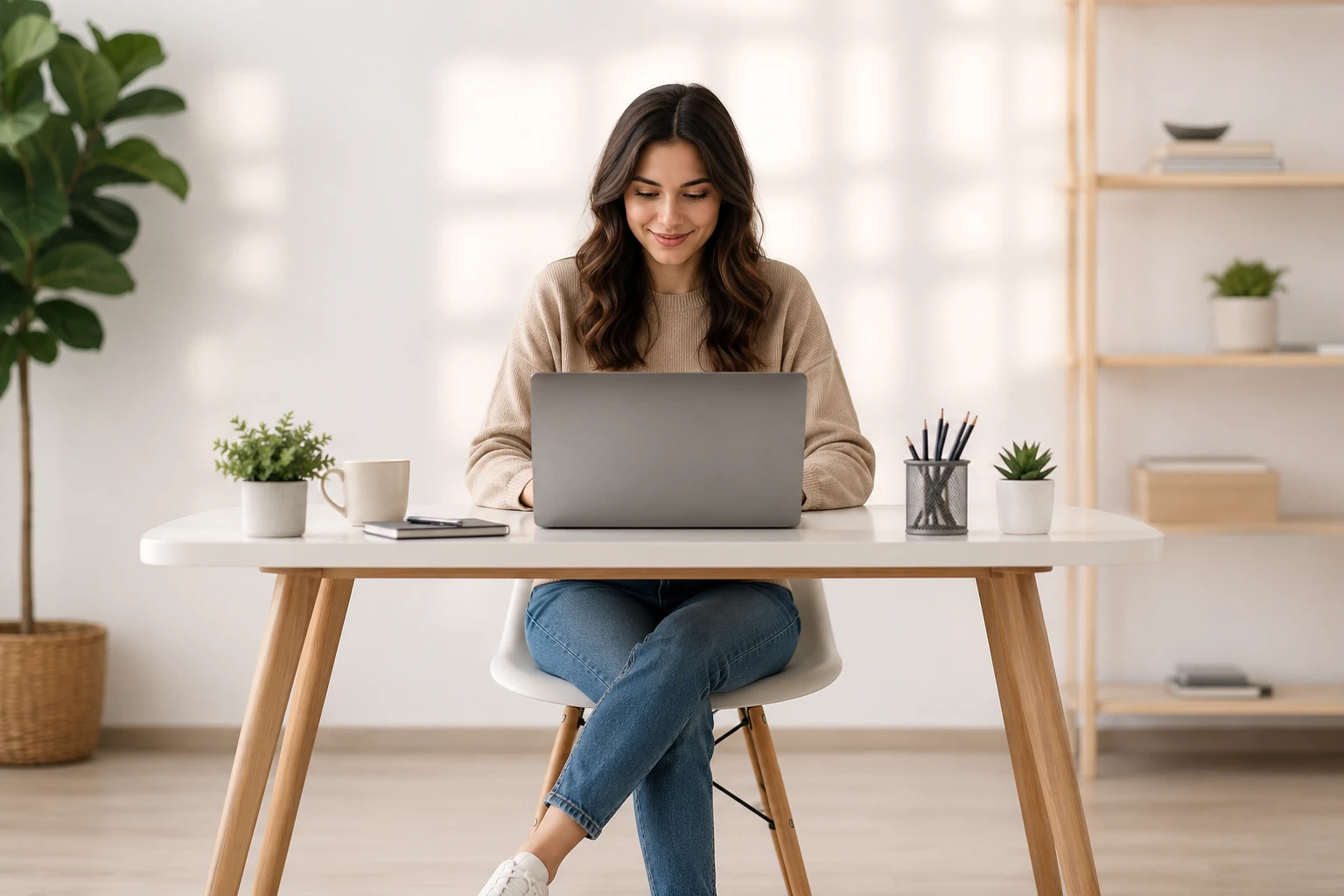
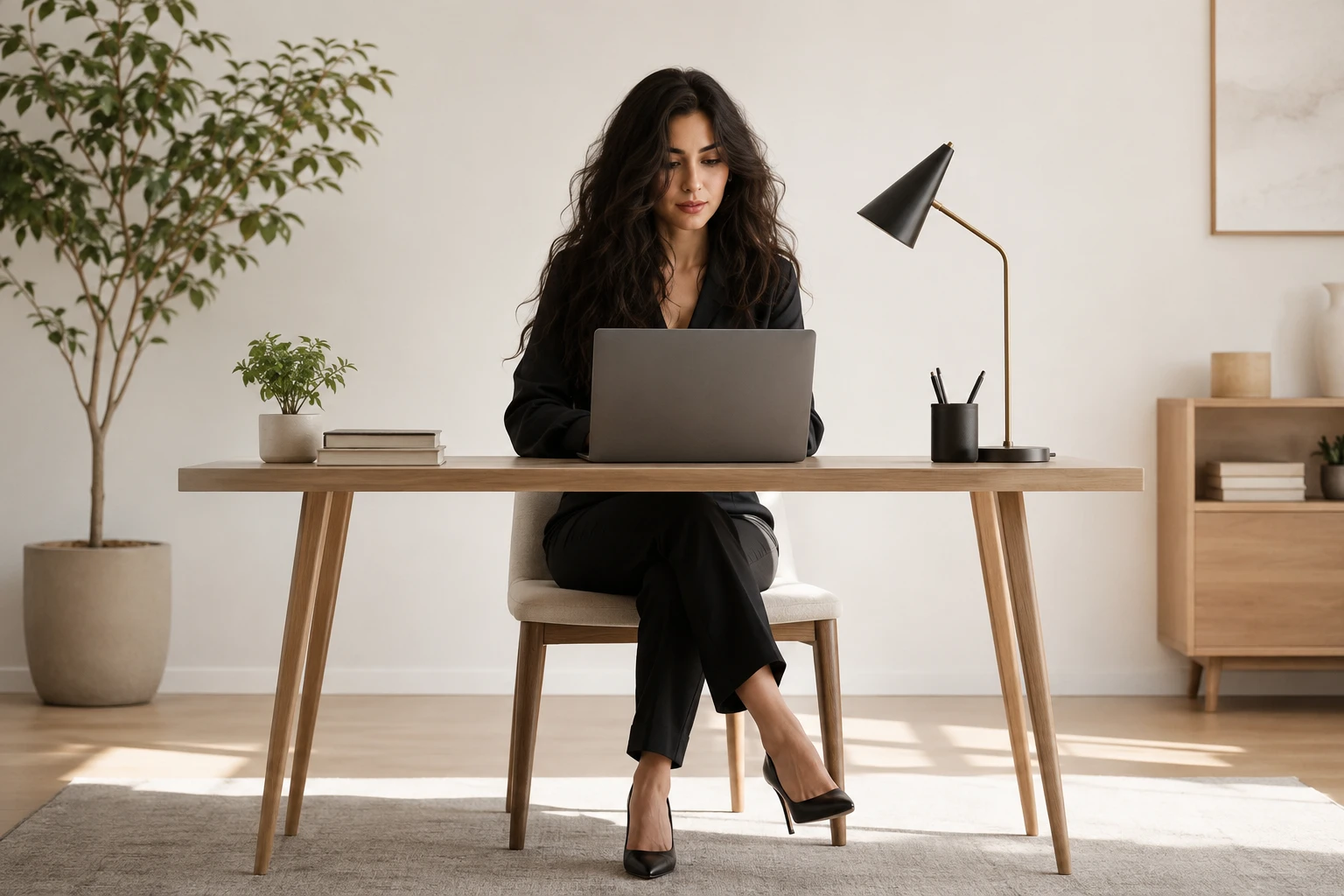
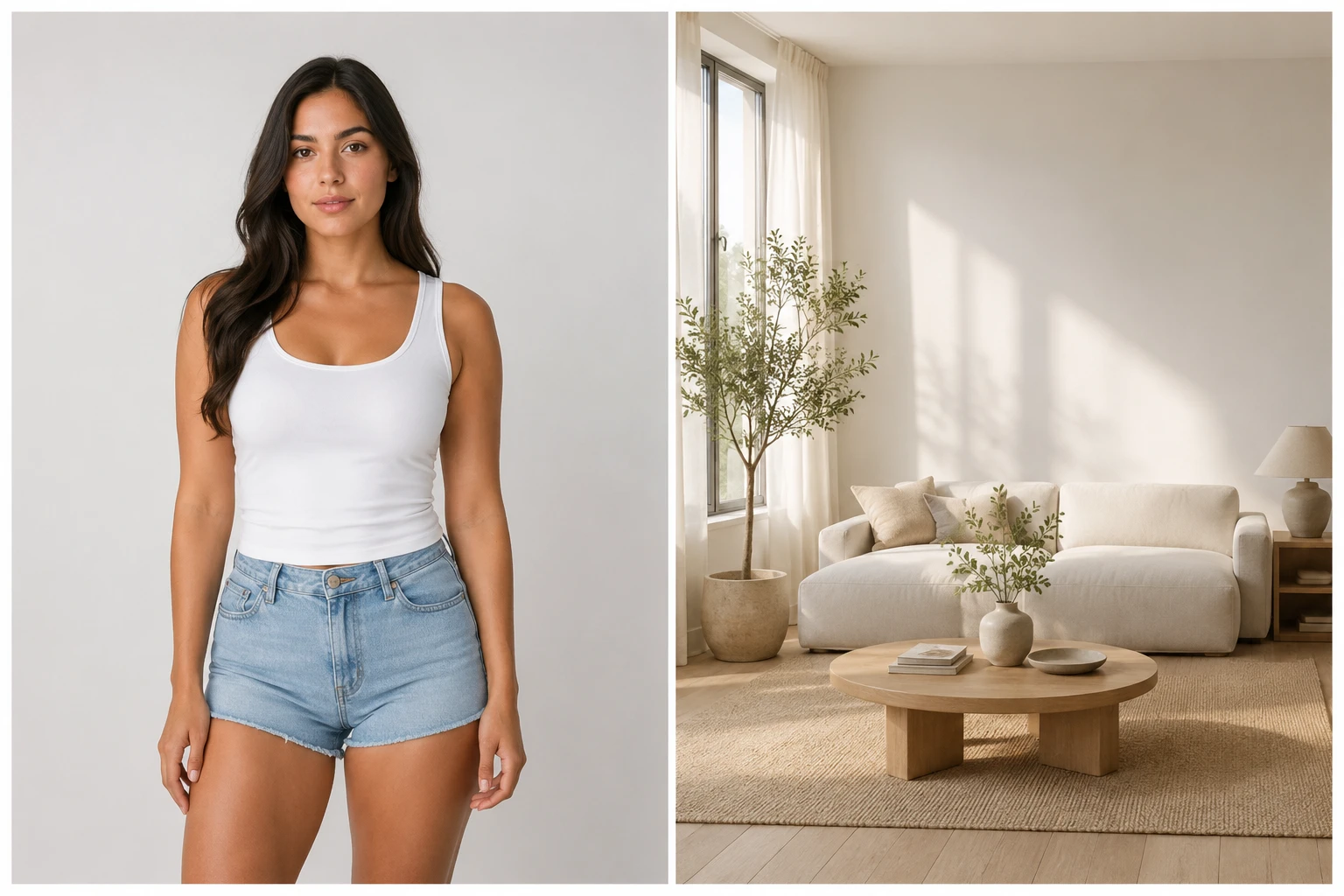
Prompt box describing where each subject sits beside preset styles for image merge

Step 02

Describe the Blend You Want

Write a prompt that says who should appear where and what the mood should be, or pick one of the preset styles instead. VideoAI runs the image merge from your description, so there is no manual cutting out or dragging layers into place.

One merged image of a person placed into a new scene with matched shadows at 4K

Step 03

Generate and Refine the Result

Image merge builds one new image where the light and shadows agree across both subjects, then you download it at high resolution up to 4K with no watermark. If something looks off, regenerate or open the result in the visual editor for small changes.

Popular Ways to Combine Photos

Real scenes where a photo combiner like image merge beats two separate shots.

Combine Two People in One Photo AI

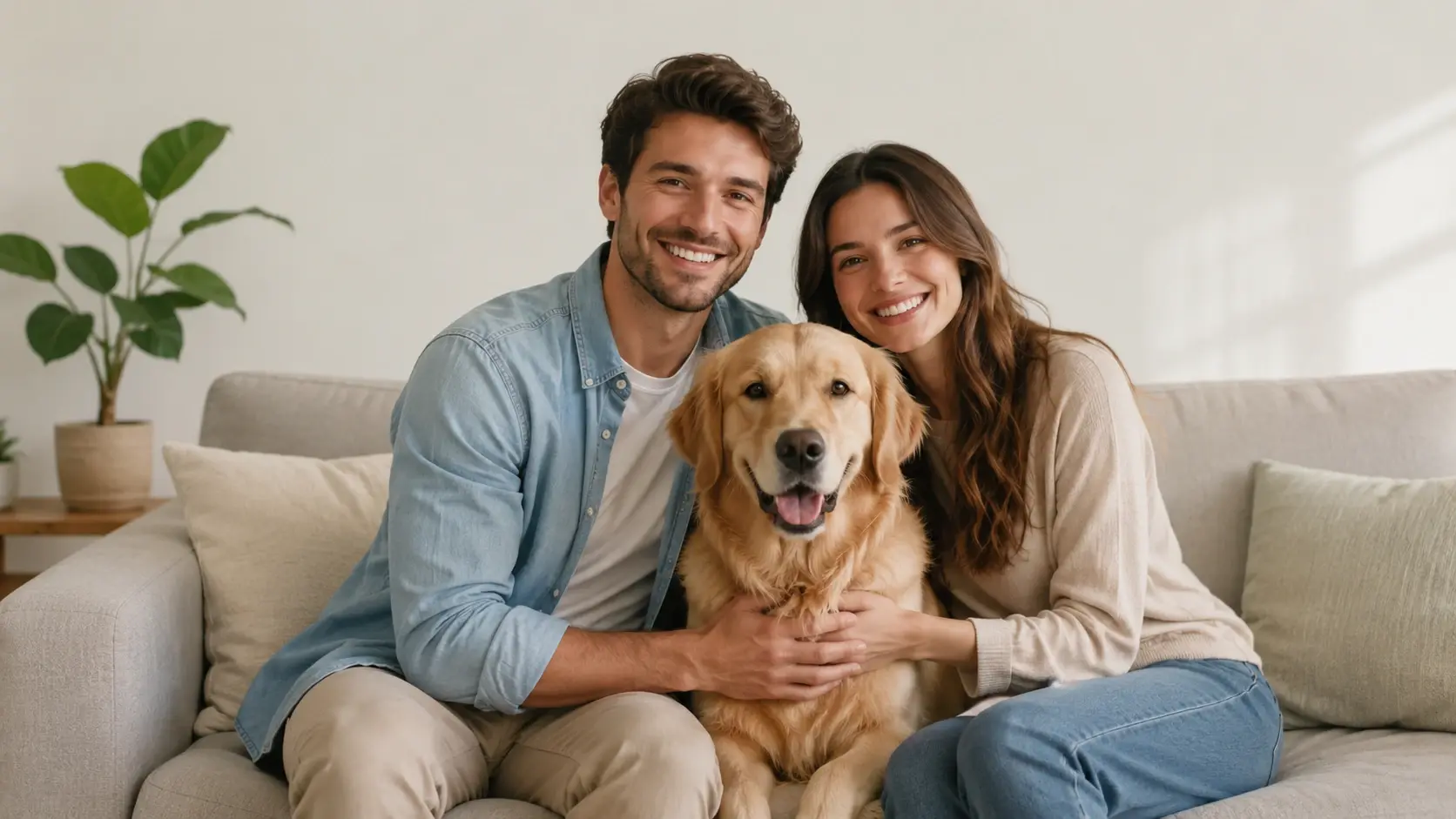
Two friends who were never in the same room can still share a frame when you upload a photo of each and describe the setting they should stand in. VideoAI rebuilds them together under one light, and that is the kind of scene image merge handles best.

Couple Portraits From Two Selfies

Couples in a long distance stretch rarely get a good picture together. Send one selfie from each person, note the backdrop you have in mind, and the return is a single portrait made with image merge that looks like you posed side by side.

Products Placed Into Lifestyle Scenes

A plain white background shot does little for a listing. Pair the packshot with a lifestyle scene, describe where the item should sit, and the image merge output is a marketing image with the product living inside a real setting.

A Portrait Moved Into a New Backdrop

Sometimes the person is right but the background is wrong. Supply the portrait and the destination scene, say whether you want a travel feel or a studio look, and image merge lands the figure in the new setting with light that fits.

Who Reaches for Image Merge

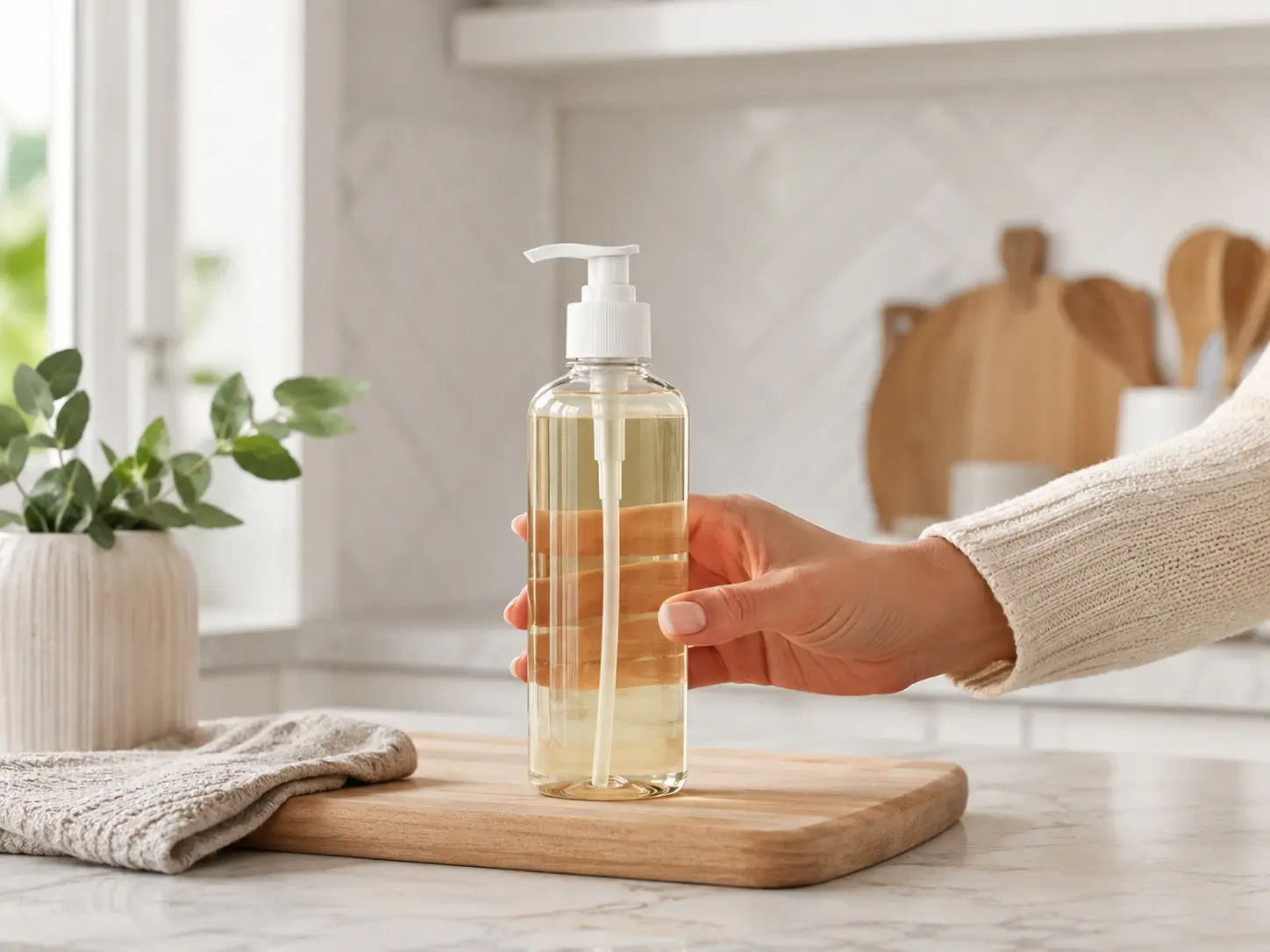
Ecommerce seller placing a bottle packshot into a kitchen scene with image merge

Product marketers who need scene shots

Sellers running listings and ads use image merge to drop a product from a plain packshot into a lifestyle scene, so the catalog shows the item in use without booking a shoot.

What Makes Image Merge Different

The parts that separate a real blend from a pasted collage.

Close view of matched shadows where two subjects meet in one image merge

Generative Blending, Not Hard Edges

The result is one rebuilt picture where light, shadow, and color agree across both subjects, so the join reads as a single photo instead of a cutout laid on top. That is what sets image merge apart from a paste tool, and why an ai image merger is not just a stack of layers.

Text prompt guiding how two subjects combine inside the image merger workspace

Prompt Control Over the Mix

You describe how the elements combine in plain words, naming who stands where and what the mood is, rather than dragging layers on a canvas. That prompt drives the whole image merger from a single text box.

A merged image exported at 4K resolution with no watermark across the frame

High Resolution and No Watermark

Finished image merge blends download clean at high resolution up to 4K, with no watermark stamped across the picture, which keeps them ready for print or a client handoff.

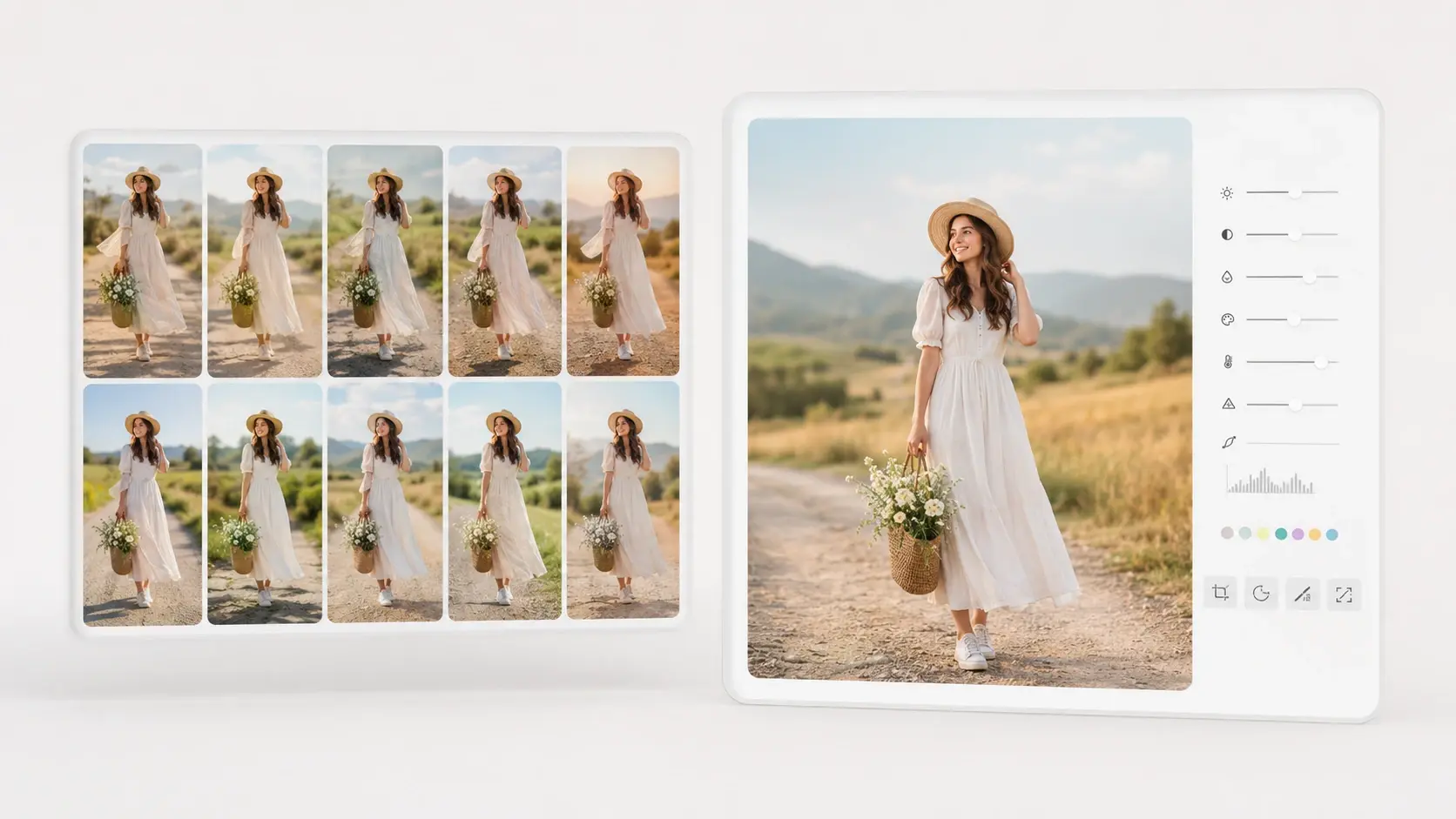
Batch of merged images beside a visual editor panel for small adjustments

Batch Runs and a Visual Editor

Push several blends through in a batch when a campaign needs variations, then open any result in the visual editor to adjust details before you post. A starter balance of ten credits lets you try image merge first.

Common Questions About Image Merge

Upload the two pictures, add a short prompt describing the scene you want, and image merge returns one blended picture for you. The whole blend comes from your words, so nothing is cut out by hand.

The tool is fully web based, so you merge images online from your computer with no download to install, and VideoAI does the generative work on its side before handing back the finished picture.

Describe the setting and the mood in your prompt, because that context tells image merge how the light should fall across both subjects. The more specific your prompt, the more natural the combined scene reads.

Mismatched light is exactly what the generative step is designed to handle, since image merge rebuilds both subjects under one shared lighting instead of pasting them together. You name the mood you want and it blends the rest to match.

New accounts open with a starter balance of ten credits, so you can merge images online free for a first run before deciding on more. Nothing you export during that trial carries a watermark.

A collage locks each photo into its own tile, while image merge generates one new picture where the subjects share the same space and light. It is a rebuild, not a layout of side by side panels.

Yes. Upload two photos, each showing one person, using your own pictures or ones you have permission to use, then describe the shared setting you want. The AI generates one composite image where both people appear together, holding their shape and key features. The result is an AI made composite rather than a real candid shot, which suits keepsake pictures for family or friends who live far apart.

Finished blends are available for commercial use, so a product scene or campaign visual made with image merge can go straight into your store or ads. Exports carry no watermark to clear later.

Overall shape and key features are held for each subject while the lighting is matched, which keeps faces recognizable. Because the output is a new picture, treat it as a faithful image merge rather than an untouched original.
Bring Two Photos Together Today creative result ready to generate with VideoAI

Bring Two Photos Together Today

Upload your two pictures, describe the scene, and let VideoAI finish the image merge into one picture.

Get Started
Image Merge - Put Two Pictures Together - VideoAI