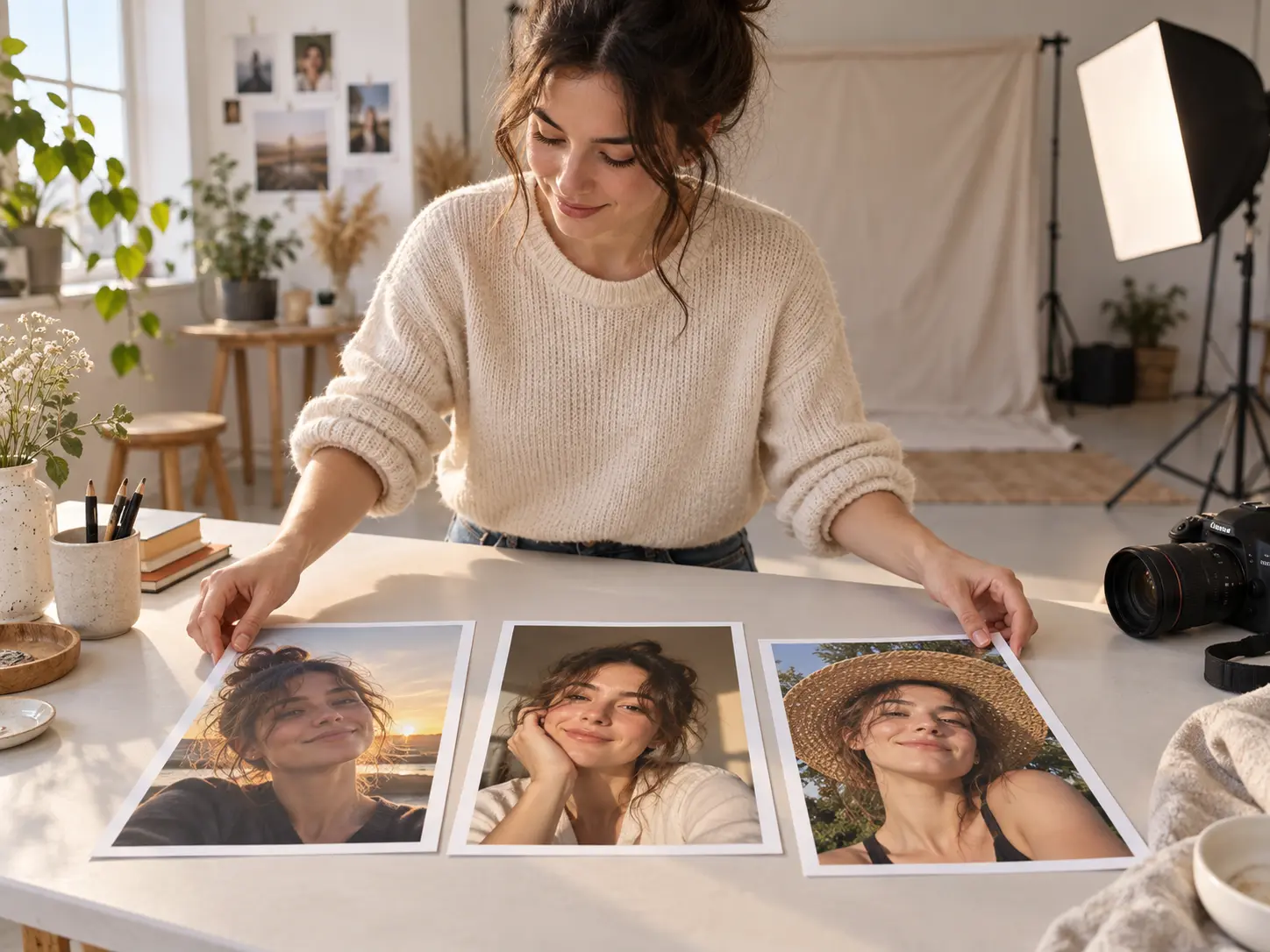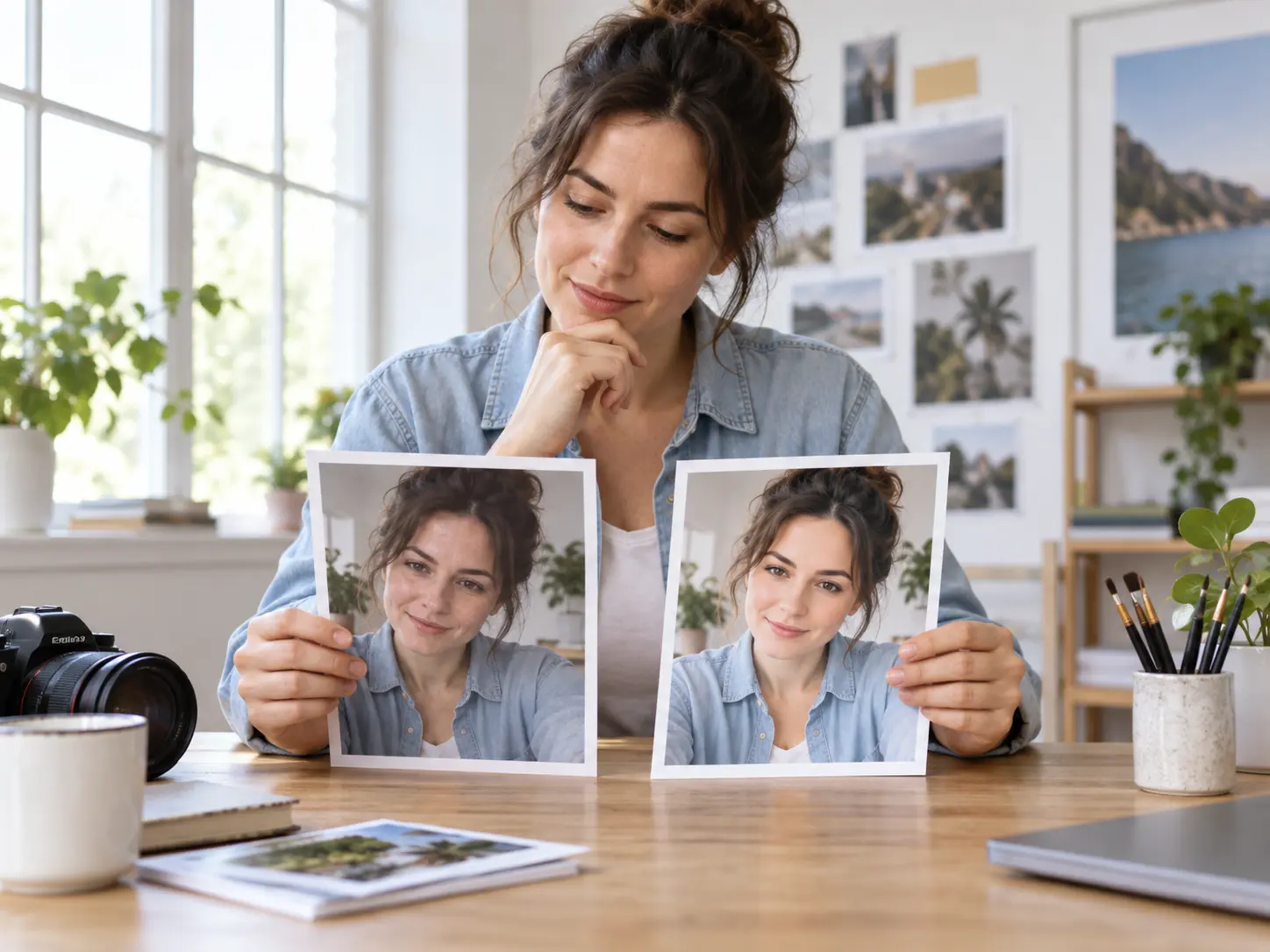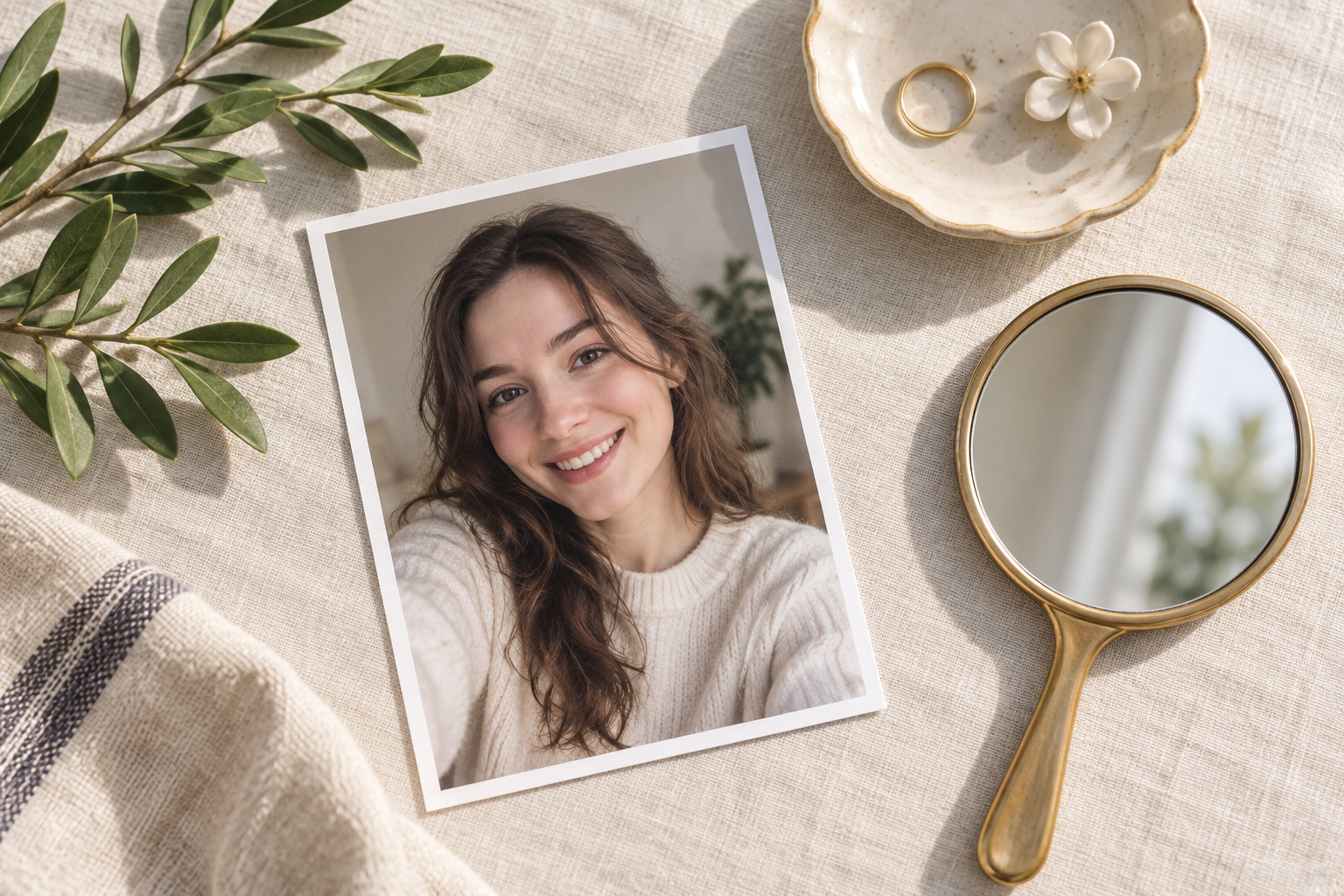
Step 01
Upload Your Selfie
Choose a clear JPEG, PNG, or WebP portrait for the AI selfie editor. Keep the original file and avoid editing an already compressed screenshot when a better source is available.

Use this selfie editor to improve a portrait without rebuilding the person. Upload a selfie, describe one change, and review a browser result that can clean the background, adjust small details, or enhance natural skin detail. It keeps identity, pose, and composition clear, so you can refine a profile photo, social post, or travel selfie while staying close to the original.

Each prompt handles a focused selfie retouching task while keeping the face, pose, and framing under review.

Describe a simple change such as softer window light, a clean background, or a different clothing color. The selfie editor turns that instruction into a visual edit without requiring layers or masks. Keep each request narrow and check the result against the original before moving to another detail. Several small, controlled revisions usually look more natural than one broad transformation.
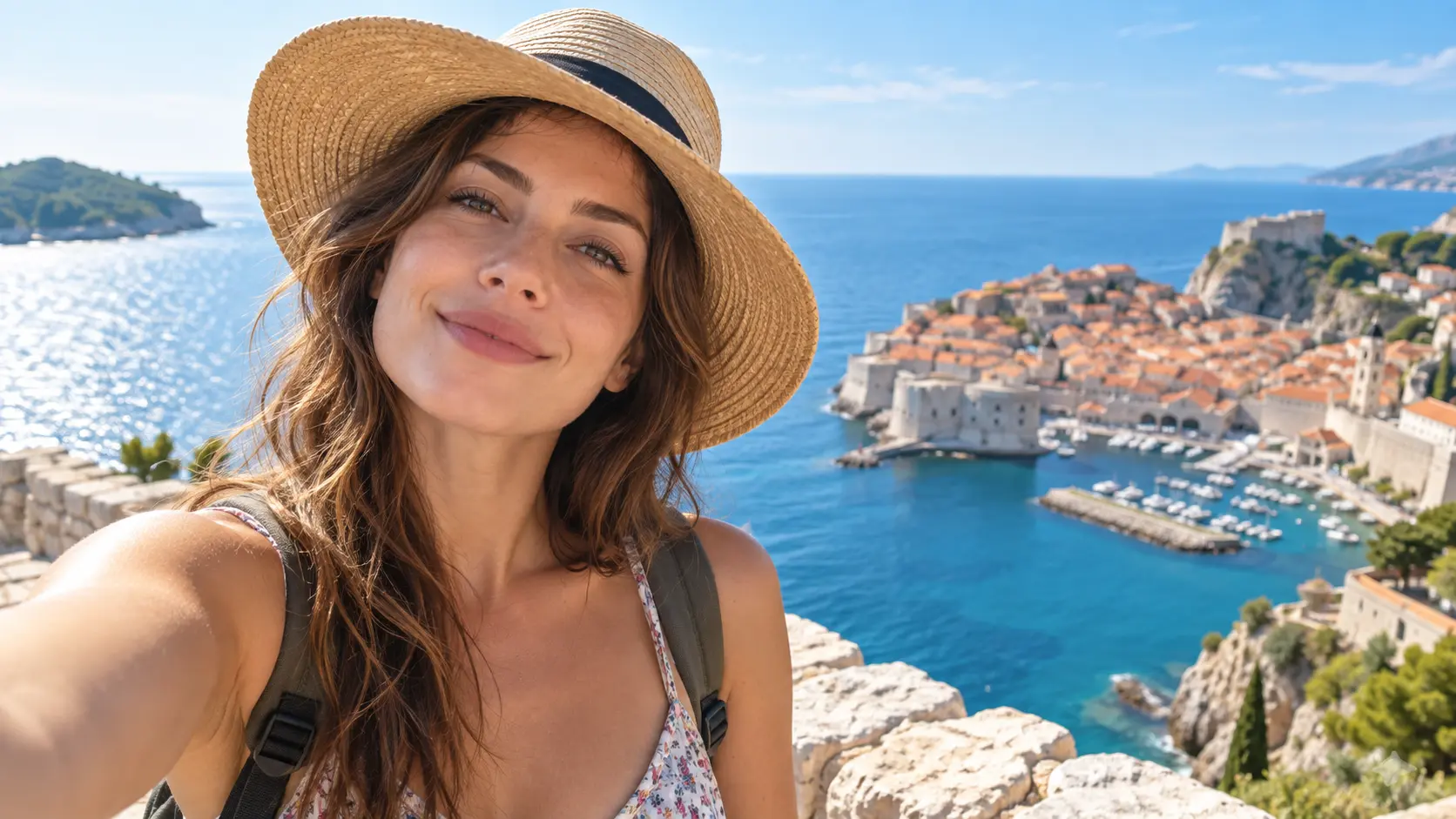
Remove a distracting object or replace a busy room with a simpler setting. This works well for a bathroom mirror selfie, cafe portrait, or travel image where the subject stays the same but the surroundings compete for attention. Review hair edges, reflections, hands, and contact shadows because those areas quickly reveal whether the cleanup still looks believable. Check both edges before accepting the edit.
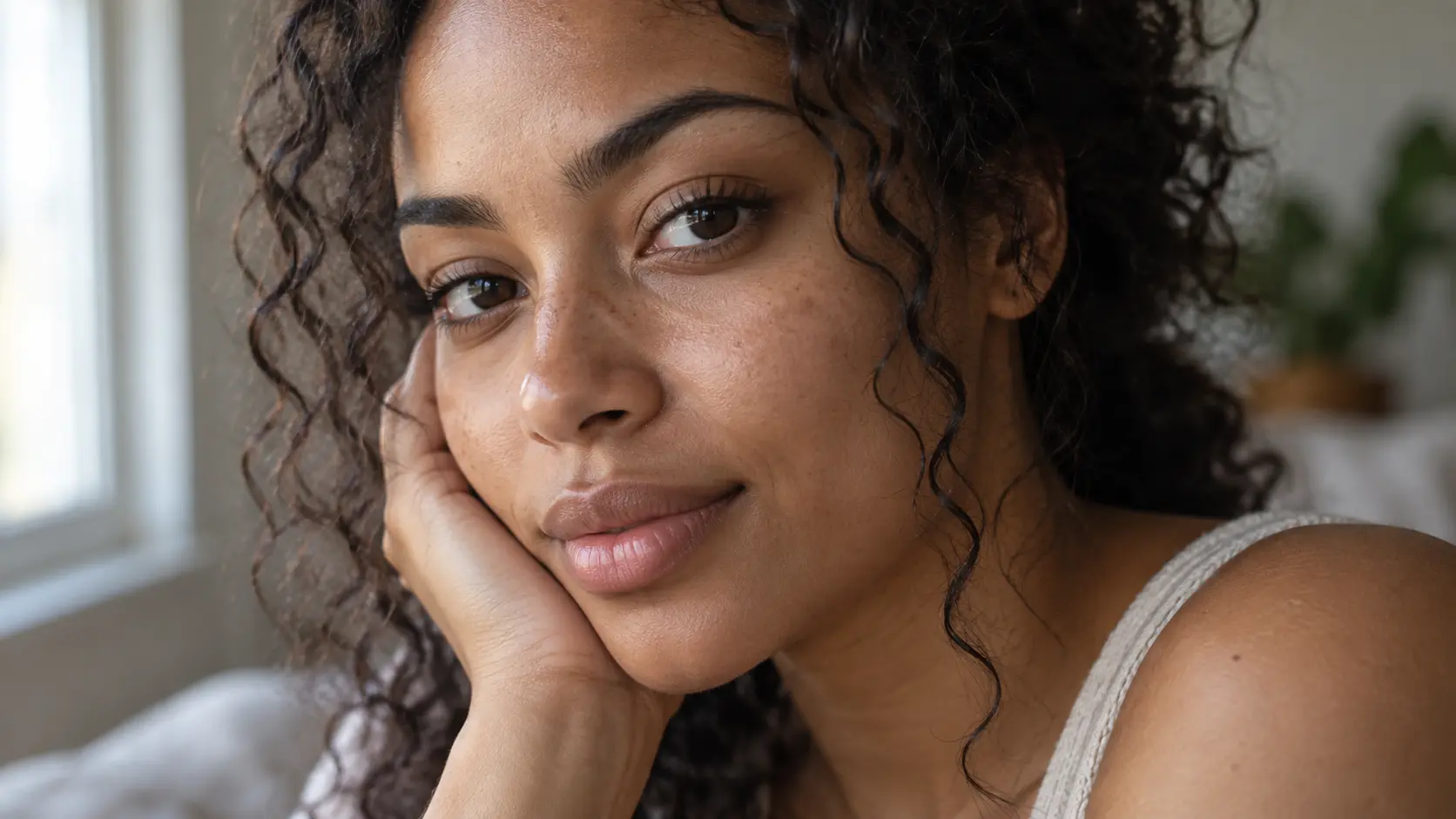
Improve uneven light, minor blemishes, or dull skin while preserving pores, expression, and recognisable facial structure. The goal is a polished portrait rather than waxy plastic smoothing. This is not a full professional beauty suite and does not provide every manual makeup control. Use restrained requests and review the face at full size so natural texture remains visible. Review it closely.
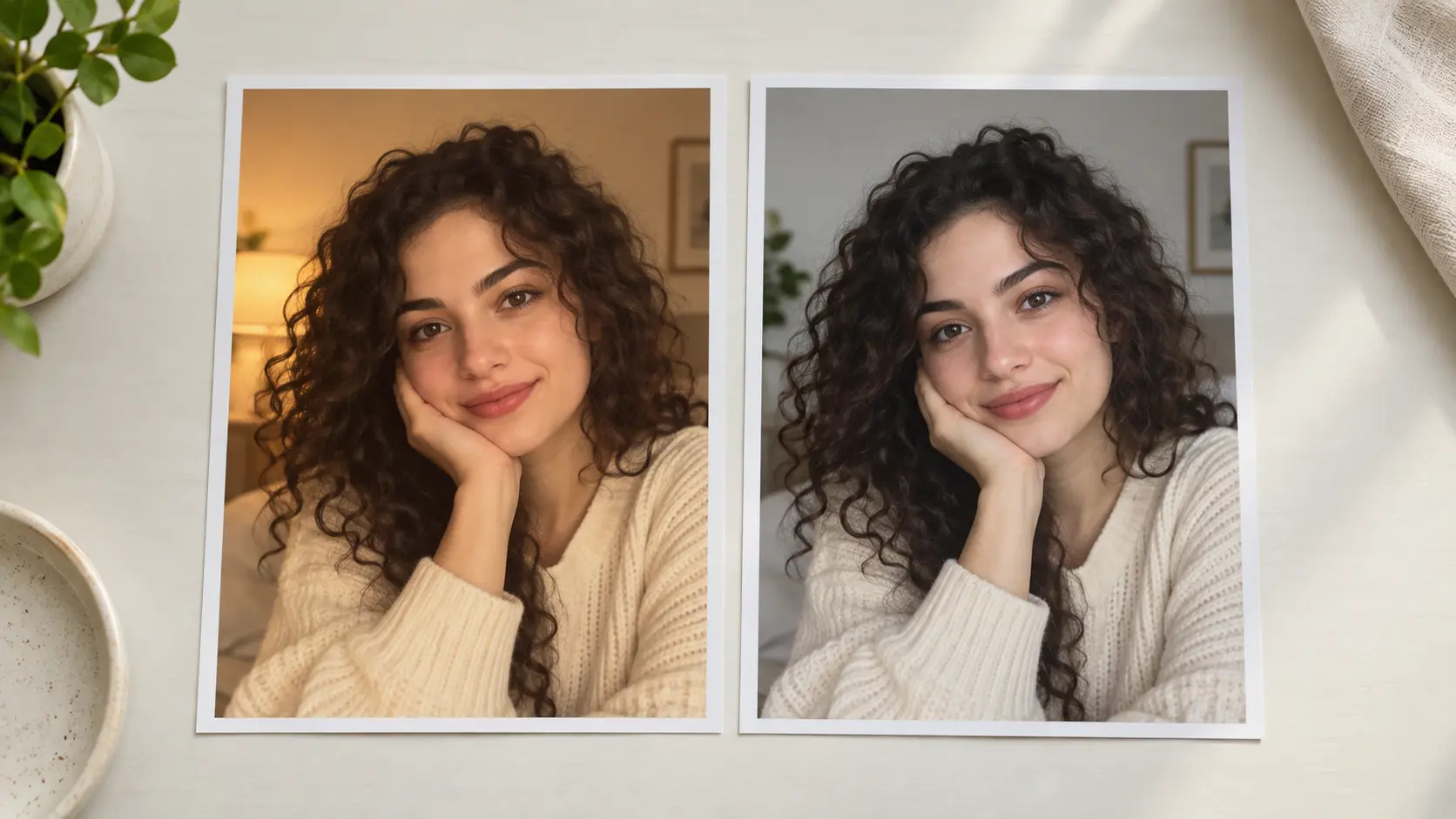
Keep the person recognisable while adjusting the presentation around them. The best results preserve pose, proportions, hairstyle, expression, and camera angle instead of generating a different face. Review the eyes, jawline, hands, and clothing pattern before downloading. For profile or campaign use, confirm that the final image still represents the person and scene honestly. Keep the source available for comparison.
A simple three-step loop keeps portrait retouching focused and easy to review.
Step 01
Choose a clear JPEG, PNG, or WebP portrait for the AI selfie editor. Keep the original file and avoid editing an already compressed screenshot when a better source is available.
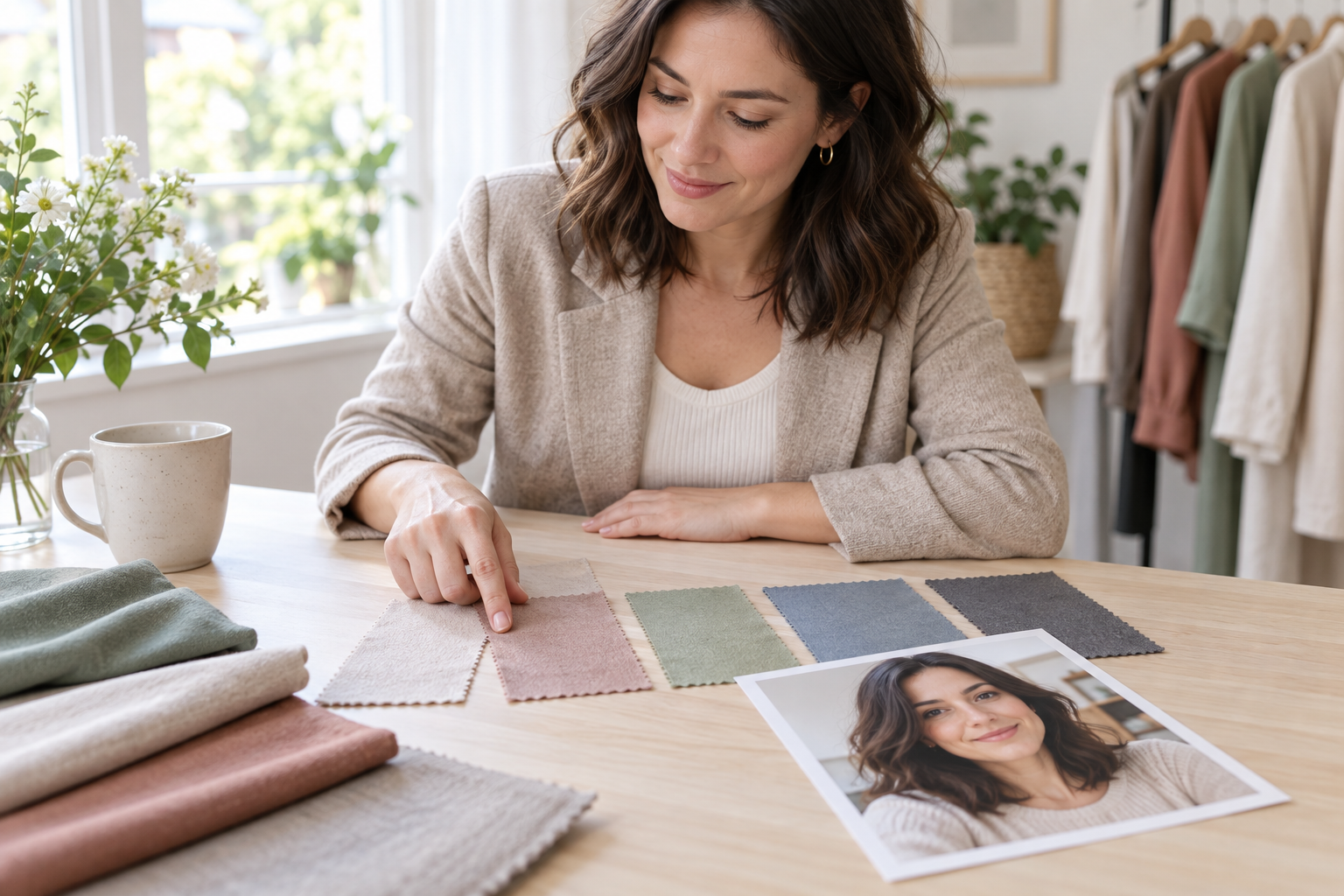
Step 02
Write a direct request about the background, light, object, clothing, or skin texture. One focused change gives the selfie editor a clearer target and makes the result easier to judge.
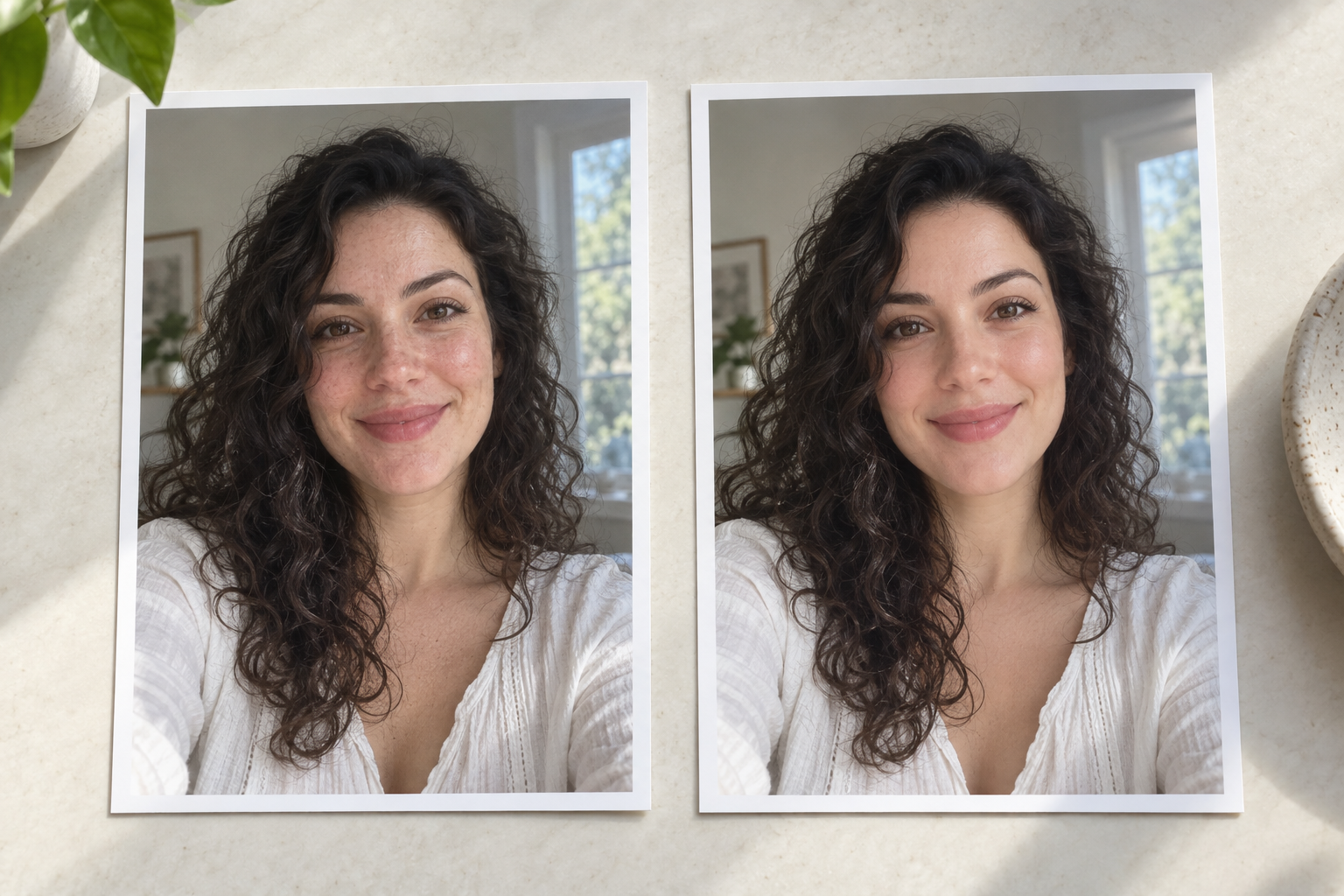
Step 03
Compare the edited selfie with the source, checking identity, facial texture, edges, and crop. Download only the version that still looks natural and recognisable.
The tool fits focused portrait work where the subject stays natural.
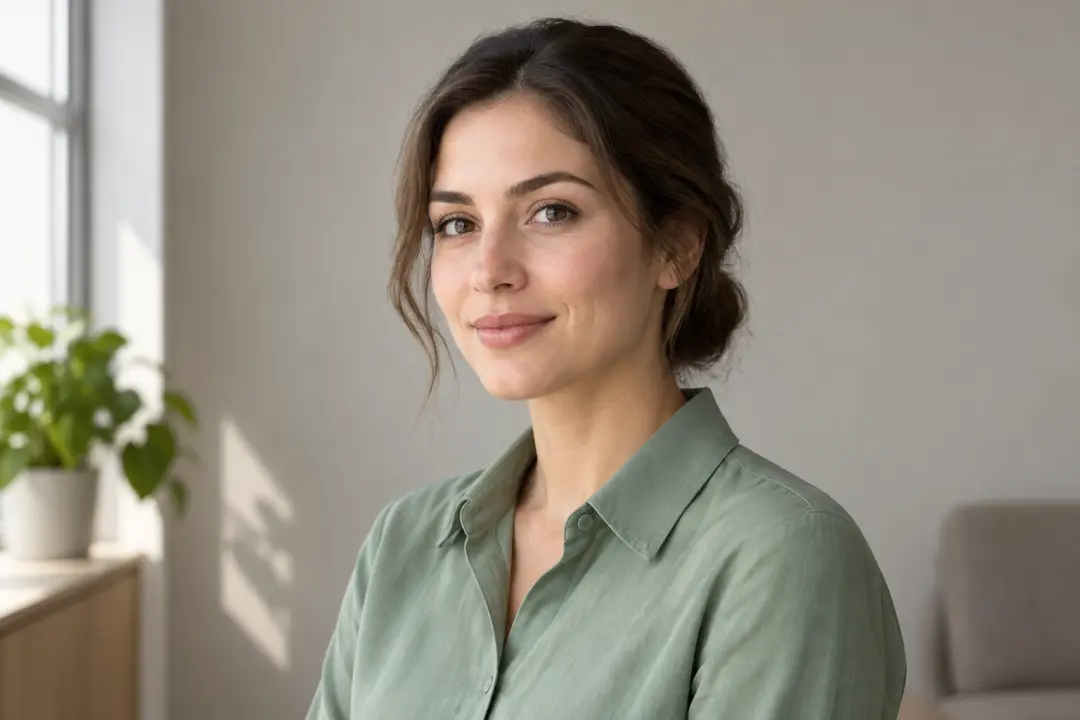
Clean a distracting background, balance the light, or refine small details for a profile that still looks like the original person.
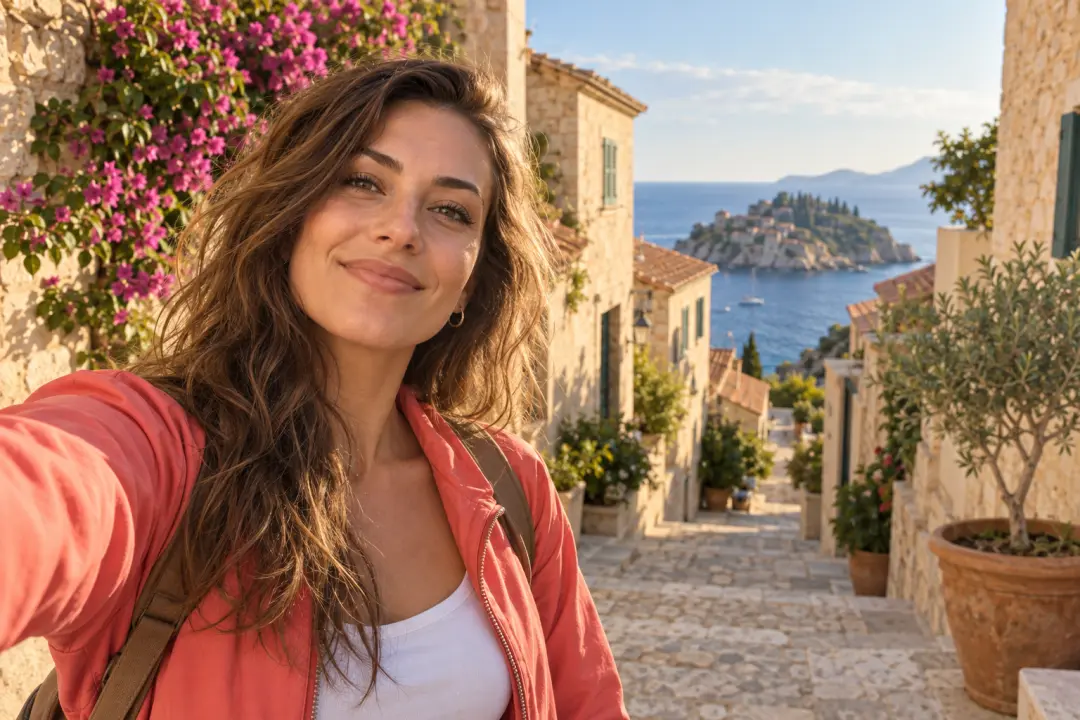
Improve a travel, lifestyle, or event selfie for a post while keeping the pose, expression, and location recognisable.
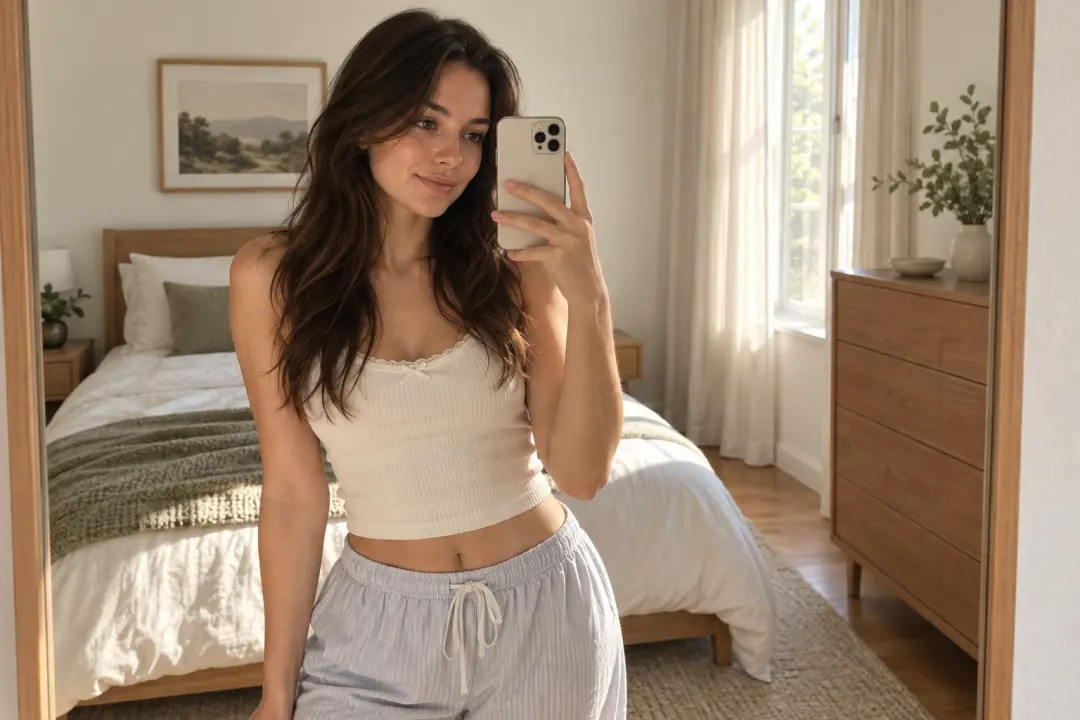
Remove clutter or reflections around a mirror portrait and simplify the setting without redrawing the person or changing the outfit.
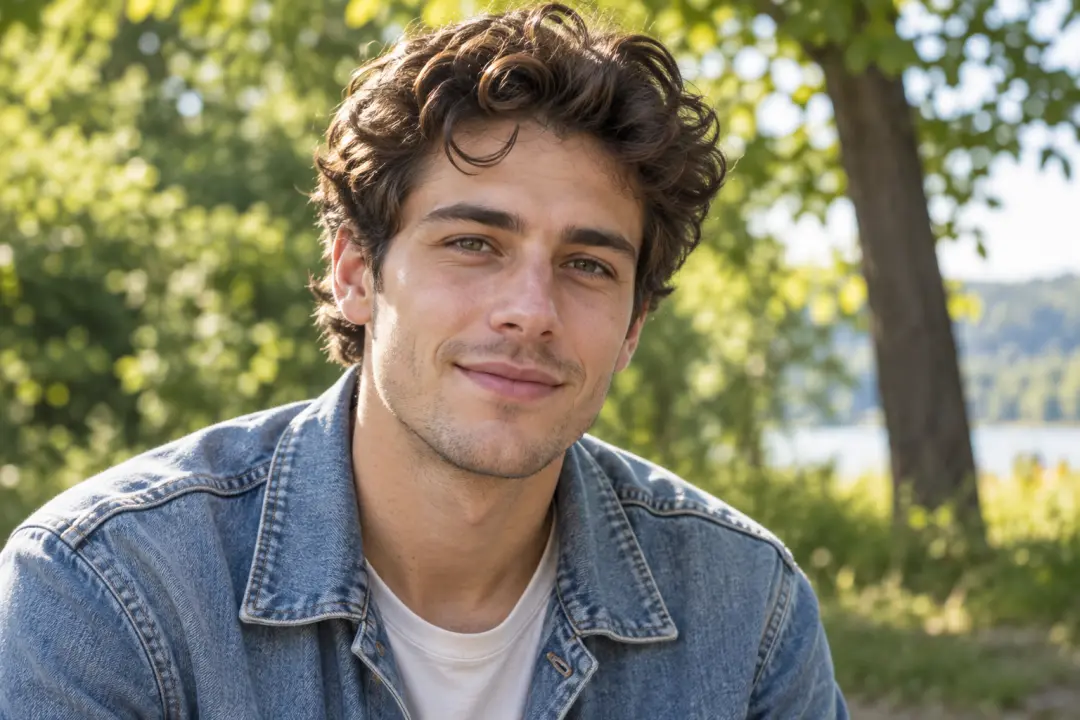
Use this face modification workflow to soften uneven light or improve skin presentation for a personal photo while preserving natural texture and facial structure.
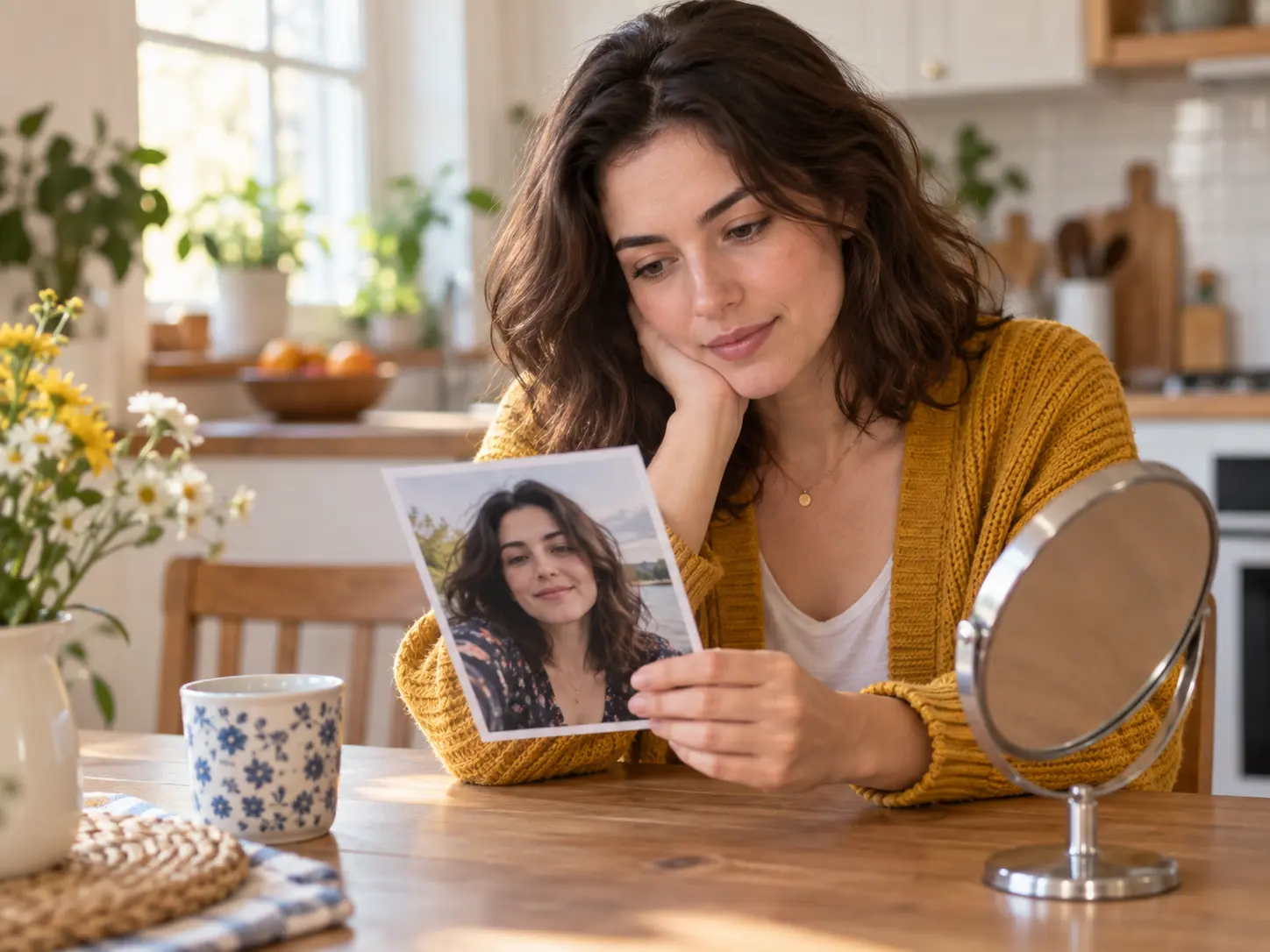
Fix the background, light, or a small detail for a profile or family share while keeping the expression and identity intact.
A guided portrait workflow keeps the edit accessible without pretending to replace every professional beauty tool.
Improve light and skin texture while keeping recognisable facial features visible.
Describe a focused change instead of learning a complex layer or mask system.
Keep the source selfie available so every generated version can be compared.
Adjust background clutter, objects, or colour without redrawing the whole portrait.
Start the edit online from a supported device without installing separate software.
Check identity, hair, hands, reflections, and skin texture before downloading.

Upload a portrait, describe one focused change, and compare the result with the original before you download it.
Get Started