

adam adam
242K plays
“Ready to level up your daily routine? Grab these simple essentials today and start feeling more confident, focused, and ready for anything, my friend.”
0:00

When your script is ready, hand it to the Adam voice and get a spoken track you can drop straight into your edit.
Free text to speech preview · 3,317 AI voices · MP3 download · no sign-up to listen
Other voices from the VideoAI library that creators reach for alongside Adam. Play the sample on any card, then open that voice page and write your own script.
242K plays
“Ready to level up your daily routine? Grab these simple essentials today and start feeling more confident, focused, and ready for anything, my friend.”

22K plays
“ふん、面白い。貴様の命、この俺が預かってやる。後悔してももう遅い。深淵の底で己の無力さを思い知るがいい。”

577K plays
“The embers fade into gray ash, leaving behind only the bitter scent of pine. Silence settles deep within these ancient, weathered stone walls tonight.”

543K plays
“Deep within the ancient archives, forgotten secrets wait to be uncovered. Listen closely as history breathes once more through these powerful, timeless tales.”
89 plays
“Er du klar til noget helt vildt? Lad os skrue helt op for energien og gøre dagen uforglemmelig sammen. Er du med på den?”

735K plays
“Listen close, because this wild journey is just beginning. Are you ready to dive into the madness? Let us get started right now!”

46K plays
“True mastery demands more than just raw talent. You must outwork the competition every single day. Stay focused, stay driven, and keep pushing forward.”
47K plays
“Ancient civilizations once thrived beneath these shifting sands, leaving behind only whispers of their legacy.”

224K plays
“True progress is built on steady, deliberate actions. Focus your energy today, stay consistent, and watch how your long-term vision finally comes to life.”

205 plays
“Karanlık ormanın derinliklerinde saklı kalan o kadim sırrı, şimdi tüm gerçekliğiyle gün yüzüne çıkarmanın tam zamanı geldi, dinlemeye hazır mısınız?”
215 plays
“Hør her, mine damer og herrer! Er I klar til noget helt vildt? Vi skruer helt op for energien i aften, så spids bare ørerne nu!”



Adam is one voice in the VideoAI library, kept ready for the lines you would rather not record yourself.

If your clip needs a steady narrator, this page hands the reading to the Adam voice. You paste the words you would say on camera and leave the voice selected. The track comes back ready to lay over your footage, and any line can be redone by editing the text and generating again.

Every card in the library carries a short sample you can play first. Listen to how Adam sounds, and switch to another voice from the VideoAI library if the read does not fit the mood. You commit only once a sample sits right with the cut.

Once the audio is downloaded, VideoAI can place it into your video through the add audio flow, where you upload the clip and the track and describe how they should sit together. This is prompt driven generation, so the result is shaped by what you ask for rather than a manual timeline. Keep the wording specific and the audio lands closer to the cut you pictured.

A series sounds more like a series when the same voice reads every episode. Reopen this page, keep Adam selected, and generate a fresh take whenever the script changes. You get consistency without booking the same recording session twice.
Three steps take you from an empty text box to a downloaded narration track.
 1
1Put the lines you want spoken into the text box on this page, one voiceover or a full set of course notes.
 2
2The Adam voice is already chosen. Preview its sample, or swap in another voice from the VideoAI library before you generate.
 3
3Generate the track, listen back, then download the audio and place it in your video.
Each of these starts the same way: type the words, keep the voice, and let the page read them back.

When a tutorial needs a voice that walks viewers through each step, Adam reads the script top to bottom. The narration lands underneath your screen recording without a recording session. Rework a line by editing the text and generating a new pass.

Face cam clips and reaction videos still need a spoken line when you would rather stay quiet on camera. Type the line, keep Adam selected, and the track is ready to sync. Swap the text and you have the next take.

A product spot lives or dies on a clear read of the selling points. Adam keeps the delivery even across every revision of the copy, so you can update one claim and regenerate. The final audio fits straight into the ad cut.
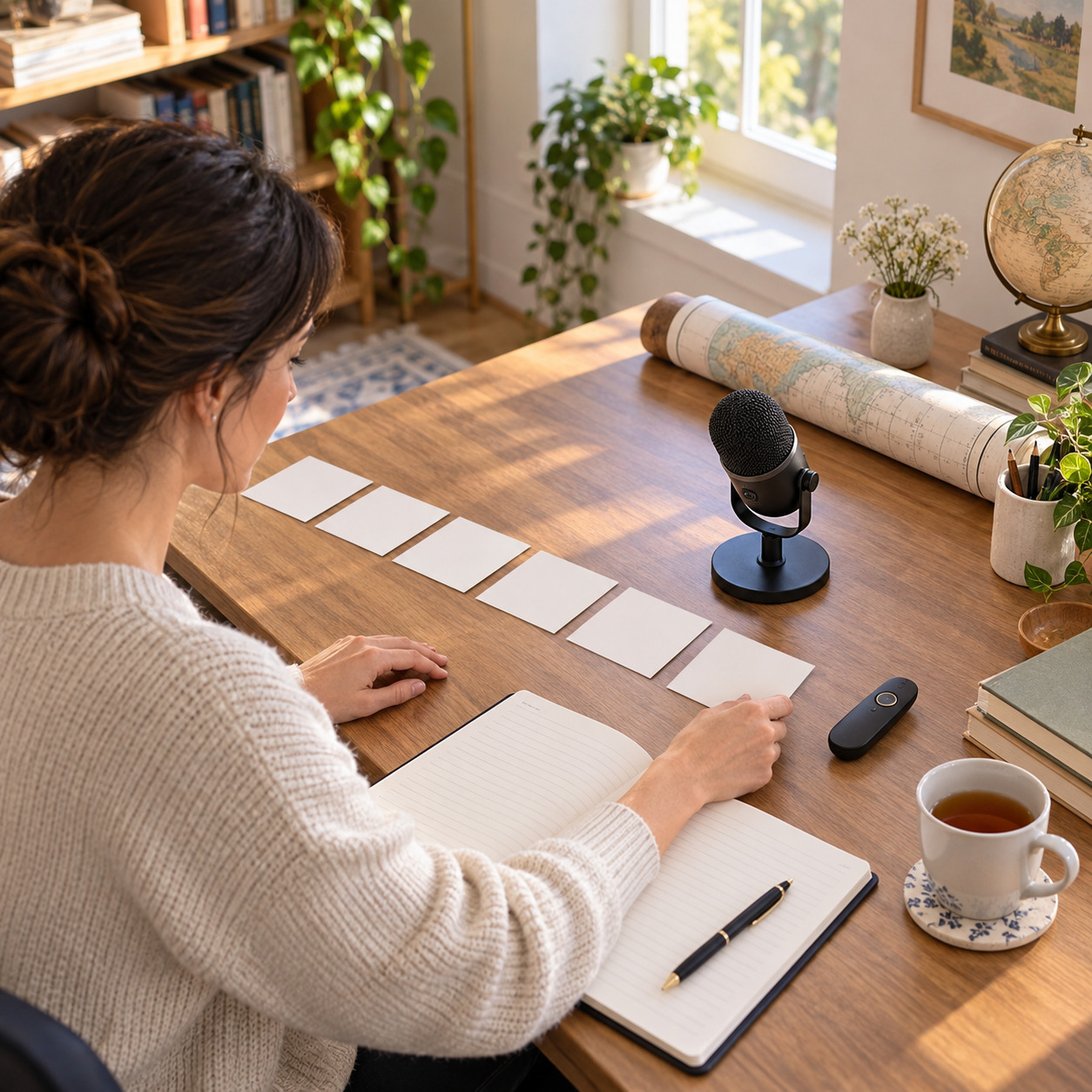
Online course modules often need narration over slides and demo screens. Feed the lesson script in and let Adam read it, then reuse the same voice across the whole unit. Each section stays in one voice, episode after episode.
How the Adam voice works, what it can read, and what you can do with the finished audio.

Open this page and the Adam voice is already selected. Type or paste your script, generate the audio, and download the track once the preview sounds right.
VideoAI includes 10 credits, so your first render costs nothing and you can hear the Adam voice before deciding to continue.
Finished VideoAI output is cleared for commercial use, so the narration can go into your edits. You still need your own rights to any third party footage, music, or text you add.
No. The Adam voice is a voice already in the VideoAI library, and this page reads your text with it. Nothing asks you to record or upload your own voice.
Any script you would normally read aloud: a voiceover, an explainer, a product line, or a set of course notes. Paste it in and generate.
The similar section lists other voices from the VideoAI library. Open any of them, keep the same script, and generate a new version in that voice.
Your uploads and generated audio stay in your workspace, so you can come back, find the track again, and reuse it in the next edit.
It is a voice entry in the VideoAI library, not a recording of a real person and not a clone of anyone. The page reads your text with that library voice and makes no claim of endorsement by any person or brand.
Keep the Adam voice selected, paste your script, and hear the narration before you build it into a video with VideoAI.