

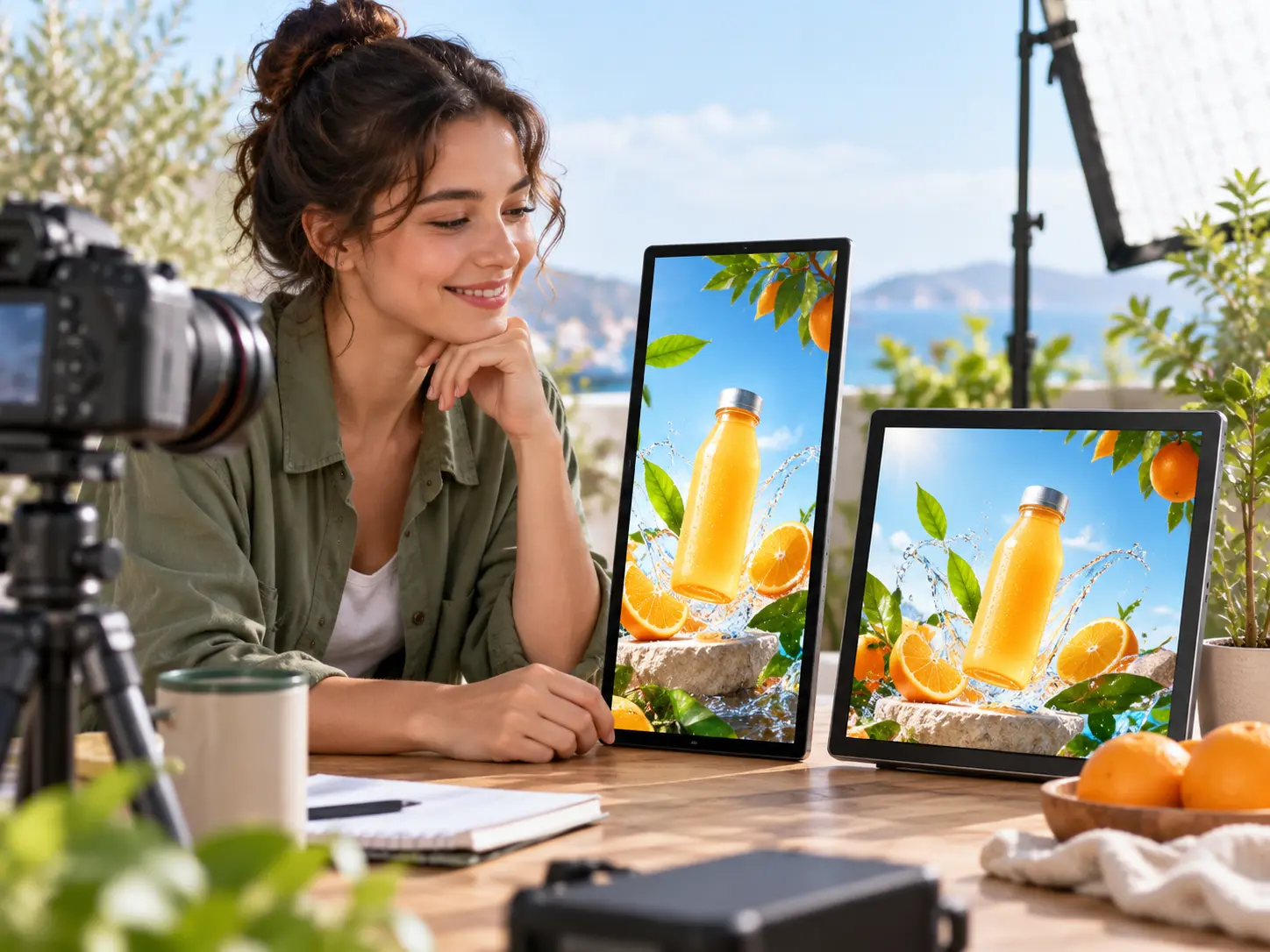

Step 01
Write the marketing idea
In VideoAI, enter a message or script and add product images, video clips, a logo, voice over, or music references that belong to the project.

Animated campaign video creation
VideoAI helps you turn a product message, service idea, event, or brand story into a planned animated marketing video with scenes, references, voice, and music you control.
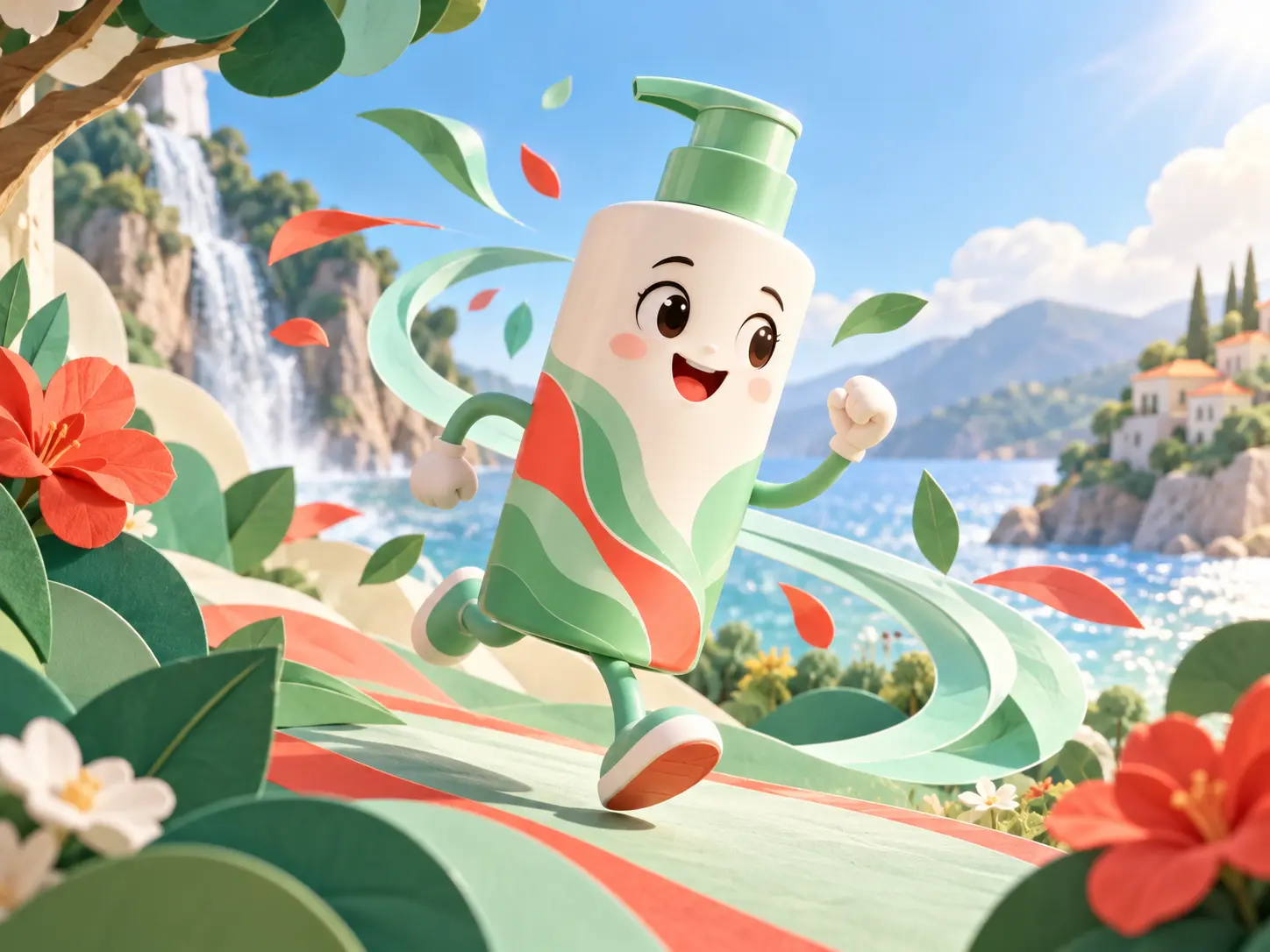

Use VideoAI to explain a product, service, event, or offer as animated marketing videos for business without arranging a full production setup.
VideoAI gives creators practical choices before generation, so the result reflects the message, format, and pace they planned.

Plan the opening, product reveal, explanation, and ending by time segment. The animated marketing video maker follows the structure you define instead of guessing the order.
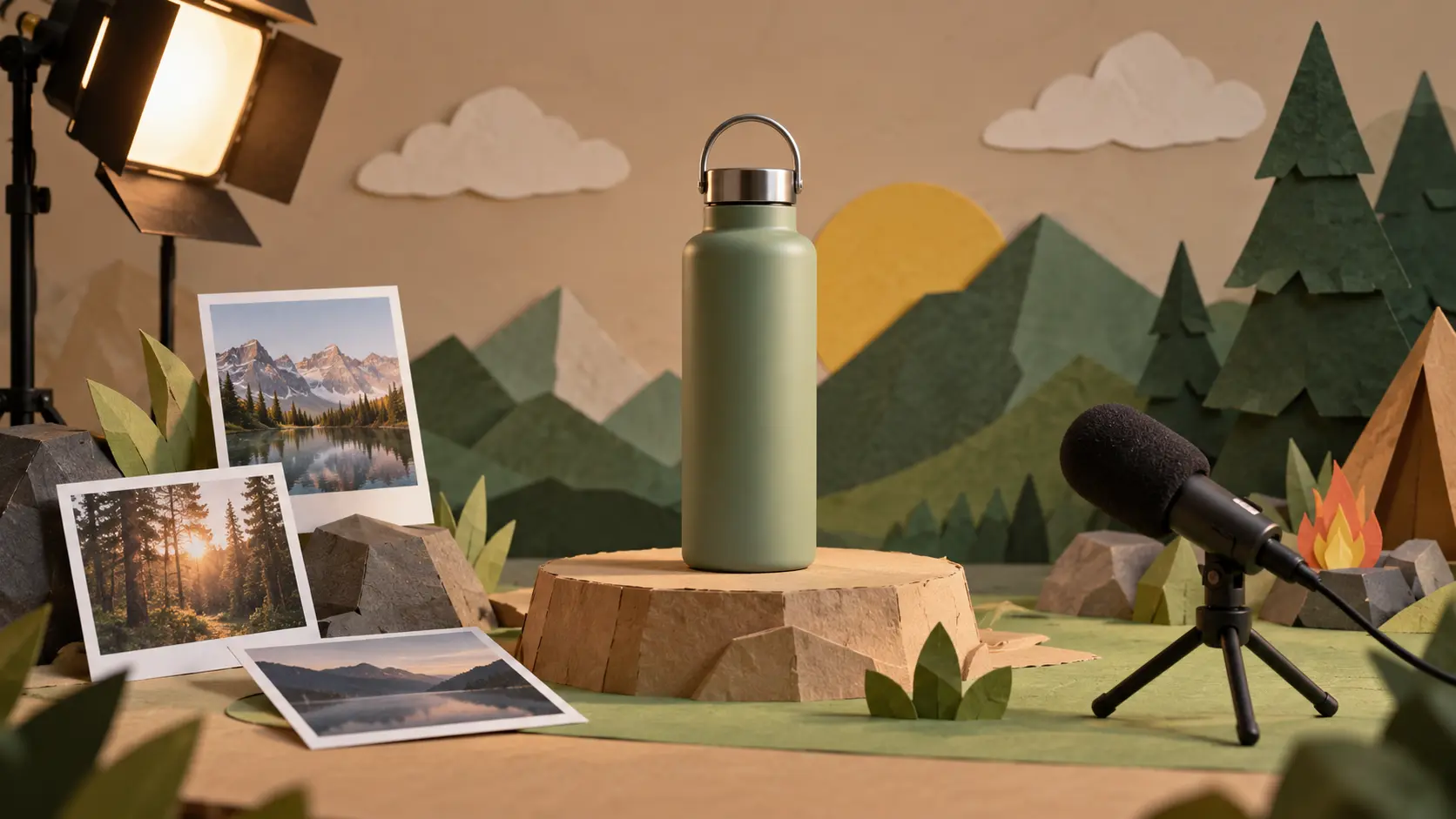
Add text, images, video, logo, voice, or music references, then use @ mentions to assign a subject, scene, first frame, camera move, logo use, or sound role.

Start from a template, stock material, script, or blank prompt, then choose animation, cartoon, or illustration direction for your animated video marketing concept.

Preview, refine with text instructions, and export MP4 up to 4K in 16:9, 9:16, 1:1, or 4:5. Each generation can be up to 30 seconds and extended further.
The workflow starts with your message, then adds references, scene planning, sound direction, and revision prompts.
Step 01
In VideoAI, enter a message or script and add product images, video clips, a logo, voice over, or music references that belong to the project.

Step 02
Select animation, cartoon, or illustration direction, choose 16:9, 9:16, 1:1, or 4:5, then arrange what happens in each time segment.
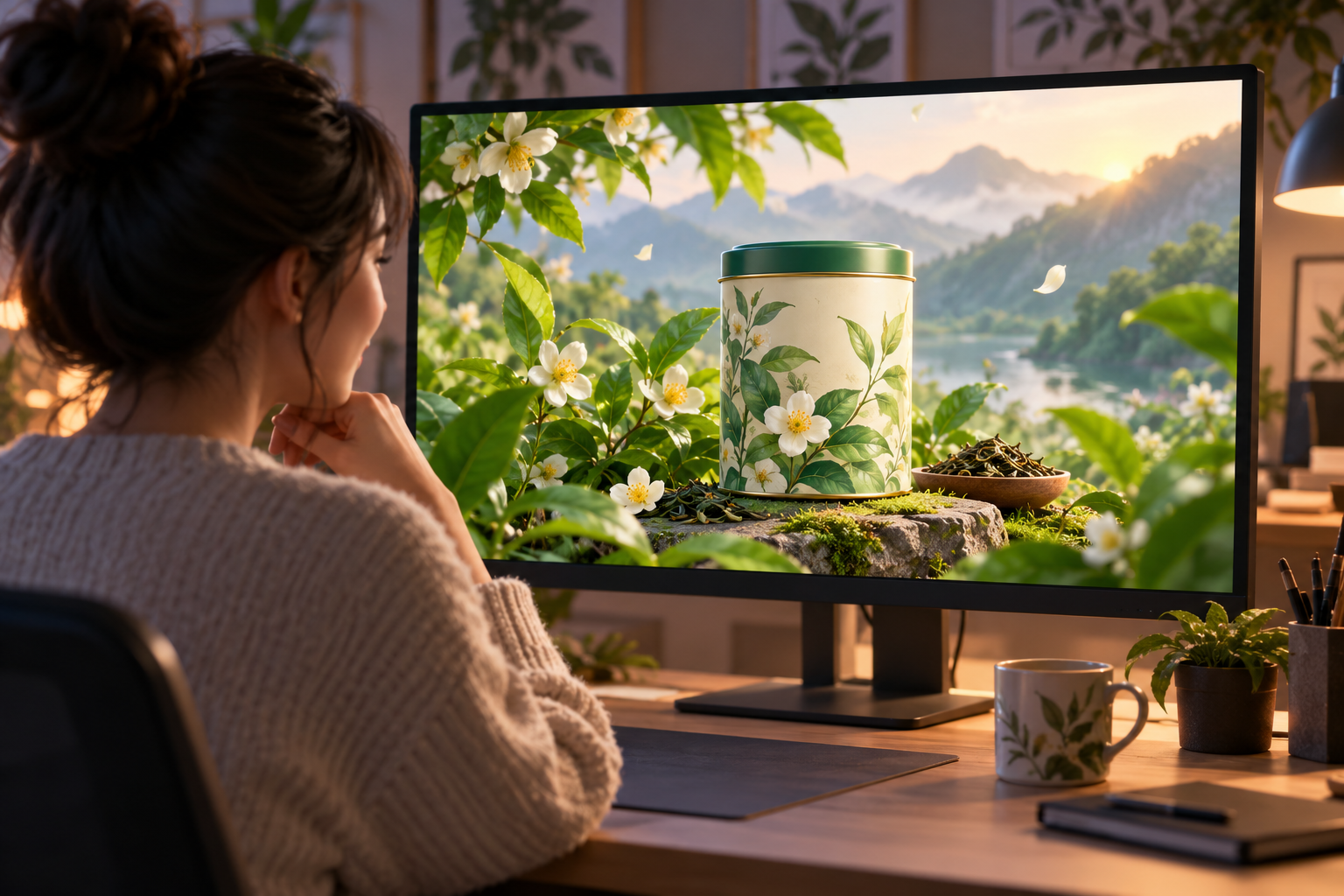
Step 03
After generation, review the result and describe changes to visuals, motion, or pacing. When the animated marketing video maker output is ready, download the MP4.
Use the same workflow for launches, service explainers, social posts, and internal creative reviews.
When a feature needs a clear reveal, place product images beside benefit points, build a problem to showcase structure, and close with the product name.
For work that has little footage to show, use promotion animation to describe the process, the people involved, and the outcome in visual steps.
Give the theme, timing, and action message a short animated structure, then add music and sound cues so the video has a planned rhythm.
Upload a logo as a reference for the current generation, add visual material, and compare different openings or endings before choosing a direction.

Bring your message, references, voice, and music into VideoAI, then shape the animated marketing video maker output into a ready MP4.
Get Started