

The AI Reel Maker for Instagram Creators
Turn a raw clip or a short prompt into a vertical Instagram reel with pacing and captions you control. VideoAI is an ai reel maker built for the way Instagram moves. Upload a clip or describe the reel you want, then VideoAI cuts it to the beat, sizes it to 9 by 16, and drops in captions that stay readable on a phone.
Creators Who Use This AI Reel Maker

Content Creator
You post reels weekly and need a fast way to go from raw footage to a polished vertical clip. The ai reel maker handles the framing and caption sync so you spend time on ideas instead of timeline editing. Your feed stays consistent when every reel follows the same pacing template.

How This AI Reel Maker Works
Three steps take you from a source clip or prompt to a finished vertical reel. The ai reel maker handles the framing and pacing while you keep the final say on each cut.
Upload a Clip or Prompt
Start by uploading a source clip or typing a short prompt that describes the reel you want. When your clip already has a clear subject, VideoAI keeps it centered in the vertical frame. The ai reel maker reads the footage and suggests a first pass before you touch a single control.
Shape the Cut and Pacing
Preview the suggested cut points, then adjust the pacing so the reel matches the energy you are going for. You approve, skip, or move each marker, and the ai reel maker keeps the caption timing lined up with your edits after every change.
Export the Vertical Reel
Confirm the style and export a 9 by 16 file sized for the Instagram feed. If you want a second version, the ai reel maker reuses your settings so the next reel matches the first without redoing the whole setup.
What This AI Reel Maker Does
Each feature maps to a real step in the reel creation workflow. The ai reel maker keeps these controls accessible so you shape the output without switching tools.
Vertical Framing for Instagram
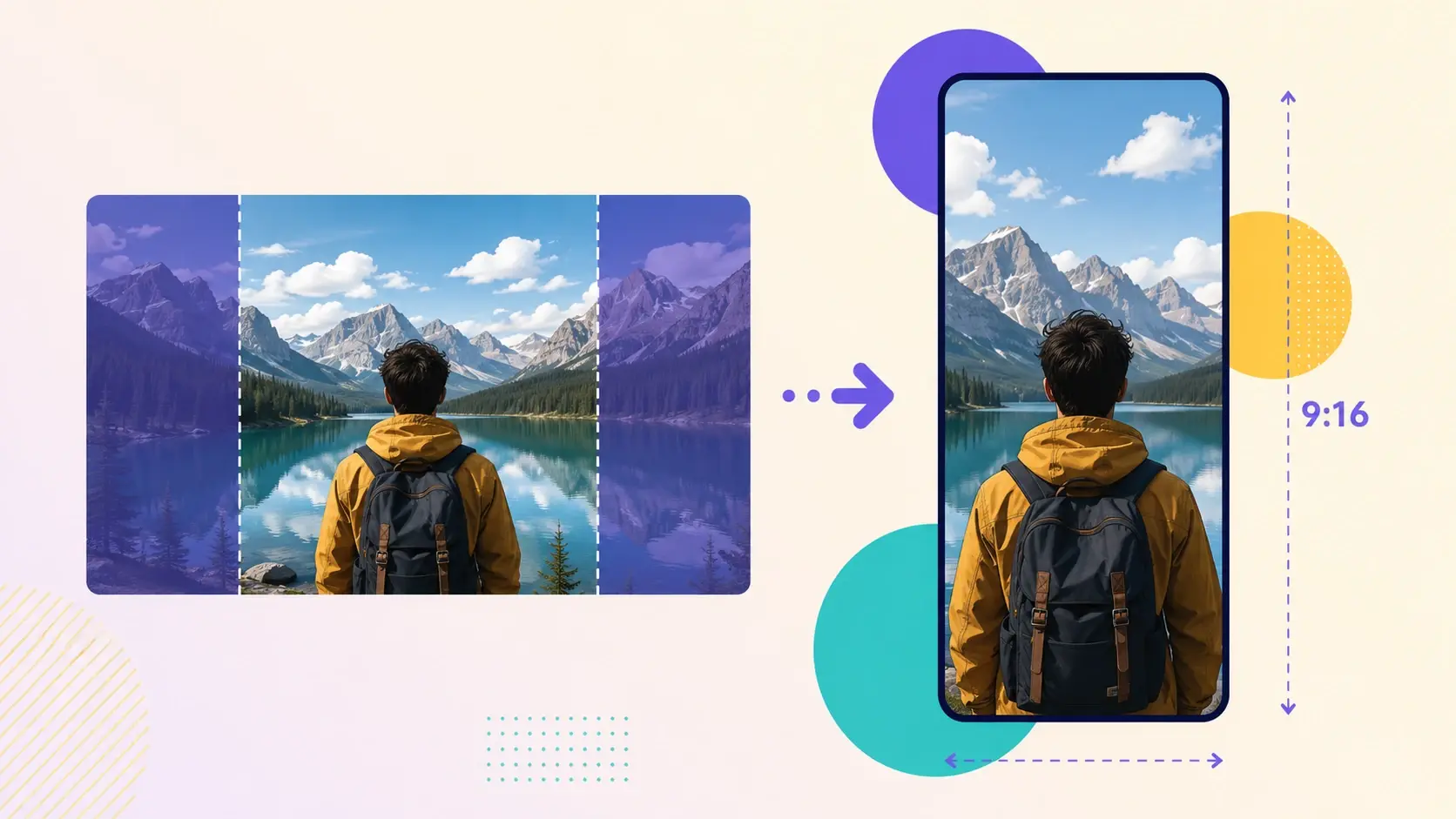
Every reel exports at 9 by 16, the shape Instagram expects for feed posts and stories. The ai reel maker centers your subject in the vertical frame and keeps captions inside the safe area so nothing gets clipped by the Instagram interface. No manual crop needed.
Beat-Matched Cut Points
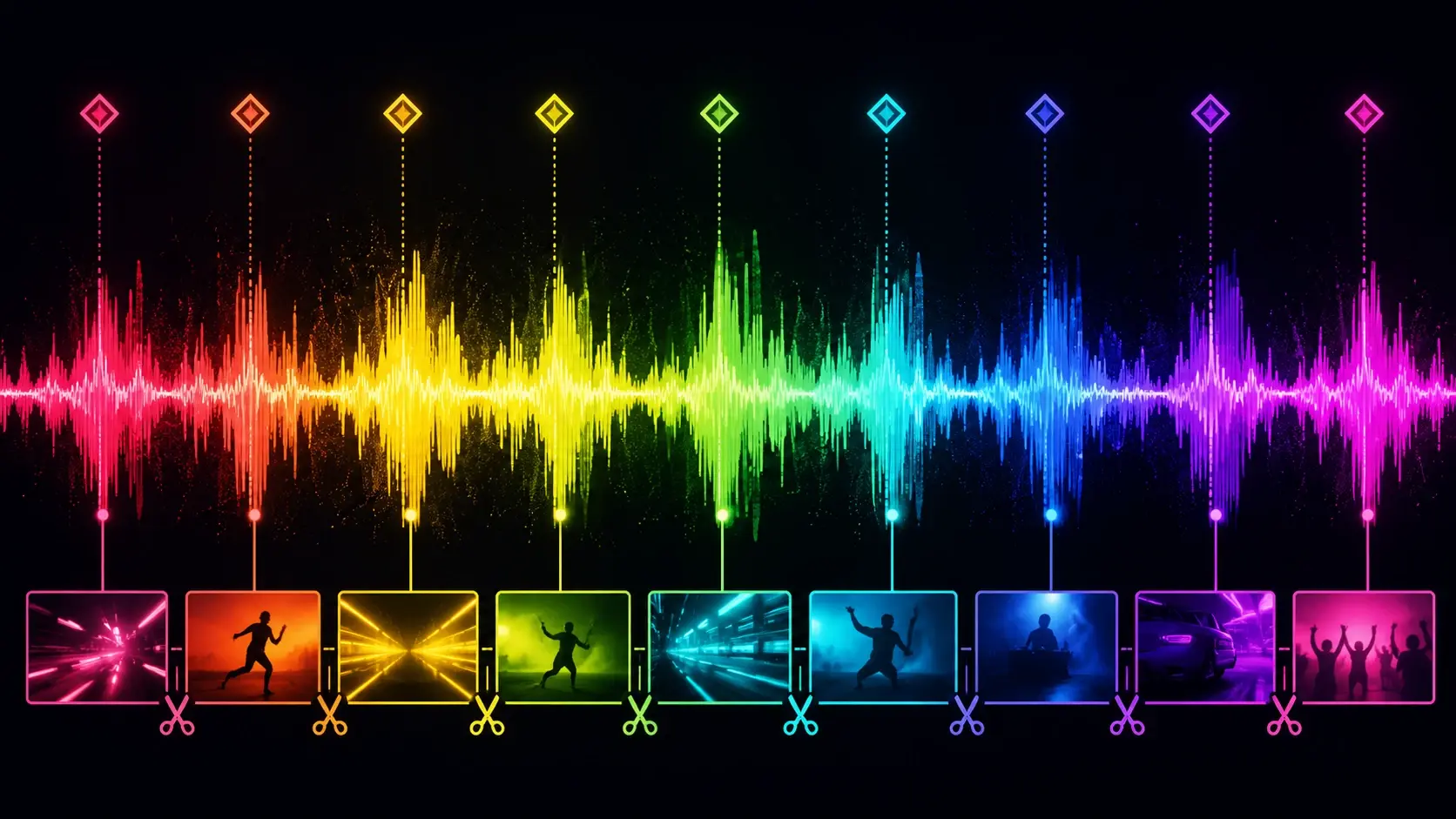
The ai reel maker suggests cut points that land on the energy shifts in your footage. You preview each marker, then adjust or skip it before the final export. The pacing stays tight because the cuts follow the rhythm of the content, not arbitrary time intervals.
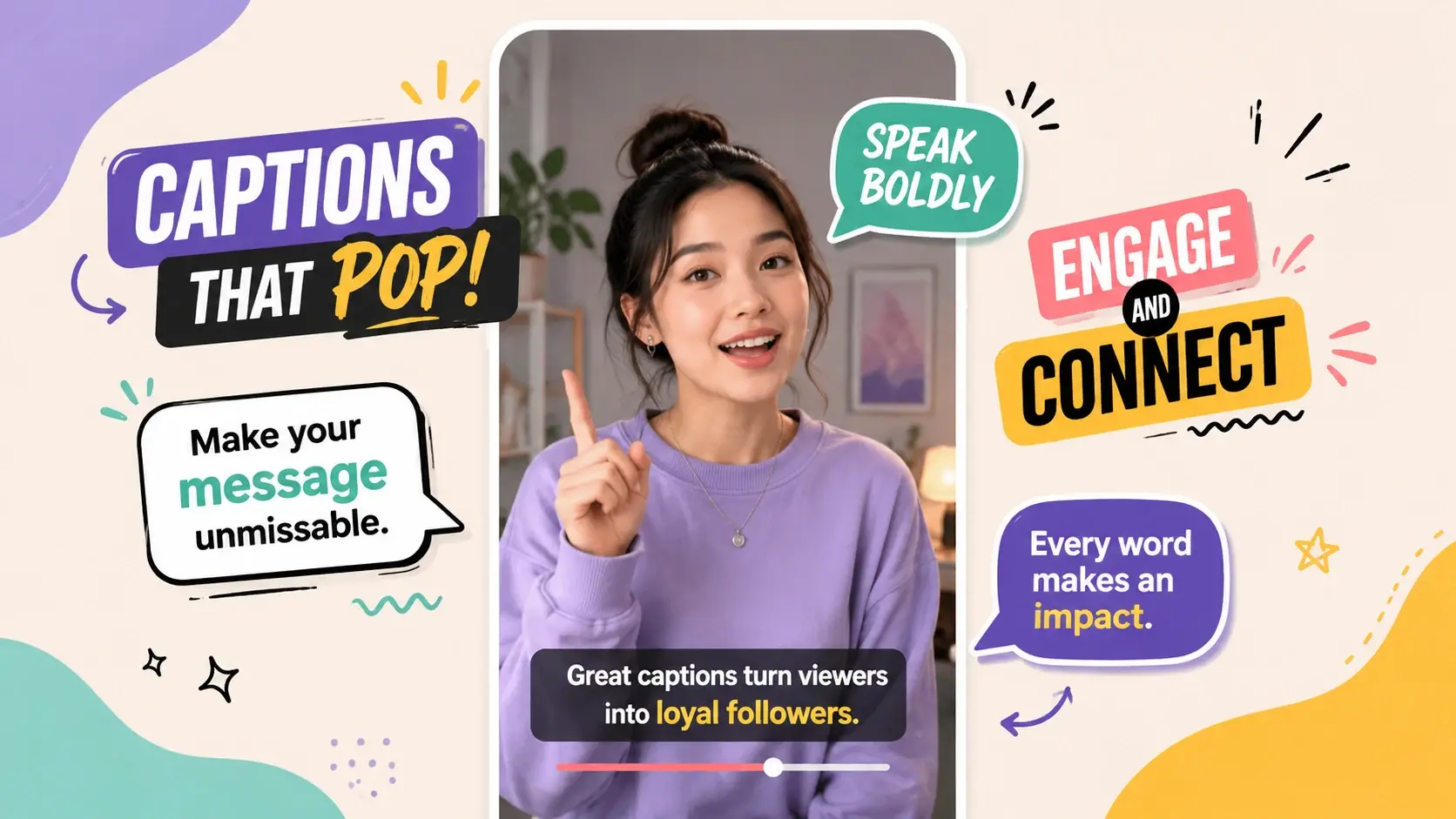
Synced Caption Overlay
Captions stay aligned with your cuts automatically. When you move a marker, the ai reel maker relines the caption timing to match so your recipe reels, tutorials, and product teasers stay readable on mute without manual nudging.
Reels This AI Reel Maker Can Build
Each example starts from a real creator goal and ends in a vertical reel ready for the Instagram feed. Use them as a starting point, then adjust the pacing and captions to fit your own footage.
Product Launch Teaser
Drop in a few product shots and let VideoAI cut them into a fast teaser that builds toward the reveal. The pacing tightens near the end so the product lands on the last beat, and captions call out the key detail without covering the frame.
Before and After Reveal
Show a change over time by pairing your starting clip with the result. The reel holds on the first state, then cuts to the payoff on a strong beat. When the two shots share framing, the reveal reads cleanly on a small phone screen.
Recipe Walkthrough Reel
Turn a stack of kitchen clips into a quick recipe reel that moves step by step. VideoAI trims the dead time between actions and keeps captions synced to each step, so viewers follow the recipe without pausing the video.
Travel Highlight Story
Feed in scattered travel clips and get back a highlight reel that flows from scene to scene. The pacing rises with the music, and each location gets a short caption so the story stays clear even on mute.
What Creators Say About This Reel Maker
Feedback from creators who use VideoAI as their ai reel maker for weekly Instagram content, client work, and small brand accounts.
I post three reels a week and this ai reel maker cut my edit time in half. The suggested cut points usually land right where I would have placed them anyway, so I just tweak and export.
Marisol Vega
Lifestyle Content Creator
Captions were always the part I dreaded. The ai reel maker keeps them synced to my cuts, so my recipe reels stay readable on mute without me nudging every line by hand.
Devon Clarke
Food Channel Owner
For client work I need the vertical framing to be clean every time. This reel maker keeps the subject centered and the pacing tight, which saves me a full revision round with each brand.
Priya Nair
Freelance Video Producer
I run a small candle shop and had no video team. The ai reel maker gets my product clips into a postable reel in under ten minutes, and the look stays consistent across my whole feed.
Tomas Herrera
Small Business Owner
My tutorial reels need steady pacing so the lesson stays clear. This tool keeps the motion controlled between steps, which means viewers actually finish the reel instead of dropping off.
Aisha Bello
Online Educator
As an agency editor I test a lot of tools, and this ai reel maker fits real production. The markers are editable, the export sizing is right, and reusing my settings keeps a campaign coherent.
Lucas Meyer
Agency Video Editor
AI Reel Maker Questions Creators Ask
Explore
Discover our AI design tools




























Explore related tools

Make Your First Instagram Reel Today
Upload a clip or describe the reel you want, and see how VideoAI as an ai reel maker frames, cuts, and captions it for the Instagram feed.
Get Started