
Step 01
Upload A Clear Picture
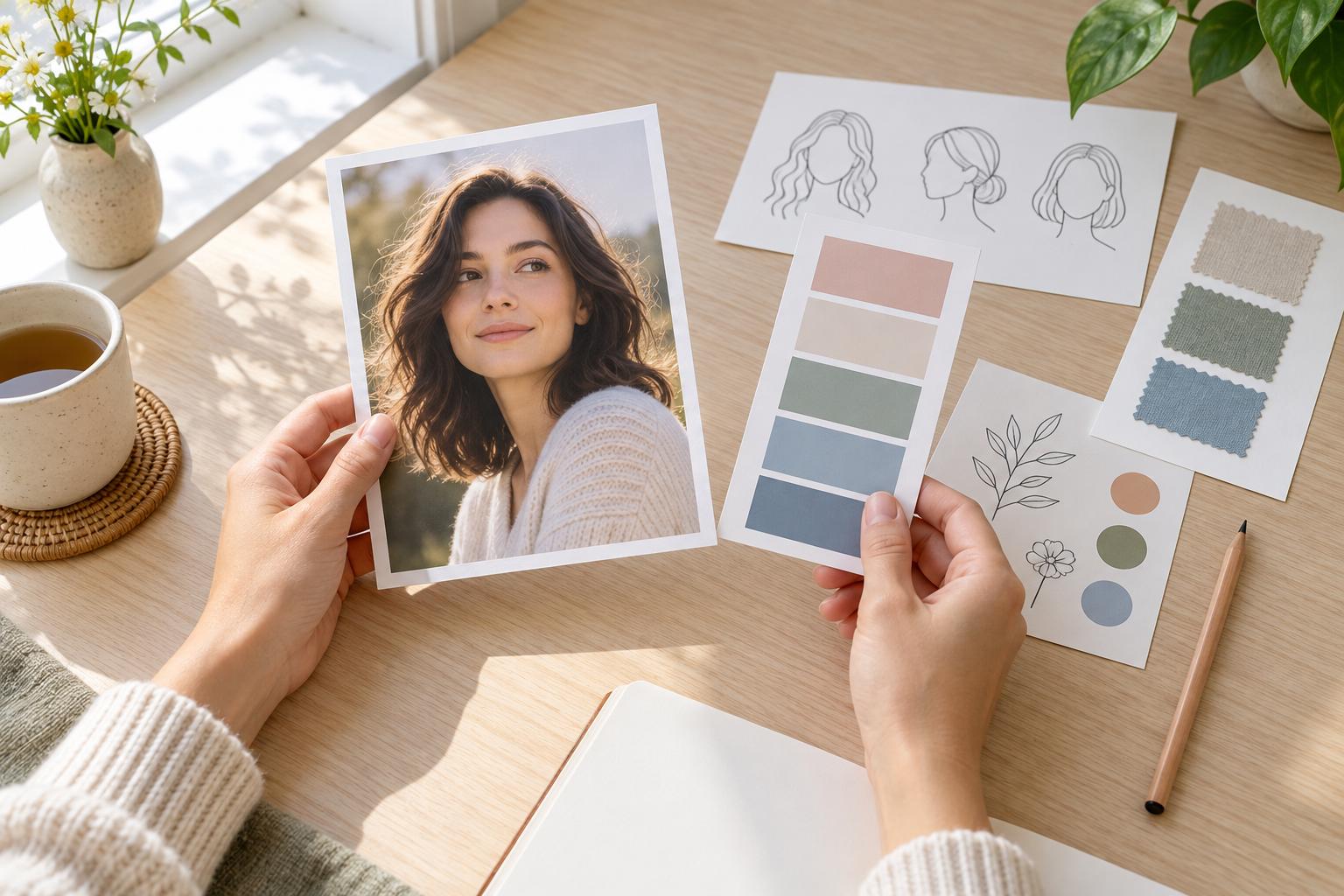
Use a sharp JPG, PNG, or WebP with a visible main subject. Mention any facial features, pet markings, product edges, or background context that the cartoon pictures generator must preserve.

A cartoon pictures generator turns a portrait, pet photo, product shot, or travel memory into a polished illustrated image. Upload one clear picture, describe the style and details that must stay recognizable, then compare the result before you download. This cartoon pictures generator works best when the source has a visible subject, steady lighting, and enough space for the final crop.


No picture on hand? Try with one of these
Keep the source image as the anchor while you control the illustration direction.
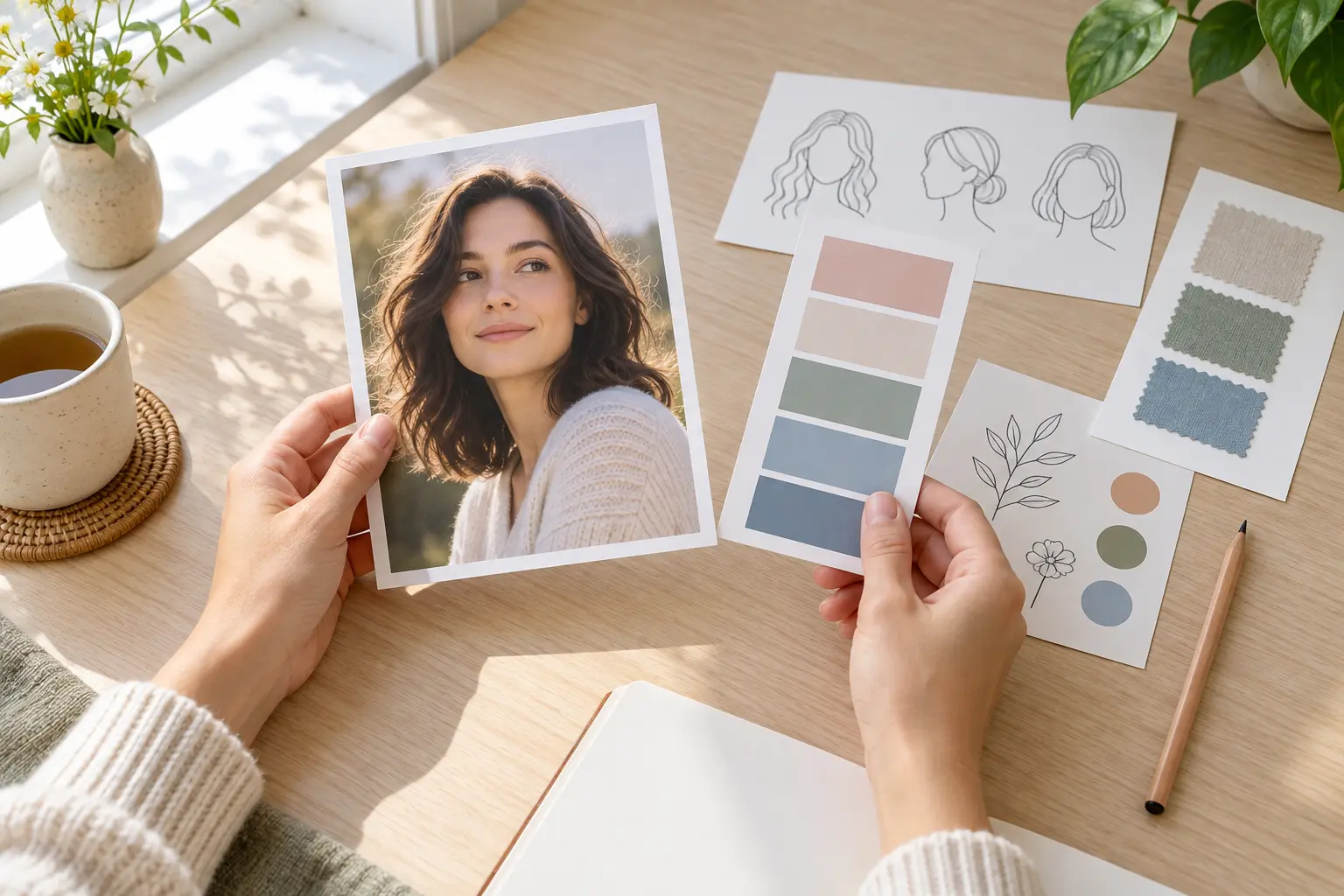
Tell the cartoon pictures generator which face, markings, clothing, product shape, or expression must remain accurate. A clear subject instruction helps the output feel like your picture instead of a generic character.
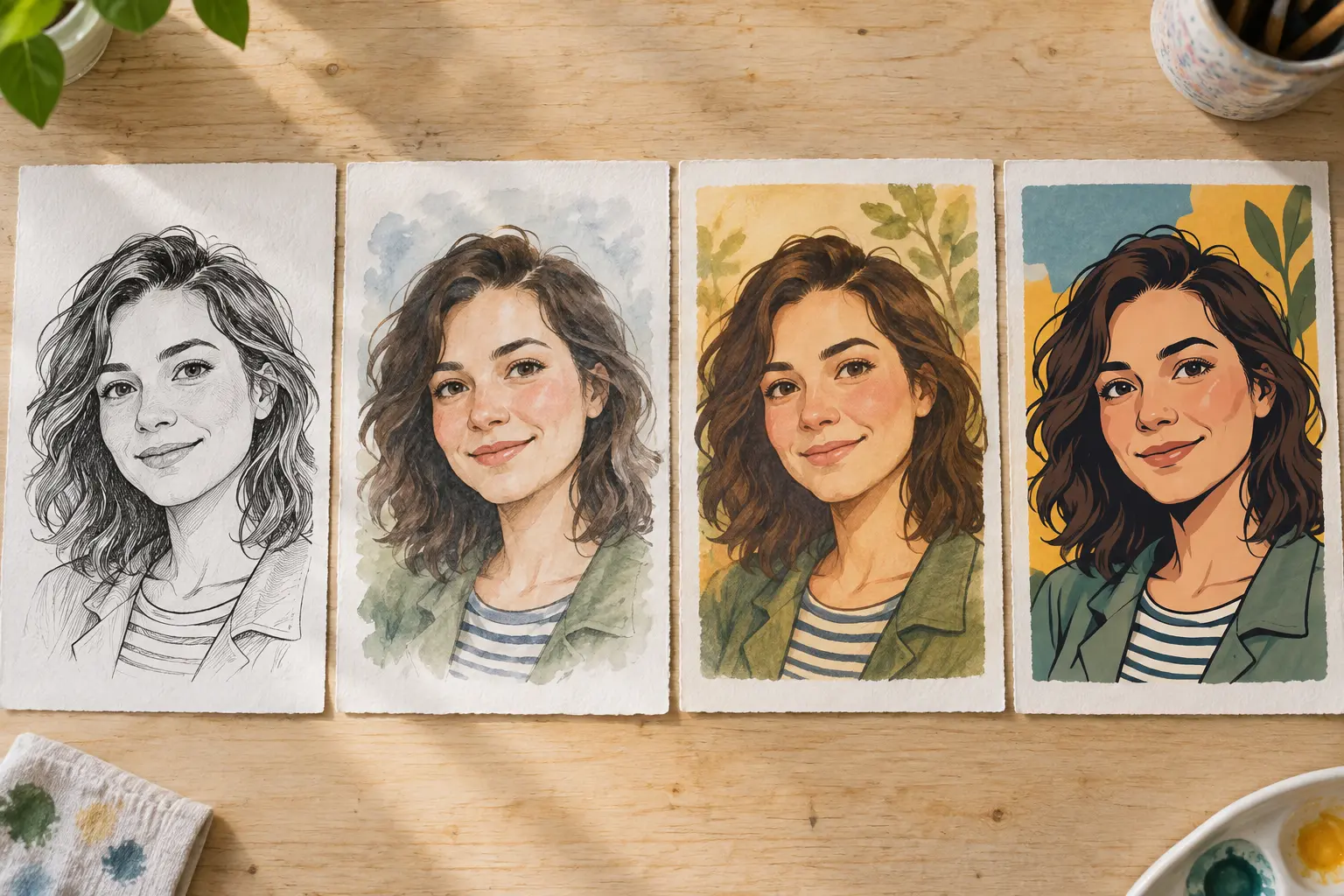
Try clean line art, soft watercolor, comic ink, storybook color, or a simple mascot treatment. Keep one dominant style so the cartoon picture reads clearly at thumbnail size and in a larger print.
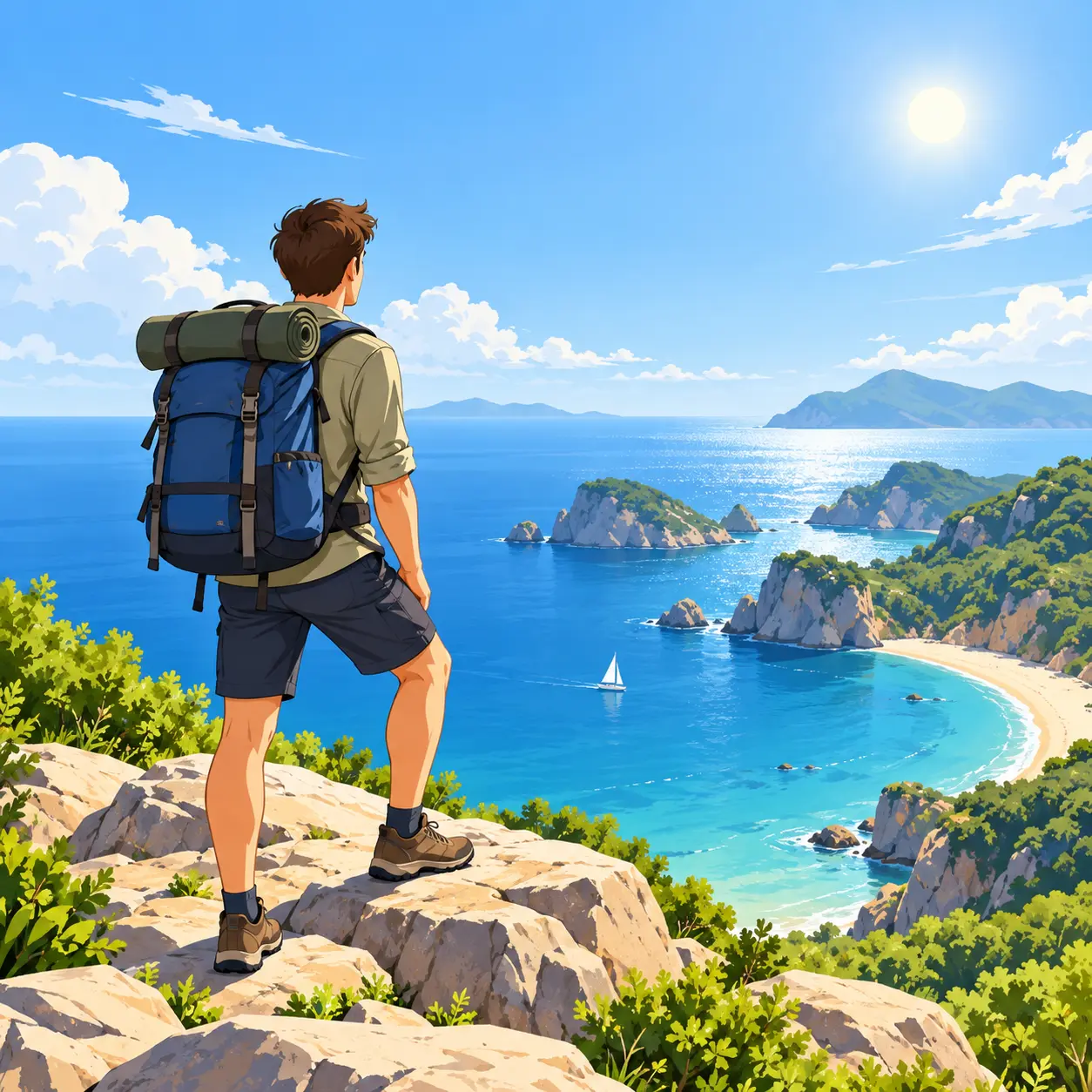
Choose square, portrait, or landscape framing before the final pass. Leave edge space for group photos, pets, and products so the cartoon pictures generator does not crop an important detail.
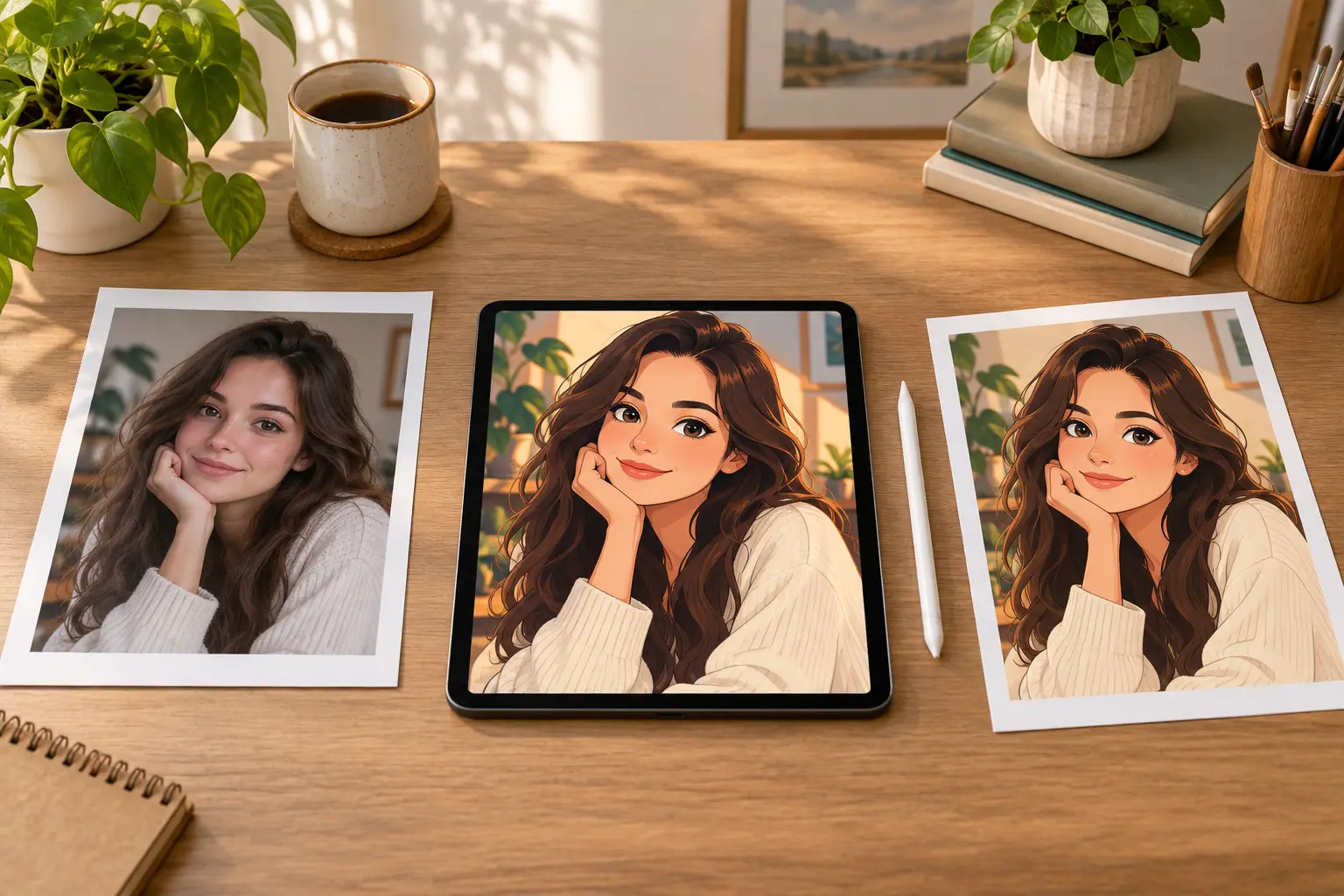
If the first result is close, ask for one focused change such as softer outlines, warmer colors, or a simpler background. Small revisions make a consistent set of cartoon pictures easier to build.
Use the original picture as a reference from upload to export.
Step 01
Use a sharp JPG, PNG, or WebP with a visible main subject. Mention any facial features, pet markings, product edges, or background context that the cartoon pictures generator must preserve.
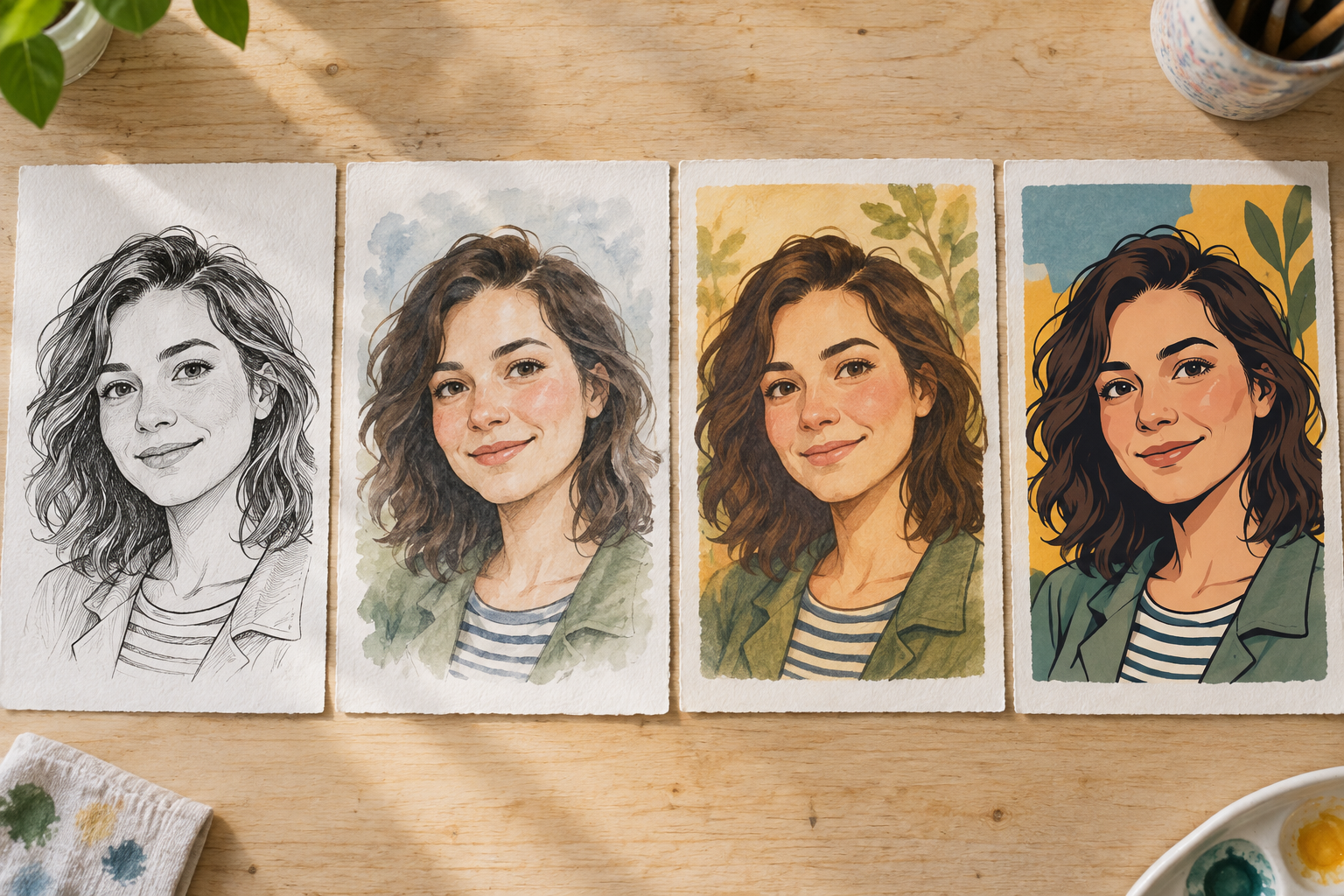
Step 02
Name the line quality, palette, mood, setting, and crop. A short focused direction gives the cartoon pictures generator a stable visual target instead of several conflicting references.
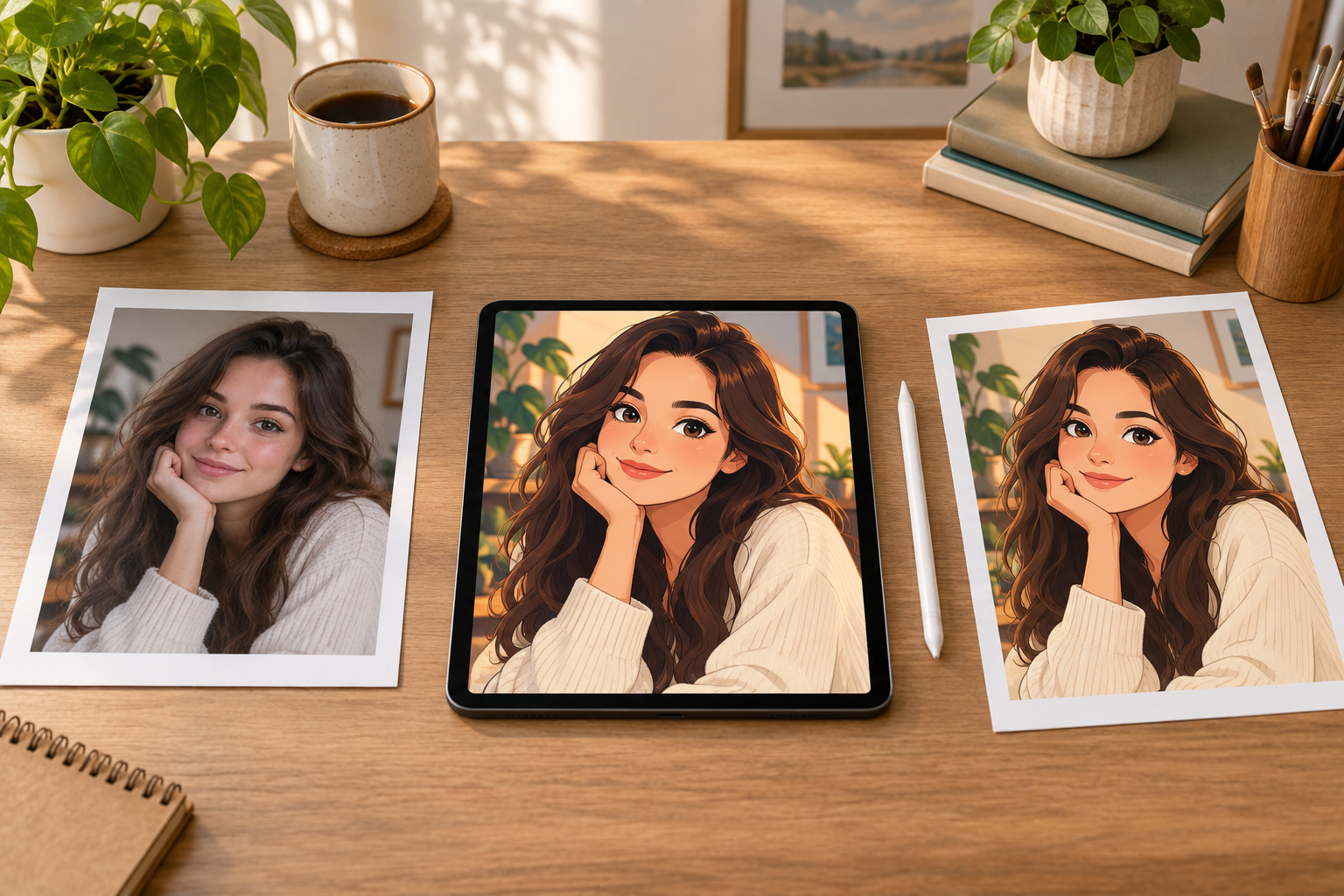
Step 03
Check identity, hands, edges, text, and background artifacts at full size. Refine the result when needed, then download the cartoon picture at the ratio that matches its final use.
Turn everyday photos into useful illustrated assets.
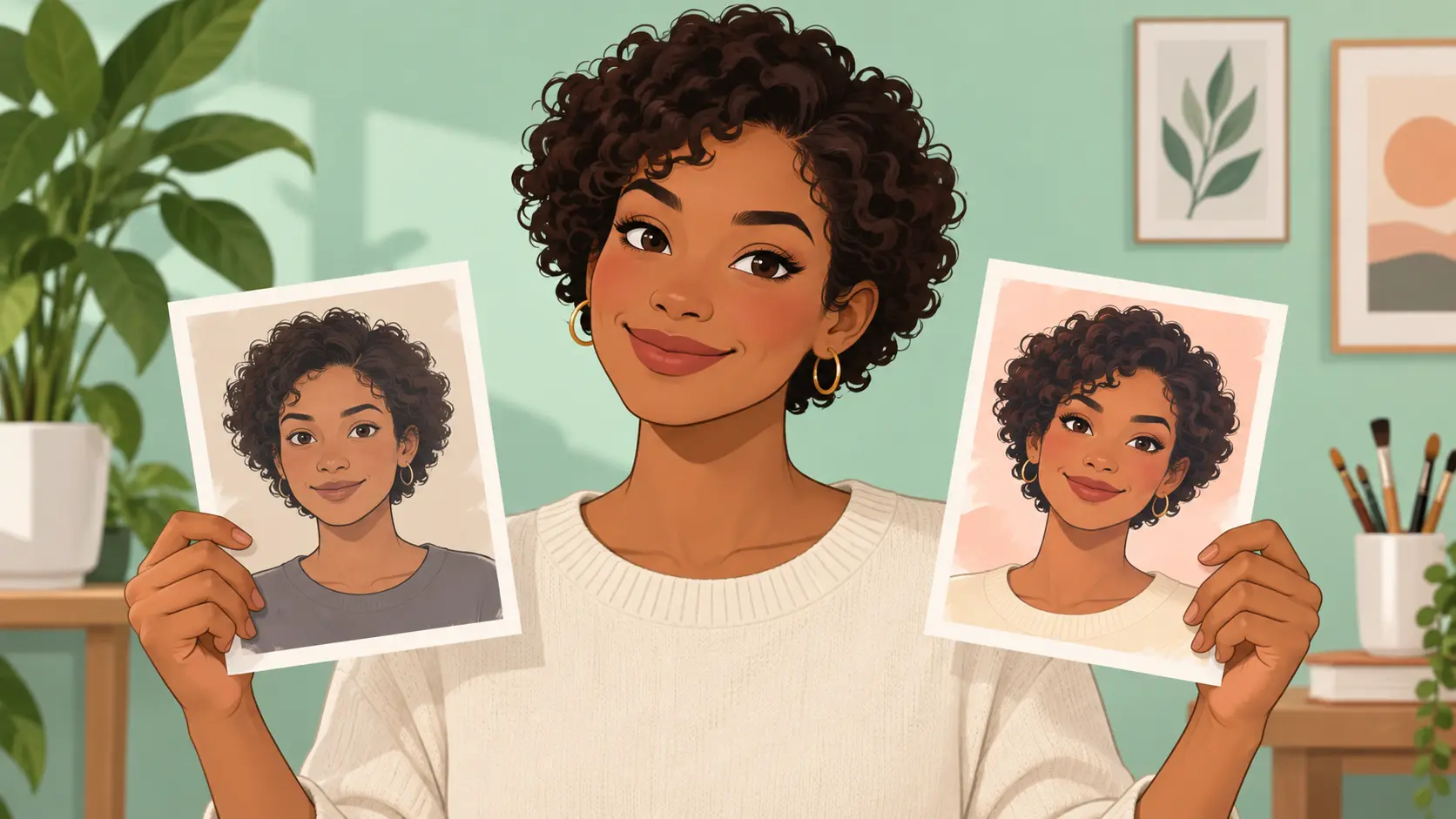
Create a recognizable cartoon profile image for a personal account, channel, or community avatar.
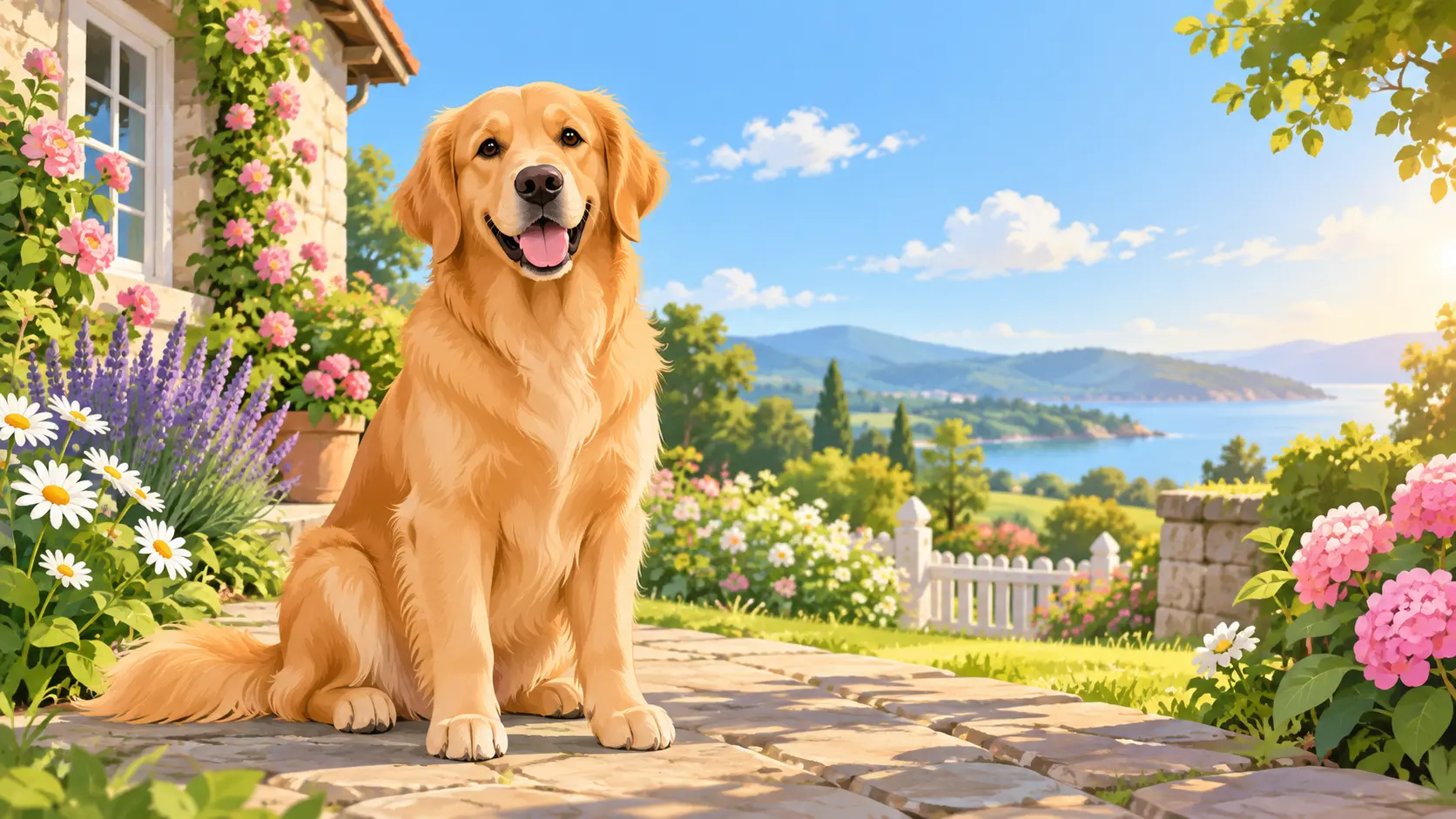
Turn a favorite pet photo into a warm cartoon portrait for a gift, wallpaper, or framed print.
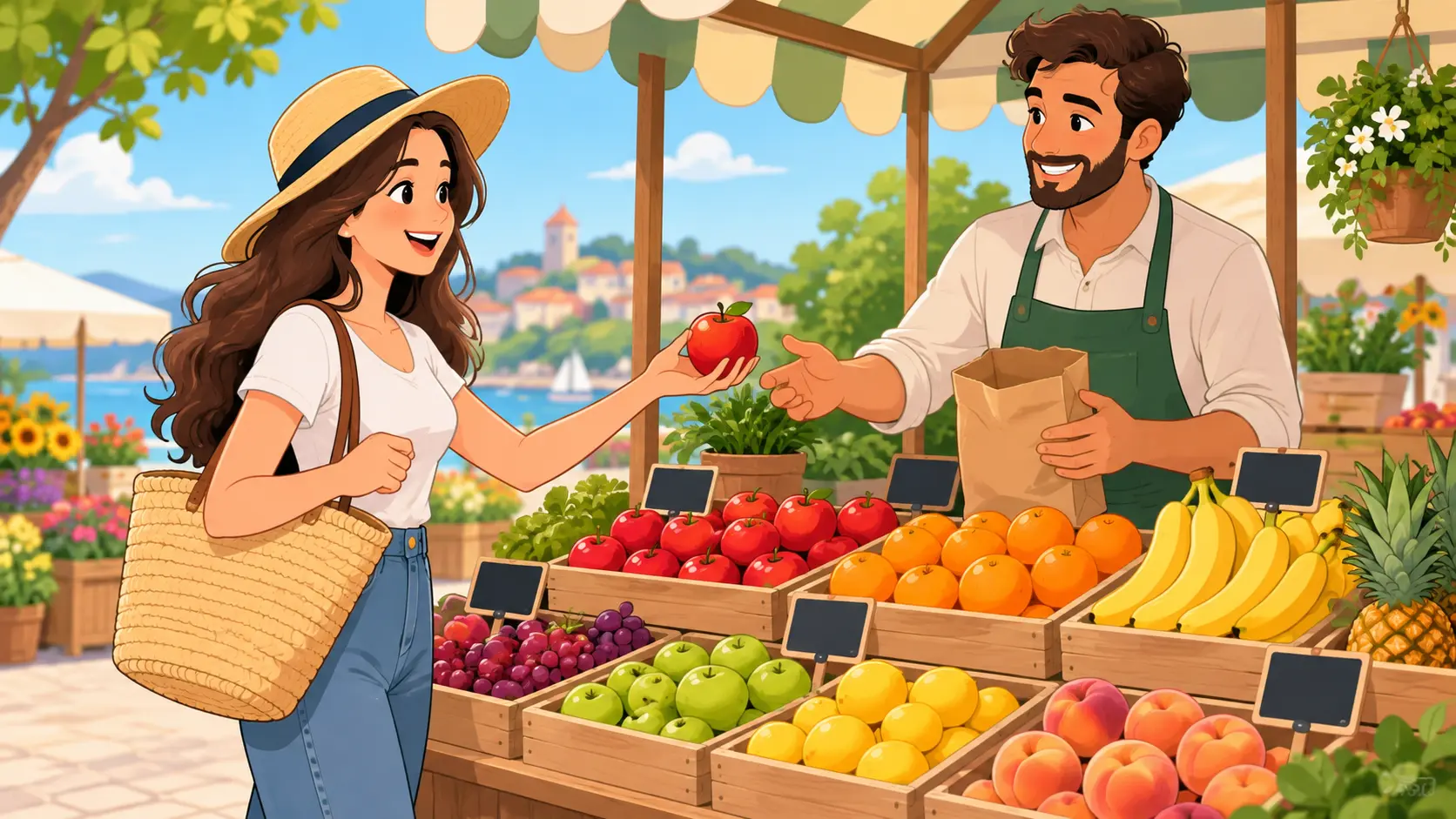
Build a consistent cartoon look for post covers, event graphics, and lightweight campaign visuals.
Upload a picture, choose a focused style, and refine a cartoon result that still feels like the original subject.
Get Started